Having fun with PowerShell 6.0
JEA, remoting and cross-platform
Jaap Brasser
@jaap_brasser
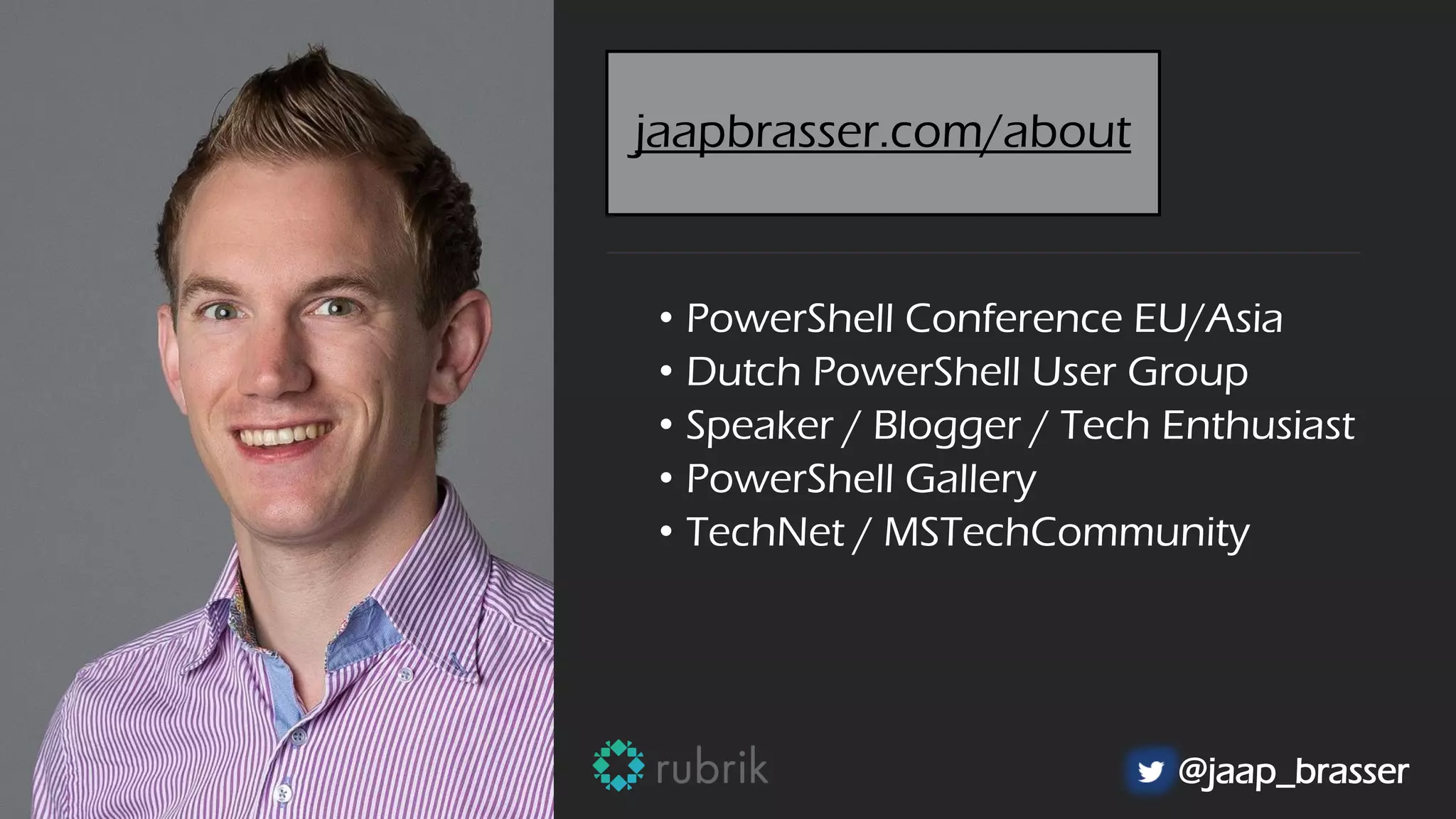
• PowerShell Conference EU/Asia
• Dutch PowerShell User Group
• Speaker / Blogger / Tech Enthusiast
• PowerShell Gallery
• TechNet / MSTechCommunity
@jaap_brasser
jaapbrasser.com/about
Agenda
Introduction to PowerShell Remoting
Why JEA / How JEA
What is new with PowerShell
Security on PowerShell 6
Questions
PowerShell Remoting
Available since PowerShell 2.0
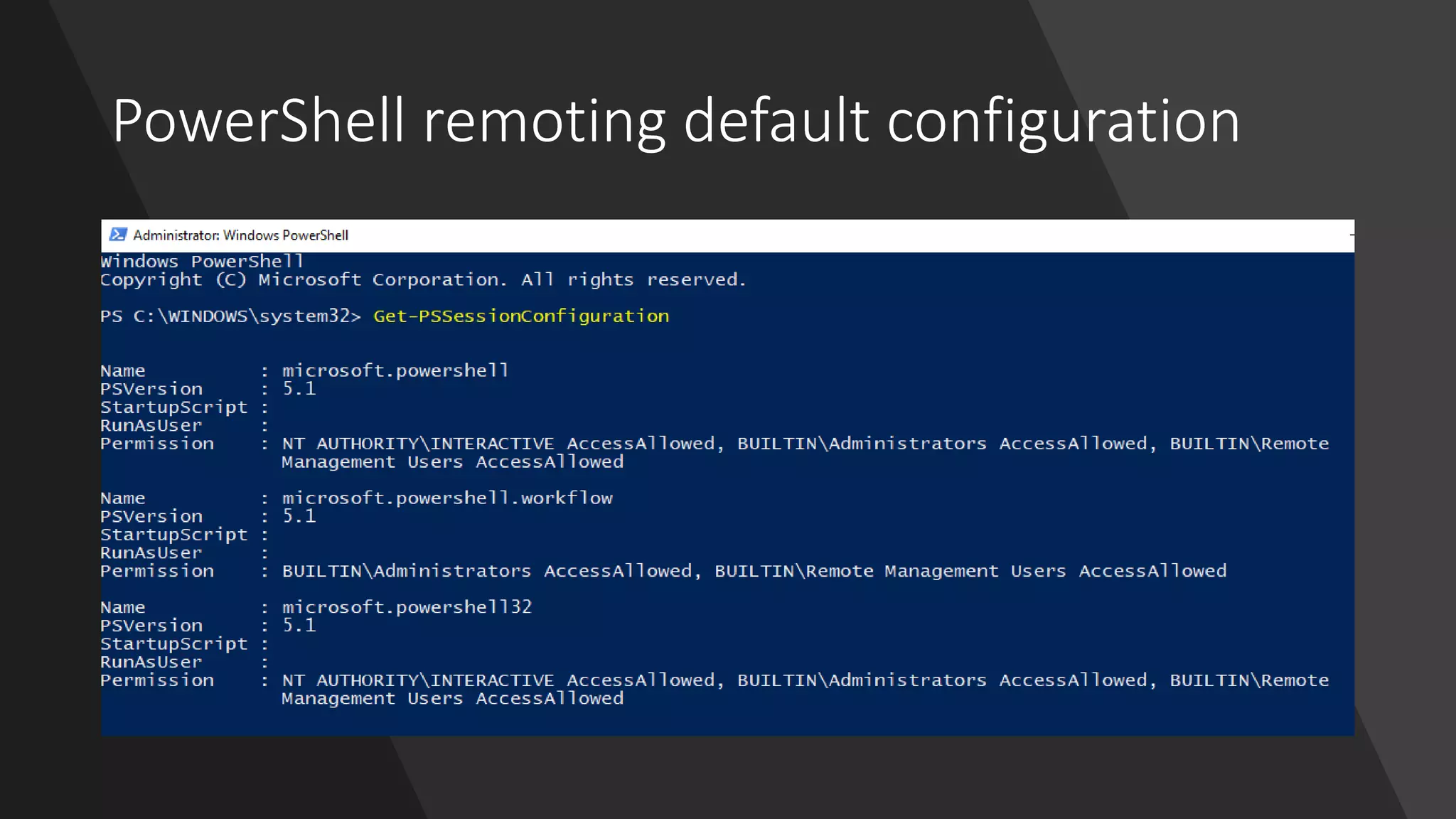
Enable-PSRemoting to configure
Can use different authentication methods
GPO or DSC to configure
Double-hop issue?
PowerShell remoting default configuration
Why JEA?
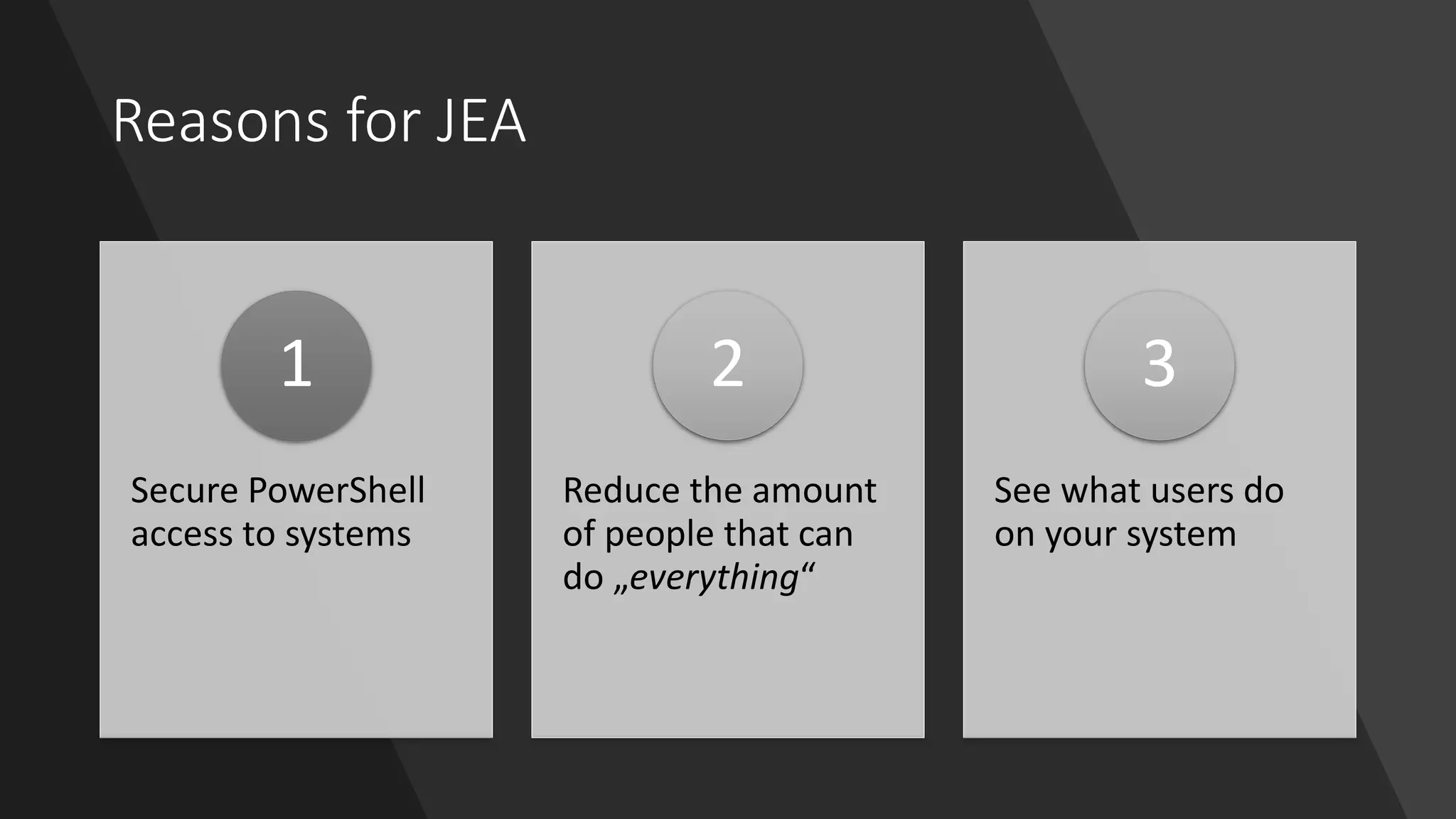
Reasons for JEA
Secure PowerShell
access to systems
1
Reduce the amount
of people that can
do „everything“
2
See what users do
on your system
3
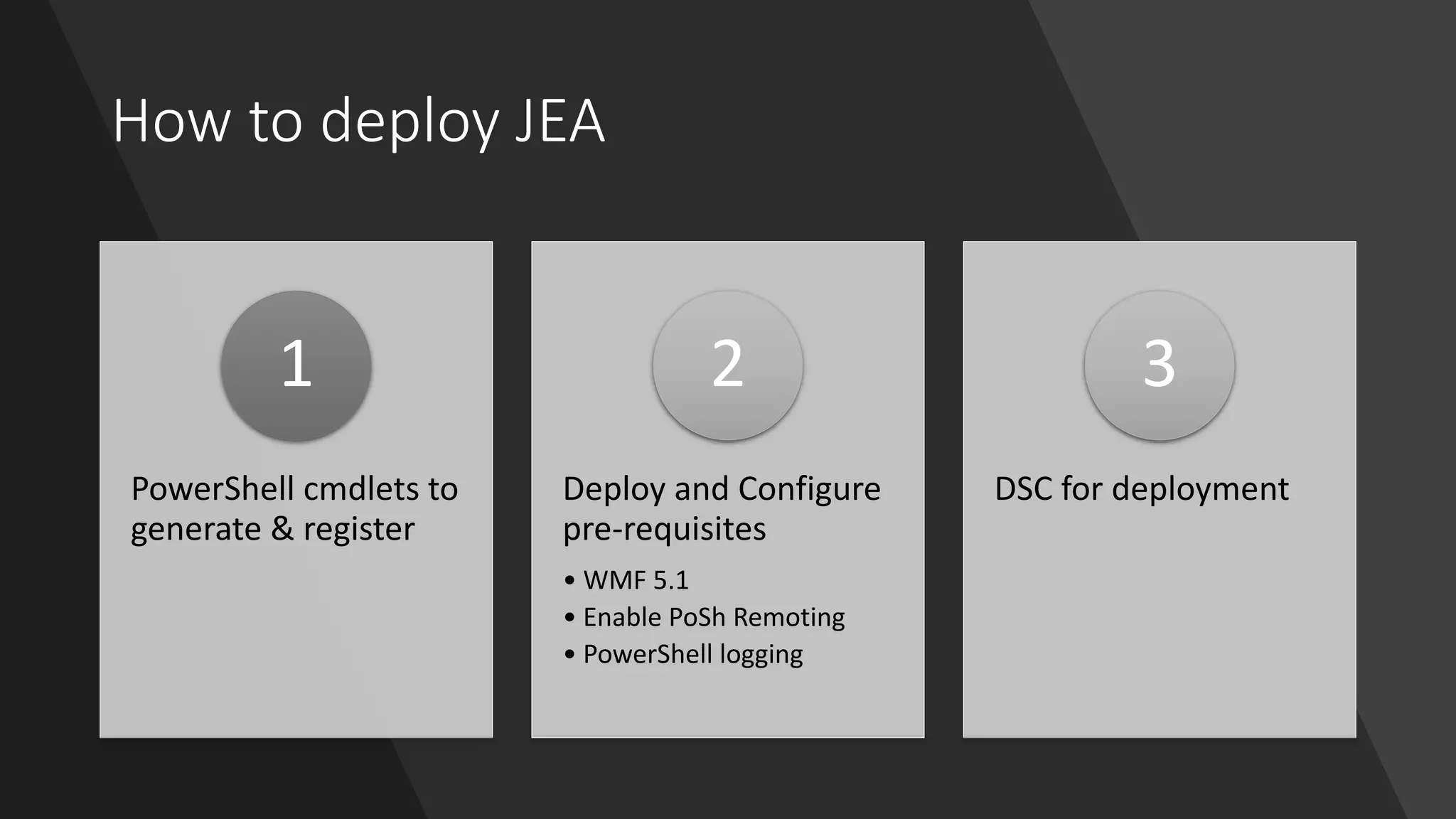
How to deploy JEA
PowerShell cmdlets to
generate & register
1
Deploy and Configure
pre-requisites
• WMF 5.1
• Enable PoSh Remoting
• PowerShell logging
2
DSC for deployment
3
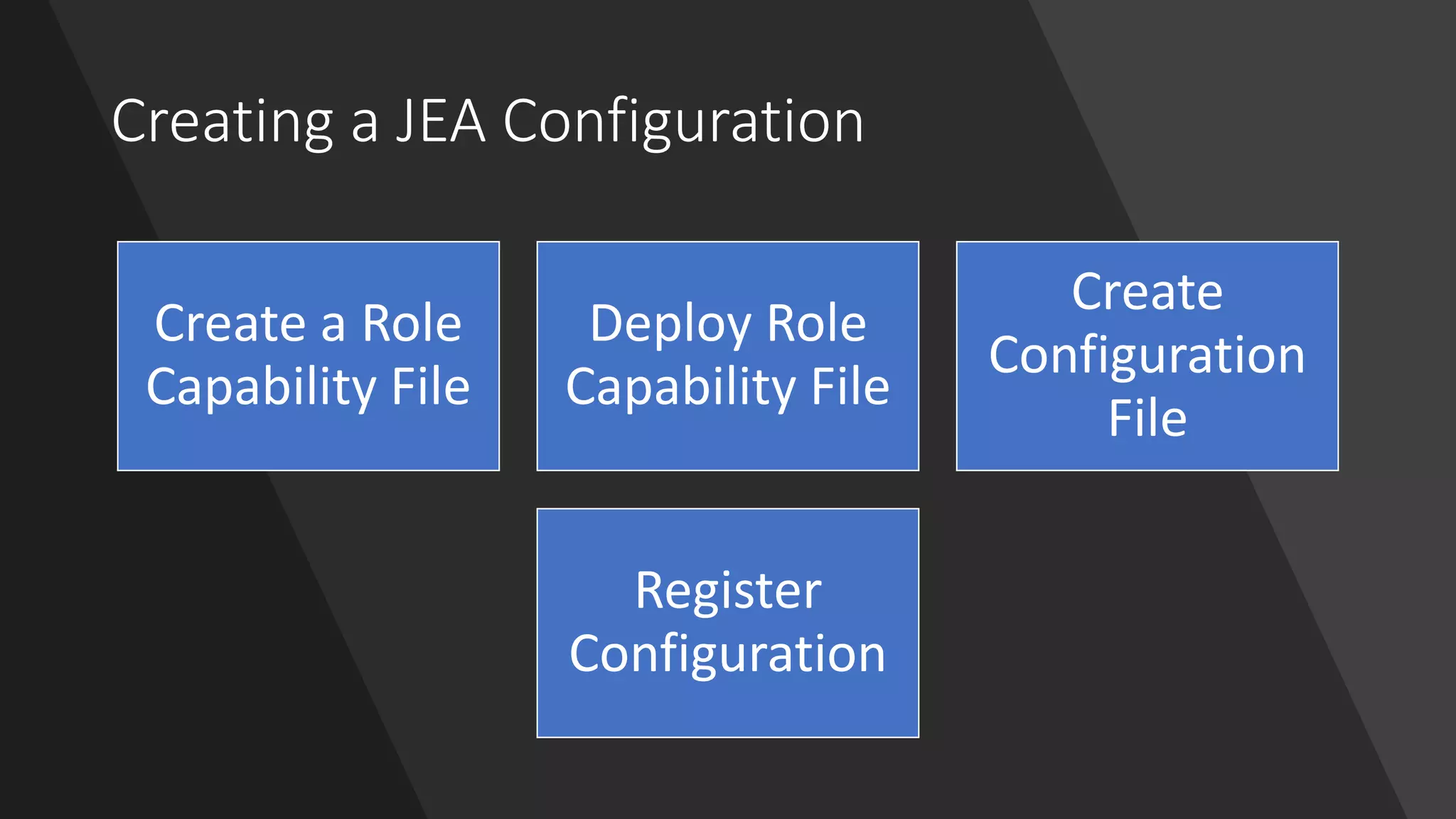
Creating a JEA Configuration
Create a Role
Capability File
Deploy Role
Capability File
Create
Configuration
File
Register
Configuration
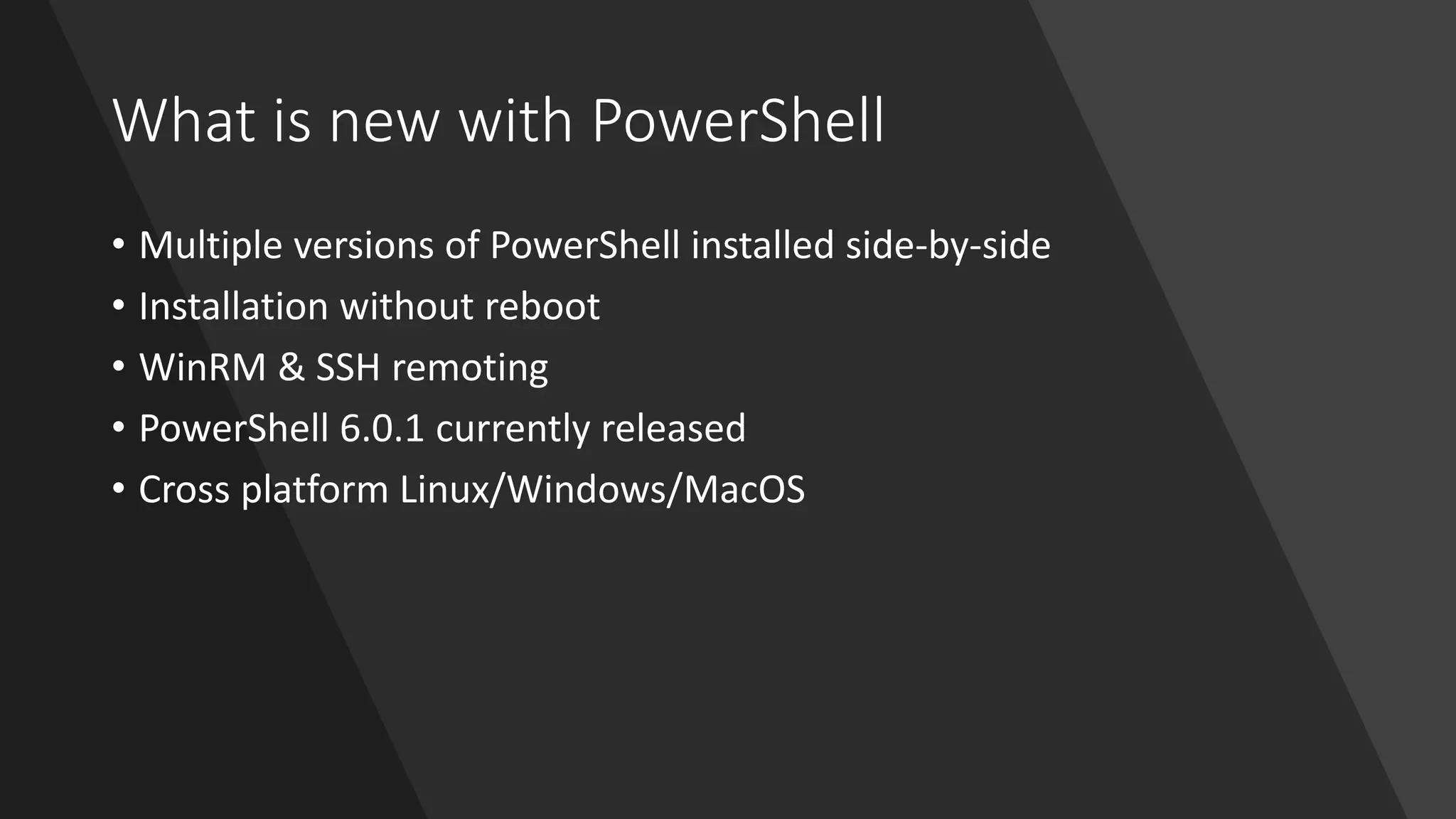
What is new with PowerShell
• Multiple versions of PowerShell installed side-by-side
• Installation without reboot
• WinRM & SSH remoting
• PowerShell 6.0.1 currently released
• Cross platform Linux/Windows/MacOS
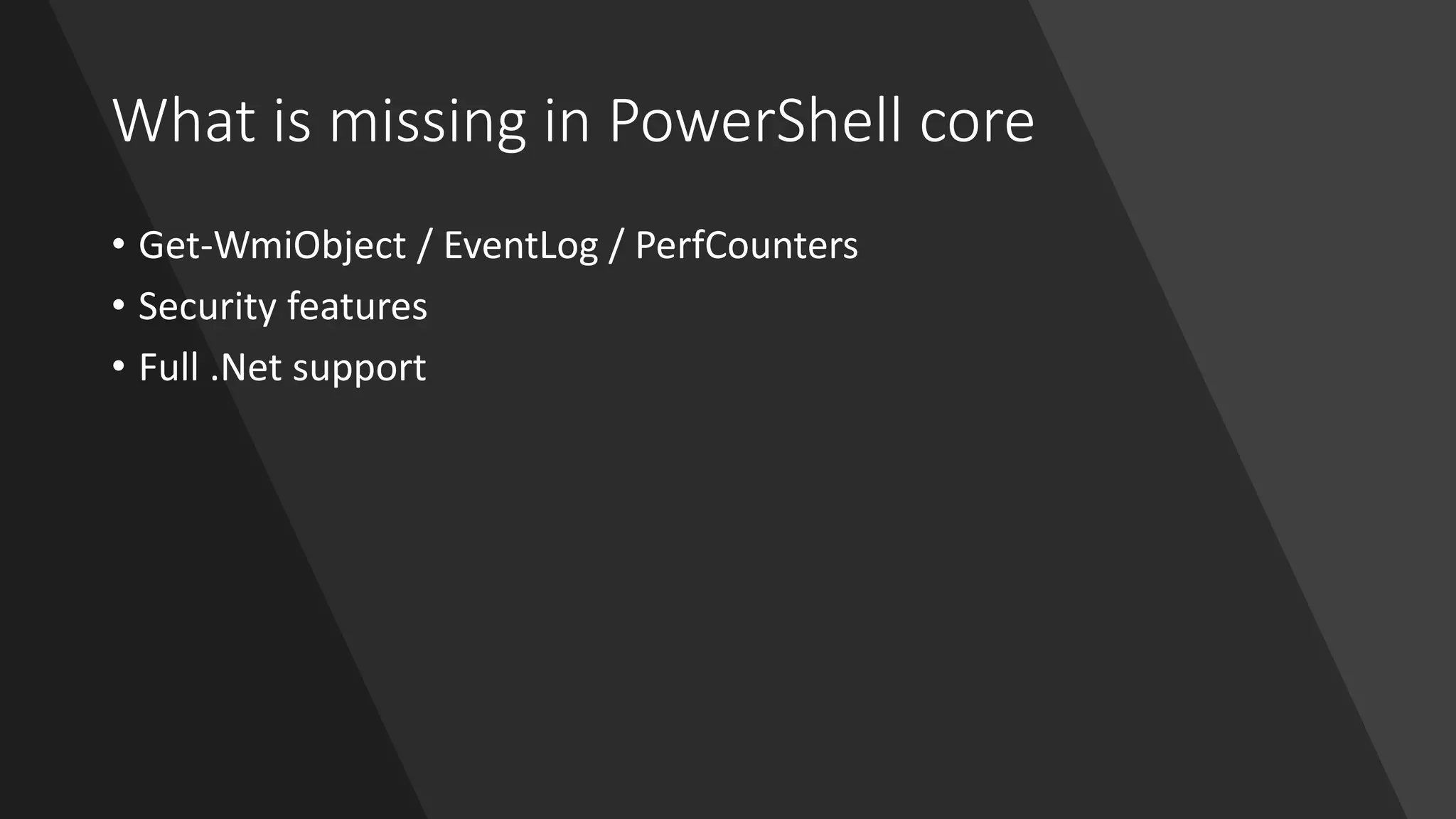
What is missing in PowerShell core
• Get-WmiObject / EventLog / PerfCounters
• Security features
• Full .Net support
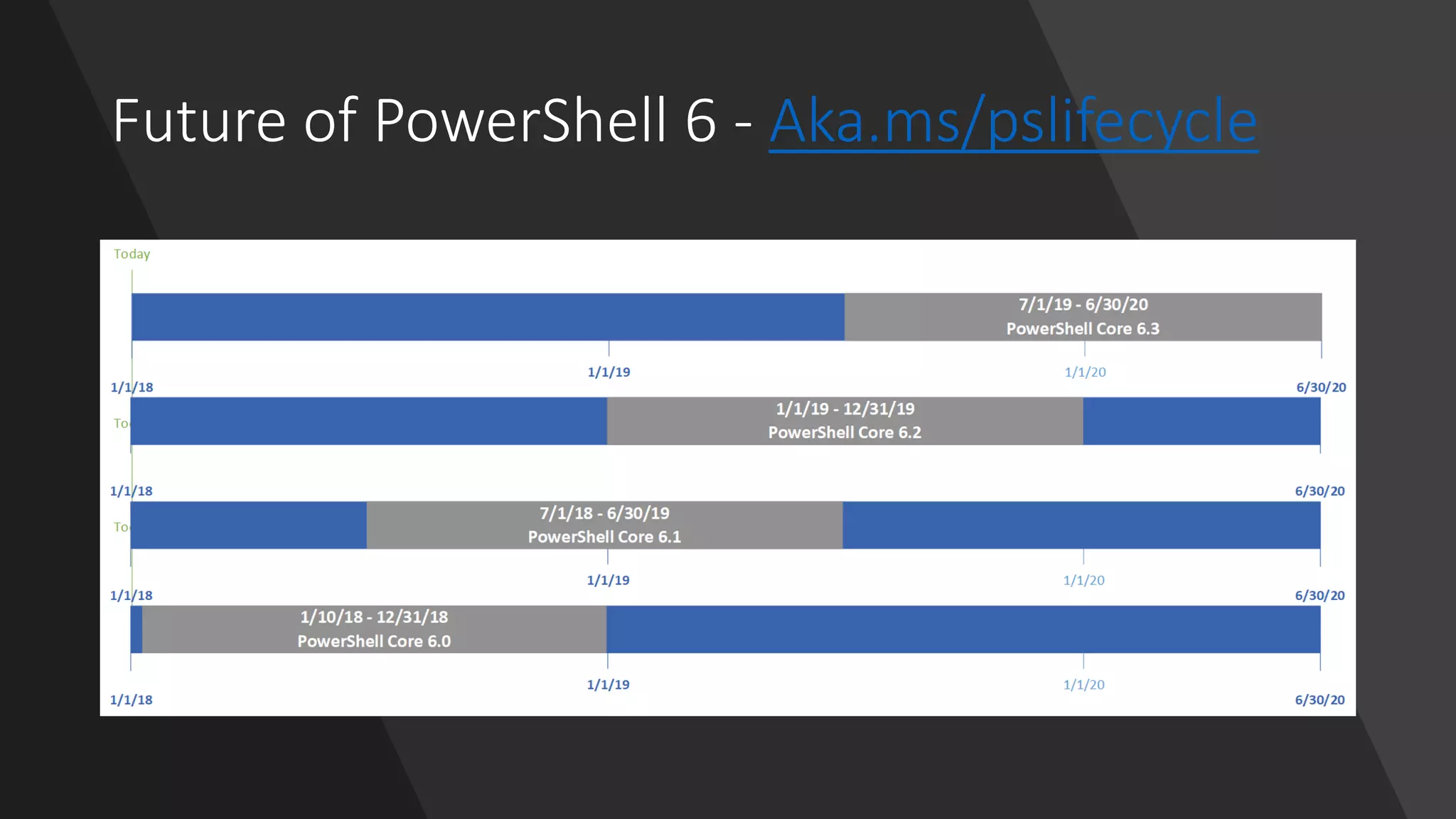
Future of PowerShell 6 - Aka.ms/pslifecycle
Future of Windows PowerShell
• Remains fully supported
• Still receives bug fixes and updates
• Will not be replaced by pwsh
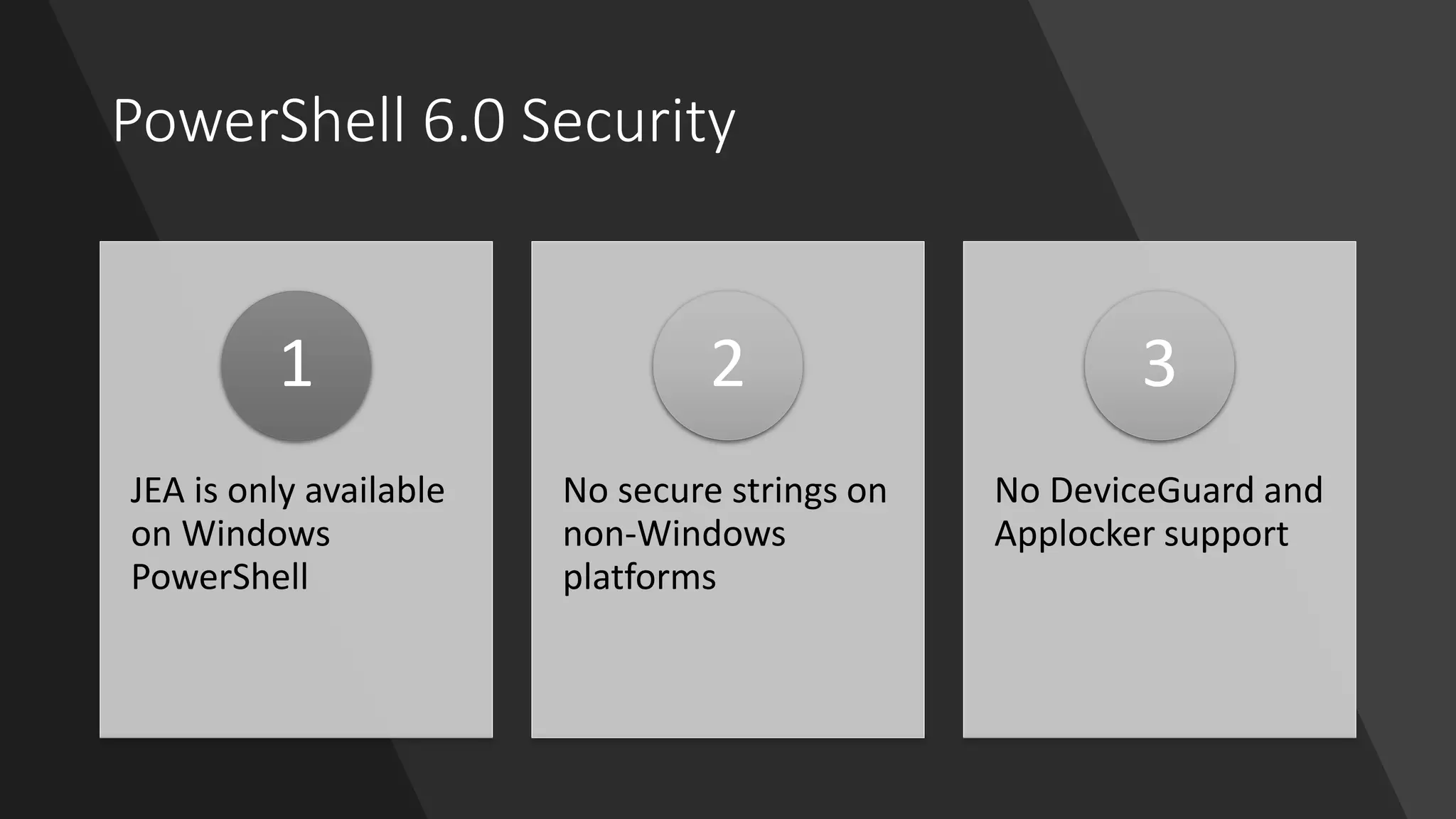
PowerShell 6.0 Security
JEA is only available
on Windows
PowerShell
1
No secure strings on
non-Windows
platforms
2
No DeviceGuard and
Applocker support
3
PowerShell 6.0 Security – JEA
• JEA is only available on Windows PowerShell.
PowerShell 6.0 security – Secure strings
• Alternatives for secure strings on Linux
• GNU Privacy Guard
Questions

Fun with PowerShell 6.0 JEA Remoting and cross-platform

  • 1.
    Having fun withPowerShell 6.0 JEA, remoting and cross-platform Jaap Brasser @jaap_brasser
  • 2.
    • PowerShell ConferenceEU/Asia • Dutch PowerShell User Group • Speaker / Blogger / Tech Enthusiast • PowerShell Gallery • TechNet / MSTechCommunity @jaap_brasser jaapbrasser.com/about
  • 3.
    Agenda Introduction to PowerShellRemoting Why JEA / How JEA What is new with PowerShell Security on PowerShell 6 Questions
  • 4.
    PowerShell Remoting Available sincePowerShell 2.0 Enable-PSRemoting to configure Can use different authentication methods GPO or DSC to configure Double-hop issue?
  • 5.
  • 6.
  • 7.
    Reasons for JEA SecurePowerShell access to systems 1 Reduce the amount of people that can do „everything“ 2 See what users do on your system 3
  • 8.
    How to deployJEA PowerShell cmdlets to generate & register 1 Deploy and Configure pre-requisites • WMF 5.1 • Enable PoSh Remoting • PowerShell logging 2 DSC for deployment 3
  • 9.
    Creating a JEAConfiguration Create a Role Capability File Deploy Role Capability File Create Configuration File Register Configuration
  • 10.
    What is newwith PowerShell • Multiple versions of PowerShell installed side-by-side • Installation without reboot • WinRM & SSH remoting • PowerShell 6.0.1 currently released • Cross platform Linux/Windows/MacOS
  • 11.
    What is missingin PowerShell core • Get-WmiObject / EventLog / PerfCounters • Security features • Full .Net support
  • 12.
    Future of PowerShell6 - Aka.ms/pslifecycle
  • 13.
    Future of WindowsPowerShell • Remains fully supported • Still receives bug fixes and updates • Will not be replaced by pwsh
  • 14.
    PowerShell 6.0 Security JEAis only available on Windows PowerShell 1 No secure strings on non-Windows platforms 2 No DeviceGuard and Applocker support 3
  • 15.
    PowerShell 6.0 Security– JEA • JEA is only available on Windows PowerShell.
  • 16.
    PowerShell 6.0 security– Secure strings • Alternatives for secure strings on Linux • GNU Privacy Guard
  • 17.