Puppet Bolt
Easy Cross-Platform PowerShell Automation
Speakers
James Pogran
Senior Engineer
2
Ethan Brown
Principal Engineer
What is Puppet Bolt?
PowerShell 6
Remote PowerShell with Bolt
Q & A
Agenda
What is Puppet Bolt?
Commands, Scripts, Tasks, Plans and PE integration
4
Sometimes you just need to
run commands on servers
Simple.
Agentless.
Extensible.
With Puppet Bolt you can
now start automating in few
simple steps.
Puppet Bolt is a open source,
agentless multi-platform automation
tool that allows you to get started with
infrastructure automation with no
prerequisites or Puppet knowledge.
Introspection
Gather Information on Hosts
• Query performance counters
– Active connections to SQL
– Users connected to IIS app pool
– Resource consumption
• Hosts with outdated patches /
packages
• Check service status
• Process checks
• Disk utilization
Maintenance
One-off operations that don’t fit
classic state modeling
• Reboot server during change window
• Close client connections before
server upgrades
• Deploy a version of an application
• Orchestrate changes across multiple
hosts / operating systems
• Takeown + icacls /reset
• Clean temp directories
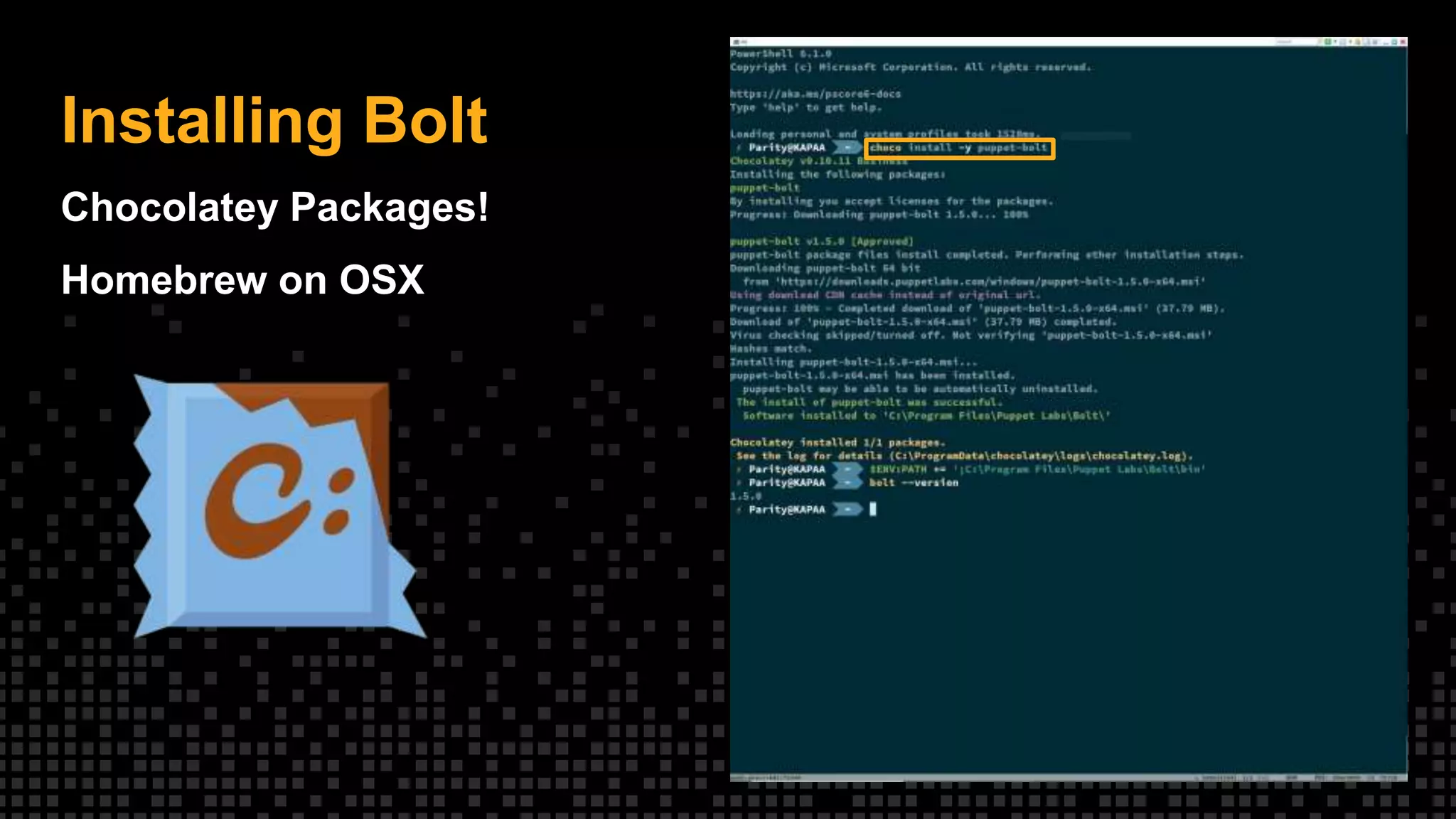
Installing Bolt
Chocolatey Packages!
Homebrew on OSX
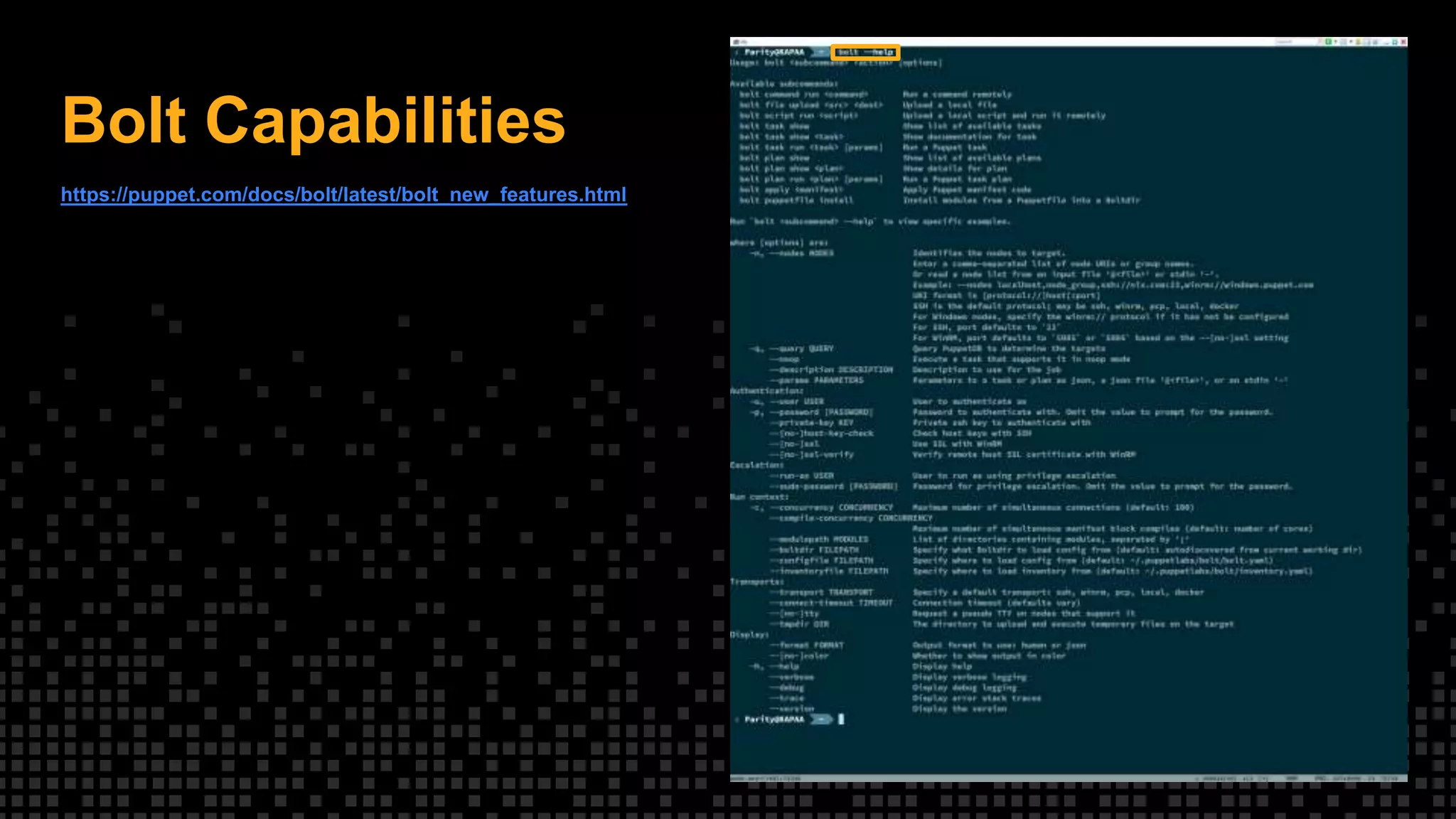
Bolt Capabilities
https://puppet.com/docs/bolt/latest/bolt_new_features.html
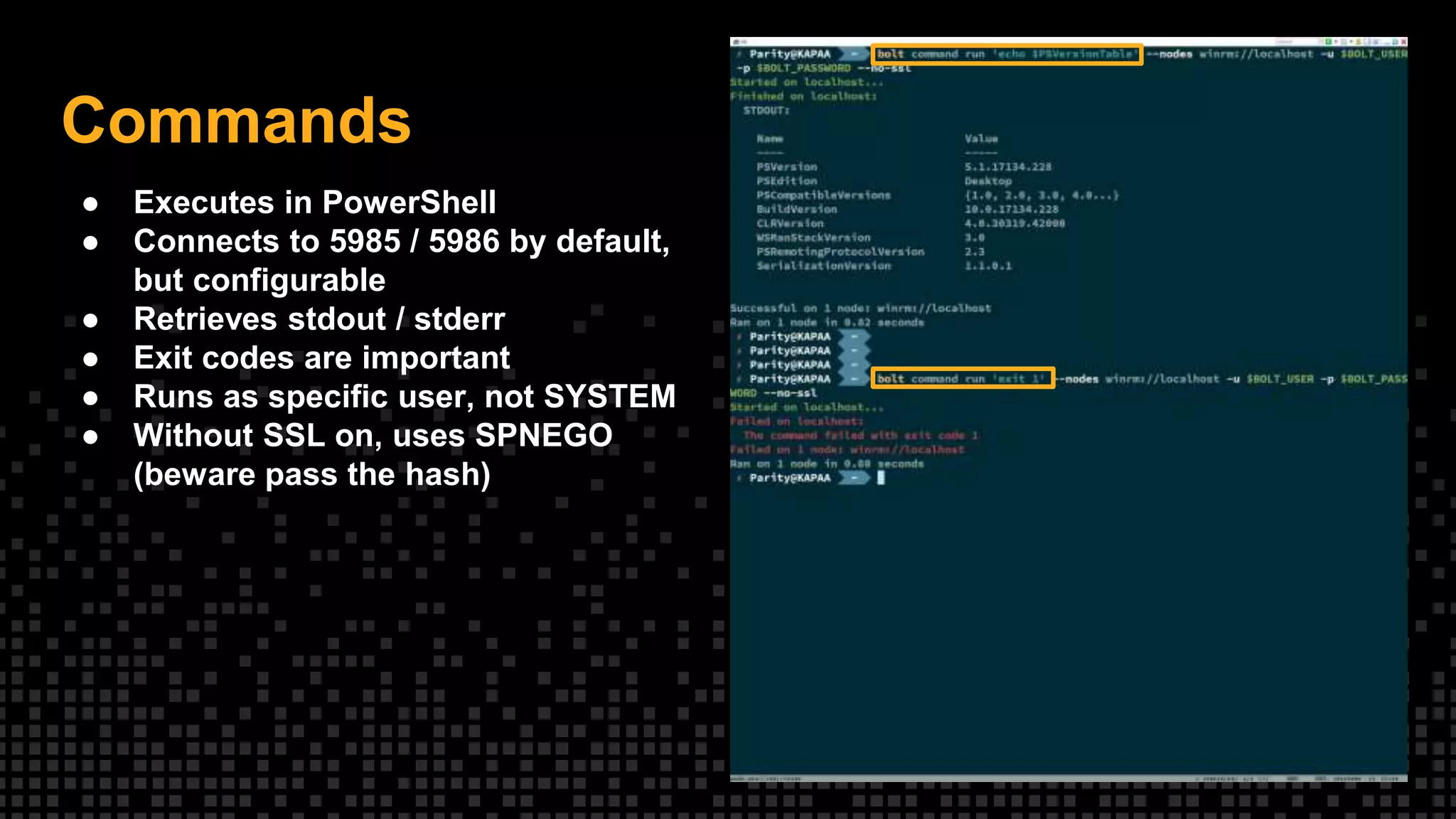
Commands
● Executes in PowerShell
● Connects to 5985 / 5986 by default,
but configurable
● Retrieves stdout / stderr
● Exit codes are important
● Runs as specific user, not SYSTEM
● Without SSL on, uses SPNEGO
(beware pass the hash)
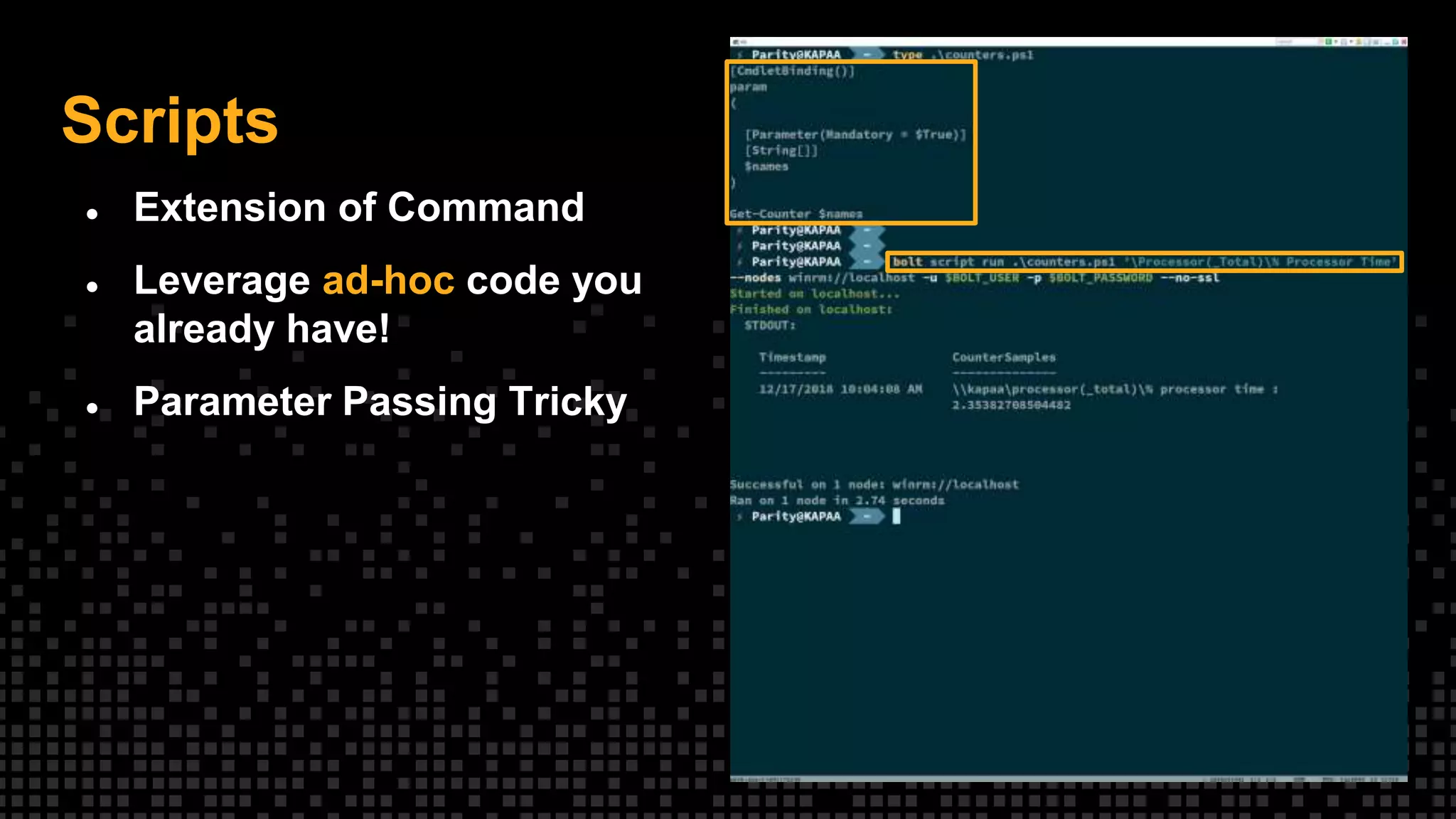
Scripts
● Extension of Command
● Leverage ad-hoc code you
already have!
● Parameter Passing Tricky
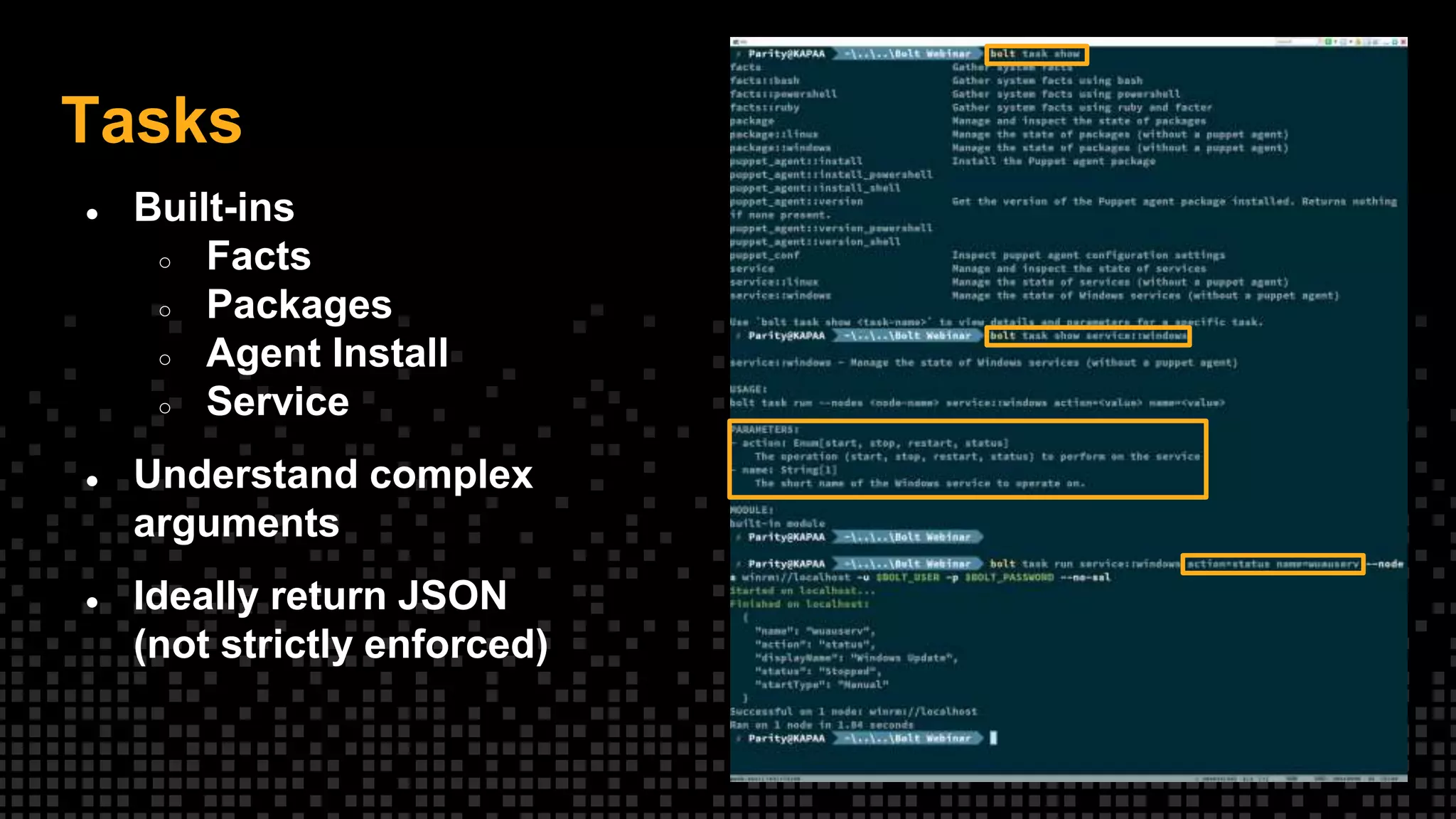
Tasks
● Built-ins
○ Facts
○ Packages
○ Agent Install
○ Service
● Understand complex
arguments
● Ideally return JSON
(not strictly enforced)
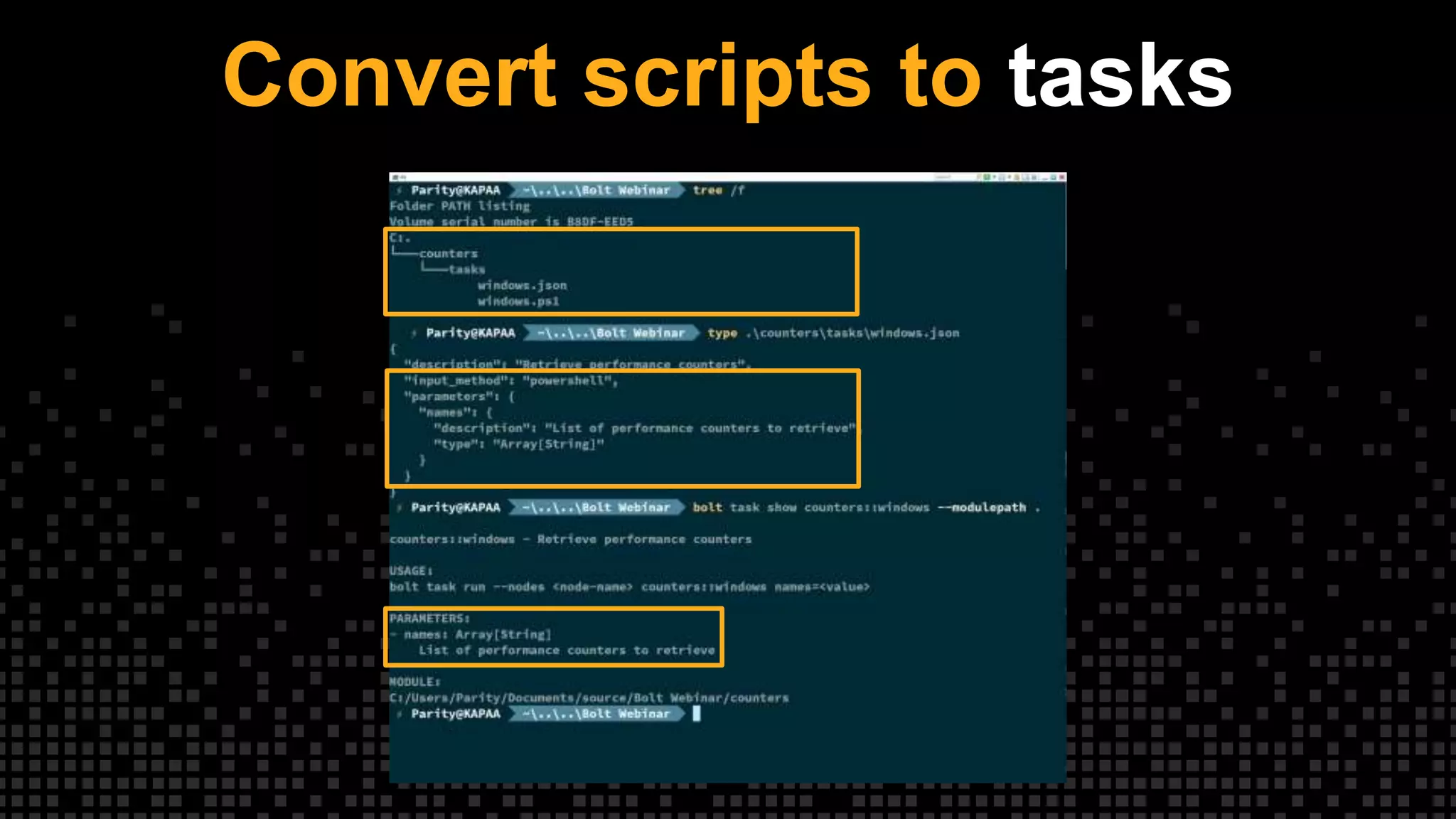
Convert scripts to tasks
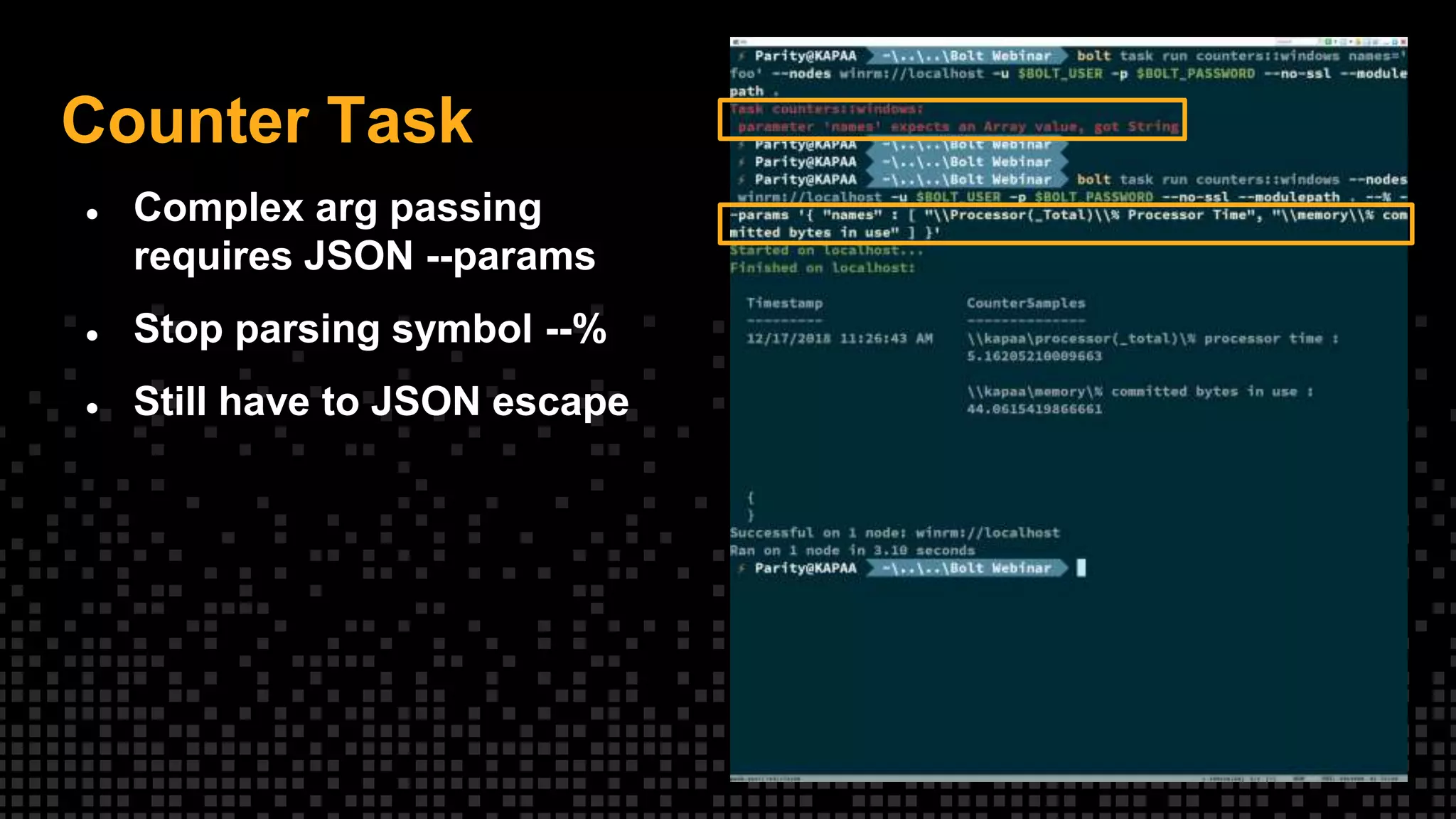
Counter Task
● Complex arg passing
requires JSON --params
● Stop parsing symbol --%
● Still have to JSON escape
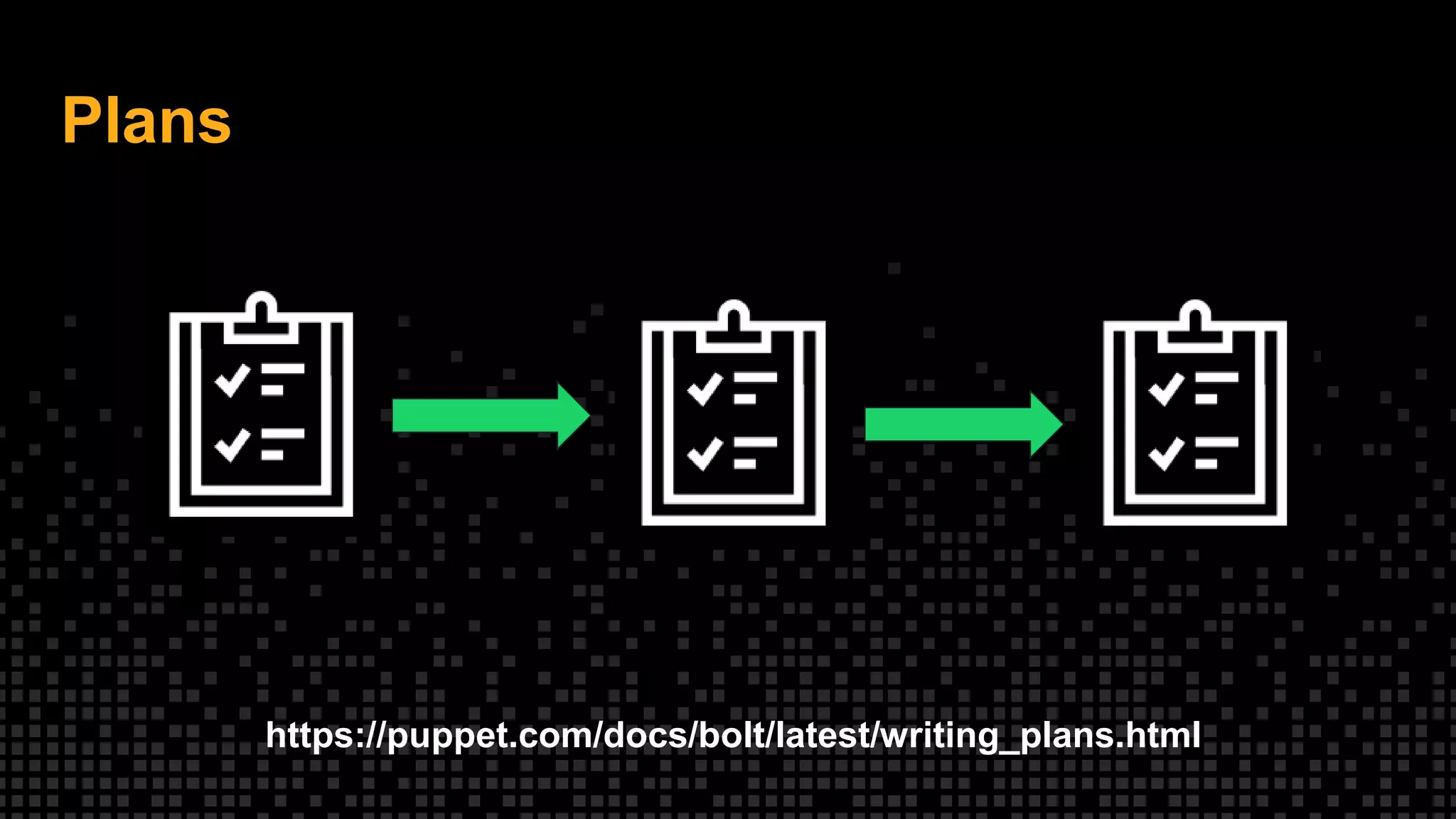
Plans
https://puppet.com/docs/bolt/latest/writing_plans.html
Plans
Abstracting tasks
• Run more than one task in a single
call
– Drain load balancer
– Update app
– Start service
– Check health
• Make decisions based on output of
prior tasks - use exit status / JSON
• Inputs can be programmatic
• Can invoke commands, scripts,
tasks, other plans and upload files
• Written in Puppet
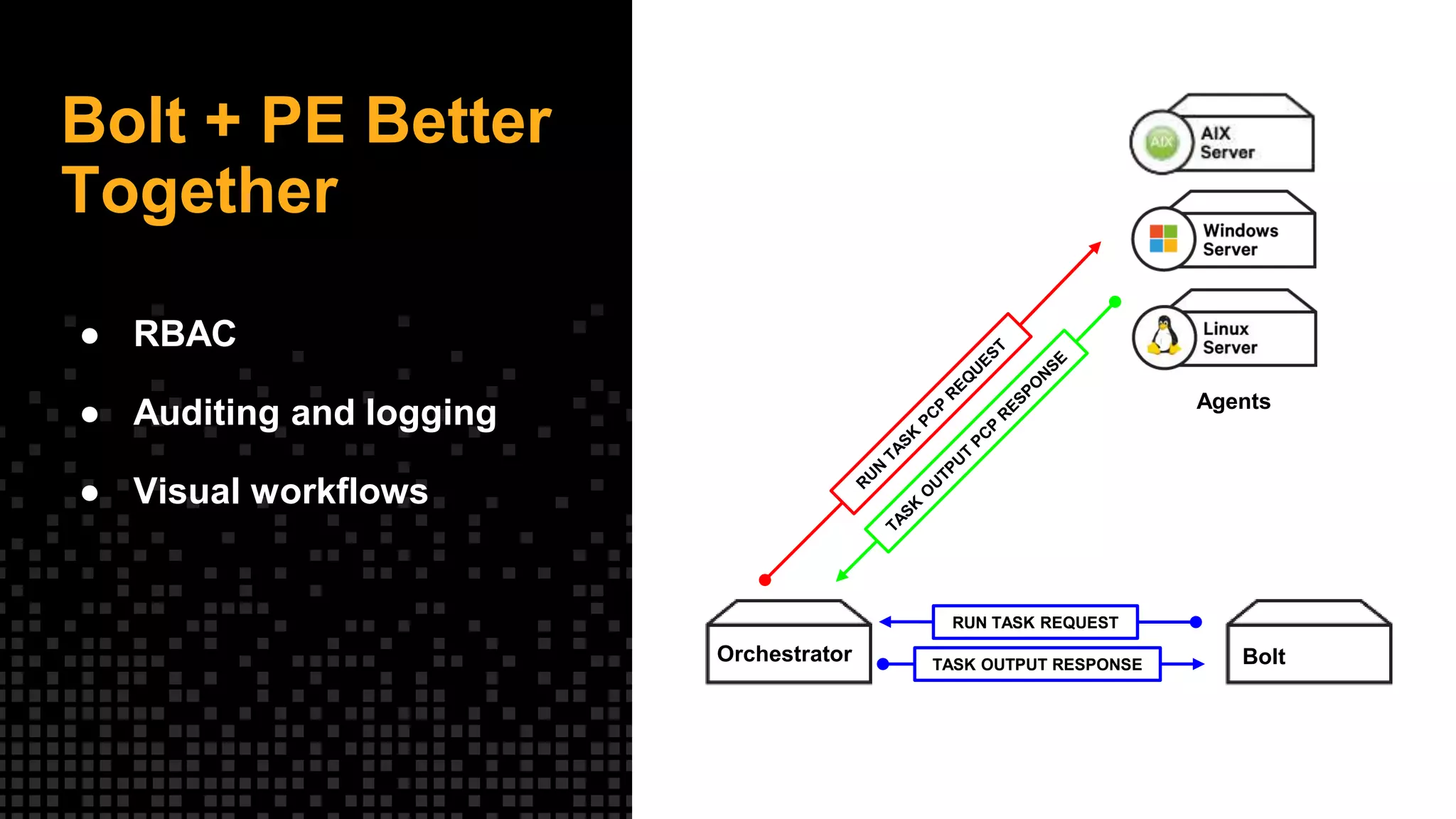
Bolt + PE Better
Together
● RBAC
● Auditing and logging
● Visual workflows
BoltOrchestrator
RUN TASK REQUEST
TASK OUTPUT RESPONSE
Agents
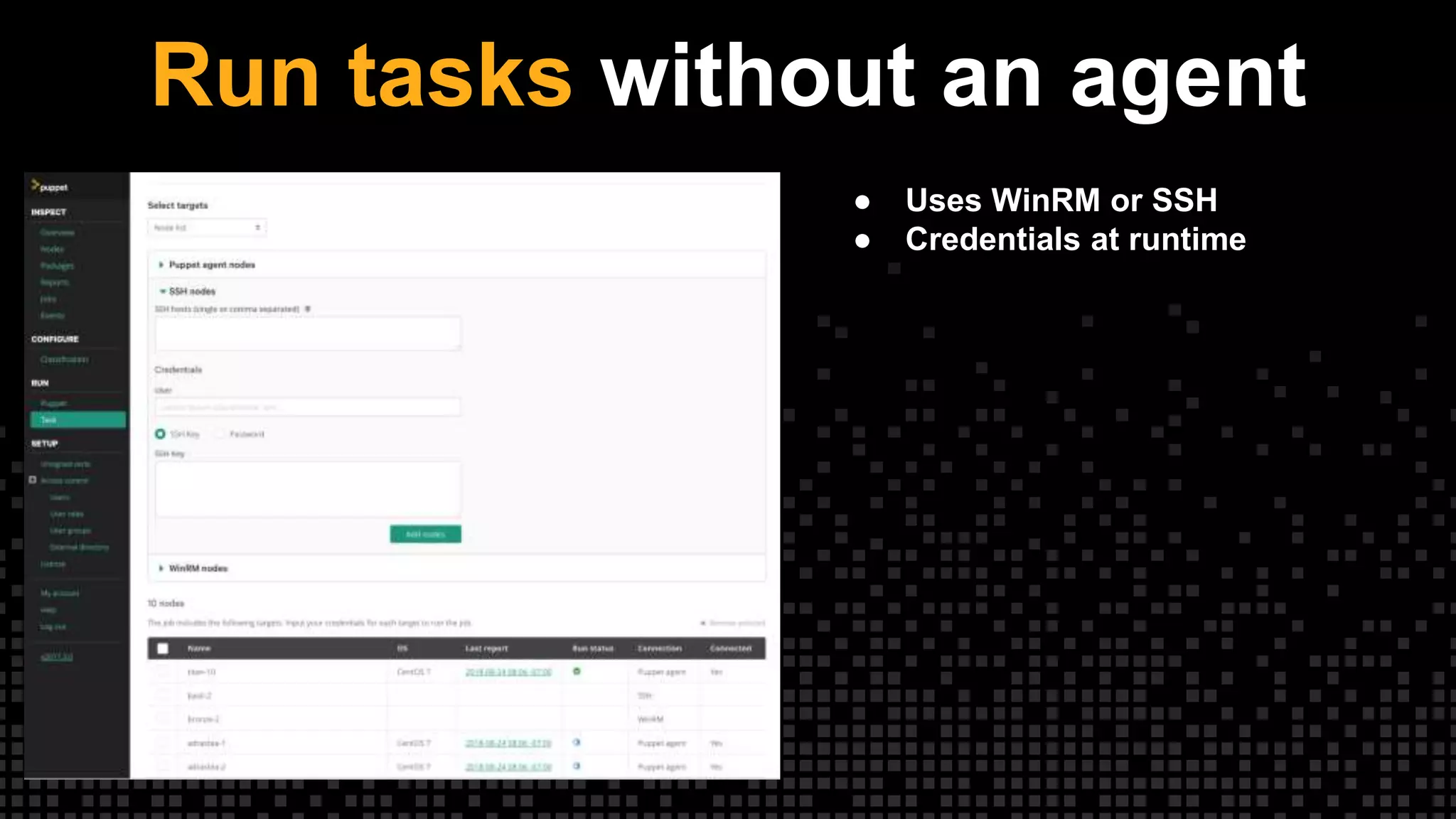
Run tasks without an agent
● Uses WinRM or SSH
● Credentials at runtime
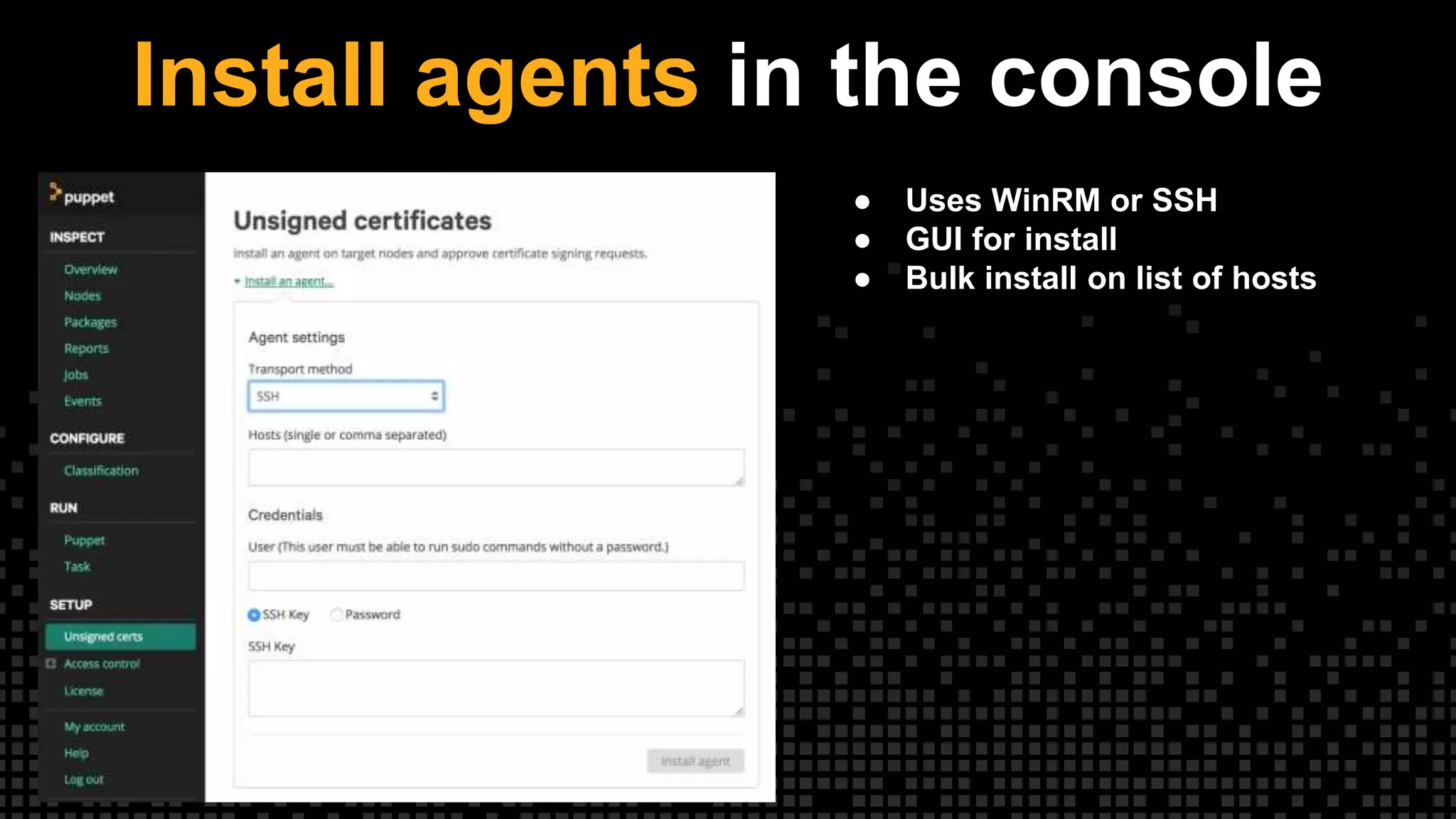
Install agents in the console
● Uses WinRM or SSH
● GUI for install
● Bulk install on list of hosts
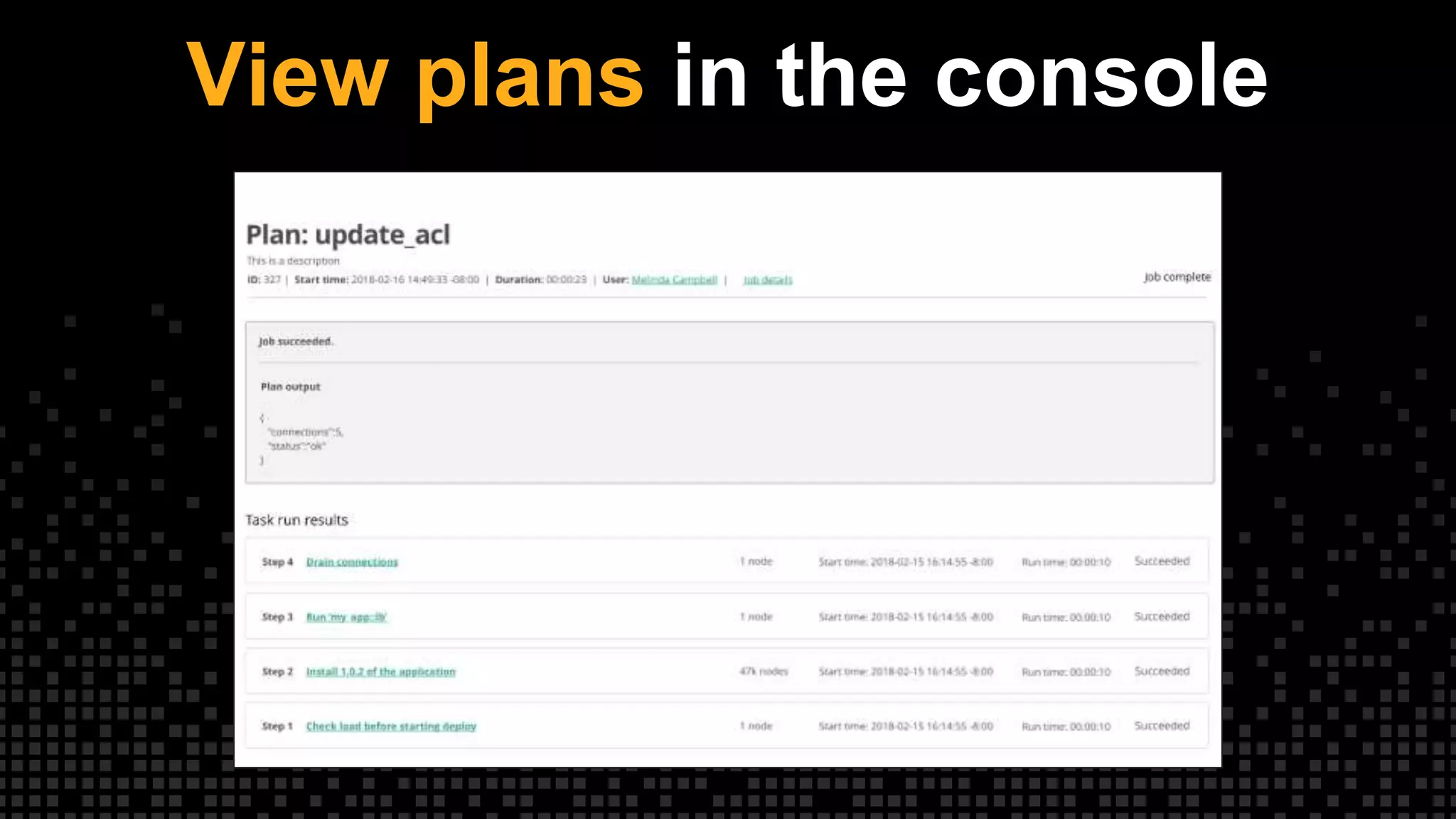
View plans in the console
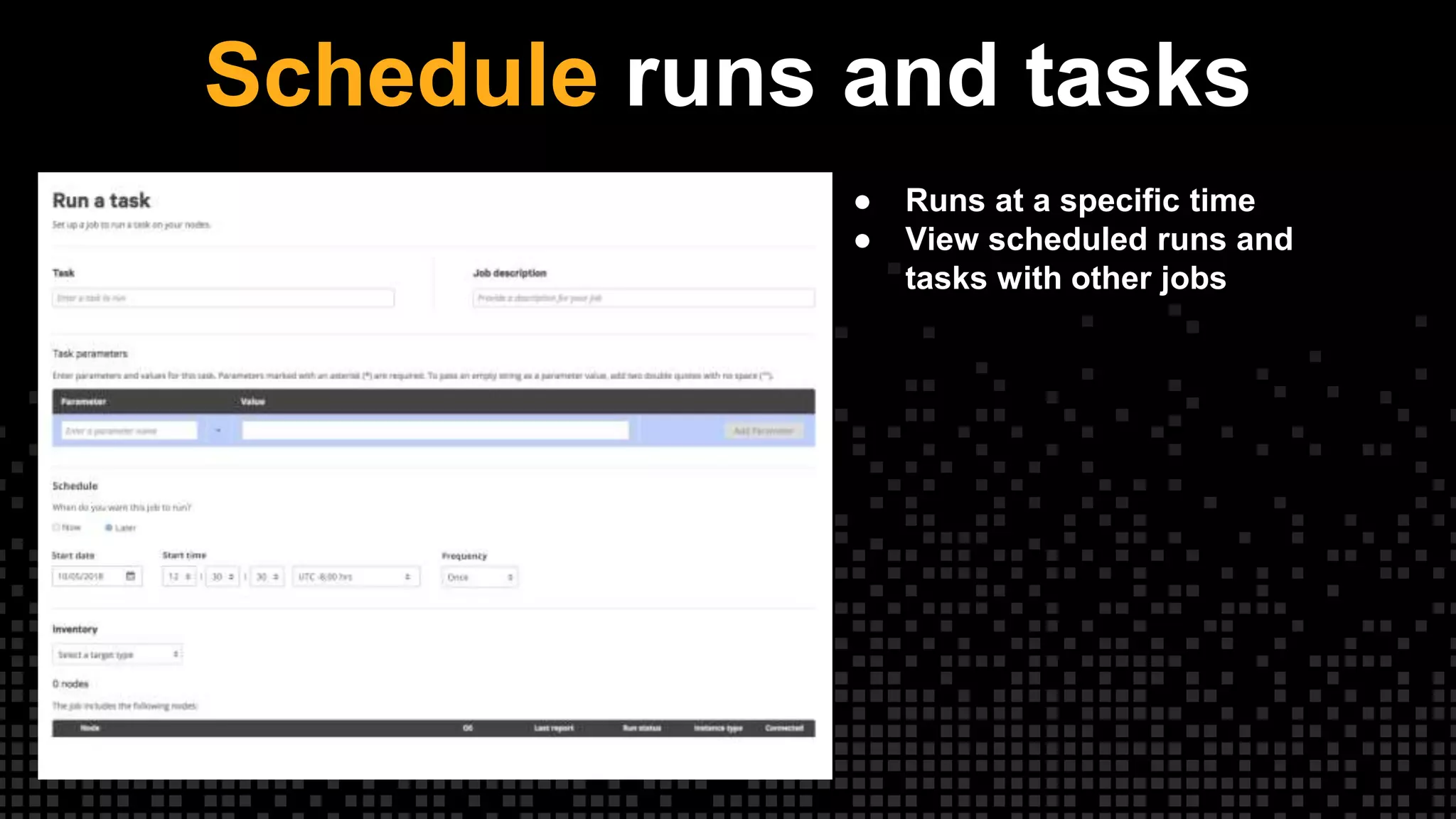
Schedule runs and tasks
● Runs at a specific time
● View scheduled runs and
tasks with other jobs
PowerShell Core
Not just Windows anymore!
23
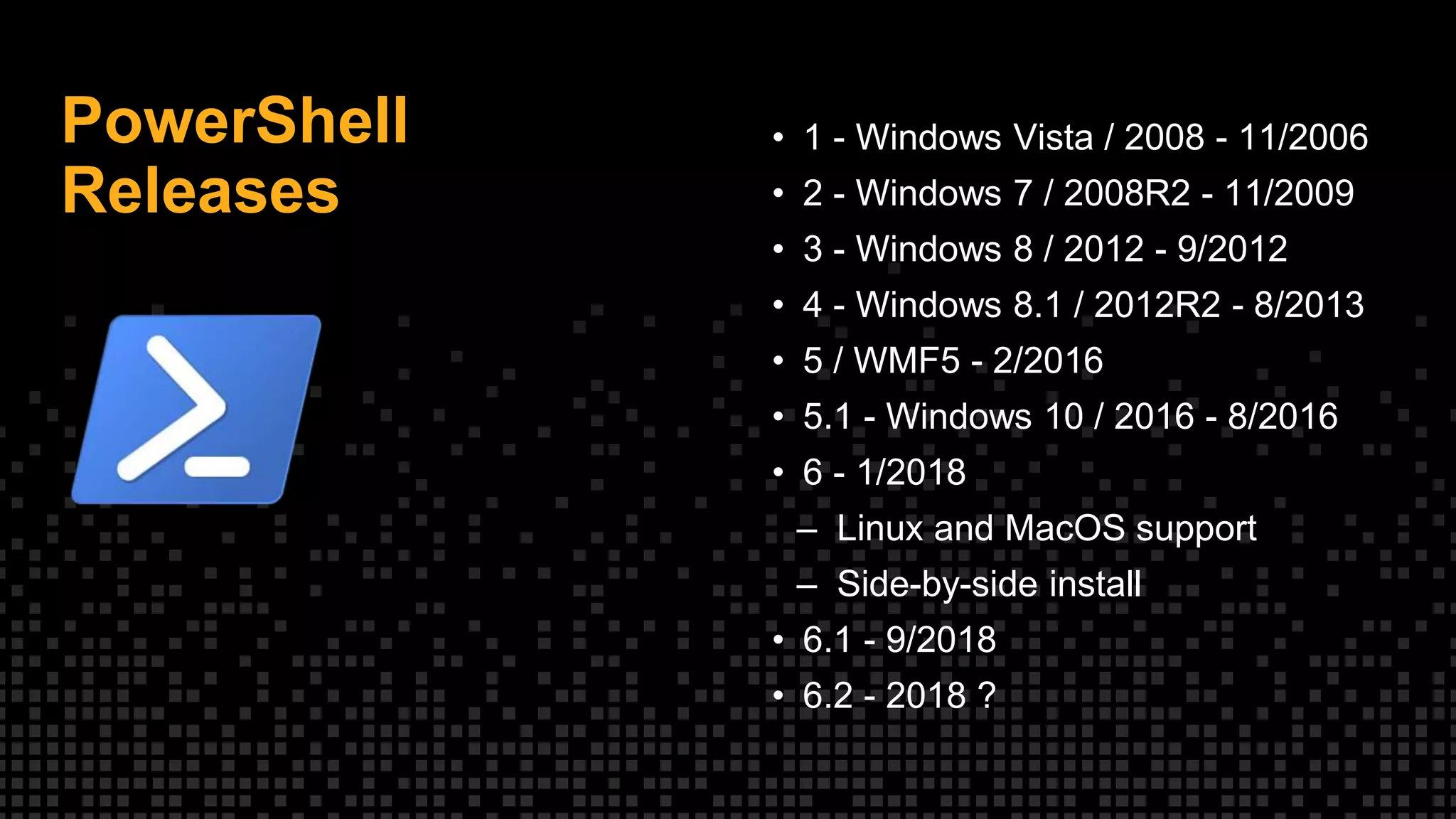
PowerShell
Releases
• 1 - Windows Vista / 2008 - 11/2006
• 2 - Windows 7 / 2008R2 - 11/2009
• 3 - Windows 8 / 2012 - 9/2012
• 4 - Windows 8.1 / 2012R2 - 8/2013
• 5 / WMF5 - 2/2016
• 5.1 - Windows 10 / 2016 - 8/2016
• 6 - 1/2018
– Linux and MacOS support
– Side-by-side install
• 6.1 - 9/2018
• 6.2 - 2018 ?
PowerShell Core
A Very Different PowerShell
• Moves from Standard .NET to .NET
Core
• Enables OSX, various Linux distros
• Lots of breaking changes
• PowerShell binary renamed to pwsh
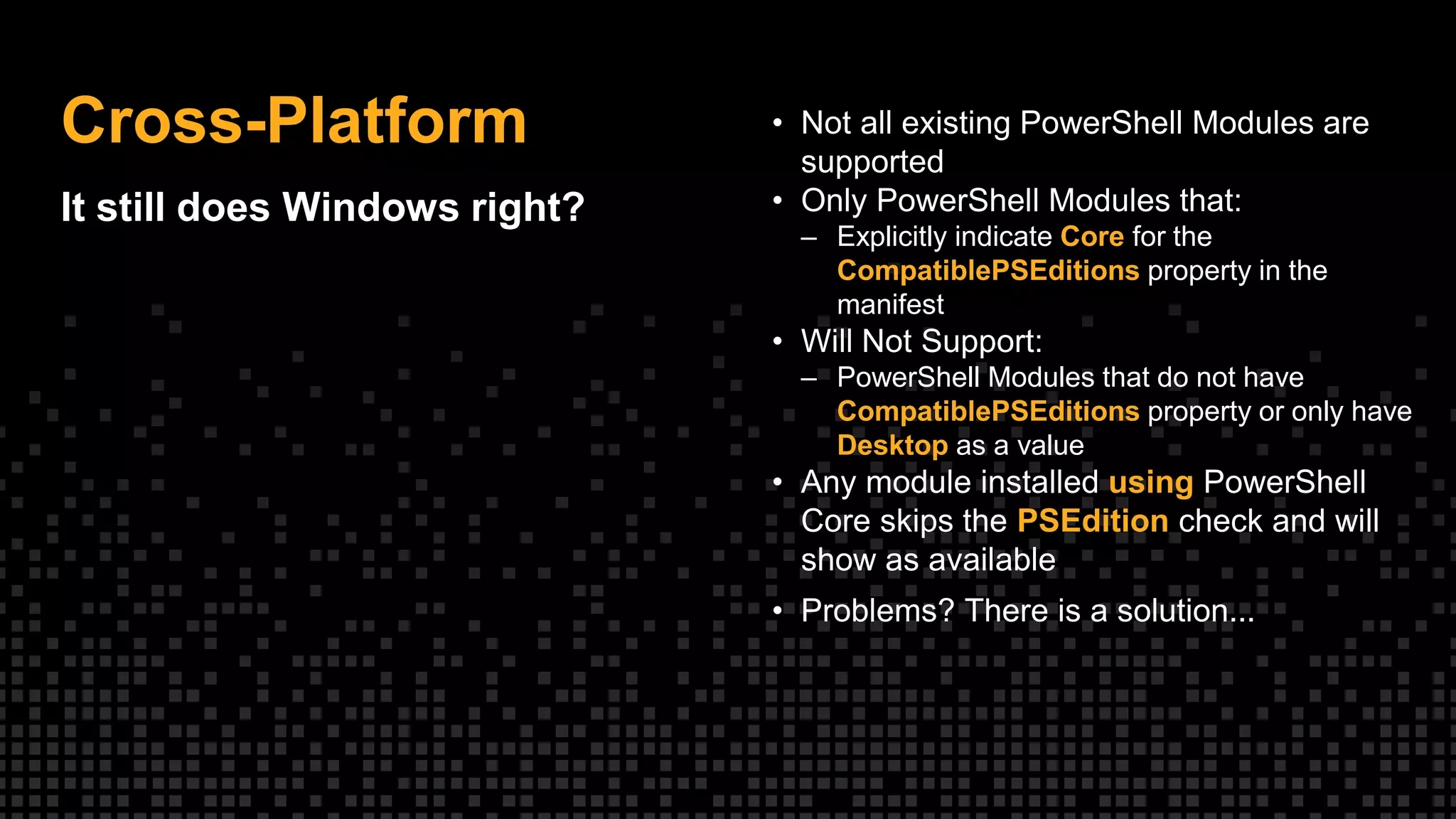
Cross-Platform
It still does Windows right?
• Not all existing PowerShell Modules are
supported
• Only PowerShell Modules that:
– Explicitly indicate Core for the
CompatiblePSEditions property in the
manifest
• Will Not Support:
– PowerShell Modules that do not have
CompatiblePSEditions property or only have
Desktop as a value
• Any module installed using PowerShell
Core skips the PSEdition check and will
show as available
• Problems? There is a solution...
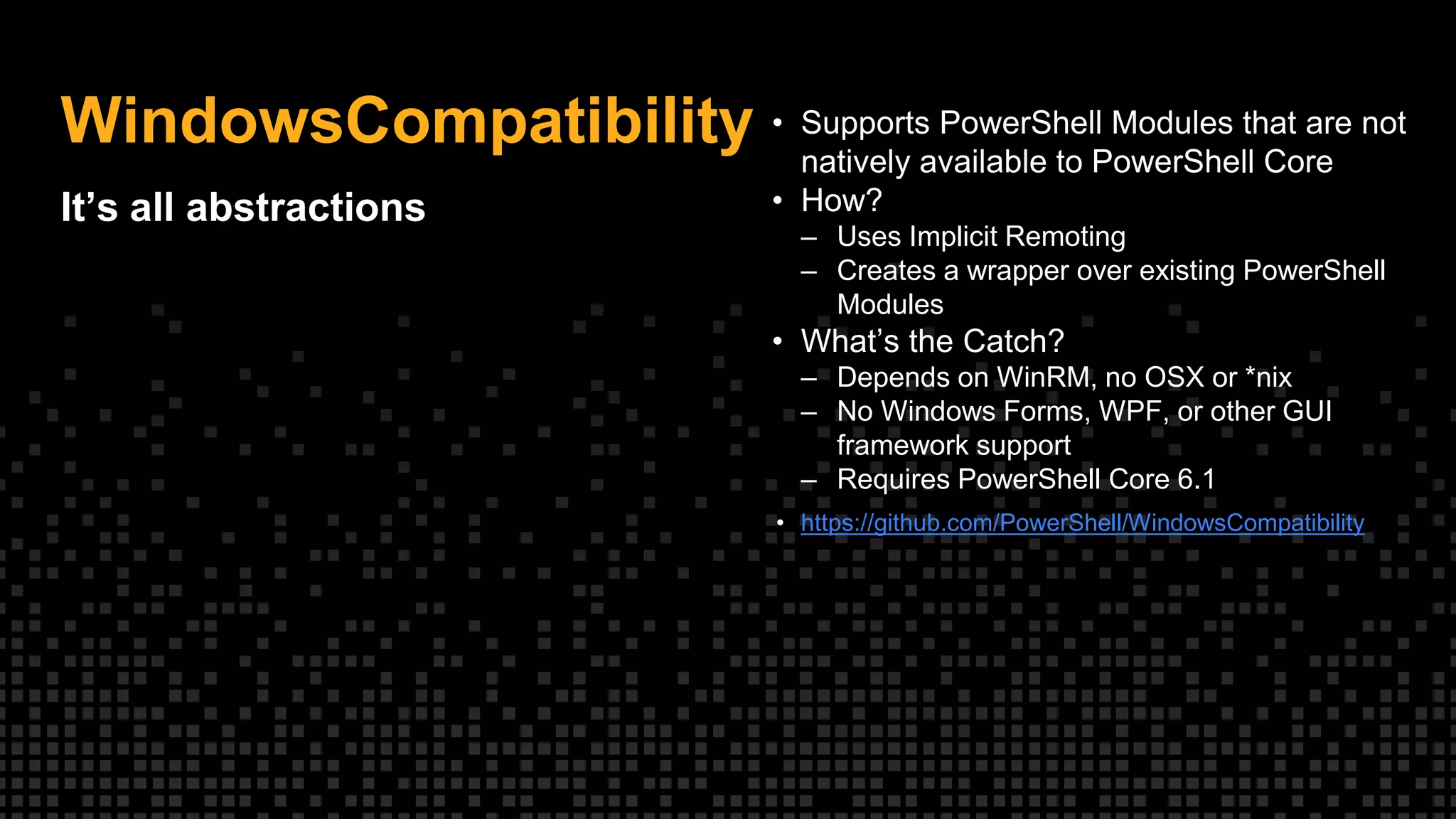
WindowsCompatibility
It’s all abstractions
• Supports PowerShell Modules that are not
natively available to PowerShell Core
• How?
– Uses Implicit Remoting
– Creates a wrapper over existing PowerShell
Modules
• What’s the Catch?
– Depends on WinRM, no OSX or *nix
– No Windows Forms, WPF, or other GUI
framework support
– Requires PowerShell Core 6.1
• https://github.com/PowerShell/WindowsCompatibility
Beware Paths
Paths are your friend,
not your enemy
• Do:
– Use Join-Path and other path cmdlets!
– Use [IO.Path]::PathSeparator
• Don’t
– “$($Directory1)$($Directory2)wakka.exe”
• General notes
– Most cmdlets accept forward or back slashes
– Paths won’t always make sense to the
system you think you are on, but are valid
anway.
– Rely on the system to validate
– PowerShell is case insensitive but the
platform may not be!
Platform Variables
Know your platform,
know yourself
• Built in variables present on every platform
– IsLinux
– IsMacOS
– IsWindows
• Easy platform detection without having to
know how to query
• Does not give version information
File Access
Relax it’s just text
• Cmdlets know the details of how to access
files on each platform, let them do the
work for most cases
• Beware differences in Get-Childitem on
*nix platforms
• File Encoding can be your friend if used
correctly
• File Encoding can burn you if not handled
correctly
Downloading Files
Invoke-RestMethod and Invoke-
WebRequest Changes
• Over 12 new parameters
• Updated default User-Agent with platform
specific information
• Authentication Improvements
– Support for no authentication requests
– Better support for Basic, OAuth and other formats
• Support for Self-Signed or Untrusted
Certificates
• Automated Pagination
• For more information in depth:
– https://get-
powershellblog.blogspot.com/2017/11/powershell-core-
web-cmdlets-in-depth.html
WMI or CIM
WMI is dead, long live CIM
• All WMI cmdlets removed
– Get-WmiObject
– Invoke-WmiMethod
– Register-WmiMethod
– Set-WmiInstance
• Use the CIM Cmdlets
– Get-CimInstance
– Invoke-CimMethod
– New-CimSession
– Etc…
• Why get rid of WMI?
– DCOM only works on Windows platforms
• Why use CIM?
– Standardized protocol
– Uses WSMAN
Bolt + PowerShell 6
Cross platform tasks
Different languages for different shells
{
"implementations": [
{"name": "sql_linux.sh", "requirements": ["shell"]},
{"name": "sql_windows.ps1", "requirements": ["powershell"]}
]
}
But PowerShell is cross-
platform?
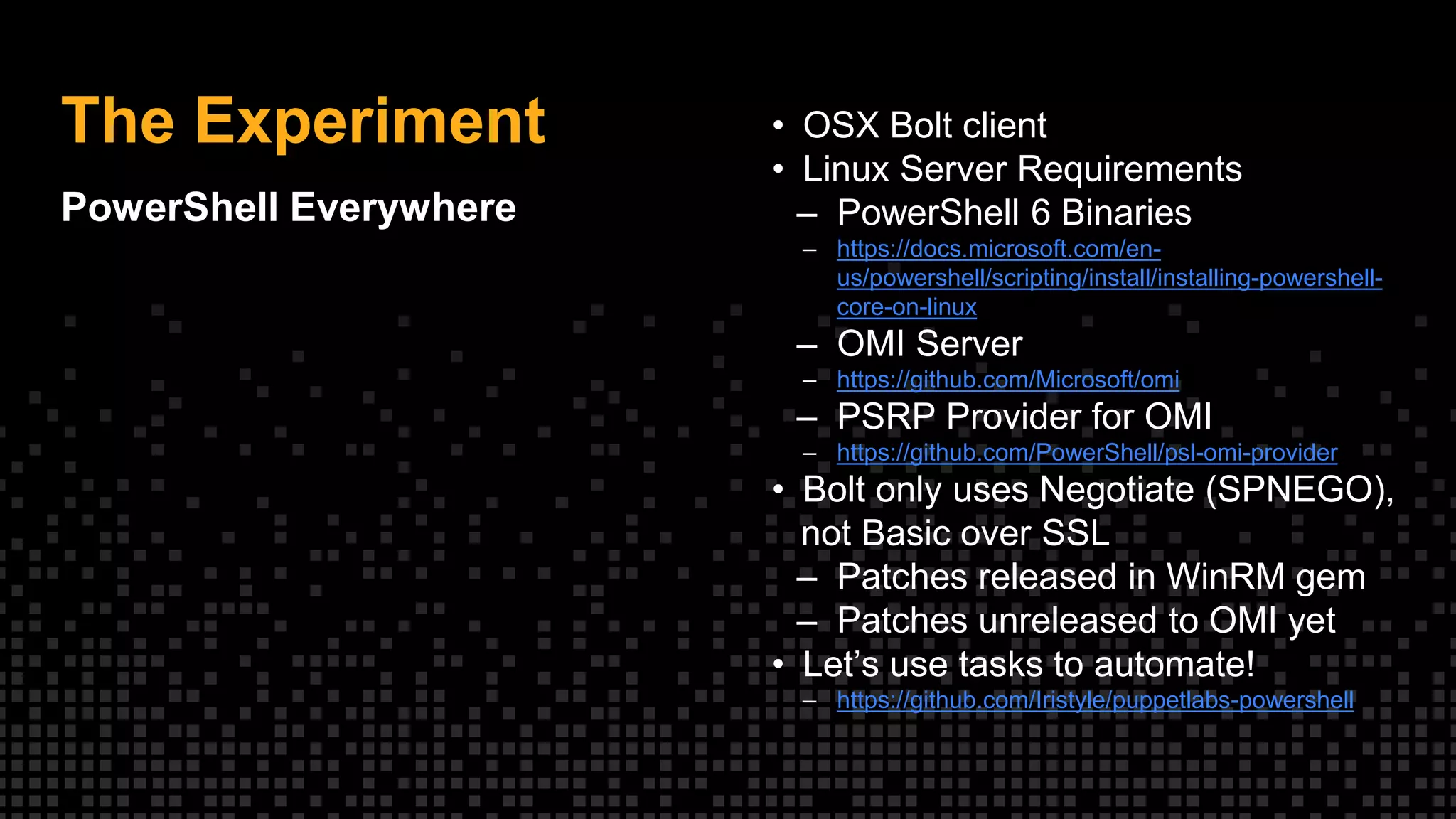
The Experiment
PowerShell Everywhere
• OSX Bolt client
• Linux Server Requirements
– PowerShell 6 Binaries
– https://docs.microsoft.com/en-
us/powershell/scripting/install/installing-powershell-
core-on-linux
– OMI Server
– https://github.com/Microsoft/omi
– PSRP Provider for OMI
– https://github.com/PowerShell/psl-omi-provider
• Bolt only uses Negotiate (SPNEGO),
not Basic over SSL
– Patches released in WinRM gem
– Patches unreleased to OMI yet
• Let’s use tasks to automate!
– https://github.com/Iristyle/puppetlabs-powershell
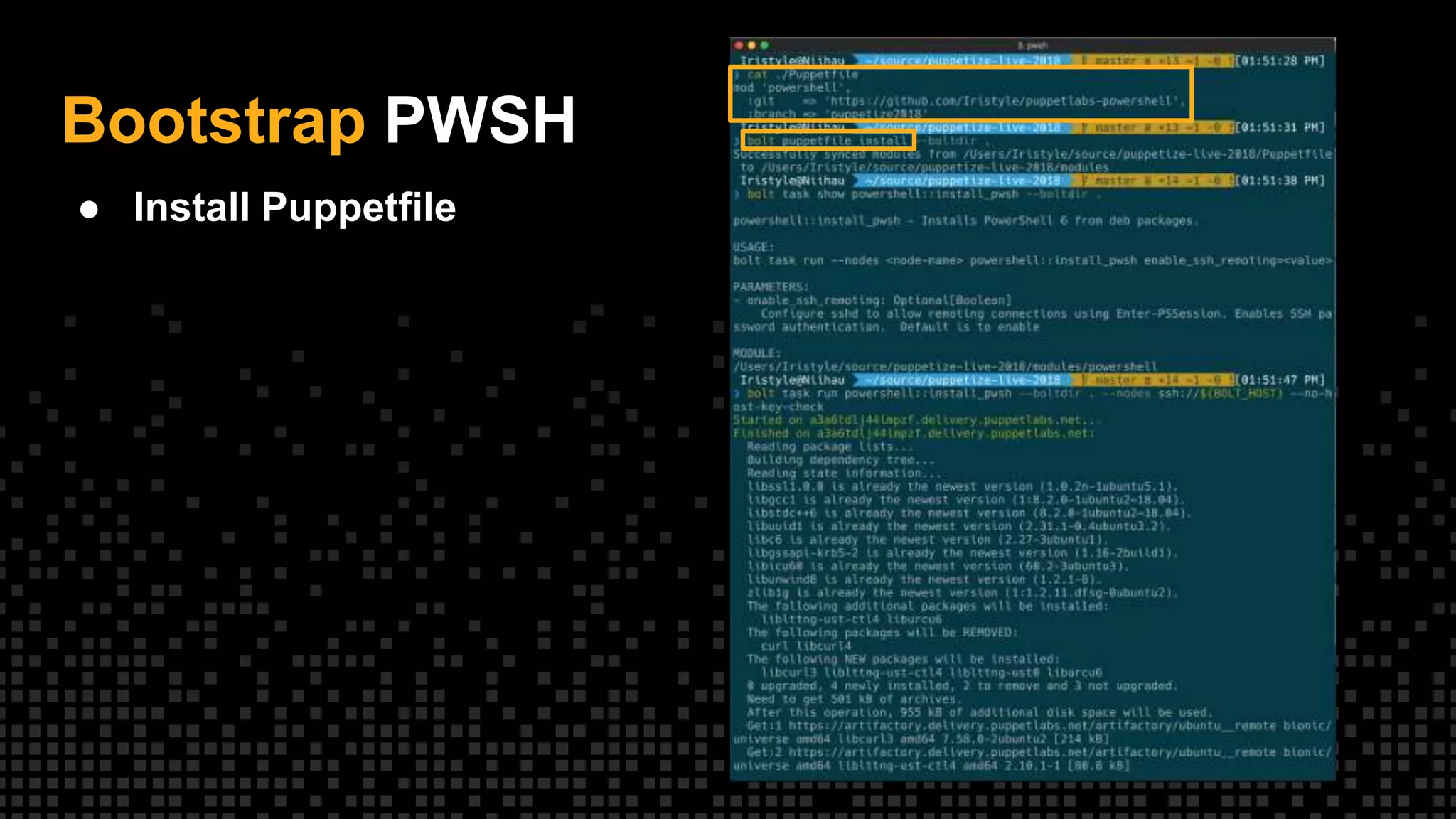
Bootstrap PWSH
● Install Puppetfile
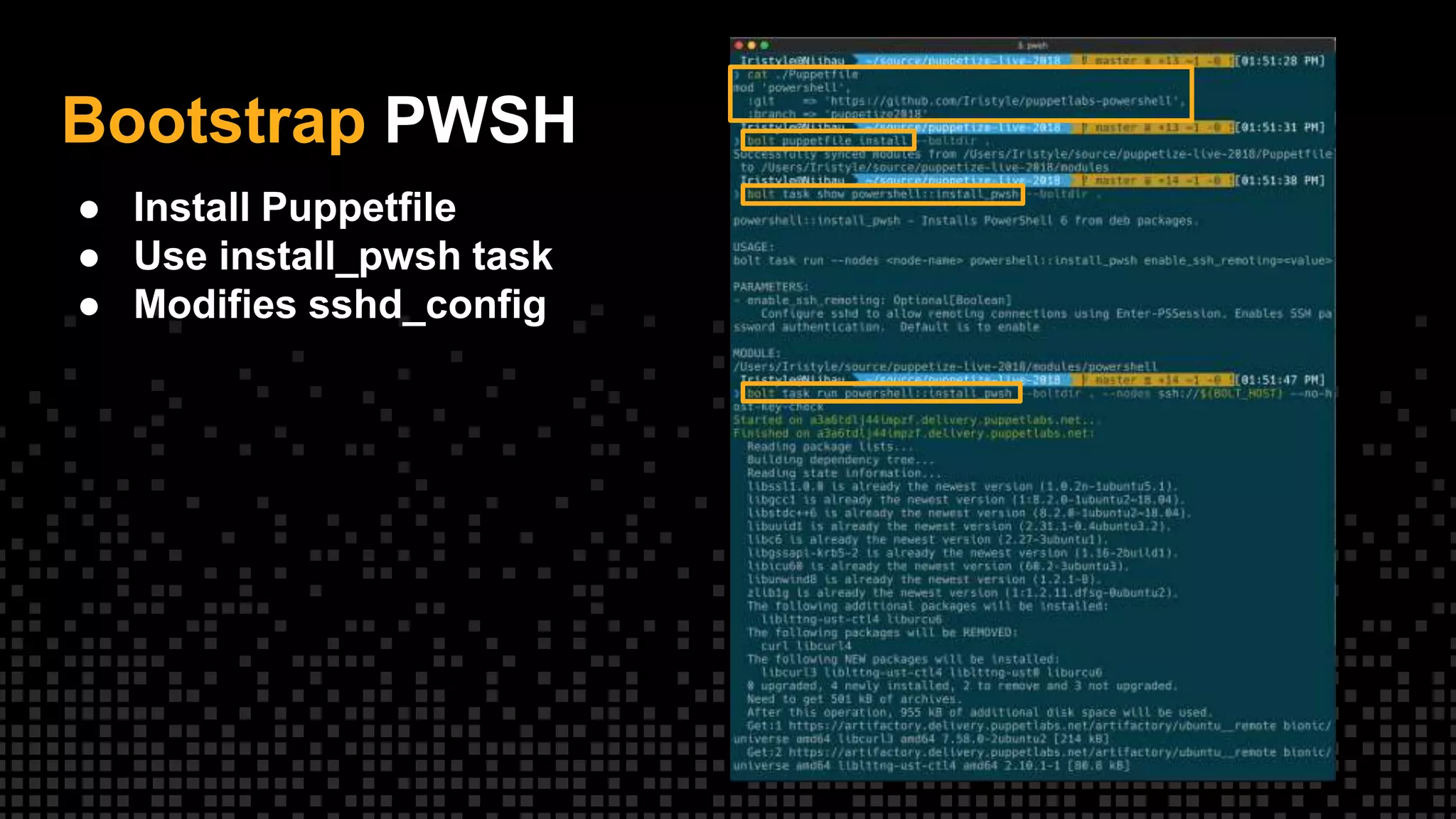
Bootstrap PWSH
● Install Puppetfile
● Use install_pwsh task
● Modifies sshd_config
Bootstrap PWSH
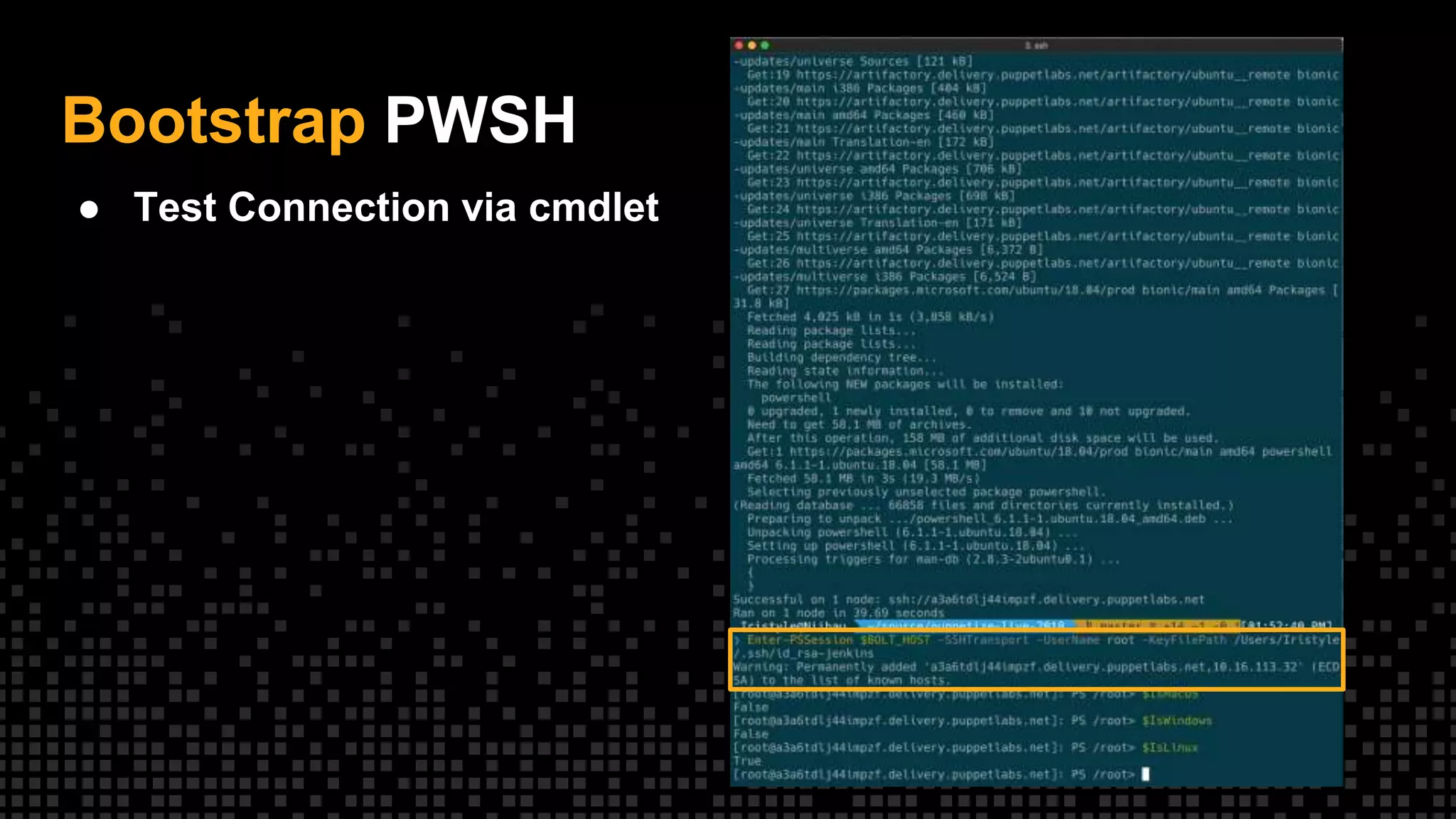
● Test Connection via cmdlet
Bootstrap PWSH
● Test Connection via cmdlet
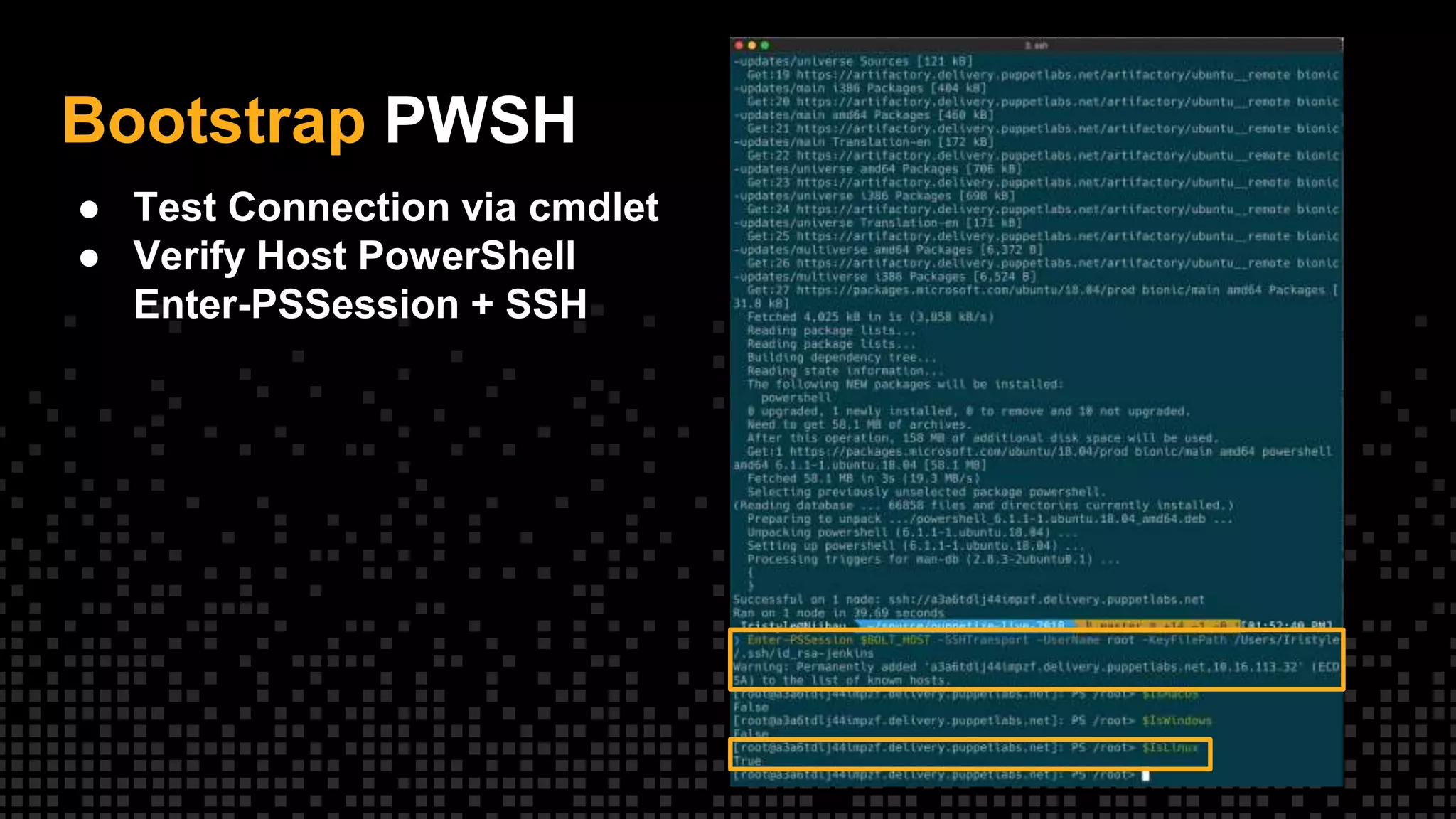
● Verify Host PowerShell
Enter-PSSession + SSH
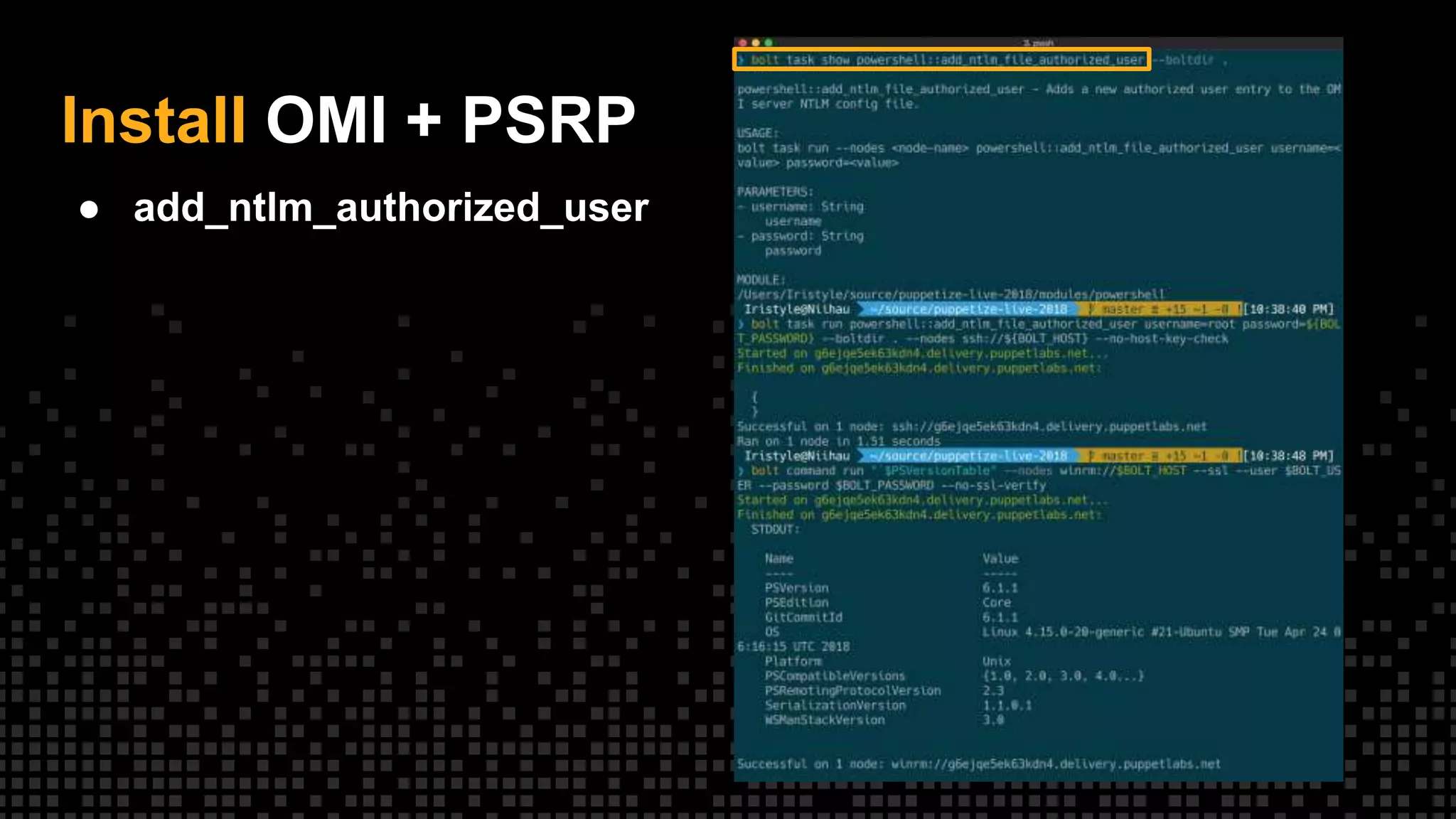
Install OMI + PSRP
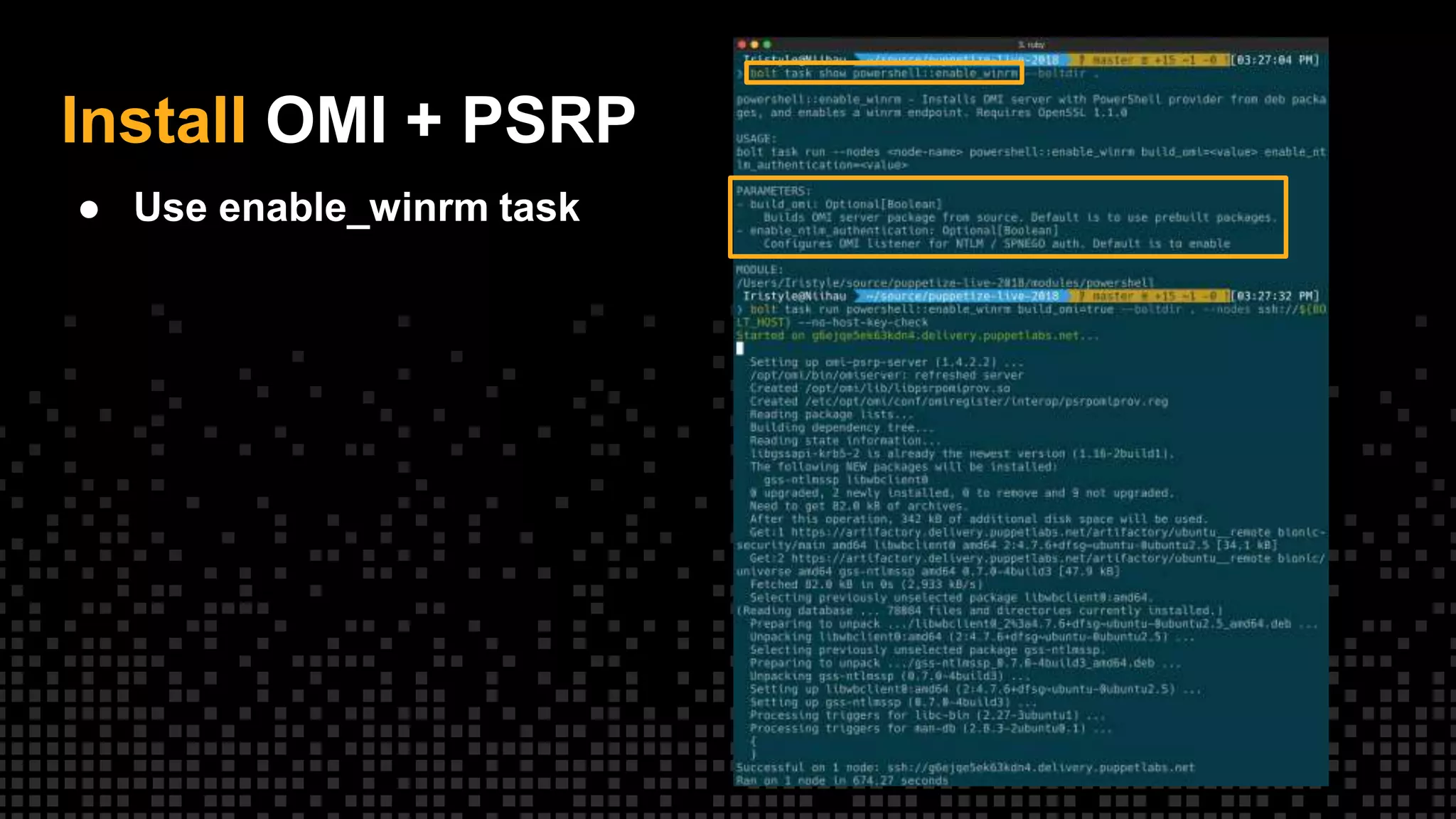
● Use enable_winrm task
Install OMI + PSRP
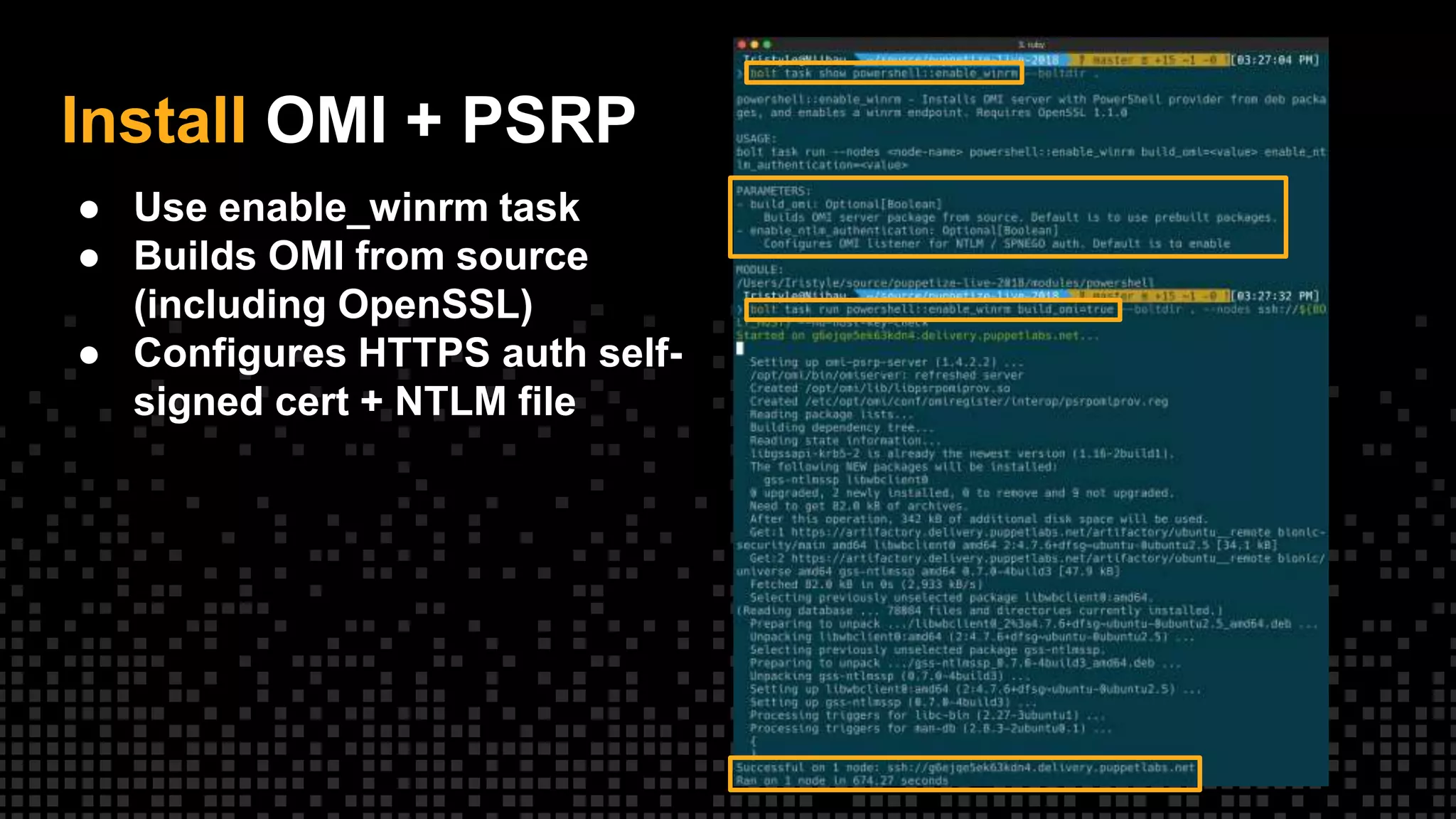
● Use enable_winrm task
● Builds OMI from source
(including OpenSSL)
● Configures HTTPS auth self-
signed cert + NTLM file
Install OMI + PSRP
● add_ntlm_authorized_user
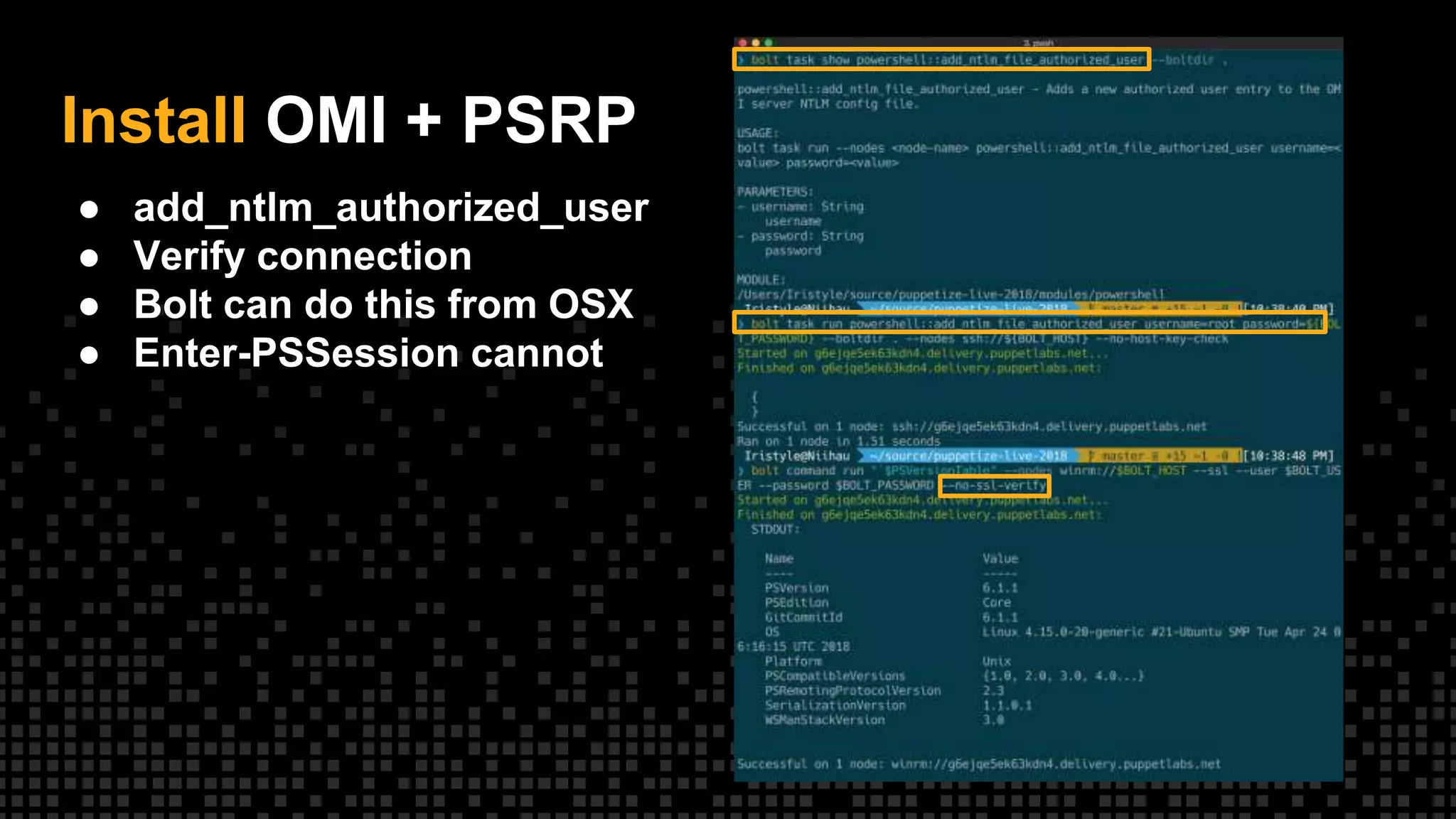
Install OMI + PSRP
● add_ntlm_authorized_user
● Verify connection
● Bolt can do this from OSX
● Enter-PSSession cannot
What’s Next?
Nearly There...
• Command works
• Upload_file works, with
caveats
• Validating script / task against
Linux
• PowerShell over SSH
transport
Q & A
Easy Cross-Platform PowerShell Automation with Puppet Bolt

Easy Cross-Platform PowerShell Automation with Puppet Bolt

  • 1.
    Puppet Bolt Easy Cross-PlatformPowerShell Automation
  • 2.
  • 3.
    What is PuppetBolt? PowerShell 6 Remote PowerShell with Bolt Q & A Agenda
  • 4.
    What is PuppetBolt? Commands, Scripts, Tasks, Plans and PE integration 4
  • 5.
    Sometimes you justneed to run commands on servers
  • 6.
    Simple. Agentless. Extensible. With Puppet Boltyou can now start automating in few simple steps. Puppet Bolt is a open source, agentless multi-platform automation tool that allows you to get started with infrastructure automation with no prerequisites or Puppet knowledge.
  • 7.
    Introspection Gather Information onHosts • Query performance counters – Active connections to SQL – Users connected to IIS app pool – Resource consumption • Hosts with outdated patches / packages • Check service status • Process checks • Disk utilization
  • 8.
    Maintenance One-off operations thatdon’t fit classic state modeling • Reboot server during change window • Close client connections before server upgrades • Deploy a version of an application • Orchestrate changes across multiple hosts / operating systems • Takeown + icacls /reset • Clean temp directories
  • 9.
  • 10.
  • 11.
    Commands ● Executes inPowerShell ● Connects to 5985 / 5986 by default, but configurable ● Retrieves stdout / stderr ● Exit codes are important ● Runs as specific user, not SYSTEM ● Without SSL on, uses SPNEGO (beware pass the hash)
  • 12.
    Scripts ● Extension ofCommand ● Leverage ad-hoc code you already have! ● Parameter Passing Tricky
  • 13.
    Tasks ● Built-ins ○ Facts ○Packages ○ Agent Install ○ Service ● Understand complex arguments ● Ideally return JSON (not strictly enforced)
  • 14.
  • 15.
    Counter Task ● Complexarg passing requires JSON --params ● Stop parsing symbol --% ● Still have to JSON escape
  • 16.
  • 17.
    Plans Abstracting tasks • Runmore than one task in a single call – Drain load balancer – Update app – Start service – Check health • Make decisions based on output of prior tasks - use exit status / JSON • Inputs can be programmatic • Can invoke commands, scripts, tasks, other plans and upload files • Written in Puppet
  • 18.
    Bolt + PEBetter Together ● RBAC ● Auditing and logging ● Visual workflows BoltOrchestrator RUN TASK REQUEST TASK OUTPUT RESPONSE Agents
  • 19.
    Run tasks withoutan agent ● Uses WinRM or SSH ● Credentials at runtime
  • 20.
    Install agents inthe console ● Uses WinRM or SSH ● GUI for install ● Bulk install on list of hosts
  • 21.
    View plans inthe console
  • 22.
    Schedule runs andtasks ● Runs at a specific time ● View scheduled runs and tasks with other jobs
  • 23.
    PowerShell Core Not justWindows anymore! 23
  • 24.
    PowerShell Releases • 1 -Windows Vista / 2008 - 11/2006 • 2 - Windows 7 / 2008R2 - 11/2009 • 3 - Windows 8 / 2012 - 9/2012 • 4 - Windows 8.1 / 2012R2 - 8/2013 • 5 / WMF5 - 2/2016 • 5.1 - Windows 10 / 2016 - 8/2016 • 6 - 1/2018 – Linux and MacOS support – Side-by-side install • 6.1 - 9/2018 • 6.2 - 2018 ?
  • 25.
    PowerShell Core A VeryDifferent PowerShell • Moves from Standard .NET to .NET Core • Enables OSX, various Linux distros • Lots of breaking changes • PowerShell binary renamed to pwsh
  • 26.
    Cross-Platform It still doesWindows right? • Not all existing PowerShell Modules are supported • Only PowerShell Modules that: – Explicitly indicate Core for the CompatiblePSEditions property in the manifest • Will Not Support: – PowerShell Modules that do not have CompatiblePSEditions property or only have Desktop as a value • Any module installed using PowerShell Core skips the PSEdition check and will show as available • Problems? There is a solution...
  • 27.
    WindowsCompatibility It’s all abstractions •Supports PowerShell Modules that are not natively available to PowerShell Core • How? – Uses Implicit Remoting – Creates a wrapper over existing PowerShell Modules • What’s the Catch? – Depends on WinRM, no OSX or *nix – No Windows Forms, WPF, or other GUI framework support – Requires PowerShell Core 6.1 • https://github.com/PowerShell/WindowsCompatibility
  • 28.
    Beware Paths Paths areyour friend, not your enemy • Do: – Use Join-Path and other path cmdlets! – Use [IO.Path]::PathSeparator • Don’t – “$($Directory1)$($Directory2)wakka.exe” • General notes – Most cmdlets accept forward or back slashes – Paths won’t always make sense to the system you think you are on, but are valid anway. – Rely on the system to validate – PowerShell is case insensitive but the platform may not be!
  • 29.
    Platform Variables Know yourplatform, know yourself • Built in variables present on every platform – IsLinux – IsMacOS – IsWindows • Easy platform detection without having to know how to query • Does not give version information
  • 30.
    File Access Relax it’sjust text • Cmdlets know the details of how to access files on each platform, let them do the work for most cases • Beware differences in Get-Childitem on *nix platforms • File Encoding can be your friend if used correctly • File Encoding can burn you if not handled correctly
  • 31.
    Downloading Files Invoke-RestMethod andInvoke- WebRequest Changes • Over 12 new parameters • Updated default User-Agent with platform specific information • Authentication Improvements – Support for no authentication requests – Better support for Basic, OAuth and other formats • Support for Self-Signed or Untrusted Certificates • Automated Pagination • For more information in depth: – https://get- powershellblog.blogspot.com/2017/11/powershell-core- web-cmdlets-in-depth.html
  • 32.
    WMI or CIM WMIis dead, long live CIM • All WMI cmdlets removed – Get-WmiObject – Invoke-WmiMethod – Register-WmiMethod – Set-WmiInstance • Use the CIM Cmdlets – Get-CimInstance – Invoke-CimMethod – New-CimSession – Etc… • Why get rid of WMI? – DCOM only works on Windows platforms • Why use CIM? – Standardized protocol – Uses WSMAN
  • 33.
  • 34.
    Cross platform tasks Differentlanguages for different shells { "implementations": [ {"name": "sql_linux.sh", "requirements": ["shell"]}, {"name": "sql_windows.ps1", "requirements": ["powershell"]} ] }
  • 35.
    But PowerShell iscross- platform?
  • 36.
    The Experiment PowerShell Everywhere •OSX Bolt client • Linux Server Requirements – PowerShell 6 Binaries – https://docs.microsoft.com/en- us/powershell/scripting/install/installing-powershell- core-on-linux – OMI Server – https://github.com/Microsoft/omi – PSRP Provider for OMI – https://github.com/PowerShell/psl-omi-provider • Bolt only uses Negotiate (SPNEGO), not Basic over SSL – Patches released in WinRM gem – Patches unreleased to OMI yet • Let’s use tasks to automate! – https://github.com/Iristyle/puppetlabs-powershell
  • 37.
  • 38.
    Bootstrap PWSH ● InstallPuppetfile ● Use install_pwsh task ● Modifies sshd_config
  • 39.
    Bootstrap PWSH ● TestConnection via cmdlet
  • 40.
    Bootstrap PWSH ● TestConnection via cmdlet ● Verify Host PowerShell Enter-PSSession + SSH
  • 41.
    Install OMI +PSRP ● Use enable_winrm task
  • 42.
    Install OMI +PSRP ● Use enable_winrm task ● Builds OMI from source (including OpenSSL) ● Configures HTTPS auth self- signed cert + NTLM file
  • 43.
    Install OMI +PSRP ● add_ntlm_authorized_user
  • 44.
    Install OMI +PSRP ● add_ntlm_authorized_user ● Verify connection ● Bolt can do this from OSX ● Enter-PSSession cannot
  • 45.
    What’s Next? Nearly There... •Command works • Upload_file works, with caveats • Validating script / task against Linux • PowerShell over SSH transport
  • 46.