From PowerShell Function to
Serverless code with Azure Functions
Jaap Brasser
@jaap_brasser
Jaap Brasser
2
Tweets
Blogs
Works
Does
Likes
@ jaap_brasser
@ jaapbrasser.com
Tech Marketeer @ Rubrik.com
Blogger, Speaker, Tech Enthusiast
Cloud Automation, Scripting &
Security
Agenda
Introduction to Cloud Automation
Azure Automation
Microsoft Flow
Azure Functions
Demos!
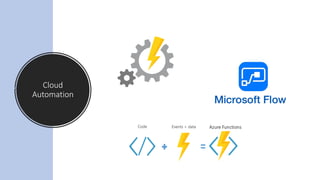
Cloud
Automation
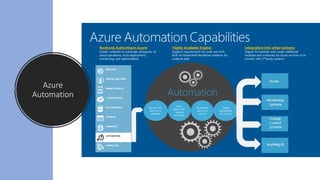
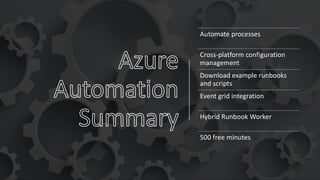
Azure
Automation
Automate processes
Cross-platform configuration
management
Download example runbooks
and scripts
Event grid integration
Hybrid Runbook Worker
500 free minutes
What is
Microsoft
Flow
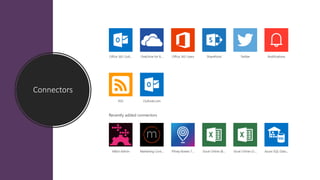
Connectors
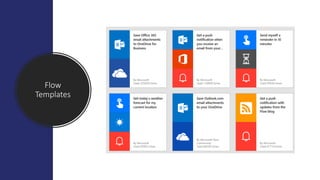
Flow
Templates
Use Connectors to get data
Create triggers based on this
data
Build workflows
Integrate and combine different
services
Approval flows
Long runtime of flows
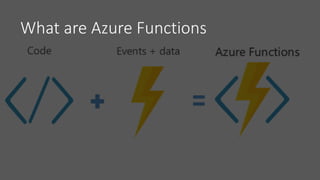
What are Azure Functions
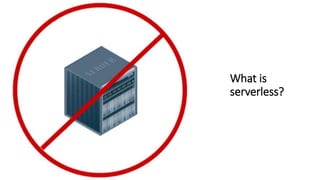
What is
serverless?
Azure Web Apps
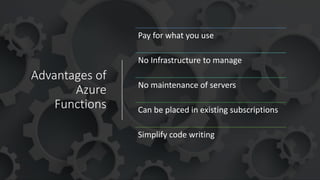
Advantages of
Azure
Functions
Pay for what you use
No Infrastructure to manage
No maintenance of servers
Can be placed in existing subscriptions
Simplify code writing
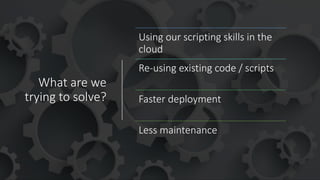
What are we
trying to solve?
Using our scripting skills in the
cloud
Re-using existing code / scripts
Faster deployment
Less maintenance
Demo Summary
• Triggers available
• Scenarios available
• Experimental flag
• How to create Azure Function
• Delete Azure Function
PowerShell language support is still
experimental
Demo Summary
• Create PowerShell function
• Used cron notation
Demo Summary
• Which PowerShell version
• What variables are defined
• Saw the variables & files
• Reconfigured function.json
• Used Invoke-RestMethod to run
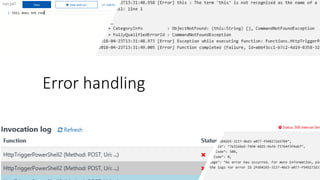
Error handling
Demo Summary
• Had our function fail
• Looked at different error logs
• Fixed the code based on output
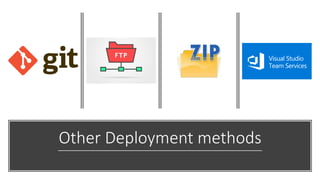
Other Deployment methods
Use existing PowerShell
skills
Develop serverless code
Interact with other services
Free tier
functions.azure.com
Questions?

From PowerShell Function to Serverless code with Azure Functions