From Content to Coding
Program Transcript
[MUSIC PLAYING]
SUSAN MARCUS: Hi. My name is Dr. Susan Marcus. And
today, we're going to be
looking at the process of going from content to coding for
qualitative data analysis.
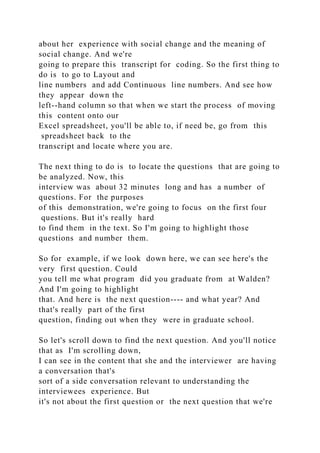
So what you're seeing now is a transcript of an interview done
with a graduate student
about her experience with social change and the meaning of
social change. And we're
going to prepare this transcript for coding. So the first thing to
do is to go to Layout and
line numbers and add Continuous line numbers. And see how
they appear down the
left--hand column so that when we start the process of moving
this content onto our
Excel spreadsheet, you'll be able to, if need be, go from this
spreadsheet back to the
transcript and locate where you are.
The next thing to do is to locate the questions that are going to
be analyzed. Now, this
interview was about 32 minutes long and has a number of
questions. For the purposes
of this demonstration, we're going to focus on the first four
questions. But it's really hard
to find them in the text. So I'm going to highlight those
questions and number them.
So for example, if we look down here, we can see here's the
very first question. Could
you tell me what program did you graduate from at Walden?
And I'm going to highlight
that. And here is the next question---- and what year? And
that's really part of the first
question, finding out when they were in graduate school.
So let's scroll down to find the next question. And you'll notice
that as I'm scrolling down,
I can see in the content that she and the interviewer are having
a conversation that's
sort of a side conversation relevant to understanding the
interviewees experience. But
it's not about the first question or the next question that we're
looking for.
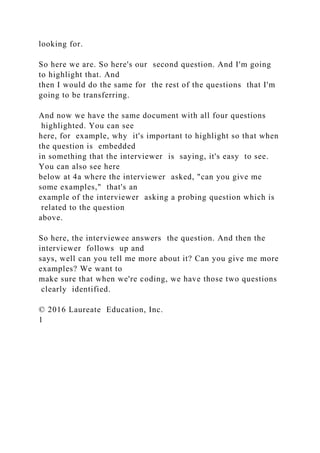
So here we are. So here's our second question. And I'm going
to highlight that. And
then I would do the same for the rest of the questions that I'm
going to be transferring.
And now we have the same document with all four questions
highlighted. You can see
here, for example, why it's important to highlight so that when
the question is embedded
in something that the interviewer is saying, it's easy to see.
You can also see here
below at 4a where the interviewer asked, "can you give me
some examples," that's an
example of the interviewer asking a probing question which is
related to the question
above.
So here, the interviewee answers the question. And then the
interviewer follows up and
says, well can you tell me more about it? Can you give me more
examples? We want to
make sure that when we're coding, we have those two questions
clearly identified.
© 2016 Laureate Education, Inc.
1
From Content to Coding
So now we're going to go to our next document---- an Excel
spreadsheet. So you're using
the most current version of Excel. So even if you're using a PC,
that it should look fairly
similar to what you see on your video. And what we want to do
is prepare this so we'll
be able to easily move both content and questions into the
spreadsheet.
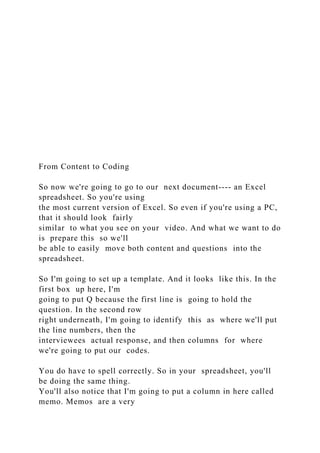
So I'm going to set up a template. And it looks like this. In the
first box up here, I'm
going to put Q because the first line is going to hold the
question. In the second row
right underneath, I'm going to identify this as where we'll put
the line numbers, then the
interviewees actual response, and then columns for where
we're going to put our codes.
You do have to spell correctly. So in your spreadsheet, you'll
be doing the same thing.
You'll also notice that I'm going to put a column in here called
memo. Memos are a very
important part of the qualitative data analysis process. Here,
because you're going to be
doing multiple things at once, this is a great place to put very
short notes which you can
expand and place in your analytic memo notebook.
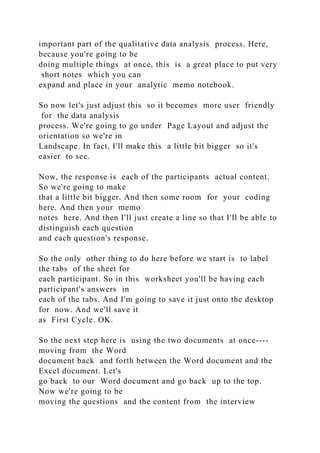
So now let's just adjust this so it becomes more user friendly
for the data analysis
process. We're going to go under Page Layout and adjust the
orientation so we're in
Landscape. In fact, I'll make this a little bit bigger so it's
easier to see.
Now, the response is each of the participants actual content.
So we're going to make
that a little bit bigger. And then some room for your coding
here. And then your memo
notes here. And then I'll just create a line so that I'll be able to
distinguish each question
and each question's response.
So the only other thing to do here before we start is to label
the tabs of the sheet for
each participant. So in this worksheet you'll be having each
participant's answers in
each of the tabs. And I'm going to save it just onto the desktop
for now. And we'll save it
as First Cycle. OK.
So the next step here is using the two documents at once----
moving from the Word
document back and forth between the Word document and the
Excel document. Let's
go back to our Word document and go back up to the top.
Now we're going to be
moving the questions and the content from the interview
transcript to the Excel coding
sheet.
And the process of doing this is a bit laborious. But it also
prepares you for looking at
the transcript and the interview in finer, more component parts.
So instead of looking at
the document holistically and the feeling that it creates, you're
looking at each of the
little bits of text to see what individual meanings might come
through.
So this is the process. We Copy and Paste the questions
above the template. And if I
merge these cells for the question, then I can highlight each
question so that as I add
the content, the questions will still be visible.
© 2016 Laureate Education, Inc.
2
From Content to Coding
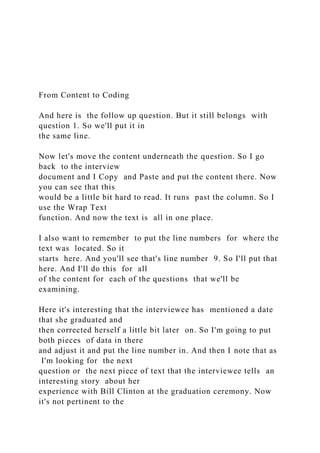
And here is the follow up question. But it still belongs with
question 1. So we'll put it in
the same line.
Now let's move the content underneath the question. So I go
back to the interview
document and I Copy and Paste and put the content there. Now
you can see that this
would be a little bit hard to read. It runs past the column. So I
use the Wrap Text
function. And now the text is all in one place.
I also want to remember to put the line numbers for where the
text was located. So it
starts here. And you'll see that's line number 9. So I'll put that
here. And I'll do this for all
of the content for each of the questions that we'll be
examining.
Here it's interesting that the interviewee has mentioned a date
that she graduated and
then corrected herself a little bit later on. So I'm going to put
both pieces of data in there
and adjust it and put the line number in. And then I note that as
I'm looking for the next
question or the next piece of text that the interviewee tells an
interesting story about her
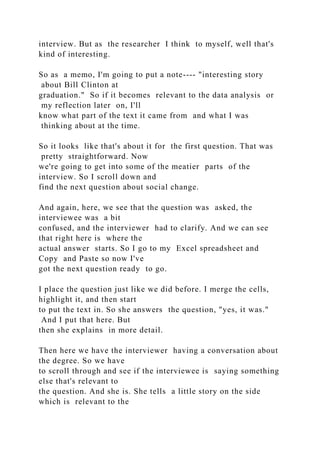
experience with Bill Clinton at the graduation ceremony. Now
it's not pertinent to the
interview. But as the researcher I think to myself, well that's
kind of interesting.
So as a memo, I'm going to put a note---- "interesting story
about Bill Clinton at
graduation." So if it becomes relevant to the data analysis or
my reflection later on, I'll
know what part of the text it came from and what I was
thinking about at the time.
So it looks like that's about it for the first question. That was
pretty straightforward. Now
we're going to get into some of the meatier parts of the
interview. So I scroll down and
find the next question about social change.
And again, here, we see that the question was asked, the
interviewee was a bit
confused, and the interviewer had to clarify. And we can see
that right here is where the
actual answer starts. So I go to my Excel spreadsheet and
Copy and Paste so now I've
got the next question ready to go.
I place the question just like we did before. I merge the cells,
highlight it, and then start
to put the text in. So she answers the question, "yes, it was."
And I put that here. But
then she explains in more detail.
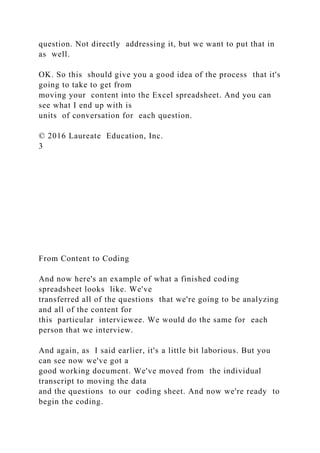
Then here we have the interviewer having a conversation about
the degree. So we have
to scroll through and see if the interviewee is saying something
else that's relevant to
the question. And she is. She tells a little story on the side
which is relevant to the
question. Not directly addressing it, but we want to put that in
as well.
OK. So this should give you a good idea of the process that it's
going to take to get from
moving your content into the Excel spreadsheet. And you can
see what I end up with is
units of conversation for each question.
© 2016 Laureate Education, Inc.
3
From Content to Coding
And now here's an example of what a finished coding
spreadsheet looks like. We've
transferred all of the questions that we're going to be analyzing
and all of the content for
this particular interviewee. We would do the same for each
person that we interview.
And again, as I said earlier, it's a little bit laborious. But you
can see now we've got a
good working document. We've moved from the individual
transcript to moving the data
and the questions to our coding sheet. And now we're ready to
begin the coding.
[MUSIC PLAYING]
© 2016 Laureate Education, Inc.
4

From Content to Coding .docx

  • 1.
    From Content toCoding From Content to Coding Program Transcript [MUSIC PLAYING] SUSAN MARCUS: Hi. My name is Dr. Susan Marcus. And today, we're going to be looking at the process of going from content to coding for qualitative data analysis. So what you're seeing now is a transcript of an interview done with a graduate student
  • 2.
    about her experiencewith social change and the meaning of social change. And we're going to prepare this transcript for coding. So the first thing to do is to go to Layout and line numbers and add Continuous line numbers. And see how they appear down the left--hand column so that when we start the process of moving this content onto our Excel spreadsheet, you'll be able to, if need be, go from this spreadsheet back to the transcript and locate where you are. The next thing to do is to locate the questions that are going to be analyzed. Now, this interview was about 32 minutes long and has a number of questions. For the purposes of this demonstration, we're going to focus on the first four questions. But it's really hard to find them in the text. So I'm going to highlight those questions and number them. So for example, if we look down here, we can see here's the very first question. Could you tell me what program did you graduate from at Walden? And I'm going to highlight that. And here is the next question---- and what year? And that's really part of the first question, finding out when they were in graduate school. So let's scroll down to find the next question. And you'll notice that as I'm scrolling down, I can see in the content that she and the interviewer are having a conversation that's sort of a side conversation relevant to understanding the interviewees experience. But it's not about the first question or the next question that we're
  • 3.
    looking for. So herewe are. So here's our second question. And I'm going to highlight that. And then I would do the same for the rest of the questions that I'm going to be transferring. And now we have the same document with all four questions highlighted. You can see here, for example, why it's important to highlight so that when the question is embedded in something that the interviewer is saying, it's easy to see. You can also see here below at 4a where the interviewer asked, "can you give me some examples," that's an example of the interviewer asking a probing question which is related to the question above. So here, the interviewee answers the question. And then the interviewer follows up and says, well can you tell me more about it? Can you give me more examples? We want to make sure that when we're coding, we have those two questions clearly identified. © 2016 Laureate Education, Inc. 1
  • 4.
    From Content toCoding So now we're going to go to our next document---- an Excel spreadsheet. So you're using the most current version of Excel. So even if you're using a PC, that it should look fairly similar to what you see on your video. And what we want to do is prepare this so we'll be able to easily move both content and questions into the spreadsheet. So I'm going to set up a template. And it looks like this. In the first box up here, I'm going to put Q because the first line is going to hold the question. In the second row right underneath, I'm going to identify this as where we'll put the line numbers, then the interviewees actual response, and then columns for where we're going to put our codes. You do have to spell correctly. So in your spreadsheet, you'll be doing the same thing. You'll also notice that I'm going to put a column in here called memo. Memos are a very
  • 5.
    important part ofthe qualitative data analysis process. Here, because you're going to be doing multiple things at once, this is a great place to put very short notes which you can expand and place in your analytic memo notebook. So now let's just adjust this so it becomes more user friendly for the data analysis process. We're going to go under Page Layout and adjust the orientation so we're in Landscape. In fact, I'll make this a little bit bigger so it's easier to see. Now, the response is each of the participants actual content. So we're going to make that a little bit bigger. And then some room for your coding here. And then your memo notes here. And then I'll just create a line so that I'll be able to distinguish each question and each question's response. So the only other thing to do here before we start is to label the tabs of the sheet for each participant. So in this worksheet you'll be having each participant's answers in each of the tabs. And I'm going to save it just onto the desktop for now. And we'll save it as First Cycle. OK. So the next step here is using the two documents at once---- moving from the Word document back and forth between the Word document and the Excel document. Let's go back to our Word document and go back up to the top. Now we're going to be moving the questions and the content from the interview
  • 6.
    transcript to theExcel coding sheet. And the process of doing this is a bit laborious. But it also prepares you for looking at the transcript and the interview in finer, more component parts. So instead of looking at the document holistically and the feeling that it creates, you're looking at each of the little bits of text to see what individual meanings might come through. So this is the process. We Copy and Paste the questions above the template. And if I merge these cells for the question, then I can highlight each question so that as I add the content, the questions will still be visible. © 2016 Laureate Education, Inc. 2
  • 7.
    From Content toCoding And here is the follow up question. But it still belongs with question 1. So we'll put it in the same line. Now let's move the content underneath the question. So I go back to the interview document and I Copy and Paste and put the content there. Now you can see that this would be a little bit hard to read. It runs past the column. So I use the Wrap Text function. And now the text is all in one place. I also want to remember to put the line numbers for where the text was located. So it starts here. And you'll see that's line number 9. So I'll put that here. And I'll do this for all of the content for each of the questions that we'll be examining. Here it's interesting that the interviewee has mentioned a date that she graduated and then corrected herself a little bit later on. So I'm going to put both pieces of data in there and adjust it and put the line number in. And then I note that as I'm looking for the next question or the next piece of text that the interviewee tells an interesting story about her experience with Bill Clinton at the graduation ceremony. Now it's not pertinent to the
  • 8.
    interview. But asthe researcher I think to myself, well that's kind of interesting. So as a memo, I'm going to put a note---- "interesting story about Bill Clinton at graduation." So if it becomes relevant to the data analysis or my reflection later on, I'll know what part of the text it came from and what I was thinking about at the time. So it looks like that's about it for the first question. That was pretty straightforward. Now we're going to get into some of the meatier parts of the interview. So I scroll down and find the next question about social change. And again, here, we see that the question was asked, the interviewee was a bit confused, and the interviewer had to clarify. And we can see that right here is where the actual answer starts. So I go to my Excel spreadsheet and Copy and Paste so now I've got the next question ready to go. I place the question just like we did before. I merge the cells, highlight it, and then start to put the text in. So she answers the question, "yes, it was." And I put that here. But then she explains in more detail. Then here we have the interviewer having a conversation about the degree. So we have to scroll through and see if the interviewee is saying something else that's relevant to the question. And she is. She tells a little story on the side which is relevant to the
  • 9.
    question. Not directlyaddressing it, but we want to put that in as well. OK. So this should give you a good idea of the process that it's going to take to get from moving your content into the Excel spreadsheet. And you can see what I end up with is units of conversation for each question. © 2016 Laureate Education, Inc. 3 From Content to Coding And now here's an example of what a finished coding spreadsheet looks like. We've transferred all of the questions that we're going to be analyzing and all of the content for this particular interviewee. We would do the same for each person that we interview. And again, as I said earlier, it's a little bit laborious. But you can see now we've got a good working document. We've moved from the individual transcript to moving the data and the questions to our coding sheet. And now we're ready to begin the coding.
  • 10.
    [MUSIC PLAYING] © 2016Laureate Education, Inc. 4