Force Plate Actimeter
Hongping Dai
July 18, 2005
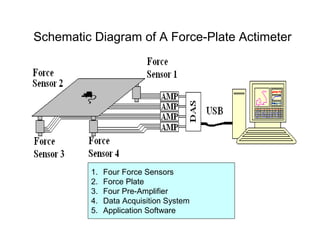
Schematic Diagram of A Force-Plate Actimeter
1. Four Force Sensors
2. Force Plate
3. Four Pre-Amplifier
4. Data Acquisition System
5. Application Software
Data Acquisition
 Four Independent A/D Converters of 16-Bit
 Raw Data as 16-bit WORD
 Calculation of Force:
 Calculation of Position
4321
4321
ffff
ffff
Wx HALF
+++
+−−
=
4321
4321
ffff
ffff
Wy HALF
+++
−−+
=
iiii bDaf +=
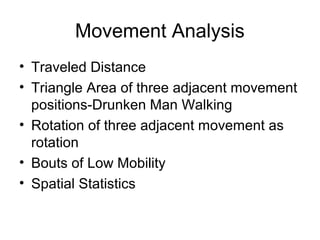
Movement Analysis
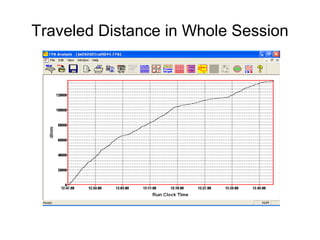
• Traveled Distance
• Triangle Area of three adjacent movement
positions-Drunken Man Walking
• Rotation of three adjacent movement as
rotation
• Bouts of Low Mobility
• Spatial Statistics
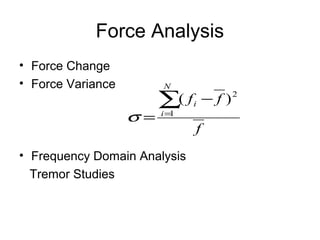
Force Analysis
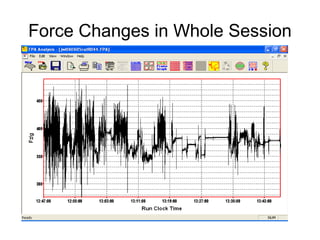
• Force Change
• Force Variance
• Frequency Domain Analysis
Tremor Studies
f
ff
N
i
i
2
1
)(∑=
−
=σ
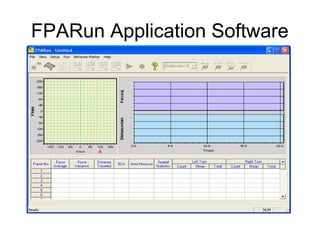
FPARun Application Software
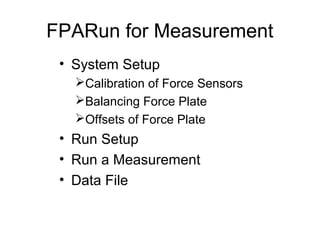
FPARun for Measurement
• System Setup
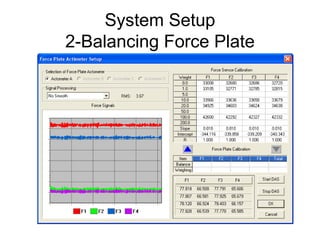
Calibration of Force Sensors
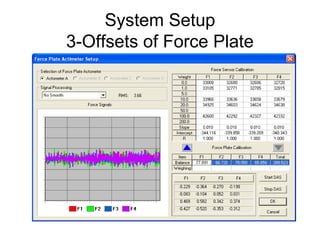
Balancing Force Plate
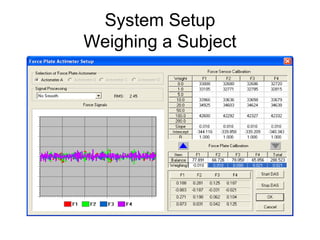
Offsets of Force Plate
• Run Setup
• Run a Measurement
• Data File
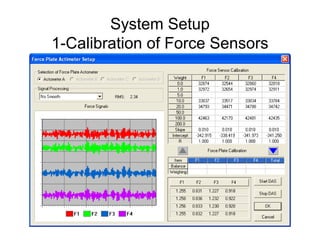
System Setup
1-Calibration of Force Sensors
System Setup
2-Balancing Force Plate
System Setup
3-Offsets of Force Plate
System Setup
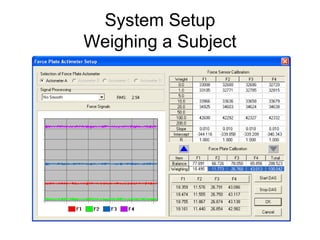
Weighing a Subject
System Setup
Weighing a Subject
System Setup
Final Points
• Force Sensor Calibration data is stored in
the registry as binary data
• Calibration in registry is used as the
default every time FPARun is started
• Update in Calibration is updated in the
registry
• No need to calibrate the force sensor
every time FPARun is started
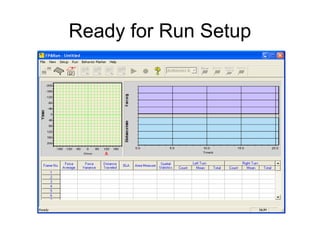
Ready for Run Setup
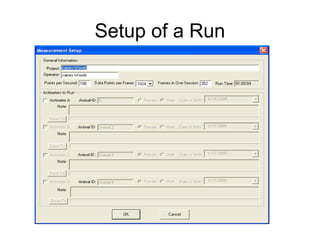
Setup of a Run
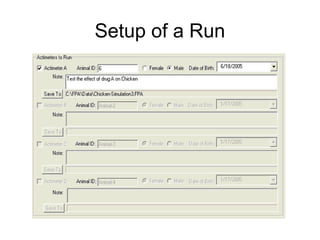
Setup of a Run
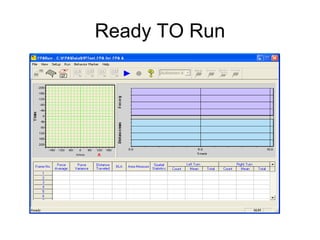
Ready TO Run
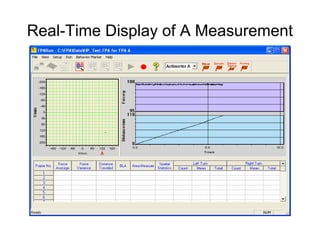
Real-Time Display of A Measurement
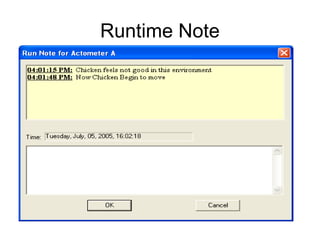
Runtime Note
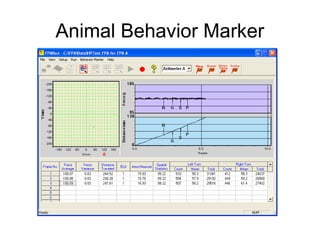
Animal Behavior Marker
Raw Data File (.FPA)
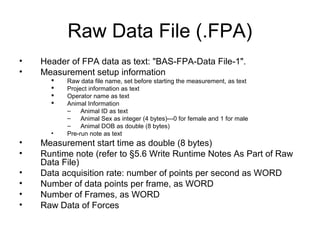
• Header of FPA data as text: "BAS-FPA-Data File-1".
• Measurement setup information
 Raw data file name, set before starting the measurement, as text
 Project information as text
 Operator name as text
 Animal Information
– Animal ID as text
– Animal Sex as integer (4 bytes)---0 for female and 1 for male
– Animal DOB as double (8 bytes)
• Pre-run note as text
• Measurement start time as double (8 bytes)
• Runtime note (refer to §5.6 Write Runtime Notes As Part of Raw
Data File)
• Data acquisition rate: number of points per second as WORD
• Number of data points per frame, as WORD
• Number of Frames, as WORD
• Raw Data of Forces
Self-Guided FPARun
• Sequence of Operations in FPARun is
self-guided with enable/disable of menu
items/toolbar buttons
FPAAnalysis
• Open FPA Data File
• Presentation of Report Front Page and
Various Calculated Results
• Print, Print Preview and Copy of Report
• Replay Measurement Processes
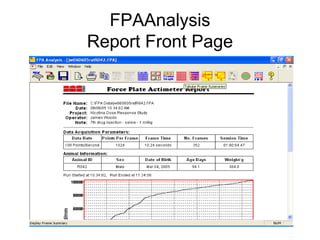
FPAAnalysis
Report Front Page
FPAAnalysis
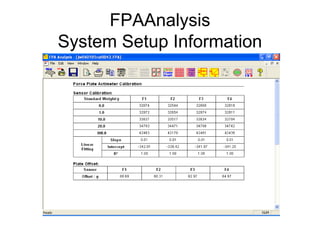
System Setup Information
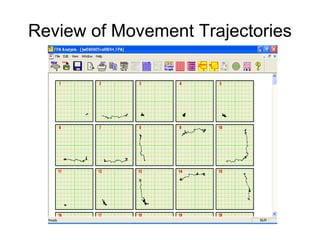
Review of Movement Trajectories
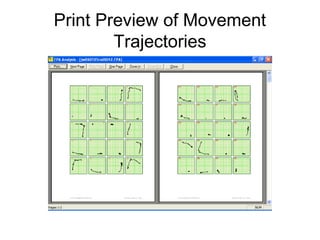
Print Preview of Movement
Trajectories
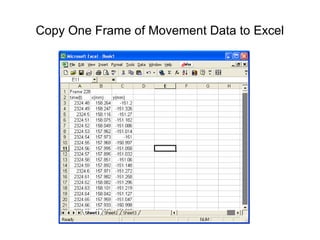
Copy One Frame of Movement Data to Excel
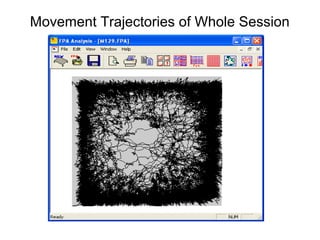
Movement Trajectories of Whole Session
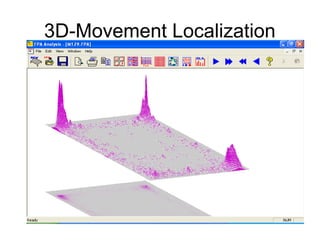
3D-Movement Localization
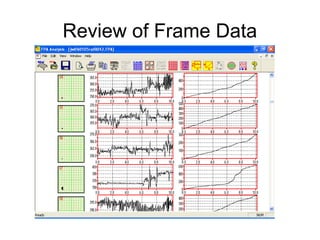
Review of Frame Data
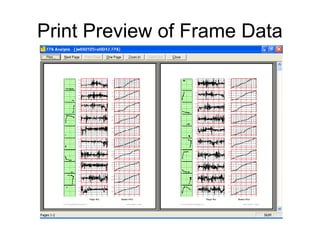
Print Preview of Frame Data
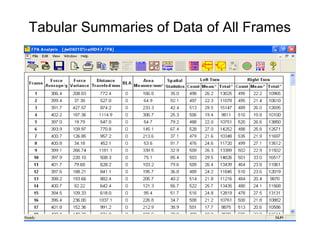
Tabular Summaries of Data of All Frames
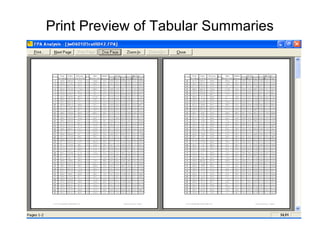
Print Preview of Tabular Summaries
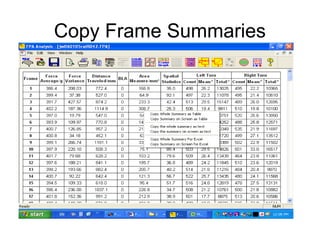
Copy Frame Summaries
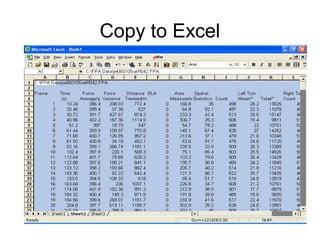
Copy to Excel
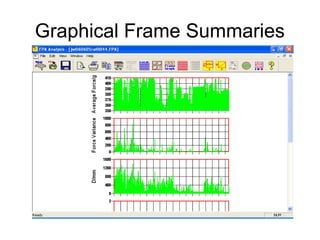
Graphical Frame Summaries
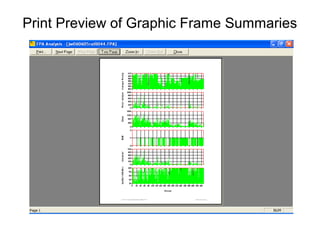
Print Preview of Graphic Frame Summaries
Traveled Distance in Whole Session
Force Changes in Whole Session
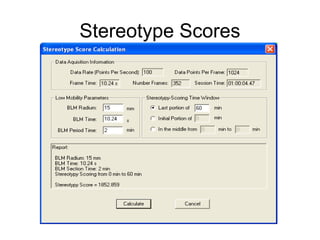
Stereotype Scores
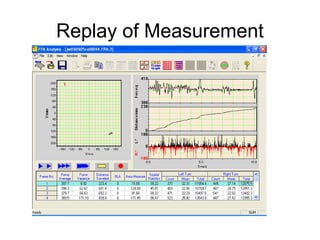
Replay of Measurement
What to do next?
• Add Sensor Calibration Date to CFPACalib
• Averaging Positions for Movement Calculations
• CRC32 for the FPA Report File
• More Force Analysis To Implement

Force Plate Actimeter