Johan Janssen (Info Support) @johanjanssen42
Pim Hazebroek (Info Support) @pimhazebroek
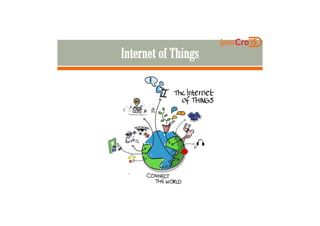
Internet of Things
Docker and Java on a Raspberry PiDocker and Java on a Raspberry Pi
Questions
Continuous Delivery
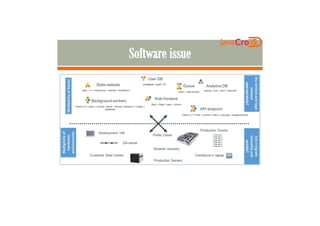
Virtual machines
Provisioning (Chef, Puppet, Vagrant …)Provisioning (Chef, Puppet, Vagrant …)
Version control / infrastructure as code
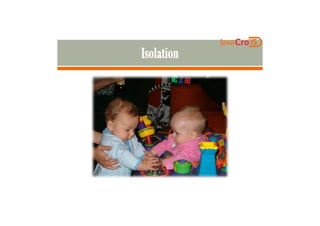
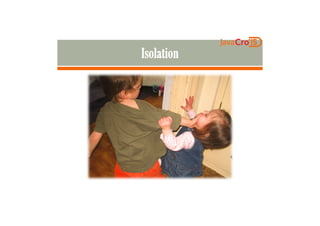
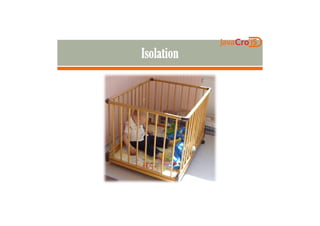
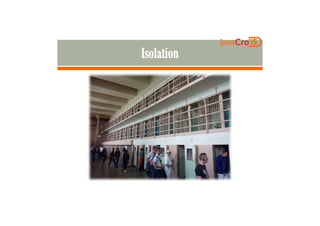
Isolation
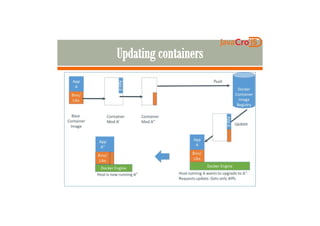
Updating and synchronizing environments
To enable continuous delivery
Quickly provision environments
Easy to roll forward
SecuritySecurity
For instance to run ‘untrusted’ applications
like a Dropbox client
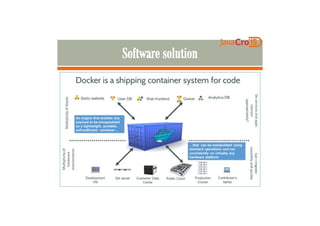
Alternative for virtual machines
On top of virtual machines
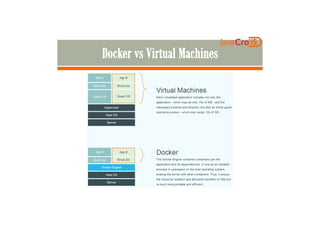
Disk space efficiency
Memory efficiency
SpeedSpeed
Compatibility (run anywhere)
Isolation
Versioning
Internet of Things (Raspberry Pi etc.)
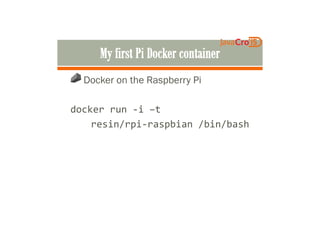
Docker on the Raspberry Pi
docker run -i –tdocker run -i –t
resin/rpi-raspbian /bin/bash
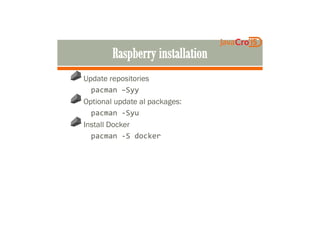
Update repositories
pacman –Syy
Optional update al packages:
pacman -Syupacman -Syu
Install Docker
pacman -S docker
FROM resin/rpi-raspbian
RUN apt-get update
RUN apt-get install -y openjdk-7-jre-headless wget
RUN wget -O /tmp/tomcat8.tar.gz
http://archive.apache.org/dist/tomcat/tomcat-
8/v8.0.9/bin/apache-tomcat-8.0.9.tar.gz8/v8.0.9/bin/apache-tomcat-8.0.9.tar.gz
RUN (cd /opt && tar zxf /tmp/tomcat8.tar.gz)
RUN (mv /opt/apache-tomcat* /opt/tomcat)
ENV JAVA_HOME /usr/lib/jvm/java-1.7.0-openjdk-armhf
RUN rm -rf /opt/tomcat/webapps/docs
/opt/tomcat/webapps/examples /opt/tomcat/webapps/host-manager
/opt/tomcat/webapps/manager
EXPOSE 8080
CMD ["/opt/tomcat/bin/catalina.sh", "run"]
FROM resin/rpi-raspbian
RUN apt-get install -y openjdk-7-jre-
headless wgetheadless wget
ENV JAVA_HOME /usr/lib/jvm/java-1.7.0-
openjdk-armhf
EXPOSE 8080
CMD ["/opt/tomcat/bin/catalina.sh", "run"]
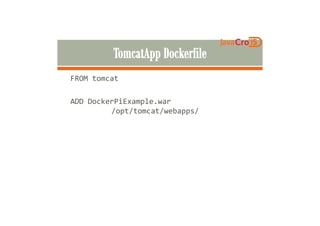
FROM tomcat
ADD DockerPiExample.war
/opt/tomcat/webapps//opt/tomcat/webapps/
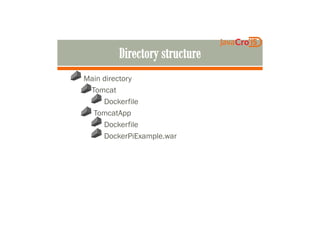
Main directory
Tomcat
Dockerfile
TomcatAppTomcatApp
Dockerfile
DockerPiExample.war
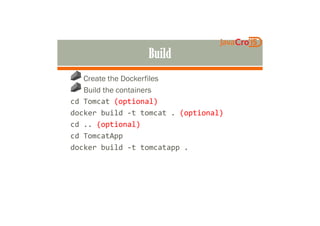
Create the Dockerfiles
Build the containers
cd Tomcat (optional)
docker build -t tomcat . (optional)docker build -t tomcat . (optional)
cd .. (optional)
cd TomcatApp
docker build -t tomcatapp .
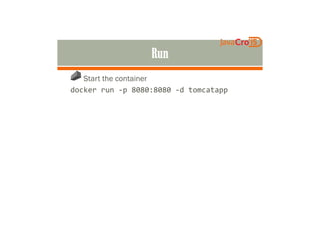
Start the container
docker run -p 8080:8080 -d tomcatapp
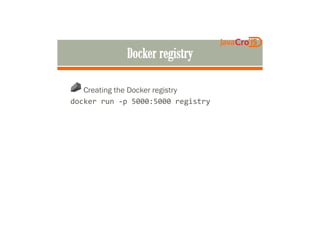
Creating the Docker registry
docker run -p 5000:5000 registry
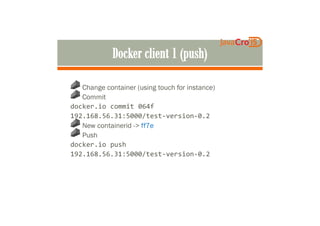
Change container (using touch for instance)
Commit
docker.io commit 064f
192.168.56.31:5000/test-version-0.2192.168.56.31:5000/test-version-0.2
New containerid -> ff7e
Push
docker.io push
192.168.56.31:5000/test-version-0.2
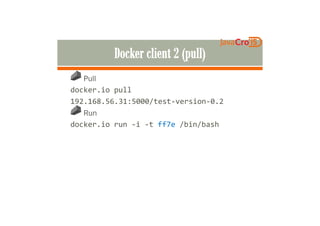
Pull
docker.io pull
192.168.56.31:5000/test-version-0.2
RunRun
docker.io run -i -t ff7e /bin/bash
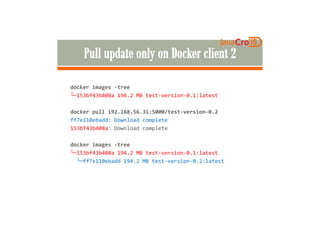
docker images -tree
└─153bf43b408a 194.2 MB test-version-0.1:latest
docker pull 192.168.56.31:5000/test-version-0.2docker pull 192.168.56.31:5000/test-version-0.2
ff7e110ebadd: Download complete
153bf43b408a: Download complete
docker images -tree
└─153bf43b408a 194.2 MB test-version-0.1:latest
└─ff7e110ebadd 194.2 MB test-version-0.2:latest
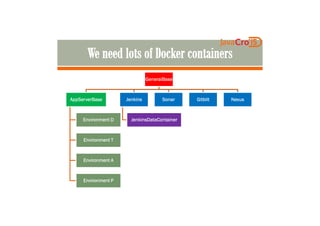
GeneralBaseGeneralBaseGeneralBaseGeneralBase
AppServerBaseAppServerBaseAppServerBaseAppServerBase JenkinsJenkinsJenkinsJenkins SonarSonarSonarSonar GitblitGitblitGitblitGitblit NexusNexusNexusNexus
Environment DEnvironment DEnvironment DEnvironment D
Environment TEnvironment TEnvironment TEnvironment T
Environment AEnvironment AEnvironment AEnvironment A
Environment PEnvironment PEnvironment PEnvironment P
JenkinsDataContainerJenkinsDataContainerJenkinsDataContainerJenkinsDataContainer
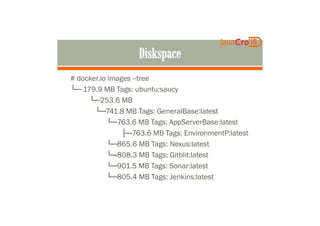
# docker.io images --tree
└─ 179.9 MB Tags: ubuntu:saucy
└─253.6 MB
└─741.8 MB Tags: GeneralBase:latest└─741.8 MB Tags: GeneralBase:latest
└─763.6 MB Tags: AppServerBase:latest
├─763.6 MB Tags: EnvironmentP:latest
└─865.6 MB Tags: Nexus:latest
└─808.3 MB Tags: Gitblit:latest
└─901.5 MB Tags: Sonar:latest
└─805.4 MB Tags: Jenkins:latest
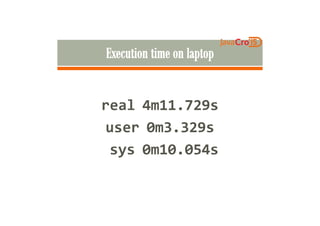
real 4m11.729sreal 4m11.729s
user 0m3.329s
sys 0m10.054s
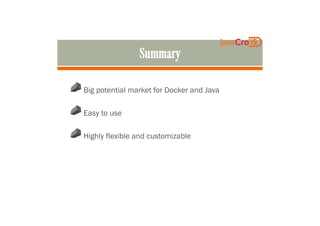
Big potential market for Docker and Java
Easy to useEasy to use
Highly flexible and customizable
http://blogs.infosupport.com
Ask us!
johan.janssen@infosupport.com
pim.Hazebroek@infosupport.com
@johanjanssen42 @pimhazebroek

JavaCro'15 - Conquer the Internet of Things with Java and Docker - Johan Janssen, Pim Hazebroek