C-shell Scripting
made by B Chari K working in semiconductors domain
Shell Scripts
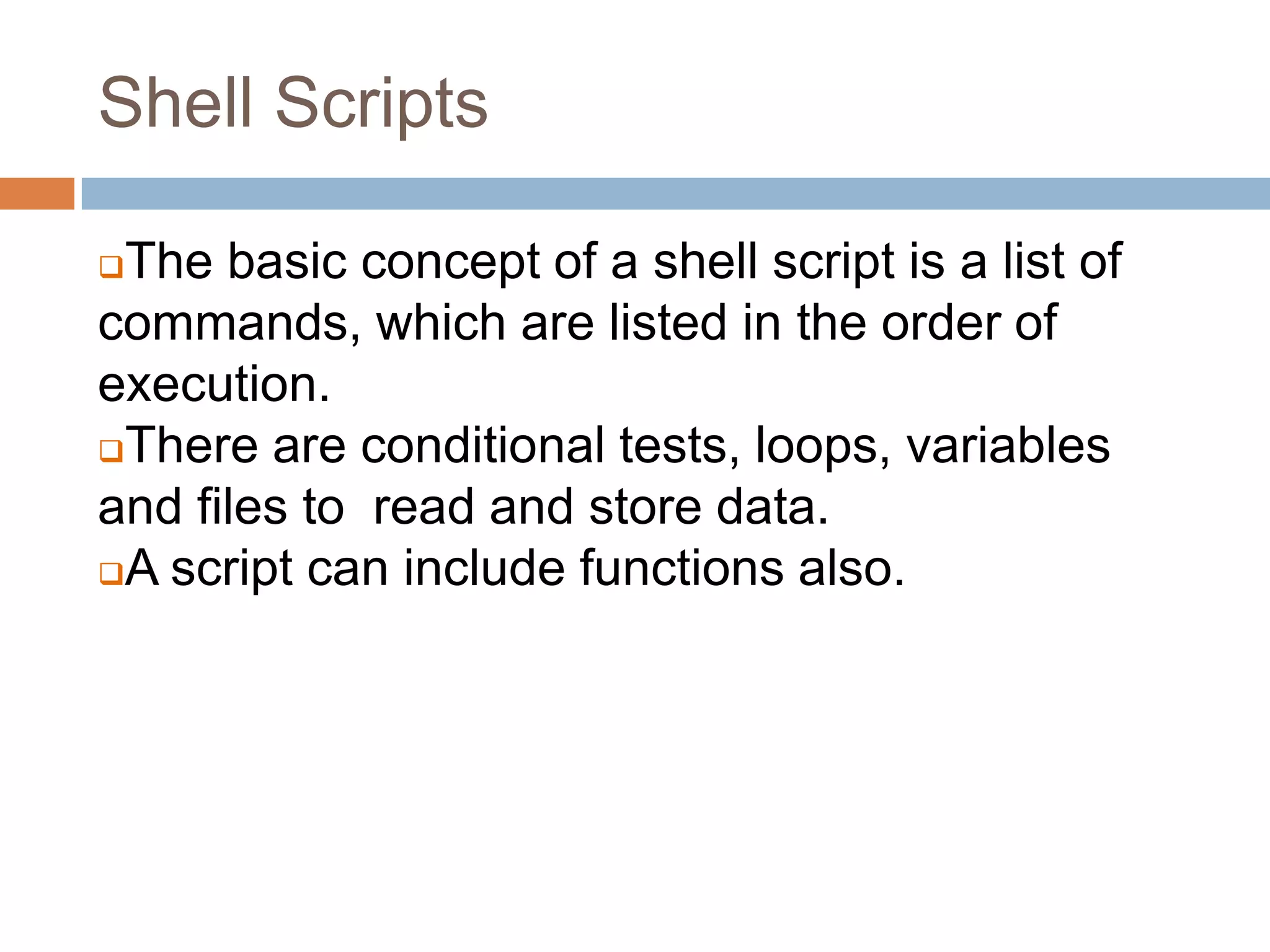
The basic concept of a shell script is a list of
commands, which are listed in the order of
execution.
There are conditional tests, loops, variables
and files to read and store data.
A script can include functions also.
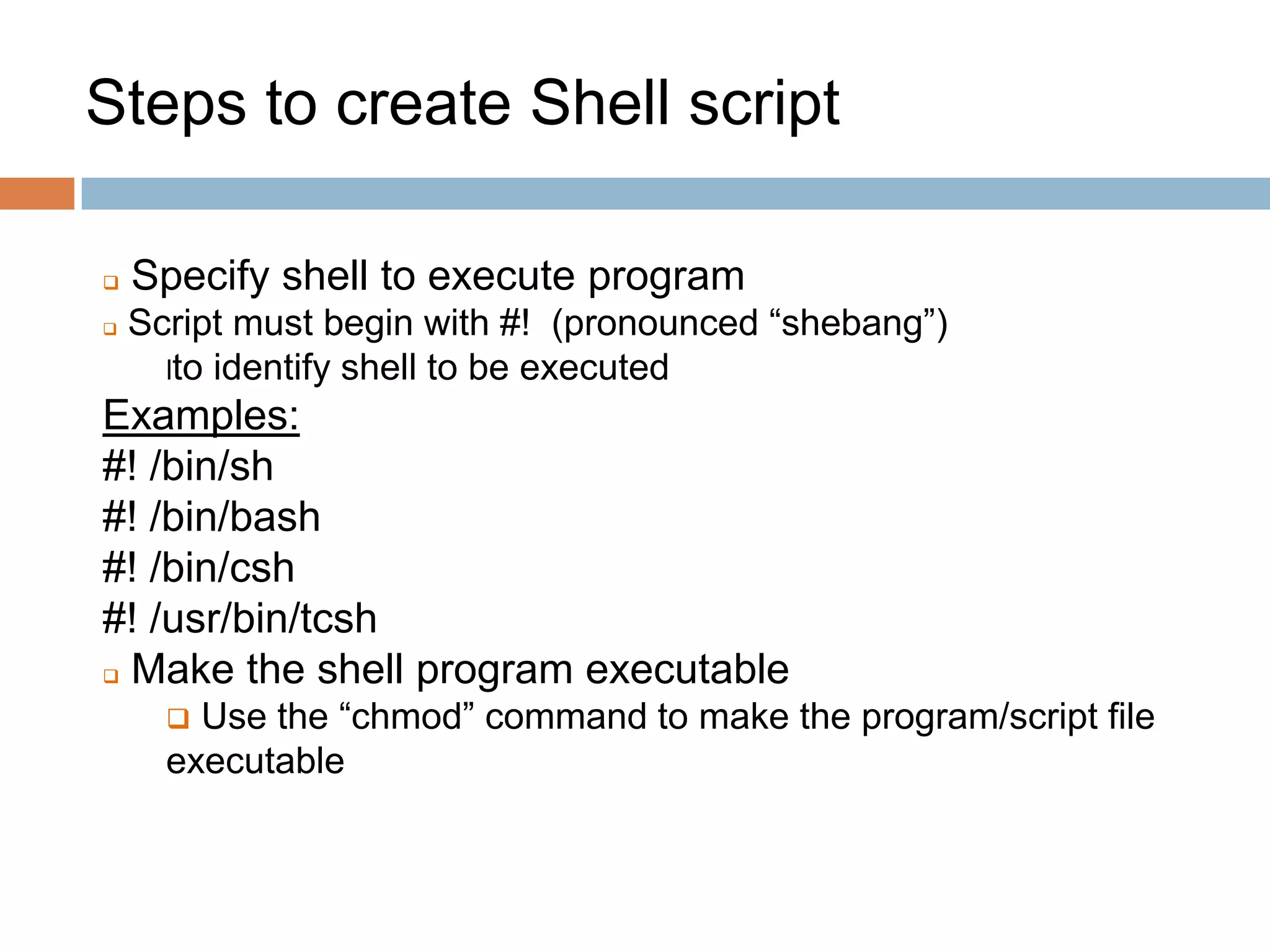
Steps to create Shell script
 Specify shell to execute program
 Script must begin with #! (pronounced “shebang”)
lto identify shell to be executed
Examples:
#! /bin/sh
#! /bin/bash
#! /bin/csh
#! /usr/bin/tcsh
 Make the shell program executable
 Use the “chmod” command to make the program/script file
executable
3
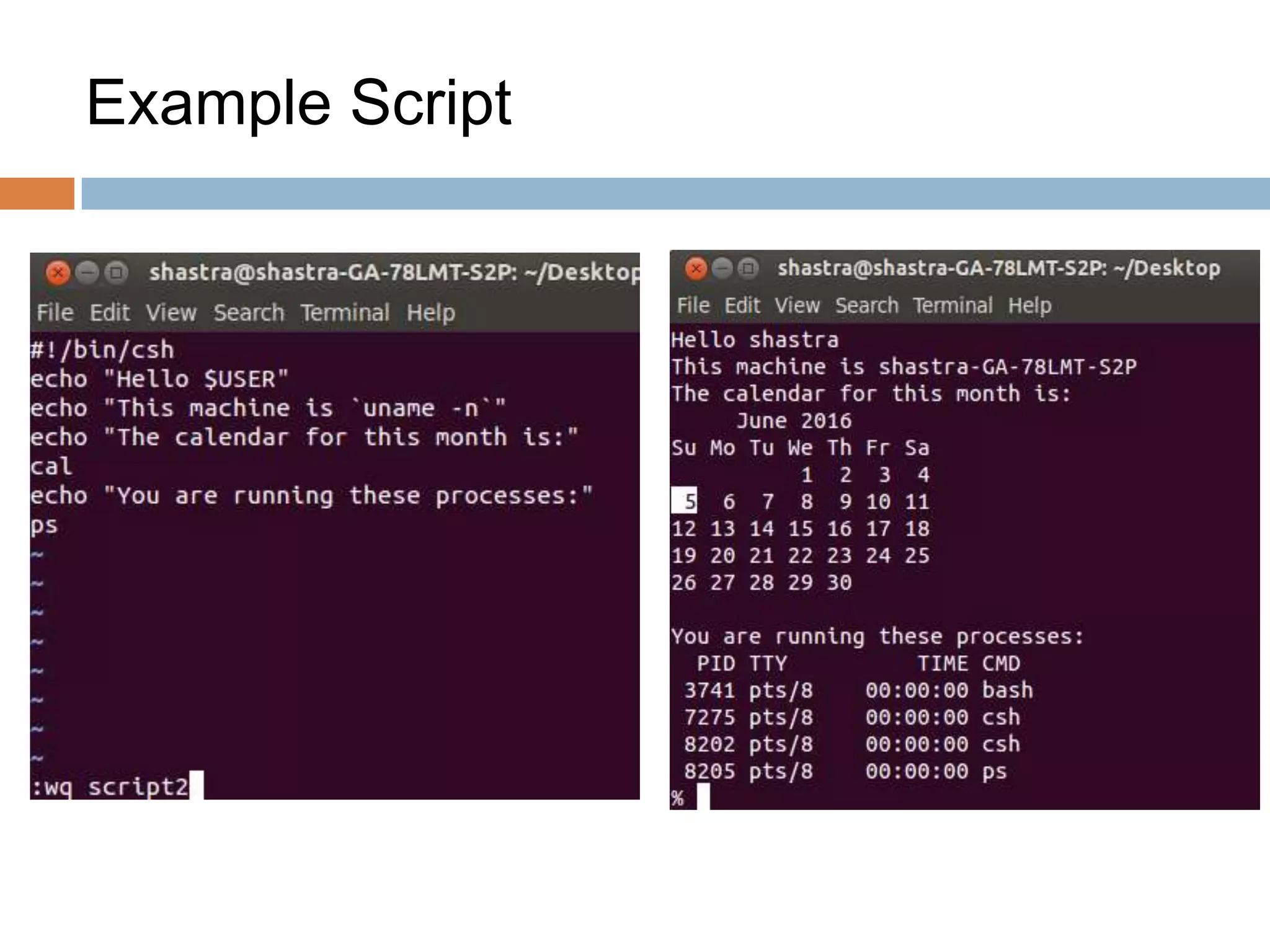
Example Script
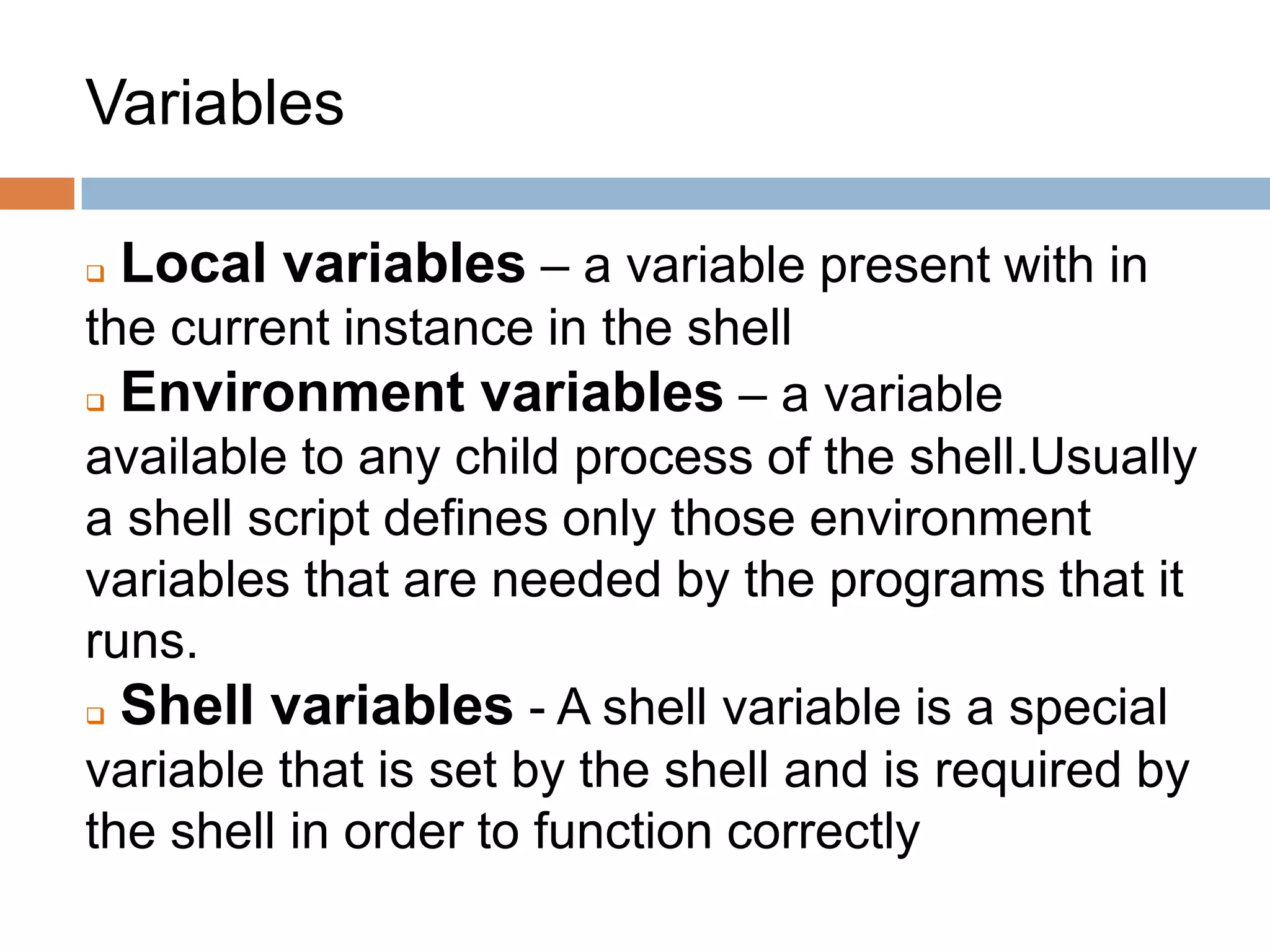
Variables
 Local variables – a variable present with in
the current instance in the shell
 Environment variables – a variable
available to any child process of the shell.Usually
a shell script defines only those environment
variables that are needed by the programs that it
runs.
 Shell variables - A shell variable is a special
variable that is set by the shell and is required by
the shell in order to function correctly
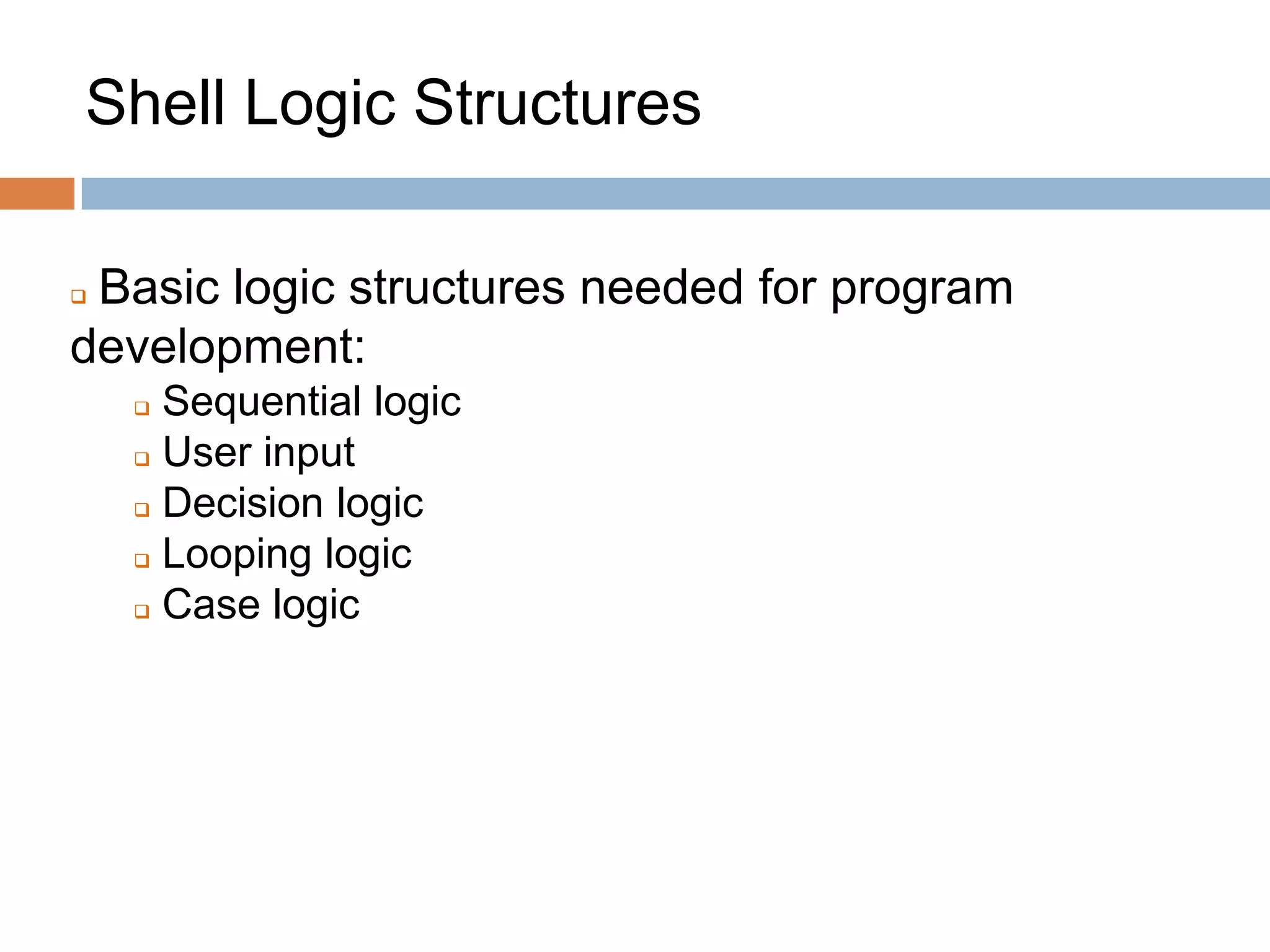
Shell Logic Structures
 Basic logic structures needed for program
development:
 Sequential logic
 User input
 Decision logic
 Looping logic
 Case logic
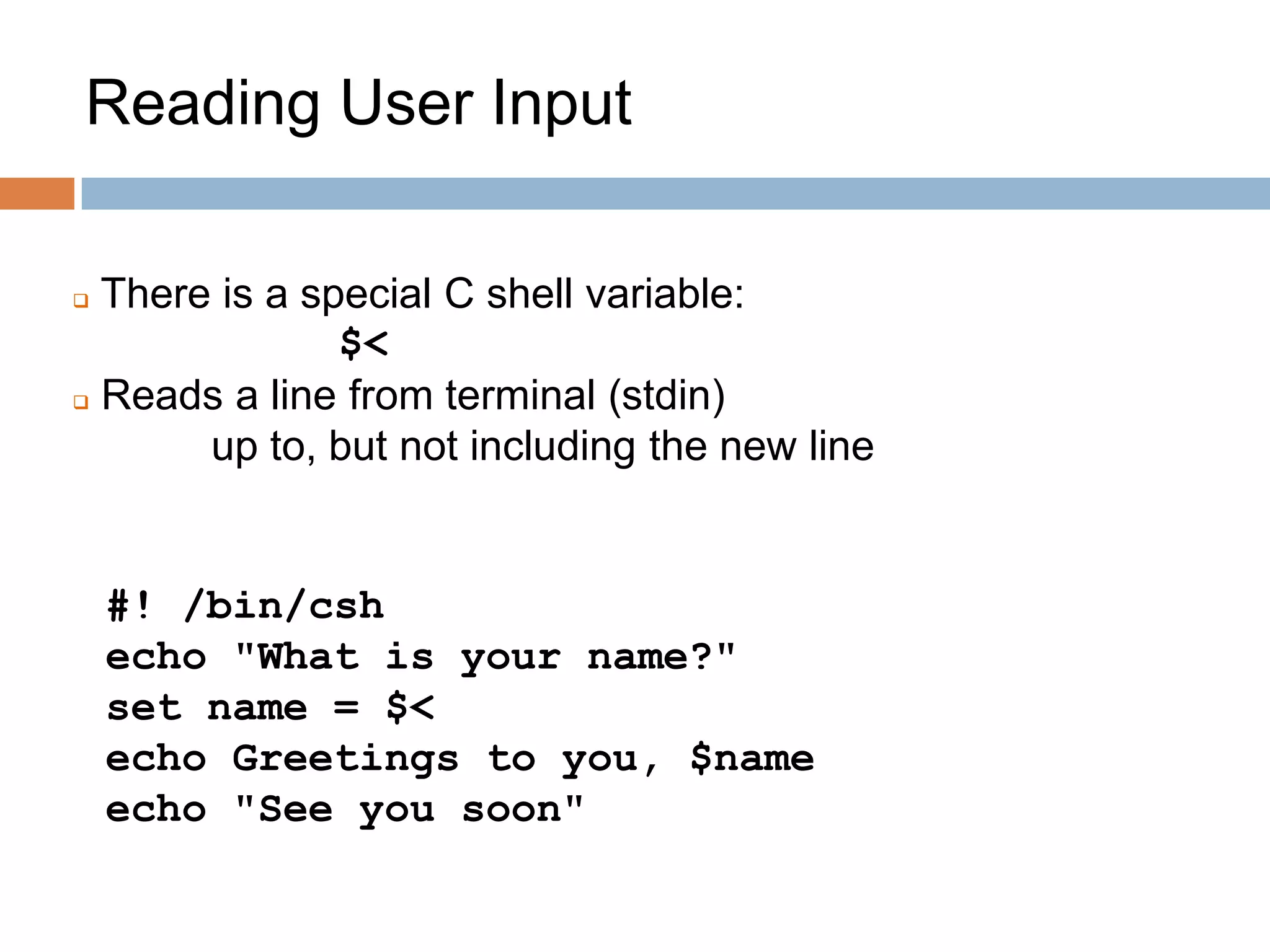
Input to a shell script
 Reading user input
 Providing input as command line arguments
 Accessing contents of files
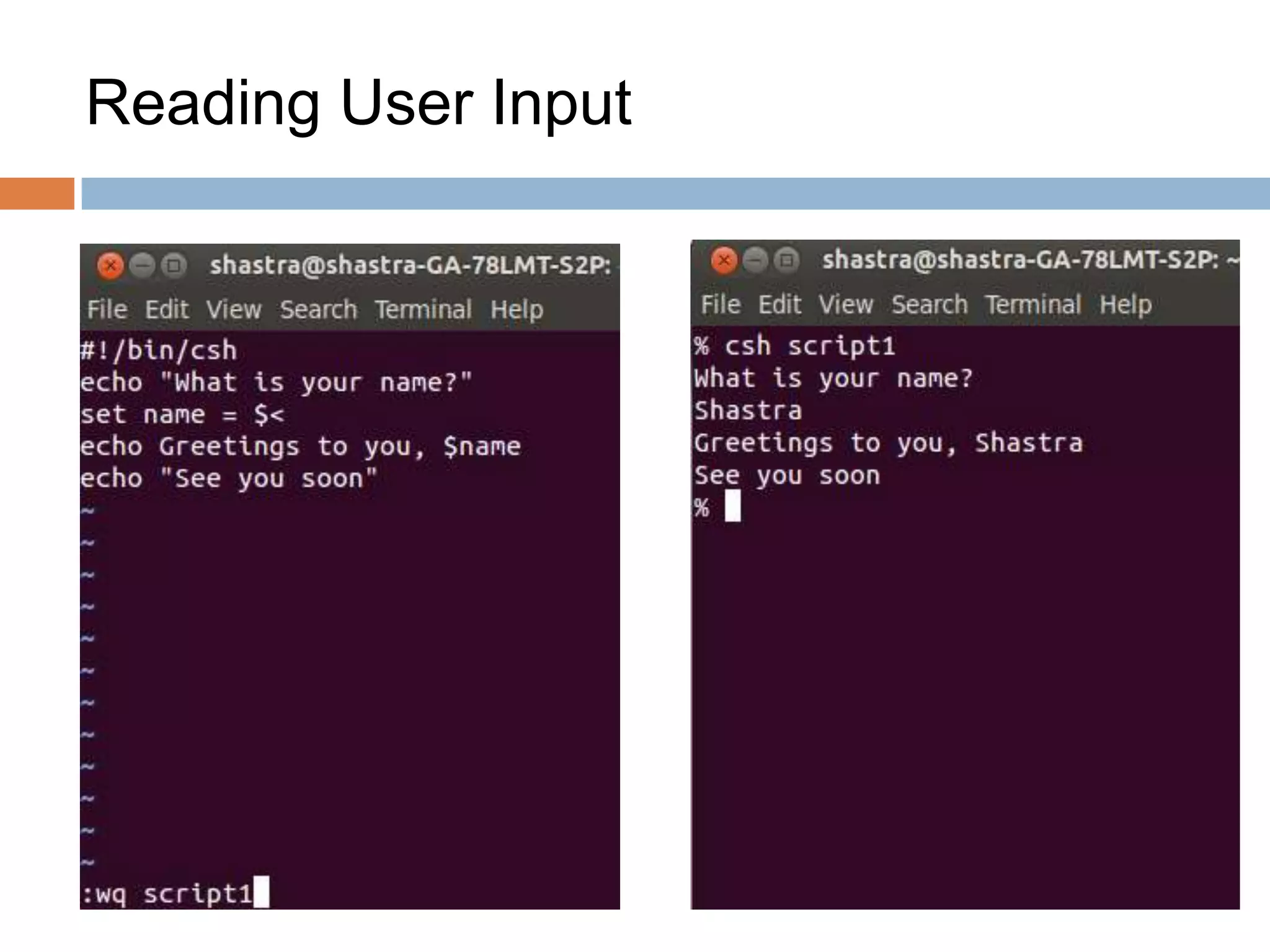
Reading User Input
 There is a special C shell variable:
$<
 Reads a line from terminal (stdin)
up to, but not including the new line
#! /bin/csh
echo "What is your name?"
set name = $<
echo Greetings to you, $name
echo "See you soon"
Reading User Input
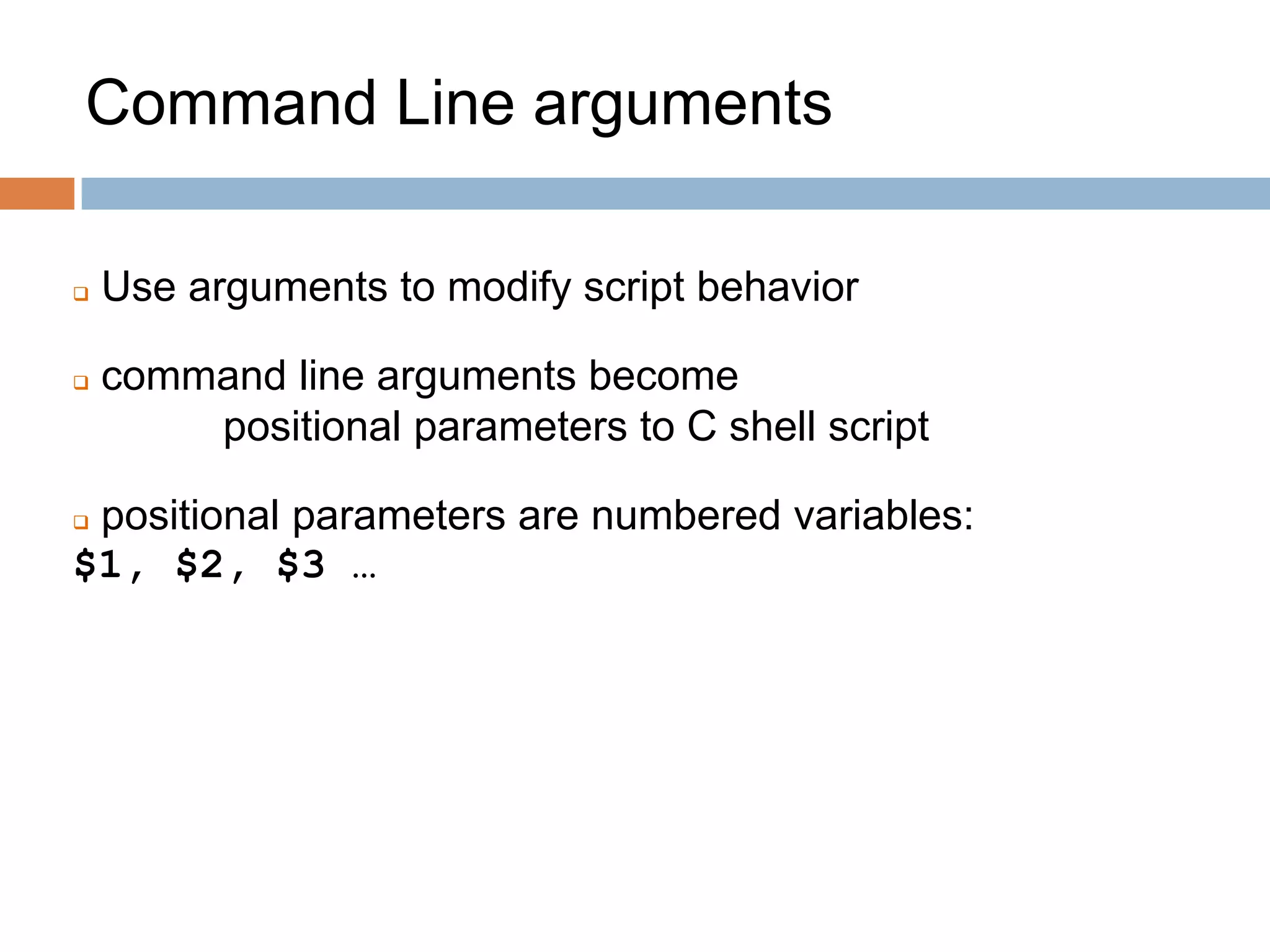
Command Line arguments
 Use arguments to modify script behavior
 command line arguments become
positional parameters to C shell script
 positional parameters are numbered variables:
$1, $2, $3 …
Command line arguments
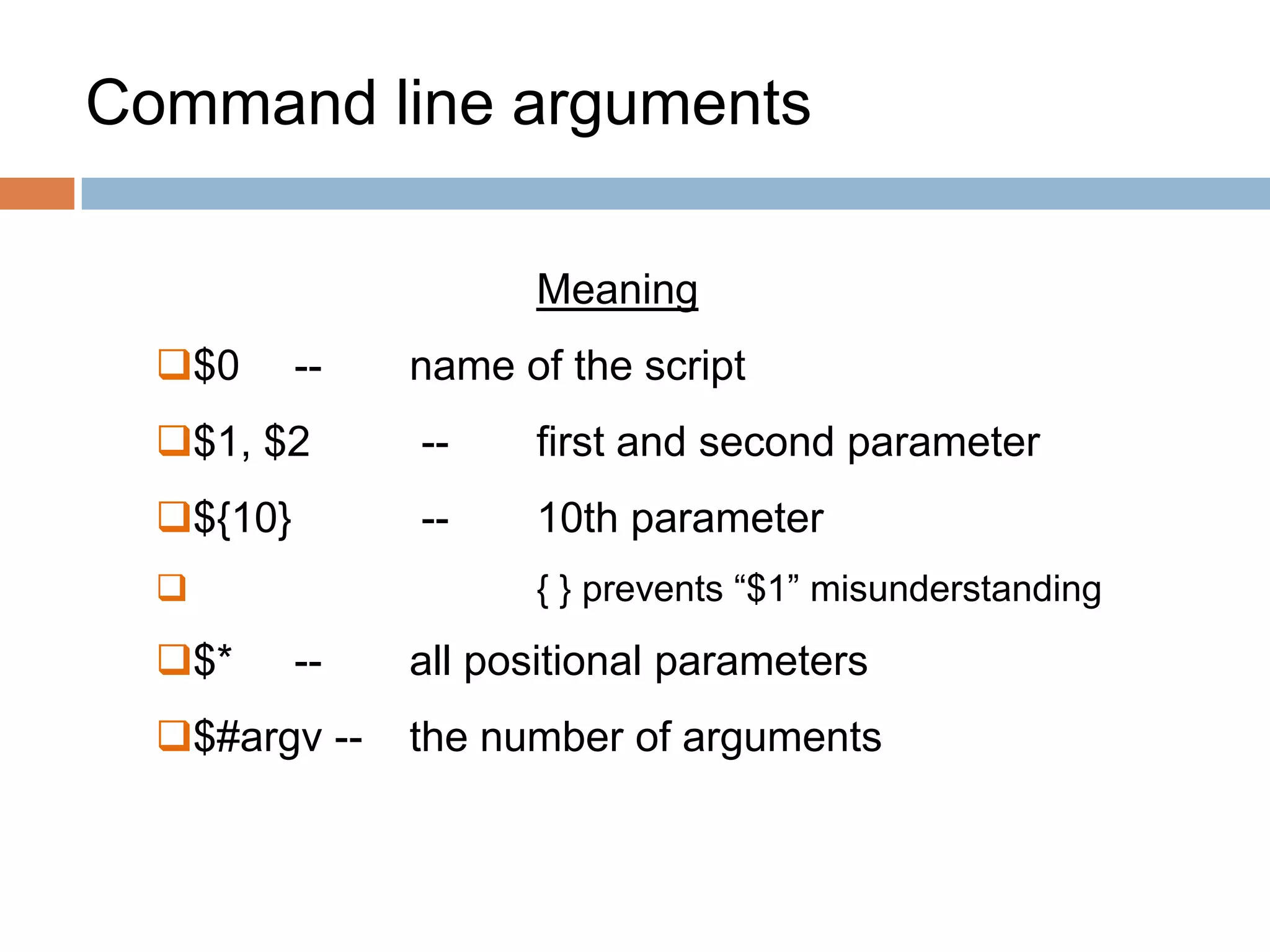
Meaning
$0 -- name of the script
$1, $2 -- first and second parameter
${10} -- 10th parameter
 { } prevents “$1” misunderstanding
$* -- all positional parameters
$#argv -- the number of arguments
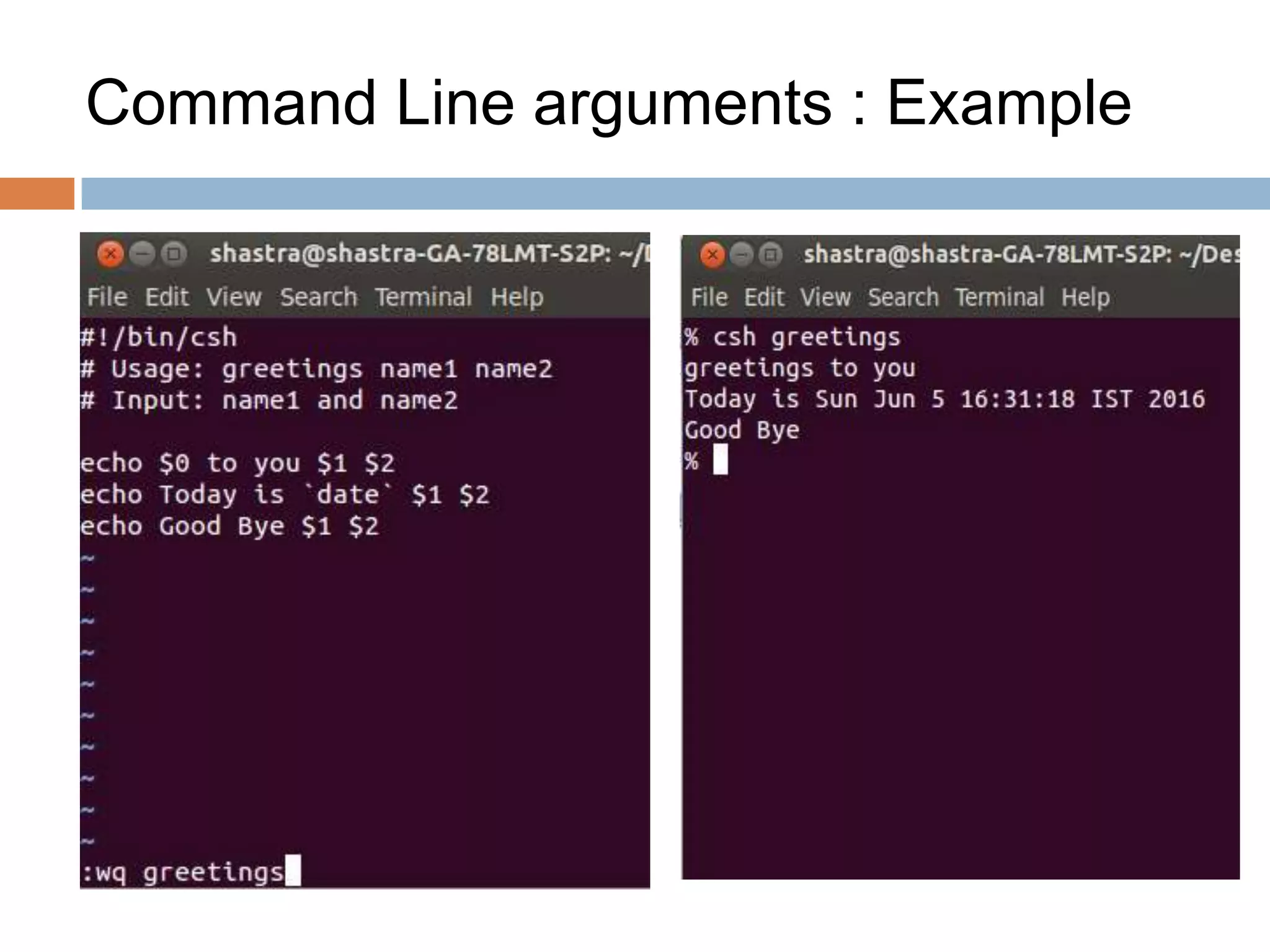
Command Line arguments : Example
Decision Logic
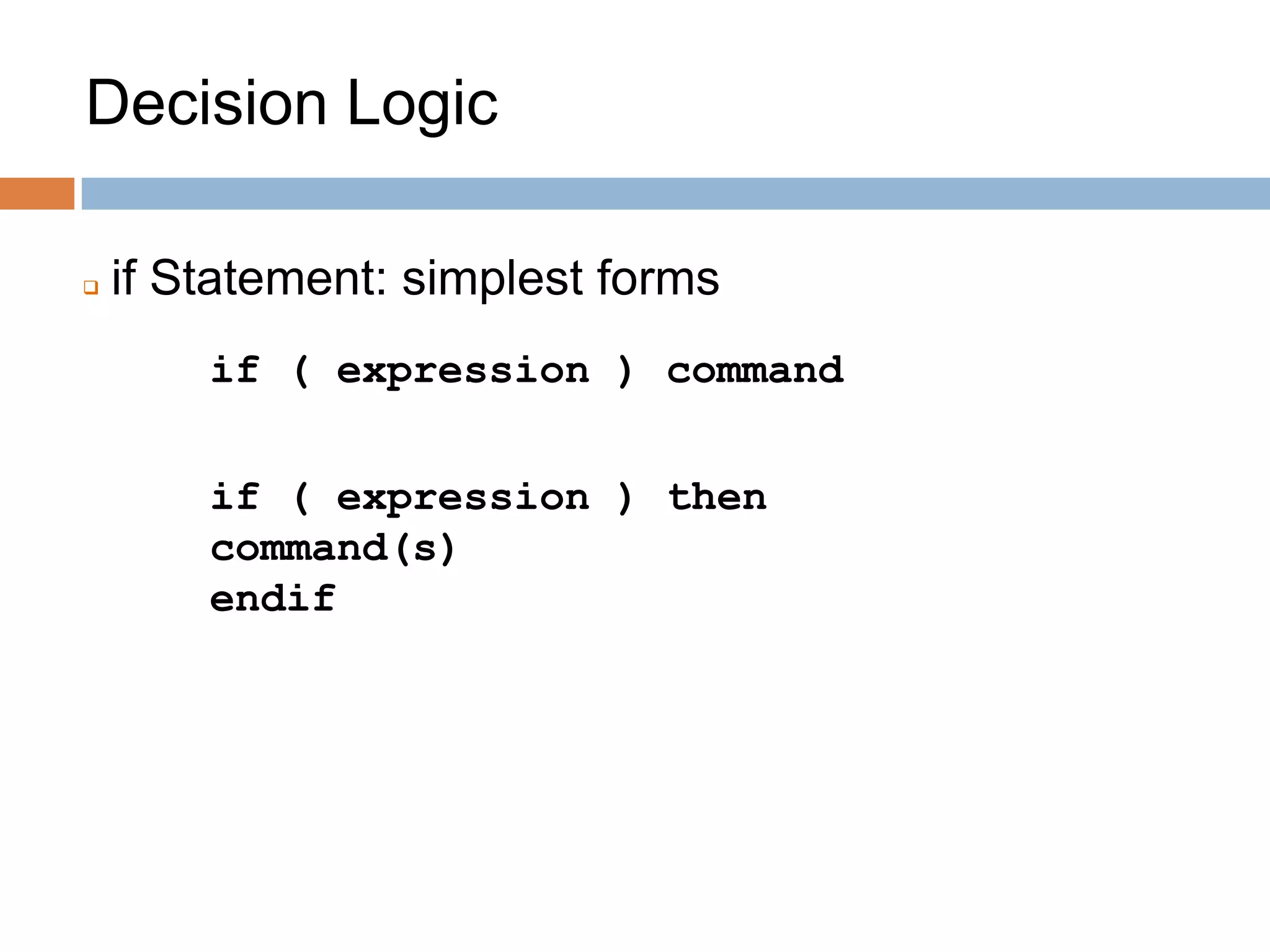
 if Statement: simplest forms
if ( expression ) command
if ( expression ) then
command(s)
endif
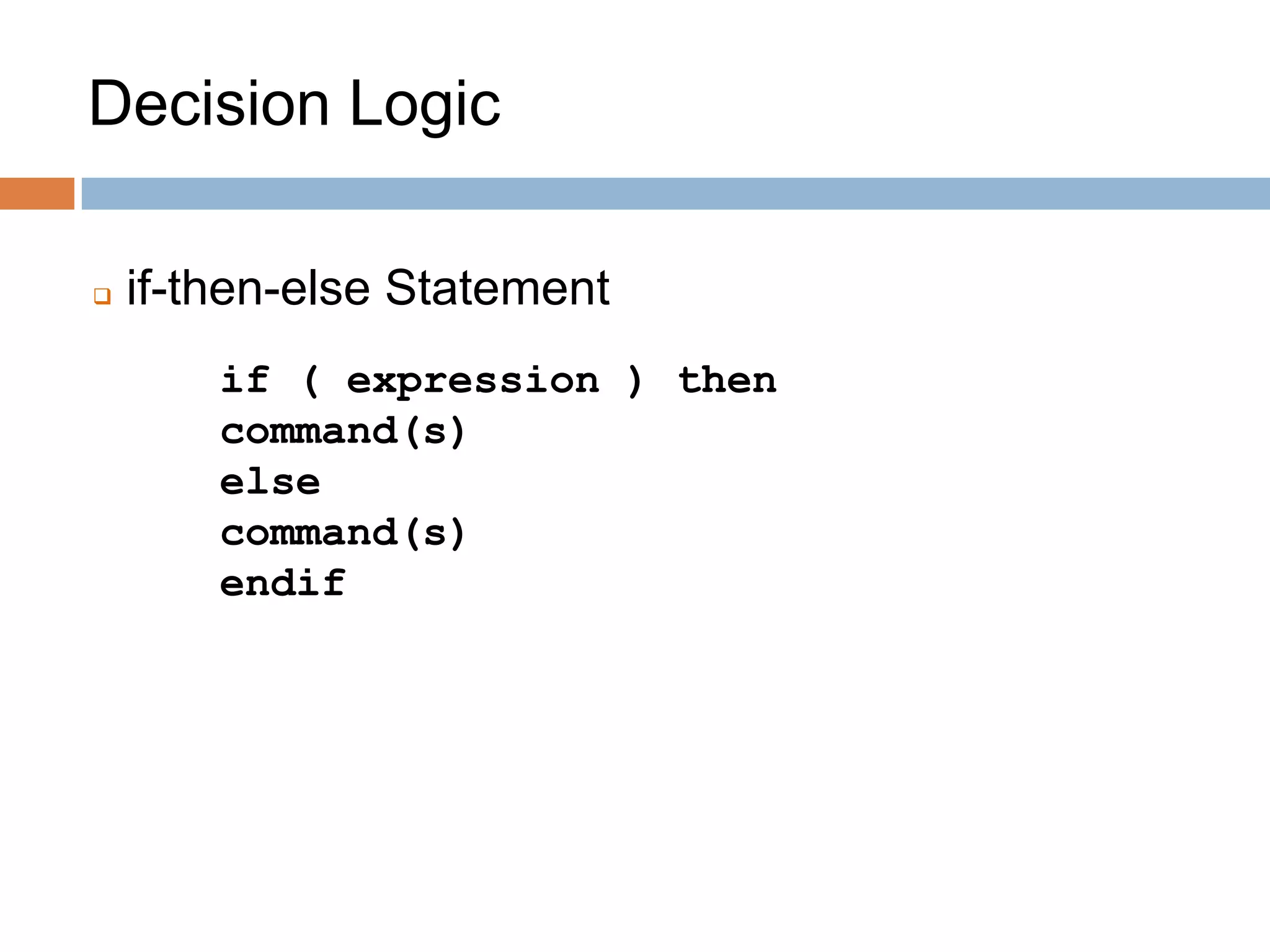
 if-then-else Statement
if ( expression ) then
command(s)
else
command(s)
endif
Decision Logic
Decision Logic
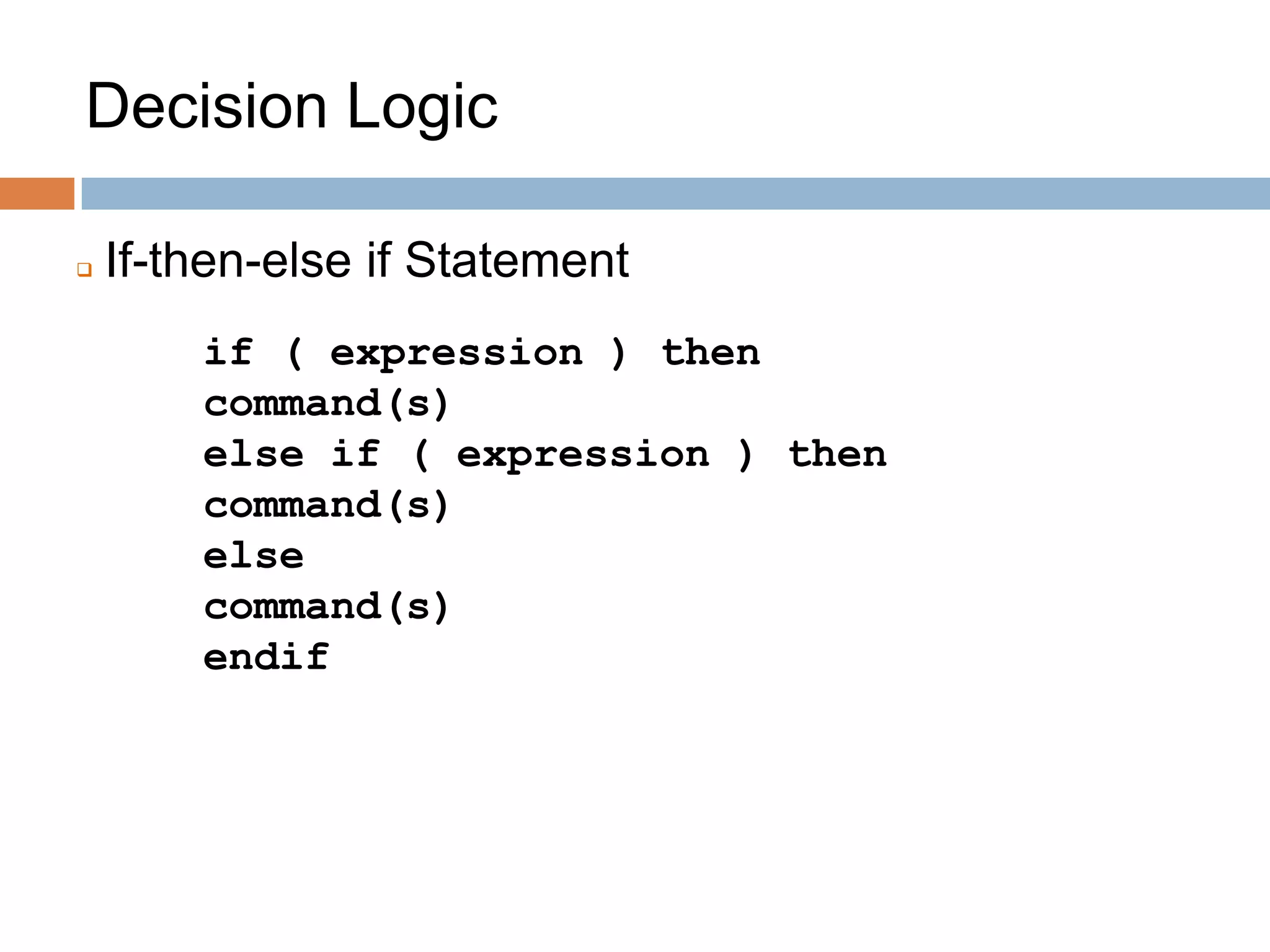
 If-then-else if Statement
if ( expression ) then
command(s)
else if ( expression ) then
command(s)
else
command(s)
endif
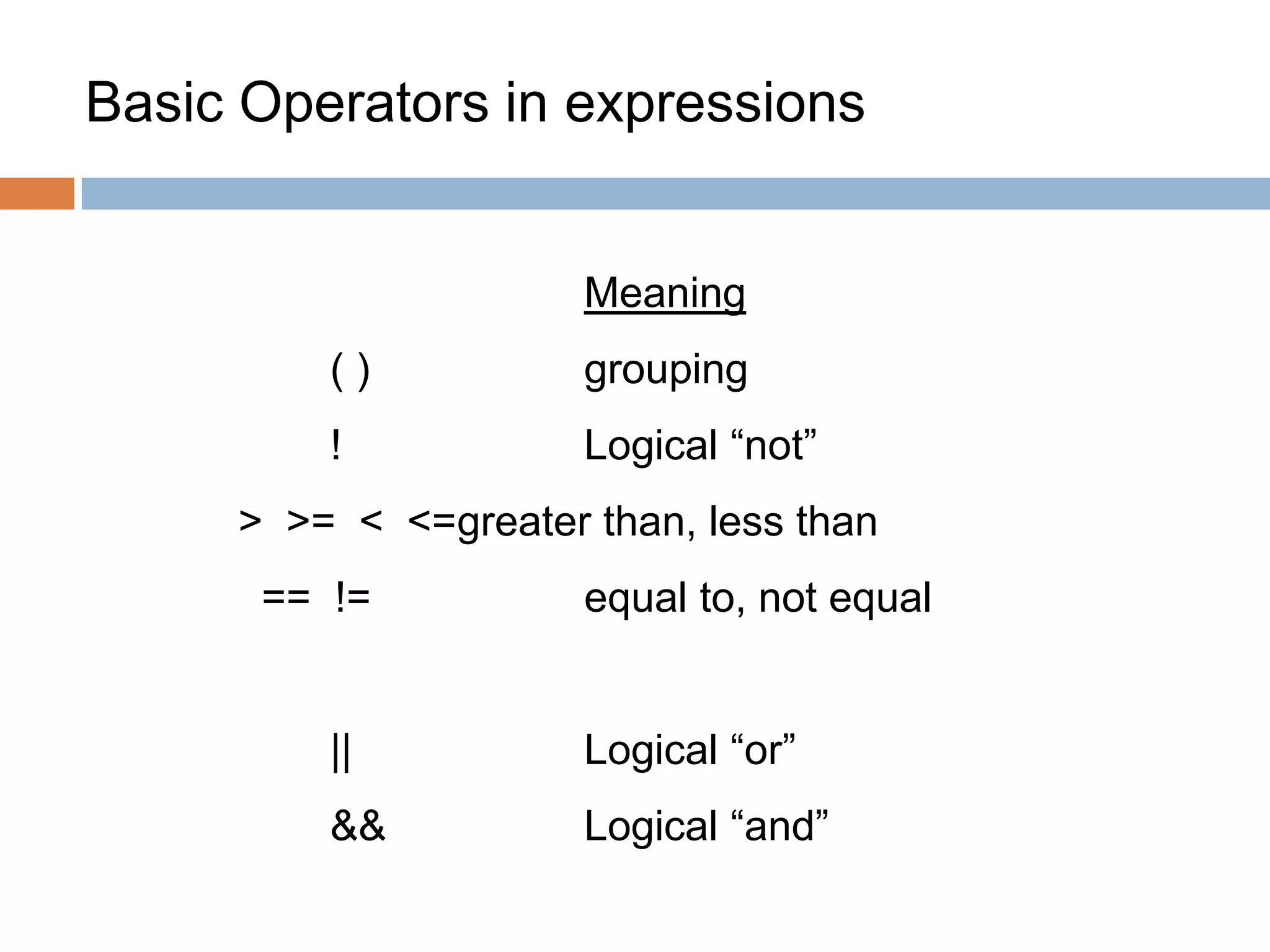
Basic Operators in expressions
Meaning
( ) grouping
! Logical “not”
> >= < <=greater than, less than
== != equal to, not equal
|| Logical “or”
&& Logical “and”
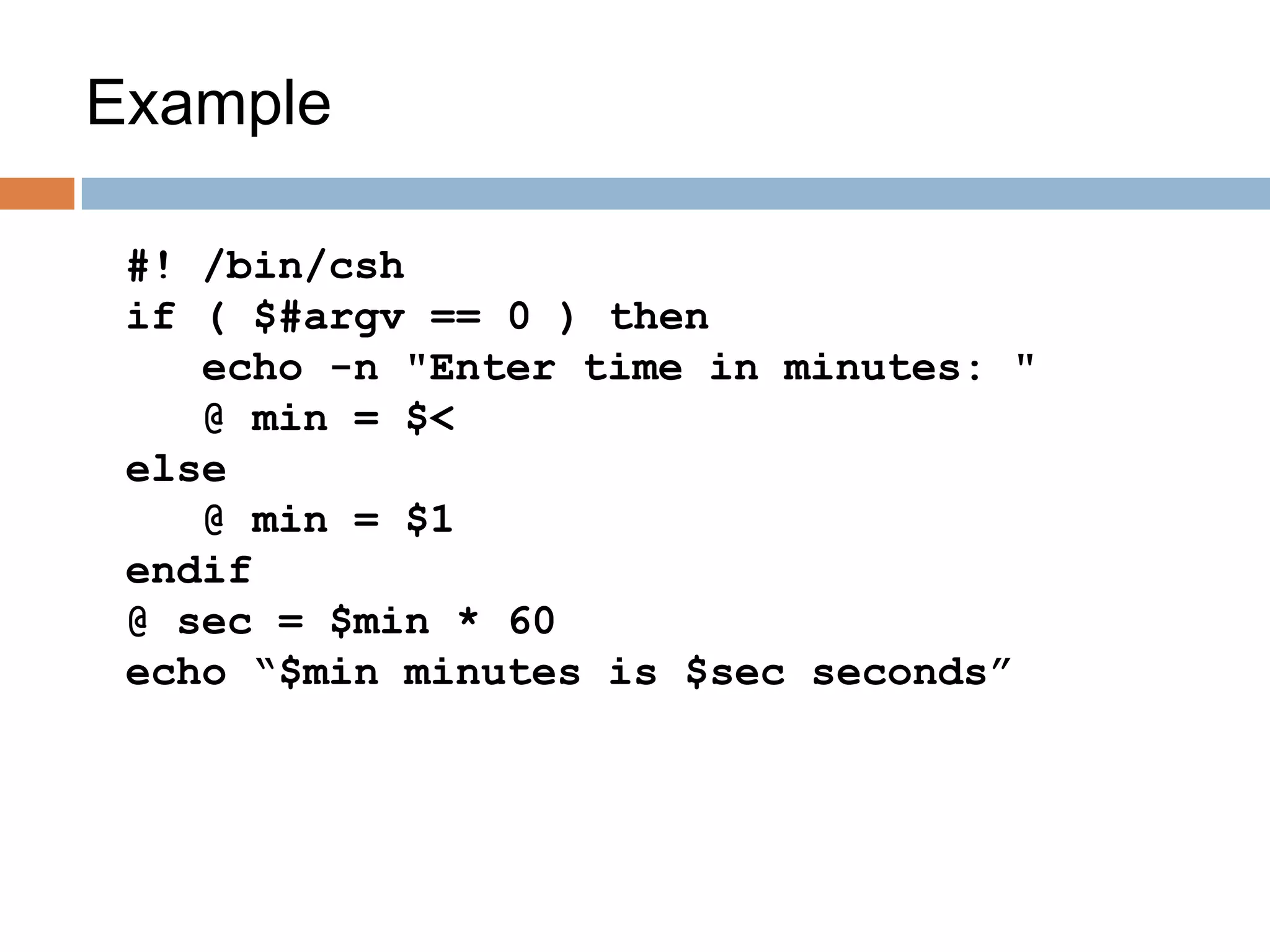
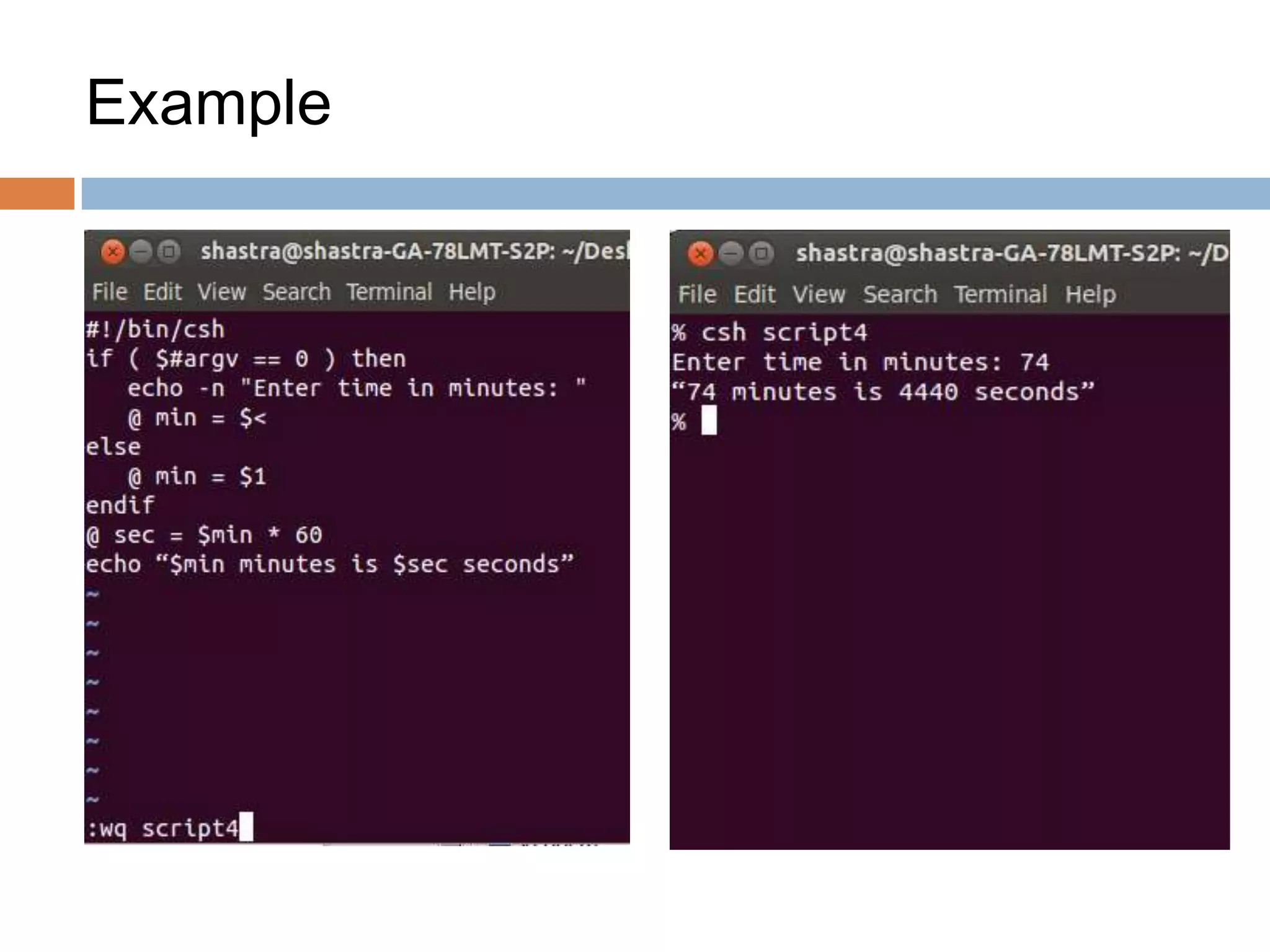
Example
#! /bin/csh
if ( $#argv == 0 ) then
echo -n "Enter time in minutes: "
@ min = $<
else
@ min = $1
endif
@ sec = $min * 60
echo “$min minutes is $sec seconds”
Example
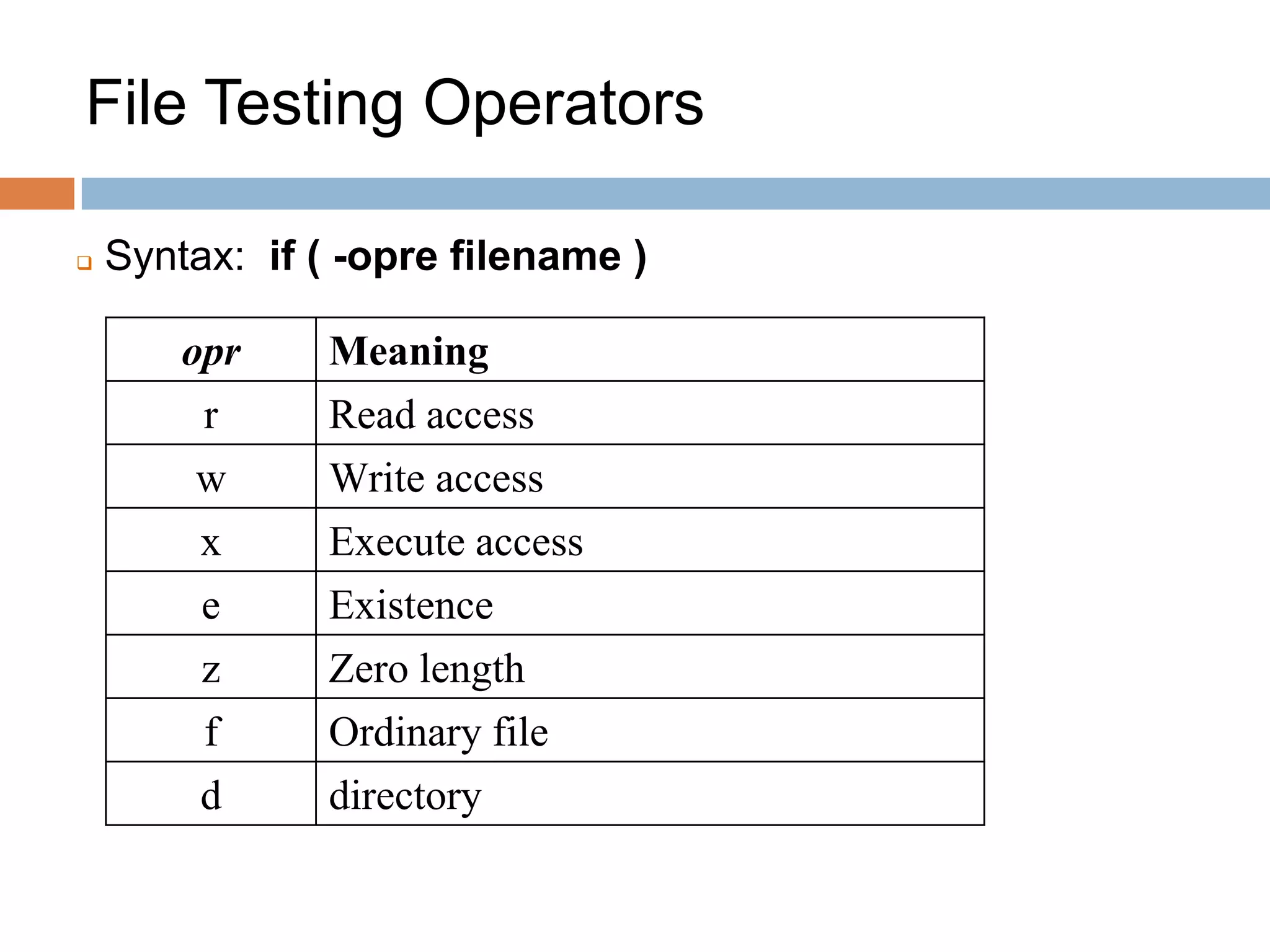
File Testing Operators
opr Meaning
r Read access
w Write access
x Execute access
e Existence
z Zero length
f Ordinary file
d directory
 Syntax: if ( -opre filename )
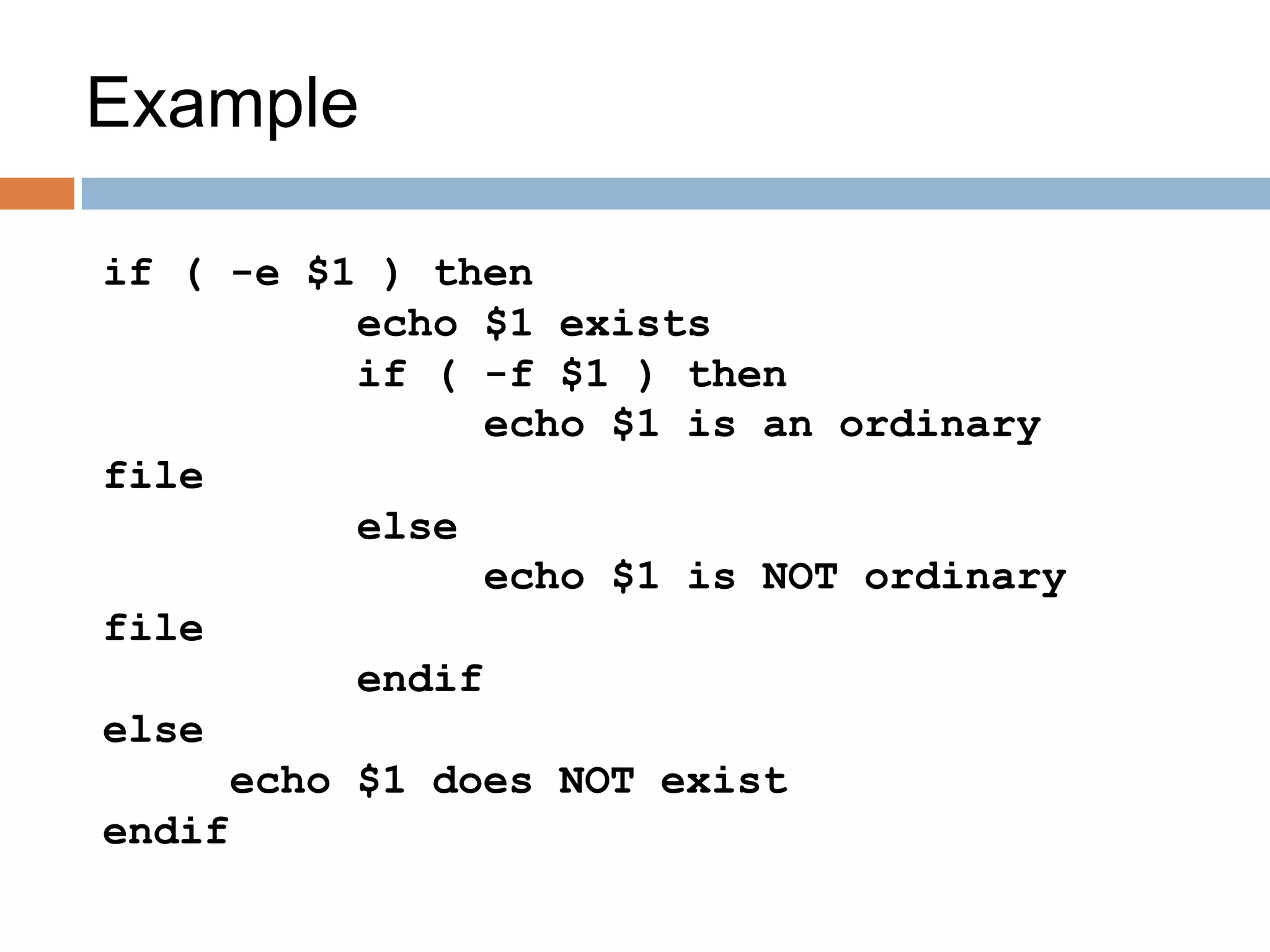
Example
if ( -e $1 ) then
echo $1 exists
if ( -f $1 ) then
echo $1 is an ordinary
file
else
echo $1 is NOT ordinary
file
endif
else
echo $1 does NOT exist
endif
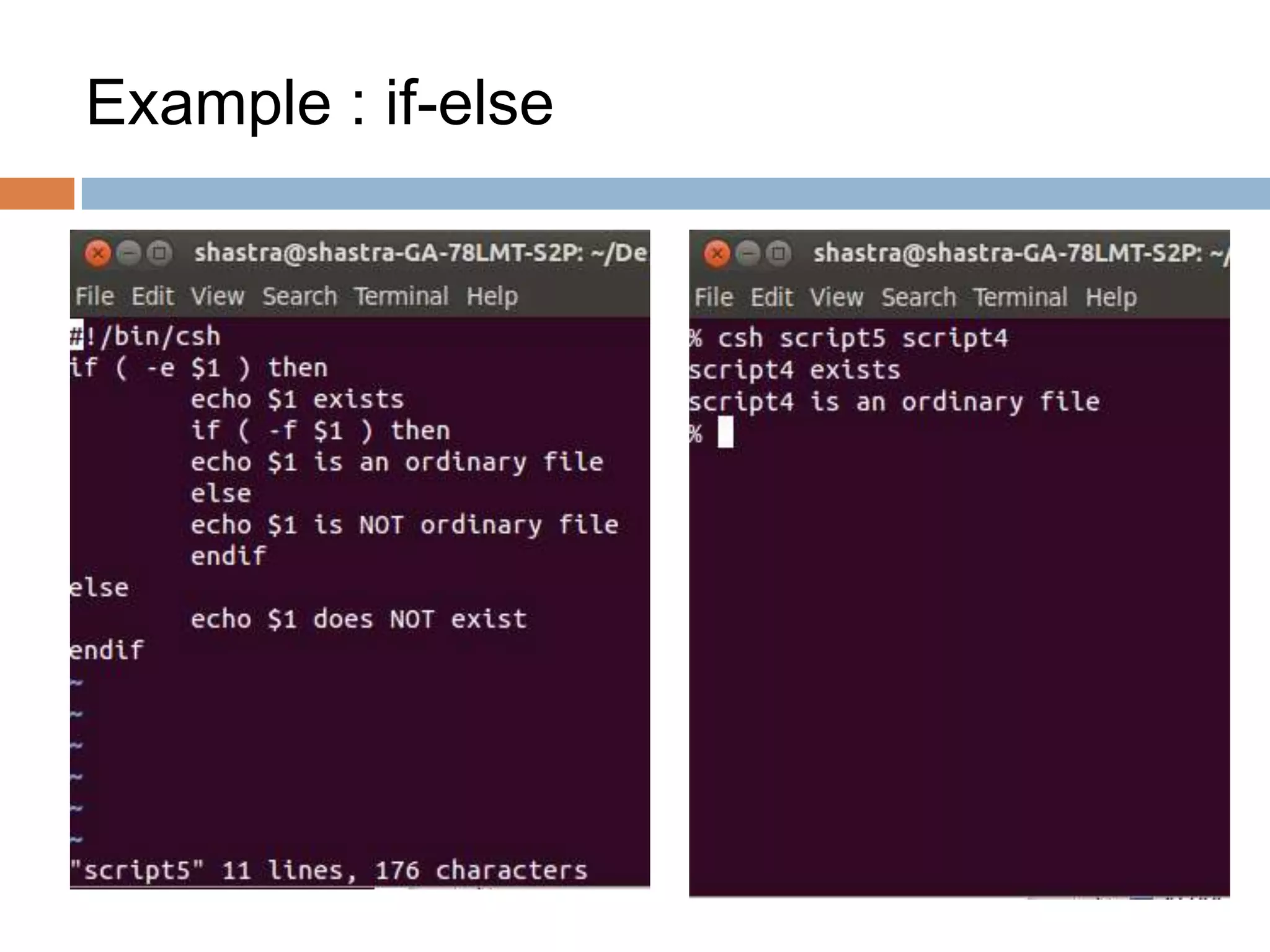
Example : if-else
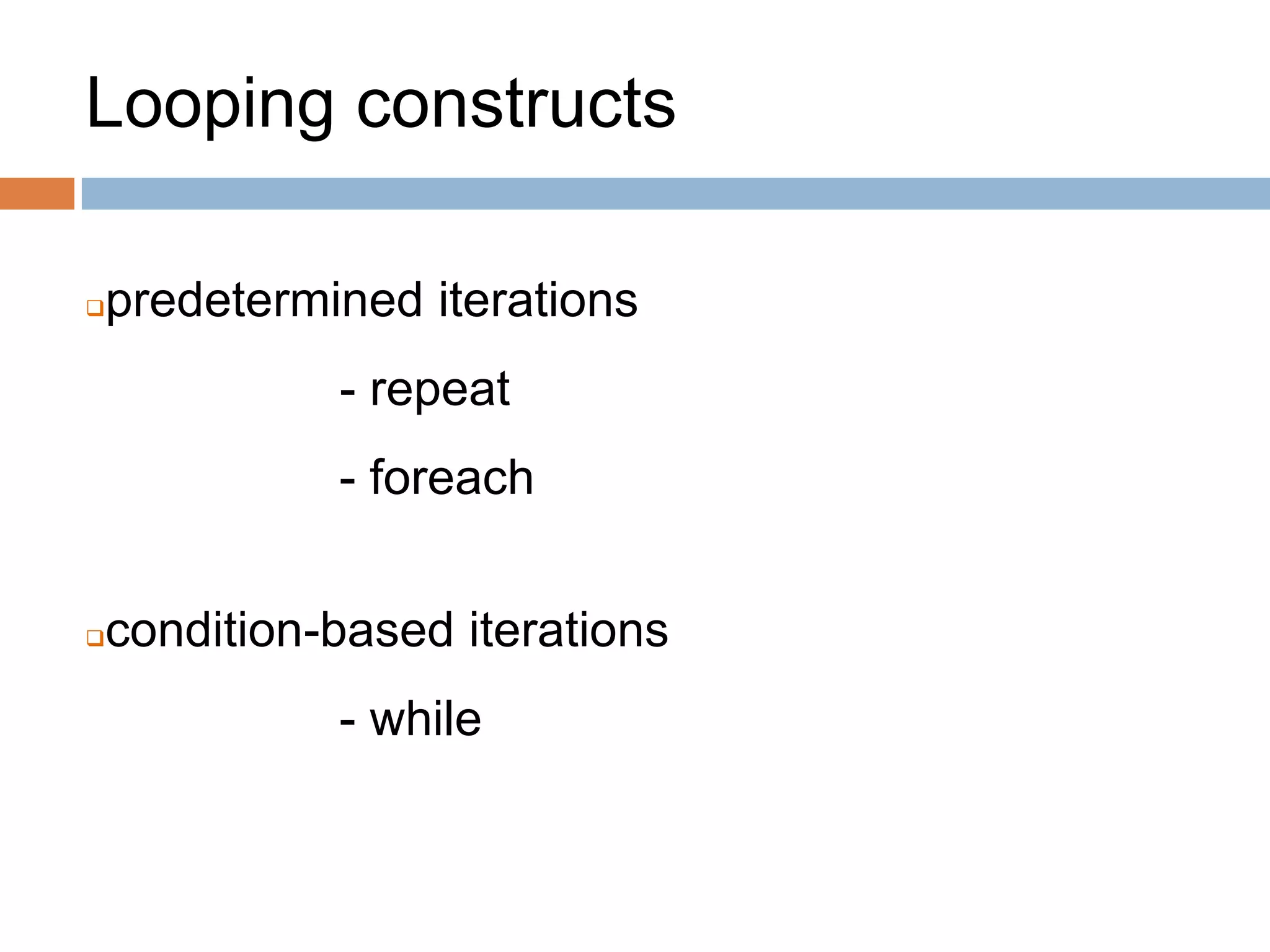
Looping constructs
predetermined iterations
- repeat
- foreach
condition-based iterations
- while
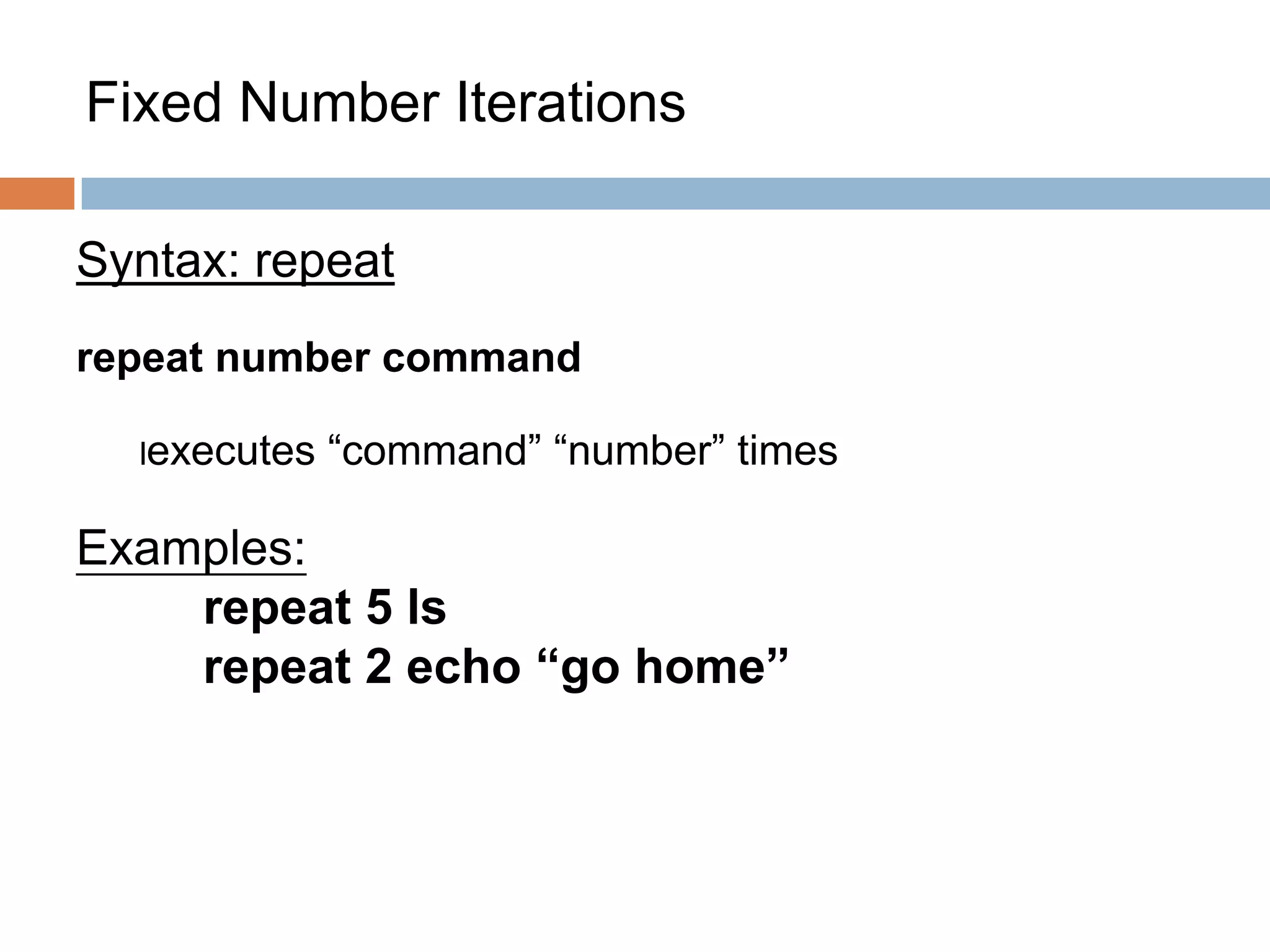
Fixed Number Iterations
Syntax: repeat
repeat number command
lexecutes “command” “number” times
Examples:
repeat 5 ls
repeat 2 echo “go home”
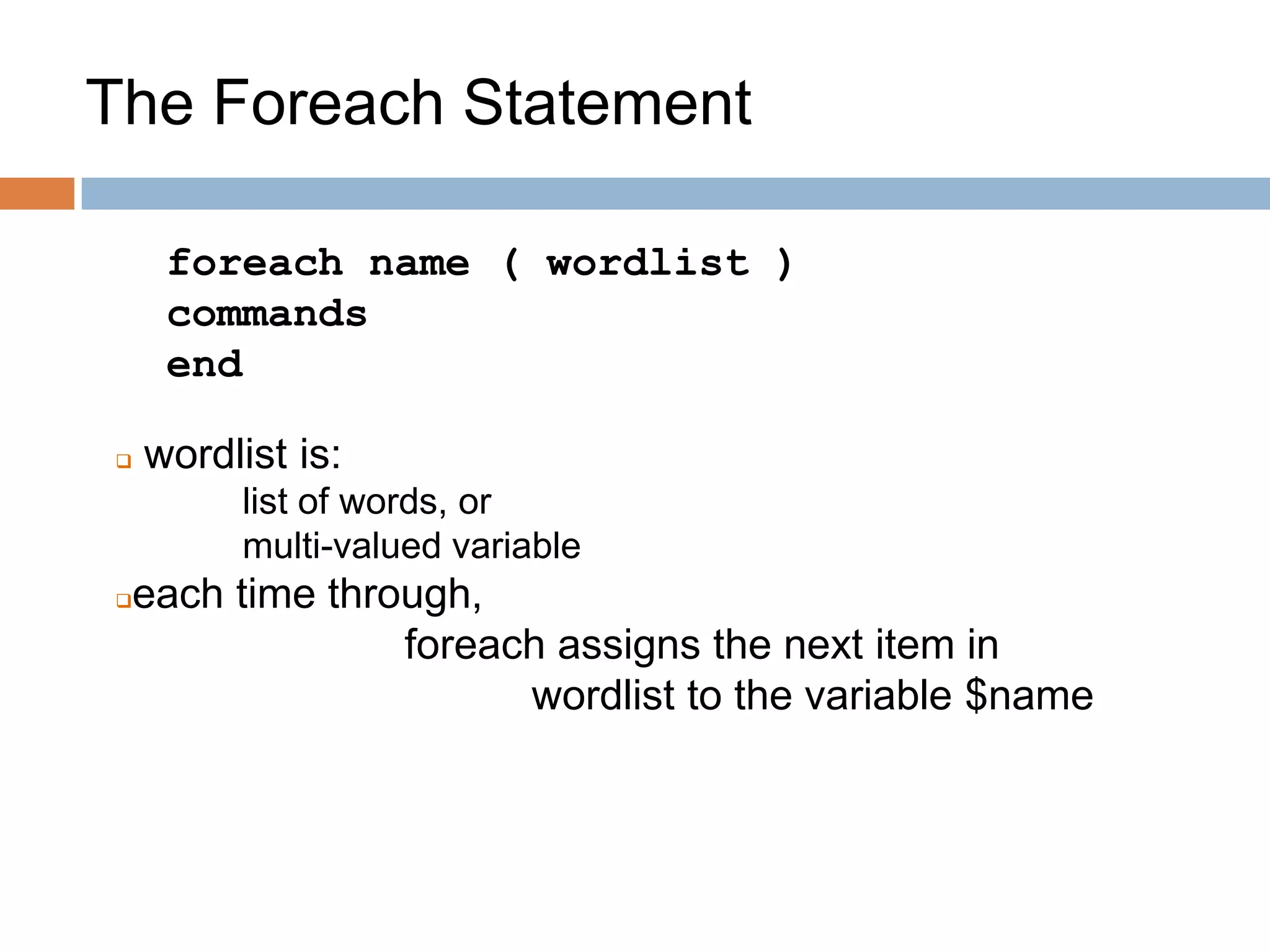
The Foreach Statement
foreach name ( wordlist )
commands
end
 wordlist is:
list of words, or
multi-valued variable
each time through,
foreach assigns the next item in
wordlist to the variable $name
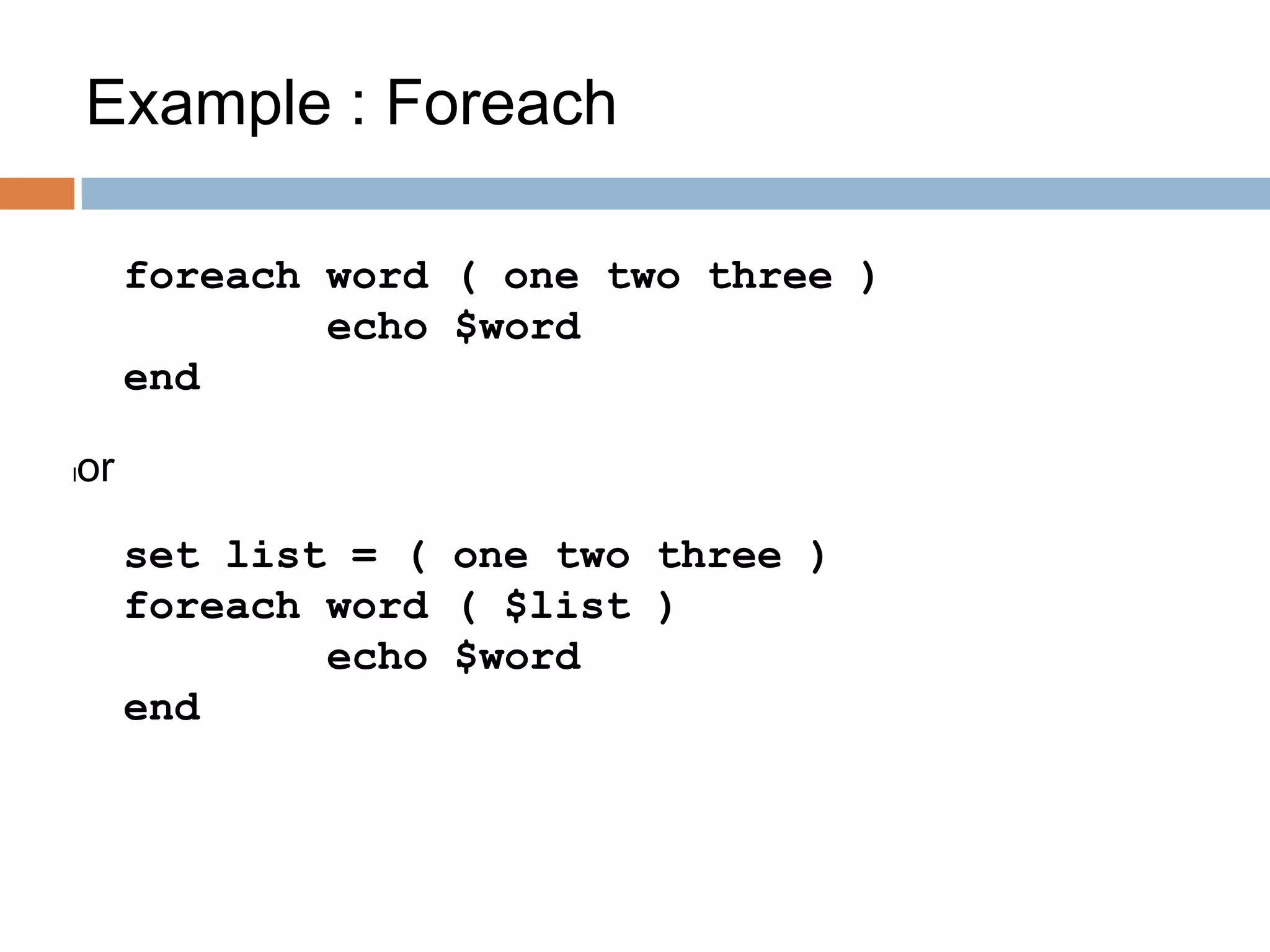
Example : Foreach
foreach word ( one two three )
echo $word
end
lor
set list = ( one two three )
foreach word ( $list )
echo $word
end
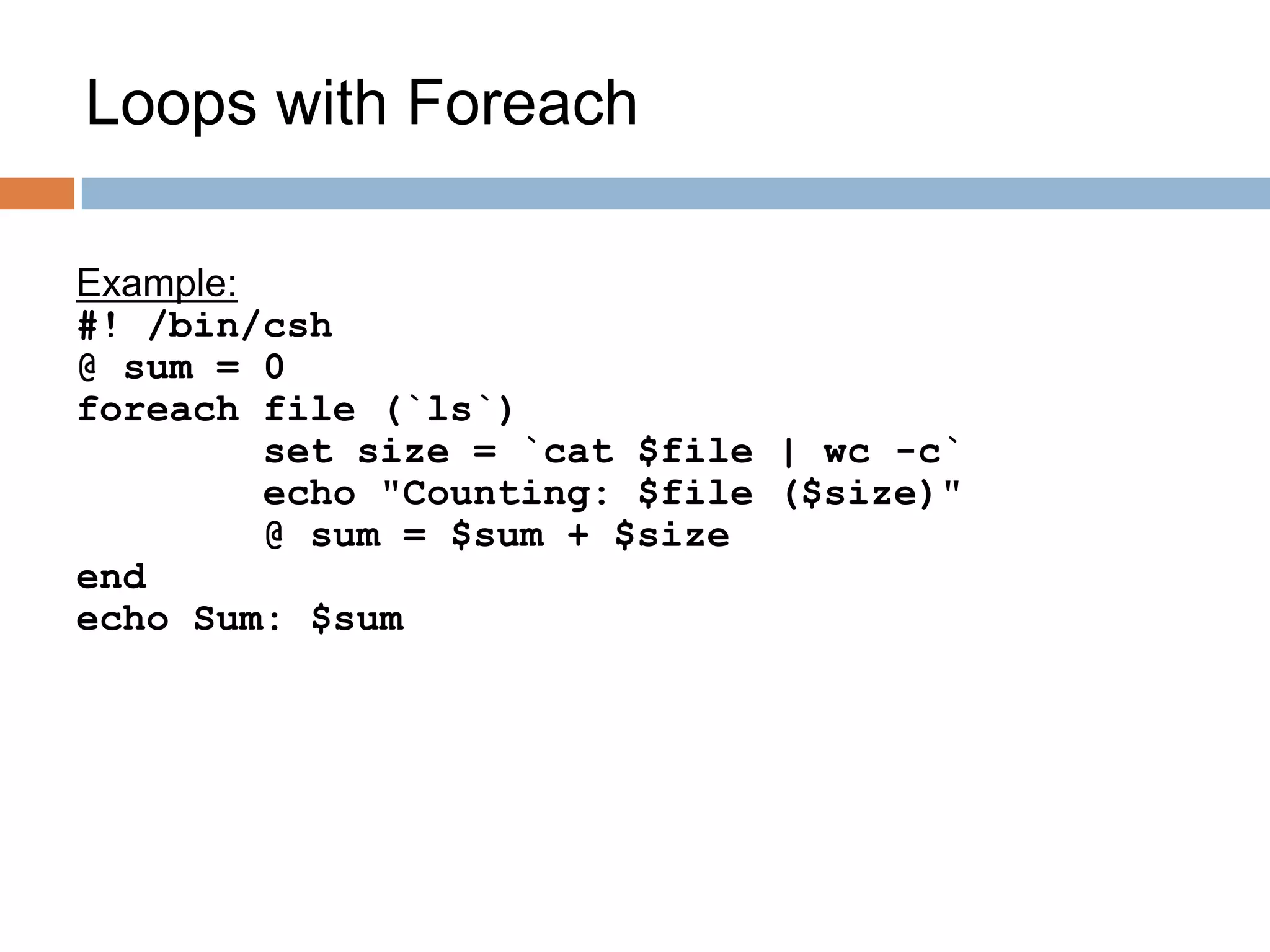
Loops with Foreach
Example:
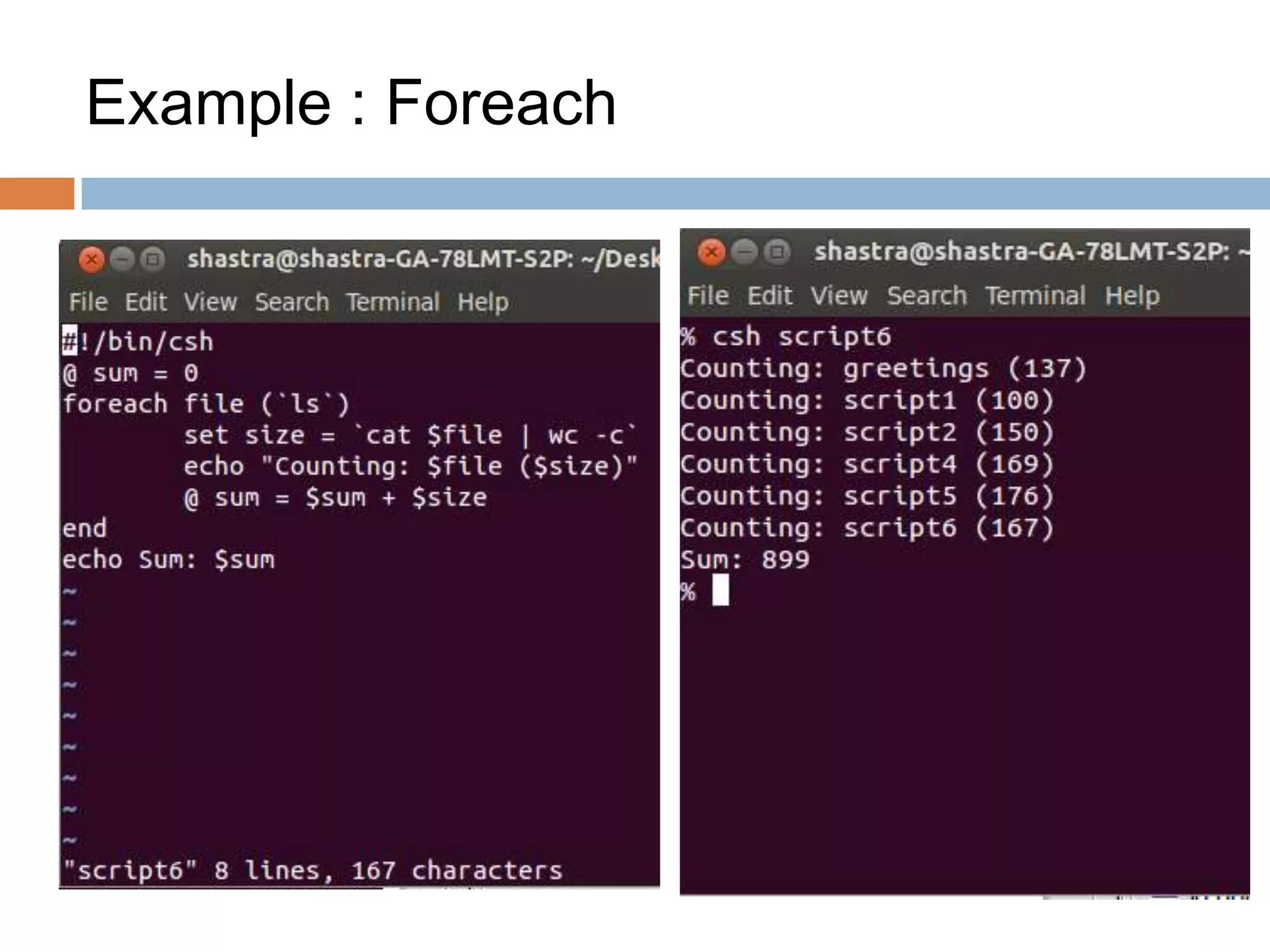
#! /bin/csh
@ sum = 0
foreach file (`ls`)
set size = `cat $file | wc -c`
echo "Counting: $file ($size)"
@ sum = $sum + $size
end
echo Sum: $sum
Example : Foreach
While Statement
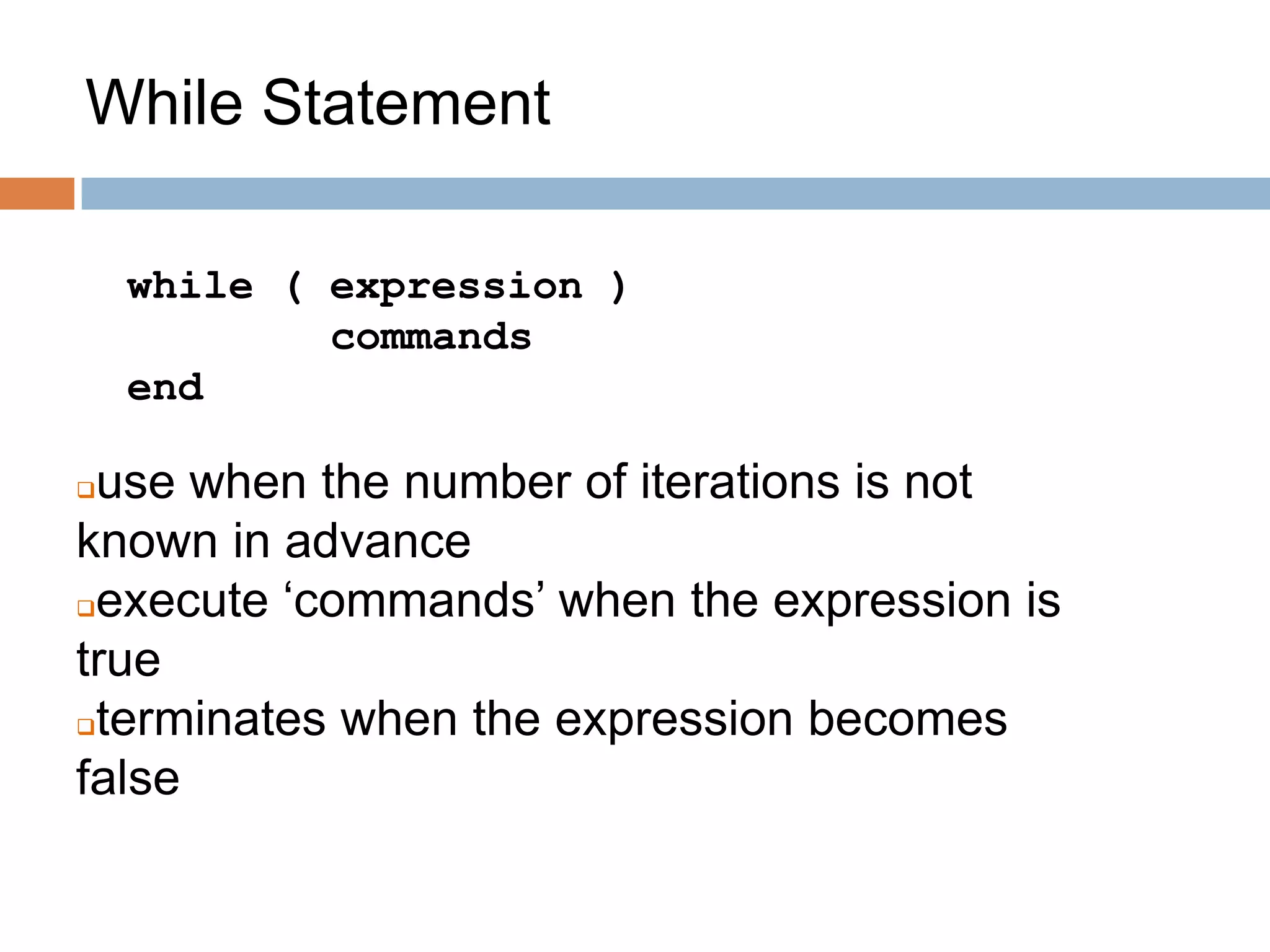
while ( expression )
commands
end
use when the number of iterations is not
known in advance
execute ‘commands’ when the expression is
true
terminates when the expression becomes
false
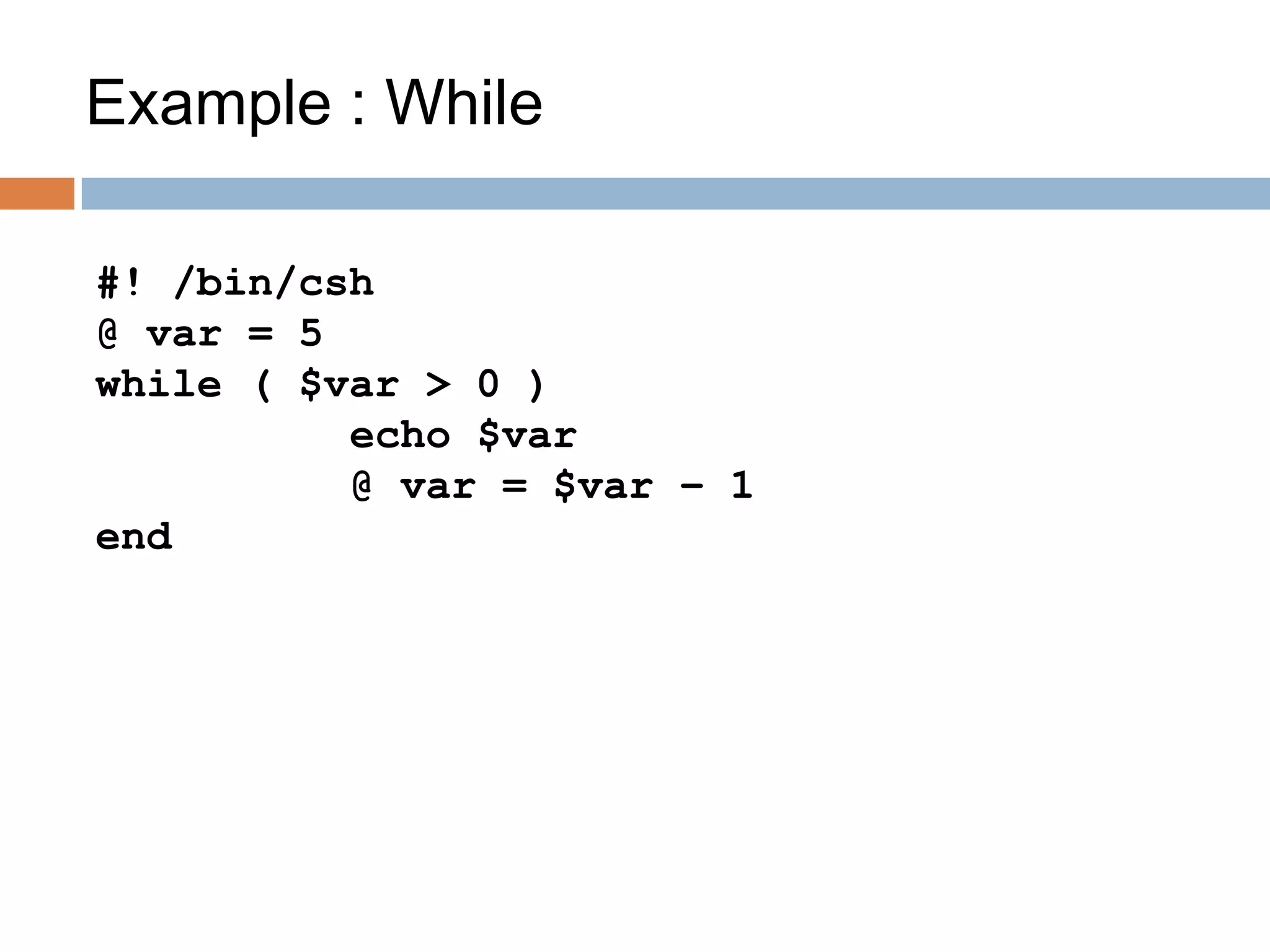
Example : While
#! /bin/csh
@ var = 5
while ( $var > 0 )
echo $var
@ var = $var – 1
end
Loop Control
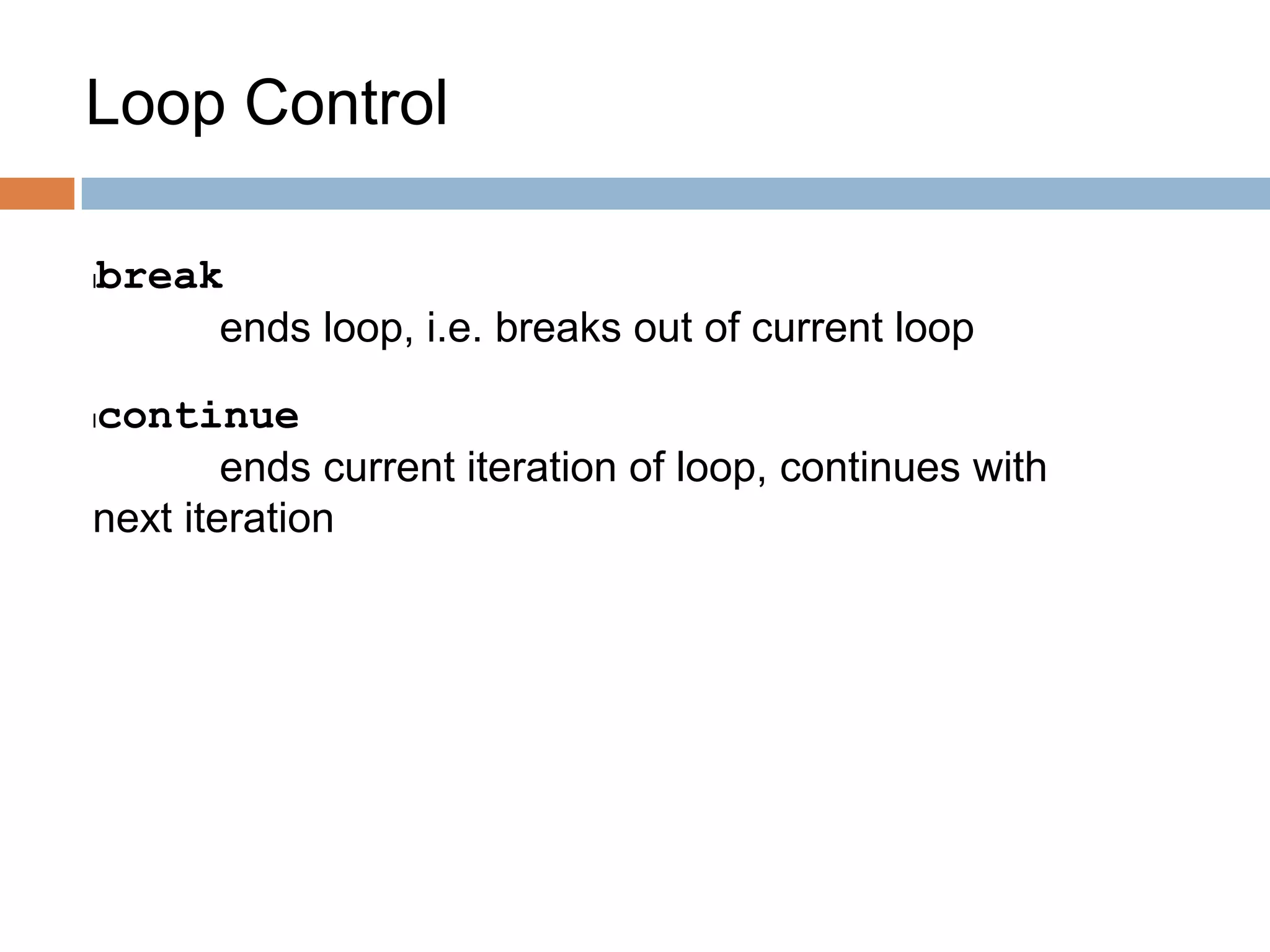
lbreak
ends loop, i.e. breaks out of current loop
lcontinue
ends current iteration of loop, continues with
next iteration
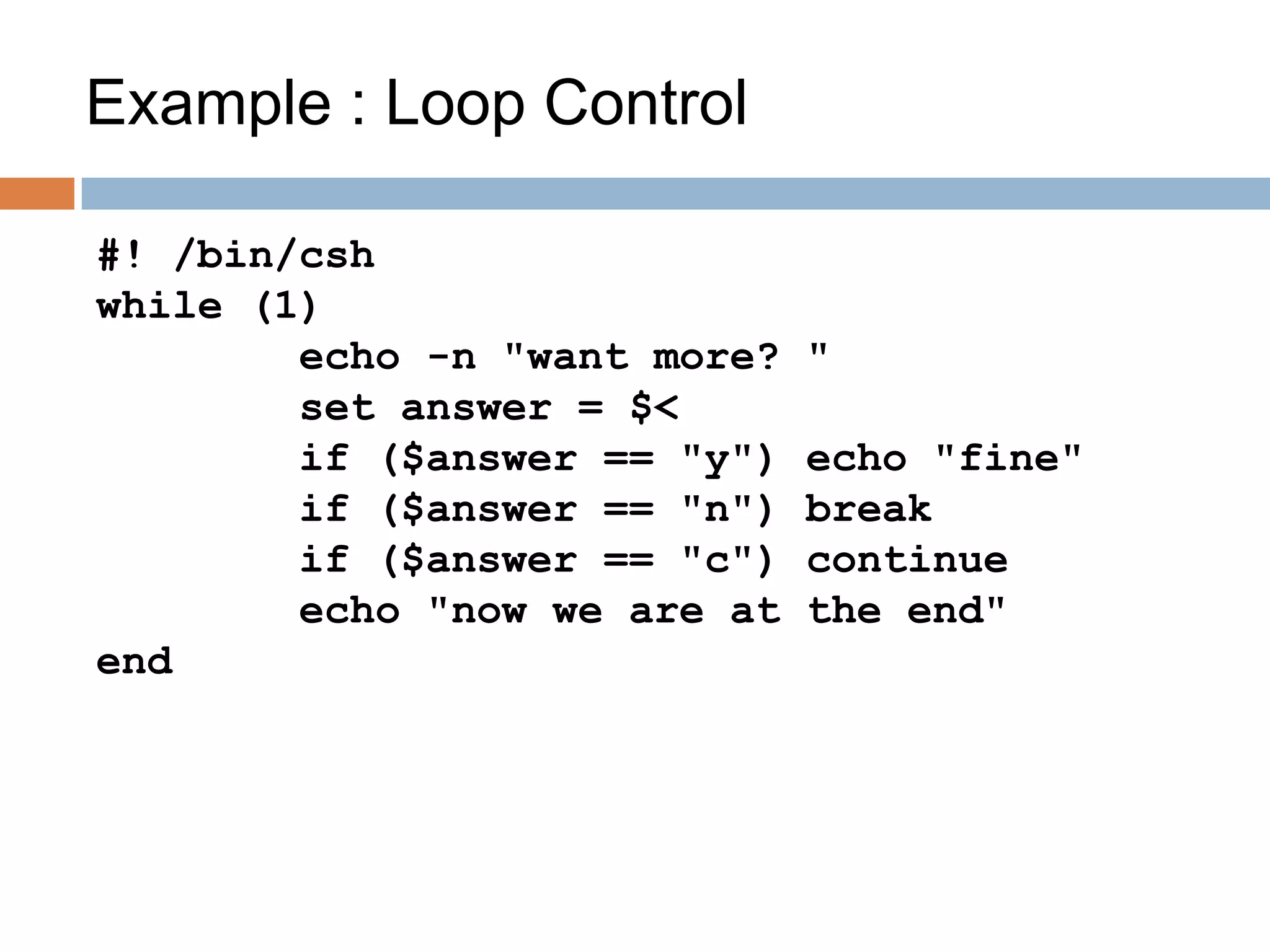
Example : Loop Control
#! /bin/csh
while (1)
echo -n "want more? "
set answer = $<
if ($answer == "y") echo "fine"
if ($answer == "n") break
if ($answer == "c") continue
echo "now we are at the end"
end
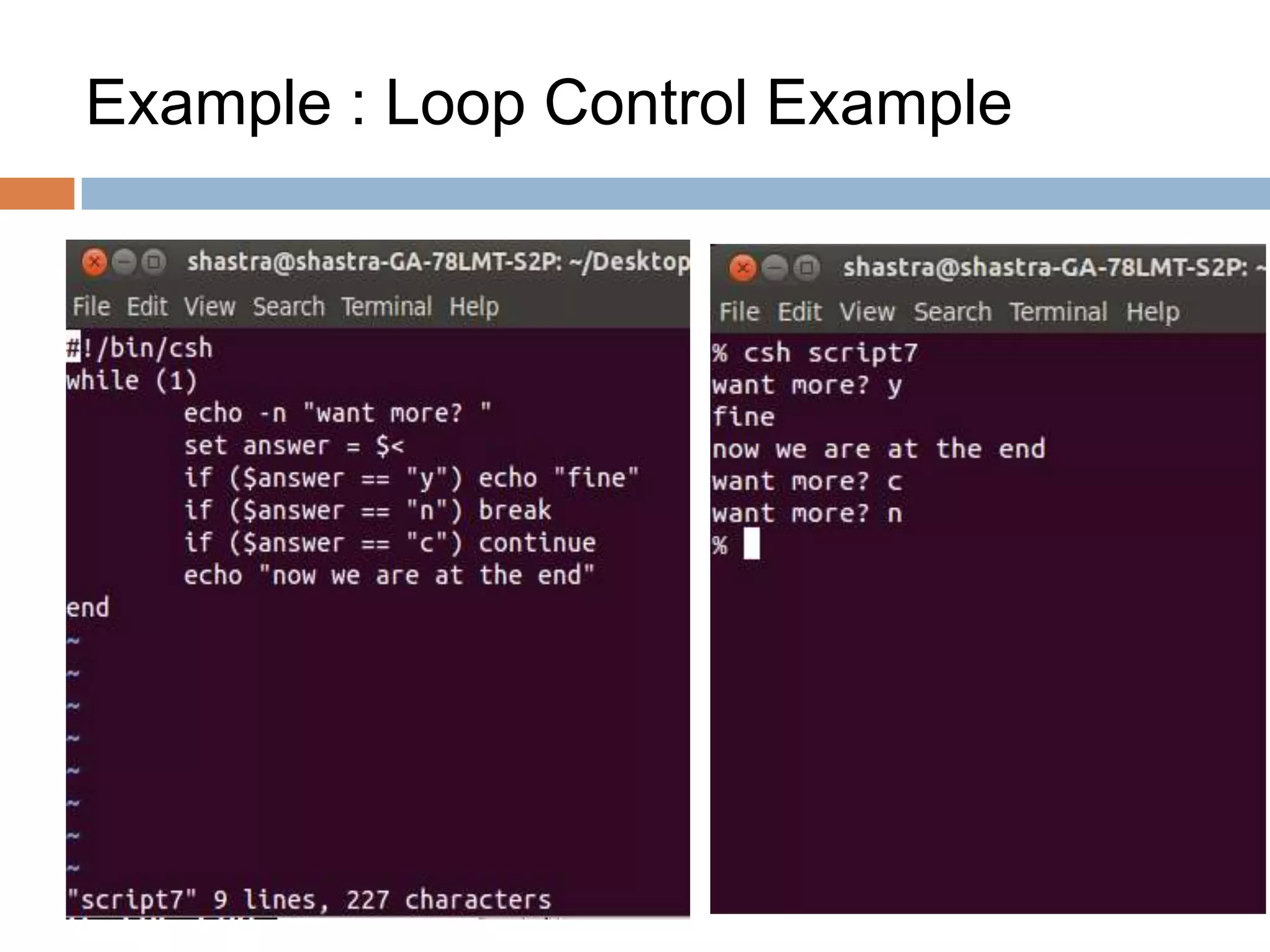
Example : Loop Control Example
The Switch Statement
lUse when a variable can take
different values
lUse switch statement to
process different cases (case
statement)
lCan replace a long sequence
of
if-then-else
statements
lUse when a variable can take
different values
lUse switch statement to
process different cases (case
statement)
lCan replace a long sequence
of
if-then-else
statements
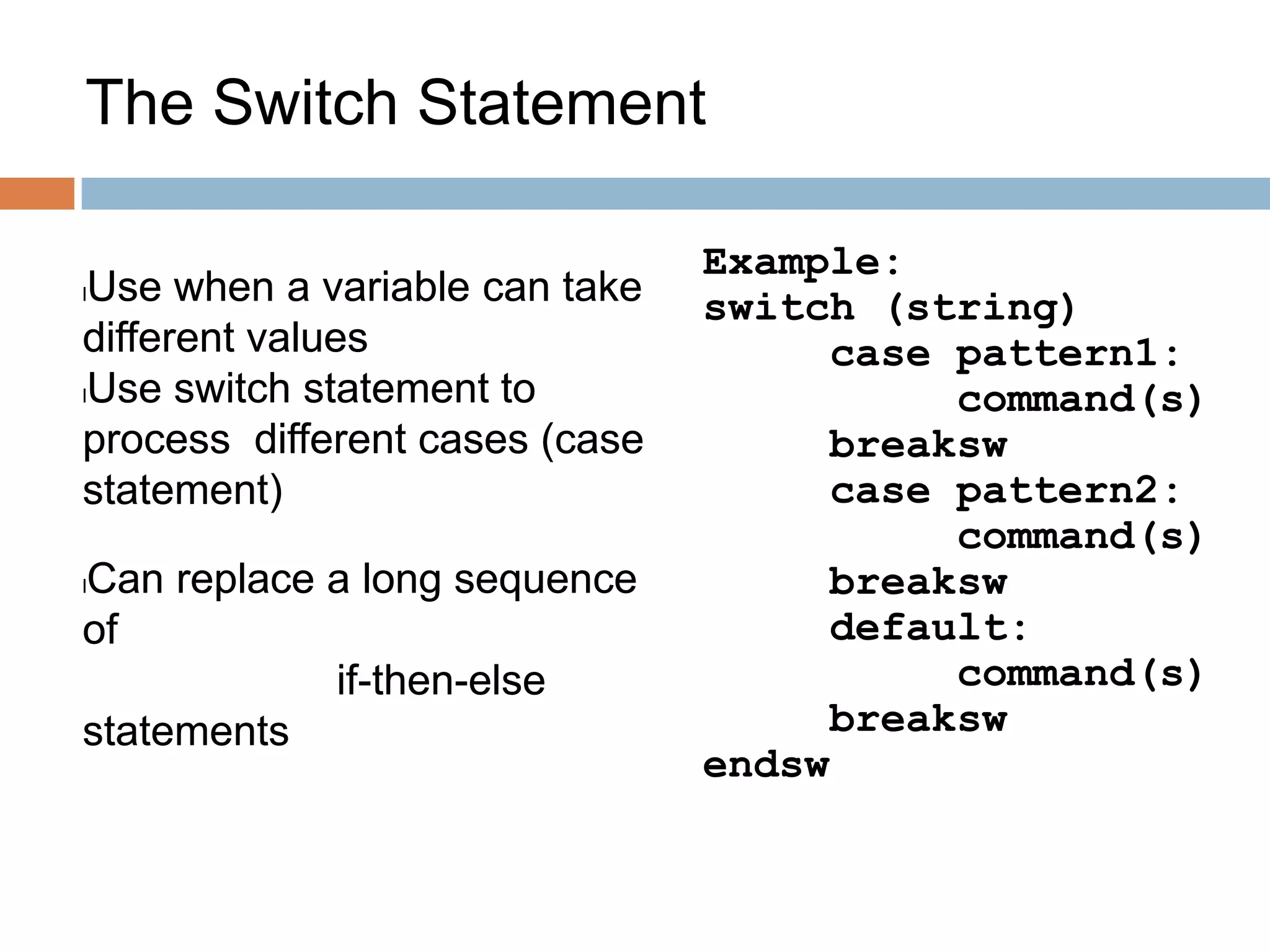
Example:
switch (string)
case pattern1:
command(s)
breaksw
case pattern2:
command(s)
breaksw
default:
command(s)
breaksw
endsw
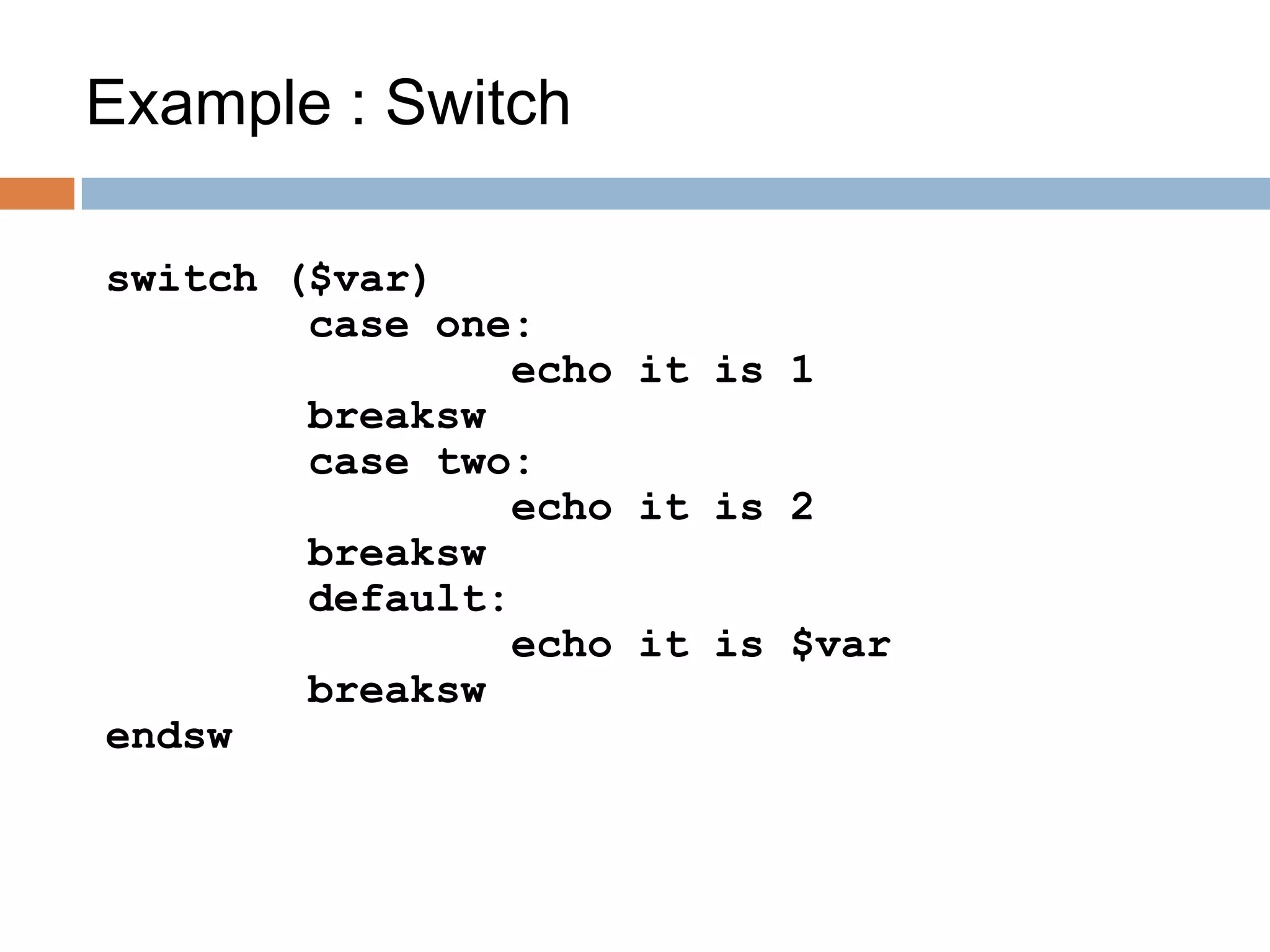
Example : Switch
switch ($var)
case one:
echo it is 1
breaksw
case two:
echo it is 2
breaksw
default:
echo it is $var
breaksw
endsw
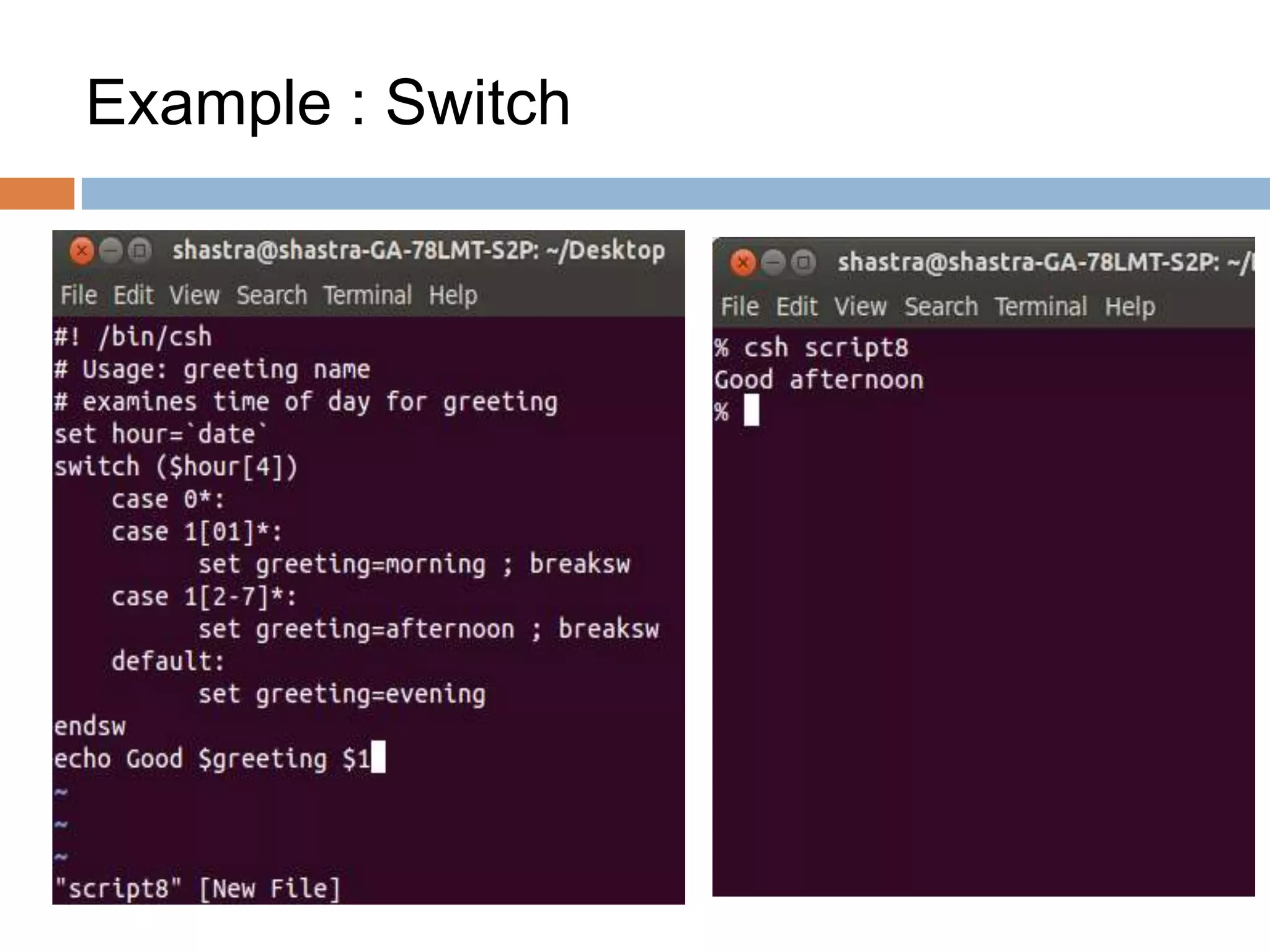
Example : Switch
#! /bin/csh
# Usage: greeting name
# examines time of day for greeting
set hour=`date`
switch ($hour[4])
case 0*:
case 1[01]*:
set greeting=morning ; breaksw
case 1[2-7]*:
set greeting=afternoon ; breaksw
default:
set greeting=evening
endsw
echo Good $greeting $1
Example : Switch
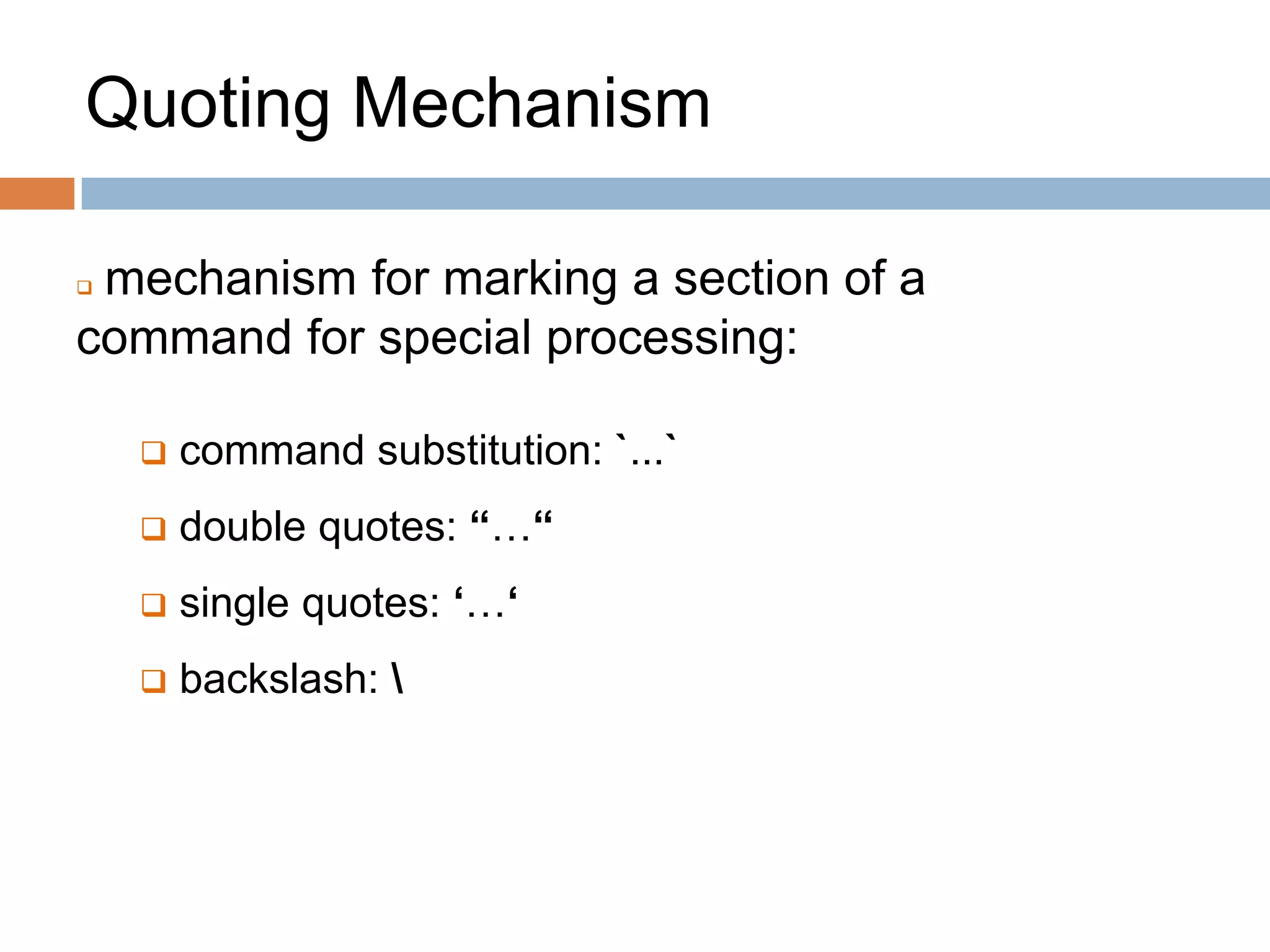
Quoting Mechanism
 mechanism for marking a section of a
command for special processing:
 command substitution: `...`
 double quotes: “…“
 single quotes: ‘…‘
 backslash:
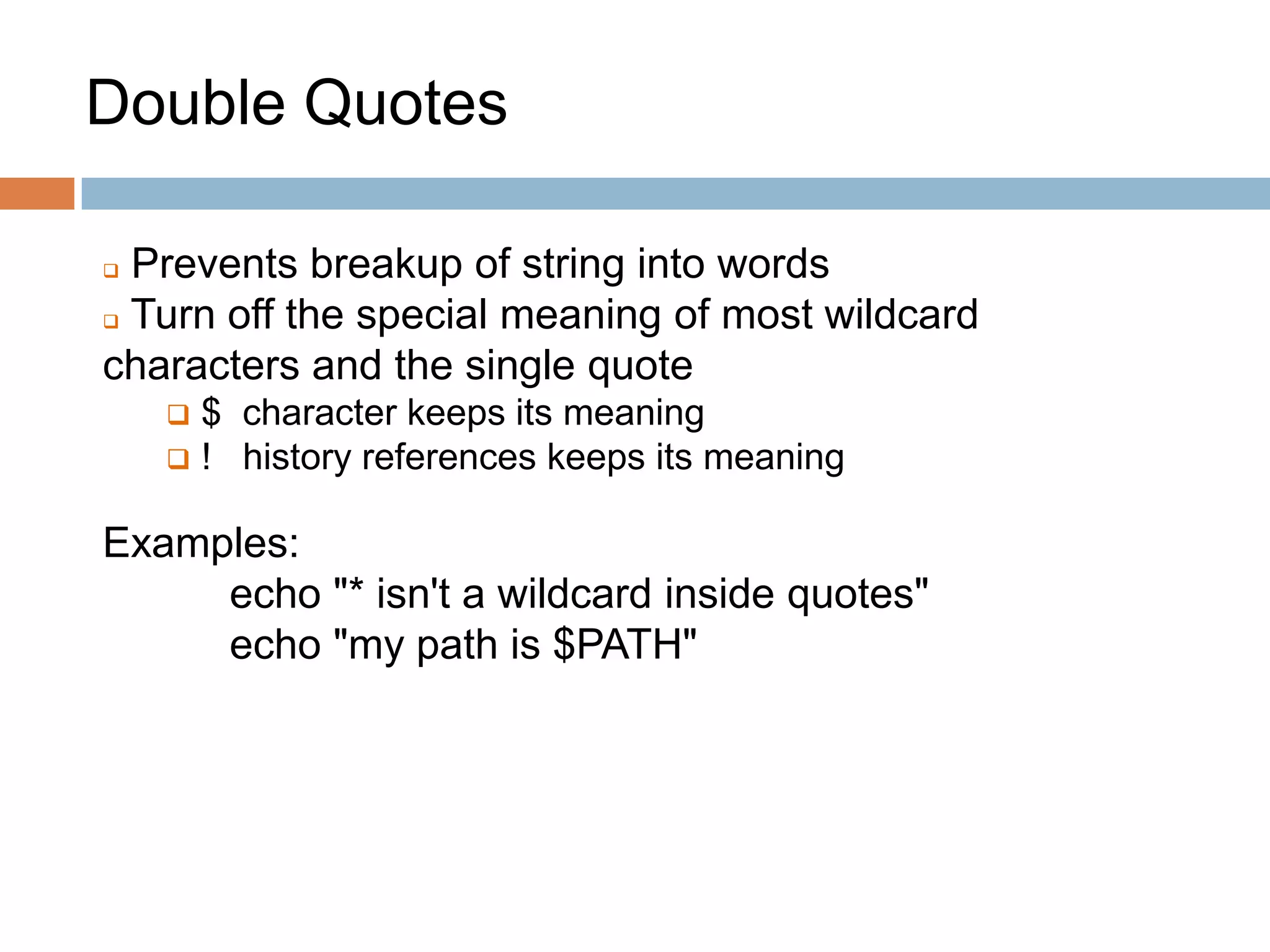
Double Quotes
 Prevents breakup of string into words
 Turn off the special meaning of most wildcard
characters and the single quote
 $ character keeps its meaning
 ! history references keeps its meaning
Examples:
echo "* isn't a wildcard inside quotes"
echo "my path is $PATH"
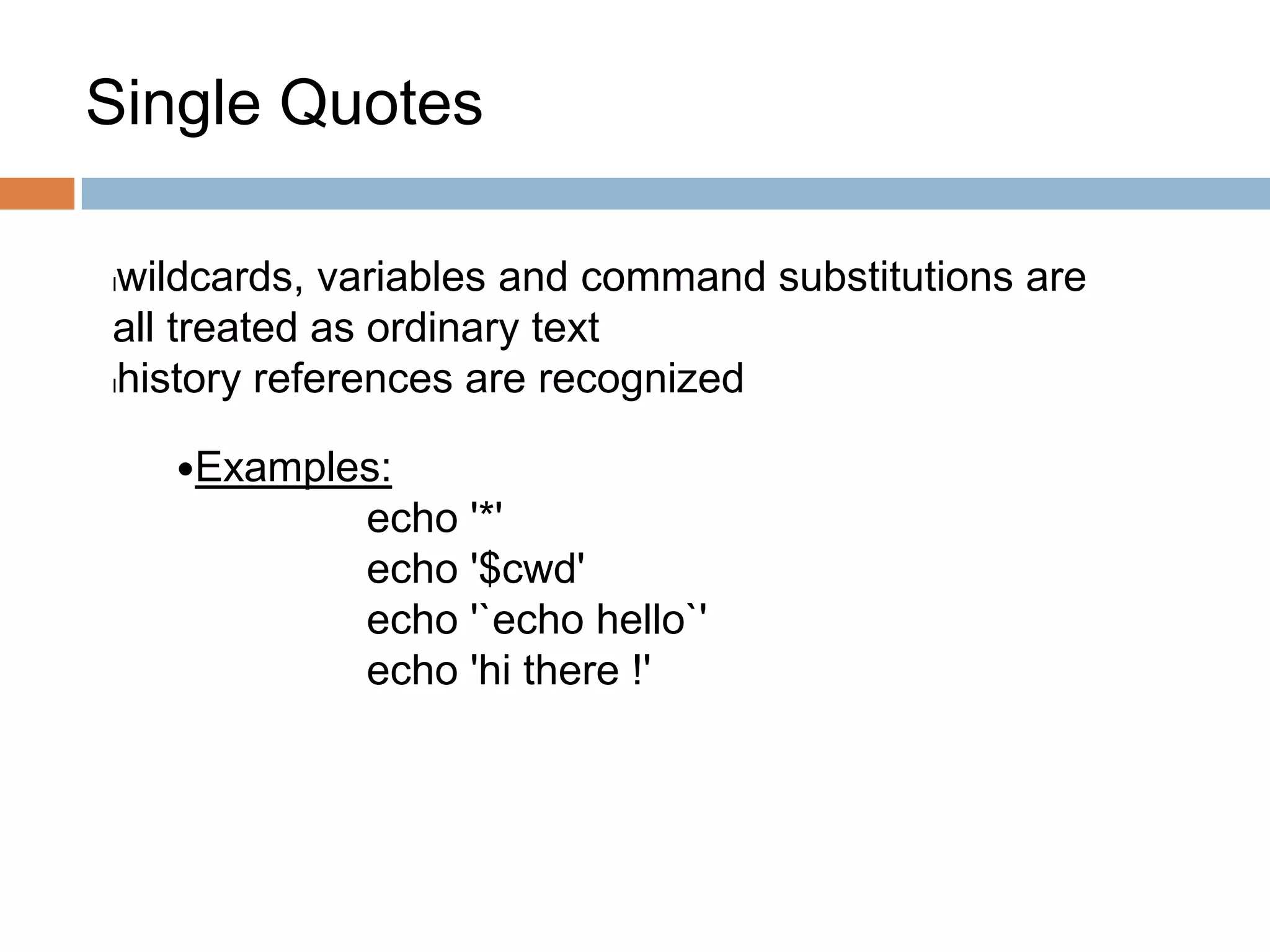
Single Quotes
lwildcards, variables and command substitutions are
all treated as ordinary text
lhistory references are recognized
Examples:
echo '*'
echo '$cwd'
echo '`echo hello`'
echo 'hi there !'
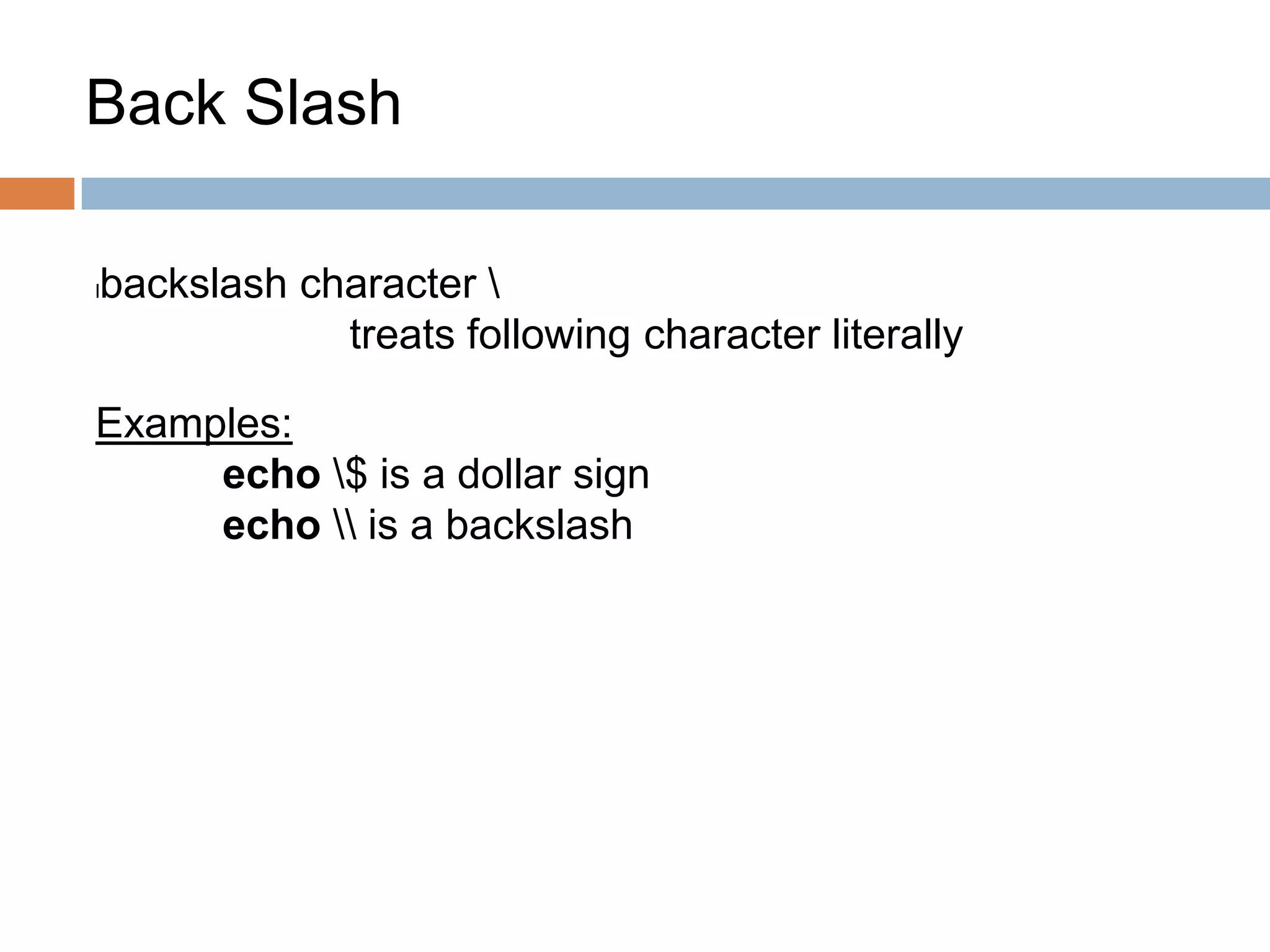
Back Slash
lbackslash character 
treats following character literally
Examples:
echo $ is a dollar sign
echo  is a backslash
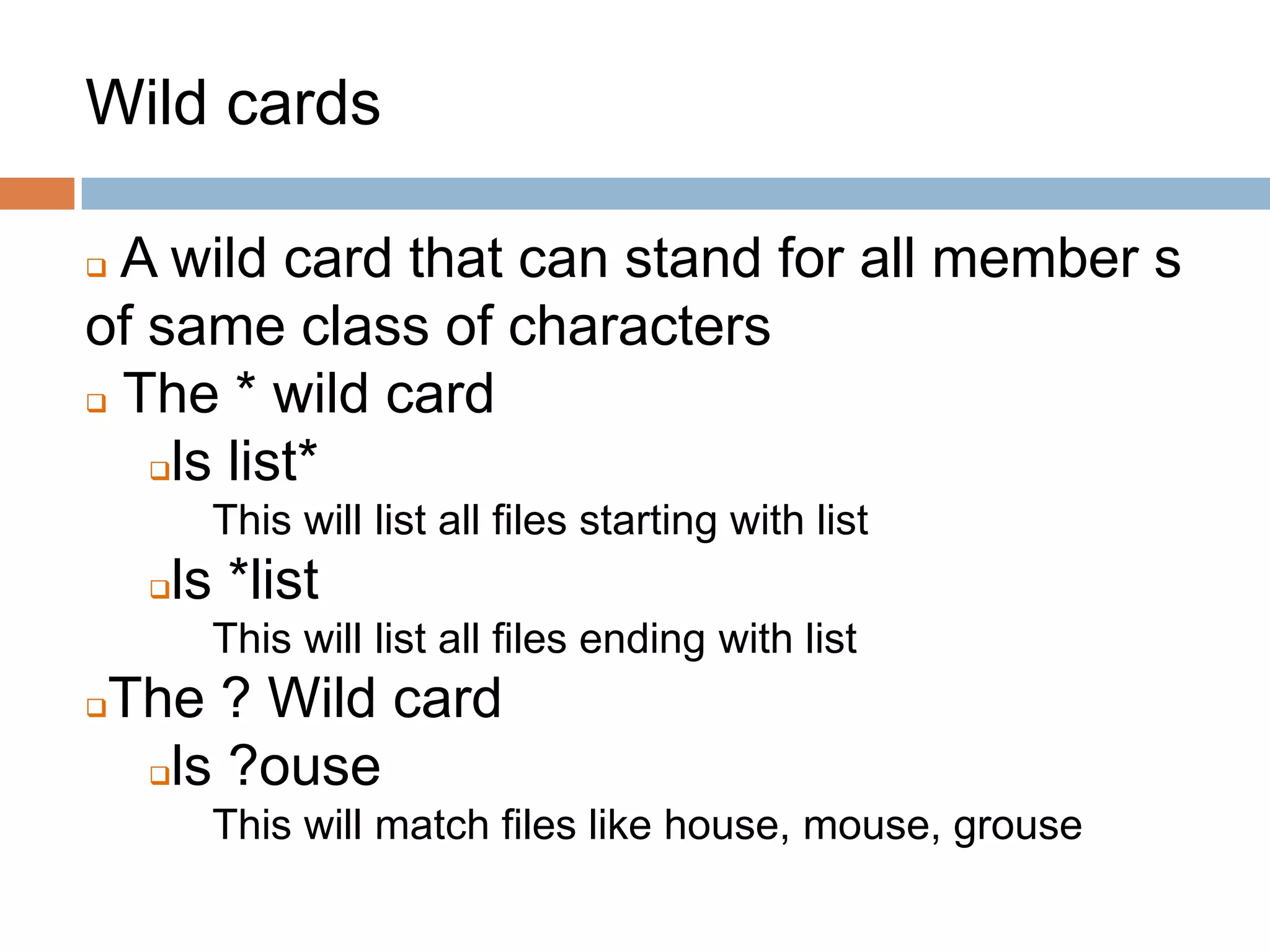
Wild cards
 A wild card that can stand for all member s
of same class of characters
 The * wild card
ls list*
This will list all files starting with list
ls *list
This will list all files ending with list
The ? Wild card
ls ?ouse
This will match files like house, mouse, grouse
Regular Expressions
 Search for specific lines of text containing a
particular pattern
 Usually using for pattern matching
 A shell meta characters must be quoted when
passed as an expression to the shell
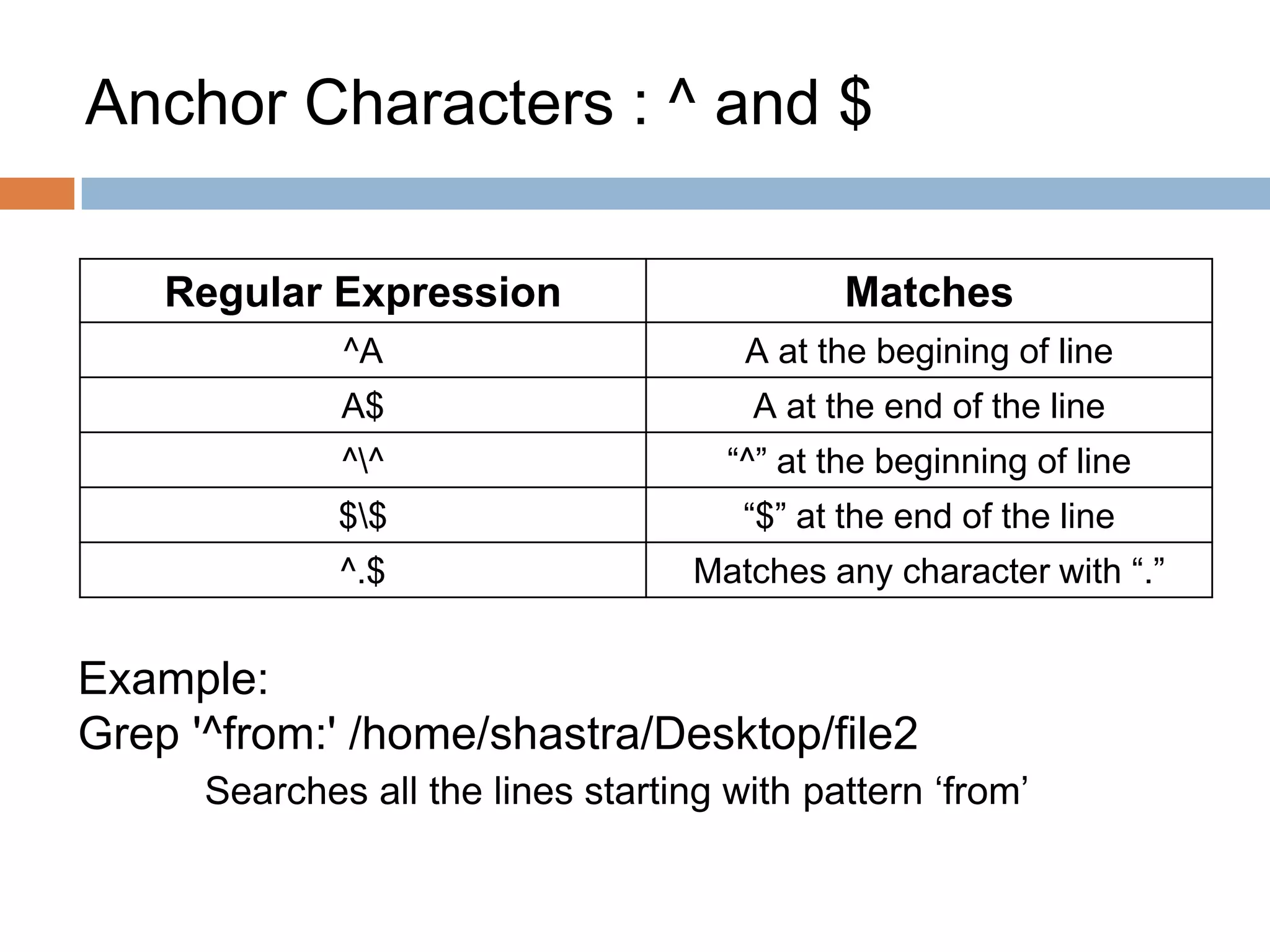
Anchor Characters : ^ and $
Regular Expression Matches
^A A at the begining of line
A$ A at the end of the line
^^ “^” at the beginning of line
$$ “$” at the end of the line
^.$ Matches any character with “.”
Example:
Grep '^from:' /home/shastra/Desktop/file2
Searches all the lines starting with pattern ‘from’
Matching words with [ and ]
Regular expression matches
[ ] The characters “[]”
[0-9] Any number
[^0-9] Any character other than a
number
[-0-9] Any number or a “-”
[]0-9] Any number or “]”
[0-9]] Any number followed by “]”
^[0-9] A line starting with any
number
[0-9]$ A line ending with any
number
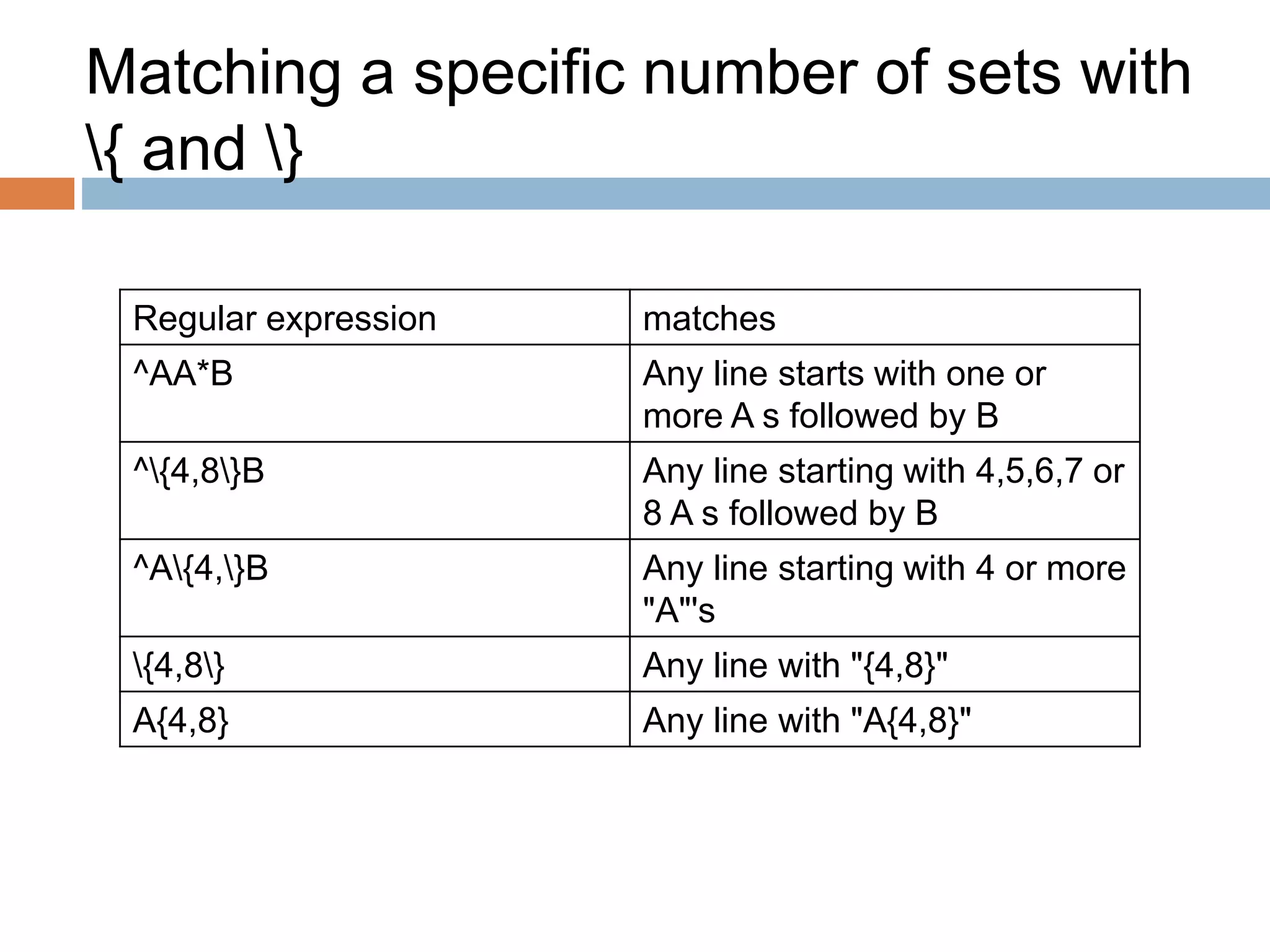
Matching a specific number of sets with
{ and }
Regular expression matches
^AA*B Any line starts with one or
more A s followed by B
^{4,8}B Any line starting with 4,5,6,7 or
8 A s followed by B
^A{4,}B Any line starting with 4 or more
"A"'s
{4,8} Any line with "{4,8}"
A{4,8} Any line with "A{4,8}"
Matching exact words
Regular expression matches
<the> Matching individual word “the”
only
<[tT]he> Matches for both t and T followed
by he
Example : Regex
 grep "^abb" file1
 It matches the line that contains “abb” at the very
beginning of line
 grep "and$" file1
 It matches the line that contains “and” at the end
of the line
 grep “t[wo]o” file1
 It matches the line that contains “two” or “too”
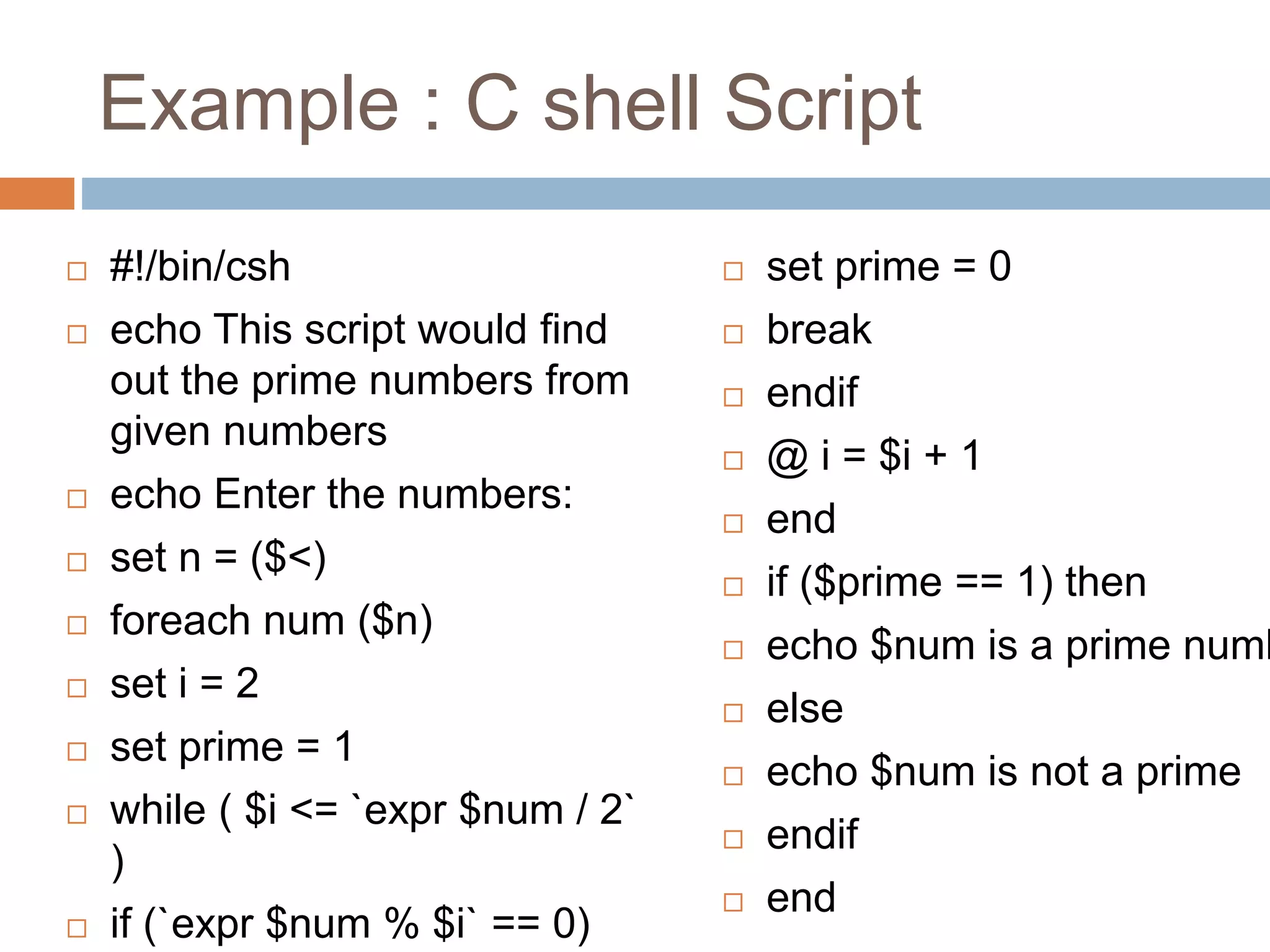
Example : C shell Script
 #!/bin/csh
 echo This script would find
out the prime numbers from
given numbers
 echo Enter the numbers:
 set n = ($<)
 foreach num ($n)
 set i = 2
 set prime = 1
 while ( $i <= `expr $num / 2`
)
 if (`expr $num % $i` == 0)
 set prime = 0
 break
 endif
 @ i = $i + 1
 end
 if ($prime == 1) then
 echo $num is a prime numb
 else
 echo $num is not a prime
 endif
 end
Example : C shell Scirpt
 #!/bin/csh
 echo This script would 'find' the .txt files and
change their permissions
 set ar = `find / -name "*.txt"`
 set arr = ($ar[*])
 foreach a ($arr)
 chmod 777 $a
 ls -l $a
 end
T h a n k Y o u
made by B Chari K working in semiconductors domain

First steps in C-Shell

  • 1.
    C-shell Scripting made byB Chari K working in semiconductors domain
  • 2.
    Shell Scripts The basicconcept of a shell script is a list of commands, which are listed in the order of execution. There are conditional tests, loops, variables and files to read and store data. A script can include functions also.
  • 3.
    Steps to createShell script  Specify shell to execute program  Script must begin with #! (pronounced “shebang”) lto identify shell to be executed Examples: #! /bin/sh #! /bin/bash #! /bin/csh #! /usr/bin/tcsh  Make the shell program executable  Use the “chmod” command to make the program/script file executable 3
  • 4.
  • 5.
    Variables  Local variables– a variable present with in the current instance in the shell  Environment variables – a variable available to any child process of the shell.Usually a shell script defines only those environment variables that are needed by the programs that it runs.  Shell variables - A shell variable is a special variable that is set by the shell and is required by the shell in order to function correctly
  • 6.
    Shell Logic Structures Basic logic structures needed for program development:  Sequential logic  User input  Decision logic  Looping logic  Case logic
  • 7.
    Input to ashell script  Reading user input  Providing input as command line arguments  Accessing contents of files
  • 8.
    Reading User Input There is a special C shell variable: $<  Reads a line from terminal (stdin) up to, but not including the new line #! /bin/csh echo "What is your name?" set name = $< echo Greetings to you, $name echo "See you soon"
  • 9.
  • 10.
    Command Line arguments Use arguments to modify script behavior  command line arguments become positional parameters to C shell script  positional parameters are numbered variables: $1, $2, $3 …
  • 11.
    Command line arguments Meaning $0-- name of the script $1, $2 -- first and second parameter ${10} -- 10th parameter  { } prevents “$1” misunderstanding $* -- all positional parameters $#argv -- the number of arguments
  • 12.
  • 13.
    Decision Logic  ifStatement: simplest forms if ( expression ) command if ( expression ) then command(s) endif
  • 14.
     if-then-else Statement if( expression ) then command(s) else command(s) endif Decision Logic
  • 15.
    Decision Logic  If-then-elseif Statement if ( expression ) then command(s) else if ( expression ) then command(s) else command(s) endif
  • 16.
    Basic Operators inexpressions Meaning ( ) grouping ! Logical “not” > >= < <=greater than, less than == != equal to, not equal || Logical “or” && Logical “and”
  • 17.
    Example #! /bin/csh if ($#argv == 0 ) then echo -n "Enter time in minutes: " @ min = $< else @ min = $1 endif @ sec = $min * 60 echo “$min minutes is $sec seconds”
  • 18.
  • 19.
    File Testing Operators oprMeaning r Read access w Write access x Execute access e Existence z Zero length f Ordinary file d directory  Syntax: if ( -opre filename )
  • 20.
    Example if ( -e$1 ) then echo $1 exists if ( -f $1 ) then echo $1 is an ordinary file else echo $1 is NOT ordinary file endif else echo $1 does NOT exist endif
  • 21.
  • 22.
    Looping constructs predetermined iterations -repeat - foreach condition-based iterations - while
  • 23.
    Fixed Number Iterations Syntax:repeat repeat number command lexecutes “command” “number” times Examples: repeat 5 ls repeat 2 echo “go home”
  • 24.
    The Foreach Statement foreachname ( wordlist ) commands end  wordlist is: list of words, or multi-valued variable each time through, foreach assigns the next item in wordlist to the variable $name
  • 25.
    Example : Foreach foreachword ( one two three ) echo $word end lor set list = ( one two three ) foreach word ( $list ) echo $word end
  • 26.
    Loops with Foreach Example: #!/bin/csh @ sum = 0 foreach file (`ls`) set size = `cat $file | wc -c` echo "Counting: $file ($size)" @ sum = $sum + $size end echo Sum: $sum
  • 27.
  • 28.
    While Statement while (expression ) commands end use when the number of iterations is not known in advance execute ‘commands’ when the expression is true terminates when the expression becomes false
  • 29.
    Example : While #!/bin/csh @ var = 5 while ( $var > 0 ) echo $var @ var = $var – 1 end
  • 30.
    Loop Control lbreak ends loop,i.e. breaks out of current loop lcontinue ends current iteration of loop, continues with next iteration
  • 31.
    Example : LoopControl #! /bin/csh while (1) echo -n "want more? " set answer = $< if ($answer == "y") echo "fine" if ($answer == "n") break if ($answer == "c") continue echo "now we are at the end" end
  • 32.
    Example : LoopControl Example
  • 33.
    The Switch Statement lUsewhen a variable can take different values lUse switch statement to process different cases (case statement) lCan replace a long sequence of if-then-else statements lUse when a variable can take different values lUse switch statement to process different cases (case statement) lCan replace a long sequence of if-then-else statements Example: switch (string) case pattern1: command(s) breaksw case pattern2: command(s) breaksw default: command(s) breaksw endsw
  • 34.
    Example : Switch switch($var) case one: echo it is 1 breaksw case two: echo it is 2 breaksw default: echo it is $var breaksw endsw
  • 35.
    Example : Switch #!/bin/csh # Usage: greeting name # examines time of day for greeting set hour=`date` switch ($hour[4]) case 0*: case 1[01]*: set greeting=morning ; breaksw case 1[2-7]*: set greeting=afternoon ; breaksw default: set greeting=evening endsw echo Good $greeting $1
  • 36.
  • 37.
    Quoting Mechanism  mechanismfor marking a section of a command for special processing:  command substitution: `...`  double quotes: “…“  single quotes: ‘…‘  backslash:
  • 38.
    Double Quotes  Preventsbreakup of string into words  Turn off the special meaning of most wildcard characters and the single quote  $ character keeps its meaning  ! history references keeps its meaning Examples: echo "* isn't a wildcard inside quotes" echo "my path is $PATH"
  • 39.
    Single Quotes lwildcards, variablesand command substitutions are all treated as ordinary text lhistory references are recognized Examples: echo '*' echo '$cwd' echo '`echo hello`' echo 'hi there !'
  • 40.
    Back Slash lbackslash character treats following character literally Examples: echo $ is a dollar sign echo is a backslash
  • 41.
    Wild cards  Awild card that can stand for all member s of same class of characters  The * wild card ls list* This will list all files starting with list ls *list This will list all files ending with list The ? Wild card ls ?ouse This will match files like house, mouse, grouse
  • 42.
    Regular Expressions  Searchfor specific lines of text containing a particular pattern  Usually using for pattern matching  A shell meta characters must be quoted when passed as an expression to the shell
  • 43.
    Anchor Characters :^ and $ Regular Expression Matches ^A A at the begining of line A$ A at the end of the line ^^ “^” at the beginning of line $$ “$” at the end of the line ^.$ Matches any character with “.” Example: Grep '^from:' /home/shastra/Desktop/file2 Searches all the lines starting with pattern ‘from’
  • 44.
    Matching words with[ and ] Regular expression matches [ ] The characters “[]” [0-9] Any number [^0-9] Any character other than a number [-0-9] Any number or a “-” []0-9] Any number or “]” [0-9]] Any number followed by “]” ^[0-9] A line starting with any number [0-9]$ A line ending with any number
  • 45.
    Matching a specificnumber of sets with { and } Regular expression matches ^AA*B Any line starts with one or more A s followed by B ^{4,8}B Any line starting with 4,5,6,7 or 8 A s followed by B ^A{4,}B Any line starting with 4 or more "A"'s {4,8} Any line with "{4,8}" A{4,8} Any line with "A{4,8}"
  • 46.
    Matching exact words Regularexpression matches <the> Matching individual word “the” only <[tT]he> Matches for both t and T followed by he
  • 47.
    Example : Regex grep "^abb" file1  It matches the line that contains “abb” at the very beginning of line  grep "and$" file1  It matches the line that contains “and” at the end of the line  grep “t[wo]o” file1  It matches the line that contains “two” or “too”
  • 48.
    Example : Cshell Script  #!/bin/csh  echo This script would find out the prime numbers from given numbers  echo Enter the numbers:  set n = ($<)  foreach num ($n)  set i = 2  set prime = 1  while ( $i <= `expr $num / 2` )  if (`expr $num % $i` == 0)  set prime = 0  break  endif  @ i = $i + 1  end  if ($prime == 1) then  echo $num is a prime numb  else  echo $num is not a prime  endif  end
  • 49.
    Example : Cshell Scirpt  #!/bin/csh  echo This script would 'find' the .txt files and change their permissions  set ar = `find / -name "*.txt"`  set arr = ($ar[*])  foreach a ($arr)  chmod 777 $a  ls -l $a  end
  • 50.
    T h an k Y o u made by B Chari K working in semiconductors domain