MSc Environmental
Pollution Control
Postgraduate Course Feedback

Essential Library Skills and
Literature Searching
24th October 2013
Today we are going to look at …

1) Essential Library Skills
Using the Library pages on MyUniHub:
• The Library Catalogue
• Summon
• Your Library Subject Guide
Today we are going to look at …

2) Literature Searching
•
•
•
•
•
•
•

Introduction to journal databases
Searching Web of Science
Accessing the journal articles you have found
What are peer-reviewed articles?
Searching Science Direct and ProQuest
Newsstand
Using Google Scholar
Referencing
Using the Library pages on
MyUniHub

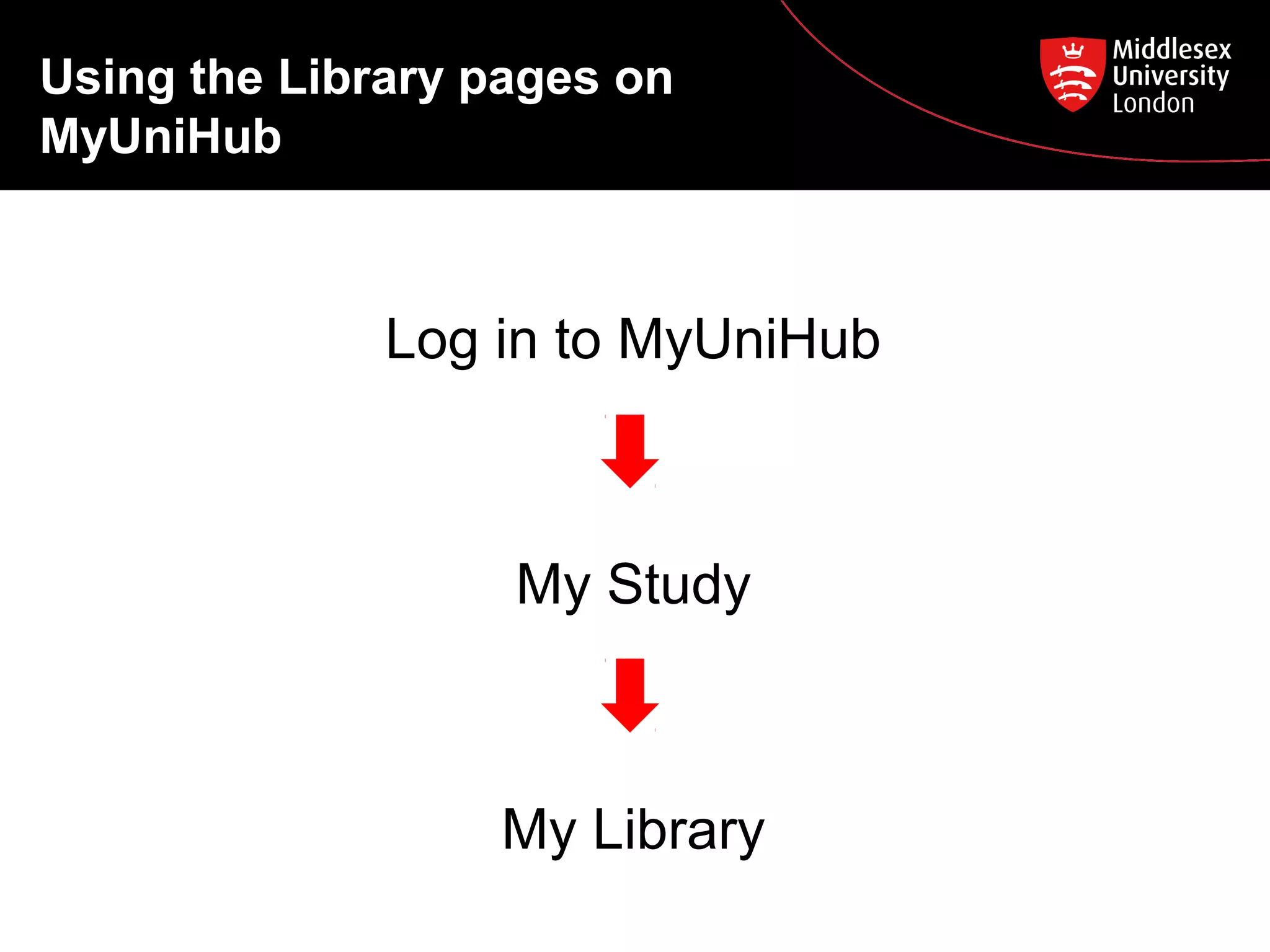
Log in to MyUniHub

My Study

My Library
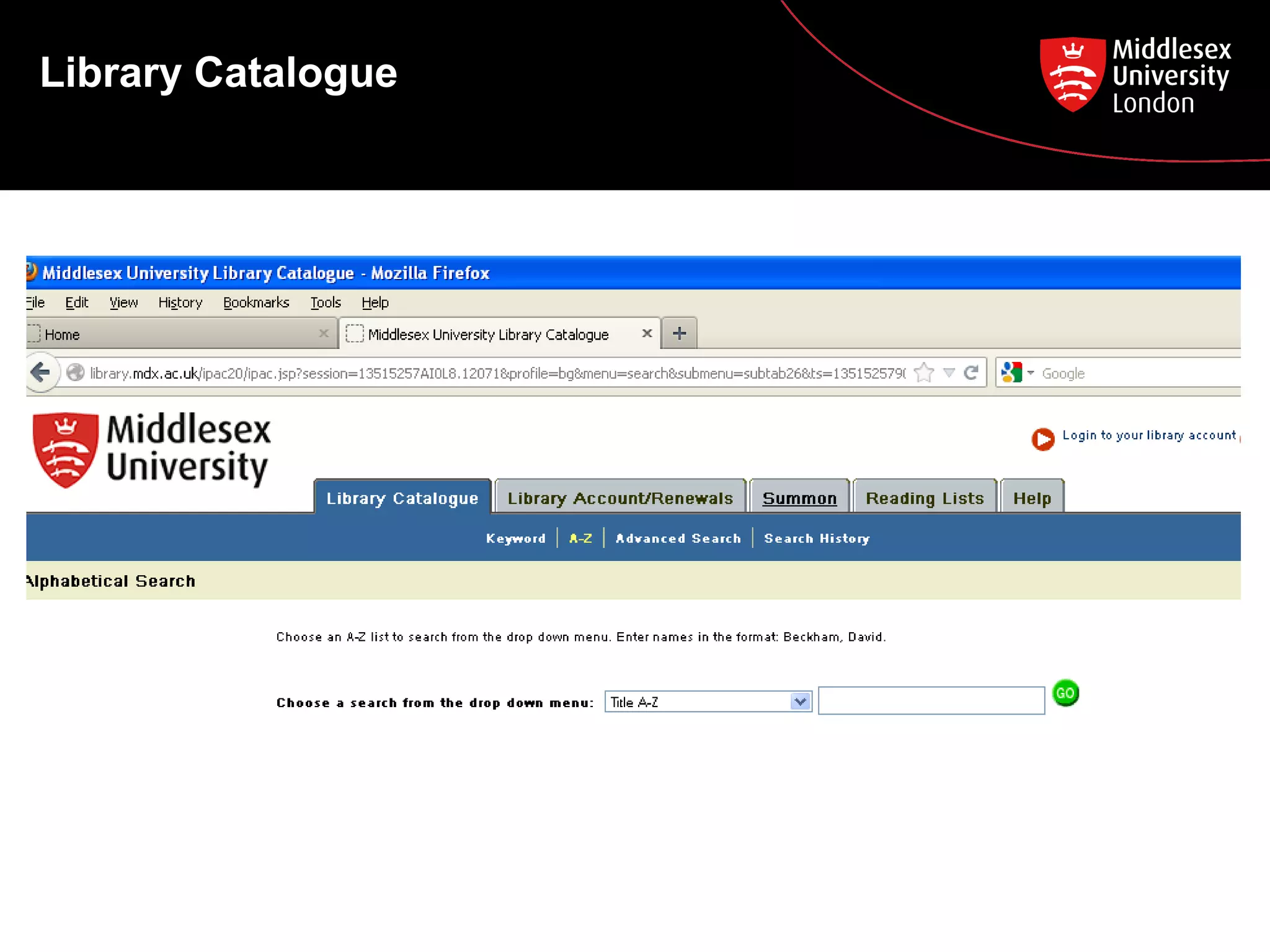
Library Catalogue
Library Catalogue

How to search:
•
Keyword search
•
A-Z search
Find these items on the Library Catalogue:
1. Purkis, S., Klemas, V. (2011) Remote sensing and global
environmental change. Chichester: Wiley Blackwell
2. Harrison, R.M. (ed.). (2007) Principles of environmental
chemistry. London: Royal Society of Chemistry
3. Journal: Water research
Library Catalogue – e-books and
e-journals

• E-books and e-journals are also found on the
Library Catalogue.
• You will see ‘[electronic resource]’ after the
title.
• Click on the blue link to download or read the
book or journal online (You must be logged
into myUniHub!)
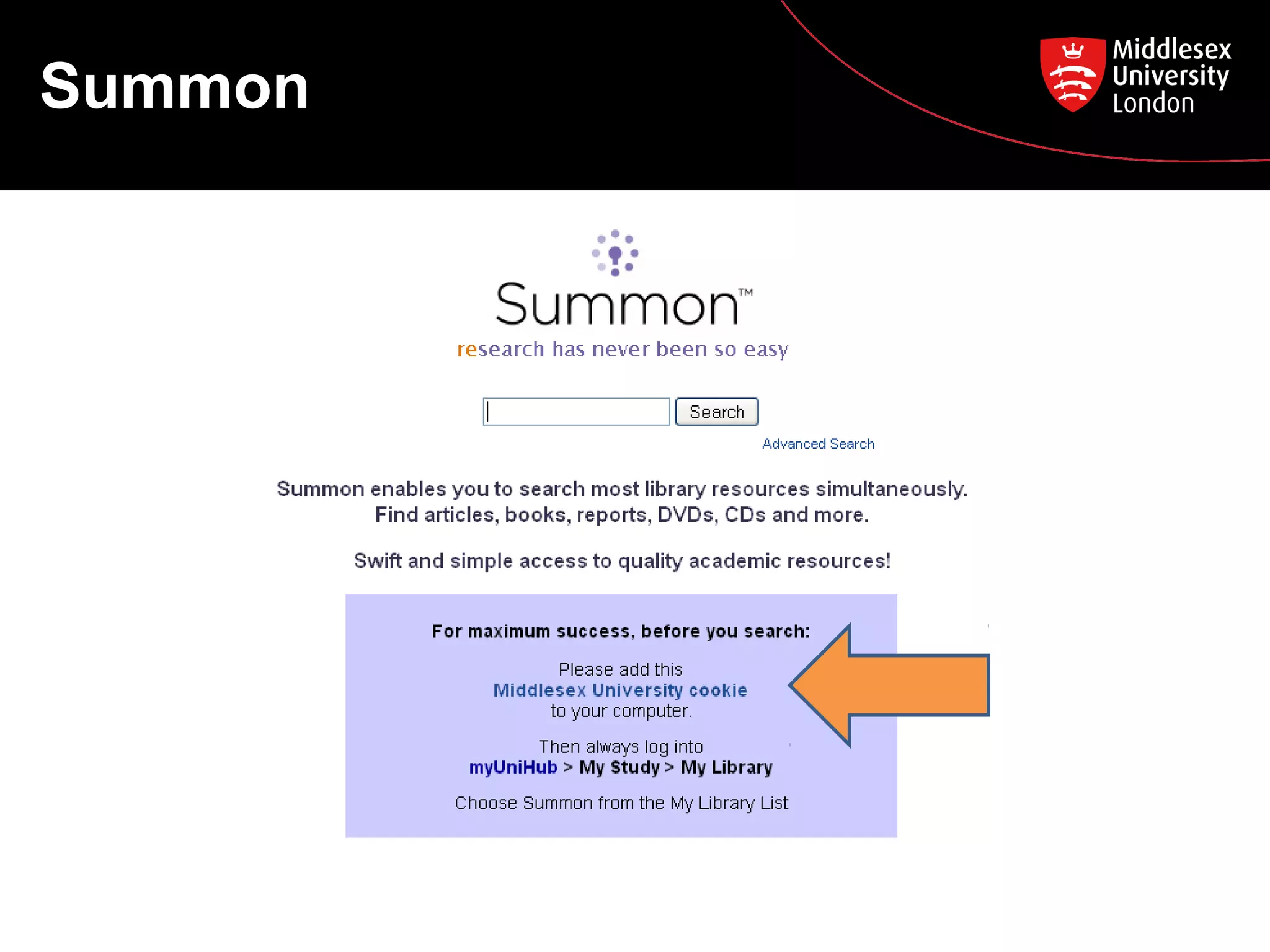
Summon
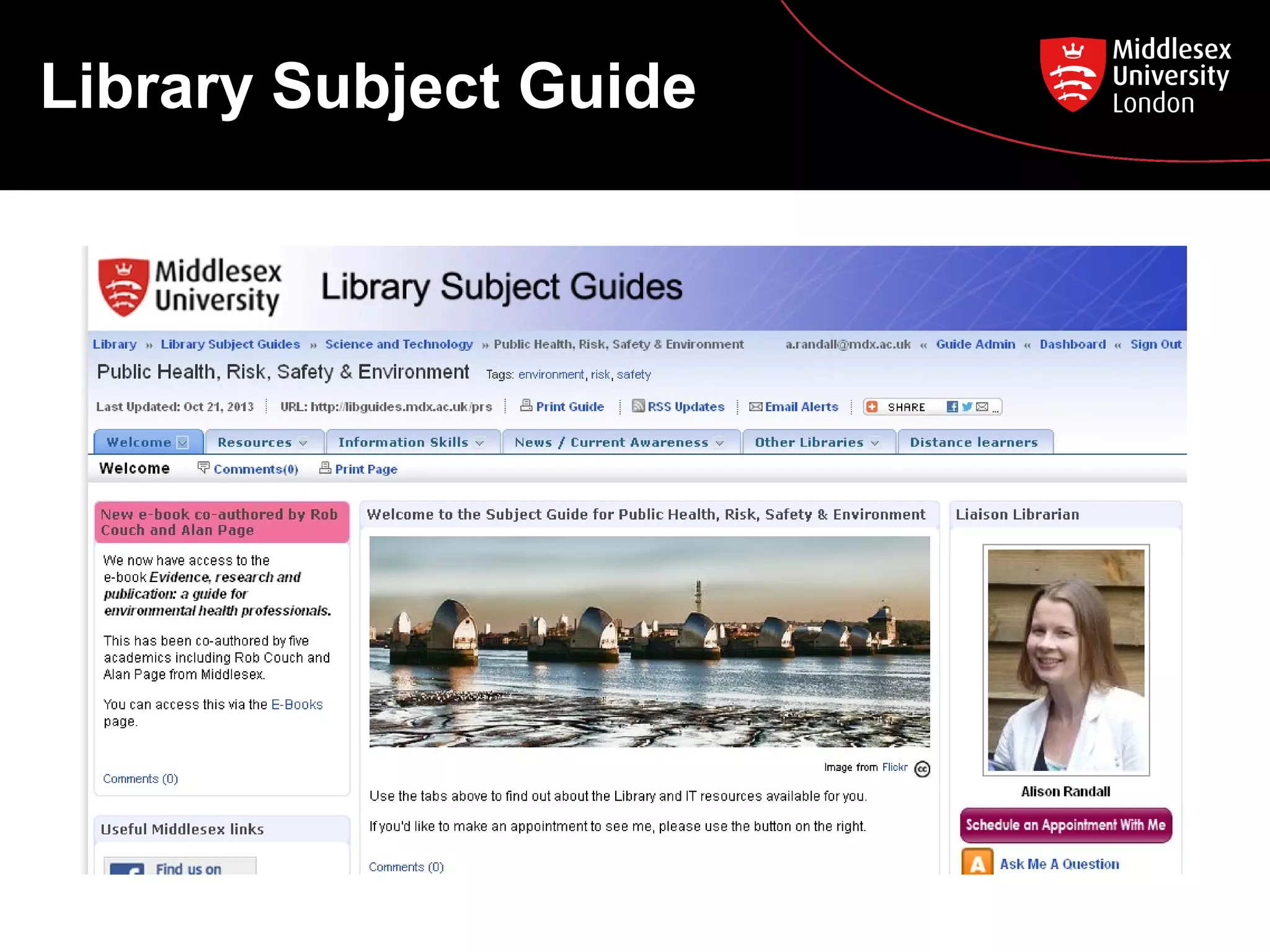
Library Subject Guide
Introduction to journal
databases
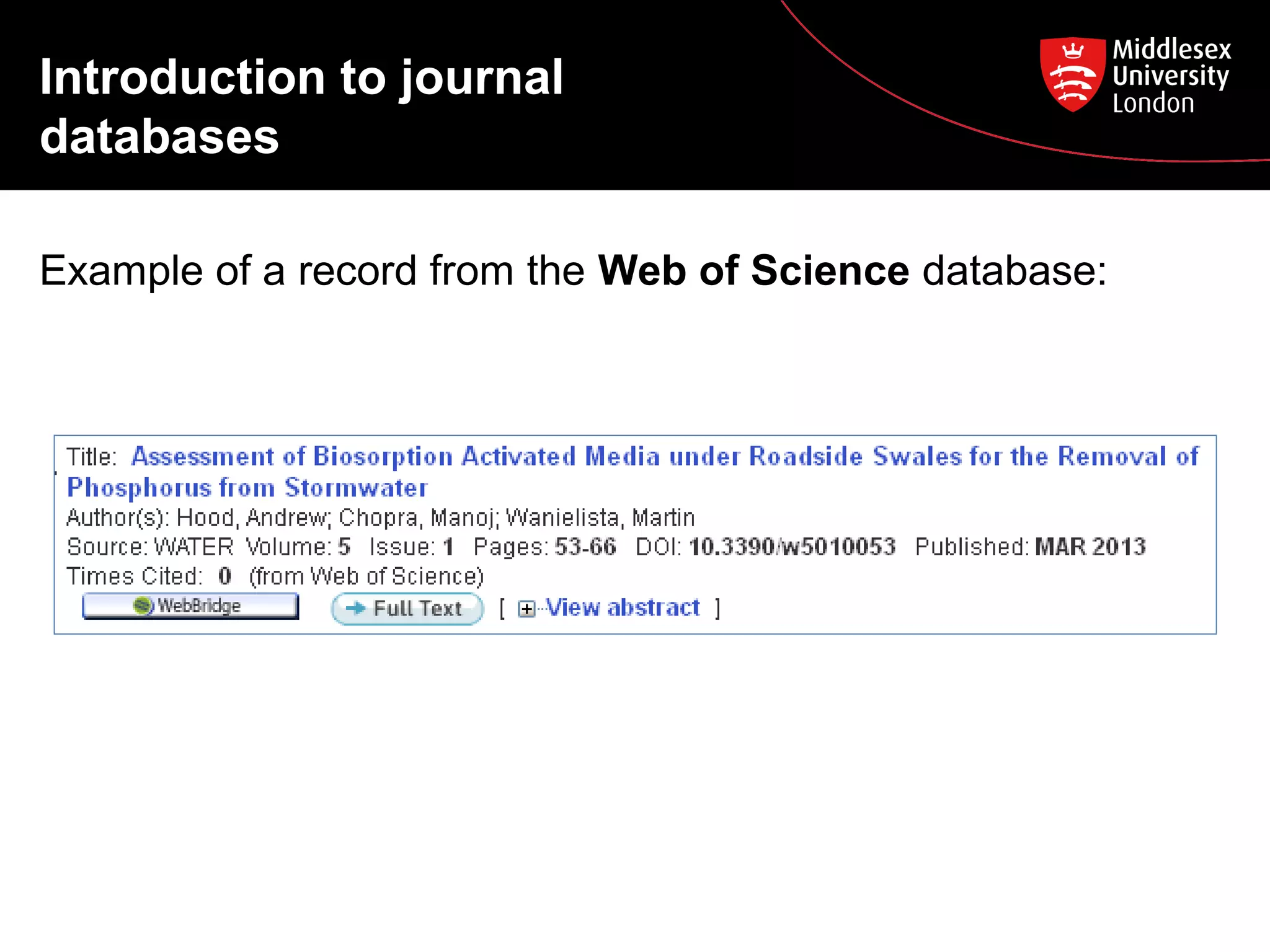
Example of a record from the Web of Science database:
Introduction to journal
databases
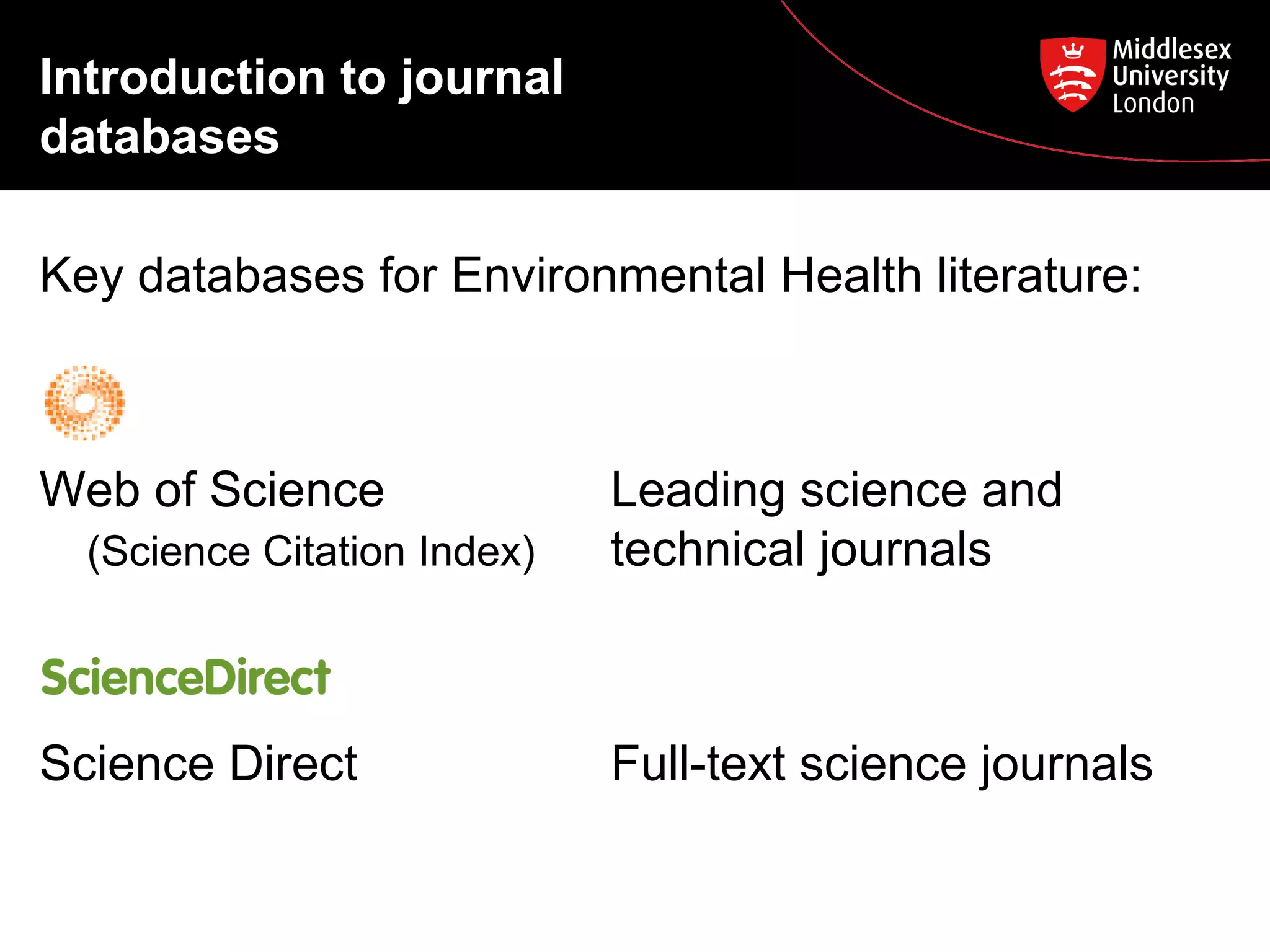
Key databases for Environmental Health literature:

Web of Science
(Science Citation Index)

Science Direct

Leading science and
technical journals

Full-text science journals
Searching Web of Science

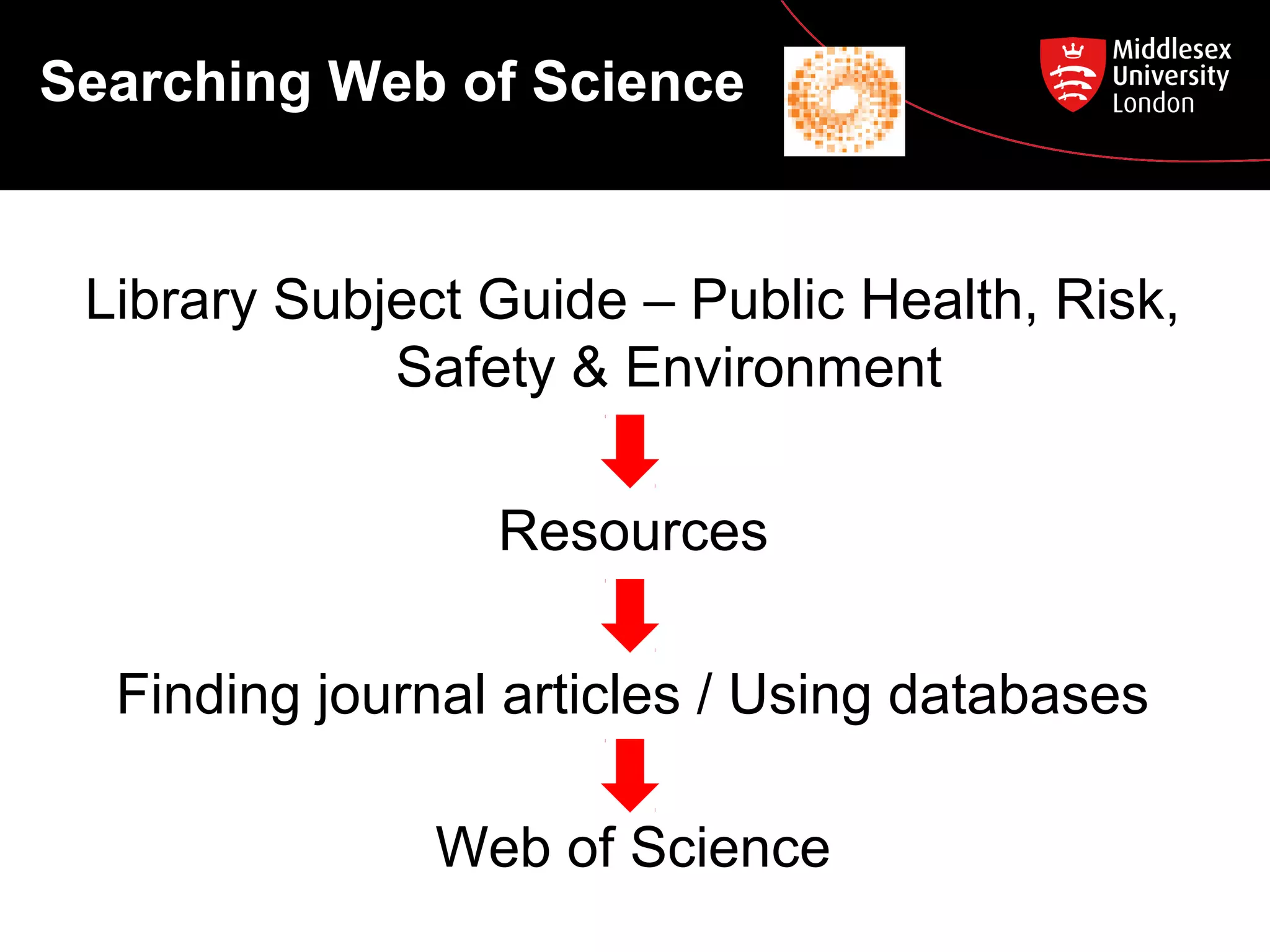
Library Subject Guide – Public Health, Risk,
Safety & Environment
Resources
Finding journal articles / Using databases
Web of Science
Searching Web of Science
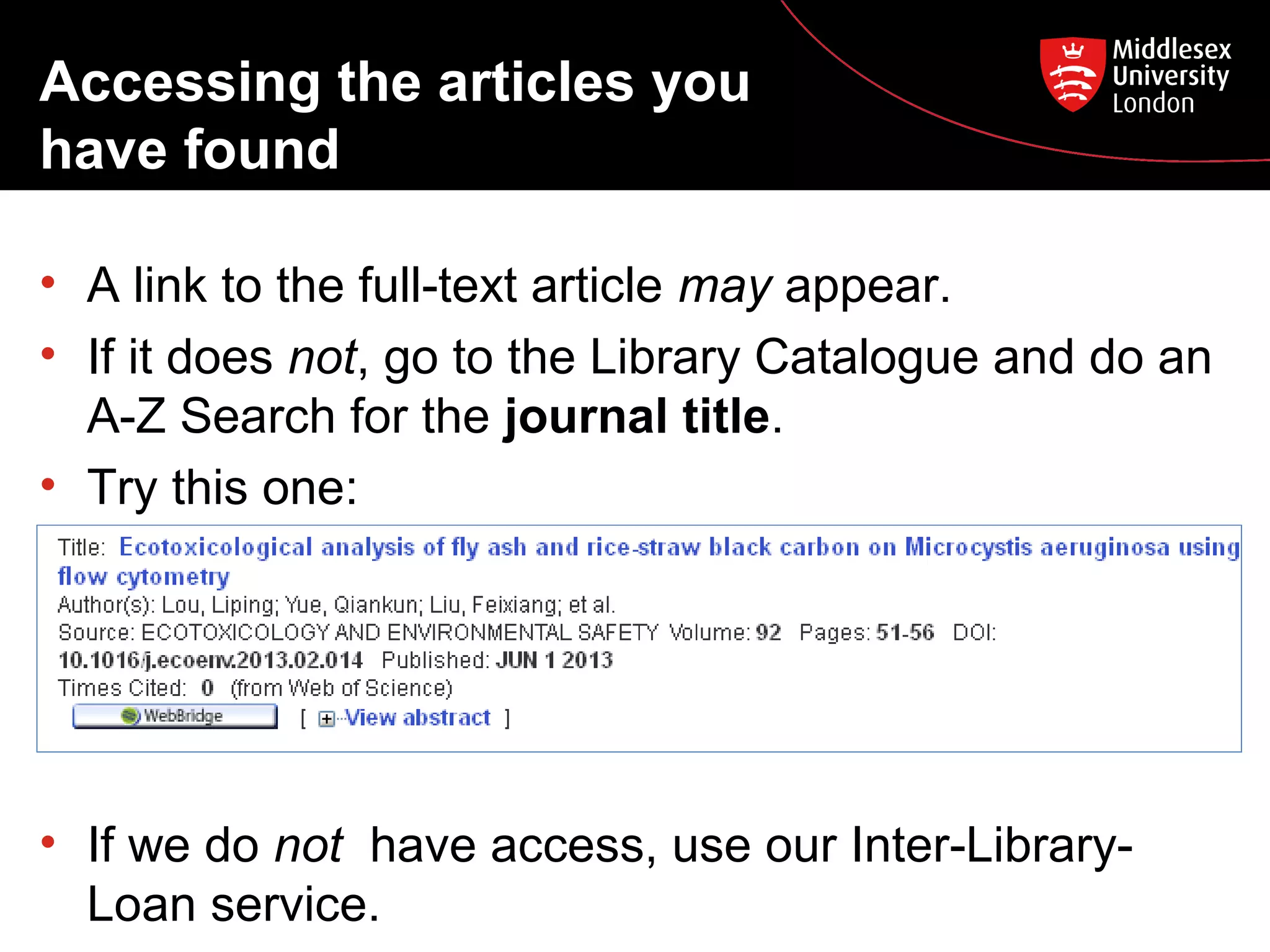
Accessing the articles you
have found
• A link to the full-text article may appear.
• If it does not, go to the Library Catalogue and do an
A-Z Search for the journal title.
• Try this one:

• If we do not have access, use our Inter-LibraryLoan service.
Peer review
• A formal procedure for checking the quality of
research before it is published.
• If a publication is peer reviewed it means it has
been read, checked and authenticated by
independent, third party academics (peers).
• The quality-control system of academic publishing
for hundreds of years.
Searching other
databases
Science Direct
ProQuest Newsstand
• Search for the same topic on these two databases,
and be prepared to tell the class what you like /
dislike about each database.
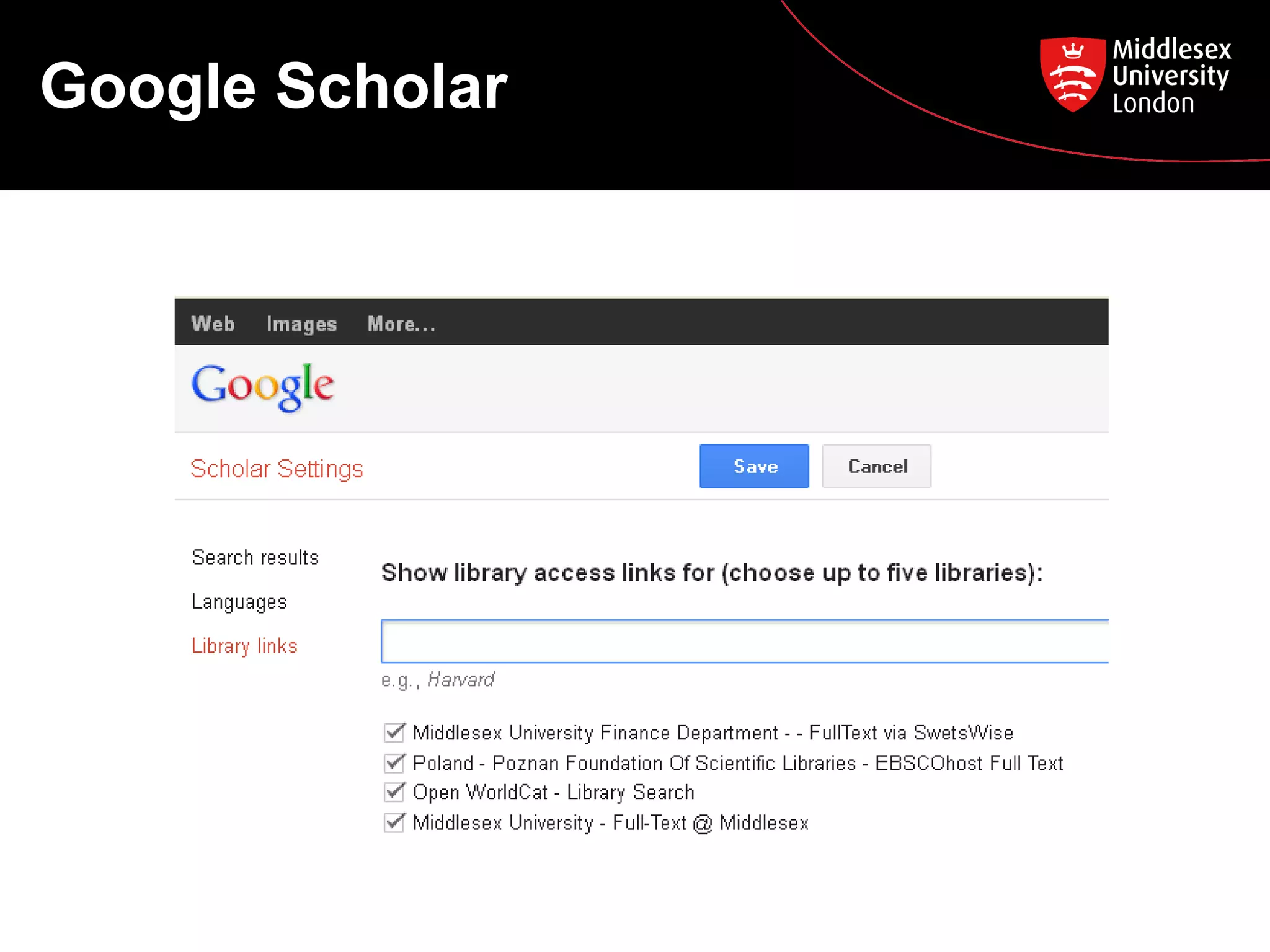
Google Scholar
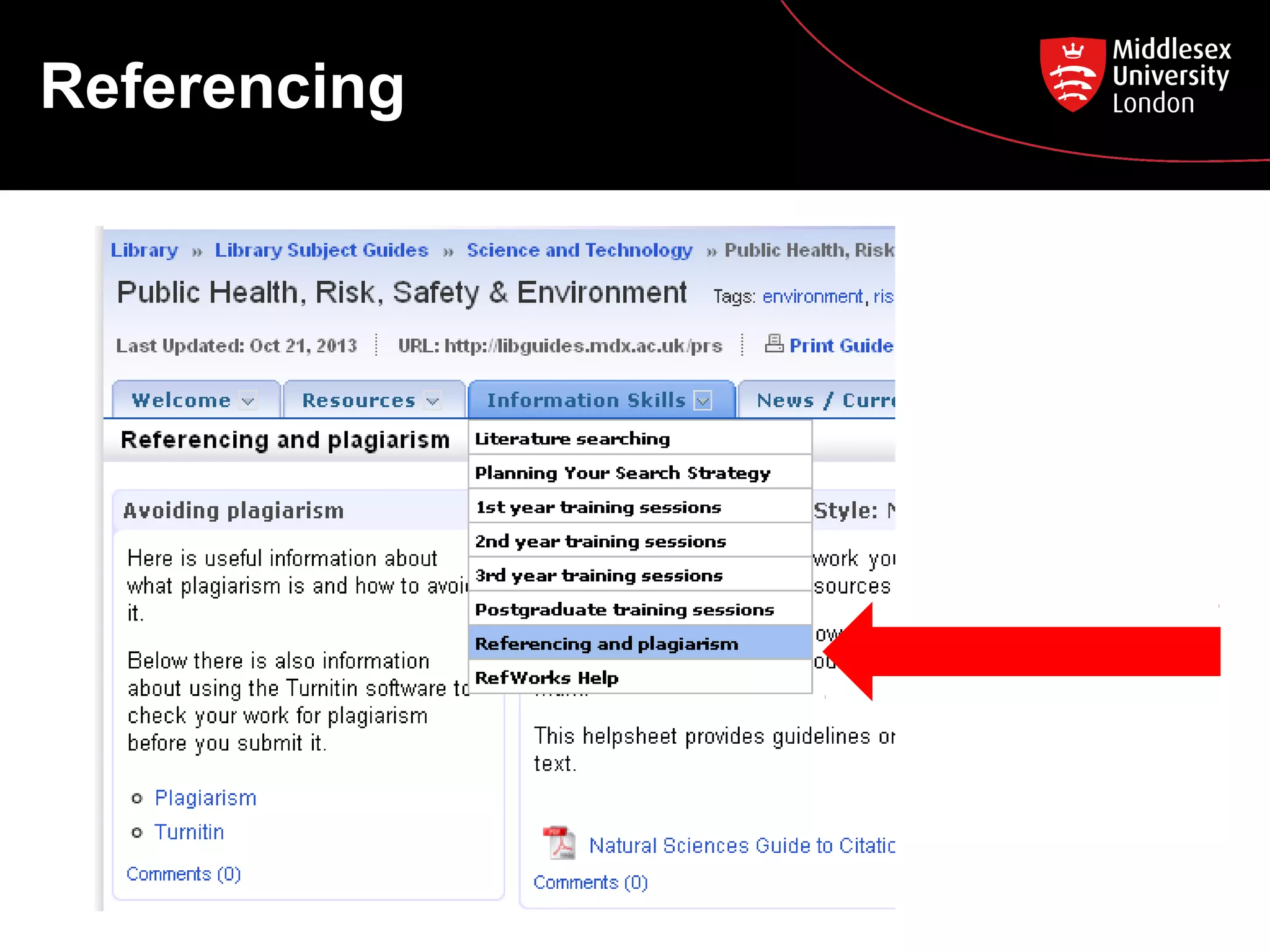
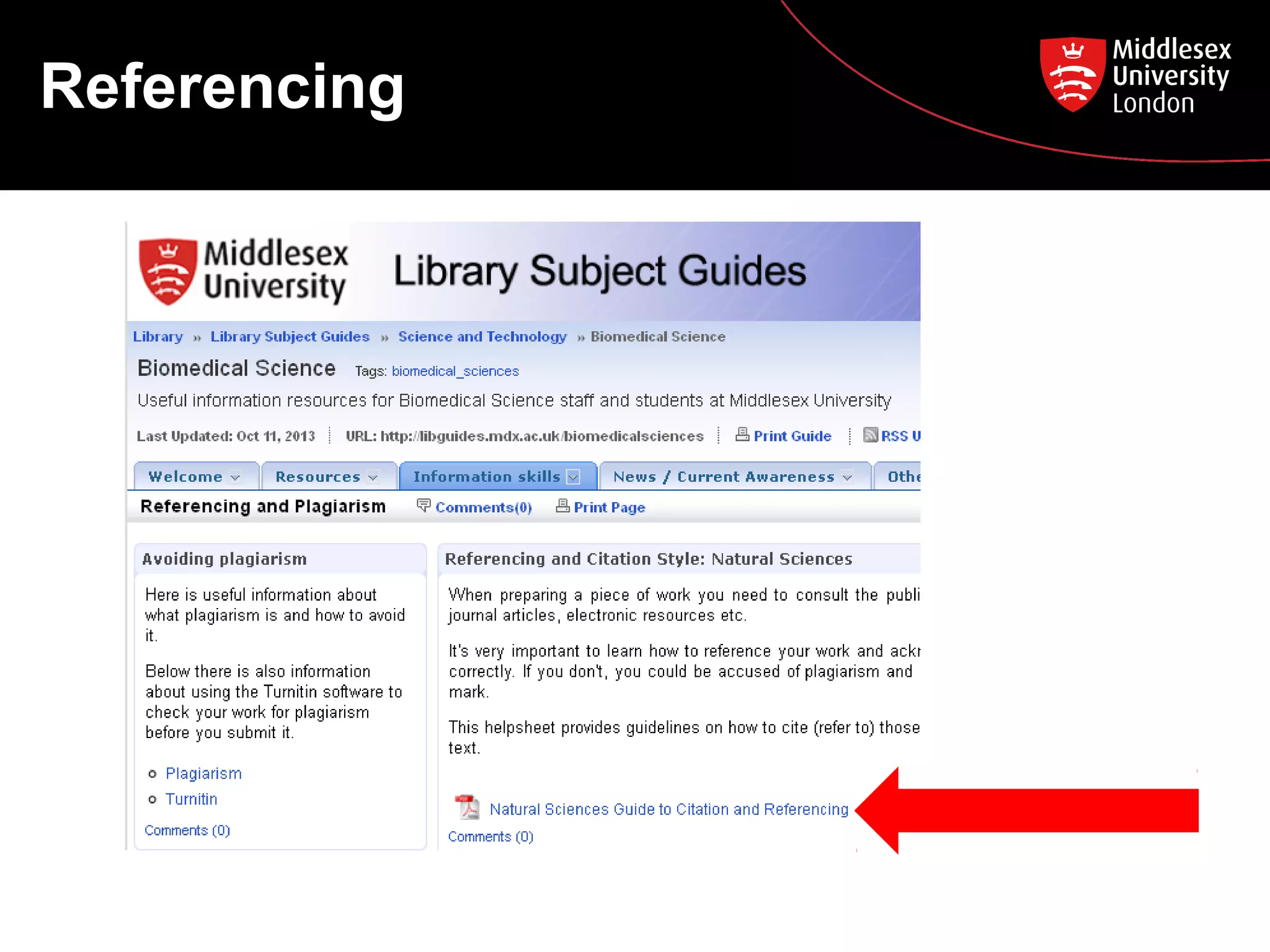
Referencing
Referencing
Need help?

• Librarians in the Specialist Zone (1st floor) 11-3
Monday – Friday (on call 9-11, 3-5)
• Ask a Librarian http://askalibrarian.mdx.ac.uk/
• BMS Library Subject Guide
http://libguides.mdx.ac.uk/biomedicalsciences

M sc env poll control oct 2013

  • 1.
    MSc Environmental Pollution Control PostgraduateCourse Feedback Essential Library Skills and Literature Searching 24th October 2013
  • 2.
    Today we aregoing to look at … 1) Essential Library Skills Using the Library pages on MyUniHub: • The Library Catalogue • Summon • Your Library Subject Guide
  • 3.
    Today we aregoing to look at … 2) Literature Searching • • • • • • • Introduction to journal databases Searching Web of Science Accessing the journal articles you have found What are peer-reviewed articles? Searching Science Direct and ProQuest Newsstand Using Google Scholar Referencing
  • 4.
    Using the Librarypages on MyUniHub Log in to MyUniHub My Study My Library
  • 5.
  • 6.
    Library Catalogue How tosearch: • Keyword search • A-Z search Find these items on the Library Catalogue: 1. Purkis, S., Klemas, V. (2011) Remote sensing and global environmental change. Chichester: Wiley Blackwell 2. Harrison, R.M. (ed.). (2007) Principles of environmental chemistry. London: Royal Society of Chemistry 3. Journal: Water research
  • 7.
    Library Catalogue –e-books and e-journals • E-books and e-journals are also found on the Library Catalogue. • You will see ‘[electronic resource]’ after the title. • Click on the blue link to download or read the book or journal online (You must be logged into myUniHub!)
  • 8.
  • 9.
  • 10.
    Introduction to journal databases Exampleof a record from the Web of Science database:
  • 11.
    Introduction to journal databases Keydatabases for Environmental Health literature: Web of Science (Science Citation Index) Science Direct Leading science and technical journals Full-text science journals
  • 12.
    Searching Web ofScience Library Subject Guide – Public Health, Risk, Safety & Environment Resources Finding journal articles / Using databases Web of Science
  • 13.
  • 14.
    Accessing the articlesyou have found • A link to the full-text article may appear. • If it does not, go to the Library Catalogue and do an A-Z Search for the journal title. • Try this one: • If we do not have access, use our Inter-LibraryLoan service.
  • 15.
    Peer review • Aformal procedure for checking the quality of research before it is published. • If a publication is peer reviewed it means it has been read, checked and authenticated by independent, third party academics (peers). • The quality-control system of academic publishing for hundreds of years.
  • 16.
    Searching other databases Science Direct ProQuestNewsstand • Search for the same topic on these two databases, and be prepared to tell the class what you like / dislike about each database.
  • 17.
  • 18.
  • 19.
  • 20.
    Need help? • Librariansin the Specialist Zone (1st floor) 11-3 Monday – Friday (on call 9-11, 3-5) • Ask a Librarian http://askalibrarian.mdx.ac.uk/ • BMS Library Subject Guide http://libguides.mdx.ac.uk/biomedicalsciences

Editor's Notes

  • #5 ALL STUDENTS DO THIS LIVE. NEXT – NOW CLICK ON LIBRARY CATALOGUE LINK
  • #7 DEMO: Search for this: Ball, D., Environmental Health policy, 2006. TASK FOR STUDENTS: 2 minutes to try the 3 searches, then feed back to class. WHEN TAKING FEEDBACK: Explain how to find books on shelf. Note that Harrison is also an e-book. Note blue link. Note that the journal is available with two date ranges. Note blue links.
  • #9 EVERYONE: Go back to My Study then choose Summon link. EXPLAIN: Hold up a print journal to explain coverage of Summon as opposed to Library Catalogue. Explain the MDX cookie. Let’s have a quick look at Summon, but specific journal databases are more appropriate for postgraduate students. STUDENTS DO: Search for chemotherapy Try refining tools: Full-text, Content type, Pub date.
  • #10 EVERYONE: Go back to My Study then choose Library Subject Guides link. POINT OUT: Home page > Appointments Resources > Catalogue, Summon, Databases, Web resources Information Skills > Powerpoints, Referencing
  • #11 ASK THE STUDENTS TO FIND THESE ELEMENTS IN THE RECORD: Name of first author Title of article Title of journal in which it is printed Year Volume & Issue Is there an Abstract? HOLD UP: A print journal, to help explain the elements you are asking them to find
  • #13 ALL STUDENTS DO THIS LIVE.
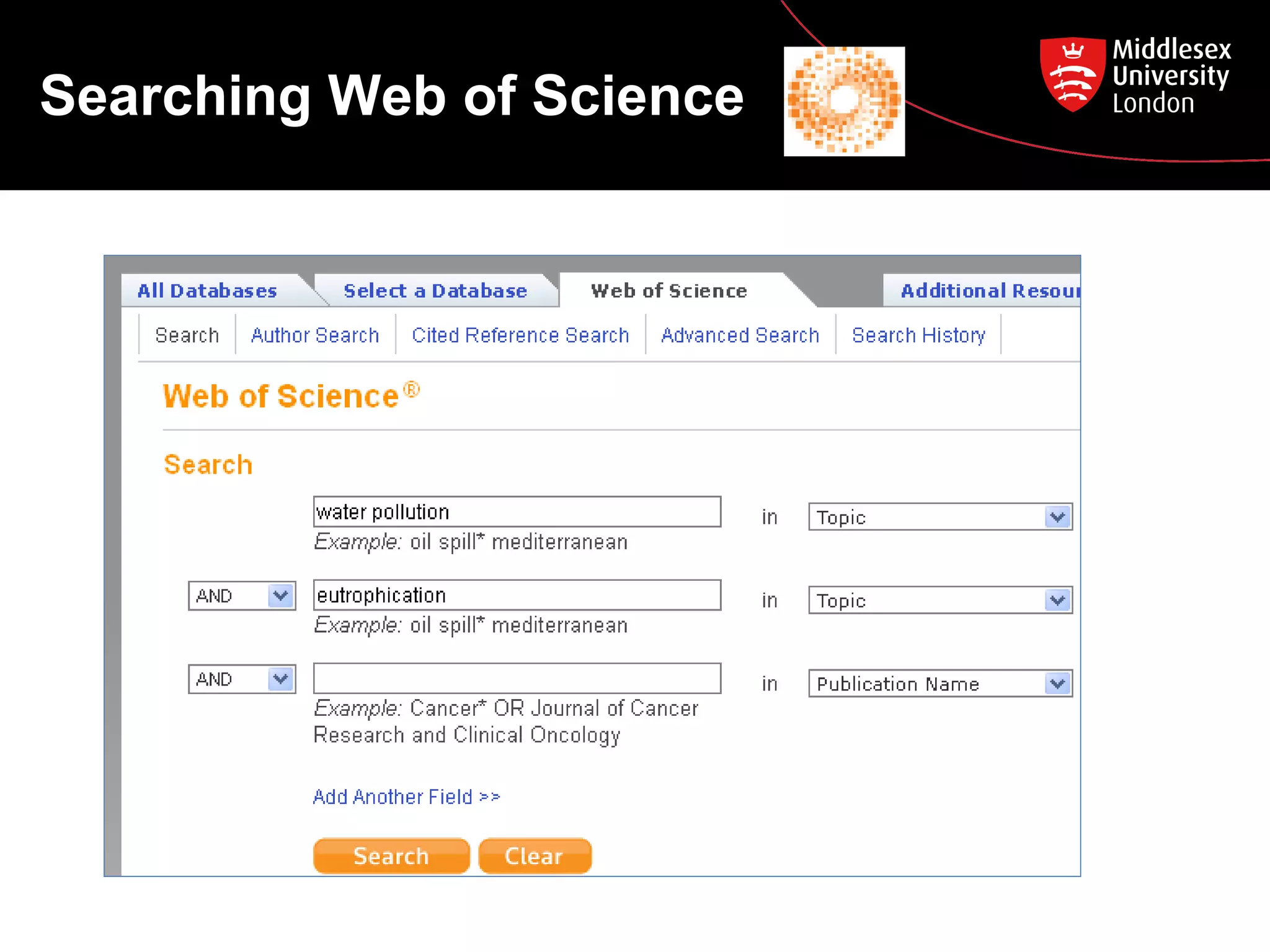
  • #14 ALL STUDENTS DO THIS WITH YOU: Type in ‘water pollution’ AND ‘eutrophication’ Select Timespan and Citation Databases. ASK STUDENTS: How many articles has it found? SHOW THEM: A full-text result on p3 and p7. STUDENTS SEARCH THEMSELVES STICK A3 KEYWORDS SHEET ON WALL: Water pollution, Eutrophication, Blue-green algae, Phosphates, Nitrates After 5 mins, take some feedback from students
  • #15 DEMO: Search the Library Catalogue for this journal. (We DO have it, despite the lack of ‘Full-text’ button). Students can do it too.
  • #16 Can show the journal PLOS One as an example of a peer reviewed journal
  • #17 Do a QUICK DEMO of each. STUDENTS try some searches like the ones we did Web of Science, then feedback the pros and cons of each database.
  • #18 ONLY IF THERE’S TIME: Show students how to link Google Scholar to Middlesex, and explain benefits.