Building Online Learning Environments  Nancy Reimers
` Two tools that I found very helpful were: Lessonwriter.com  – this tool basically wrote a lesson for you!  Though it may be a bit of a canned approach to teaching, I liked how it came up with vocabulary, grammar lessons and graphic organizers at the click of a mouse!
Rubistar.4teachers.org  – this tool was fabulous for making your own rubrics!  The categories were helpful in getting the teacher to think through what needed to be assessed.
Challenges I faced: My apprehensions about technology!  Taking this course was the first challenge.... I needed  Act 48 credits and was tempted to sign up for another more traditionally taught course but felt I should get more experience with teaching on line.
Having a day set aside when I could work on the course for about 5 uninterrupted hours, only to have the men working on our street knock out our cable service for most of the day!
Getting past feeling overwhelmed by all the options out there.
Doing this slide show!  My computer was down and I had to use my son's school computer.  It has heavy protection on it so everything I tried to open was blocked!  It took me 2 hours just to get started. Since slide shows are new to me, it has taken me 3 more hours and I'm still not finished, but that's ok because I'm learning....
Successes:  Getting over apprehensions about new technology  by jumping in and doing the assignments

Final Presentation for Building Online Learning Environments April 2011

  • 1.
    Building Online LearningEnvironments Nancy Reimers
  • 2.
    ` Two toolsthat I found very helpful were: Lessonwriter.com – this tool basically wrote a lesson for you! Though it may be a bit of a canned approach to teaching, I liked how it came up with vocabulary, grammar lessons and graphic organizers at the click of a mouse!
  • 3.
    Rubistar.4teachers.org –this tool was fabulous for making your own rubrics! The categories were helpful in getting the teacher to think through what needed to be assessed.
  • 4.
    Challenges I faced:My apprehensions about technology! Taking this course was the first challenge.... I needed Act 48 credits and was tempted to sign up for another more traditionally taught course but felt I should get more experience with teaching on line.
  • 5.
    Having a dayset aside when I could work on the course for about 5 uninterrupted hours, only to have the men working on our street knock out our cable service for most of the day!
  • 6.
    Getting past feelingoverwhelmed by all the options out there.
  • 7.
    Doing this slideshow! My computer was down and I had to use my son's school computer. It has heavy protection on it so everything I tried to open was blocked! It took me 2 hours just to get started. Since slide shows are new to me, it has taken me 3 more hours and I'm still not finished, but that's ok because I'm learning....
  • 8.
    Successes: Gettingover apprehensions about new technology by jumping in and doing the assignments
  • 9.
    Figuring out andusing various educational tools
  • 10.
    Realizing I cannever know it all and just need to try new things and learn little by little
  • 11.
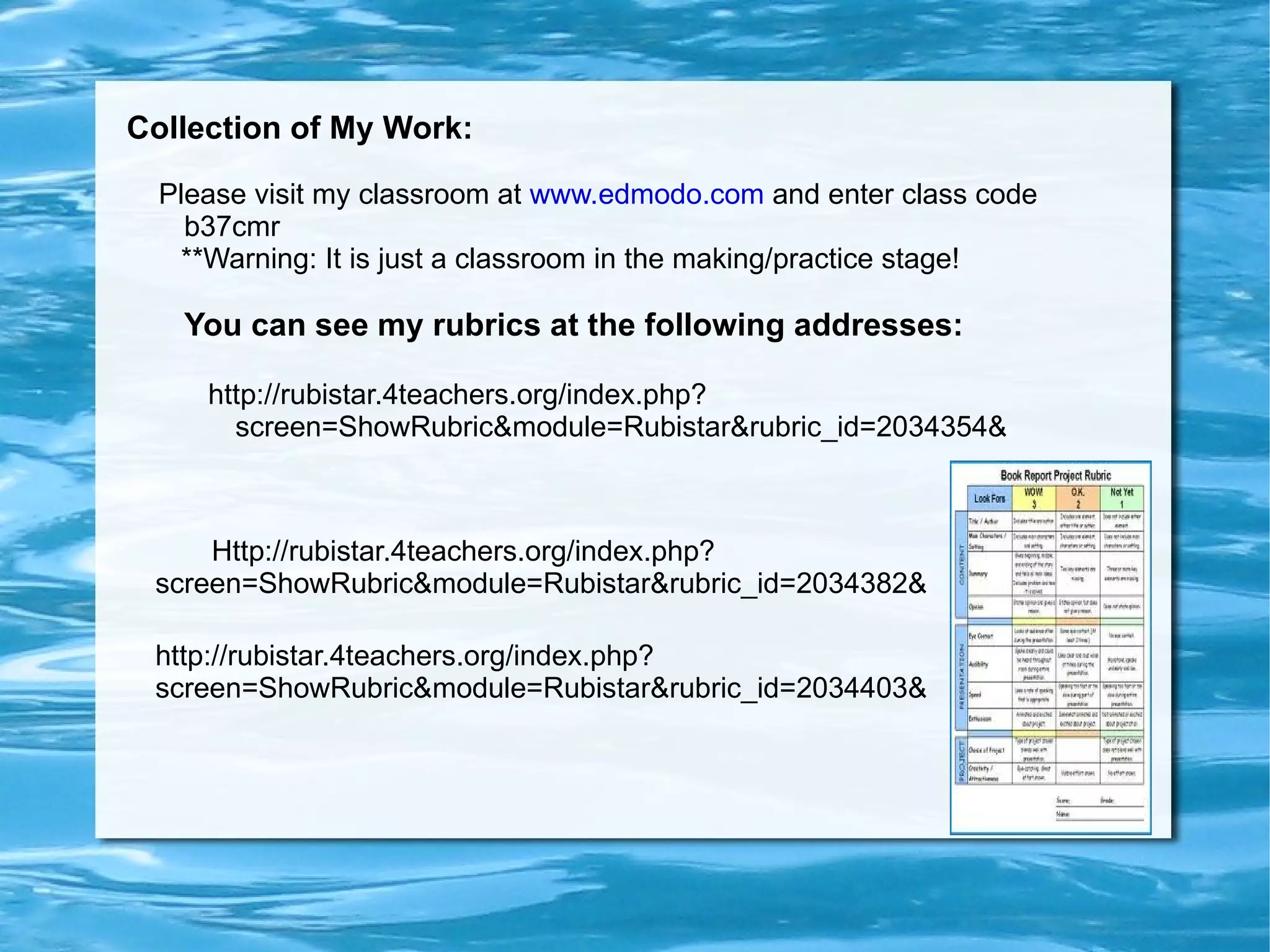
    My Take onMoodle and On Line Learning: I had seen the value of On Line Learning from the student's perspective since my sons have been in a Cyber school for 2 years
  • 12.
    From this courseI gained knowledge and experience from the teacher's perspective
  • 13.
    On Line Learningdefinitely has its place in education, though, like everything, it has strengths and weaknesses
  • 14.
    A great strengthfor me is being able to work on a course any time, night or day! Being able to work at my own pace is a plus as well.
  • 15.
    Having an Instructorwho is available (thanks Rich!) is great but I could see that on line learning would be frustrating if that were not the case.
  • 16.
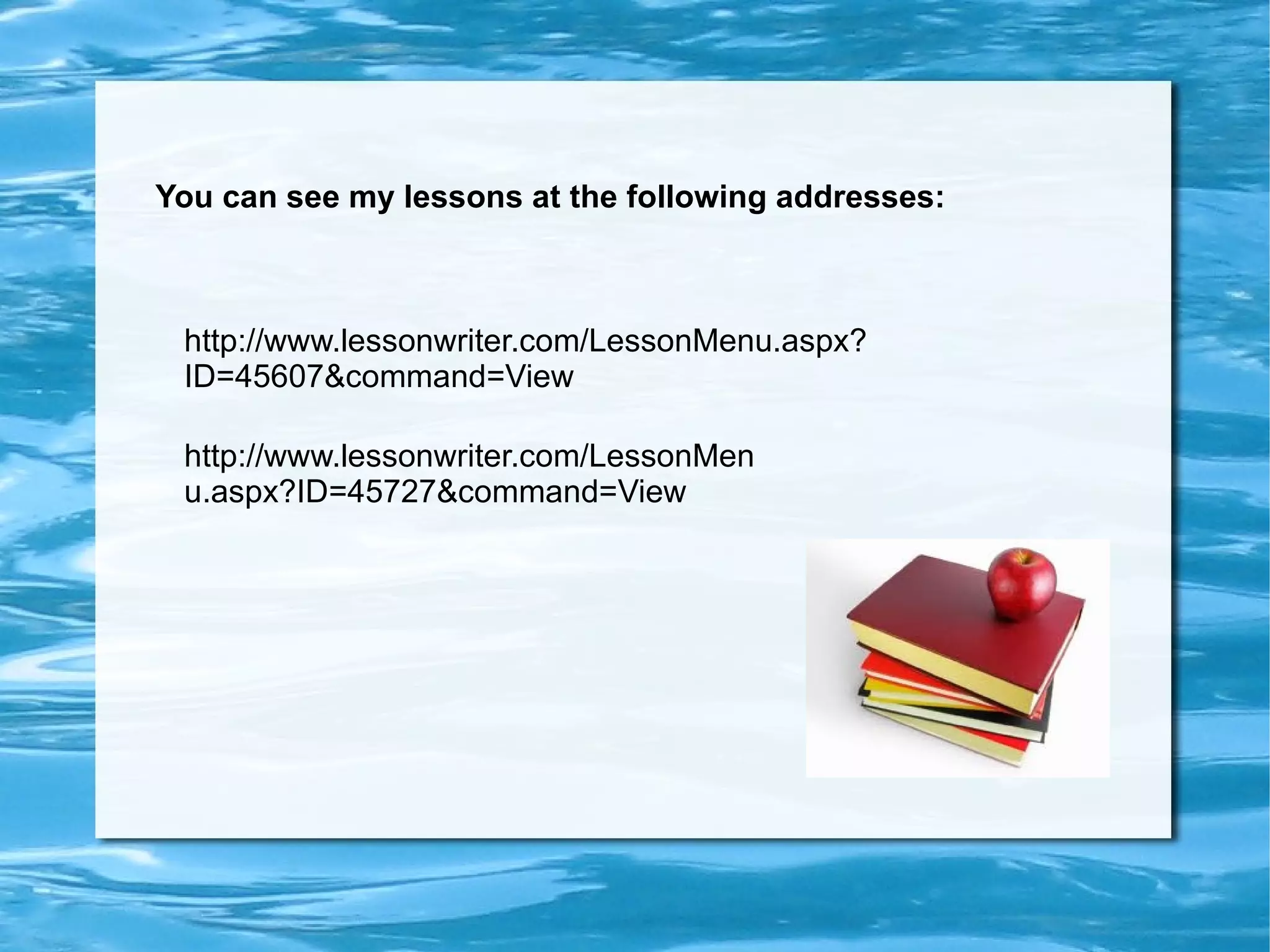
    Collection of MyWork: Please visit my classroom at www.edmodo.com and enter class code b37cmr **Warning: It is just a classroom in the making/practice stage! You can see my rubrics at the following addresses: http://rubistar.4teachers.org/index.php?screen=ShowRubric&module=Rubistar&rubric_id=2034354& http://rubistar.4teachers.org/index.php?screen=ShowRubric&module=Rubistar&rubric_id=2034403& Http://rubistar.4teachers.org/index.php ? screen=ShowRubric&module=Rubistar&rubric_id=2034382&
  • 17.
    You can seemy lessons at the following addresses: http://www.lessonwriter.com/LessonMenu.aspx?ID=45607&command=View http://www.lessonwriter.com/LessonMenu.aspx?ID=45727&command=View
  • 18.
    Please view myquizzes and survey at the following addresses: http://proprofs.com/quiz-school/story.php?title=bruchko-chapters-1-4 https://challenge.zoho.com/nancyreimers http://app.fluidsurveys.com/surveys/nancyreimers/bruchko-survey/ http://linoit.com/users/nancyreimers/canvases/%20Bruchko%20by%20Bruce%20Olson You can view my DI tool's below at these addresses: http://www.timetoast.com/timelines/the-life-of-bruchko--2