iOS (7)
Workshop
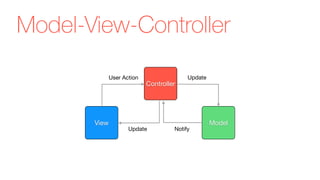
Model-View-Controller
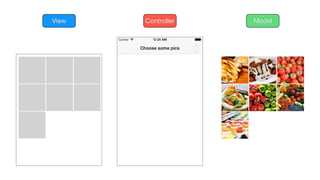
View Model
Controller
UpdateUser Action
NotifyUpdate
ModelView Controller
V M
C
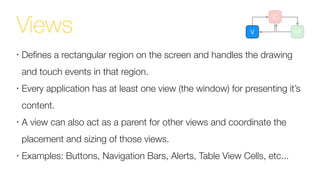
Views
•
Defines a rectangular region on the screen and handles the drawing
and touch events in that region.
•
Every application has at least one view (the window) for presenting it’s
content.
•
A view can also act as a parent for other views and coordinate the
placement and sizing of those views.
•
Examples: Buttons, Navigation Bars, Alerts, Table View Cells, etc...
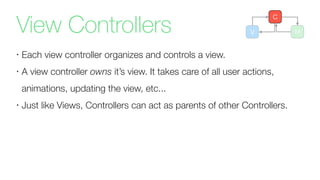
View Controllers
•
Each view controller organizes and controls a view.
•
A view controller owns it’s view. It takes care of all user actions,
animations, updating the view, etc...
•
Just like Views, Controllers can act as parents of other Controllers.
V M
C
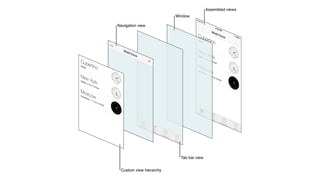
Navigation Controller
•
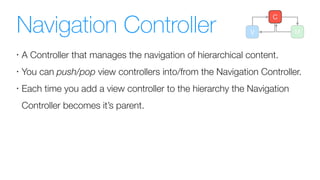
A Controller that manages the navigation of hierarchical content.
•
You can push/pop view controllers into/from the Navigation Controller.
•
Each time you add a view controller to the hierarchy the Navigation
Controller becomes it’s parent.
V M
C
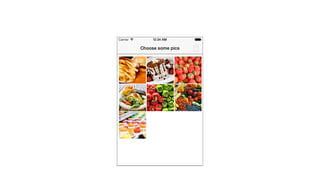
Collection View Controller
•
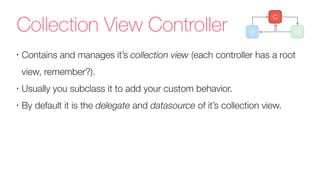
Contains and manages it’s collection view (each controller has a root
view, remember?).
•
Usually you subclass it to add your custom behavior.
•
By default it is the delegate and datasource of it’s collection view.
V M
C
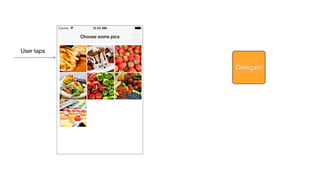
Delegation
•
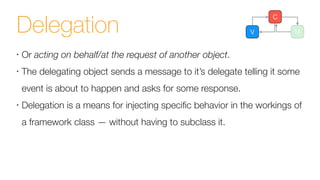
Or acting on behalf/at the request of another object.
•
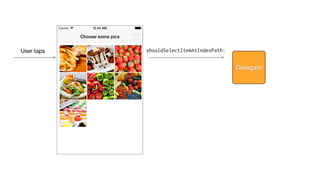
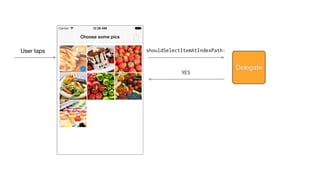
The delegating object sends a message to it’s delegate telling it some
event is about to happen and asks for some response.
•
Delegation is a means for injecting specific behavior in the workings of
a framework class — without having to subclass it.
V M
C
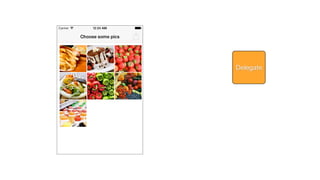
Delegate
User taps
Delegate
User taps shouldSelectItemAtIndexPath:
Delegate
User taps shouldSelectItemAtIndexPath:
Delegate
YES
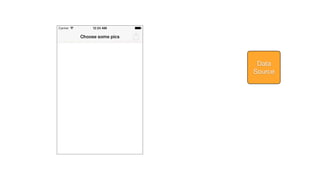
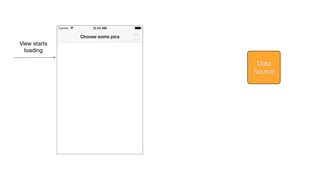
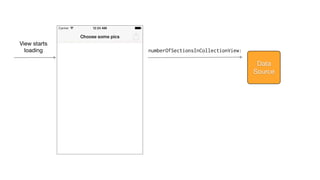
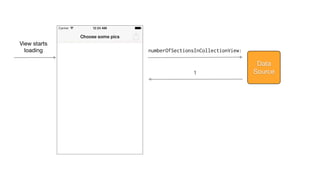
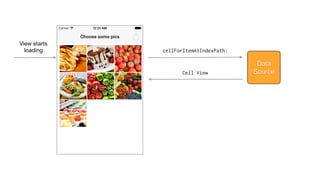
Data Source
•
It’s like a delegate except that, instead of being delegated control of
the UI, it is delegated control of the data.
•
Responsible for managing the memory of the model objects they give
to the delegating view.
V M
C
Data
Source
View starts
loading
Data
Source
View starts
loading numberOfSectionsInCollectionView:
Data
Source
View starts
loading numberOfSectionsInCollectionView:
Data
Source1
View starts
loading
Data
Source
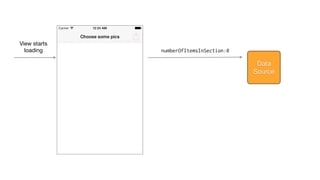
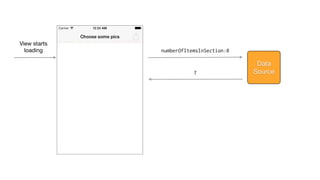
numberOfItemsInSection:0
View starts
loading
Data
Source
numberOfItemsInSection:0
7
View starts
loading
Data
Source
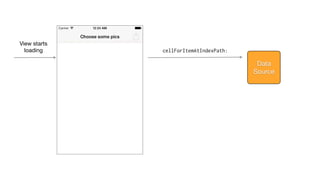
cellForItemAtIndexPath:
View starts
loading
Data
Source
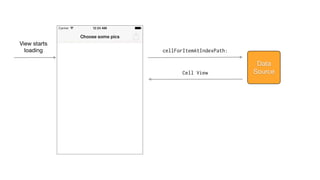
cellForItemAtIndexPath:
Cell View
View starts
loading
Data
Source
cellForItemAtIndexPath:
Cell View
Application Delegate
•
A custom object created for you at app launch time.
•
It’s primary job is to handle state transitions within the app.
•
Example: application:didFinishLaunching:
Storyboards V M
C
•
Big canvas where you lay out your app screens and transitions
•
Trees of view controllers in a serialized form
•
Storyboards = Scenes (VCs) + Segues (transitions)
•
Good for a conceptual overview of the app
•
Bad for apps with lots of VCs or iPad apps (HUGE views...)
•
Limitations: Storyboards < XIBs < Code
Objective-C
•
1983
•
Stepstone -> NeXT -> Apple
•
ObjC = C + Smalltalk
•
Object-oriented, reflective
•
OSX (Cocoa), iOS (Cocoa Touch)
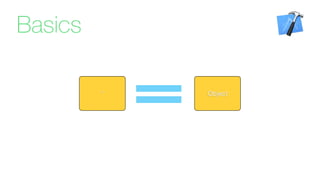
Basics
Objective-C Java
char b = 0; byte b = 0;
int i = 0; int i = 0;
float f = 0; float f = 0;
double d = 0; double d = 0;
BOOL b = YES; // NO boolean b = true; // false
char c = ‘c’; char c = ‘c’;
NSObject *o = [[NSObject alloc] init]; Object o = new Object();
NSString *s = @”string”; String s = “string”;
Basics
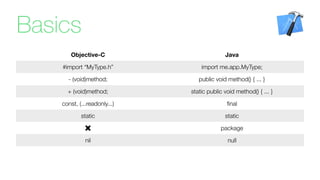
Objective-C Java
#import “MyType.h” import me.app.MyType;
- (void)method; public void method() { ... }
+ (void)method; static public void method() { ... }
const, (...readonly...) final
static static
package
nil null
Basics
•
(Almost) all C/C++-stuff (if, for, while,...)
•
Pointers (*) to objects.
•
Pointer = reference to another value in memory
[instance message:argument1 otherParameter:argument2];
Stuff0x3DE2FE
Basics
Stuff0x3DE2FE
Basics
Stuff0x3DE2FE
Basics
Object* Stuff0x3DE2FE
Basics
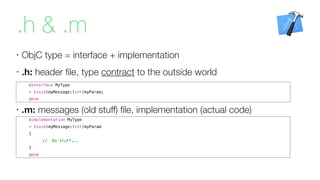
.h & .m
•
ObjC type = interface + implementation
•
.h: header file, type contract to the outside world
@implementation MyType
- (void)myMessage:(int)myParam
{
// Do stuff...
}
@end
@interface MyType
- (void)myMessage:(int)myParam;
@end
•
.m: messages (old stuff) file, implementation (actual code)
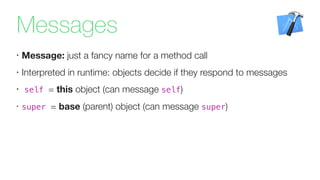
Messages
•
Message: just a fancy name for a method call
•
Interpreted in runtime: objects decide if they respond to messages
•
self = this object (can message self)
•
super = base (parent) object (can message super)
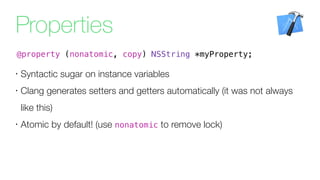
Properties
•
Syntactic sugar on instance variables
•
Clang generates setters and getters automatically (it was not always
like this)
•
Atomic by default! (use nonatomic to remove lock)
@property (nonatomic, copy) NSString *myProperty;
•
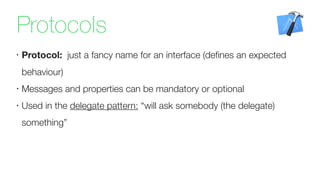
Protocol: just a fancy name for an interface (defines an expected
behaviour)
•
Messages and properties can be mandatory or optional
•
Used in the delegate pattern: “will ask somebody (the delegate)
something”
Protocols
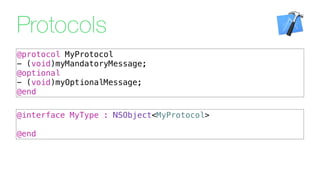
@interface MyType : NSObject<MyProtocol>
@end
@protocol MyProtocol
- (void)myMandatoryMessage;
@optional
- (void)myOptionalMessage;
@end
Protocols
Categories
•
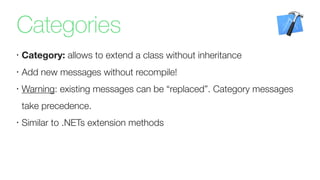
Category: allows to extend a class without inheritance
•
Add new messages without recompile!
•
Warning: existing messages can be “replaced”. Category messages
take precedence.
•
Similar to .NETs extension methods
Categories
@implementation UIColor (MyColors)
+ (UIColor*)myAwesomeColor
{
return ...;
}
+ (UIColor*)blackColor
{
// I told ya...
return [UIColor redColor];
}
@end
@interface UIColor (MyColors)
+ (UIColor*)myAwesomeColor;
+ (UIColor*)blackColor; // Oops!
@end
Collections
•
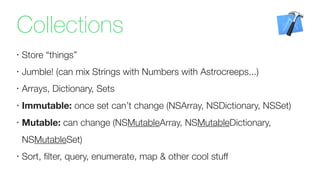
Store “things”
•
Jumble! (can mix Strings with Numbers with Astrocreeps...)
•
Arrays, Dictionary, Sets
•
Immutable: once set can’t change (NSArray, NSDictionary, NSSet)
•
Mutable: can change (NSMutableArray, NSMutableDictionary,
NSMutableSet)
•
Sort, filter, query, enumerate, map & other cool stuff
Memory
•
Instantiate new object: MyType *myType = [[MyType alloc] init];
•
Reference count: keep track of the number of instances. If 0
deallocate object
•
ARC does retain/release for you automatically.
•
References: strong (retain), weak, copy (new immutable object)
Blocks
•
Closures: fancy name for functions that can be passed around like
data
•
Key to lots of ObjC features: collection enumeration, Grand Central
Dispatch (threads), animations
•
Explicit or inline definition
•
Context variable must be marked with __block if changed within
block
self.square.backgroundColor = [UIColor redColor];
...
- (void)animate:(id)sender
{
[UIView animateWithDuration:3.0 animations:^{
self.square.backgroundColor = [UIColor greenColor];
}];
}
Blocks
Demo
github.com/fbernardo/fct_ios_workshop/releases
Thank you
@fbbernardo @PragmaPilot

iOS (7) Workshop