This document provides an overview of Oracle Fast Formula including:
- Fast Formula allows writing calculations using English words and basic math functions.
- It can be used across Oracle Fusion HCM for payroll, benefits, HR, time and attendance, and more.
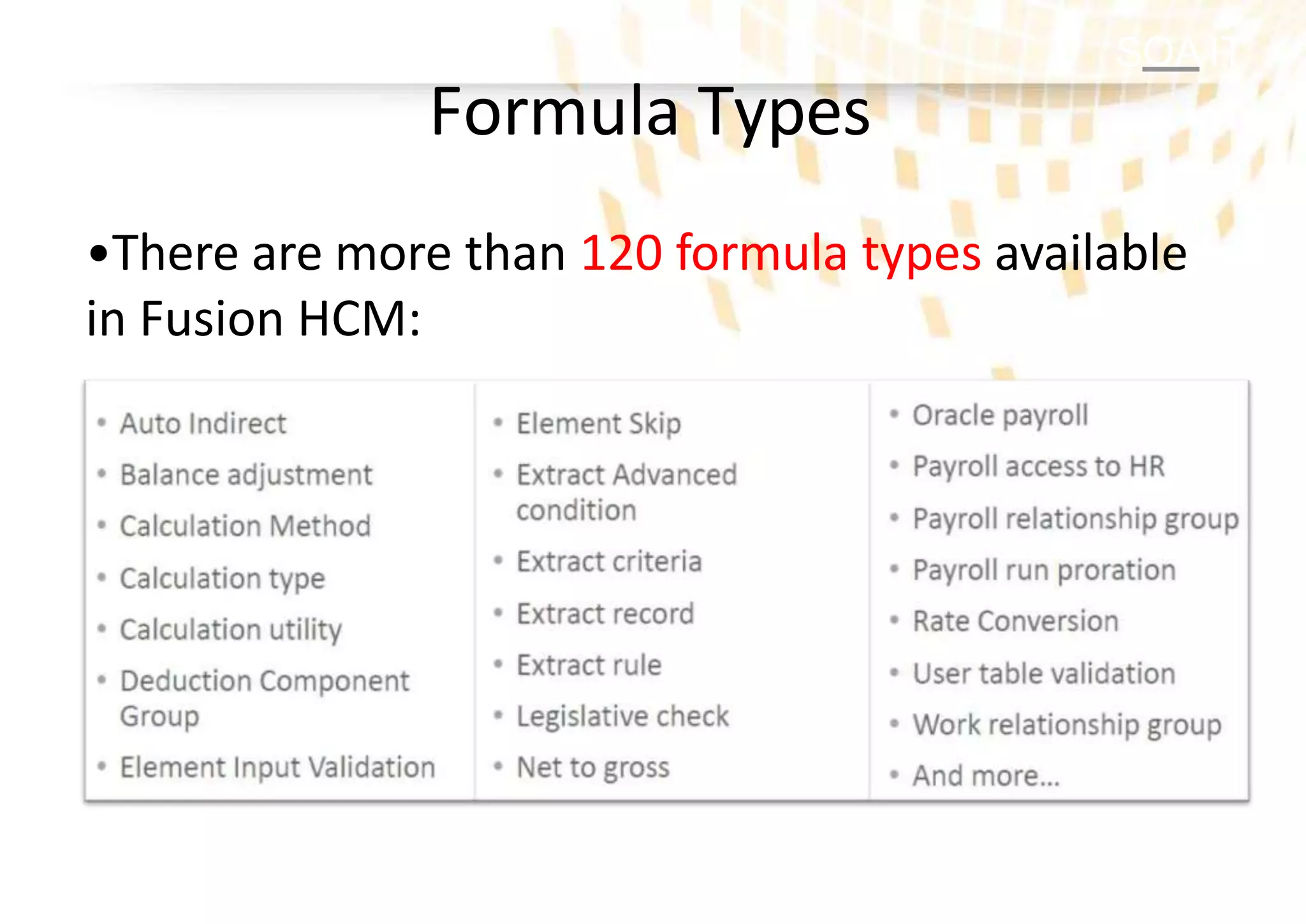
- Formulas have types that determine usage and available inputs/outputs. There are over 120 types.
- The document reviews formula creation, components, syntax, and provides a sample formula.
SOA IT
Introduction toFast Formula
Formula Creation and Components
Formula Syntax
Sample Fast Formula
Agenda
2.
SA IT
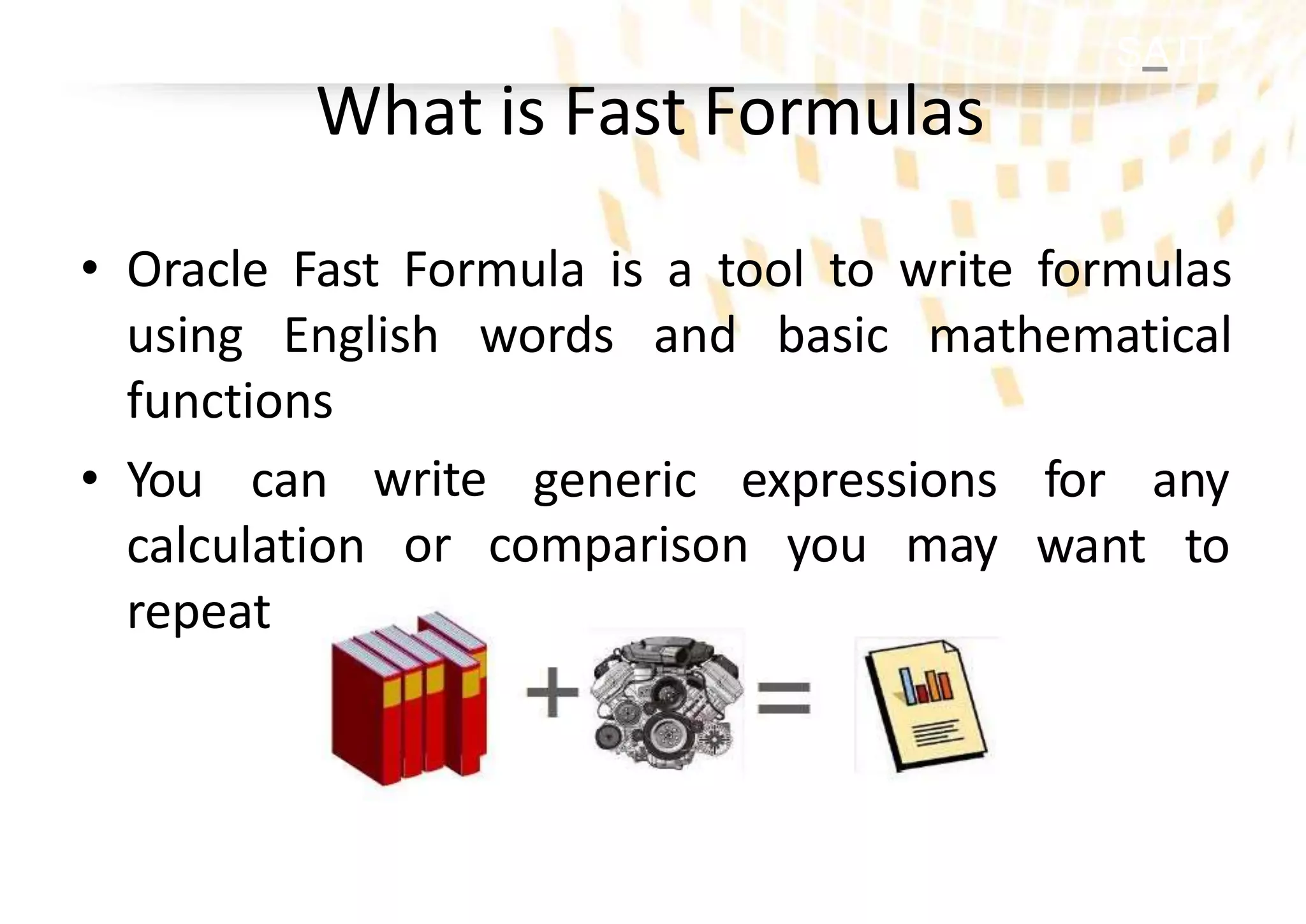
• OracleFast Formula is a tool to write formulas
using English words and basic mathematical
functions
generic expressions
write
or comparison you may
for any
want to
• You can
calculation
repeat with different input values
What is Fast Formulas
3.
SOA IT
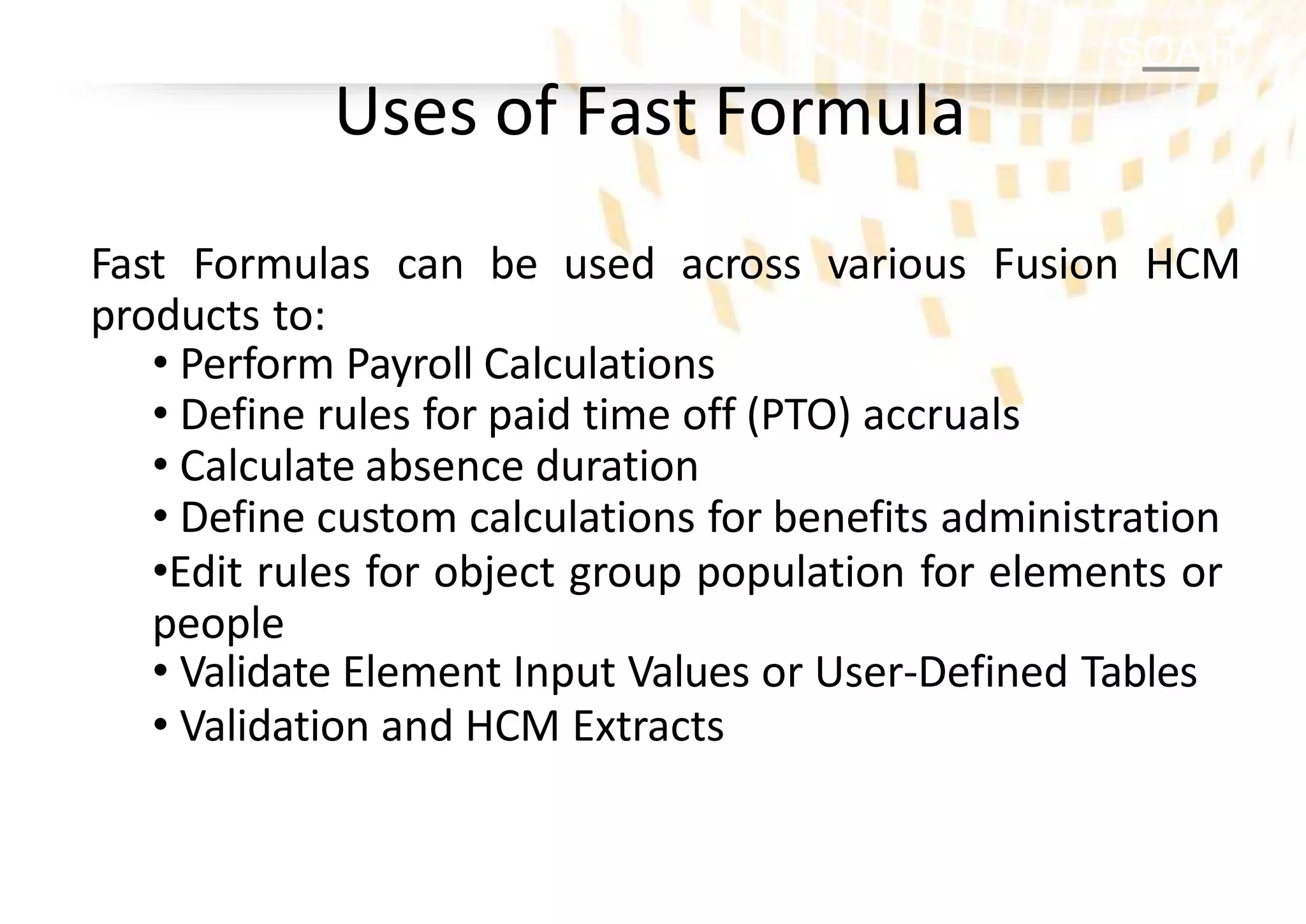
Uses ofFast Formula
Fast Formulas can be used across various Fusion HCM
products to:
• Perform Payroll Calculations
• Define rules for paid time off (PTO) accruals
• Calculate absence duration
• Define custom calculations for benefits administration
•Edit rules for object group population for elements or
people
• Validate Element Input Values or User-Defined Tables
• Validation and HCM Extracts
4.
SOA IT
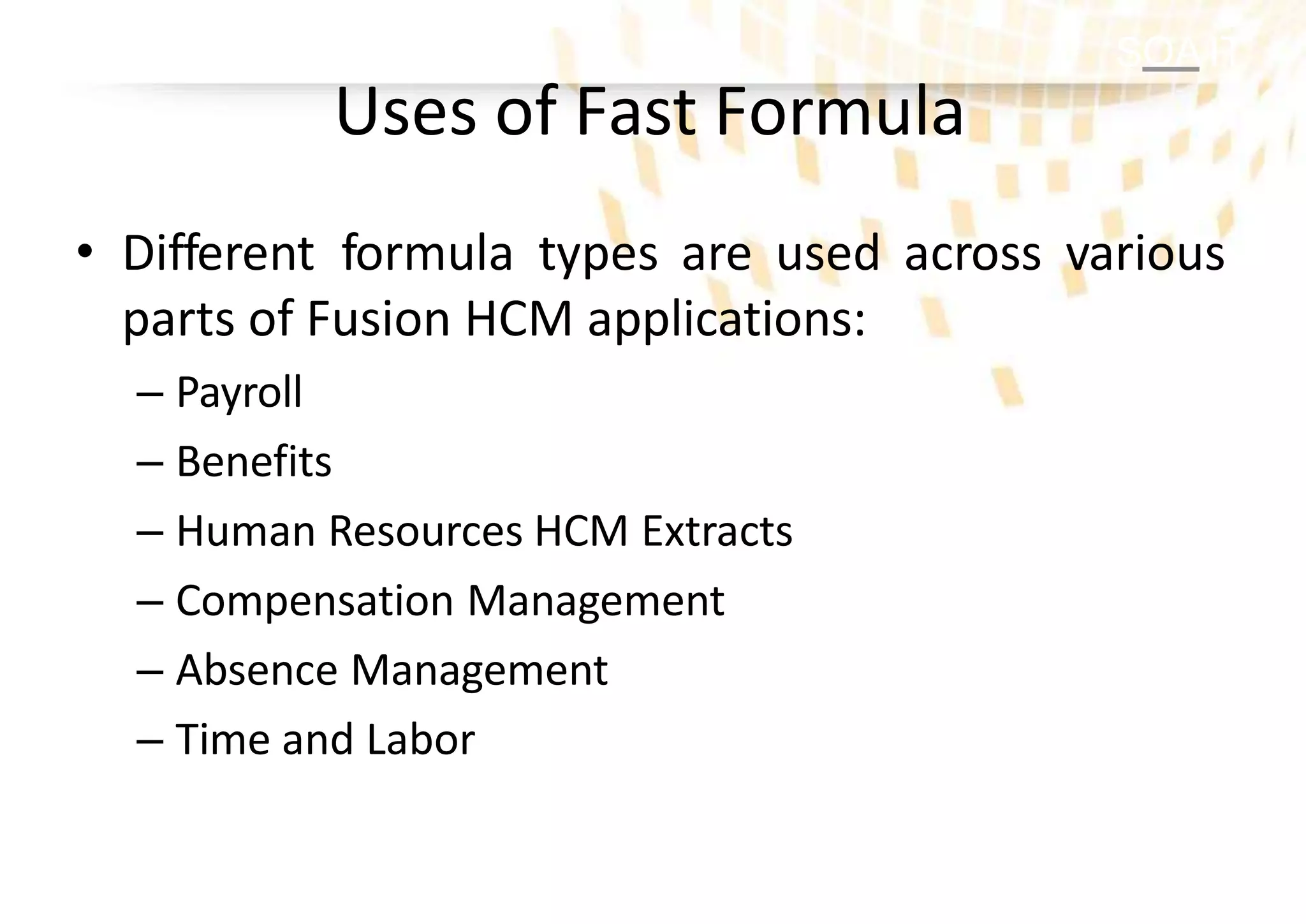
• Differentformula types are used across various
parts of Fusion HCM applications:
– Payroll
– Benefits
– Human Resources HCM Extracts
– Compensation Management
– Absence Management
– Time and Labor
Uses of Fast Formula
5.
SOA IT
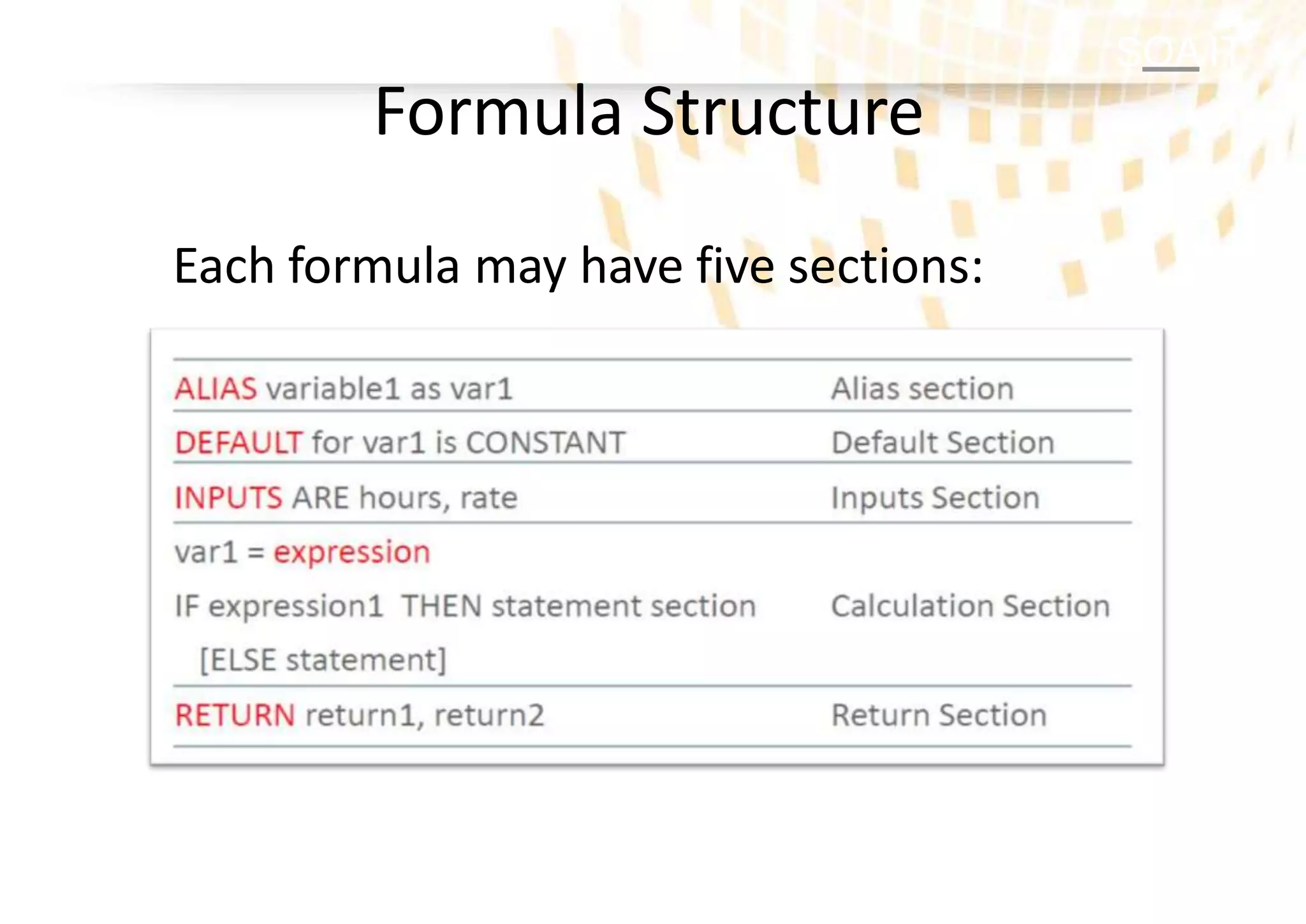
• Eachformula must have a type which
determines:
– How the formula can be used
– What contexts are
automatically available to the formula
– Which rules about the inputs and outputs apply
Fast Formula Types
SOA IT
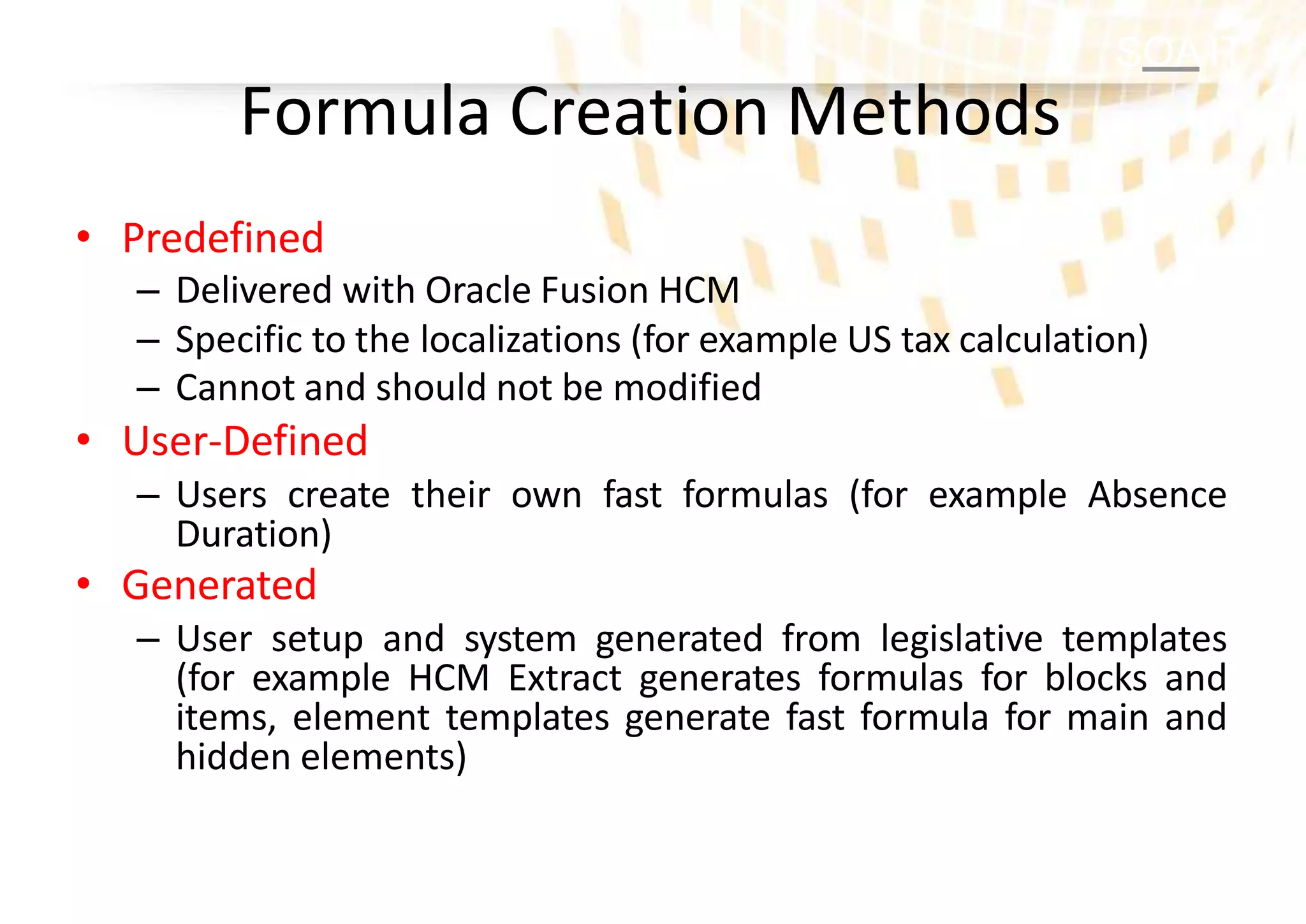
Formula CreationMethods
• Predefined
– Delivered with Oracle Fusion HCM
– Specific to the localizations (for example US tax calculation)
– Cannot and should not be modified
• User-Defined
– Users create their own fast formulas (for example Absence
Duration)
• Generated
– User setup and system generated from legislative templates
(for example HCM Extract generates formulas for blocks and
items, element templates generate fast formula for main and
hidden elements)
8.
SOA IT
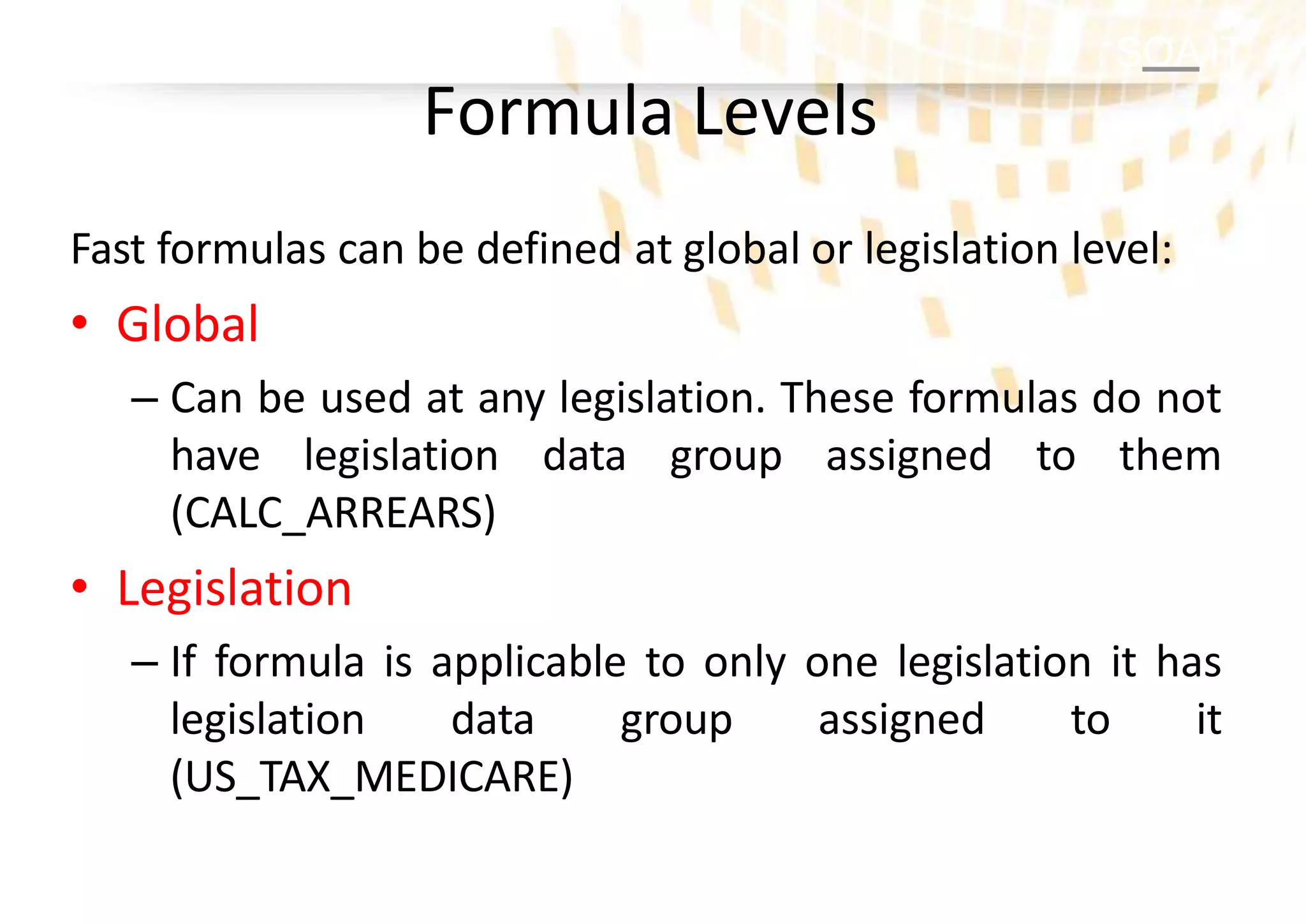
Formula Levels
Fastformulas can be defined at global or legislation level:
• Global
– Can be used at any legislation. These formulas do not
have legislation data group assigned to them
(CALC_ARREARS)
• Legislation
– If formula is applicable to only one legislation it has
legislation data group assigned to it
(US_TAX_MEDICARE)
9.
SOA IT
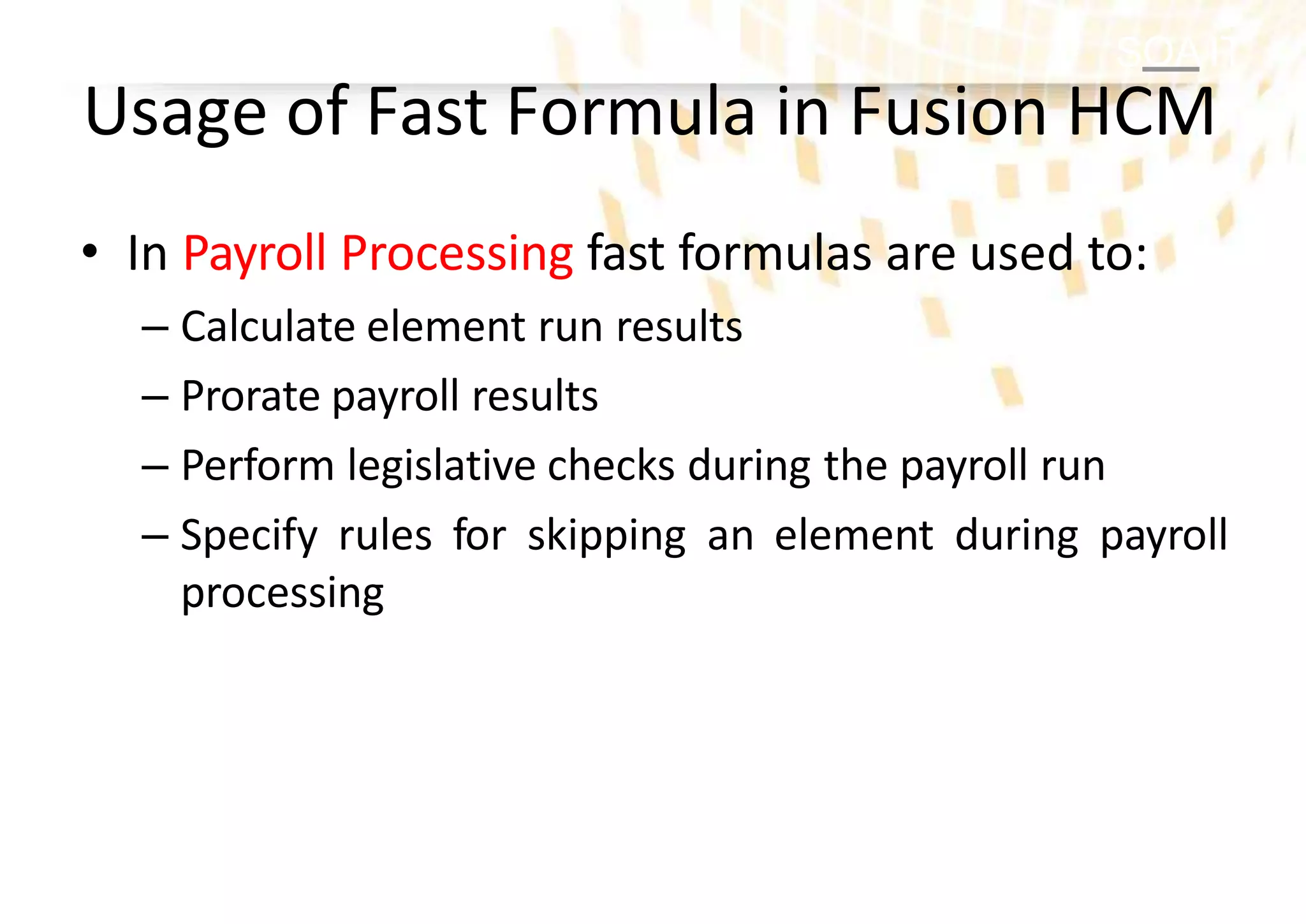
• InPayroll Processing fast formulas are used to:
– Calculate element run results
– Prorate payroll results
– Perform legislative checks during the payroll run
– Specify rules for skipping an element during payroll
processing
Usage of Fast Formula in Fusion HCM
10.
SOA IT
Usage ofFast Formula in Fusion HCM
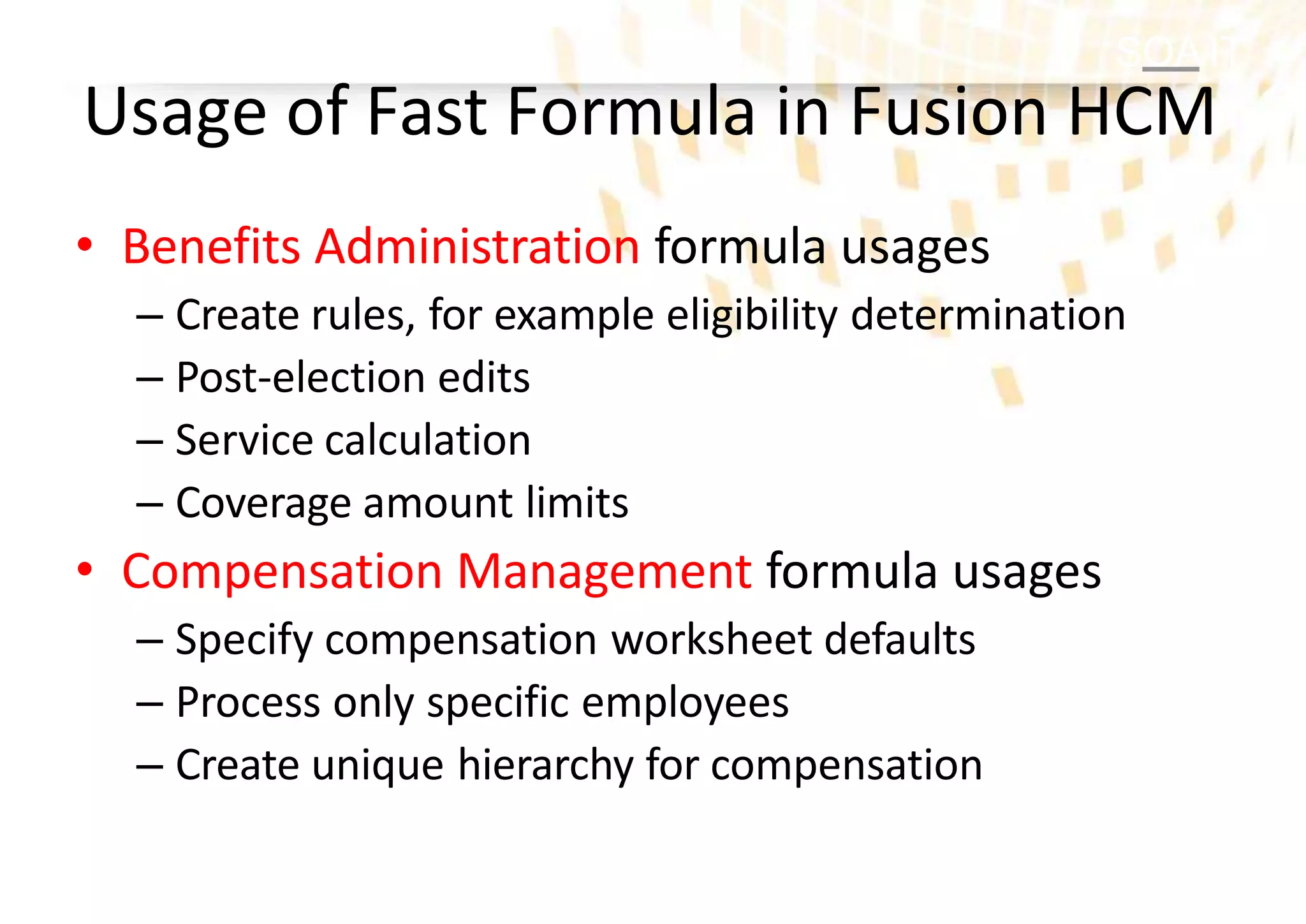
• Benefits Administration formula usages
– Create rules, for example eligibility determination
– Post-election edits
– Service calculation
– Coverage amount limits
• Compensation Management formula usages
– Specify compensation worksheet defaults
– Process only specific employees
– Create unique hierarchy for compensation
11.
SOA IT
Usage ofFast Formula in Fusion HCM
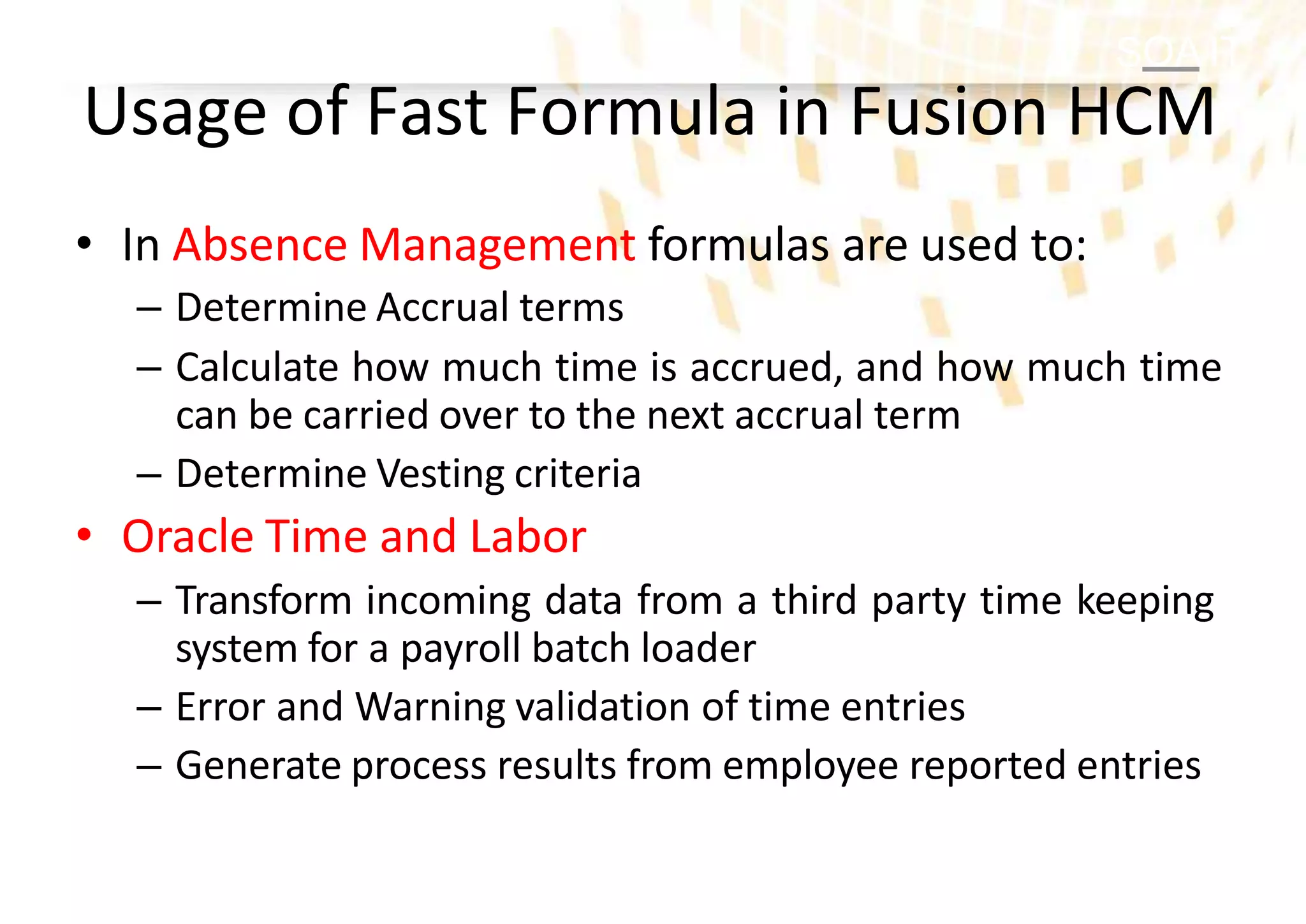
• In Absence Management formulas are used to:
– Determine Accrual terms
– Calculate how much time is accrued, and how much time
can be carried over to the next accrual term
– Determine Vesting criteria
• Oracle Time and Labor
– Transform incoming data from a third party time keeping
system for a payroll batch loader
– Error and Warning validation of time entries
– Generate process results from employee reported entries
12.
SOA IT
Usage ofFast Formula in Fusion HCM
• Validation formula usages
– Check that element entry values are valid for the
element
– Check element entries to a user defined tables
– Extract HCM data for archiving and reporting
SOA IT
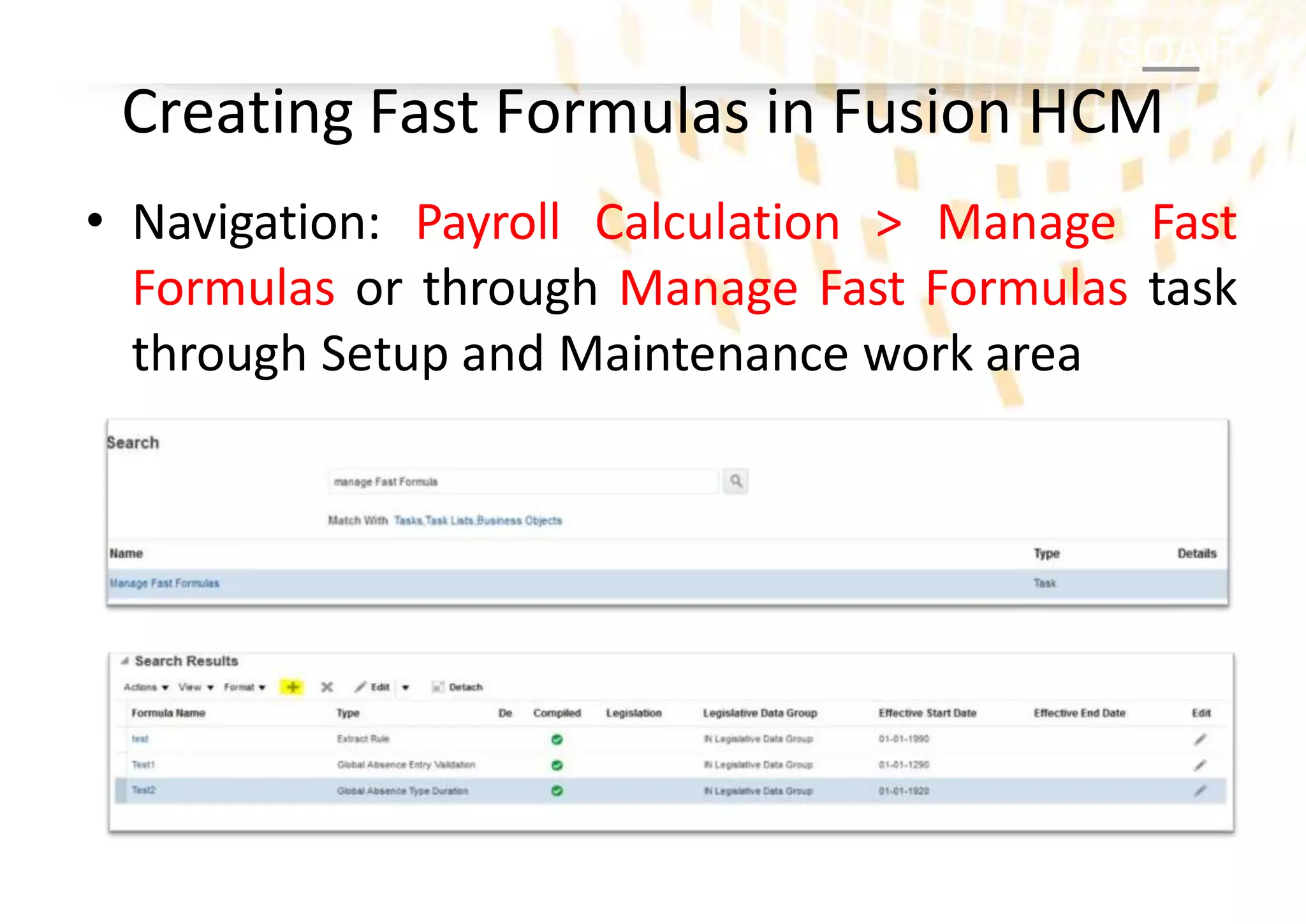
Creating FastFormulas in Fusion HCM
• Navigation: Payroll Calculation > Manage Fast
Formulas or through Manage Fast Formulas task
through Setup and Maintenance work area
15.
SOA IT
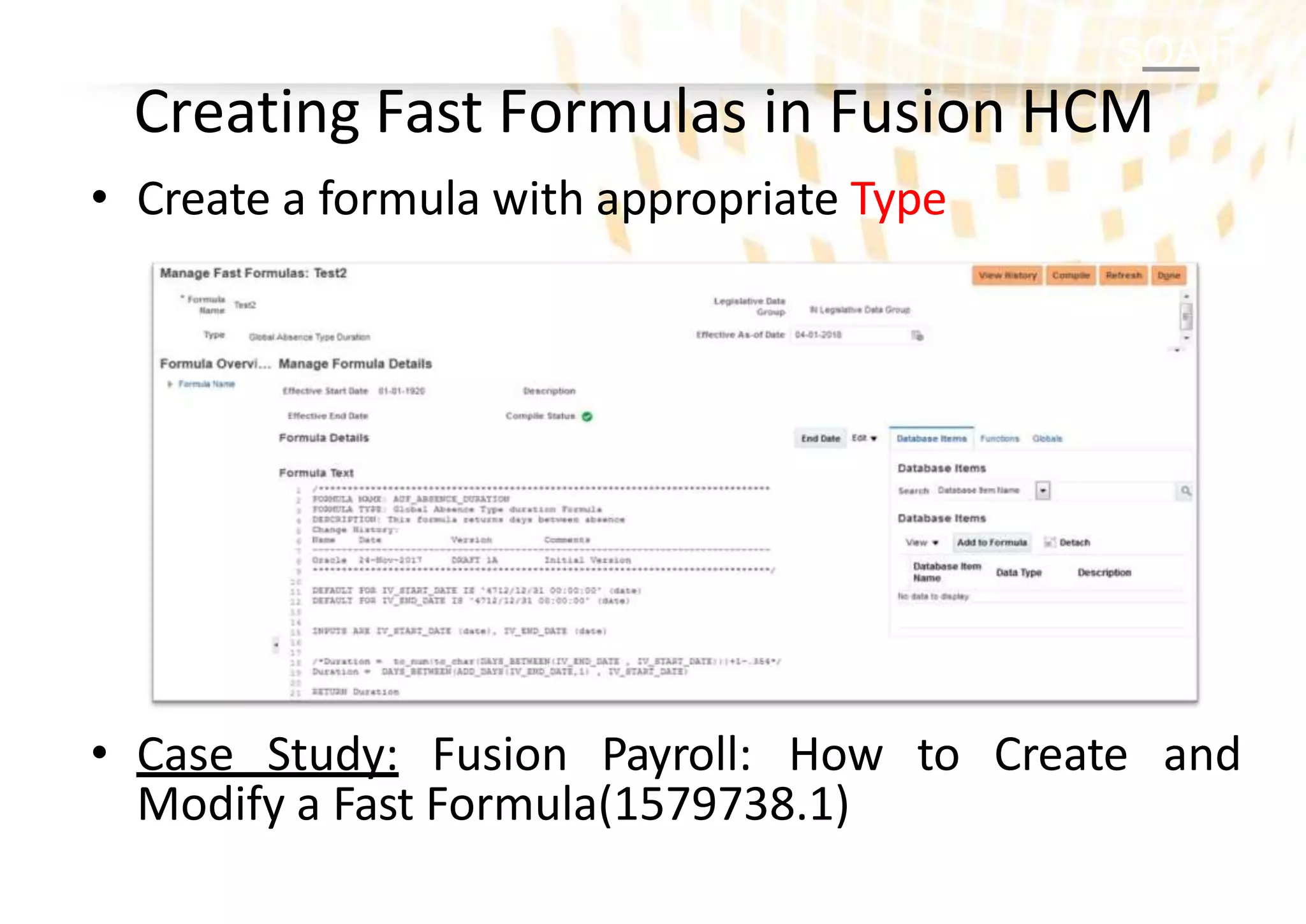
• Createa formula with appropriate Type
• Case Study: Fusion Payroll: How to Create and
Modify a Fast Formula(1579738.1)
Creating Fast Formulas in Fusion HCM
SOA IT
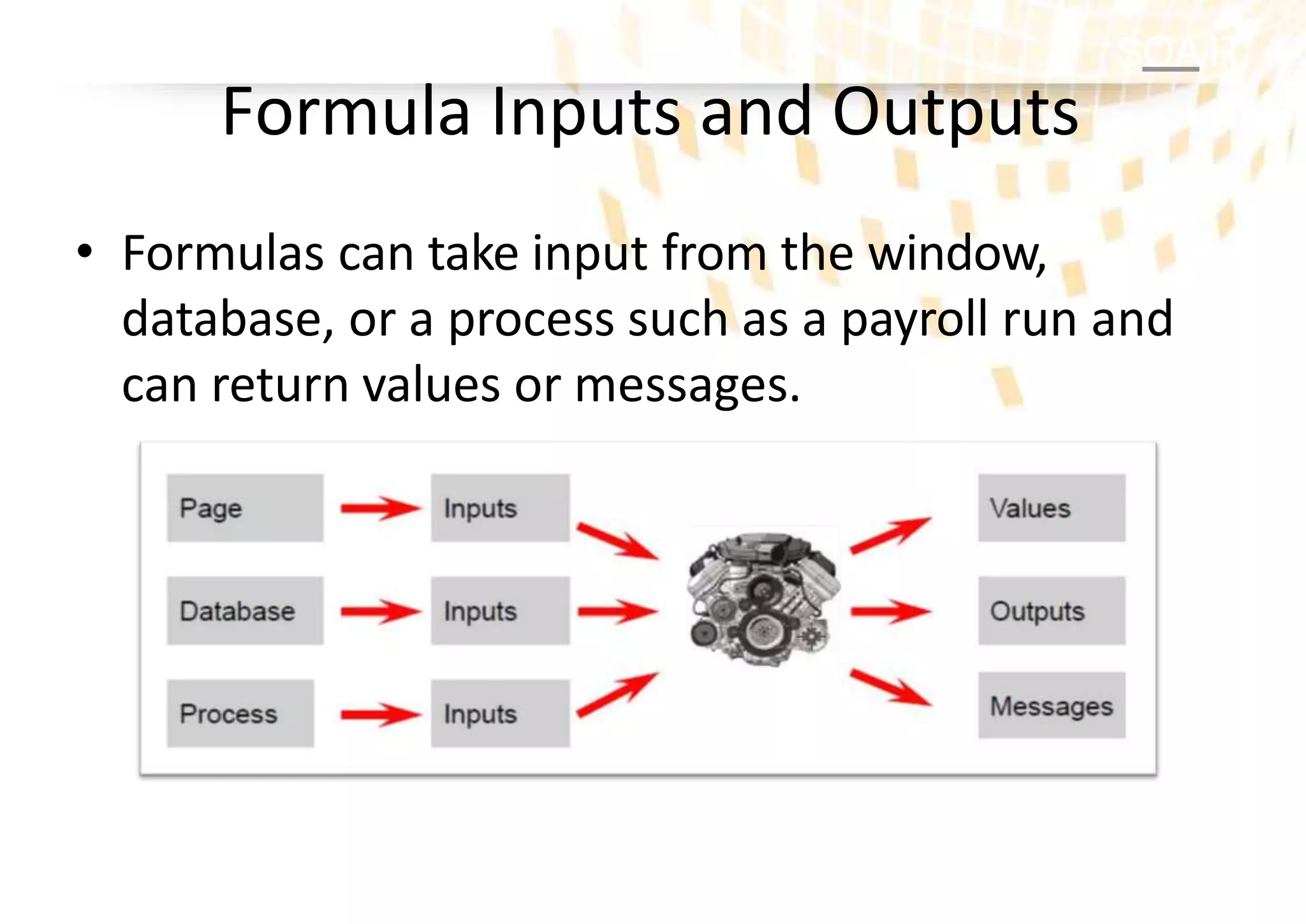
Formula Inputsand Outputs
• Formulas can take input from the window,
database, or a process such as a payroll run and
can return values or messages.
19.
SOA IT
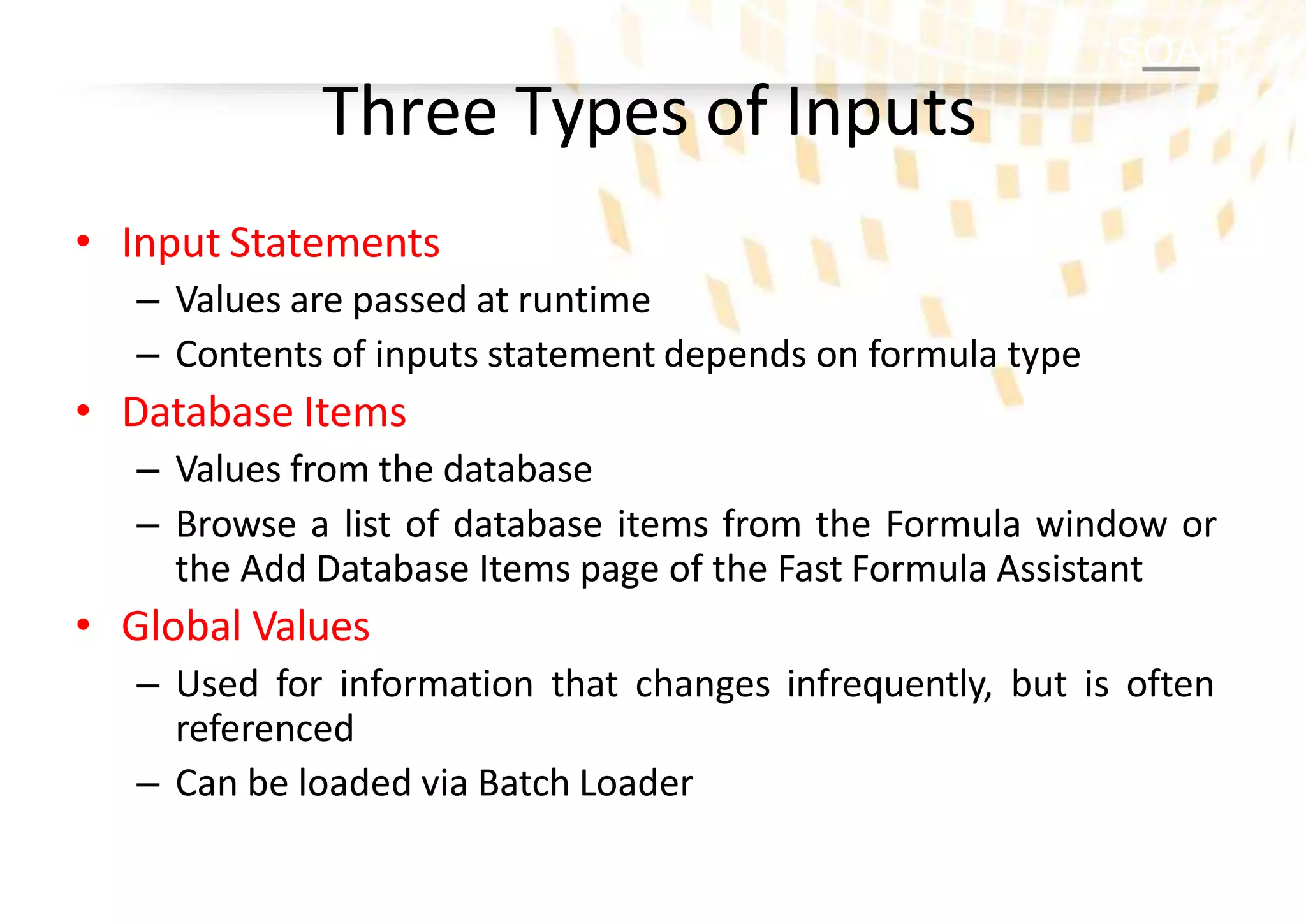
Three Typesof Inputs
• Input Statements
– Values are passed at runtime
– Contents of inputs statement depends on formula type
• Database Items
– Values from the database
– Browse a list of database items from the Formula window or
the Add Database Items page of the Fast Formula Assistant
• Global Values
– Used for information that changes infrequently, but is often
referenced
– Can be loaded via Batch Loader
20.
SOA IT
List ofDatabase Items
• There are more than 10,000 database items in
the Fusion HCM
• List of DBIs and user Entities (UEs) for are
available in
– Note 1565118.1 for release 5
– Note 1546399.1 for release 7 and above
• DBIs are used in various extracts, archives and
reports across Fusion HCM
SOA IT
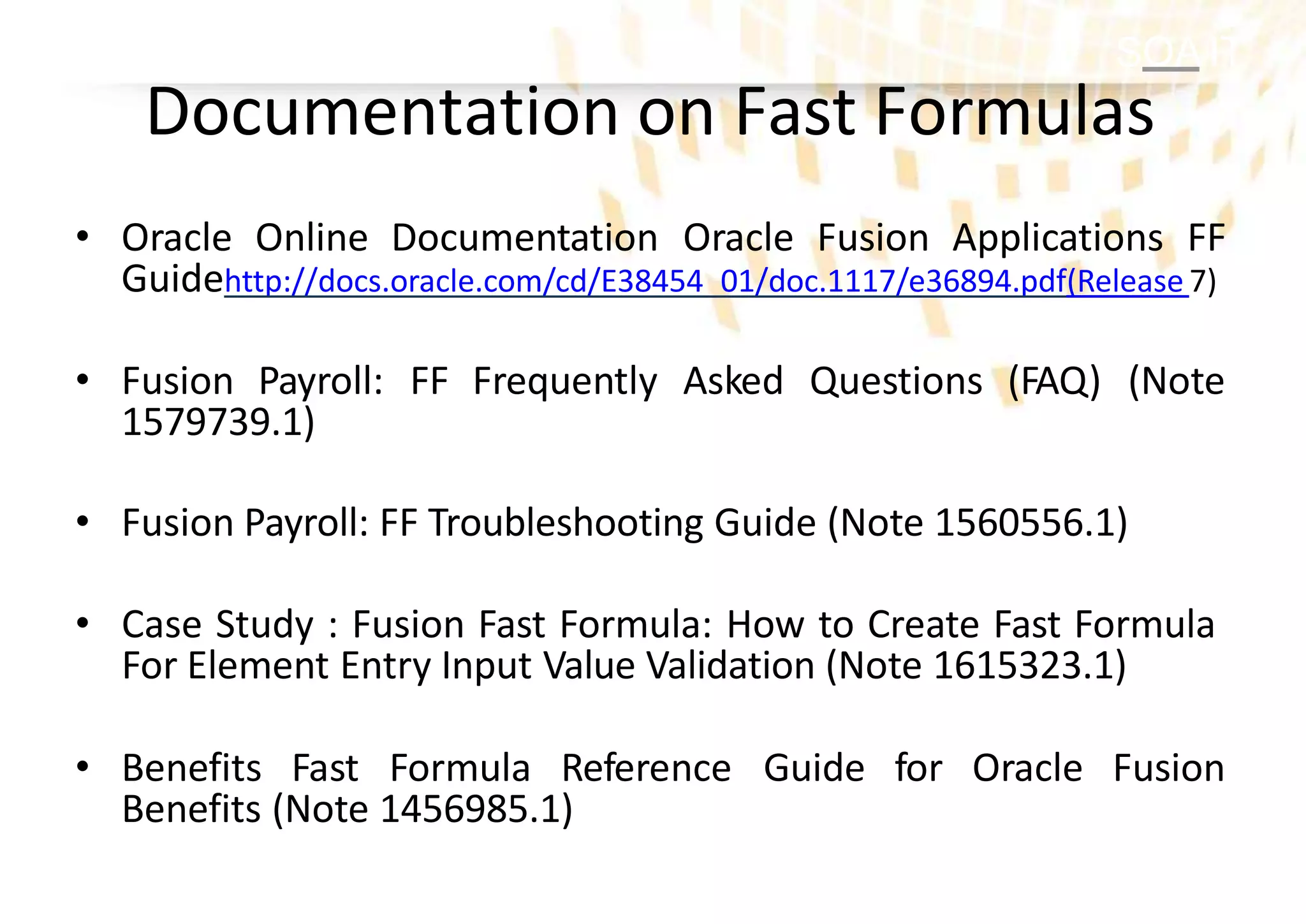
Documentation onFast Formulas
• Oracle Online Documentation Oracle Fusion Applications FF
Guidehttp://docs.oracle.com/cd/E38454_01/doc.1117/e36894.pdf(Release 7)
• Fusion Payroll: FF Frequently Asked Questions (FAQ) (Note
1579739.1)
• Fusion Payroll: FF Troubleshooting Guide (Note 1560556.1)
• Case Study : Fusion Fast Formula: How to Create Fast Formula
For Element Entry Input Value Validation (Note 1615323.1)
• Benefits Fast Formula Reference Guide for Oracle Fusion
Benefits (Note 1456985.1)
23.
SOA IT
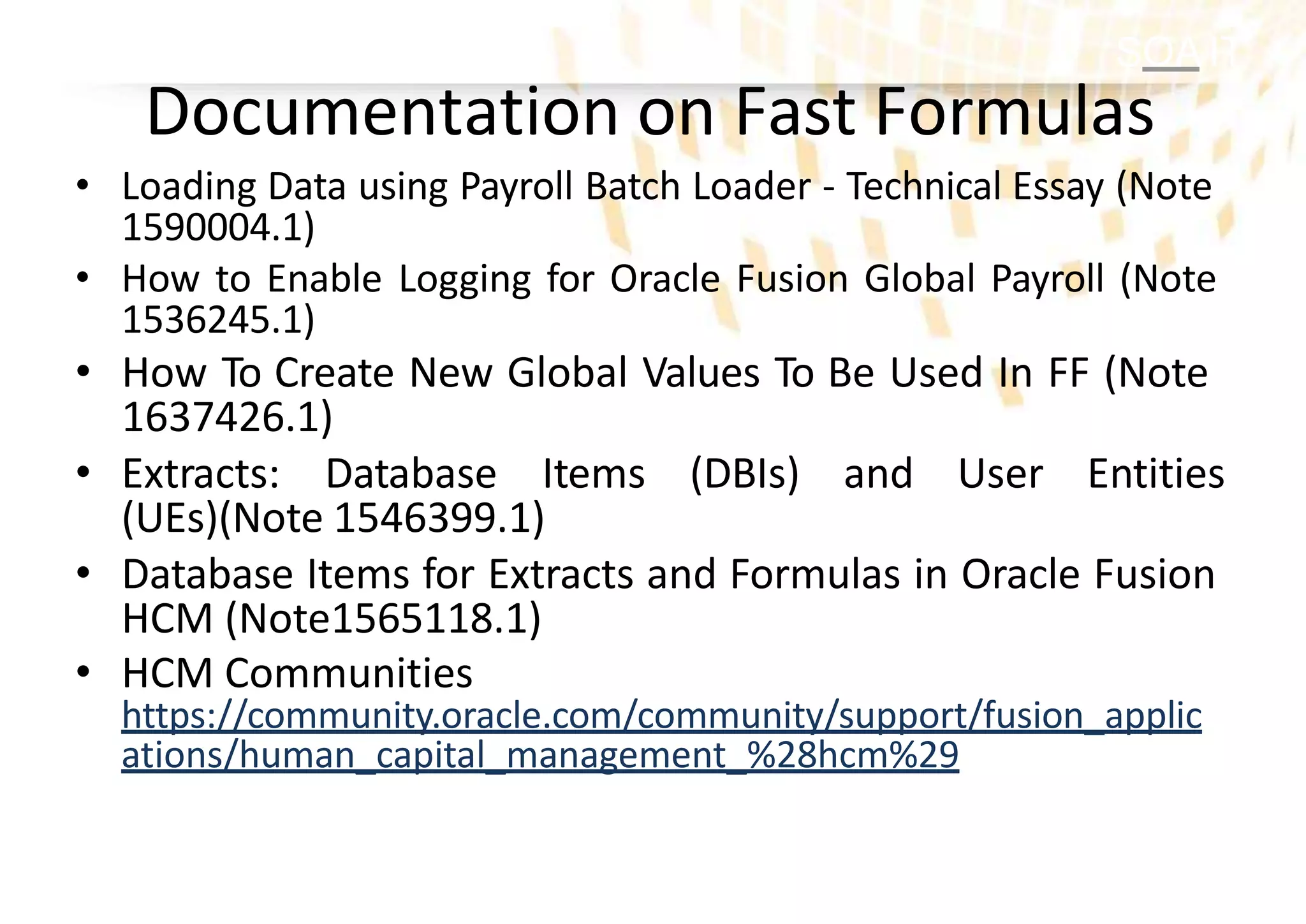
Documentation onFast Formulas
• Loading Data using Payroll Batch Loader - Technical Essay (Note
1590004.1)
• How to Enable Logging for Oracle Fusion Global Payroll (Note
1536245.1)
• How To Create New Global Values To Be Used In FF (Note
1637426.1)
• Extracts: Database Items (DBIs) and User Entities
(UEs)(Note 1546399.1)
• Database Items for Extracts and Formulas in Oracle Fusion
HCM (Note1565118.1)
• HCM Communities
https://community.oracle.com/community/support/fusion_applic
ations/human_capital_management_%28hcm%29
24.
SOA IT
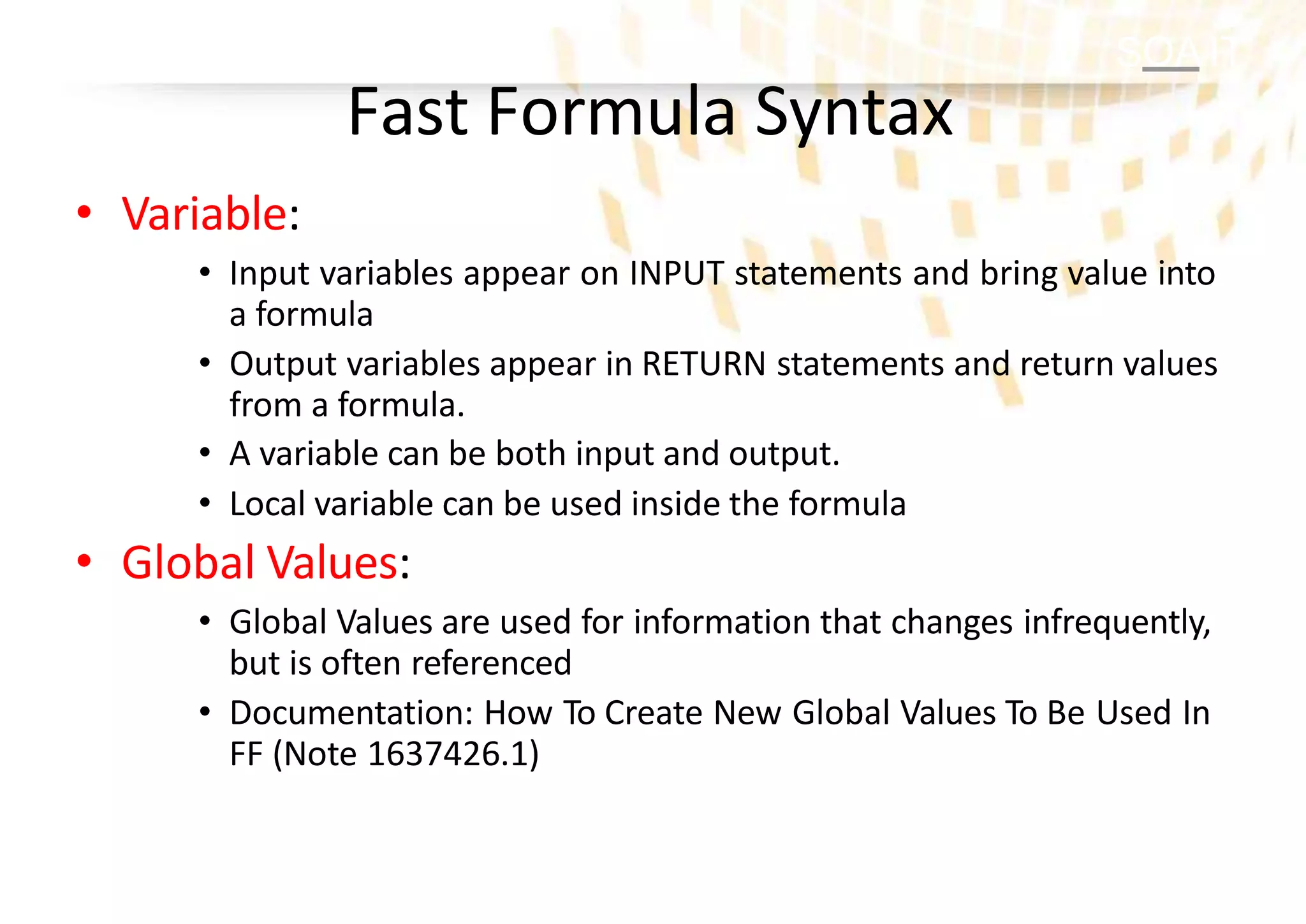
Fast FormulaSyntax
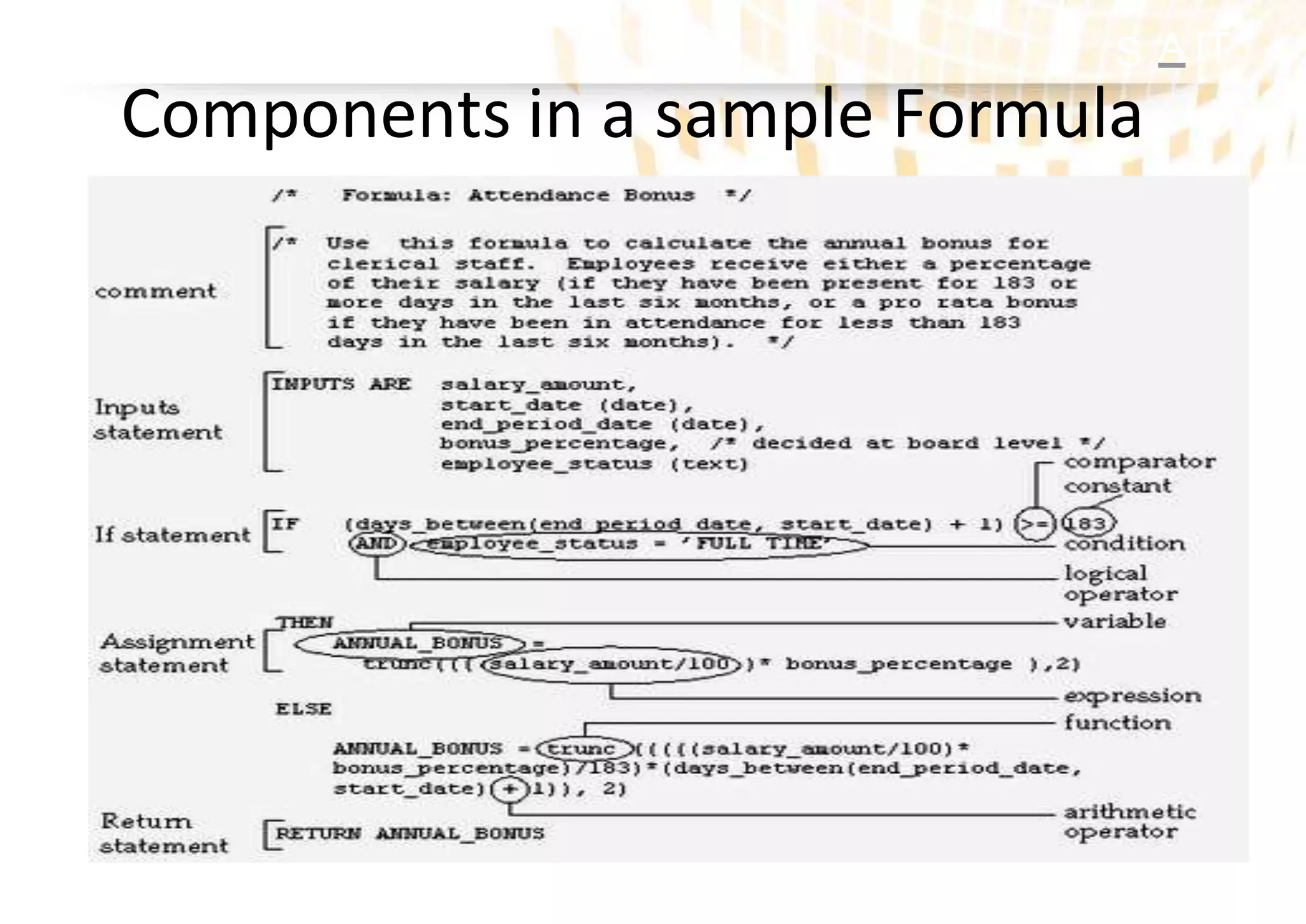
• Variable:
• Input variables appear on INPUT statements and bring value into
a formula
• Output variables appear in RETURN statements and return values
from a formula.
• A variable can be both input and output.
• Local variable can be used inside the formula
• Global Values:
• Global Values are used for information that changes infrequently,
but is often referenced
• Documentation: How To Create New Global Values To Be Used In
FF (Note 1637426.1)
25.
SOA IT
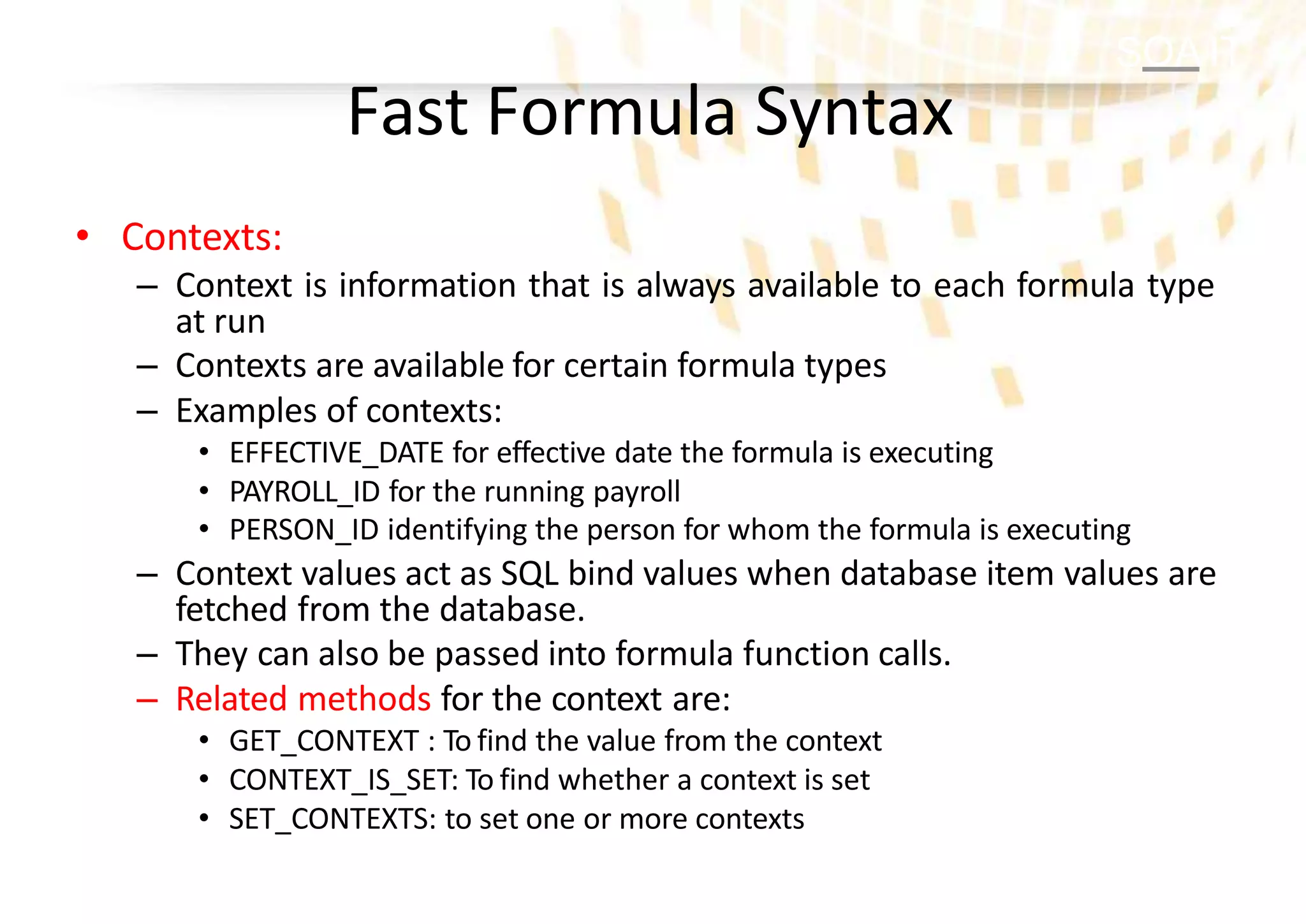
Fast FormulaSyntax
• Contexts:
– Context is information that is always available to each formula type
at run
– Contexts are available for certain formula types
– Examples of contexts:
• EFFECTIVE_DATE for effective date the formula is executing
• PAYROLL_ID for the running payroll
• PERSON_ID identifying the person for whom the formula is executing
– Context values act as SQL bind values when database item values are
fetched from the database.
– They can also be passed into formula function calls.
– Related methods for the context are:
• GET_CONTEXT : To find the value from the context
• CONTEXT_IS_SET: To find whether a context is set
• SET_CONTEXTS: to set one or more contexts
26.
SOA IT
Fast FormulaSyntax
• Array processing
• Looping
– WHILE-loop type is supported
• Working Storage Area
– The working storage area is a mechanism for storing
global values across formulas. The values are accessed by
name. The names are case-independent.
– There are four working storage area call methods:
• WSA_EXISTS
• WSA_DELETE
• WSA_SET
• WSA_GET
27.
SOA IT
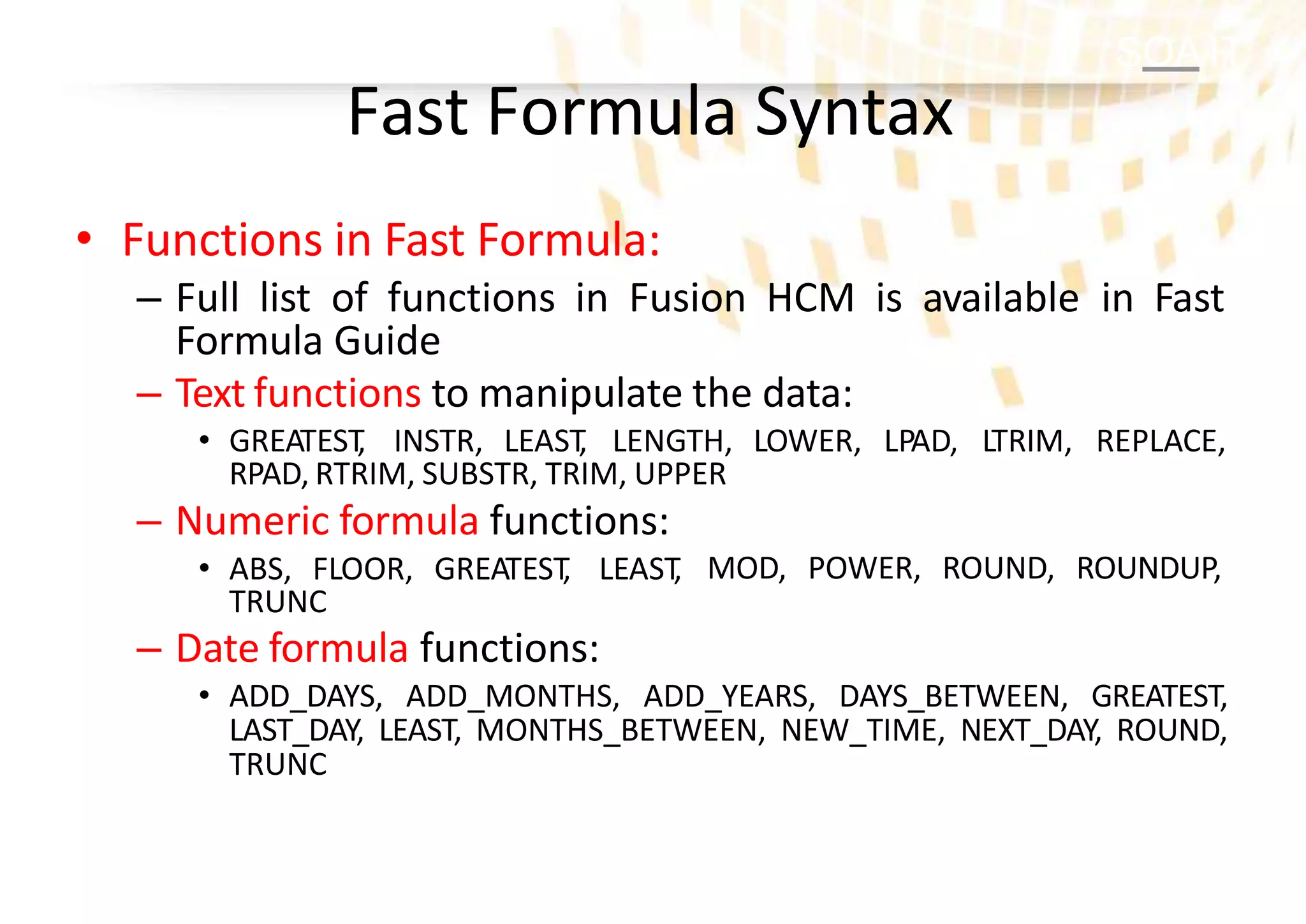
Fast FormulaSyntax
• Functions in Fast Formula:
– Full list of functions in Fusion HCM is available in Fast
Formula Guide
– Text functions to manipulate the data:
• GREATEST
, INSTR, LEAST
, LENGTH, LOWER, LPAD, LTRIM, REPLACE,
RPAD, RTRIM, SUBSTR, TRIM, UPPER
MOD, POWER, ROUND, ROUNDUP,
– Numeric formula functions:
• ABS, FLOOR, GREATEST
, LEAST
,
TRUNC
– Date formula functions:
• ADD_DAYS, ADD_MONTHS, ADD_YEARS, DAYS_BETWEEN, GREATEST,
LAST_DAY, LEAST, MONTHS_BETWEEN, NEW_TIME, NEXT_DAY, ROUND,
TRUNC
28.
SOA IT
Fast FormulaSyntax
• Calling Formula from a Formula :
– A formula can be called from another formula
– There are 4 methods available:
• IS_EXECUTE(formula name)
• EXECUTE(formula name)
• SET_INPUT(input [,value])
• GET_OUTPUT(output, default-value)
– Example:
– Case Study: Fusion Absence Management: Unable To Access Religion
Related DBI In CORE_ABSENCE_DURATION Fast Formula (Doc ID 1670627.1)
SOA IT
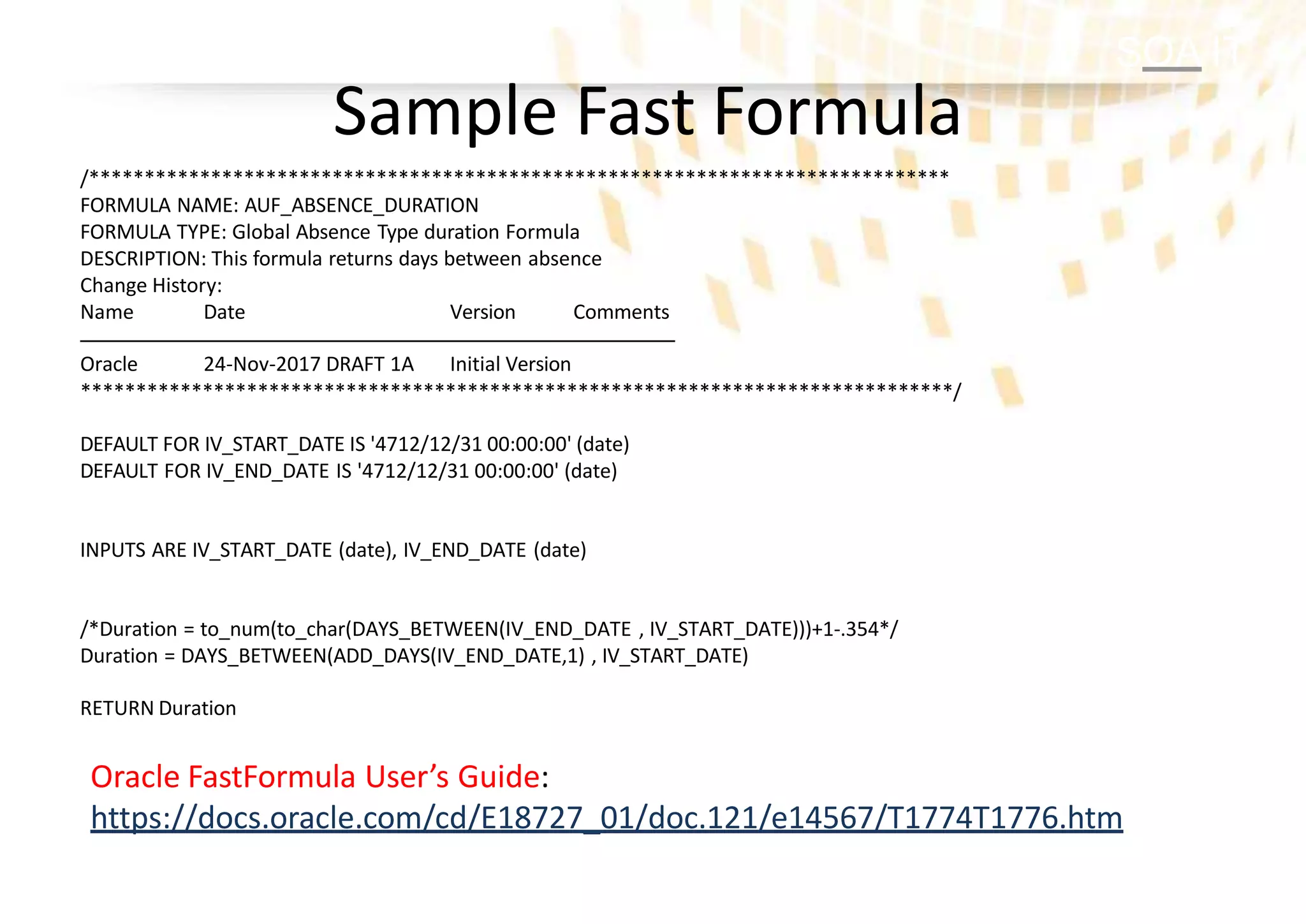
Sample FastFormula
/******************************************************************************
FORMULA NAME: AUF_ABSENCE_DURATION
FORMULA TYPE: Global Absence Type duration Formula
DESCRIPTION: This formula returns days between absence
Change History:
Name Date Version Comments
Oracle 24-Nov-2017 DRAFT 1A Initial Version
*******************************************************************************/
DEFAULT FOR IV_START_DATE IS '4712/12/31 00:00:00' (date)
DEFAULT FOR IV_END_DATE IS '4712/12/31 00:00:00' (date)
INPUTS ARE IV_START_DATE (date), IV_END_DATE (date)
/*Duration = to_num(to_char(DAYS_BETWEEN(IV_END_DATE , IV_START_DATE)))+1-.354*/
Duration = DAYS_BETWEEN(ADD_DAYS(IV_END_DATE,1) , IV_START_DATE)
RETURN Duration
Oracle FastFormula User’s Guide:
https://docs.oracle.com/cd/E18727_01/doc.121/e14567/T1774T1776.htm



![SOA IT
Fast Formula Syntax
• Calling Formula from a Formula :
– A formula can be called from another formula
– There are 4 methods available:
• IS_EXECUTE(formula name)
• EXECUTE(formula name)
• SET_INPUT(input [,value])
• GET_OUTPUT(output, default-value)
– Example:
– Case Study: Fusion Absence Management: Unable To Access Religion
Related DBI In CORE_ABSENCE_DURATION Fast Formula (Doc ID 1670627.1)](https://image.slidesharecdn.com/fast-formula-in-oracle-cloud-hcm-230818011128-740d8a03/75/Fast-Formula-in-Oracle-Cloud-HCM-pptx-28-2048.jpg)