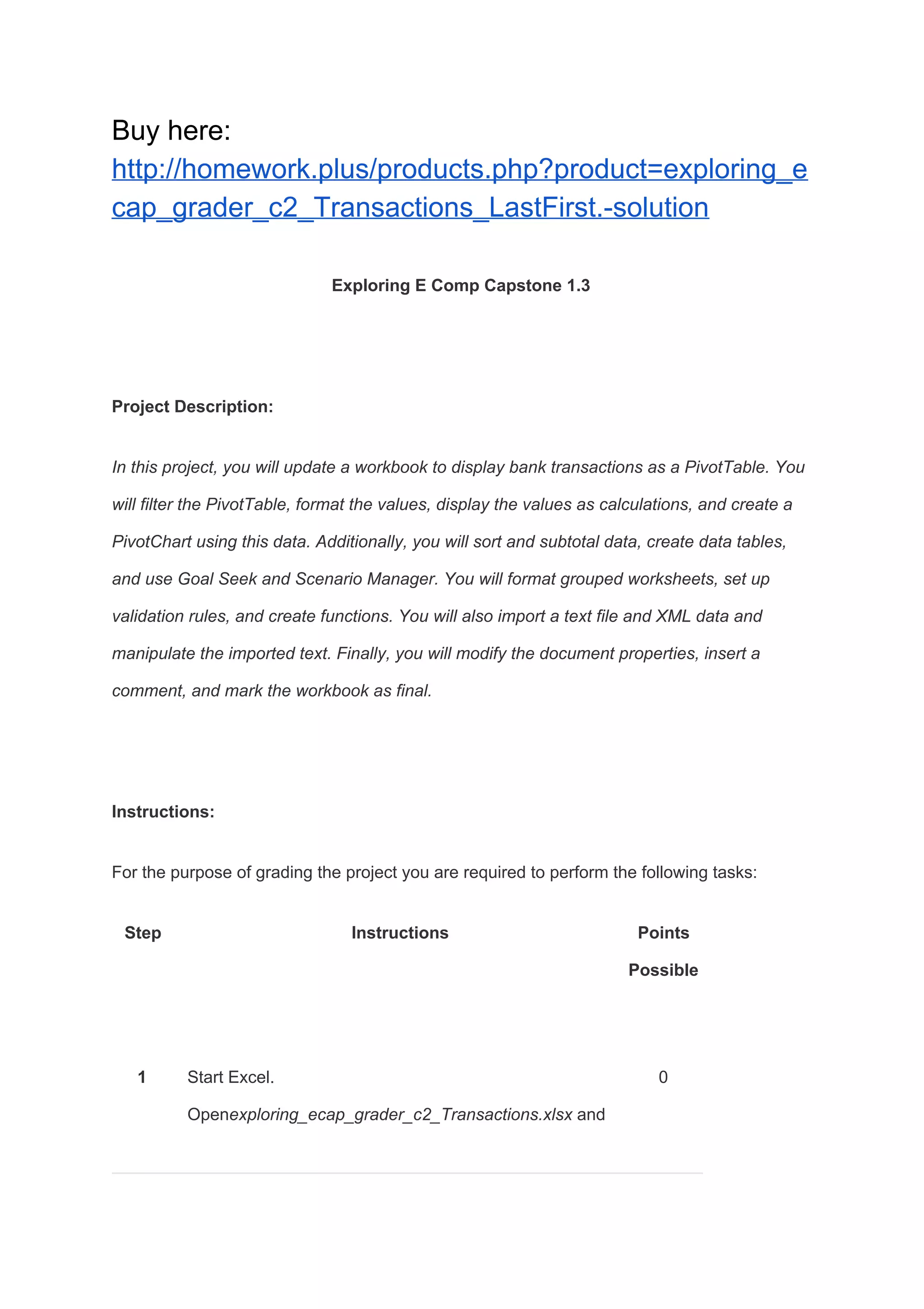
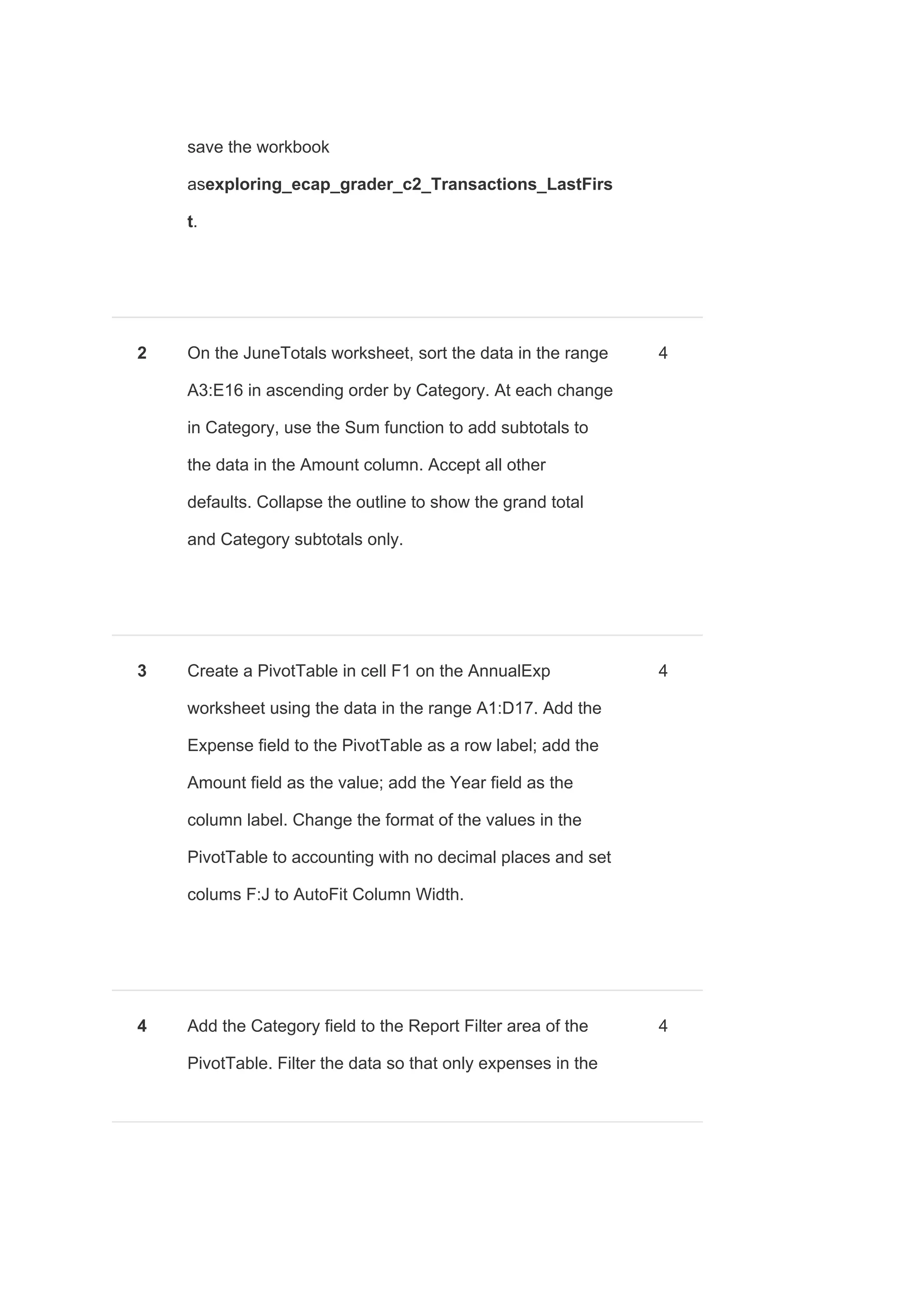
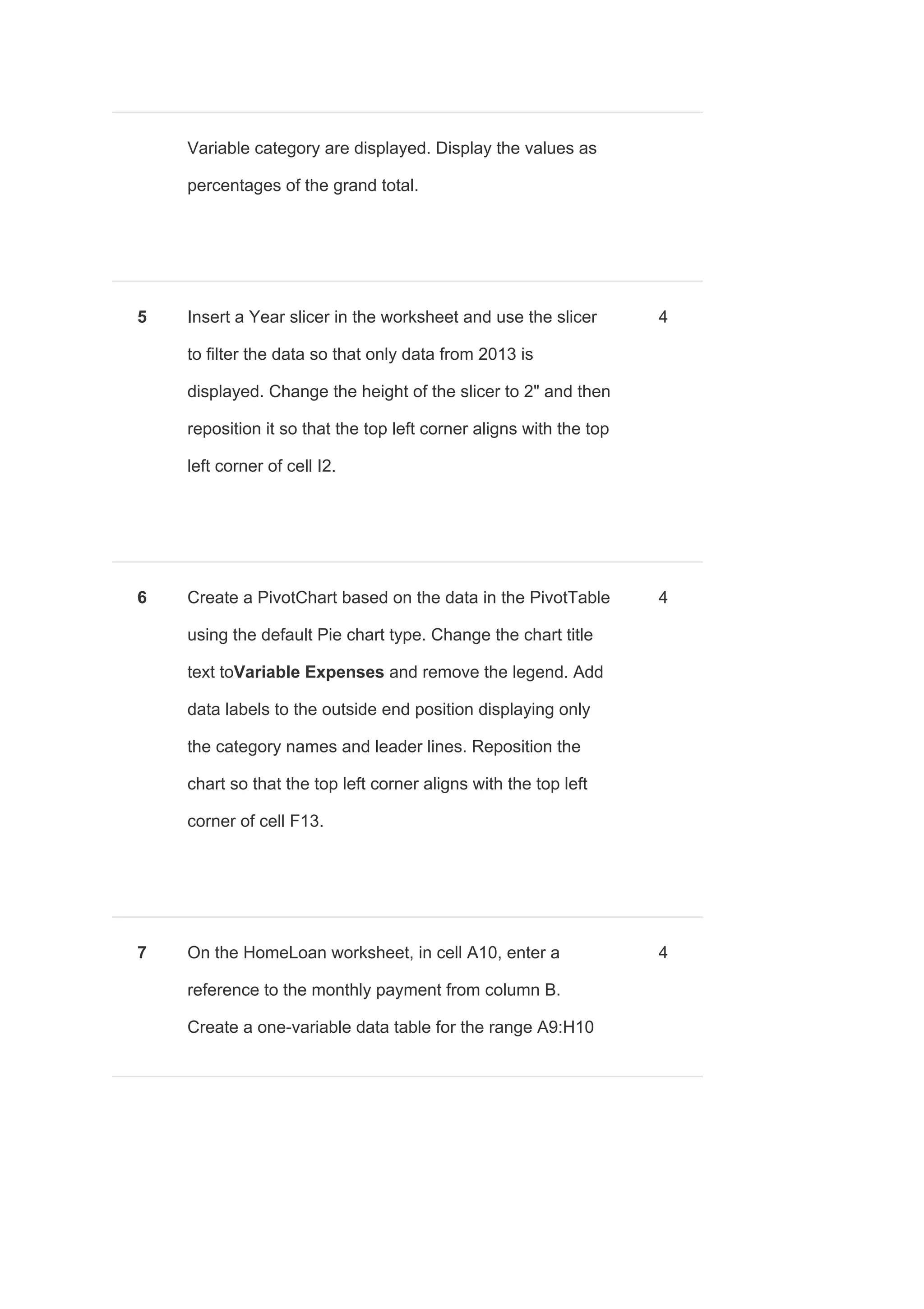
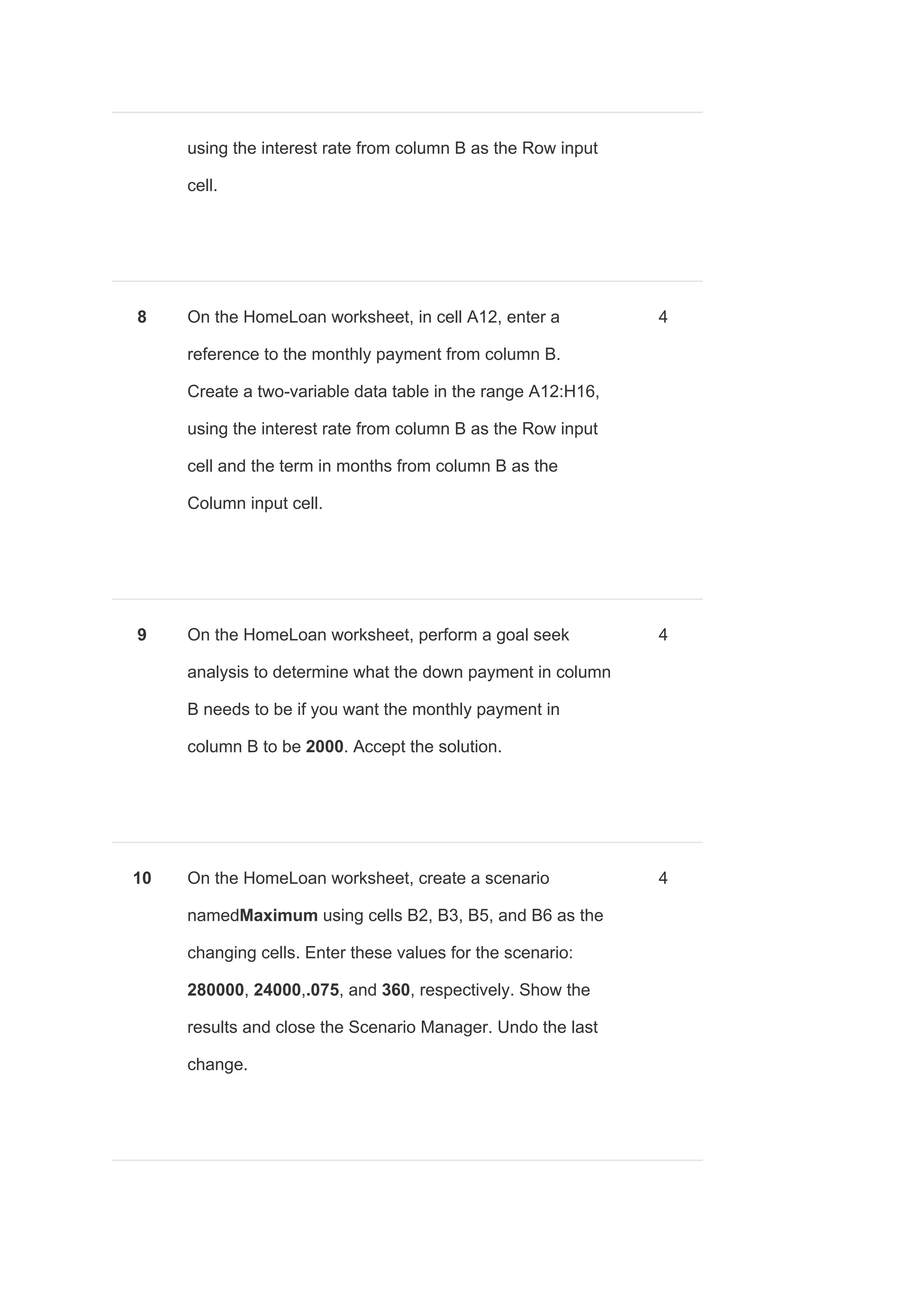
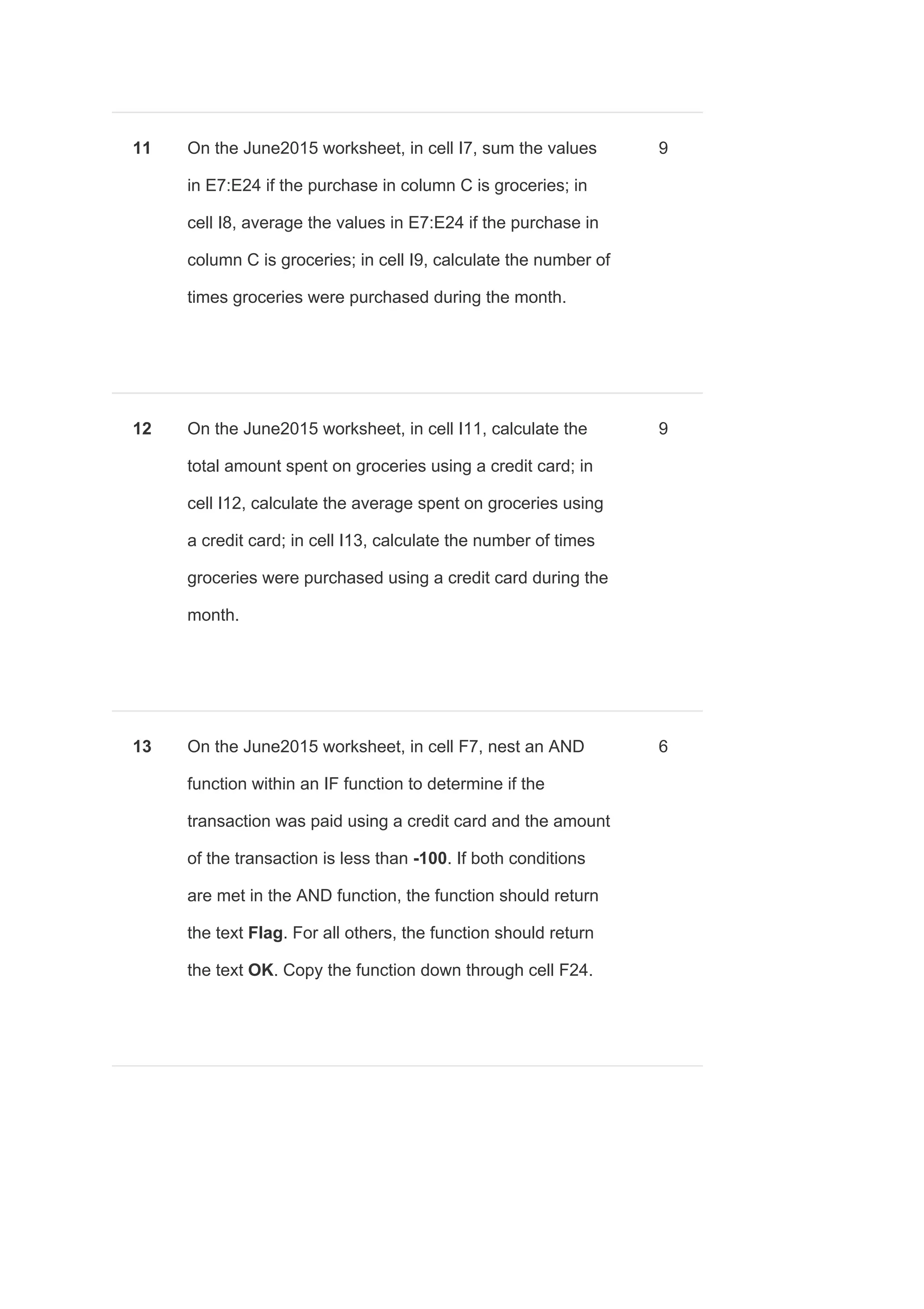
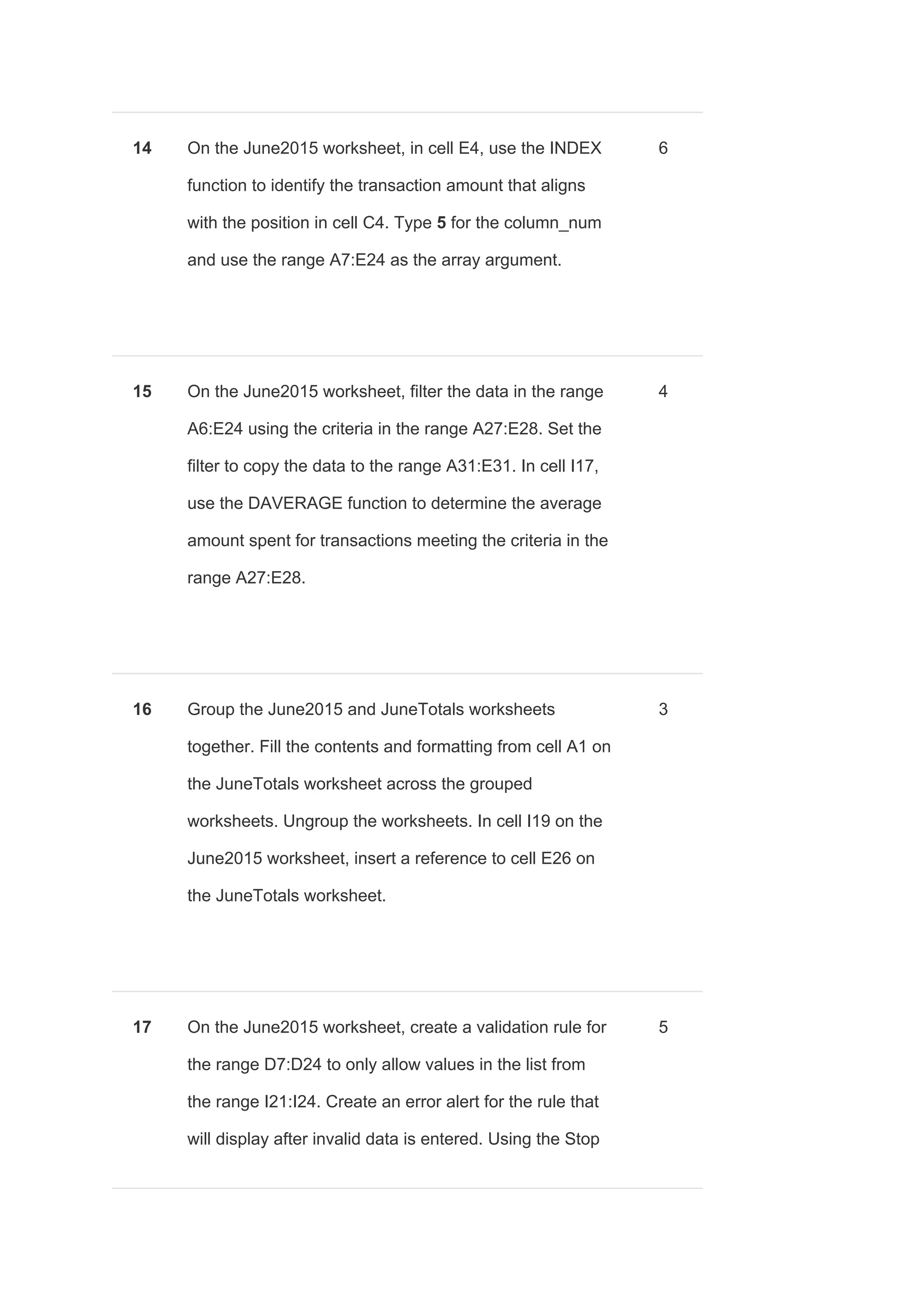
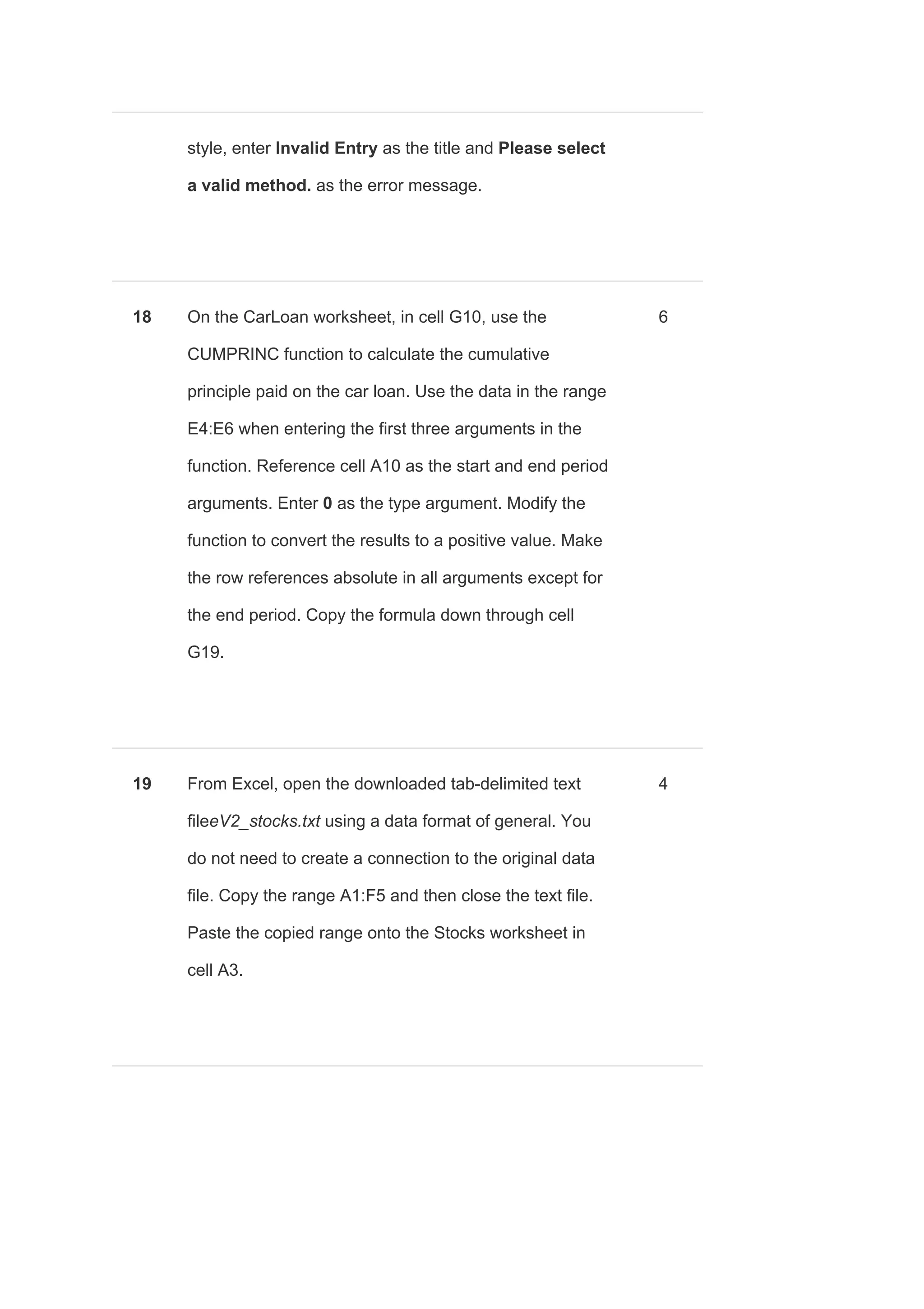
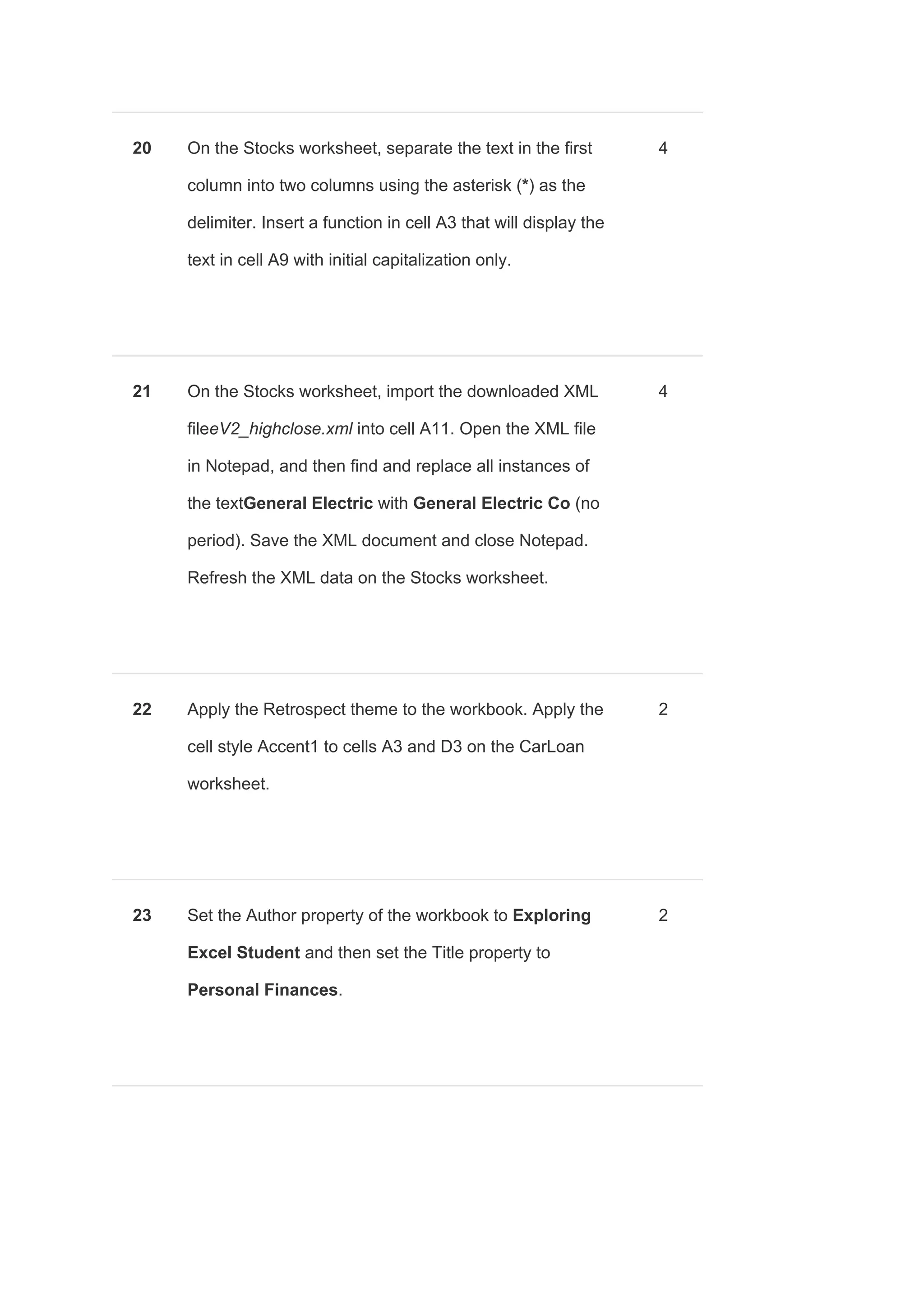
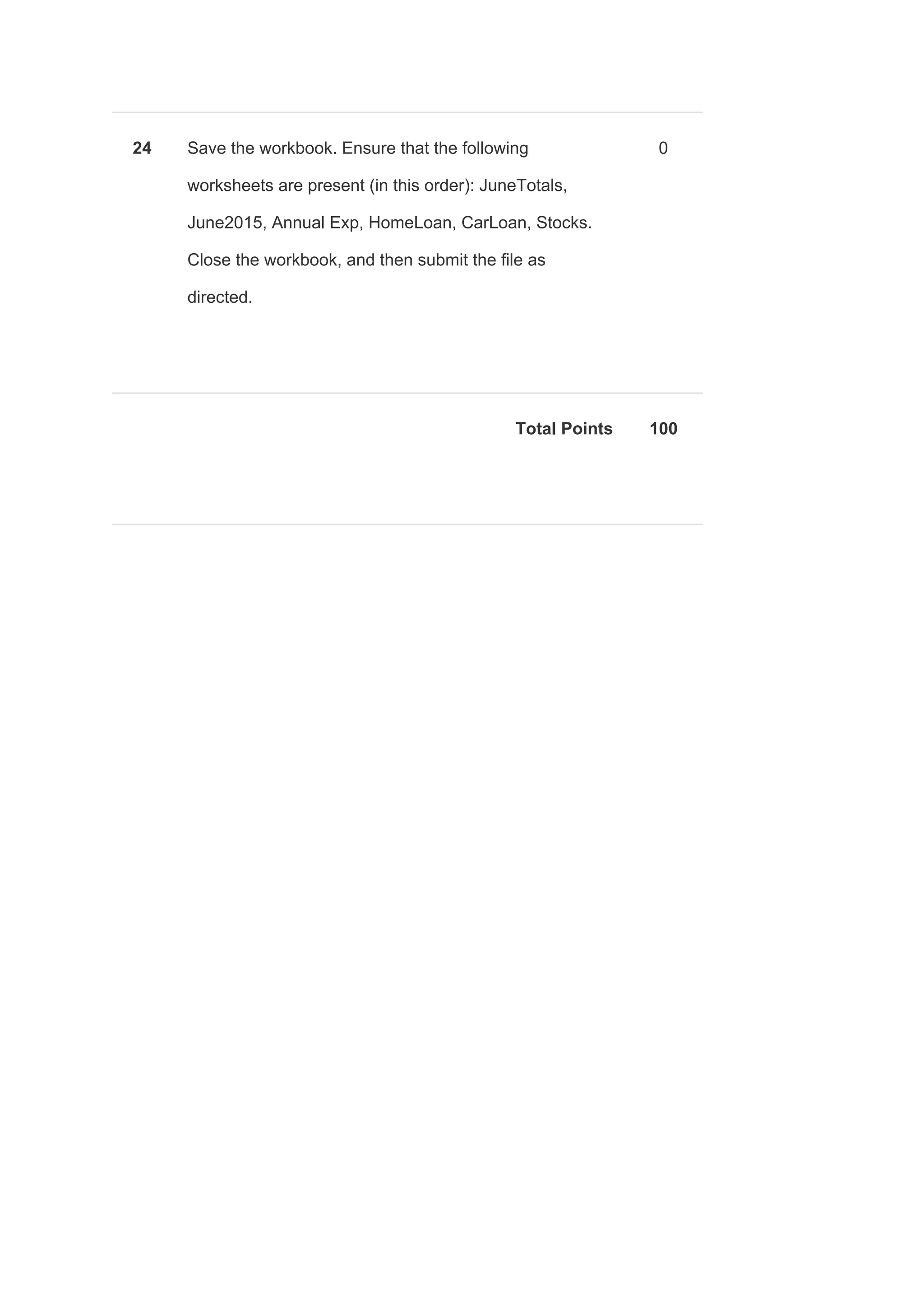
This document provides instructions for completing a project in Exploring E Cap Grader C2 involving updating a workbook to display bank transactions in a PivotTable and PivotChart, performing various financial calculations and analyses, importing and manipulating text and XML data, and modifying document properties. The project consists of 24 steps worth a total of 100 points, such as sorting and filtering data, creating data tables and scenarios, using functions like INDEX and CUMPRINC, applying themes and styles, and ensuring the correct worksheets are present in the submitted workbook.