 Page 1
Excel Formulas
ALT+HLHD
Sum=SUM(A1:A3)
MINIMUM=MIN(A1:A3)
Row selection =shift+ space
Column selection =ctrl+ space
Maximum=Max(a1:a5)
VLOOKUP= (Value,table column index no, range look up, true or false)
HLOOK UP = HLOOK UP (Look up value,table,row index no. ,True or false
Value= for which you want answer
Table= select the list from which you want answer
Column index no.= 1,2
Range look up= True (Approximate match) False =(Exact match)
Pivot table=
Question on excel In WNS interview
= remove a column = ctrl+ 0
What is the formula for keeping a paragraph in upper case or lower case
Keep the data in upper case or lower case
Upper B: B
Lower (B :B)
Proper= Used in capitalizing 1st
letter of the
Auto sum = alt +
How to remove duplicates
Other formulas
To keep words in lower case ;- shift +f3
To format any selected object = ctrl+ 1
To insert current date = ctrl + ;
To insert current time = ctrl + shift
 Page 2
To repeat last action = press f4
To edit a cell comment =shift + f2
To edit a cell =f2
To auto sum selected cell = (alt + =)
To insert chart= f11
To insert new sheet = shift + f11
To hide current row =ctrl + 9
To hide current column= ctrl + 0
To unhide current row = ctrl + shift+ 9
To unhide columns = ctrl + shift + 0
To select data in current region= ctrl + shift + 8
To see the formulas used in worksheet = ctrl + shift + 2
To format a number as currency = shift + 4
To open macro dialogue box = alt +f8
To apply outline, outline border around selected cell = ctrl + shift + 7
To go to the next worksheet = ctrl + shift + pg dn (page down)
To go to previous worksheet ctrl + shift + pg up
Tab = complete the entry & move to next column in the same row
Shift tab = Complete cell entry & move cell cursor left one column
Shift with F11 Insert sheet
ALT+O H R rename
ALT+E M Move/Copy
ALT+E L Delete
How to insert table from insert tab and short cut to insert table (Ctrl + T)
Edit Cell
F2 / double click a cell / edit from formula bar
- What is the formula for removing a row or a column
- What is the formula for removing duplicates Use ofMacros

Excel & others

  • 1.
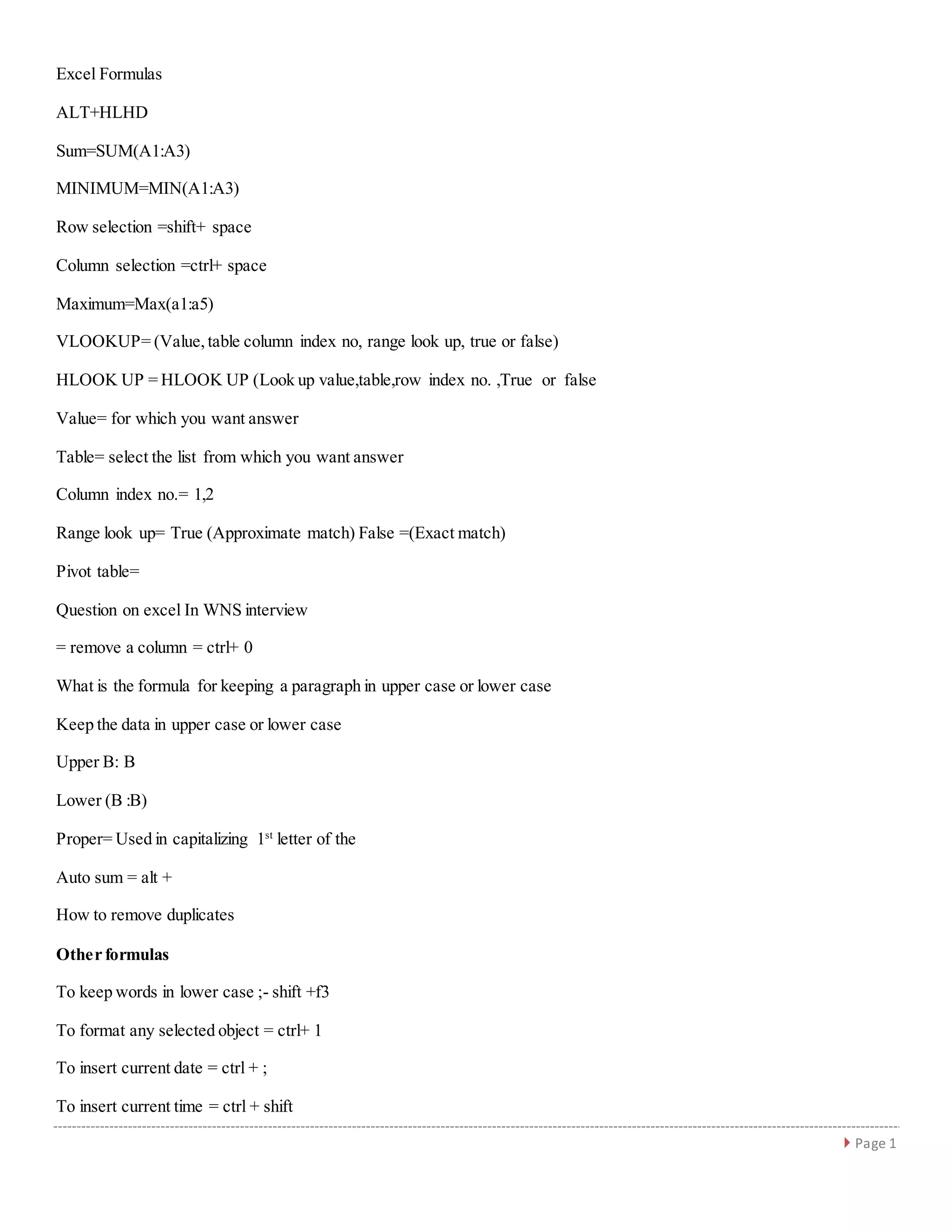
     Page 1 ExcelFormulas ALT+HLHD Sum=SUM(A1:A3) MINIMUM=MIN(A1:A3) Row selection =shift+ space Column selection =ctrl+ space Maximum=Max(a1:a5) VLOOKUP= (Value,table column index no, range look up, true or false) HLOOK UP = HLOOK UP (Look up value,table,row index no. ,True or false Value= for which you want answer Table= select the list from which you want answer Column index no.= 1,2 Range look up= True (Approximate match) False =(Exact match) Pivot table= Question on excel In WNS interview = remove a column = ctrl+ 0 What is the formula for keeping a paragraph in upper case or lower case Keep the data in upper case or lower case Upper B: B Lower (B :B) Proper= Used in capitalizing 1st letter of the Auto sum = alt + How to remove duplicates Other formulas To keep words in lower case ;- shift +f3 To format any selected object = ctrl+ 1 To insert current date = ctrl + ; To insert current time = ctrl + shift
  • 2.
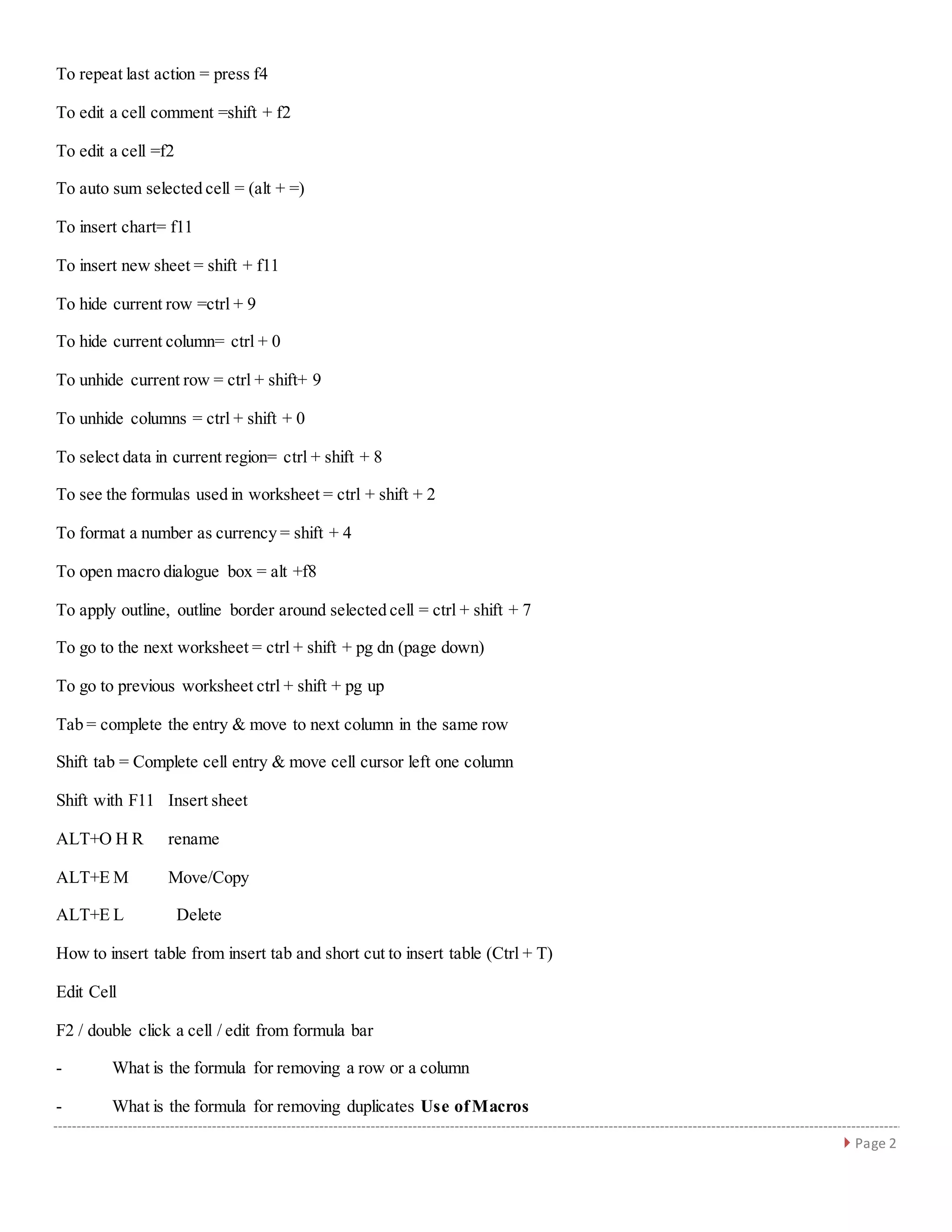
     Page 2 Torepeat last action = press f4 To edit a cell comment =shift + f2 To edit a cell =f2 To auto sum selected cell = (alt + =) To insert chart= f11 To insert new sheet = shift + f11 To hide current row =ctrl + 9 To hide current column= ctrl + 0 To unhide current row = ctrl + shift+ 9 To unhide columns = ctrl + shift + 0 To select data in current region= ctrl + shift + 8 To see the formulas used in worksheet = ctrl + shift + 2 To format a number as currency = shift + 4 To open macro dialogue box = alt +f8 To apply outline, outline border around selected cell = ctrl + shift + 7 To go to the next worksheet = ctrl + shift + pg dn (page down) To go to previous worksheet ctrl + shift + pg up Tab = complete the entry & move to next column in the same row Shift tab = Complete cell entry & move cell cursor left one column Shift with F11 Insert sheet ALT+O H R rename ALT+E M Move/Copy ALT+E L Delete How to insert table from insert tab and short cut to insert table (Ctrl + T) Edit Cell F2 / double click a cell / edit from formula bar - What is the formula for removing a row or a column - What is the formula for removing duplicates Use ofMacros