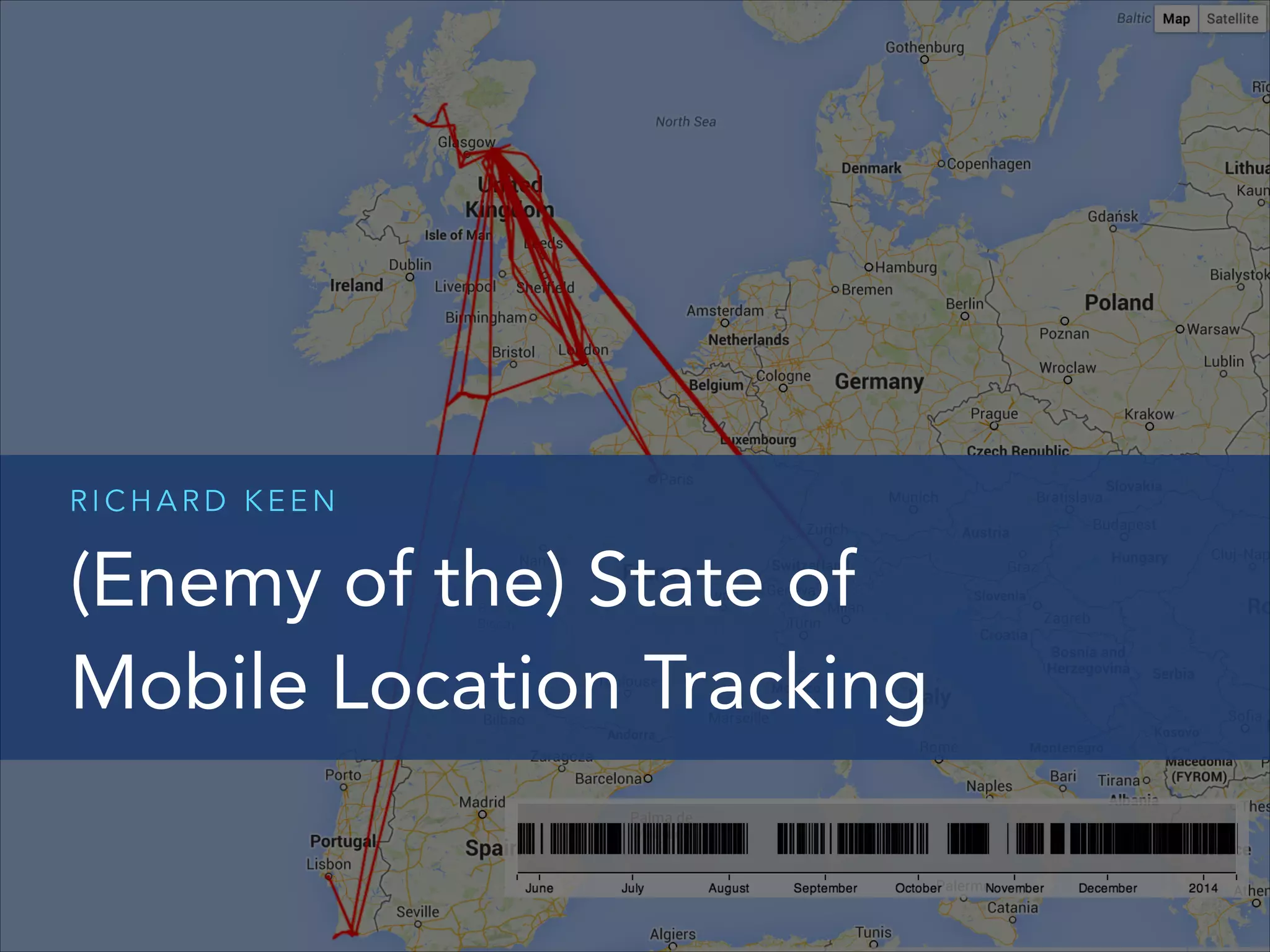
RICHARD KEEN

(Enemy of the) State of
Mobile Location Tracking
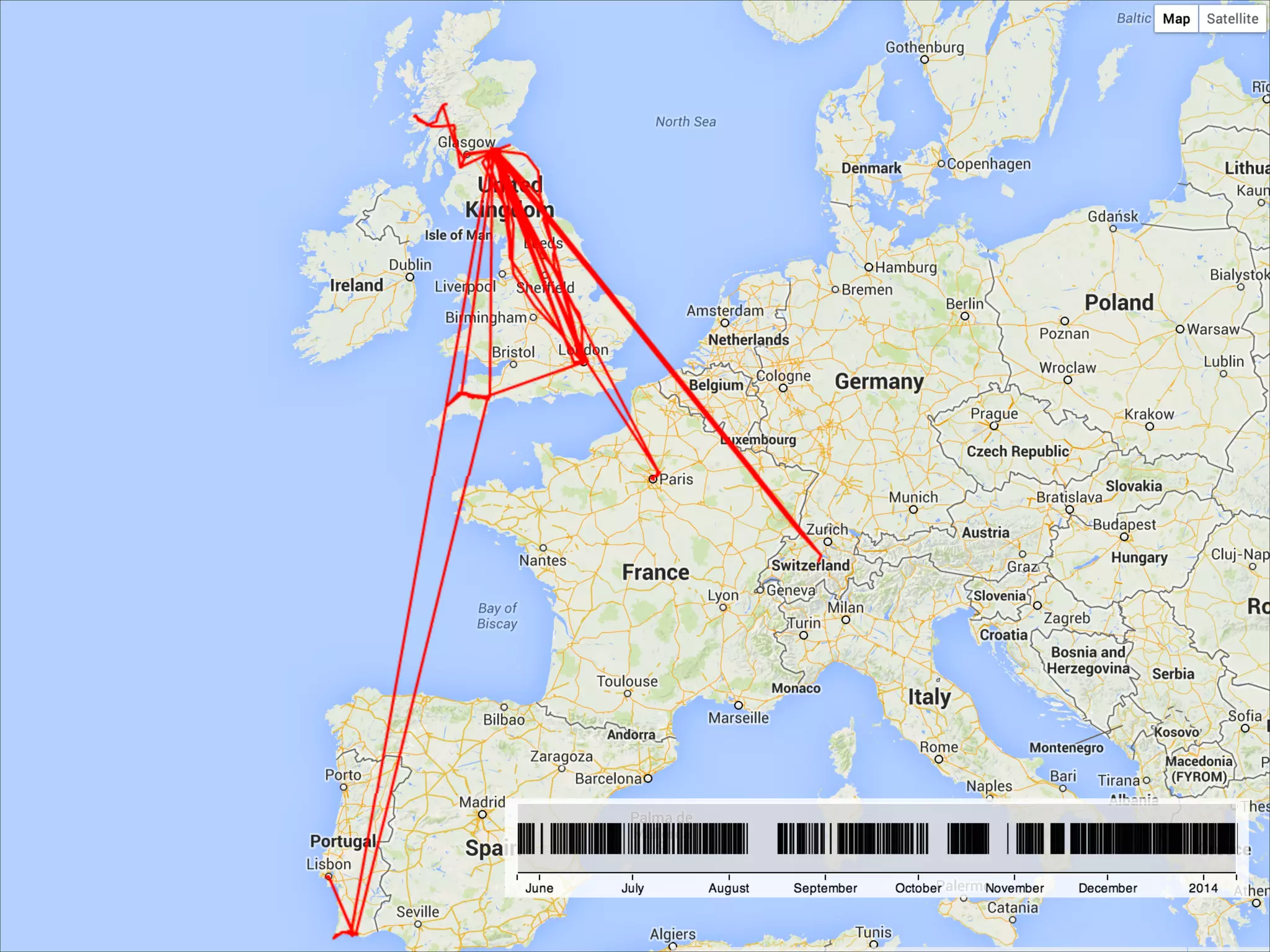
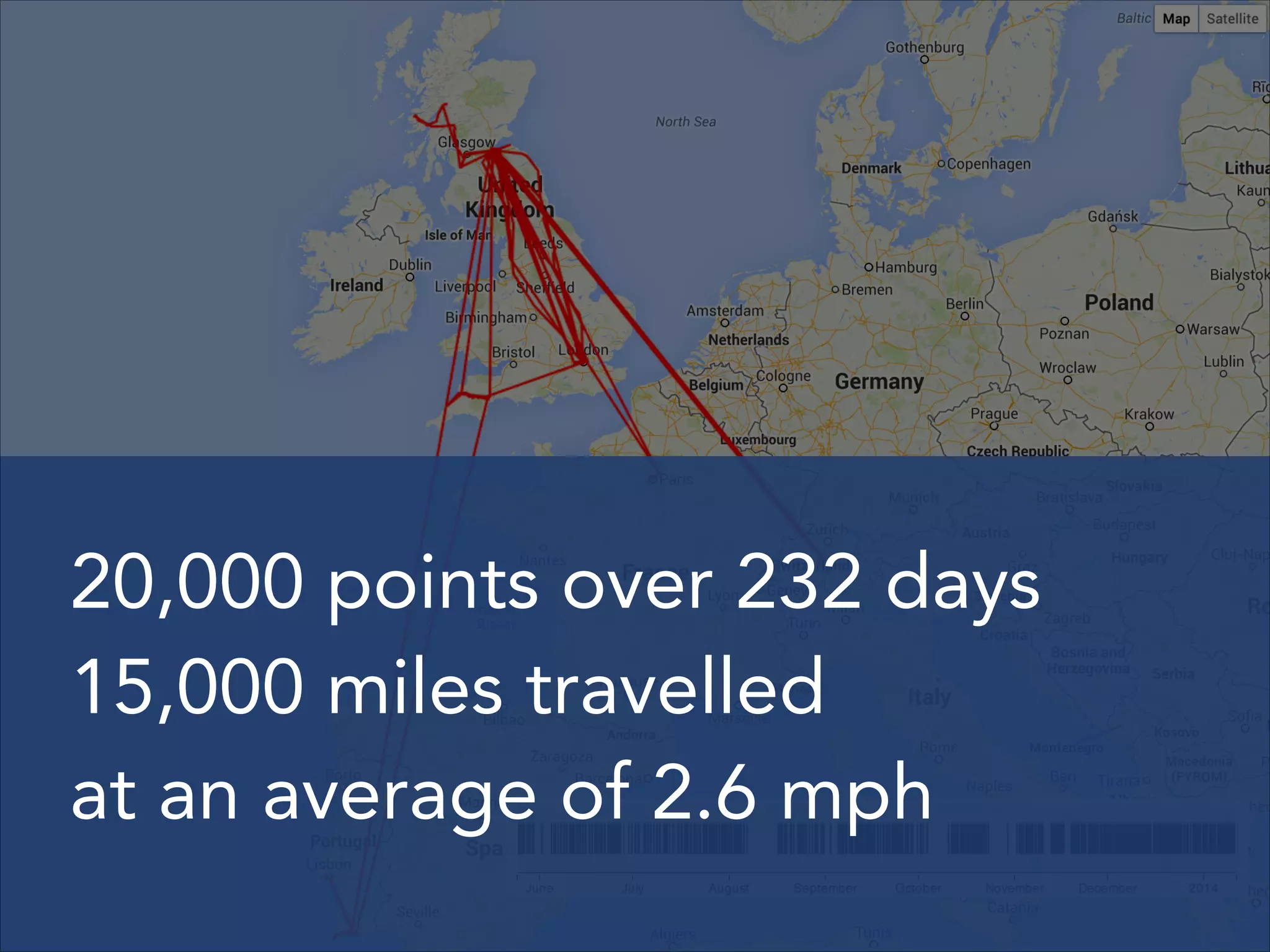
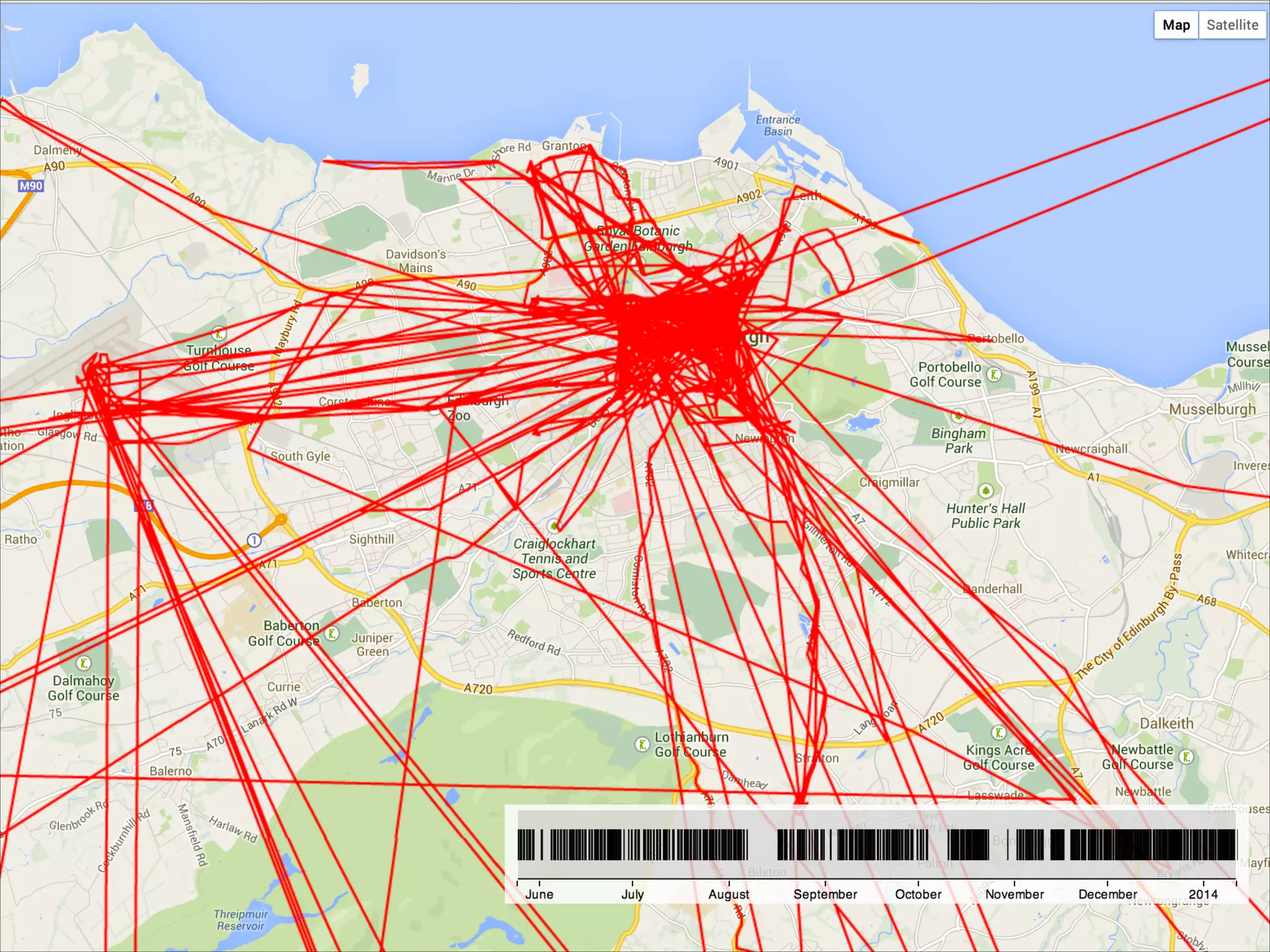
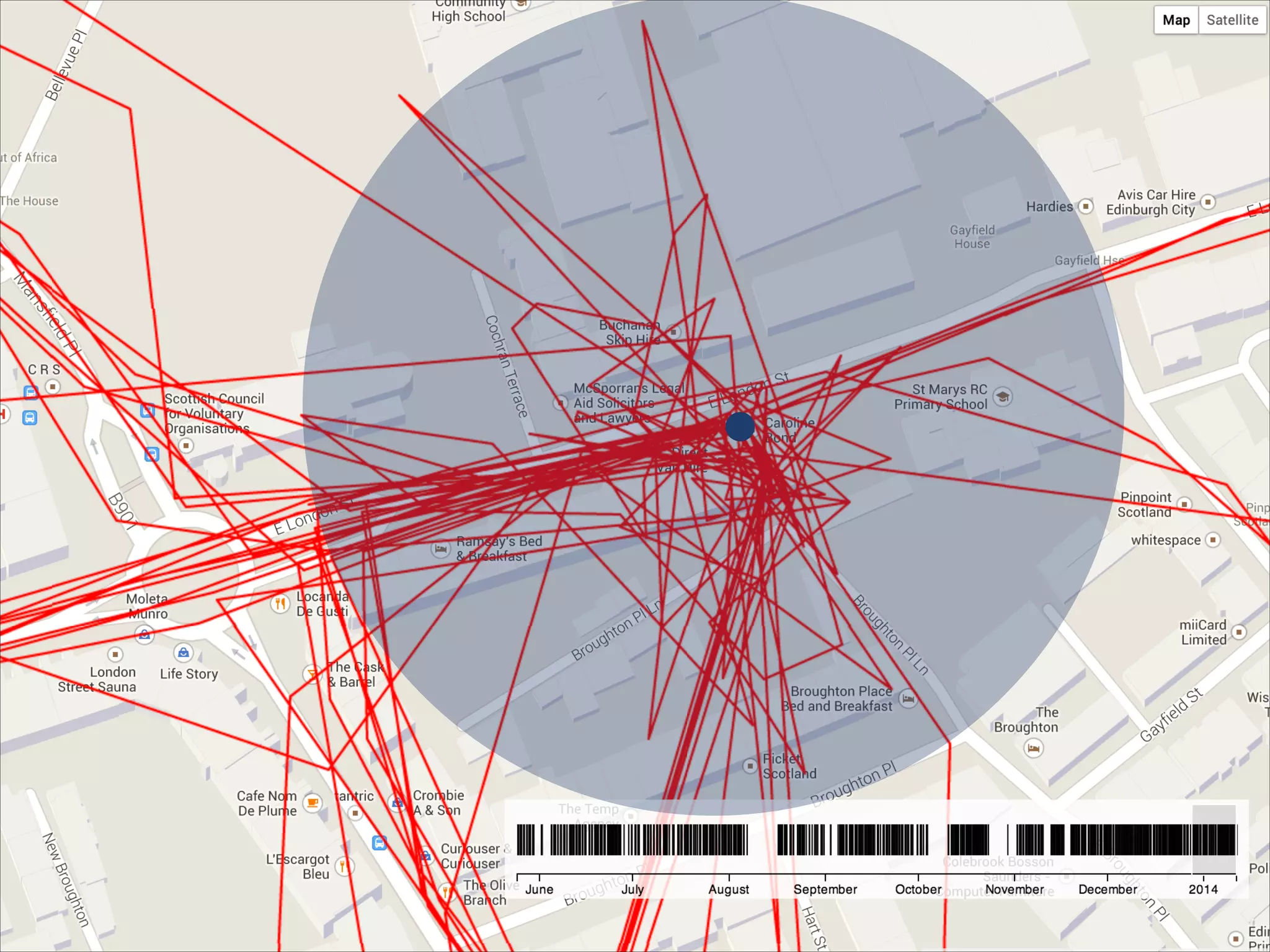
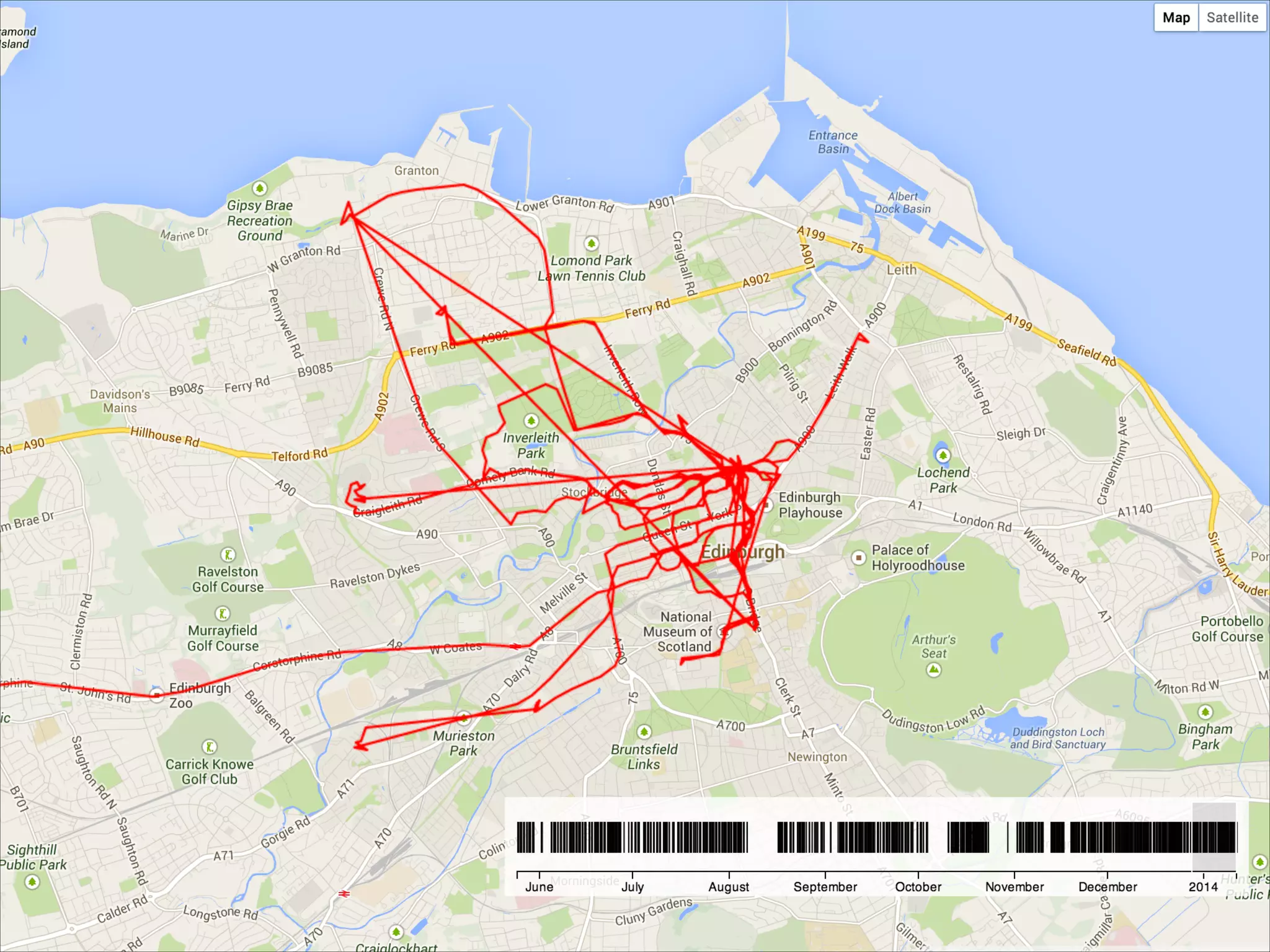
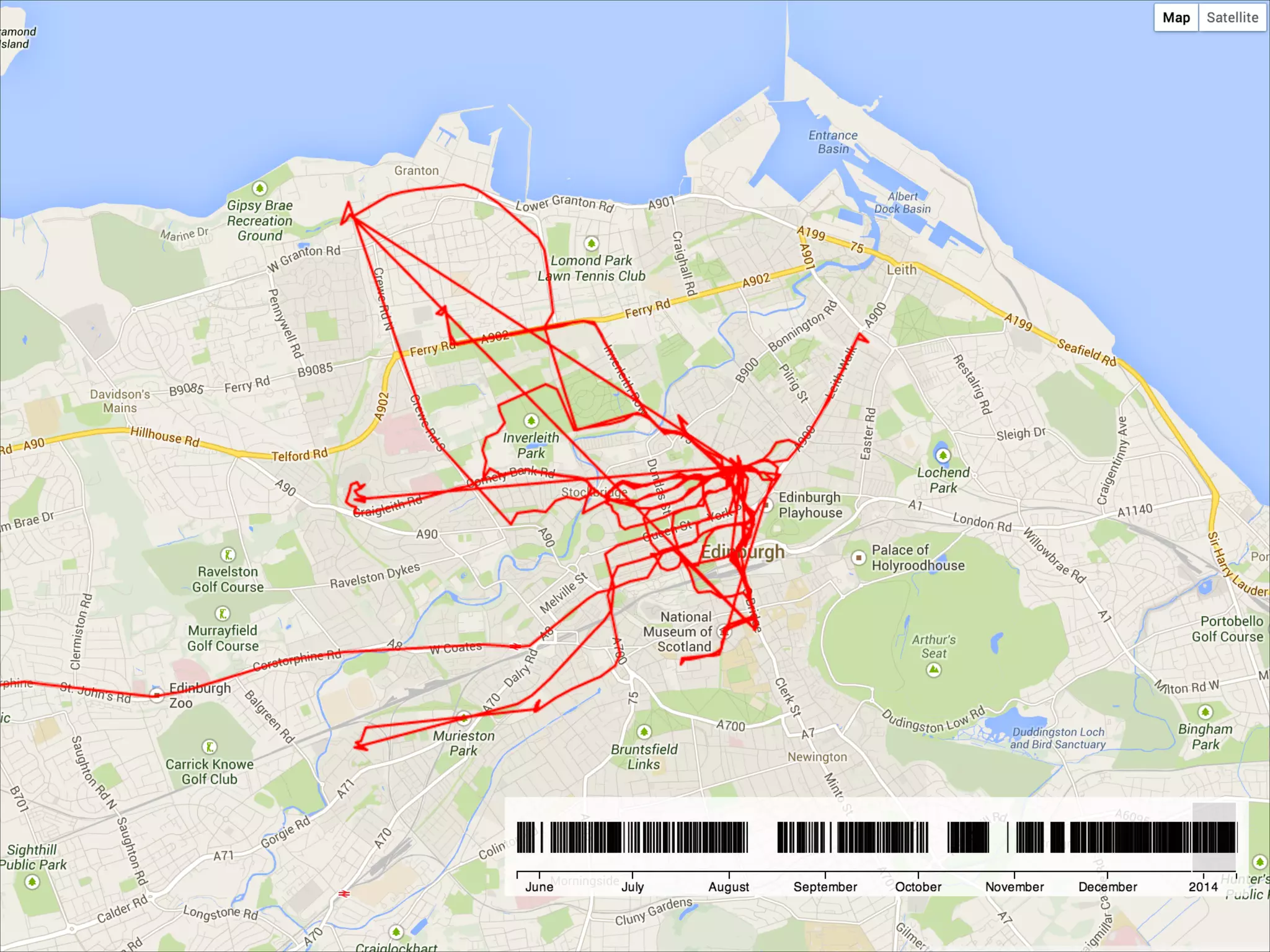
20,000 points over 232 days
15,000 miles travelled
at an average of 2.6 mph
M E T H O D S O F L O C AT I O N T R A C K I N G

• On-device sensors (GPS etc.)
• Network provider tracking
• Indoor Wi-Fi scanning
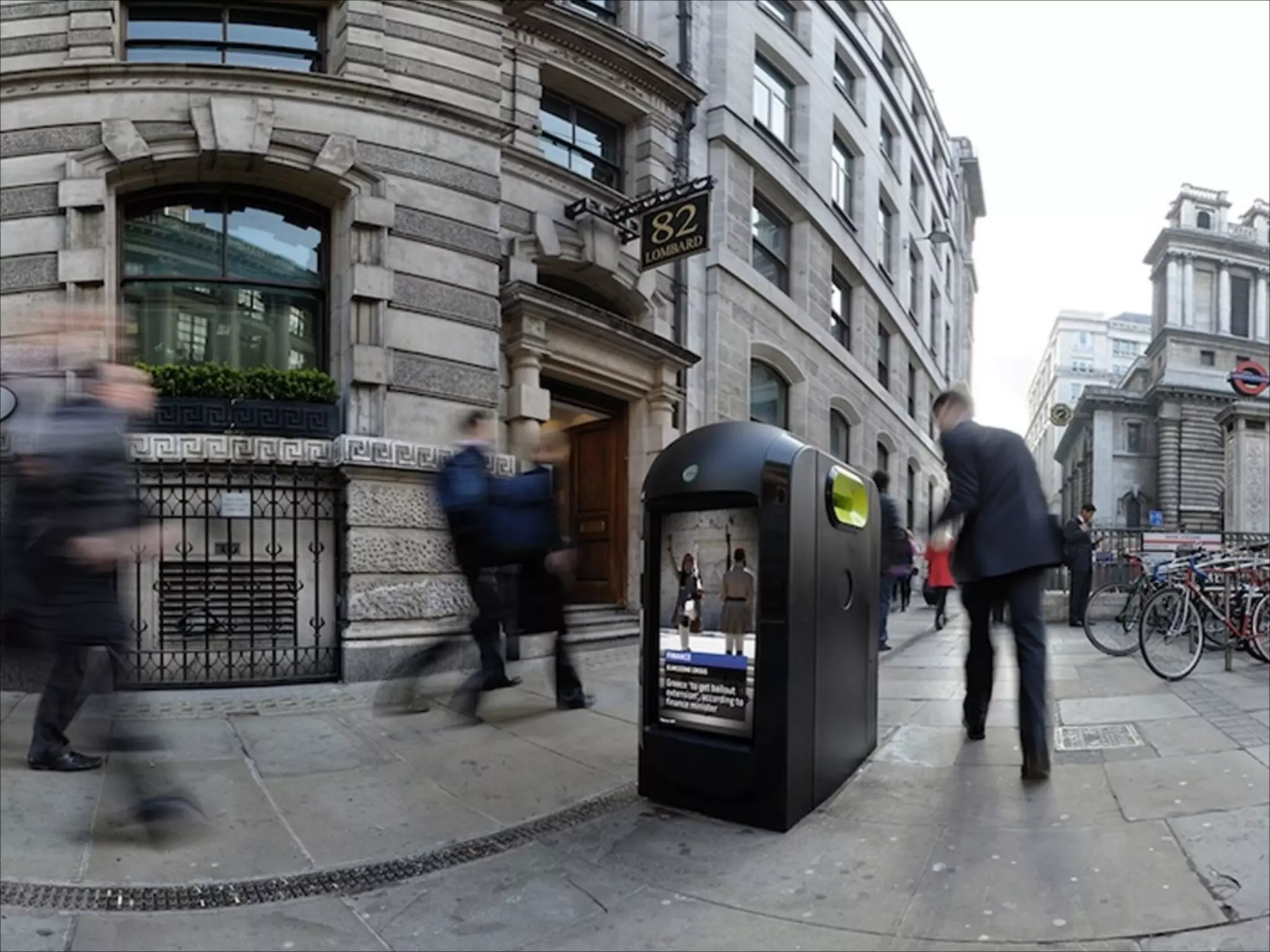
• “Smart” rubbish bins…
W H Y T R A C K D E V I C E L O C AT I O N
• Safety & security
• Logistics
• Friend finders
• Fitness
• Journaling/quantified self
• Anticipatory computing
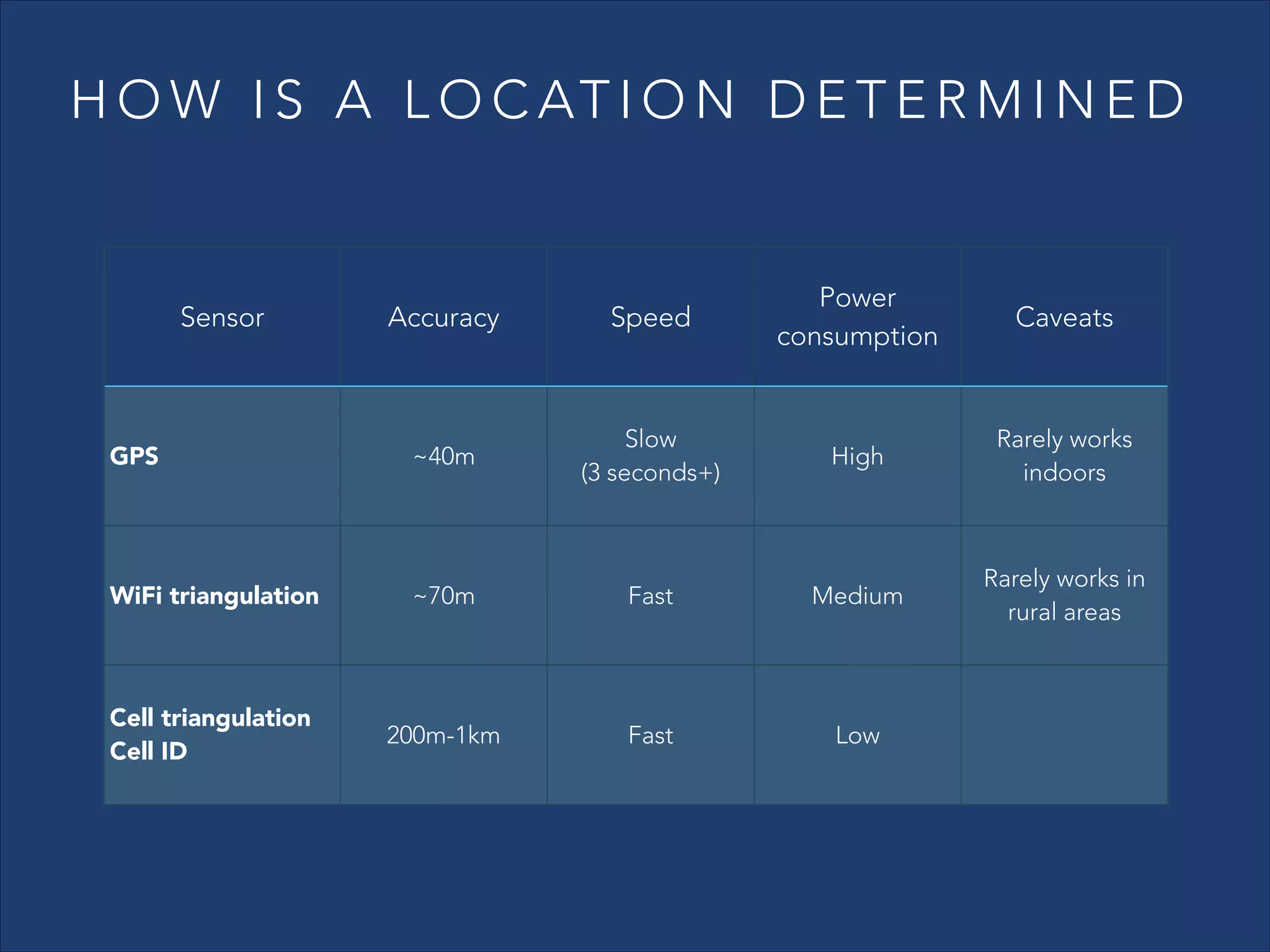
H O W I S A L O C AT I O N D E T E R M I N E D

Accuracy

Speed

Power
consumption

GPS

~40m

Slow
(3 seconds+)

High

Rarely works
indoors

WiFi triangulation

~70m

Fast

Medium

Rarely works in
rural areas

Cell triangulation
Cell ID

200m-1km

Fast

Low

Sensor

Caveats
R E Q U E S T I N G A S I N G L E L O C AT I O N

• Even single location updates come as an

asynchronous stream – not a single final value

• Initial location is often cached and stale
• The user may be moving around as you request their

location!
A N AT O M Y O F A L O C AT I O N
• latitude
• longitude
• altitude
• accuracy (horizontal and vertical)
• speed
• bearing
• timestamp
TRACKING CHALLENGES
• Power consumption
• Multitasking/background processing support
• Privacy settings (global & per-app)
• Device reboots
• Airplane mode, Wi-Fi disabled, cellular disabled
• Testing
S TA N D A R D L O C AT I O N S E R V I C E S
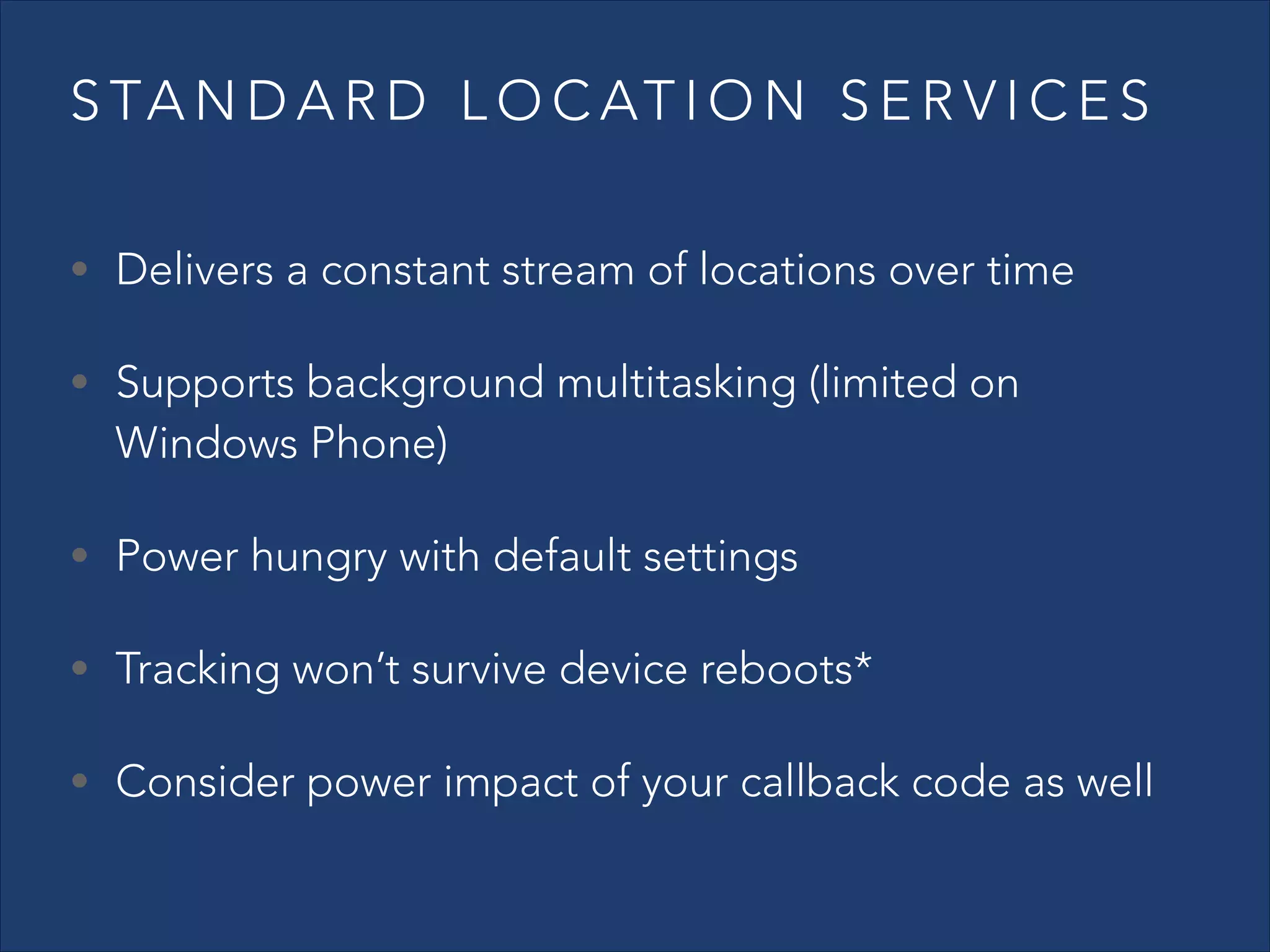
• Delivers a constant stream of locations over time
• Supports background multitasking (limited on

Windows Phone)

• Power hungry with default settings
• Tracking won’t survive device reboots*
• Consider power impact of your callback code as well
S TA N D A R D L O C AT I O N S E R V I C E S
- IMPROVING POWER CONSUMPTION
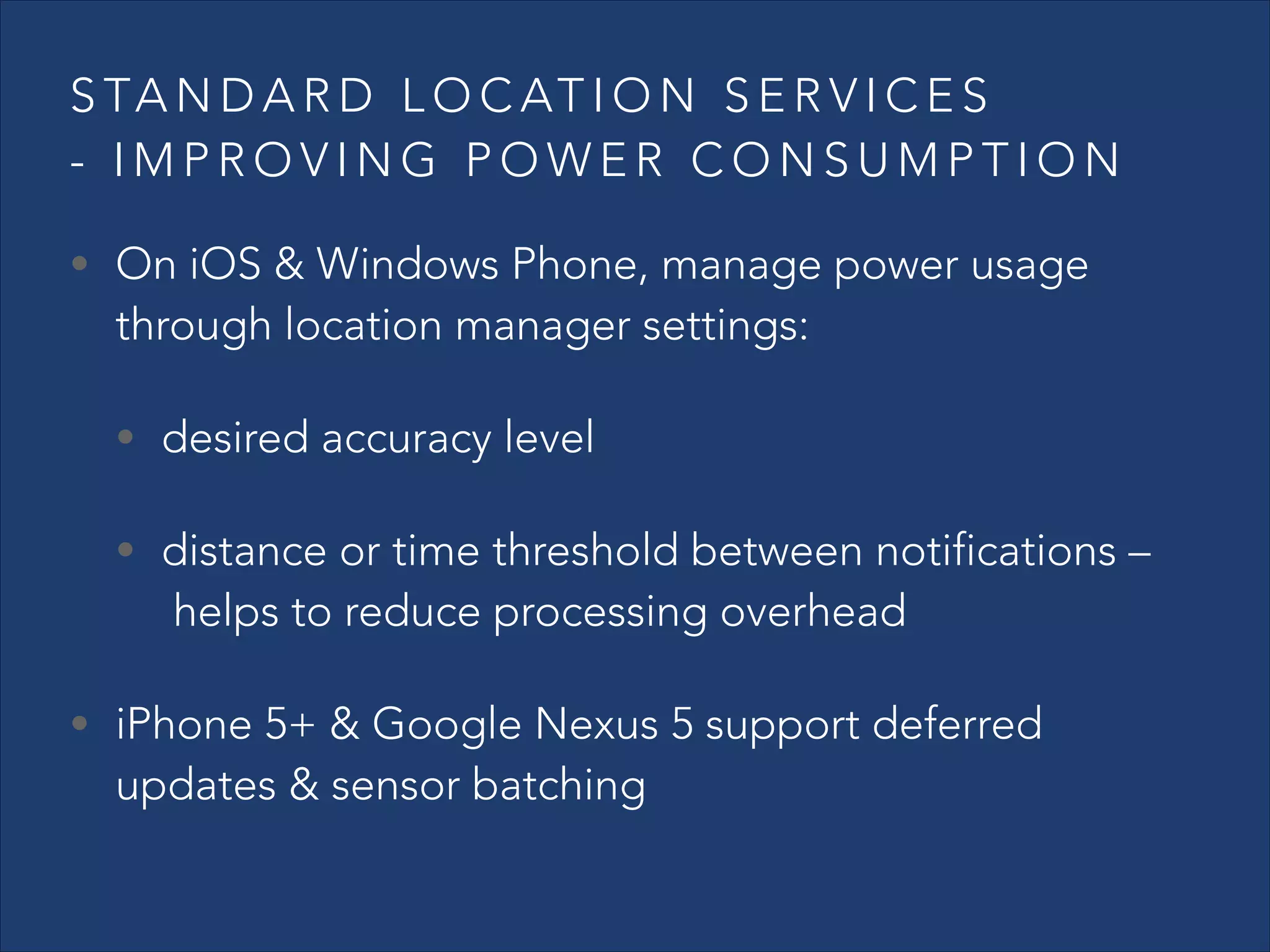
• On iOS & Windows Phone, manage power usage

through location manager settings:
• desired accuracy level

• distance or time threshold between notifications –

 helps to reduce processing overhead

• iPhone 5+ & Google Nexus 5 support deferred

updates & sensor batching
S TA N D A R D L O C AT I O N S E R V I C E S
- IMPROVING POWER CONSUMPTION
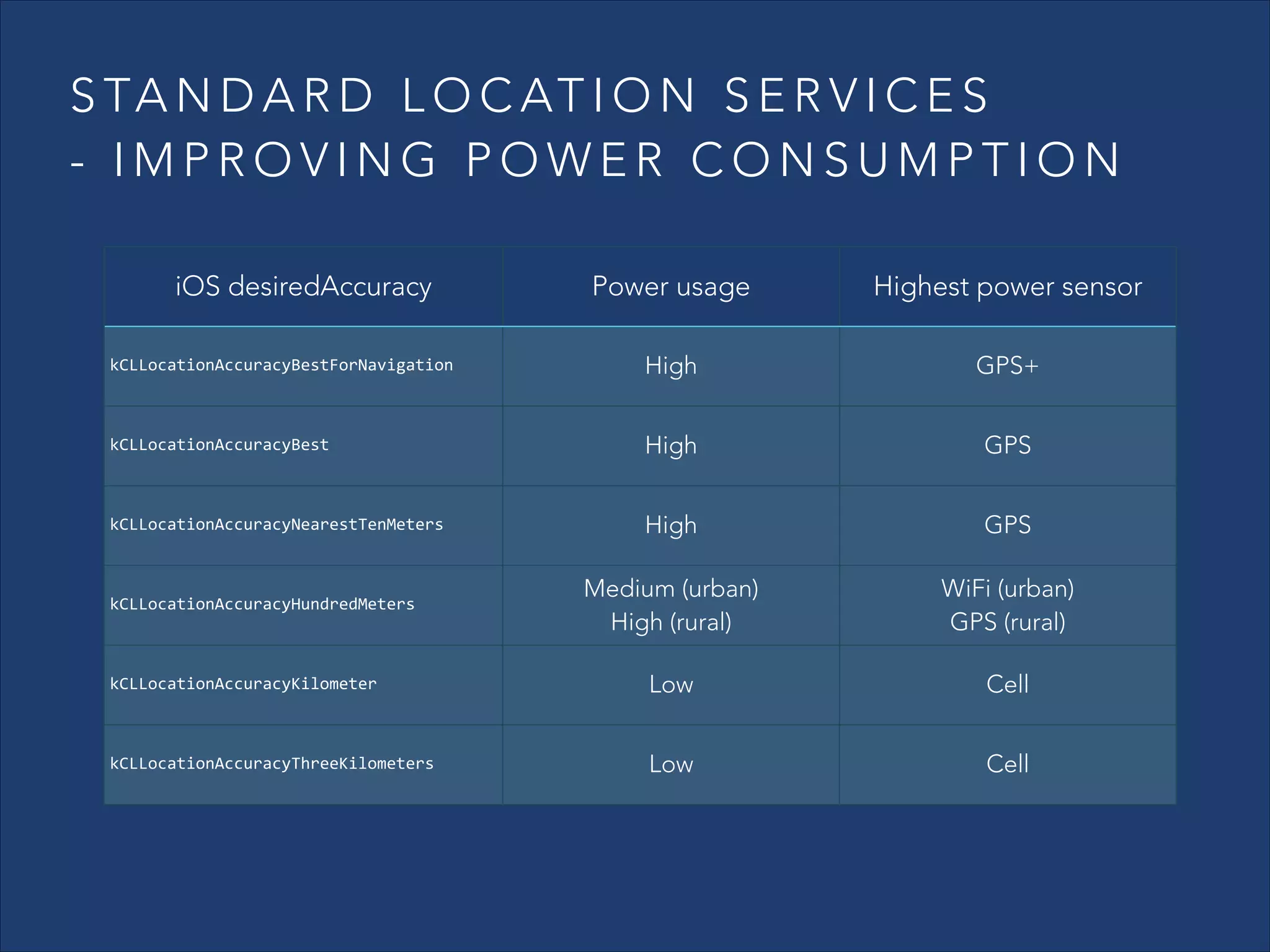
iOS desiredAccuracy

Power usage

Highest power sensor

kCLLocationAccuracyBestForNavigation

High

GPS+

kCLLocationAccuracyBest

High

GPS

kCLLocationAccuracyNearestTenMeters

High

GPS

Medium (urban)
High (rural)

WiFi (urban)
GPS (rural)

kCLLocationAccuracyKilometer

Low

Cell

kCLLocationAccuracyThreeKilometers

Low

Cell

kCLLocationAccuracyHundredMeters
S TA N D A R D L O C AT I O N S E R V I C E S
- IMPROVING POWER CONSUMPTION
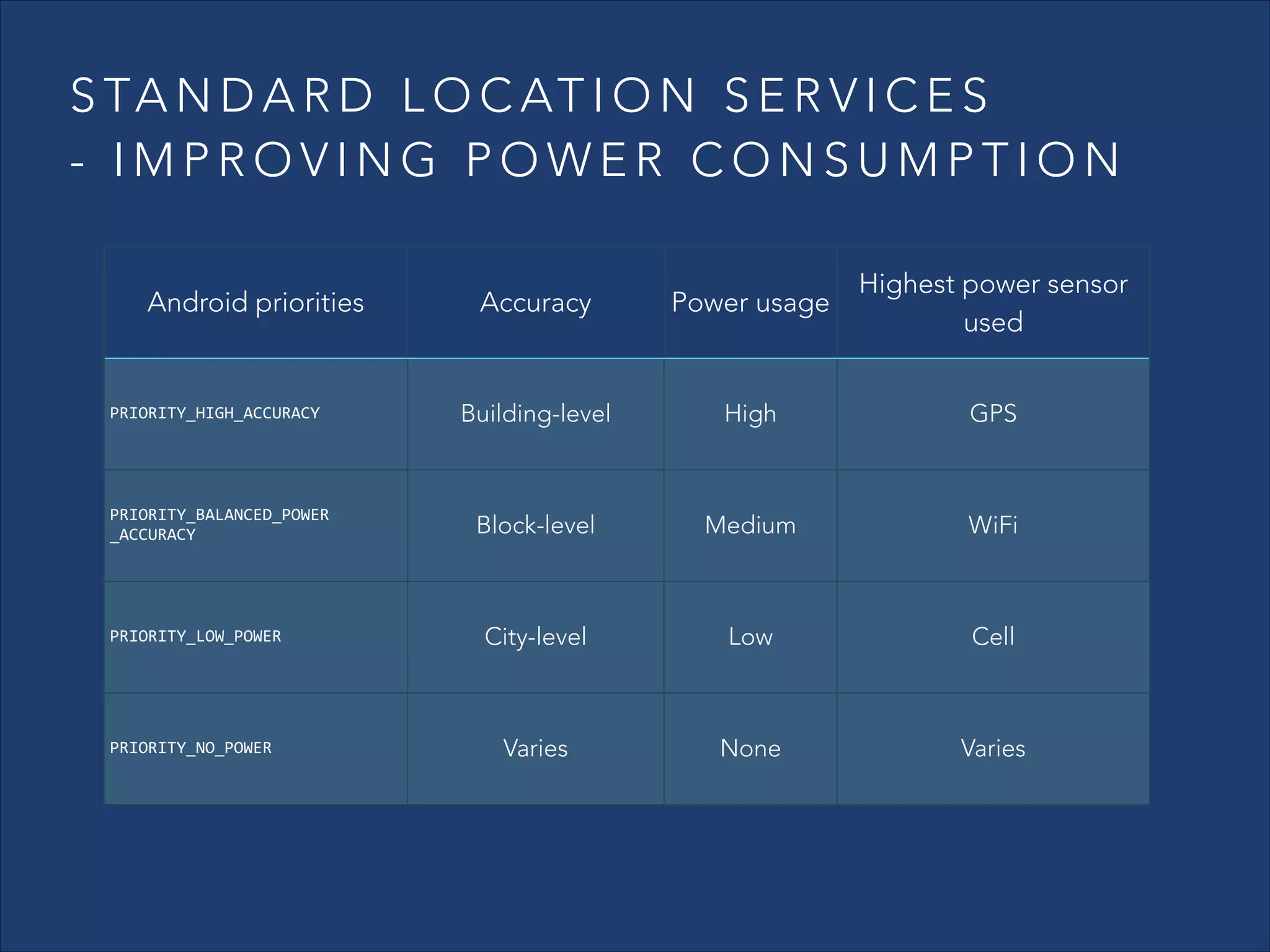
Accuracy

Power usage

Highest power sensor
used

Building-level

High

GPS

Block-level

Medium

WiFi

PRIORITY_LOW_POWER

City-level

Low

Cell

PRIORITY_NO_POWER

Varies

None

Varies

Android priorities

PRIORITY_HIGH_ACCURACY

PRIORITY_BALANCED_POWER	
  
_ACCURACY
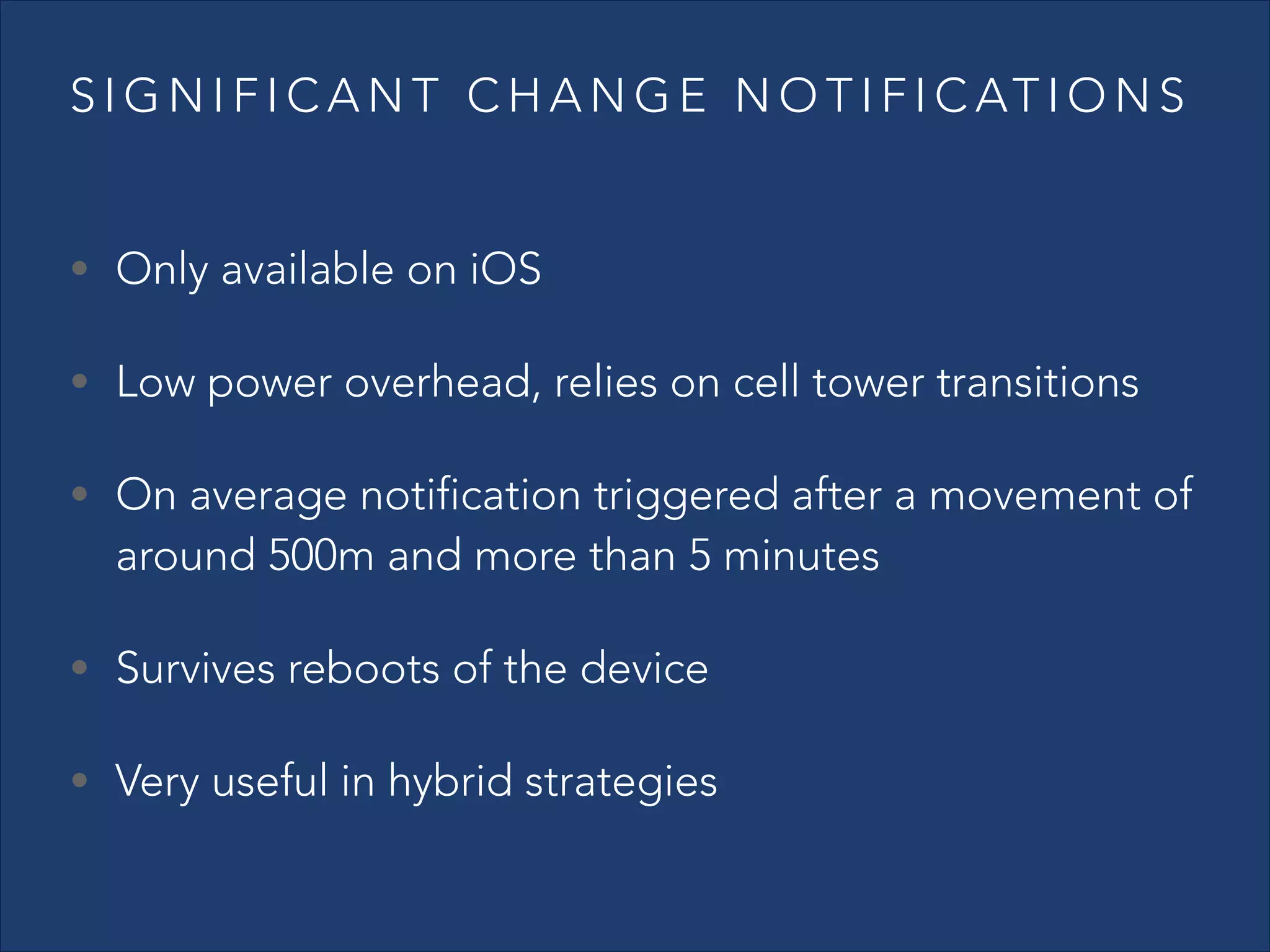
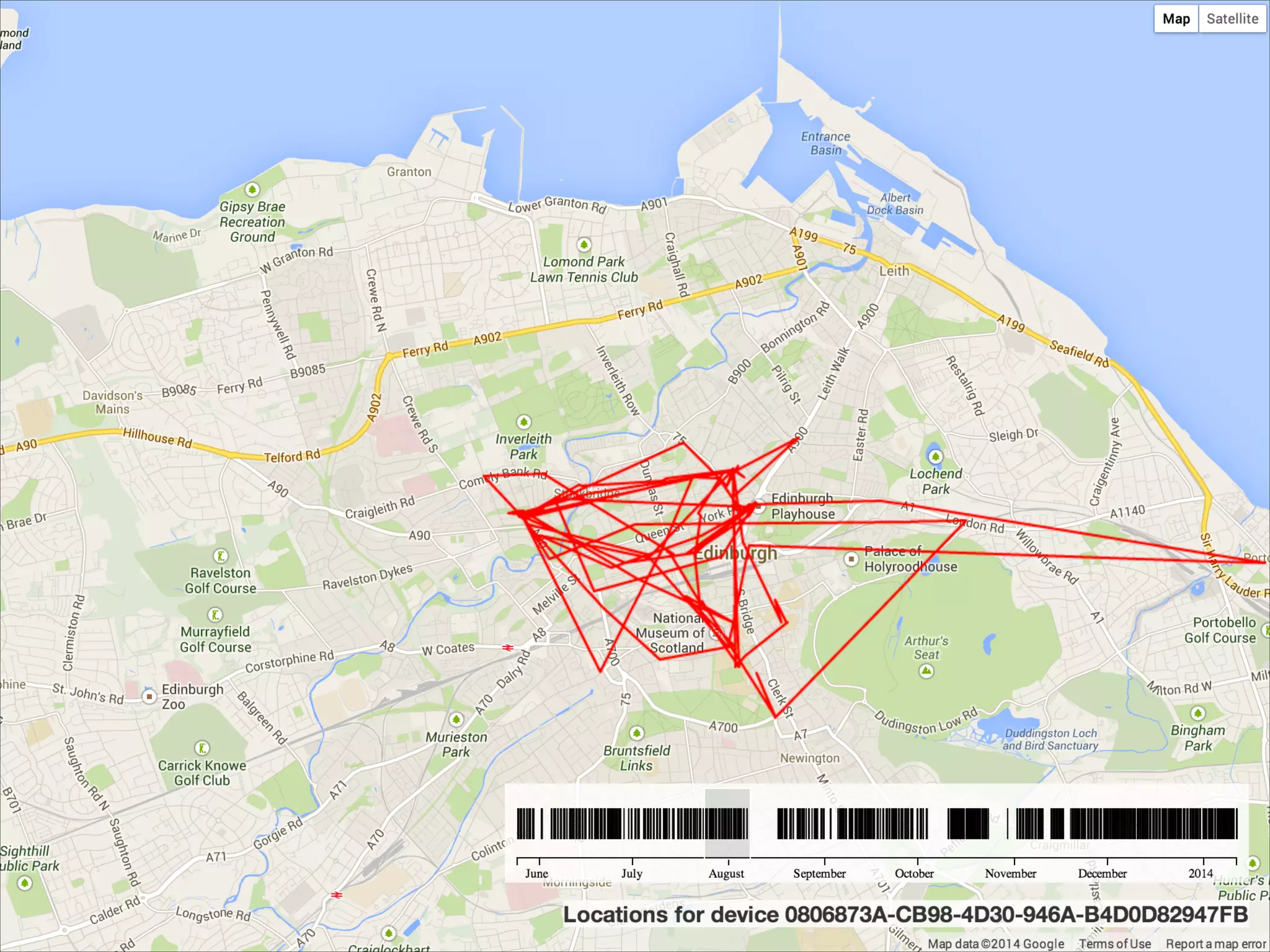
S I G N I F I C A N T C H A N G E N O T I F I C AT I O N S
• Only available on iOS
• Low power overhead, relies on cell tower transitions
• On average notification triggered after a movement of

around 500m and more than 5 minutes

• Survives reboots of the device
• Very useful in hybrid strategies
GEOFENCES
!

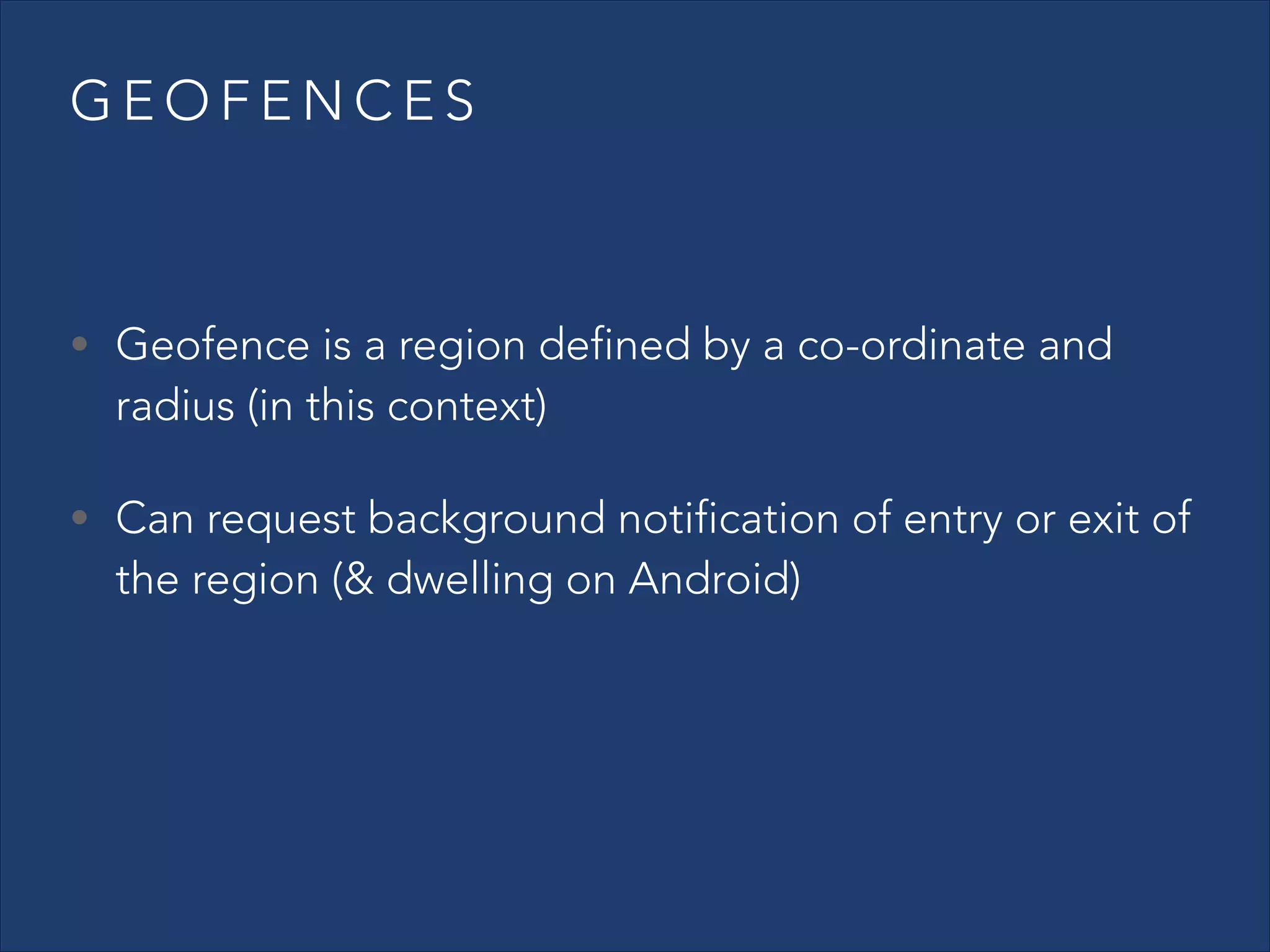
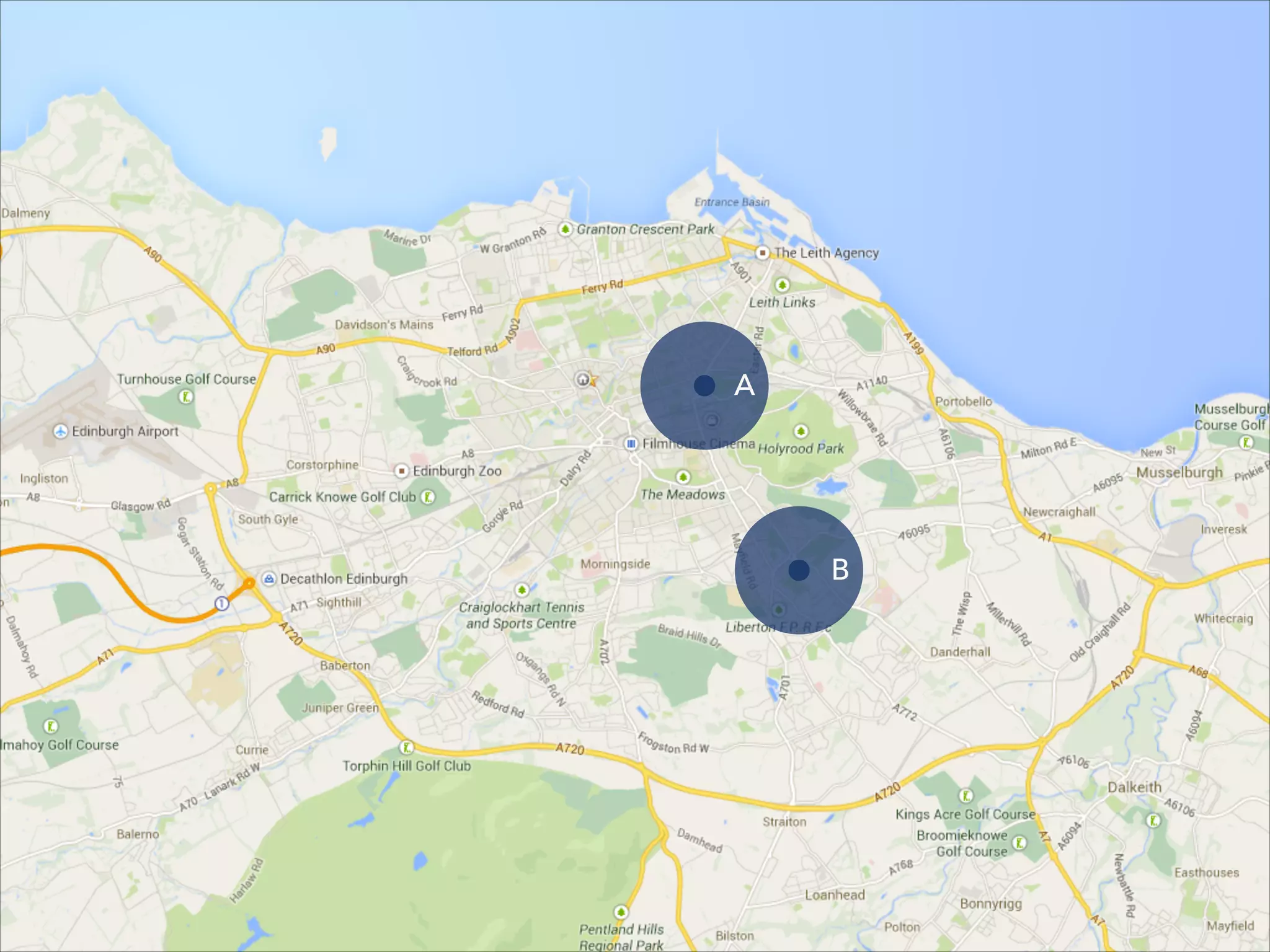
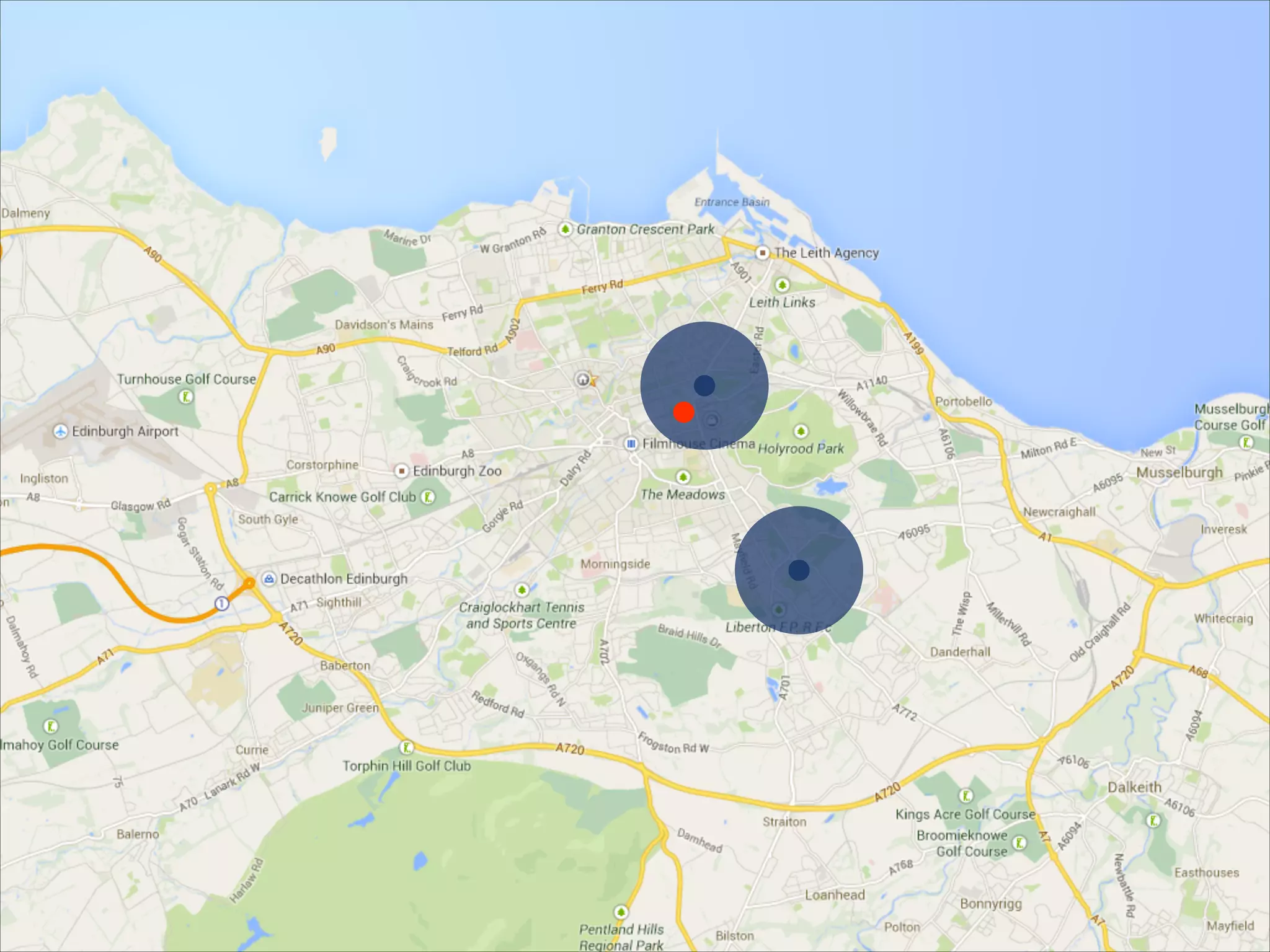
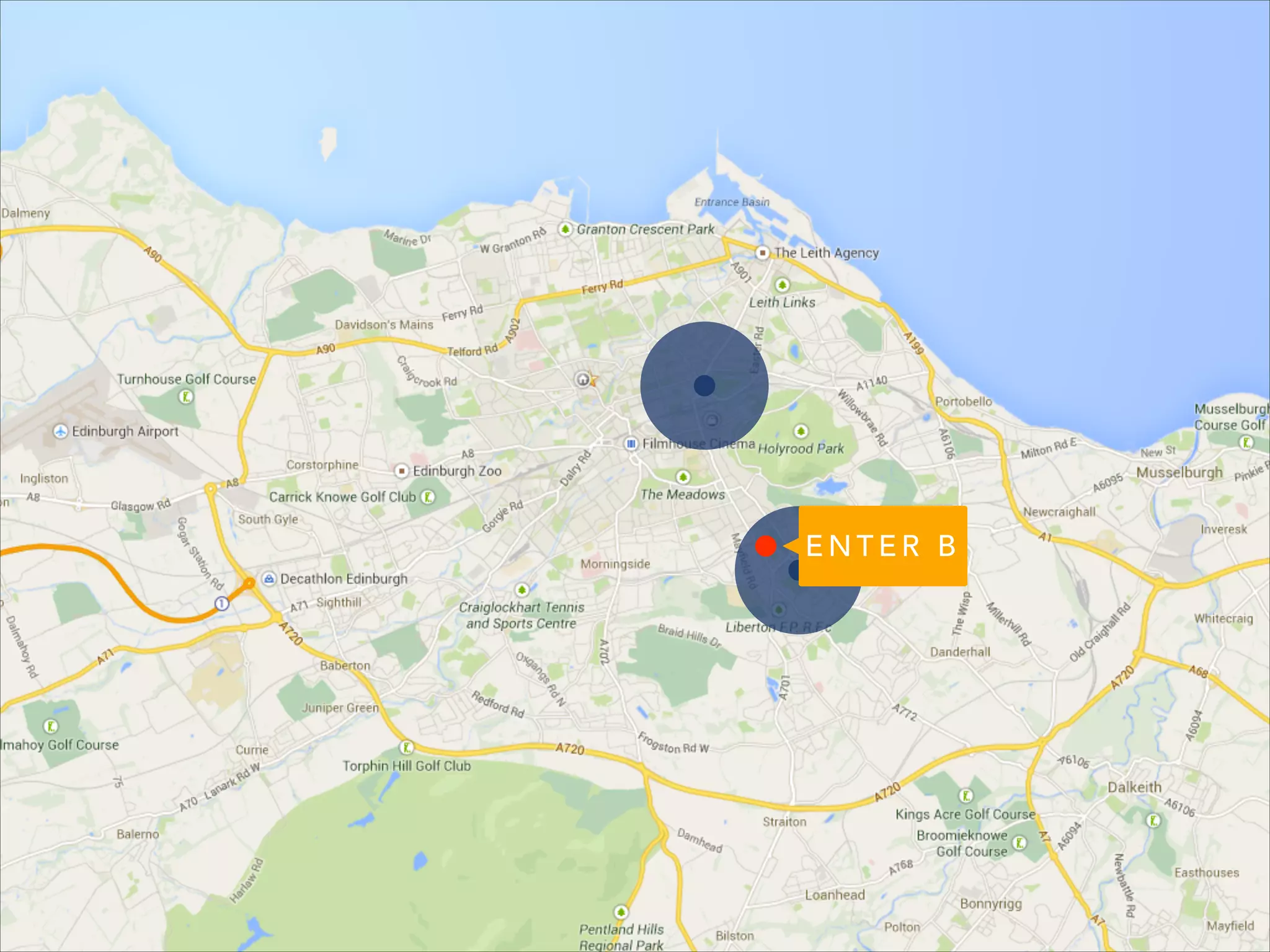
• Geofence is a region defined by a co-ordinate and

radius (in this context)

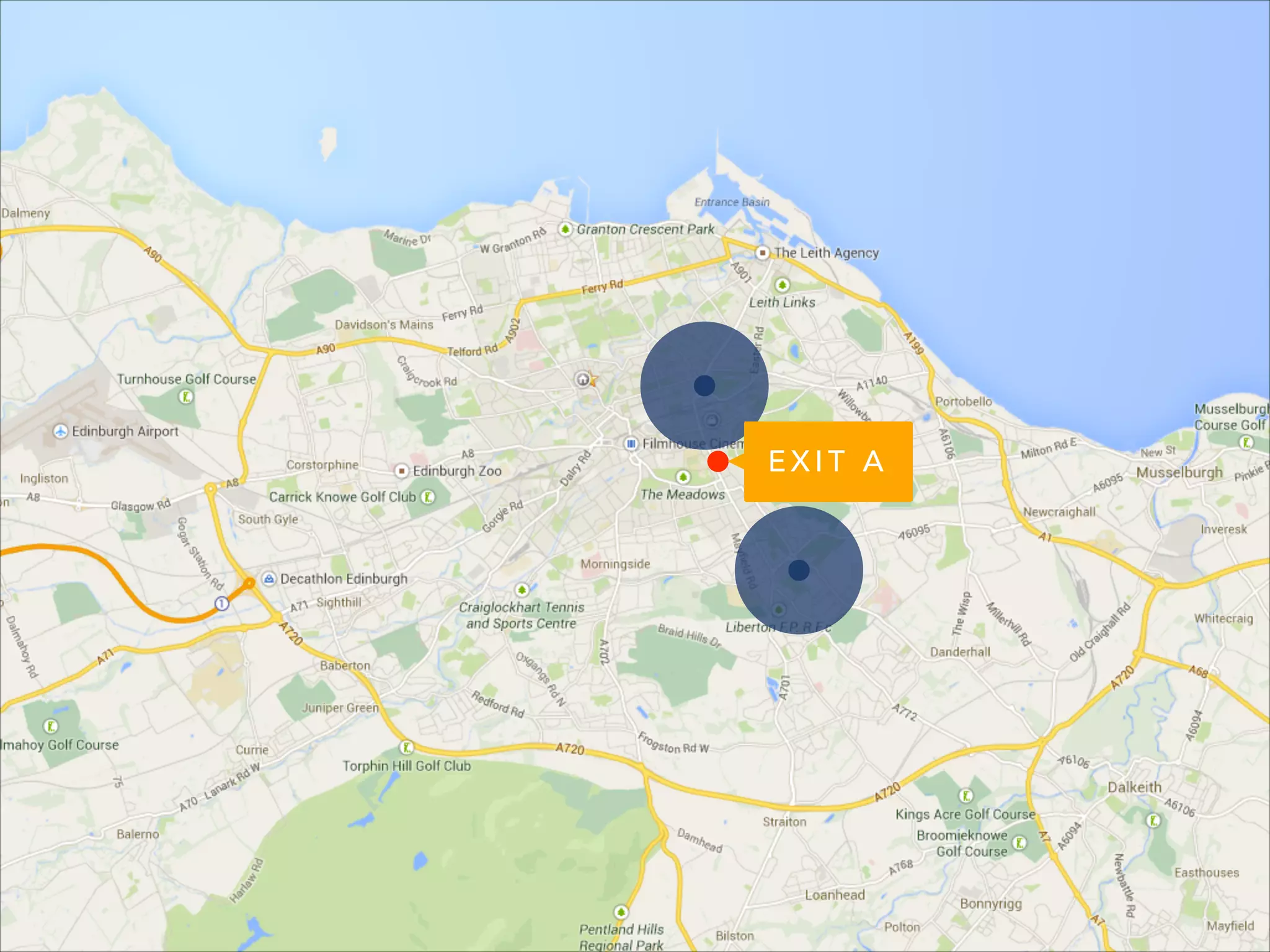
• Can request background notification of entry or exit of

the region (& dwelling on Android)
A

B
EXIT A
ENTER B
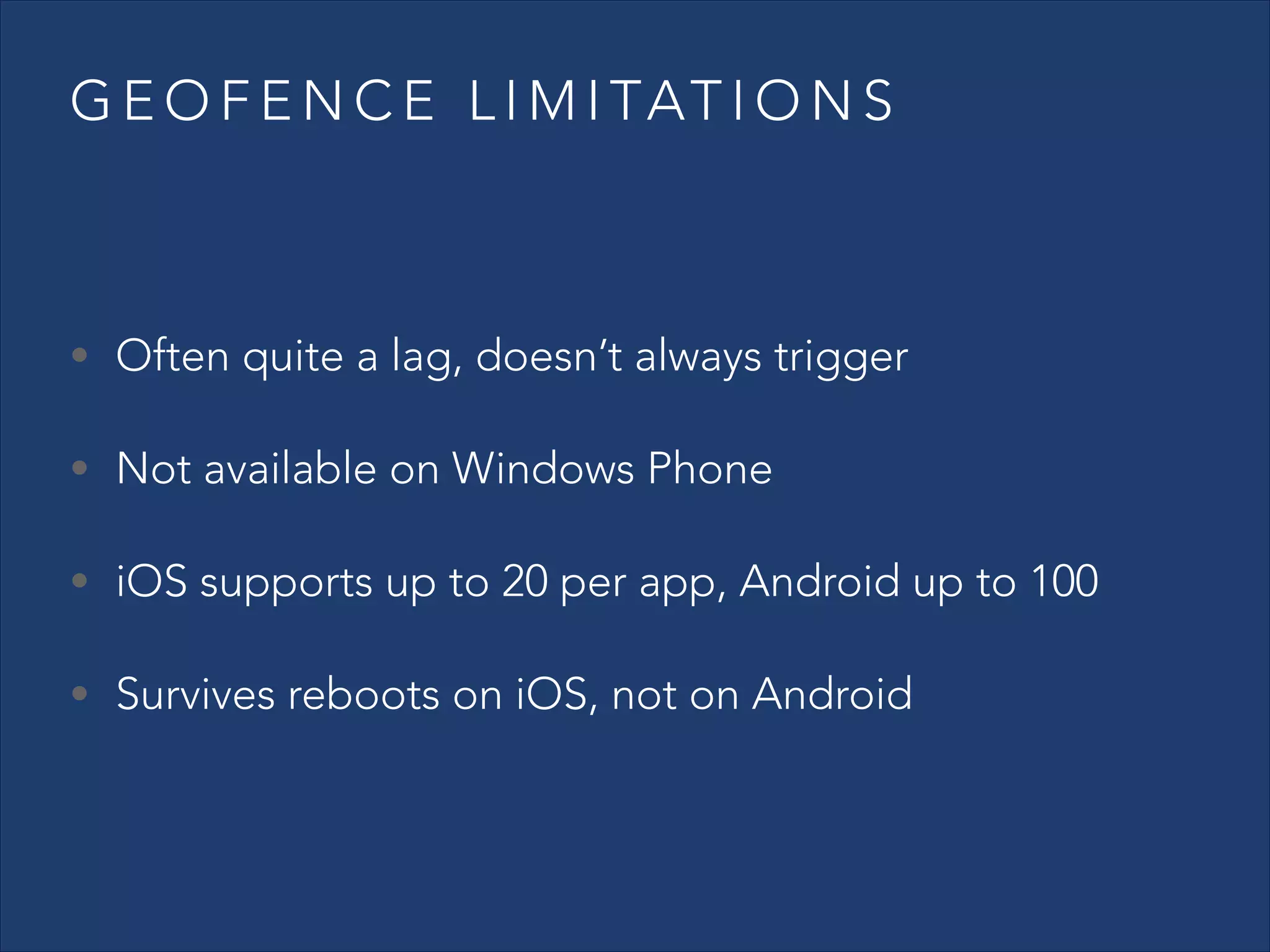
G E O F E N C E L I M I TAT I O N S

• Often quite a lag, doesn’t always trigger
• Not available on Windows Phone
• iOS supports up to 20 per app, Android up to 100
• Survives reboots on iOS, not on Android
H Y B R I D S T R AT E G I E S

Your app will have unique tracking needs; the default
strategies are rarely the most appropriate
!

Find the ideal balance of quality, power use, granularity
and frequency for your app
AN ASIDE: APPLE M7 & SIMILAR
• iPhone 5S shipped with Apple M7 “motion co-

processor”

• Does not relate to location data
• Google Nexus 5 and Moto X ship with “hardware

sensor batching” – equivalent functionality

• Currently provides step counting & activity detection
TOOLS

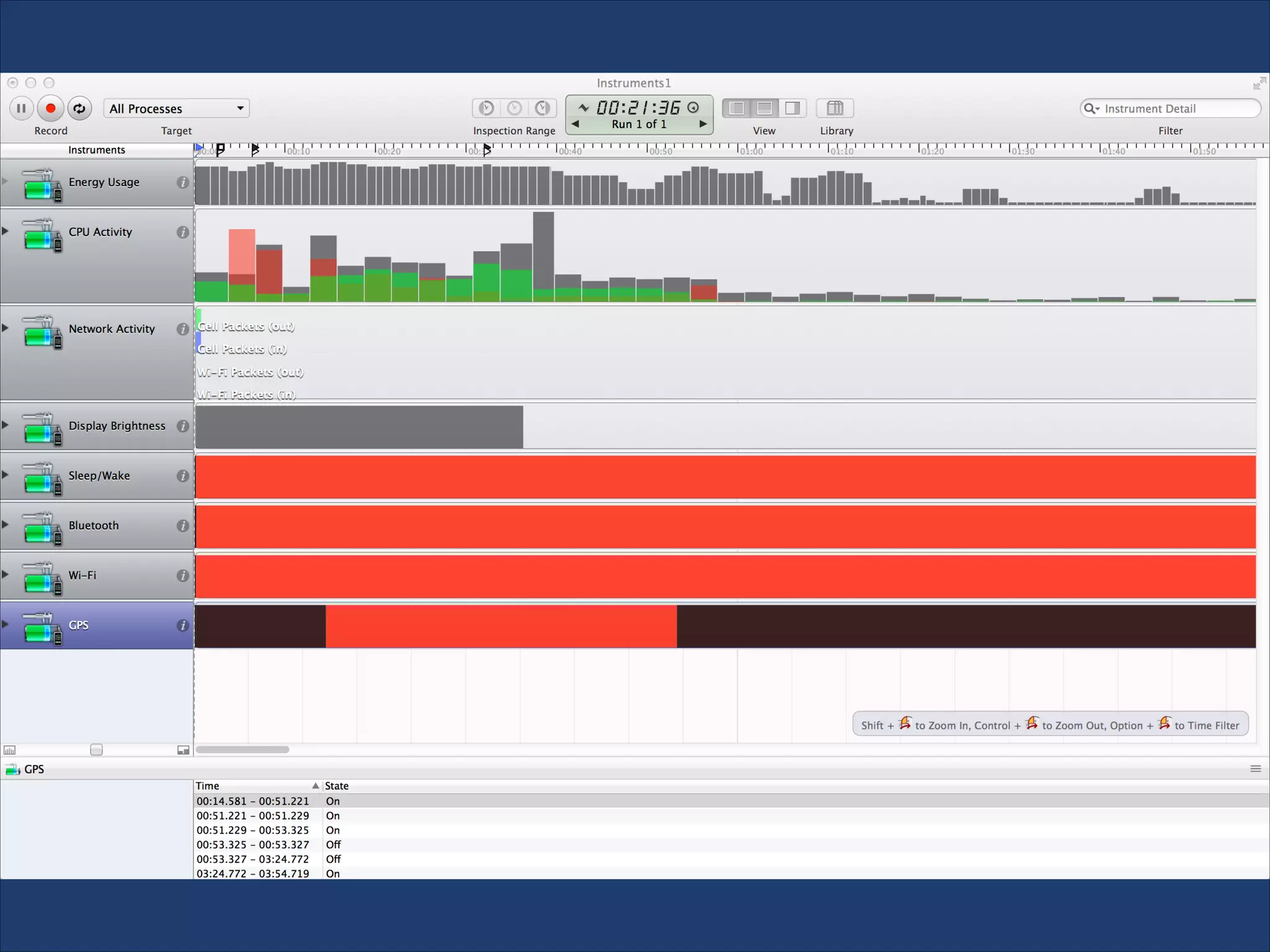
• Profiling tools allow you to monitor use of GPS over

time

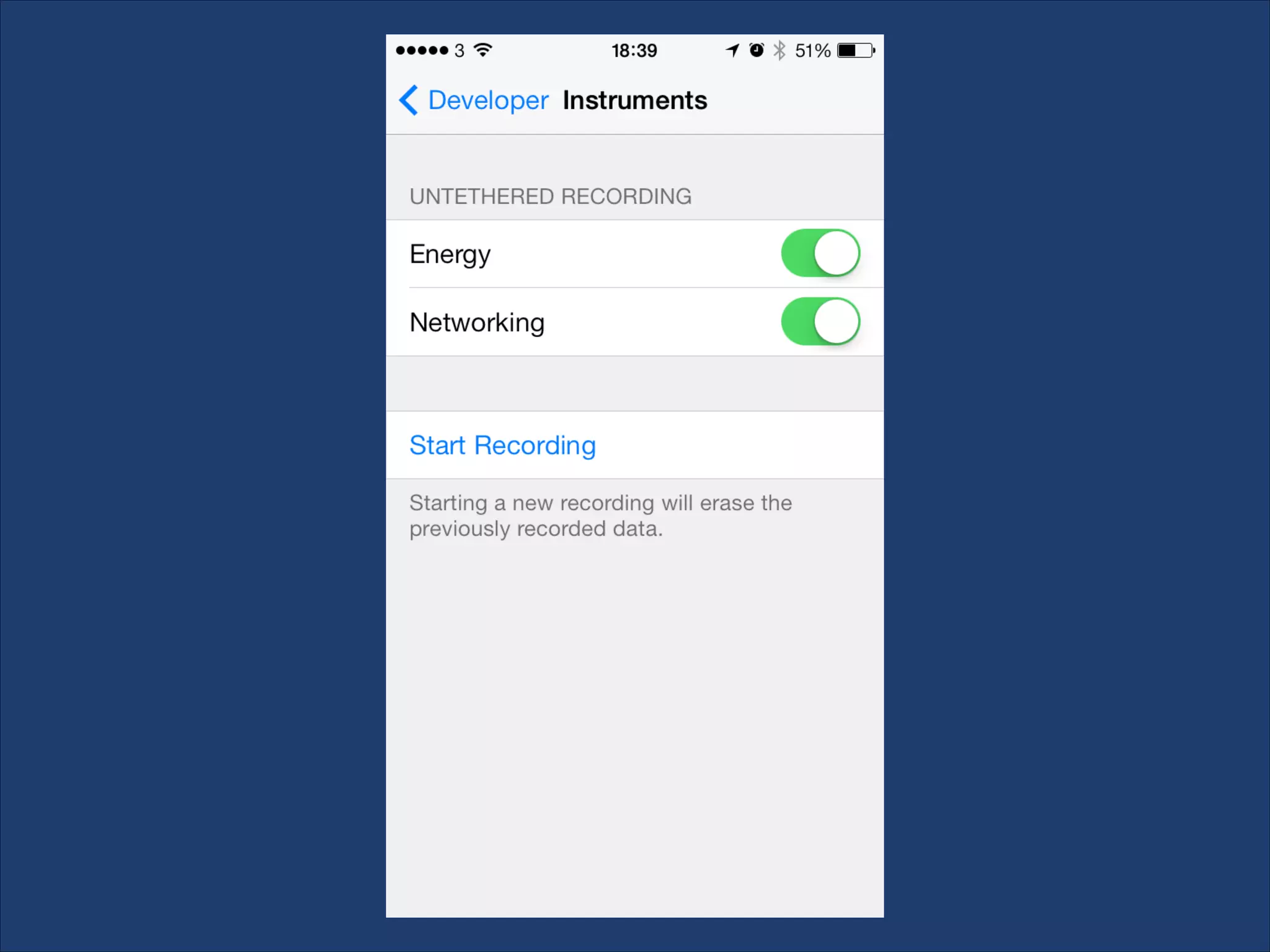
• For iOS use Instruments, untethered capture

supported via iPhone settings

• For Android use Qualcomm Trepn plugin for Eclipse
BLUETOOTH BEACONS

• “iBeacon” – Apple specification for Bluetooth 4

location beacons

• Indoor high-accuracy location triggers
• Indoor positioning
• Opt-in via install of app tied to iBeacon namespace
THANKS!
@richardkeen
richard.keen@gmail.com

iOS reference: http://bit.ly/19O9PZS
Android reference: http://bit.ly/18mMnSX
Windows Phone reference: http://bit.ly/1aJu6y8

Enemy of the) State of Mobile Location Tracking by @richardkeen

  • 1.
    RICHARD KEEN (Enemy ofthe) State of Mobile Location Tracking
  • 3.
    20,000 points over232 days 15,000 miles travelled at an average of 2.6 mph
  • 5.
    M E TH O D S O F L O C AT I O N T R A C K I N G • On-device sensors (GPS etc.) • Network provider tracking • Indoor Wi-Fi scanning • “Smart” rubbish bins…
  • 7.
    W H YT R A C K D E V I C E L O C AT I O N • Safety & security • Logistics • Friend finders • Fitness • Journaling/quantified self • Anticipatory computing
  • 8.
    H O WI S A L O C AT I O N D E T E R M I N E D Accuracy Speed Power consumption GPS ~40m Slow (3 seconds+) High Rarely works indoors WiFi triangulation ~70m Fast Medium Rarely works in rural areas Cell triangulation Cell ID 200m-1km Fast Low Sensor Caveats
  • 9.
    R E QU E S T I N G A S I N G L E L O C AT I O N • Even single location updates come as an asynchronous stream – not a single final value • Initial location is often cached and stale • The user may be moving around as you request their location!
  • 10.
    A N ATO M Y O F A L O C AT I O N • latitude • longitude • altitude • accuracy (horizontal and vertical) • speed • bearing • timestamp
  • 12.
    TRACKING CHALLENGES • Powerconsumption • Multitasking/background processing support • Privacy settings (global & per-app) • Device reboots • Airplane mode, Wi-Fi disabled, cellular disabled • Testing
  • 13.
    S TA ND A R D L O C AT I O N S E R V I C E S • Delivers a constant stream of locations over time • Supports background multitasking (limited on Windows Phone) • Power hungry with default settings • Tracking won’t survive device reboots* • Consider power impact of your callback code as well
  • 14.
    S TA ND A R D L O C AT I O N S E R V I C E S - IMPROVING POWER CONSUMPTION • On iOS & Windows Phone, manage power usage through location manager settings: • desired accuracy level • distance or time threshold between notifications –  helps to reduce processing overhead • iPhone 5+ & Google Nexus 5 support deferred updates & sensor batching
  • 15.
    S TA ND A R D L O C AT I O N S E R V I C E S - IMPROVING POWER CONSUMPTION iOS desiredAccuracy Power usage Highest power sensor kCLLocationAccuracyBestForNavigation High GPS+ kCLLocationAccuracyBest High GPS kCLLocationAccuracyNearestTenMeters High GPS Medium (urban) High (rural) WiFi (urban) GPS (rural) kCLLocationAccuracyKilometer Low Cell kCLLocationAccuracyThreeKilometers Low Cell kCLLocationAccuracyHundredMeters
  • 16.
    S TA ND A R D L O C AT I O N S E R V I C E S - IMPROVING POWER CONSUMPTION Accuracy Power usage Highest power sensor used Building-level High GPS Block-level Medium WiFi PRIORITY_LOW_POWER City-level Low Cell PRIORITY_NO_POWER Varies None Varies Android priorities PRIORITY_HIGH_ACCURACY PRIORITY_BALANCED_POWER   _ACCURACY
  • 18.
    S I GN I F I C A N T C H A N G E N O T I F I C AT I O N S • Only available on iOS • Low power overhead, relies on cell tower transitions • On average notification triggered after a movement of around 500m and more than 5 minutes • Survives reboots of the device • Very useful in hybrid strategies
  • 21.
    GEOFENCES ! • Geofence isa region defined by a co-ordinate and radius (in this context) • Can request background notification of entry or exit of the region (& dwelling on Android)
  • 22.
  • 24.
  • 25.
  • 26.
    G E OF E N C E L I M I TAT I O N S • Often quite a lag, doesn’t always trigger • Not available on Windows Phone • iOS supports up to 20 per app, Android up to 100 • Survives reboots on iOS, not on Android
  • 27.
    H Y BR I D S T R AT E G I E S Your app will have unique tracking needs; the default strategies are rarely the most appropriate ! Find the ideal balance of quality, power use, granularity and frequency for your app
  • 28.
    AN ASIDE: APPLEM7 & SIMILAR • iPhone 5S shipped with Apple M7 “motion co- processor” • Does not relate to location data • Google Nexus 5 and Moto X ship with “hardware sensor batching” – equivalent functionality • Currently provides step counting & activity detection
  • 29.
    TOOLS • Profiling toolsallow you to monitor use of GPS over time • For iOS use Instruments, untethered capture supported via iPhone settings • For Android use Qualcomm Trepn plugin for Eclipse
  • 32.
    BLUETOOTH BEACONS • “iBeacon”– Apple specification for Bluetooth 4 location beacons • Indoor high-accuracy location triggers • Indoor positioning • Opt-in via install of app tied to iBeacon namespace
  • 33.
    THANKS! @richardkeen richard.keen@gmail.com iOS reference: http://bit.ly/19O9PZS Androidreference: http://bit.ly/18mMnSX Windows Phone reference: http://bit.ly/1aJu6y8