Download as PDF, PPTX
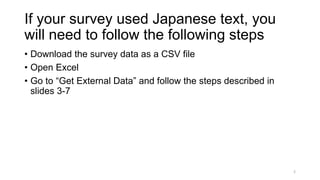
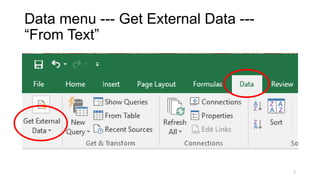
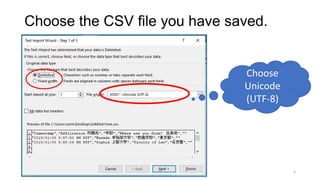
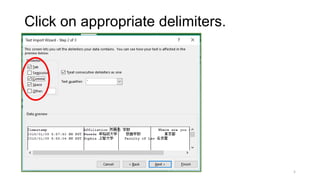
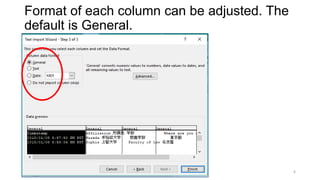
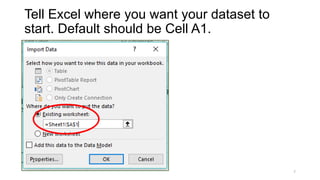
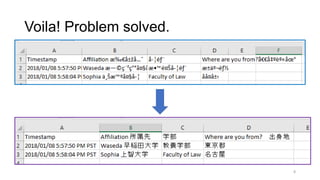
To properly display Japanese text from a Google Form survey in Excel, you must download the survey responses as a CSV file, open it in Excel, go to the "Get External Data" menu and import the CSV file as UTF-8 encoded text, selecting the appropriate column delimiters and starting cell for the data. This will allow Japanese characters from the survey to be correctly encoded and displayed in Excel.


