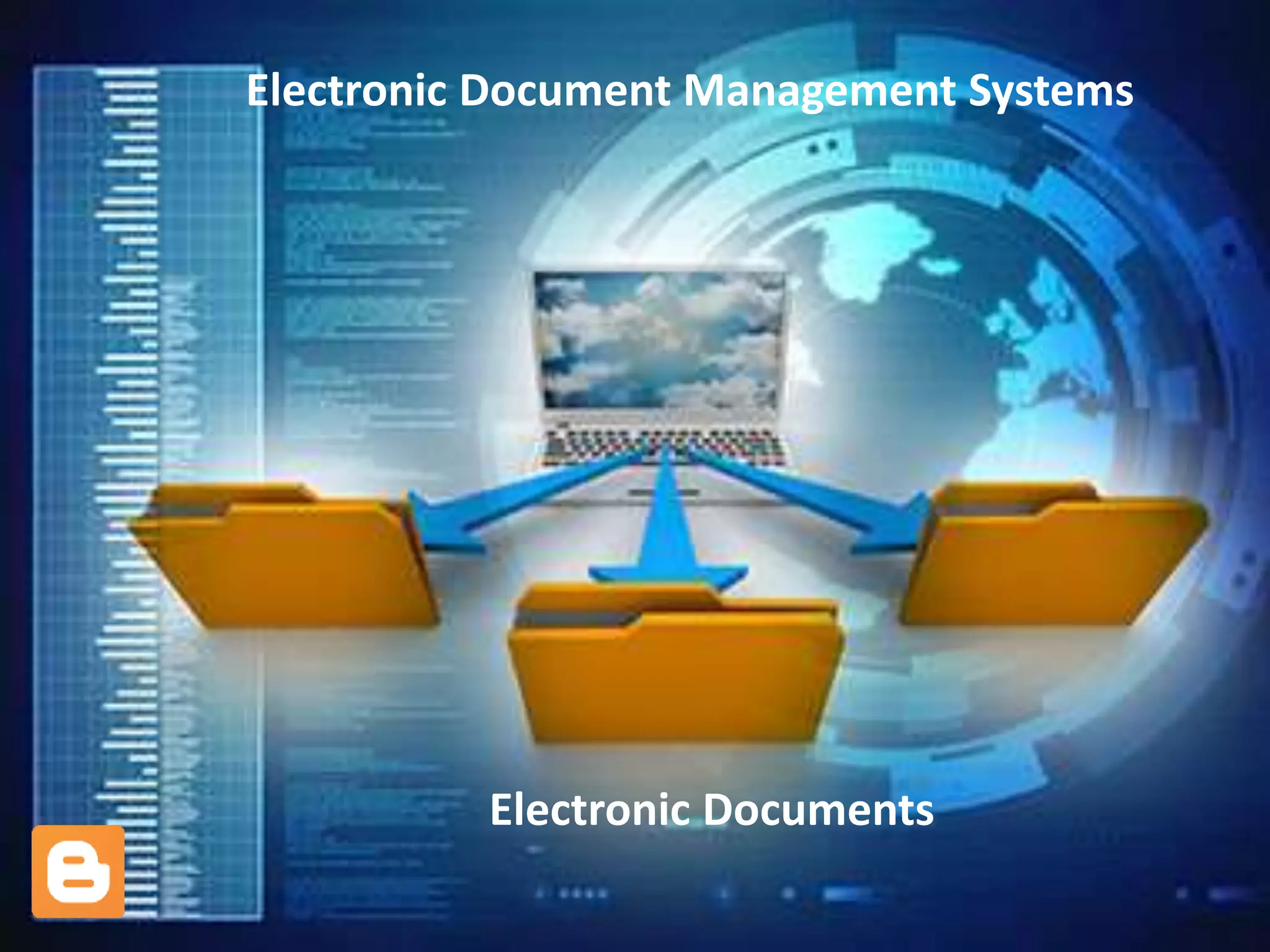
Electronic Document Management Systems
Electronic Documents
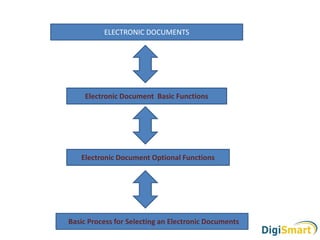
Electronic Document Basic Functions
Electronic Document Optional Functions
Basic Process for Selecting an Electronic Documents
ELECTRONIC DOCUMENTS
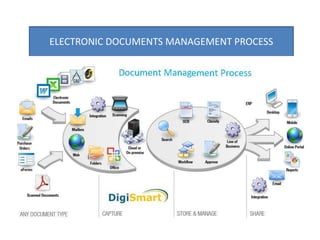
ELECTRONIC DOCUMENTS MANAGEMENT PROCESS
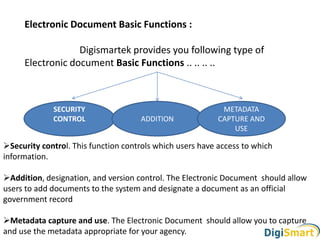
Electronic Document Basic Functions :
Digismartek provides you following type of
Electronic document Basic Functions .. .. .. ..
Security control. This function controls which users have access to which
information.
Addition, designation, and version control. The Electronic Document should allow
users to add documents to the system and designate a document as an official
government record
Metadata capture and use. The Electronic Document should allow you to capture
and use the metadata appropriate for your agency.
SECURITY
CONTROL ADDITION
METADATA
CAPTURE AND
USE
Electronic Document Optional Functions:
Records management : A records management system must be able to provide
secure access, maintain the record’s context within a record series, and automate the
execution of disposition instructions for all records in the system
Storage. This function will allow you to store documents within the EDMS or to
centrally manage your adjunct storage system
Free-text search. This function allows users to search every word in an entire
document or a specified group of documents. Other systems search only metadata
Hypertext links. Some EDMSs will provide hypertext links from one document to
another to facilitate navigating and browsing among related documents.
Automatic conversion. Some EDMSs will automatically convert one file format to
another when the file is designated as a record
Compound document management. Some EDMSs manage compound documents
better than others. Compound documents are single documents that contain multiple
elements
Needs assessment
Vendor selection
Management
Implementation plan
Basic Process for Selecting an Electronic Documents
Tested Uesr
Implementaion
plan
Technological
Implementaion
Plan
Entire Process Implementation
Including needs
Assessment
Refinement
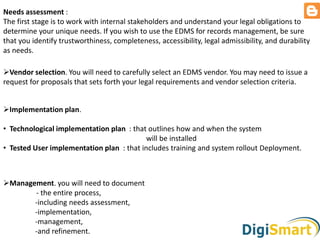
Needs assessment :
The first stage is to work with internal stakeholders and understand your legal obligations to
determine your unique needs. If you wish to use the EDMS for records management, be sure
that you identify trustworthiness, completeness, accessibility, legal admissibility, and durability
as needs.
Vendor selection. You will need to carefully select an EDMS vendor. You may need to issue a
request for proposals that sets forth your legal requirements and vendor selection criteria.
Implementation plan.
• Technological implementation plan : that outlines how and when the system
will be installed
• Tested User implementation plan : that includes training and system rollout Deployment.
Management. you will need to document
- the entire process,
-including needs assessment,
-implementation,
-management,
-and refinement.
……….FORYOURVALUABLETIME
020 -24619295/96/97
+91 -9373936677
+91- 9373461919
www.digismartek.com
info@digismartek.com

Electronic document management system Software

  • 1.
    Electronic Document ManagementSystems Electronic Documents
  • 2.
    Electronic Document BasicFunctions Electronic Document Optional Functions Basic Process for Selecting an Electronic Documents ELECTRONIC DOCUMENTS
  • 3.
  • 4.
    Electronic Document BasicFunctions : Digismartek provides you following type of Electronic document Basic Functions .. .. .. .. Security control. This function controls which users have access to which information. Addition, designation, and version control. The Electronic Document should allow users to add documents to the system and designate a document as an official government record Metadata capture and use. The Electronic Document should allow you to capture and use the metadata appropriate for your agency. SECURITY CONTROL ADDITION METADATA CAPTURE AND USE
  • 5.
    Electronic Document OptionalFunctions: Records management : A records management system must be able to provide secure access, maintain the record’s context within a record series, and automate the execution of disposition instructions for all records in the system Storage. This function will allow you to store documents within the EDMS or to centrally manage your adjunct storage system Free-text search. This function allows users to search every word in an entire document or a specified group of documents. Other systems search only metadata Hypertext links. Some EDMSs will provide hypertext links from one document to another to facilitate navigating and browsing among related documents. Automatic conversion. Some EDMSs will automatically convert one file format to another when the file is designated as a record Compound document management. Some EDMSs manage compound documents better than others. Compound documents are single documents that contain multiple elements
  • 6.
    Needs assessment Vendor selection Management Implementationplan Basic Process for Selecting an Electronic Documents Tested Uesr Implementaion plan Technological Implementaion Plan Entire Process Implementation Including needs Assessment Refinement
  • 7.
    Needs assessment : Thefirst stage is to work with internal stakeholders and understand your legal obligations to determine your unique needs. If you wish to use the EDMS for records management, be sure that you identify trustworthiness, completeness, accessibility, legal admissibility, and durability as needs. Vendor selection. You will need to carefully select an EDMS vendor. You may need to issue a request for proposals that sets forth your legal requirements and vendor selection criteria. Implementation plan. • Technological implementation plan : that outlines how and when the system will be installed • Tested User implementation plan : that includes training and system rollout Deployment. Management. you will need to document - the entire process, -including needs assessment, -implementation, -management, -and refinement.
  • 8.
    ……….FORYOURVALUABLETIME 020 -24619295/96/97 +91 -9373936677 +91-9373461919 www.digismartek.com info@digismartek.com