Author: Chandra Shekher
© chandrashekher
It’s very important to understand how to write
efficient element selection statement. One has
to be very careful while using jQuery selector
statement. Here we are going to discuss some
best way to use jQuery Selectors with example
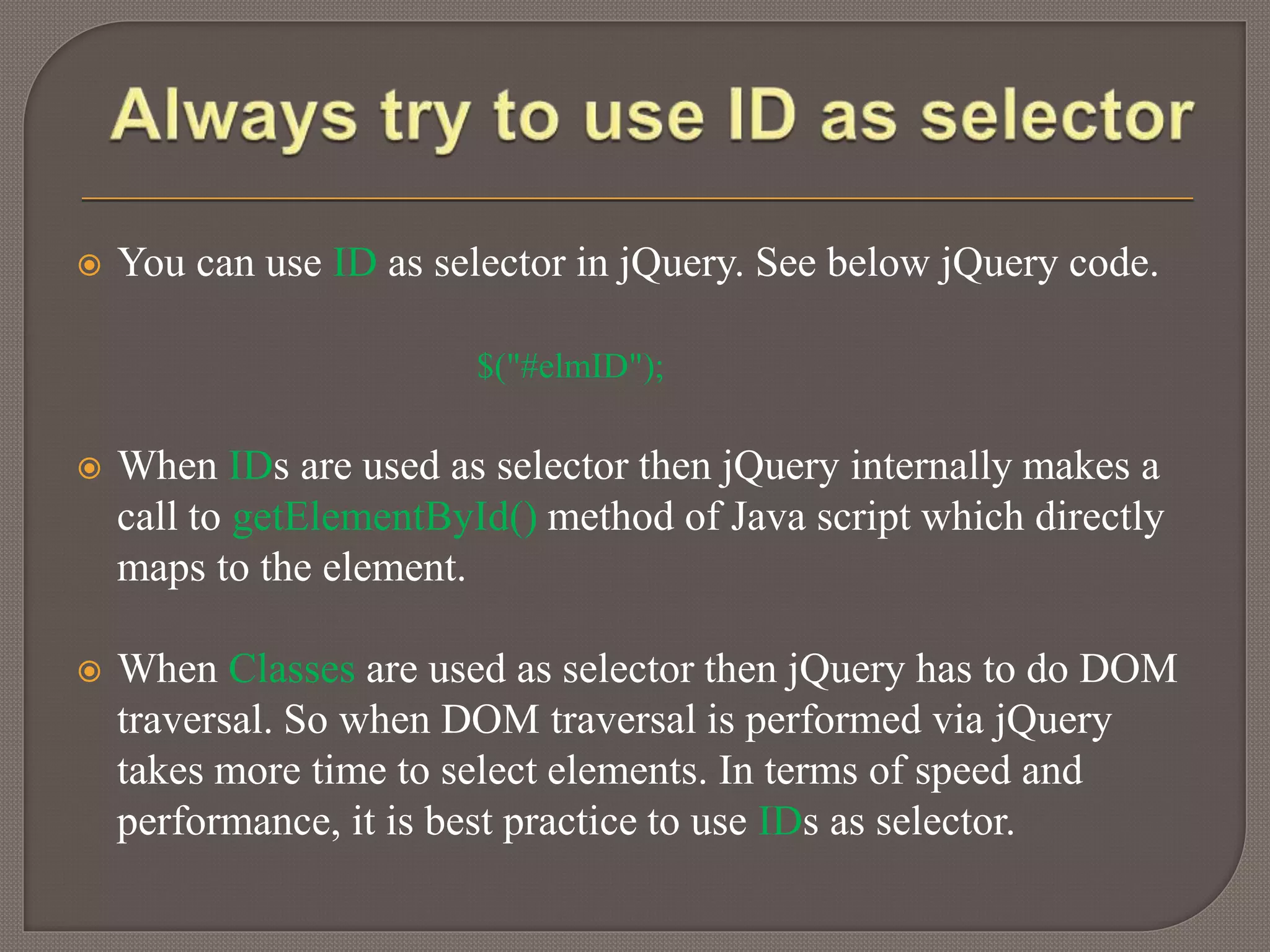
 You can use ID as selector in jQuery. See below jQuery code.
$("#elmID");
 When IDs are used as selector then jQuery internally makes a
call to getElementById() method of Java script which directly
maps to the element.
 When Classes are used as selector then jQuery has to do DOM
traversal. So when DOM traversal is performed via jQuery
takes more time to select elements. In terms of speed and
performance, it is best practice to use IDs as selector.
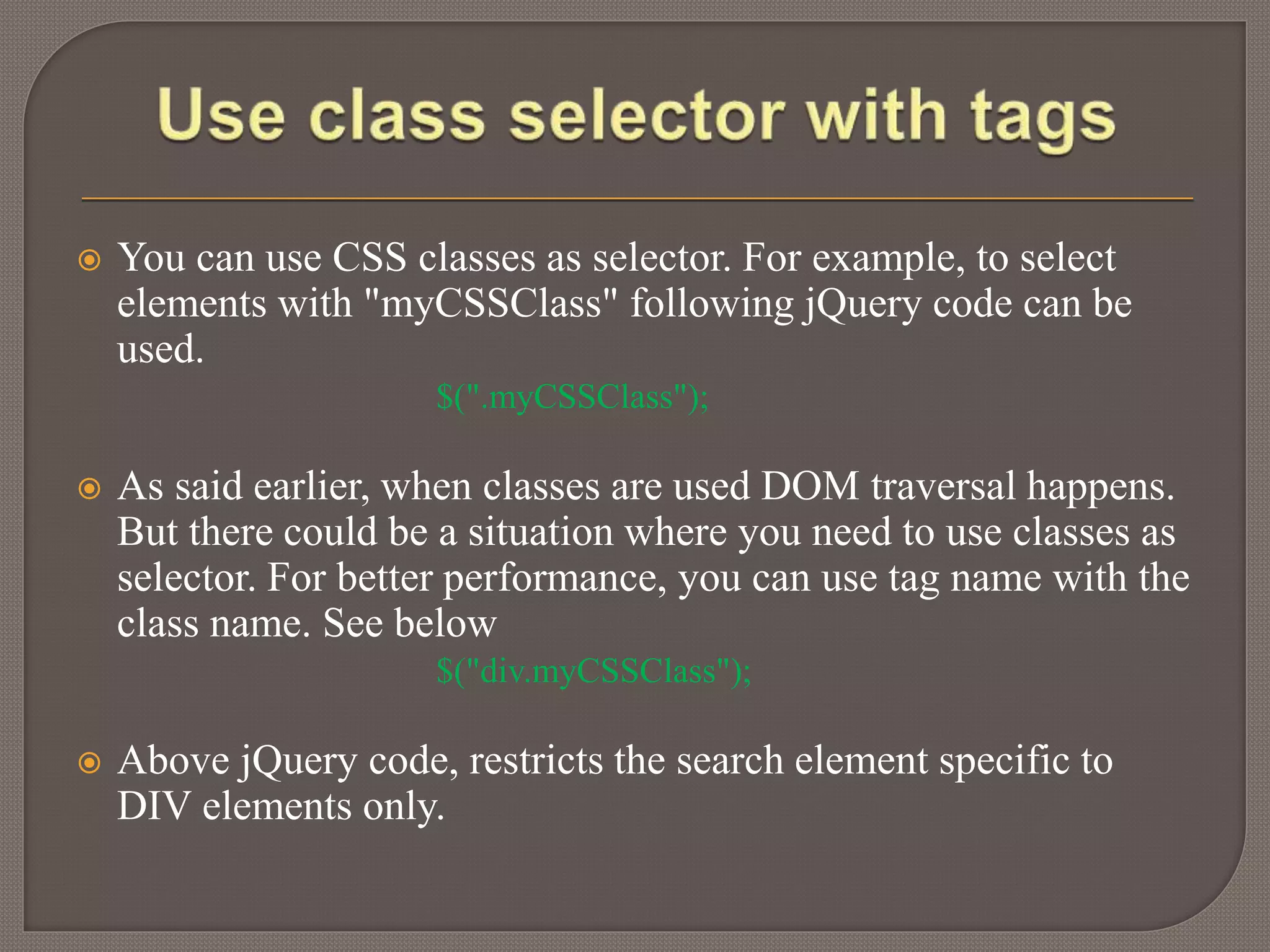
 You can use CSS classes as selector. For example, to select
elements with "myCSSClass" following jQuery code can be
used.
$(".myCSSClass");
 As said earlier, when classes are used DOM traversal happens.
But there could be a situation where you need to use classes as
selector. For better performance, you can use tag name with the
class name. See below
$("div.myCSSClass");
 Above jQuery code, restricts the search element specific to
DIV elements only.
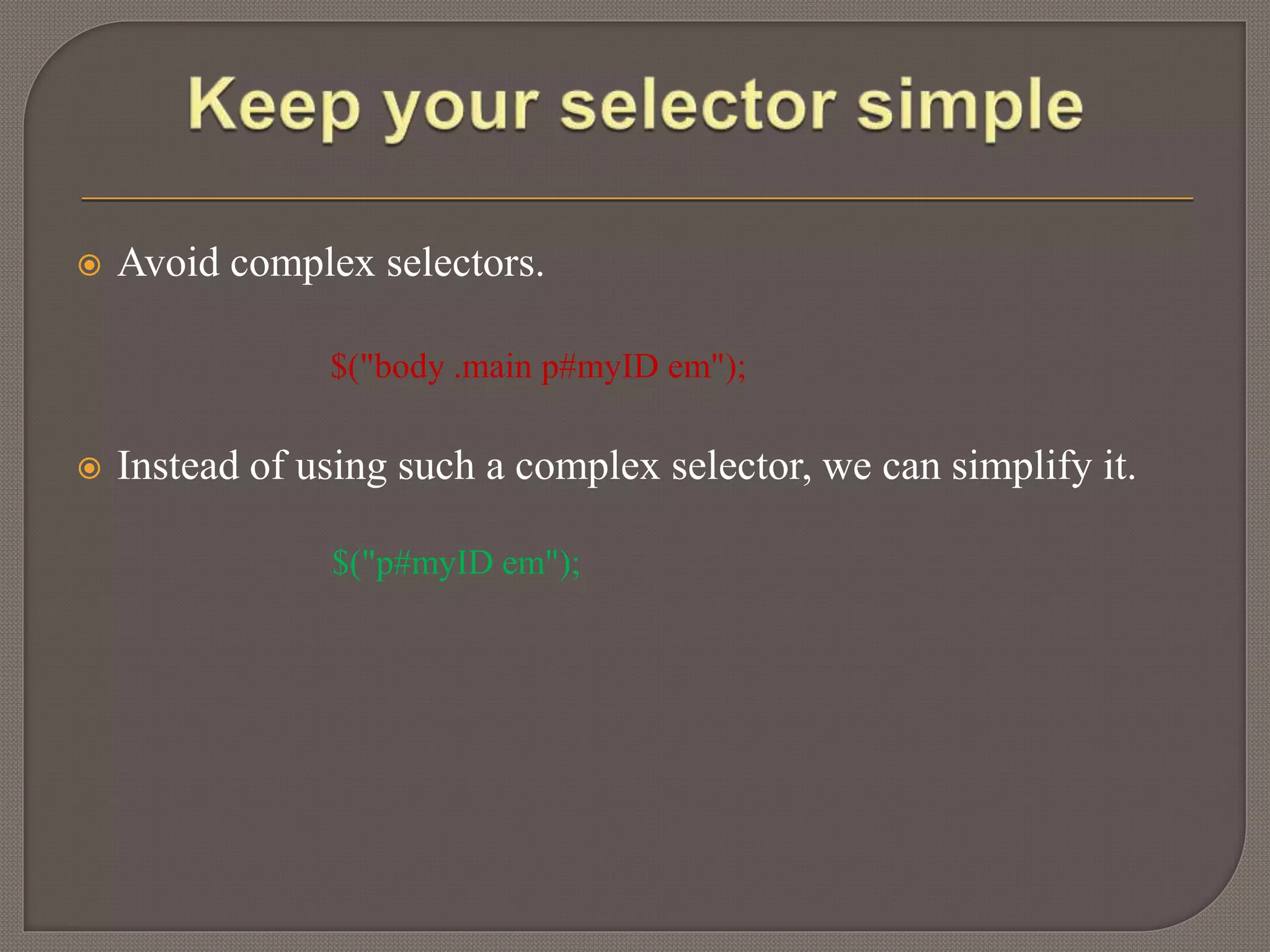
 Avoid complex selectors.
$("body .main p#myID em");
 Instead of using such a complex selector, we can simplify it.
$("p#myID em");
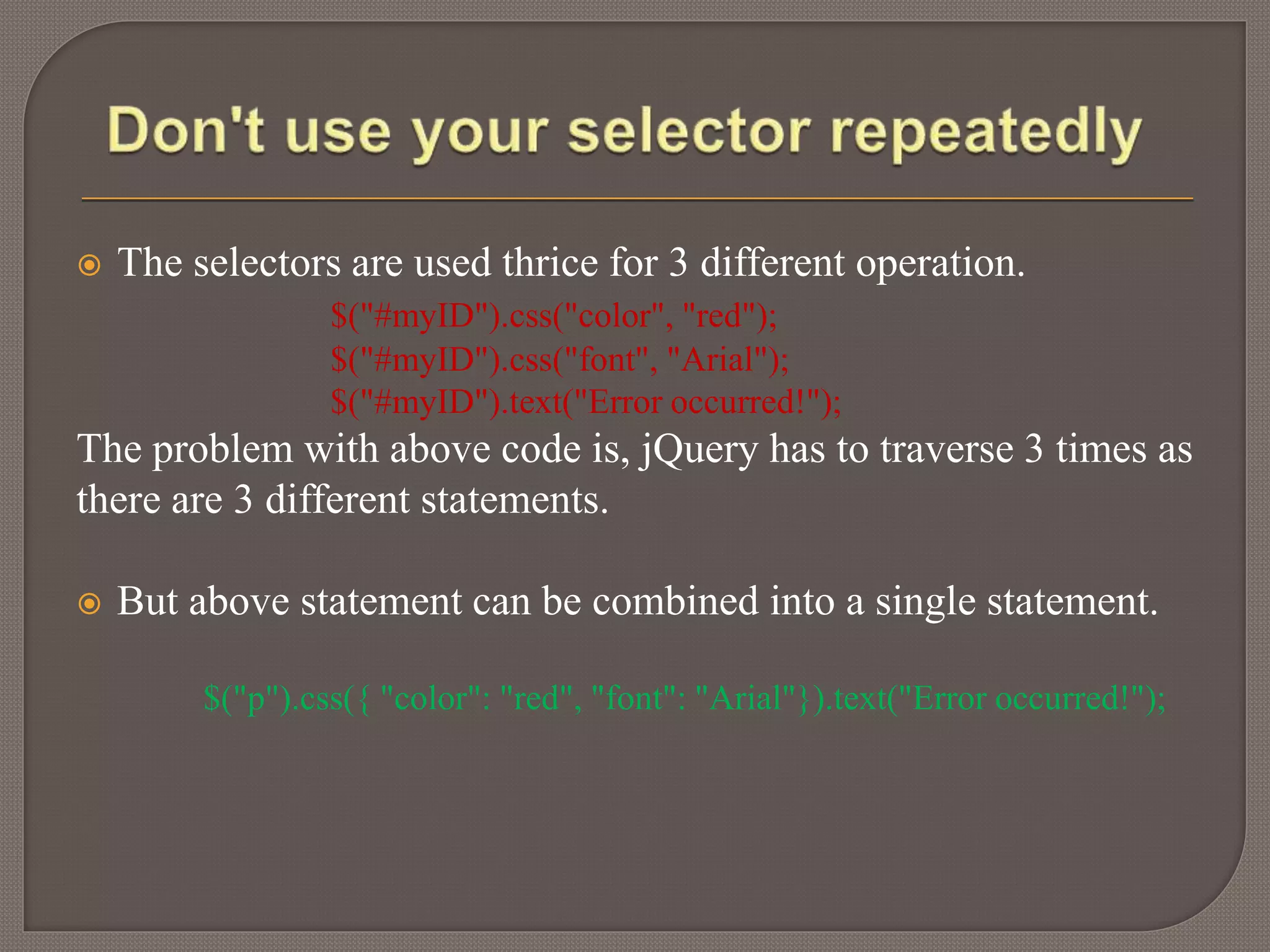
 The selectors are used thrice for 3 different operation.
$("#myID").css("color", "red");
$("#myID").css("font", "Arial");
$("#myID").text("Error occurred!");
The problem with above code is, jQuery has to traverse 3 times as
there are 3 different statements.
 But above statement can be combined into a single statement.
$("p").css({ "color": "red", "font": "Arial"}).text("Error occurred!");
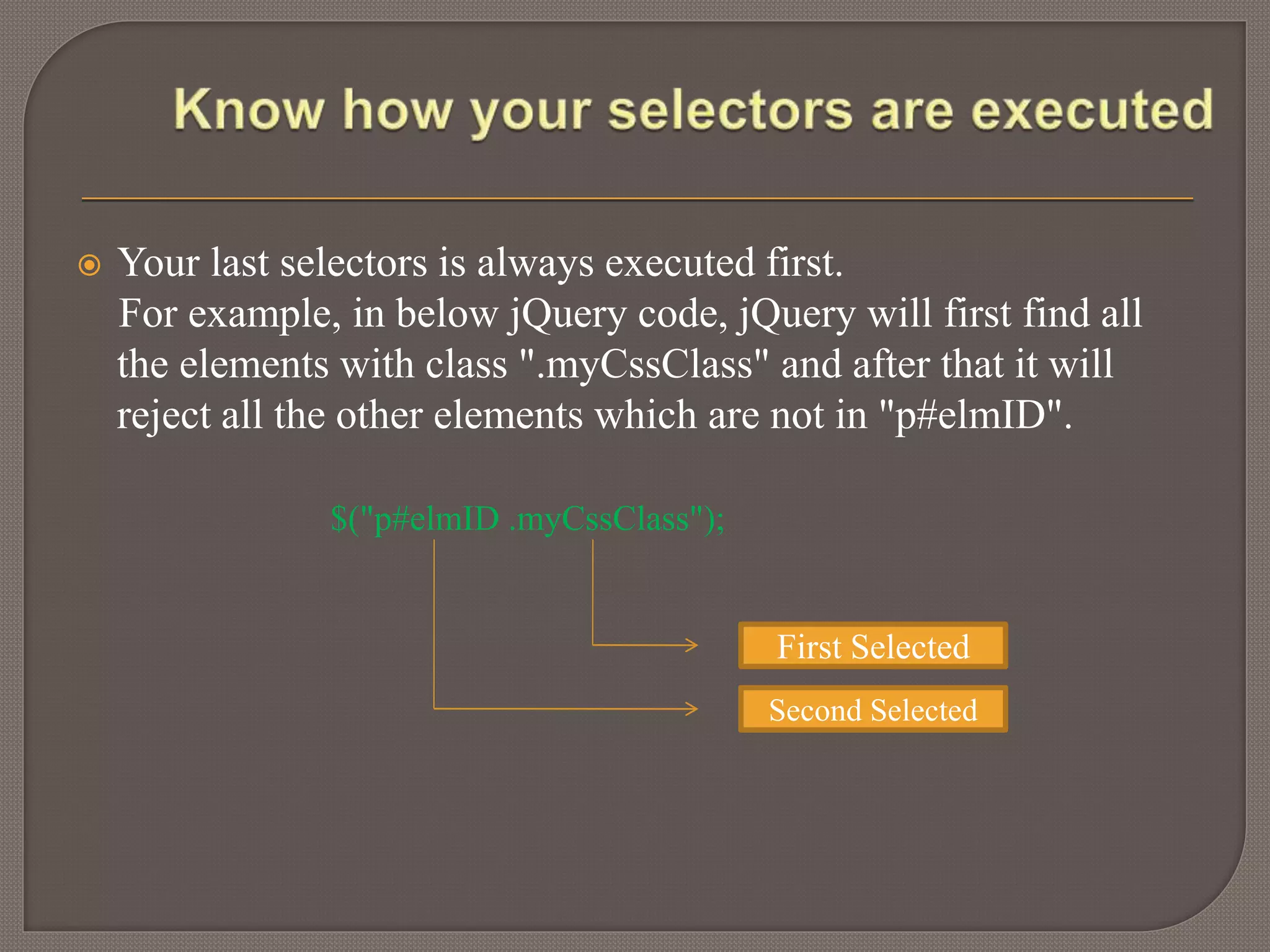
 Your last selectors is always executed first.
For example, in below jQuery code, jQuery will first find all
the elements with class ".myCssClass" and after that it will
reject all the other elements which are not in "p#elmID".
$("p#elmID .myCssClass");
First Selected
Second Selected
Thankyou

Efficient use of jQuery selector

  • 1.
  • 2.
    It’s very importantto understand how to write efficient element selection statement. One has to be very careful while using jQuery selector statement. Here we are going to discuss some best way to use jQuery Selectors with example
  • 3.
     You canuse ID as selector in jQuery. See below jQuery code. $("#elmID");  When IDs are used as selector then jQuery internally makes a call to getElementById() method of Java script which directly maps to the element.  When Classes are used as selector then jQuery has to do DOM traversal. So when DOM traversal is performed via jQuery takes more time to select elements. In terms of speed and performance, it is best practice to use IDs as selector.
  • 4.
     You canuse CSS classes as selector. For example, to select elements with "myCSSClass" following jQuery code can be used. $(".myCSSClass");  As said earlier, when classes are used DOM traversal happens. But there could be a situation where you need to use classes as selector. For better performance, you can use tag name with the class name. See below $("div.myCSSClass");  Above jQuery code, restricts the search element specific to DIV elements only.
  • 5.
     Avoid complexselectors. $("body .main p#myID em");  Instead of using such a complex selector, we can simplify it. $("p#myID em");
  • 6.
     The selectorsare used thrice for 3 different operation. $("#myID").css("color", "red"); $("#myID").css("font", "Arial"); $("#myID").text("Error occurred!"); The problem with above code is, jQuery has to traverse 3 times as there are 3 different statements.  But above statement can be combined into a single statement. $("p").css({ "color": "red", "font": "Arial"}).text("Error occurred!");
  • 7.
     Your lastselectors is always executed first. For example, in below jQuery code, jQuery will first find all the elements with class ".myCssClass" and after that it will reject all the other elements which are not in "p#elmID". $("p#elmID .myCssClass"); First Selected Second Selected
  • 8.