Effective PowerPoint Get Your Message Across
Effective PowerPoint Be Seen Make sure your text is big enough This is 28 point Arial Anything below 24 points is too small
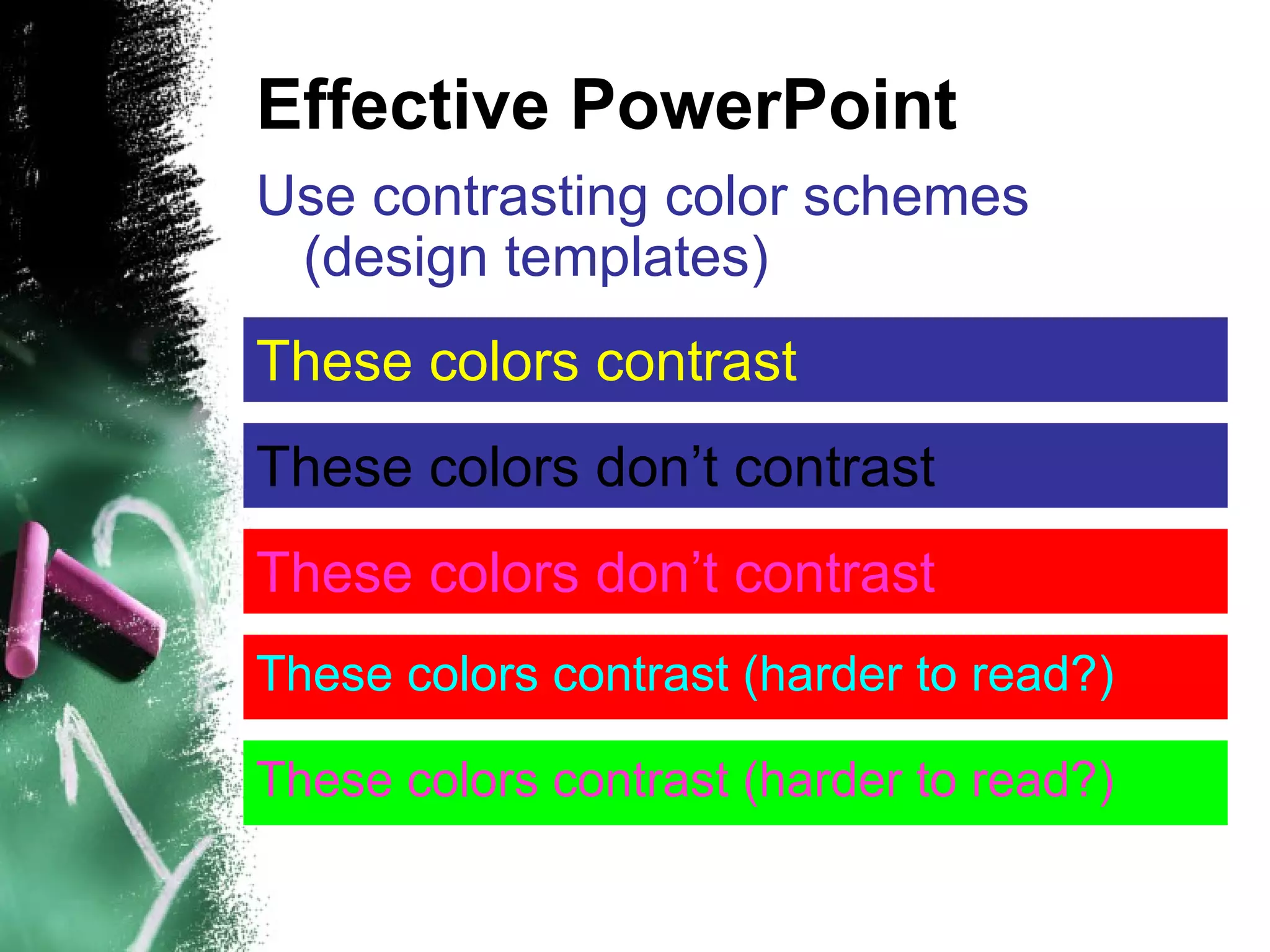
Effective PowerPoint Use contrasting color schemes (design templates) ‏ These colors contrast These colors don’t contrast These colors contrast (harder to read?) ‏ These colors don’t contrast These   colors contrast (harder to read?) ‏
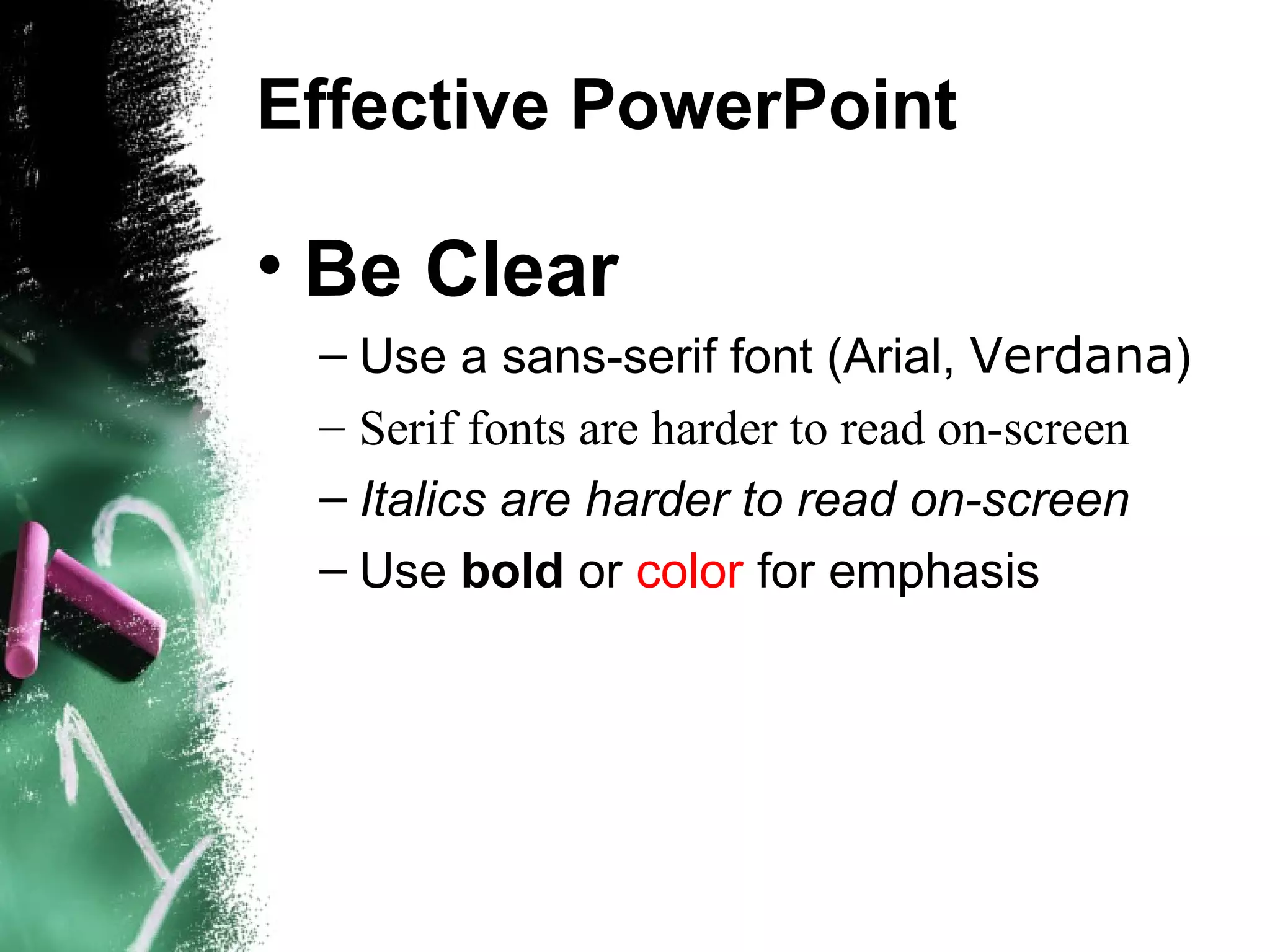
Effective PowerPoint Be Clear Use a sans-serif font (Arial,  Verdana ) ‏ Serif fonts are harder to read on-screen Italics are harder to read on-screen Use  bold  or  color  for emphasis
Effective PowerPoint Simple is best Basic light colored background and dark text Avoid distracting images Limit transitions, animations, and sound effects Don’t get hung up on looks
Effective PowerPoint Plan Plan Ahead (remember your purpose) ‏ Plan Carefully (get it under control) ‏ Plan for Disaster (next mouse click?) ‏
Effective PowerPoint Don’t read your screen Remember, PowerPoint presentations shouldn’t be used as cue cards. Bullet points should prompt you. Besides, your audience will read faster than you will talk. Plus your back will be them. Which leads to the next point…
Effective PowerPoint Avoid long sentences 6 words per line 6 lines per slide Understanding vs. Overload
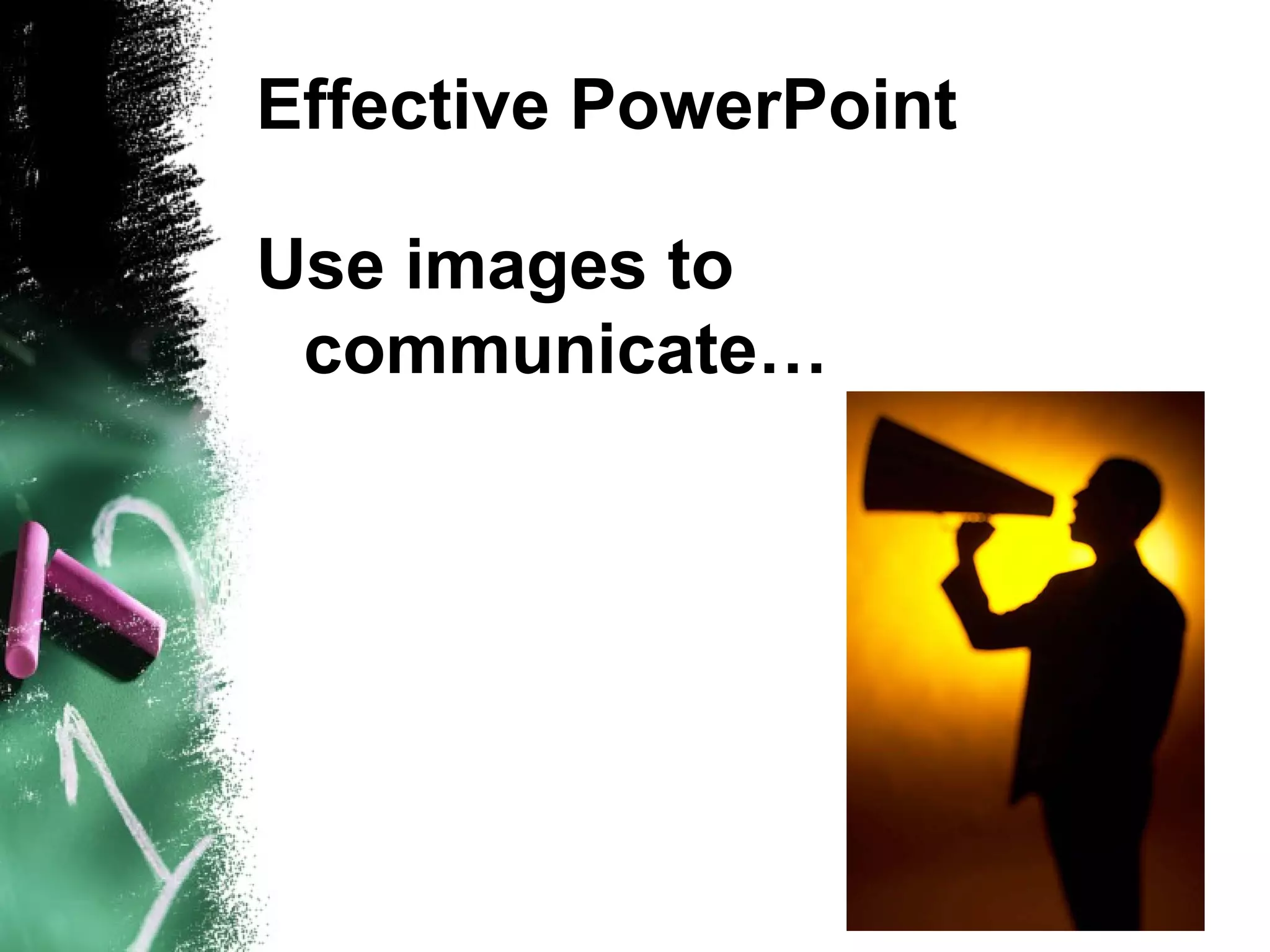
Effective PowerPoint Use images to communicate…
Effective PowerPoint … Not to decorate
Effective PowerPoint Always save to the hard disk Floppies/Zip disks stink Periodically save to network USB “Flash” drives are great!
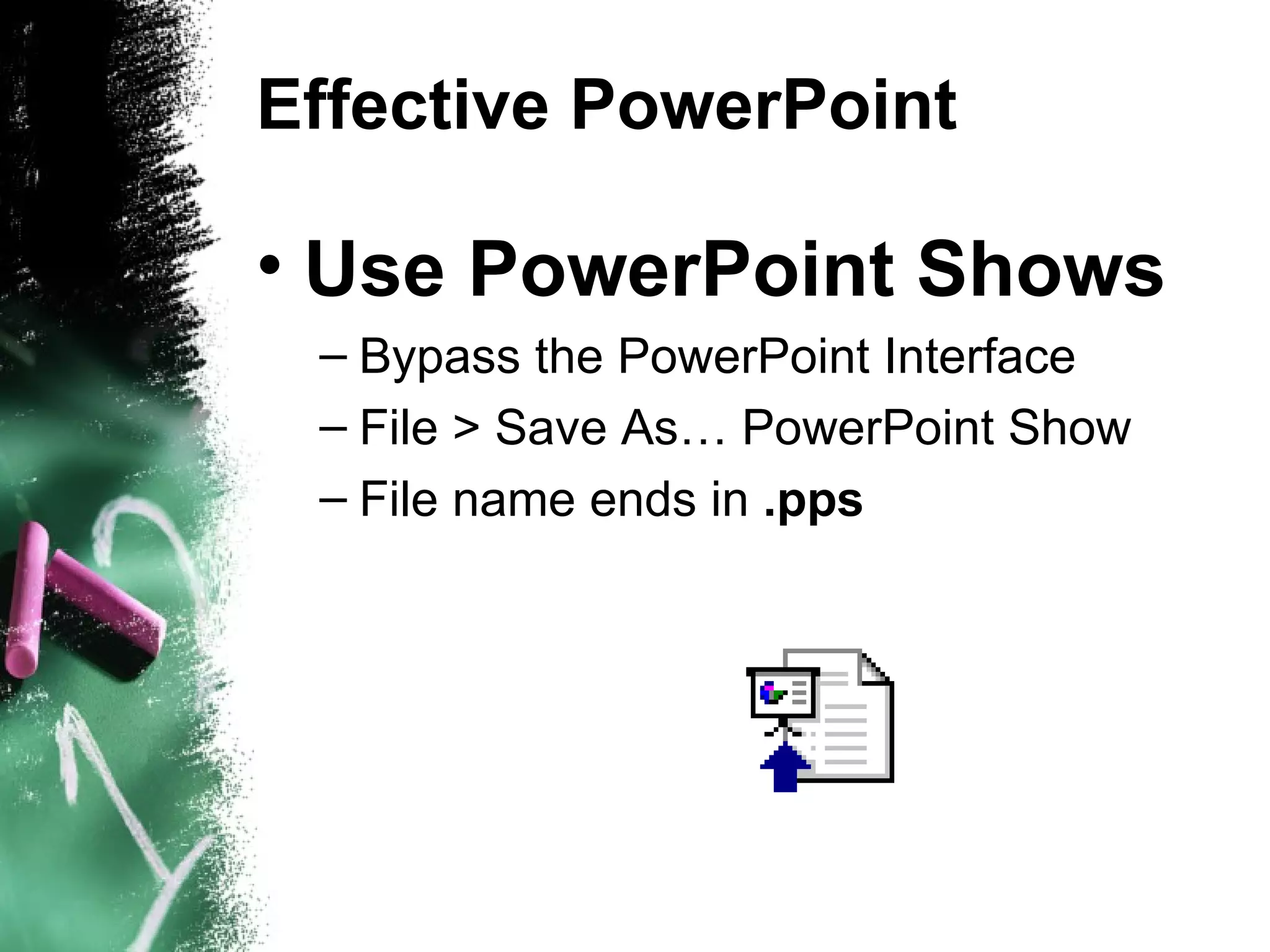
Effective PowerPoint Use PowerPoint Shows Bypass the PowerPoint Interface  File > Save As… PowerPoint Show File name ends in  .pps
Don’t be afraid!
Who needs bullets?
Don’t use PowerPoint as a crutch
Simple. Remember?
Effective PowerPoint ???

Effective Power Point

Editor's Notes

  • #6 Don’t concentrate on the look of your slides so much. Simple is better.
  • #8 Reading the screen
  • #9 You are making a compromise between understanding and overload.