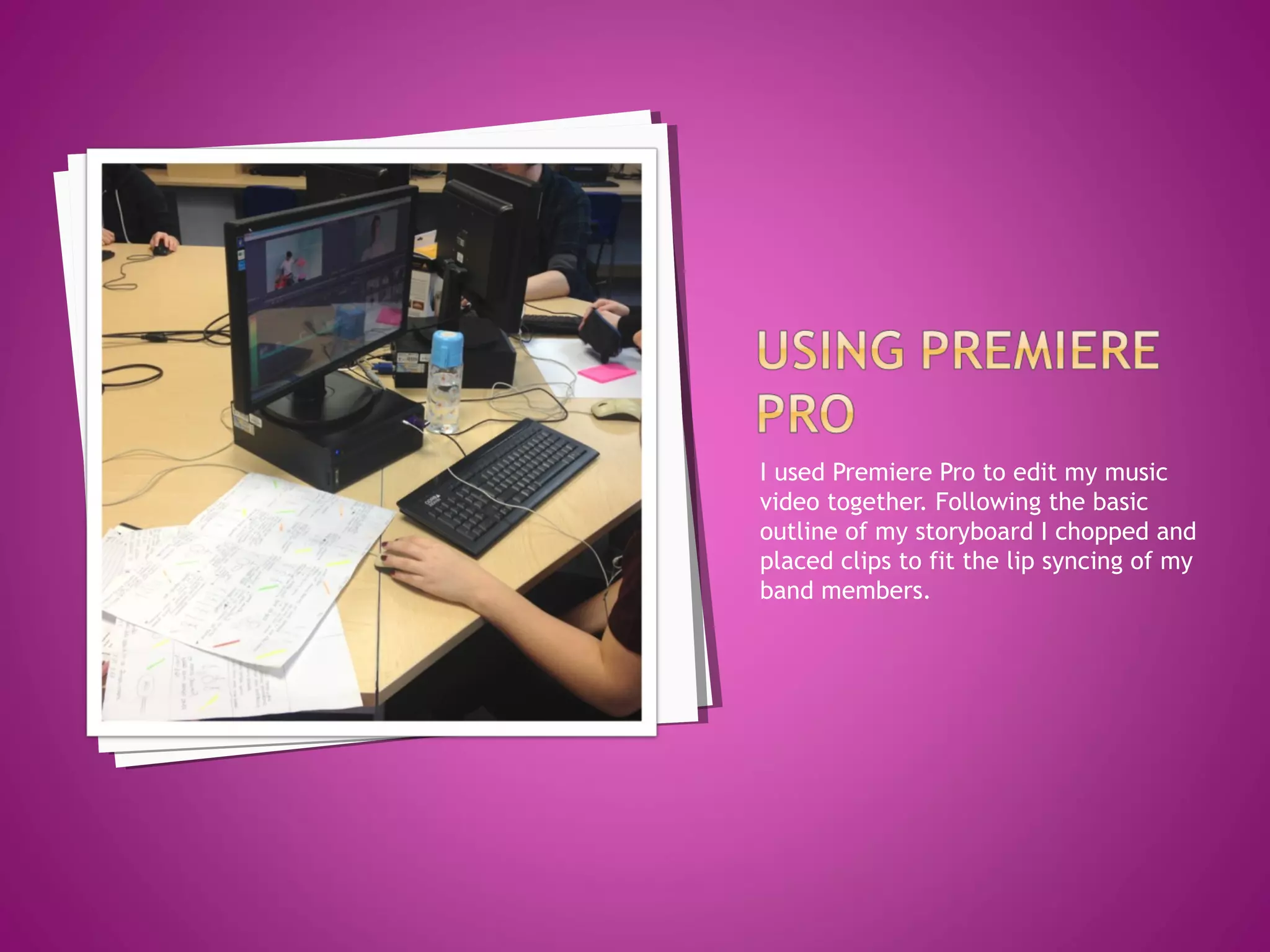
I used Premiere Pro to edit my music
video together. Following the basic
outline of my storyboard I chopped and
placed clips to fit the lip syncing of my
band members.
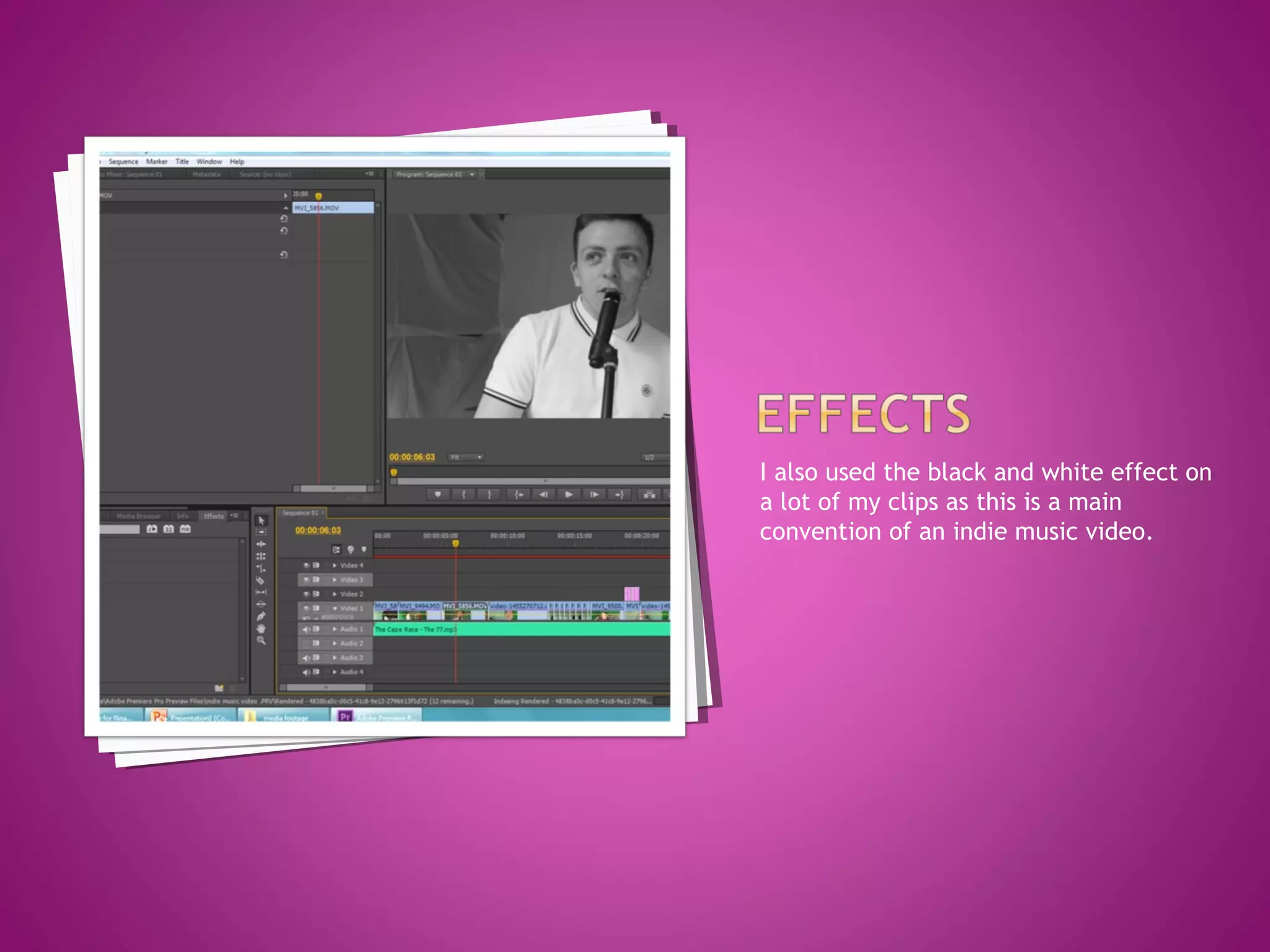
I also used the black and white effect on
a lot of my clips as this is a main
convention of an indie music video.
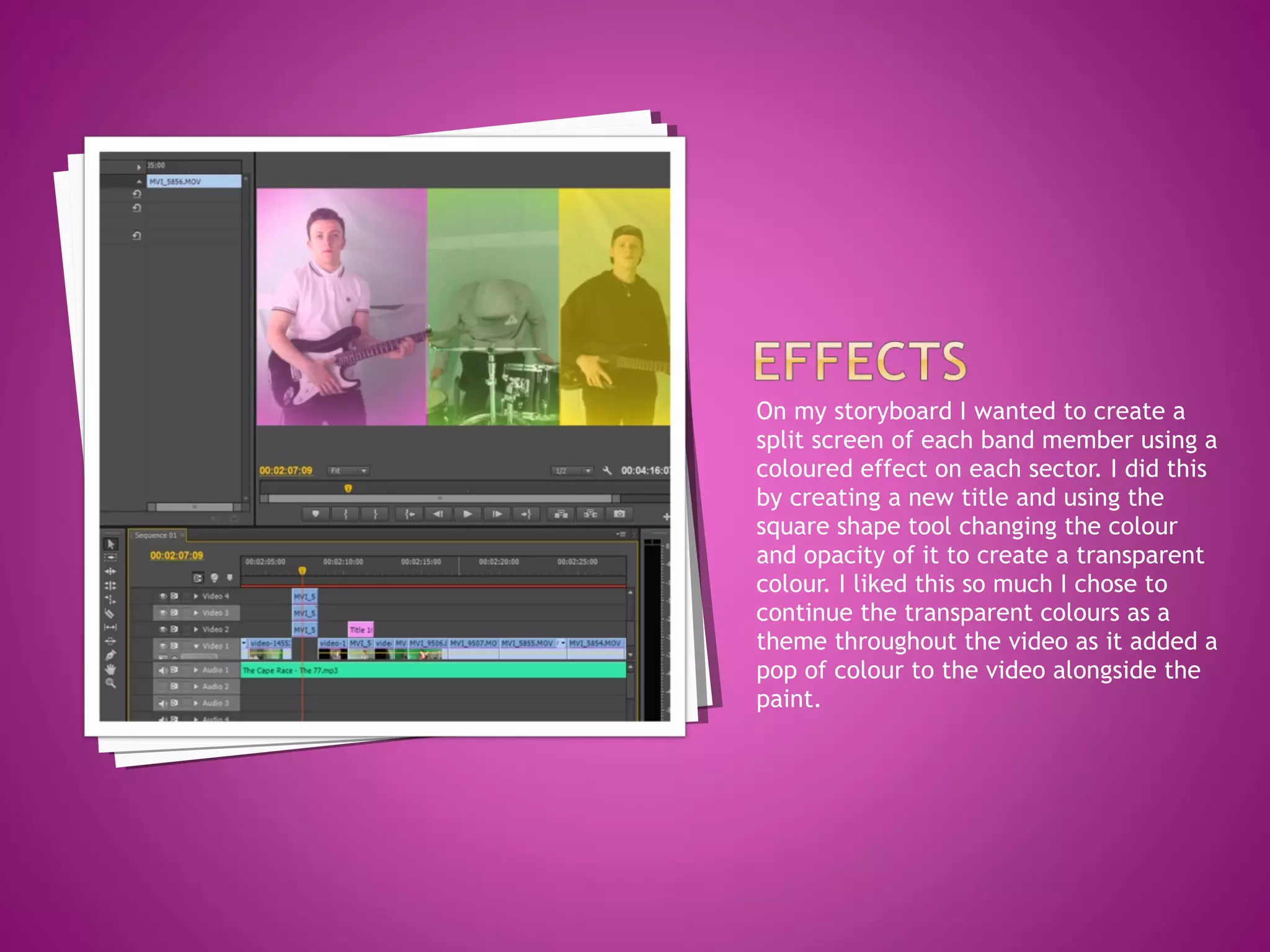
On my storyboard I wanted to create a
split screen of each band member using a
coloured effect on each sector. I did this
by creating a new title and using the
square shape tool changing the colour
and opacity of it to create a transparent
colour. I liked this so much I chose to
continue the transparent colours as a
theme throughout the video as it added a
pop of colour to the video alongside the
paint.
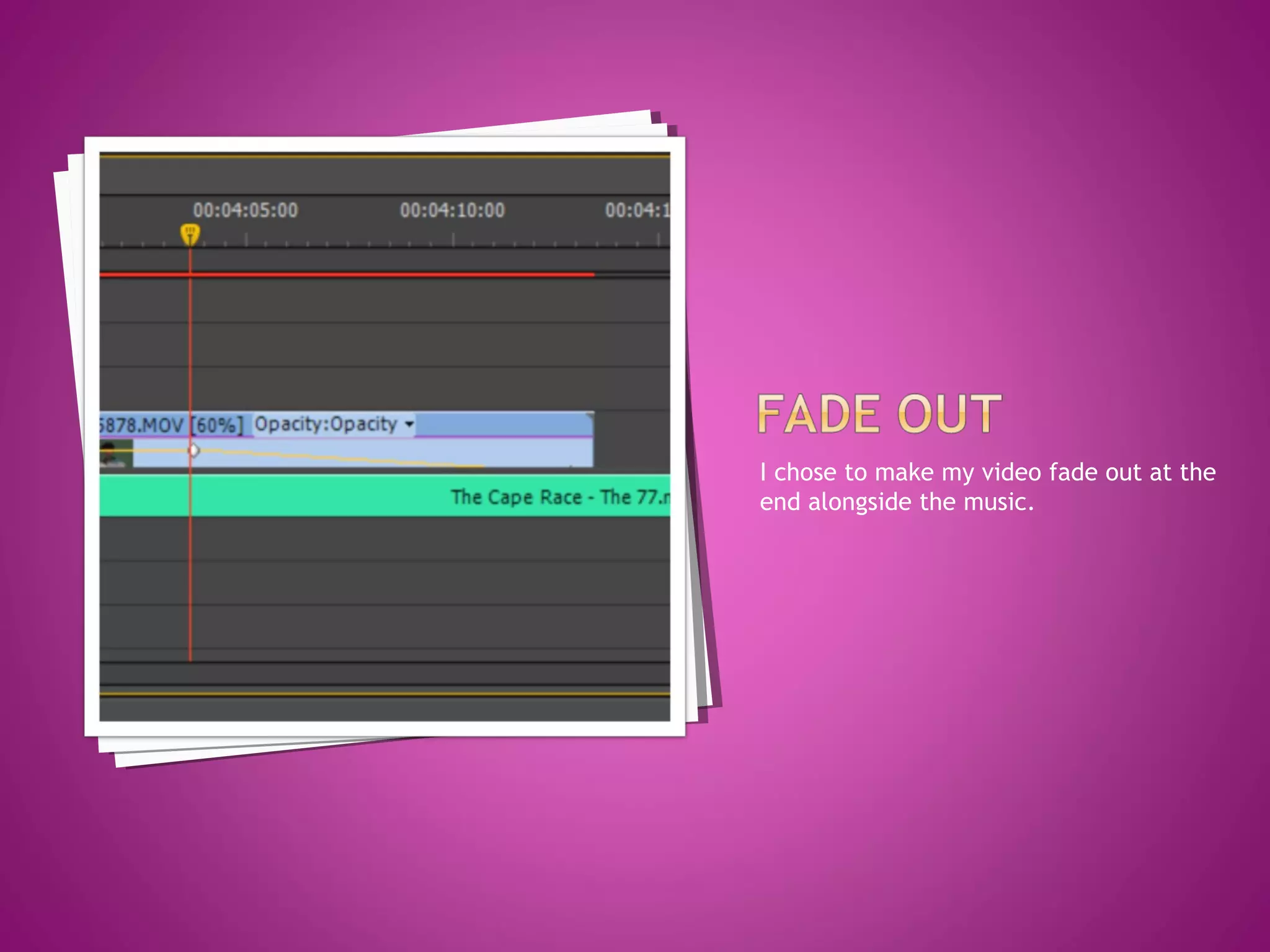
I chose to make my video fade out at the
end alongside the music.
As I have stated my location footage
changed to behind the scenes footage
and therefore my storyboard had to
change. After following a basic outline of
the storyboard I chose to experiment
with shots I had for example I had a lot
of footage that showed of the
personalities of the band members so I
included some of those. I listened to the
pace, lyrics, instruments that where
playing in parts and matched clips to
this.
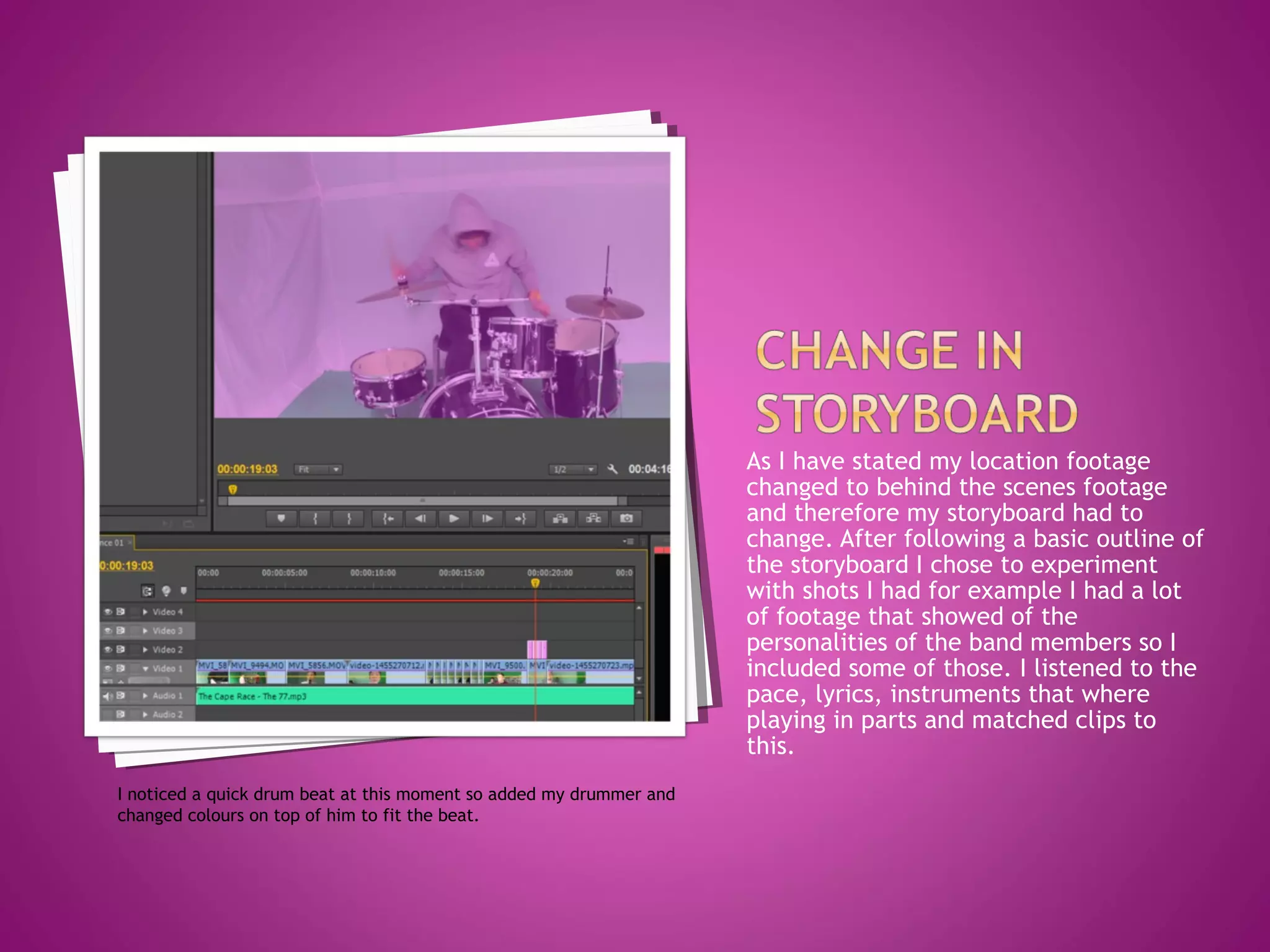
I noticed a quick drum beat at this moment so added my drummer and
changed colours on top of him to fit the beat.
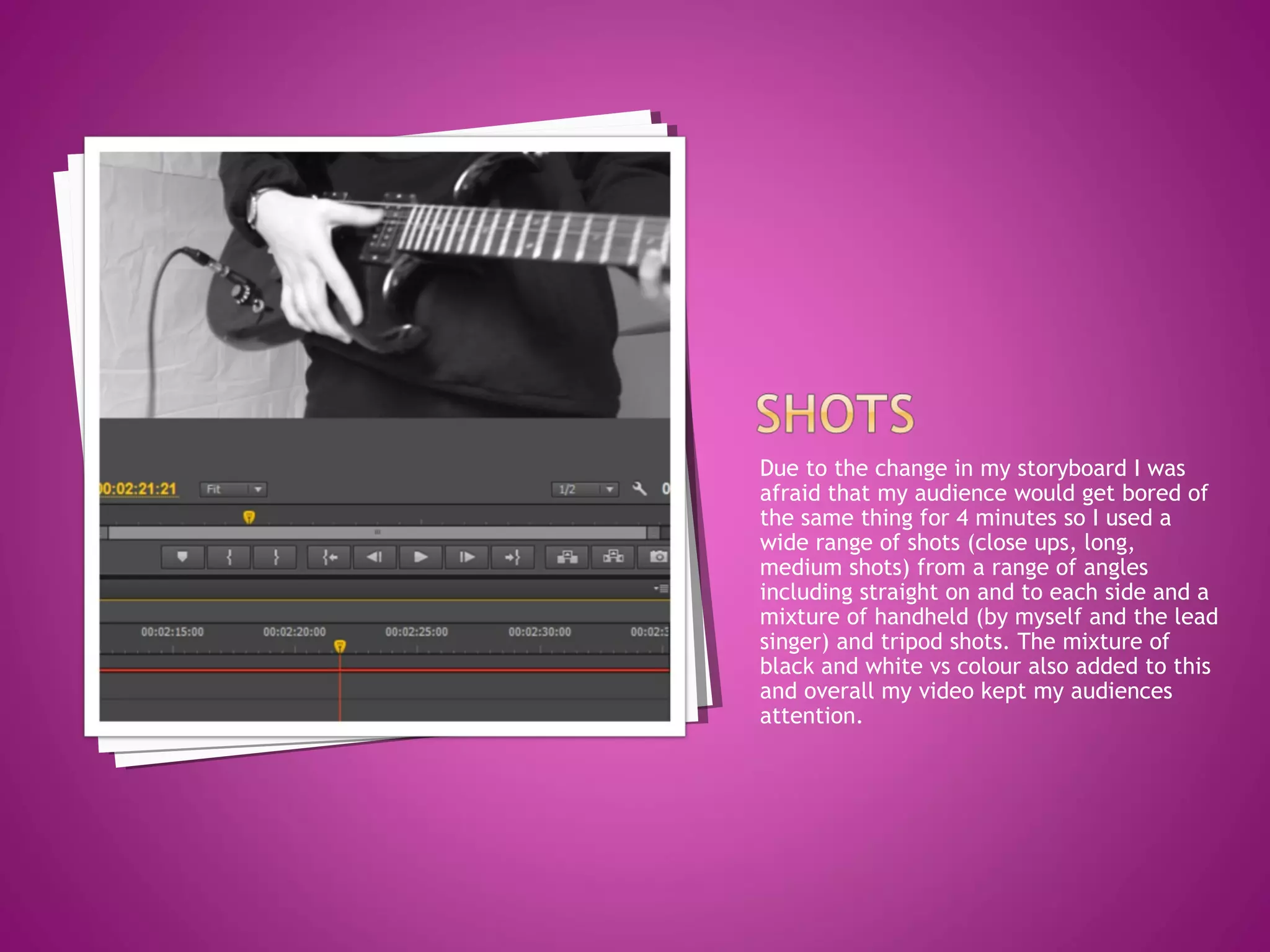
Due to the change in my storyboard I was
afraid that my audience would get bored of
the same thing for 4 minutes so I used a
wide range of shots (close ups, long,
medium shots) from a range of angles
including straight on and to each side and a
mixture of handheld (by myself and the lead
singer) and tripod shots. The mixture of
black and white vs colour also added to this
and overall my video kept my audiences
attention.
The track I chose changes pace throughout
having one particular moment that was a
very fast pace I used several straight cuts
using thought beats to create a fast pace
climax to the song. I edited the speed of a
lot of my shots making moments slow motion
including some moments of lip syncing
where in the production stage I sped up the
music and then later slowed the clip in
editing. I also had some moments of paint
throwing that was sped up. This changed in
pace through shots and the speed tool kept
my audience engaged.

Editing process

  • 2.
    I used PremierePro to edit my music video together. Following the basic outline of my storyboard I chopped and placed clips to fit the lip syncing of my band members.
  • 3.
    I also usedthe black and white effect on a lot of my clips as this is a main convention of an indie music video.
  • 4.
    On my storyboardI wanted to create a split screen of each band member using a coloured effect on each sector. I did this by creating a new title and using the square shape tool changing the colour and opacity of it to create a transparent colour. I liked this so much I chose to continue the transparent colours as a theme throughout the video as it added a pop of colour to the video alongside the paint.
  • 5.
    I chose tomake my video fade out at the end alongside the music.
  • 6.
    As I havestated my location footage changed to behind the scenes footage and therefore my storyboard had to change. After following a basic outline of the storyboard I chose to experiment with shots I had for example I had a lot of footage that showed of the personalities of the band members so I included some of those. I listened to the pace, lyrics, instruments that where playing in parts and matched clips to this. I noticed a quick drum beat at this moment so added my drummer and changed colours on top of him to fit the beat.
  • 7.
    Due to thechange in my storyboard I was afraid that my audience would get bored of the same thing for 4 minutes so I used a wide range of shots (close ups, long, medium shots) from a range of angles including straight on and to each side and a mixture of handheld (by myself and the lead singer) and tripod shots. The mixture of black and white vs colour also added to this and overall my video kept my audiences attention.
  • 8.
    The track Ichose changes pace throughout having one particular moment that was a very fast pace I used several straight cuts using thought beats to create a fast pace climax to the song. I edited the speed of a lot of my shots making moments slow motion including some moments of lip syncing where in the production stage I sped up the music and then later slowed the clip in editing. I also had some moments of paint throwing that was sped up. This changed in pace through shots and the speed tool kept my audience engaged.