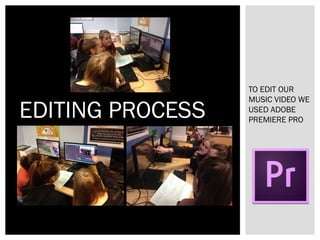
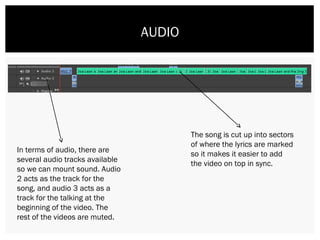
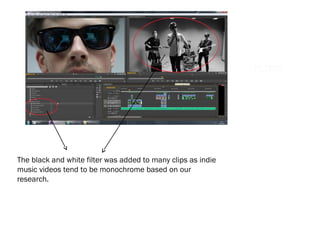
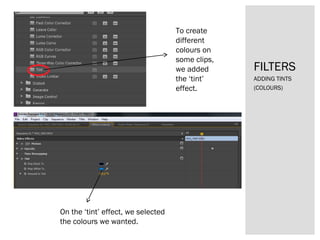
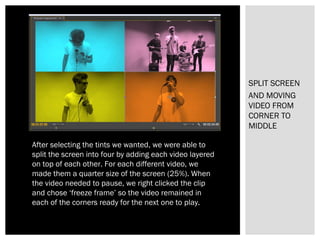
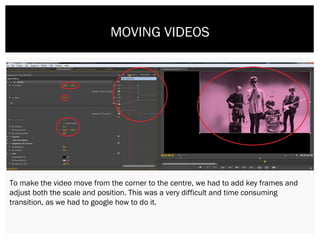
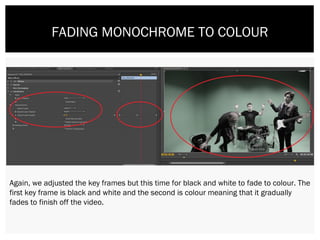
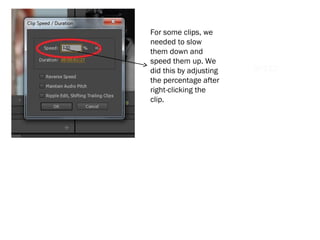
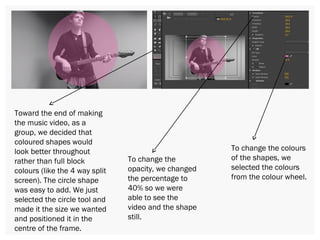
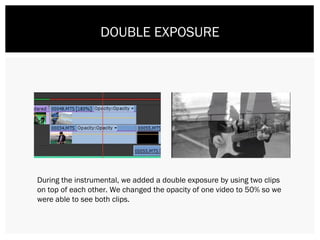
The document discusses the various editing techniques used in Adobe Premiere Pro to create a music video. Audio tracks were used for the song and talking segments. Video clips were filtered with black and white and tints, split into four sections on the screen using key frames, and transitioned from corners to the center. Key frames were also used to fade clips from black and white to color. Speed adjustments changed the pace of some clips. Overlapping shapes and double exposure effects were added to clips.