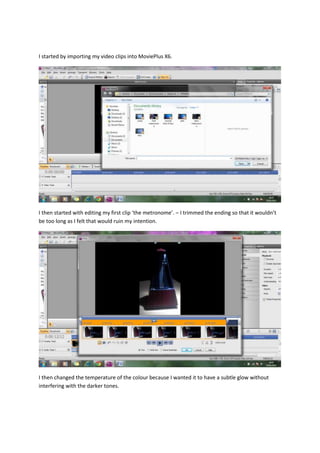
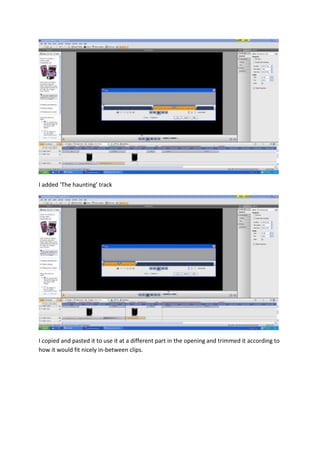
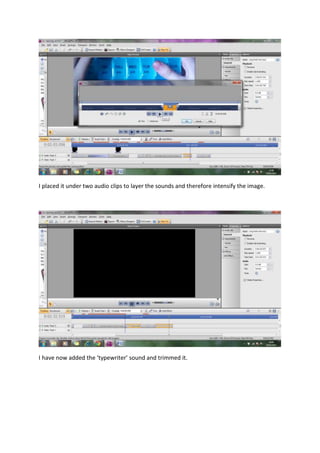
The document describes the process of editing a film opening sequence in MoviePlus X6. Key steps include importing and trimming video clips, stabilizing shaky footage, changing color parameters, adding text overlays with animations, and importing and layering various sound effects and music tracks to accompany the visuals. Feedback from a teacher suggested adding more camera shots and improving continuity between scenes. In response, the documenter filmed additional clips and rotated and trimmed them to fit together smoothly in the sequence.