
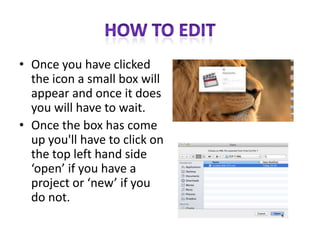
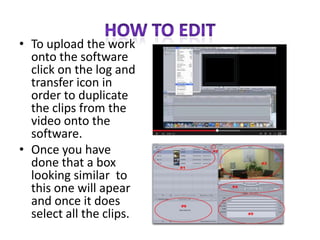
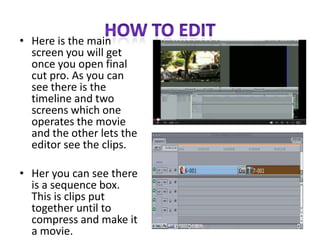
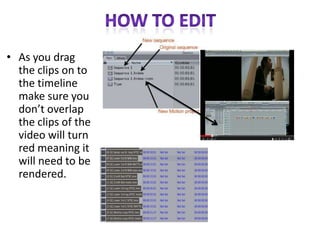
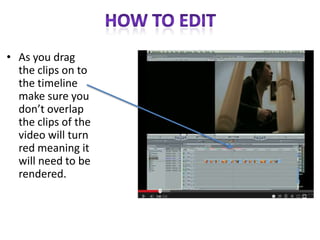
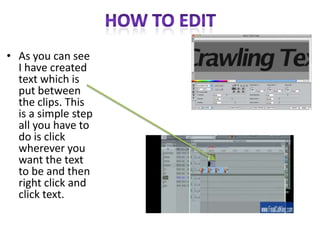
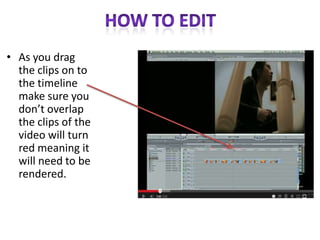
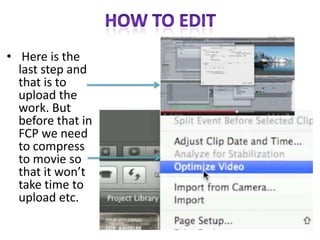

This document provides instructions for using Final Cut Pro video editing software. It explains how to open the software and import video clips. The main screen is described which contains the timeline and video preview screens. Clips can be arranged on the timeline without overlapping to avoid rendering errors. Text can be added by clicking where it is needed and selecting text. The last step mentioned is compressing the finished video project before uploading it.


