The Standby Power Problem(and a Solution)
68 million tons of CO2 emissions a year**source: Global Implications of Standby Power Use
Equivalent to 24 million cars**source: Global Implications of Standby Power Use
All of these emissions are caused by?
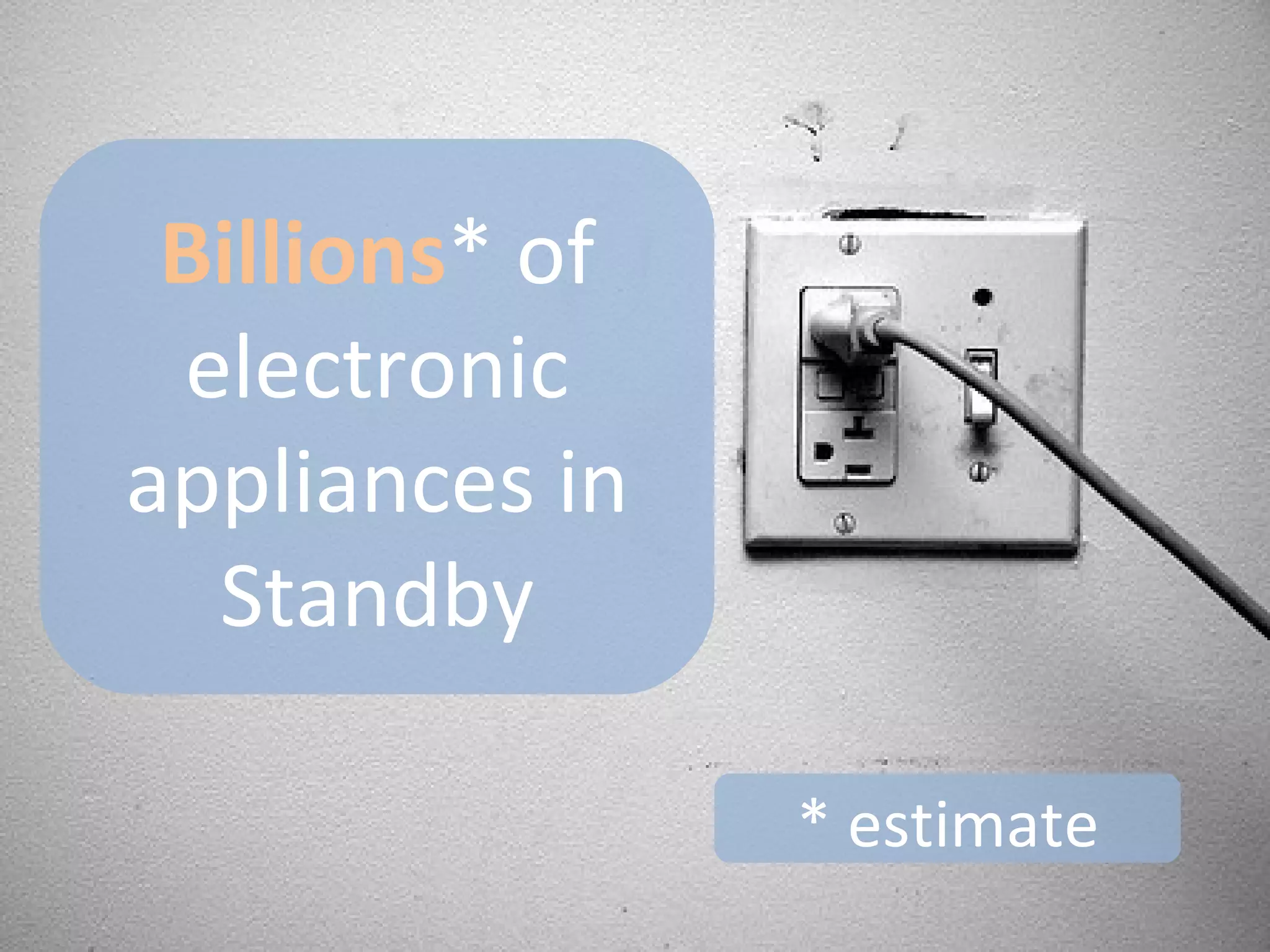
Billions* of electronic appliances in Standby* estimate
Wastingenergy when they could be switched off!
Is it wise to waste all this energy while we sleep?
..to waste energy when we’re out of the house?
If only we could  switch them off and stop wasting  energy!
The solution?
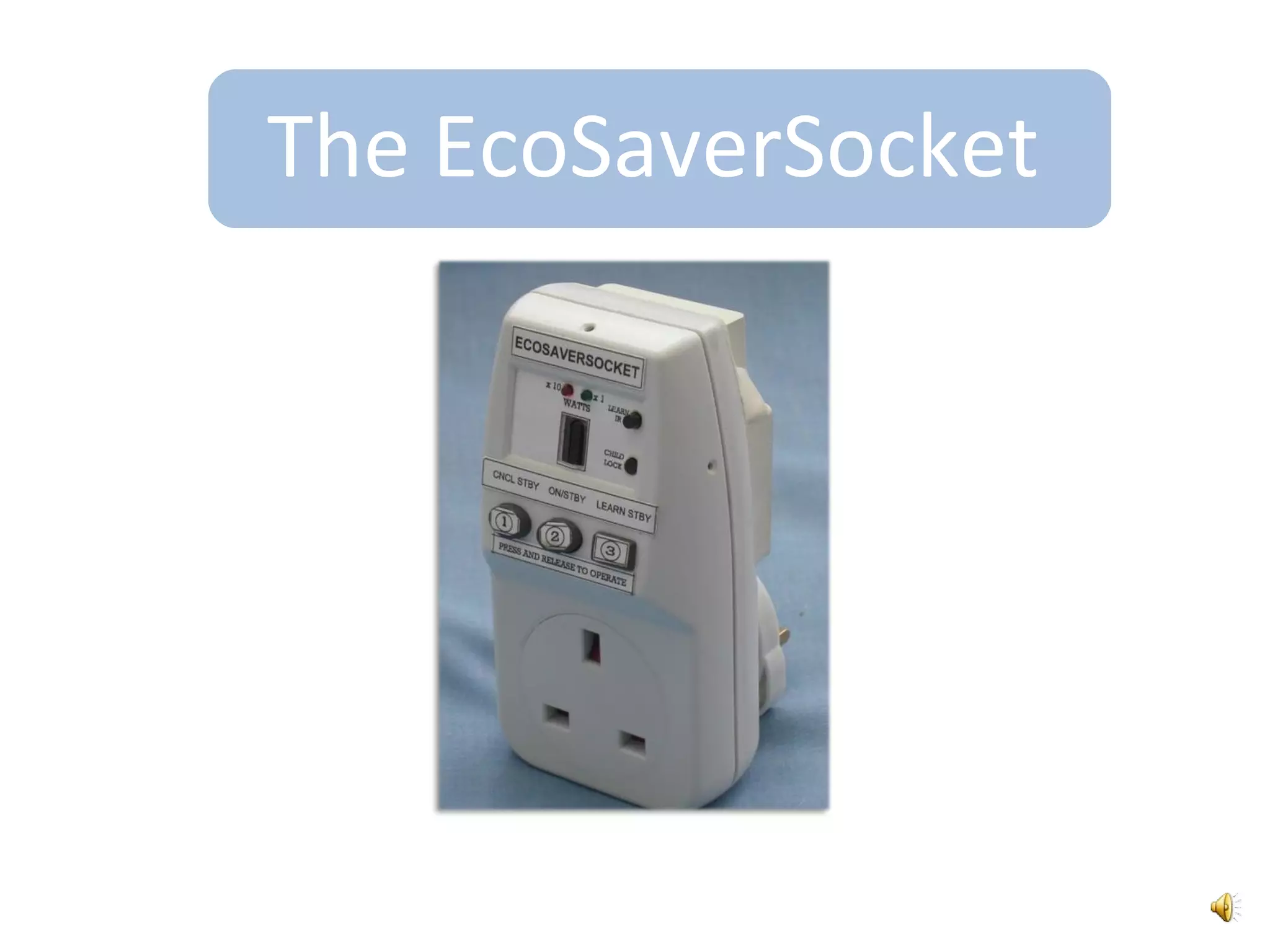
The EcoSaverSocket
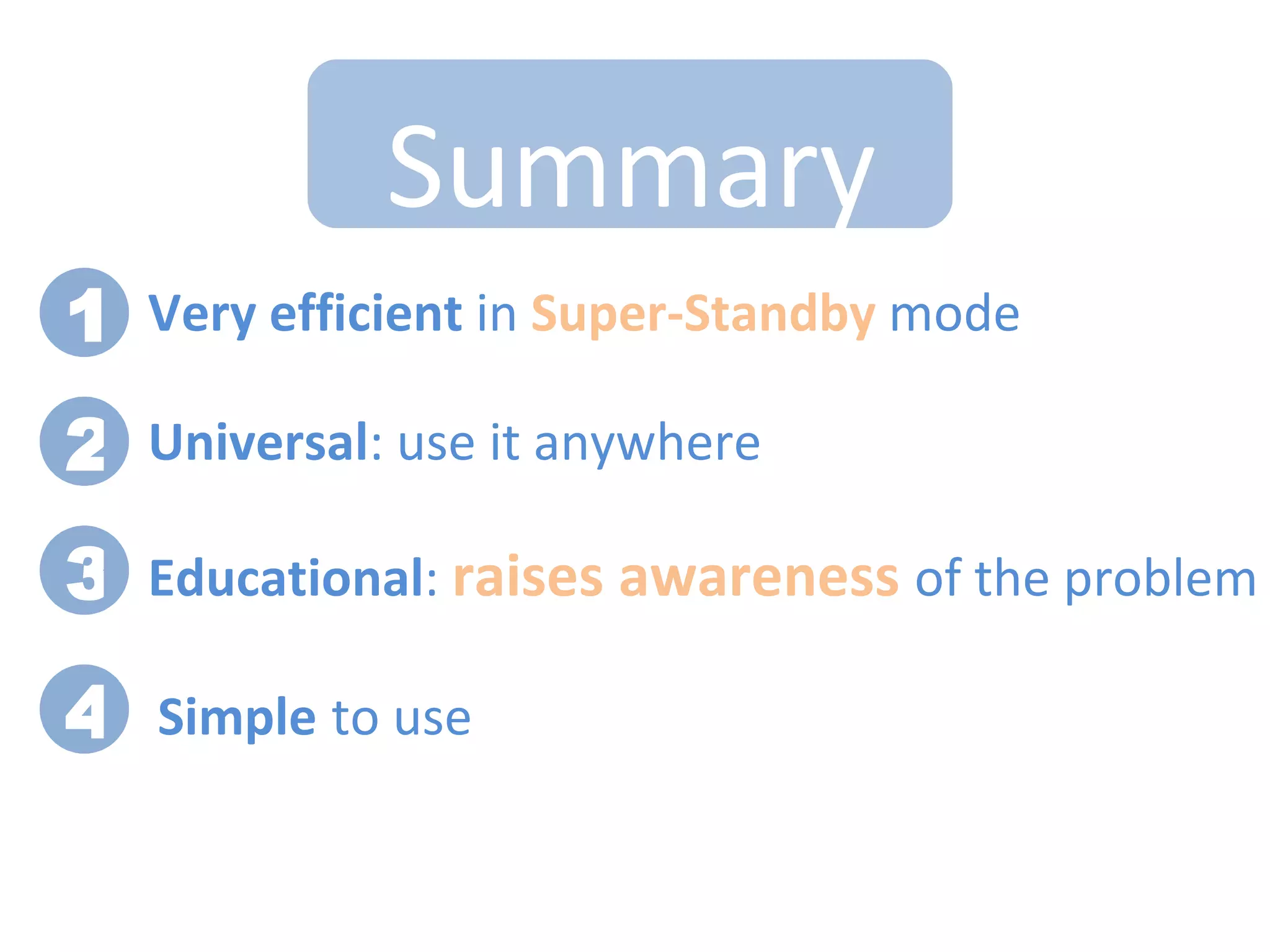
Benefits1Automatic2Universal3Efficient4Educational
1.  AutomaticAfter a simple setup process, the EcoSaverSocket automatically switches off power every time  theappliances are in standbyno need to do anything
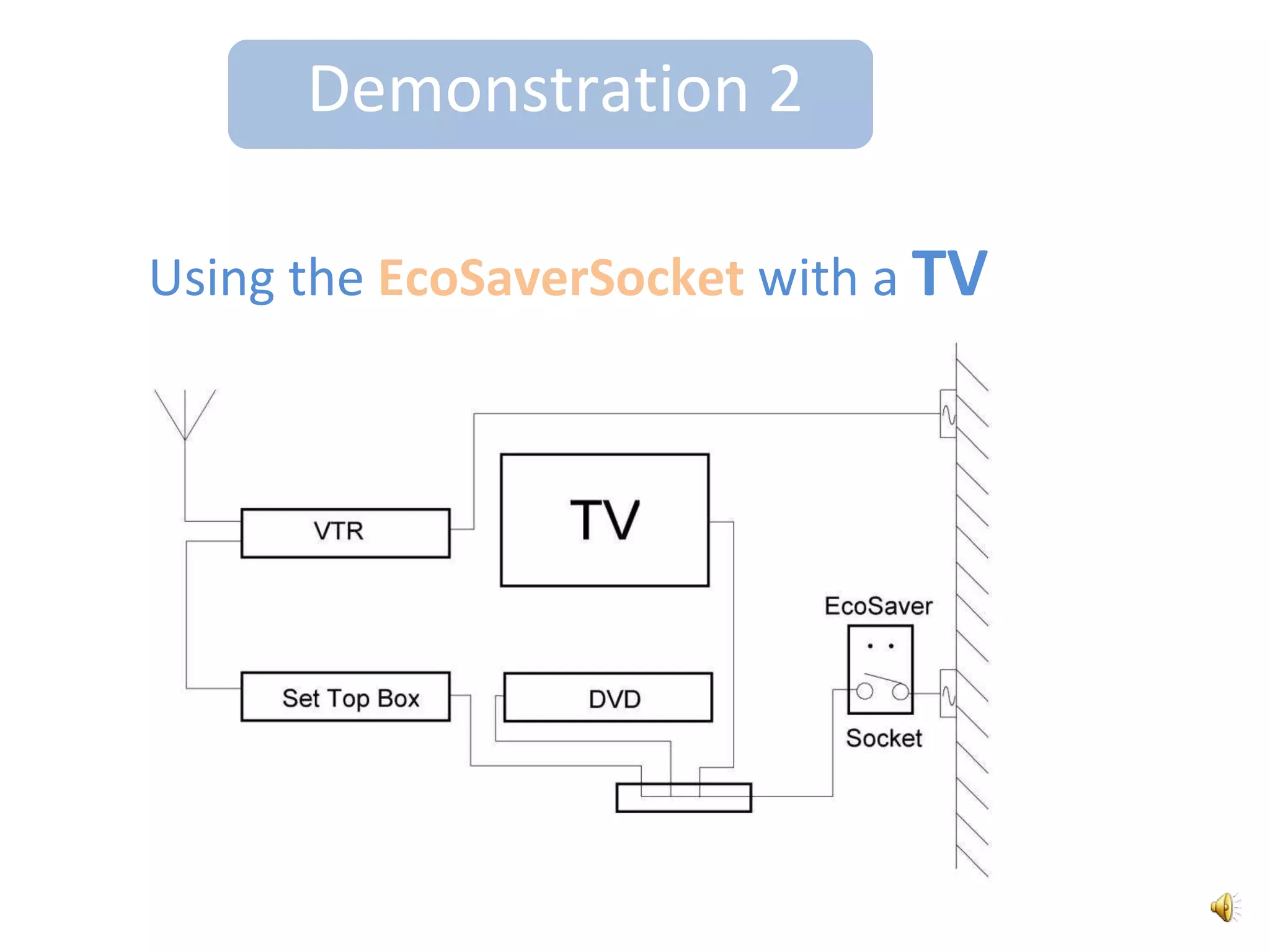
2.   UniversalThe EcoSaverSocket works with any electronic appliance that wastes energy in standby:TVs
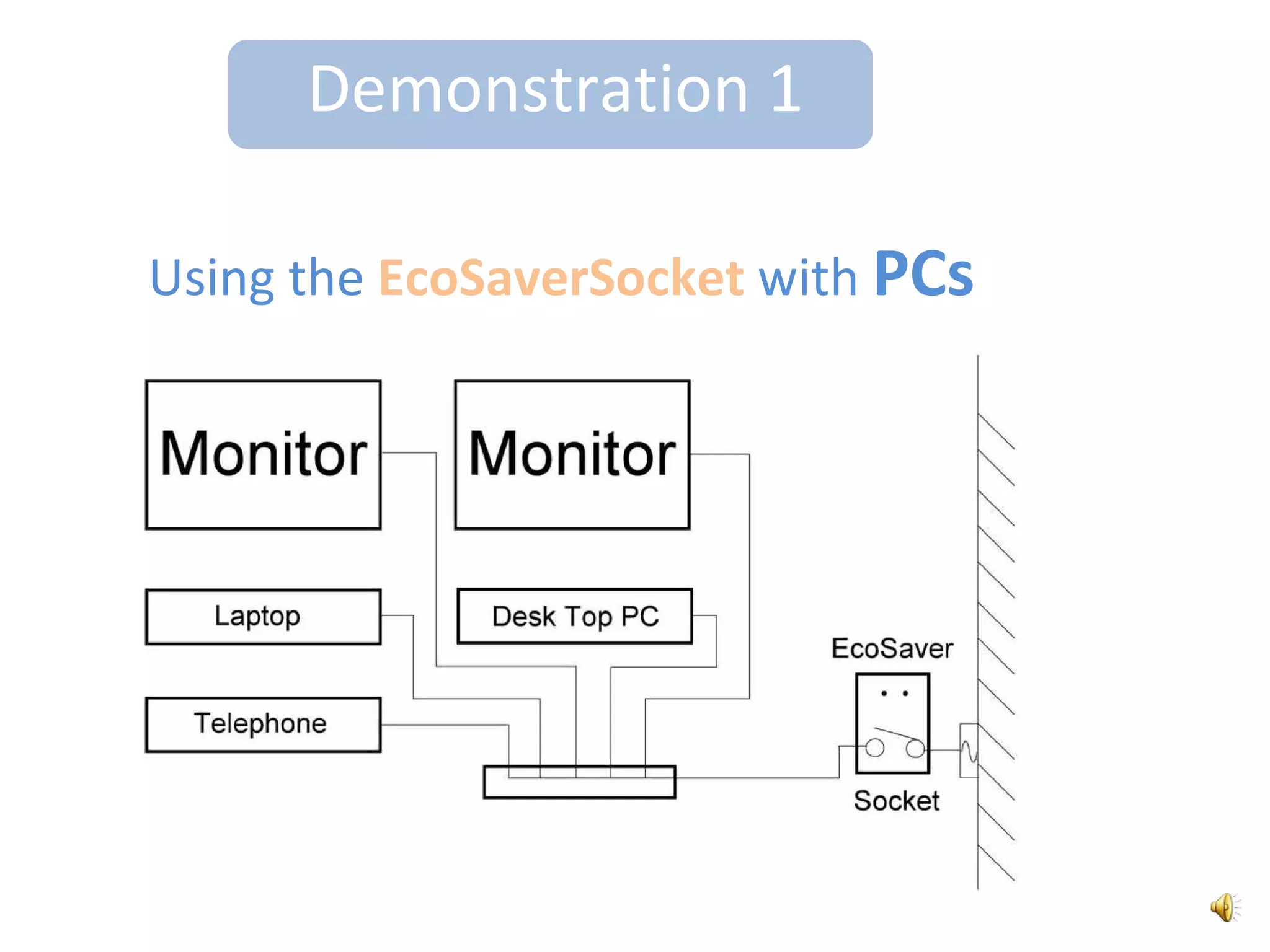
PCs
anything!3.   EfficientThe EcoSaverSocket saves lots of CO2!verylowIt only uses 0.1 Watts when it’s in ‘Super Standby’We have an InternationalPatent Pending
4.   EducationalTry out the EcoSaverSocketaround your home and measure the standby power..Find the BIGGEST energy wasters- switch them off!- use the EcoSaverSocket
But what’s so different about this standby saver socket?
What’s Unique about it?Probably the most efficientstandby saver in the worldDid I mention it only uses 0.1W in its Super Standbymode? This is 7 times less energy than some other standby saving products
What’s Unique about it?It raises awareness of the Standby Power ProblemA study in the UK found that raising awareness led to up to 25% less standby power being wastedSource: Perspectives for Reduction of Standby Power Consumption in Electrical Appliances
Features1Simple setup2Three ways to turn the power ON3Child lock
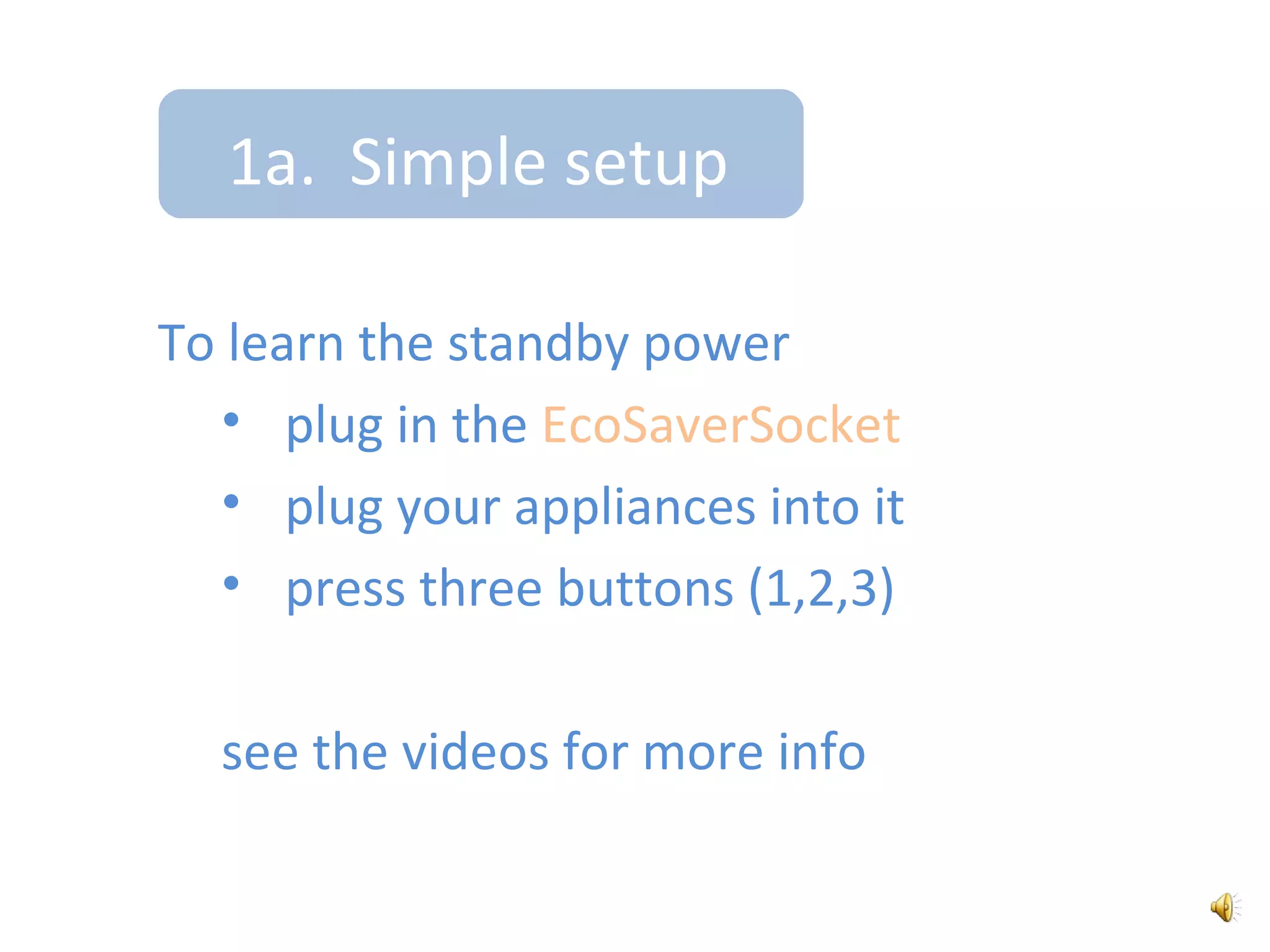
1a.  Simple setupTo learn the standby powerplug in the EcoSaverSocket
plug your appliances into it
press three buttons (1,2,3)	see the videos for more info
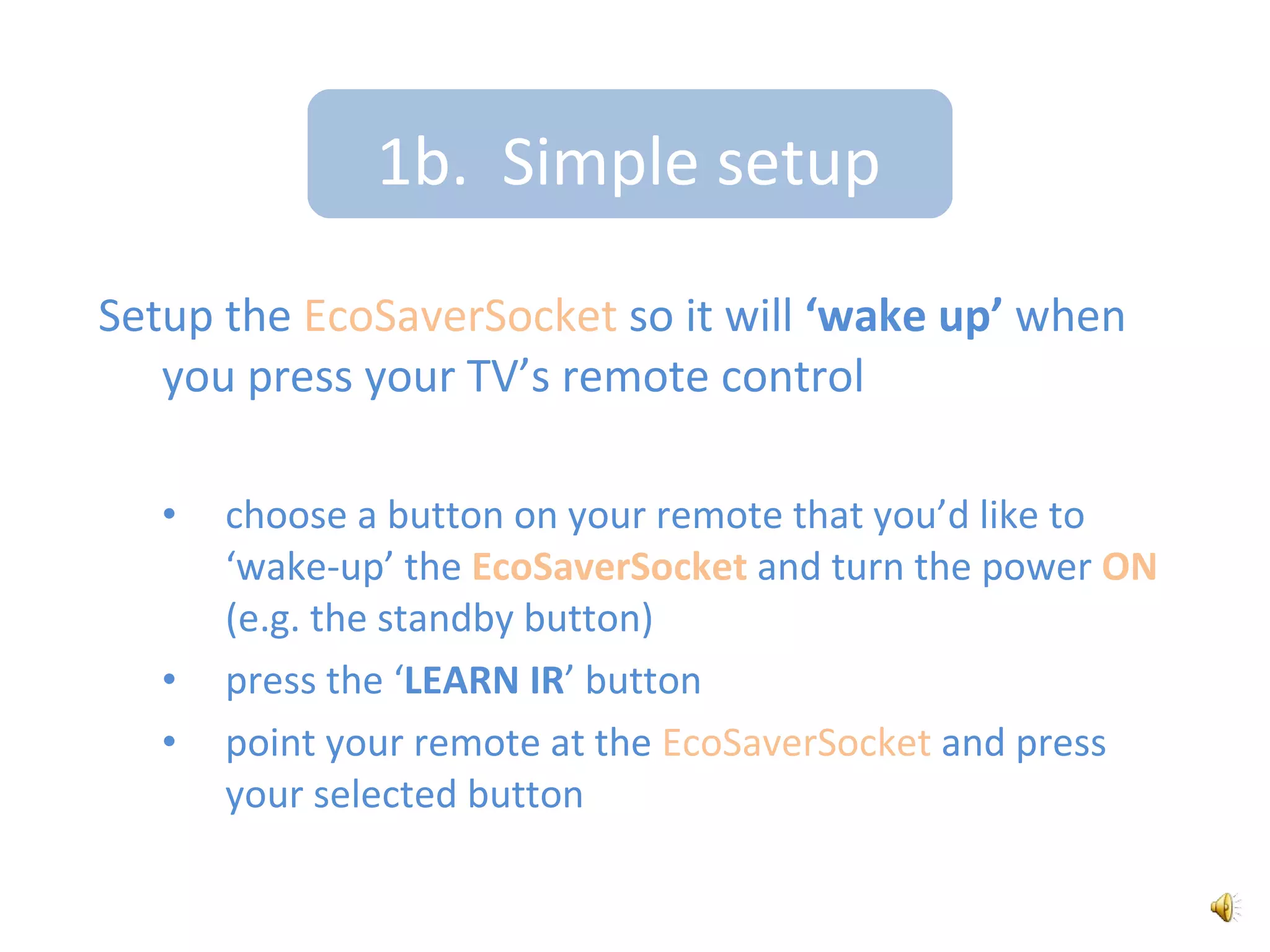
1b.  Simple setupSetup the EcoSaverSocket so it will ‘wake up’ when you press your TV’s remote controlchoose a button on your remote that you’d like to ‘wake-up’ the EcoSaverSocket and turn the power ON (e.g. the standby button)
press the ‘LEARN IR’ button
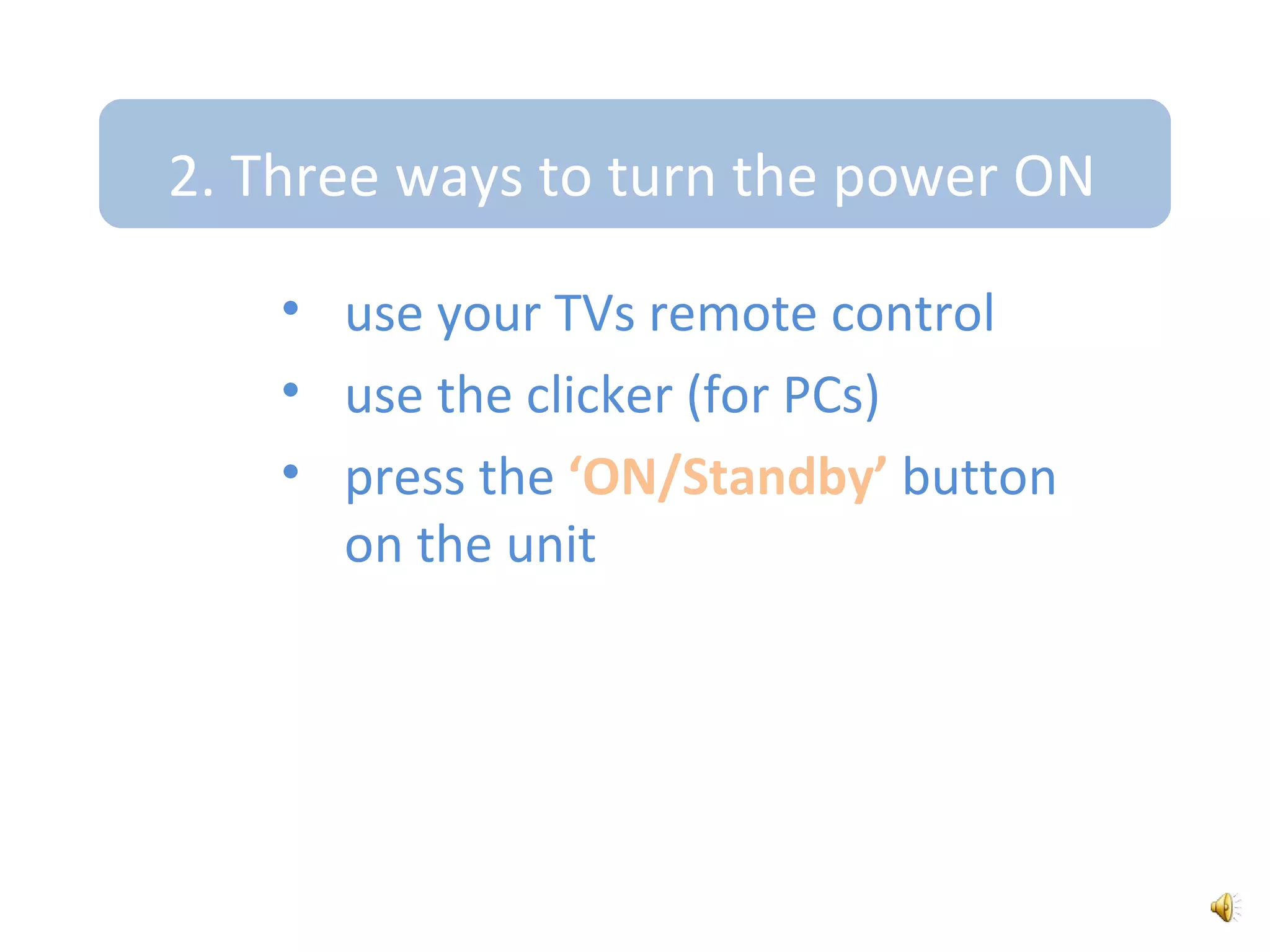
point your remote at the EcoSaverSocket and press your selected button2. Three ways to turn the power ONuse your TVs remote control
use the clicker (for PCs)
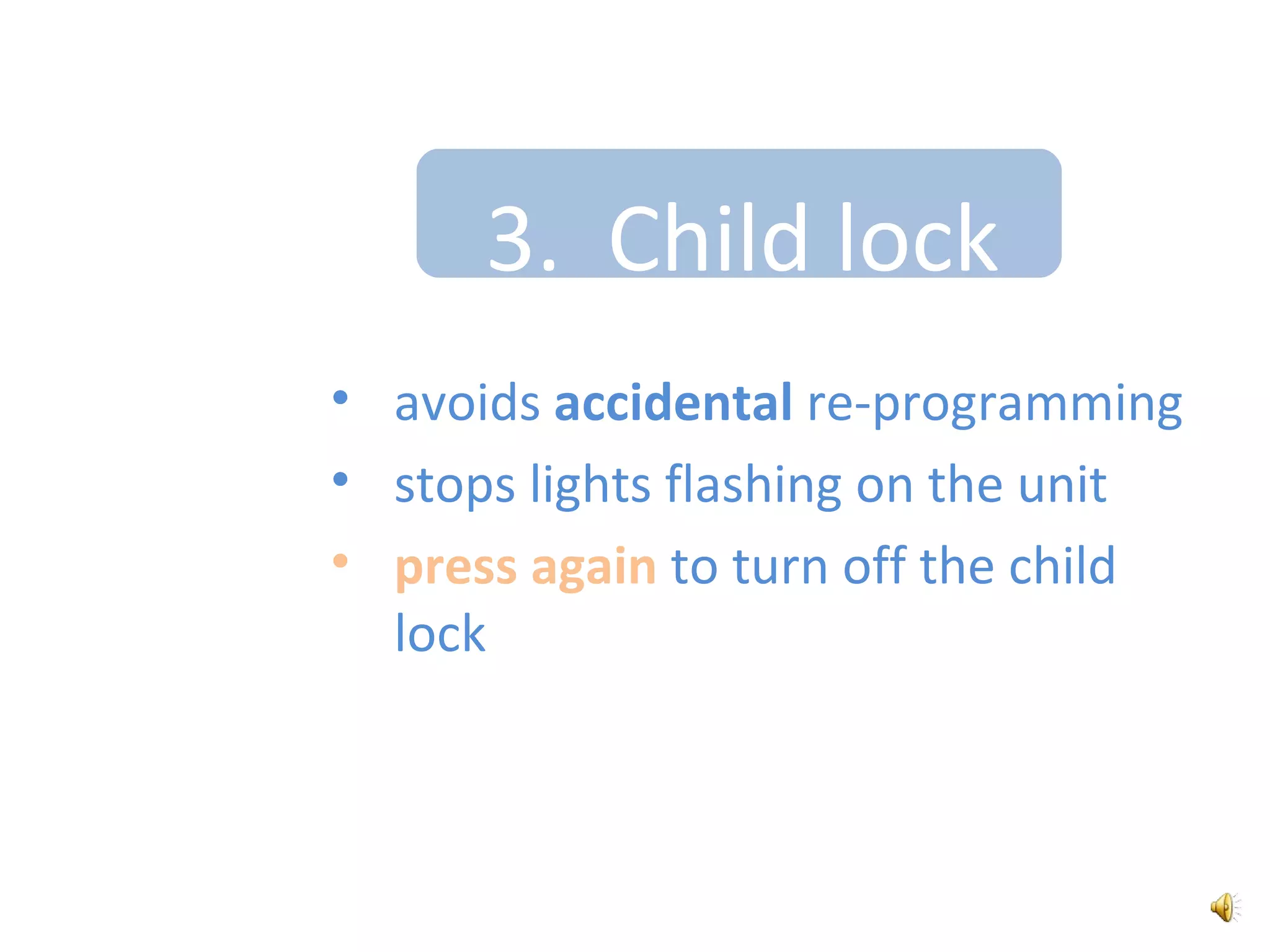
press the ‘ON/Standby’ button on the unit3.  Child lockavoids accidental re-programming
stops lights flashing on the unit
press again to turn off the child lockDemonstration 1Using the EcoSaverSocket with PCs

EcoSaverSocket presentation May 2010