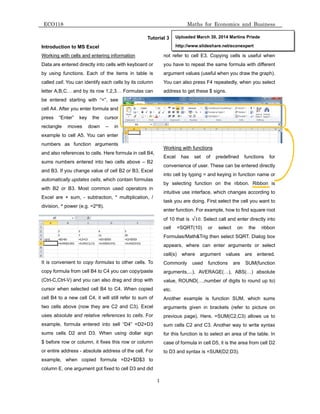
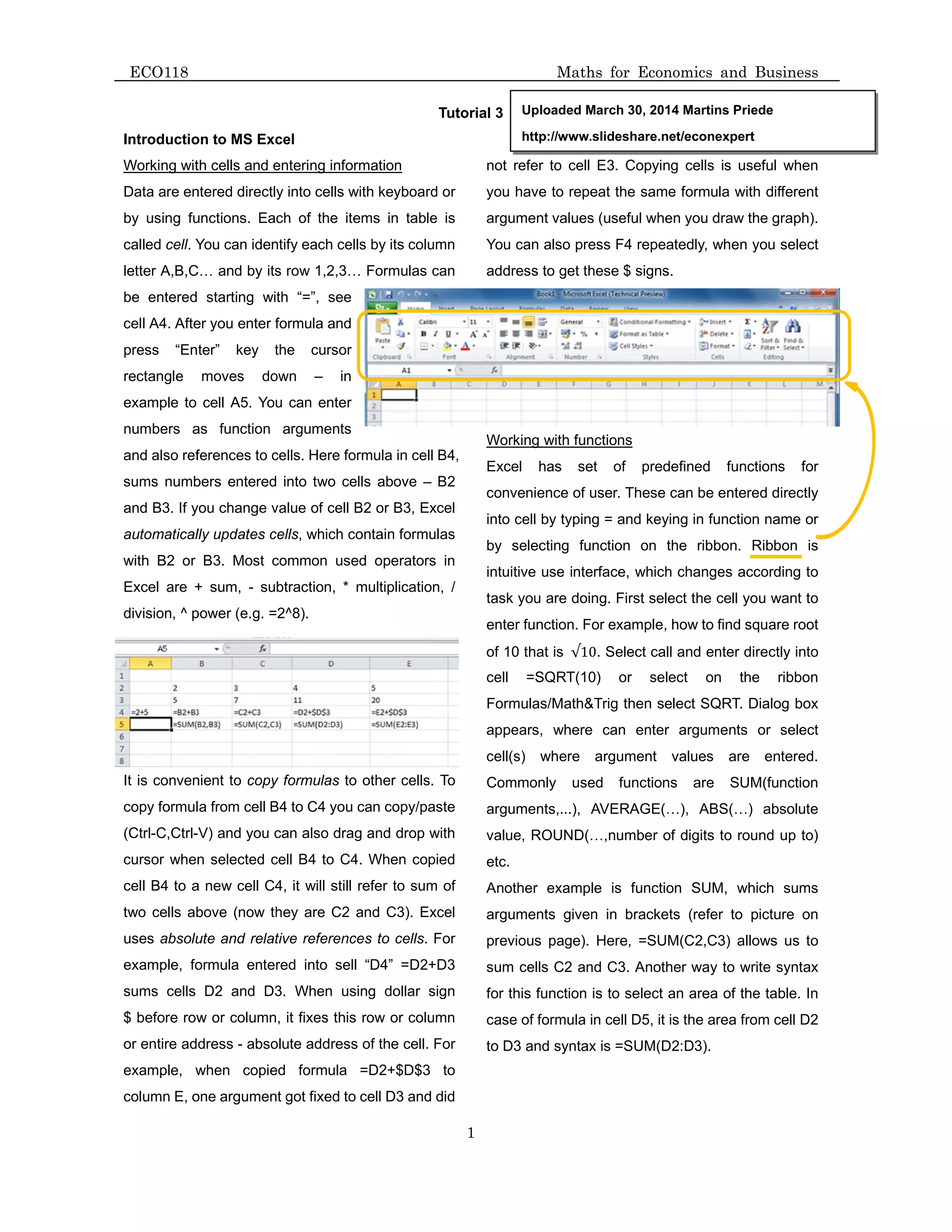
This document provides an introduction to using functions in Microsoft Excel. It explains that Excel uses cells identified by letters and numbers to enter information and formulas. Common functions include SUM to add numbers, AVERAGE to calculate averages, and IF to conditionally return a value. Formulas always begin with an equal sign (=) and can reference multiple cells. Functions make it convenient to automatically calculate and update values. The document provides examples of how to use financial functions like NPV and IRR to analyze the net present value and internal rate of return for projects with cash flows over multiple years.
![NPV
Ca
valu
rate
valu
PMT
inter
FV(
perio
PV(
a se
inter
num
paym
pv
fv
Type
Prac
1.
2.
3.
4.
ECO118
Drawing the
Here you ca
area you wa
chart you w
Financial fu
V( rate, value
lculates the
es) and inco
e1, value2, …
T( interest_r
rest rate and
interest_ra
odic, constan
rate, nper, p
eries of future
rest_rate
mber_paymen
ment
e
ctice of using
Two projects
Years
Project A
Project B
a. Determ
b. If the e
c. Determ
Jing decided
down payme
loan amortiz
For each mo
Calculate tot
What is the p
if Jing wants
e graphs
an find usefu
ant to chart,
want to use.
nctions in Ex
e1, [value2]
net present v
ome (positive
The r
… Paym
rate, numbe
d a constant p
te, number_
nt payments
pmt, fv, type
e payments i
interes
nts numbe
amoun
optiona
future v
optiona
the per
g Excel
s have follow
Now
-1000
-2000
mine NPV of
expected retu
mine IRR of e
d to buy new
ent of 200,00
zation schedu
onth show m
tal sum of m
price Jing wa
s to have 9%
ul section 2.8
then go to I
xcel
, ... )
value of an i
e values).
rate for disco
ments
er_payments
payment sch
_payments,
and a const
e) Returns
s worth now
t rate for the
er of payment
nt of the paym
al. It is the pr
value, or a ca
al variable an
riod. (default
wing cash flow
1
st
year
0
0
each project
urn rate incre
each project.
3 room apar
00 RMB and
ule using two
onthly loan b
onthly intere
ants to sell th
% return on h
8 from the b
Insert/Bar/ a
nvestment b
ount over the
s, pv, fv, Typ
hedule.
payment, p
ant interest r
the present
investment.
ts for the ann
ment made e
resent value
ash balance
nd indicates
), 1 Payment
ws
2
nd
year
1000
1000
t if required r
ease to 12%,
rtment in are
the rest she
o methods: a
balance, inte
est payments
his apartmen
er capital.
2
book, p92. Se
nd select typ
by using a dis
e length of on
pe ) Function
pv, Type ) R
rate.
value of an i
nuity
each period
of the payme
you want to
when the pa
ts are due at
3
rd
year
1000
0
return rate is
, which proje
ea west of Jin
will borrow f
a. annuity, b.
rest paymen
s, sum of nom
nt after a. 5 y
Math
elect
pe of
scount rate a
ne period
n returns the
Returns the
nvestment. T
ents. If omitt
attain after t
ayments are
t the beginni
4
th
year
-1000
0
6.5%. Which
ect is better n
nji lake, which
from bank at
fixed princip
nt, loan nomi
minal repaym
years, b. 10
hs for Econ
and a series
e payment am
future value
The present
ted, PV assu
the last paym
due: 0 Paym
ng of the per
5
th
year
2000
0
h project will
now ? Why ?
h cost 1,000
the rate 7.5%
pal loan if inte
nal repayme
ments and su
0 years,
nomics and
of future pay
mount for a l
e of an inves
value is the
med to be 0
ment is made
ments are due
riod.
6
th
year
1000
5000
you choos
,000 RMB. S
% for 25 yea
erest calcula
ent and actua
um of total pa
Business
yments (neg
oan based o
stment base
total amount
.
e.
e at the end
r
se ?
She will make
rs. Make mo
ated every mo
al payment.
ayments.
ative
on an
ed on
t that
of
e first
onthly
onth.](https://image.slidesharecdn.com/eco118-tutorial03-140330033751-phpapp01/85/Introduction-to-Excel-basic-financial-functions-2-320.jpg)


