COMPUTER PROGRAMMING
Imtiaz Ali
INTRODUCTION TO COMPUTER PROGRAMMING
1) Comments in C, Program Style, Round one, format specifiers.
2) Variable, identifiers or Names in C and CONSTANTS IN C
3) Working with variable, identifiers or Names in C etc
Why use Comments
• Documentation of variables, functions and their usage.
• Explaining difficult section of code.
• Describes author, program, data, modification changes and revisions.
• Best programmers comment as they write the code not after the fact.
Comments
• The addition of comments inside programs is desirable.
• These may be added to C programs by enclosing them as follows.
Multiple line comment
/* This code will not be compiled and executed*/
• Note that /*opens the comment field and */ closes the comment field
• Comments may span multiple lines
• Comments may not be nested one inside the another
• For example /* and /* and */ */ error generated.
Single line comment
// This will not be executed.
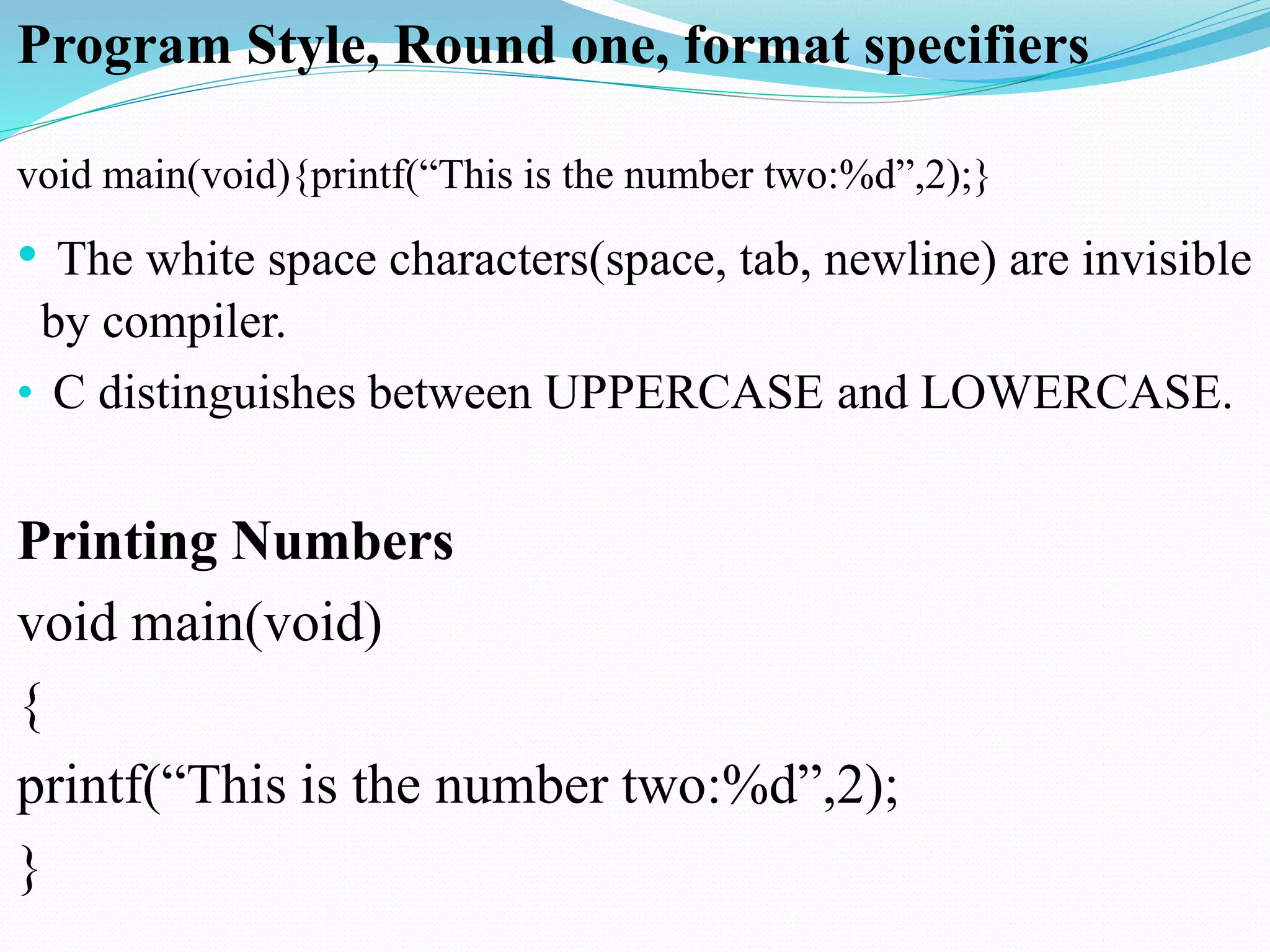
Program Style, Round one, format specifiers
void main(void){printf(“This is the number two:%d”,2);}
• The white space characters(space, tab, newline) are invisible
by compiler.
• C distinguishes between UPPERCASE and LOWERCASE.
Printing Numbers
void main(void)
{
printf(“This is the number two:%d”,2);
}
Format Specifier
• It tells printf function to put a value in String and what format
to use in printing value.
Printing Strings
void main(void)
{
printf(“%s is %d million miles from sun”, “venus”,67);
}
o/p
venus is 67 million miles from sun
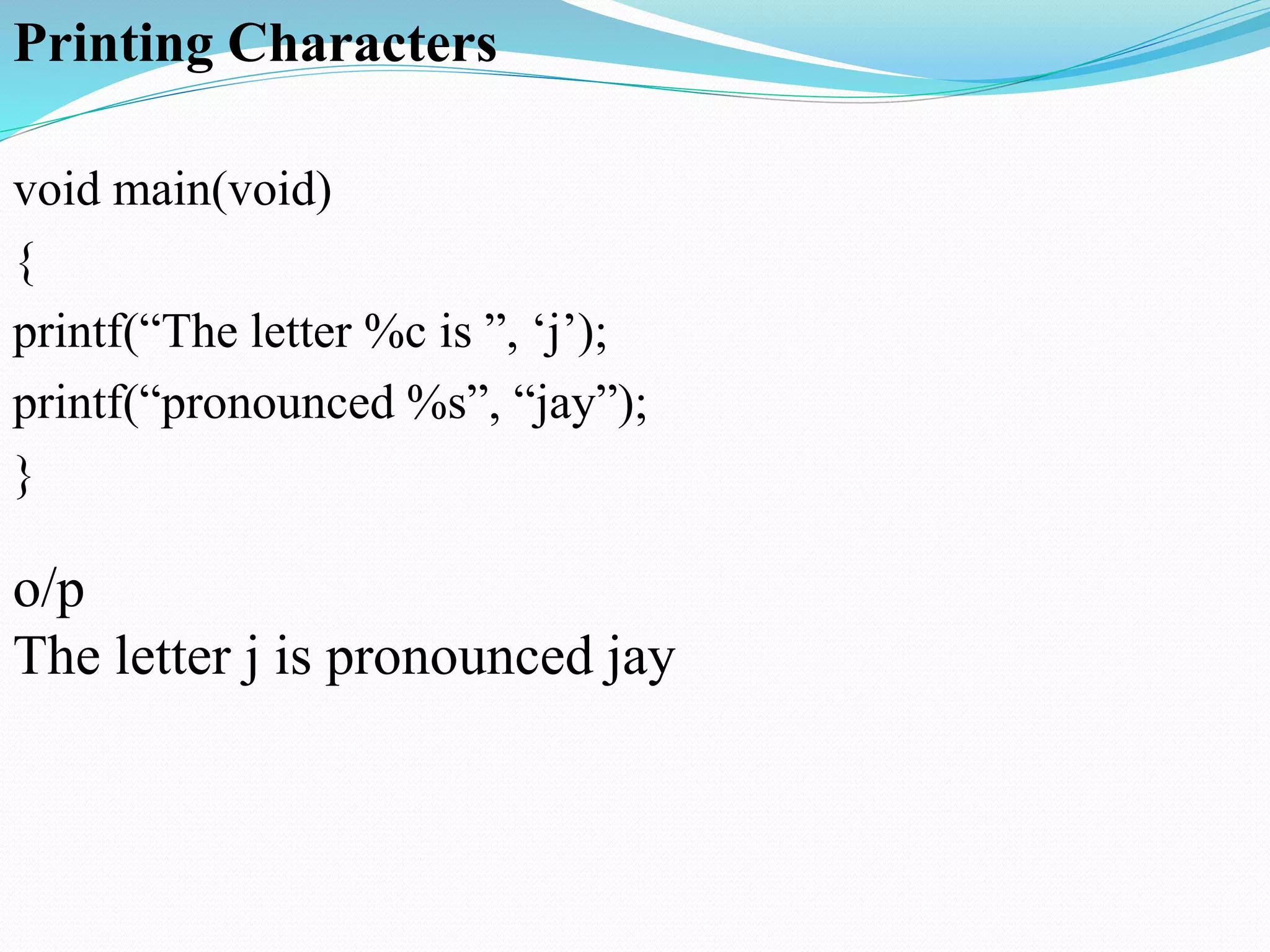
Printing Characters
void main(void)
{
printf(“The letter %c is ”, ‘j’);
printf(“pronounced %s”, “jay”);
}
o/p
The letter j is pronounced jay
Variable
•Variable may be the most fundamental aspect of any computer
language.
•Variable is space in computer memory. Set aside for a certain
kind data and given a name for easy reference.
•Variables are used so that, the same space in memory can hold
different times.
•You need to store at least hourly rate and hours worked.
Identifiers or Names in C
• Identifiers in C must begin with a character or underscore and
may be followed by any combination of characters,
underscores or digits 0-9.
Example
summary exit_flag
Jerry7 Number_of_moves
Rule
Variables in lower case
Constant in upper case
void main(void)
{
int num; //variable declared
num=2; // variable assigned value or initialized
printf(“This is number two:%d”,num);
}
• All variables must be defined to specify their
name and set aside storage.
int apples, oranges, mangoes;
Format Specifiers
%c Single character.
%s String.
%d Signed Decimal Integer.
%f floating point(decimal notation).
%e floating point(exponential notation).
%u unsigned decimal integer.
%x unsigned hexadecimal (uses “abcdef”).
%o unsigned octal integer.
Escape Sequences
Escape Sequence Character
a Bell (speaker beeps)
b Backspace (non-erase)
f Form feed/clear screen
n New line
r Carriage Return(return it to begin of line)
t Tab
v Vertical tab
 Backslash
? Question mark
' Single quote
" Double quote
xnn Hexadecimal character code nn
onn Octal character code nn
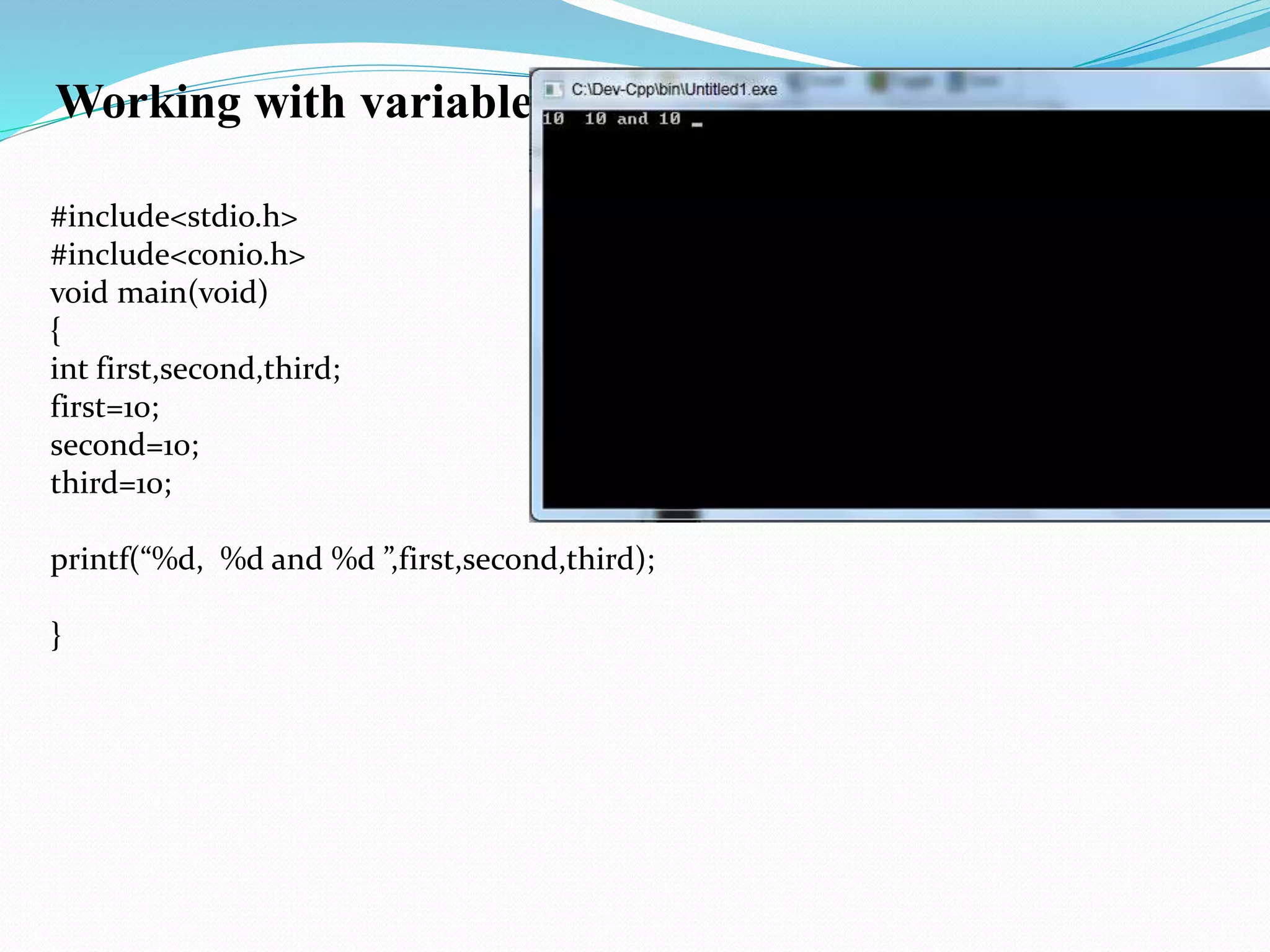
Working with variable
#include<stdio.h>
#include<conio.h>
void main(void)
{
int first,second,third;
first=10;
second=10;
third=10;
printf(“%d, %d and %d ”,first,second,third);
}
Working with variable
a. Write a program in C for three variables and display its addition.
b. Write a program in C for two variable and display its multiplication.
c. Write a program in C for two variables and display its division.
d. Write a program in C for two variables and display its subtraction.
e. Write a program in C for subject marks and find its percentage.
f. Write a program in C for radius and pi for area of circle.
g. Write a program in C for side of Square and find its Area.
h. Write a program in C for length and width of rectangle and find its Area

COMPUTER PROGRAMMING

  • 1.
  • 2.
    INTRODUCTION TO COMPUTERPROGRAMMING 1) Comments in C, Program Style, Round one, format specifiers. 2) Variable, identifiers or Names in C and CONSTANTS IN C 3) Working with variable, identifiers or Names in C etc
  • 3.
    Why use Comments •Documentation of variables, functions and their usage. • Explaining difficult section of code. • Describes author, program, data, modification changes and revisions. • Best programmers comment as they write the code not after the fact. Comments • The addition of comments inside programs is desirable. • These may be added to C programs by enclosing them as follows. Multiple line comment /* This code will not be compiled and executed*/ • Note that /*opens the comment field and */ closes the comment field • Comments may span multiple lines • Comments may not be nested one inside the another • For example /* and /* and */ */ error generated. Single line comment // This will not be executed.
  • 4.
    Program Style, Roundone, format specifiers void main(void){printf(“This is the number two:%d”,2);} • The white space characters(space, tab, newline) are invisible by compiler. • C distinguishes between UPPERCASE and LOWERCASE. Printing Numbers void main(void) { printf(“This is the number two:%d”,2); }
  • 5.
    Format Specifier • Ittells printf function to put a value in String and what format to use in printing value. Printing Strings void main(void) { printf(“%s is %d million miles from sun”, “venus”,67); } o/p venus is 67 million miles from sun
  • 6.
    Printing Characters void main(void) { printf(“Theletter %c is ”, ‘j’); printf(“pronounced %s”, “jay”); } o/p The letter j is pronounced jay
  • 7.
    Variable •Variable may bethe most fundamental aspect of any computer language. •Variable is space in computer memory. Set aside for a certain kind data and given a name for easy reference. •Variables are used so that, the same space in memory can hold different times. •You need to store at least hourly rate and hours worked. Identifiers or Names in C • Identifiers in C must begin with a character or underscore and may be followed by any combination of characters, underscores or digits 0-9.
  • 8.
    Example summary exit_flag Jerry7 Number_of_moves Rule Variablesin lower case Constant in upper case void main(void) { int num; //variable declared num=2; // variable assigned value or initialized printf(“This is number two:%d”,num); }
  • 9.
    • All variablesmust be defined to specify their name and set aside storage. int apples, oranges, mangoes;
  • 10.
    Format Specifiers %c Singlecharacter. %s String. %d Signed Decimal Integer. %f floating point(decimal notation). %e floating point(exponential notation). %u unsigned decimal integer. %x unsigned hexadecimal (uses “abcdef”). %o unsigned octal integer.
  • 11.
    Escape Sequences Escape SequenceCharacter a Bell (speaker beeps) b Backspace (non-erase) f Form feed/clear screen n New line r Carriage Return(return it to begin of line) t Tab v Vertical tab Backslash ? Question mark ' Single quote " Double quote xnn Hexadecimal character code nn onn Octal character code nn
  • 12.
    Working with variable #include<stdio.h> #include<conio.h> voidmain(void) { int first,second,third; first=10; second=10; third=10; printf(“%d, %d and %d ”,first,second,third); }
  • 13.
    Working with variable a.Write a program in C for three variables and display its addition. b. Write a program in C for two variable and display its multiplication. c. Write a program in C for two variables and display its division. d. Write a program in C for two variables and display its subtraction. e. Write a program in C for subject marks and find its percentage. f. Write a program in C for radius and pi for area of circle. g. Write a program in C for side of Square and find its Area. h. Write a program in C for length and width of rectangle and find its Area