






Social
 www.365portal.org
 Twitter: @Dyn365Community
 Linkedin: @365-Saturday
 Hashtags
 #365Zurich
#365Saturday
#msdyn365
 Wifi:
 Pass: TBC
 Community.Dynamics365.com
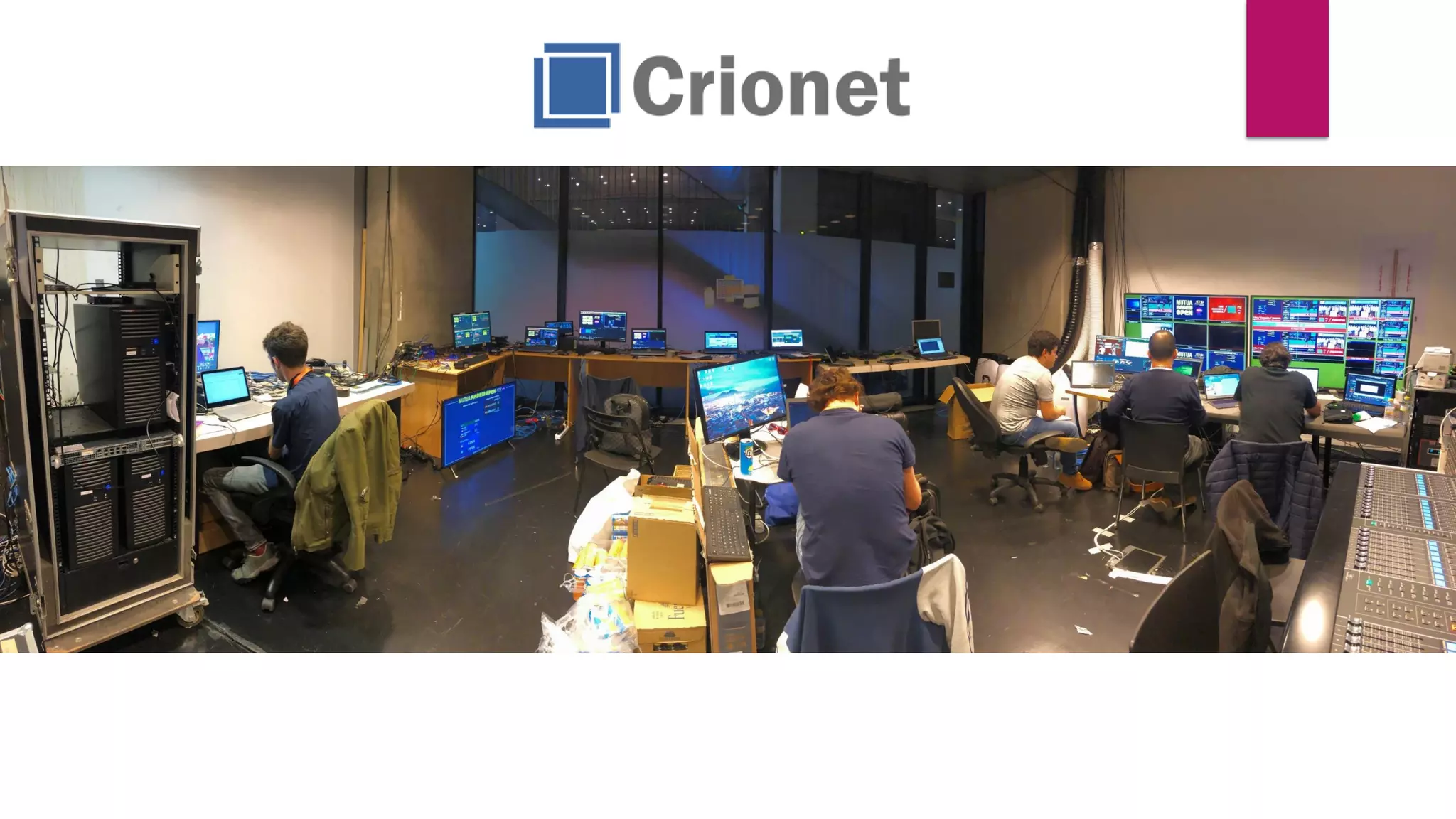
Giorgio Garcia-Agreda
CEO @CRIONET
MICROSOFT MVP BUSINESS SOLUTIONS
SOME OTHER CERTIFICATIONS ☺
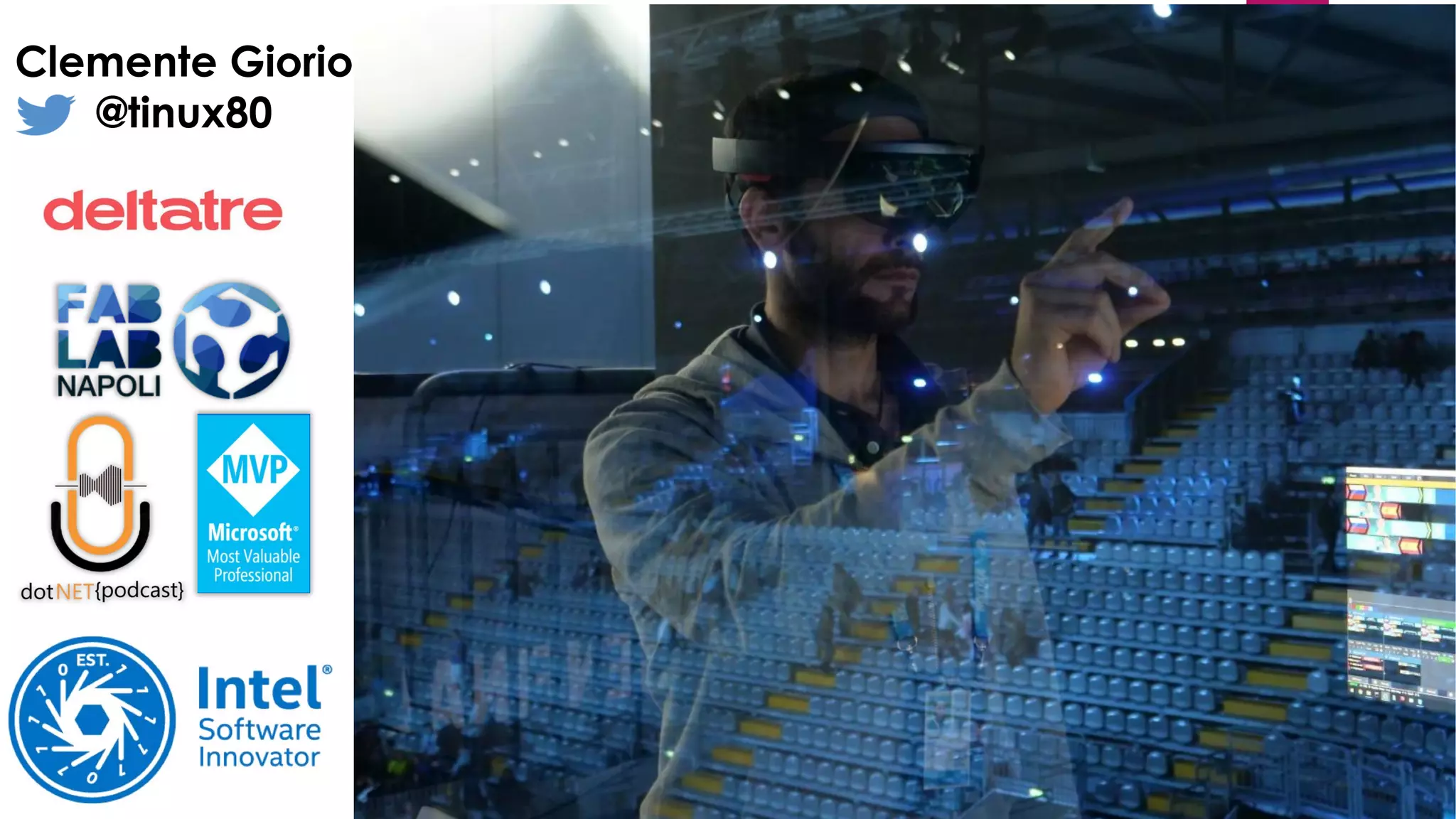
Clemente Giorio
@tinux80
Deltatre is the technology business behind
the world’s most high-profile sports and
entertainment brands
We’re powering the most watched
sporting events in the world
FIFA World CupUEFA euro UEFA Champions LeagueSummer Olympic Games
Winter Olympic Games
NFL Super Bowl
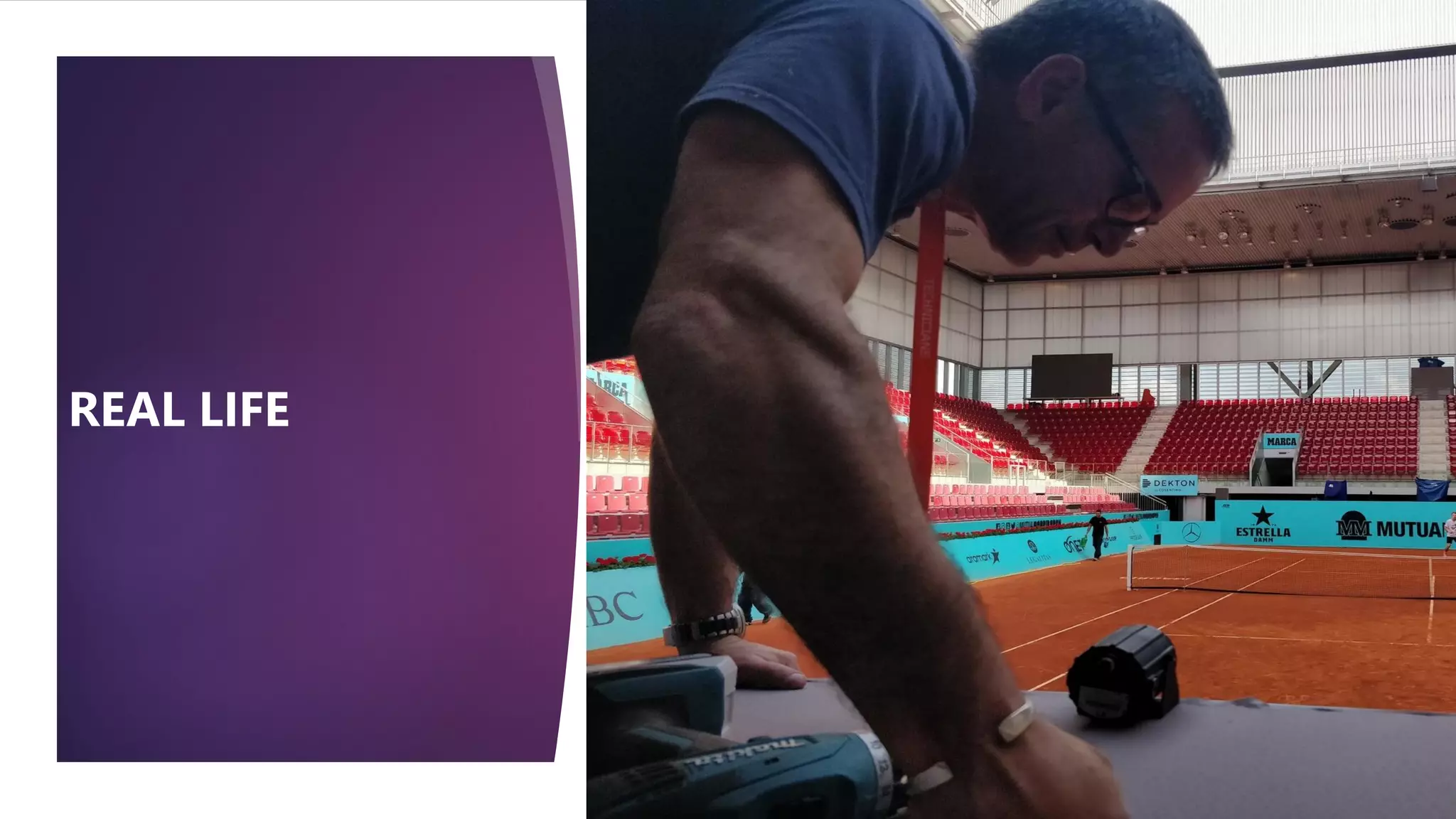
REAL LIFE
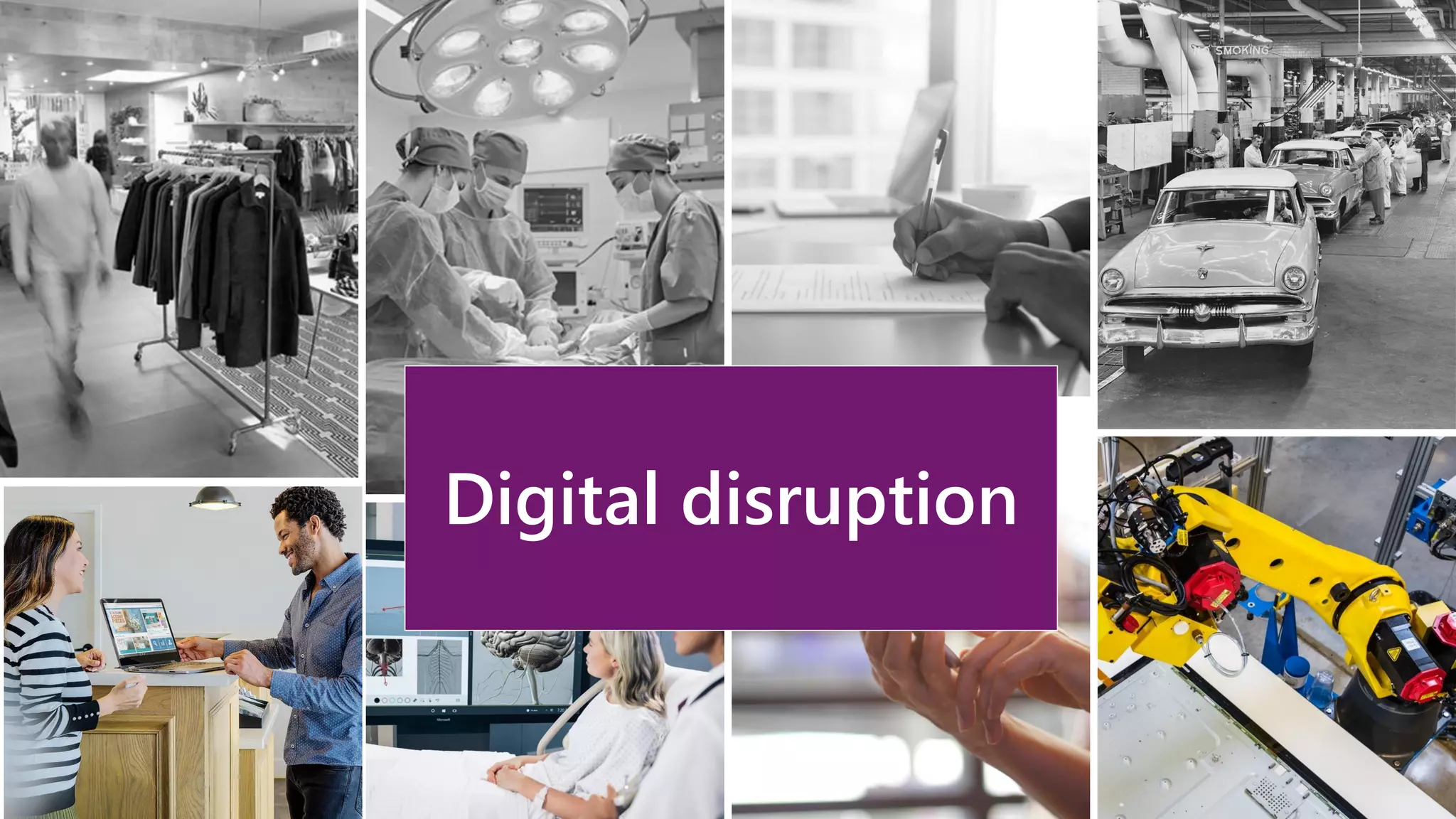
Digital disruption
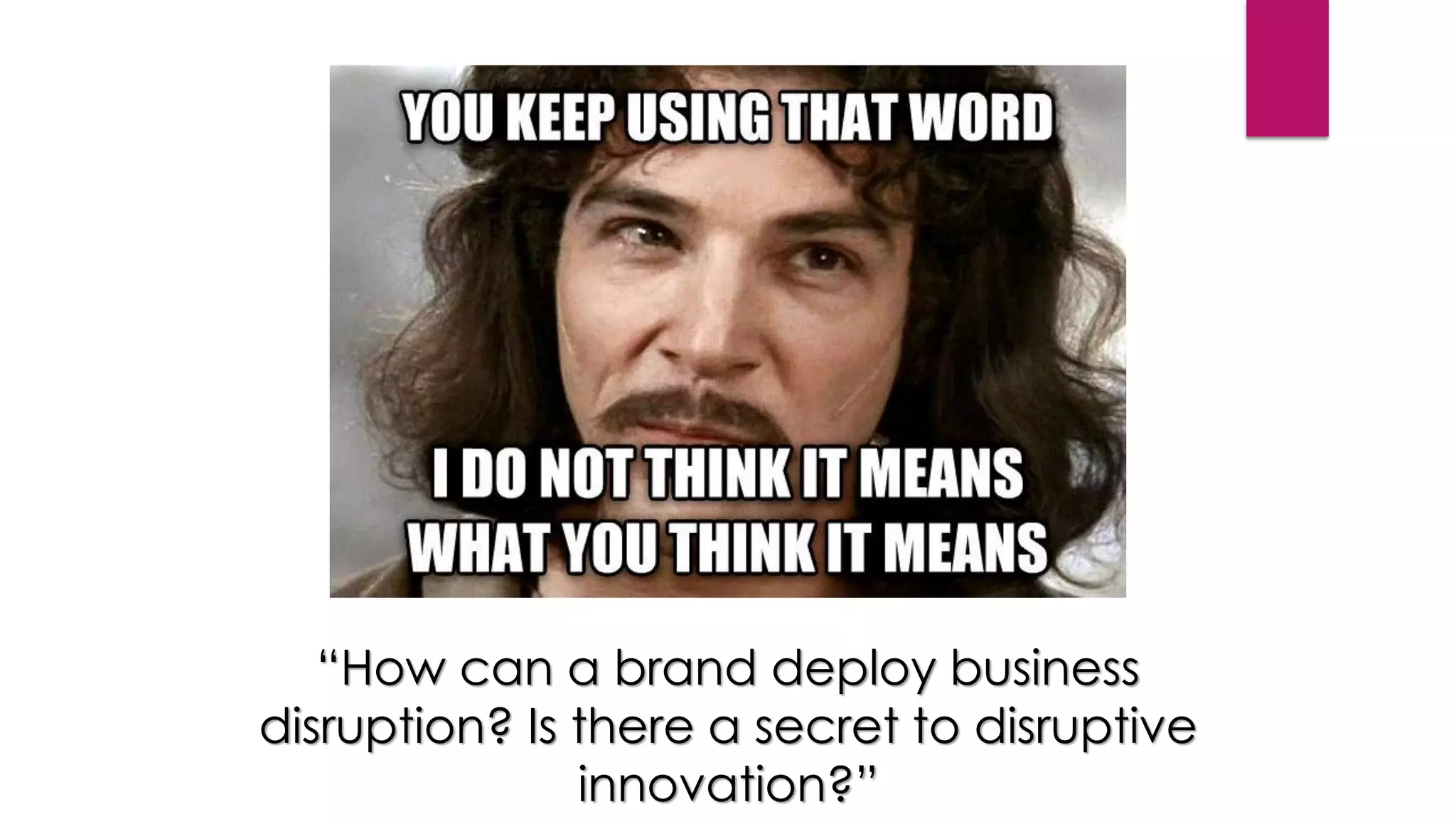
“How can a brand deploy business
disruption? Is there a secret to disruptive
innovation?”
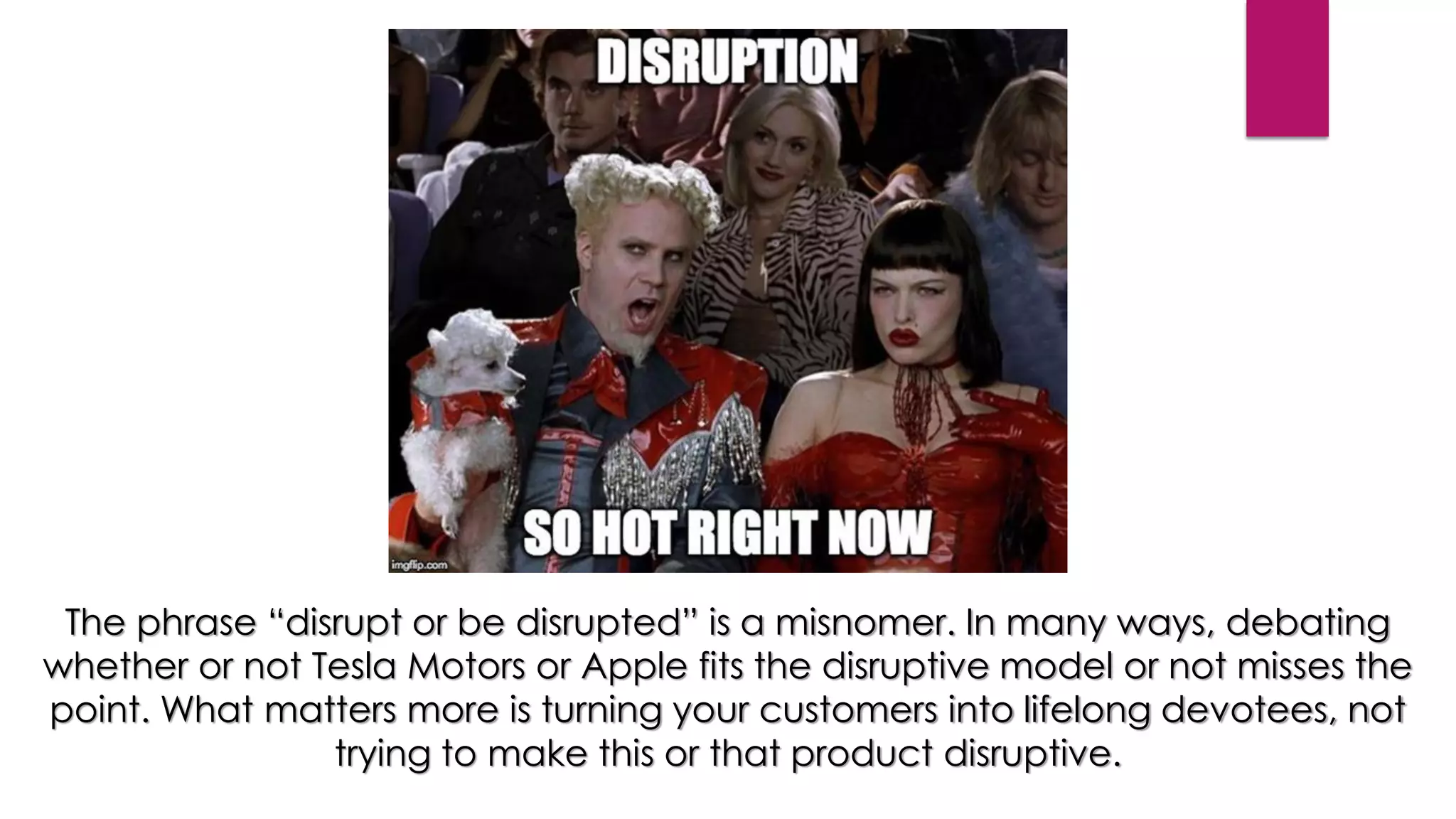
The phrase “disrupt or be disrupted” is a misnomer. In many ways, debating
whether or not Tesla Motors or Apple fits the disruptive model or not misses the
point. What matters more is turning your customers into lifelong devotees, not
trying to make this or that product disruptive.
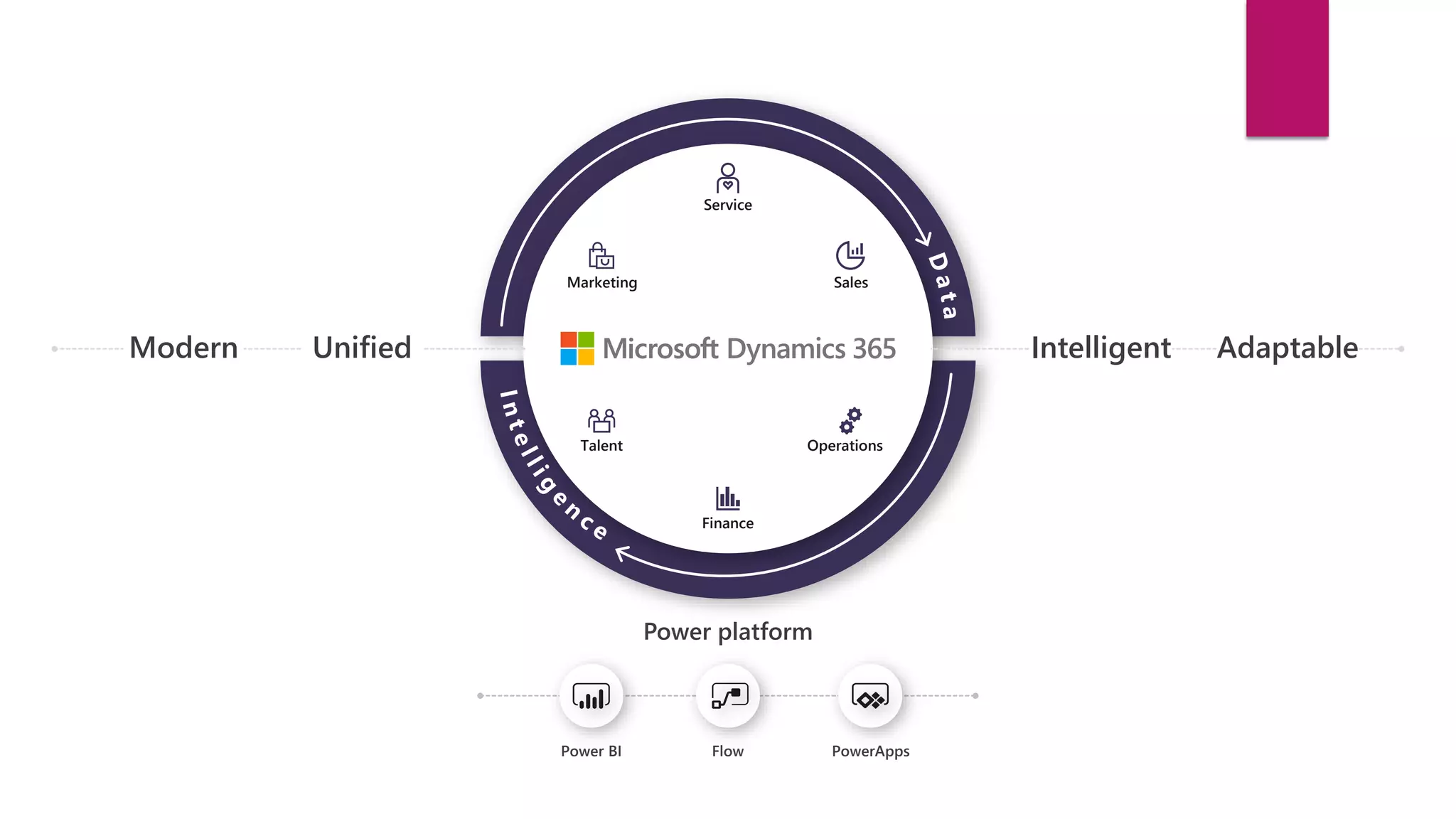
Modern Unified Intelligent Adaptable
Talent
Marketing
Service
Finance
Sales
Operations
Power platform
Power BI Flow PowerApps
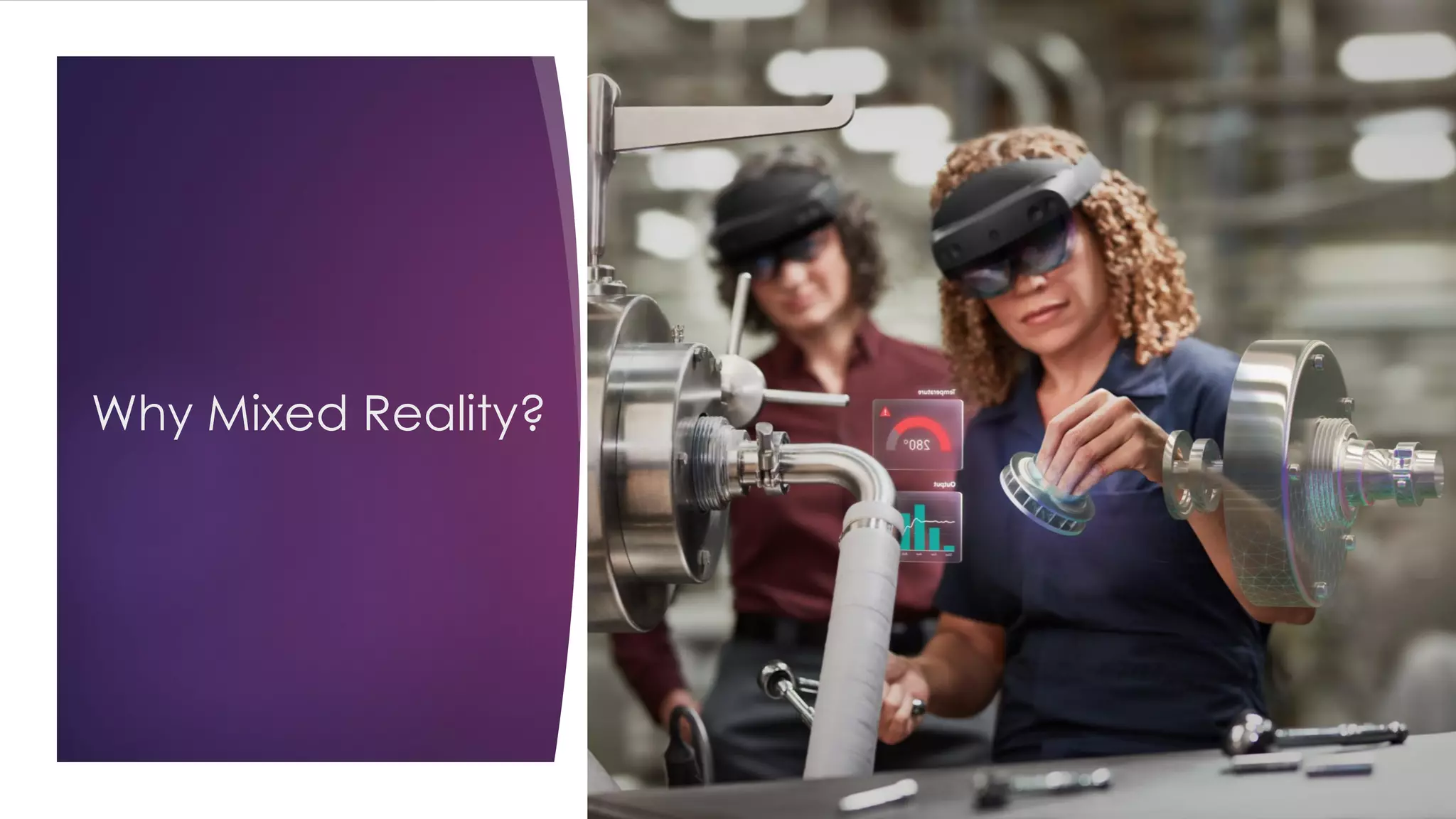
Why Mixed Reality?
Mixed Reality, Artificial
Intelligence and
quantum computing are
three path-breaking
technologies that will
shape the future.
**Doc Palmer - https://www.reliableplant.com/Read/4722/wrench-time
https://en.wikipedia.org/wiki/Forgetting_curve
https://medium.com/@MyLeanMBA/what-is-a-forgetting-curve-d3349c67a647
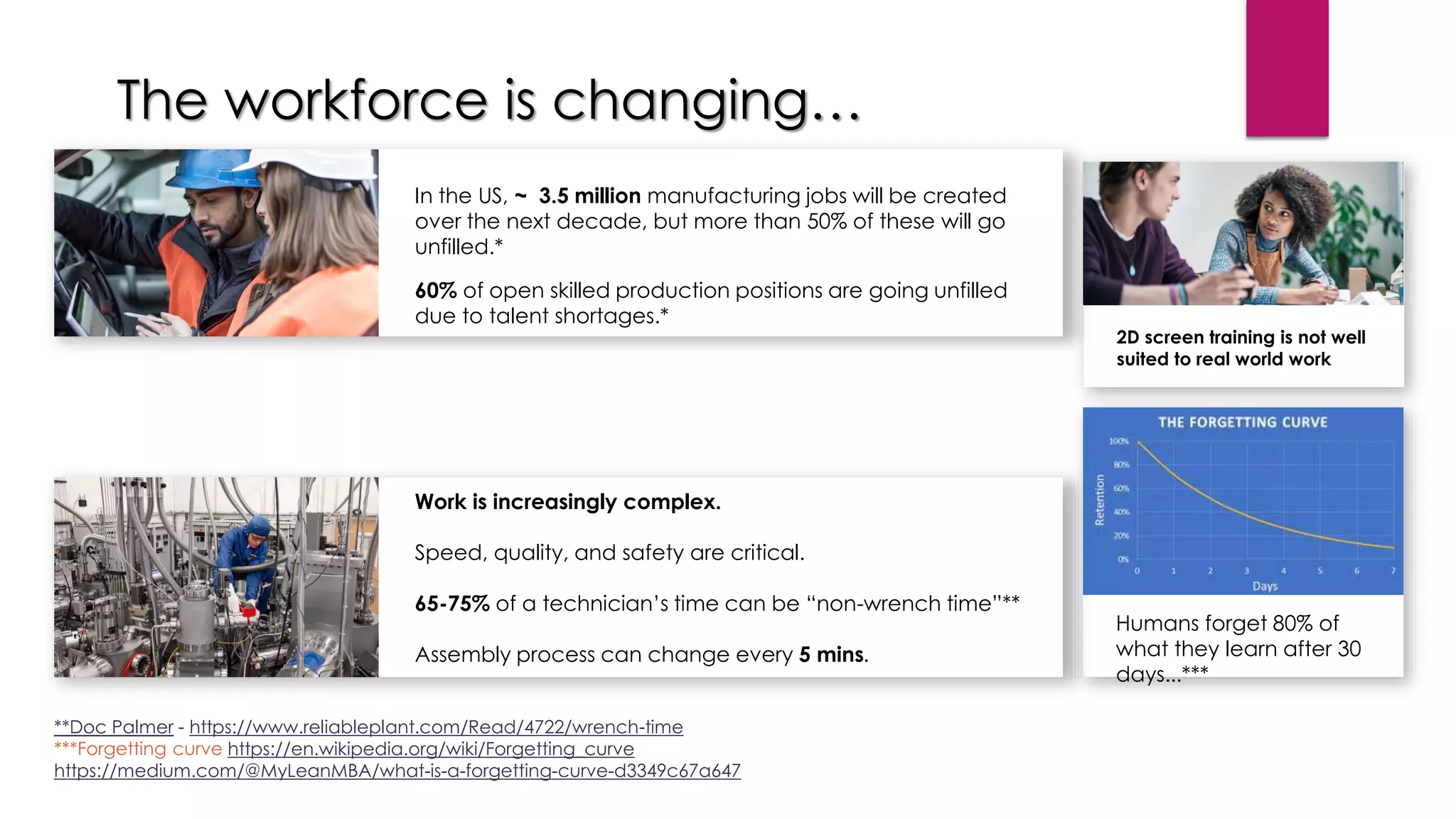
The workforce is changing…
2D screen training is not well
suited to real world work
Humans forget 80% of
what they learn after 30
days...***
In the US, ~ 3.5 million manufacturing jobs will be created
over the next decade, but more than 50% of these will go
unfilled.*
60% of open skilled production positions are going unfilled
due to talent shortages.*
Work is increasingly complex.
Speed, quality, and safety are critical.
65-75% of a technician’s time can be “non-wrench time”**
Assembly process can change every 5 mins.
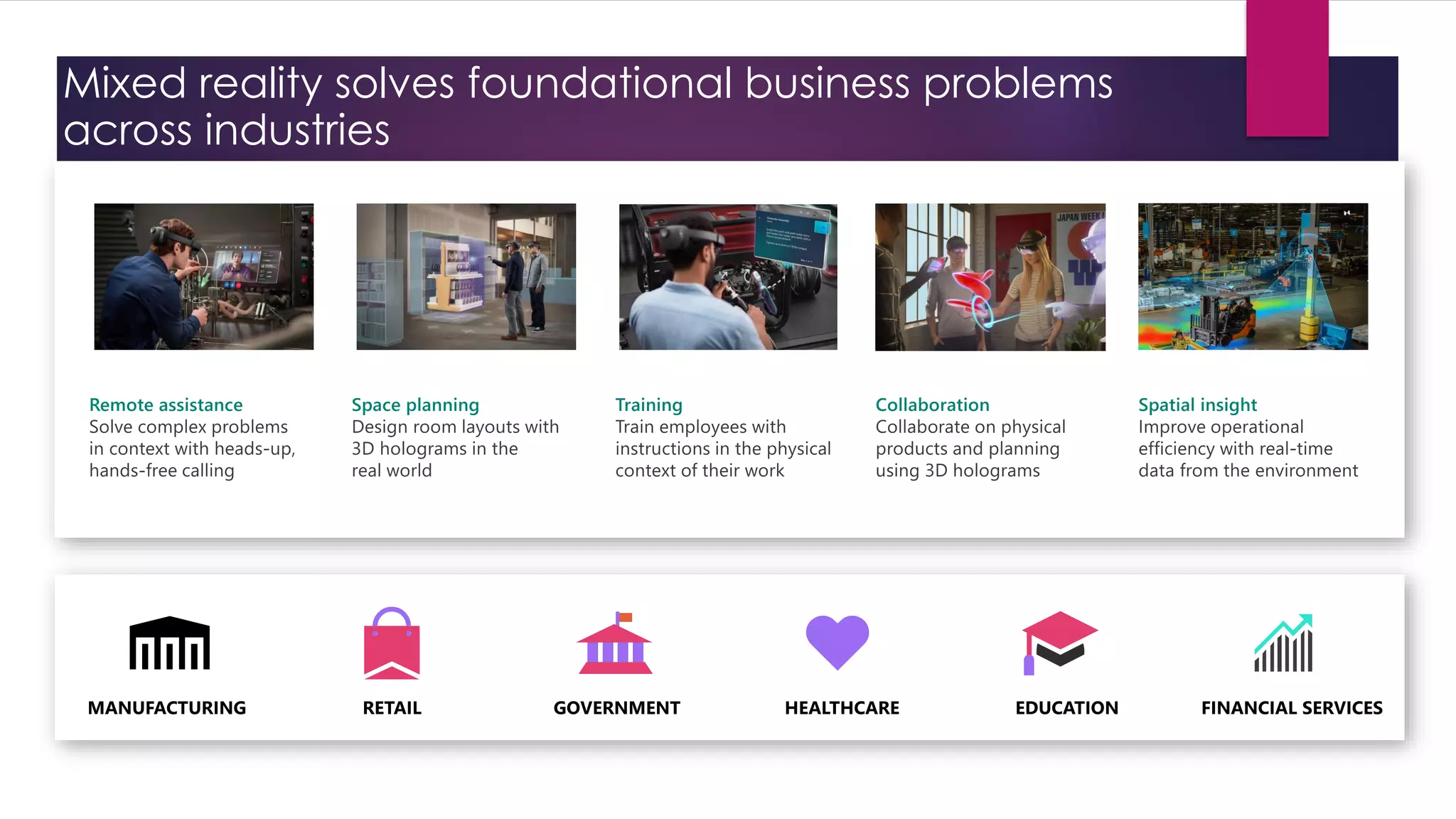
Mixed reality solves foundational business problems
across industries
DEMO ☺
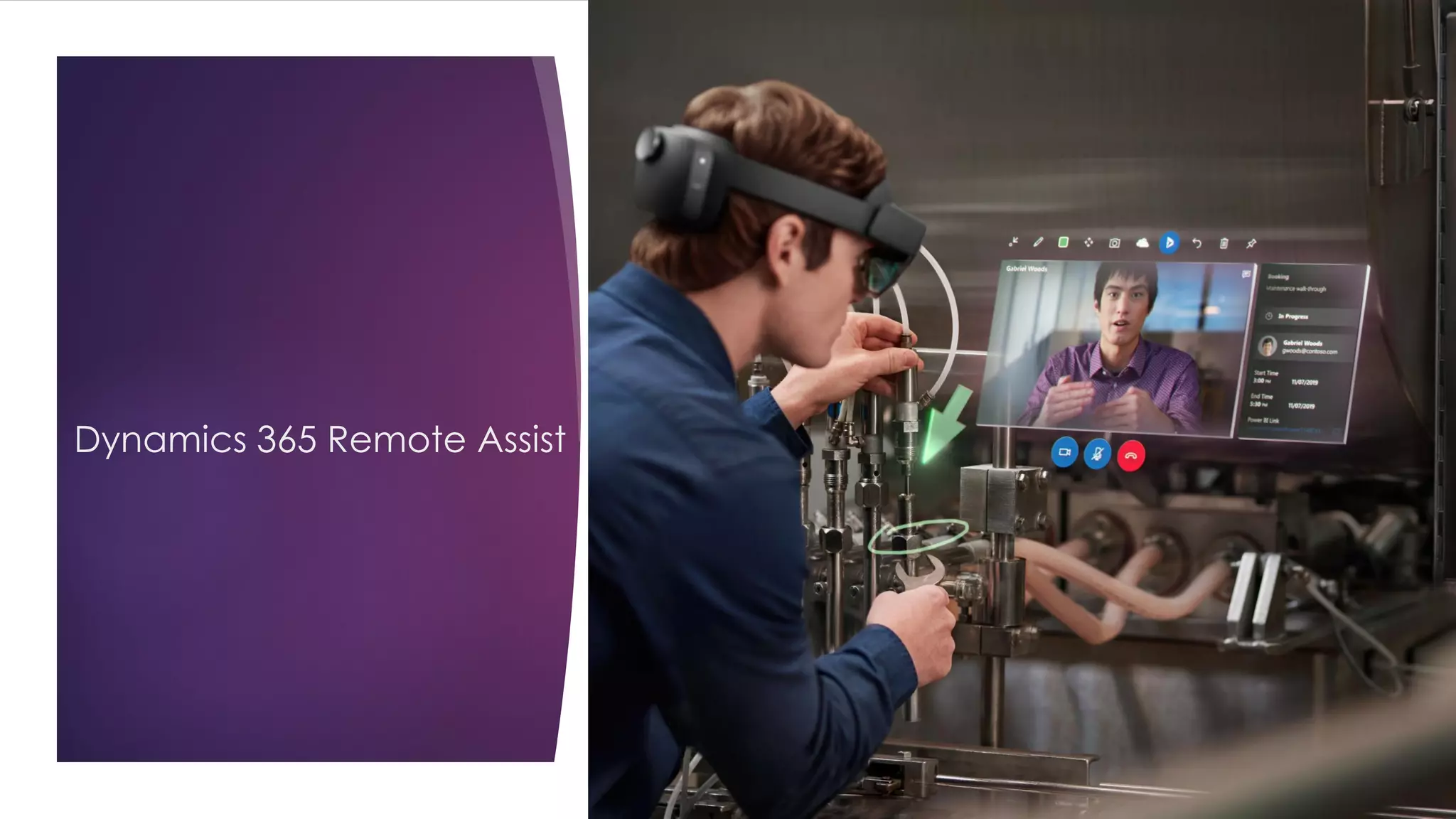
Dynamics 365 Remote Assist
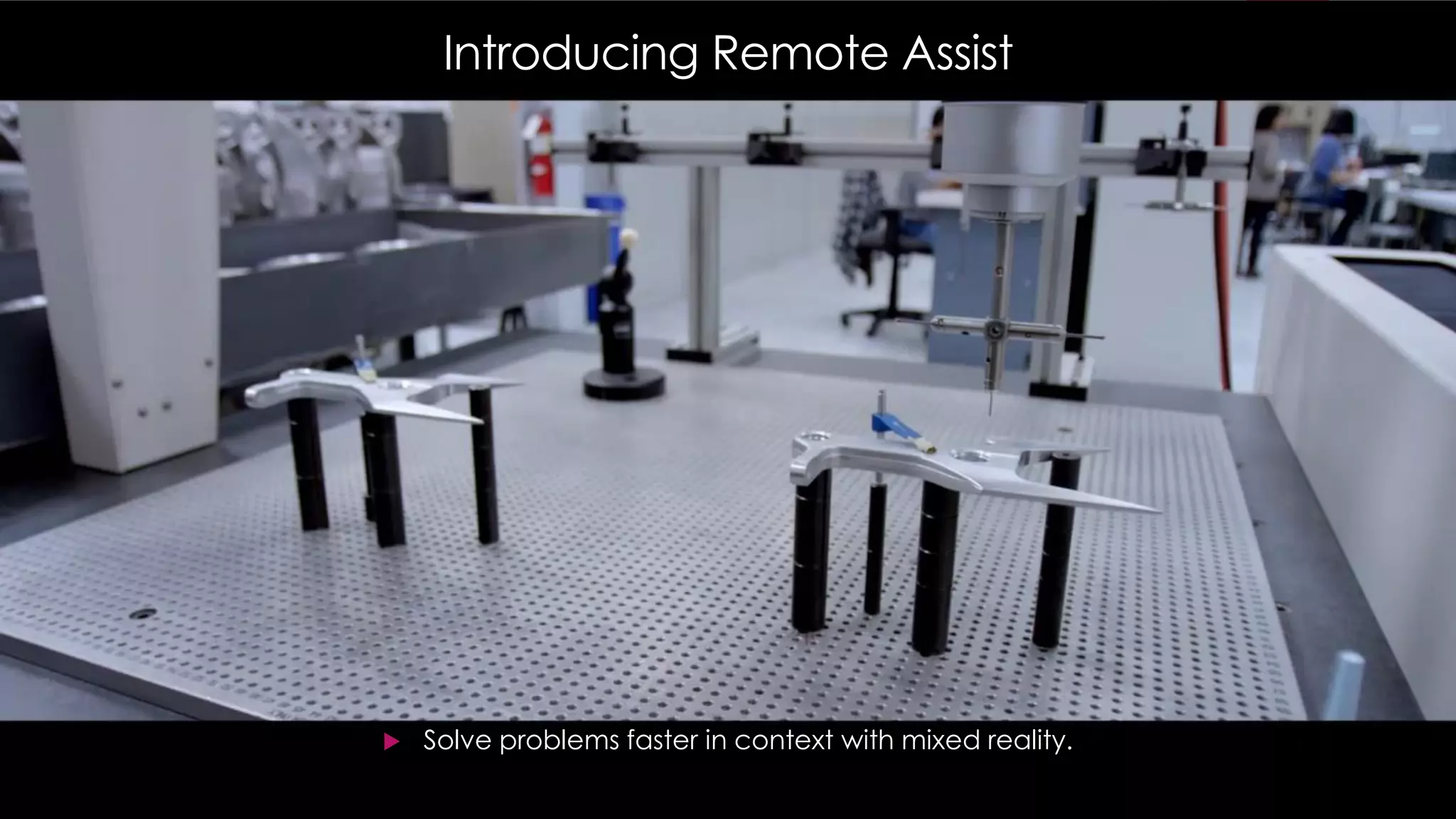
Introducing Remote Assist
 Solve problems faster in context with mixed reality.
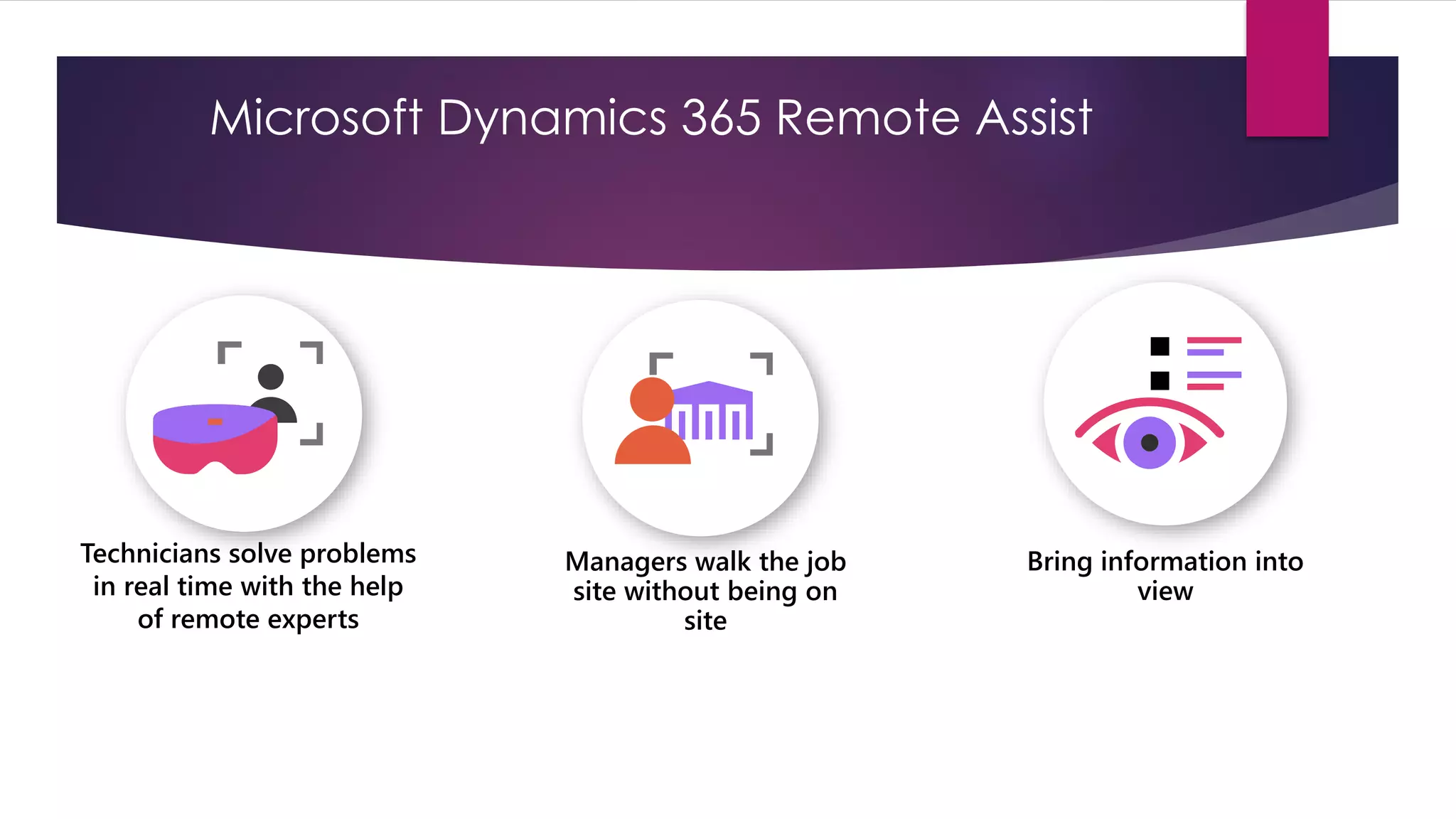
Technicians solve problems
in real time with the help
of remote experts
Managers walk the job
site without being on
site
Bring information into
view
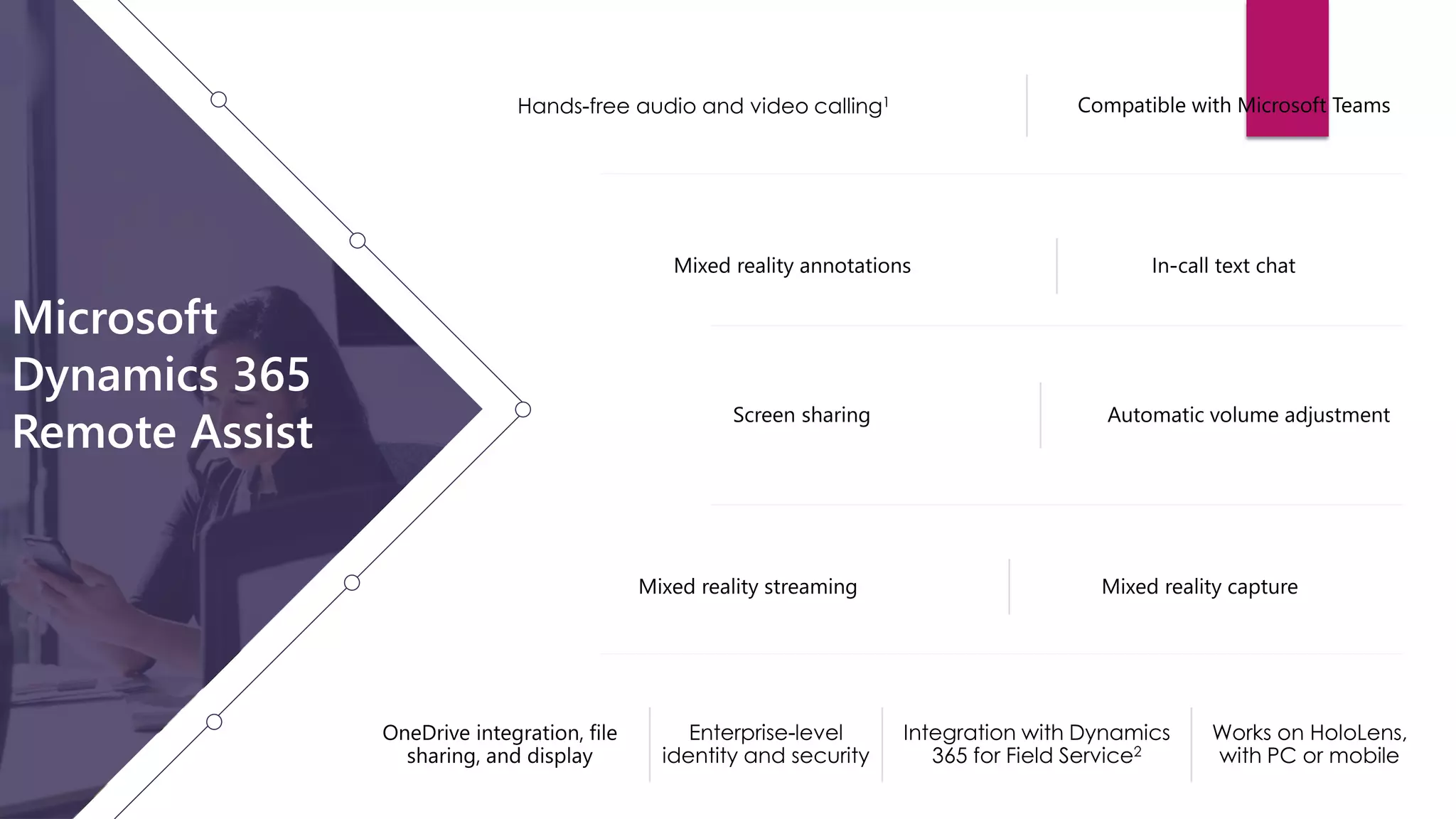
Microsoft Dynamics 365 Remote Assist
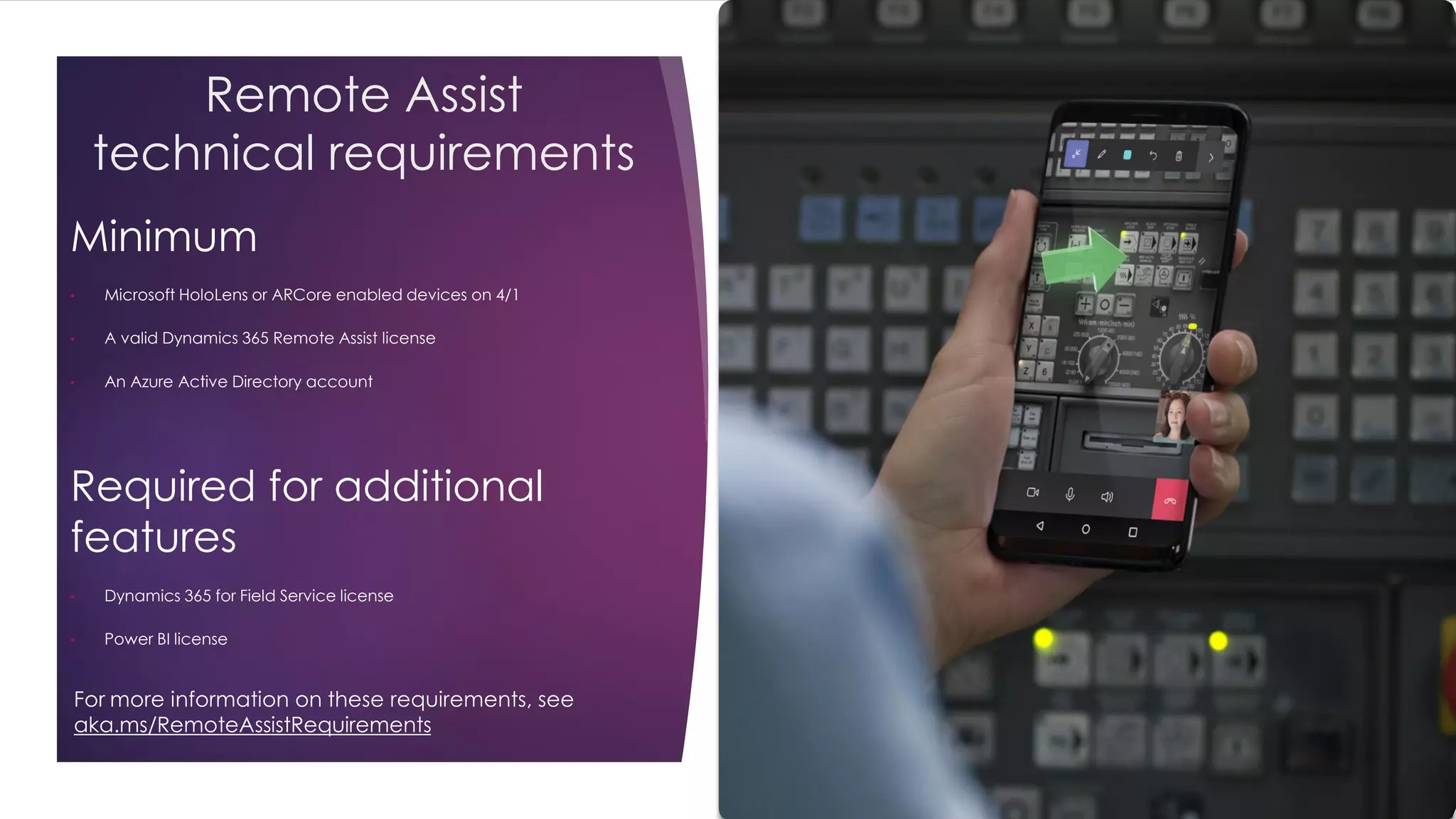
Remote Assist
technical requirements
Minimum
• Microsoft HoloLens or ARCore enabled devices on 4/1
• A valid Dynamics 365 Remote Assist license
• An Azure Active Directory account
Required for additional
features
• Dynamics 365 for Field Service license
• Power BI license
For more information on these requirements, see
aka.ms/RemoteAssistRequirements
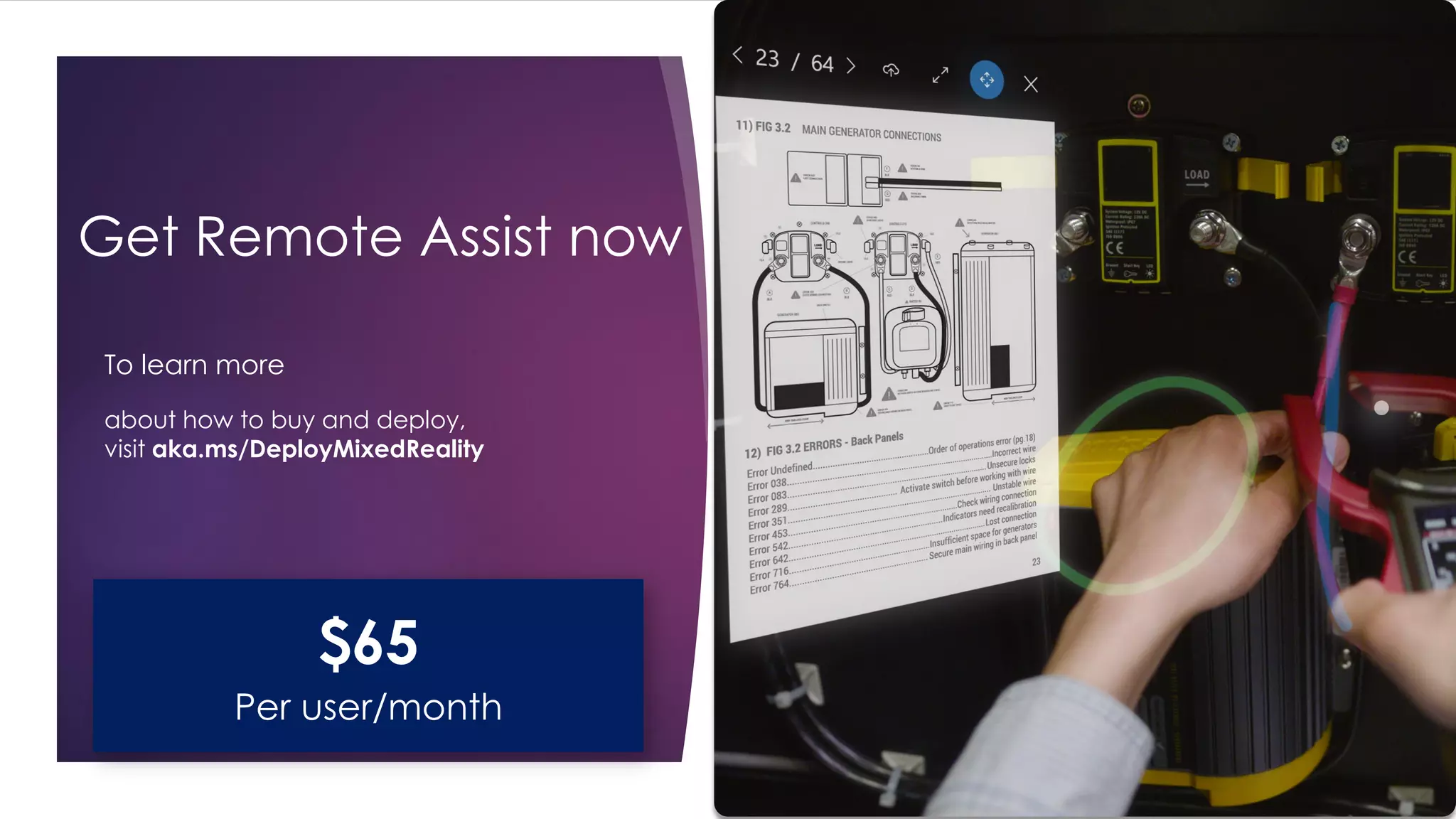
Get Remote Assist now
To learn more
about how to buy and deploy,
visit aka.ms/DeployMixedReality
$65
Per user/month
Customer evidence
Remote Assist
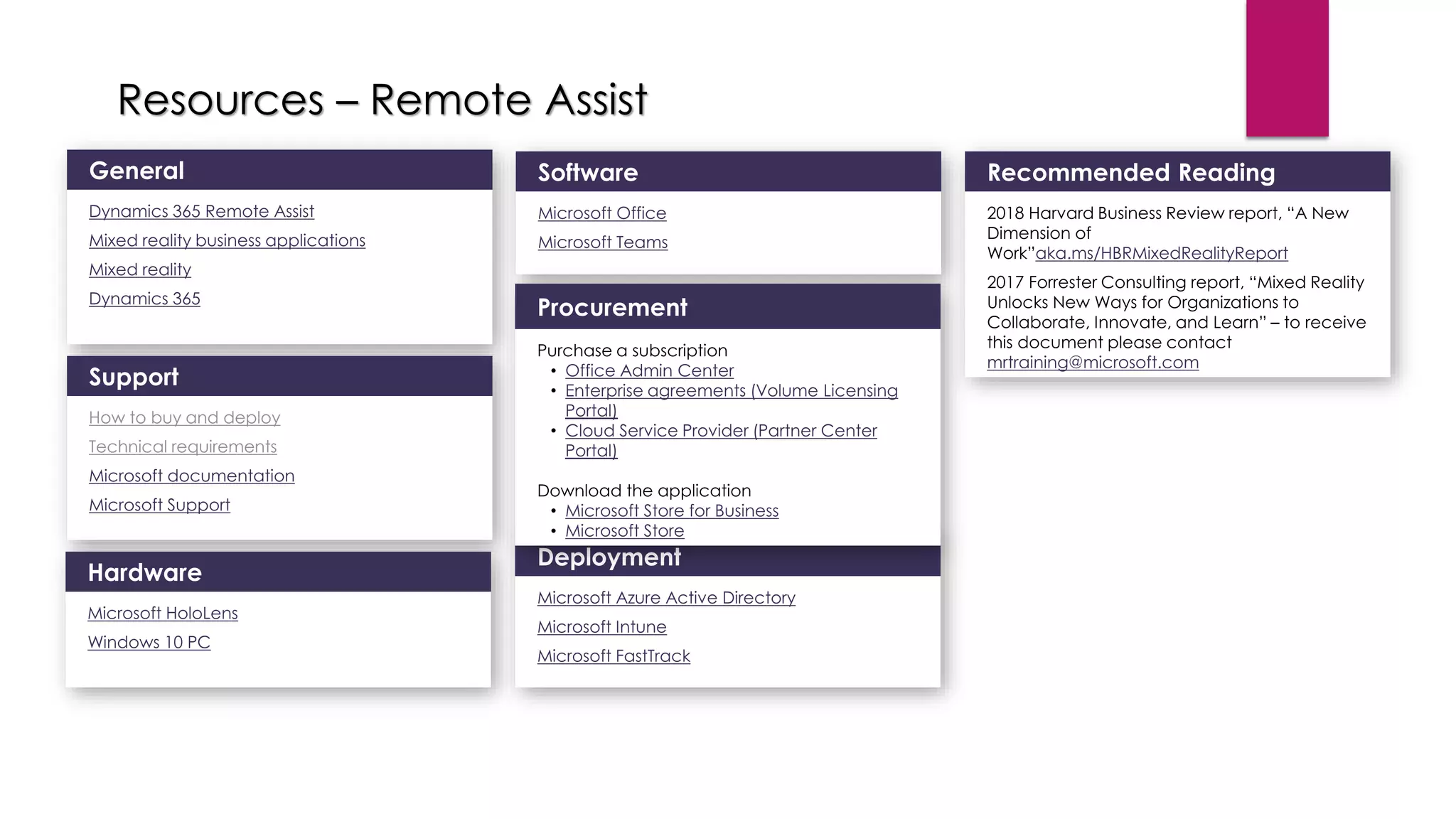
Resources – Remote Assist
How to buy and deploy
Technical requirements
•
•
•
•
•
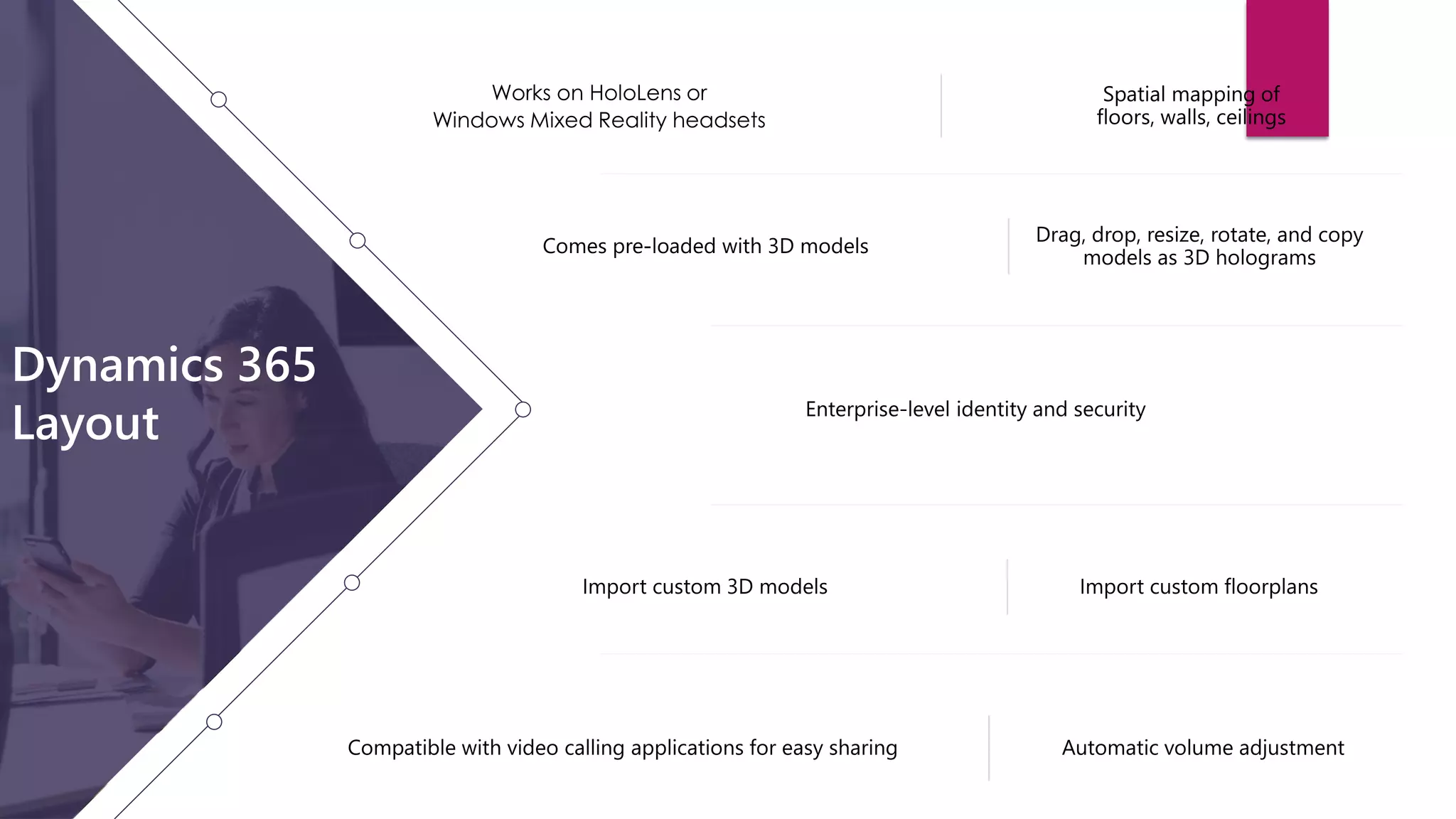
Dynamics 365 Layout
 Design spaces in context with mixed reality.
Experience
room layouts in
real-world scale
Edit physical
designs easily
Move from
concept to completion
with confidence
Microsoft Dynamics 365 Remote Assist
Minimum
• Microsoft HoloLens OR a Windows Mixed
Reality headset, Ultra PC, and motion
controllers
• A valid Dynamics 365 Layout license
• An Azure Active Directory account
Required for additional features
• Microsoft Dynamics 365 Import Tool
• Microsoft Visio license
• Dynamics 365 Remote Assist license
Layout
technical requirements
For more information on these requirements, see
https://aka.ms/LayoutRequirements
Get Layout now
To learn more
about how to buy and deploy,
visit aka.ms/DeployMixedReality
Resources - Layout
Dynamics 365 Layout
Mixed reality business applications
Mixed reality
Dynamics 365
How to buy and deploy
Technical requirements
Microsoft documentation
Microsoft Support
Microsoft HoloLens
Windows Mixed Reality headsets
Windows 10 PC
Microsoft Office
Microsoft Teams
Office Admin Center
Enterprise agreements (Volume Licensing
Portal)
Cloud Service Provider (Partner Center Portal)
Microsoft Store for Business
Microsoft Store
Microsoft Azure Active Directory
Microsoft Intune
Microsoft FastTrack
Dynamics 365
Guides preview
Introducing Dynamics 365 Guides
Learn by doing
Microsoft Dynamics 365 Guides Pillars
Dynamics 365 Guides
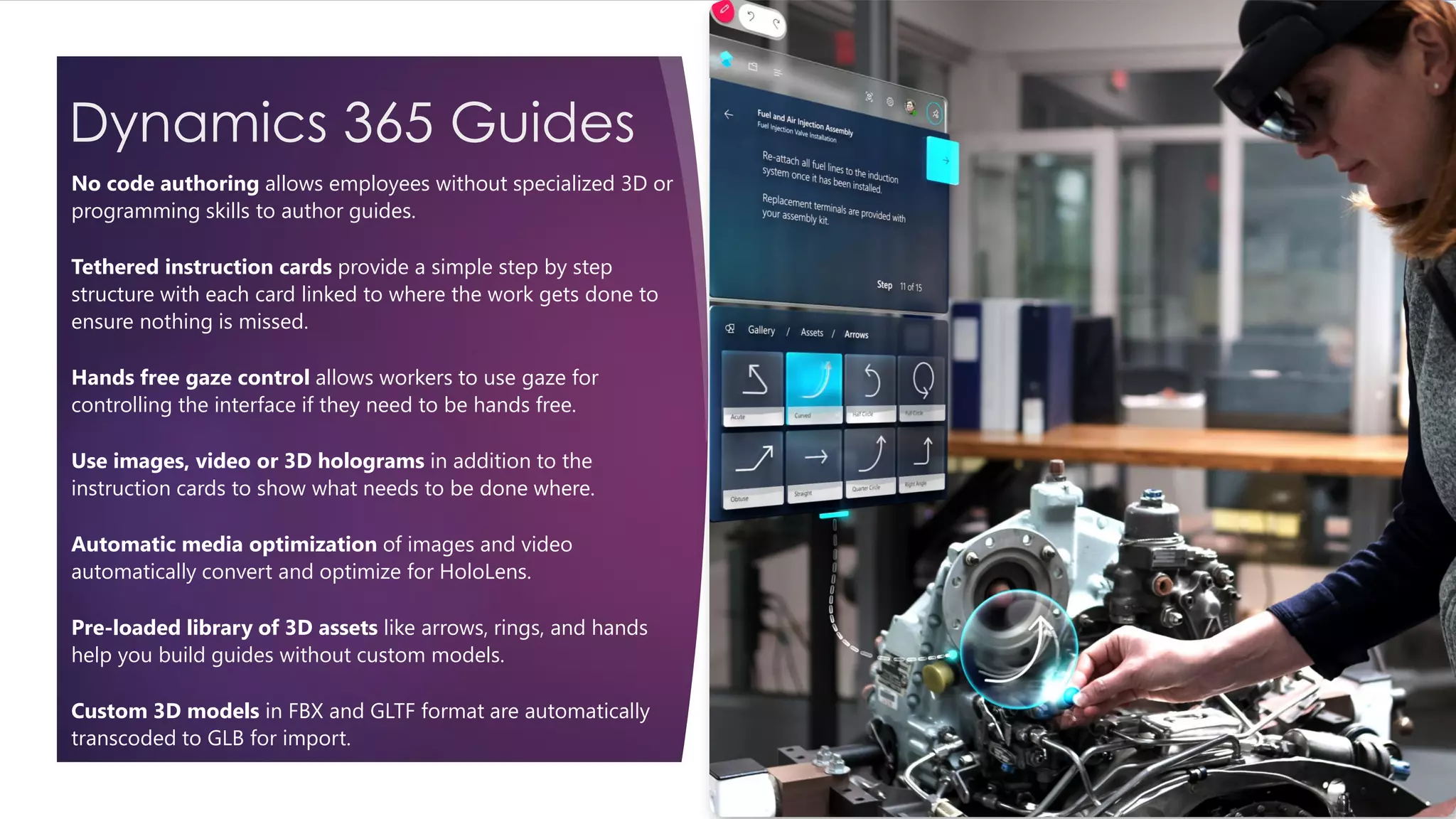
No code authoring allows employees without specialized 3D or
programming skills to author guides.
Tethered instruction cards provide a simple step by step
structure with each card linked to where the work gets done to
ensure nothing is missed.
Hands free gaze control allows workers to use gaze for
controlling the interface if they need to be hands free.
Use images, video or 3D holograms in addition to the
instruction cards to show what needs to be done where.
Automatic media optimization of images and video
automatically convert and optimize for HoloLens.
Pre-loaded library of 3D assets like arrows, rings, and hands
help you build guides without custom models.
Custom 3D models in FBX and GLTF format are automatically
transcoded to GLB for import.
Dynamics 365 Guides
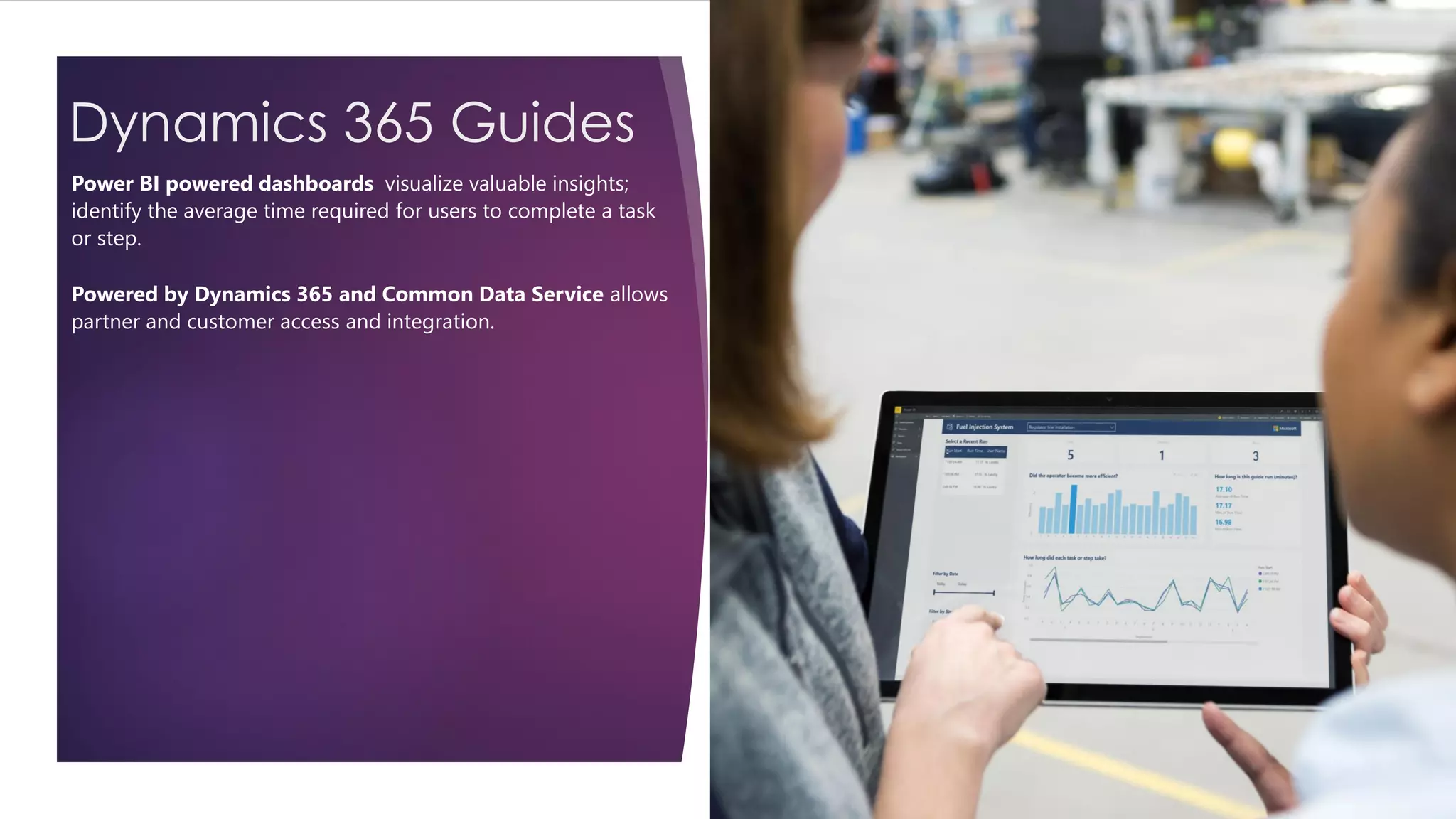
Power BI powered dashboards visualize valuable insights;
identify the average time required for users to complete a task
or step.
Powered by Dynamics 365 and Common Data Service allows
partner and customer access and integration.
Guides
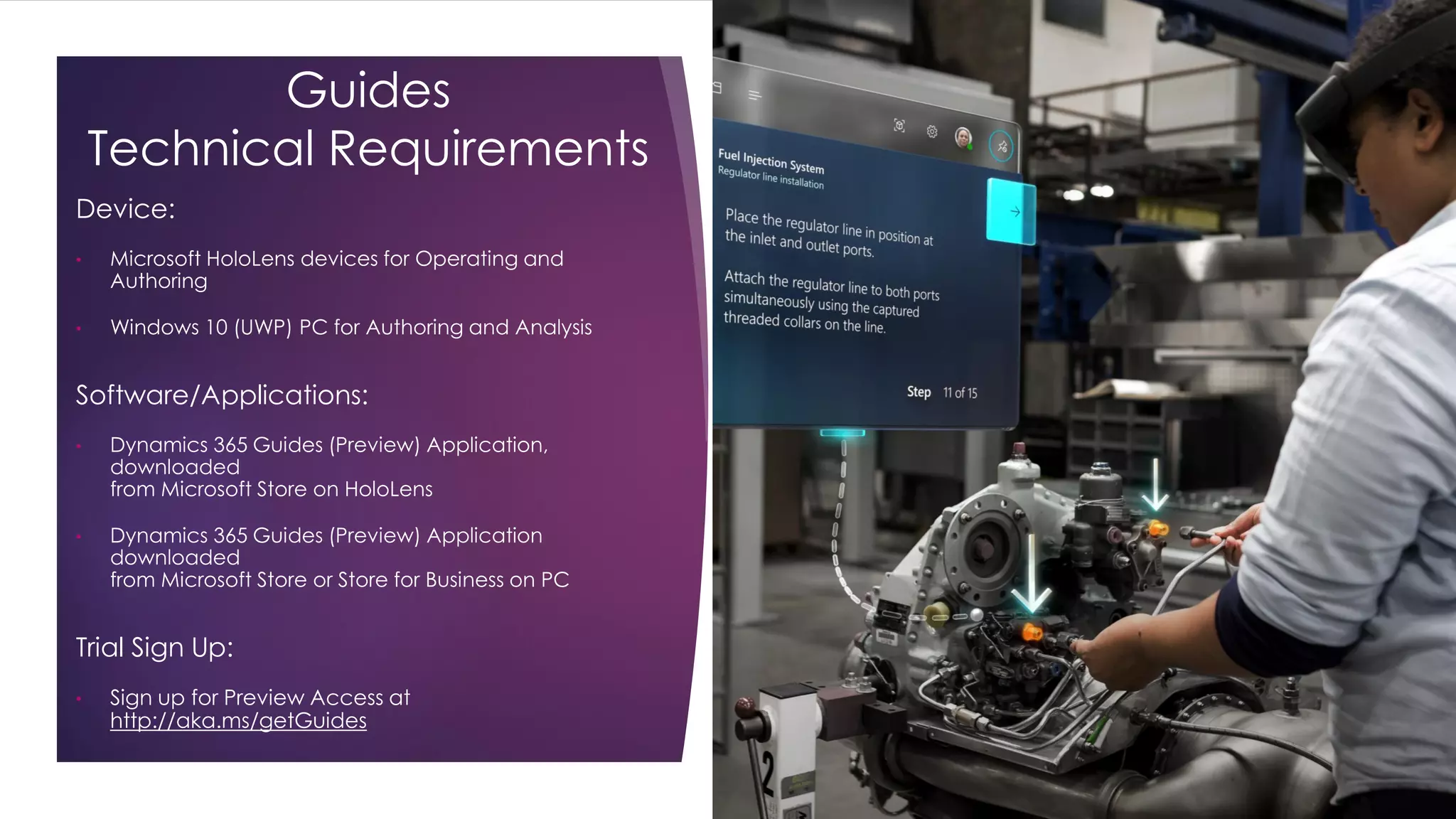
Technical Requirements
Device:
• Microsoft HoloLens devices for Operating and
Authoring
• Windows 10 (UWP) PC for Authoring and Analysis
Software/Applications:
• Dynamics 365 Guides (Preview) Application,
downloaded
from Microsoft Store on HoloLens
• Dynamics 365 Guides (Preview) Application
downloaded
from Microsoft Store or Store for Business on PC
Trial Sign Up:
• Sign up for Preview Access at
http://aka.ms/getGuides
Customer evidence - Guides
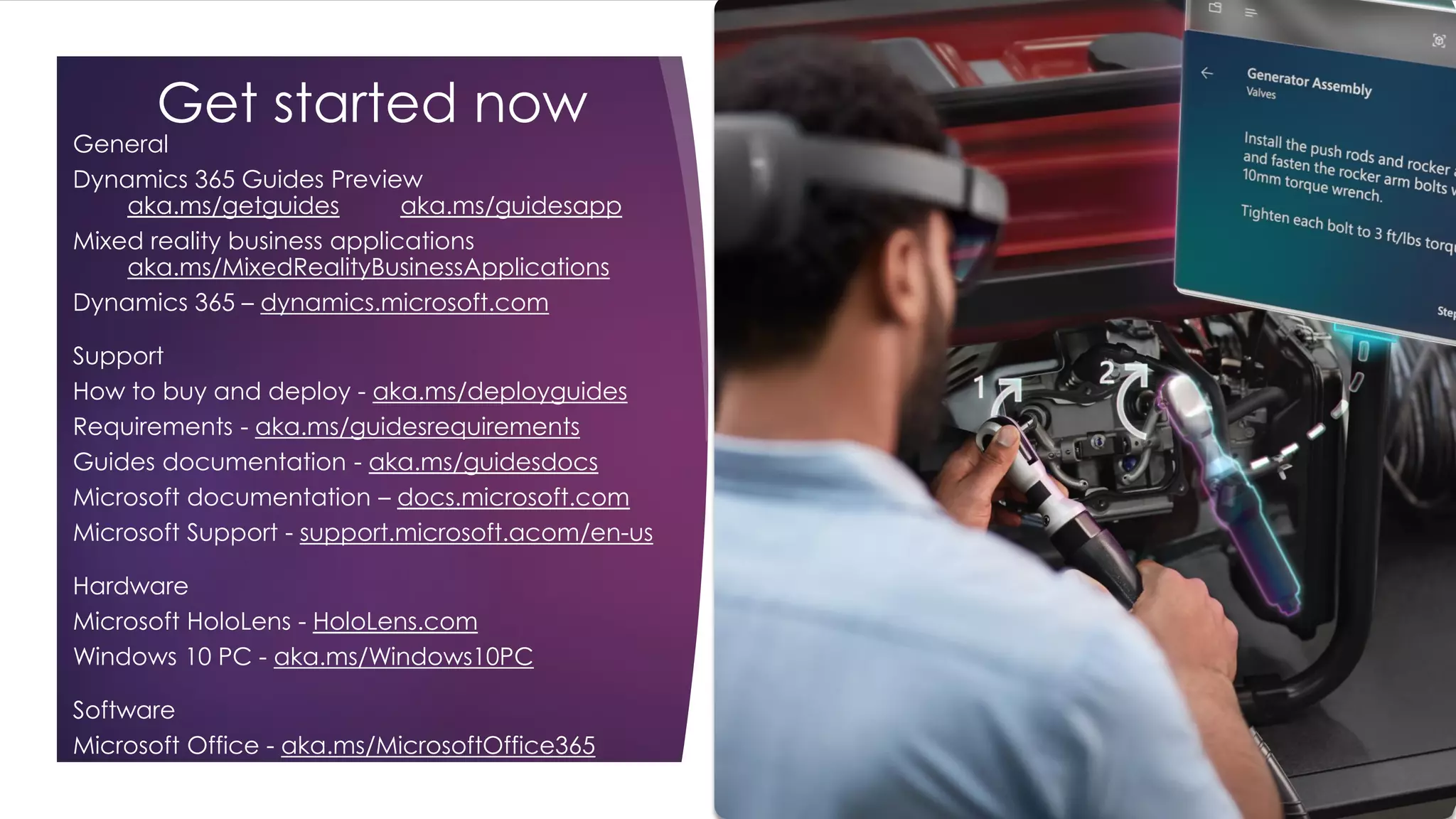
Get started now
General
Dynamics 365 Guides Preview
aka.ms/getguides aka.ms/guidesapp
Mixed reality business applications
aka.ms/MixedRealityBusinessApplications
Dynamics 365 – dynamics.microsoft.com
Support
How to buy and deploy - aka.ms/deployguides
Requirements - aka.ms/guidesrequirements
Guides documentation - aka.ms/guidesdocs
Microsoft documentation – docs.microsoft.com
Microsoft Support - support.microsoft.acom/en-us
Hardware
Microsoft HoloLens - HoloLens.com
Windows 10 PC - aka.ms/Windows10PC
Software
Microsoft Office - aka.ms/MicrosoftOffice365
Many use cases across industries
FINANCIAL SERVICES
GOVERNMENT
HEALTHCARE
MANUFACTURING
EDUCATION
RETAIL
THANK YOU!
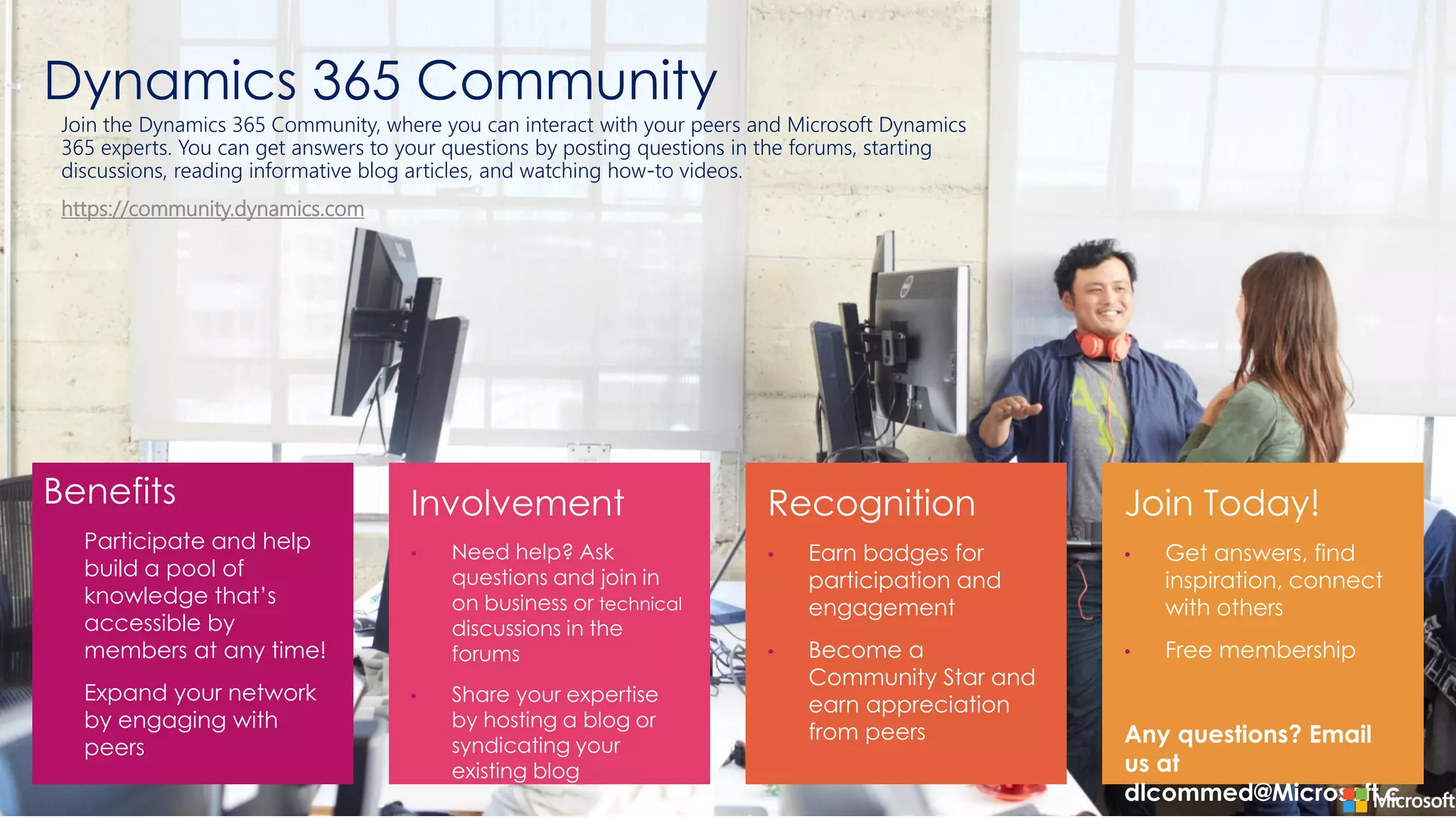
Dynamics 365 Community
Benefits
• Participate and help
build a pool of
knowledge that’s
accessible by
members at any time!
• Expand your network
by engaging with
peers
•
•
•
•
•
•
Join the Dynamics 365 Community, where you can interact with your peers and Microsoft Dynamics
365 experts. You can get answers to your questions by posting questions in the forums, starting
discussions, reading informative blog articles, and watching how-to videos.
https://community.dynamics.com
Dynamics 365 and Mixed Reality: Increase Productivity

Dynamics 365 and Mixed Reality: Increase Productivity

  • 2.
    Social  www.365portal.org  Twitter:@Dyn365Community  Linkedin: @365-Saturday  Hashtags  #365Zurich #365Saturday #msdyn365  Wifi:  Pass: TBC  Community.Dynamics365.com
  • 3.
    Giorgio Garcia-Agreda CEO @CRIONET MICROSOFTMVP BUSINESS SOLUTIONS SOME OTHER CERTIFICATIONS ☺
  • 6.
  • 7.
    Deltatre is thetechnology business behind the world’s most high-profile sports and entertainment brands
  • 8.
    We’re powering themost watched sporting events in the world FIFA World CupUEFA euro UEFA Champions LeagueSummer Olympic Games Winter Olympic Games NFL Super Bowl
  • 9.
  • 10.
  • 12.
    “How can abrand deploy business disruption? Is there a secret to disruptive innovation?”
  • 13.
    The phrase “disruptor be disrupted” is a misnomer. In many ways, debating whether or not Tesla Motors or Apple fits the disruptive model or not misses the point. What matters more is turning your customers into lifelong devotees, not trying to make this or that product disruptive.
  • 14.
    Modern Unified IntelligentAdaptable Talent Marketing Service Finance Sales Operations Power platform Power BI Flow PowerApps
  • 15.
  • 16.
    Mixed Reality, Artificial Intelligenceand quantum computing are three path-breaking technologies that will shape the future.
  • 17.
    **Doc Palmer -https://www.reliableplant.com/Read/4722/wrench-time https://en.wikipedia.org/wiki/Forgetting_curve https://medium.com/@MyLeanMBA/what-is-a-forgetting-curve-d3349c67a647 The workforce is changing… 2D screen training is not well suited to real world work Humans forget 80% of what they learn after 30 days...*** In the US, ~ 3.5 million manufacturing jobs will be created over the next decade, but more than 50% of these will go unfilled.* 60% of open skilled production positions are going unfilled due to talent shortages.* Work is increasingly complex. Speed, quality, and safety are critical. 65-75% of a technician’s time can be “non-wrench time”** Assembly process can change every 5 mins.
  • 18.
    Mixed reality solvesfoundational business problems across industries
  • 19.
  • 20.
  • 22.
    Introducing Remote Assist Solve problems faster in context with mixed reality.
  • 23.
    Technicians solve problems inreal time with the help of remote experts Managers walk the job site without being on site Bring information into view Microsoft Dynamics 365 Remote Assist
  • 24.
    Remote Assist technical requirements Minimum •Microsoft HoloLens or ARCore enabled devices on 4/1 • A valid Dynamics 365 Remote Assist license • An Azure Active Directory account Required for additional features • Dynamics 365 for Field Service license • Power BI license For more information on these requirements, see aka.ms/RemoteAssistRequirements
  • 25.
    Get Remote Assistnow To learn more about how to buy and deploy, visit aka.ms/DeployMixedReality $65 Per user/month
  • 26.
  • 28.
    Resources – RemoteAssist How to buy and deploy Technical requirements • • • • •
  • 29.
  • 31.
     Design spacesin context with mixed reality.
  • 32.
    Experience room layouts in real-worldscale Edit physical designs easily Move from concept to completion with confidence Microsoft Dynamics 365 Remote Assist
  • 33.
    Minimum • Microsoft HoloLensOR a Windows Mixed Reality headset, Ultra PC, and motion controllers • A valid Dynamics 365 Layout license • An Azure Active Directory account Required for additional features • Microsoft Dynamics 365 Import Tool • Microsoft Visio license • Dynamics 365 Remote Assist license Layout technical requirements For more information on these requirements, see https://aka.ms/LayoutRequirements
  • 34.
    Get Layout now Tolearn more about how to buy and deploy, visit aka.ms/DeployMixedReality
  • 35.
    Resources - Layout Dynamics365 Layout Mixed reality business applications Mixed reality Dynamics 365 How to buy and deploy Technical requirements Microsoft documentation Microsoft Support Microsoft HoloLens Windows Mixed Reality headsets Windows 10 PC Microsoft Office Microsoft Teams Office Admin Center Enterprise agreements (Volume Licensing Portal) Cloud Service Provider (Partner Center Portal) Microsoft Store for Business Microsoft Store Microsoft Azure Active Directory Microsoft Intune Microsoft FastTrack
  • 36.
  • 37.
    Introducing Dynamics 365Guides Learn by doing
  • 39.
    Microsoft Dynamics 365Guides Pillars
  • 40.
    Dynamics 365 Guides Nocode authoring allows employees without specialized 3D or programming skills to author guides. Tethered instruction cards provide a simple step by step structure with each card linked to where the work gets done to ensure nothing is missed. Hands free gaze control allows workers to use gaze for controlling the interface if they need to be hands free. Use images, video or 3D holograms in addition to the instruction cards to show what needs to be done where. Automatic media optimization of images and video automatically convert and optimize for HoloLens. Pre-loaded library of 3D assets like arrows, rings, and hands help you build guides without custom models. Custom 3D models in FBX and GLTF format are automatically transcoded to GLB for import.
  • 41.
    Dynamics 365 Guides PowerBI powered dashboards visualize valuable insights; identify the average time required for users to complete a task or step. Powered by Dynamics 365 and Common Data Service allows partner and customer access and integration.
  • 42.
    Guides Technical Requirements Device: • MicrosoftHoloLens devices for Operating and Authoring • Windows 10 (UWP) PC for Authoring and Analysis Software/Applications: • Dynamics 365 Guides (Preview) Application, downloaded from Microsoft Store on HoloLens • Dynamics 365 Guides (Preview) Application downloaded from Microsoft Store or Store for Business on PC Trial Sign Up: • Sign up for Preview Access at http://aka.ms/getGuides
  • 43.
  • 45.
    Get started now General Dynamics365 Guides Preview aka.ms/getguides aka.ms/guidesapp Mixed reality business applications aka.ms/MixedRealityBusinessApplications Dynamics 365 – dynamics.microsoft.com Support How to buy and deploy - aka.ms/deployguides Requirements - aka.ms/guidesrequirements Guides documentation - aka.ms/guidesdocs Microsoft documentation – docs.microsoft.com Microsoft Support - support.microsoft.acom/en-us Hardware Microsoft HoloLens - HoloLens.com Windows 10 PC - aka.ms/Windows10PC Software Microsoft Office - aka.ms/MicrosoftOffice365
  • 46.
    Many use casesacross industries FINANCIAL SERVICES GOVERNMENT HEALTHCARE MANUFACTURING EDUCATION RETAIL
  • 47.
  • 48.
    Dynamics 365 Community Benefits •Participate and help build a pool of knowledge that’s accessible by members at any time! • Expand your network by engaging with peers • • • • • • Join the Dynamics 365 Community, where you can interact with your peers and Microsoft Dynamics 365 experts. You can get answers to your questions by posting questions in the forums, starting discussions, reading informative blog articles, and watching how-to videos. https://community.dynamics.com