Dynamics 365
& Power Platform icons
Original source:
https://docs.microsoft.com/en-us/dynamics365/get-started/icons
https://docs.microsoft.com/en-us/power-platform/guidance/icons
Latest version: June 2021
Prepared by: @RamonTebar
Notes
• The main purpose of these slides is to help the community to get familiar
with the new Dynamics 365 and Power Platform icons. No commercial
interest is involved.
• Icons have been ordered by alphabetical order.
• Icons haven’t been cropped, flipped, rotated, distorted or changed.
• I found difficulties adding some icons directly into Power Point and I had
to convert them to PNG format:
• Dynamics 365 App Icons:
• MarketInsights_scalable.svg
• ProjectOperations_scalable.svg
• Talent_scalable.svg
• Dynamics 365 Mixed Reality icons:
• Guides_scalable.svg
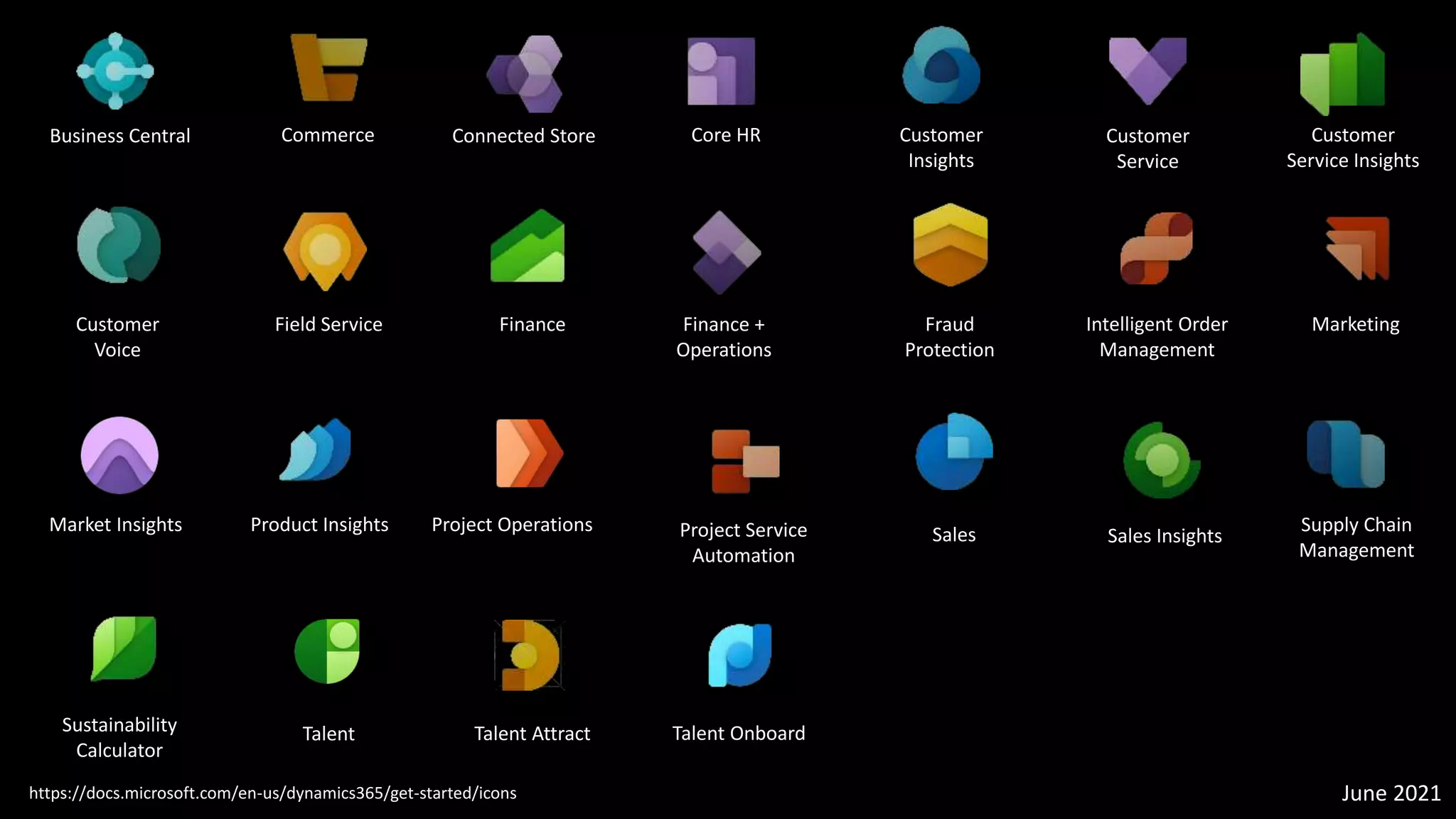
Dynamics 365 App Icons
Business Central Commerce Connected Store
https://docs.microsoft.com/en-us/dynamics365/get-started/icons
Core HR Customer
Insights
Customer
Service
Customer
Service Insights
Customer
Voice
Field Service Finance Finance +
Operations
Fraud
Protection
Intelligent Order
Management
Marketing
Market Insights Product Insights Project Operations Project Service
Automation
Sales Sales Insights
Supply Chain
Management
Sustainability
Calculator
Talent Talent Attract Talent Onboard
June 2021
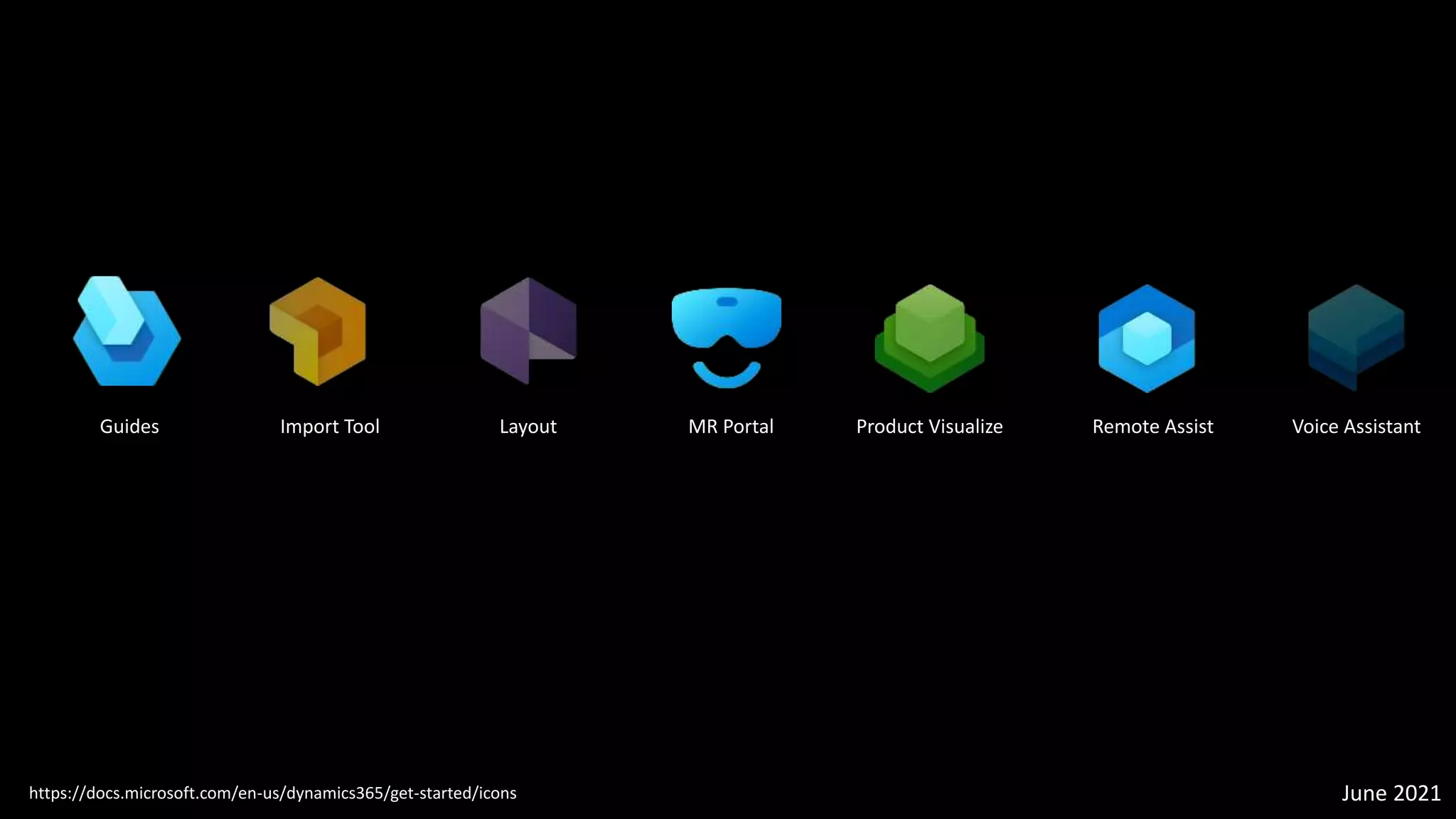
Dynamics 365 Mixed Reality Icons
Guides Import Tool Layout MR Portal Product Visualize Remote Assist Voice Assistant
https://docs.microsoft.com/en-us/dynamics365/get-started/icons June 2021
Dynamics 365 Product family
Dynamics 365
https://docs.microsoft.com/en-us/dynamics365/get-started/icons June 2021
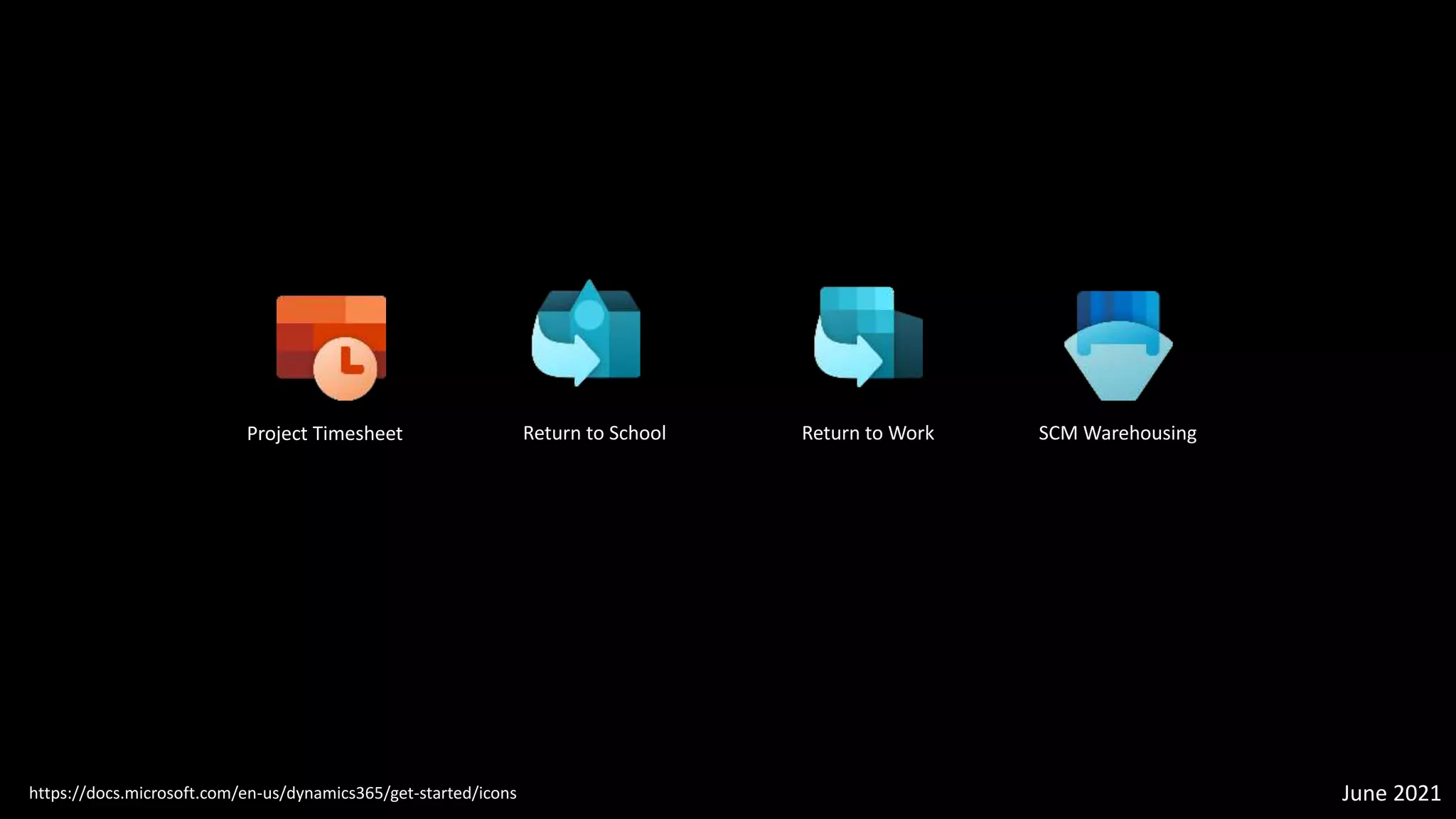
Dynamics 365 sub app icons
Return to School
Project Timesheet Return to Work SCM Warehousing
https://docs.microsoft.com/en-us/dynamics365/get-started/icons June 2021
Power Platform icons
https://docs.microsoft.com/en-us/power-platform/guidance/icons June 2021
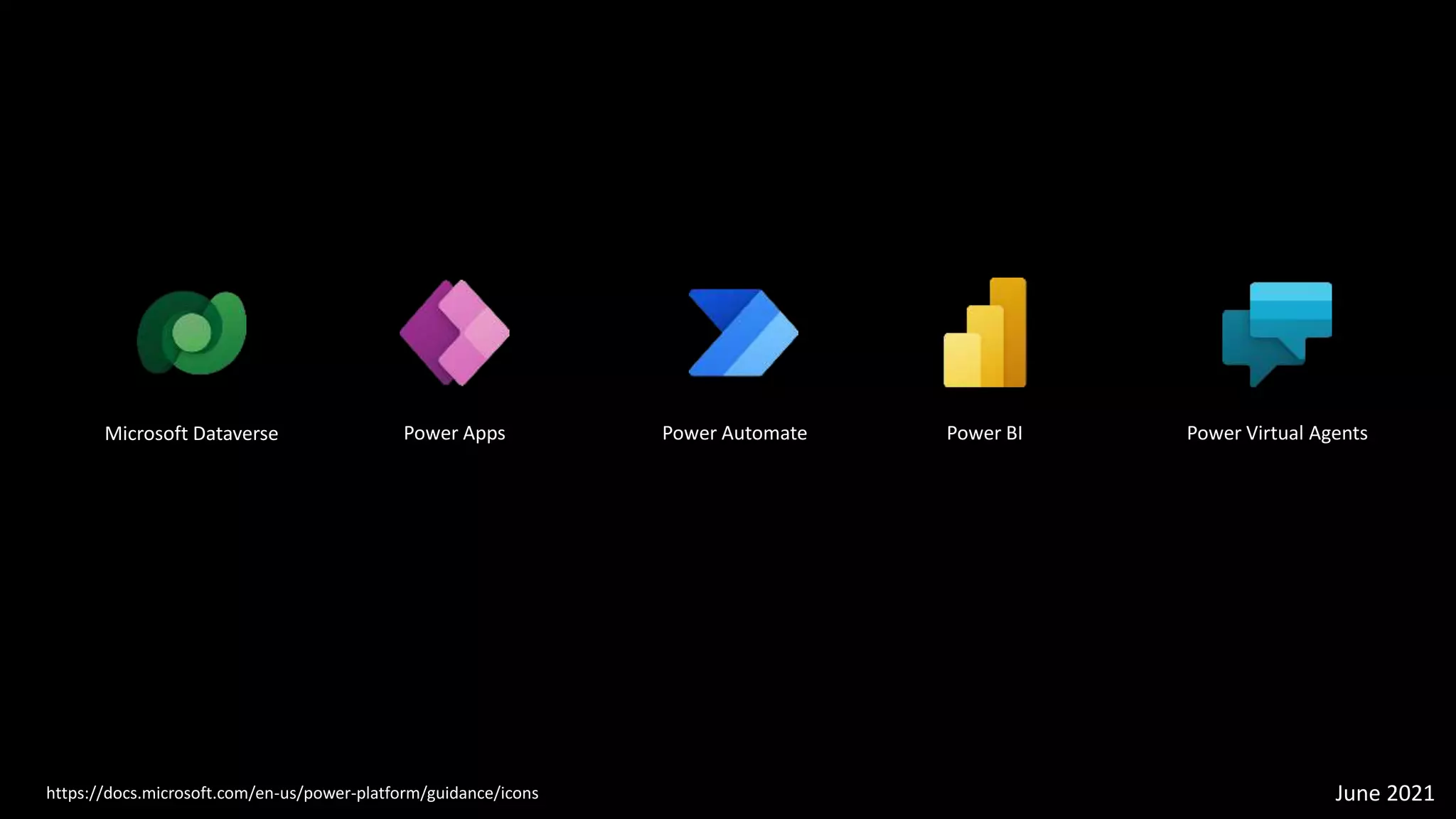
Power Apps
Microsoft Dataverse Power Automate Power BI Power Virtual Agents

Dynamics 365 and Power Platform icons

  • 1.
    Dynamics 365 & PowerPlatform icons Original source: https://docs.microsoft.com/en-us/dynamics365/get-started/icons https://docs.microsoft.com/en-us/power-platform/guidance/icons Latest version: June 2021 Prepared by: @RamonTebar
  • 2.
    Notes • The mainpurpose of these slides is to help the community to get familiar with the new Dynamics 365 and Power Platform icons. No commercial interest is involved. • Icons have been ordered by alphabetical order. • Icons haven’t been cropped, flipped, rotated, distorted or changed. • I found difficulties adding some icons directly into Power Point and I had to convert them to PNG format: • Dynamics 365 App Icons: • MarketInsights_scalable.svg • ProjectOperations_scalable.svg • Talent_scalable.svg • Dynamics 365 Mixed Reality icons: • Guides_scalable.svg
  • 3.
  • 4.
    Business Central CommerceConnected Store https://docs.microsoft.com/en-us/dynamics365/get-started/icons Core HR Customer Insights Customer Service Customer Service Insights Customer Voice Field Service Finance Finance + Operations Fraud Protection Intelligent Order Management Marketing Market Insights Product Insights Project Operations Project Service Automation Sales Sales Insights Supply Chain Management Sustainability Calculator Talent Talent Attract Talent Onboard June 2021
  • 5.
    Dynamics 365 MixedReality Icons
  • 6.
    Guides Import ToolLayout MR Portal Product Visualize Remote Assist Voice Assistant https://docs.microsoft.com/en-us/dynamics365/get-started/icons June 2021
  • 7.
  • 8.
  • 9.
  • 10.
    Return to School ProjectTimesheet Return to Work SCM Warehousing https://docs.microsoft.com/en-us/dynamics365/get-started/icons June 2021
  • 11.
  • 12.
    https://docs.microsoft.com/en-us/power-platform/guidance/icons June 2021 PowerApps Microsoft Dataverse Power Automate Power BI Power Virtual Agents