Creating a Scale Floor 
Plan 
Act ivator : 
What is a floor plan? 
Student Outcome: 
RHS Scholars wil l create floor plans to 
scale for their assigned library section 
and attach them to their design 
boards.
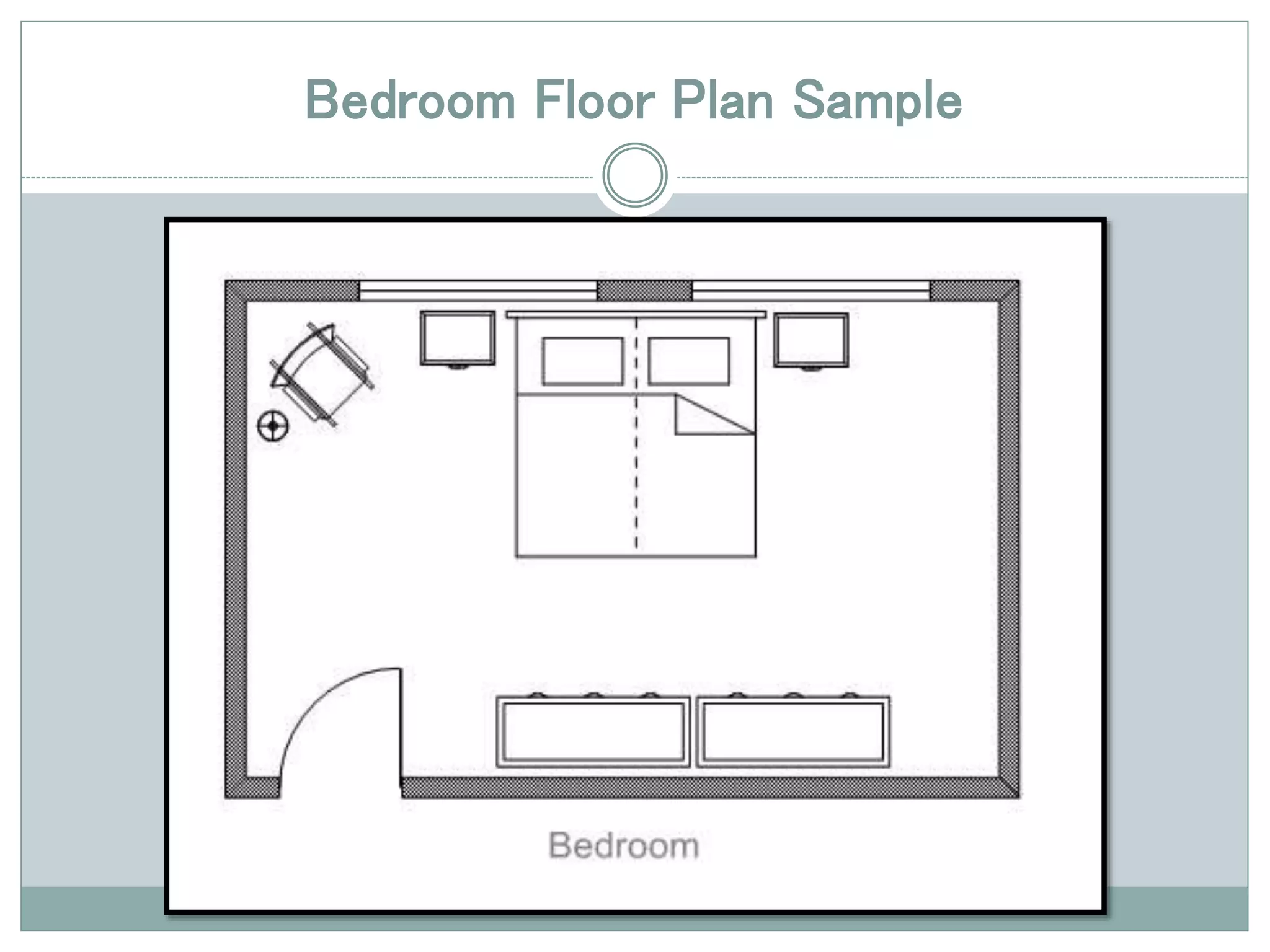
Bedroom Floor Plan Sample
How to Draw a Floor Plan 
Step 1: Use a graph 
pad where each 
square on the paper 
equals one quarter 
of an inch precisely 
(four squares equal 
one inch) or create 
your own grid of 
equal squares on a 
blank sheet of paper.
How to Draw a Floor Plan 
Step 2: Imagine 
each square 
represents one 
foot (12 inches).
How to Draw a Floor Plan 
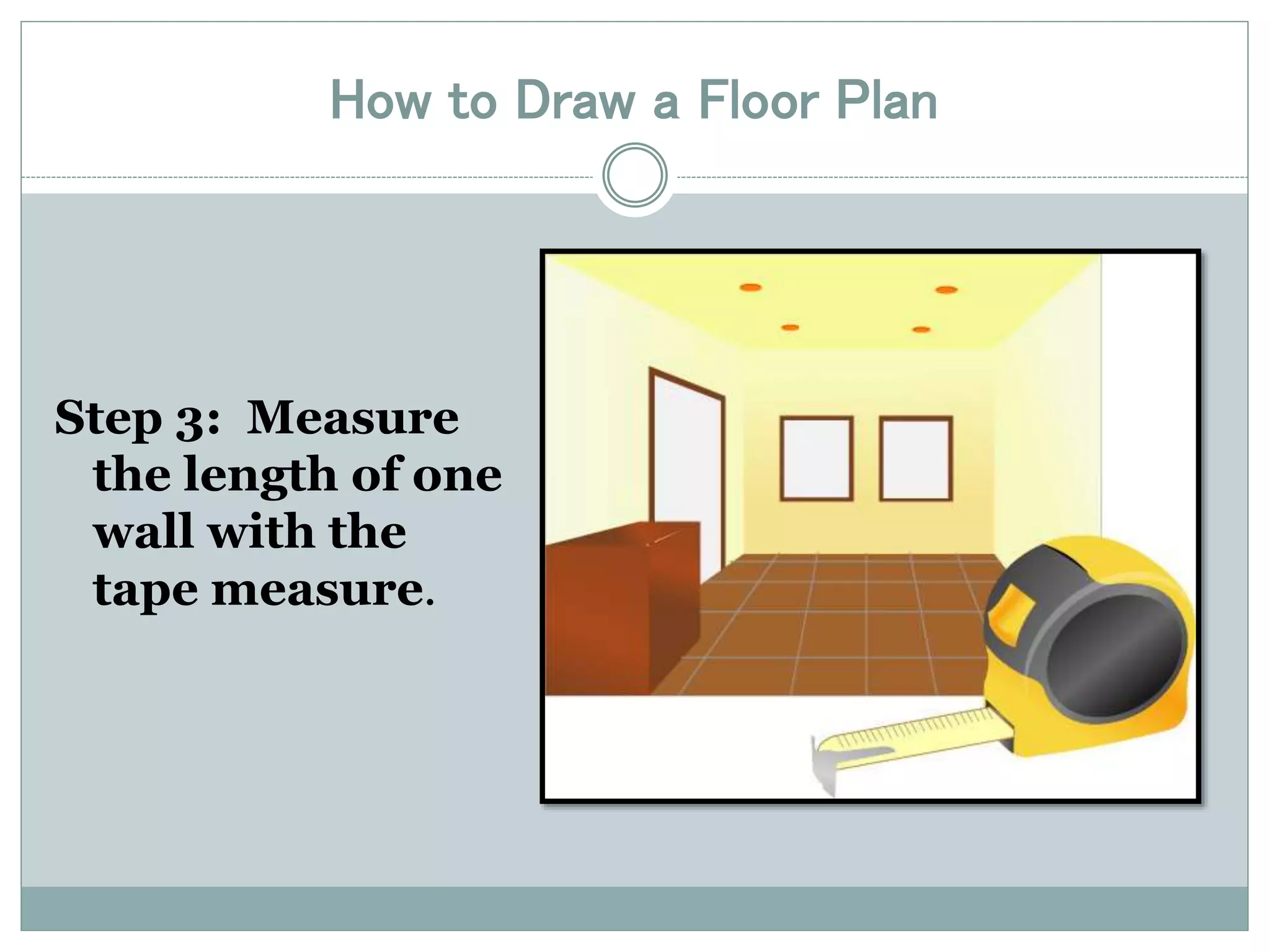
Step 3: Measure 
the length of one 
wall with the 
tape measure.
How to Draw a Floor Plan 
Step 4: Draw a line 
on the graph paper 
to represent this 
length of wall by 
counting the 
squares. For 
example: The wall 
is eight feet six 
inches long. Count 
out eight and a half 
squares.
How to Draw a Floor Plan 
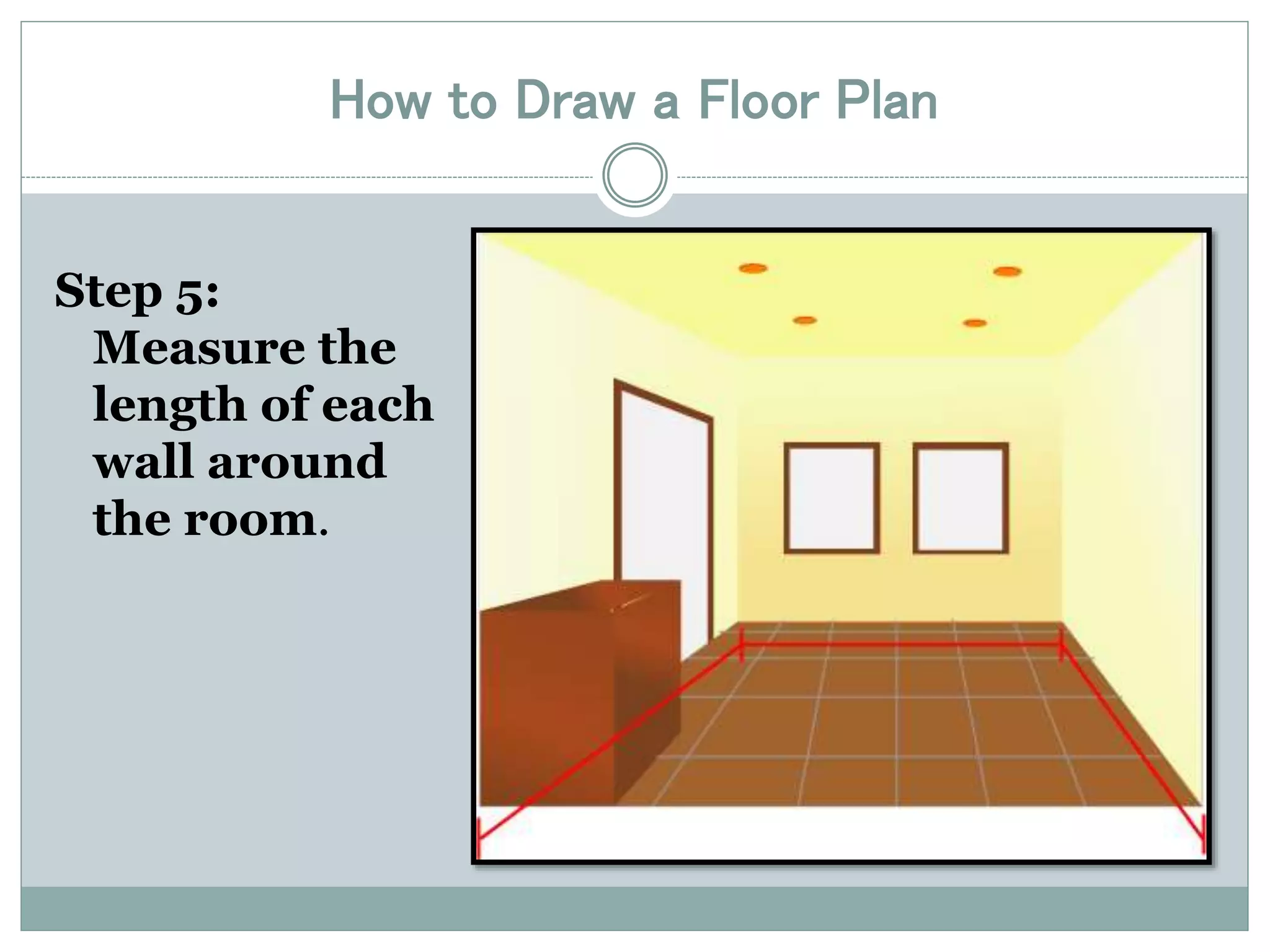
Step 5: 
Measure the 
length of each 
wall around 
the room.
How to Draw a Floor Plan 
Step 6: Measure 
the length of 
each door and 
window opening 
(without 
frames) from 
the corner of the 
closest wall and 
add to the 
drawing.
How to Draw a Floor Plan 
Step 7: Draw 
windows as 
double lines and 
doors with a line 
and an arc.
How to Draw a Floor Plan 
Step 8: Measure the length and widths of all built 
in fixtures such as counters and add to your plan.
How to Draw a Floor Plan 
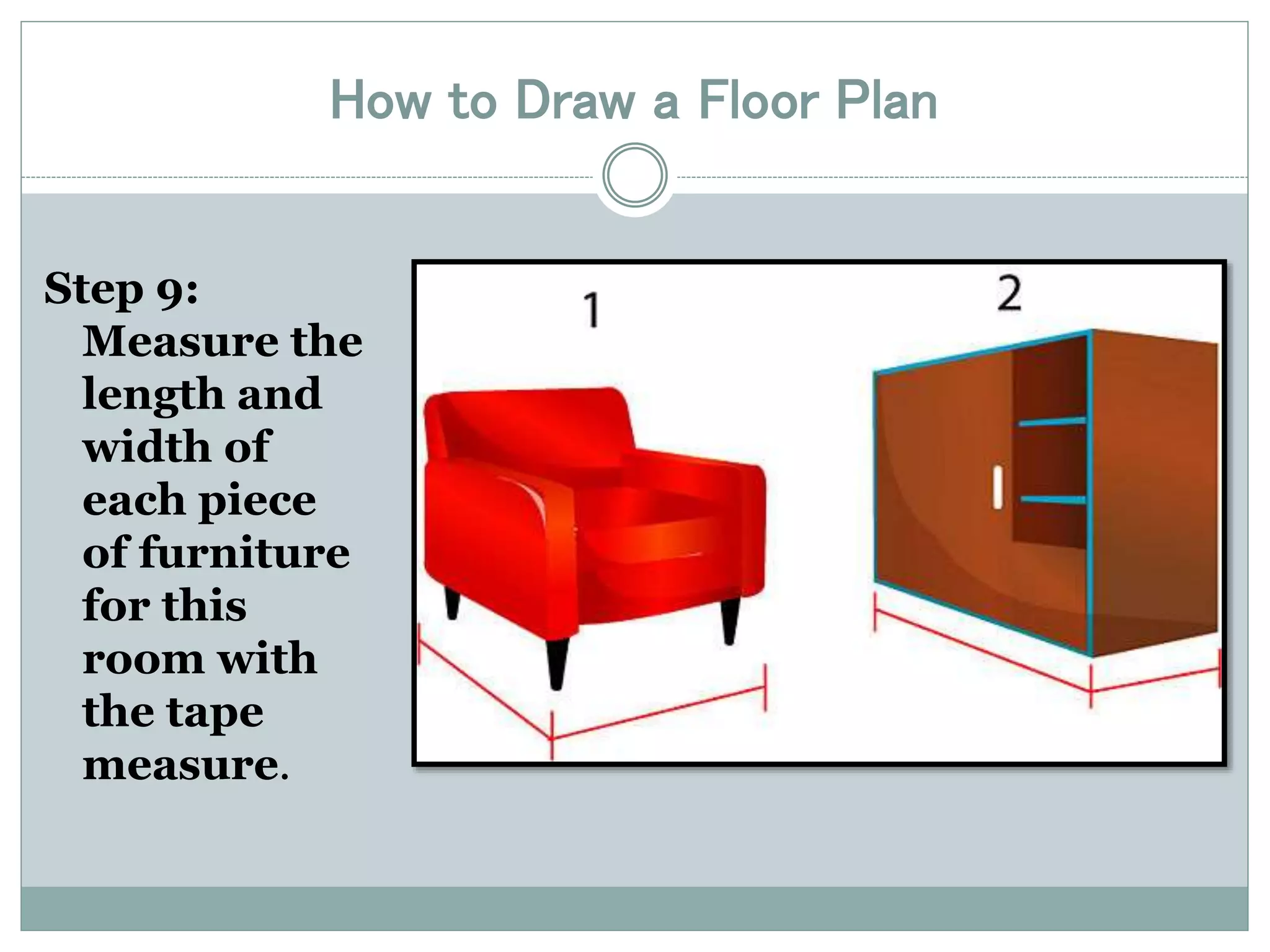
Step 9: 
Measure the 
length and 
width of 
each piece 
of furniture 
for this 
room with 
the tape 
measure.
How to Draw a Floor Plan 
Step 10: Draw the 
furniture on 
another sheet of 
graph paper – 
Remember that 
each 4 x 4 (red) 
square equals 
one foot
How to Draw a Floor Plan 
Step 11: Cut out the individual pieces of 
furniture with scissors.
How to Draw a Floor Plan 
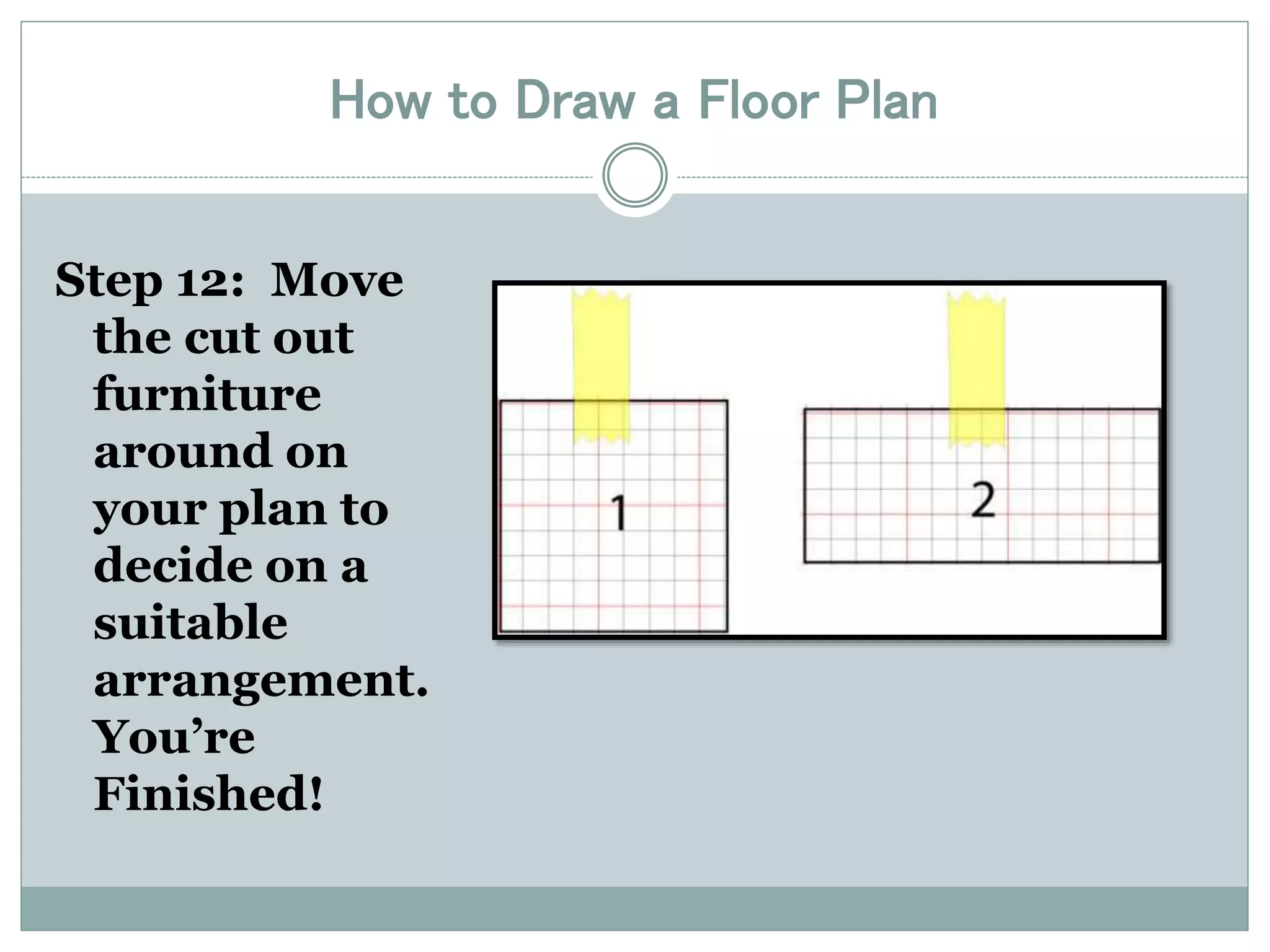
Step 12: Move 
the cut out 
furniture 
around on 
your plan to 
decide on a 
suitable 
arrangement. 
You’re 
Finished!
Multiple Room Options
How to Draw a Floor Plan 
If you need a refresher on the steps for this project, 
please scan the QR code to access the PowerPoint 
from your phone.

Drawing a floor plan

  • 1.
    Creating a ScaleFloor Plan Act ivator : What is a floor plan? Student Outcome: RHS Scholars wil l create floor plans to scale for their assigned library section and attach them to their design boards.
  • 2.
  • 3.
    How to Drawa Floor Plan Step 1: Use a graph pad where each square on the paper equals one quarter of an inch precisely (four squares equal one inch) or create your own grid of equal squares on a blank sheet of paper.
  • 4.
    How to Drawa Floor Plan Step 2: Imagine each square represents one foot (12 inches).
  • 5.
    How to Drawa Floor Plan Step 3: Measure the length of one wall with the tape measure.
  • 6.
    How to Drawa Floor Plan Step 4: Draw a line on the graph paper to represent this length of wall by counting the squares. For example: The wall is eight feet six inches long. Count out eight and a half squares.
  • 7.
    How to Drawa Floor Plan Step 5: Measure the length of each wall around the room.
  • 8.
    How to Drawa Floor Plan Step 6: Measure the length of each door and window opening (without frames) from the corner of the closest wall and add to the drawing.
  • 9.
    How to Drawa Floor Plan Step 7: Draw windows as double lines and doors with a line and an arc.
  • 10.
    How to Drawa Floor Plan Step 8: Measure the length and widths of all built in fixtures such as counters and add to your plan.
  • 11.
    How to Drawa Floor Plan Step 9: Measure the length and width of each piece of furniture for this room with the tape measure.
  • 12.
    How to Drawa Floor Plan Step 10: Draw the furniture on another sheet of graph paper – Remember that each 4 x 4 (red) square equals one foot
  • 13.
    How to Drawa Floor Plan Step 11: Cut out the individual pieces of furniture with scissors.
  • 14.
    How to Drawa Floor Plan Step 12: Move the cut out furniture around on your plan to decide on a suitable arrangement. You’re Finished!
  • 15.
  • 16.
    How to Drawa Floor Plan If you need a refresher on the steps for this project, please scan the QR code to access the PowerPoint from your phone.