Digital Storytelling
Trends/Issues in Technology
What are Digital Stories?
   Stories that are told through the use
    of digital tools
   Focus on a specific topic or point of
    view
   Vary in length (most often 2-10
    minutes)
   Can be used for any topic
    (history, personal
    narrative, math, retelling a
    story, etc.)
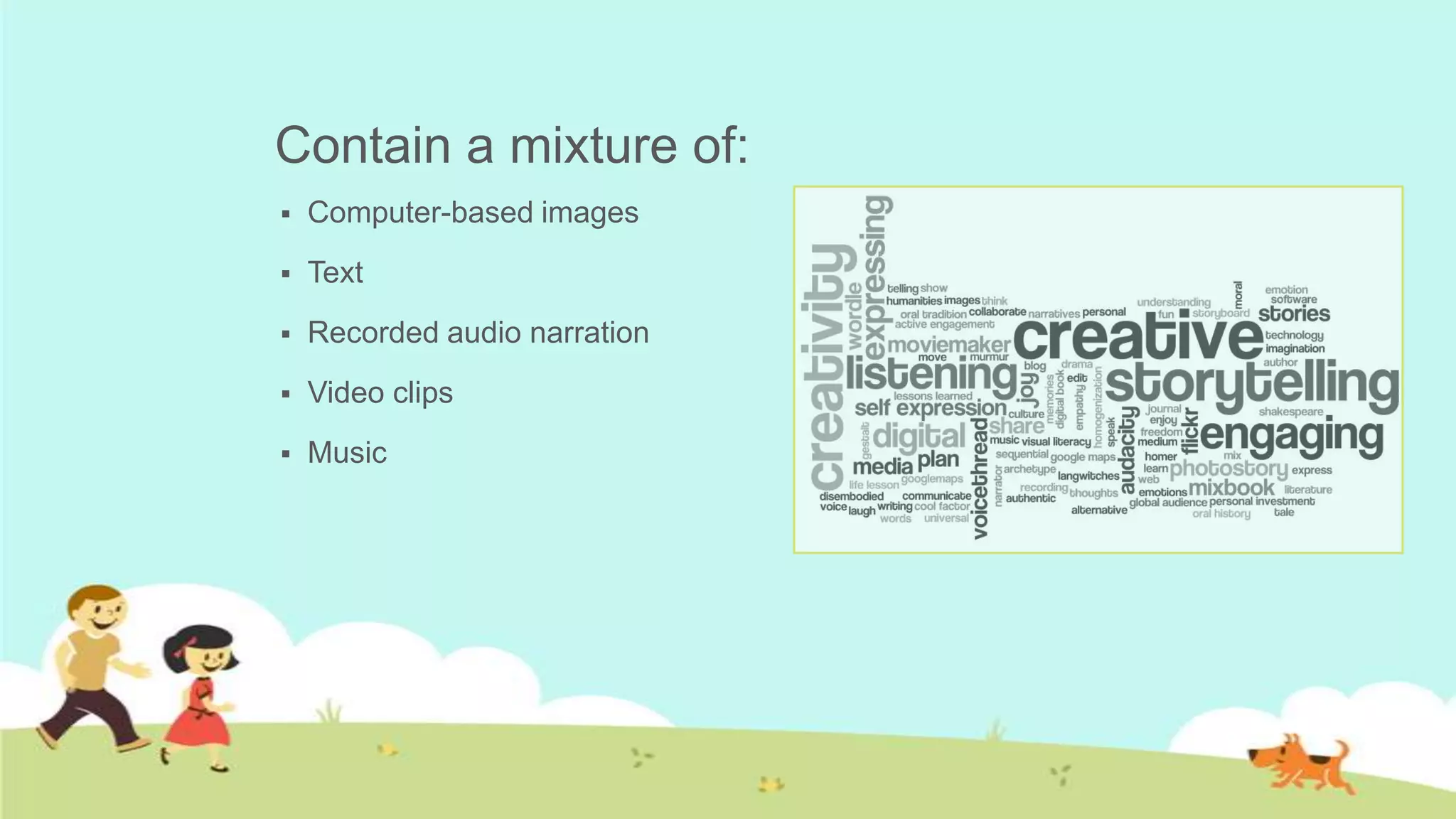
Contain a mixture of:
   Computer-based images
   Text
   Recorded audio narration
   Video clips
   Music
7 Elements of Story Telling
   Find your story. (what will get your point across best)
   Map your story. (how do you want to tell it)
   Capture your audience’s attention right away, and keep it. (ex. Dramatic
    question)
   Tell your story from your unique point of view. (don’t overload with
    information, just say important parts)
   Use fresh and vivid language (be clear and specific)
   Integrate emotion – yours and the audience’s. (create a tone and keep with it)
   Use your own voice, in the script and in the audio. (be sure to pace yourself)
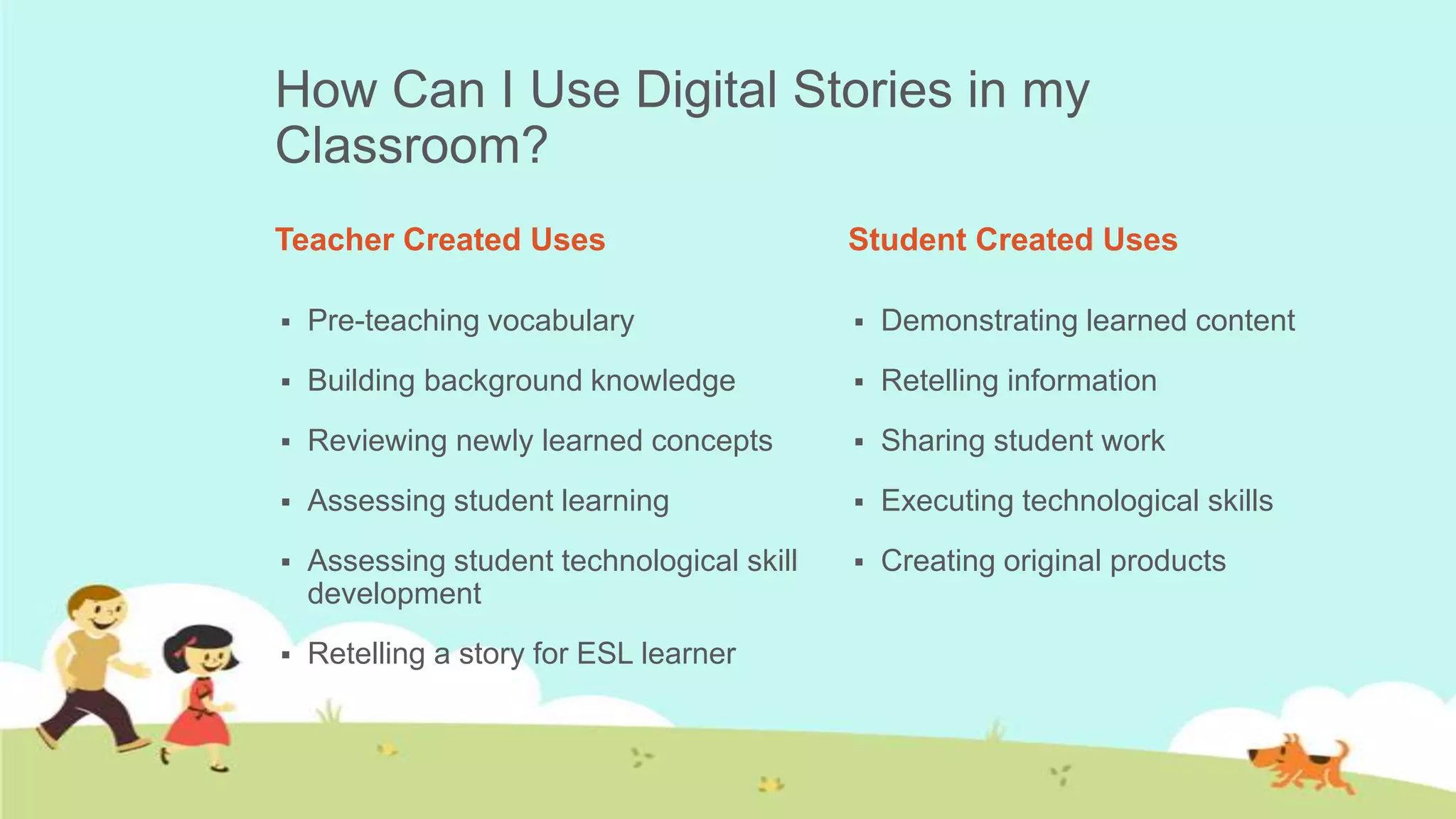
How Can I Use Digital Stories in my
Classroom?
Teacher Created Uses                        Student Created Uses

   Pre-teaching vocabulary                    Demonstrating learned content
   Building background knowledge              Retelling information
   Reviewing newly learned concepts           Sharing student work
   Assessing student learning                 Executing technological skills
   Assessing student technological skill      Creating original products
    development
   Retelling a story for ESL learner
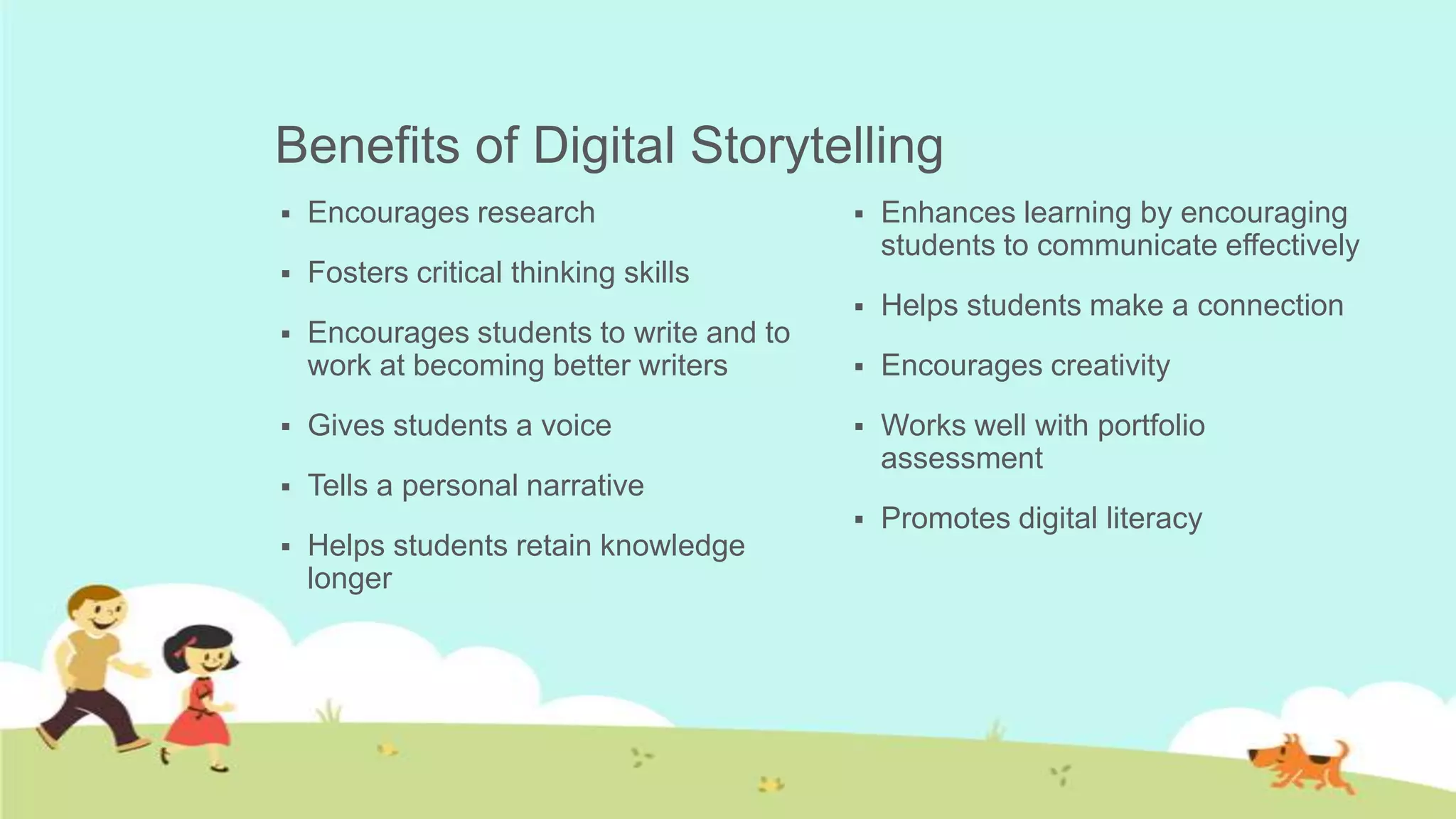
Benefits of Digital Storytelling
   Encourages research                      Enhances learning by encouraging
                                              students to communicate effectively
   Fosters critical thinking skills
                                             Helps students make a connection
   Encourages students to write and to
    work at becoming better writers          Encourages creativity
   Gives students a voice                   Works well with portfolio
                                              assessment
   Tells a personal narrative
                                             Promotes digital literacy
   Helps students retain knowledge
    longer
Example
Long Vowel Sounds by Ms.
Inabinet’s First Grade Class
Example
Don’t Laugh at Me by Hope C.
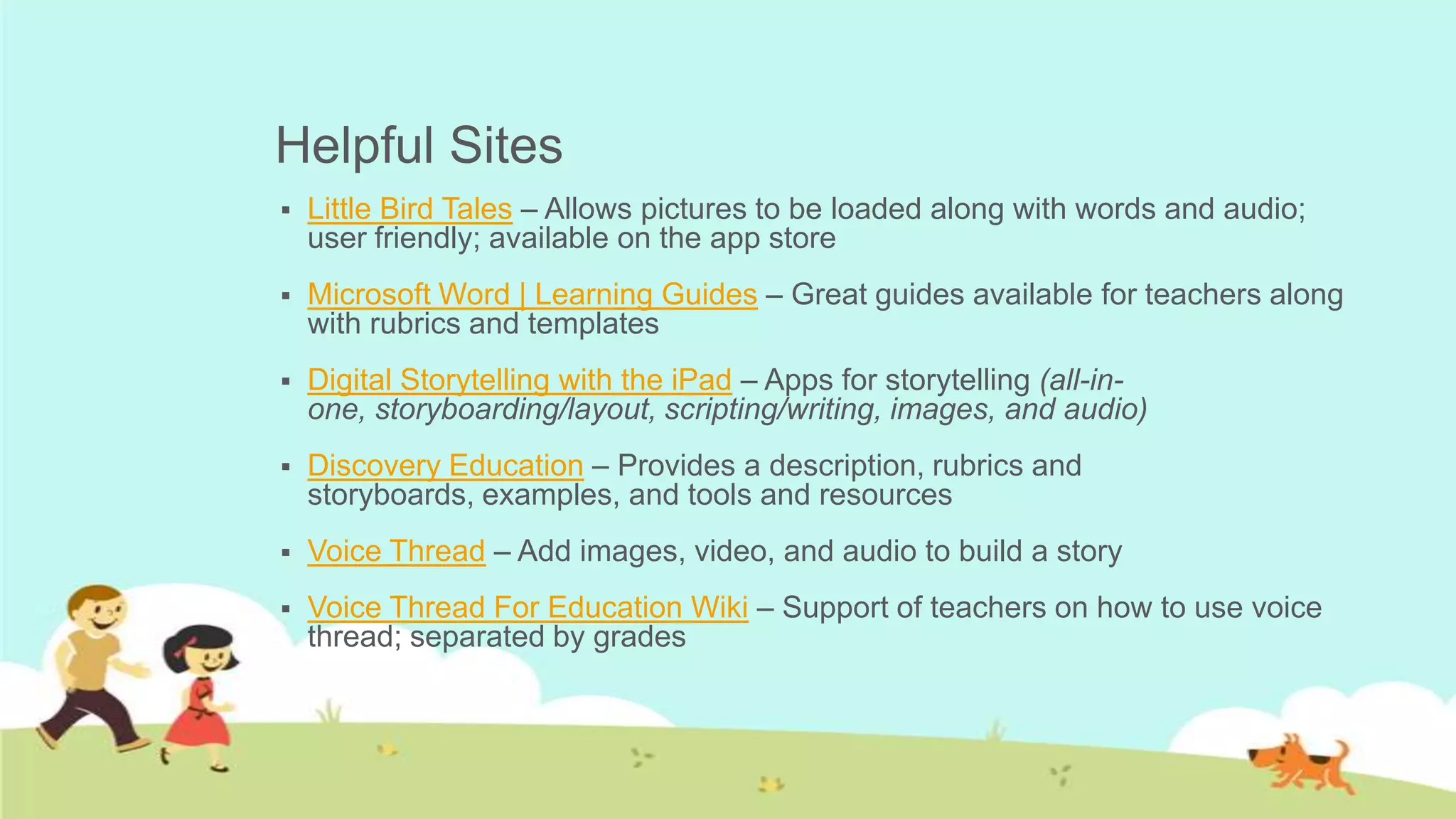
Helpful Sites
   Little Bird Tales – Allows pictures to be loaded along with words and audio;
    user friendly; available on the app store
   Microsoft Word | Learning Guides – Great guides available for teachers along
    with rubrics and templates
   Digital Storytelling with the iPad – Apps for storytelling (all-in-
    one, storyboarding/layout, scripting/writing, images, and audio)
   Discovery Education – Provides a description, rubrics and
    storyboards, examples, and tools and resources
   Voice Thread – Add images, video, and audio to build a story
   Voice Thread For Education Wiki – Support of teachers on how to use voice
    thread; separated by grades
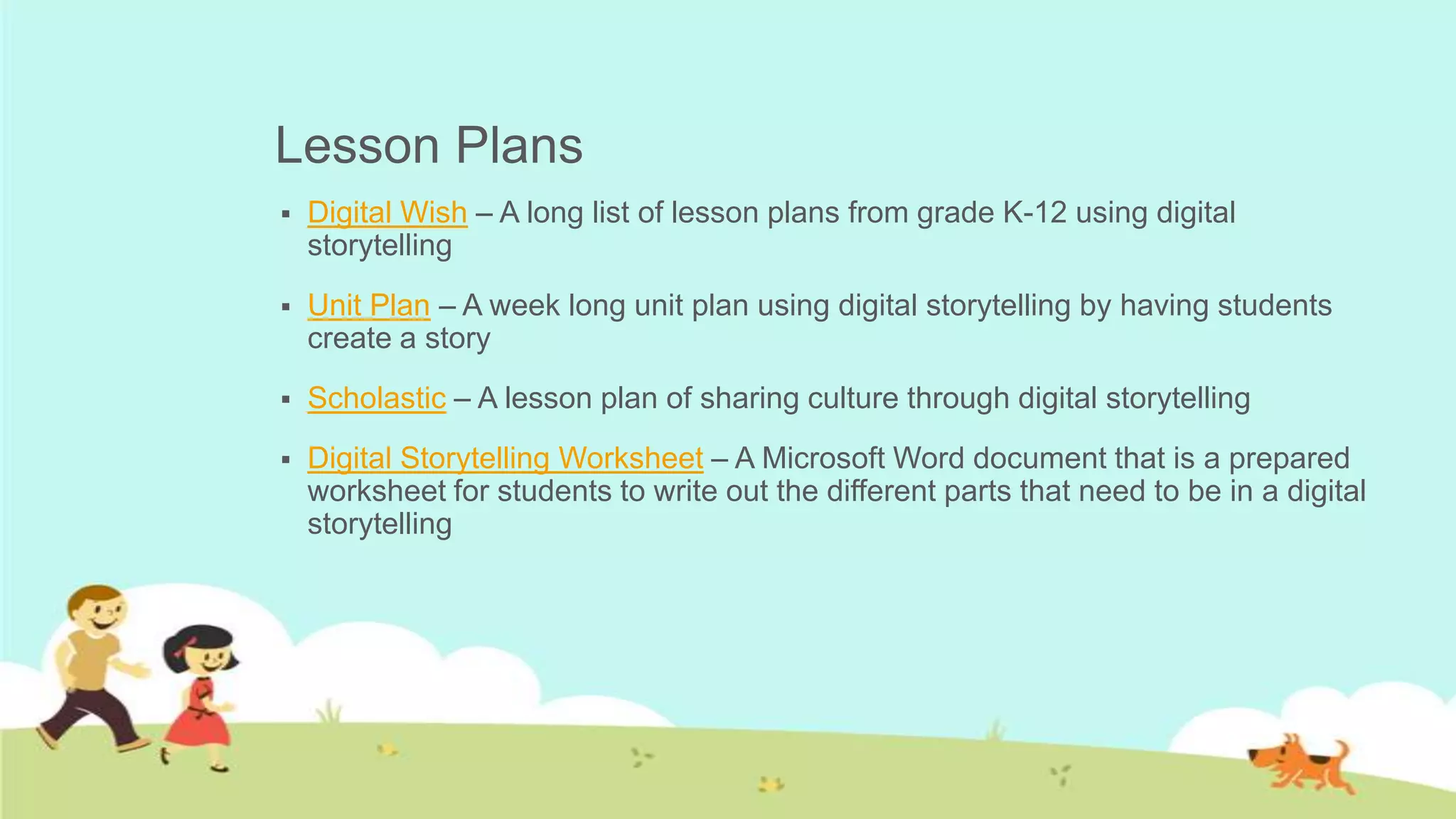
Lesson Plans
   Digital Wish – A long list of lesson plans from grade K-12 using digital
    storytelling
   Unit Plan – A week long unit plan using digital storytelling by having students
    create a story
   Scholastic – A lesson plan of sharing culture through digital storytelling
   Digital Storytelling Worksheet – A Microsoft Word document that is a prepared
    worksheet for students to write out the different parts that need to be in a digital
    storytelling
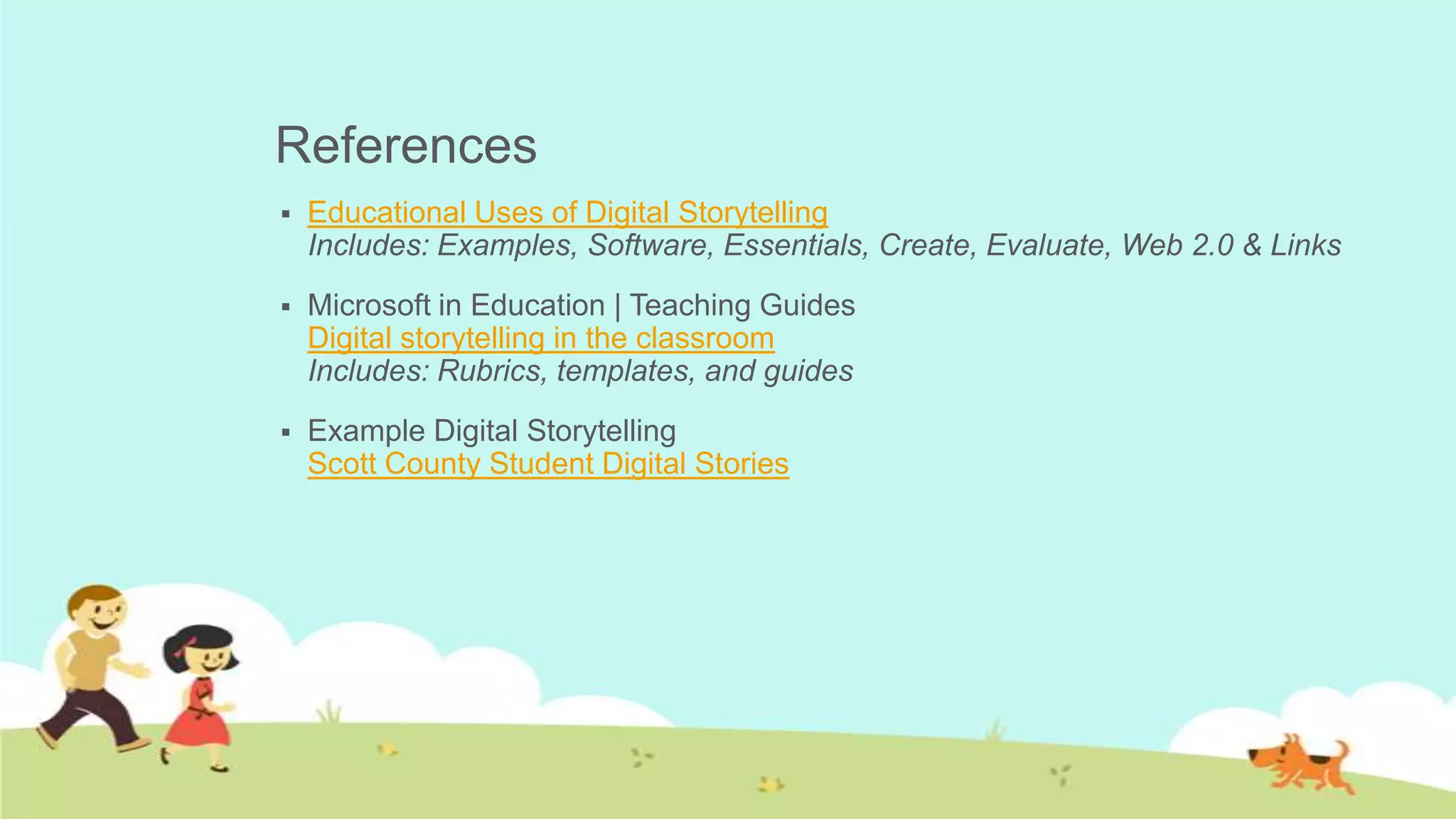
References
   Educational Uses of Digital Storytelling
    Includes: Examples, Software, Essentials, Create, Evaluate, Web 2.0 & Links
   Microsoft in Education | Teaching Guides
    Digital storytelling in the classroom
    Includes: Rubrics, templates, and guides
   Example Digital Storytelling
    Scott County Student Digital Stories

Digital Storytelling

  • 1.
  • 2.
    What are DigitalStories?  Stories that are told through the use of digital tools  Focus on a specific topic or point of view  Vary in length (most often 2-10 minutes)  Can be used for any topic (history, personal narrative, math, retelling a story, etc.)
  • 3.
    Contain a mixtureof:  Computer-based images  Text  Recorded audio narration  Video clips  Music
  • 4.
    7 Elements ofStory Telling  Find your story. (what will get your point across best)  Map your story. (how do you want to tell it)  Capture your audience’s attention right away, and keep it. (ex. Dramatic question)  Tell your story from your unique point of view. (don’t overload with information, just say important parts)  Use fresh and vivid language (be clear and specific)  Integrate emotion – yours and the audience’s. (create a tone and keep with it)  Use your own voice, in the script and in the audio. (be sure to pace yourself)
  • 5.
    How Can IUse Digital Stories in my Classroom? Teacher Created Uses Student Created Uses  Pre-teaching vocabulary  Demonstrating learned content  Building background knowledge  Retelling information  Reviewing newly learned concepts  Sharing student work  Assessing student learning  Executing technological skills  Assessing student technological skill  Creating original products development  Retelling a story for ESL learner
  • 6.
    Benefits of DigitalStorytelling  Encourages research  Enhances learning by encouraging students to communicate effectively  Fosters critical thinking skills  Helps students make a connection  Encourages students to write and to work at becoming better writers  Encourages creativity  Gives students a voice  Works well with portfolio assessment  Tells a personal narrative  Promotes digital literacy  Helps students retain knowledge longer
  • 7.
    Example Long Vowel Soundsby Ms. Inabinet’s First Grade Class
  • 8.
  • 9.
    Helpful Sites  Little Bird Tales – Allows pictures to be loaded along with words and audio; user friendly; available on the app store  Microsoft Word | Learning Guides – Great guides available for teachers along with rubrics and templates  Digital Storytelling with the iPad – Apps for storytelling (all-in- one, storyboarding/layout, scripting/writing, images, and audio)  Discovery Education – Provides a description, rubrics and storyboards, examples, and tools and resources  Voice Thread – Add images, video, and audio to build a story  Voice Thread For Education Wiki – Support of teachers on how to use voice thread; separated by grades
  • 10.
    Lesson Plans  Digital Wish – A long list of lesson plans from grade K-12 using digital storytelling  Unit Plan – A week long unit plan using digital storytelling by having students create a story  Scholastic – A lesson plan of sharing culture through digital storytelling  Digital Storytelling Worksheet – A Microsoft Word document that is a prepared worksheet for students to write out the different parts that need to be in a digital storytelling
  • 11.
    References  Educational Uses of Digital Storytelling Includes: Examples, Software, Essentials, Create, Evaluate, Web 2.0 & Links  Microsoft in Education | Teaching Guides Digital storytelling in the classroom Includes: Rubrics, templates, and guides  Example Digital Storytelling Scott County Student Digital Stories