
DIPLOMA
Module 4: SEO - By: Tamer Abdulbaky
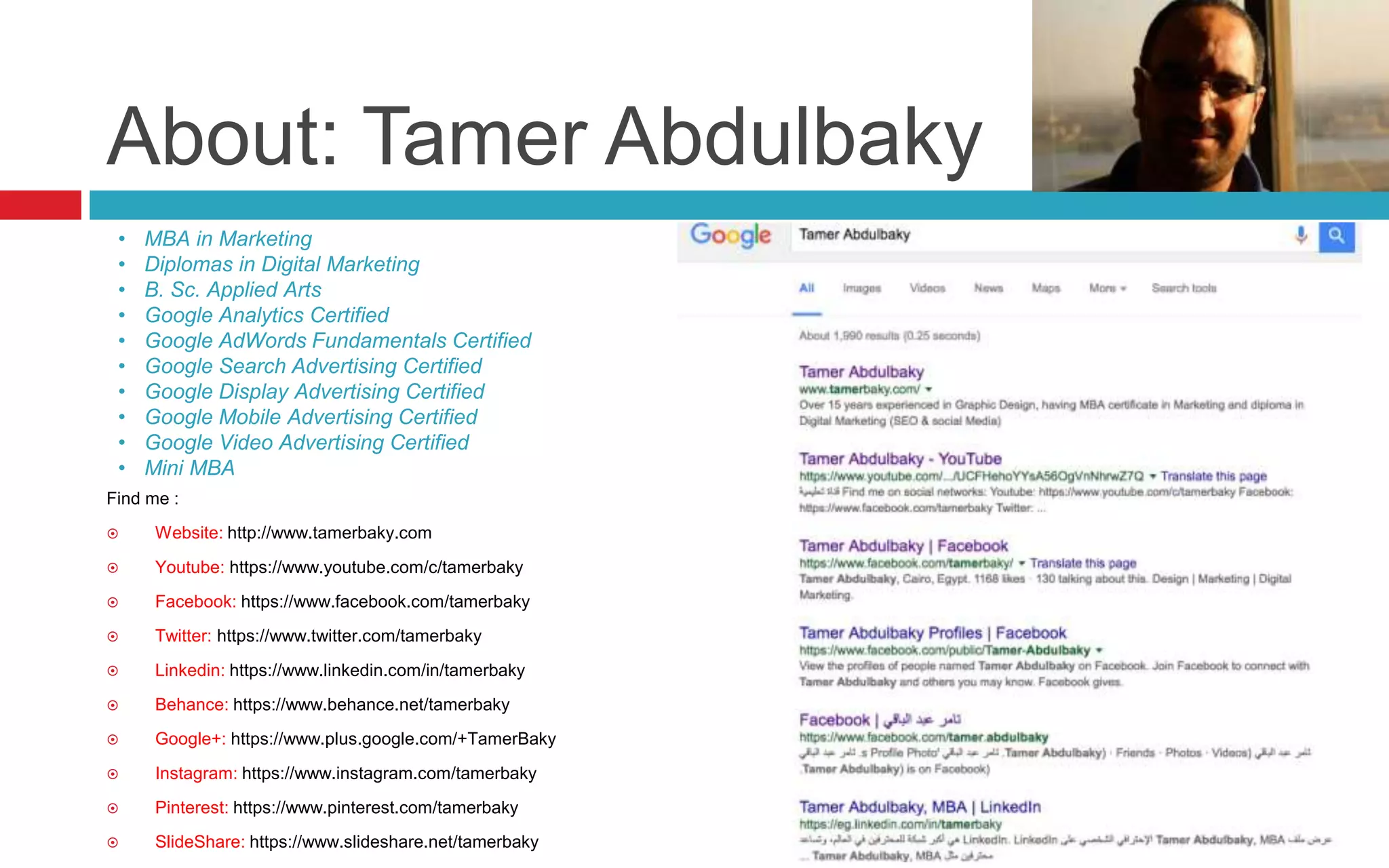
About: Tamer Abdulbaky
Find me :
 Website: http://www.tamerbaky.com
 Youtube: https://www.youtube.com/c/tamerbaky
 Facebook: https://www.facebook.com/tamerbaky
 Twitter: https://www.twitter.com/tamerbaky
 Linkedin: https://www.linkedin.com/in/tamerbaky
 Behance: https://www.behance.net/tamerbaky
 Google+: https://www.plus.google.com/+TamerBaky
 Instagram: https://www.instagram.com/tamerbaky
 Pinterest: https://www.pinterest.com/tamerbaky
 SlideShare: https://www.slideshare.net/tamerbaky
• MBA in Marketing
• Diplomas in Digital Marketing
• B. Sc. Applied Arts
• Google Analytics Certified
• Google AdWords Fundamentals Certified
• Google Search Advertising Certified
• Google Display Advertising Certified
• Google Mobile Advertising Certified
• Google Video Advertising Certified
• Mini MBA
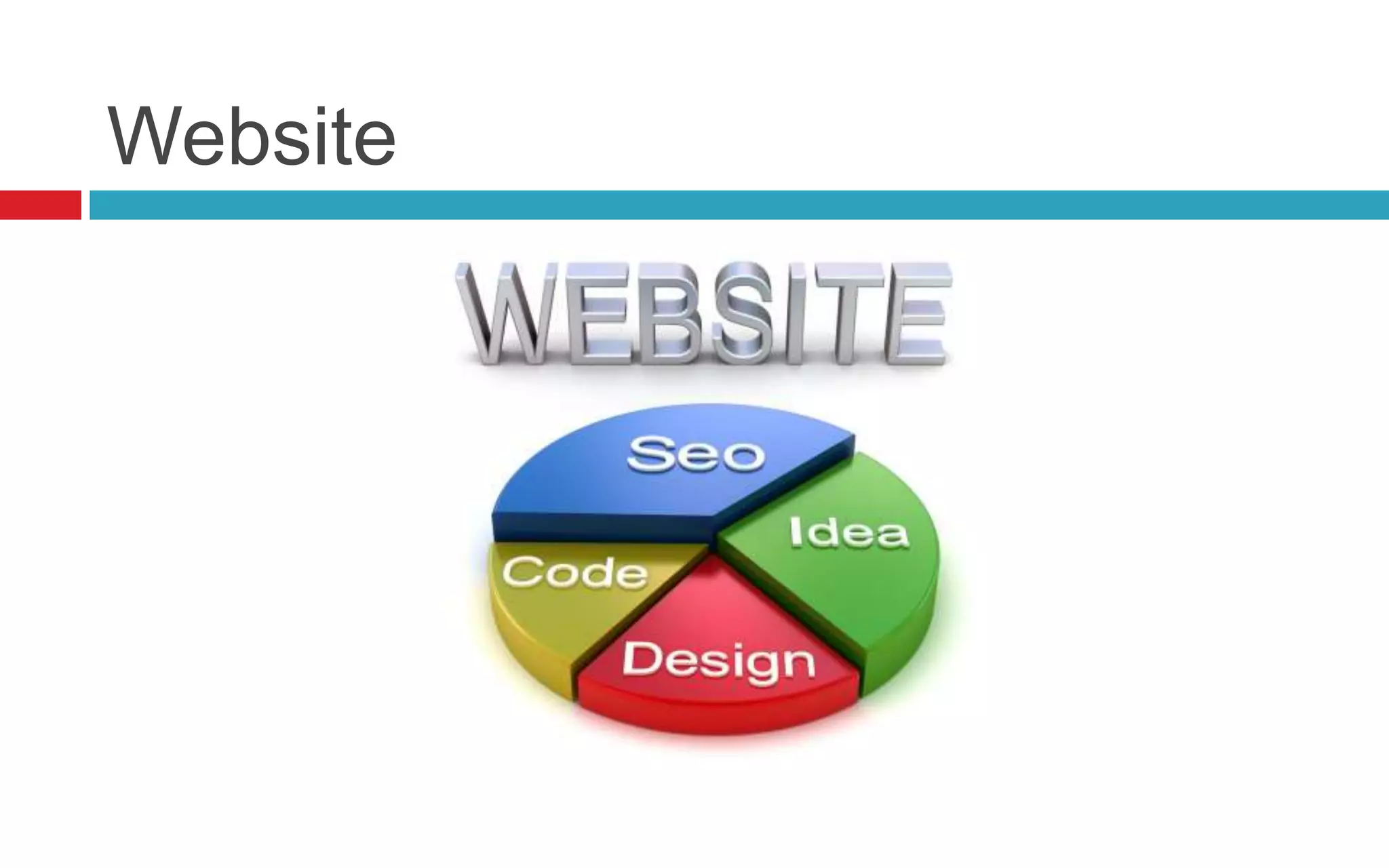
Website
Website Hosting
A web
hosting
service is a
type of
Internet
hosting
service that
allows
individuals
and
organizations
to make their
website
accessible
via the World
Wide Web.
Domain & URL
Domain & URL
 Domain Name:
A domain name is the address that people type to
get to your website.
www.tamerbaky.com
 URL “Uniform Resource Locator”
URL is a reference to a web resource.
It includes your domain name plus the path locate
specific page on the hosting server
http://www.tamerbaky.com/about.html
10 tips for choosing the perfect domain
name
1. Make it easy to type
2. Keep it short
3. Use keywords
4. Target your area
5. Avoid numbers and hyphens
6. Be memorable
7. Research it
8. Protect and build your brand
9. Act fast
10. Use an appropriate domain name extension
Domain extensions
 .COM - Commercial: Currently, this is the most popular extension, it’s
chosen by almost companies and business,…
 .NET - Network: The second most popular extension now, it’s also use by
companies, internet services provider or organization that related to internet
fields
 .BIZ - Business: It’s used for small business website, small eCommerce
business,…
 .GOV - Government: It’s used for companies, organizations that own by
government
 .ORG - Organization: It’s usually used for non-profit organization or
eCommerce companies/organization,…
 .EDU: Education: It’s used for schools, universities, or education
organization,…
 .INFO - Information: It’s usually used for website that sharing information or
resources about many fields,…
 .TV - Television: It’s used for website about television, video sharing,…
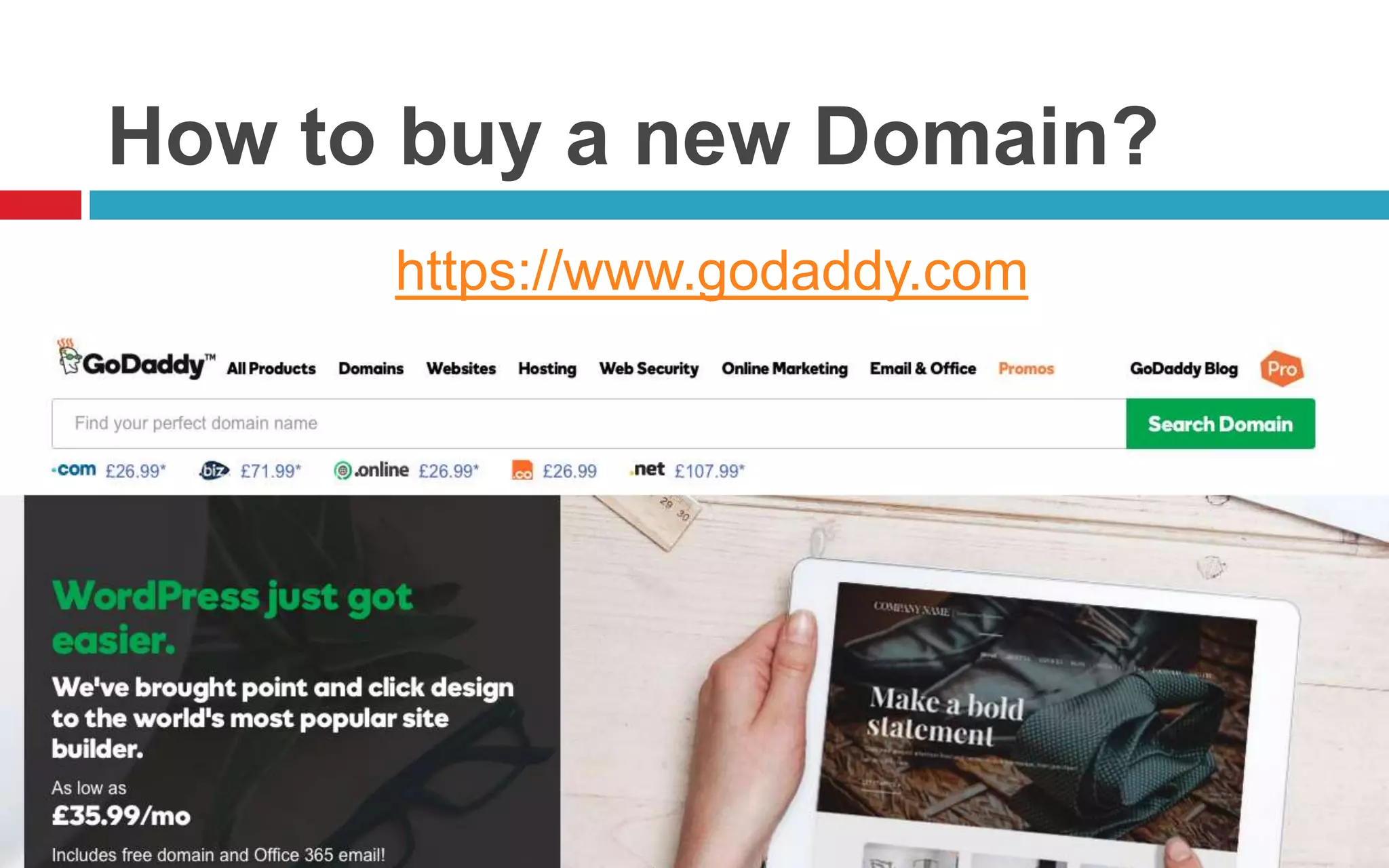
How to buy a new Domain?
https://www.godaddy.com
URL Structure best practices
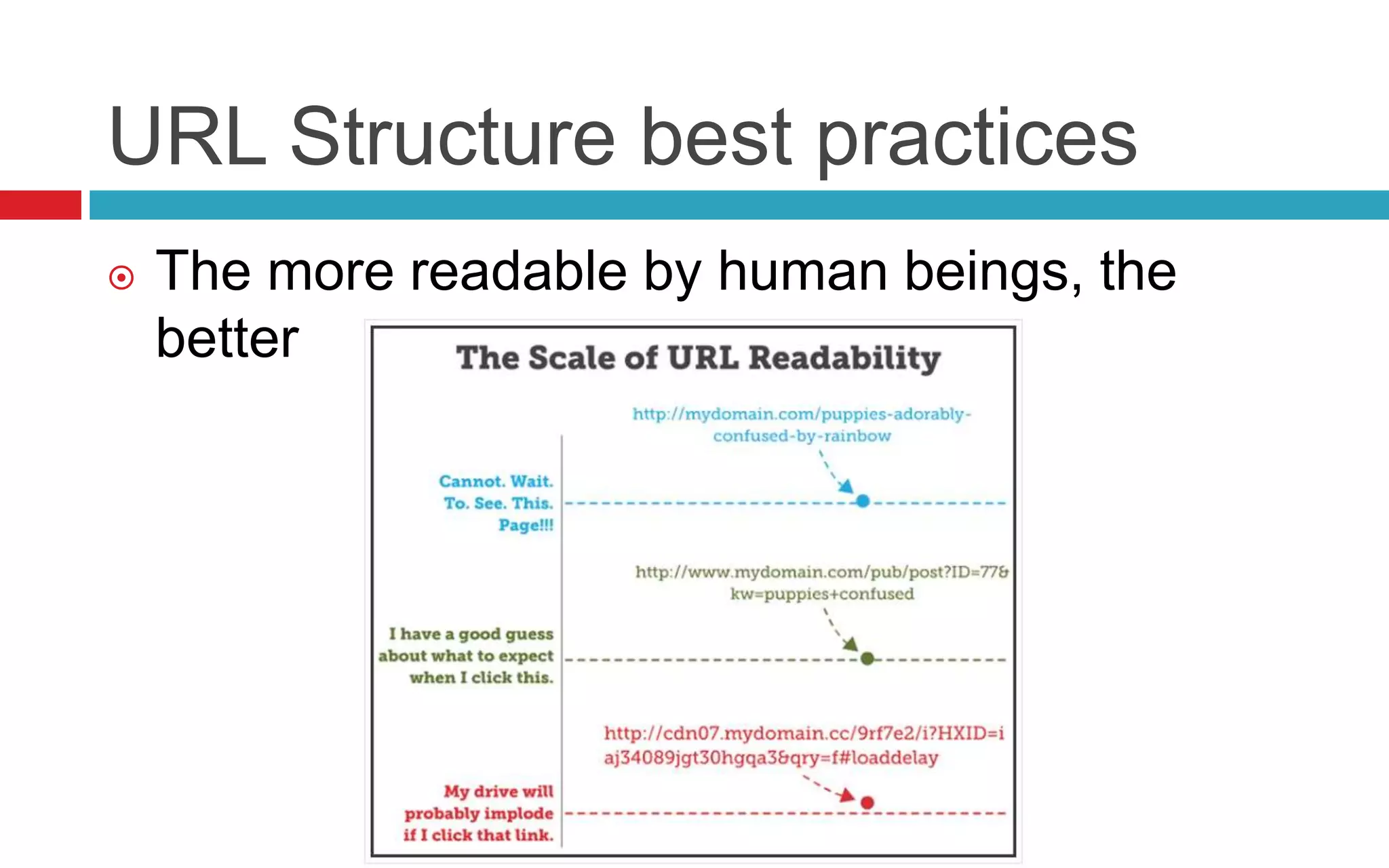
 The more readable by human beings, the
better
URL Structure best practices
 The more readable by human beings, the
better
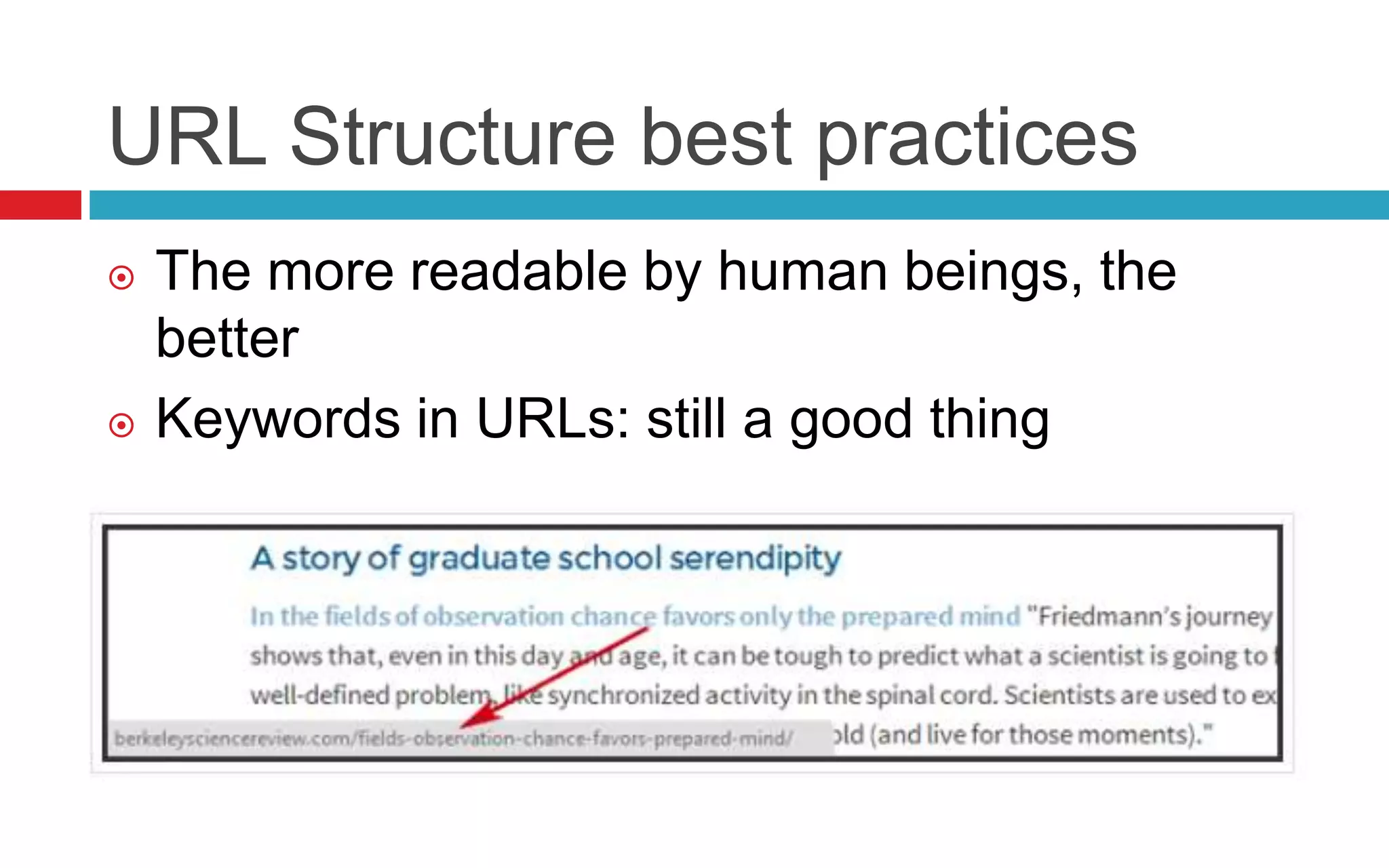
 Keywords in URLs: still a good thing
URL Structure best practices
 The more readable by human beings, the
better
 Keywords in URLs: still a good thing
 Use hyphens to separate words
Google will consider digital-marketing
(hyphen) as tow separate words.
If you use underscore “digital_marketing”, it
will be considered as single word by search
engines.
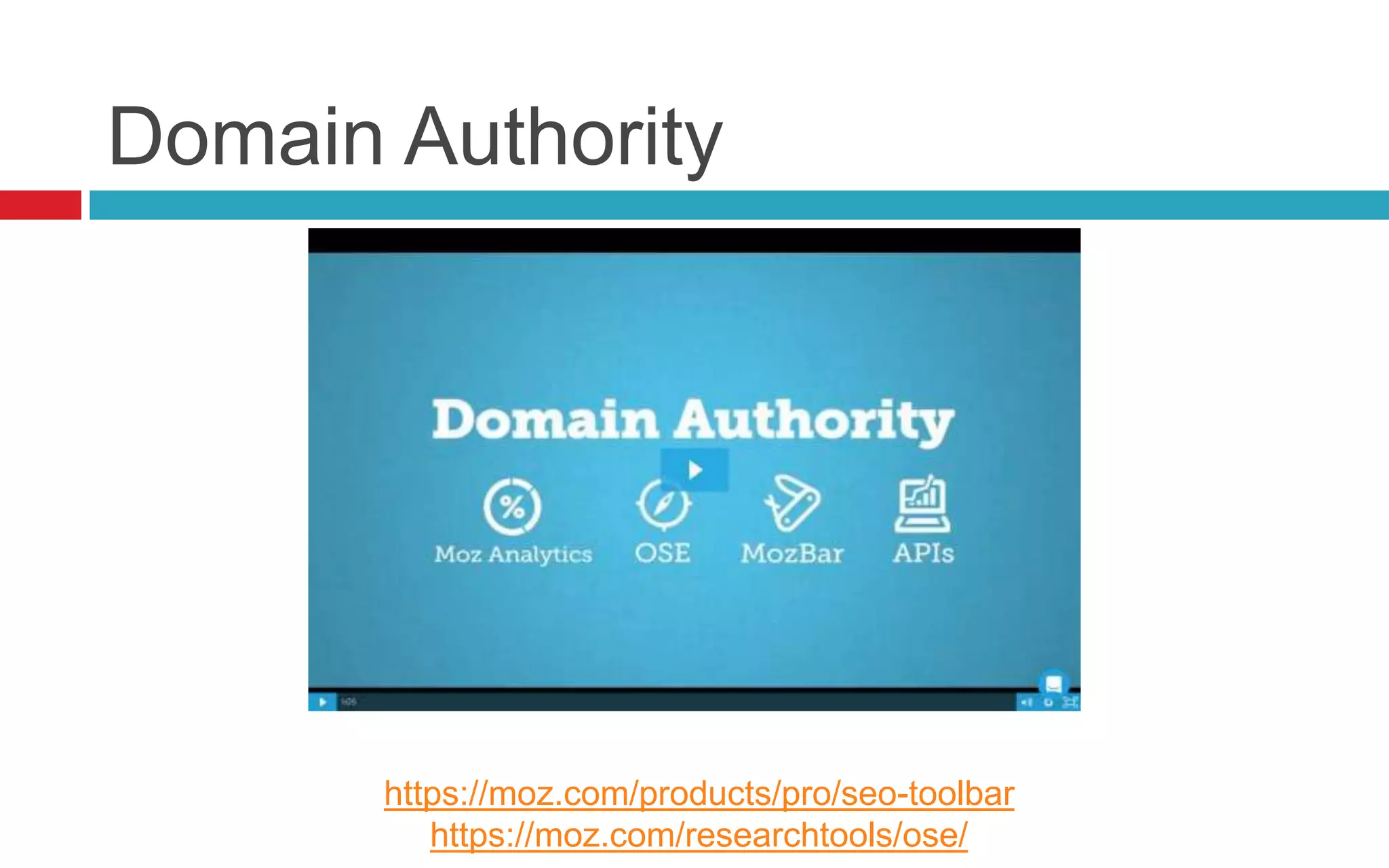
Domain Authority
https://moz.com/products/pro/seo-toolbar
https://moz.com/researchtools/ose/
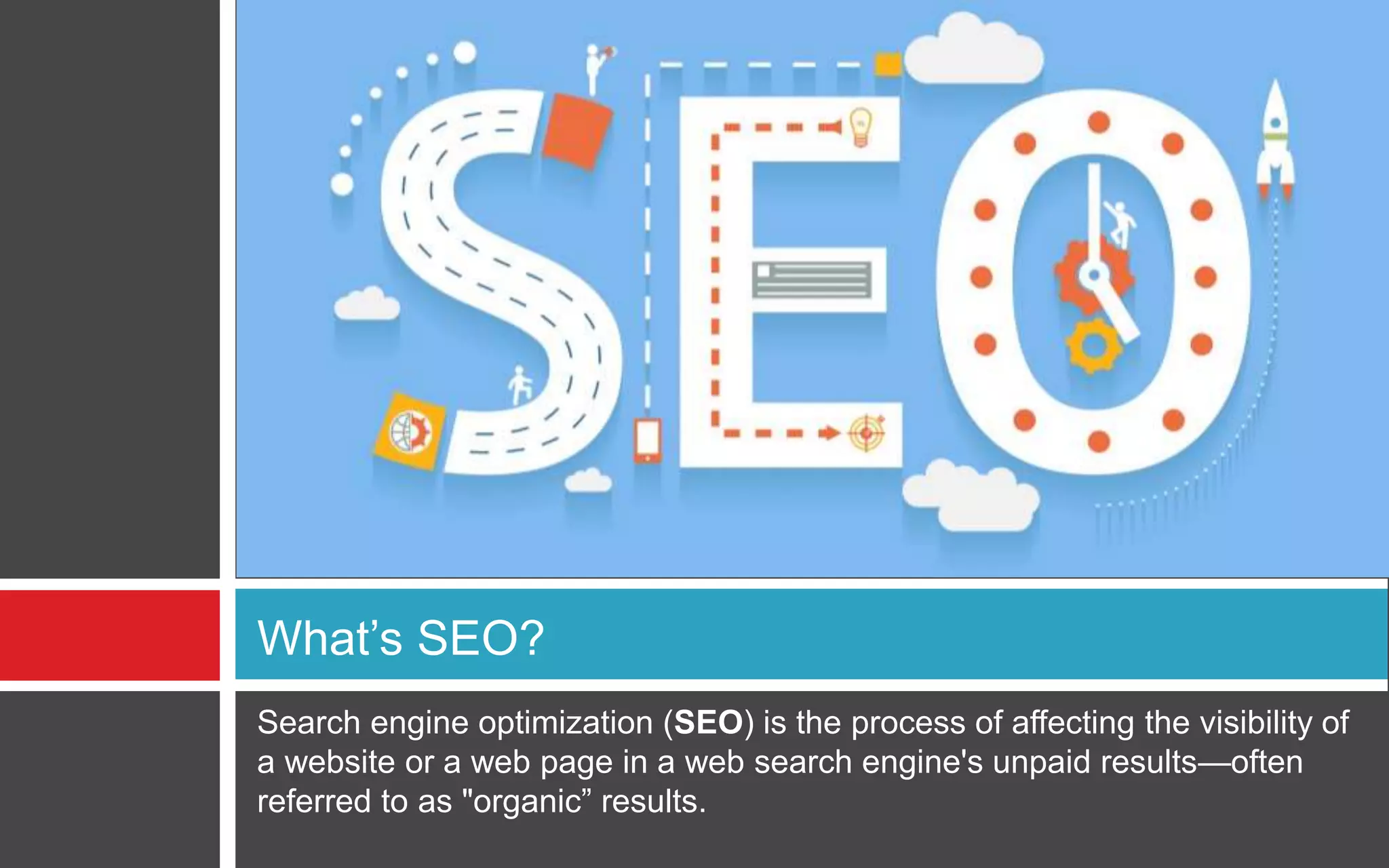
Search engine optimization (SEO) is the process of affecting the visibility of
a website or a web page in a web search engine's unpaid results—often
referred to as "organic” results.
What’s SEO?
Why SEO?
An important aspect of SEO is making your
website easy for both users and search engine
robots to understand. Although search engines
have become increasingly sophisticated, they
still can't see and understand a web page the
same way a human can.
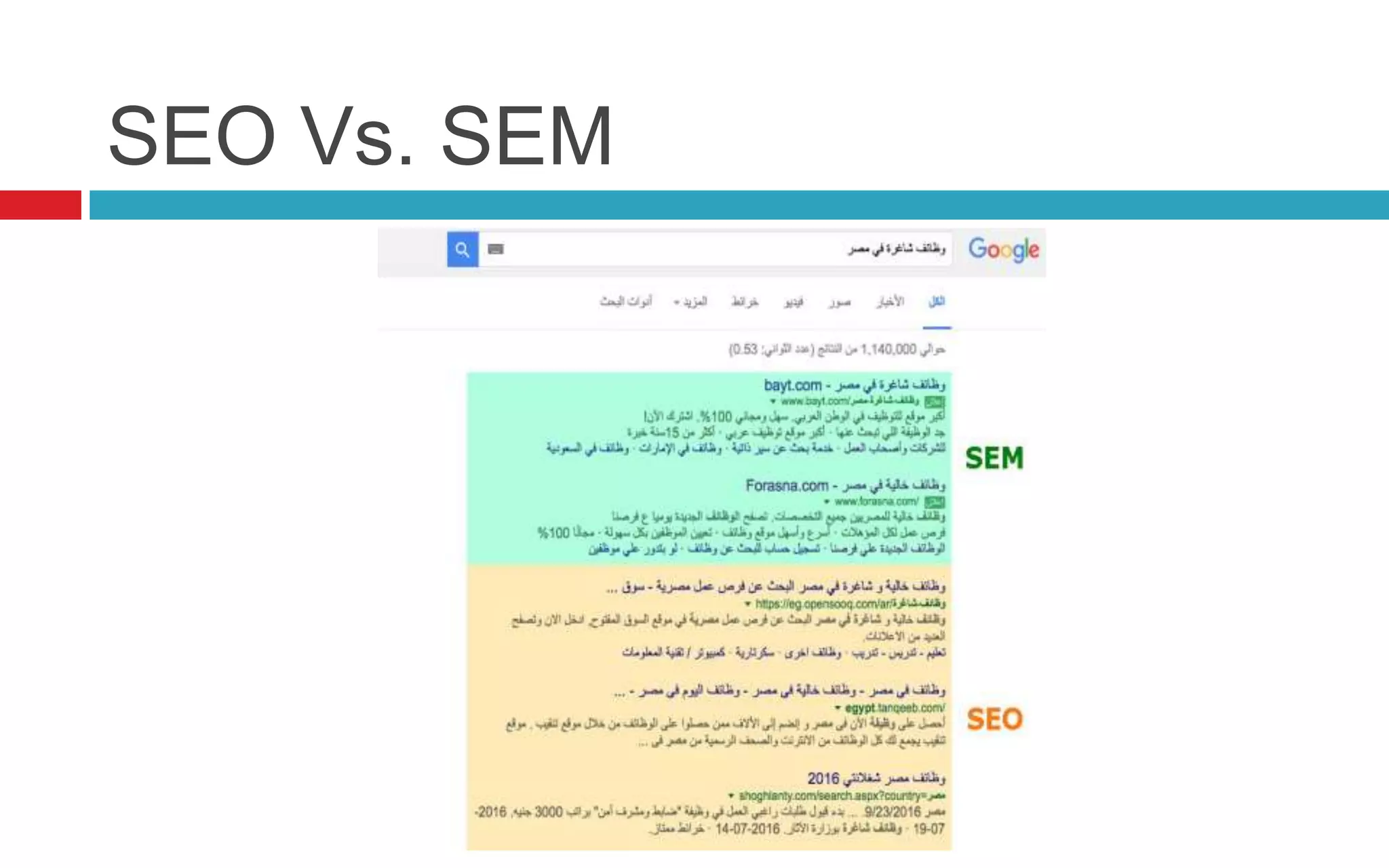
SEO Vs. SEM
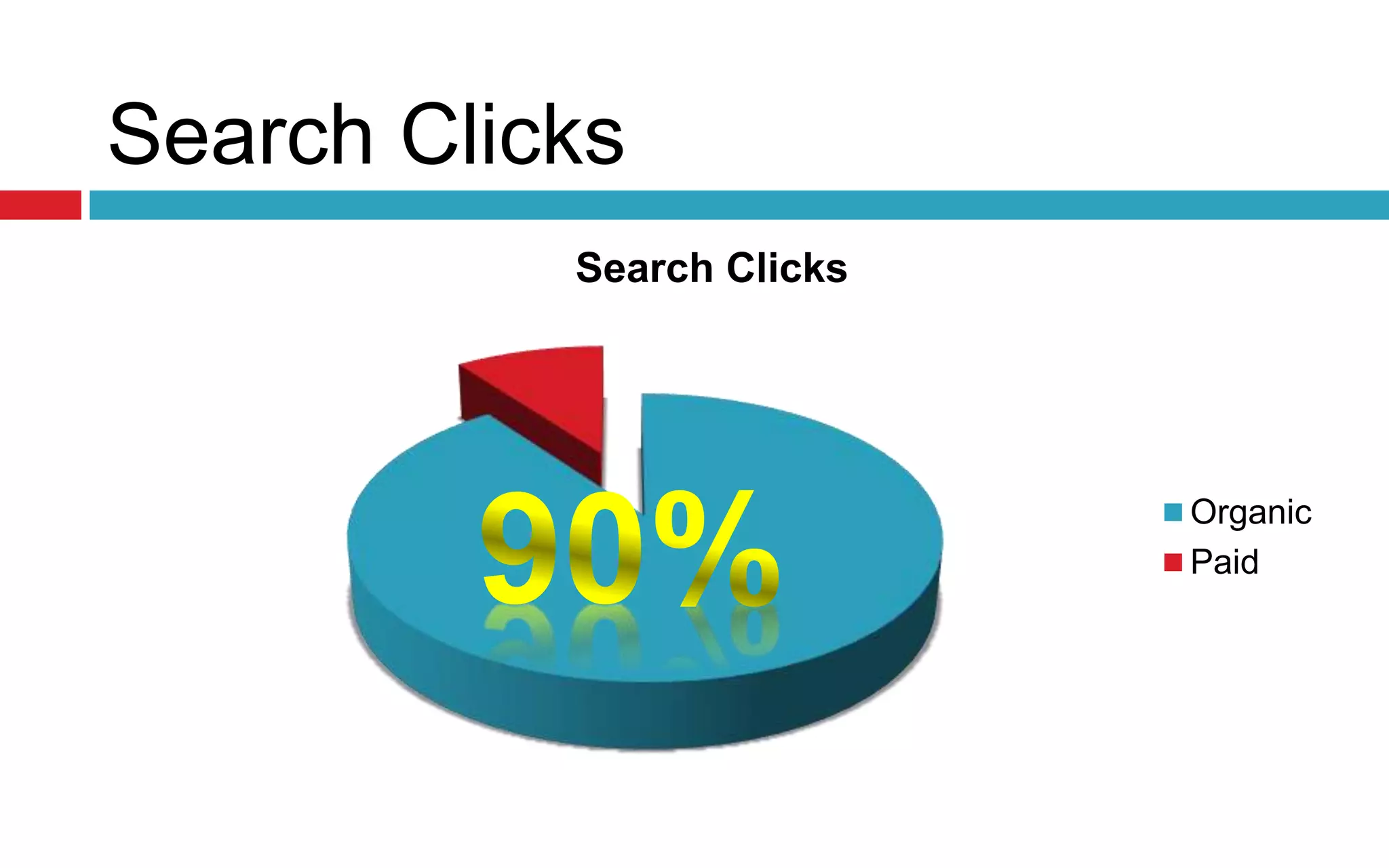
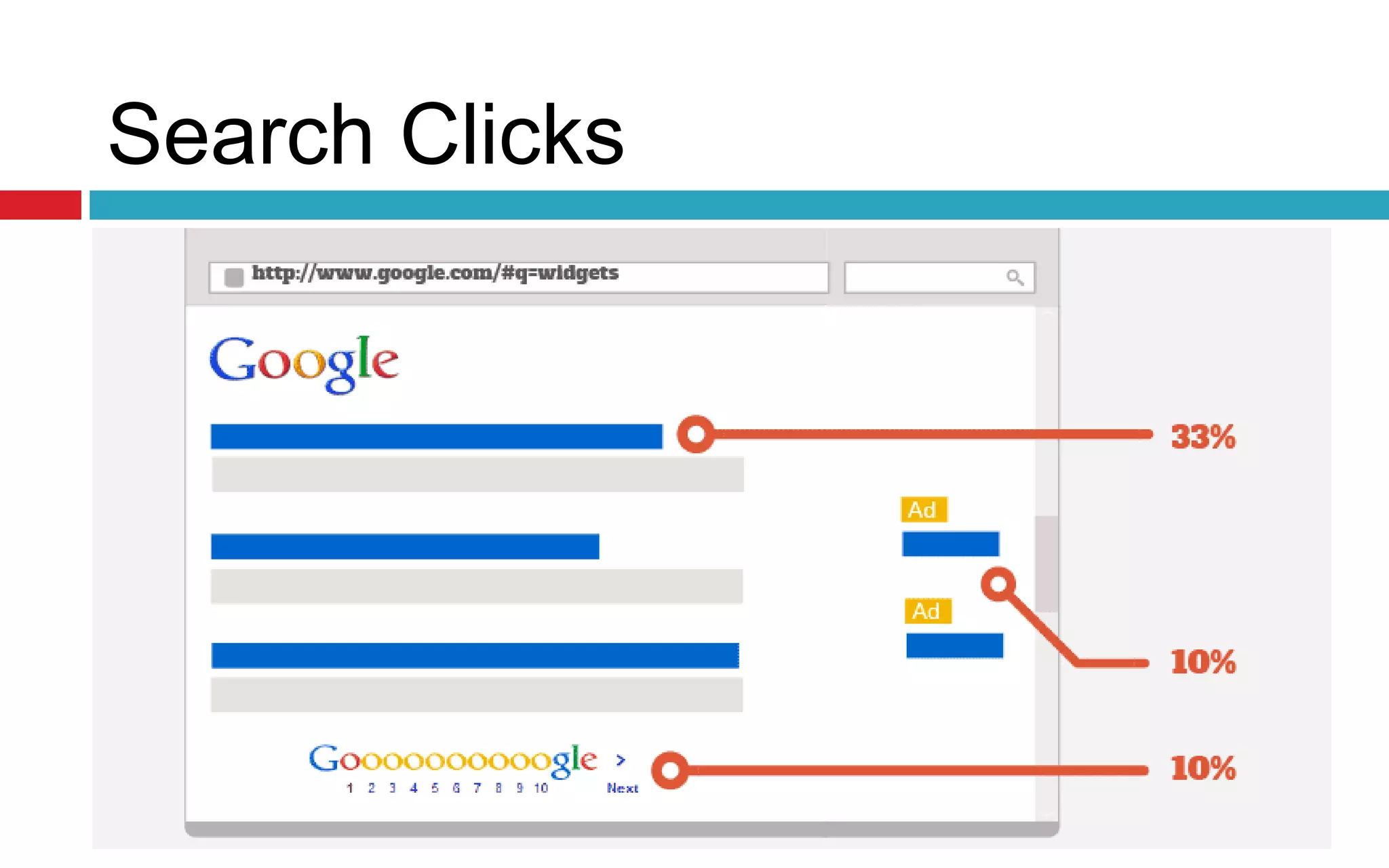
Search Clicks
Search Clicks
Organic
Paid
Search Clicks
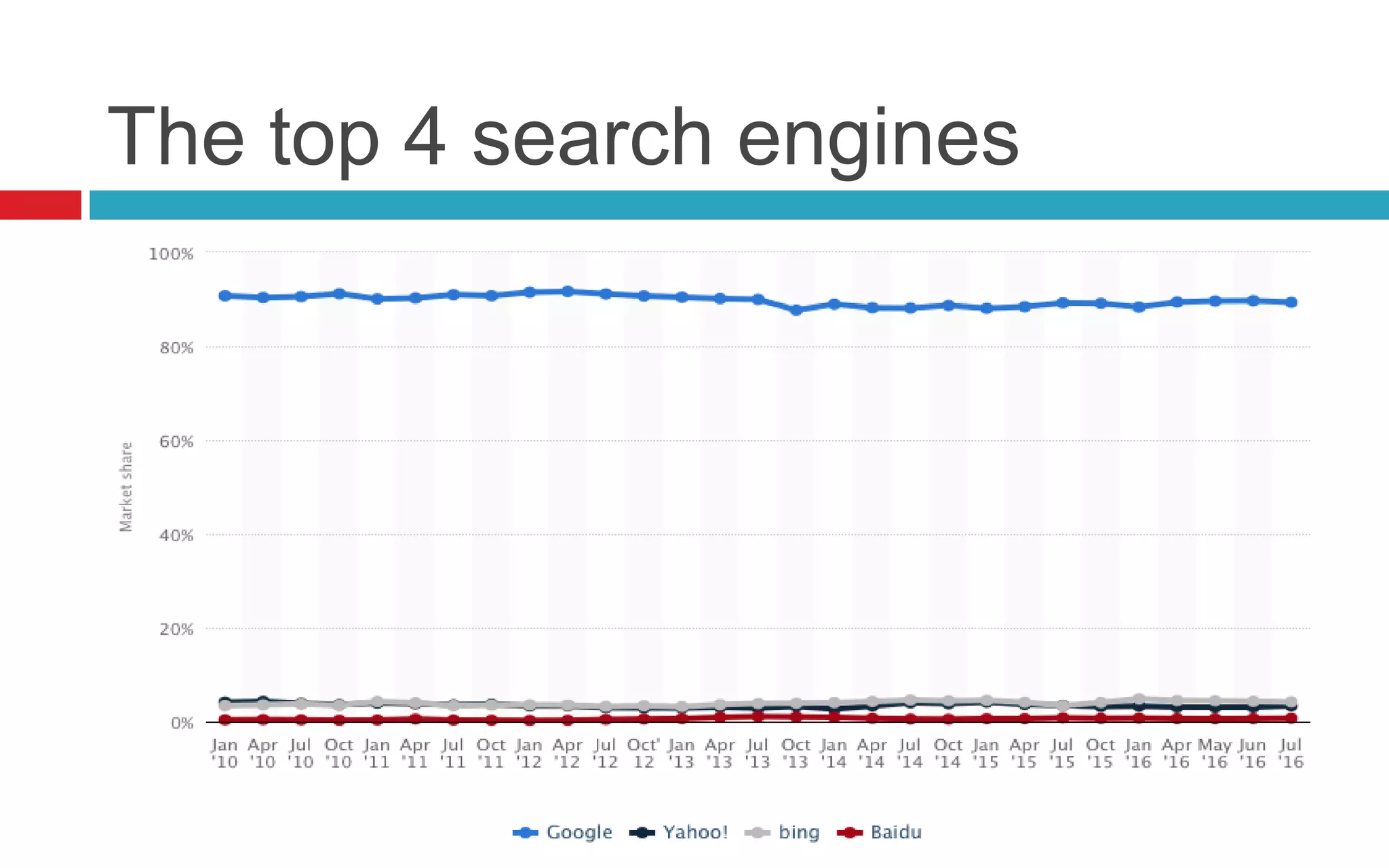
The top 4 search engines
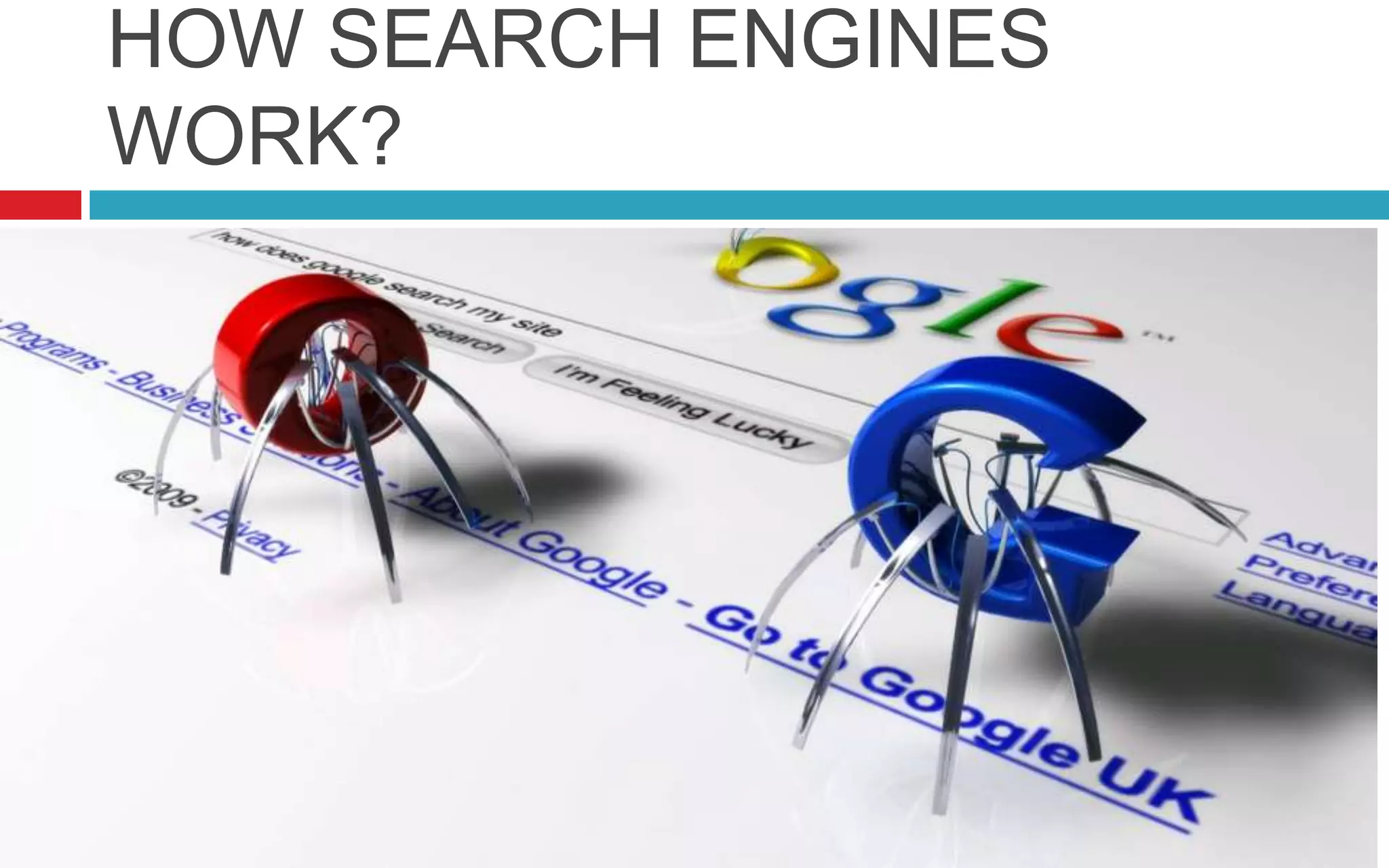
HOW SEARCH ENGINES
WORK?
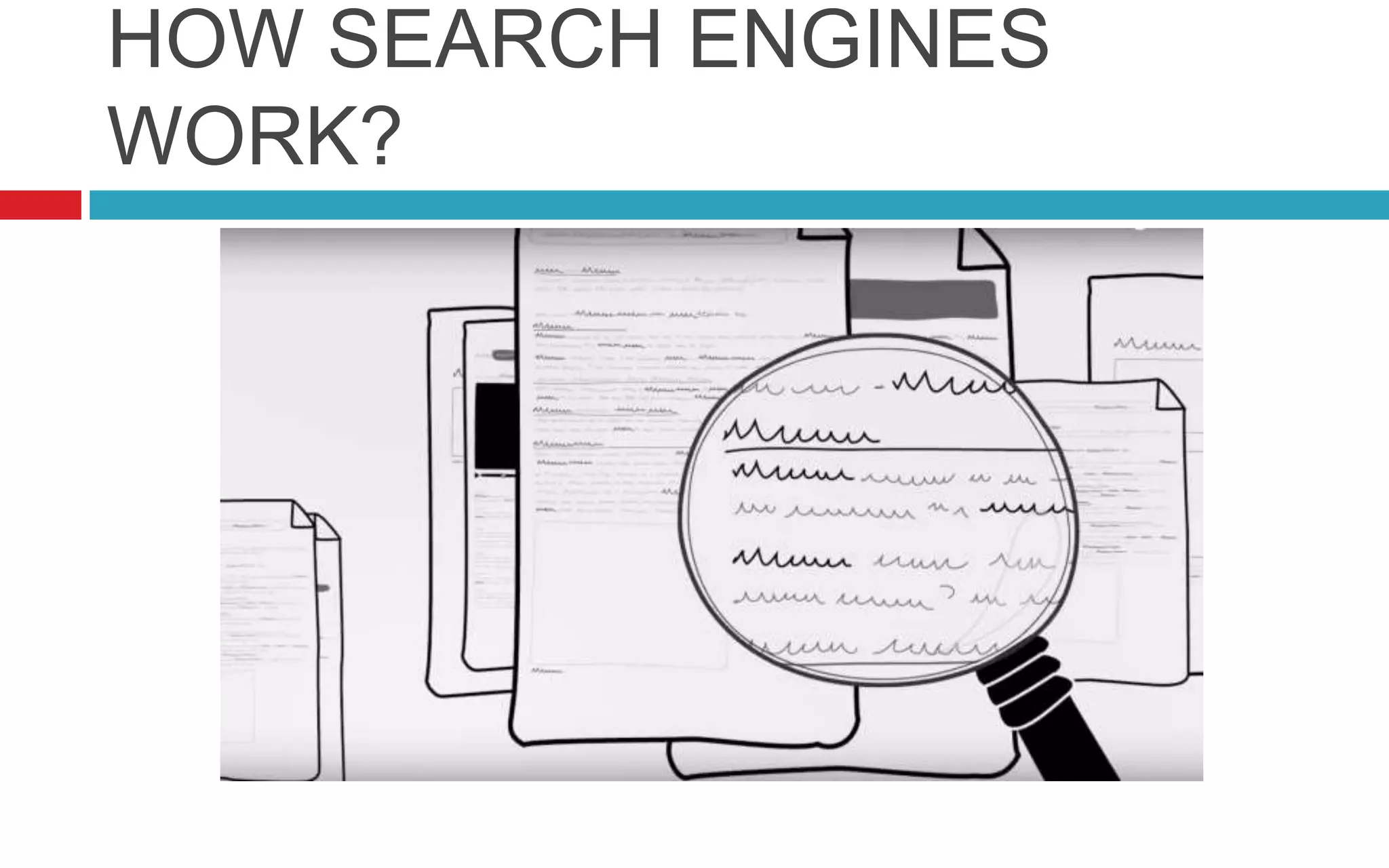
HOW SEARCH ENGINES
WORK?
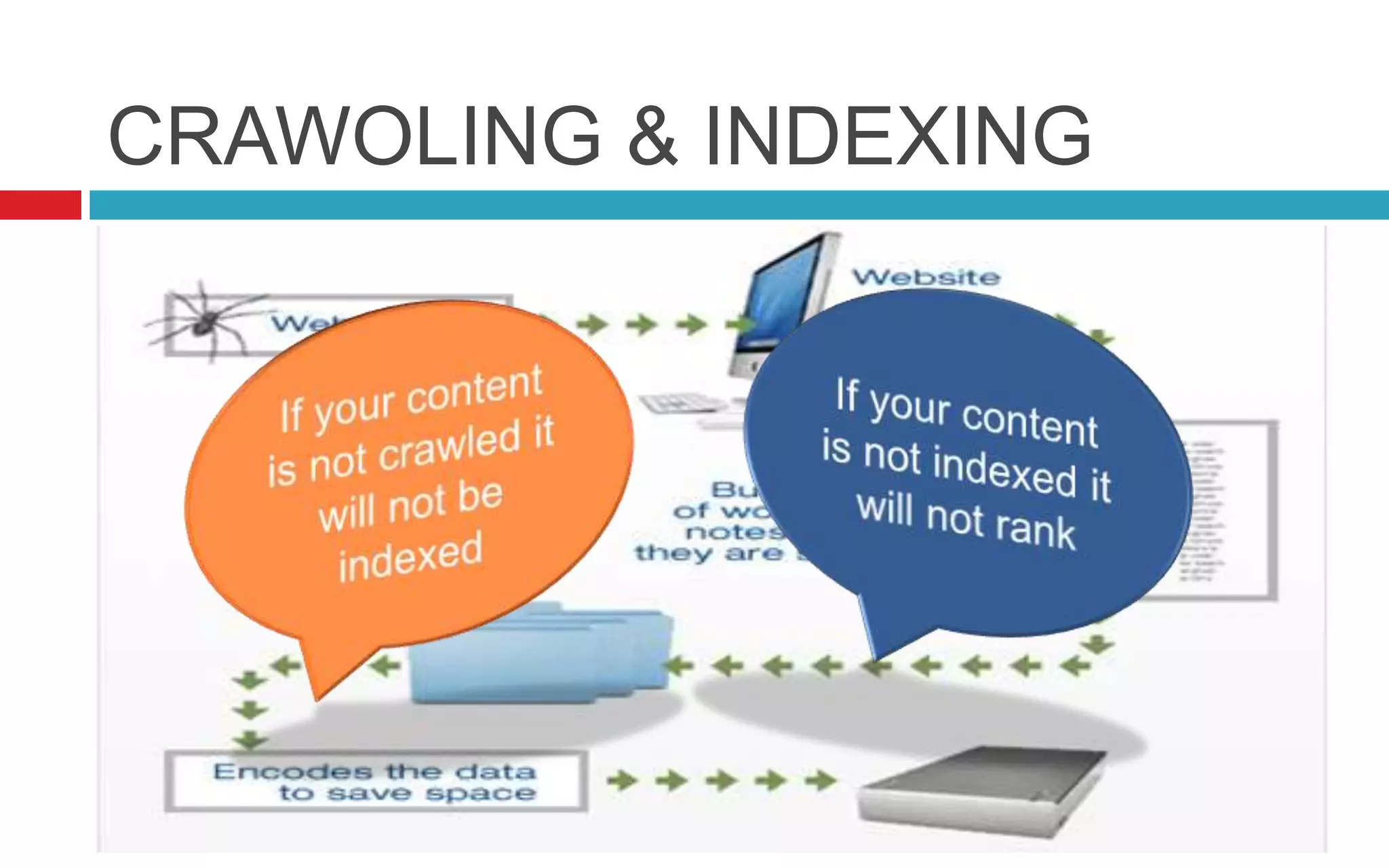
CRAWOLING & INDEXING
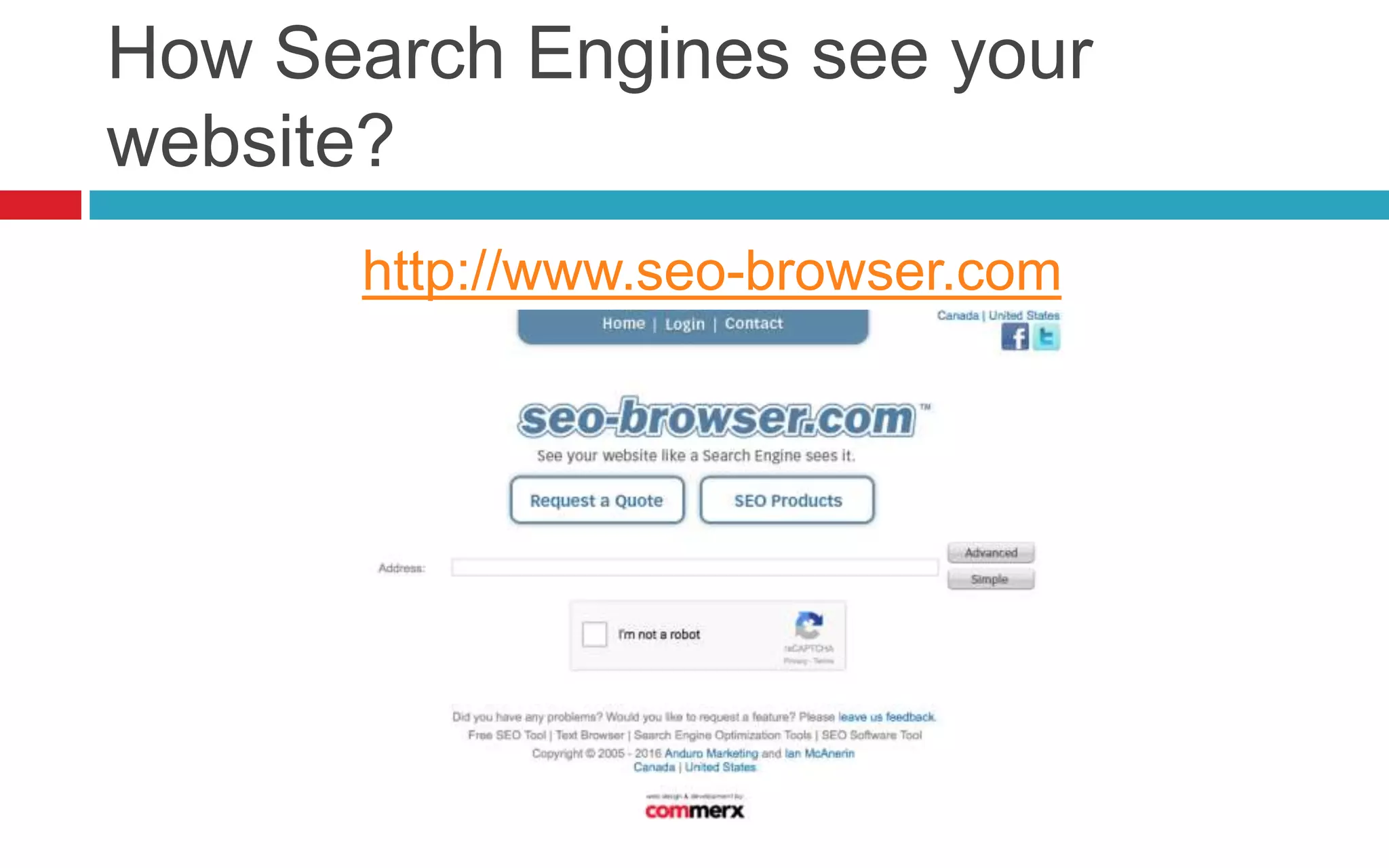
How Search Engines see your
website?
http://www.seo-browser.com
How to optimize the website?
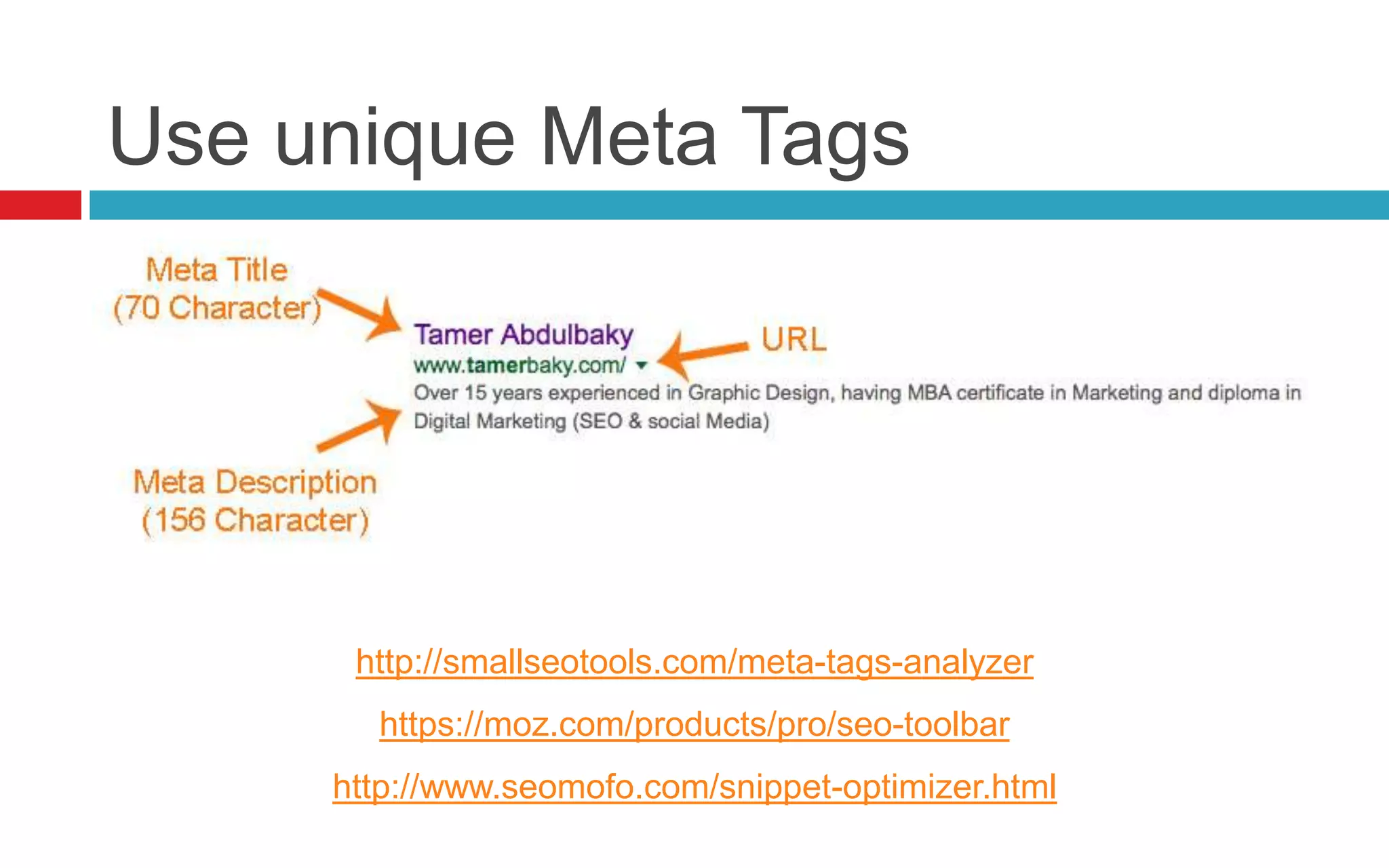
Use unique Meta Tags
http://smallseotools.com/meta-tags-analyzer
https://moz.com/products/pro/seo-toolbar
http://www.seomofo.com/snippet-optimizer.html
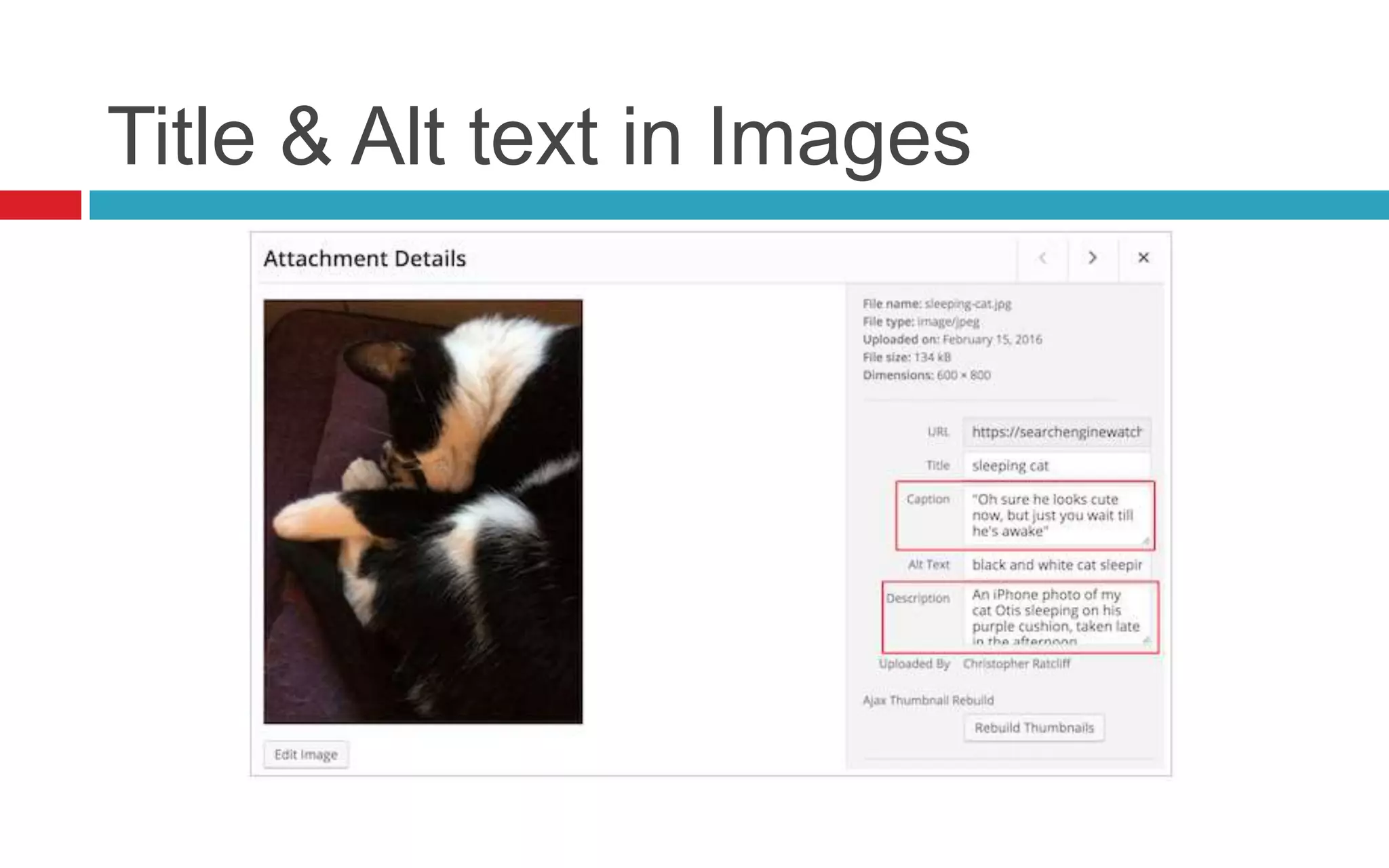
Title & Alt text in Images
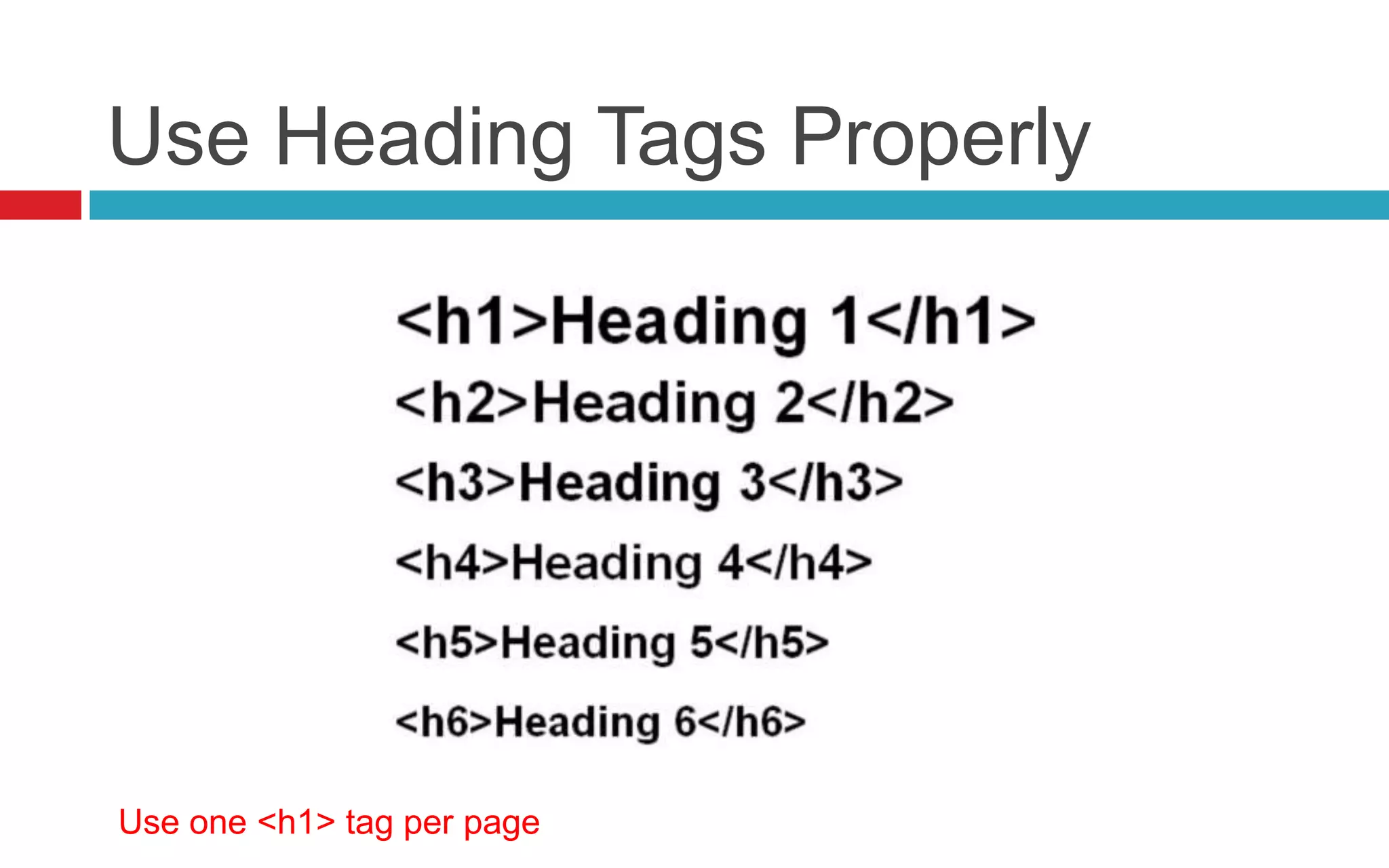
Use Heading Tags Properly
Use one <h1> tag per page
Fast website make people happy
https://gtmetrix.com
https://developers.google.com/speed/pagespeed/insights
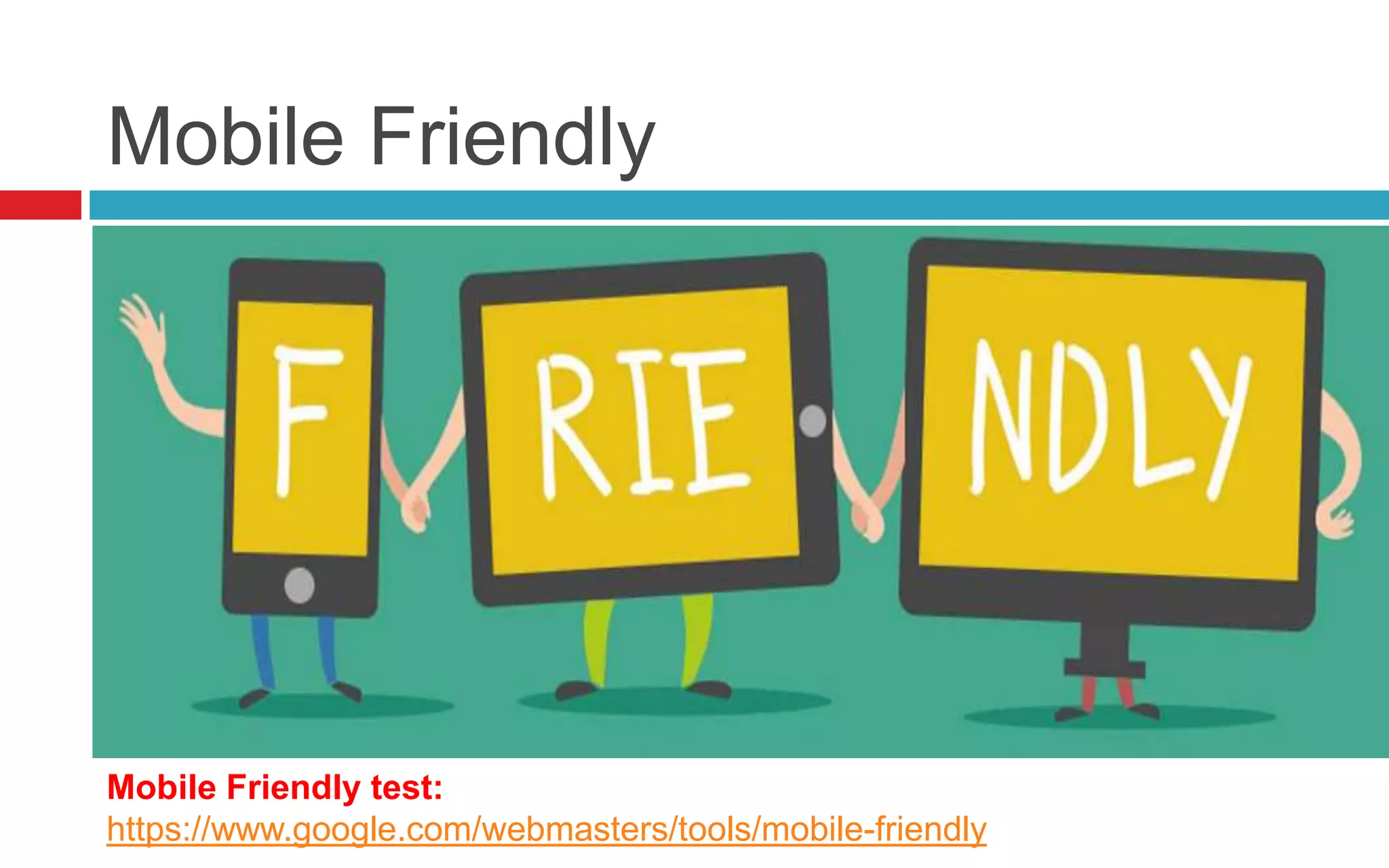
Mobile Friendly
Mobile Friendly test:
https://www.google.com/webmasters/tools/mobile-friendly
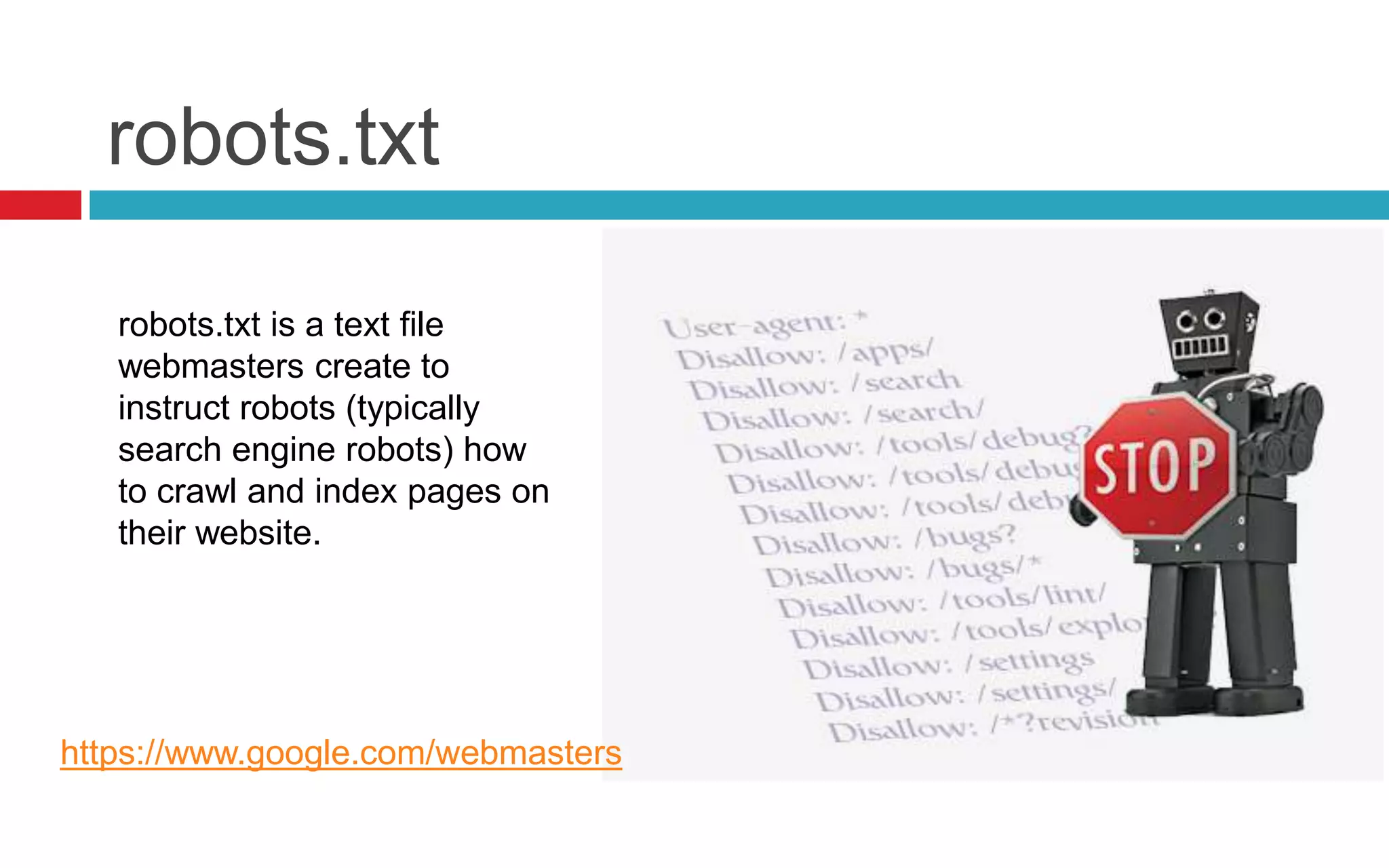
robots.txt
robots.txt is a text file
webmasters create to
instruct robots (typically
search engine robots) how
to crawl and index pages on
their website.
https://www.google.com/webmasters
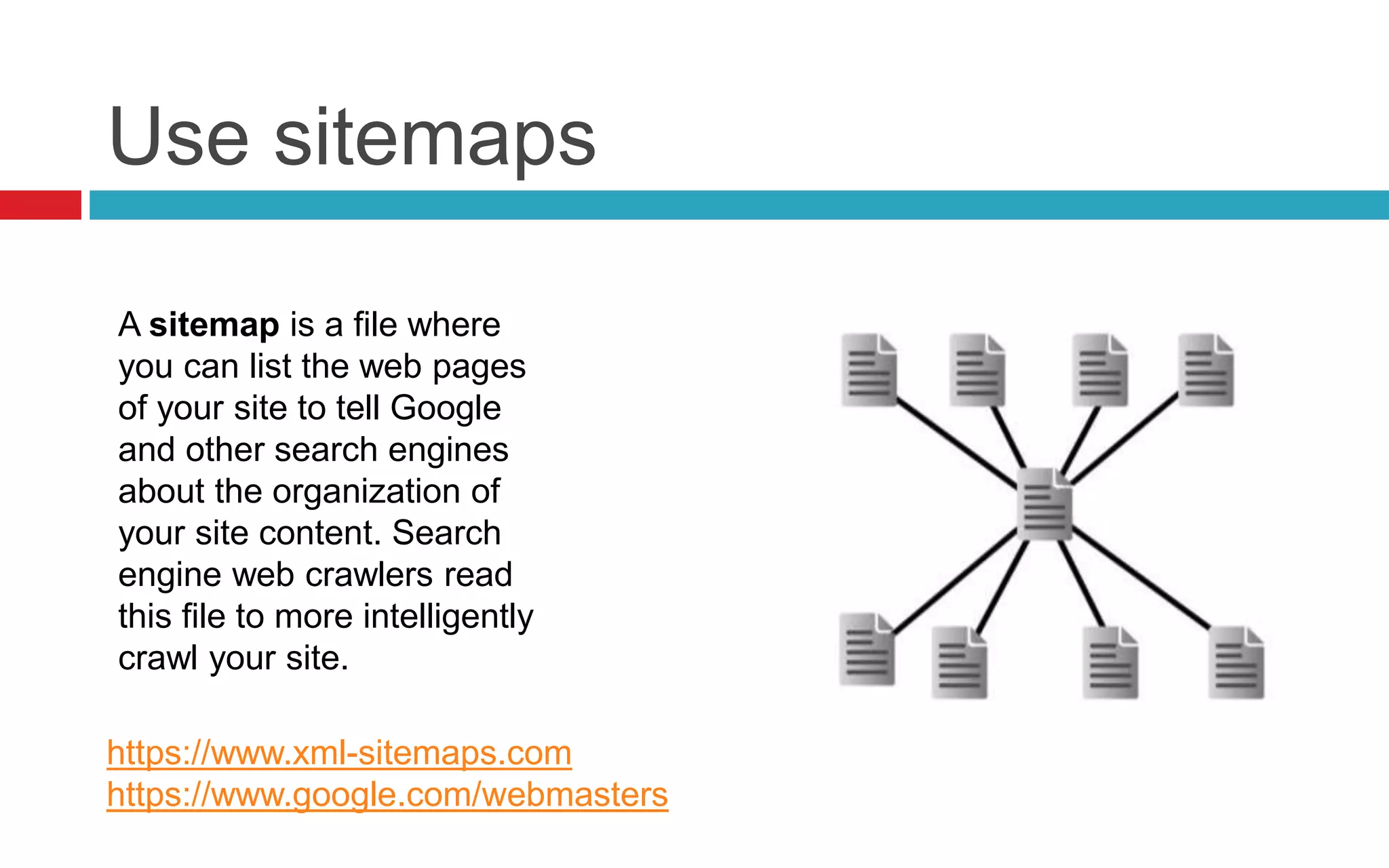
Use sitemaps
A sitemap is a file where
you can list the web pages
of your site to tell Google
and other search engines
about the organization of
your site content. Search
engine web crawlers read
this file to more intelligently
crawl your site.
https://www.xml-sitemaps.com
https://www.google.com/webmasters
Broken Links
Check for broken
links and images.
If your website has
broken links
pointing to page
that doesn't exits, it
will probably never
be found
http://validator.w3.org/checklink
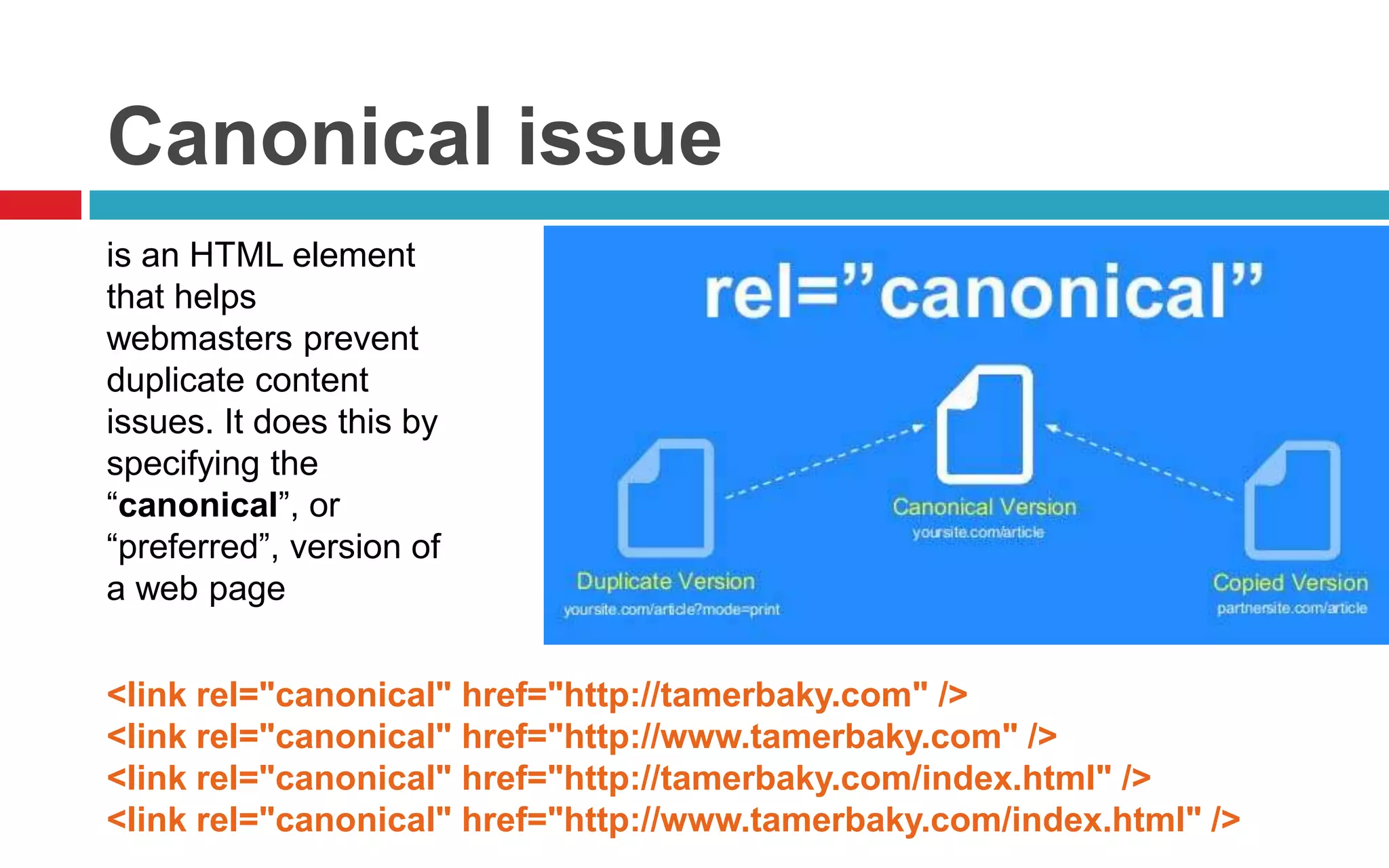
Canonical issue
is an HTML element
that helps
webmasters prevent
duplicate content
issues. It does this by
specifying the
“canonical”, or
“preferred”, version of
a web page
<link rel="canonical" href="http://tamerbaky.com" />
<link rel="canonical" href="http://www.tamerbaky.com" />
<link rel="canonical" href="http://tamerbaky.com/index.html" />
<link rel="canonical" href="http://www.tamerbaky.com/index.html" />
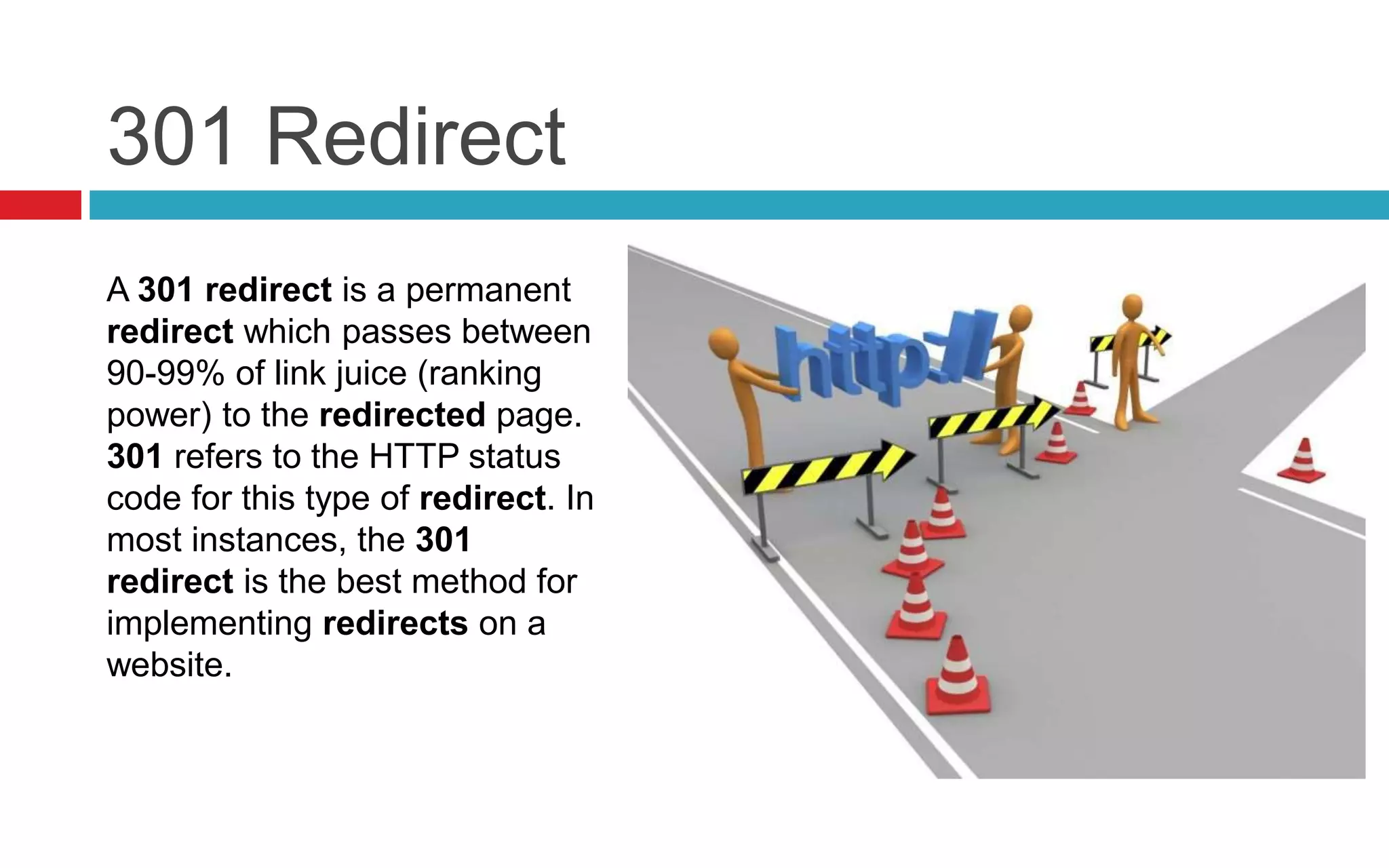
301 Redirect
A 301 redirect is a permanent
redirect which passes between
90-99% of link juice (ranking
power) to the redirected page.
301 refers to the HTTP status
code for this type of redirect. In
most instances, the 301
redirect is the best method for
implementing redirects on a
website.
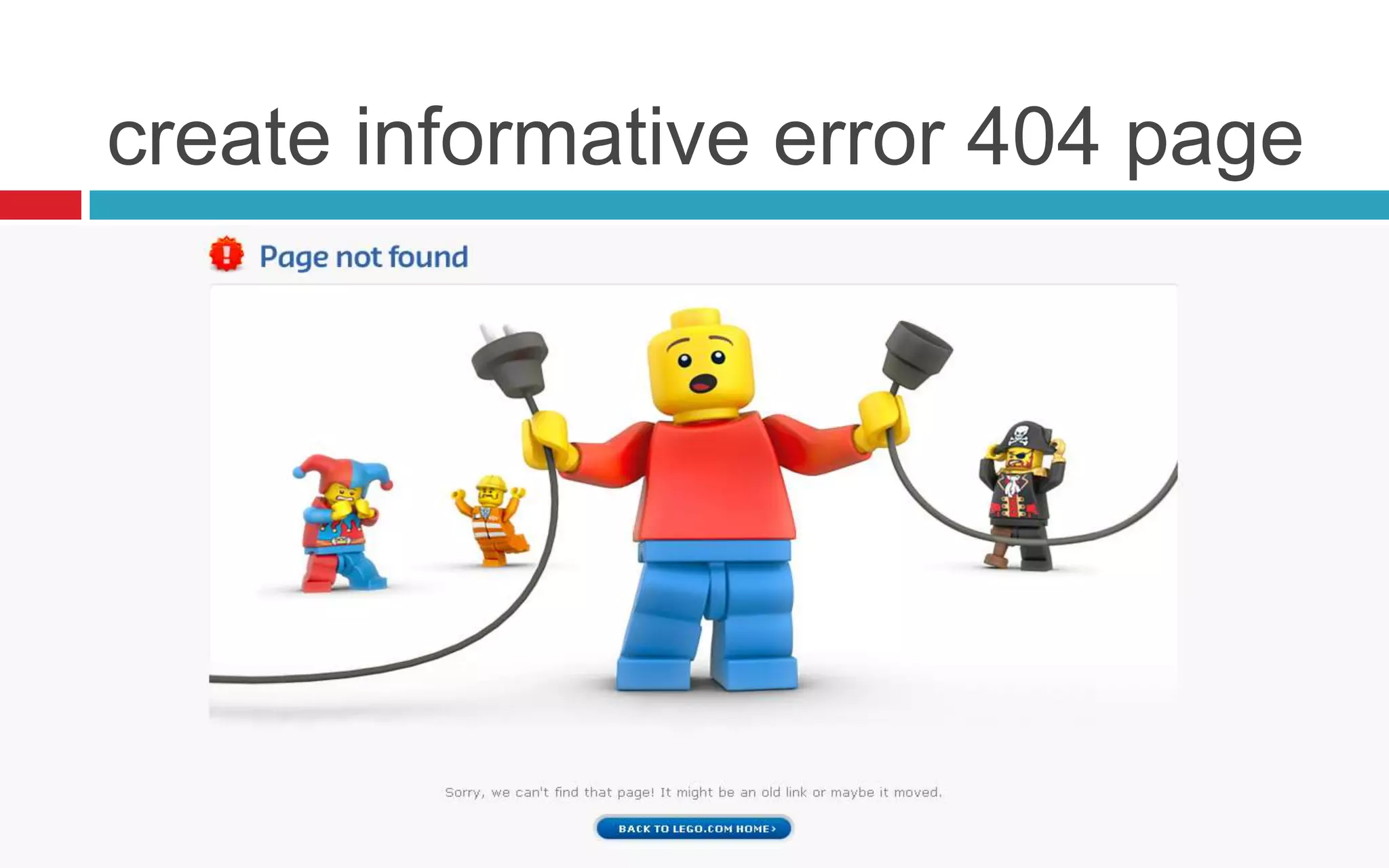
create informative error 404 page
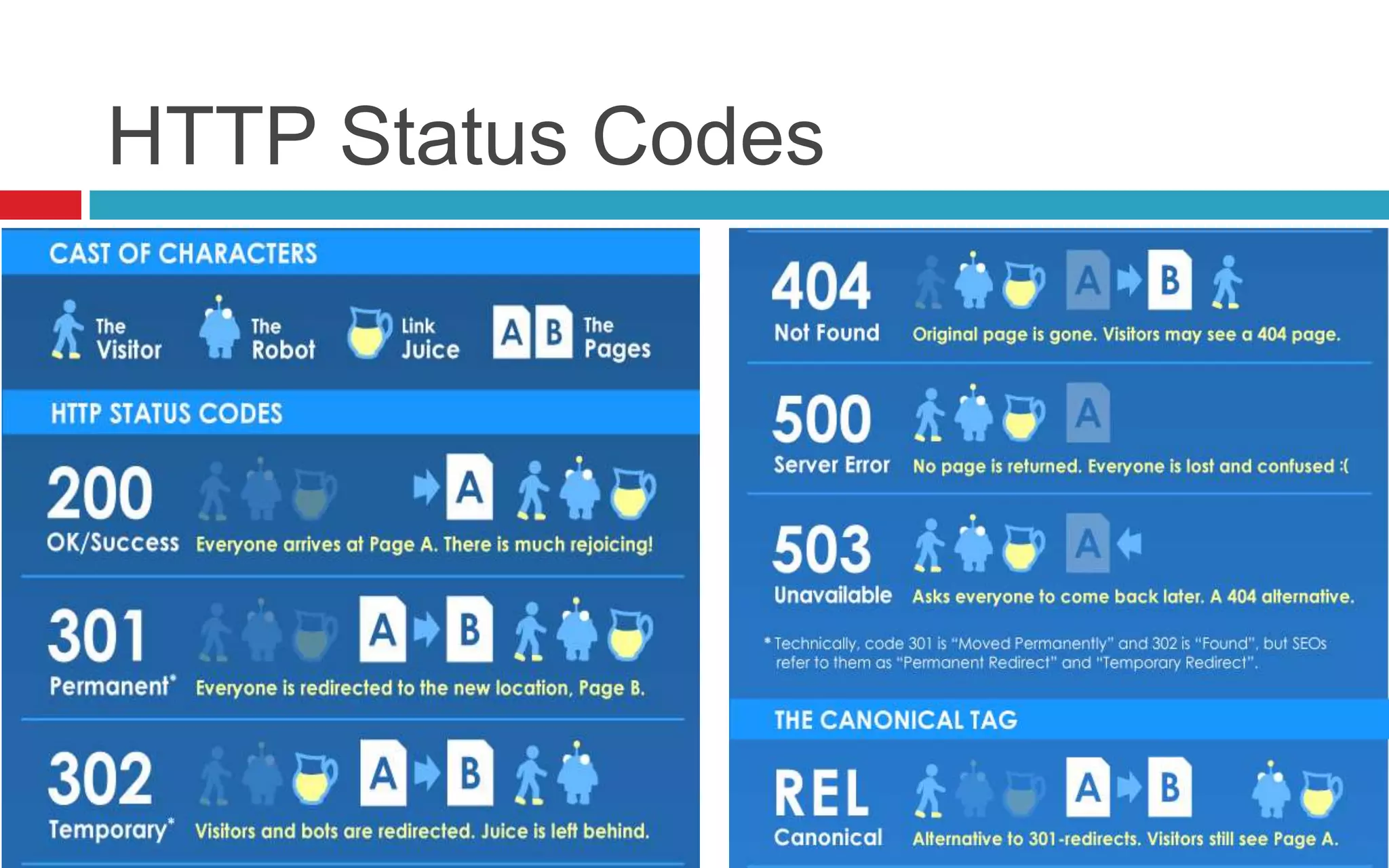
HTTP Status Codes
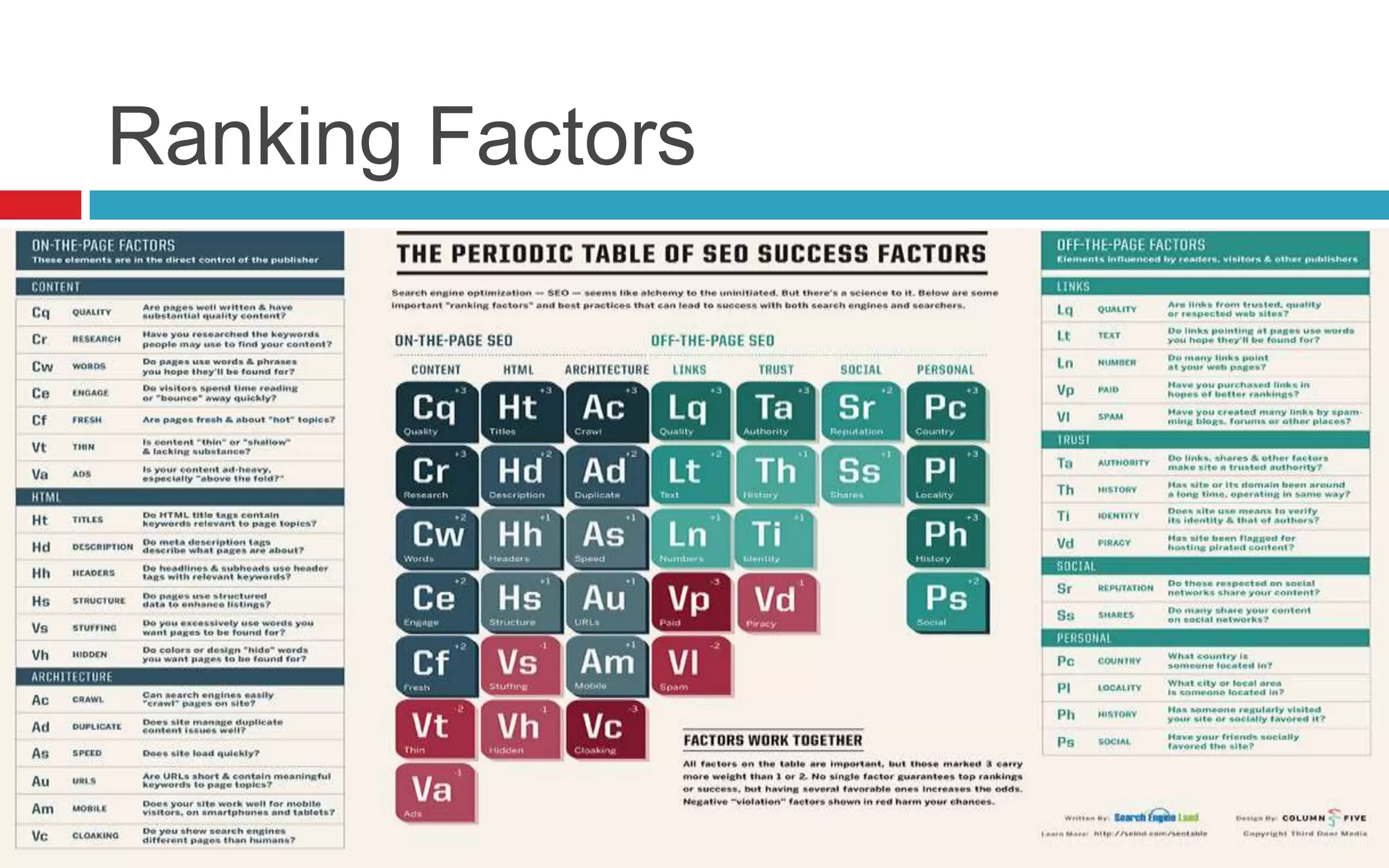
Ranking Factors
Ranking Factors
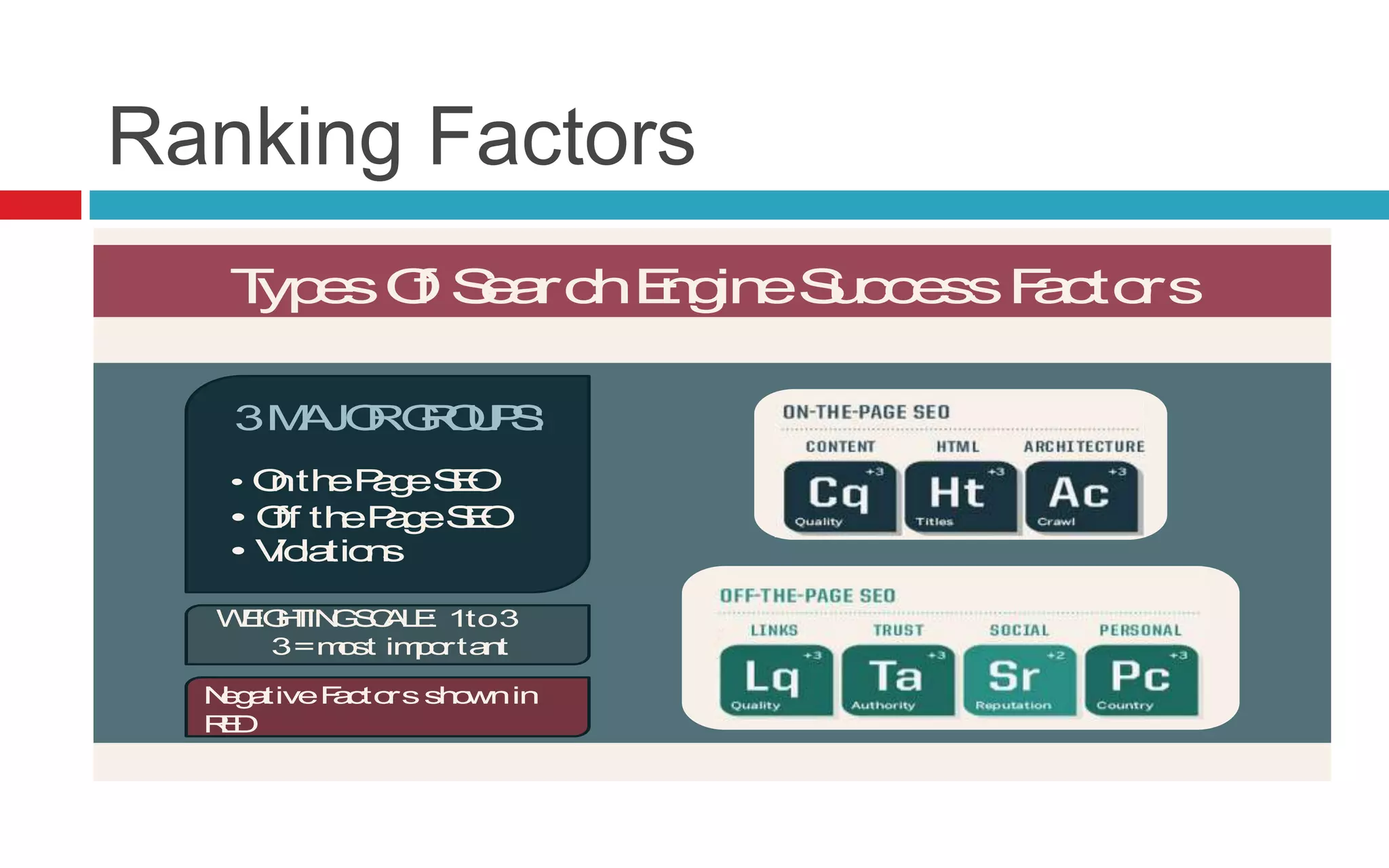
TypesOf SearchEngineSuccessFactors
Read More >> SearchEngineLand.com Guide To SEO: Chapter 1 @SEngineLand
• OnthePageSEO
• Off thePageSEO
• Violations
3MAJORGROUPS:
WEIGHTINGSCALE: 1to3
3=most important
NegativeFactorsshownin
RED
Ranking Factors
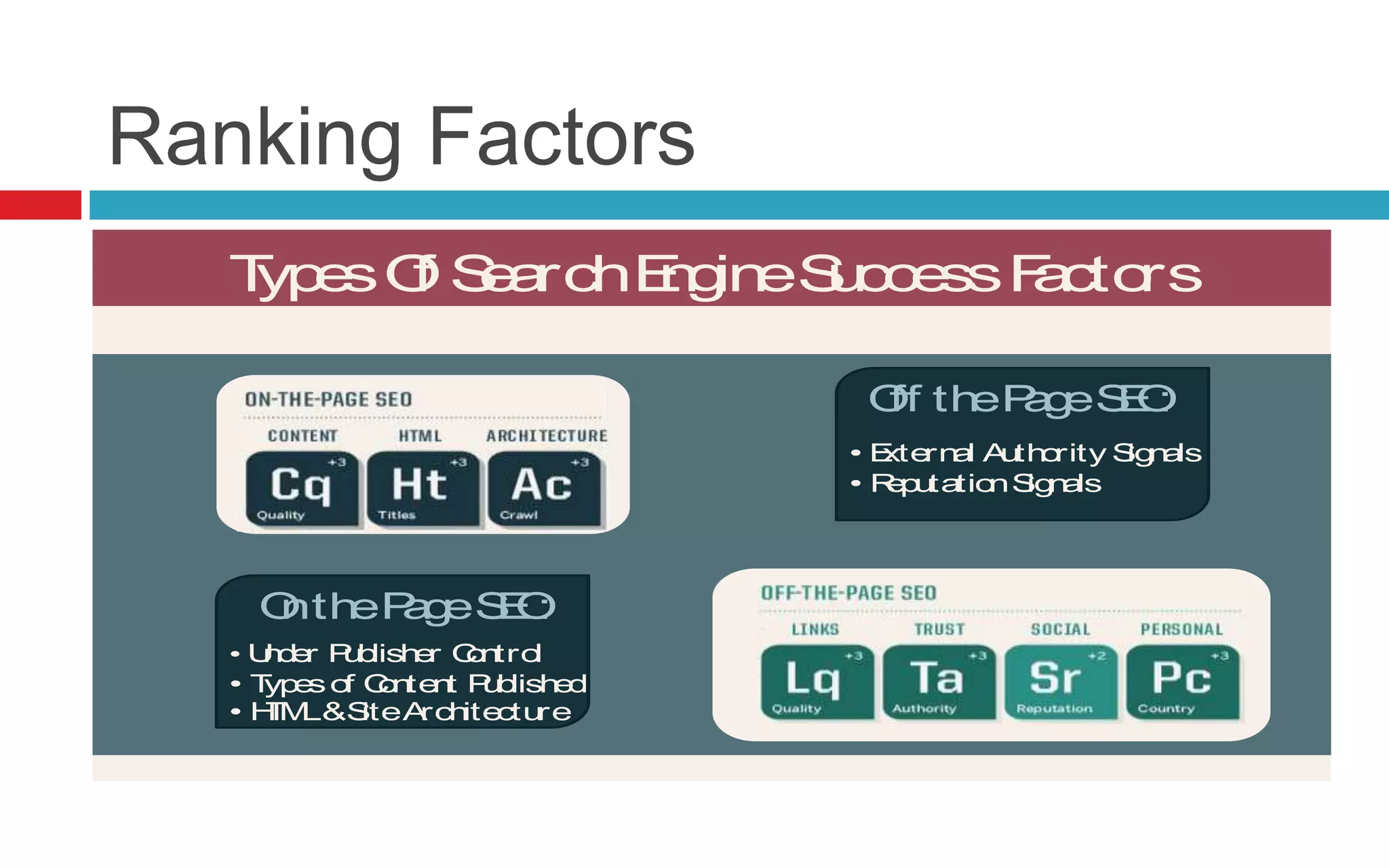
TypesOf SearchEngineSuccessFactors
Read More >> SearchEngineLand.com Guide To SEO: Chapter 1 @SEngineLand
Off thePageSEO:
• Under Publisher Control
• Typesof Content Published
• HTML&SiteArchitecture
OnthePageSEO:
• External Authority Signals
• ReputationSignals
Ranking Factors
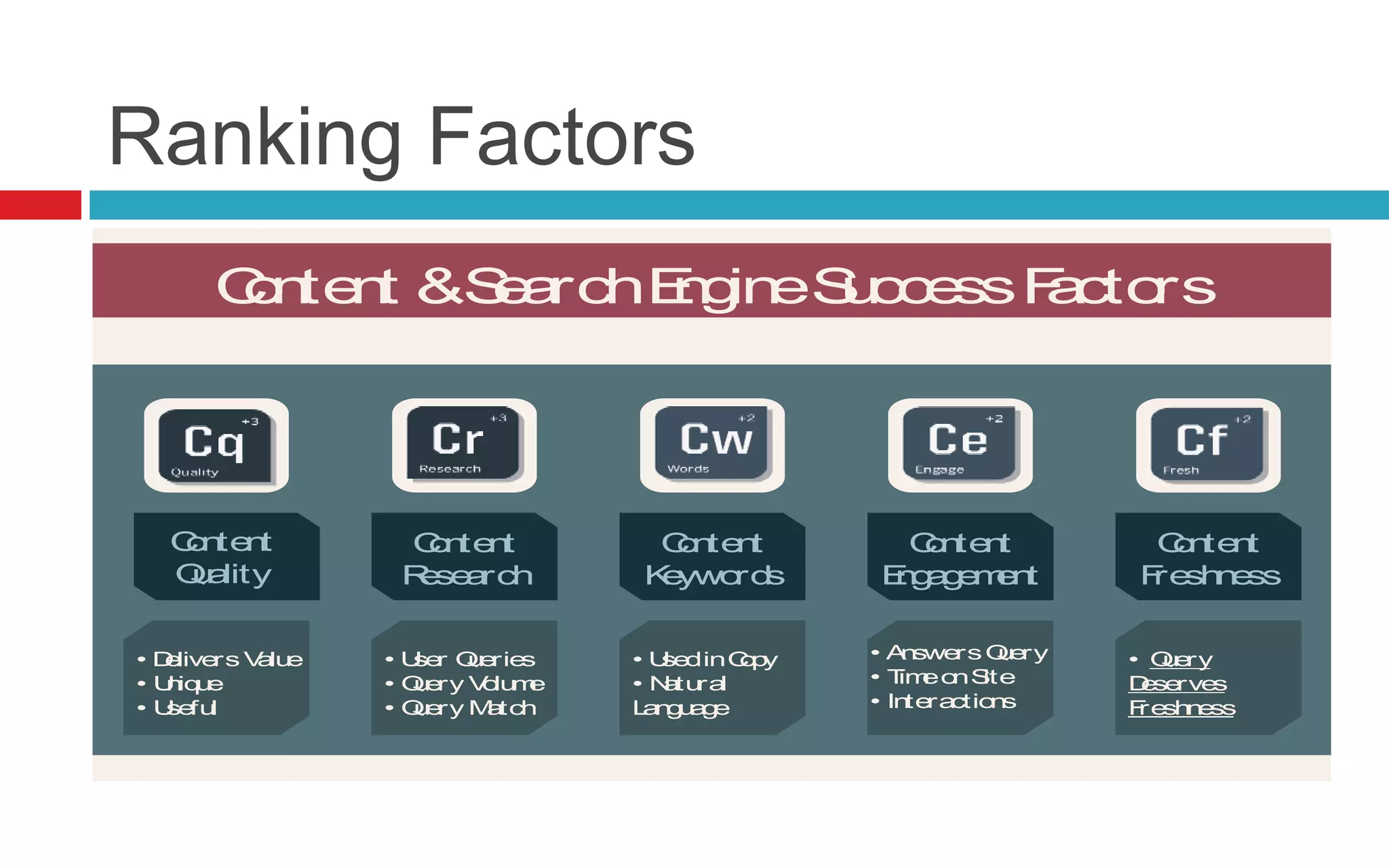
Content &SearchEngineSuccessFactors
Read More >> SearchEngineLand.com Guide To SEO: Chapter 2 @SEngineLand
Content
Quality
Content
Research
Content
Keywords
Content
Engagement
Content
Freshness
• Delivers Value
• Unique
• Useful
• User Queries
• Query Volume
• Query Match
• UsedinCopy
• Natural
Language
• AnswersQuery
• TimeonSite
• Interactions
• Query
Deserves
Freshness
Ranking Factors
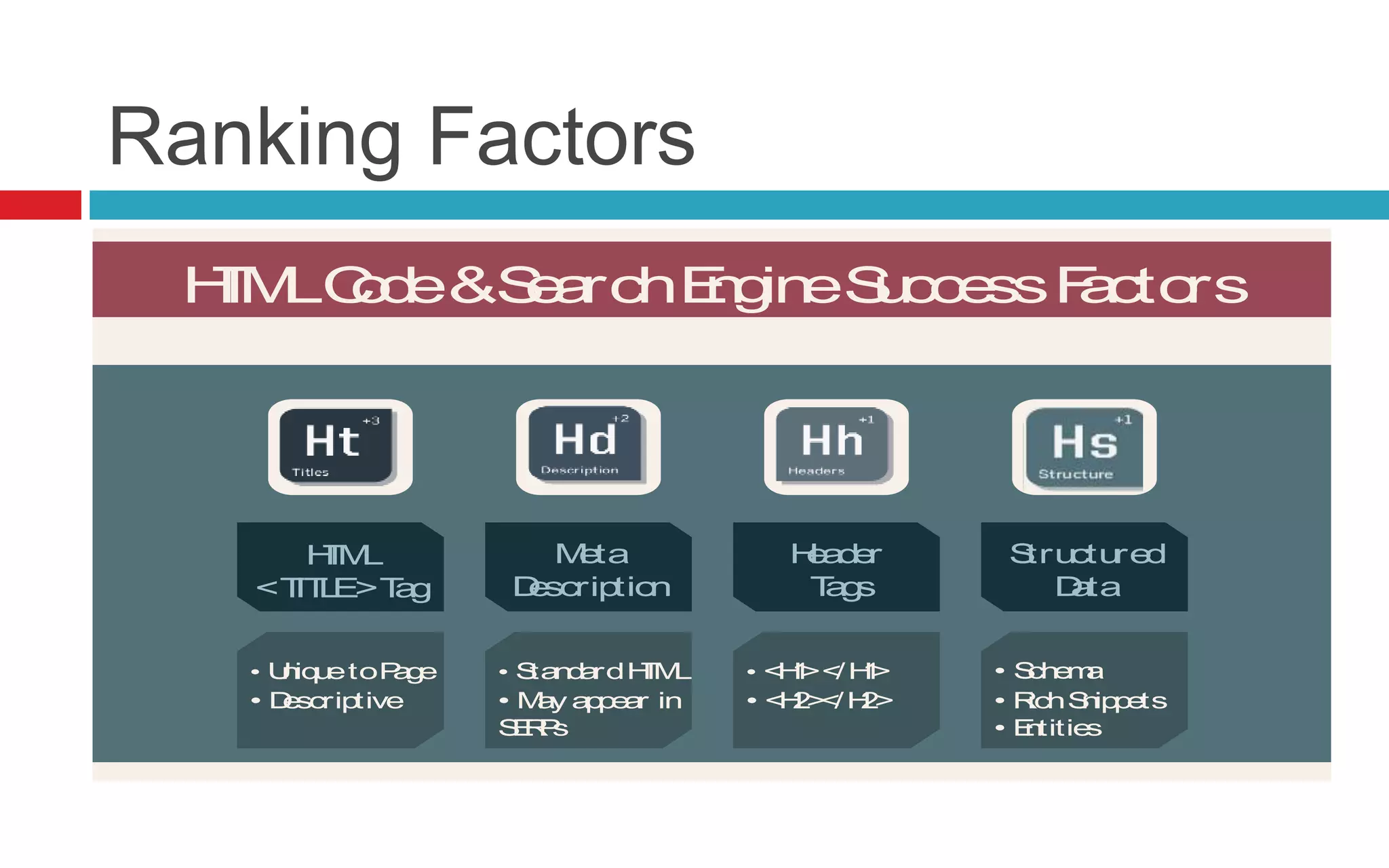
HTMLCode&SearchEngineSuccessFactors
Read More >> SearchEngineLand.com Guide To SEO: Chapter 3 @SEngineLand
Meta
Description
Header
Tags
Structured
Data
HTML
<TITLE>Tag
• Schema
• RichSnippets
• Entities
• <H1></H1>
• <H2></H2>
• StandardHTML
• May appear in
SERPs
• UniquetoPage
• Descriptive
Ranking Factors
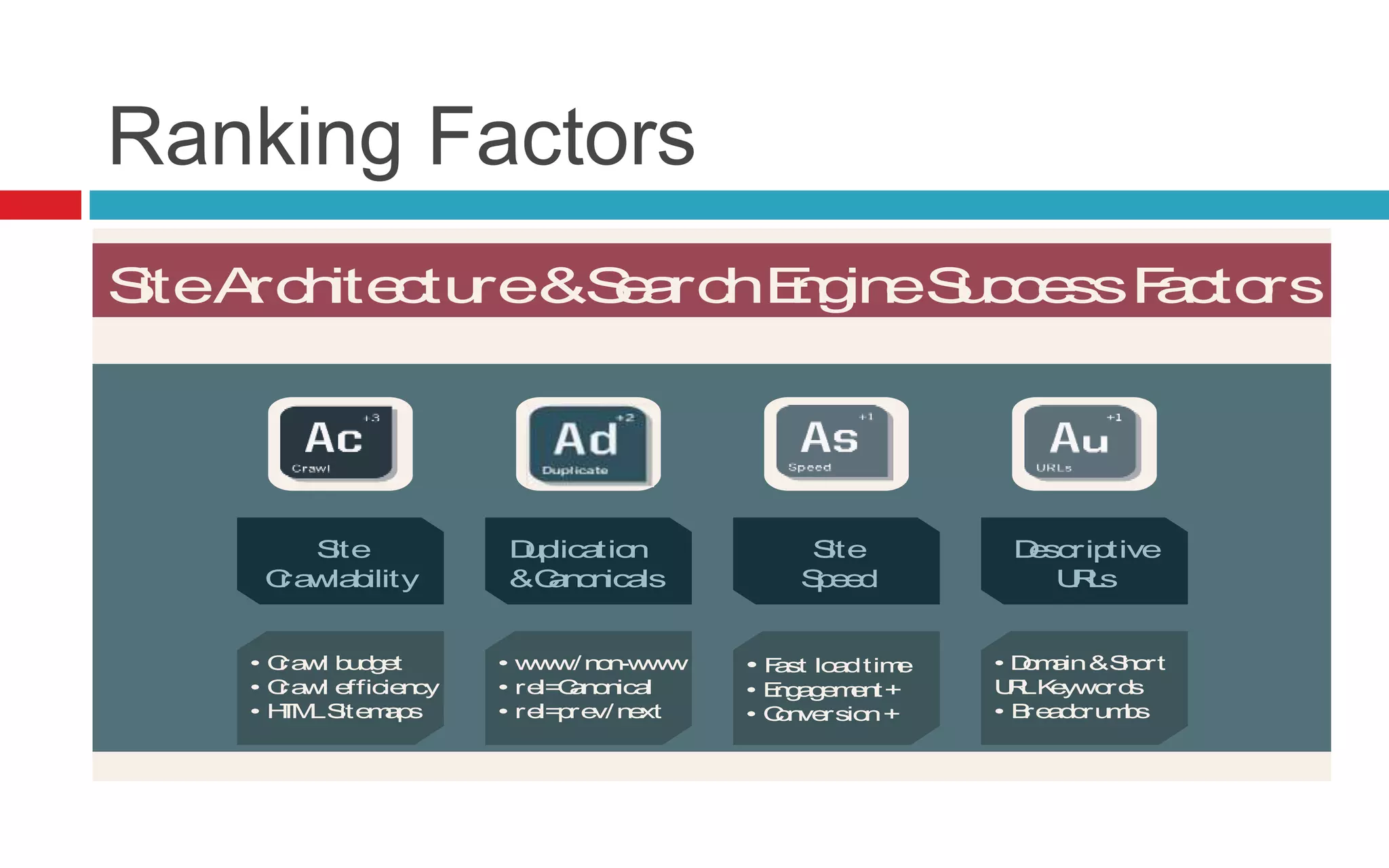
SiteArchitecture&SearchEngineSuccessFactors
Read More >> SearchEngineLand.com Guide To SEO: Chapter 4 @SEngineLand
Site
Crawlability
Duplication
&Canonicals
Site
Speed
Descriptive
URLs
• Crawl budget
• Crawl efficiency
• HTMLSitemaps
• www/non-www
• rel=Canonical
• rel=prev/next
• Fast loadtime
• Engagement+
• Conversion+
• Domain&Short
URLKeywords
• Breadcrumbs
Ranking Factors
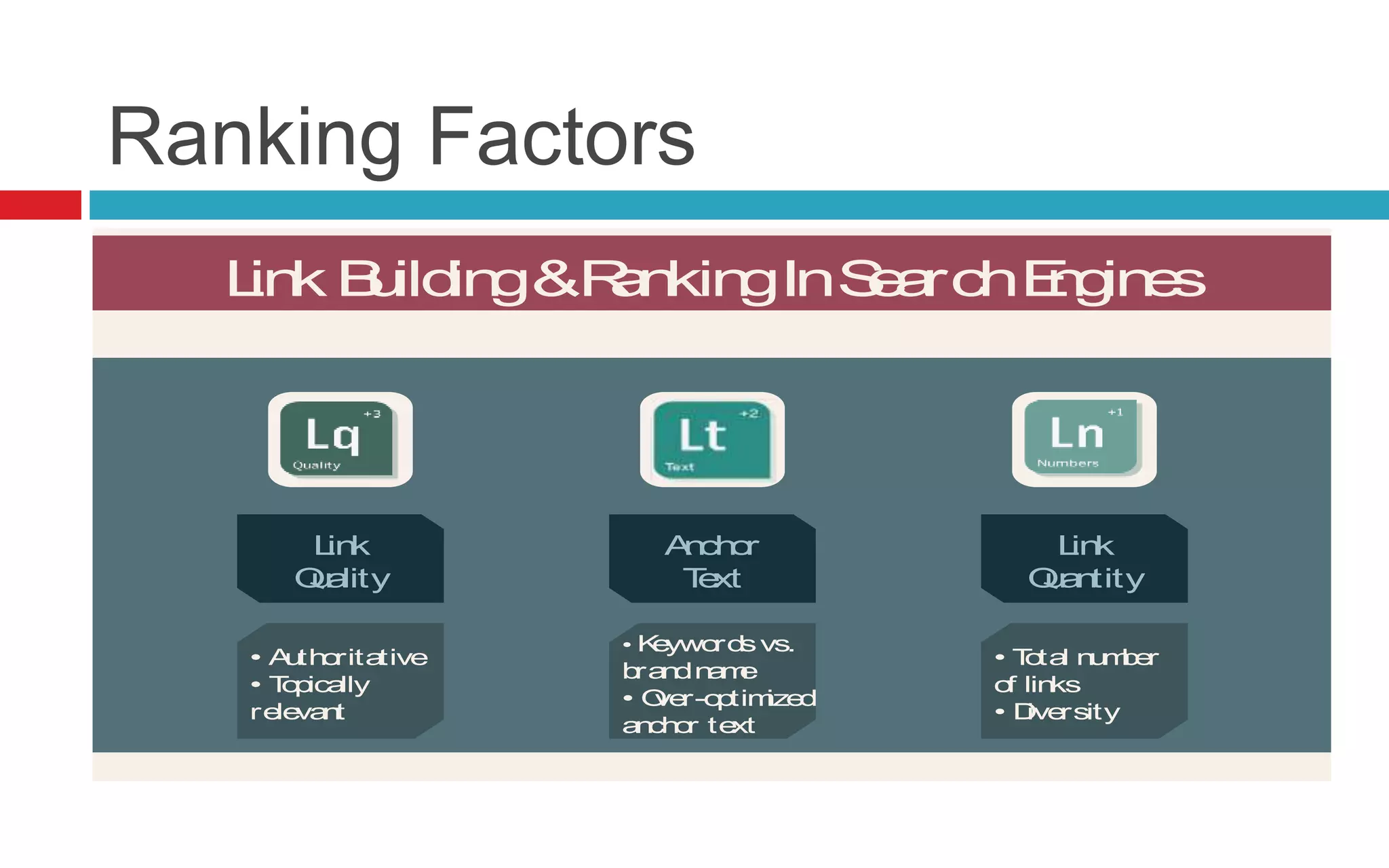
Link Building&RankingInSearchEngines
Read More >> SearchEngineLand.com Guide To SEO: Chapter 5 @SEngineLand
Link
Quality
Anchor
Text
Link
Quantity
• Authoritative
• Topically
relevant
• Keywordsvs.
brandname
• Over-optimized
anchor text
• Total number
of links
• Diversity
Ranking Factors
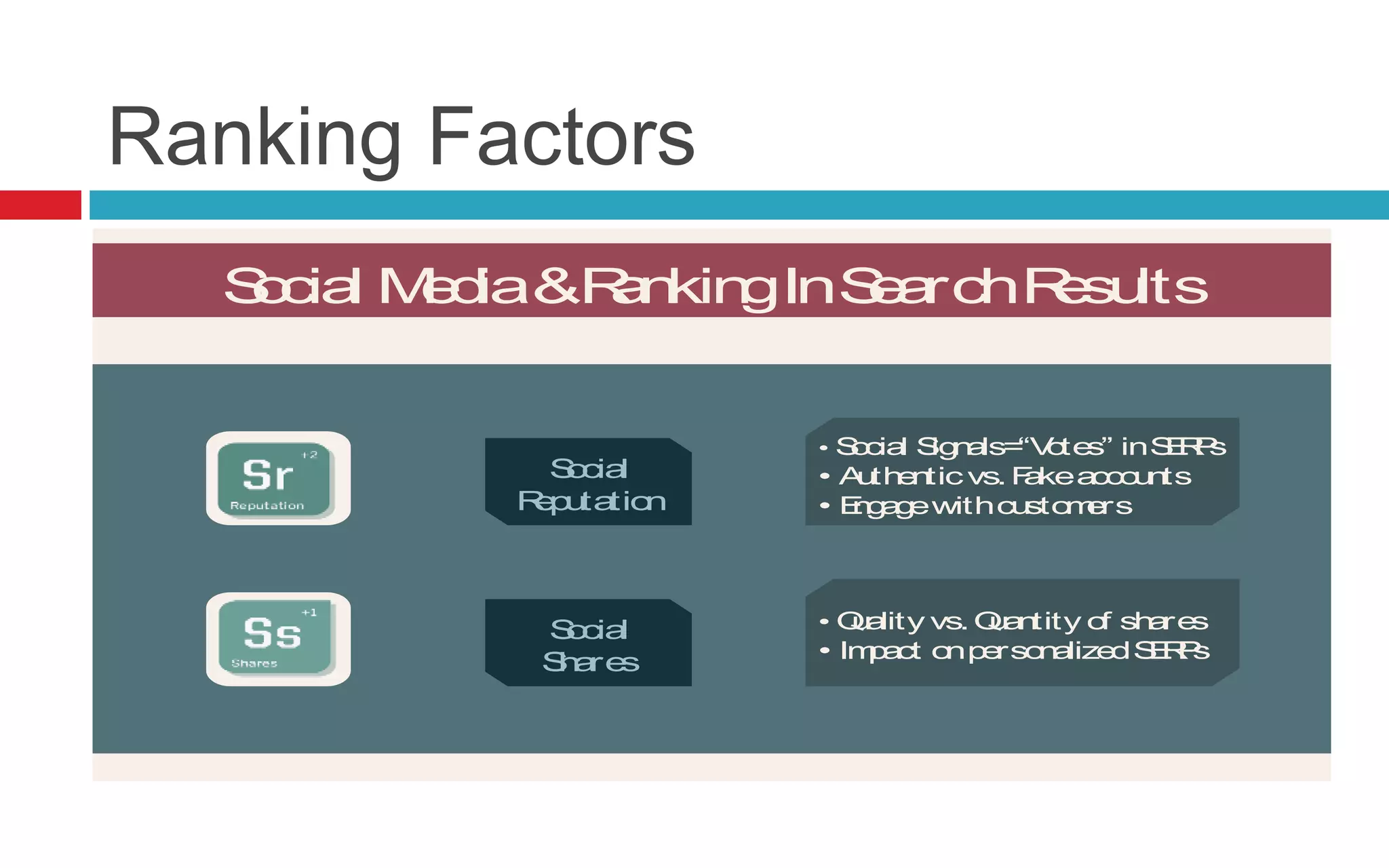
Social Media&RankingInSearchResults
Read More >> SearchEngineLand.com Guide To SEO: Chapter 6 @SEngineLand
Social
Reputation
Social
Shares
• Social Signals=“Votes” inSERPs
• Authenticvs. Fakeaccounts
• Engagewithcustomers
• Quality vs. Quantity of shares
• Impact onpersonalizedSERPs
Ranking Factors
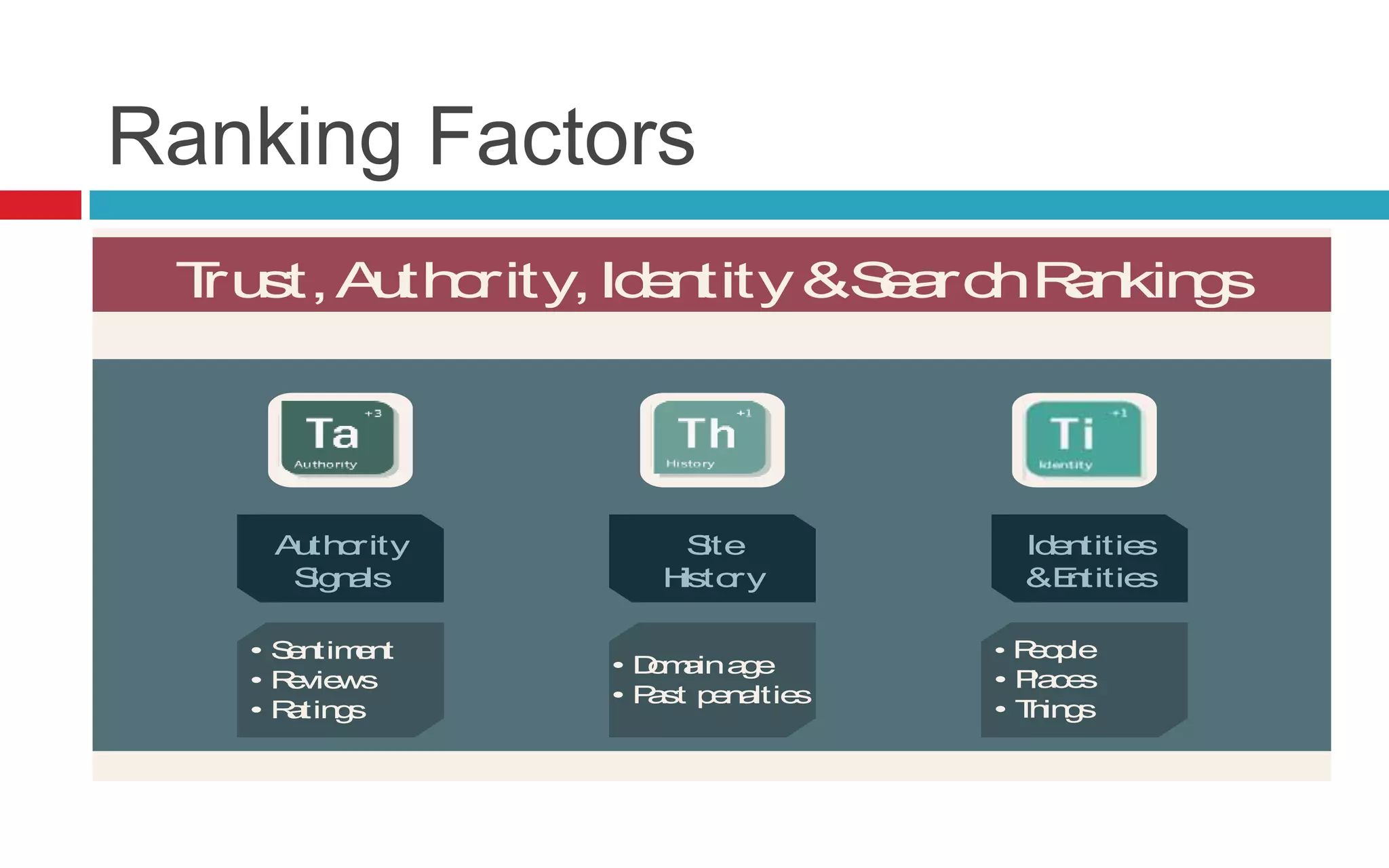
Trust,Authority,Identity&SearchRankings
Read More >> SearchEngineLand.com Guide To SEO: Chapter 7 @SEngineLand
Authority
Signals
Site
History
Identities
&Entities
• Sentiment
• Reviews
• Ratings
• Domainage
• Past penalties
• People
• Places
• Things
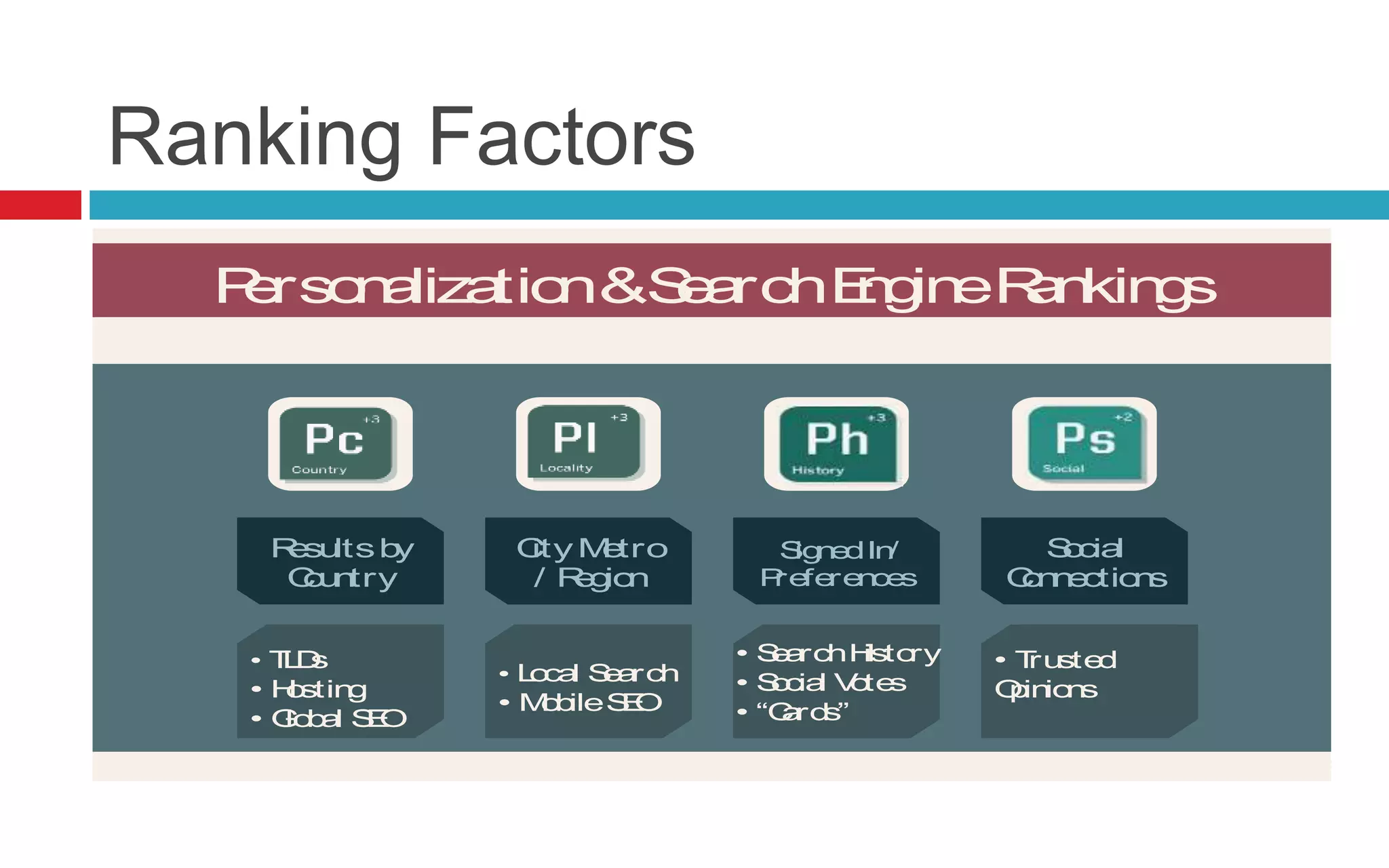
Ranking Factors
Personalization&SearchEngineRankings
Read More >> SearchEngineLand.com Guide To SEO: Chapter 8
Resultsby
Country
City Metro
/ Region
SignedIn/
Preferences
Social
Connections
• TLDs
• Hosting
• Global SEO
• Local Search
• MobileSEO
• SearchHistory
• Social Votes
• “Cards”
• Trusted
Opinions
@SEngineLand
Ranking Factors
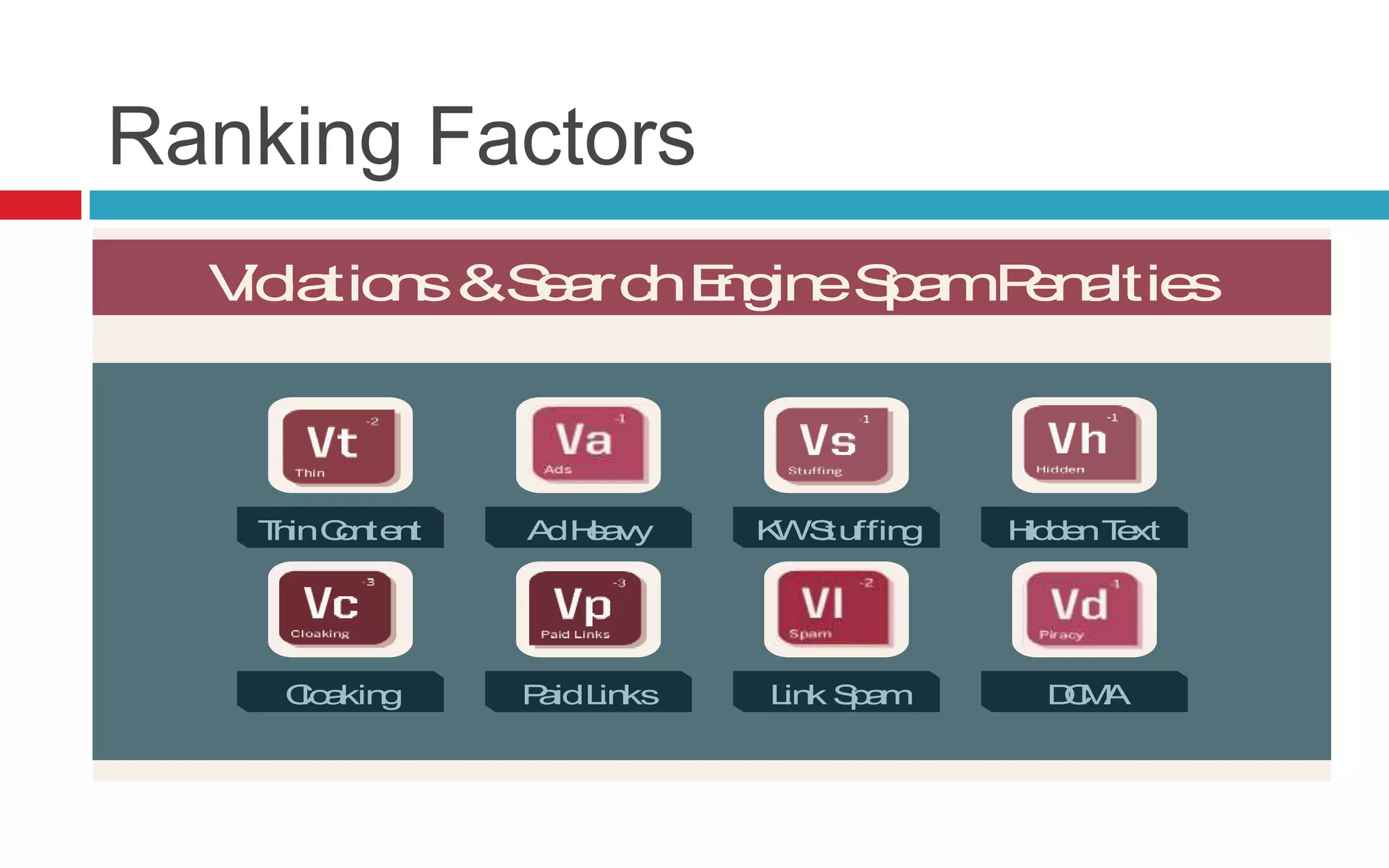
Violations&SearchEngineSpamPenalties
Read More >> SearchEngineLand.com Guide To SEO: Chapter 9
ThinContent AdHeavy KWStuffing HiddenText
Cloaking PaidLinks Link Spam DCMA
@SEngineLand
Content Marketing
Content Marketing
why content marketing is
important?
 It builds a community of loyal customers
 It makes your brand an authority
 You get to know your customers
 Content adds value
 Generating content improves SEO
How SEO and Content Marketing Come
Together
How SEO and Content Marketing Come
Together
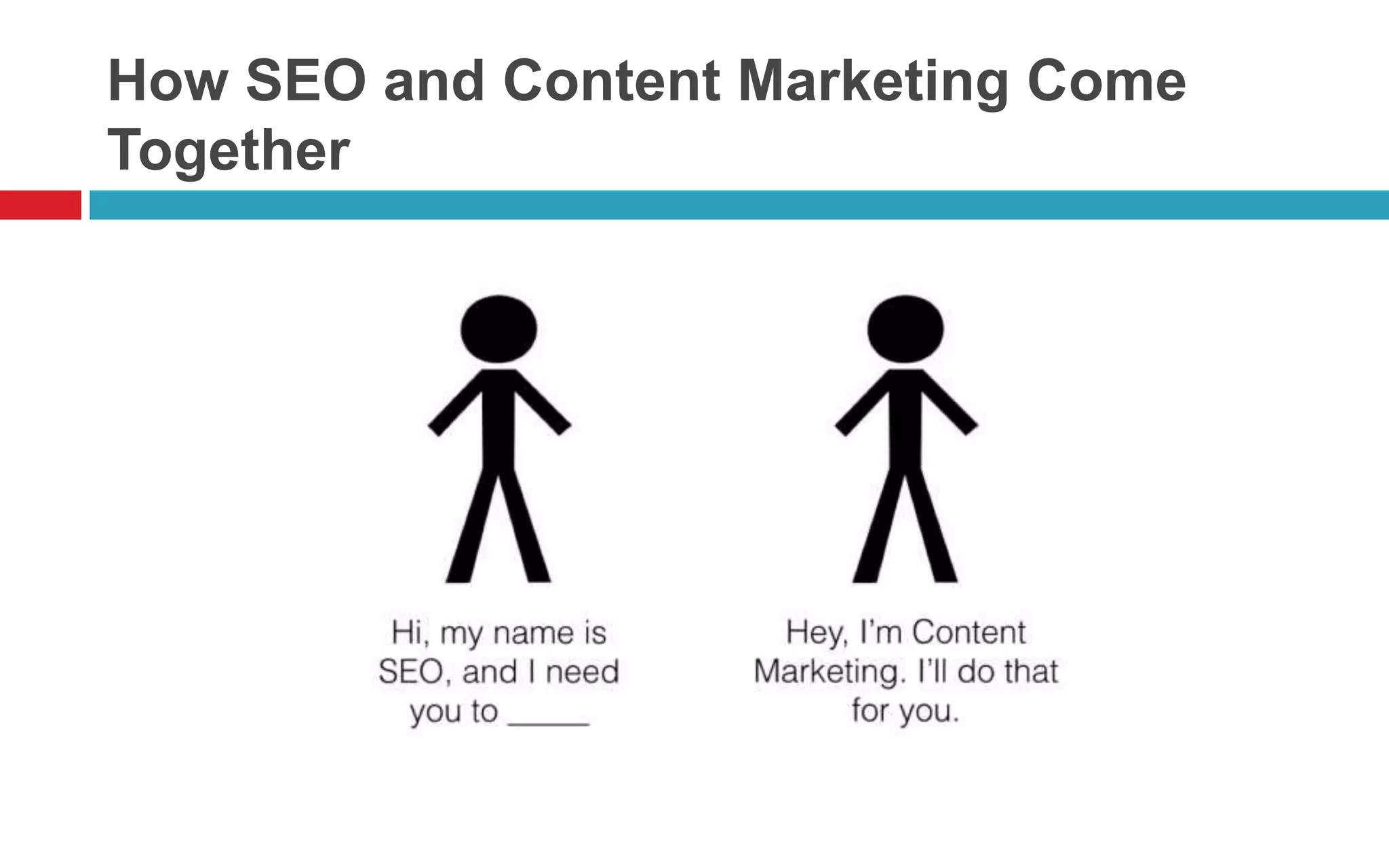
 SEO states the requirements. Content marketing
fulfills them.
 SEO demands content. Content marketing is content.
 SEO demands keywords. Content marketing means
using keywords.
 SEO demands linkbacks. Content marketing
introduces linkbacks.
 SEO demands onsite technical optimization. Content
marketing needs great UX.
 SEO demands consistent output. Content marketing
requires consistent.
How SEO and Content Marketing Come
Together
You’re not an SEO,
unless you’re also a
content marketer.
You’re not a content
marketer, unless
you’re also an SEO.
Your SEO campaign
will fail unless you
integrate content
marketing. Your
content marketing
campaign will fail
unless you integrate
SEO.
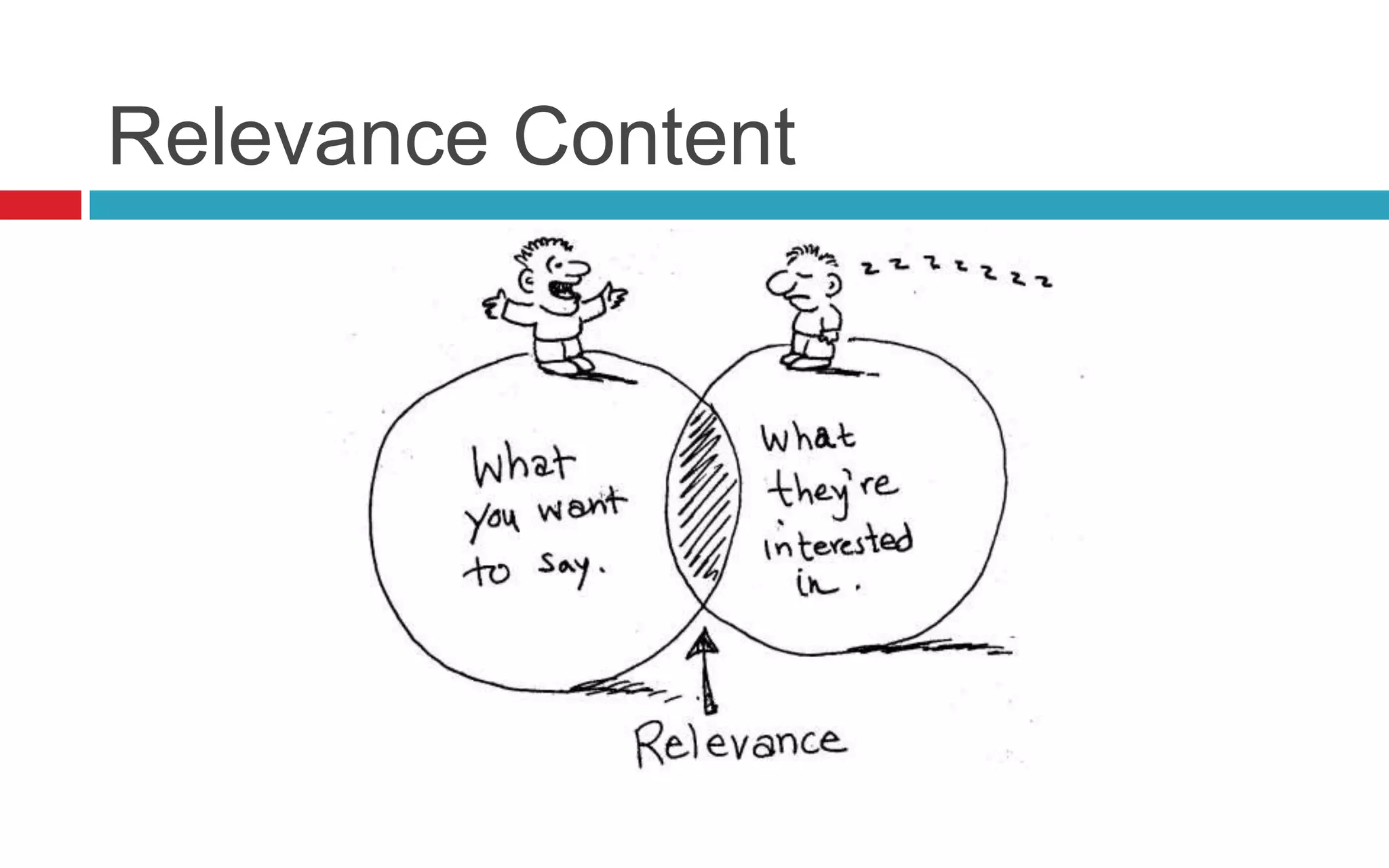
Relevance Content
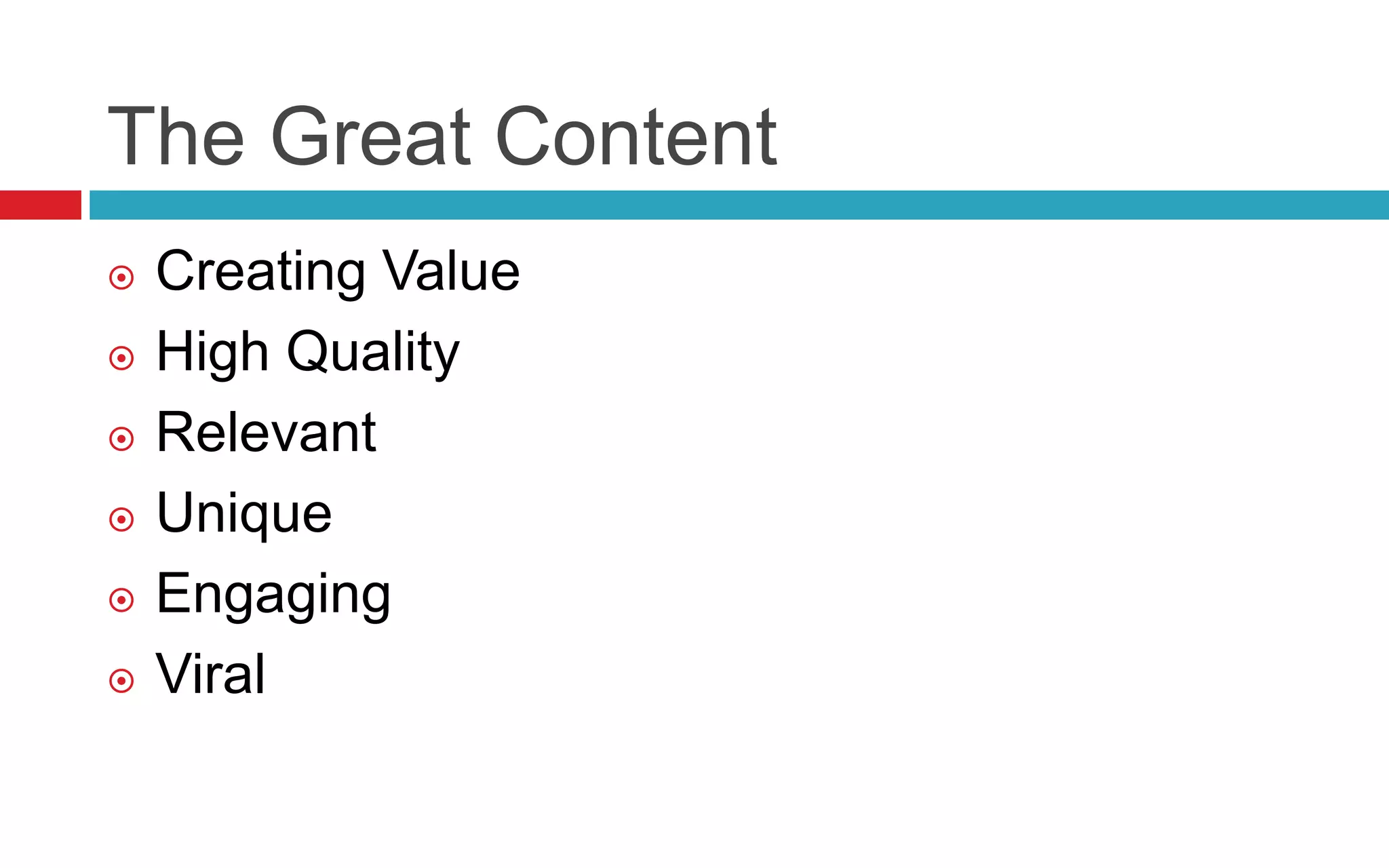
The Great Content
 Creating Value
 High Quality
 Relevant
 Unique
 Engaging
 Viral
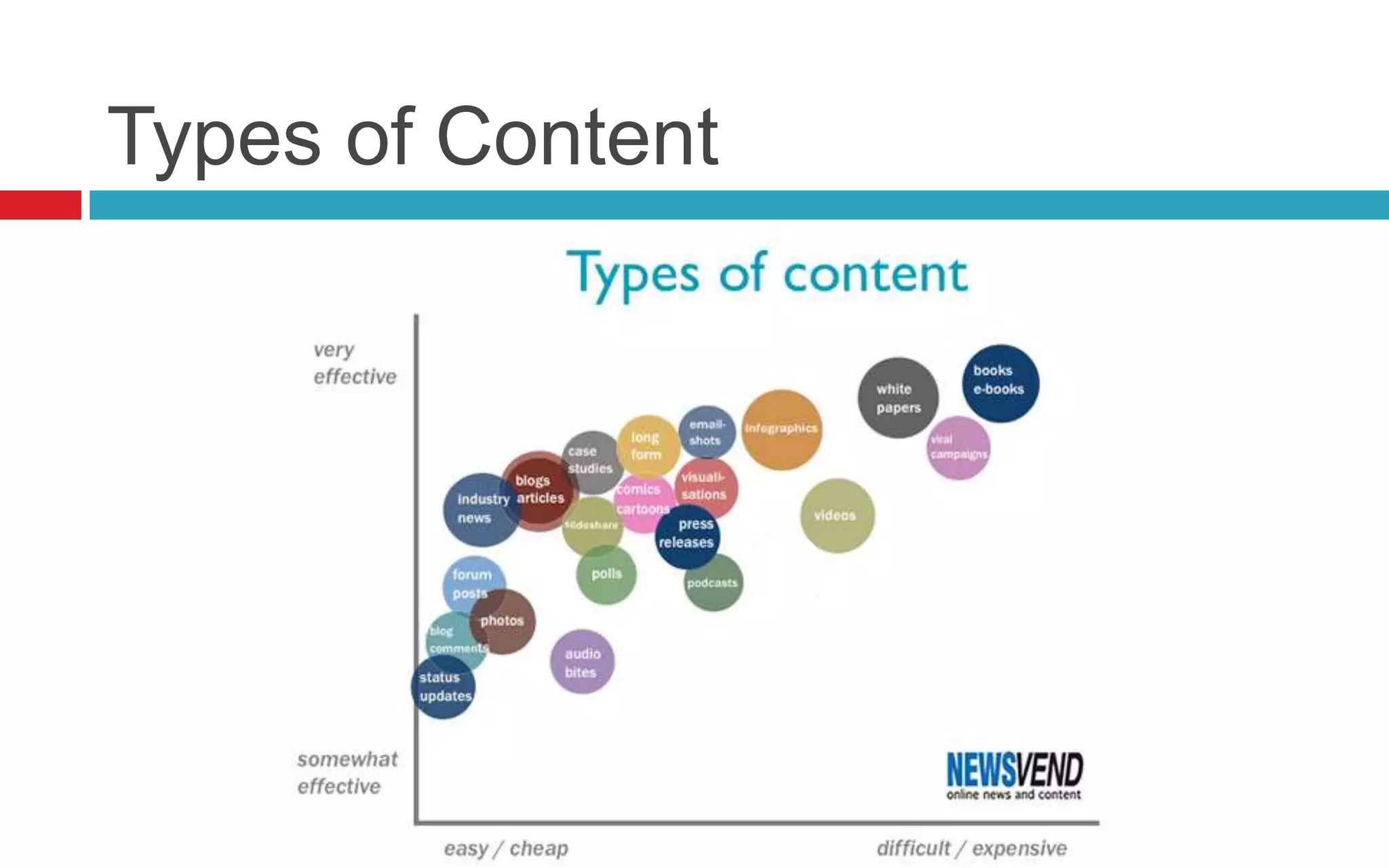
Types of Content
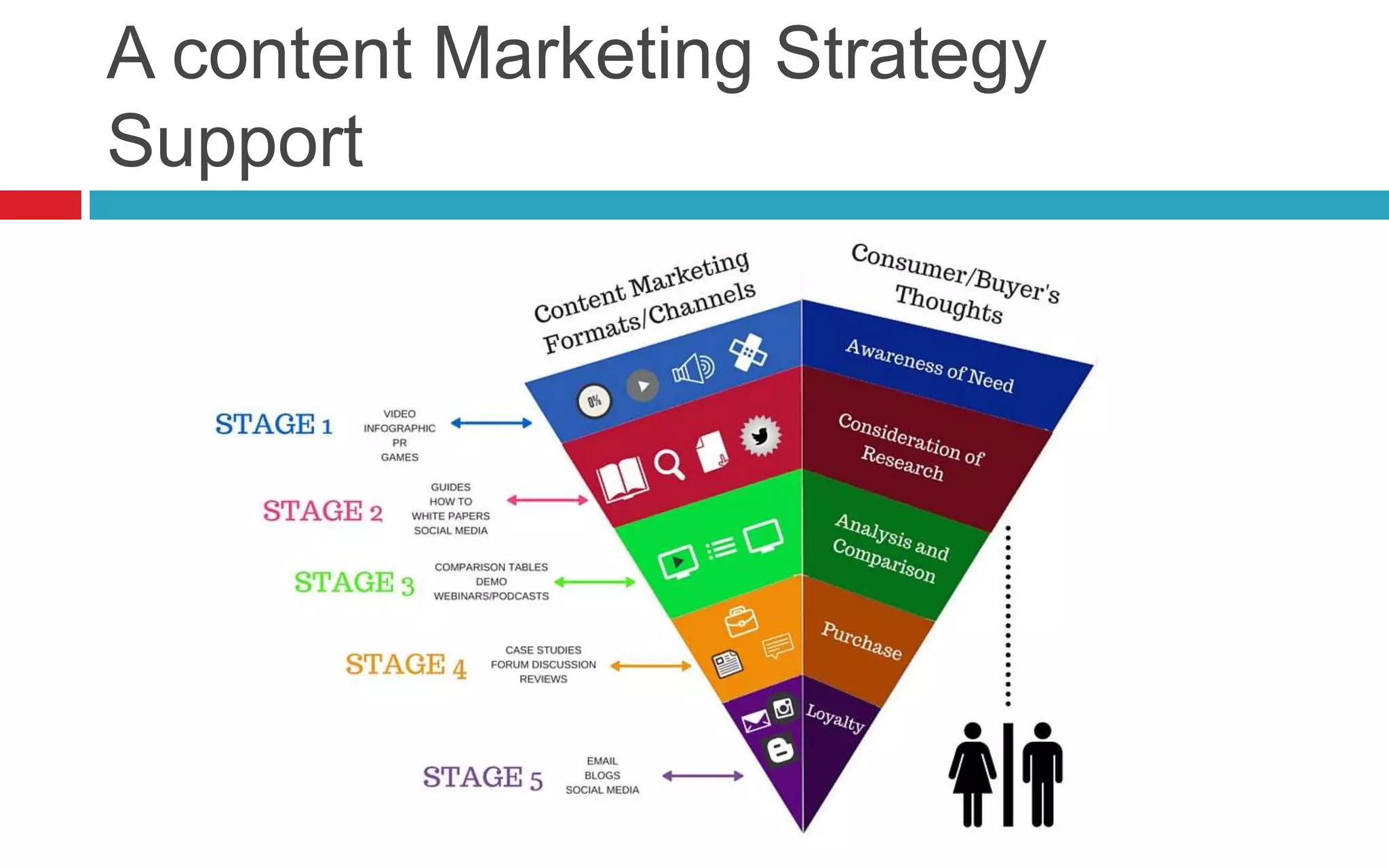
A content Marketing Strategy
Support
Content Tools
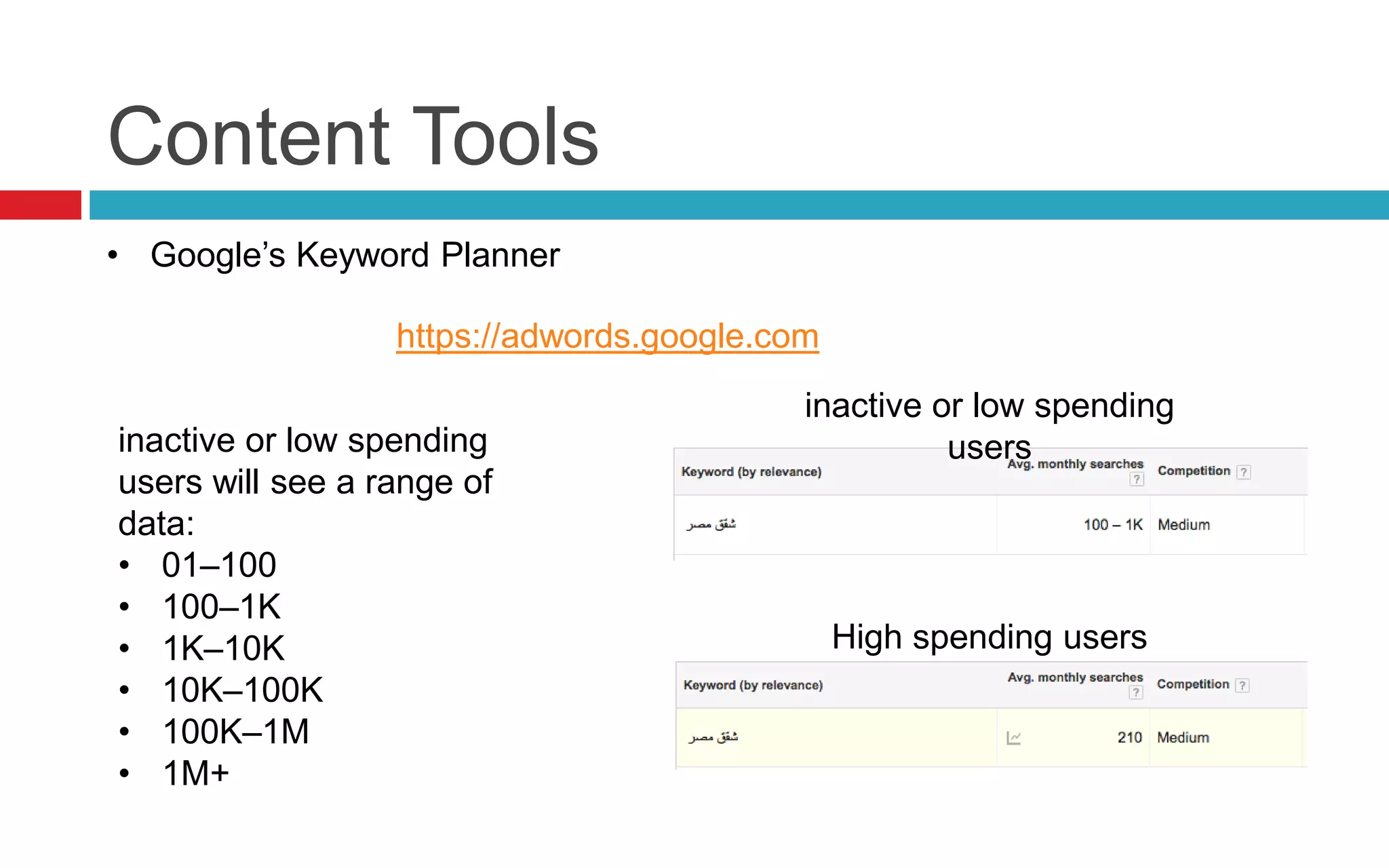
https://adwords.google.com
inactive or low spending
users will see a range of
data:
• 01–100
• 100–1K
• 1K–10K
• 10K–100K
• 100K–1M
• 1M+
inactive or low spending
users
High spending users
• Google’s Keyword Planner
Content Tools
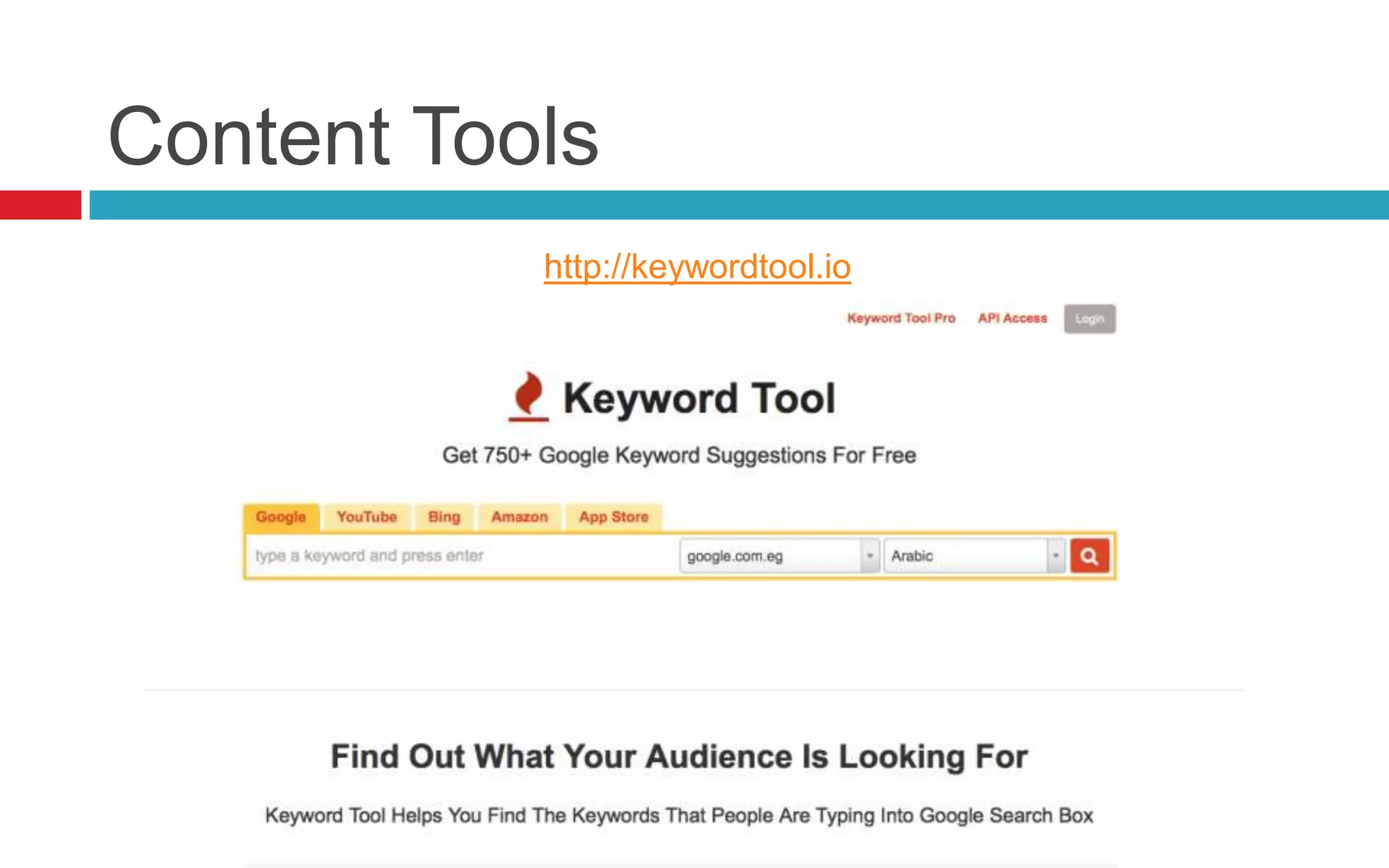
http://keywordtool.io
Content Tools
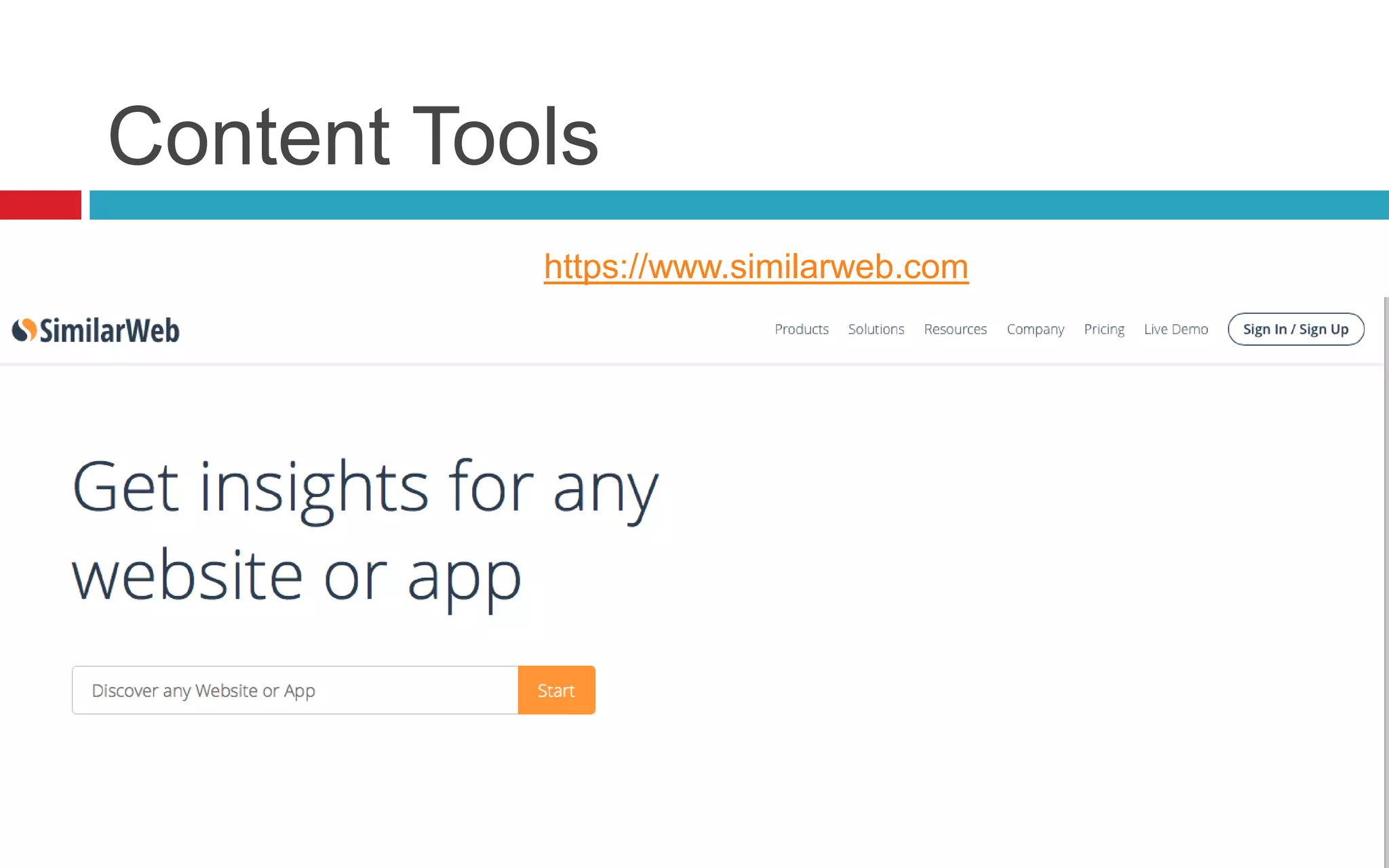
https://www.similarweb.com
Content Tools
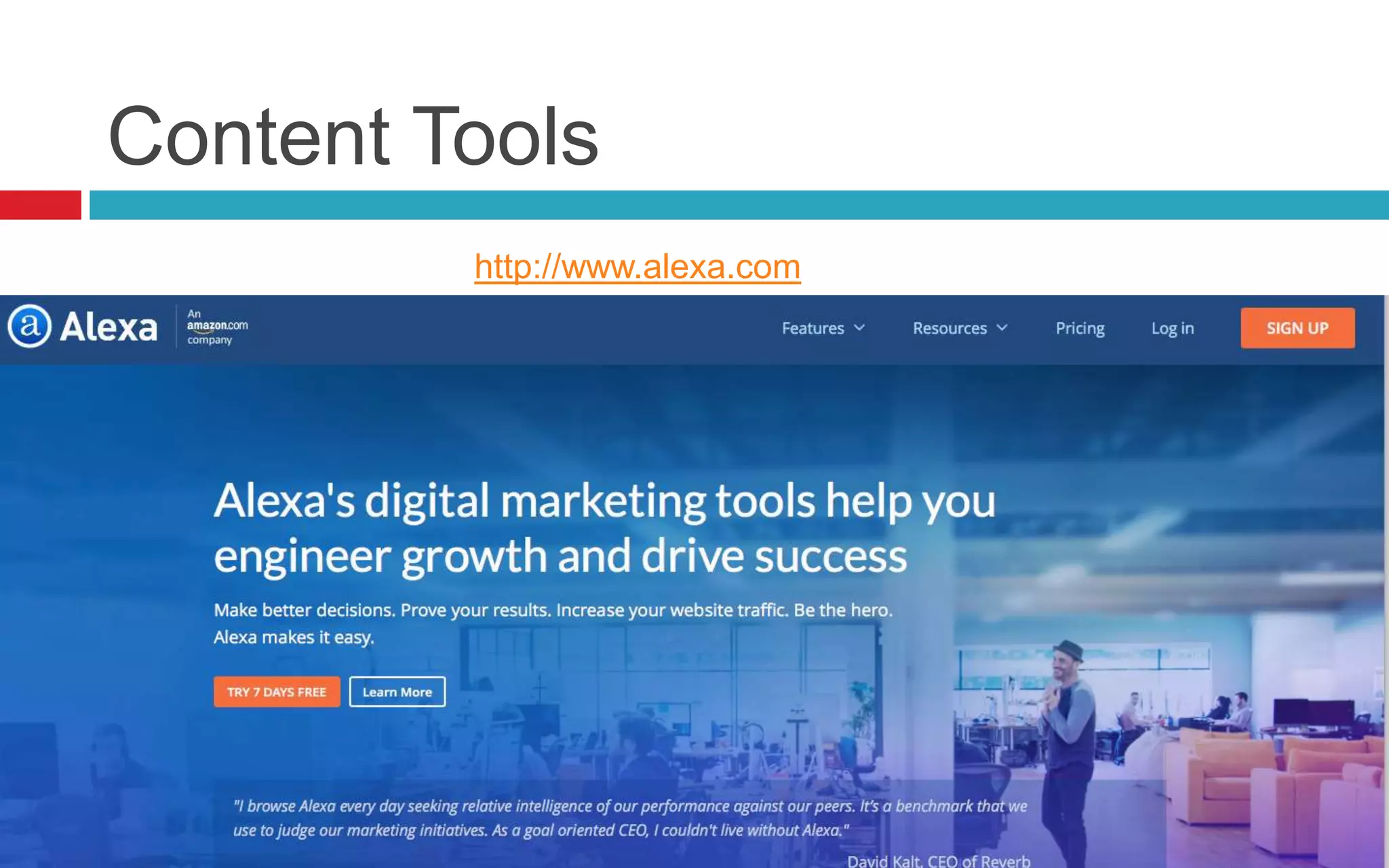
http://www.alexa.com
Content Tools
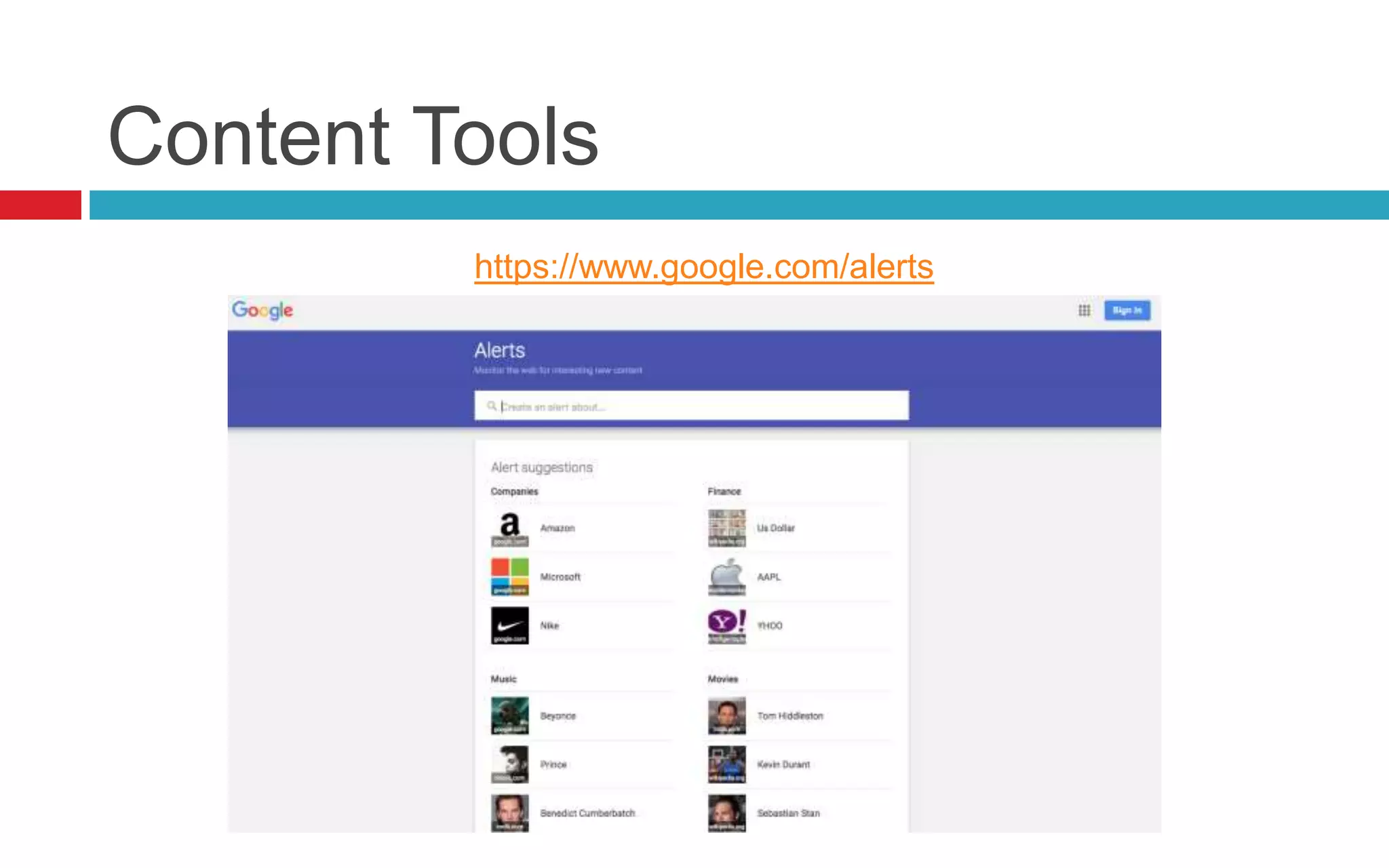
https://www.google.com/alerts
Content Tools
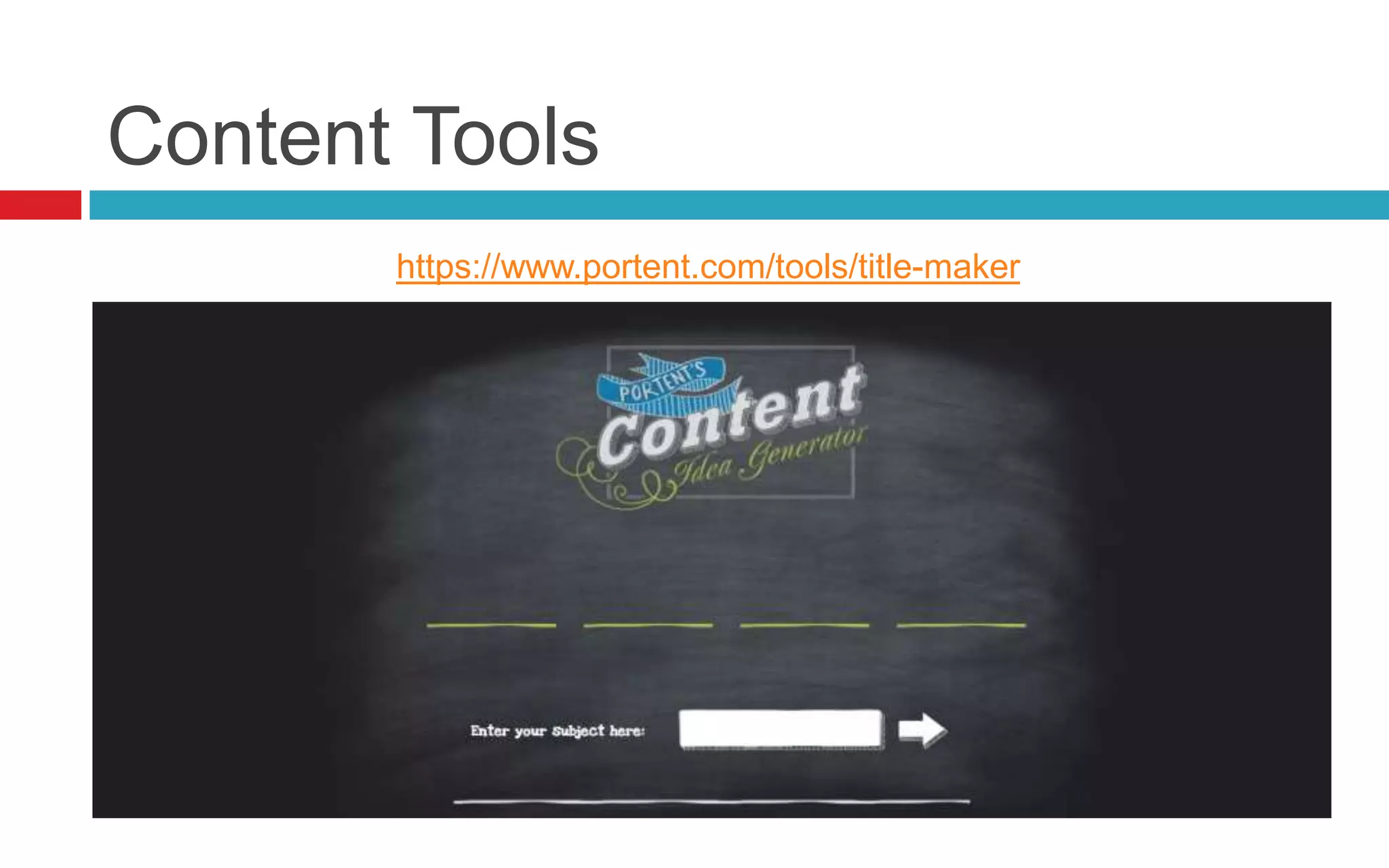
https://www.portent.com/tools/title-maker
Content Tools
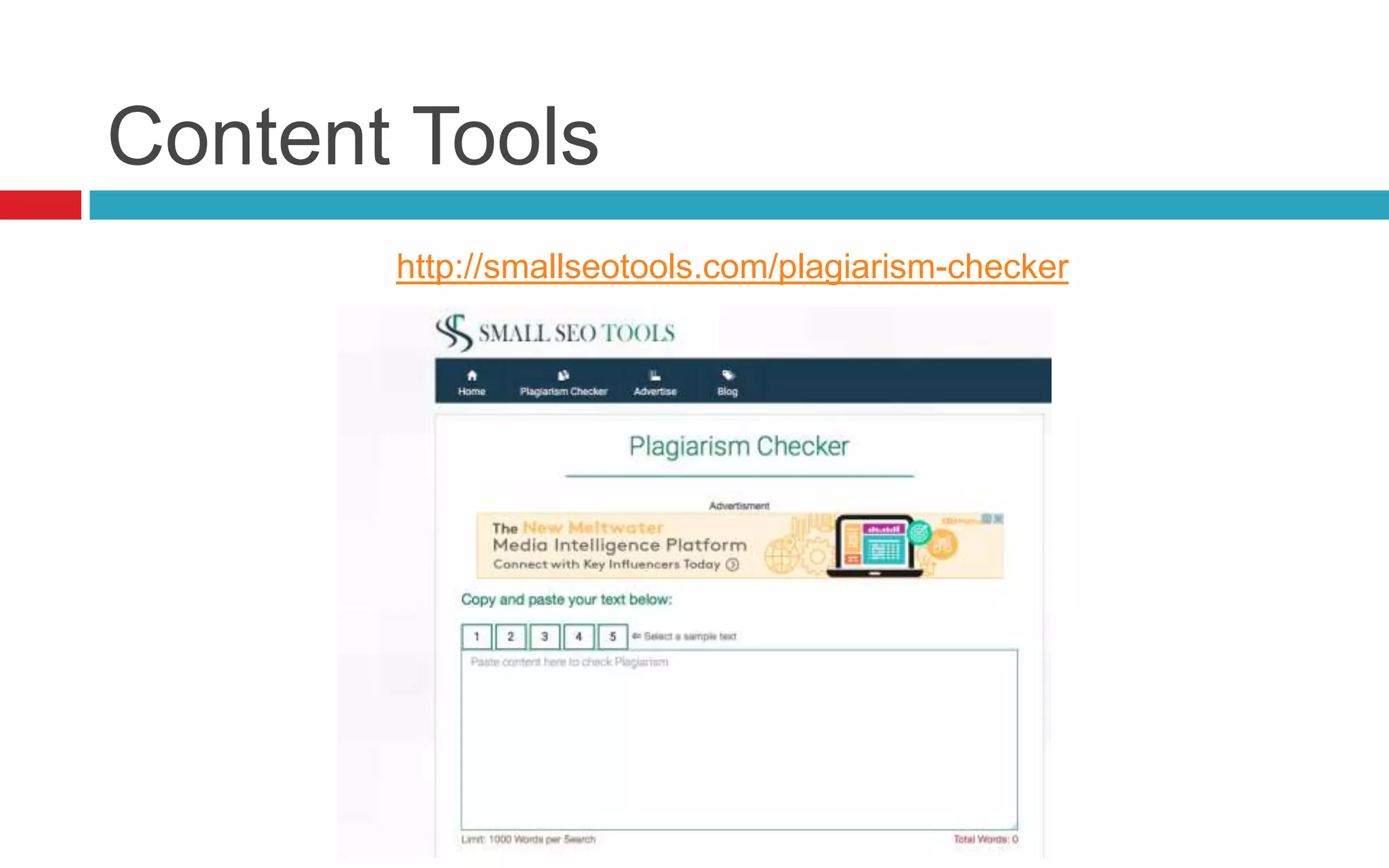
http://smallseotools.com/plagiarism-checker
Content Tools
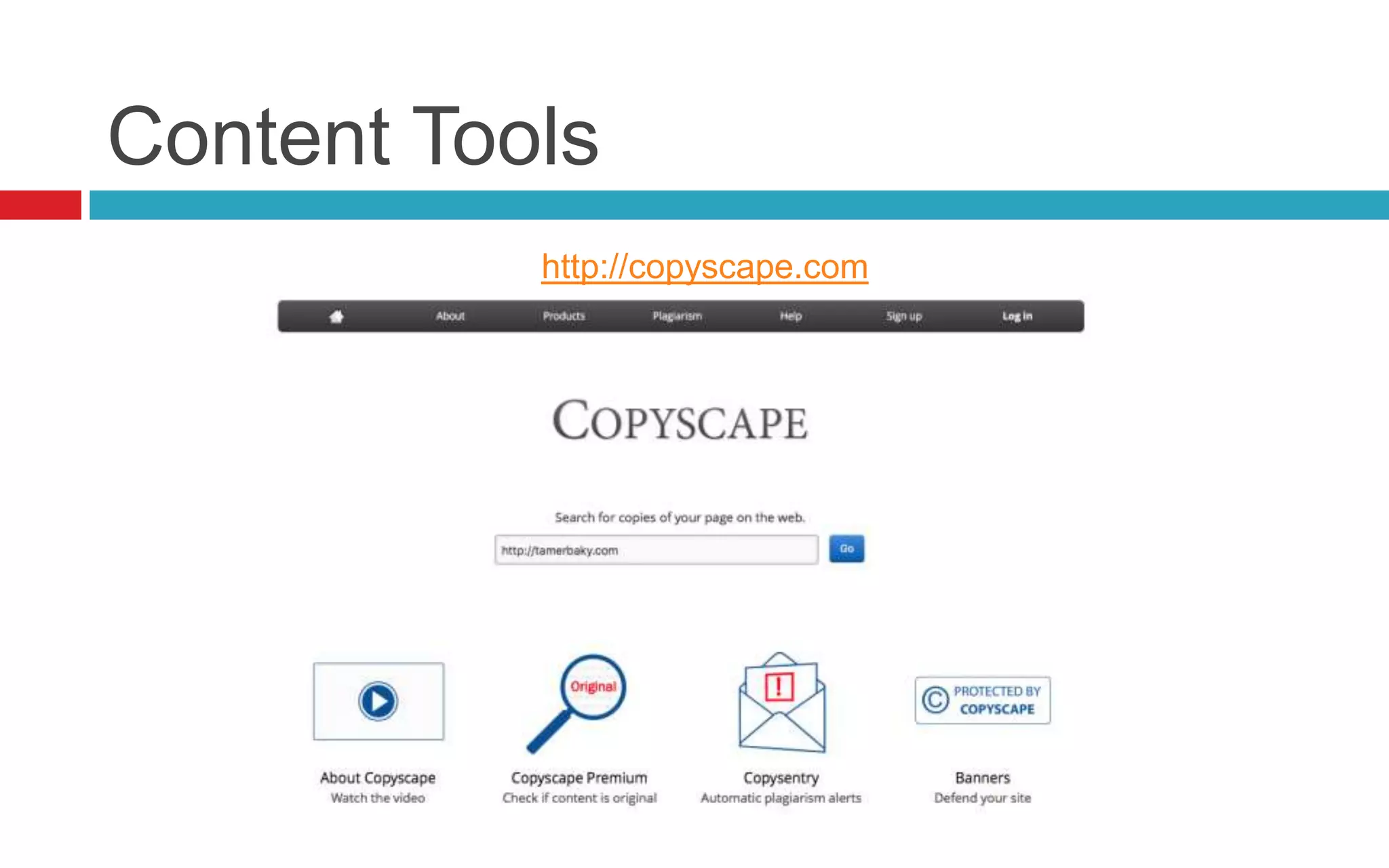
http://copyscape.com
Content Tools
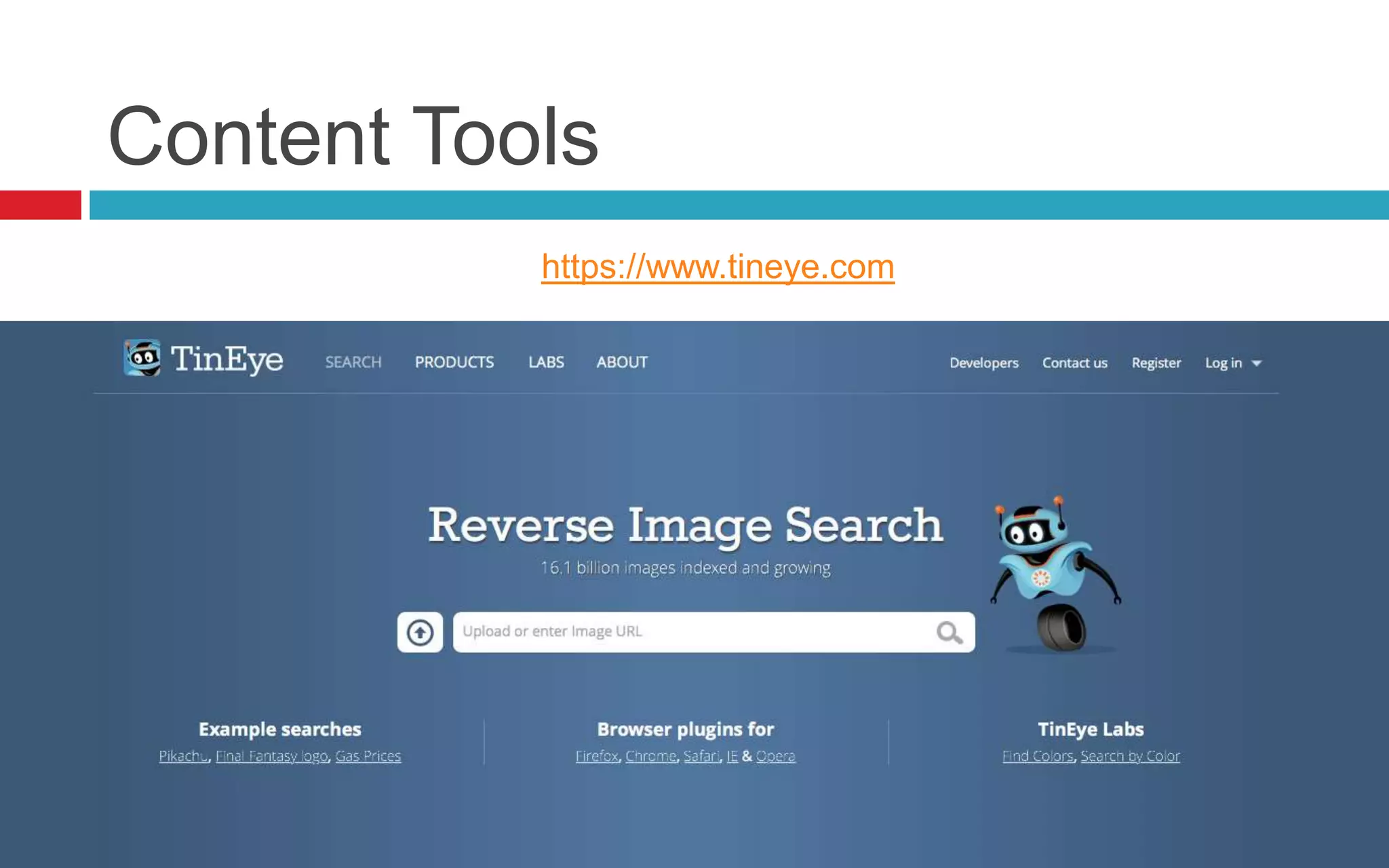
https://www.tineye.com
Content Tools
Google Image
Content Tools
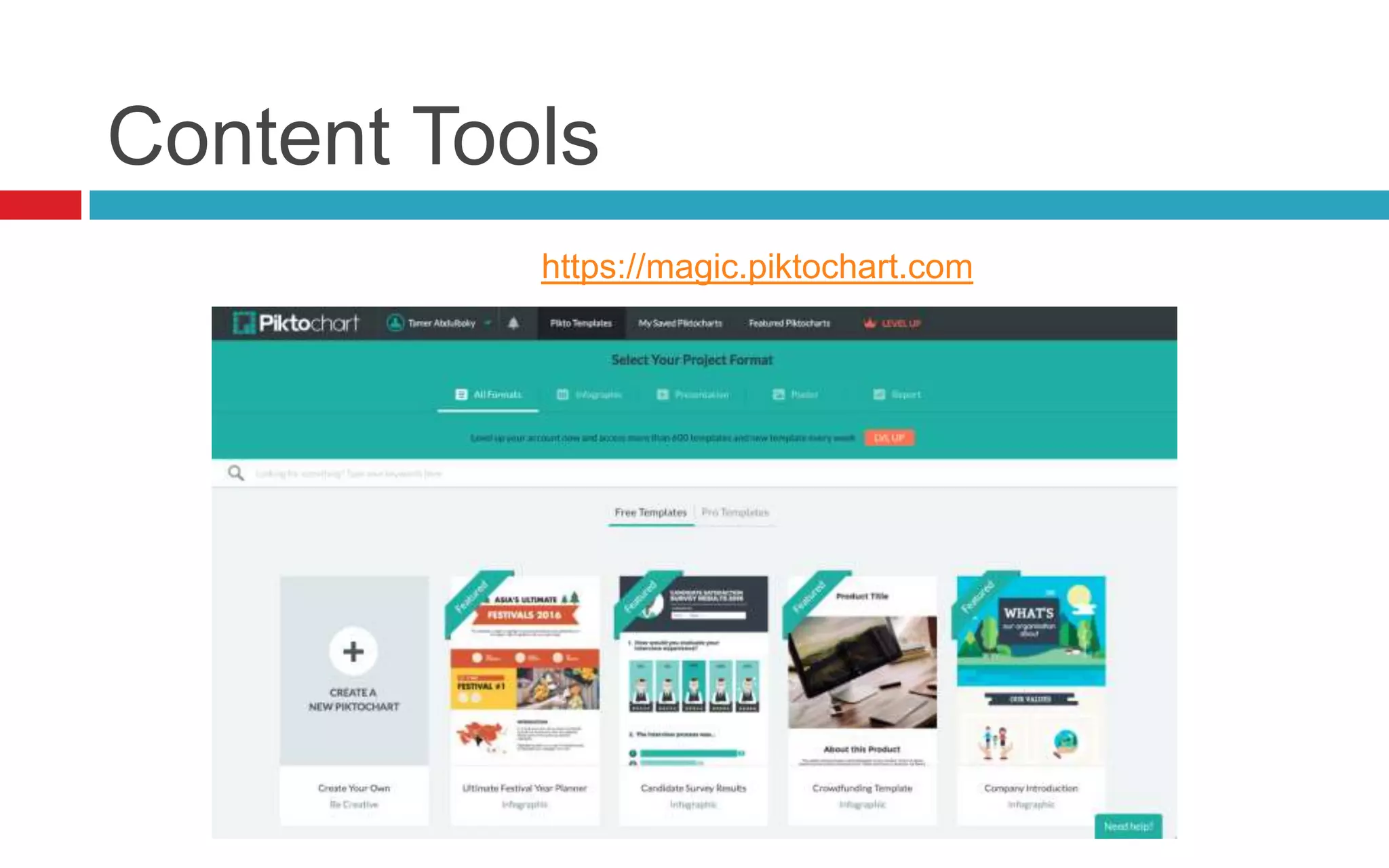
https://magic.piktochart.com
Content Tools
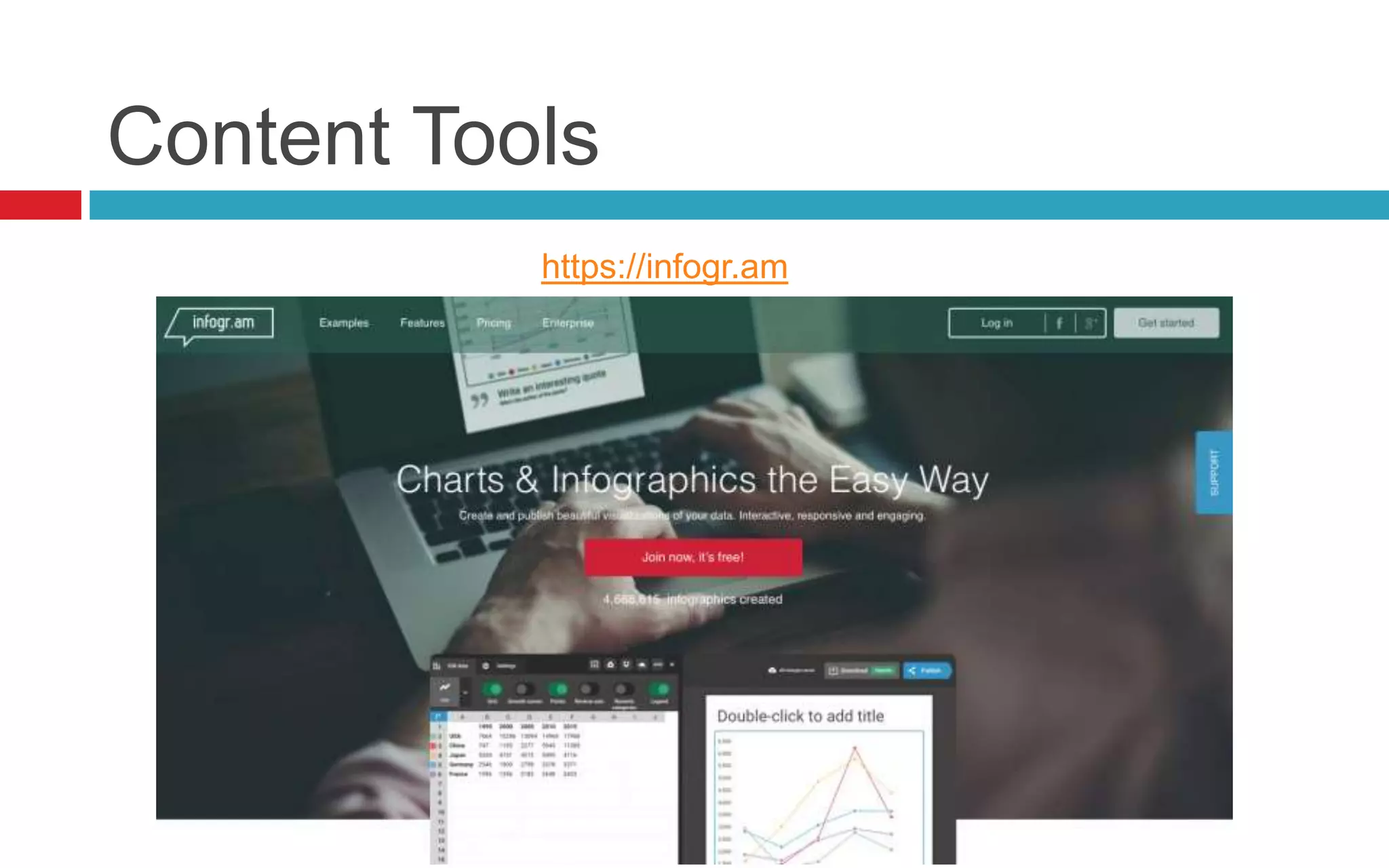
https://infogr.am
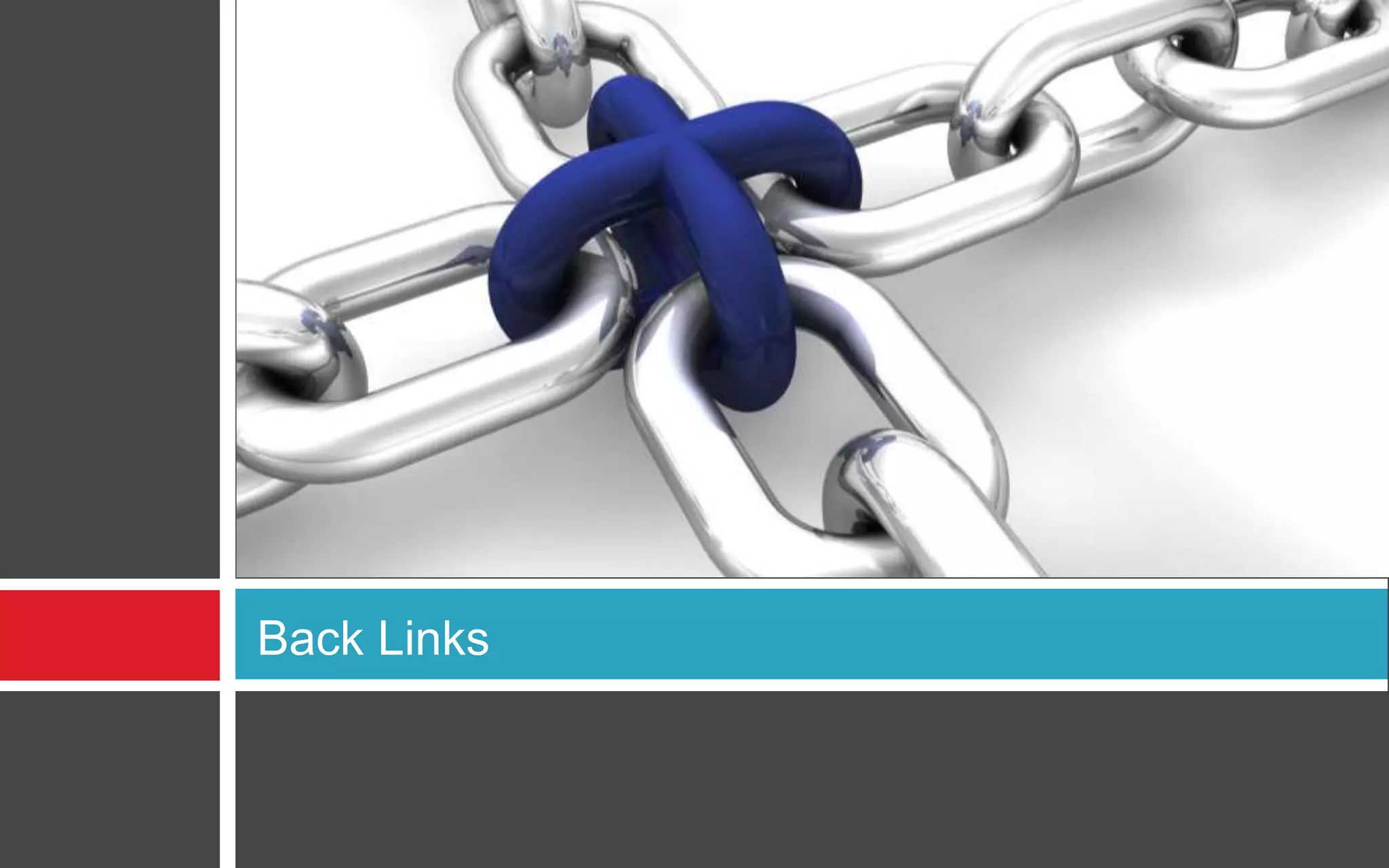
Back Links
What is a backlink?
 In search engine optimization (SEO)
terminology a backlink is a hyperlink that links
from a Web page, back to your own Web page
or Web site. These links are important in
determining the popularity (or importance) of
your Web site.
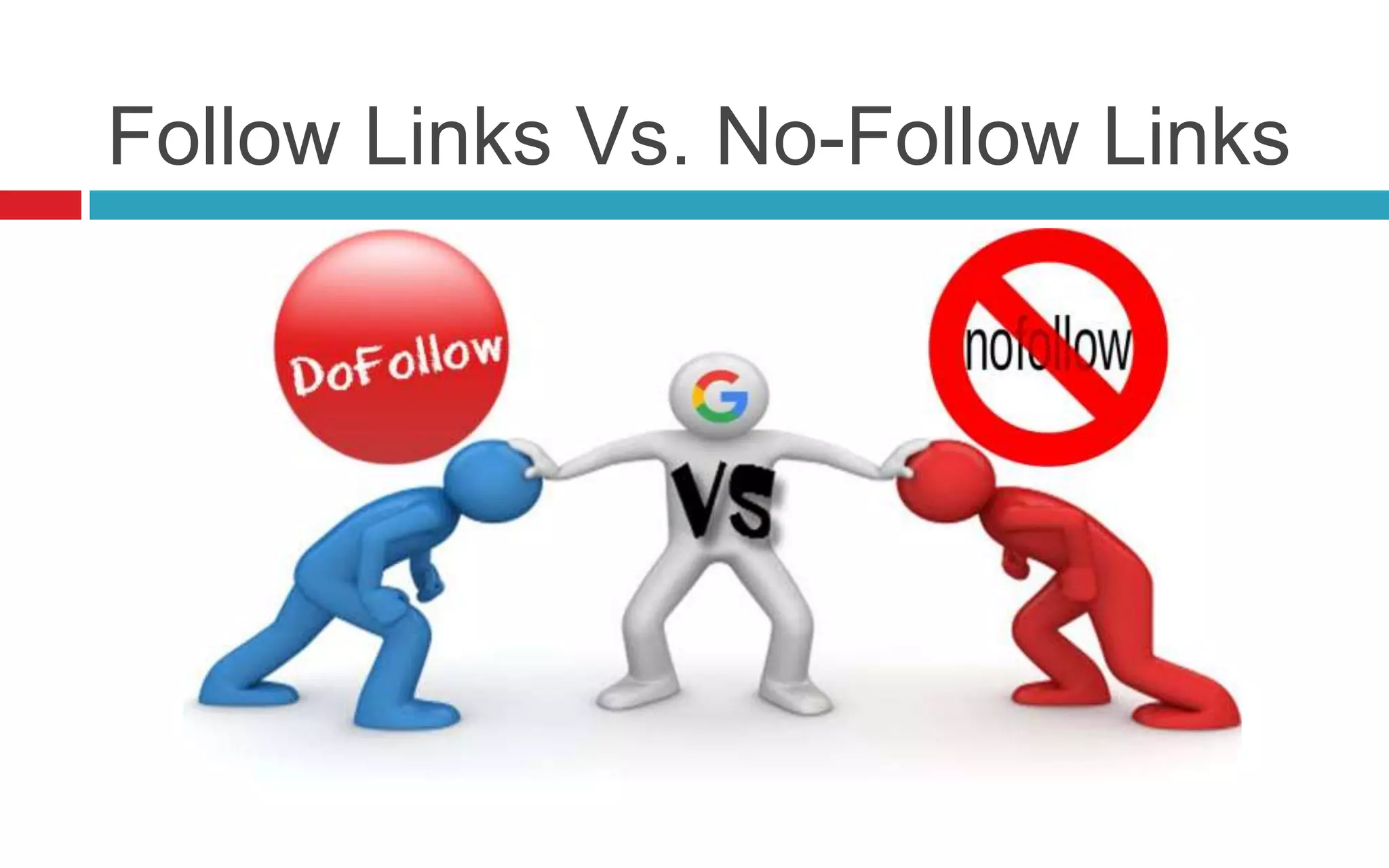
Follow Links Vs. No-Follow Links
Link Building Rules
 Link value = traffic quality
 Avoid site-wide links
 Don't link externally in the footer
 Embrace the nofollow
 Focus on distribution
 Don’t buy links
How to take outside links
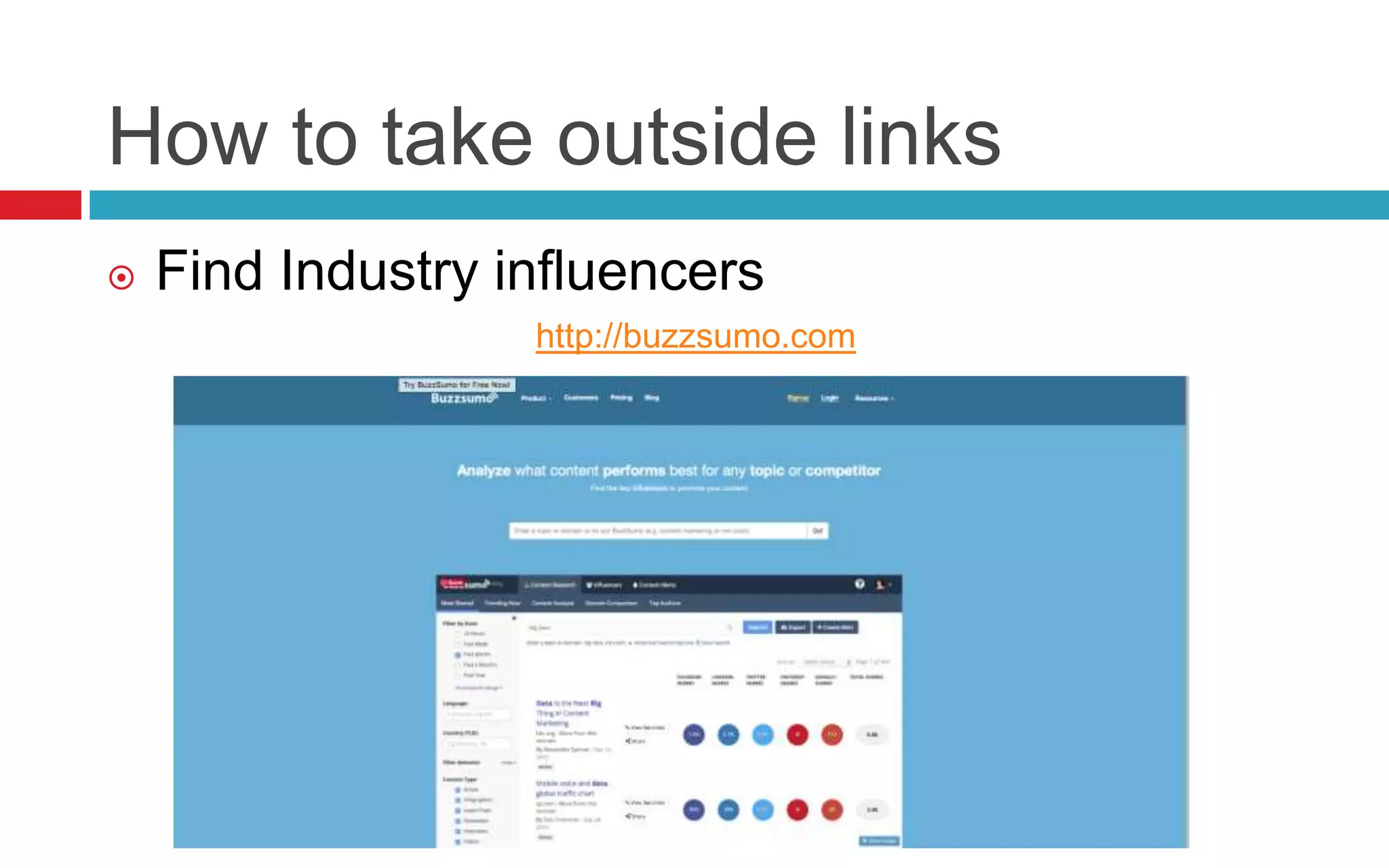
 Find Industry influencers
http://buzzsumo.com
How to take outside links
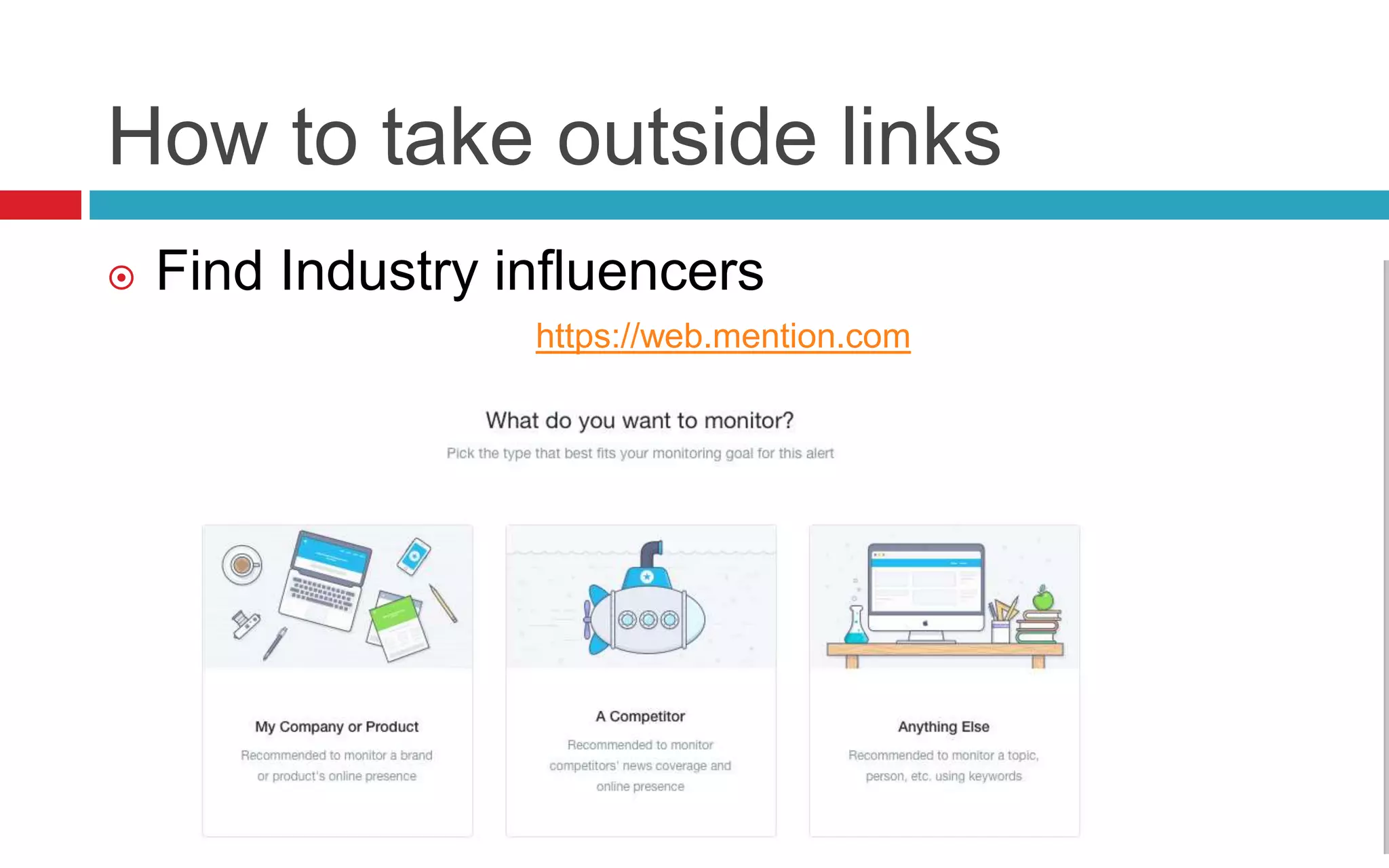
 Find Industry influencers
https://web.mention.com
How to take outside links
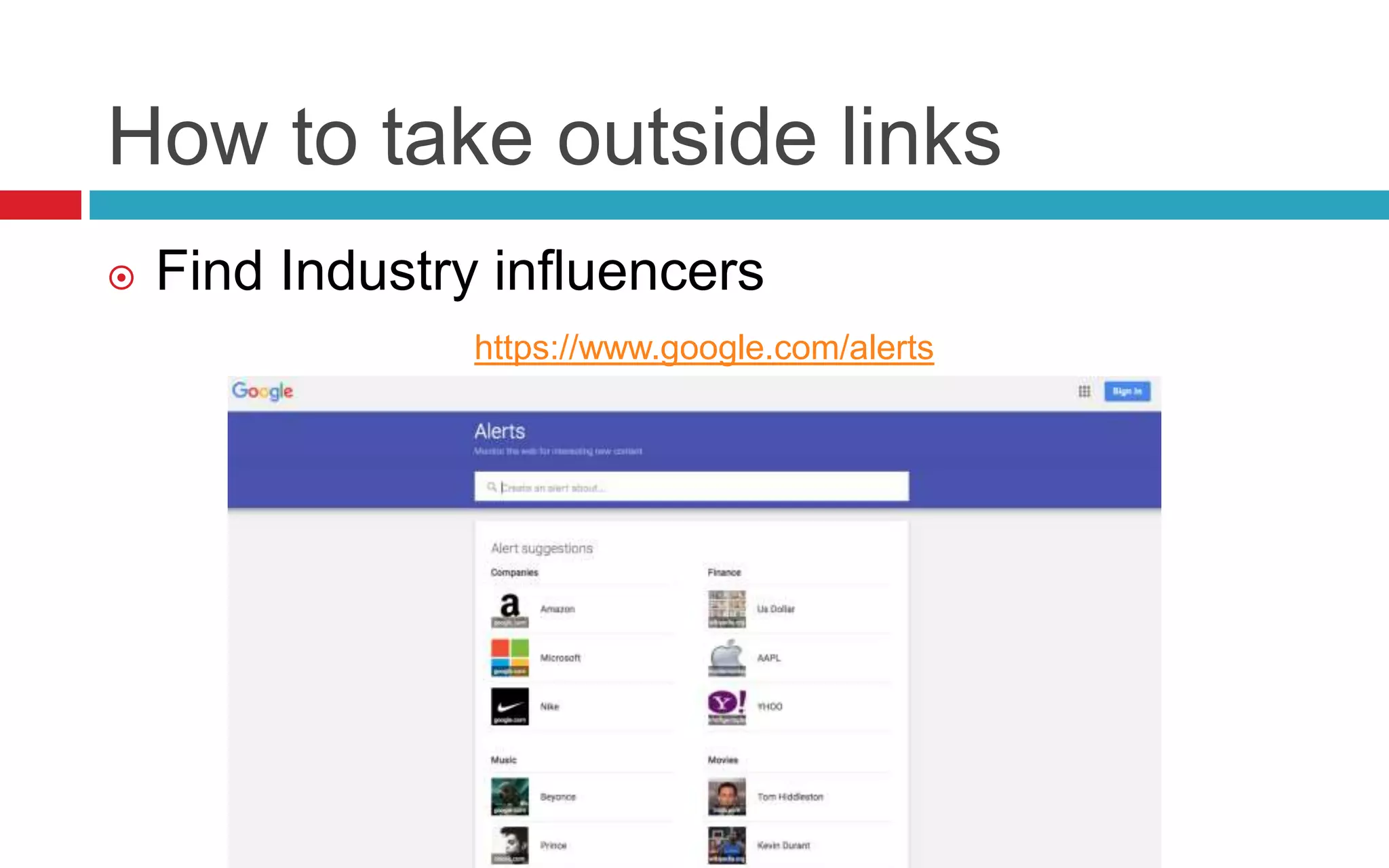
 Find Industry influencers
https://www.google.com/alerts
How to take outside links
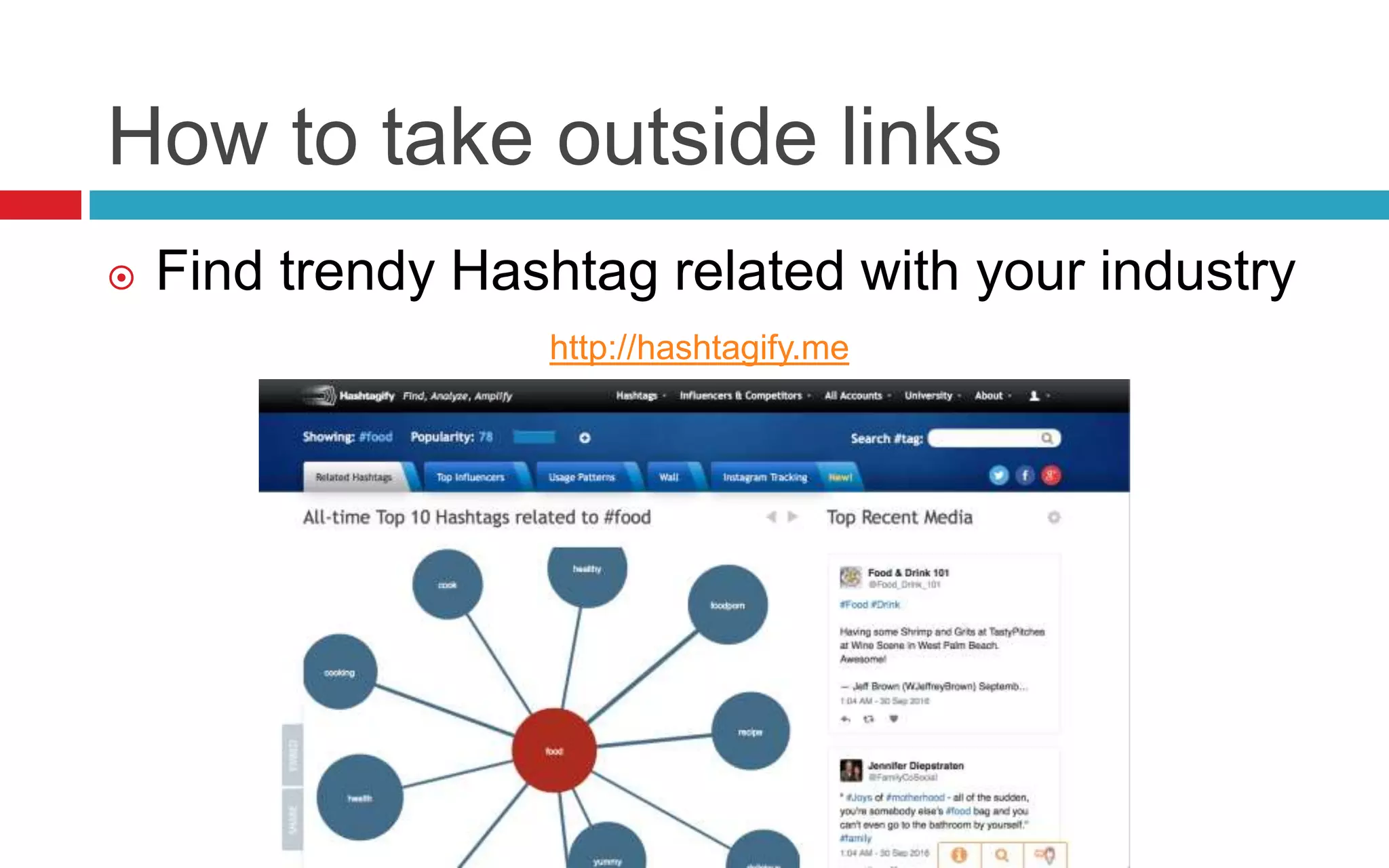
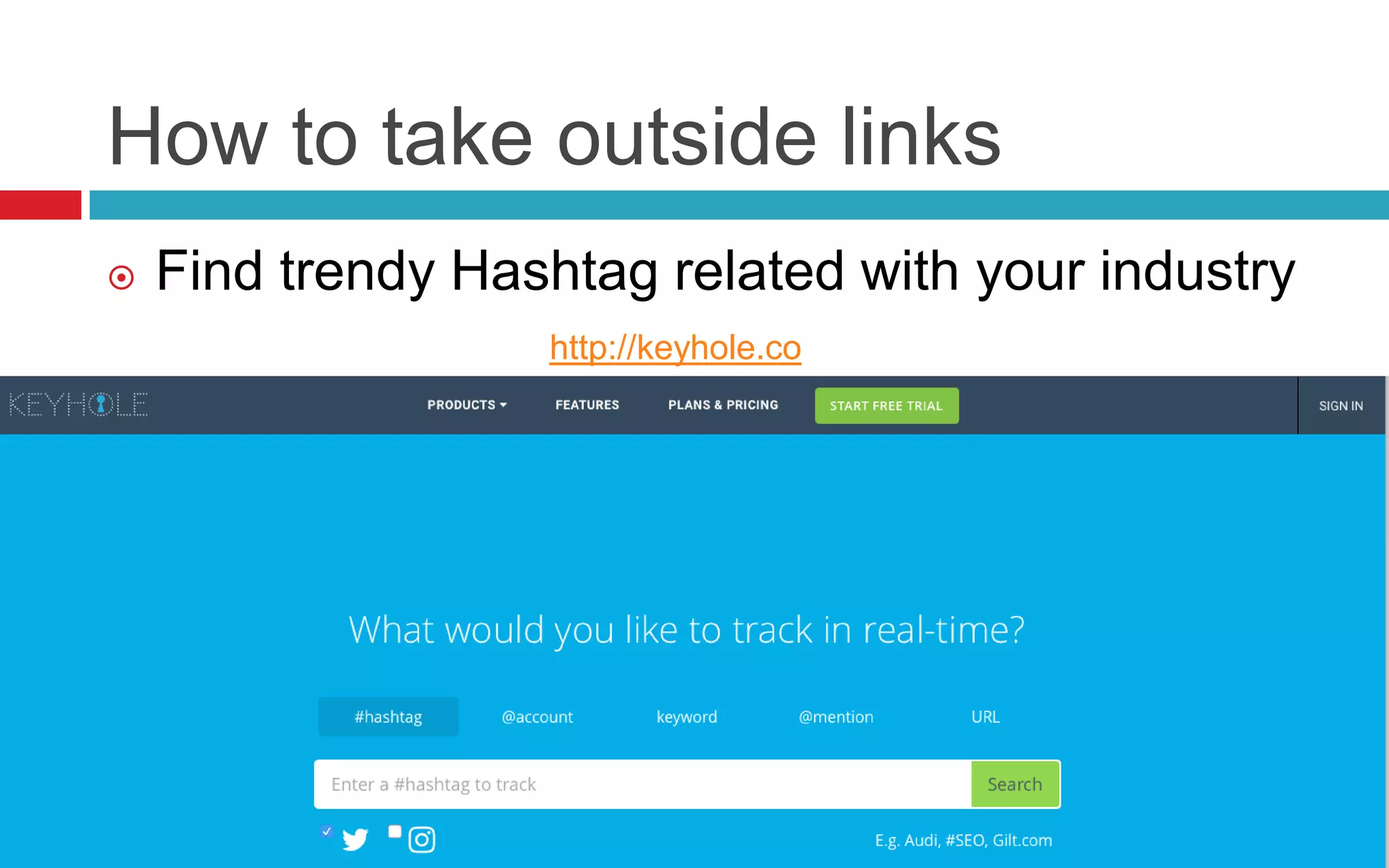
 Find trendy Hashtag related with your industry
http://hashtagify.me
How to take outside links
 Find trendy Hashtag related with your industry
http://keyhole.co
How to take outside links
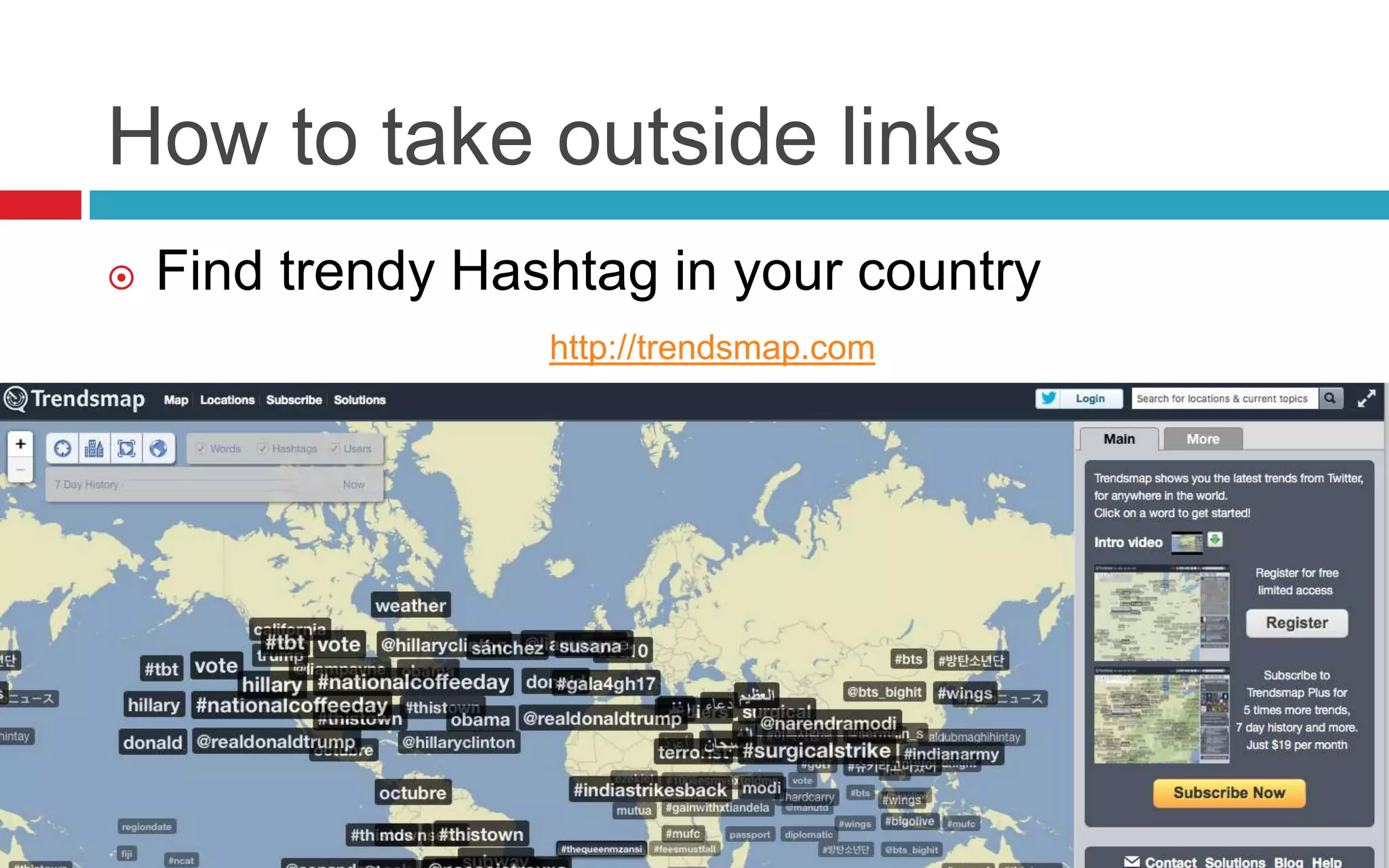
 Find trendy Hashtag in your country
http://trendsmap.com
How to take outside links
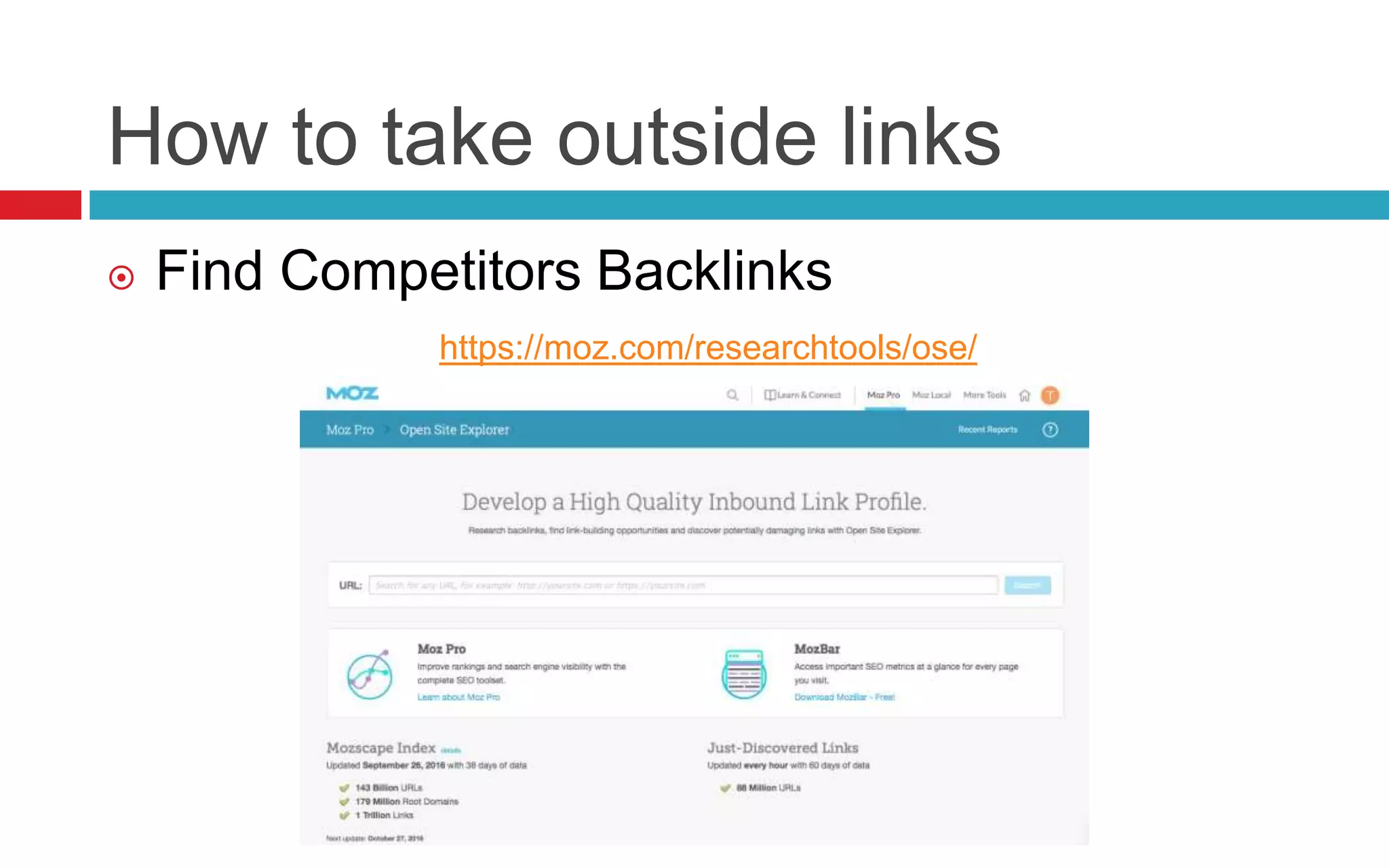
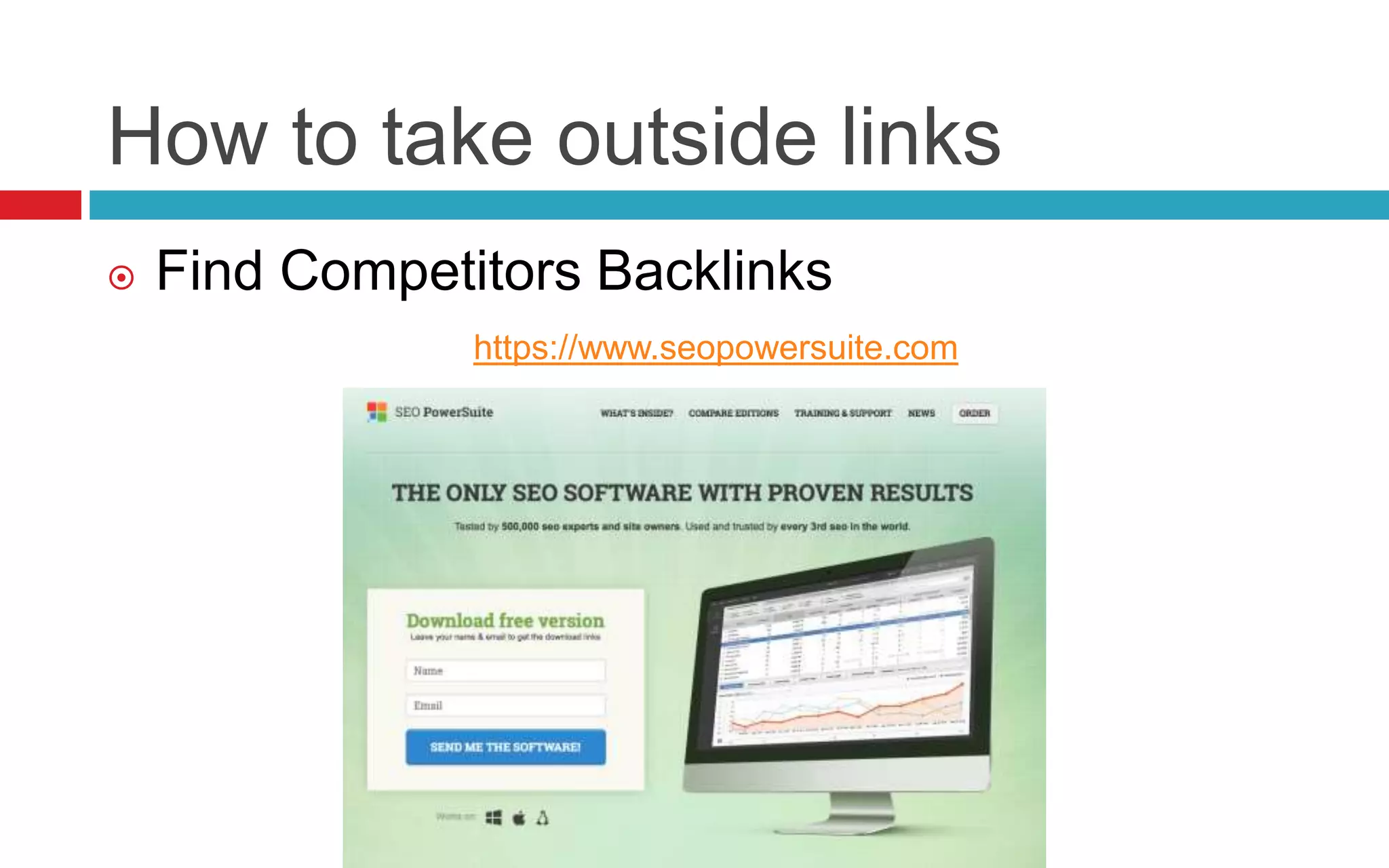
 Find Competitors Backlinks
https://moz.com/researchtools/ose/
How to take outside links
 Find Competitors Backlinks
https://ahrefs.com
How to take outside links
 Find Competitors Backlinks
https://www.seopowersuite.com
Measure
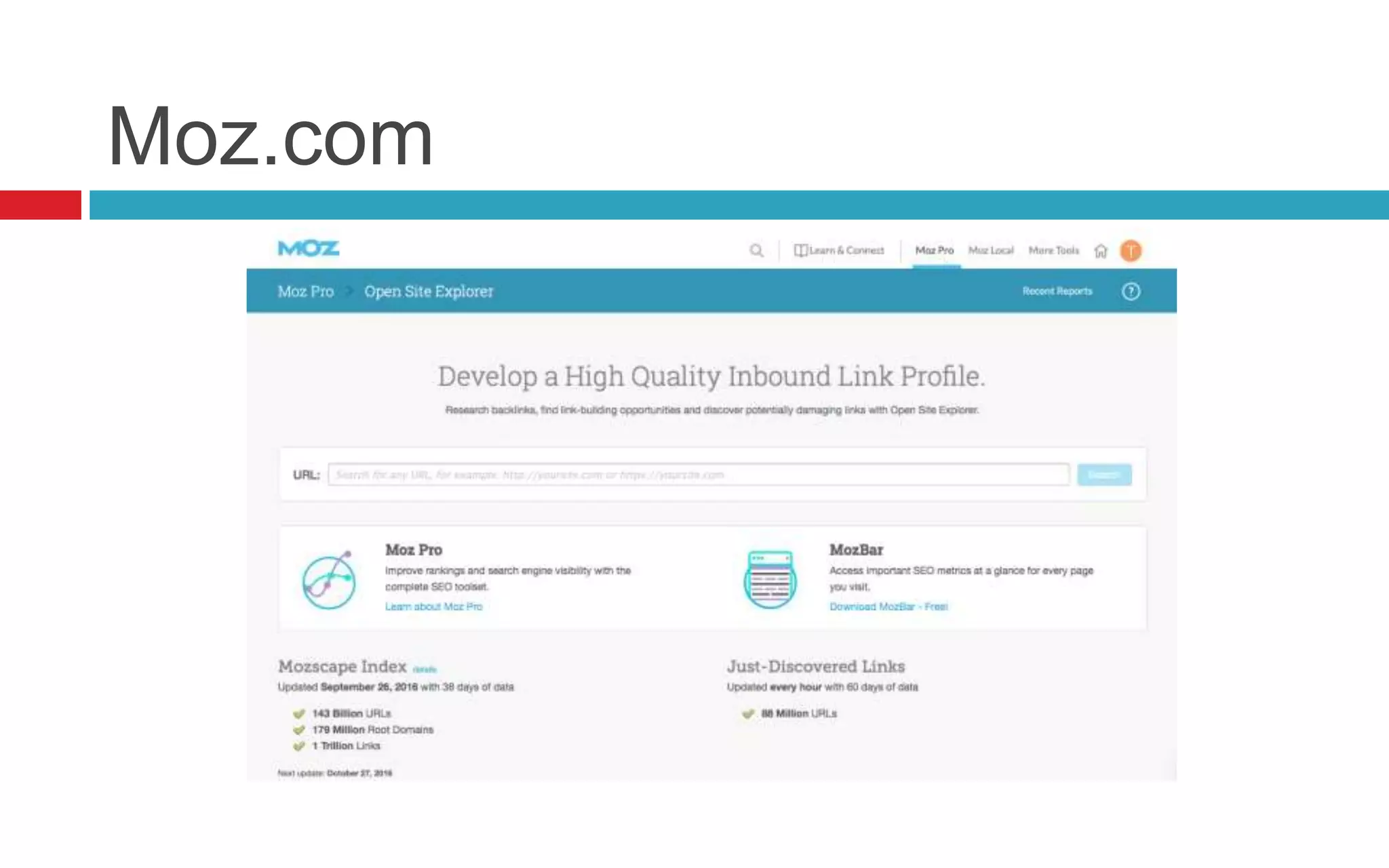
Moz.com
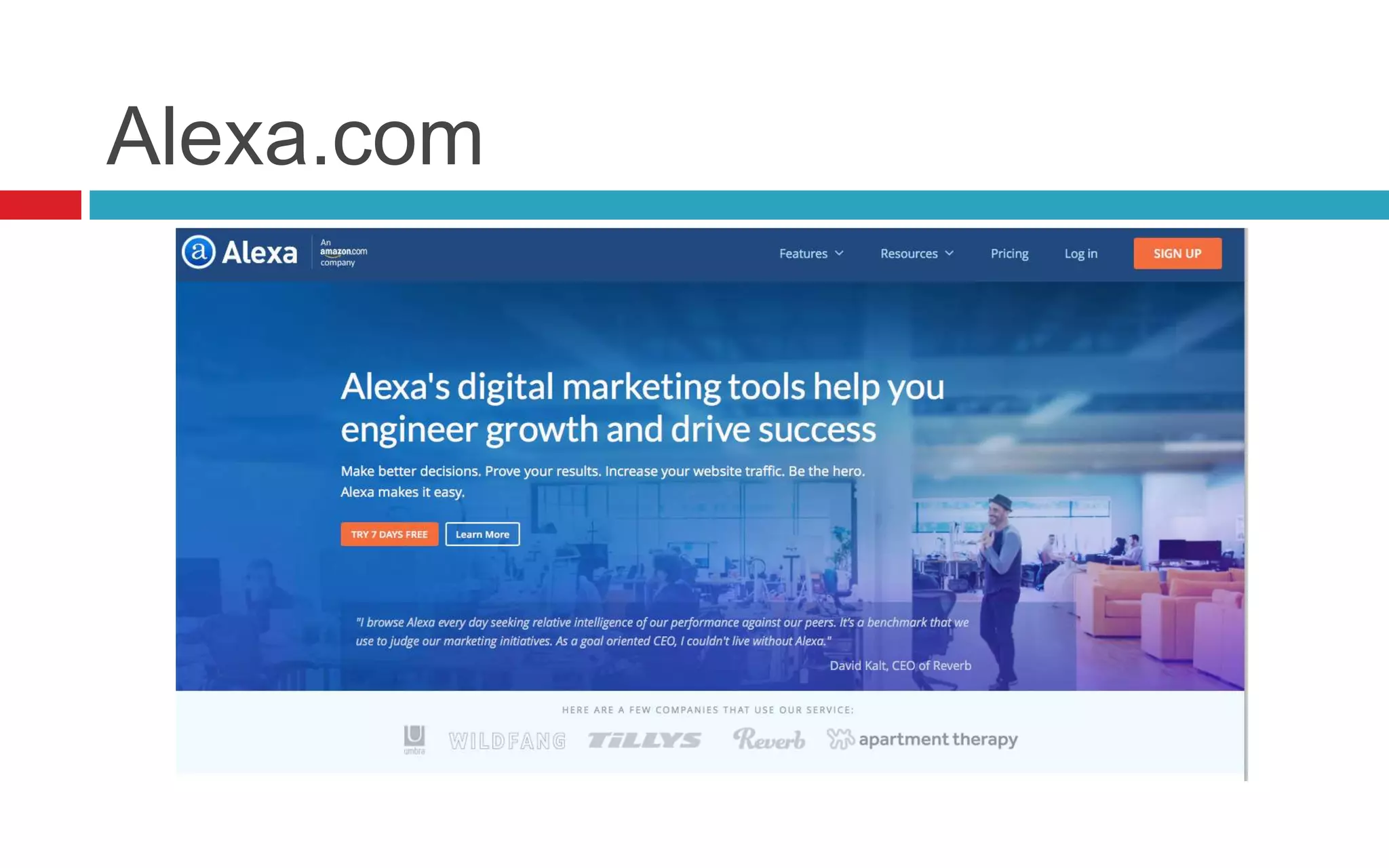
Alexa.com
Google Analytics
THANK YOU
Tamer Abdulbaky
www.tamerbaky.com
Tamer_baky@hotmail.com
+966 53 77 915 77
+20 10 200 28 222

Digital Marketing Diploma - Module 04: Search Engine Optimization ( SEO )

  • 1.
    DIPLOMA Module 4: SEO- By: Tamer Abdulbaky
  • 2.
    About: Tamer Abdulbaky Findme :  Website: http://www.tamerbaky.com  Youtube: https://www.youtube.com/c/tamerbaky  Facebook: https://www.facebook.com/tamerbaky  Twitter: https://www.twitter.com/tamerbaky  Linkedin: https://www.linkedin.com/in/tamerbaky  Behance: https://www.behance.net/tamerbaky  Google+: https://www.plus.google.com/+TamerBaky  Instagram: https://www.instagram.com/tamerbaky  Pinterest: https://www.pinterest.com/tamerbaky  SlideShare: https://www.slideshare.net/tamerbaky • MBA in Marketing • Diplomas in Digital Marketing • B. Sc. Applied Arts • Google Analytics Certified • Google AdWords Fundamentals Certified • Google Search Advertising Certified • Google Display Advertising Certified • Google Mobile Advertising Certified • Google Video Advertising Certified • Mini MBA
  • 3.
  • 4.
    Website Hosting A web hosting serviceis a type of Internet hosting service that allows individuals and organizations to make their website accessible via the World Wide Web.
  • 5.
  • 6.
    Domain & URL Domain Name: A domain name is the address that people type to get to your website. www.tamerbaky.com  URL “Uniform Resource Locator” URL is a reference to a web resource. It includes your domain name plus the path locate specific page on the hosting server http://www.tamerbaky.com/about.html
  • 7.
    10 tips forchoosing the perfect domain name 1. Make it easy to type 2. Keep it short 3. Use keywords 4. Target your area 5. Avoid numbers and hyphens 6. Be memorable 7. Research it 8. Protect and build your brand 9. Act fast 10. Use an appropriate domain name extension
  • 8.
    Domain extensions  .COM- Commercial: Currently, this is the most popular extension, it’s chosen by almost companies and business,…  .NET - Network: The second most popular extension now, it’s also use by companies, internet services provider or organization that related to internet fields  .BIZ - Business: It’s used for small business website, small eCommerce business,…  .GOV - Government: It’s used for companies, organizations that own by government  .ORG - Organization: It’s usually used for non-profit organization or eCommerce companies/organization,…  .EDU: Education: It’s used for schools, universities, or education organization,…  .INFO - Information: It’s usually used for website that sharing information or resources about many fields,…  .TV - Television: It’s used for website about television, video sharing,…
  • 9.
    How to buya new Domain? https://www.godaddy.com
  • 10.
    URL Structure bestpractices  The more readable by human beings, the better
  • 11.
    URL Structure bestpractices  The more readable by human beings, the better  Keywords in URLs: still a good thing
  • 12.
    URL Structure bestpractices  The more readable by human beings, the better  Keywords in URLs: still a good thing  Use hyphens to separate words Google will consider digital-marketing (hyphen) as tow separate words. If you use underscore “digital_marketing”, it will be considered as single word by search engines.
  • 13.
  • 14.
    Search engine optimization(SEO) is the process of affecting the visibility of a website or a web page in a web search engine's unpaid results—often referred to as "organic” results. What’s SEO?
  • 15.
    Why SEO? An importantaspect of SEO is making your website easy for both users and search engine robots to understand. Although search engines have become increasingly sophisticated, they still can't see and understand a web page the same way a human can.
  • 16.
  • 17.
  • 18.
  • 19.
    The top 4search engines
  • 20.
  • 21.
  • 22.
  • 23.
    How Search Enginessee your website? http://www.seo-browser.com
  • 24.
    How to optimizethe website?
  • 25.
    Use unique MetaTags http://smallseotools.com/meta-tags-analyzer https://moz.com/products/pro/seo-toolbar http://www.seomofo.com/snippet-optimizer.html
  • 26.
    Title & Alttext in Images
  • 27.
    Use Heading TagsProperly Use one <h1> tag per page
  • 28.
    Fast website makepeople happy https://gtmetrix.com https://developers.google.com/speed/pagespeed/insights
  • 29.
    Mobile Friendly Mobile Friendlytest: https://www.google.com/webmasters/tools/mobile-friendly
  • 30.
    robots.txt robots.txt is atext file webmasters create to instruct robots (typically search engine robots) how to crawl and index pages on their website. https://www.google.com/webmasters
  • 31.
    Use sitemaps A sitemapis a file where you can list the web pages of your site to tell Google and other search engines about the organization of your site content. Search engine web crawlers read this file to more intelligently crawl your site. https://www.xml-sitemaps.com https://www.google.com/webmasters
  • 32.
    Broken Links Check forbroken links and images. If your website has broken links pointing to page that doesn't exits, it will probably never be found http://validator.w3.org/checklink
  • 33.
    Canonical issue is anHTML element that helps webmasters prevent duplicate content issues. It does this by specifying the “canonical”, or “preferred”, version of a web page <link rel="canonical" href="http://tamerbaky.com" /> <link rel="canonical" href="http://www.tamerbaky.com" /> <link rel="canonical" href="http://tamerbaky.com/index.html" /> <link rel="canonical" href="http://www.tamerbaky.com/index.html" />
  • 34.
    301 Redirect A 301redirect is a permanent redirect which passes between 90-99% of link juice (ranking power) to the redirected page. 301 refers to the HTTP status code for this type of redirect. In most instances, the 301 redirect is the best method for implementing redirects on a website.
  • 35.
  • 36.
  • 37.
  • 38.
    Ranking Factors TypesOf SearchEngineSuccessFactors ReadMore >> SearchEngineLand.com Guide To SEO: Chapter 1 @SEngineLand • OnthePageSEO • Off thePageSEO • Violations 3MAJORGROUPS: WEIGHTINGSCALE: 1to3 3=most important NegativeFactorsshownin RED
  • 39.
    Ranking Factors TypesOf SearchEngineSuccessFactors ReadMore >> SearchEngineLand.com Guide To SEO: Chapter 1 @SEngineLand Off thePageSEO: • Under Publisher Control • Typesof Content Published • HTML&SiteArchitecture OnthePageSEO: • External Authority Signals • ReputationSignals
  • 40.
    Ranking Factors Content &SearchEngineSuccessFactors ReadMore >> SearchEngineLand.com Guide To SEO: Chapter 2 @SEngineLand Content Quality Content Research Content Keywords Content Engagement Content Freshness • Delivers Value • Unique • Useful • User Queries • Query Volume • Query Match • UsedinCopy • Natural Language • AnswersQuery • TimeonSite • Interactions • Query Deserves Freshness
  • 41.
    Ranking Factors HTMLCode&SearchEngineSuccessFactors Read More>> SearchEngineLand.com Guide To SEO: Chapter 3 @SEngineLand Meta Description Header Tags Structured Data HTML <TITLE>Tag • Schema • RichSnippets • Entities • <H1></H1> • <H2></H2> • StandardHTML • May appear in SERPs • UniquetoPage • Descriptive
  • 42.
    Ranking Factors SiteArchitecture&SearchEngineSuccessFactors Read More>> SearchEngineLand.com Guide To SEO: Chapter 4 @SEngineLand Site Crawlability Duplication &Canonicals Site Speed Descriptive URLs • Crawl budget • Crawl efficiency • HTMLSitemaps • www/non-www • rel=Canonical • rel=prev/next • Fast loadtime • Engagement+ • Conversion+ • Domain&Short URLKeywords • Breadcrumbs
  • 43.
    Ranking Factors Link Building&RankingInSearchEngines ReadMore >> SearchEngineLand.com Guide To SEO: Chapter 5 @SEngineLand Link Quality Anchor Text Link Quantity • Authoritative • Topically relevant • Keywordsvs. brandname • Over-optimized anchor text • Total number of links • Diversity
  • 44.
    Ranking Factors Social Media&RankingInSearchResults ReadMore >> SearchEngineLand.com Guide To SEO: Chapter 6 @SEngineLand Social Reputation Social Shares • Social Signals=“Votes” inSERPs • Authenticvs. Fakeaccounts • Engagewithcustomers • Quality vs. Quantity of shares • Impact onpersonalizedSERPs
  • 45.
    Ranking Factors Trust,Authority,Identity&SearchRankings Read More>> SearchEngineLand.com Guide To SEO: Chapter 7 @SEngineLand Authority Signals Site History Identities &Entities • Sentiment • Reviews • Ratings • Domainage • Past penalties • People • Places • Things
  • 46.
    Ranking Factors Personalization&SearchEngineRankings Read More>> SearchEngineLand.com Guide To SEO: Chapter 8 Resultsby Country City Metro / Region SignedIn/ Preferences Social Connections • TLDs • Hosting • Global SEO • Local Search • MobileSEO • SearchHistory • Social Votes • “Cards” • Trusted Opinions @SEngineLand
  • 47.
    Ranking Factors Violations&SearchEngineSpamPenalties Read More>> SearchEngineLand.com Guide To SEO: Chapter 9 ThinContent AdHeavy KWStuffing HiddenText Cloaking PaidLinks Link Spam DCMA @SEngineLand
  • 48.
  • 49.
  • 50.
    why content marketingis important?  It builds a community of loyal customers  It makes your brand an authority  You get to know your customers  Content adds value  Generating content improves SEO
  • 51.
    How SEO andContent Marketing Come Together
  • 52.
    How SEO andContent Marketing Come Together  SEO states the requirements. Content marketing fulfills them.  SEO demands content. Content marketing is content.  SEO demands keywords. Content marketing means using keywords.  SEO demands linkbacks. Content marketing introduces linkbacks.  SEO demands onsite technical optimization. Content marketing needs great UX.  SEO demands consistent output. Content marketing requires consistent.
  • 53.
    How SEO andContent Marketing Come Together You’re not an SEO, unless you’re also a content marketer. You’re not a content marketer, unless you’re also an SEO. Your SEO campaign will fail unless you integrate content marketing. Your content marketing campaign will fail unless you integrate SEO.
  • 54.
  • 55.
    The Great Content Creating Value  High Quality  Relevant  Unique  Engaging  Viral
  • 56.
  • 57.
    A content MarketingStrategy Support
  • 58.
    Content Tools https://adwords.google.com inactive orlow spending users will see a range of data: • 01–100 • 100–1K • 1K–10K • 10K–100K • 100K–1M • 1M+ inactive or low spending users High spending users • Google’s Keyword Planner
  • 59.
  • 60.
  • 61.
  • 62.
  • 63.
  • 64.
  • 65.
  • 66.
  • 67.
  • 68.
  • 69.
  • 70.
  • 71.
    What is abacklink?  In search engine optimization (SEO) terminology a backlink is a hyperlink that links from a Web page, back to your own Web page or Web site. These links are important in determining the popularity (or importance) of your Web site.
  • 72.
    Follow Links Vs.No-Follow Links
  • 73.
    Link Building Rules Link value = traffic quality  Avoid site-wide links  Don't link externally in the footer  Embrace the nofollow  Focus on distribution  Don’t buy links
  • 74.
    How to takeoutside links  Find Industry influencers http://buzzsumo.com
  • 75.
    How to takeoutside links  Find Industry influencers https://web.mention.com
  • 76.
    How to takeoutside links  Find Industry influencers https://www.google.com/alerts
  • 77.
    How to takeoutside links  Find trendy Hashtag related with your industry http://hashtagify.me
  • 78.
    How to takeoutside links  Find trendy Hashtag related with your industry http://keyhole.co
  • 79.
    How to takeoutside links  Find trendy Hashtag in your country http://trendsmap.com
  • 80.
    How to takeoutside links  Find Competitors Backlinks https://moz.com/researchtools/ose/
  • 81.
    How to takeoutside links  Find Competitors Backlinks https://ahrefs.com
  • 82.
    How to takeoutside links  Find Competitors Backlinks https://www.seopowersuite.com
  • 83.
  • 84.
  • 85.
  • 86.
  • 87.