
Digital Disruption: 
Digital Signatures, Your Most 
Successful SharePoint Project 
November 20, 2014 
Larry Kluger 
Sr Marketing Manager, Integrations 
larryk@arx.com 
AIIM Blog: kluger.com/aiim
Digital Disruption 
“The barriers to entry 
in your market just vanished. 
Unexpected competitors are 
swarming in. 
Are you ready? 
Disrupt yourself now.” 
—Forrester Research 
Photo credit: Ana Rodríguez Carrington
Digital Disruption 
New competitors fueled by savings 
from digital systems, moving 10 
times faster than the old average. 
Old competitors also becoming 
faster, more efficient. 
Are you ready? 
Disrupt yourself now. 
Photo credit: Ana Rodríguez Carrington
Faster, Better, Cheaper 
 SharePoint 
Workflow 
 CoSign Digital Signatures 
Photo credit: Ana Rodríguez Carrington
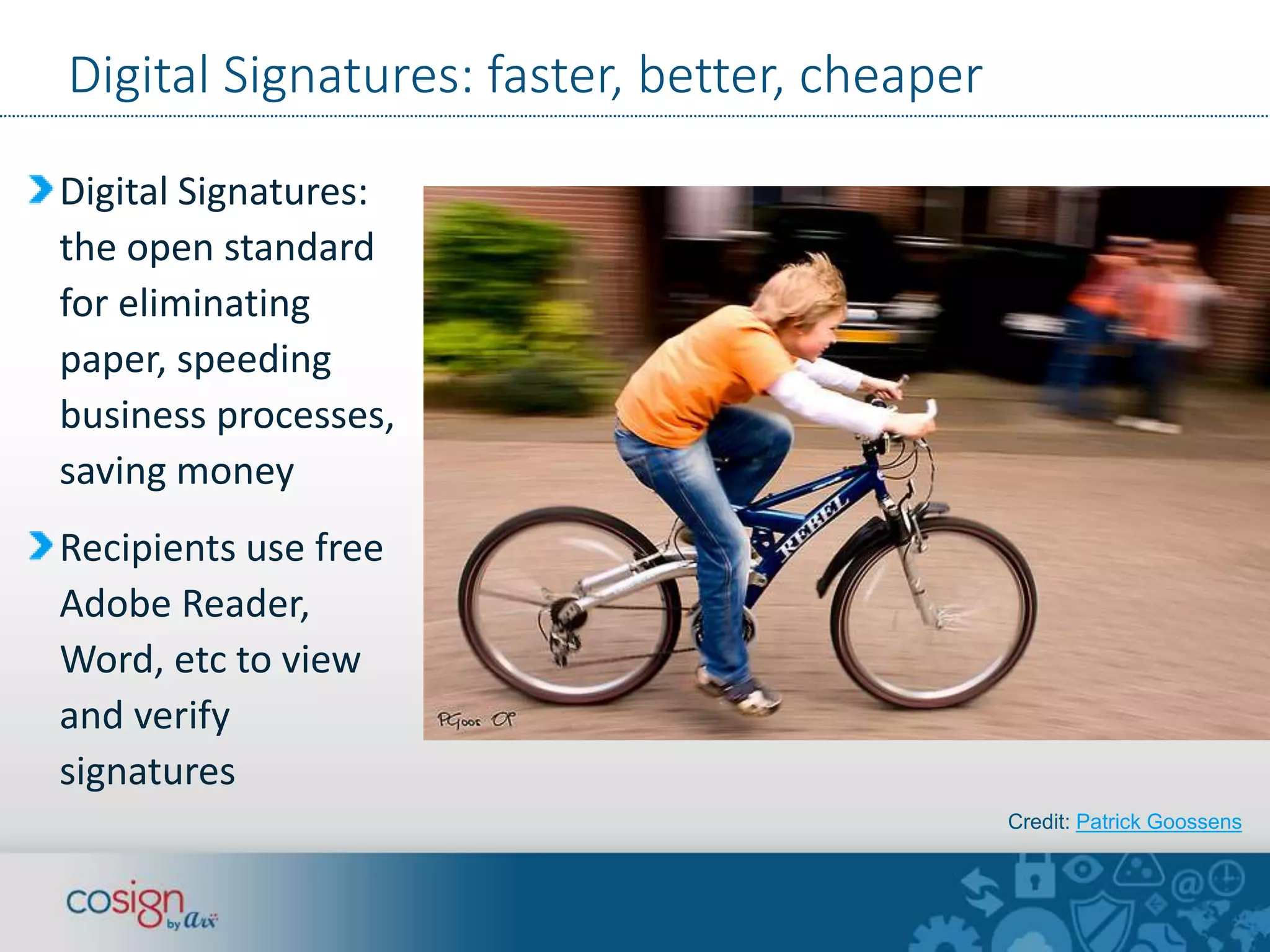
Digital Signatures: faster, better, cheaper 
Digital Signatures: 
the open standard 
for eliminating 
paper, speeding 
business processes, 
saving money 
Recipients use free 
Adobe Reader, 
Word, etc to view 
and verify 
signatures 
Credit: Patrick Goossens
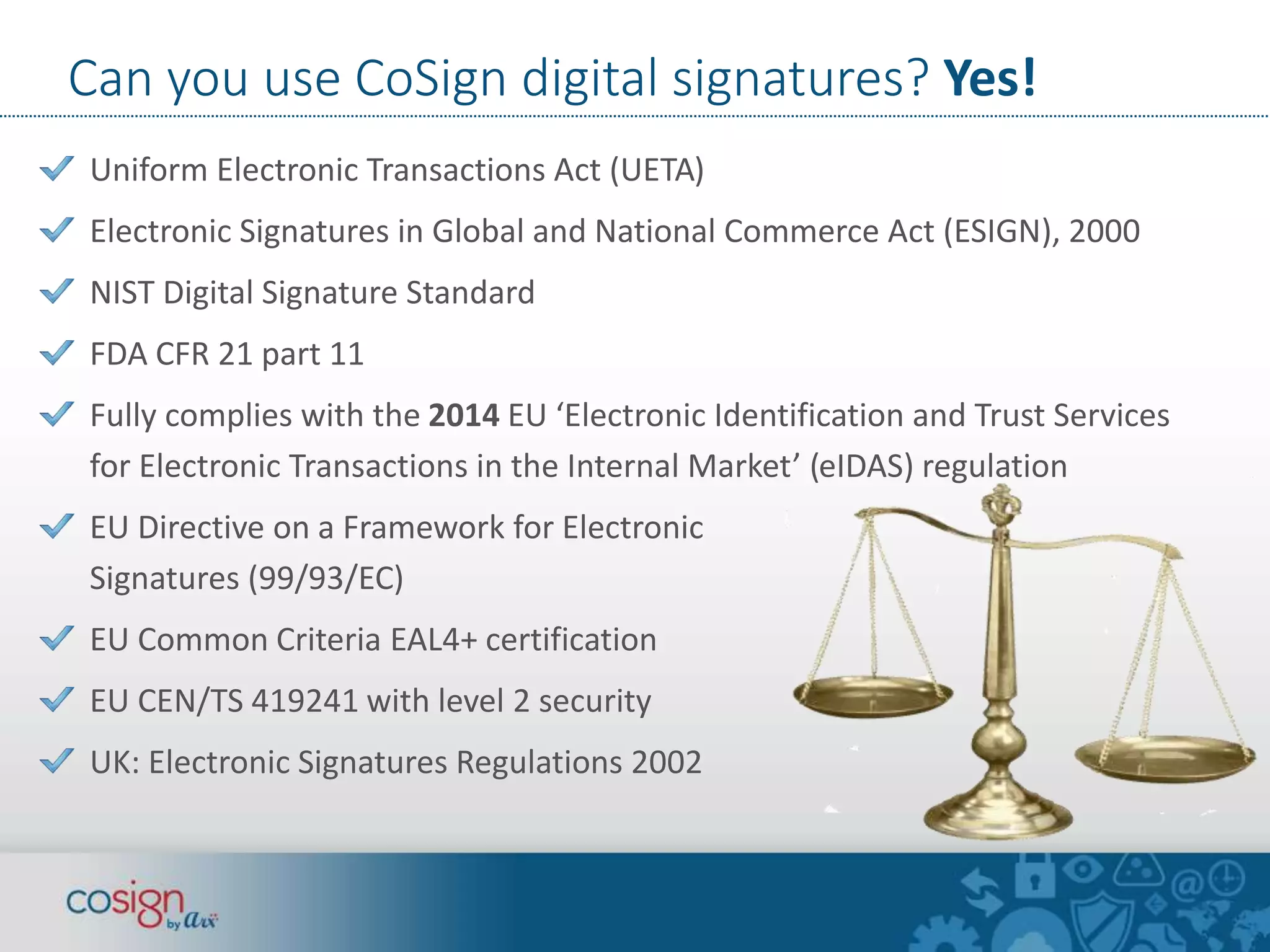
Can you use CoSign digital signatures? Yes! 
Uniform Electronic Transactions Act (UETA) 
Electronic Signatures in Global and National Commerce Act (ESIGN), 2000 
NIST Digital Signature Standard 
FDA CFR 21 part 11 
Fully complies with the 2014 EU ‘Electronic Identification and Trust Services 
for Electronic Transactions in the Internal Market’ (eIDAS) regulation 
EU Directive on a Framework for Electronic 
Signatures (99/93/EC) 
EU Common Criteria EAL4+ certification 
EU CEN/TS 419241 with level 2 security 
UK: Electronic Signatures Regulations 2002
CoSign Standard Digital Signatures 
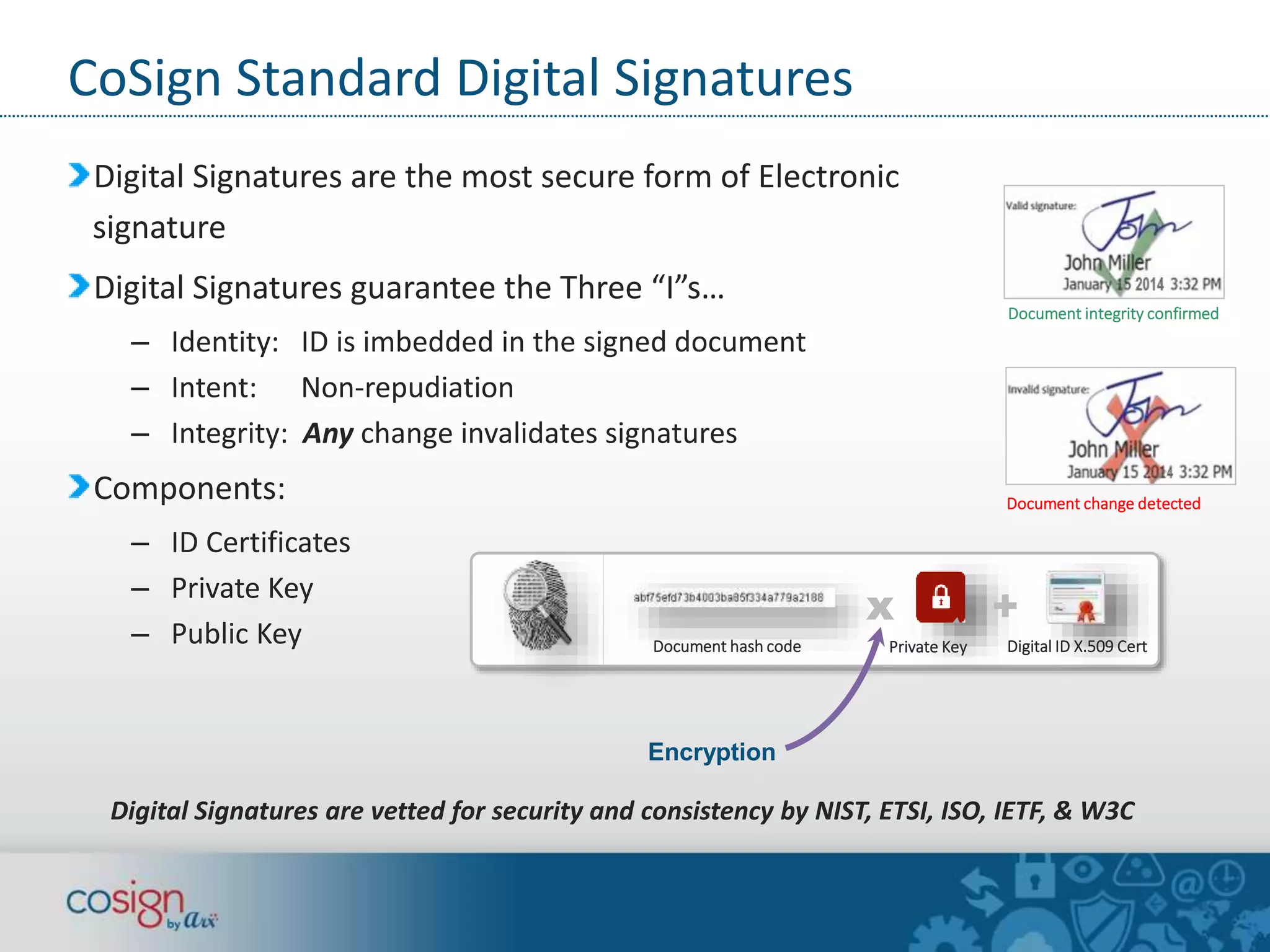
Digital Signatures are the most secure form of Electronic 
signature 
Digital Signatures guarantee the Three “I”s… 
– Identity: ID is imbedded in the signed document 
– Intent: Non-repudiation 
– Integrity: Any change invalidates signatures 
Components: 
– ID Certificates 
– Private Key 
– Public Key 
Document integrity confirmed 
Document change detected 
x + 
Document hash code Private Key Digital ID X.509 Cert 
Encryption 
Digital Signatures are vetted for security and consistency by NIST, ETSI, ISO, IETF, & W3C
Let’s do a poll! 
www.audio-luci-store.it
Digital Transformation & Digital Signatures 
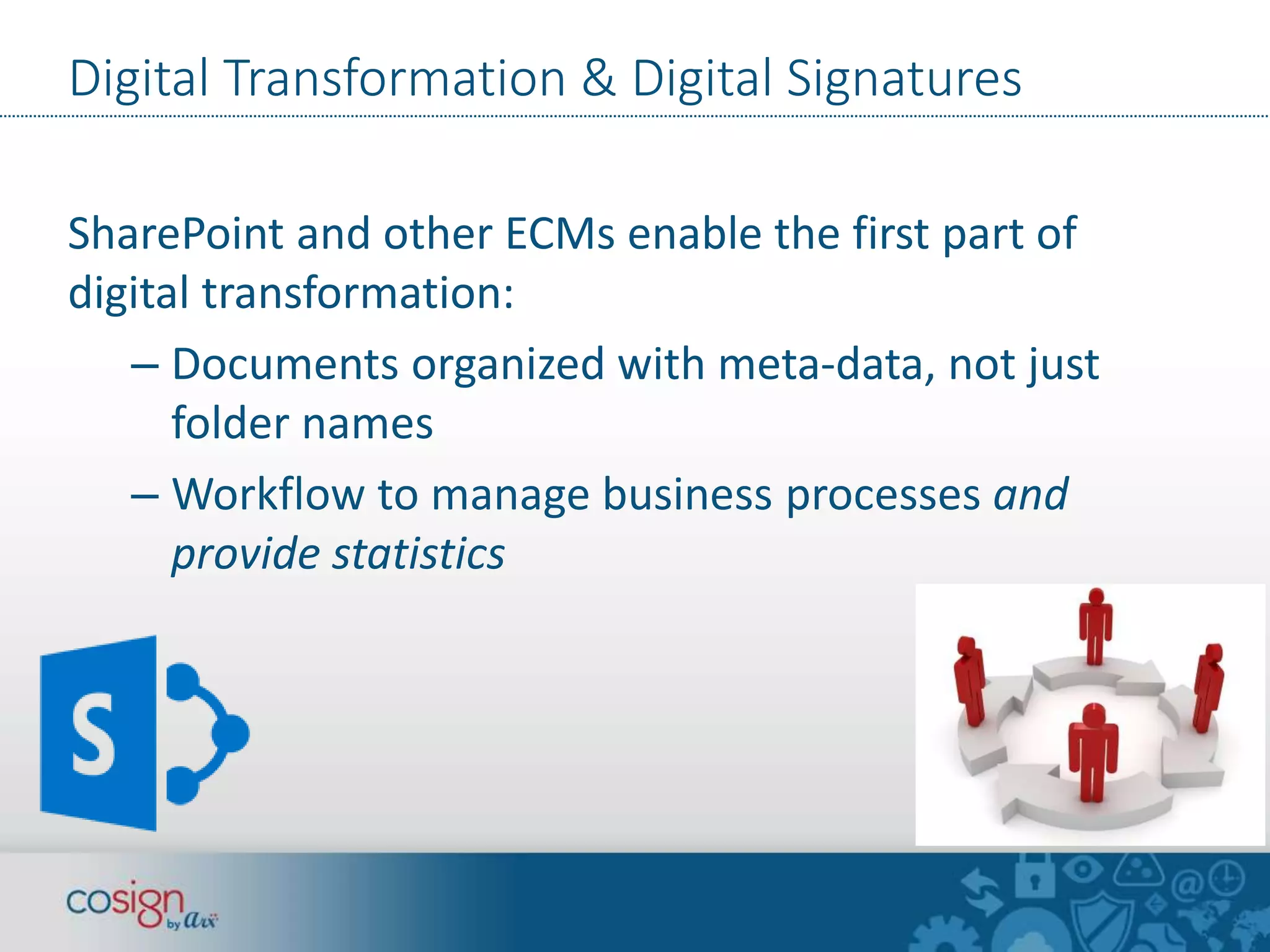
SharePoint and other ECMs enable the first part of 
digital transformation: 
– Documents organized with meta-data, not just 
folder names 
– Workflow to manage business processes and 
provide statistics
Digital Transformation 
& Digital Signatures 
Digital Signatures complete the digital 
transformation 
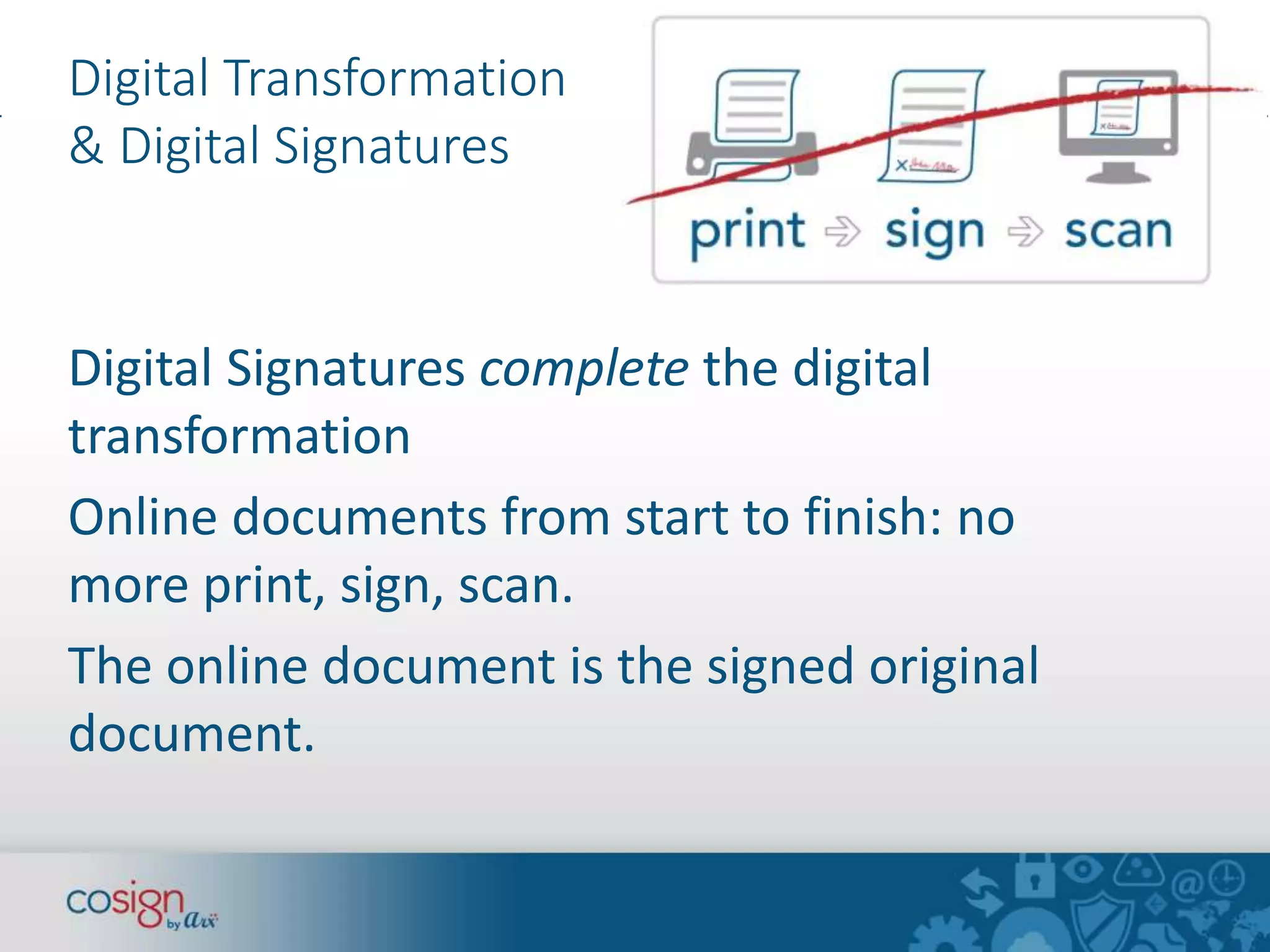
Online documents from start to finish: no 
more print, sign, scan. 
The online document is the signed original 
document.
Digital Transformation & Digital Signatures 
Benefits 
– No more worrying about filing the signed paper original 
– Hard benefits: save time & printing, scanning, filing, 
mailing $$ 
– Soft benefits: “Why didn’t we switch to digital signatures 
sooner?” Employee, customer and partner delight. 
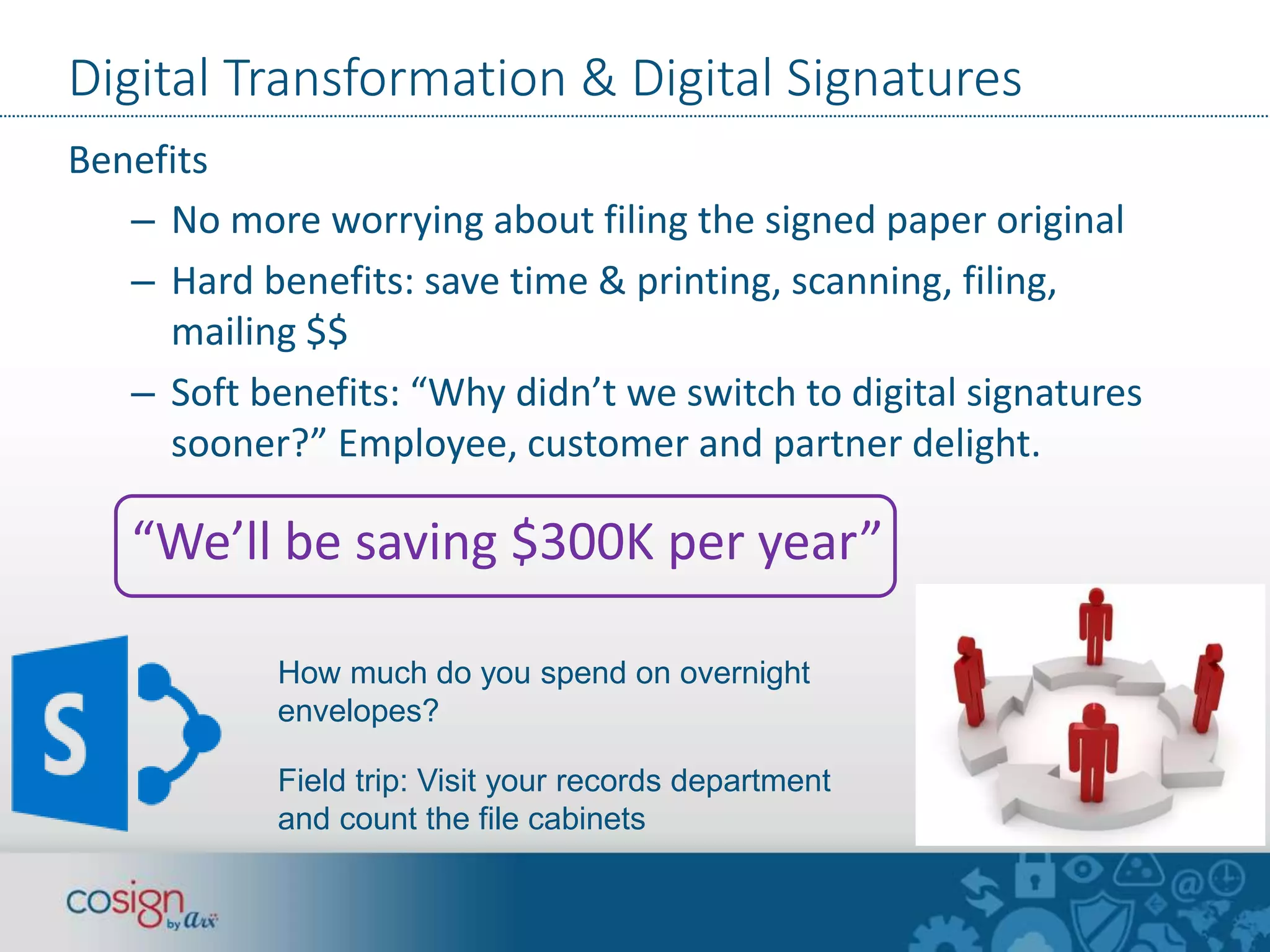
“We’ll be saving $300K per year” 
How much do you spend on overnight 
envelopes? 
Field trip: Visit your records department 
and count the file cabinets
The Analysts agree… 
• “Enterprise architects should include e-signatures 
as part of an overall ECM and BPM strategy… a foundational 
technology along with records management, eDiscovery, and 
other content services.” 
• “Dramatic savings, successful implementation, no legal 
challenges” 
Source: The Forrester Wave™: E-Signatures, Q2 2013
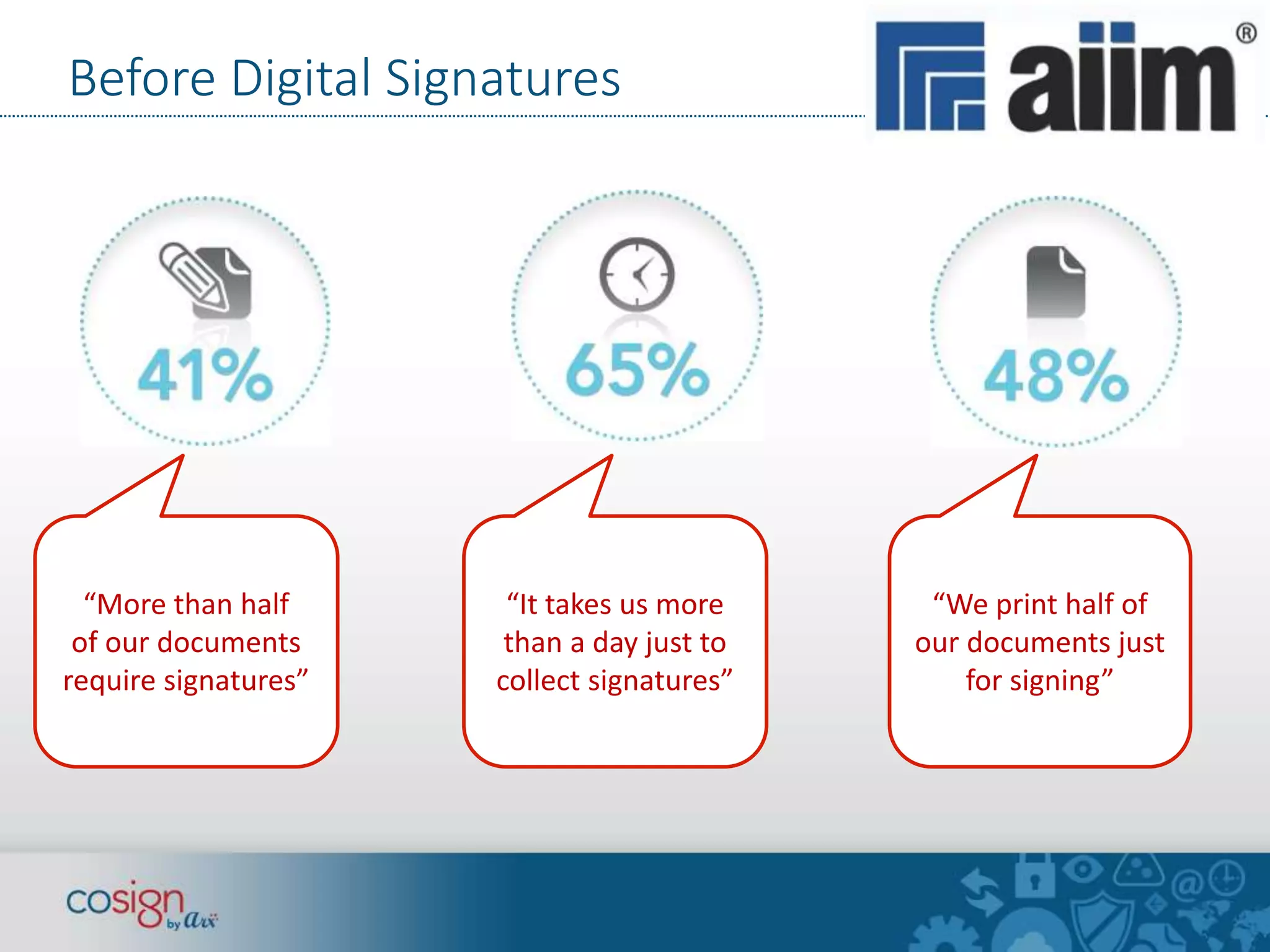
Before Digital Signatures 
“More than half 
of our documents 
require signatures” 
“It takes us more 
than a day just to 
collect signatures” 
“We print half of 
our documents just 
for signing”
After Digital Signatures 
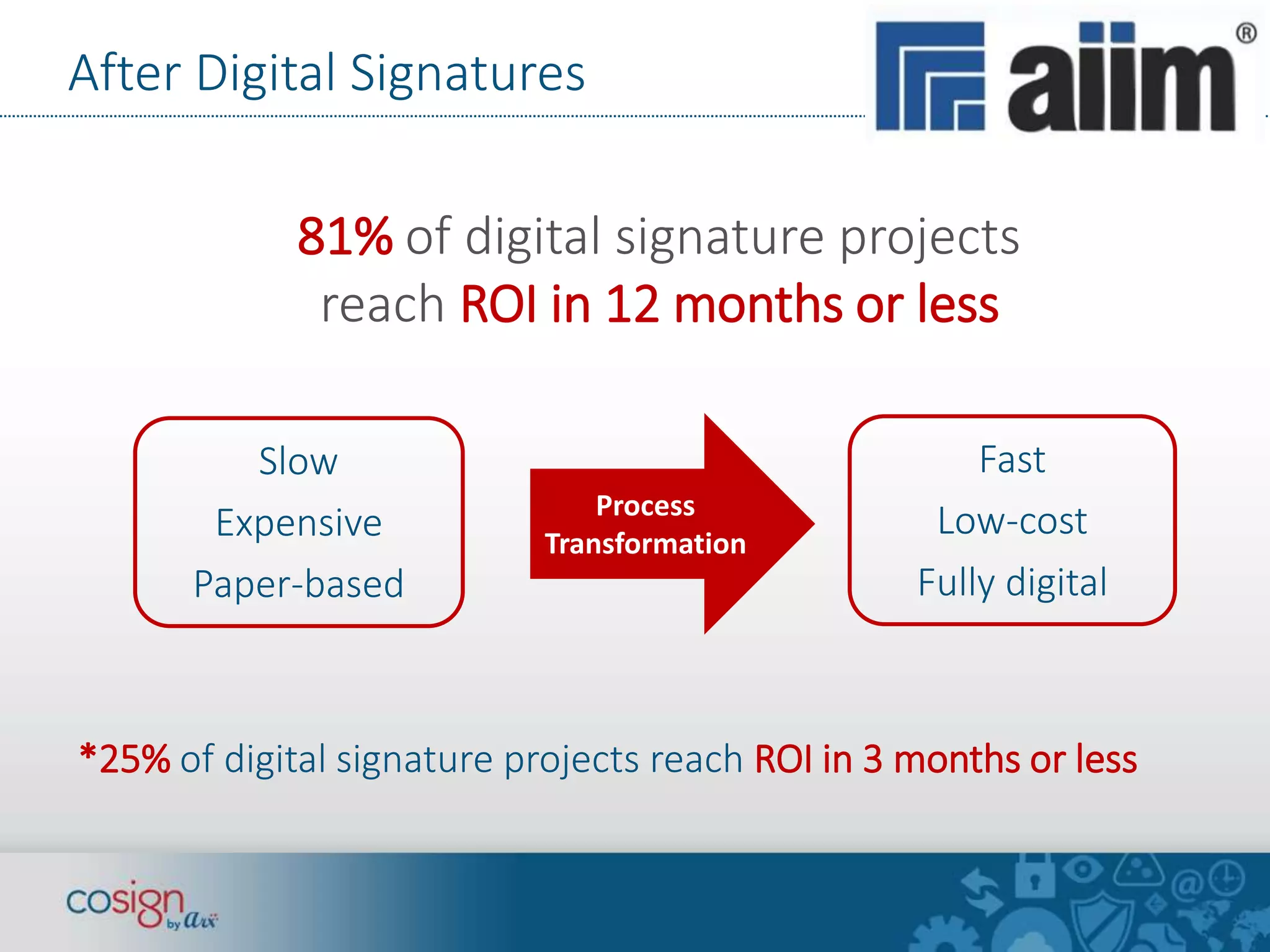
81% of digital signature projects 
reach ROI in 12 months or less 
Process 
Transformation 
Slow 
Expensive 
Paper-based 
Fast 
Low-cost 
Fully digital 
*25% of digital signature projects reach ROI in 3 months or less
The “most advanced” Digital Signature Solution 
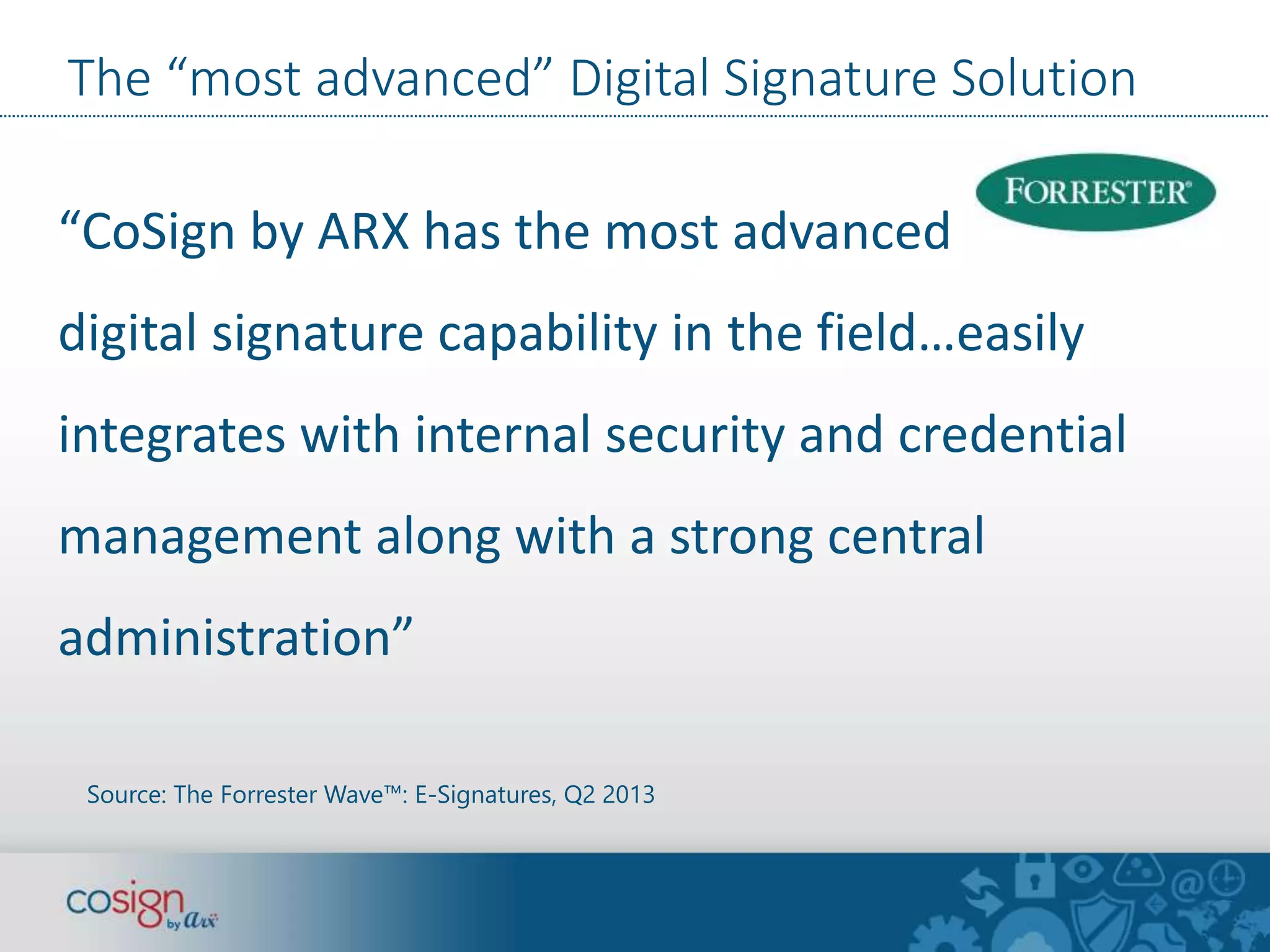
“CoSign by ARX has the most advanced 
digital signature capability in the field…easily 
integrates with internal security and credential 
management along with a strong central 
administration” 
Source: The Forrester Wave™: E-Signatures, Q2 2013
CoSign End-User Functionality 
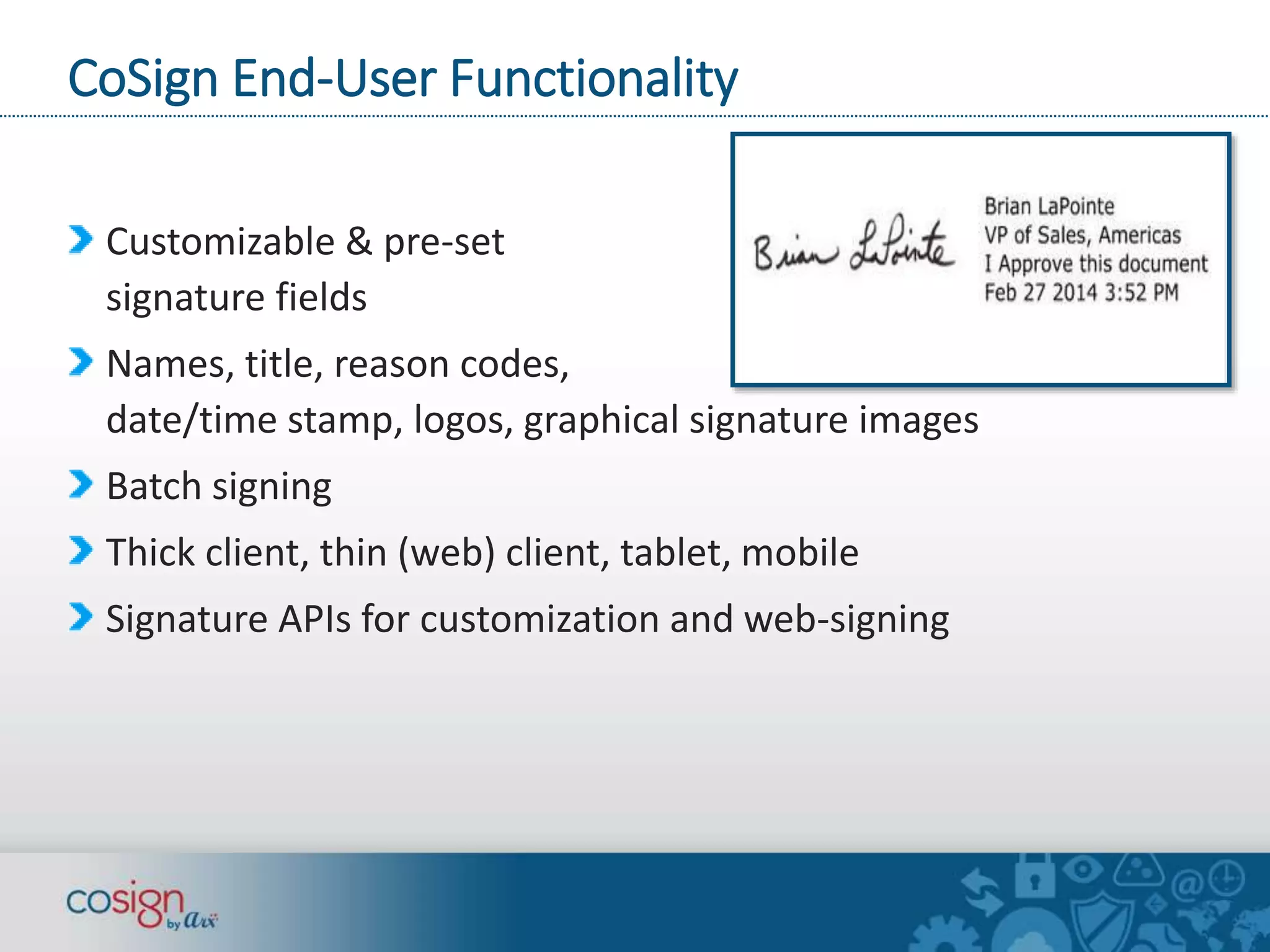
Customizable & pre-set 
signature fields 
Names, title, reason codes, 
date/time stamp, logos, graphical signature images 
Batch signing 
Thick client, thin (web) client, tablet, mobile 
Signature APIs for customization and web-signing
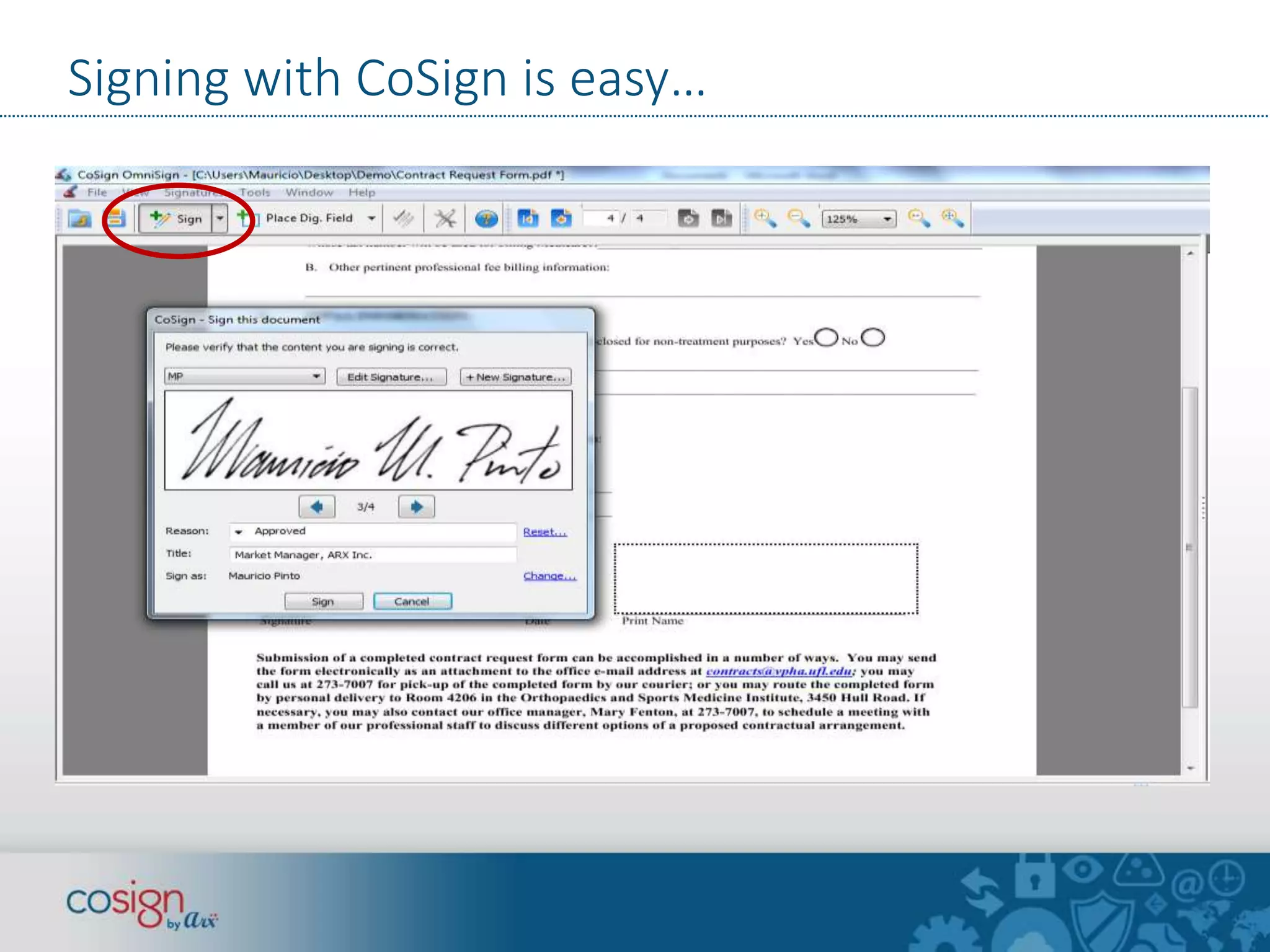
Signing with CoSign is easy…
Office 365 Signing demo 
Update a letter using Word Online 
Sign from Office 365 / SharePoint Online
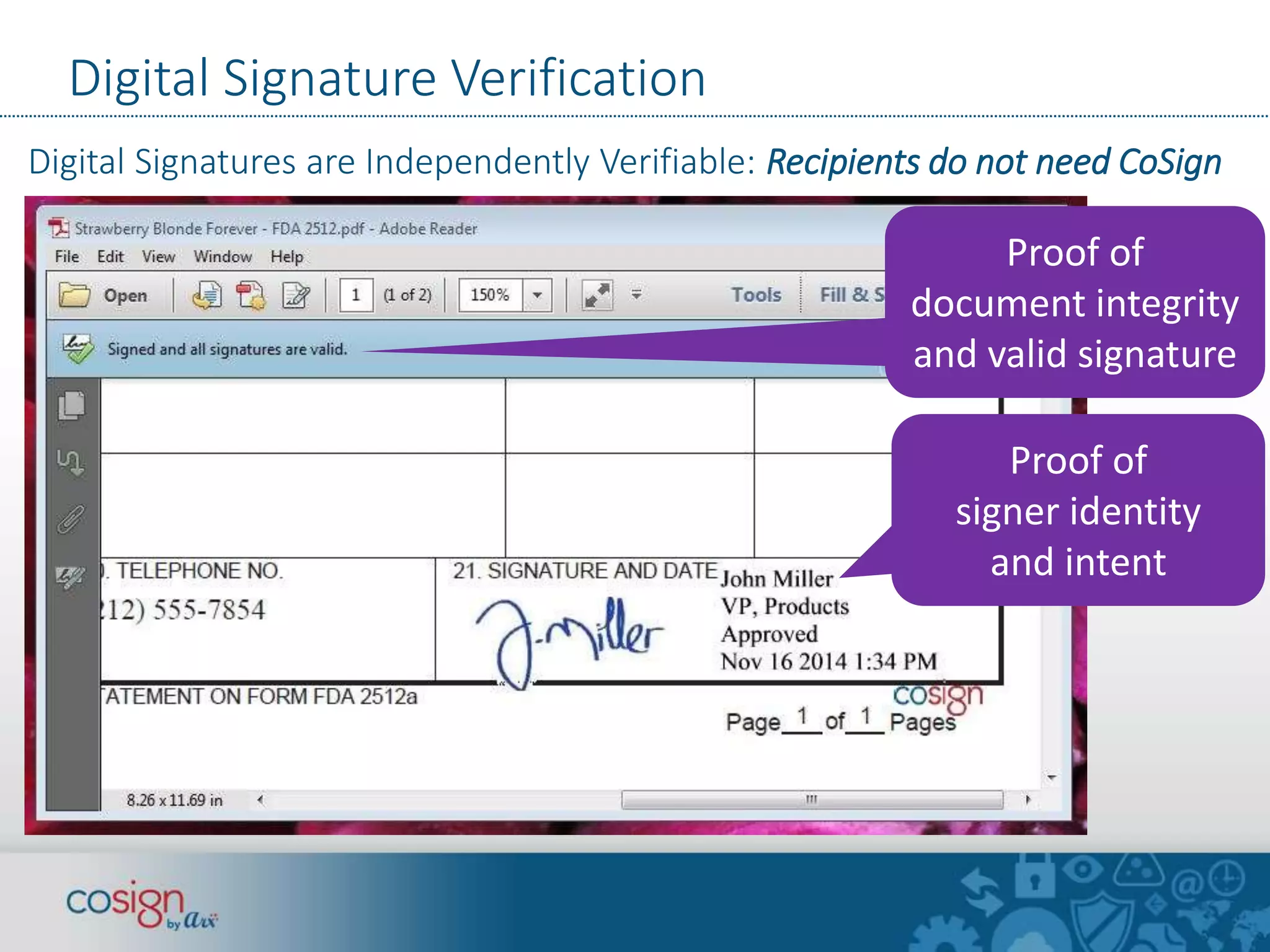
Digital Signature Verification 
Digital Signatures are Independently Verifiable: Recipients do not need CoSign 
Proof of 
document integrity 
and valid signature 
Proof of 
signer identity 
and intent
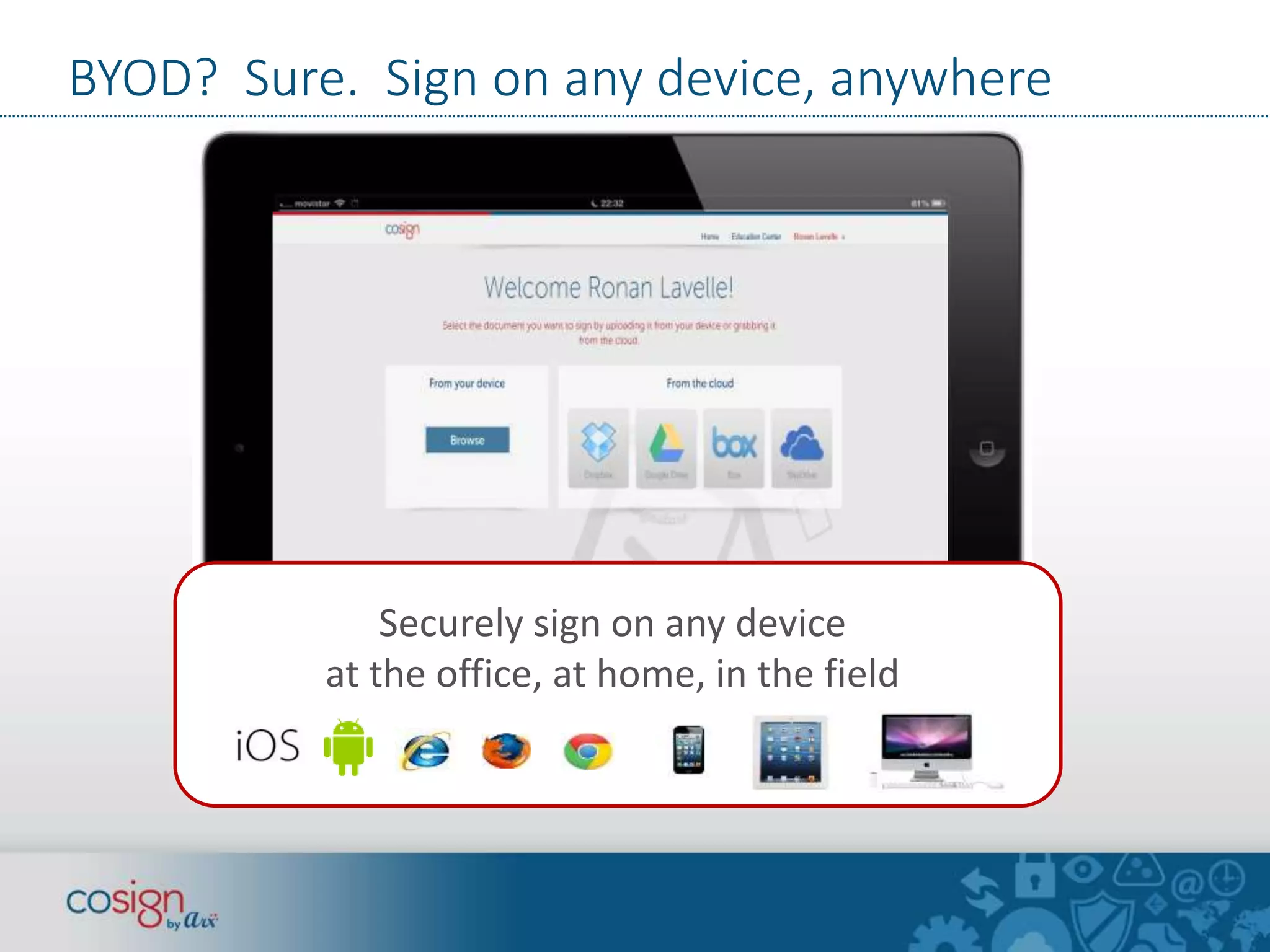
BYOD? Sure. Sign on any device, anywhere 
Securely sign on any device 
at the office, at home, in the field 
S
Connect CoSign digital signatures to anything 
CoSign Connections for 
SharePoint, K2, OpenText CS, 
OpenText eDOCS, 
Oracle WCC, Alfresco, Box, 
Google Drive, SAP, iManage, 
Siemens TeamCenter, 
AutoCAD, and many more 
CoSign Signature APIs provide integration with or without 
a signing User Interface. See www.arx.com/api 
Image credit: Kevin Krejci
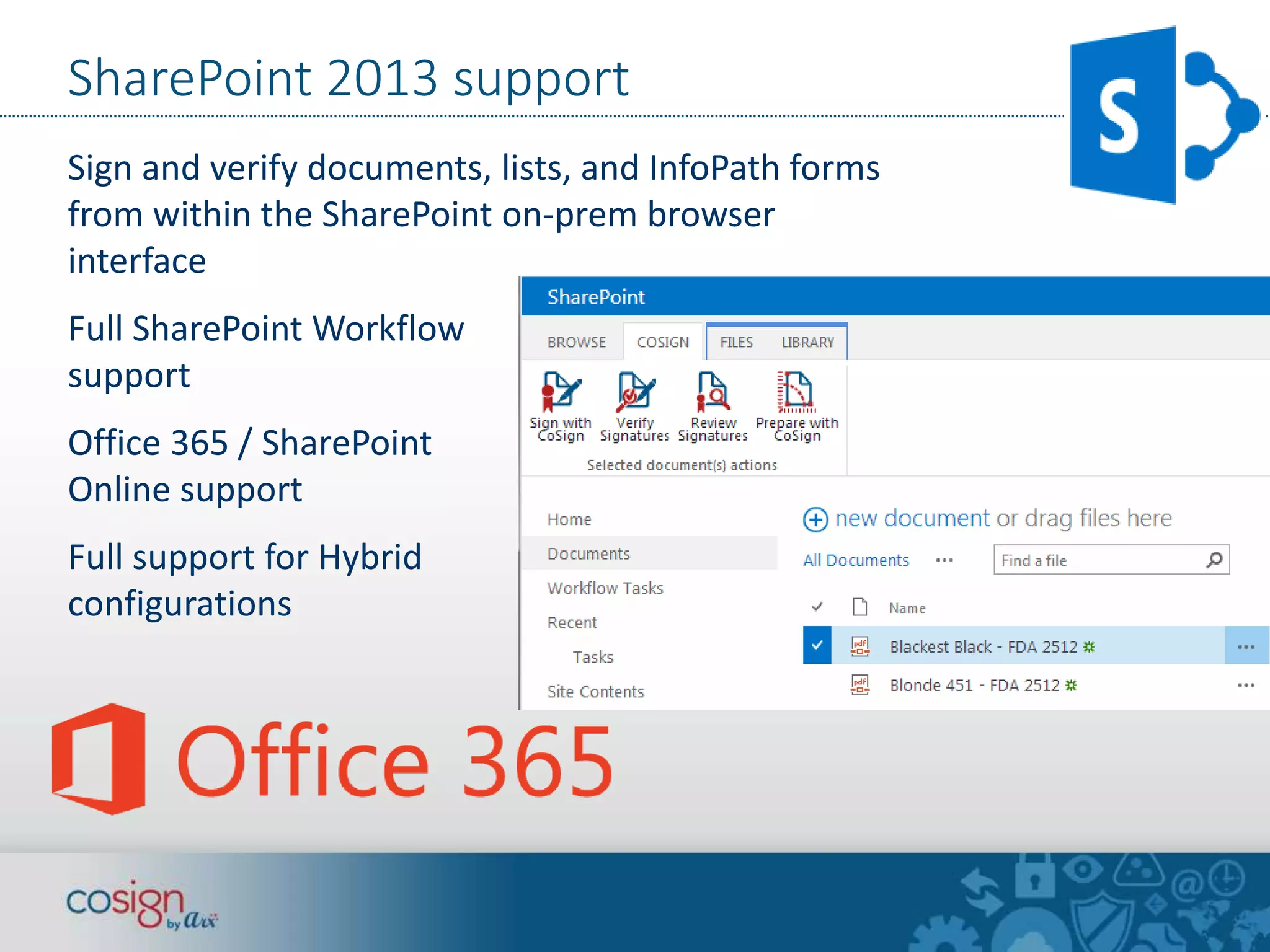
SharePoint 2013 support 
Sign and verify documents, lists, and InfoPath forms 
from within the SharePoint on-prem browser 
interface 
Full SharePoint Workflow 
support 
Office 365 / SharePoint 
Online support 
Full support for Hybrid 
configurations
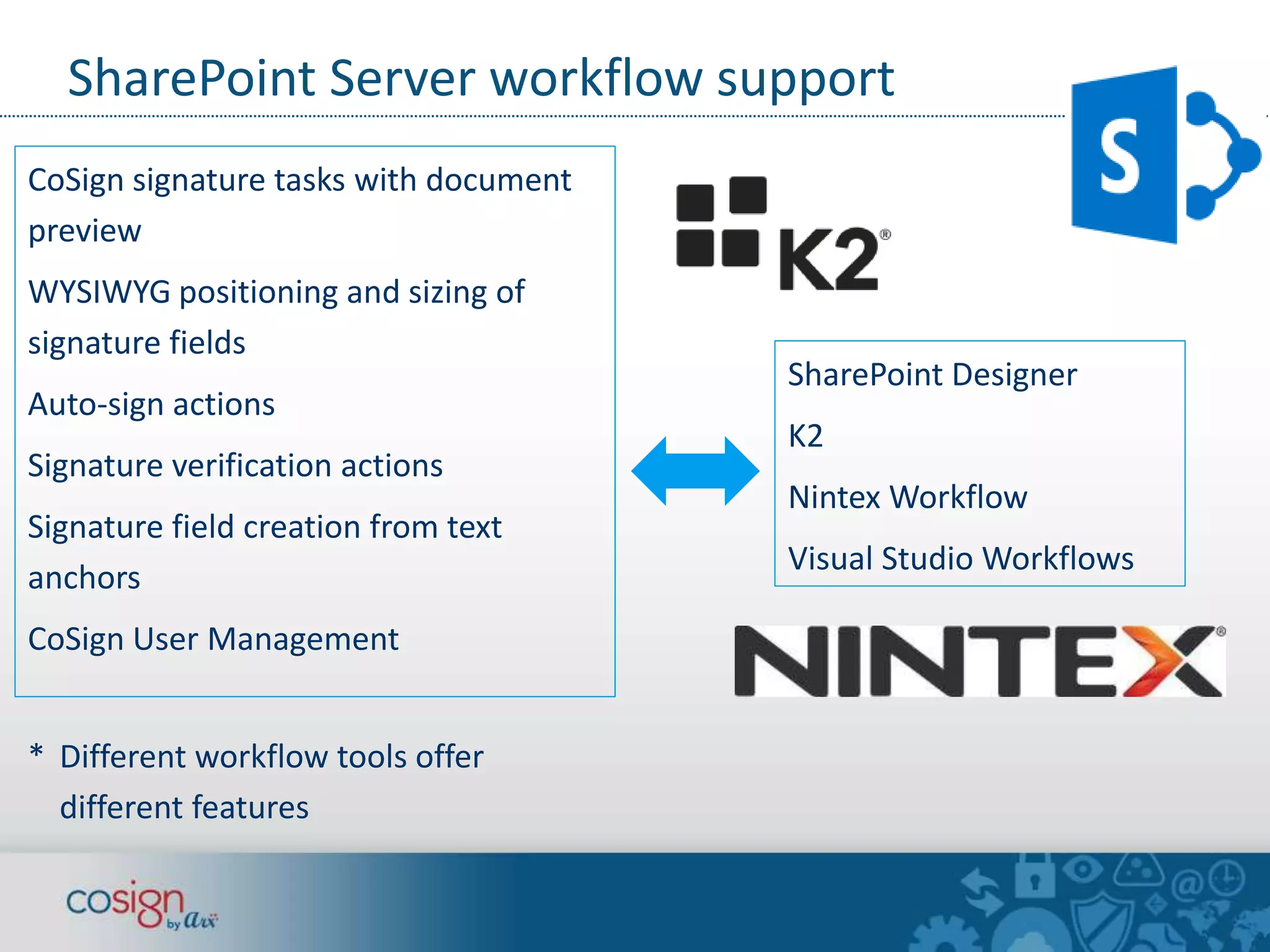
SharePoint Server workflow support 
CoSign signature tasks with document 
preview 
WYSIWYG positioning and sizing of 
signature fields 
Auto-sign actions 
Signature verification actions 
Signature field creation from text 
anchors 
CoSign User Management 
* Different workflow tools offer 
different features 
SharePoint Designer 
K2 
Nintex Workflow 
Visual Studio Workflows
Internal, Partner & External Signers 
Internal signers—signer works for the 
organization. 
Partner signers—”Extranet” apps for 
trusted suppliers, contractors, external staff 
Eg Vendors, DOT contractors, hospital 
doctors. 
Long term relationships with signers. 
External signers—one-time or infrequent 
signers. 
Eg customers, patients, clients, new hires 
who are not yet in the corporate systems.
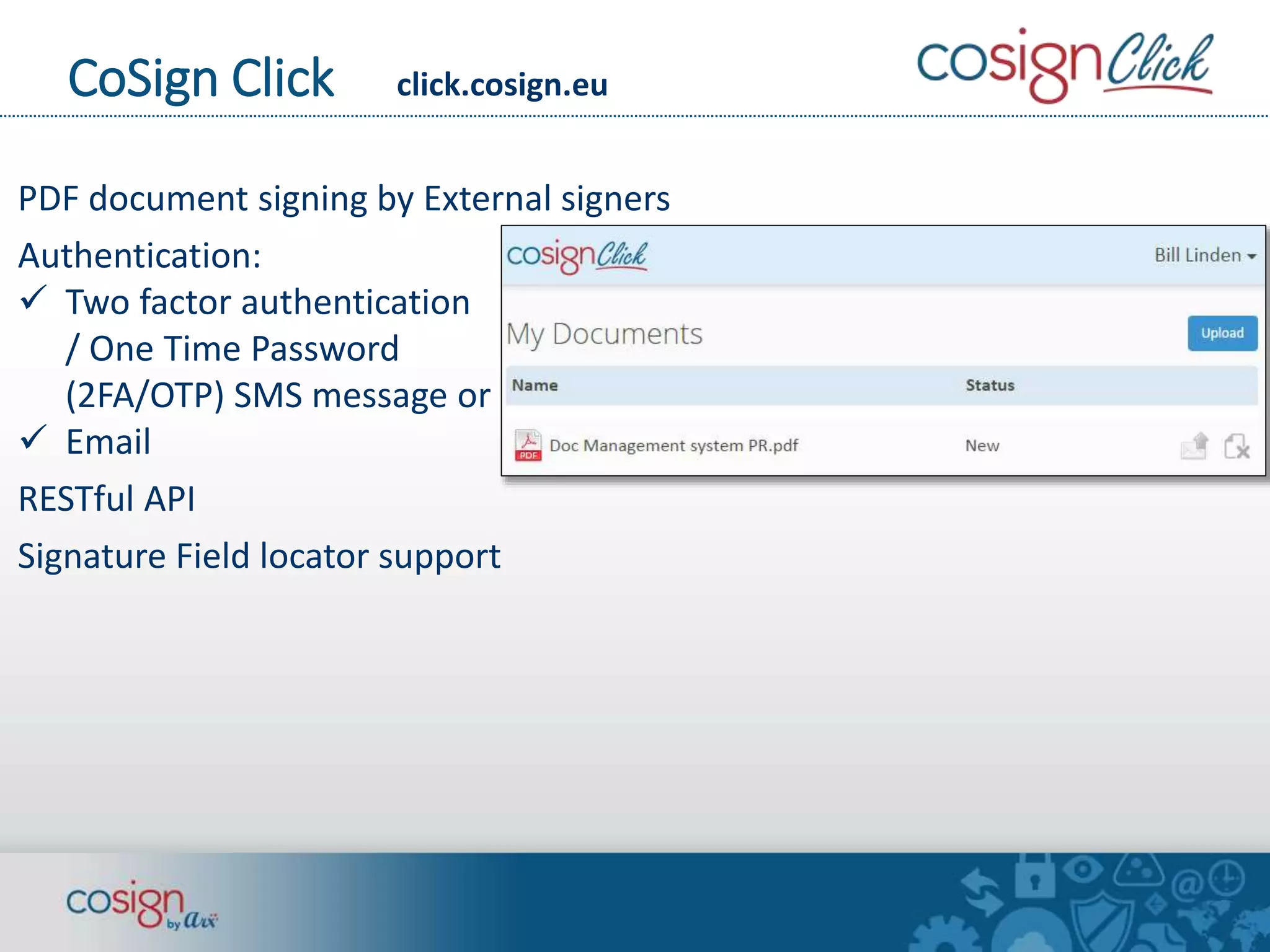
CoSign Click click.cosign.eu 
PDF document signing by External signers 
Authentication: 
 Two factor authentication 
/ One Time Password 
(2FA/OTP) SMS message or 
 Email 
RESTful API 
Signature Field locator support
Two Party signing— 
Offer Letter workflow 
 Two party offer letter (contract) signing 
 CoSign digital signatures 
 Internal signer 
 External signer with 2 factor authentication 
and one-time password via SMS message
Two Party signing— 
Offer Letter workflow 
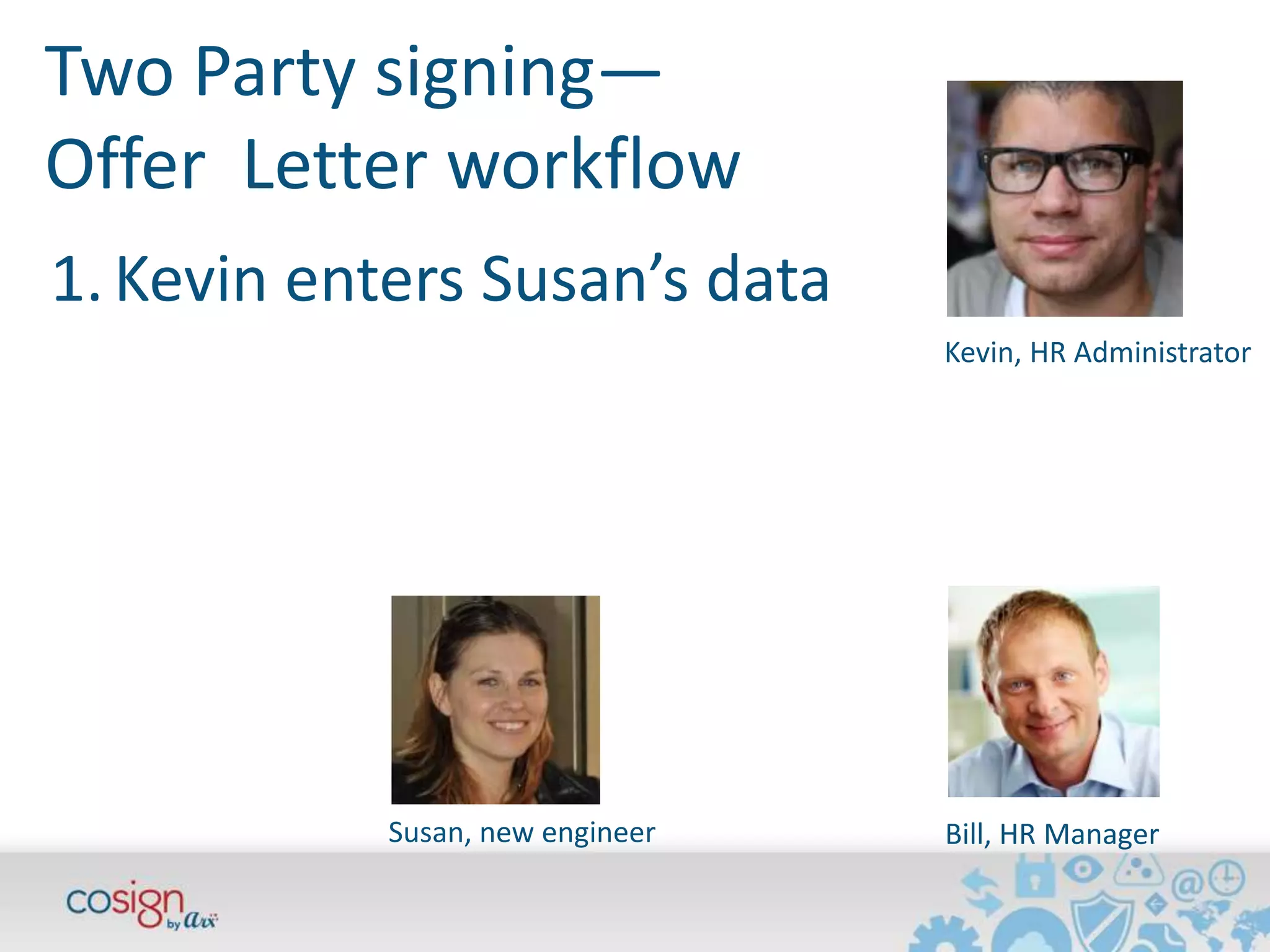
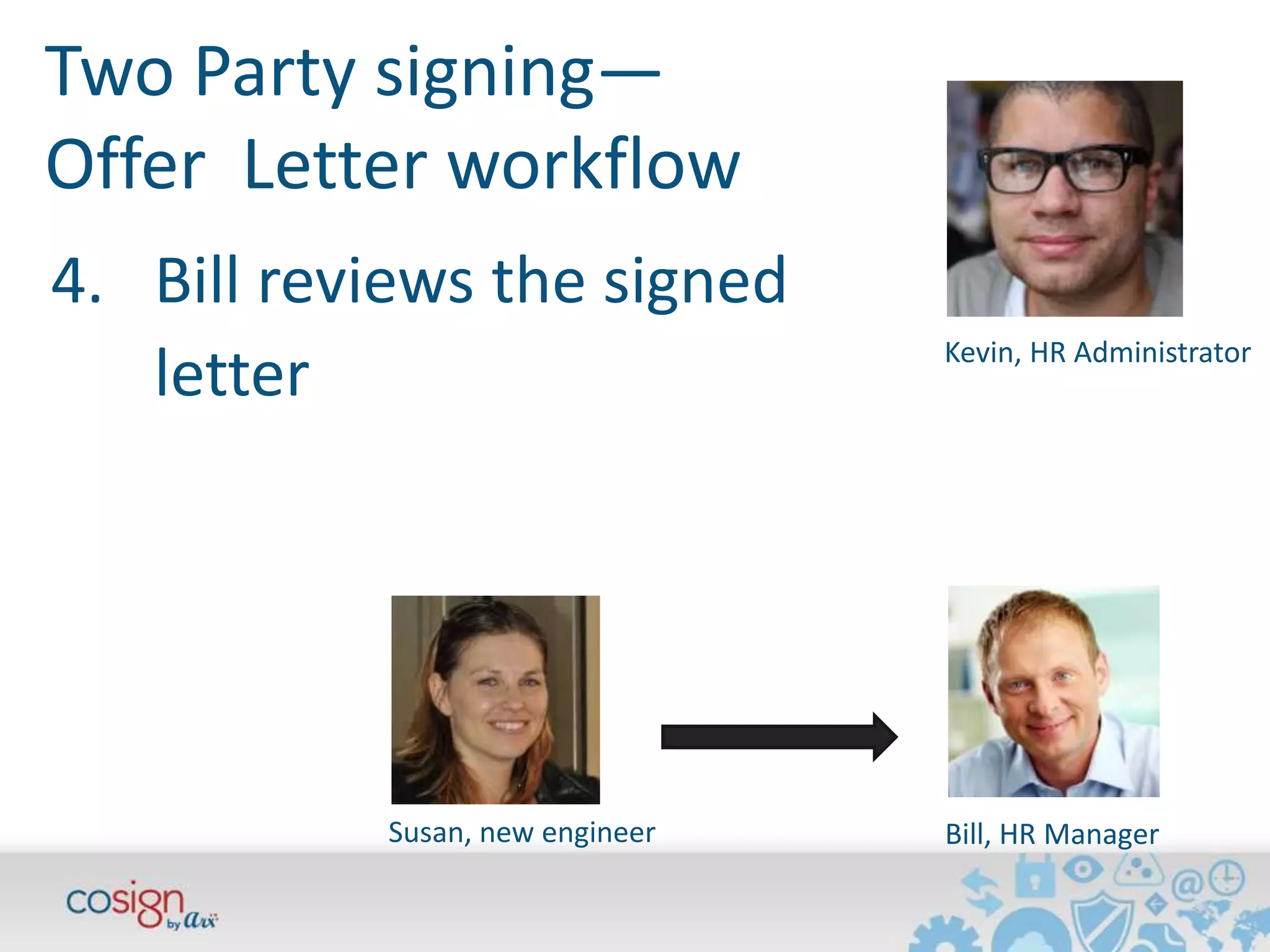
Kevin, HR Administrator 
1. Kevin enters Susan’s data 
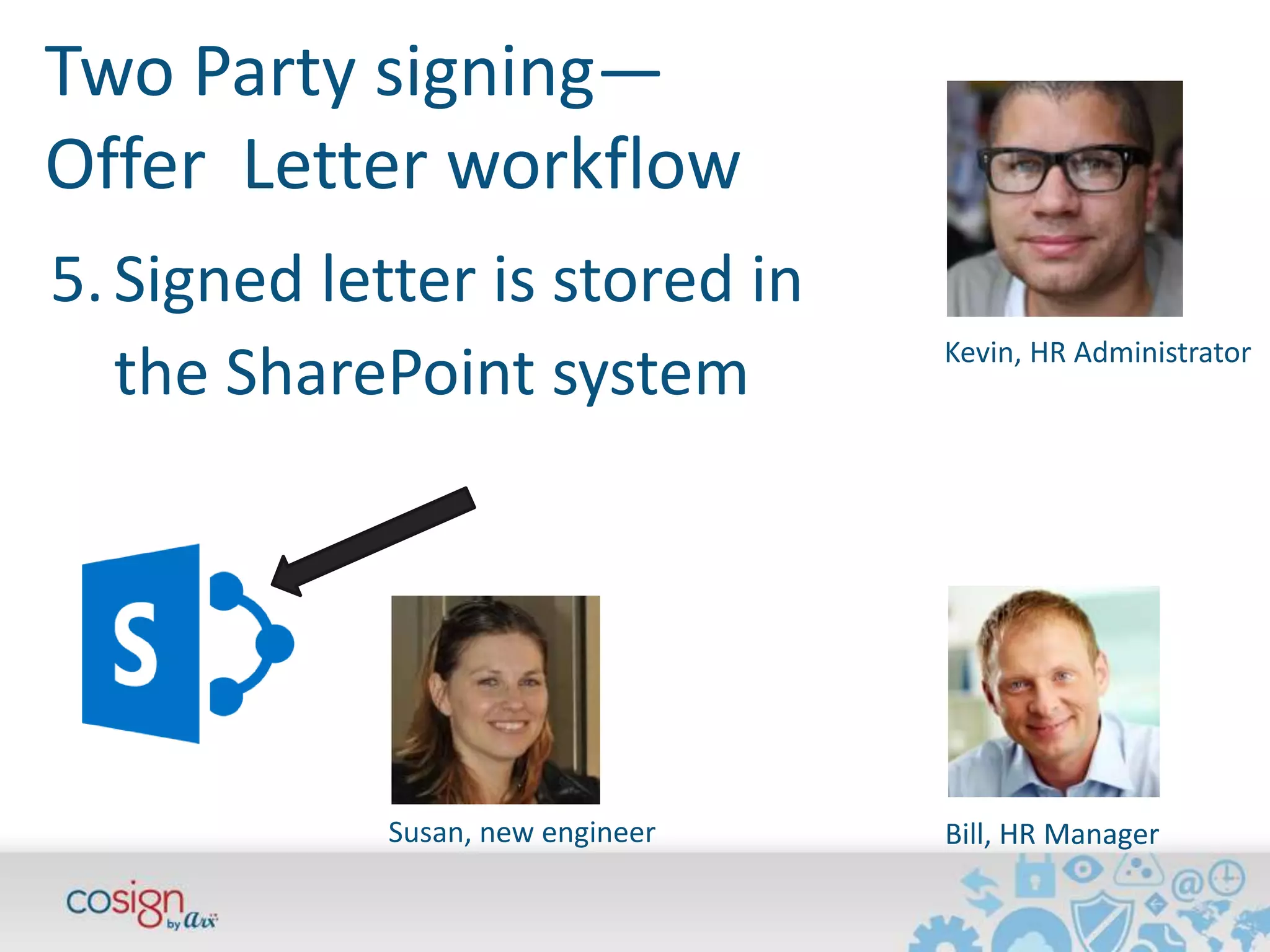
Susan, new engineer Bill, HR Manager
Two Party signing— 
Offer Letter workflow 
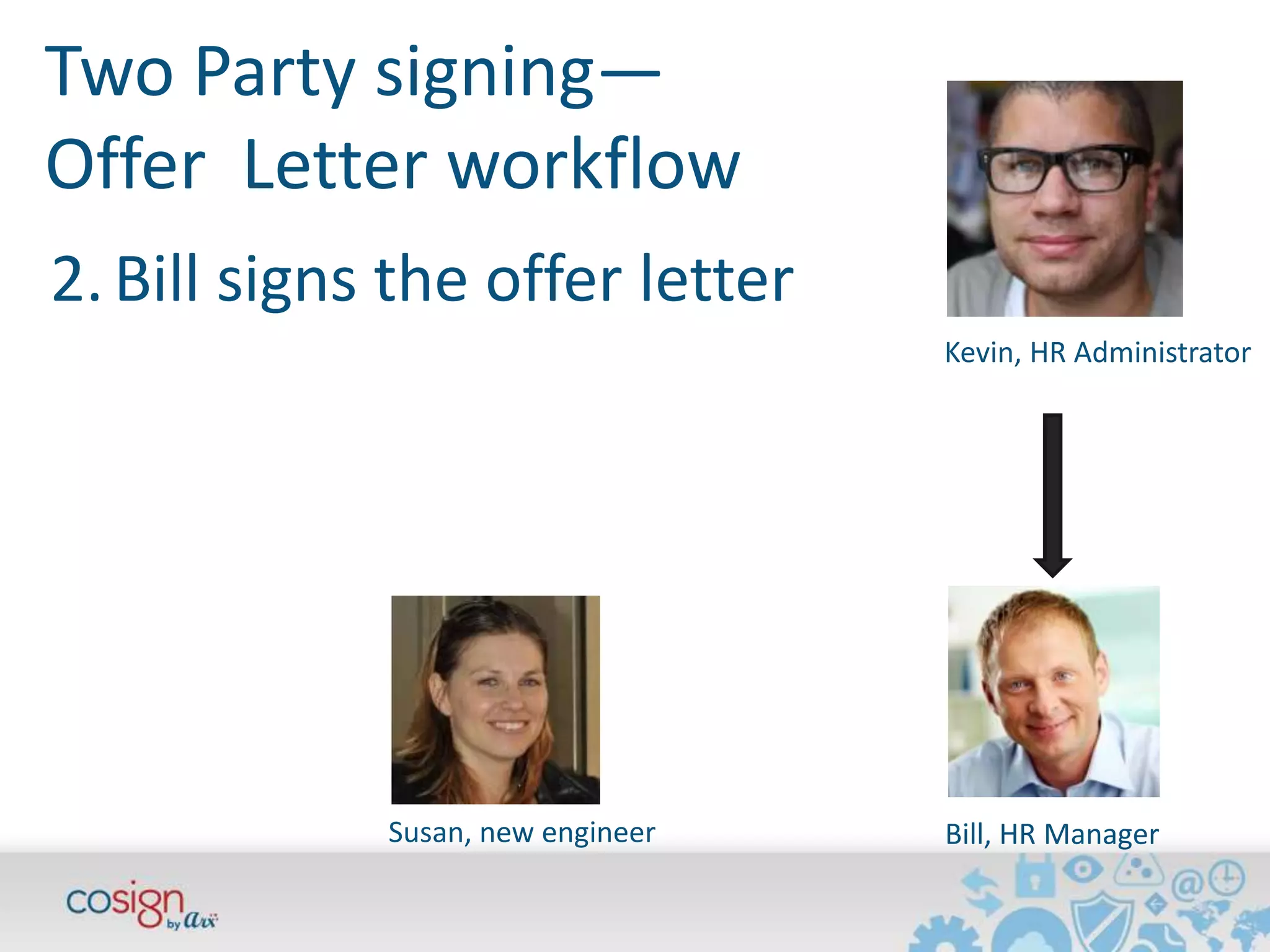
Kevin, HR Administrator 
2. Bill signs the offer letter 
Susan, new engineer Bill, HR Manager
Two Party signing— 
Offer Letter workflow 
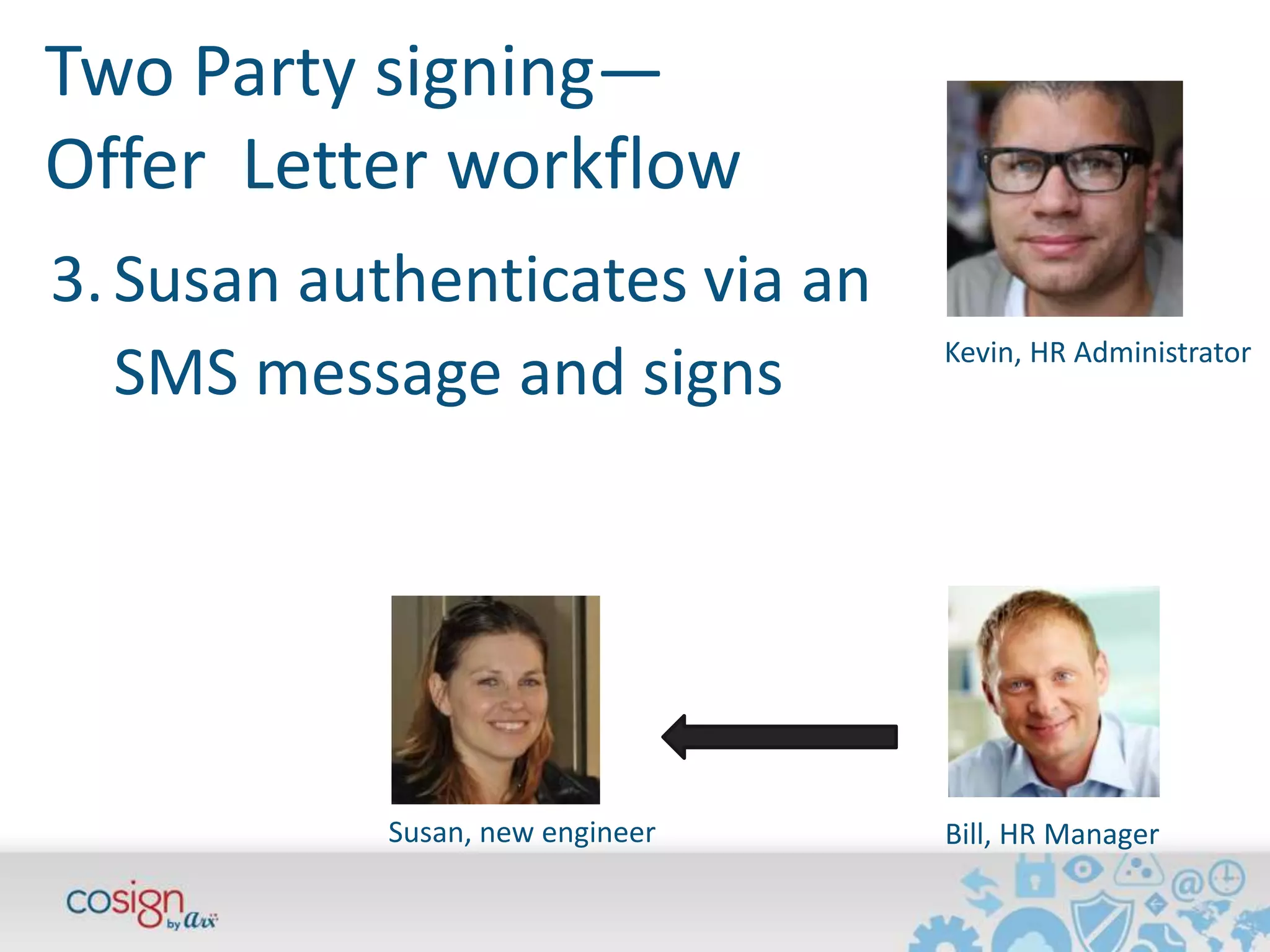
Kevin, HR Administrator 
3. Susan authenticates via an 
SMS message and signs 
Susan, new engineer Bill, HR Manager
Two Party signing— 
Offer Letter workflow 
Kevin, HR Administrator 
4. Bill reviews the signed 
Susan, new engineer Bill, HR Manager 
letter
Two Party signing— 
Offer Letter workflow 
Kevin, HR Administrator 
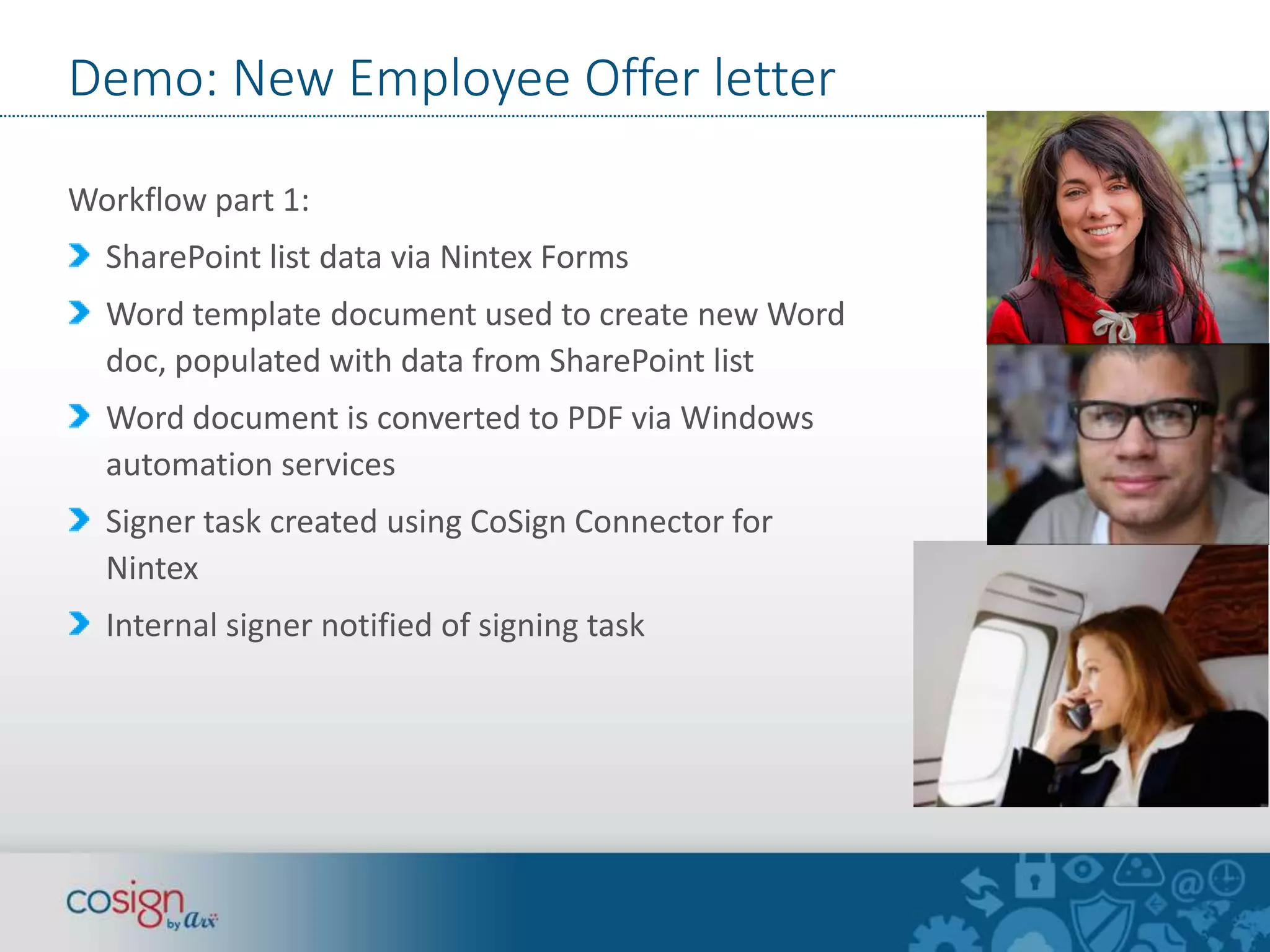
5. Signed letter is stored in 
the SharePoint system 
Susan, new engineer Bill, HR Manager
Demo: New Employee Offer letter 
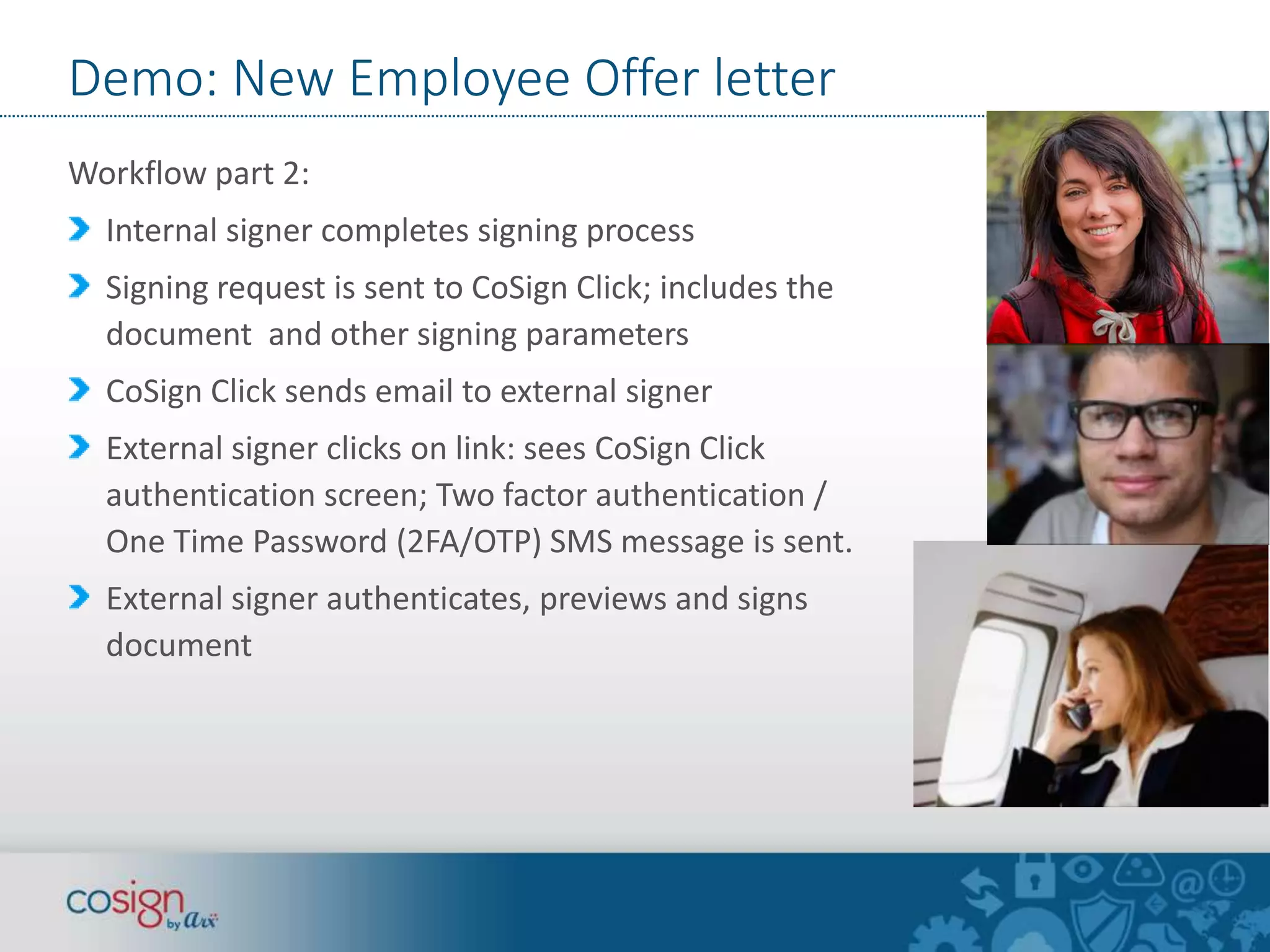
Workflow part 1: 
SharePoint list data via Nintex Forms 
Word template document used to create new Word 
doc, populated with data from SharePoint list 
Word document is converted to PDF via Windows 
automation services 
Signer task created using CoSign Connector for 
Nintex 
Internal signer notified of signing task
Demo: New Employee Offer letter 
Workflow part 2: 
Internal signer completes signing process 
Signing request is sent to CoSign Click; includes the 
document and other signing parameters 
CoSign Click sends email to external signer 
External signer clicks on link: sees CoSign Click 
authentication screen; Two factor authentication / 
One Time Password (2FA/OTP) SMS message is sent. 
External signer authenticates, previews and signs 
document
Demo: New Employee Offer letter 
Workflow part 3: 
External signer completes signing process 
CoSign Click notifies Nintex workflow that document 
was signed via web hook call or via polling by 
workflow, depending on firewall settings 
Workflow retrieves the newly signed document from 
CoSign Click and stores it as a new version in the 
SharePoint library 
HR Manager is notified that the offer letter has been 
signed
Demo 
Two party Offer Letter 
signing 
1. HR Manager 
2. New hire (via CoSign 
Click) 
Kevin the HR Admin 
Enters Offer Letter details into SharePoint 
Bill the HR Manager 
Reviews & Signs Offer Letter via SharePoint 
Susan the New Hire 
Counter-signs Offer Letter via CoSign Click 
• Nintex Workflow creates a custom 
word document and converts it to 
PDF 
• The HR Manager is tasked to sign 
the document and alerted via 
email 
• After signing, Nintex Workflow 
sends a signing request to CoSign 
Click 
Bill the HR Manager 
Reviews the signed Offer Letter via SharePoint 
• After signing, CoSign Click notifies 
Nintex Workflow. Workflow 
retrieves signed PDF from CoSign 
Click and sends email alert to HR 
Manager
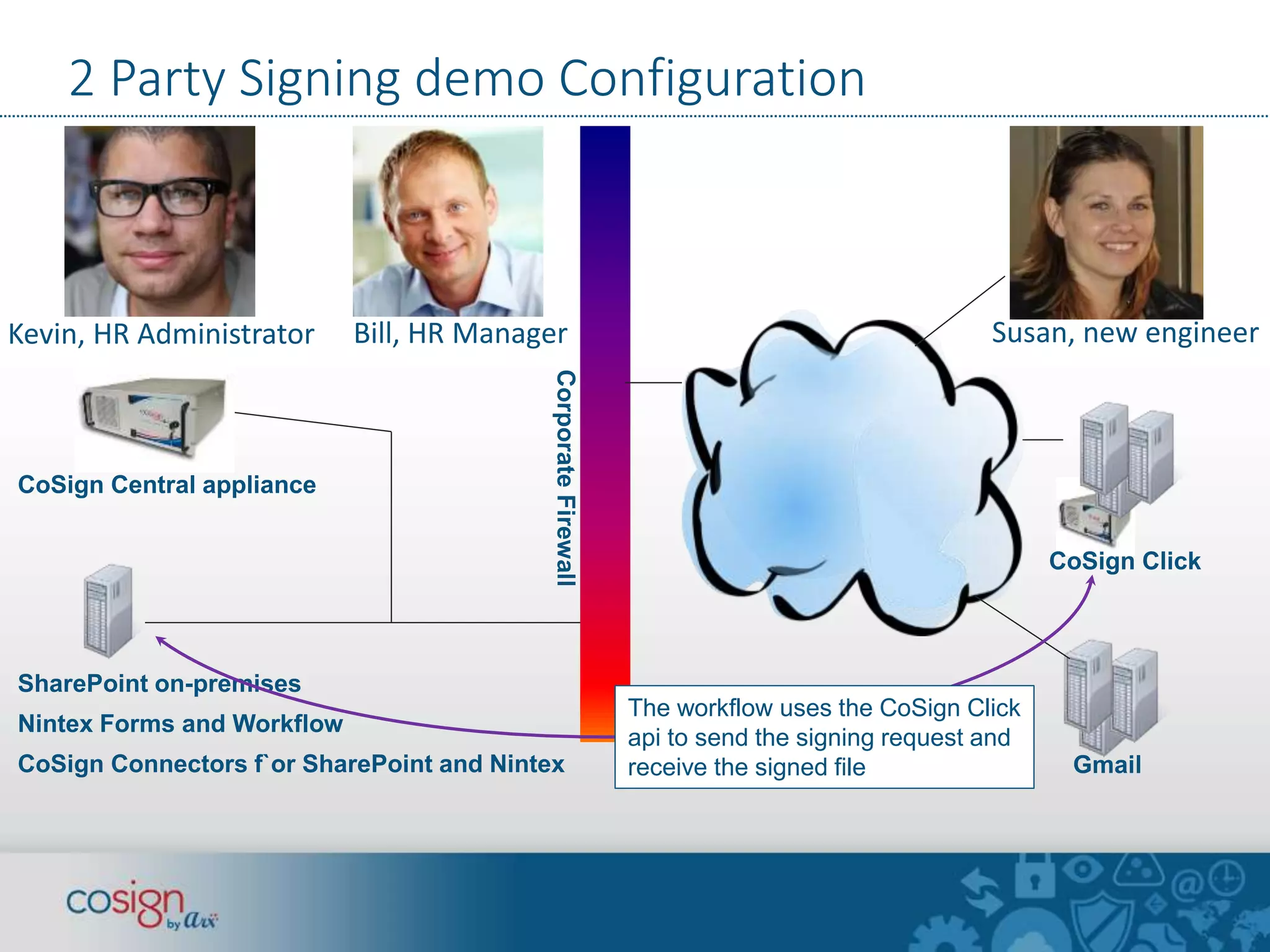
2 Party Signing demo Configuration 
HR Admin 
Kevin, HR Administrator Bill, HR Manager Susan, new engineer 
Corporate Firewall 
SharePoint on-premises 
Nintex Forms and Workflow 
CoSign Connectors f`or SharePoint and Nintex 
CoSign Click 
Gmail 
The workflow uses the CoSign Click 
api to send the signing request and 
receive the signed file 
CoSign Central appliance
Your most successful SharePoint Project 
Happy users 
Happy managers: 
Better understanding 
of their business 
processes 
Happy IT: Expand quality use of SharePoint 
Happy Execs: save money, speed the 
organization 
Credit: Jens karlsson
More info, free trial: 
www.arx.com/sharepoint 
What do you think?

Digital disruption: SharePoint and CoSign Digital Signatures

  • 1.
    Digital Disruption: DigitalSignatures, Your Most Successful SharePoint Project November 20, 2014 Larry Kluger Sr Marketing Manager, Integrations larryk@arx.com AIIM Blog: kluger.com/aiim
  • 2.
    Digital Disruption “Thebarriers to entry in your market just vanished. Unexpected competitors are swarming in. Are you ready? Disrupt yourself now.” —Forrester Research Photo credit: Ana Rodríguez Carrington
  • 3.
    Digital Disruption Newcompetitors fueled by savings from digital systems, moving 10 times faster than the old average. Old competitors also becoming faster, more efficient. Are you ready? Disrupt yourself now. Photo credit: Ana Rodríguez Carrington
  • 4.
    Faster, Better, Cheaper  SharePoint Workflow  CoSign Digital Signatures Photo credit: Ana Rodríguez Carrington
  • 5.
    Digital Signatures: faster,better, cheaper Digital Signatures: the open standard for eliminating paper, speeding business processes, saving money Recipients use free Adobe Reader, Word, etc to view and verify signatures Credit: Patrick Goossens
  • 6.
    Can you useCoSign digital signatures? Yes! Uniform Electronic Transactions Act (UETA) Electronic Signatures in Global and National Commerce Act (ESIGN), 2000 NIST Digital Signature Standard FDA CFR 21 part 11 Fully complies with the 2014 EU ‘Electronic Identification and Trust Services for Electronic Transactions in the Internal Market’ (eIDAS) regulation EU Directive on a Framework for Electronic Signatures (99/93/EC) EU Common Criteria EAL4+ certification EU CEN/TS 419241 with level 2 security UK: Electronic Signatures Regulations 2002
  • 7.
    CoSign Standard DigitalSignatures Digital Signatures are the most secure form of Electronic signature Digital Signatures guarantee the Three “I”s… – Identity: ID is imbedded in the signed document – Intent: Non-repudiation – Integrity: Any change invalidates signatures Components: – ID Certificates – Private Key – Public Key Document integrity confirmed Document change detected x + Document hash code Private Key Digital ID X.509 Cert Encryption Digital Signatures are vetted for security and consistency by NIST, ETSI, ISO, IETF, & W3C
  • 8.
    Let’s do apoll! www.audio-luci-store.it
  • 9.
    Digital Transformation &Digital Signatures SharePoint and other ECMs enable the first part of digital transformation: – Documents organized with meta-data, not just folder names – Workflow to manage business processes and provide statistics
  • 10.
    Digital Transformation &Digital Signatures Digital Signatures complete the digital transformation Online documents from start to finish: no more print, sign, scan. The online document is the signed original document.
  • 11.
    Digital Transformation &Digital Signatures Benefits – No more worrying about filing the signed paper original – Hard benefits: save time & printing, scanning, filing, mailing $$ – Soft benefits: “Why didn’t we switch to digital signatures sooner?” Employee, customer and partner delight. “We’ll be saving $300K per year” How much do you spend on overnight envelopes? Field trip: Visit your records department and count the file cabinets
  • 12.
    The Analysts agree… • “Enterprise architects should include e-signatures as part of an overall ECM and BPM strategy… a foundational technology along with records management, eDiscovery, and other content services.” • “Dramatic savings, successful implementation, no legal challenges” Source: The Forrester Wave™: E-Signatures, Q2 2013
  • 13.
    Before Digital Signatures “More than half of our documents require signatures” “It takes us more than a day just to collect signatures” “We print half of our documents just for signing”
  • 14.
    After Digital Signatures 81% of digital signature projects reach ROI in 12 months or less Process Transformation Slow Expensive Paper-based Fast Low-cost Fully digital *25% of digital signature projects reach ROI in 3 months or less
  • 15.
    The “most advanced”Digital Signature Solution “CoSign by ARX has the most advanced digital signature capability in the field…easily integrates with internal security and credential management along with a strong central administration” Source: The Forrester Wave™: E-Signatures, Q2 2013
  • 16.
    CoSign End-User Functionality Customizable & pre-set signature fields Names, title, reason codes, date/time stamp, logos, graphical signature images Batch signing Thick client, thin (web) client, tablet, mobile Signature APIs for customization and web-signing
  • 17.
  • 18.
    Office 365 Signingdemo Update a letter using Word Online Sign from Office 365 / SharePoint Online
  • 19.
    Digital Signature Verification Digital Signatures are Independently Verifiable: Recipients do not need CoSign Proof of document integrity and valid signature Proof of signer identity and intent
  • 20.
    BYOD? Sure. Signon any device, anywhere Securely sign on any device at the office, at home, in the field S
  • 21.
    Connect CoSign digitalsignatures to anything CoSign Connections for SharePoint, K2, OpenText CS, OpenText eDOCS, Oracle WCC, Alfresco, Box, Google Drive, SAP, iManage, Siemens TeamCenter, AutoCAD, and many more CoSign Signature APIs provide integration with or without a signing User Interface. See www.arx.com/api Image credit: Kevin Krejci
  • 22.
    SharePoint 2013 support Sign and verify documents, lists, and InfoPath forms from within the SharePoint on-prem browser interface Full SharePoint Workflow support Office 365 / SharePoint Online support Full support for Hybrid configurations
  • 23.
    SharePoint Server workflowsupport CoSign signature tasks with document preview WYSIWYG positioning and sizing of signature fields Auto-sign actions Signature verification actions Signature field creation from text anchors CoSign User Management * Different workflow tools offer different features SharePoint Designer K2 Nintex Workflow Visual Studio Workflows
  • 24.
    Internal, Partner &External Signers Internal signers—signer works for the organization. Partner signers—”Extranet” apps for trusted suppliers, contractors, external staff Eg Vendors, DOT contractors, hospital doctors. Long term relationships with signers. External signers—one-time or infrequent signers. Eg customers, patients, clients, new hires who are not yet in the corporate systems.
  • 25.
    CoSign Click click.cosign.eu PDF document signing by External signers Authentication:  Two factor authentication / One Time Password (2FA/OTP) SMS message or  Email RESTful API Signature Field locator support
  • 26.
    Two Party signing— Offer Letter workflow  Two party offer letter (contract) signing  CoSign digital signatures  Internal signer  External signer with 2 factor authentication and one-time password via SMS message
  • 27.
    Two Party signing— Offer Letter workflow Kevin, HR Administrator 1. Kevin enters Susan’s data Susan, new engineer Bill, HR Manager
  • 28.
    Two Party signing— Offer Letter workflow Kevin, HR Administrator 2. Bill signs the offer letter Susan, new engineer Bill, HR Manager
  • 29.
    Two Party signing— Offer Letter workflow Kevin, HR Administrator 3. Susan authenticates via an SMS message and signs Susan, new engineer Bill, HR Manager
  • 30.
    Two Party signing— Offer Letter workflow Kevin, HR Administrator 4. Bill reviews the signed Susan, new engineer Bill, HR Manager letter
  • 31.
    Two Party signing— Offer Letter workflow Kevin, HR Administrator 5. Signed letter is stored in the SharePoint system Susan, new engineer Bill, HR Manager
  • 32.
    Demo: New EmployeeOffer letter Workflow part 1: SharePoint list data via Nintex Forms Word template document used to create new Word doc, populated with data from SharePoint list Word document is converted to PDF via Windows automation services Signer task created using CoSign Connector for Nintex Internal signer notified of signing task
  • 33.
    Demo: New EmployeeOffer letter Workflow part 2: Internal signer completes signing process Signing request is sent to CoSign Click; includes the document and other signing parameters CoSign Click sends email to external signer External signer clicks on link: sees CoSign Click authentication screen; Two factor authentication / One Time Password (2FA/OTP) SMS message is sent. External signer authenticates, previews and signs document
  • 34.
    Demo: New EmployeeOffer letter Workflow part 3: External signer completes signing process CoSign Click notifies Nintex workflow that document was signed via web hook call or via polling by workflow, depending on firewall settings Workflow retrieves the newly signed document from CoSign Click and stores it as a new version in the SharePoint library HR Manager is notified that the offer letter has been signed
  • 35.
    Demo Two partyOffer Letter signing 1. HR Manager 2. New hire (via CoSign Click) Kevin the HR Admin Enters Offer Letter details into SharePoint Bill the HR Manager Reviews & Signs Offer Letter via SharePoint Susan the New Hire Counter-signs Offer Letter via CoSign Click • Nintex Workflow creates a custom word document and converts it to PDF • The HR Manager is tasked to sign the document and alerted via email • After signing, Nintex Workflow sends a signing request to CoSign Click Bill the HR Manager Reviews the signed Offer Letter via SharePoint • After signing, CoSign Click notifies Nintex Workflow. Workflow retrieves signed PDF from CoSign Click and sends email alert to HR Manager
  • 36.
    2 Party Signingdemo Configuration HR Admin Kevin, HR Administrator Bill, HR Manager Susan, new engineer Corporate Firewall SharePoint on-premises Nintex Forms and Workflow CoSign Connectors f`or SharePoint and Nintex CoSign Click Gmail The workflow uses the CoSign Click api to send the signing request and receive the signed file CoSign Central appliance
  • 37.
    Your most successfulSharePoint Project Happy users Happy managers: Better understanding of their business processes Happy IT: Expand quality use of SharePoint Happy Execs: save money, speed the organization Credit: Jens karlsson
  • 38.
    More info, freetrial: www.arx.com/sharepoint What do you think?

Editor's Notes

  • #8 NIST: National Institute of Standards & Technology   FIPS: Federal Information Processing Standards (Publications)   ETSI: European Telecommunications Standards Institute   ISO: International Standards Organization   IETF: Internet Engineering Task Force   W3C: The World Wide Web Consortium (W3C) is an international community that develops open standards to ensure the long-term growth of the Web
  • #14 The lines will be removed of course. Maybe spotlight first one section then the next? See next slide as a sample
  • #24 Only SharePoint server (on-prem) workflow is currently supported.