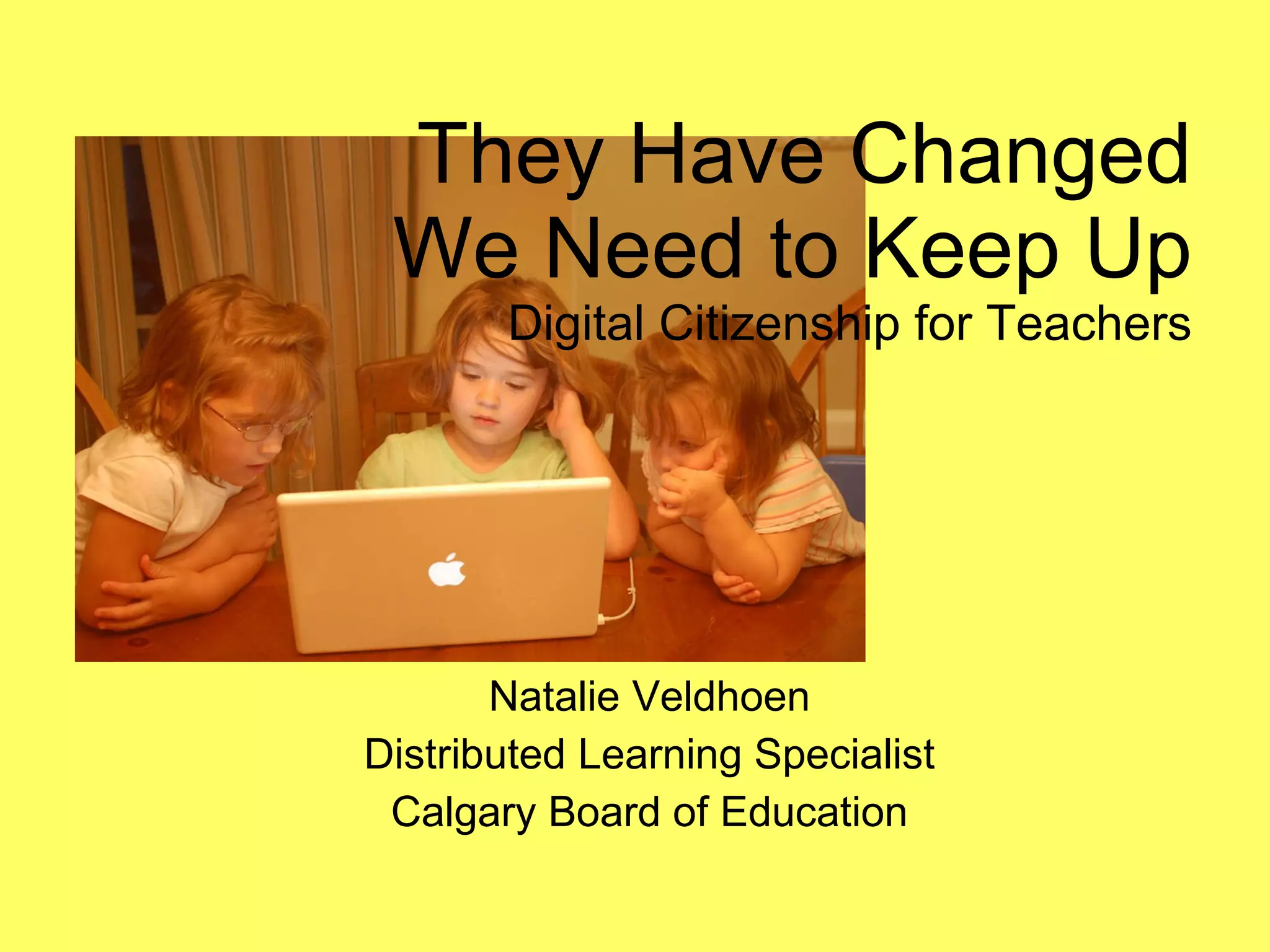
They Have Changed We Need to Keep Up Digital Citizenship for Teachers Natalie Veldhoen Distributed Learning Specialist Calgary Board of Education
The Importance of Digital Citizenship 1 /4  of all students in Grades 4 to 6 regularly go online unsupervised  10% of all boys in Grades 10 and 11 have actively gone looking for hateful materials on the internet 1/3 of all kids on Facebook have accepted a friend request from someone they do no know 20% of kids have sent a nude or semi-nude photo of themselves to someone on average 8 to 18 year olds will send 120 text messages a day All data from Media Awareness Network -  http://www.media-awareness.ca/  and Generation M2 – Media in the Lives of 8 to 18 Year Olds -  http://www.kff.org/entmedia/mh012010pkg.cfm
Basics of Digital Citizenship Being web savvy Use your online presence for good Manage personal information Building safe spaces Childnet International. (2007).  What makes you a good digizen? . Retrieved from http://www.digizen.org.uk/
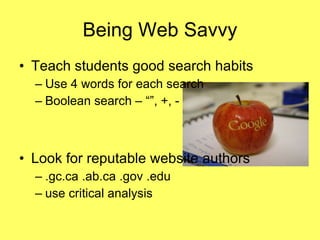
Being Web Savvy Teach students good search habits  Use 4 words for each search Boolean search – “”, +, - Look for reputable website authors .gc.ca .ab.ca .gov .edu use critical analysis
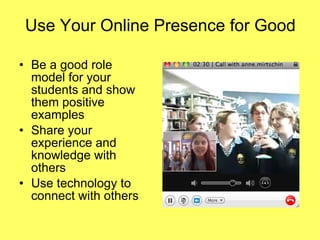
Use Your Online Presence for Good Be a good role model for your students and show them positive examples Share your experience and knowledge with others Use technology to connect with others
Manage Personal Information Read privacy statements and teach students the basics (ie: age requirements) Use good password habits Engage in conversation about being “Googled” well http://psynch.com/docs/password-management-best-practices.html Footprints in the Digital Age by Will Richardson
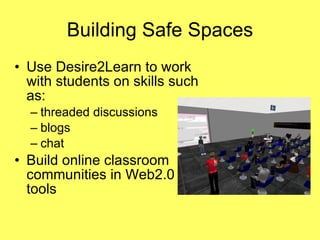
Building Safe Spaces Use Desire2Learn to work with students on skills such as: threaded discussions blogs chat Build online classroom communities in Web2.0 tools
Photo References (in order of appearance) Whiteafrican. (Photographer). (2008).  Hersman girls - already on computers . [Web]. Retrieved from http://www.flickr.com/photos/whiteafrican/2870711774/  Zaweaome. (Photographer). (2009). I don’t dig texting. [Web]. Retrieved from  http://www.flickr.com/photos/_lovenothing/3772984885/ Missha. (Photographer). (2008).  An apple with the logo of Google made with laser. [Web]. Retrieved from http://www.flickr.com/photos/missha/2209205063/ Superkimbo in BKK. (Photographer). (2008). Skype to Australia. [Web]. Retrieved from  http://www.flickr.com/photos/superkimbo/3122707524/in/set-72157611378512285/ Mullen, Jessica. (Photographer). (2010). V isiting UTPA classrooms in second life. [Web]. Retrieved from http://www.flickr.com/photos/jessicamullen/4328256207/

Digital citizenship for teachers

  • 1.
    They Have ChangedWe Need to Keep Up Digital Citizenship for Teachers Natalie Veldhoen Distributed Learning Specialist Calgary Board of Education
  • 2.
    The Importance ofDigital Citizenship 1 /4 of all students in Grades 4 to 6 regularly go online unsupervised 10% of all boys in Grades 10 and 11 have actively gone looking for hateful materials on the internet 1/3 of all kids on Facebook have accepted a friend request from someone they do no know 20% of kids have sent a nude or semi-nude photo of themselves to someone on average 8 to 18 year olds will send 120 text messages a day All data from Media Awareness Network - http://www.media-awareness.ca/ and Generation M2 – Media in the Lives of 8 to 18 Year Olds - http://www.kff.org/entmedia/mh012010pkg.cfm
  • 3.
    Basics of DigitalCitizenship Being web savvy Use your online presence for good Manage personal information Building safe spaces Childnet International. (2007). What makes you a good digizen? . Retrieved from http://www.digizen.org.uk/
  • 4.
    Being Web SavvyTeach students good search habits Use 4 words for each search Boolean search – “”, +, - Look for reputable website authors .gc.ca .ab.ca .gov .edu use critical analysis
  • 5.
    Use Your OnlinePresence for Good Be a good role model for your students and show them positive examples Share your experience and knowledge with others Use technology to connect with others
  • 6.
    Manage Personal InformationRead privacy statements and teach students the basics (ie: age requirements) Use good password habits Engage in conversation about being “Googled” well http://psynch.com/docs/password-management-best-practices.html Footprints in the Digital Age by Will Richardson
  • 7.
    Building Safe SpacesUse Desire2Learn to work with students on skills such as: threaded discussions blogs chat Build online classroom communities in Web2.0 tools
  • 8.
    Photo References (inorder of appearance) Whiteafrican. (Photographer). (2008). Hersman girls - already on computers . [Web]. Retrieved from http://www.flickr.com/photos/whiteafrican/2870711774/ Zaweaome. (Photographer). (2009). I don’t dig texting. [Web]. Retrieved from http://www.flickr.com/photos/_lovenothing/3772984885/ Missha. (Photographer). (2008). An apple with the logo of Google made with laser. [Web]. Retrieved from http://www.flickr.com/photos/missha/2209205063/ Superkimbo in BKK. (Photographer). (2008). Skype to Australia. [Web]. Retrieved from http://www.flickr.com/photos/superkimbo/3122707524/in/set-72157611378512285/ Mullen, Jessica. (Photographer). (2010). V isiting UTPA classrooms in second life. [Web]. Retrieved from http://www.flickr.com/photos/jessicamullen/4328256207/