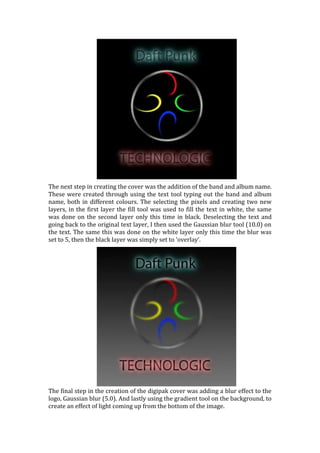
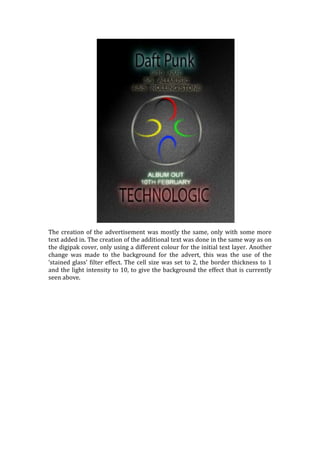
The document describes the steps taken to design a digipak album cover. It began with a simple black background in Photoshop Elements. A dark logo was created and placed on the cover using lens flare, polar coordinate reversal, and rotation. Band and album text were added in different colors on separate layers and blurred for effect. Finally, a gradient was added to the background to imply a light source. The advertisement design followed similar steps but with additional text and a stained glass filter effect on the background.