Developing Ansible
Dynamic Inventory Script
Ahmed AbouZaid
@aabouzaid
About
Ahmed AbouZaid
A passionate DevOps Engineer, author and Free/Open source geek
who loves the community.
Automation, data, and metrics are my preferred areas.
I have a built-in monitoring chip, and too lazy to do anything manually :D
Blog | Github | Twitter
Intro
● Ansible inventory.
● Ansible dynamic inventory.
● Write your own inventory script.
● Netbox external inventory script.
● Tips and tricks.
Ansible inventory
● Static file (default is INI-like, but could be YAML too).
● Define hosts, groups, and vars.
● Could be a directory has multiple inventory sources.
● Has many limitations and hard to manage.
Ansible dynamic inventory
● Dynamic data source (obviously).
● External data source like EC2 or OpenStack or whatever.
● Almost any source could be a dynamic inventory for ansible.
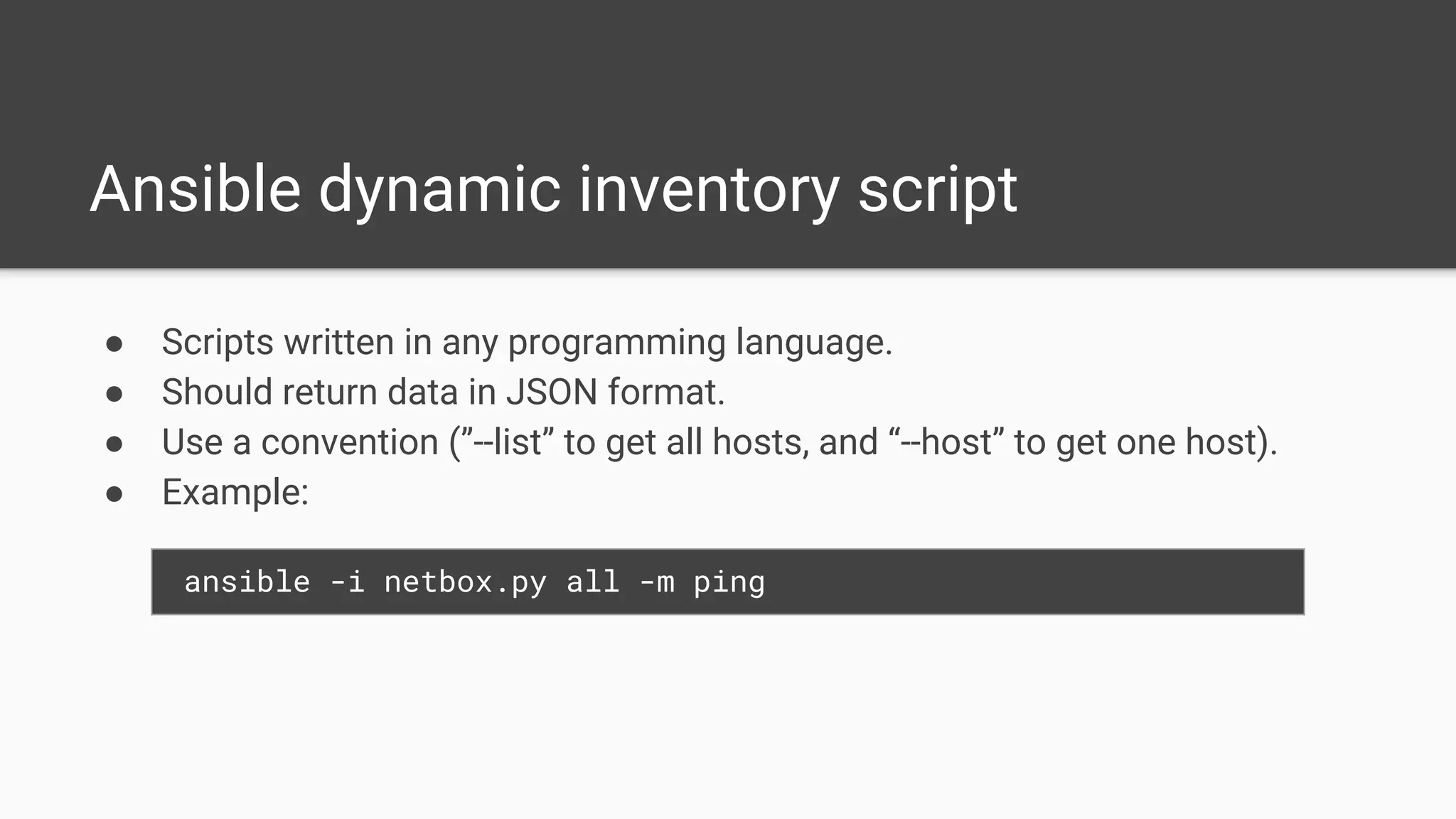
Ansible dynamic inventory script
● Scripts written in any programming language.
● Should return data in JSON format.
● Use a convention (”--list” to get all hosts, and “--host” to get one host).
● Example:
ansible -i netbox.py all -m ping
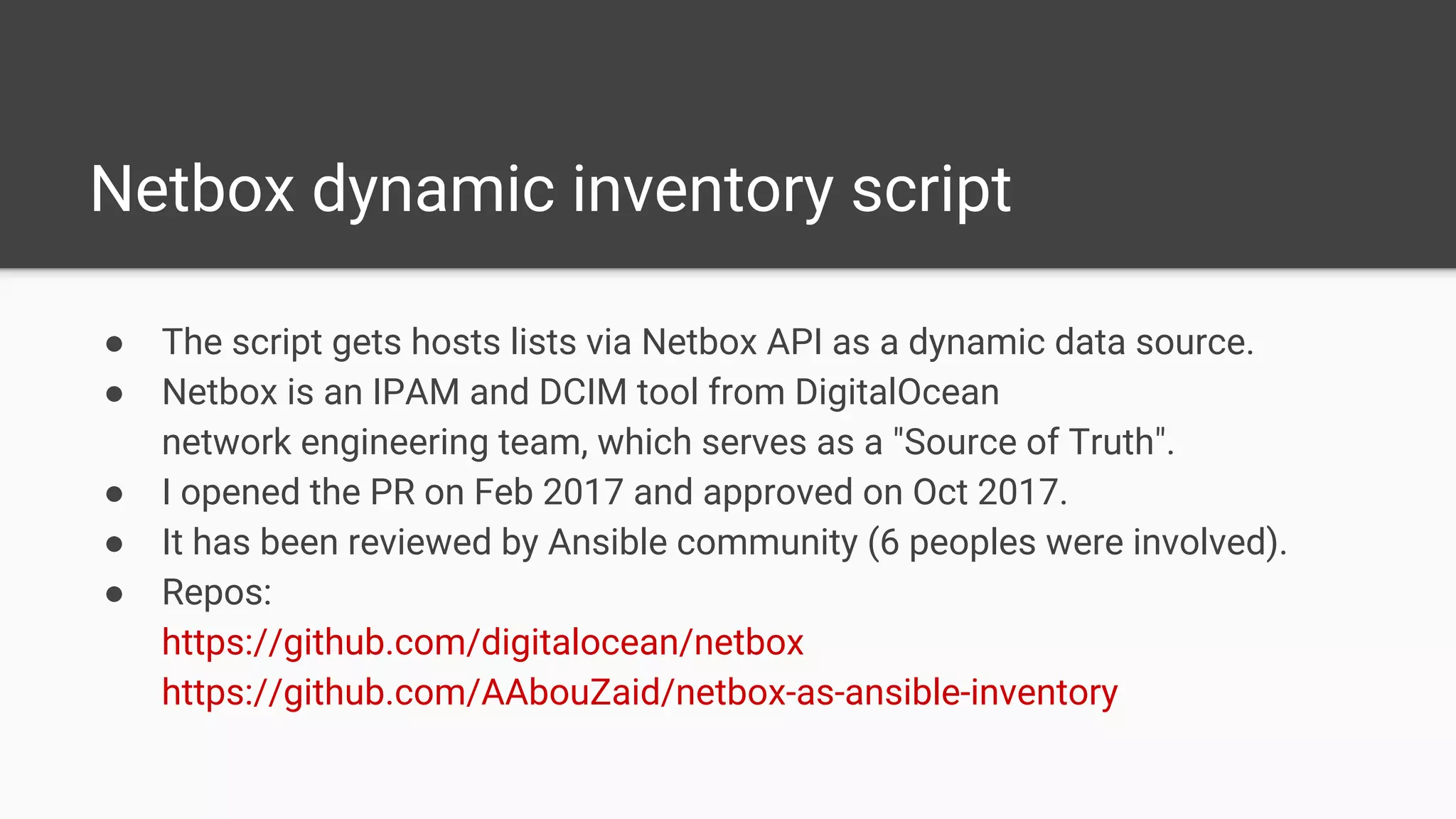
Netbox dynamic inventory script
● The script gets hosts lists via Netbox API as a dynamic data source.
● Netbox is an IPAM and DCIM tool from DigitalOcean
network engineering team, which serves as a "Source of Truth".
● I opened the PR on Feb 2017 and approved on Oct 2017.
● It has been reviewed by Ansible community (6 peoples were involved).
● Repos:
https://github.com/digitalocean/netbox
https://github.com/AAbouZaid/netbox-as-ansible-inventory
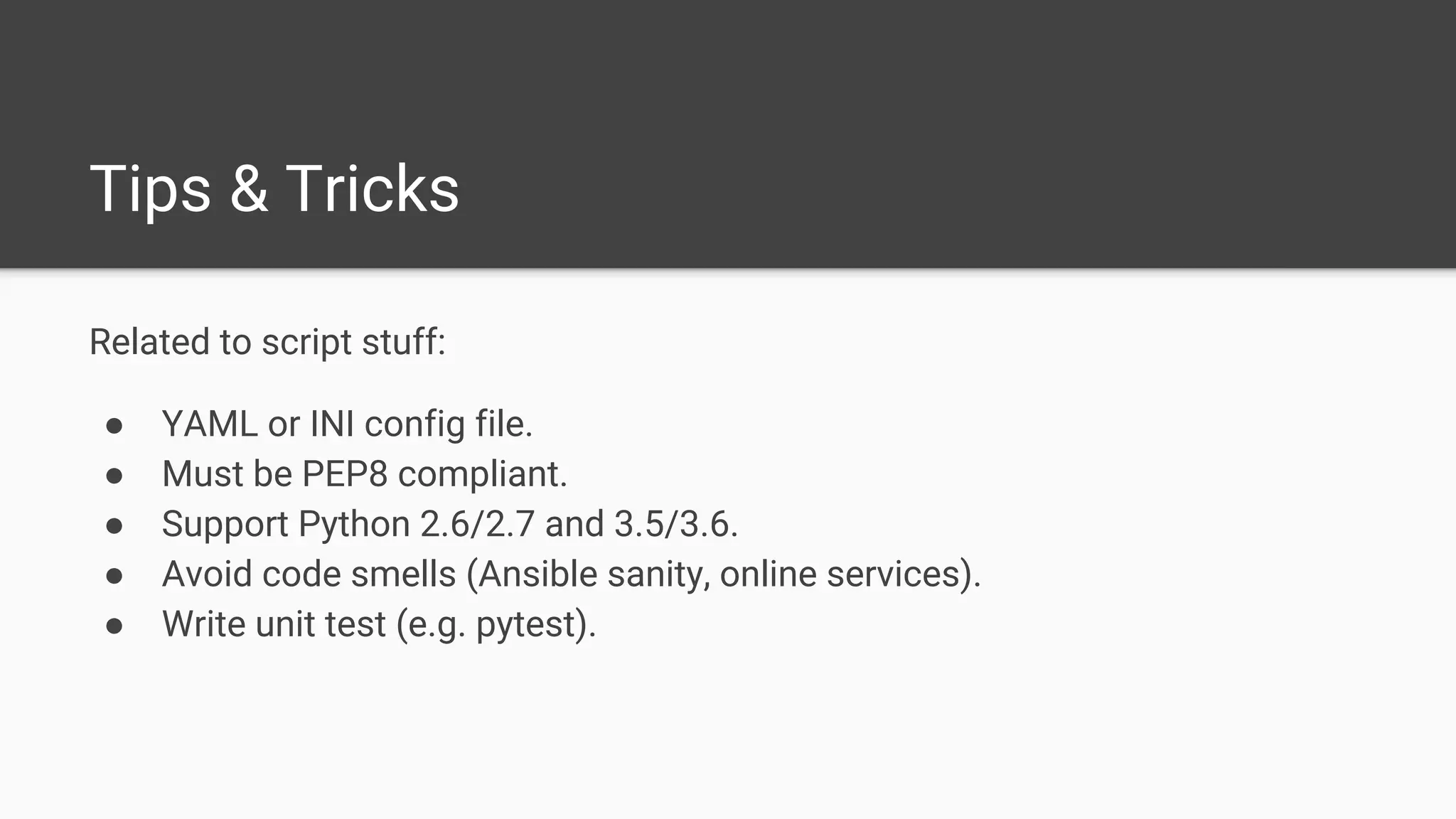
Related to script stuff:
● YAML or INI config file.
● Must be PEP8 compliant.
● Support Python 2.6/2.7 and 3.5/3.6.
● Avoid code smells (Ansible sanity, online services).
● Write unit test (e.g. pytest).
Tips & Tricks
Tips & Tricks
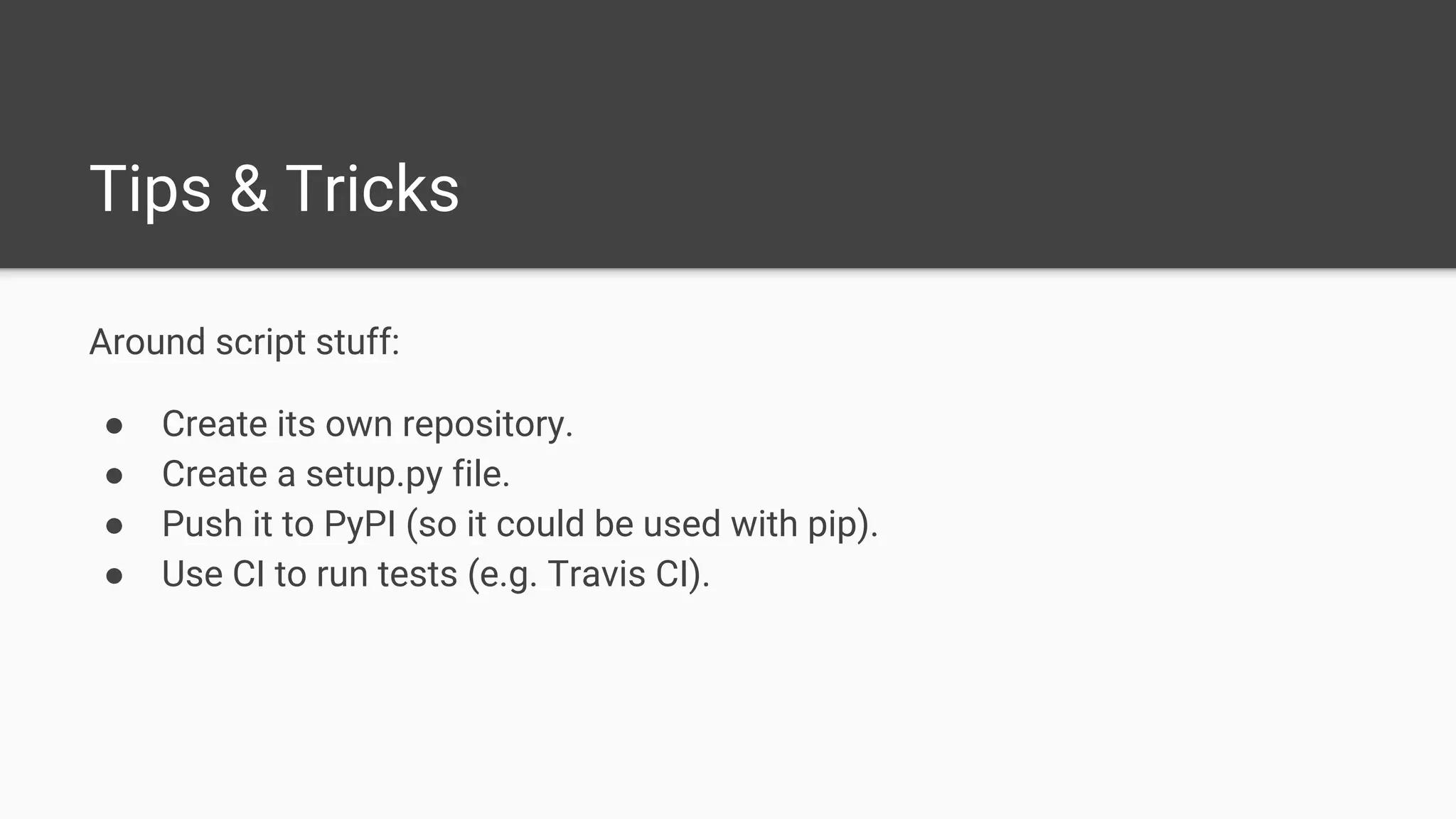
Around script stuff:
● Create its own repository.
● Create a setup.py file.
● Push it to PyPI (so it could be used with pip).
● Use CI to run tests (e.g. Travis CI).
Resources
● https://docs.ansible.com/ansible/latest/intro_inventory.html
● https://docs.ansible.com/ansible/latest/intro_dynamic_inventory.html
● https://docs.ansible.com/ansible/latest/dev_guide/developing_inventory.html
Questions?
Thanks :-)

Developing Ansible Dynamic Inventory Script - Nov 2017

  • 1.
    Developing Ansible Dynamic InventoryScript Ahmed AbouZaid @aabouzaid
  • 2.
    About Ahmed AbouZaid A passionateDevOps Engineer, author and Free/Open source geek who loves the community. Automation, data, and metrics are my preferred areas. I have a built-in monitoring chip, and too lazy to do anything manually :D Blog | Github | Twitter
  • 3.
    Intro ● Ansible inventory. ●Ansible dynamic inventory. ● Write your own inventory script. ● Netbox external inventory script. ● Tips and tricks.
  • 4.
    Ansible inventory ● Staticfile (default is INI-like, but could be YAML too). ● Define hosts, groups, and vars. ● Could be a directory has multiple inventory sources. ● Has many limitations and hard to manage.
  • 5.
    Ansible dynamic inventory ●Dynamic data source (obviously). ● External data source like EC2 or OpenStack or whatever. ● Almost any source could be a dynamic inventory for ansible.
  • 6.
    Ansible dynamic inventoryscript ● Scripts written in any programming language. ● Should return data in JSON format. ● Use a convention (”--list” to get all hosts, and “--host” to get one host). ● Example: ansible -i netbox.py all -m ping
  • 7.
    Netbox dynamic inventoryscript ● The script gets hosts lists via Netbox API as a dynamic data source. ● Netbox is an IPAM and DCIM tool from DigitalOcean network engineering team, which serves as a "Source of Truth". ● I opened the PR on Feb 2017 and approved on Oct 2017. ● It has been reviewed by Ansible community (6 peoples were involved). ● Repos: https://github.com/digitalocean/netbox https://github.com/AAbouZaid/netbox-as-ansible-inventory
  • 8.
    Related to scriptstuff: ● YAML or INI config file. ● Must be PEP8 compliant. ● Support Python 2.6/2.7 and 3.5/3.6. ● Avoid code smells (Ansible sanity, online services). ● Write unit test (e.g. pytest). Tips & Tricks
  • 9.
    Tips & Tricks Aroundscript stuff: ● Create its own repository. ● Create a setup.py file. ● Push it to PyPI (so it could be used with pip). ● Use CI to run tests (e.g. Travis CI).
  • 10.
  • 11.