DESKTOP APPS WITH
NODE WEBKIT
What is
Node Webkit?
Node Webkit is an app runtime
that lets you make desktop apps
with HTML, CSS, and JavaScript.
and it also lets you use
Node.js modules within the
app as well.
But not only that, you can build
native executables of your app
for Windows, Mac and Linux
Here are some examples
using Node Webkit
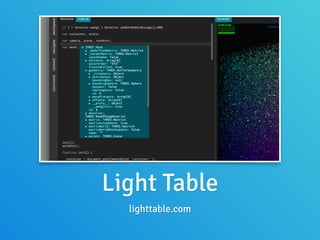
Light Table
lighttable.com
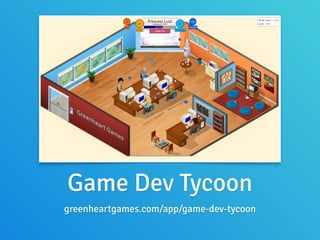
Game Dev Tycoon
greenheartgames.com/app/game-dev-tycoon
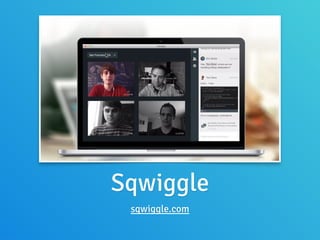
Sqwiggle
sqwiggle.com
How does it work?
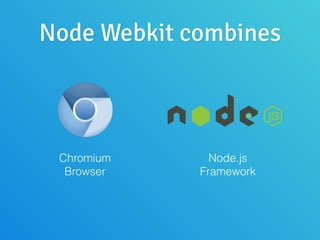
Node Webkit combines
Chromium
Browser
Node.js
Framework
Integrating them requires
the following:
• Using the same V8 engine instance
• Main loop integration
• Context Bridging
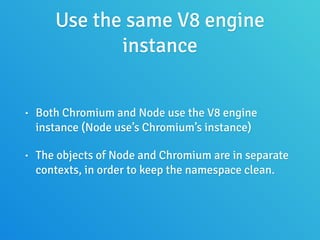
Use the same V8 engine
instance
• Both Chromium and Node use the V8 engine
instance (Node use’s Chromium’s instance)
• The objects of Node and Chromium are in separate
contexts, in order to keep the namespace clean.
Main loop integration
• The author says that it would take “some efforts” to
merge both Node and Chromium’s main loops.
• Node uses libuv for the events loop, but Chromium
uses MessageLoop and MessagePump for its events
loop.
• The author integrates these at the browser render
process level, by making Chromium use a custom
version of the MessagePump class, built on top of
libuv
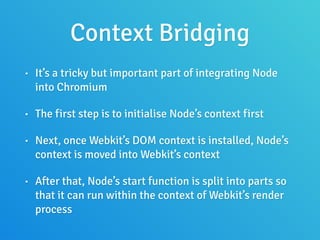
Context Bridging
• It’s a tricky but important part of integrating Node
into Chromium
• The first step is to initialise Node’s context first
• Next, once Webkit’s DOM context is installed, Node’s
context is moved into Webkit’s context
• After that, Node’s start function is split into parts so
that it can run within the context of Webkit’s render
process
For more information
• See this link:
• https://github.com/rogerwang/node-webkit/wiki/
How-node.js-is-integrated-with-chromium
Building a simple Node
Webkit app
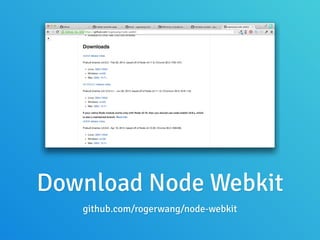
Download Node Webkit
github.com/rogerwang/node-webkit
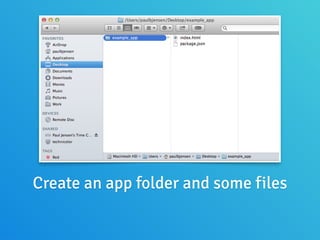
Create an app folder and some files
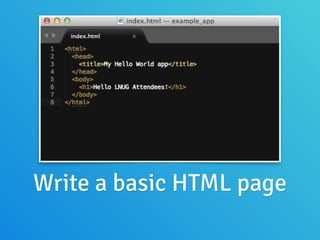
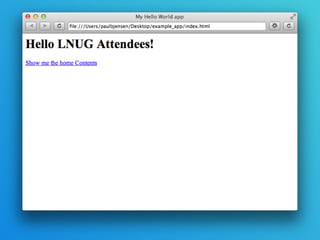
Write a basic HTML page
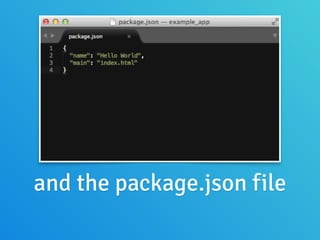
and the package.json file
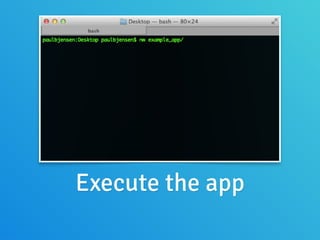
Execute the app
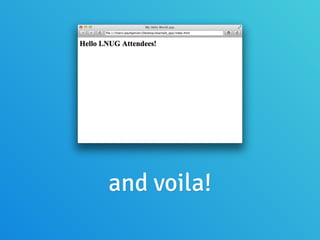
and voila!
Nice and easy, but pretty
basic to be honest!
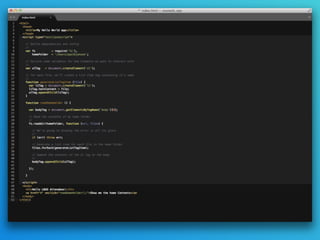
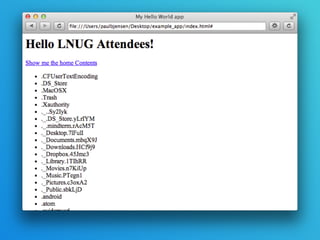
Let’s try displaying the
contents of my Home Folder
with Node.js
You can use not only Node’s
core modules, but also npm
installed modules too!
And we could iterate on this
example further…
• We could turn the list items into links for exploring folders
• We could use front-end libraries like jQuery-ui or
Bootstrap to improve the UI and make it display better
• We could make the file names (and possibly even contents)
searchable using Lunr.js or an embedded database.
• We could stream those files to a server for file
synchronisation (build your own Dropbox!)
Window Rendering
Window Rendering
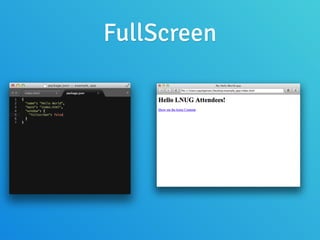
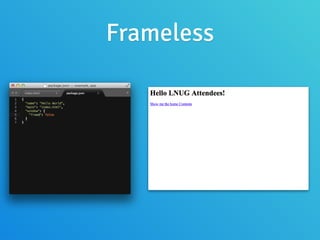
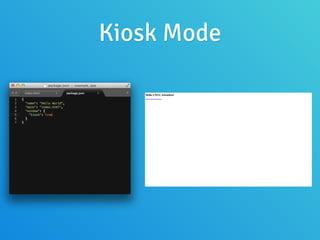
• Node Webkit allows you to control how you want
the Window rendering to work
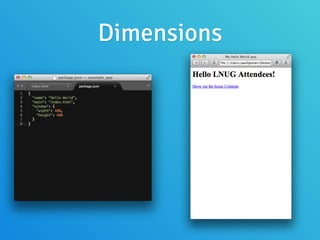
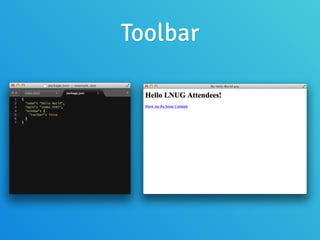
• You can specify set dimensions, whether full-
screen is allowed, and even if there’s a window
frame at all!
Dimensions
Toolbar
FullScreen
Frameless
Kiosk Mode
Kiosk Mode
• Useful for creating fullscreen applications that run in
public places (Banks, Retail, Venues)
• Access to the operating system is disabled on Mac,
but you can gain access on Windows via Ctrl-Alt-Del
keys (otherwise it’s blocked by AV Software as it looks
like a virus to them)
• Its dangerous - if you don’t implement the javascript
call to leave kiosk mode anywhere in your app, you’ll
have to reboot your computer to regain access
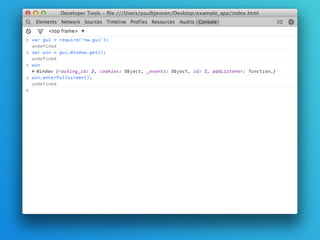
Window rendering can also be
controlled programmatically
within the app
Menus
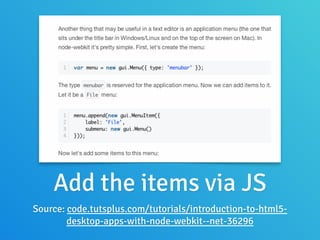
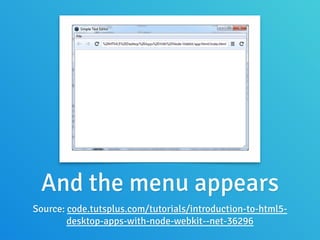
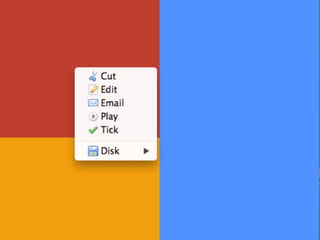
You can add native menu items
to your app, both in the main
menu, and in the app area
Add the items via JS
Source: code.tutsplus.com/tutorials/introduction-to-html5-
desktop-apps-with-node-webkit--net-36296
And the menu appears
Source: code.tutsplus.com/tutorials/introduction-to-html5-
desktop-apps-with-node-webkit--net-36296
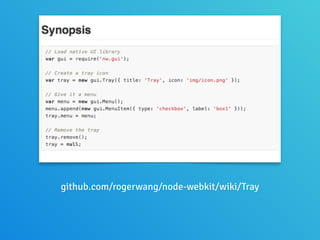
Tray Apps
github.com/rogerwang/node-webkit/wiki/Tray
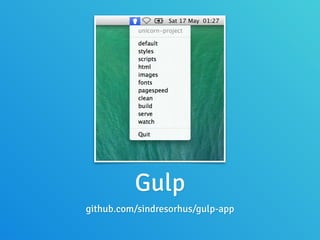
Gulp
github.com/sindresorhus/gulp-app
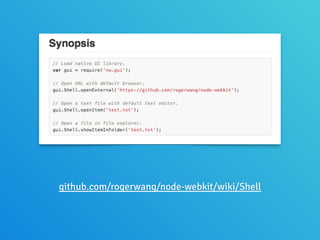
Shell
github.com/rogerwang/node-webkit/wiki/Shell
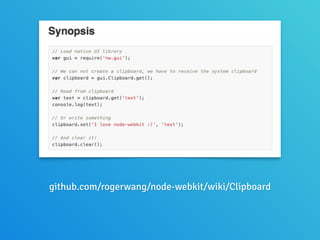
Clipboard
github.com/rogerwang/node-webkit/wiki/Clipboard
Desktop integration is
pretty good
And because it’s using
Chromium, HTML5 APIs
are available
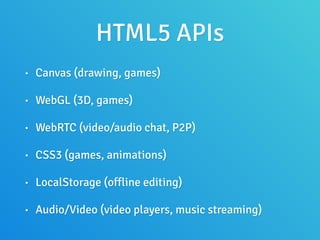
HTML5 APIs
• Canvas (drawing, games)
• WebGL (3D, games)
• WebRTC (video/audio chat, P2P)
• CSS3 (games, animations)
• LocalStorage (offline editing)
• Audio/Video (video players, music streaming)
So many possibilities!
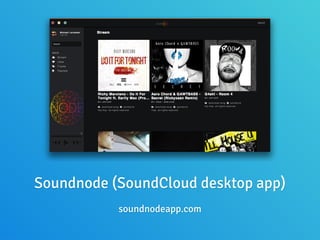
Soundnode (SoundCloud desktop app)
soundnodeapp.com
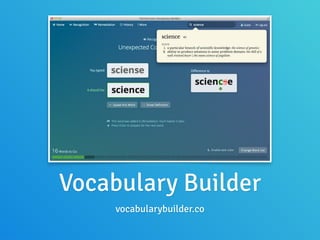
Vocabulary Builder
vocabularybuilder.co
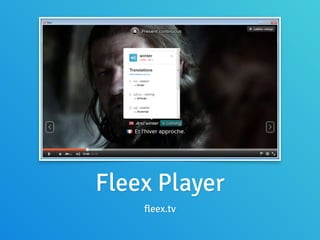
Fleex Player
fleex.tv
But do remember, you’re
working with static HTML
files
You ‘could’ run
a web server in
your app, but…
Packaging your app
You can write the app once,
and build it for Windows,
Mac and Linux
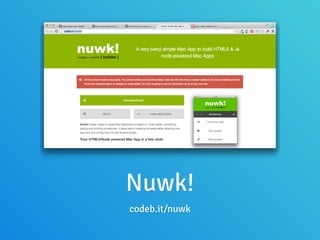
Nuwk!
codeb.it/nuwk
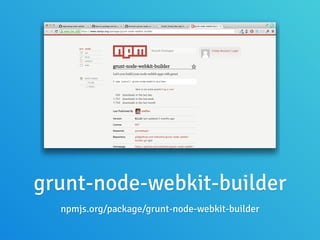
grunt-node-webkit-builder
npmjs.org/package/grunt-node-webkit-builder
Customer Case Study: The
British Medical Journal
Every year, we run the web
site for a health conference
run by the BMJ and IHI
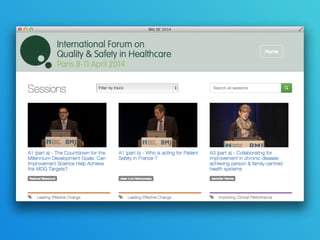
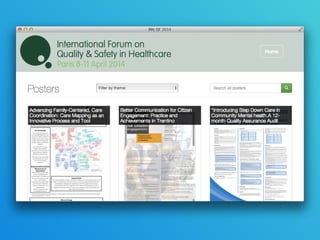
As part of our service, we also
produce a desktop app that lets
people view recorded sessions,
posters, and file attachments.
Our desktop app was
originally built on the
Adobe Air platform
It had some
disadvantages
Disadvantages
• To use it, the person would have to have Flash
installed on their computer
• Once they had installed the app onto the computer,
they would then be prompted to locate the
application’s content on the USB stick.
• Adobe Air is a declining platform (Linux no longer
supported, Flash is dying)
Last year, we decided to
consider using Node Webkit
to replace the Adobe Air app
A couple of weeks after the
event, we shipped the desktop
app, using Node Webkit
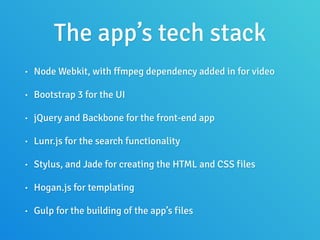
The app’s tech stack
• Node Webkit, with ffmpeg dependency added in for video
• Bootstrap 3 for the UI
• jQuery and Backbone for the front-end app
• Lunr.js for the search functionality
• Stylus, and Jade for creating the HTML and CSS files
• Hogan.js for templating
• Gulp for the building of the app’s files
Benefits
• Users no longer had to install Flash or select the
USB from a Folder Dialog. A simpler, better user
experience.
• We were able to reuse some of the code from the
web application in the desktop application.
• It allowed us to standardise around a Node tech
stack within the company more.
Key lessons
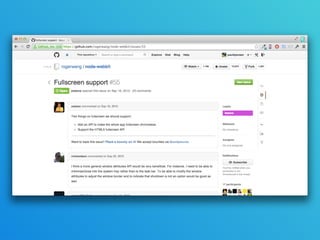
HTML5 Video Fullscreen
does not work!
We managed to get around
this with a workaround
involving 3 steps:
1 - Listen to the click event
on the fullscreen button in
the video player
2 - Add a CSS class to the video tag,
which has properties that make the
element take the full dimensions of
the window
3 - Trigger the
win.enterFullScreen()
function call as well.
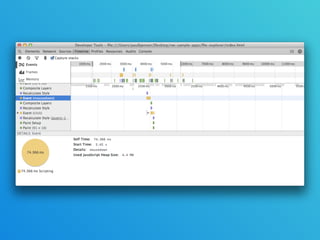
Make use of Node
Webkit’s dev tools
The dev tools will help to
spot slow points in front-end
rendering and performance
Node Webkit is not bug-
free
But it is an impressive
piece of work
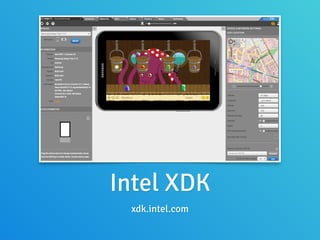
It’s so good, that Intel replaced
their use of Java and Chrome
in their IDE with Node Webkit
Intel XDK
xdk.intel.com
And Roger now works
for Intel in China
Oh, and Roger is
speaking at LXJS
There is still so much I still haven’t
covered about Node Webkit.
!
I recommend reading more about
it at the Github repo and online
I hope you get a chance to
play with it and create
something amazing!
@paulbjensen
Thank you

Desktop apps with node webkit