Web technologies for
desktop development

Darko Kukovec
@DarkoKukovec
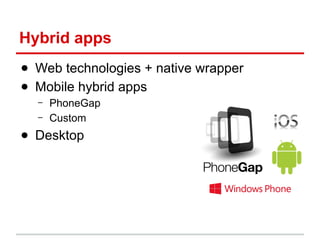
Hybrid apps
● Web technologies + native wrapper
● Mobile hybrid apps
–
–

PhoneGap
Custom

● Desktop
Why hybrid
desktop
applications?
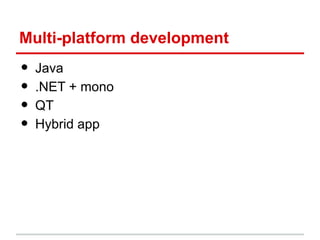
Multi-platform development

•
•
•
•

Java
.NET + mono
QT
Hybrid app
Wrappers
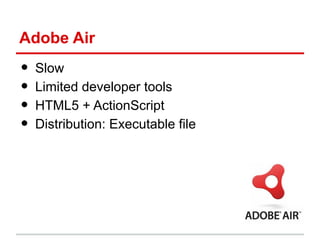
Adobe Air

•
•
•
•

Slow
Limited developer tools
HTML5 + ActionScript
Distribution: Executable file
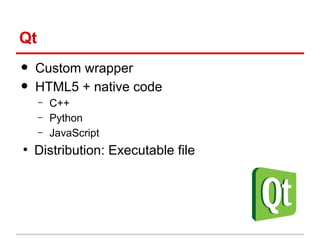
Qt

•
•

Custom wrapper
HTML5 + native code
–
–
–

●

C++
Python
JavaScript

Distribution: Executable file
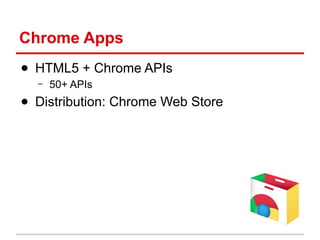
Chrome Apps
● HTML5 + Chrome APIs
–

50+ APIs

● Distribution: Chrome Web Store
app.js

•
•
•
●

webkit + node.js
Slow development
HTML5 + node.js
Distribution: Executable file
node-webkit
● Chromium + node.js
● Fast development (Intel)
–
–

Chromium 30
node.js 0.10.18

● HTML5 + node.js
●
Distribution: Executable file
node-webkit

Getting started
Hello world!

•

What is needed
–
–
–

node-webkit
manifest
HTML, JS
Running & testing
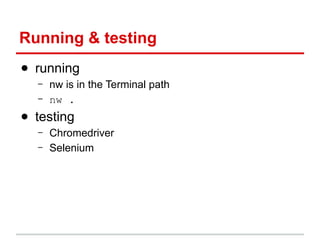
● running
–
–

nw is in the Terminal path
nw .

● testing
–
–

Chromedriver
Selenium
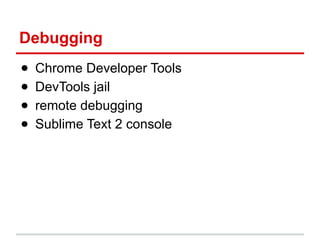
Debugging
●
●
●
●

Chrome Developer Tools
DevTools jail
remote debugging
Sublime Text 2 console
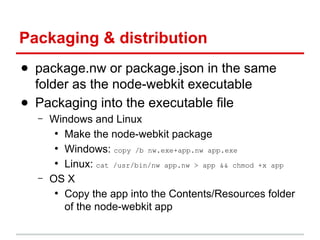
Packaging & distribution
● package.nw or package.json in the same
folder as the node-webkit executable
● Packaging into the executable file
–

–

Windows and Linux
●
Make the node-webkit package
●
Windows: copy /b nw.exe+app.nw app.exe
●
Linux: cat /usr/bin/nw app.nw > app && chmod +x app
OS X
●
Copy the app into the Contents/Resources folder
of the node-webkit app
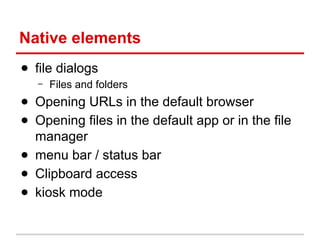
Native elements
● file dialogs
–

Files and folders

● Opening URLs in the default browser
● Opening files in the default app or in the file
manager
● menu bar / status bar
● Clipboard access
● kiosk mode
Tech stuff
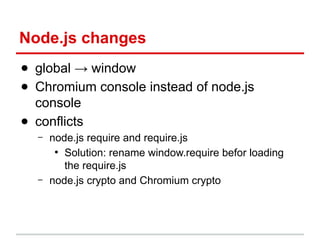
Node.js changes
● global → window
● Chromium console instead of node.js
console
● conflicts
–

–

node.js require and require.js
●
Solution: rename window.require befor loading
the require.js
node.js crypto and Chromium crypto
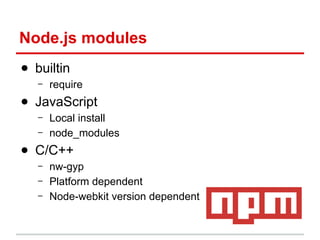
Node.js modules
● builtin
–

require

● JavaScript
–
–

Local install
node_modules

● C/C++
–
–
–

nw-gyp
Platform dependent
Node-webkit version dependent
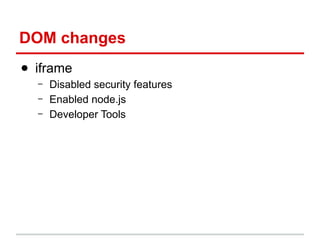
DOM changes
● iframe
–
–
–

Disabled security features
Enabled node.js
Developer Tools
Code protection
● v8 snapshot
–
–
–
–

Can hide a part (tens of KB) of the code into a binary
file
Platform dependent
Little slower than the regular code
Loaded before the regular code
Who uses
node-webkit

And what interesting features
Who uses node-webkit
● Infinum :)
–
–

–

3 projects (Windows and OSX)
Crypto
●
about 50x faster than Adobe Air
Optical media access
●
Detection and reading
Who uses node-webkit
● Gifrocket
–

Creating gif animations from videos

● Ambiance
–

code editor with modules (npm)

● Arduinoscope
–
–

oscilloscope for Arduino
Hardware access

● Everytime
–
–

video bookmarking
Communicates with the VLC player
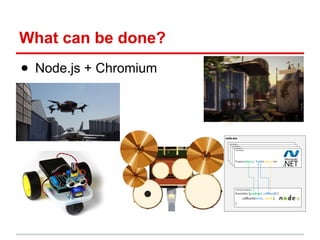
What can be done?
● Node.js + Chromium
Thank you for your attention

Web technologies for desktop development