DESIGNING FOR
THE SOCIAL WEB
  with Justin Seeley
JUSTIN SEELEY
Adobe Certified Expert

    twitter - @justinseeley
 email - justin@webdesign.com
    www.justinseeley.com
THE AGENDA

•   Mapping a Social Strategy
•   Creating a Unified Message Through Design
•   Implementing Your Plan for Dominance
•   Benefits of “Social Cross Pollination”
•   Integrating with Your Existing Website/Blog
SOCIAL STRATEGY

•   What Sites Do You/Your Client NEED to be on?
•   Find the Right Community... and Listen to it!
•   Explore Customization Options/Frameworks.
“If you’re a Dog, Don’t Try
     to Be a Kangaroo!”
Explore those who came
before you... and copy them!
Learn the limits of your
  chosen platform.
LEARN STUFF

•   Study Facebook Customization Options (FBML,
    iFrames, Applications, etc.).
•   Learn to Use Your Own Artwork for Sites Like
    Twitter, MySpace, and About.Me.
•   Study Screen Sizes, and Know Your “Safe Zone”
Consistency Promotes
     Awareness
UNIFIED MESSAGE

•   Develop a Core Set of Graphics
•   Create Taglines, Bios, and Catch Phrases
•   Create a Single Point of Contact
•   Utilize the Space You’re Given Wisely
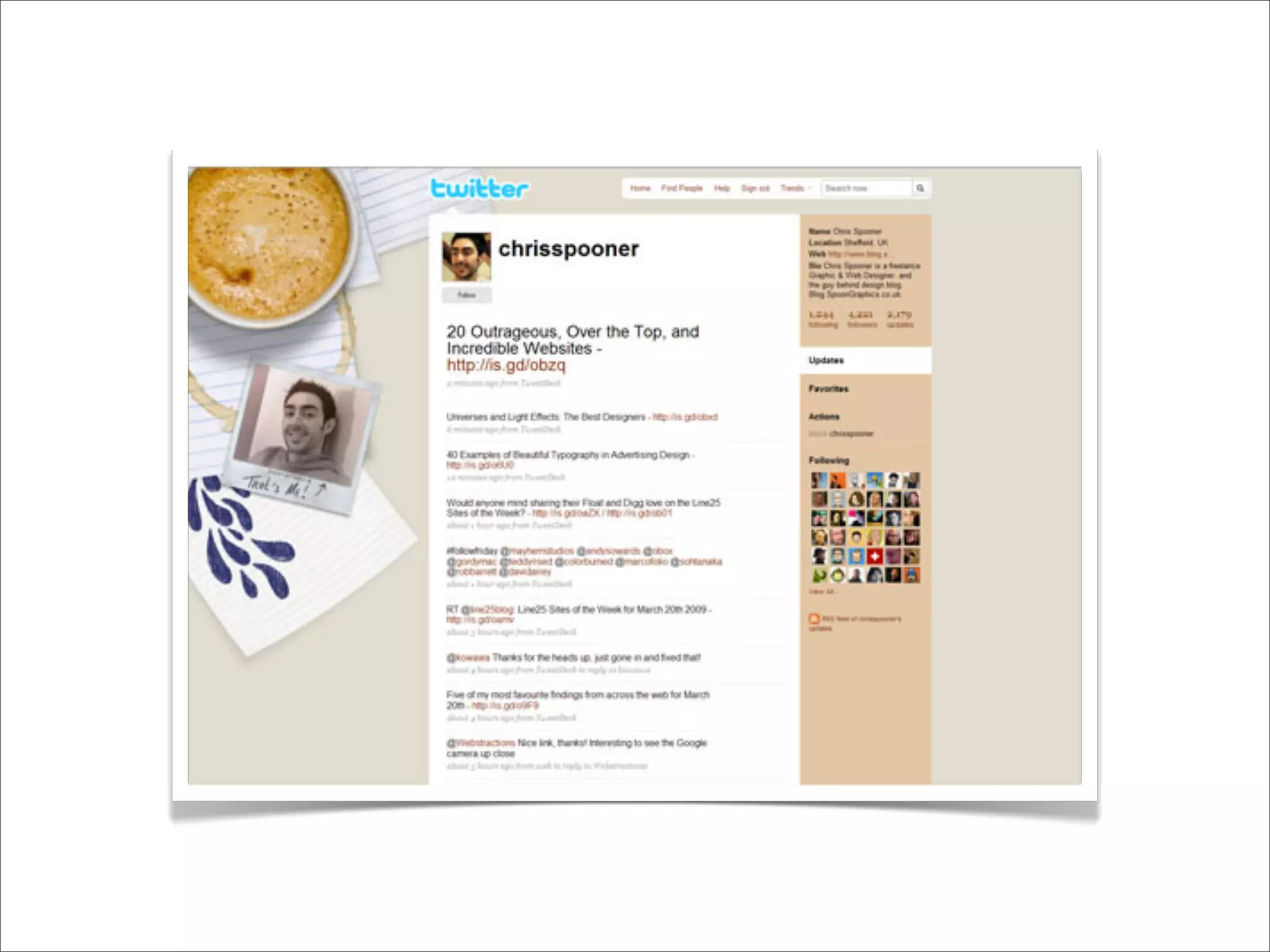
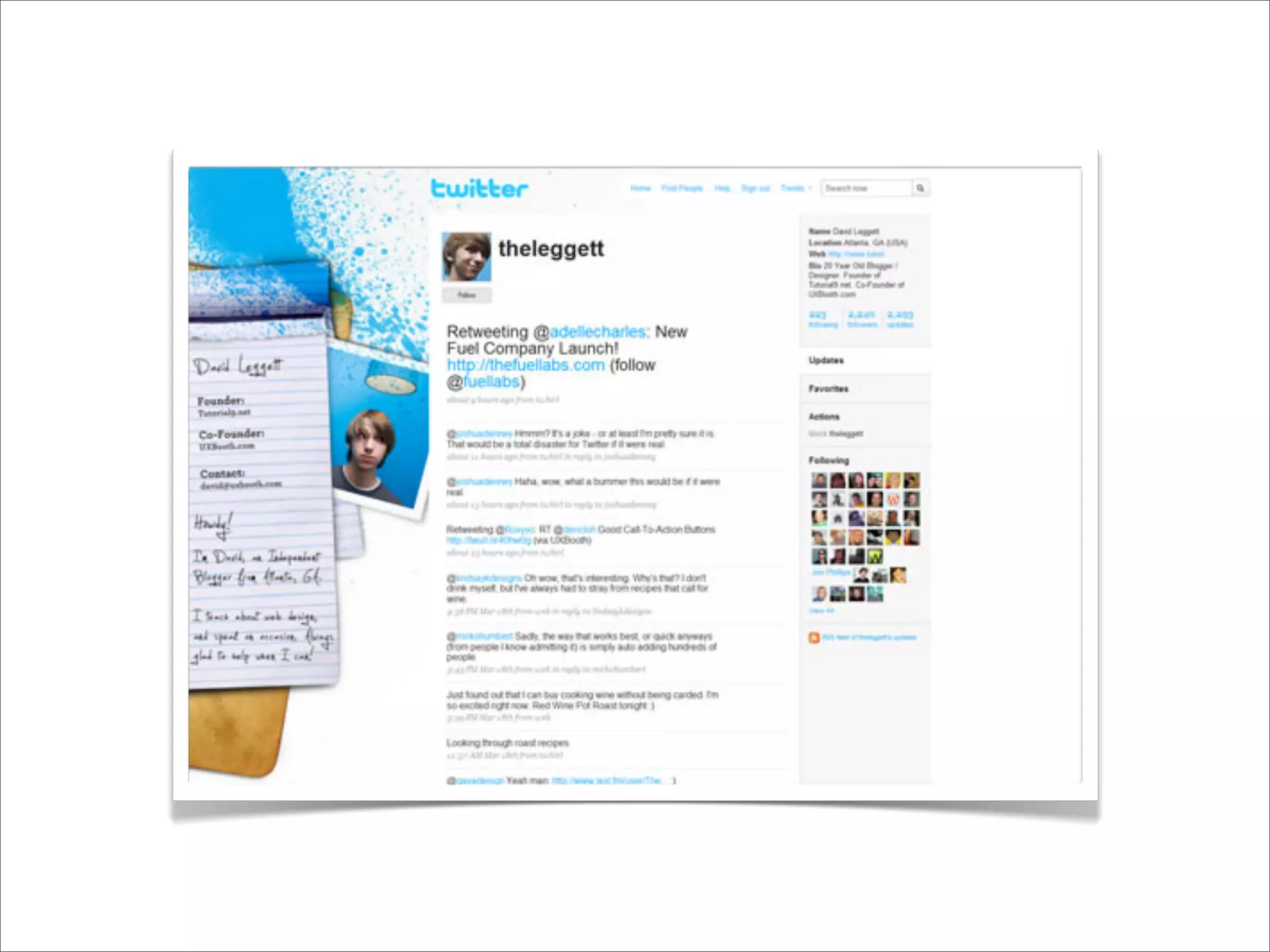
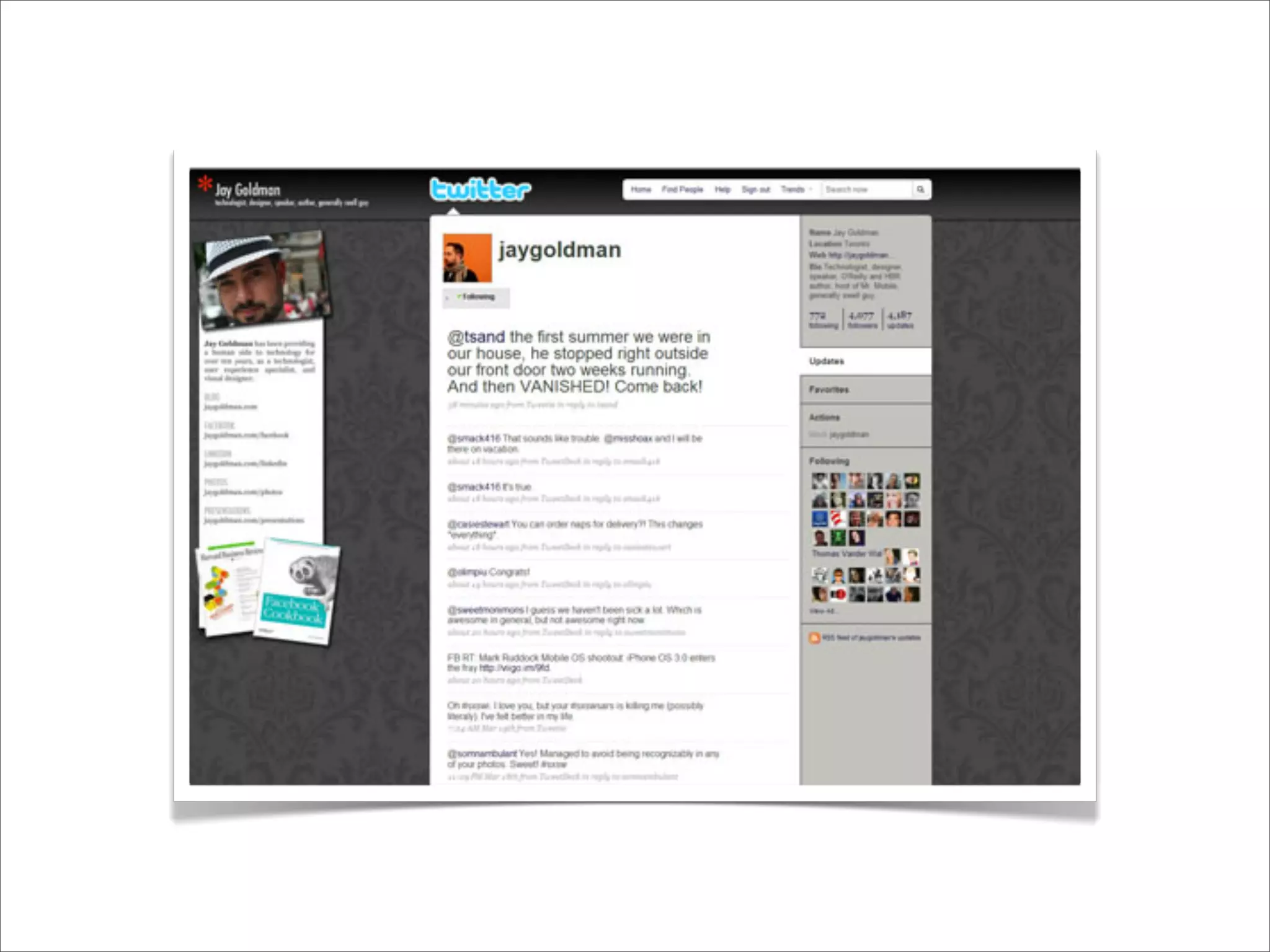
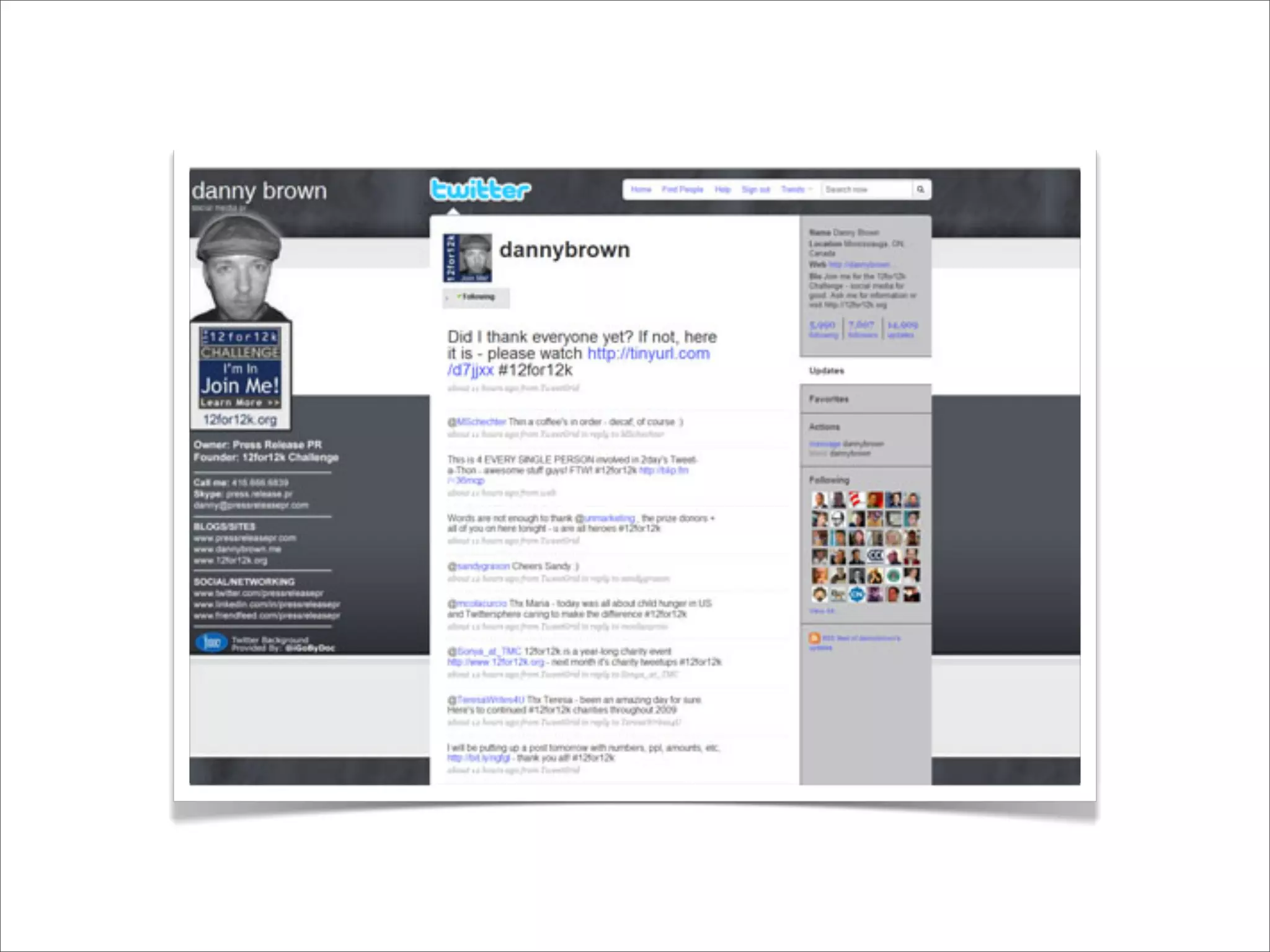
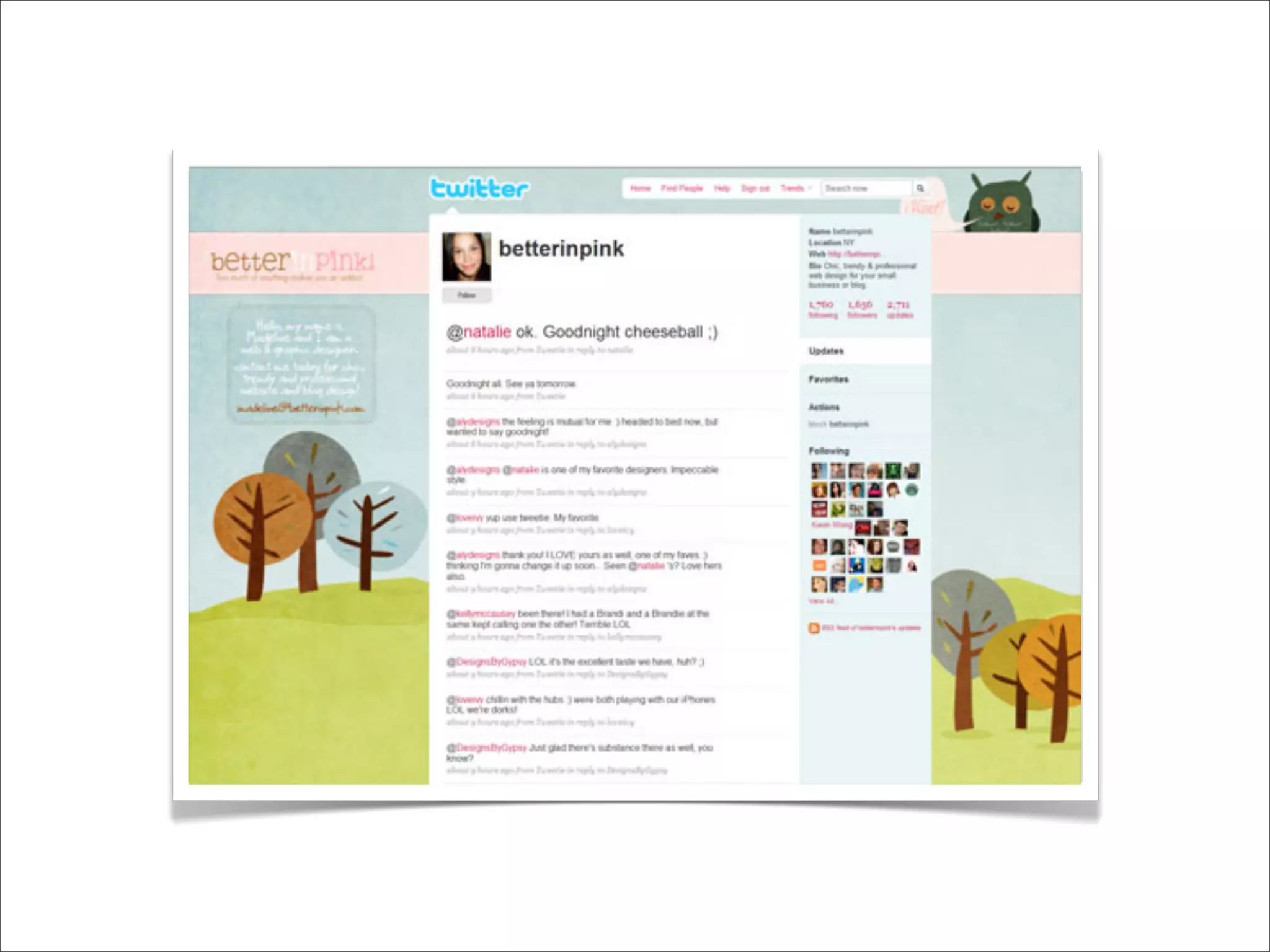
TWITTER ASSAULT

•   Options Are LIMITED at Best... Be Careful.
•   Screen Size is Your Enemy.
•   Get Out in Left Field... WAY Out there!
•   Learn From “The Pros.”
5 GOOD SAMPLES
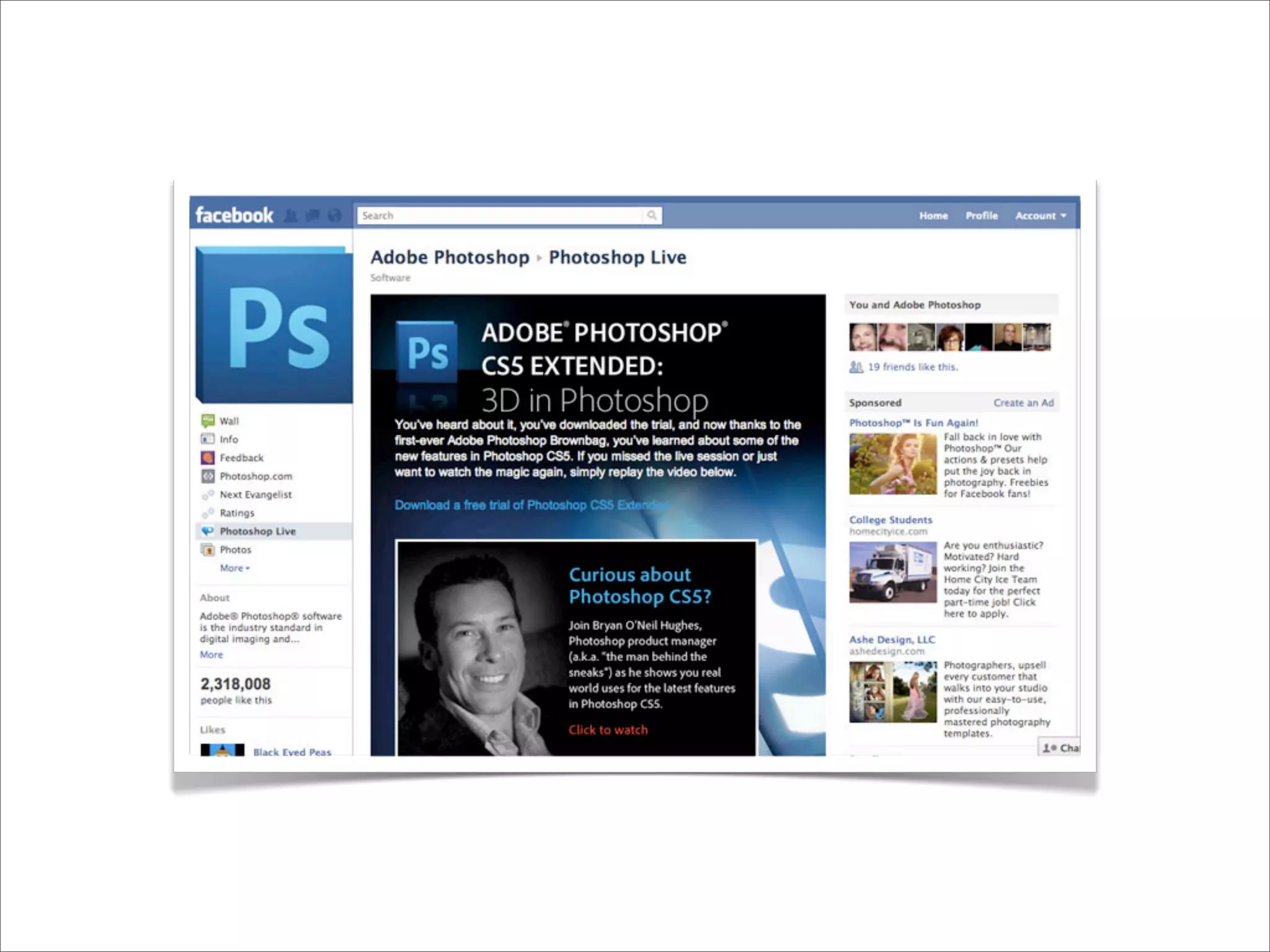
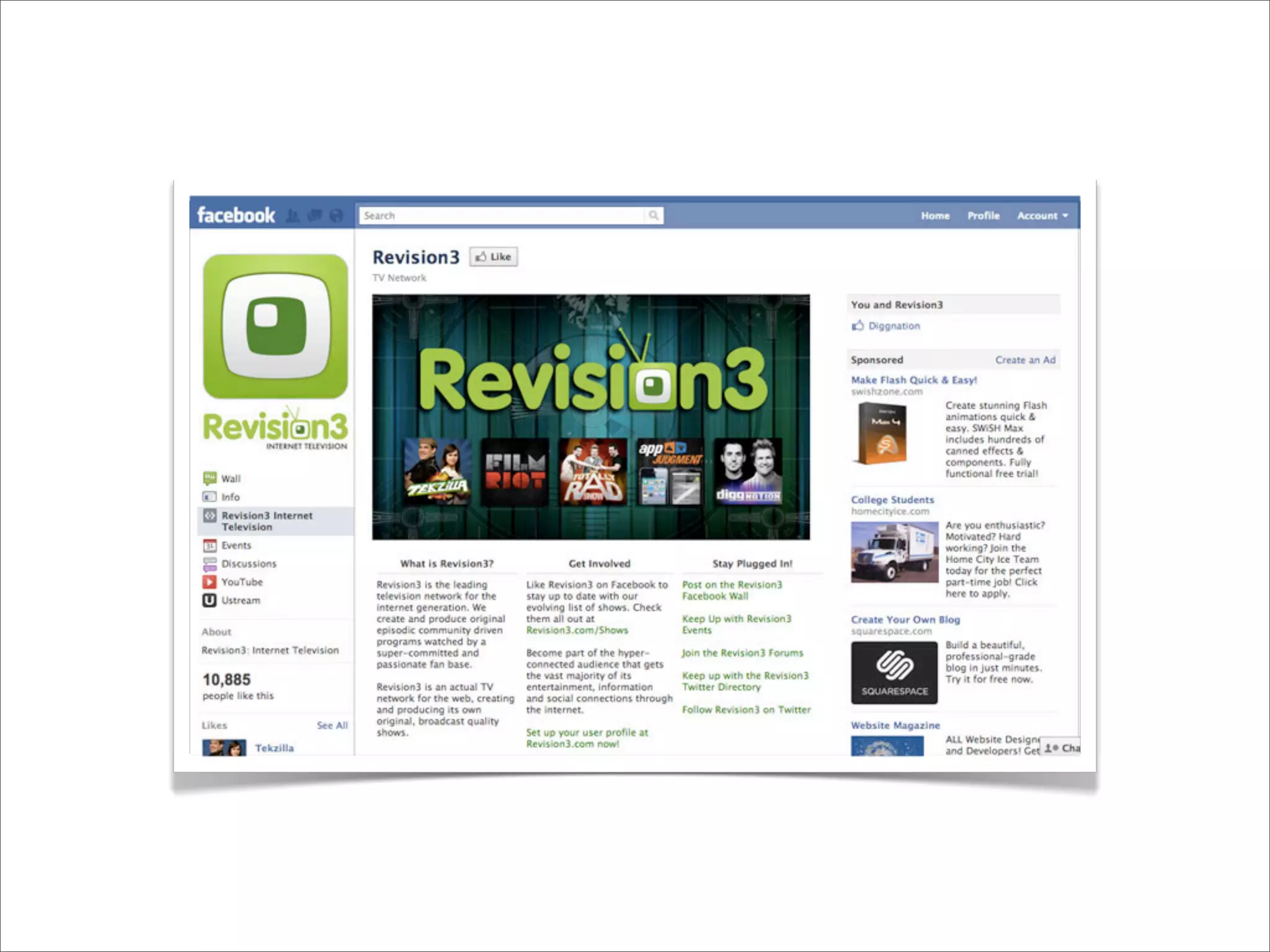
FACEBOOK ASSAULT

•   Images are OK, but iFrames are Better!
•   If You Can Build a Website You Can Build a
    Facebook Page... EASILY!
•   Do What You Can with 520px... Yeah it Sucks.
•   Learn the “Tricks of the Trade.”
5 GOOD SAMPLES
Social Cross Pollination...
SPREAD THE WORD

•   Introduces People to a NEW Side of You.
•   Free Advertising... Yes, I Said Free.
•   Give Already Interested People Something else
    to Follow and/or Read.
•   Great Avenue for Shameless Self-Promotion!
HOW TO POLLINATE

•   Include Links to Other Networks Everywhere.
•   Put It In Your Email Signature.
•   Put It On Your Business Cards.
•   Add a “Like” “Tweet This” or “Follow Me” Button
    on Every Blog Post You Write.
SOCIAL INTEGRATION

•   There’s a Plugin for That...
•   Read Documentation for Static Site Integration.
•   Design Your Own and “Link It Up.”
THANK YOU!

Desiging for the Social Web - D2WC 2011

  • 1.
    DESIGNING FOR THE SOCIALWEB with Justin Seeley
  • 2.
    JUSTIN SEELEY Adobe CertifiedExpert twitter - @justinseeley email - justin@webdesign.com www.justinseeley.com
  • 3.
    THE AGENDA • Mapping a Social Strategy • Creating a Unified Message Through Design • Implementing Your Plan for Dominance • Benefits of “Social Cross Pollination” • Integrating with Your Existing Website/Blog
  • 4.
    SOCIAL STRATEGY • What Sites Do You/Your Client NEED to be on? • Find the Right Community... and Listen to it! • Explore Customization Options/Frameworks.
  • 5.
    “If you’re aDog, Don’t Try to Be a Kangaroo!”
  • 6.
    Explore those whocame before you... and copy them!
  • 7.
    Learn the limitsof your chosen platform.
  • 8.
    LEARN STUFF • Study Facebook Customization Options (FBML, iFrames, Applications, etc.). • Learn to Use Your Own Artwork for Sites Like Twitter, MySpace, and About.Me. • Study Screen Sizes, and Know Your “Safe Zone”
  • 9.
  • 10.
    UNIFIED MESSAGE • Develop a Core Set of Graphics • Create Taglines, Bios, and Catch Phrases • Create a Single Point of Contact • Utilize the Space You’re Given Wisely
  • 11.
    TWITTER ASSAULT • Options Are LIMITED at Best... Be Careful. • Screen Size is Your Enemy. • Get Out in Left Field... WAY Out there! • Learn From “The Pros.”
  • 12.
  • 18.
    FACEBOOK ASSAULT • Images are OK, but iFrames are Better! • If You Can Build a Website You Can Build a Facebook Page... EASILY! • Do What You Can with 520px... Yeah it Sucks. • Learn the “Tricks of the Trade.”
  • 19.
  • 25.
  • 26.
    SPREAD THE WORD • Introduces People to a NEW Side of You. • Free Advertising... Yes, I Said Free. • Give Already Interested People Something else to Follow and/or Read. • Great Avenue for Shameless Self-Promotion!
  • 27.
    HOW TO POLLINATE • Include Links to Other Networks Everywhere. • Put It In Your Email Signature. • Put It On Your Business Cards. • Add a “Like” “Tweet This” or “Follow Me” Button on Every Blog Post You Write.
  • 28.
    SOCIAL INTEGRATION • There’s a Plugin for That... • Read Documentation for Static Site Integration. • Design Your Own and “Link It Up.”
  • 29.