Session
SAD336


  Dealing with SQL Security
        from ADO.NET
          Fernando G. Guerrero
                SQL Server MVP
              .NET Technical Lead
                    QA plc

                 October 2002
Quick info about Fernando
                            (2 milliseconds)

                            •   MCSD, MCSE+Internet (W2K), MCDBA, MCT,


QA
                                SQL Server MVP

                            •   This is where I work: QA, The best learning
                                environment in Europe

                            •   Writing for SQL Sever Magazine and SQL
                                Server Professional

                            •   This is my main web site: www.callsql.com

                            •   This is my book (so far):
                                 –   Microsoft SQL Server 2000 Programming by
                                     Example (ISBN : 0789724499, co-authored with Carlos
                                     Eduardo Rojas)


                            •   Currently writing on ADO.NET and SQL Server
                                2000


SQL Server Magazine LIVE!
Agenda

• SQL Server Authentication modes
• Access to SQL Server Databases
• Application security using SQL Server
  2000 and ADO.NET

• Note: as this is a SQL Server session, I’ll show you as
  much Transact-SQL code as possible, but some
  examples on ADO.NET, VB.NET and SQL-DMO won’t
  hurt you

SQL Server Magazine LIVE!
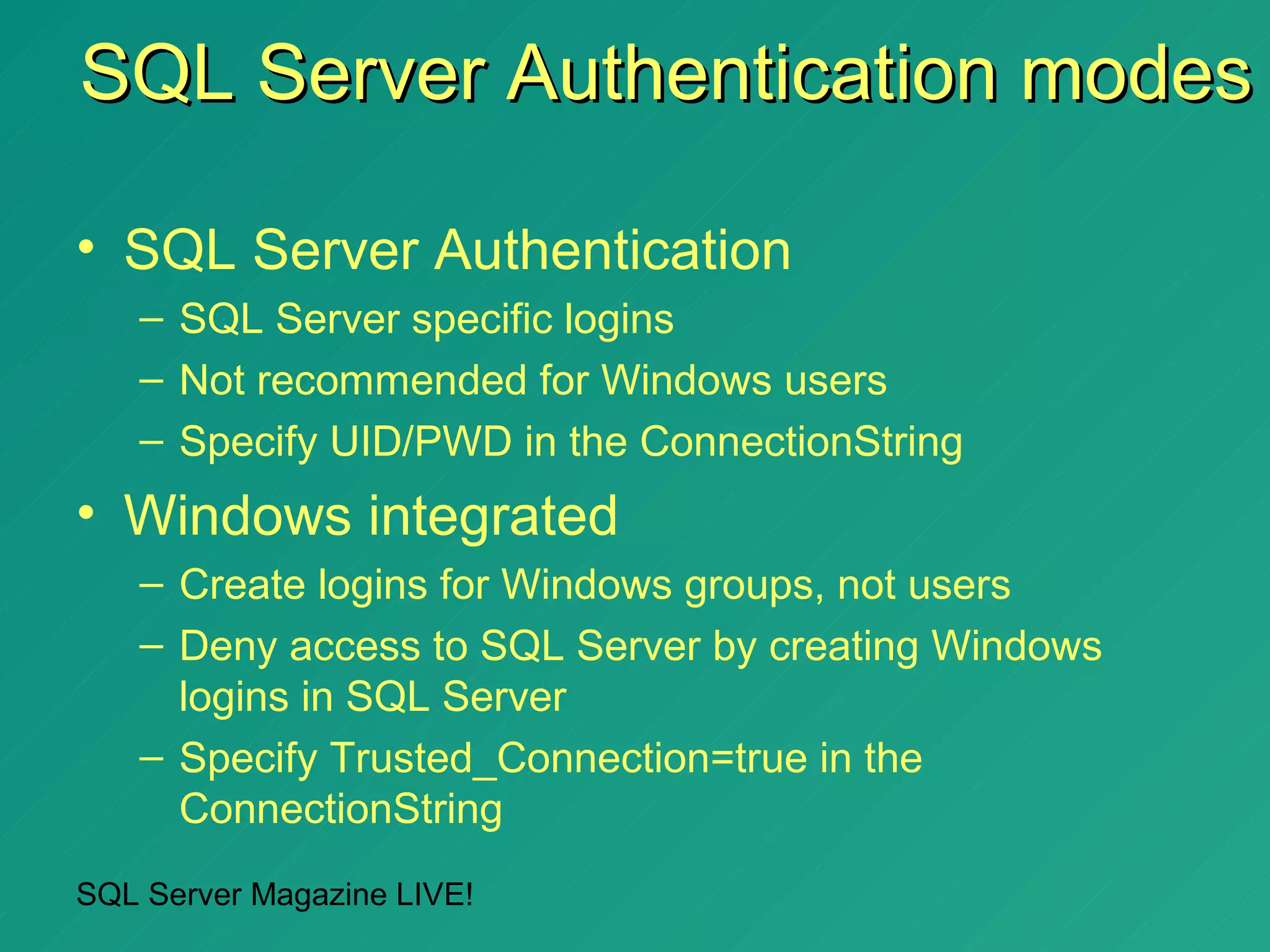
SQL Server Authentication modes

• SQL Server Authentication
   – SQL Server specific logins
   – Not recommended for Windows users
   – Specify UID/PWD in the ConnectionString
• Windows integrated
   – Create logins for Windows groups, not users
   – Deny access to SQL Server by creating Windows
     logins in SQL Server
   – Specify Trusted_Connection=true in the
     ConnectionString
SQL Server Magazine LIVE!
SQL Server Authentication

•   Easy to understand
•   Independent of the Windows Domain structure
•   Not too flexible
•   Easier to break
•   Connection pooling unfriendly


SQL Server Magazine LIVE!
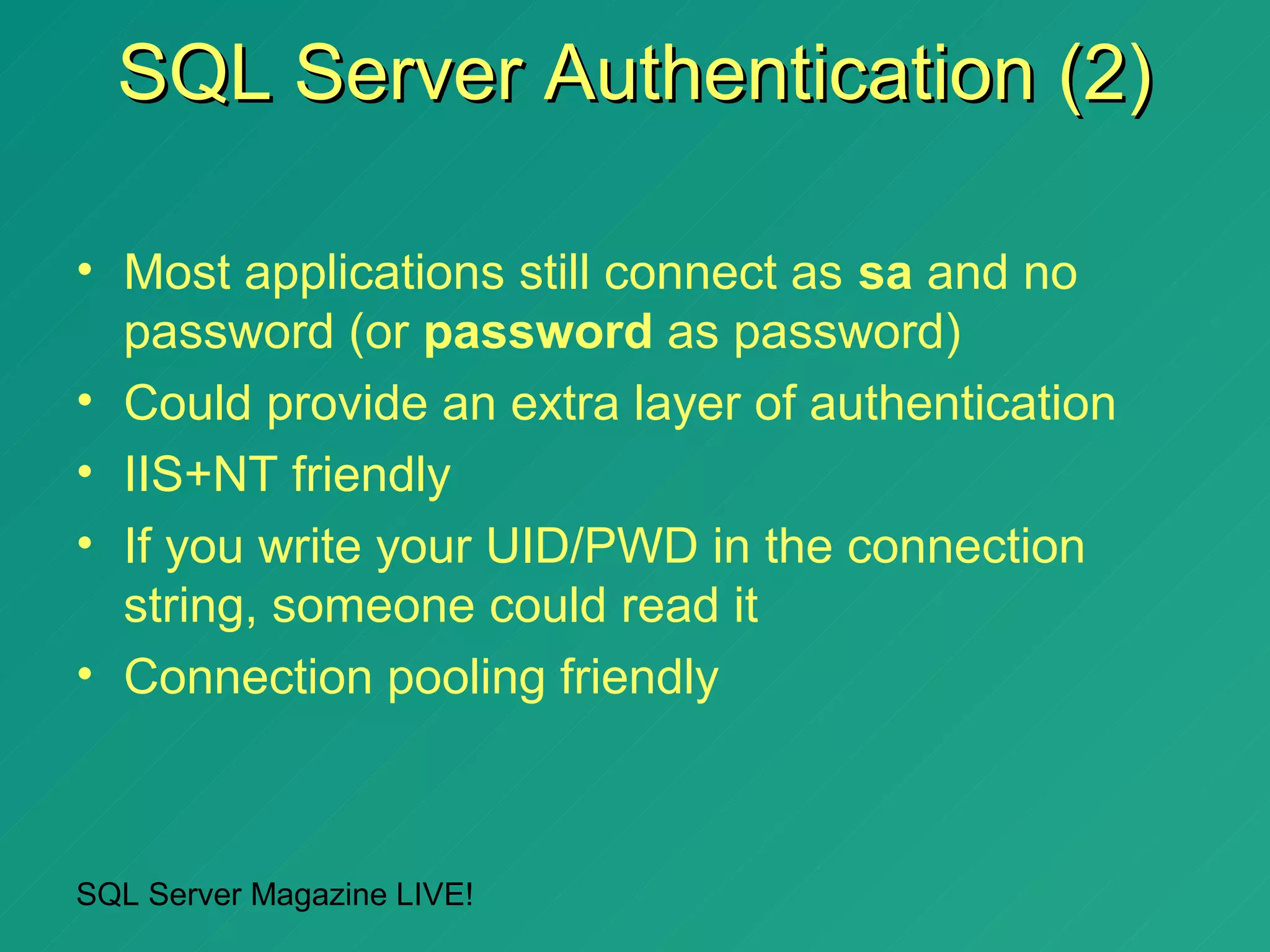
SQL Server Authentication (2)

• Most applications still connect as sa and no
  password (or password as password)
• Could provide an extra layer of authentication
• IIS+NT friendly
• If you write your UID/PWD in the connection
  string, someone could read it
• Connection pooling friendly


SQL Server Magazine LIVE!
How to create SQL Server
   logins programmatically from
     Visual Basic .NET (demo)


SQL Server Magazine LIVE!
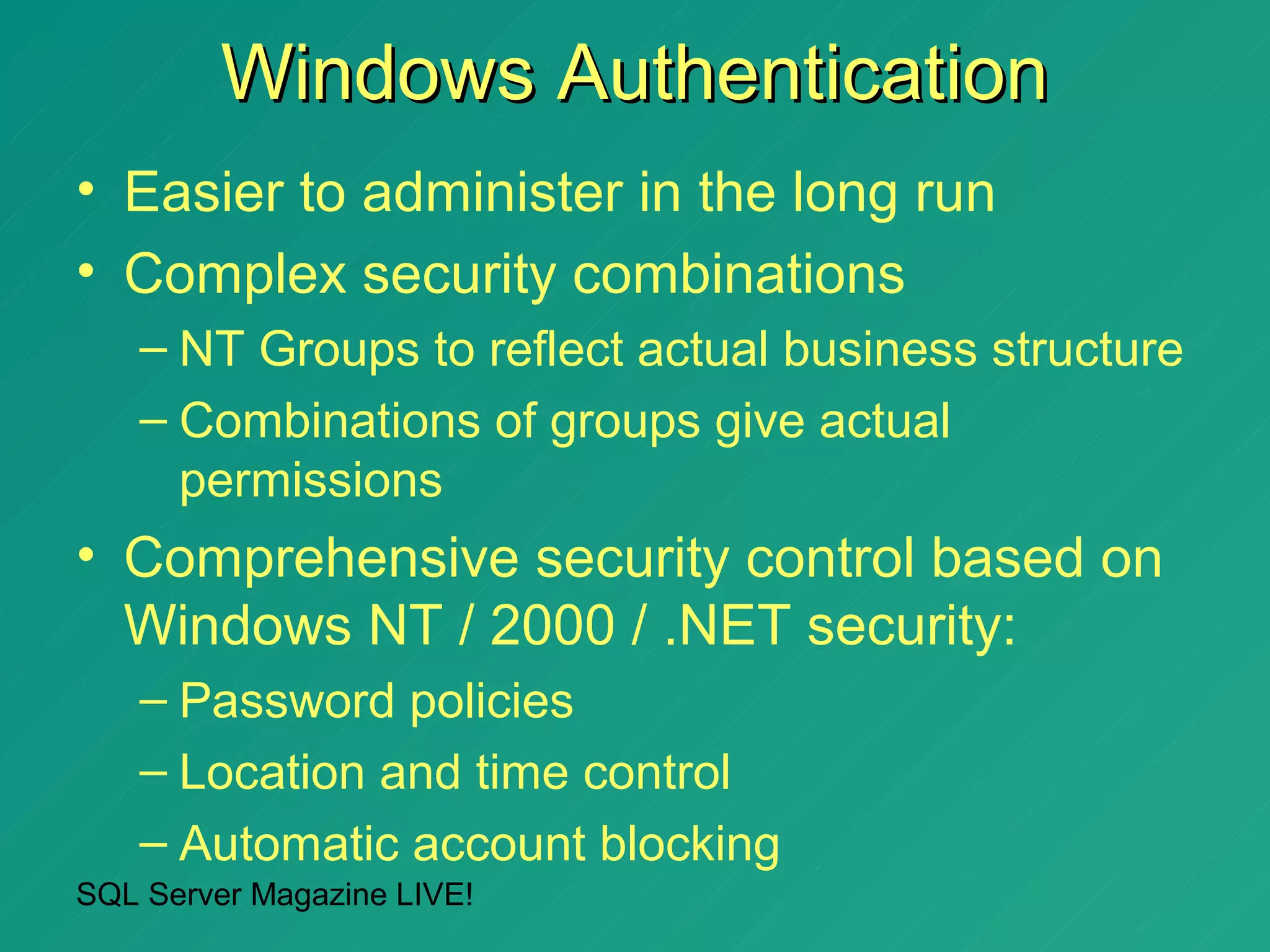
Windows Authentication
• Easier to administer in the long run
• Complex security combinations
   – NT Groups to reflect actual business structure
   – Combinations of groups give actual
     permissions
• Comprehensive security control based on
  Windows NT / 2000 / .NET security:
   – Password policies
   – Location and time control
   – Automatic account blocking
SQL Server Magazine LIVE!
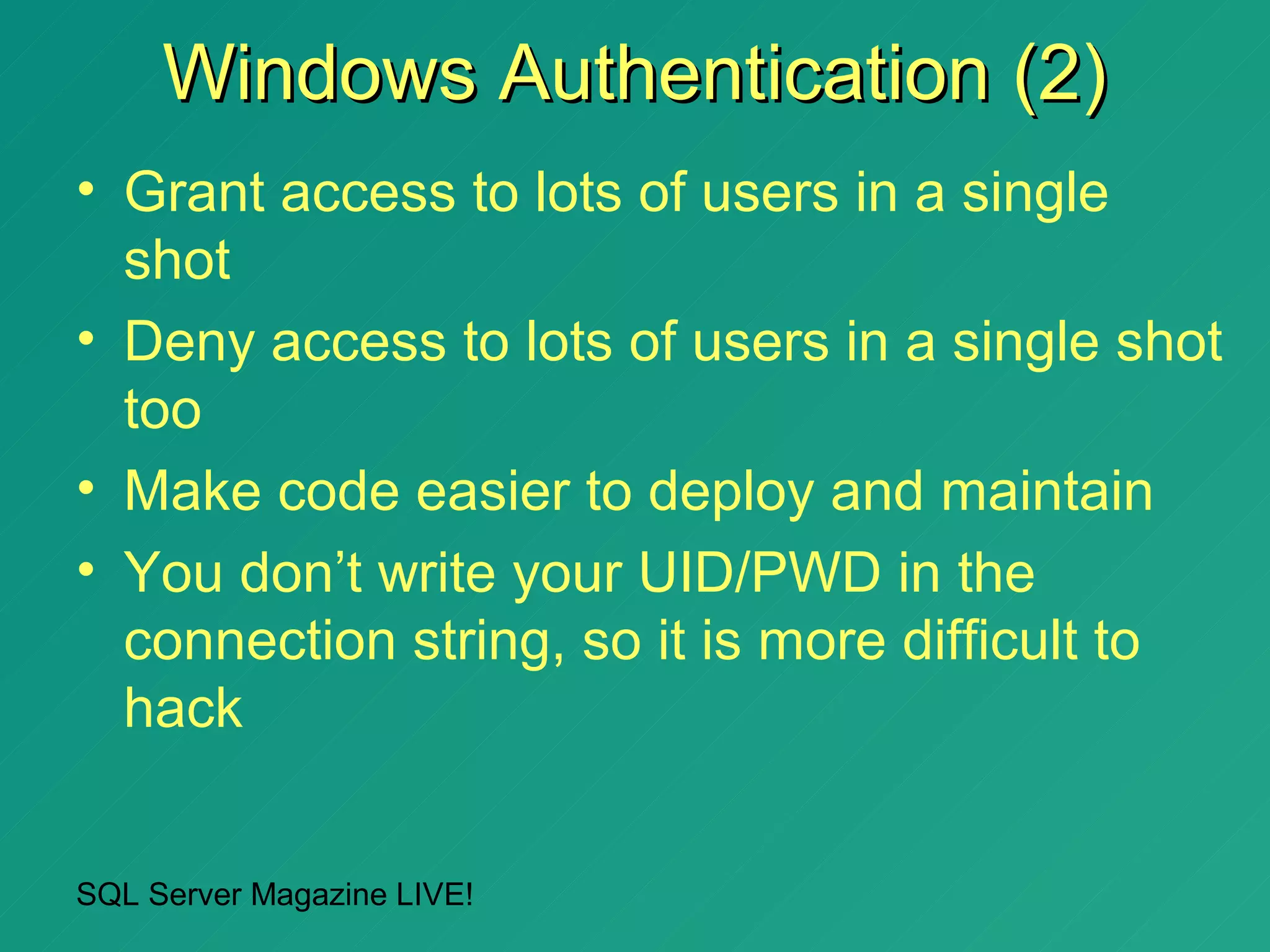
Windows Authentication (2)
• Grant access to lots of users in a single
  shot
• Deny access to lots of users in a single shot
  too
• Make code easier to deploy and maintain
• You don’t write your UID/PWD in the
  connection string, so it is more difficult to
  hack


SQL Server Magazine LIVE!
Connection Strings and
      Windows authentication in
         ADO.NET (demo)


SQL Server Magazine LIVE!
How to create programmatically
Windows logins in SQL Server
 2000 from Visual Basic .NET
           (demo)


SQL Server Magazine LIVE!
Using SQL-DMO from VB.NET to
  manage the authentication
mode, and SQL Server security
• In this demonstration you will see
  how to:
   – Change the SQL Server Authentication
     Mode
   – Manage SQL Server logins
• And we will do it by using VB.NET
  with:
   – SQL-DMO
   – SQLCommand objects

SQL Server Magazine LIVE!
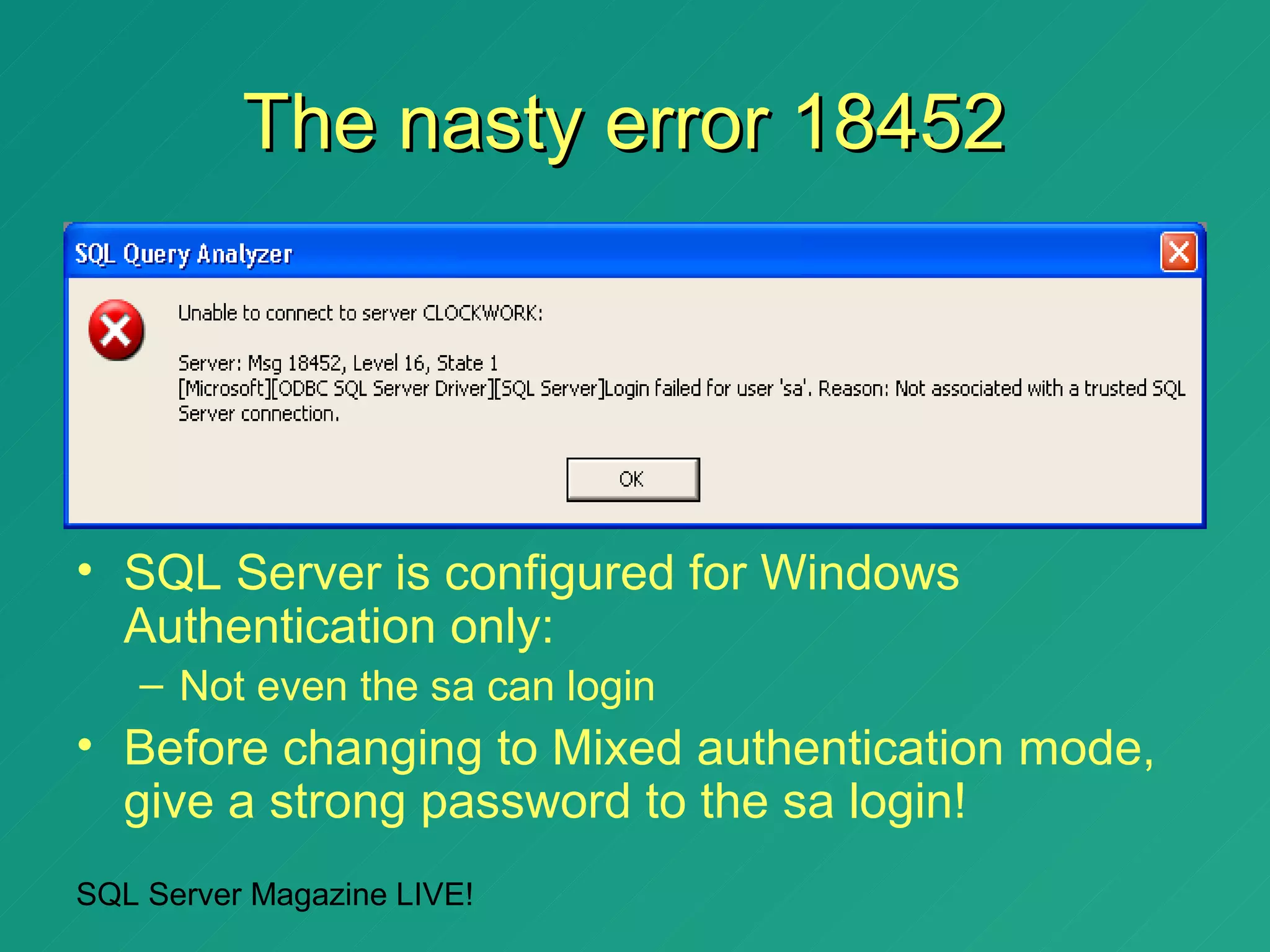
The nasty error 18452


• SQL Server is configured for Windows
  Authentication only:
   – Not even the sa can login
• Before changing to Mixed authentication mode,
  give a strong password to the sa login!
SQL Server Magazine LIVE!
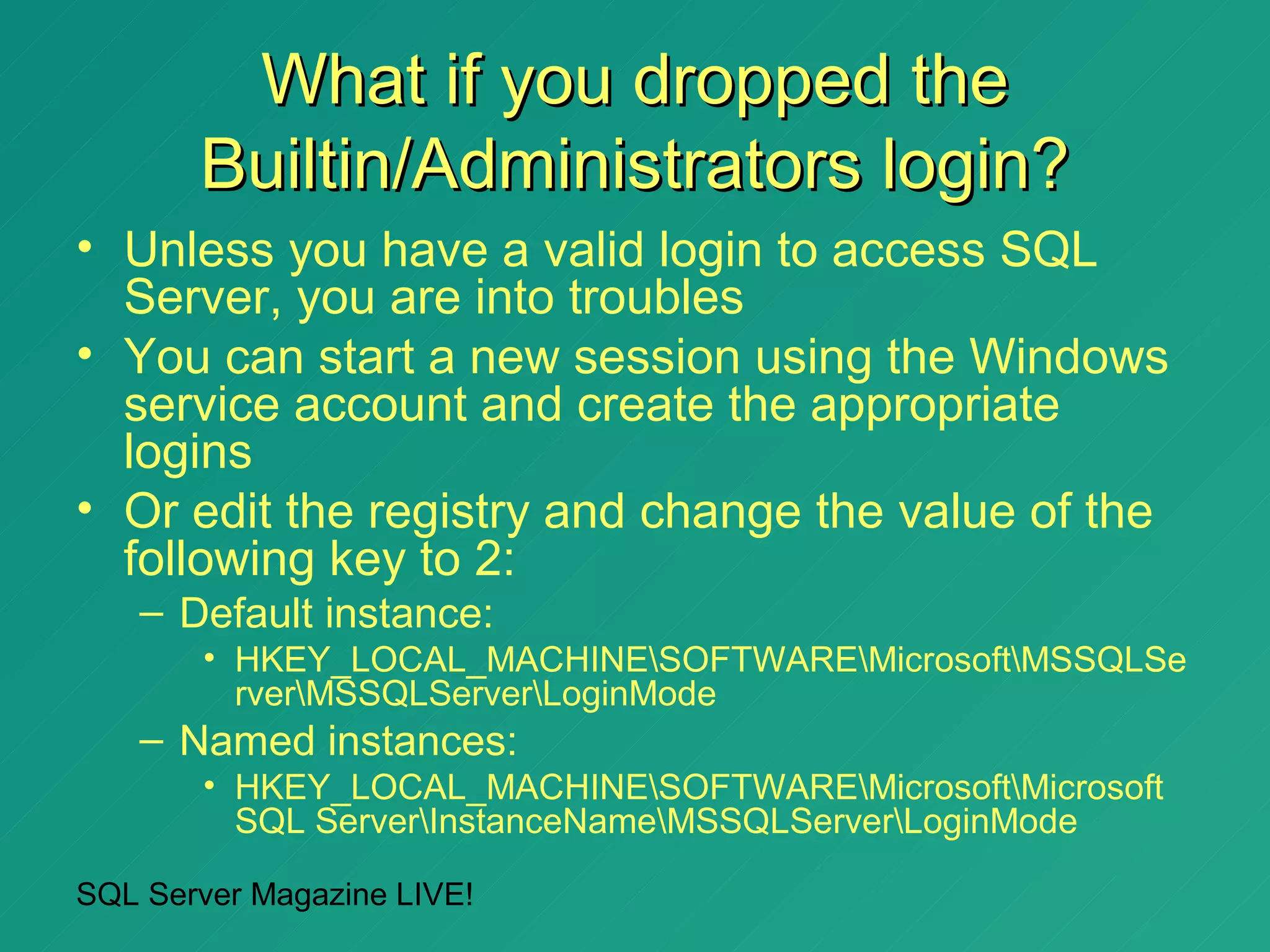
What if you dropped the
       Builtin/Administrators login?
• Unless you have a valid login to access SQL
  Server, you are into troubles
• You can start a new session using the Windows
  service account and create the appropriate
  logins
• Or edit the registry and change the value of the
  following key to 2:
   – Default instance:
       • HKEY_LOCAL_MACHINESOFTWAREMicrosoftMSSQLSe
         rverMSSQLServerLoginMode
   – Named instances:
       • HKEY_LOCAL_MACHINESOFTWAREMicrosoftMicrosoft
         SQL ServerInstanceNameMSSQLServerLoginMode

SQL Server Magazine LIVE!
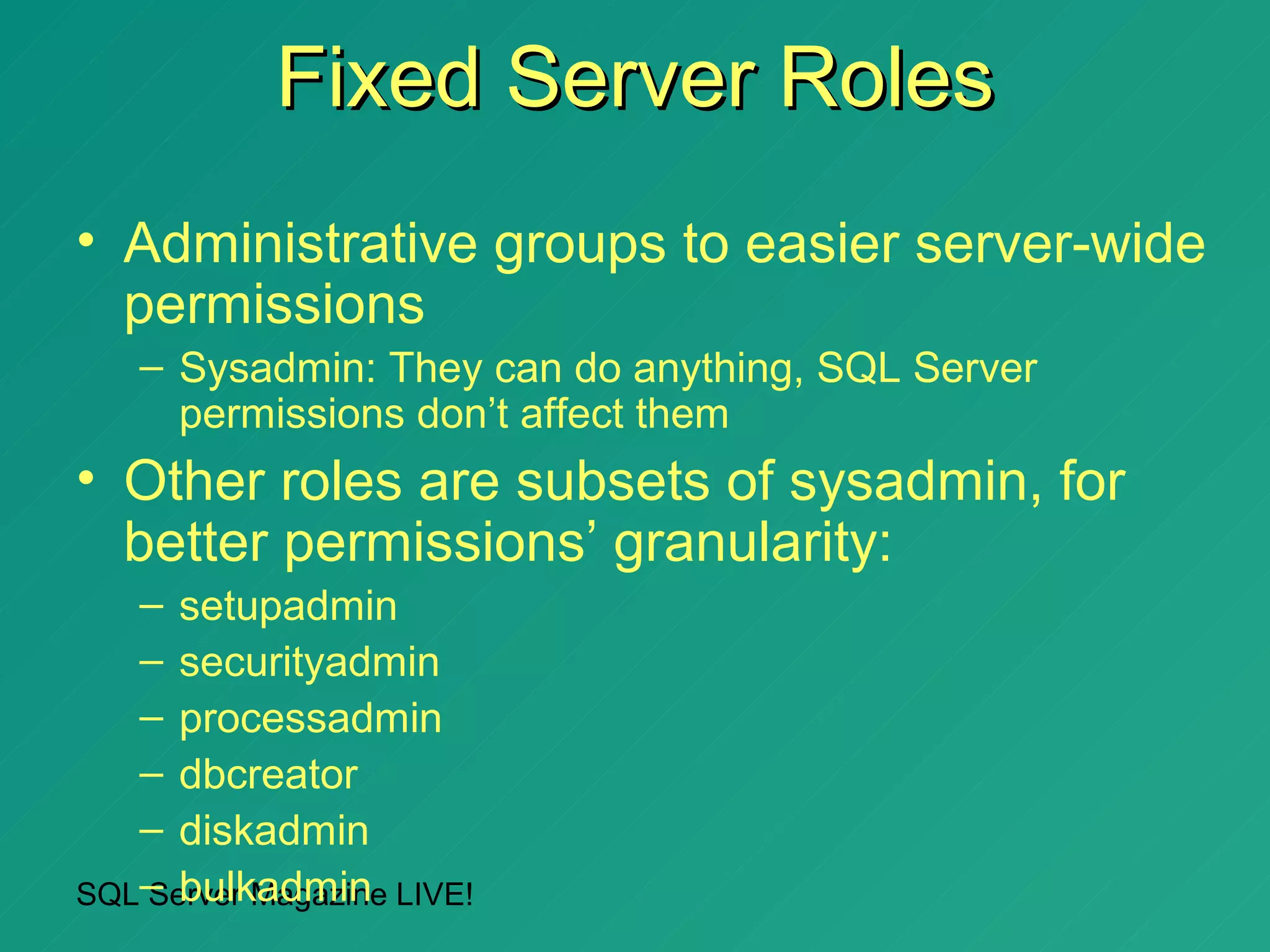
Fixed Server Roles
• Administrative groups to easier server-wide
  permissions
   – Sysadmin: They can do anything, SQL Server
     permissions don’t affect them
• Other roles are subsets of sysadmin, for
  better permissions’ granularity:
   – setupadmin
   – securityadmin
   – processadmin
   – dbcreator
   – diskadmin
SQL– bulkadmin LIVE!
   Server Magazine
How to use Server Roles from
              ADO.NET
• Simply put: you don’t
• The connection gets automatically server
  role membership according to the login
  used to connect to SQL Server
• To get the permission path used to
  connect to SQL Server, execute:
   – xp_logininfo [DomainNameUserName]


SQL Server Magazine LIVE!
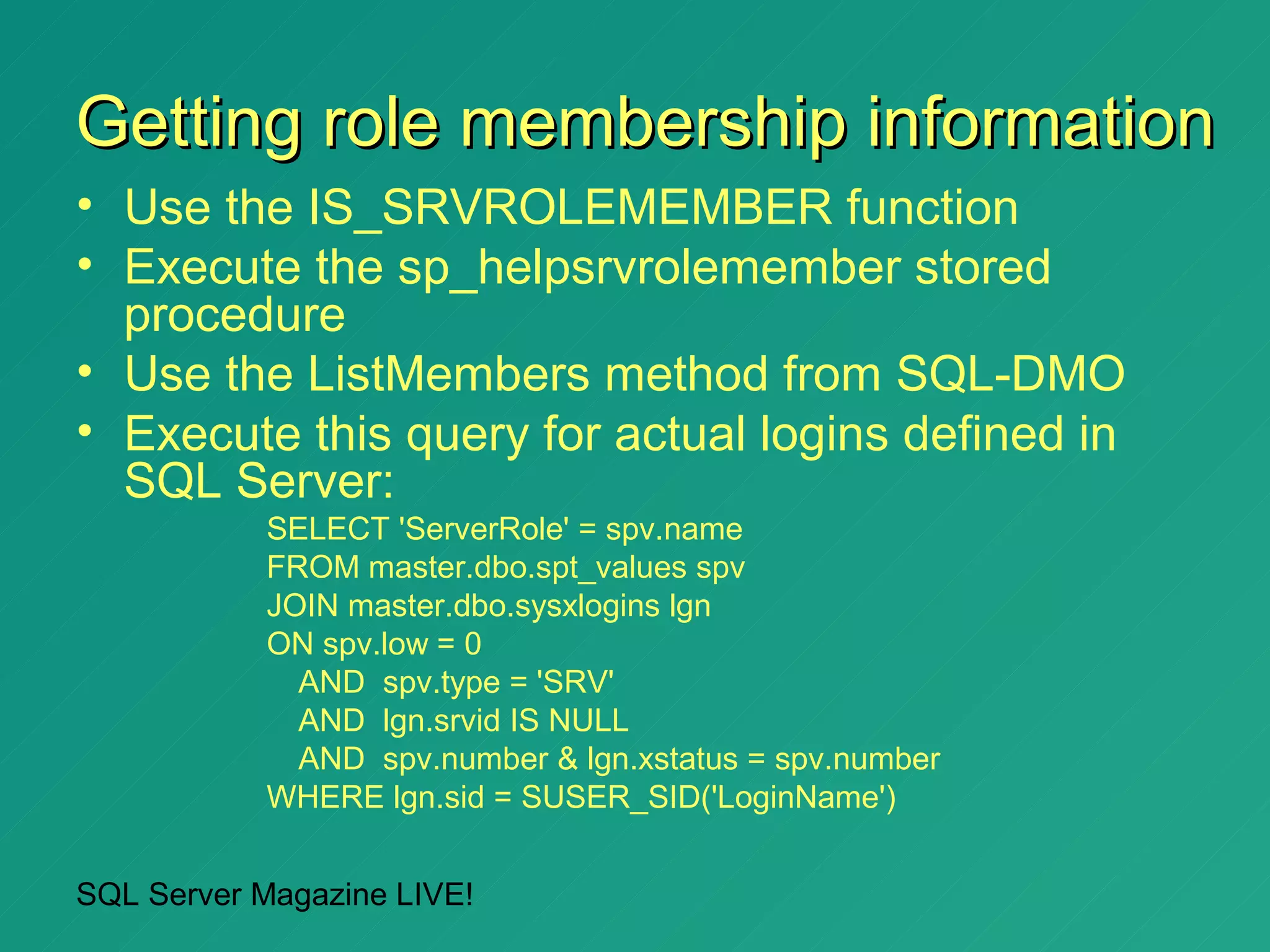
Getting role membership information
• Use the IS_SRVROLEMEMBER function
• Execute the sp_helpsrvrolemember stored
  procedure
• Use the ListMembers method from SQL-DMO
• Execute this query for actual logins defined in
  SQL Server:
           SELECT 'ServerRole' = spv.name
           FROM master.dbo.spt_values spv
           JOIN master.dbo.sysxlogins lgn
           ON spv.low = 0
             AND spv.type = 'SRV'
             AND lgn.srvid IS NULL
             AND spv.number & lgn.xstatus = spv.number
           WHERE lgn.sid = SUSER_SID('LoginName')


SQL Server Magazine LIVE!
Trying (unsuccessfully) to apply
   permissions to sysadmin
       members (demo)


SQL Server Magazine LIVE!
Agenda


• SQL Server Authentication modes
• Access to SQL Server Databases
• Application security using SQL Server
  2000 and ADO.NET


SQL Server Magazine LIVE!
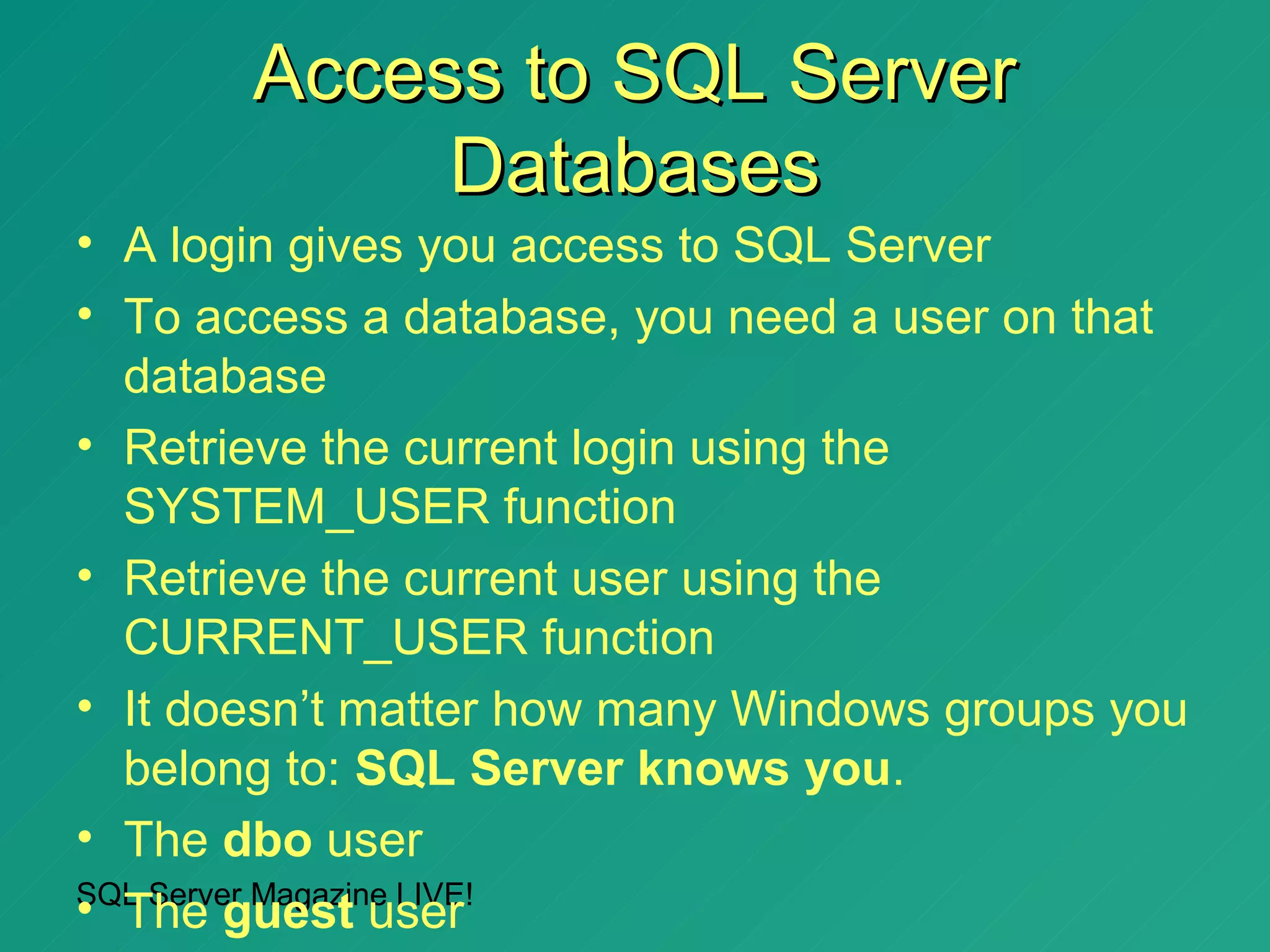
Access to SQL Server
            Databases
• A login gives you access to SQL Server
• To access a database, you need a user on that
  database
• Retrieve the current login using the
  SYSTEM_USER function
• Retrieve the current user using the
  CURRENT_USER function
• It doesn’t matter how many Windows groups you
  belong to: SQL Server knows you.
• The dbo user
SQL Server Magazine LIVE!
• The guest user
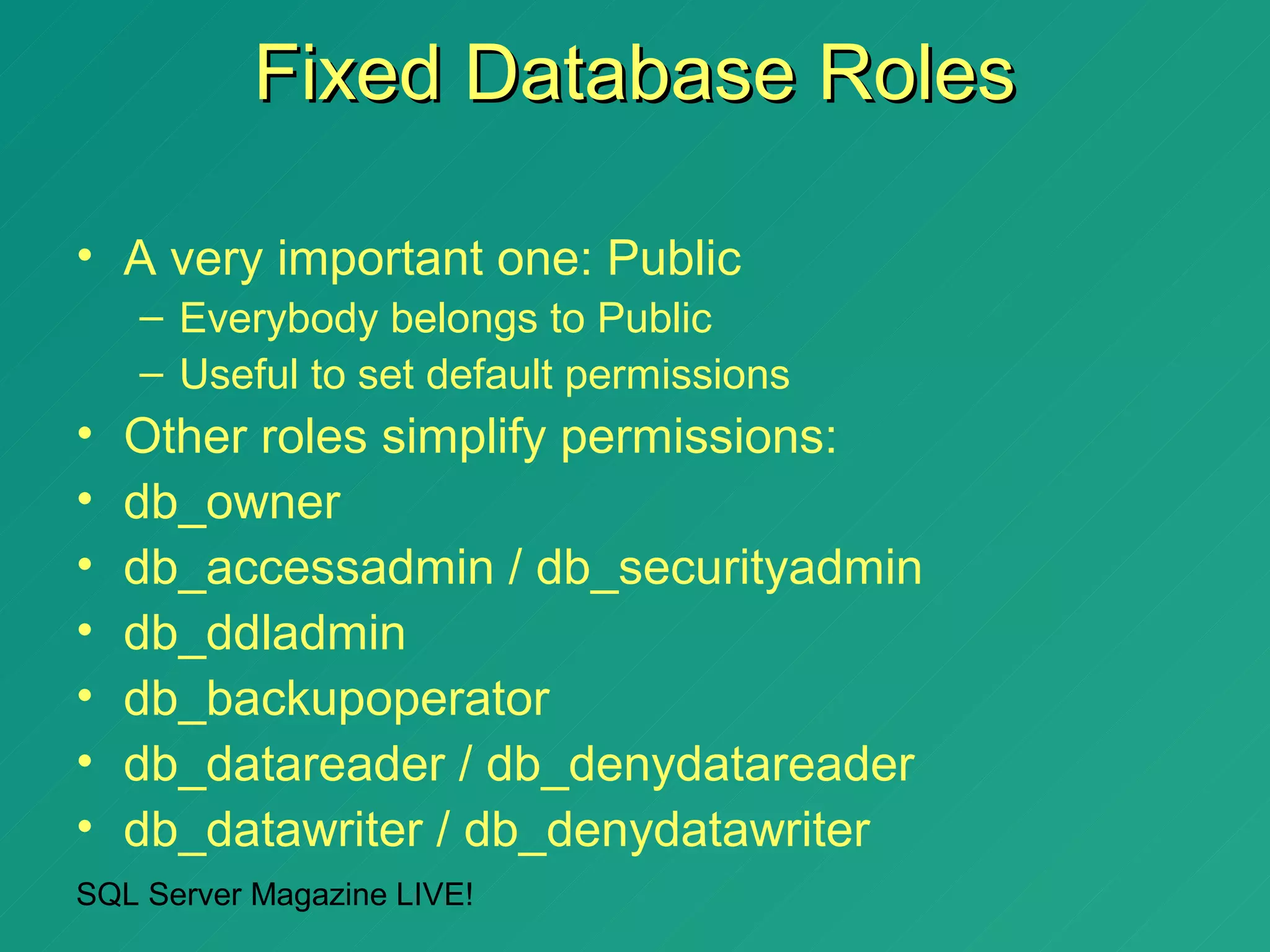
Fixed Database Roles

• A very important one: Public
    – Everybody belongs to Public
    – Useful to set default permissions
•   Other roles simplify permissions:
•   db_owner
•   db_accessadmin / db_securityadmin
•   db_ddladmin
•   db_backupoperator
•   db_datareader / db_denydatareader
•   db_datawriter / db_denydatawriter
SQL Server Magazine LIVE!
Do db_owner members have all
   permissions they think they
         have? (demo)


SQL Server Magazine LIVE!
Agenda


• SQL Server Authentication modes
• Access to SQL Server Databases
• Application security using SQL
  Server 2000 and ADO.NET


SQL Server Magazine LIVE!
Application security using SQL
   Server 2000 and ADO.NET
• You can deny permissions to every user on all
  access to tables
• Grant permissions to use views
• Grant permissions to execute stored procedures
• As long as all of them have the same owner, user
  will need permissions only on views / stored
  procedures
• SQL Server won’t check permissions on
  underlying objects / statements
• It doesn’t work with dynamic execution
SQL Server Magazine LIVE!
Testing application security with
  views and stored procedures
     from ADO.NET (demo)


SQL Server Magazine LIVE!
Granting and denying permissions
        on SQL statements
• GRANT Permission TO User/Role:
   –   CREATE DATABASE
   –   CREATE DEFAULT
   –   CREATE FUNCTION
   –   CREATE PROCEDURE
   –   CREATE RULE
   –   CREATE TABLE
   –   CREATE VIEW
   –   BACKUP DATABASE
   –   BACKUP LOG
SQL Server Magazine LIVE!
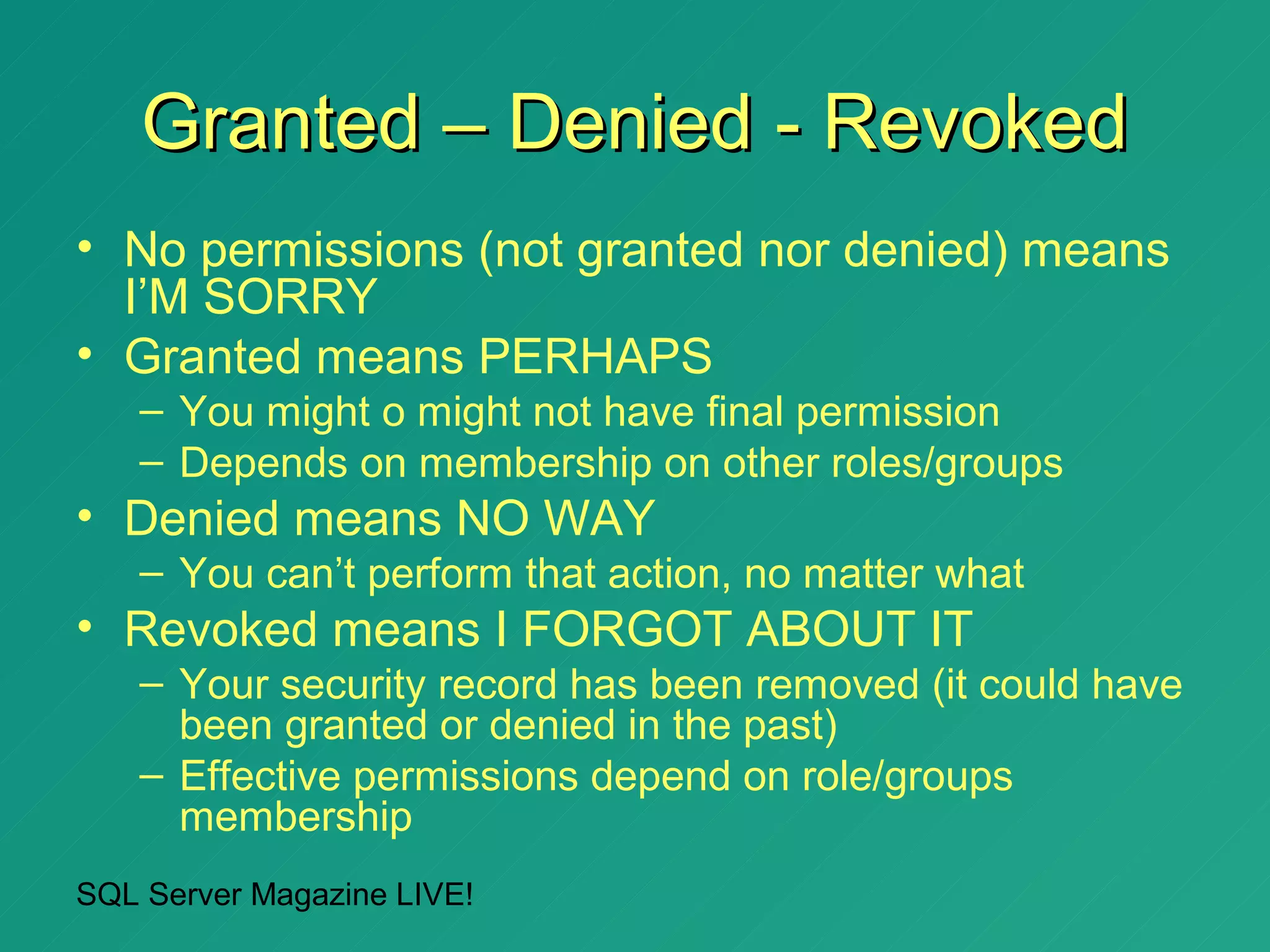
Granted – Denied - Revoked
• No permissions (not granted nor denied) means
  I’M SORRY
• Granted means PERHAPS
   – You might o might not have final permission
   – Depends on membership on other roles/groups
• Denied means NO WAY
   – You can’t perform that action, no matter what
• Revoked means I FORGOT ABOUT IT
   – Your security record has been removed (it could have
     been granted or denied in the past)
   – Effective permissions depend on role/groups
     membership
SQL Server Magazine LIVE!
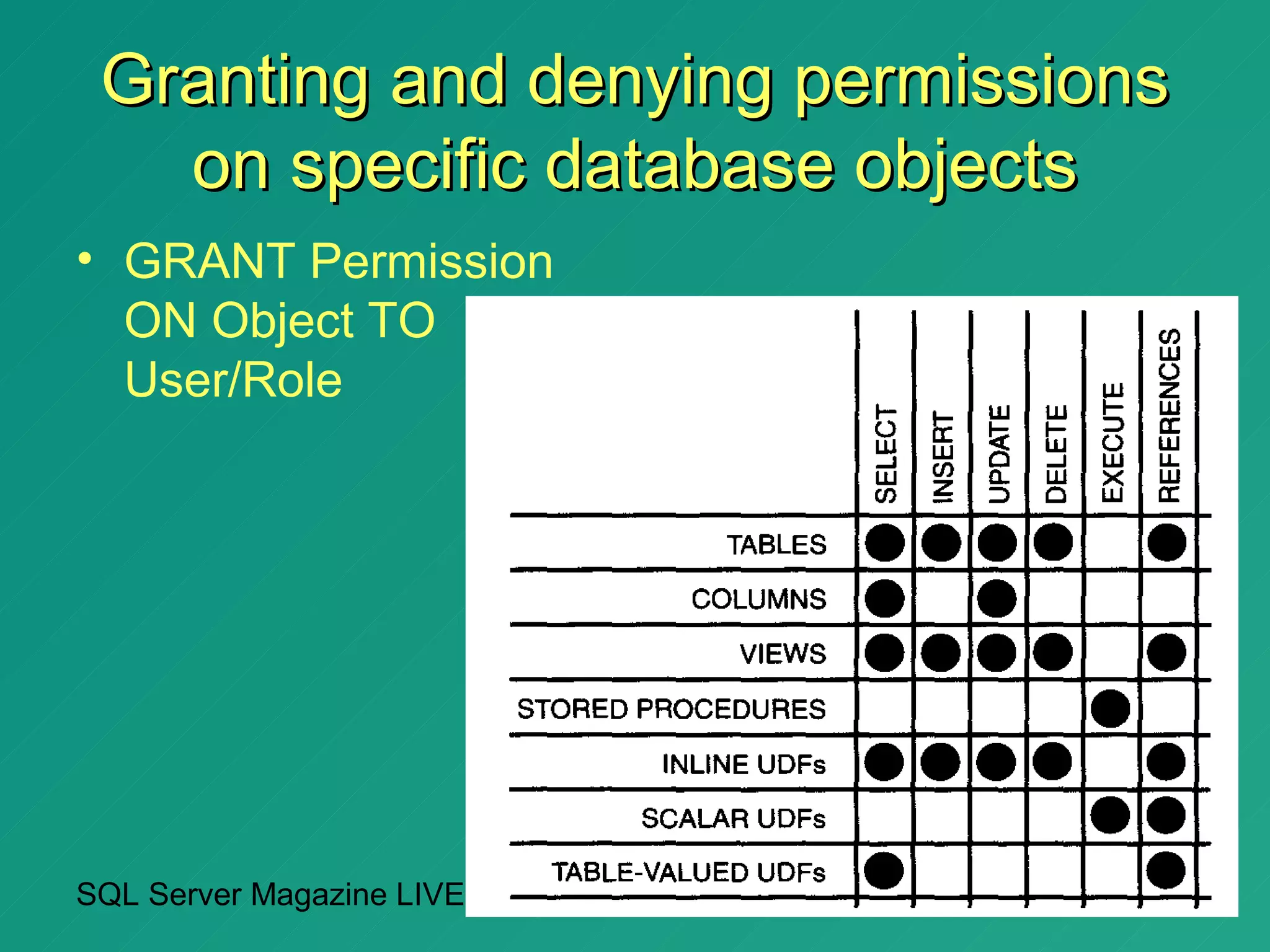
Granting and denying permissions
   on specific database objects
• GRANT Permission
  ON Object TO
  User/Role


SQL Server Magazine LIVE!
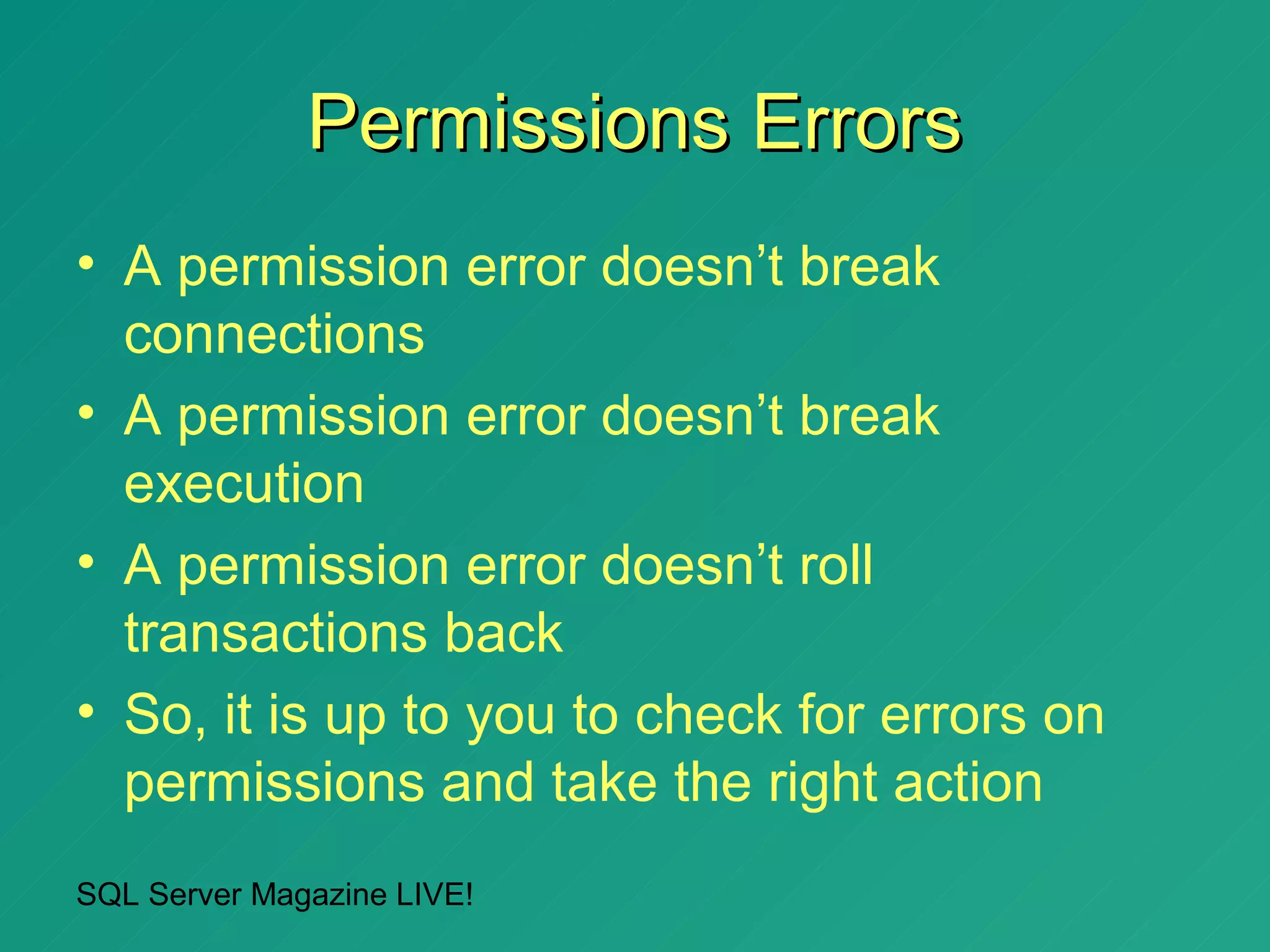
Permissions Errors
• A permission error doesn’t break
  connections
• A permission error doesn’t break
  execution
• A permission error doesn’t roll
  transactions back
• So, it is up to you to check for errors on
  permissions and take the right action
SQL Server Magazine LIVE!
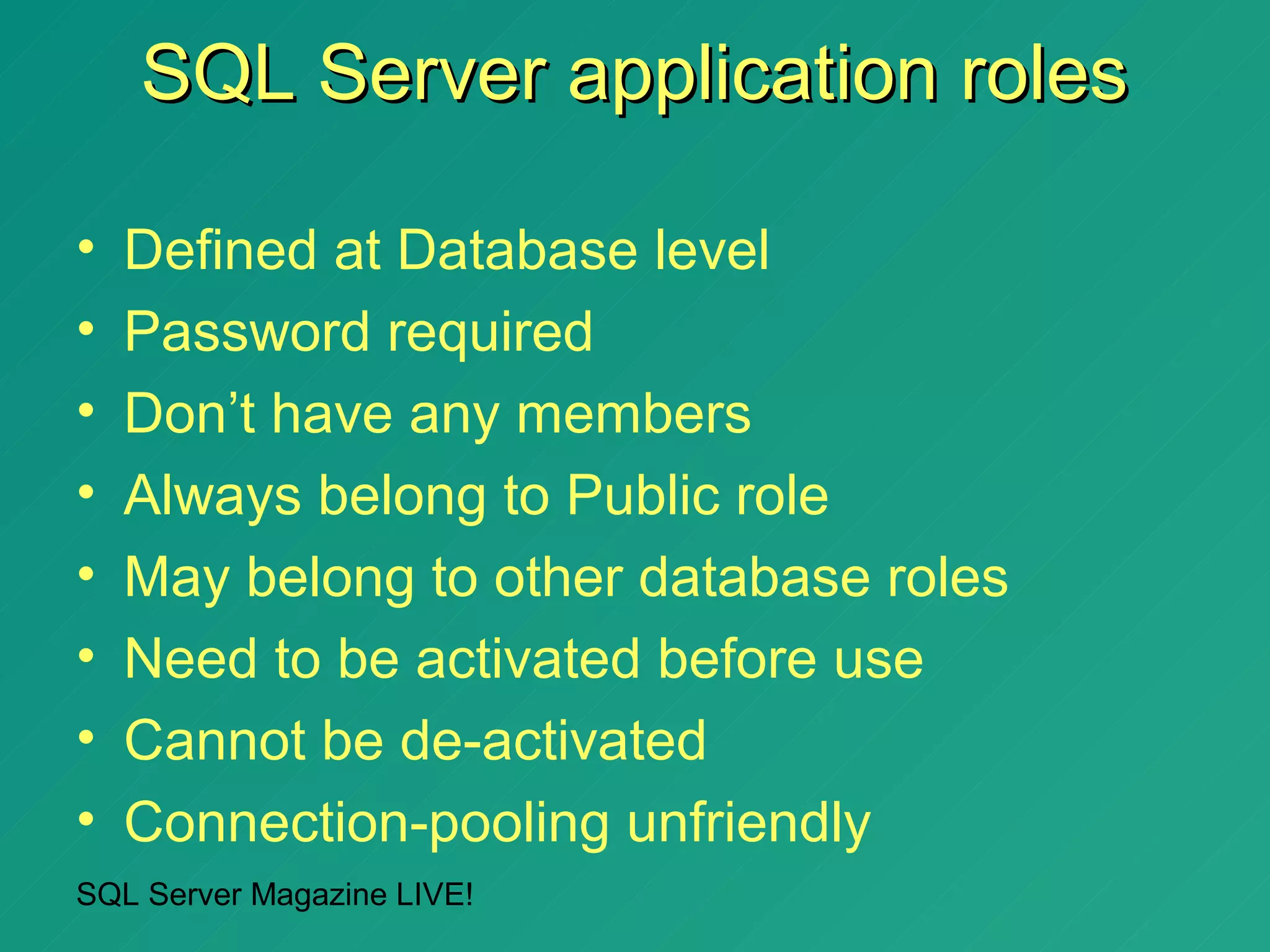
SQL Server application roles

•   Defined at Database level
•   Password required
•   Don’t have any members
•   Always belong to Public role
•   May belong to other database roles
•   Need to be activated before use
•   Cannot be de-activated
•   Connection-pooling unfriendly
SQL Server Magazine LIVE!
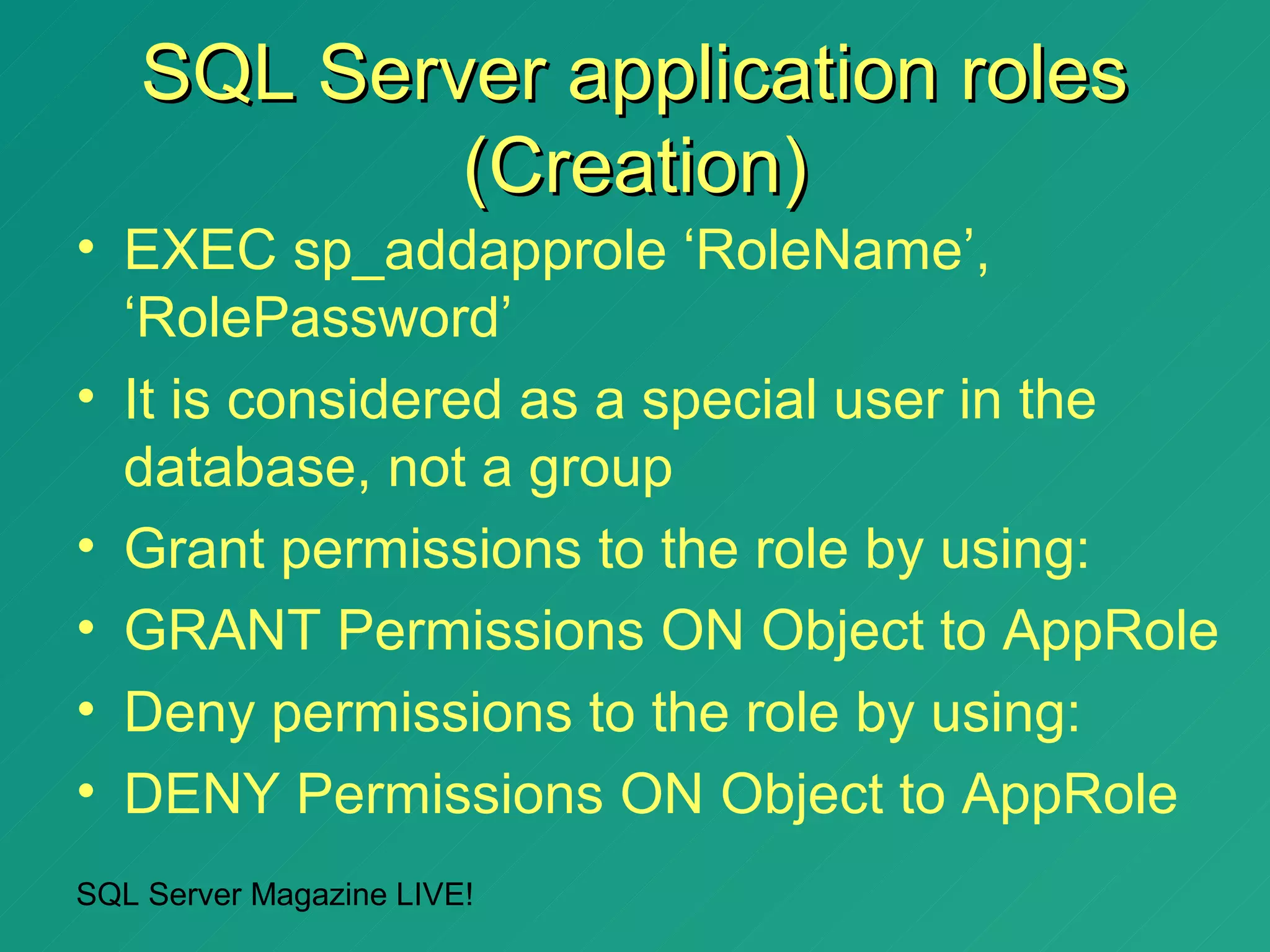
SQL Server application roles
            (Creation)
• EXEC sp_addapprole ‘RoleName’,
  ‘RolePassword’
• It is considered as a special user in the
  database, not a group
• Grant permissions to the role by using:
• GRANT Permissions ON Object to AppRole
• Deny permissions to the role by using:
• DENY Permissions ON Object to AppRole
SQL Server Magazine LIVE!
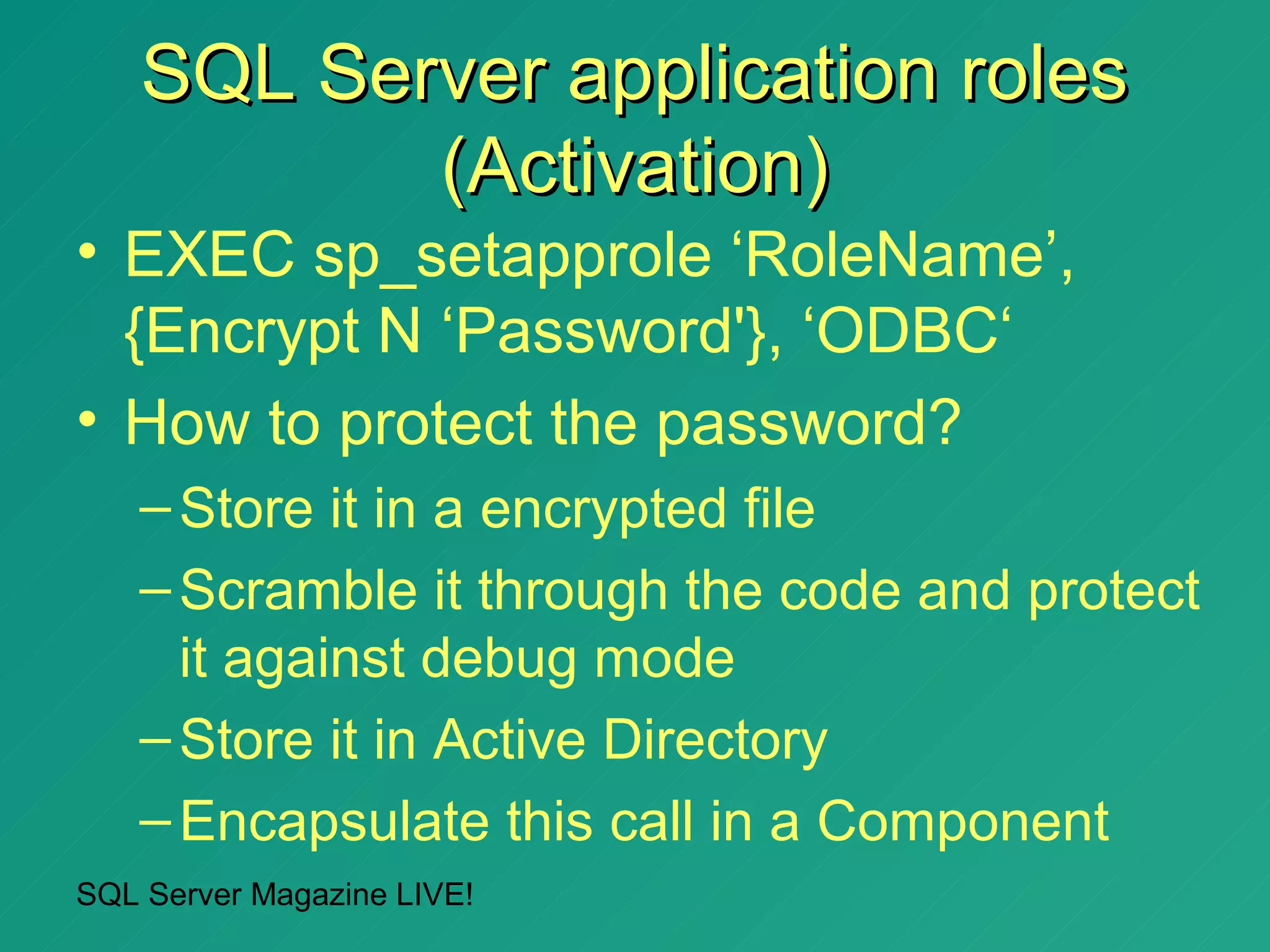
SQL Server application roles
           (Activation)
• EXEC sp_setapprole ‘RoleName’,
  {Encrypt N ‘Password'}, ‘ODBC‘
• How to protect the password?
   – Store it in a encrypted file
   – Scramble it through the code and protect
     it against debug mode
   – Store it in Active Directory
   – Encapsulate this call in a Component
SQL Server Magazine LIVE!
Using application roles from
         ADO.NET (demo)


SQL Server Magazine LIVE!
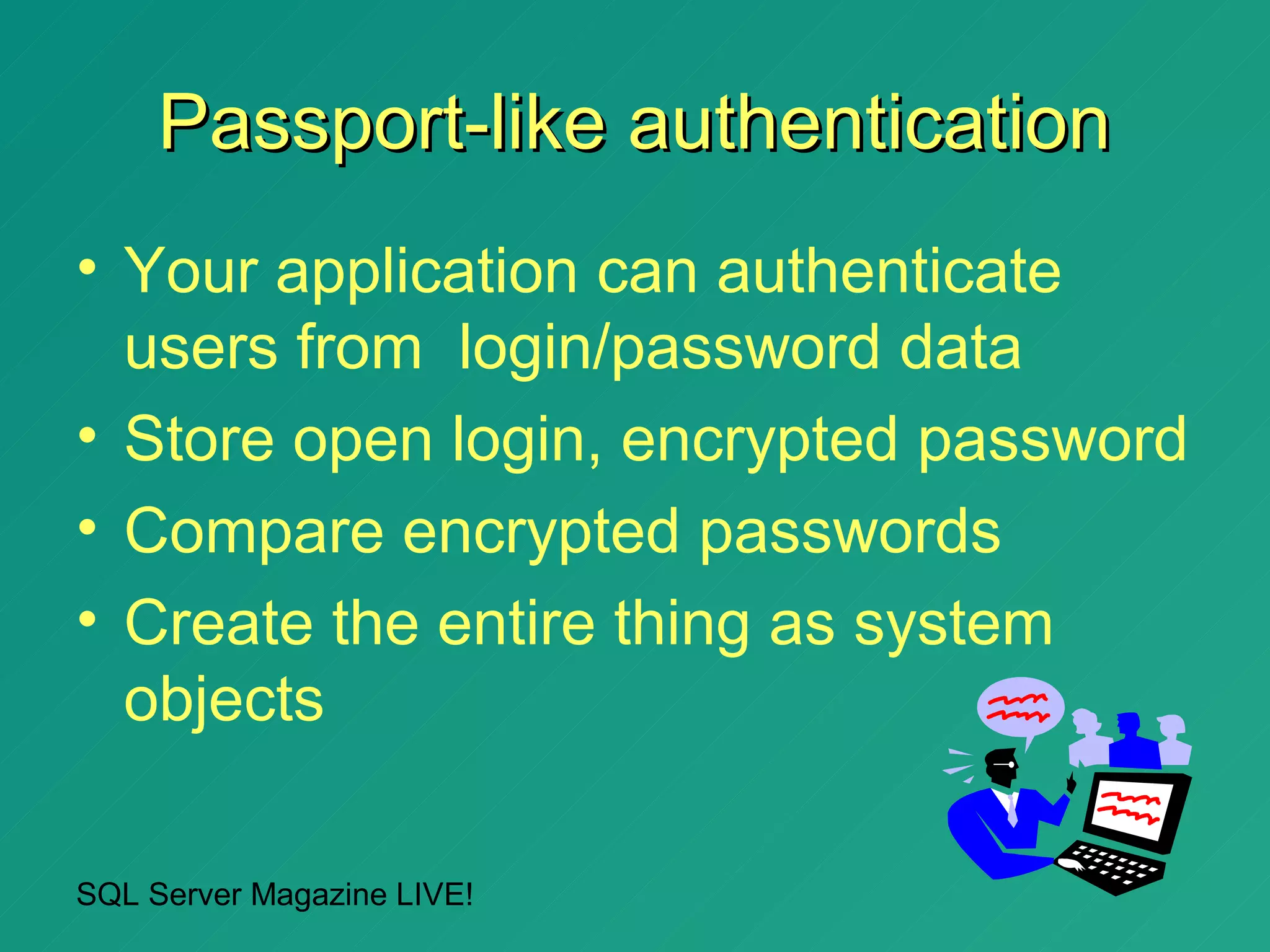
Passport-like authentication
• Your application can authenticate
  users from login/password data
• Store open login, encrypted password
• Compare encrypted passwords
• Create the entire thing as system
  objects

SQL Server Magazine LIVE!
Do you want to know more?
• “Inside SQL Server 2000” (Kalen Delaney, MSPress)
• “Advanced Transact-SQL for SQL Server 2000” (Itzik Ben-
  Gan & Tom Moreau, APress)
• “SQL Server 2000 Programming” (Robert Vieira, WROX)
• “Microsoft SQL Server 2000 Programming by Example”
  (Fernando G. Guerrero & Carlos Eduardo Rojas, QUE)
• “System.Data: A Clockwork Link between VB.NET and
  SQL Server ” (Fernando G. Guerrero, Apress)
• SQL Server 2000 Resource Kit (MSPress & TechNet)
• Visit the Microsoft public newsgroups:
   – msnews.microsoft.com/microsoft.public.sqlserver.*


 SQL Server Magazine LIVE!
Thank you!
                      Questions?
• Download the source code of this
  session from:
   – http://www.callsql.com/en/articles
• You can contact me at:
   – fernan@guerrerog.org


SQL Server Magazine LIVE!
Thank you!
                            • Please drop off your
                              session evaluations in
                              the basket at the back
                              of the room!
                            • Your comments are
                              greatly appreciated!


SQL Server Magazine LIVE!

Dealing with SQL Security from ADO.NET

  • 1.
    Session SAD336 Dealingwith SQL Security from ADO.NET Fernando G. Guerrero SQL Server MVP .NET Technical Lead QA plc October 2002
  • 2.
    Quick info aboutFernando (2 milliseconds) • MCSD, MCSE+Internet (W2K), MCDBA, MCT, QA SQL Server MVP • This is where I work: QA, The best learning environment in Europe • Writing for SQL Sever Magazine and SQL Server Professional • This is my main web site: www.callsql.com • This is my book (so far): – Microsoft SQL Server 2000 Programming by Example (ISBN : 0789724499, co-authored with Carlos Eduardo Rojas) • Currently writing on ADO.NET and SQL Server 2000 SQL Server Magazine LIVE!
  • 3.
    Agenda • SQL ServerAuthentication modes • Access to SQL Server Databases • Application security using SQL Server 2000 and ADO.NET • Note: as this is a SQL Server session, I’ll show you as much Transact-SQL code as possible, but some examples on ADO.NET, VB.NET and SQL-DMO won’t hurt you SQL Server Magazine LIVE!
  • 4.
    SQL Server Authenticationmodes • SQL Server Authentication – SQL Server specific logins – Not recommended for Windows users – Specify UID/PWD in the ConnectionString • Windows integrated – Create logins for Windows groups, not users – Deny access to SQL Server by creating Windows logins in SQL Server – Specify Trusted_Connection=true in the ConnectionString SQL Server Magazine LIVE!
  • 5.
    SQL Server Authentication • Easy to understand • Independent of the Windows Domain structure • Not too flexible • Easier to break • Connection pooling unfriendly SQL Server Magazine LIVE!
  • 6.
    SQL Server Authentication(2) • Most applications still connect as sa and no password (or password as password) • Could provide an extra layer of authentication • IIS+NT friendly • If you write your UID/PWD in the connection string, someone could read it • Connection pooling friendly SQL Server Magazine LIVE!
  • 7.
    How to createSQL Server logins programmatically from Visual Basic .NET (demo) SQL Server Magazine LIVE!
  • 8.
    Windows Authentication • Easierto administer in the long run • Complex security combinations – NT Groups to reflect actual business structure – Combinations of groups give actual permissions • Comprehensive security control based on Windows NT / 2000 / .NET security: – Password policies – Location and time control – Automatic account blocking SQL Server Magazine LIVE!
  • 9.
    Windows Authentication (2) •Grant access to lots of users in a single shot • Deny access to lots of users in a single shot too • Make code easier to deploy and maintain • You don’t write your UID/PWD in the connection string, so it is more difficult to hack SQL Server Magazine LIVE!
  • 10.
    Connection Strings and Windows authentication in ADO.NET (demo) SQL Server Magazine LIVE!
  • 11.
    How to createprogrammatically Windows logins in SQL Server 2000 from Visual Basic .NET (demo) SQL Server Magazine LIVE!
  • 12.
    Using SQL-DMO fromVB.NET to manage the authentication mode, and SQL Server security • In this demonstration you will see how to: – Change the SQL Server Authentication Mode – Manage SQL Server logins • And we will do it by using VB.NET with: – SQL-DMO – SQLCommand objects SQL Server Magazine LIVE!
  • 13.
    The nasty error18452 • SQL Server is configured for Windows Authentication only: – Not even the sa can login • Before changing to Mixed authentication mode, give a strong password to the sa login! SQL Server Magazine LIVE!
  • 14.
    What if youdropped the Builtin/Administrators login? • Unless you have a valid login to access SQL Server, you are into troubles • You can start a new session using the Windows service account and create the appropriate logins • Or edit the registry and change the value of the following key to 2: – Default instance: • HKEY_LOCAL_MACHINESOFTWAREMicrosoftMSSQLSe rverMSSQLServerLoginMode – Named instances: • HKEY_LOCAL_MACHINESOFTWAREMicrosoftMicrosoft SQL ServerInstanceNameMSSQLServerLoginMode SQL Server Magazine LIVE!
  • 15.
    Fixed Server Roles •Administrative groups to easier server-wide permissions – Sysadmin: They can do anything, SQL Server permissions don’t affect them • Other roles are subsets of sysadmin, for better permissions’ granularity: – setupadmin – securityadmin – processadmin – dbcreator – diskadmin SQL– bulkadmin LIVE! Server Magazine
  • 16.
    How to useServer Roles from ADO.NET • Simply put: you don’t • The connection gets automatically server role membership according to the login used to connect to SQL Server • To get the permission path used to connect to SQL Server, execute: – xp_logininfo [DomainNameUserName] SQL Server Magazine LIVE!
  • 17.
    Getting role membershipinformation • Use the IS_SRVROLEMEMBER function • Execute the sp_helpsrvrolemember stored procedure • Use the ListMembers method from SQL-DMO • Execute this query for actual logins defined in SQL Server: SELECT 'ServerRole' = spv.name FROM master.dbo.spt_values spv JOIN master.dbo.sysxlogins lgn ON spv.low = 0 AND spv.type = 'SRV' AND lgn.srvid IS NULL AND spv.number & lgn.xstatus = spv.number WHERE lgn.sid = SUSER_SID('LoginName') SQL Server Magazine LIVE!
  • 18.
    Trying (unsuccessfully) toapply permissions to sysadmin members (demo) SQL Server Magazine LIVE!
  • 19.
    Agenda • SQL ServerAuthentication modes • Access to SQL Server Databases • Application security using SQL Server 2000 and ADO.NET SQL Server Magazine LIVE!
  • 20.
    Access to SQLServer Databases • A login gives you access to SQL Server • To access a database, you need a user on that database • Retrieve the current login using the SYSTEM_USER function • Retrieve the current user using the CURRENT_USER function • It doesn’t matter how many Windows groups you belong to: SQL Server knows you. • The dbo user SQL Server Magazine LIVE! • The guest user
  • 21.
    Fixed Database Roles •A very important one: Public – Everybody belongs to Public – Useful to set default permissions • Other roles simplify permissions: • db_owner • db_accessadmin / db_securityadmin • db_ddladmin • db_backupoperator • db_datareader / db_denydatareader • db_datawriter / db_denydatawriter SQL Server Magazine LIVE!
  • 22.
    Do db_owner membershave all permissions they think they have? (demo) SQL Server Magazine LIVE!
  • 23.
    Agenda • SQL ServerAuthentication modes • Access to SQL Server Databases • Application security using SQL Server 2000 and ADO.NET SQL Server Magazine LIVE!
  • 24.
    Application security usingSQL Server 2000 and ADO.NET • You can deny permissions to every user on all access to tables • Grant permissions to use views • Grant permissions to execute stored procedures • As long as all of them have the same owner, user will need permissions only on views / stored procedures • SQL Server won’t check permissions on underlying objects / statements • It doesn’t work with dynamic execution SQL Server Magazine LIVE!
  • 25.
    Testing application securitywith views and stored procedures from ADO.NET (demo) SQL Server Magazine LIVE!
  • 26.
    Granting and denyingpermissions on SQL statements • GRANT Permission TO User/Role: – CREATE DATABASE – CREATE DEFAULT – CREATE FUNCTION – CREATE PROCEDURE – CREATE RULE – CREATE TABLE – CREATE VIEW – BACKUP DATABASE – BACKUP LOG SQL Server Magazine LIVE!
  • 27.
    Granted – Denied- Revoked • No permissions (not granted nor denied) means I’M SORRY • Granted means PERHAPS – You might o might not have final permission – Depends on membership on other roles/groups • Denied means NO WAY – You can’t perform that action, no matter what • Revoked means I FORGOT ABOUT IT – Your security record has been removed (it could have been granted or denied in the past) – Effective permissions depend on role/groups membership SQL Server Magazine LIVE!
  • 28.
    Granting and denyingpermissions on specific database objects • GRANT Permission ON Object TO User/Role SQL Server Magazine LIVE!
  • 29.
    Permissions Errors • Apermission error doesn’t break connections • A permission error doesn’t break execution • A permission error doesn’t roll transactions back • So, it is up to you to check for errors on permissions and take the right action SQL Server Magazine LIVE!
  • 30.
    SQL Server applicationroles • Defined at Database level • Password required • Don’t have any members • Always belong to Public role • May belong to other database roles • Need to be activated before use • Cannot be de-activated • Connection-pooling unfriendly SQL Server Magazine LIVE!
  • 31.
    SQL Server applicationroles (Creation) • EXEC sp_addapprole ‘RoleName’, ‘RolePassword’ • It is considered as a special user in the database, not a group • Grant permissions to the role by using: • GRANT Permissions ON Object to AppRole • Deny permissions to the role by using: • DENY Permissions ON Object to AppRole SQL Server Magazine LIVE!
  • 32.
    SQL Server applicationroles (Activation) • EXEC sp_setapprole ‘RoleName’, {Encrypt N ‘Password'}, ‘ODBC‘ • How to protect the password? – Store it in a encrypted file – Scramble it through the code and protect it against debug mode – Store it in Active Directory – Encapsulate this call in a Component SQL Server Magazine LIVE!
  • 33.
    Using application rolesfrom ADO.NET (demo) SQL Server Magazine LIVE!
  • 34.
    Passport-like authentication • Yourapplication can authenticate users from login/password data • Store open login, encrypted password • Compare encrypted passwords • Create the entire thing as system objects SQL Server Magazine LIVE!
  • 35.
    Do you wantto know more? • “Inside SQL Server 2000” (Kalen Delaney, MSPress) • “Advanced Transact-SQL for SQL Server 2000” (Itzik Ben- Gan & Tom Moreau, APress) • “SQL Server 2000 Programming” (Robert Vieira, WROX) • “Microsoft SQL Server 2000 Programming by Example” (Fernando G. Guerrero & Carlos Eduardo Rojas, QUE) • “System.Data: A Clockwork Link between VB.NET and SQL Server ” (Fernando G. Guerrero, Apress) • SQL Server 2000 Resource Kit (MSPress & TechNet) • Visit the Microsoft public newsgroups: – msnews.microsoft.com/microsoft.public.sqlserver.* SQL Server Magazine LIVE!
  • 36.
    Thank you! Questions? • Download the source code of this session from: – http://www.callsql.com/en/articles • You can contact me at: – fernan@guerrerog.org SQL Server Magazine LIVE!
  • 37.
    Thank you! • Please drop off your session evaluations in the basket at the back of the room! • Your comments are greatly appreciated! SQL Server Magazine LIVE!