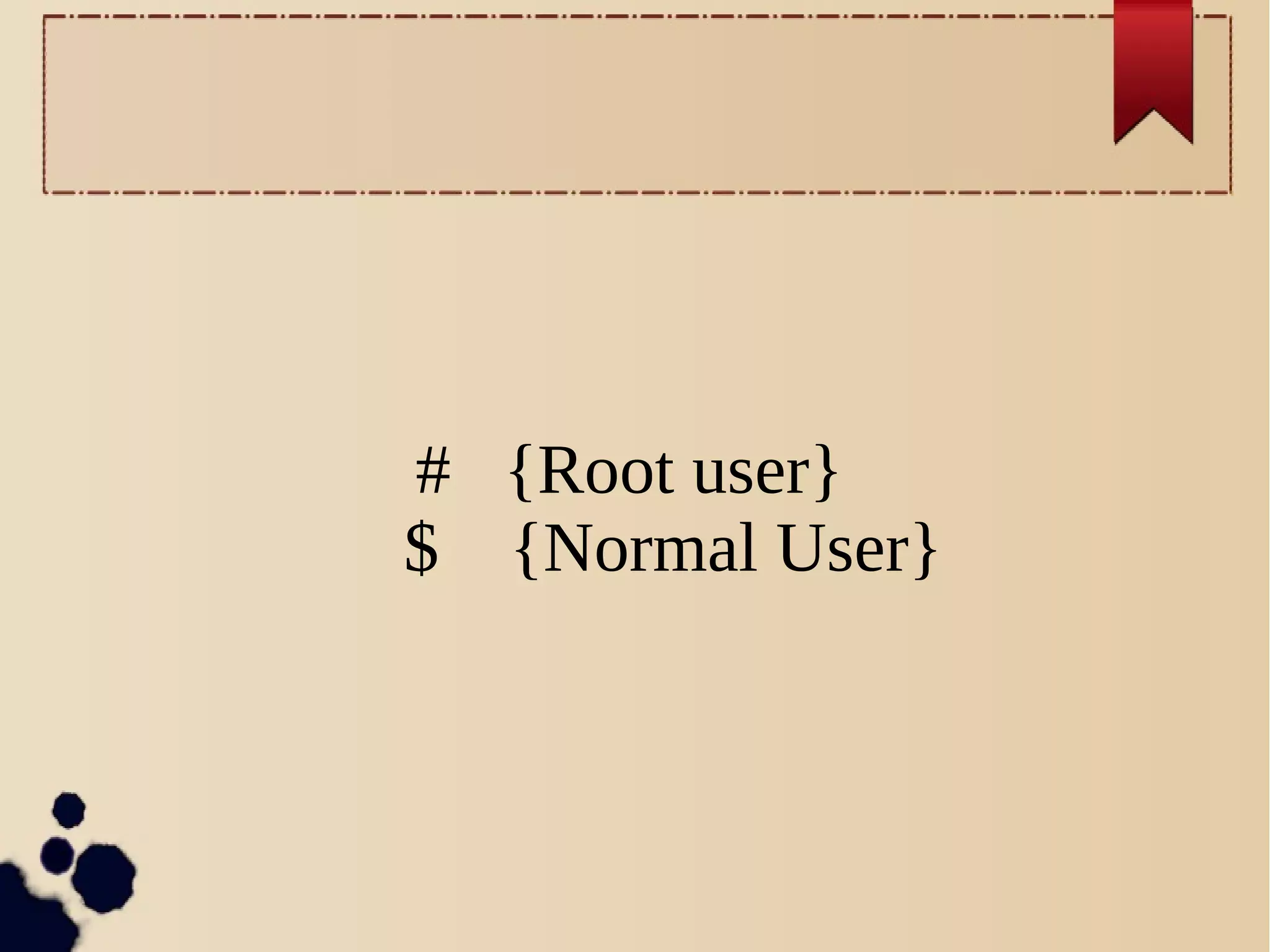
# {Root user}
$ {Normal User}
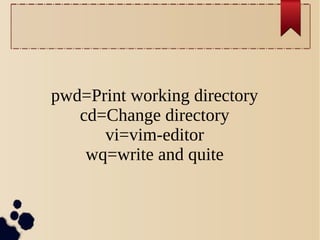
pwd=Print working directory
cd=Change directory
vi=vim-editor
wq=write and quite
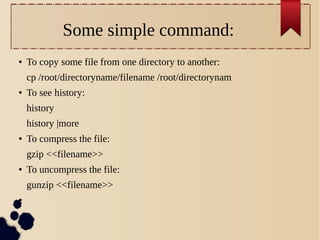
Some simple command:
●

To copy some file from one directory to another:
cp /root/directoryname/filename /root/directorynam

●

To see history:
history
history |more

●

To compress the file:
gzip <<filename>>

●

To uncompress the file:
gunzip <<filename>>

●
●

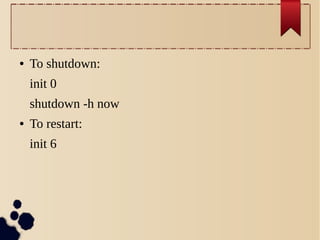
To shutdown:
init 0
shutdown -h now

●

To restart:
init 6
➔

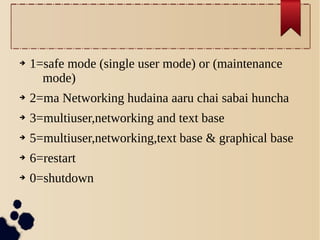
1=safe mode (single user mode) or (maintenance
mode)

➔

2=ma Networking hudaina aaru chai sabai huncha

➔

3=multiuser,networking and text base

➔

5=multiuser,networking,text base & graphical base

➔

6=restart

➔

0=shutdown
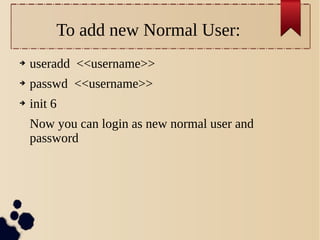
To add new Normal User:
➔

useradd <<username>>

➔

passwd <<username>>

➔

init 6
Now you can login as new normal user and
password
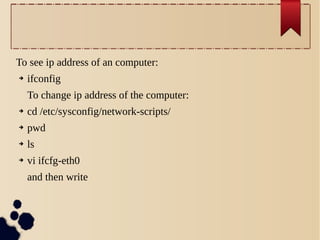
To see ip address of an computer:
➔

ifconfig
To change ip address of the computer:

➔

cd /etc/sysconfig/network-scripts/

➔

pwd

➔

ls

➔

vi ifcfg-eth0
and then write
➢

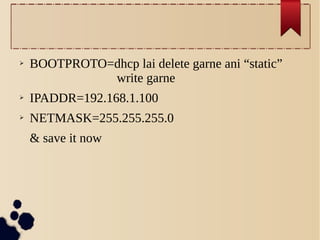
BOOTPROTO=dhcp lai delete garne ani “static”
write garne

➢

IPADDR=192.168.1.100

➢

NETMASK=255.255.255.0
& save it now
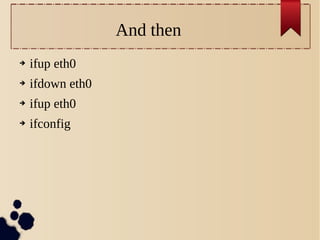
And then
➔

ifup eth0

➔

ifdown eth0

➔

ifup eth0

➔

ifconfig
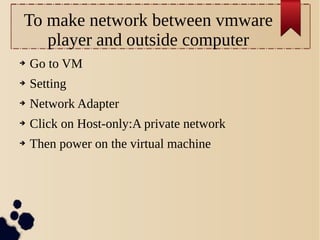
To make network between vmware
player and outside computer
➔

Go to VM

➔

Setting

➔

Network Adapter

➔

Click on Host-only:A private network

➔

Then power on the virtual machine
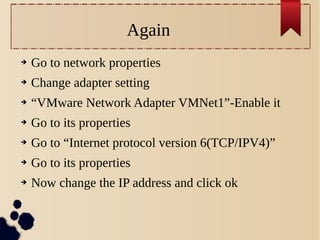
Again
➔

Go to network properties

➔

Change adapter setting

➔

“VMware Network Adapter VMNet1”-Enable it

➔

Go to its properties

➔

Go to “Internet protocol version 6(TCP/IPV4)”

➔

Go to its properties

➔

Now change the IP address and click ok
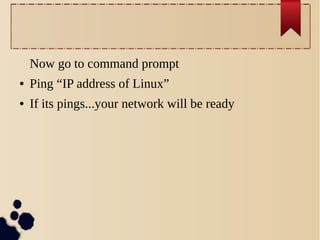
Now go to command prompt
●

Ping “IP address of Linux”

●

If its pings...your network will be ready
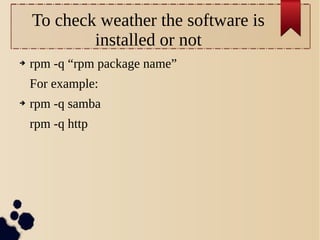
To check weather the software is
installed or not
➔

rpm -q “rpm package name”
For example:

➔

rpm -q samba
rpm -q http
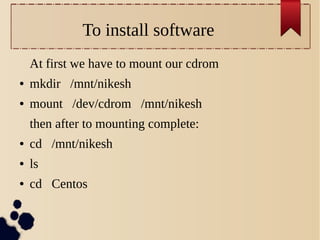
To install software
At first we have to mount our cdrom
●

mkdir /mnt/nikesh

●

mount /dev/cdrom /mnt/nikesh
then after to mounting complete:

●

cd /mnt/nikesh

●

ls

●

cd Centos
●

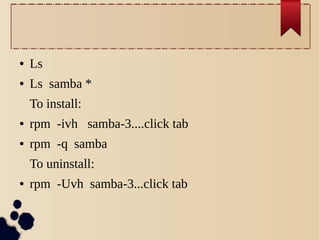
Ls

●

Ls samba *
To install:

●

rpm -ivh samba-3....click tab

●

rpm -q samba
To uninstall:

●

rpm -Uvh samba-3...click tab

Day 2-some fun coding

  • 1.
    # {Root user} ${Normal User}
  • 2.
    pwd=Print working directory cd=Changedirectory vi=vim-editor wq=write and quite
  • 3.
    Some simple command: ● Tocopy some file from one directory to another: cp /root/directoryname/filename /root/directorynam ● To see history: history history |more ● To compress the file: gzip <<filename>> ● To uncompress the file: gunzip <<filename>> ●
  • 4.
    ● To shutdown: init 0 shutdown-h now ● To restart: init 6
  • 5.
    ➔ 1=safe mode (singleuser mode) or (maintenance mode) ➔ 2=ma Networking hudaina aaru chai sabai huncha ➔ 3=multiuser,networking and text base ➔ 5=multiuser,networking,text base & graphical base ➔ 6=restart ➔ 0=shutdown
  • 6.
    To add newNormal User: ➔ useradd <<username>> ➔ passwd <<username>> ➔ init 6 Now you can login as new normal user and password
  • 8.
    To see ipaddress of an computer: ➔ ifconfig To change ip address of the computer: ➔ cd /etc/sysconfig/network-scripts/ ➔ pwd ➔ ls ➔ vi ifcfg-eth0 and then write
  • 9.
    ➢ BOOTPROTO=dhcp lai deletegarne ani “static” write garne ➢ IPADDR=192.168.1.100 ➢ NETMASK=255.255.255.0 & save it now
  • 10.
    And then ➔ ifup eth0 ➔ ifdowneth0 ➔ ifup eth0 ➔ ifconfig
  • 12.
    To make networkbetween vmware player and outside computer ➔ Go to VM ➔ Setting ➔ Network Adapter ➔ Click on Host-only:A private network ➔ Then power on the virtual machine
  • 13.
    Again ➔ Go to networkproperties ➔ Change adapter setting ➔ “VMware Network Adapter VMNet1”-Enable it ➔ Go to its properties ➔ Go to “Internet protocol version 6(TCP/IPV4)” ➔ Go to its properties ➔ Now change the IP address and click ok
  • 14.
    Now go tocommand prompt ● Ping “IP address of Linux” ● If its pings...your network will be ready
  • 16.
    To check weatherthe software is installed or not ➔ rpm -q “rpm package name” For example: ➔ rpm -q samba rpm -q http
  • 17.
    To install software Atfirst we have to mount our cdrom ● mkdir /mnt/nikesh ● mount /dev/cdrom /mnt/nikesh then after to mounting complete: ● cd /mnt/nikesh ● ls ● cd Centos
  • 18.
    ● Ls ● Ls samba * Toinstall: ● rpm -ivh samba-3....click tab ● rpm -q samba To uninstall: ● rpm -Uvh samba-3...click tab