www.ni.com
CHAPTER 1
Transducers, Signals, and Signal Conditioning
Topics
• Data Acquisition Overview
• Transducers
• Signals
• Signal Conditioning
Lesson 8
Data Acquisition and Waveforms
System Overview
Transducer Overview
Topics
• What is a Transducer?
• Types of Transducers
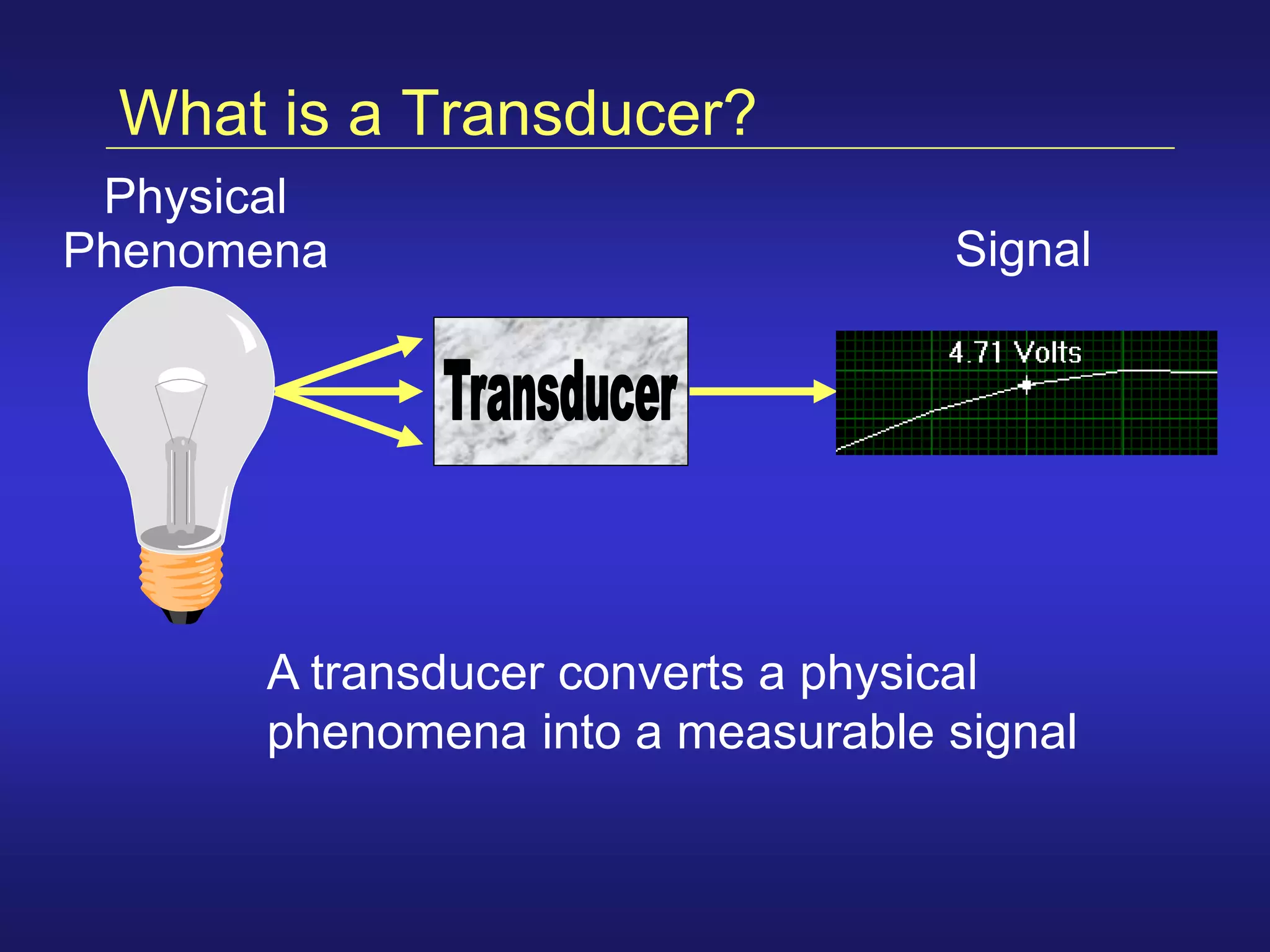
What is a Transducer?
A transducer converts a physical
phenomena into a measurable signal
Signal
Physical
Phenomena
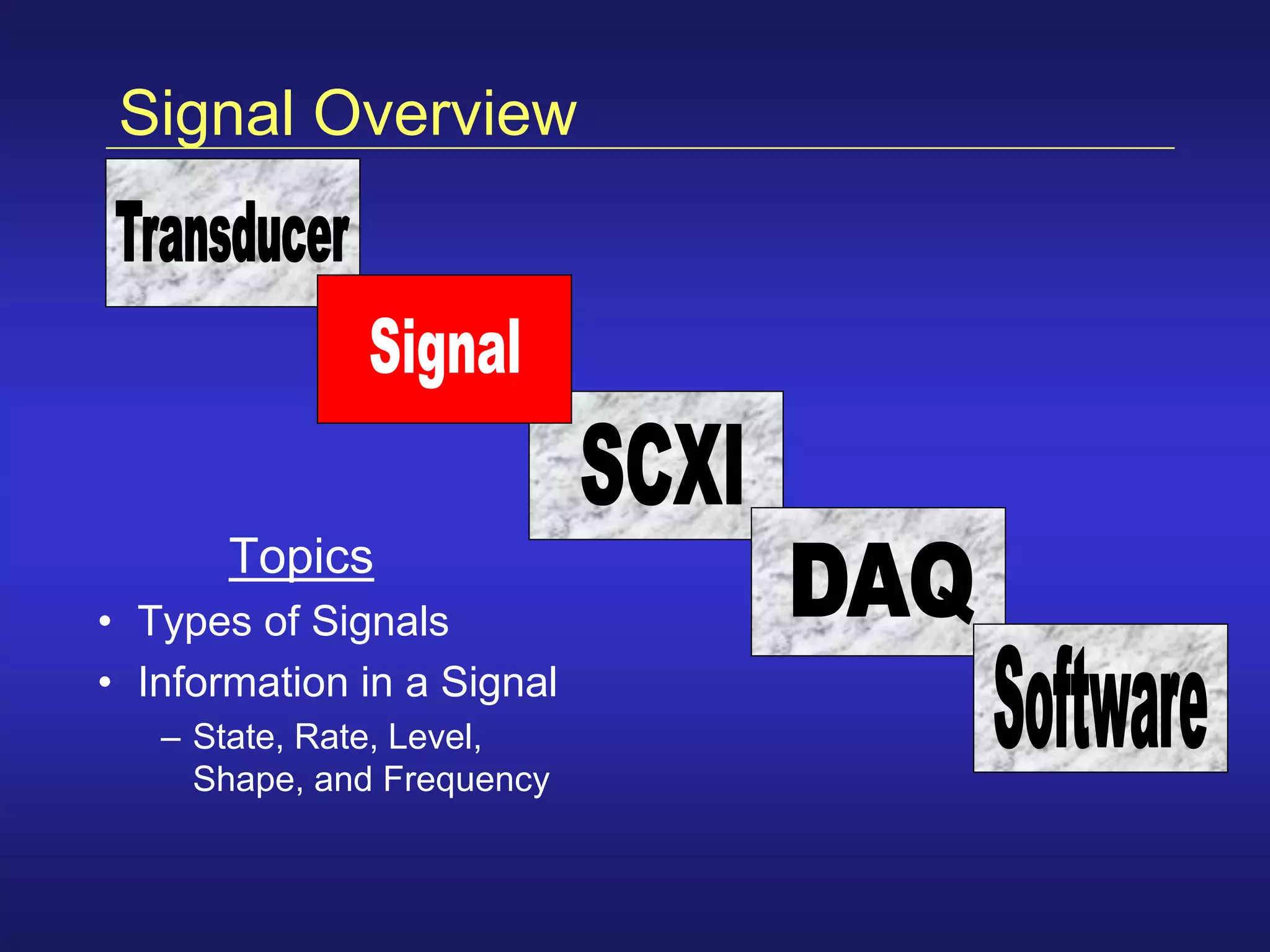
Signal Overview
Topics
• Types of Signals
• Information in a Signal
– State, Rate, Level,
Shape, and Frequency
Signal Classification
Your Signal
AnalogDigital
Two possible levels:
• High/On (2 - 5 Volts)
• Low/Off (0 - 0.8 Volts)
Two types of information:
• State
• Rate
Digital Signals
Digital
Your Signal
Digital Signal Information
Digital
Your Signal
Analog Signals
Your Signal
Analog
Continuous signal
• Can be at any value with
respect to time
Three types of information:
• Level
• Shape
• Frequency (Analysis required)
Analog Signal Information
Your Signal
Analog
Analysis
Required
Signal Conditioning Overview
Topics
• Purpose of Signal Conditioning
• Types of Signal Conditioning
Why Use Signal Conditioning?
• Signal Conditioning takes a signal that is difficult
for your DAQ device to measure and makes it
easier to measure
• Signal Conditioning is not always required
– Depends on the signal being measured
Noisy, Low-Level Signal Filtered, Amplified Signal
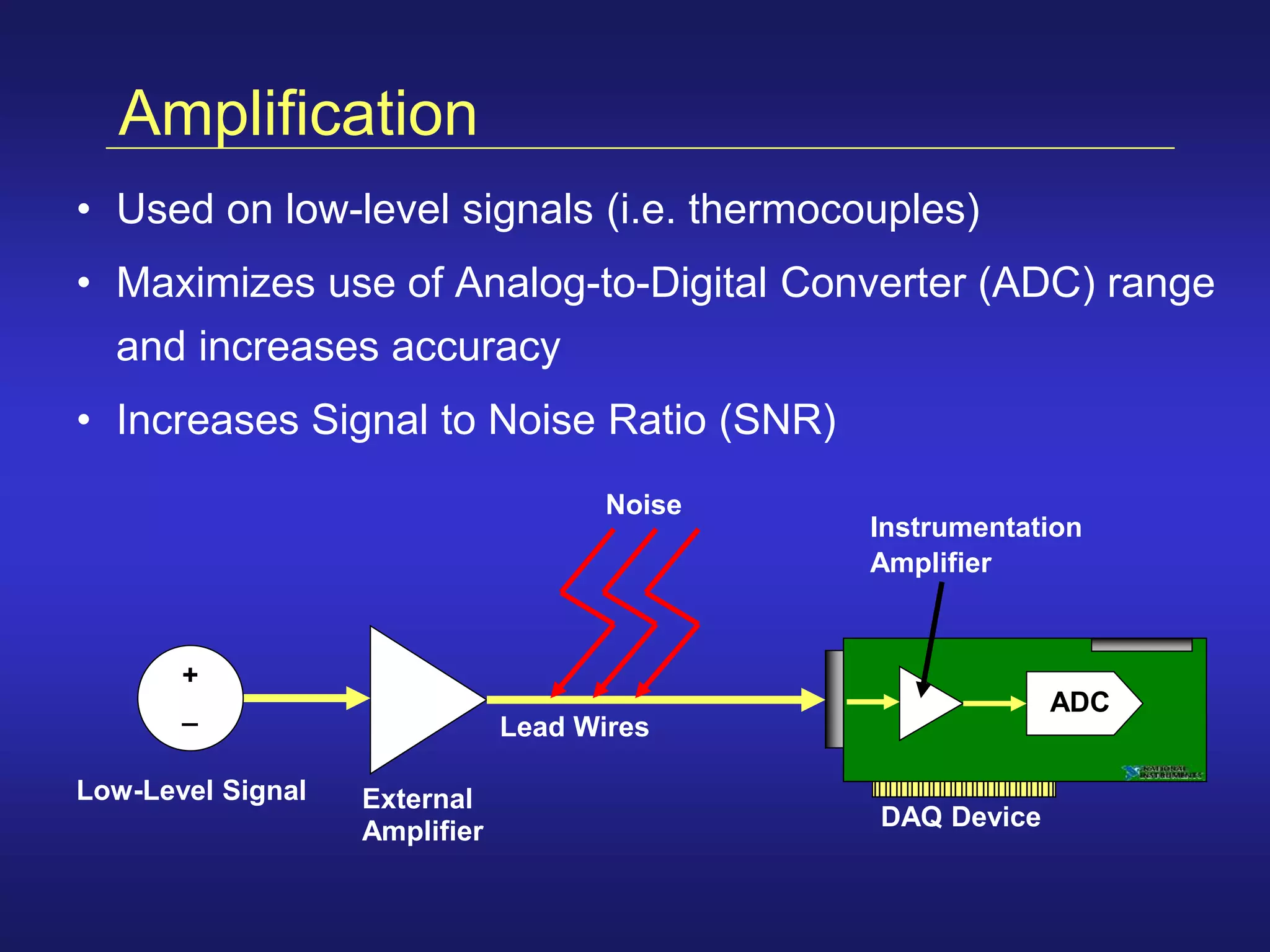
Amplification
• Used on low-level signals (i.e. thermocouples)
• Maximizes use of Analog-to-Digital Converter (ADC) range
and increases accuracy
• Increases Signal to Noise Ratio (SNR)
Low-Level Signal External
Amplifier
DAQ Device
Lead Wires
Instrumentation
Amplifier
Noise
ADC
+
_
DAQ Hardware Overview
Topics
• Types of DAQ Hardware
• Components of a DAQ device
• Configuration Considerations
Data Acquisition Hardware
DAQ Hardware turns your PC into a
measurement and automation system
Computer
Your Signal
DAQ Device
Terminal Block
Cable
DAQ Device
Computer
DAQ Device
• Most DAQ devices have:
– Analog Input
– Analog Output
– Digital I/O
– Counters
• Specialty devices exist for specific applications
– High speed digital I/O
– High speed waveform generation
– Dynamic Signal Acquisition (vibration, sonar)
• Connect to the bus of your computer
Configuration Considerations
• Analog Input
– Resolution
– Range
– Gain
– Code Width
– Mode (Differential, RSE, or NRSE)
• Analog Output
– Internal vs. External Reference Voltage
Resolution
• Number of bits the ADC uses to represent a signal
• Resolution determines how many different voltage
changes can be measured
• Example: 12-bit resolution
• Larger resolution = more precise representation of your
signal
# of levels = 2resolution = 212 = 4,096 levels
Range
• Minimum and maximum voltages the ADC can digitize
• DAQ devices often have different available ranges
– 0 to +10 volts
– -10 to +10 volts
• Pick a range that your signal fits in
• Smaller range = more precise representation of your signal
– Allows you to use all of your available resolution
Gain
• Gain setting amplifies the signal for best fit
in ADC range
• Gain settings are 0.5, 1, 2, 5, 10, 20, 50, or
100 for most devices
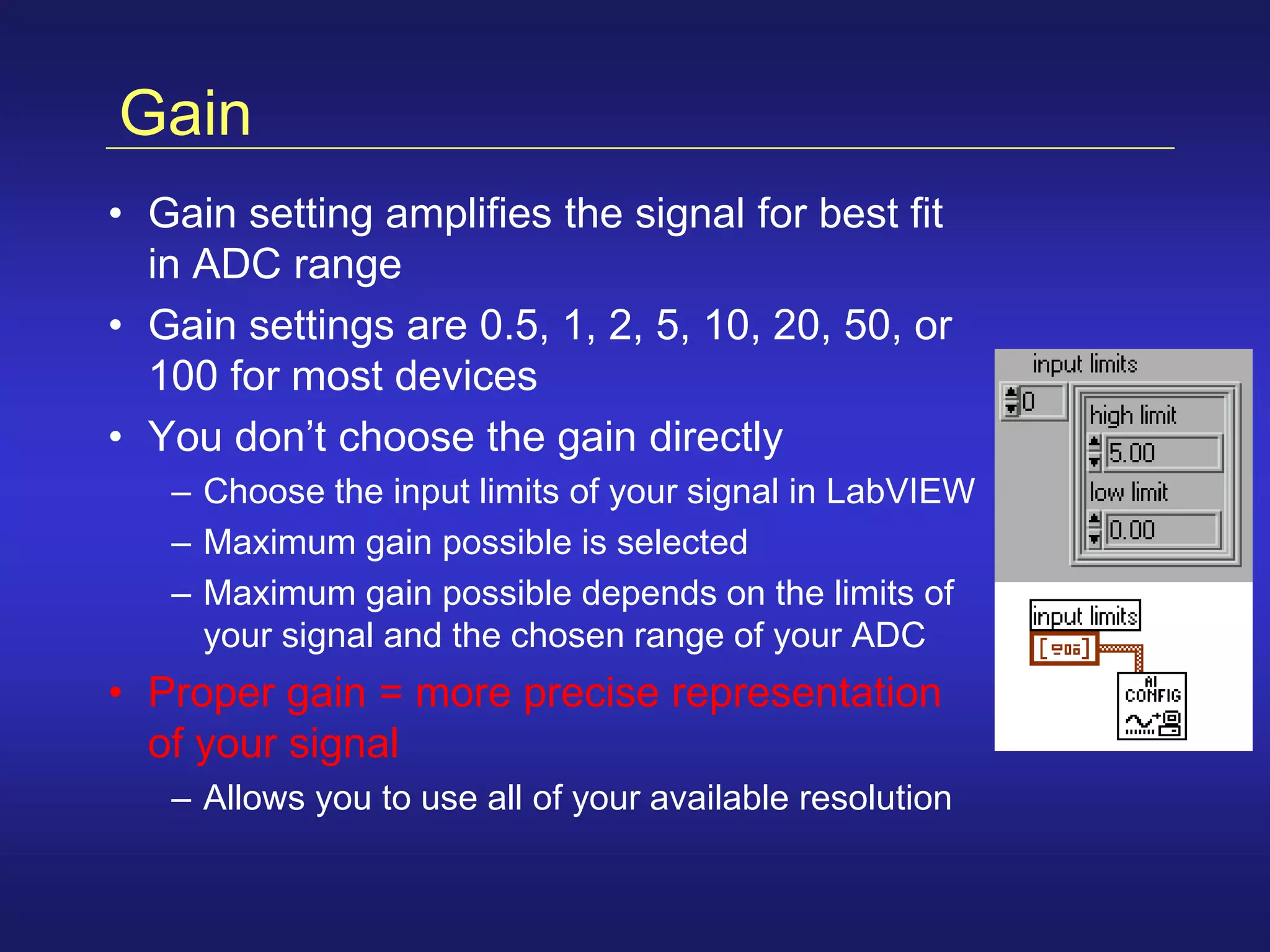
• You don’t choose the gain directly
– Choose the input limits of your signal in LabVIEW
– Maximum gain possible is selected
– Maximum gain possible depends on the limits of
your signal and the chosen range of your ADC
• Proper gain = more precise representation
of your signal
– Allows you to use all of your available resolution
Gain Example
100 200150500
Time (ms)
0
1.25
5.00
2.50
3.75
6.25
7.50
8.75
10.00
Amplitude
(volts)
Different Gains for 16-bit Resolution
(5kHz Sine Wave)
Gain = 2
| ||||
Your Signal
Gain = 1
– Input limits of the signal = 0 to 5 Volts
– Range Setting for the ADC = 0 to 10 Volts
– Gain Setting applied by Instrumentation Amplifier = 2
• Code Width is the smallest change in the signal your
system can detect (determined by resolution, range, and
gain)
• Smaller Code Width = more precise representation of your
signal
• Example: 12-bit device, range = 0 to 10V, gain = 1
code width =
range
gain * 2 resolution
10
1 * 212
= 2.4 mV
range
gain * 2 resolution
=
20
1 * 212
= 4.8 mVIncrease range:
10
100 * 212
= 24 mVIncrease gain:
Code Width

Data acquisition

  • 1.
    www.ni.com CHAPTER 1 Transducers, Signals,and Signal Conditioning Topics • Data Acquisition Overview • Transducers • Signals • Signal Conditioning Lesson 8 Data Acquisition and Waveforms
  • 2.
  • 3.
    Transducer Overview Topics • Whatis a Transducer? • Types of Transducers
  • 4.
    What is aTransducer? A transducer converts a physical phenomena into a measurable signal Signal Physical Phenomena
  • 5.
    Signal Overview Topics • Typesof Signals • Information in a Signal – State, Rate, Level, Shape, and Frequency
  • 6.
  • 7.
    Two possible levels: •High/On (2 - 5 Volts) • Low/Off (0 - 0.8 Volts) Two types of information: • State • Rate Digital Signals Digital Your Signal
  • 8.
  • 9.
    Analog Signals Your Signal Analog Continuoussignal • Can be at any value with respect to time Three types of information: • Level • Shape • Frequency (Analysis required)
  • 10.
    Analog Signal Information YourSignal Analog Analysis Required
  • 11.
    Signal Conditioning Overview Topics •Purpose of Signal Conditioning • Types of Signal Conditioning
  • 12.
    Why Use SignalConditioning? • Signal Conditioning takes a signal that is difficult for your DAQ device to measure and makes it easier to measure • Signal Conditioning is not always required – Depends on the signal being measured Noisy, Low-Level Signal Filtered, Amplified Signal
  • 13.
    Amplification • Used onlow-level signals (i.e. thermocouples) • Maximizes use of Analog-to-Digital Converter (ADC) range and increases accuracy • Increases Signal to Noise Ratio (SNR) Low-Level Signal External Amplifier DAQ Device Lead Wires Instrumentation Amplifier Noise ADC + _
  • 14.
    DAQ Hardware Overview Topics •Types of DAQ Hardware • Components of a DAQ device • Configuration Considerations
  • 15.
    Data Acquisition Hardware DAQHardware turns your PC into a measurement and automation system Computer Your Signal DAQ Device Terminal Block Cable
  • 16.
    DAQ Device Computer DAQ Device •Most DAQ devices have: – Analog Input – Analog Output – Digital I/O – Counters • Specialty devices exist for specific applications – High speed digital I/O – High speed waveform generation – Dynamic Signal Acquisition (vibration, sonar) • Connect to the bus of your computer
  • 17.
    Configuration Considerations • AnalogInput – Resolution – Range – Gain – Code Width – Mode (Differential, RSE, or NRSE) • Analog Output – Internal vs. External Reference Voltage
  • 18.
    Resolution • Number ofbits the ADC uses to represent a signal • Resolution determines how many different voltage changes can be measured • Example: 12-bit resolution • Larger resolution = more precise representation of your signal # of levels = 2resolution = 212 = 4,096 levels
  • 19.
    Range • Minimum andmaximum voltages the ADC can digitize • DAQ devices often have different available ranges – 0 to +10 volts – -10 to +10 volts • Pick a range that your signal fits in • Smaller range = more precise representation of your signal – Allows you to use all of your available resolution
  • 20.
    Gain • Gain settingamplifies the signal for best fit in ADC range • Gain settings are 0.5, 1, 2, 5, 10, 20, 50, or 100 for most devices • You don’t choose the gain directly – Choose the input limits of your signal in LabVIEW – Maximum gain possible is selected – Maximum gain possible depends on the limits of your signal and the chosen range of your ADC • Proper gain = more precise representation of your signal – Allows you to use all of your available resolution
  • 21.
    Gain Example 100 200150500 Time(ms) 0 1.25 5.00 2.50 3.75 6.25 7.50 8.75 10.00 Amplitude (volts) Different Gains for 16-bit Resolution (5kHz Sine Wave) Gain = 2 | |||| Your Signal Gain = 1 – Input limits of the signal = 0 to 5 Volts – Range Setting for the ADC = 0 to 10 Volts – Gain Setting applied by Instrumentation Amplifier = 2
  • 22.
    • Code Widthis the smallest change in the signal your system can detect (determined by resolution, range, and gain) • Smaller Code Width = more precise representation of your signal • Example: 12-bit device, range = 0 to 10V, gain = 1 code width = range gain * 2 resolution 10 1 * 212 = 2.4 mV range gain * 2 resolution = 20 1 * 212 = 4.8 mVIncrease range: 10 100 * 212 = 24 mVIncrease gain: Code Width