Lesson 1.4 of Introduction to
Information and Communication
Technology
 Computers may be classified into three
categories namely:
 (1) According to purpose – their goals
and aims for a variety of tasks
 (2) According to types of processing –
their special uses in different fields of work,
and
 (3) According to capacity – with their
ability to perform a task, as well as the
maximum number of programs they
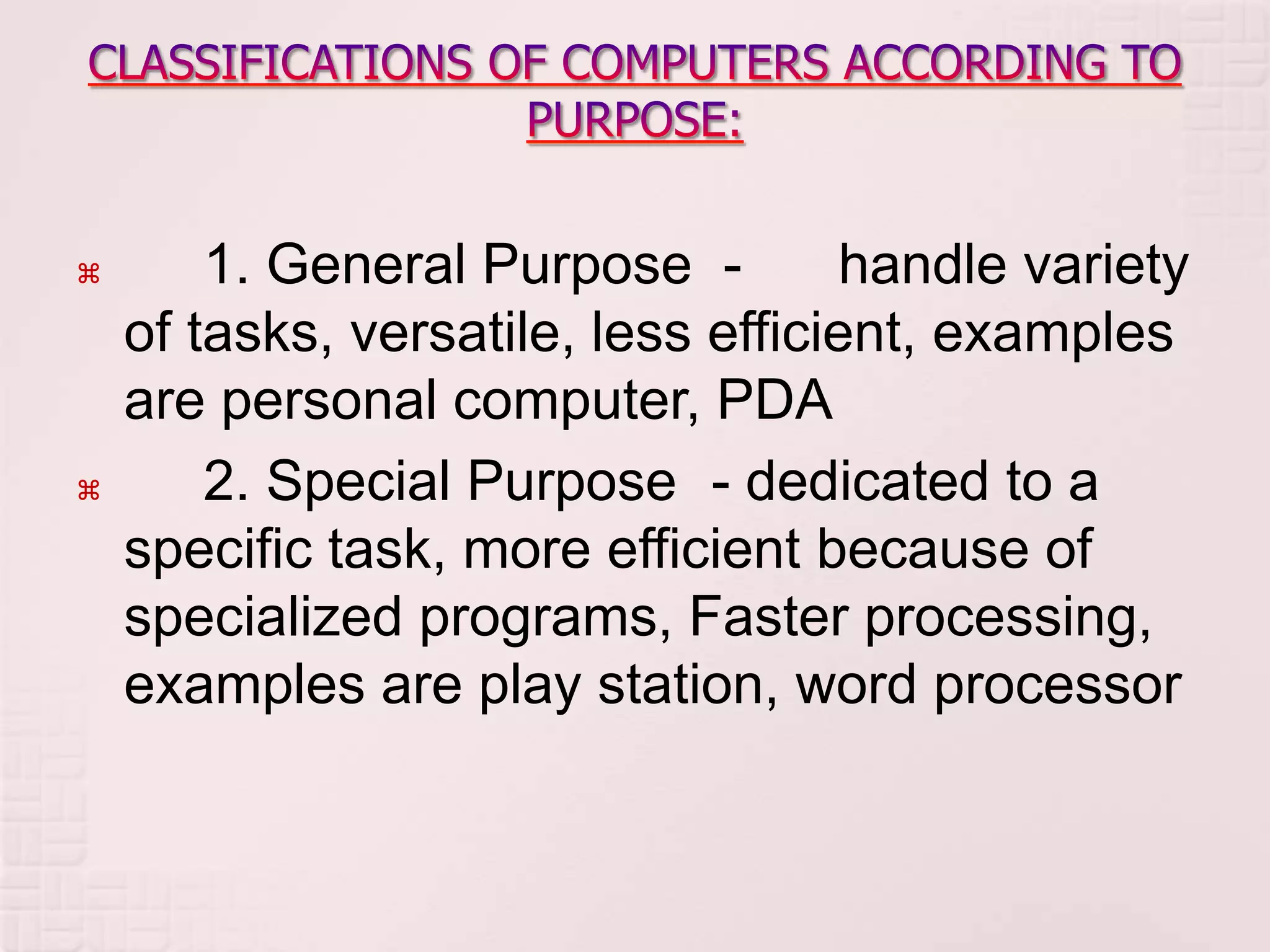
 1. General Purpose - handle variety
of tasks, versatile, less efficient, examples
are personal computer, PDA
 2. Special Purpose - dedicated to a
specific task, more efficient because of
specialized programs, Faster processing,
examples are play station, word processor
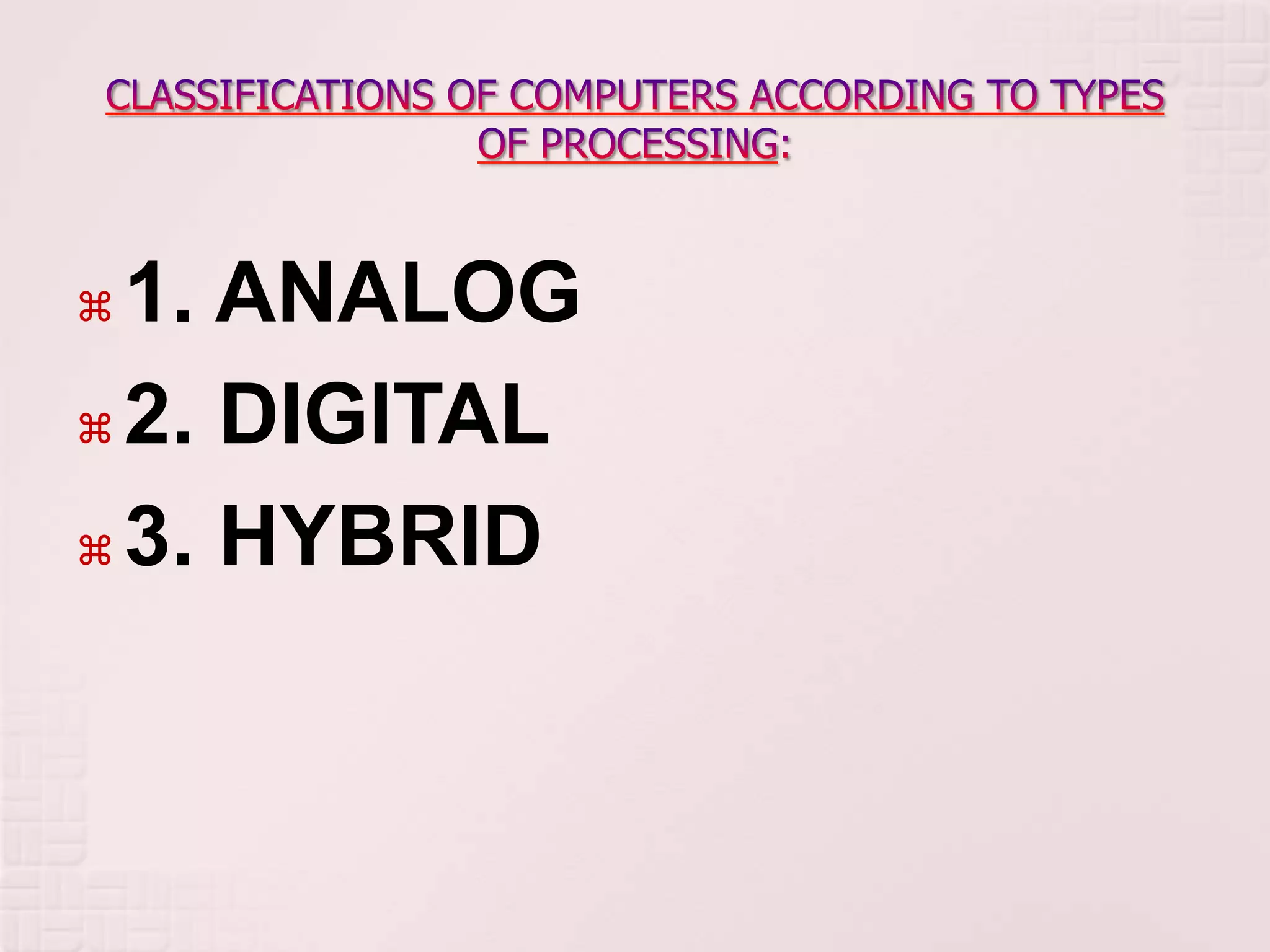
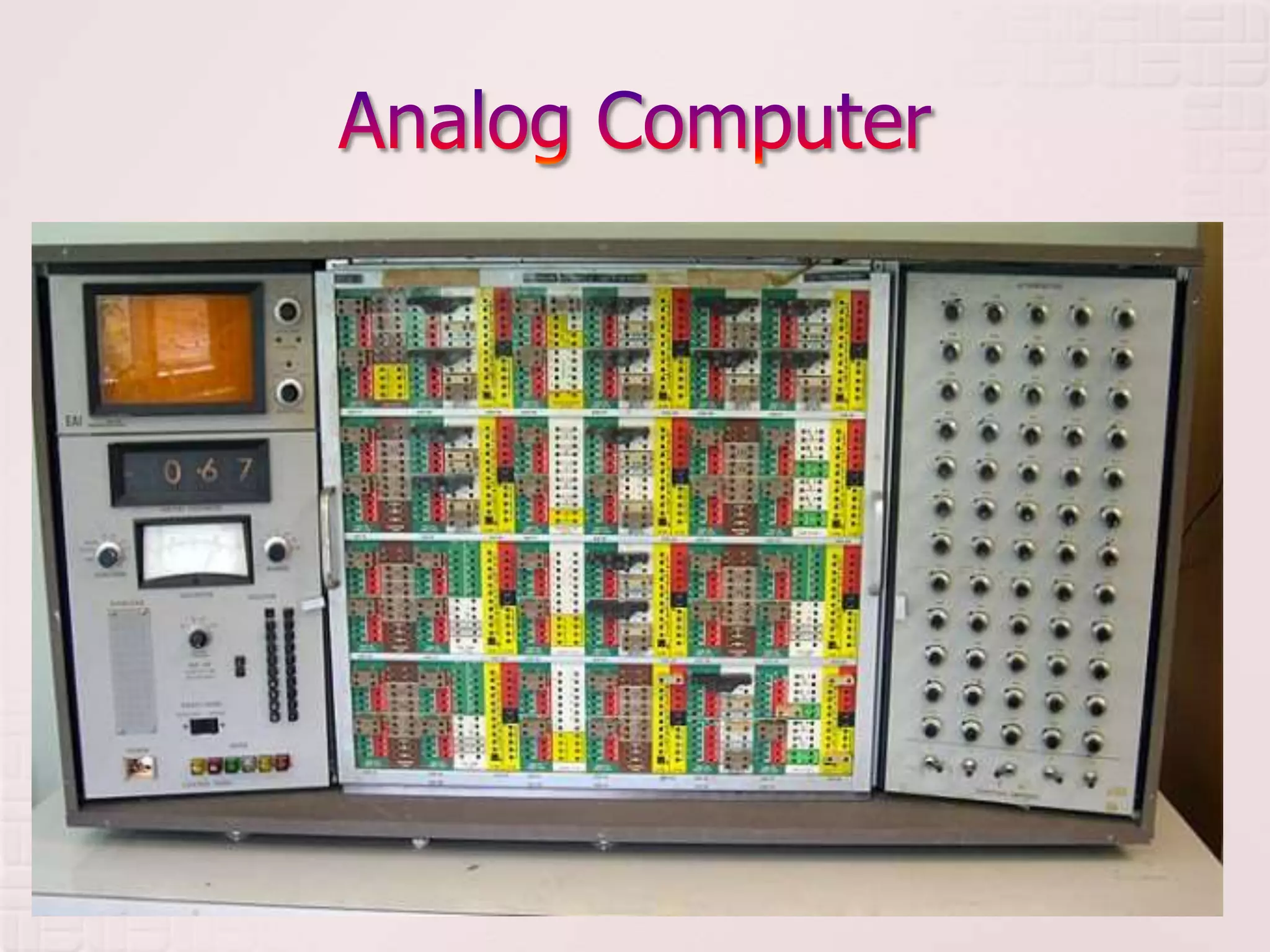
 1. ANALOG
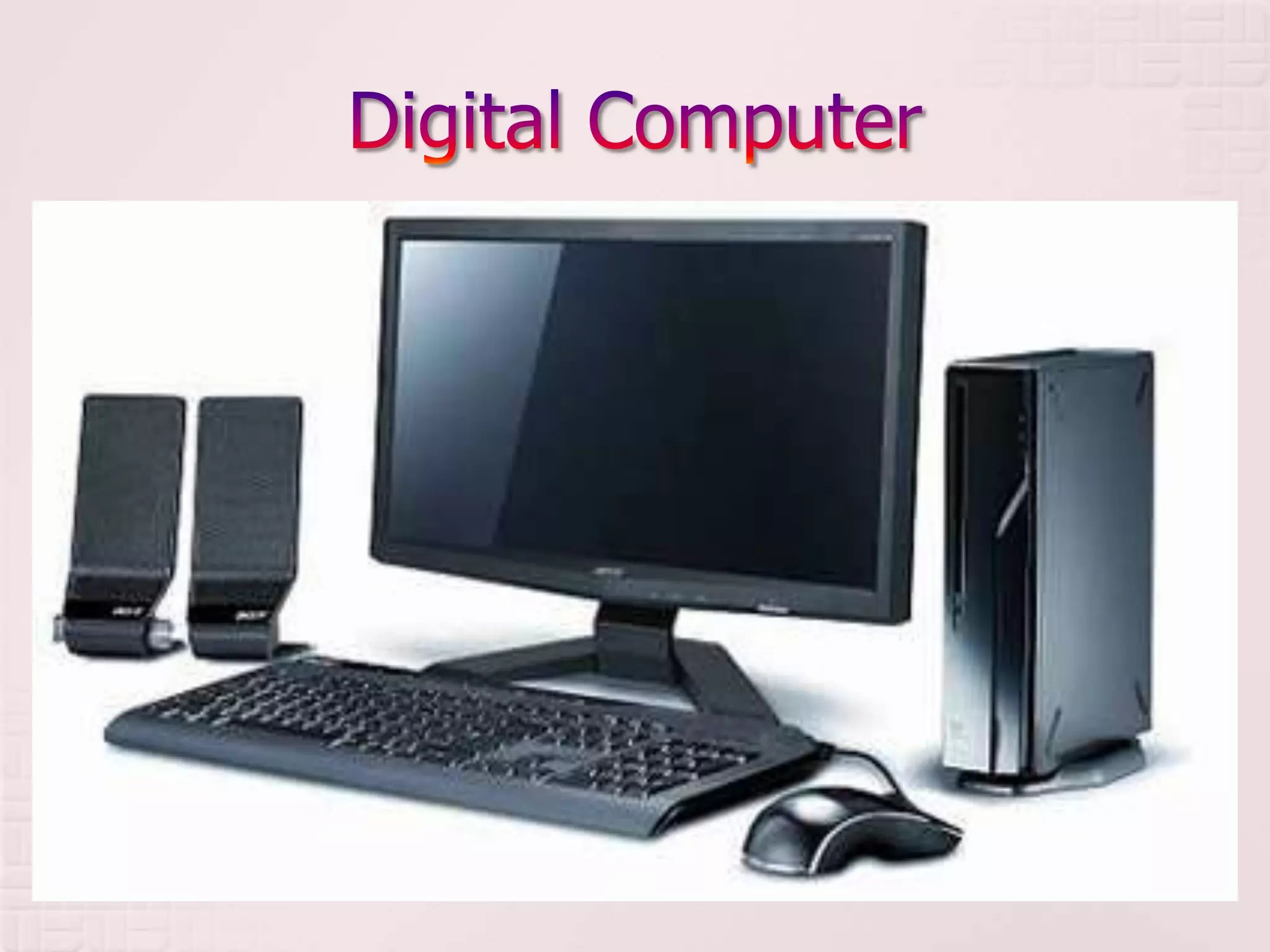
 2. DIGITAL
 3. HYBRID
 1. Analog - Machines that represent
variables or quantities using physical
analogies, examples are Speedometer,
Clock, and Thermometer

 2. Digital - Machines that specialize in
counting, Use discrete numbers, result
obtained is precise and repeatable,
examples are digital clock, digital
thermometer, and calculator
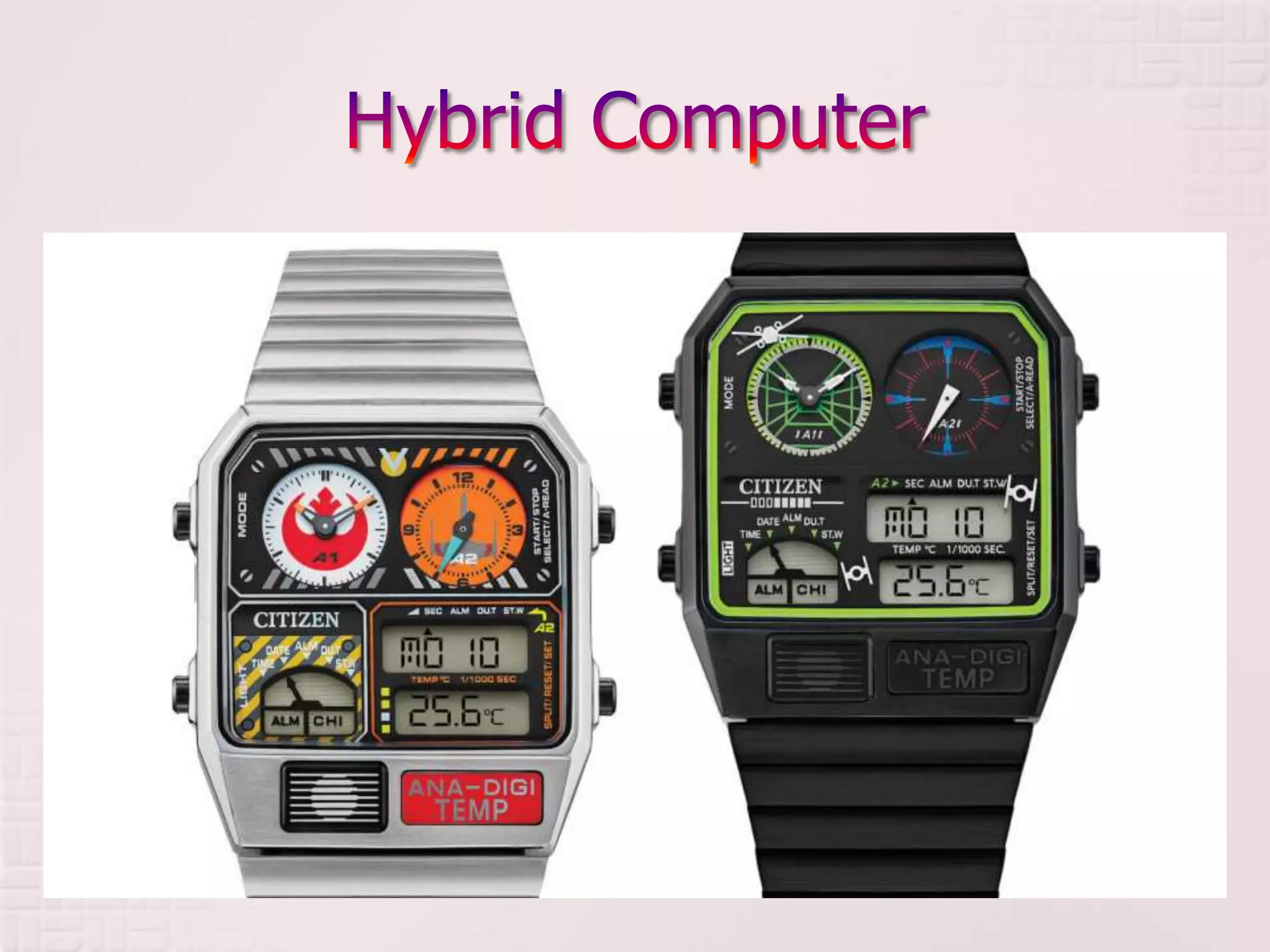
 3. Hybrid - Machines that incorporate
measuring capabilities of the analog
devices and the counting capability of the
digital devices, examples are Ana-Digi
watches (watches with both analog and
digital capabilities)
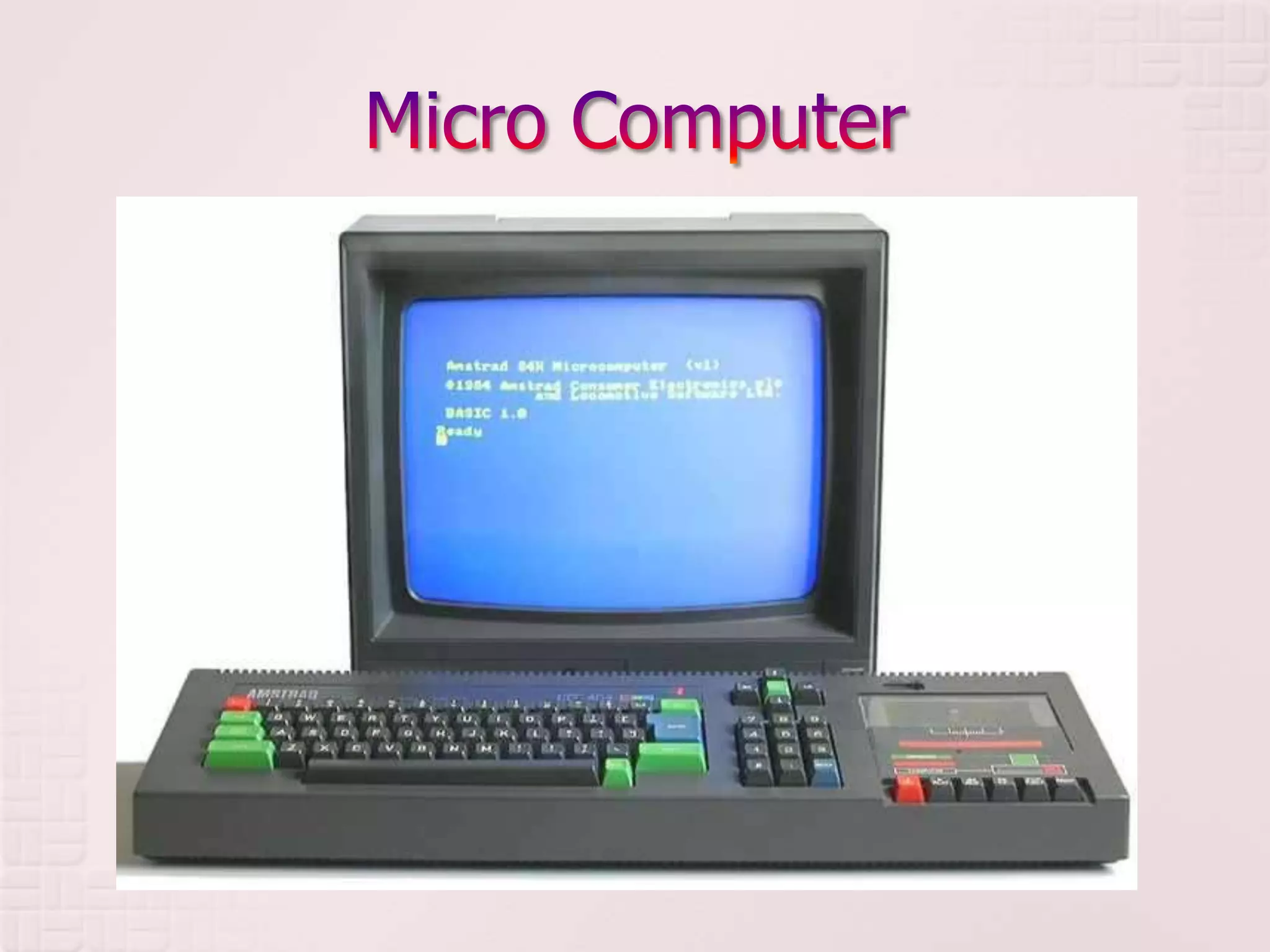
 MICROCOMPUTER
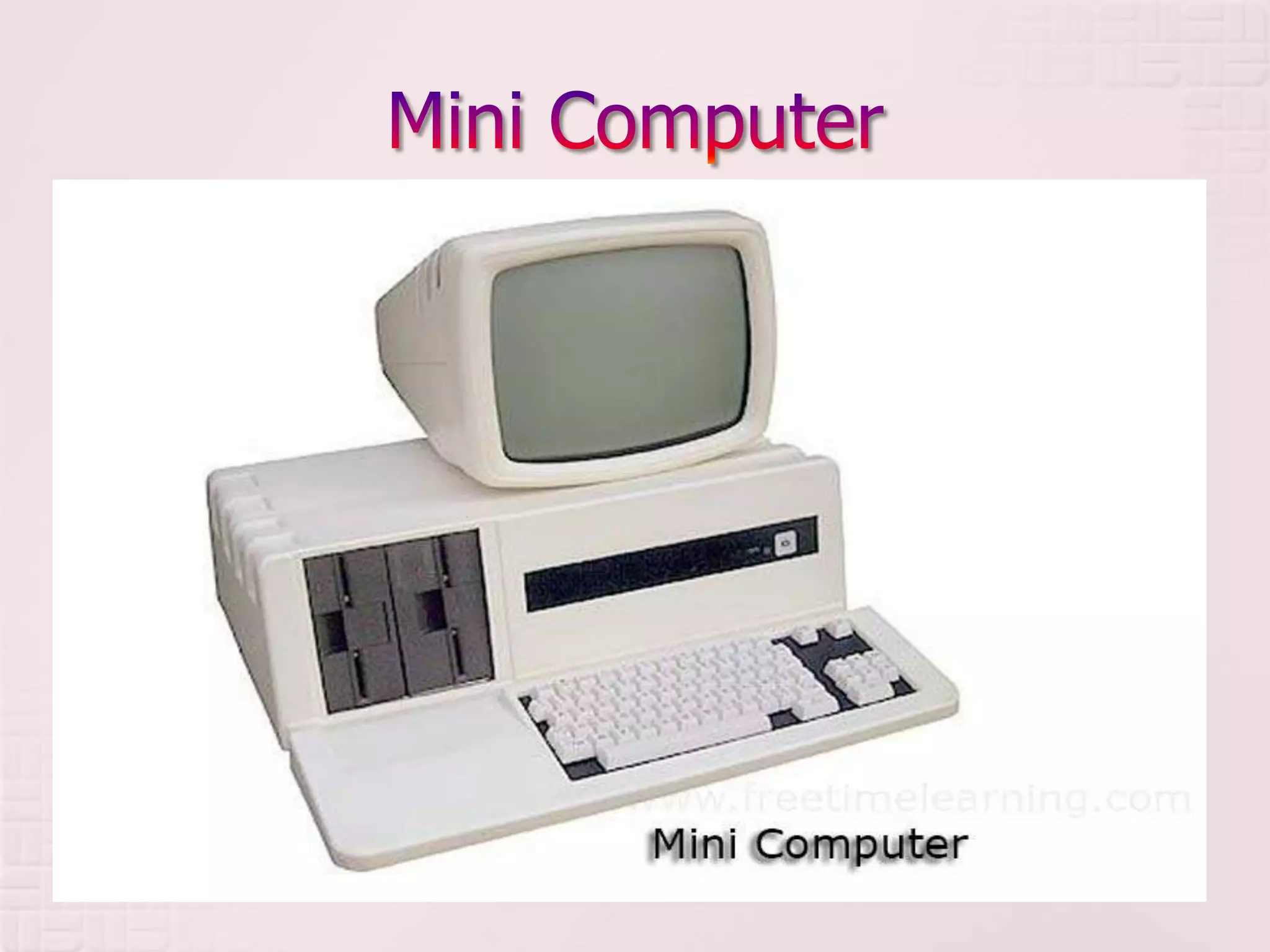
 MINI COMPUTER
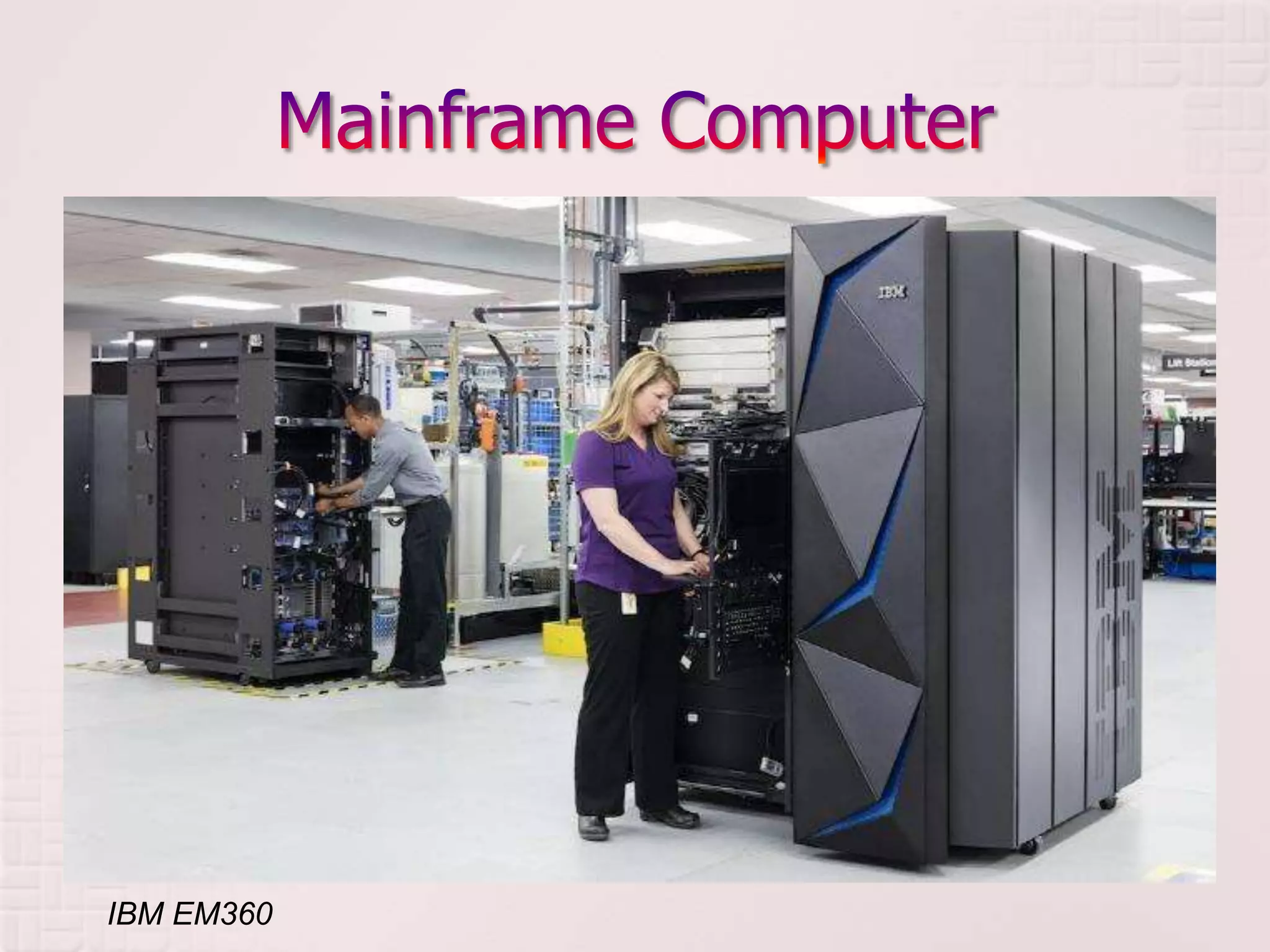
 MAINFRAME COMPUTER
 SUPER COMPUTER
 also known as Personal computer
 used in homes, offices; for individual and corporate
uses
 single users, Usually stand-alone to other computers
but generally used to carry out processing for a single
user
 price ranges from 25,000.00 – 250,000.00
 speed of processor is 5 – 20 MIPS
 storage capacity is 32 Mb – 256 Mb of primary storage
 No unusual power required for environment
considerations; may fit on top of a table or desk
 examples are desktop, notebook, laptop, palmtop,
personal digital assistant (PDA), information
appliances, network computers, technical workstations
 midrange computer
 For use by companies needing storage and
processing requirements, for more computer power
 Multiple users, less than 100 users
 price ranges from 250,000 – 10 Million
 speed of processor is 25 – 100 MIPS
 storage capacity is 32 Mb – 512 Mb of primary
storage
 Requires controlled environment; Occupies own floor
space, like the size of a file cabinet
 examples are Network servers, web servers, multiple
use systems
 large scale computer
 for medium to large size business; Used by business and
government to provide centralized storage processing and
management of data of large amount
 Multiple users greater than or equal to 100 users
 price ranges from 10 Million – 50 Million
 speed of processor is 440 – 4,500 MIPS; May have several
processors
 storage capacity is 50 Mb – several gigabytes of primary
storage
 Requires controlled environment; Requires full time operators;
Housed in a cabinet where peripherals are in separate
cabinets
 examples are Enterprise systems, transaction processors,
super server
IBM EM360
 Used to compute intensive tasks
 Designed for large-scale complex and scientific applications
 Multiple users
 price ranges from 10 Million – 2.5 Billion
 speed of processor is 4 – 10 times faster than mainframes,
Several processors, 60 Billion – 3 Trillion MIPS, Fastest, most
processing power
 storage capacity is 8,000 Mb+ +
 Requires controlled environment; Space needed may be the
size of a car
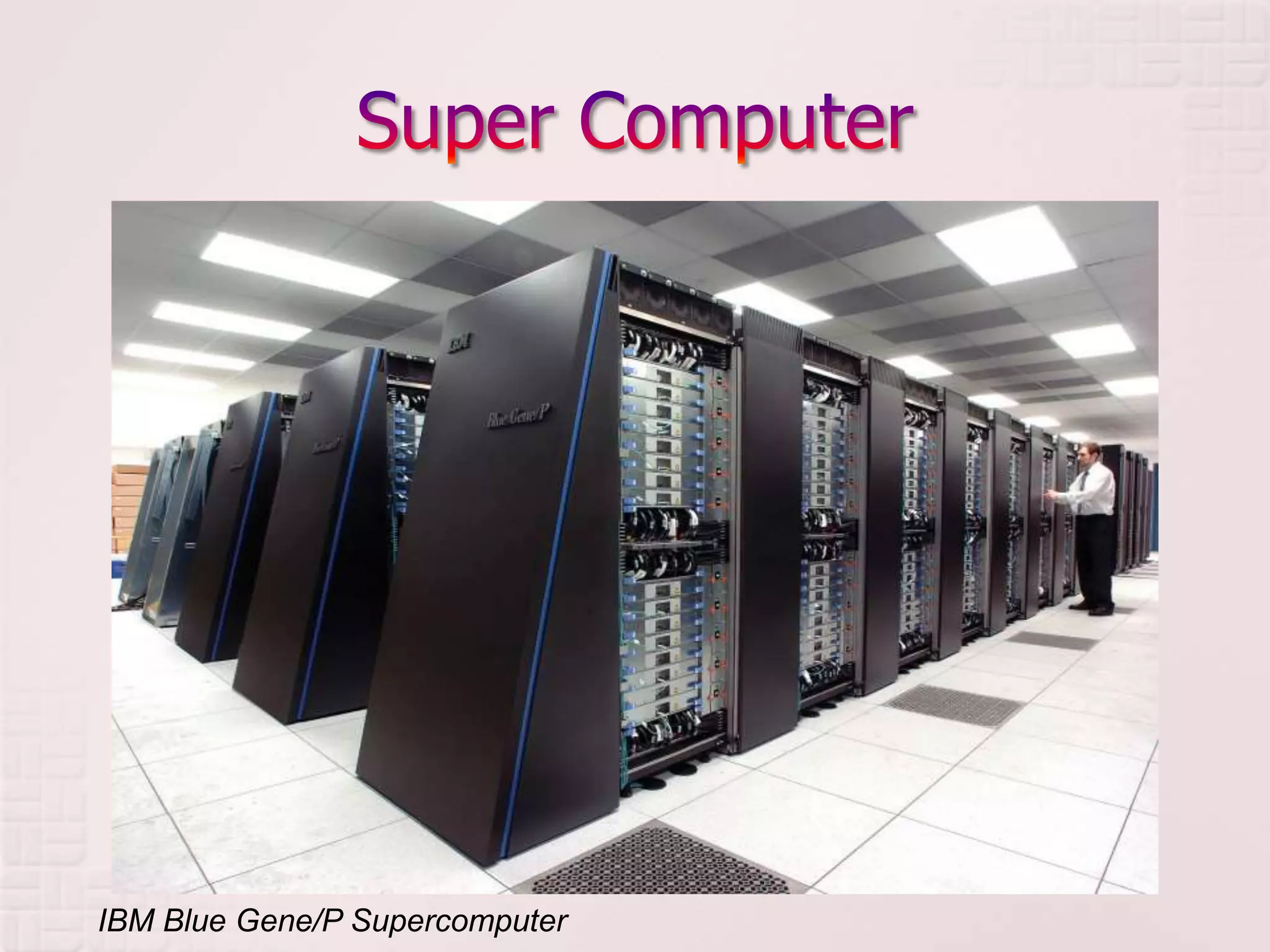
 examples are Scalable servers, Cray Computer, IBM Deep
Blue Super Computer
IBM Blue Gene/P Supercomputer
 Desktop PCs
 Tower PCs
 Notebooks
 Netbooks
 Mobile Internet Devices
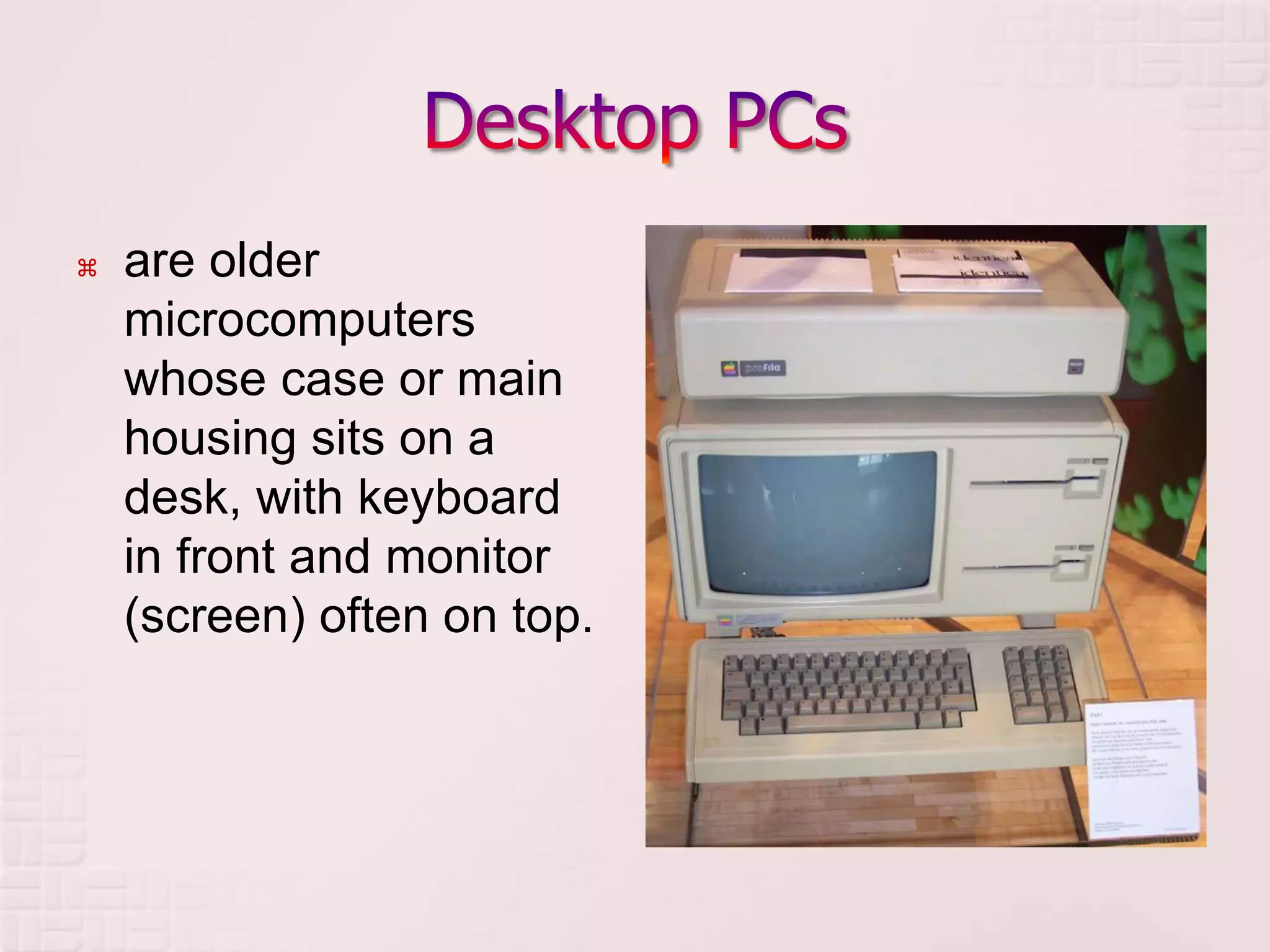
 are older
microcomputers
whose case or main
housing sits on a
desk, with keyboard
in front and monitor
(screen) often on top.
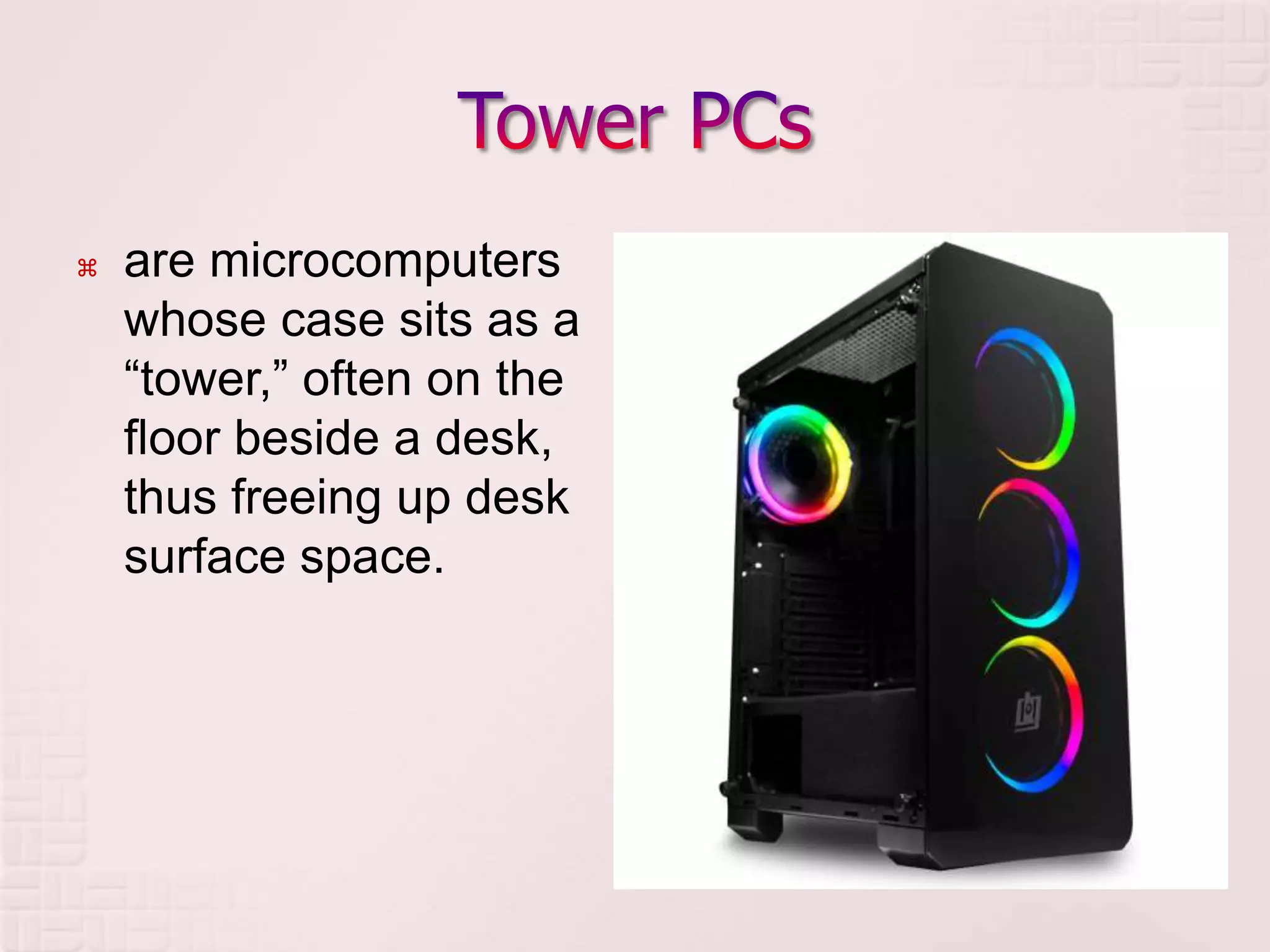
 are microcomputers
whose case sits as a
“tower,” often on the
floor beside a desk,
thus freeing up desk
surface space.
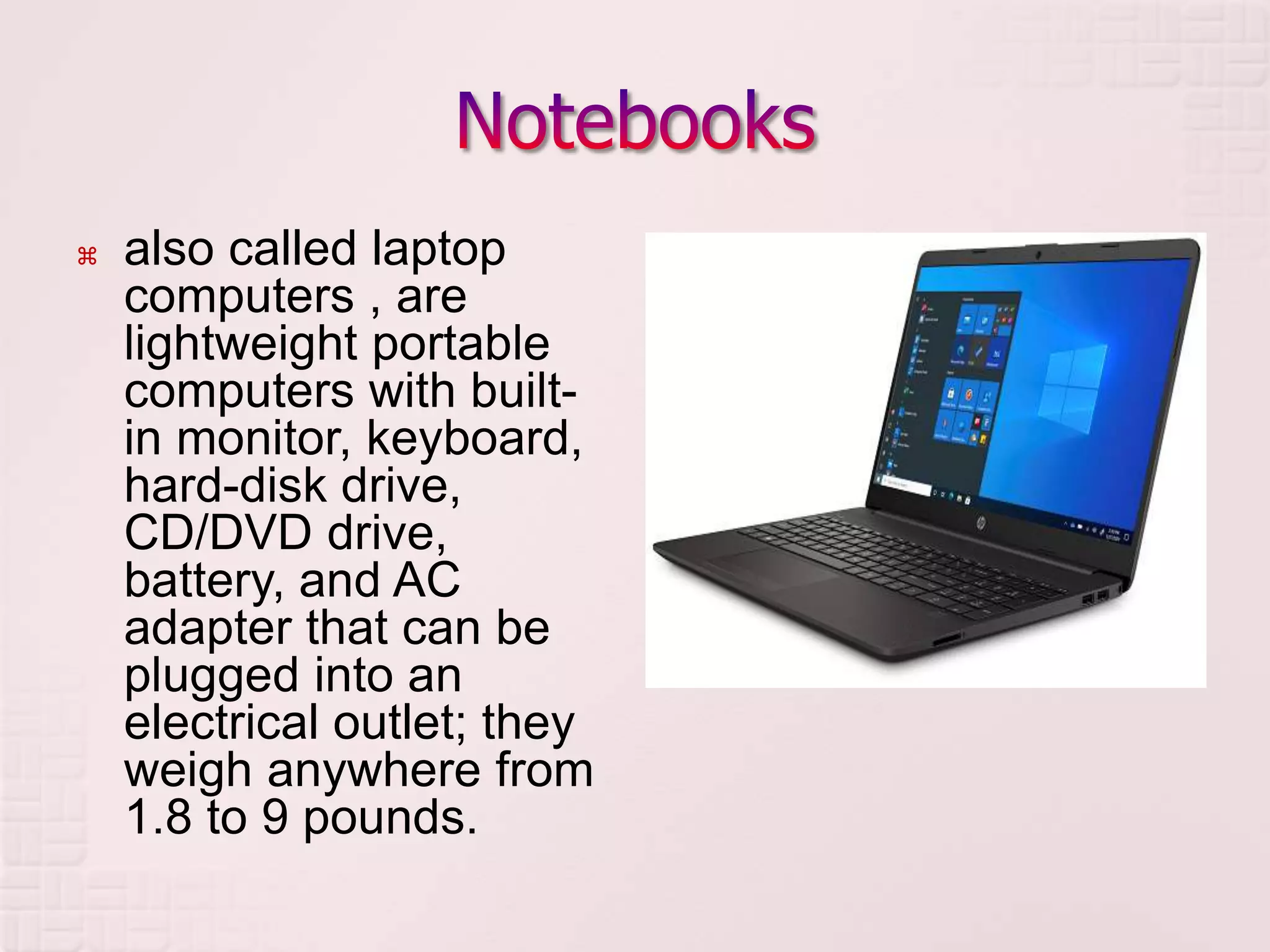
 also called laptop
computers , are
lightweight portable
computers with built-
in monitor, keyboard,
hard-disk drive,
CD/DVD drive,
battery, and AC
adapter that can be
plugged into an
electrical outlet; they
weigh anywhere from
1.8 to 9 pounds.
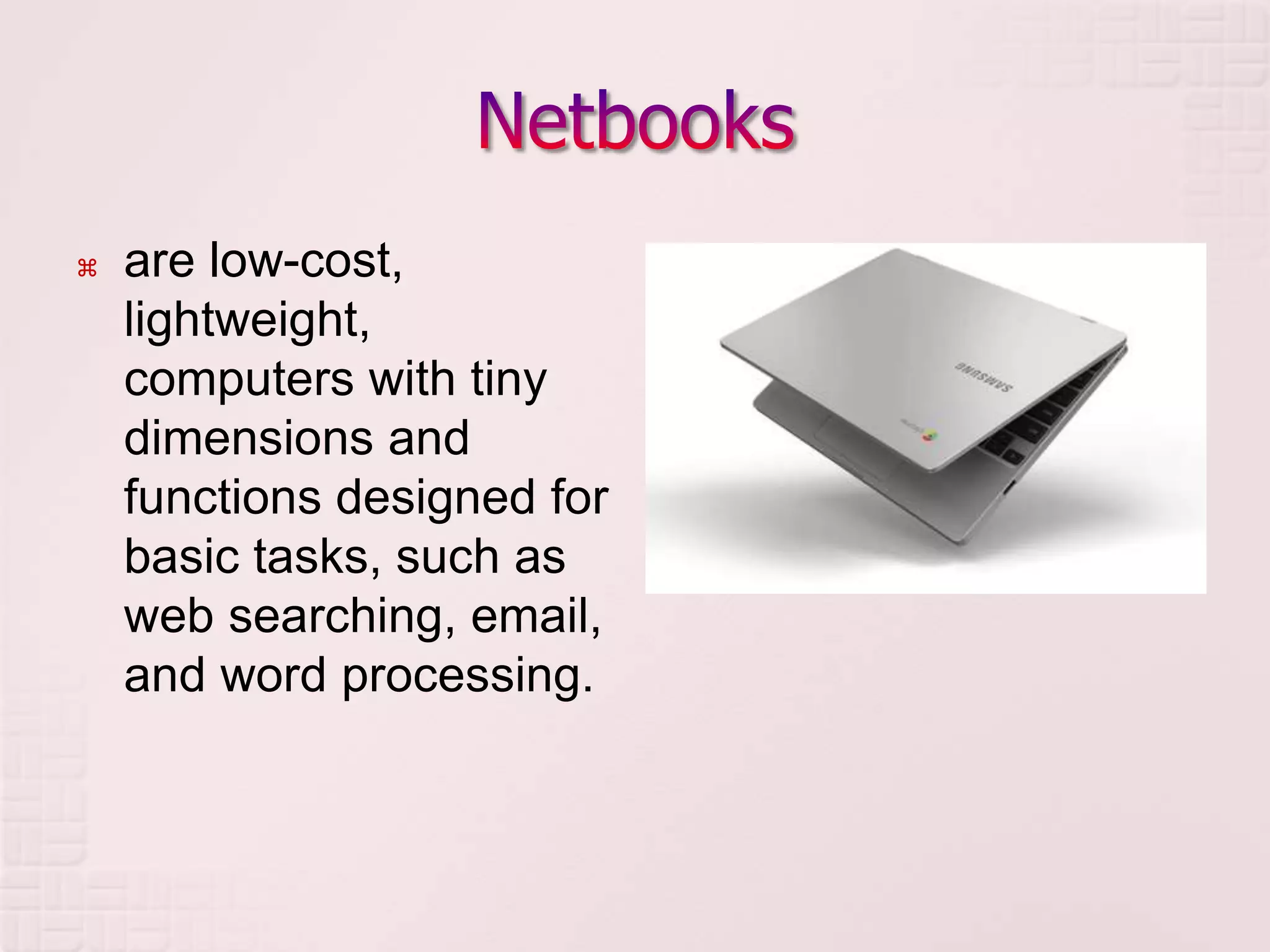
 are low-cost,
lightweight,
computers with tiny
dimensions and
functions designed for
basic tasks, such as
web searching, email,
and word processing.
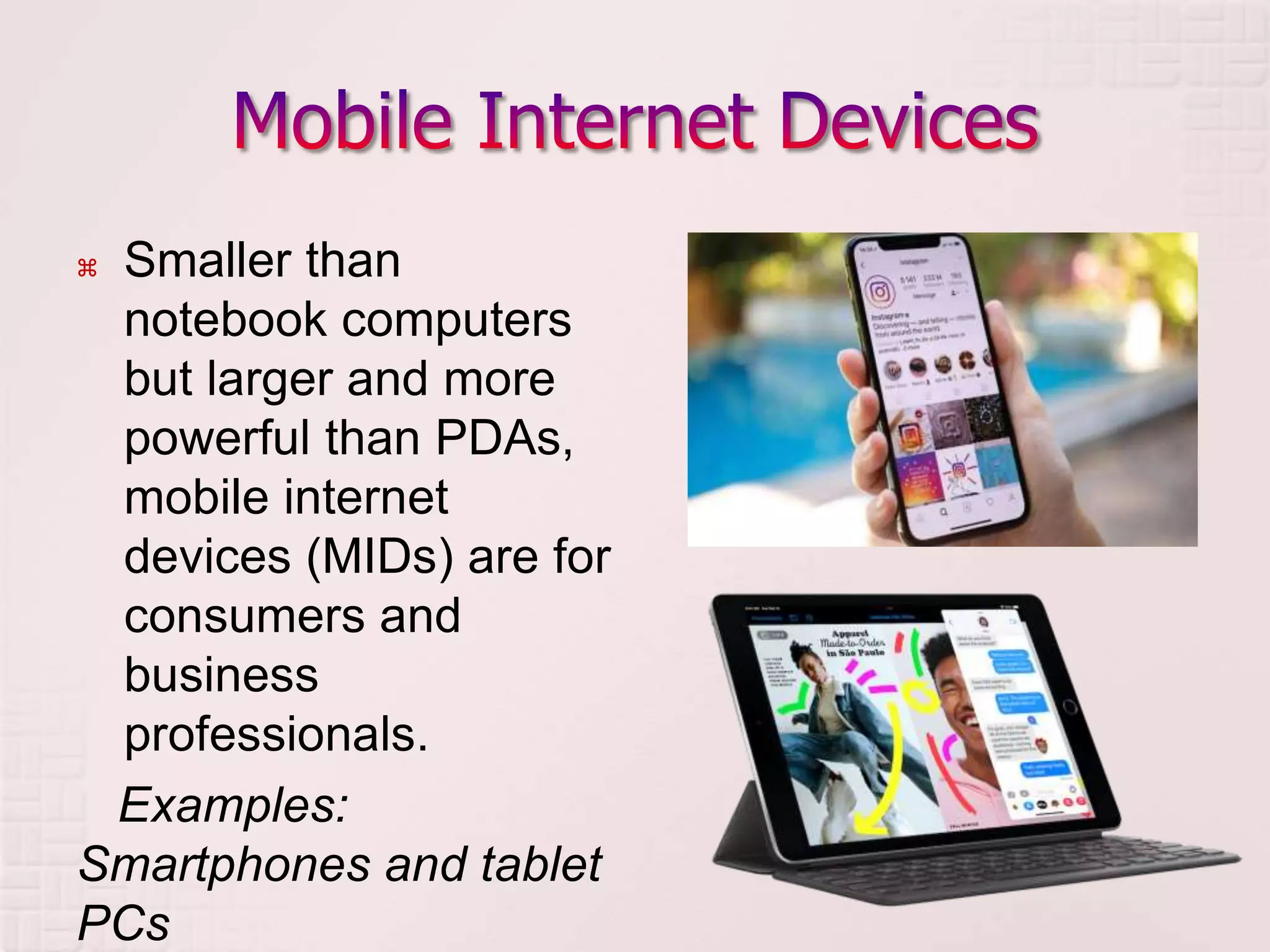
 Smaller than
notebook computers
but larger and more
powerful than PDAs,
mobile internet
devices (MIDs) are for
consumers and
business
professionals.
Examples:
Smartphones and tablet
PCs
 Living in the Information Technology Era
by Caoili & Tayuan
 Using Information Technology
by Williams & Sawyer
CLASSIFICATIONS_OF_COMPUTERS.pptx

CLASSIFICATIONS_OF_COMPUTERS.pptx

  • 1.
    Lesson 1.4 ofIntroduction to Information and Communication Technology
  • 2.
     Computers maybe classified into three categories namely:  (1) According to purpose – their goals and aims for a variety of tasks  (2) According to types of processing – their special uses in different fields of work, and  (3) According to capacity – with their ability to perform a task, as well as the maximum number of programs they
  • 3.
     1. GeneralPurpose - handle variety of tasks, versatile, less efficient, examples are personal computer, PDA  2. Special Purpose - dedicated to a specific task, more efficient because of specialized programs, Faster processing, examples are play station, word processor
  • 4.
     1. ANALOG 2. DIGITAL  3. HYBRID
  • 5.
     1. Analog- Machines that represent variables or quantities using physical analogies, examples are Speedometer, Clock, and Thermometer
  • 6.
  • 7.
     2. Digital- Machines that specialize in counting, Use discrete numbers, result obtained is precise and repeatable, examples are digital clock, digital thermometer, and calculator
  • 9.
     3. Hybrid- Machines that incorporate measuring capabilities of the analog devices and the counting capability of the digital devices, examples are Ana-Digi watches (watches with both analog and digital capabilities)
  • 11.
     MICROCOMPUTER  MINICOMPUTER  MAINFRAME COMPUTER  SUPER COMPUTER
  • 12.
     also knownas Personal computer  used in homes, offices; for individual and corporate uses  single users, Usually stand-alone to other computers but generally used to carry out processing for a single user  price ranges from 25,000.00 – 250,000.00  speed of processor is 5 – 20 MIPS  storage capacity is 32 Mb – 256 Mb of primary storage  No unusual power required for environment considerations; may fit on top of a table or desk  examples are desktop, notebook, laptop, palmtop, personal digital assistant (PDA), information appliances, network computers, technical workstations
  • 14.
     midrange computer For use by companies needing storage and processing requirements, for more computer power  Multiple users, less than 100 users  price ranges from 250,000 – 10 Million  speed of processor is 25 – 100 MIPS  storage capacity is 32 Mb – 512 Mb of primary storage  Requires controlled environment; Occupies own floor space, like the size of a file cabinet  examples are Network servers, web servers, multiple use systems
  • 16.
     large scalecomputer  for medium to large size business; Used by business and government to provide centralized storage processing and management of data of large amount  Multiple users greater than or equal to 100 users  price ranges from 10 Million – 50 Million  speed of processor is 440 – 4,500 MIPS; May have several processors  storage capacity is 50 Mb – several gigabytes of primary storage  Requires controlled environment; Requires full time operators; Housed in a cabinet where peripherals are in separate cabinets  examples are Enterprise systems, transaction processors, super server
  • 17.
  • 18.
     Used tocompute intensive tasks  Designed for large-scale complex and scientific applications  Multiple users  price ranges from 10 Million – 2.5 Billion  speed of processor is 4 – 10 times faster than mainframes, Several processors, 60 Billion – 3 Trillion MIPS, Fastest, most processing power  storage capacity is 8,000 Mb+ +  Requires controlled environment; Space needed may be the size of a car  examples are Scalable servers, Cray Computer, IBM Deep Blue Super Computer
  • 19.
    IBM Blue Gene/PSupercomputer
  • 20.
     Desktop PCs Tower PCs  Notebooks  Netbooks  Mobile Internet Devices
  • 21.
     are older microcomputers whosecase or main housing sits on a desk, with keyboard in front and monitor (screen) often on top.
  • 22.
     are microcomputers whosecase sits as a “tower,” often on the floor beside a desk, thus freeing up desk surface space.
  • 23.
     also calledlaptop computers , are lightweight portable computers with built- in monitor, keyboard, hard-disk drive, CD/DVD drive, battery, and AC adapter that can be plugged into an electrical outlet; they weigh anywhere from 1.8 to 9 pounds.
  • 24.
     are low-cost, lightweight, computerswith tiny dimensions and functions designed for basic tasks, such as web searching, email, and word processing.
  • 25.
     Smaller than notebookcomputers but larger and more powerful than PDAs, mobile internet devices (MIDs) are for consumers and business professionals. Examples: Smartphones and tablet PCs
  • 26.
     Living inthe Information Technology Era by Caoili & Tayuan  Using Information Technology by Williams & Sawyer