TYPES OF COMPUTERS ON
THE BASIS OF SIZES
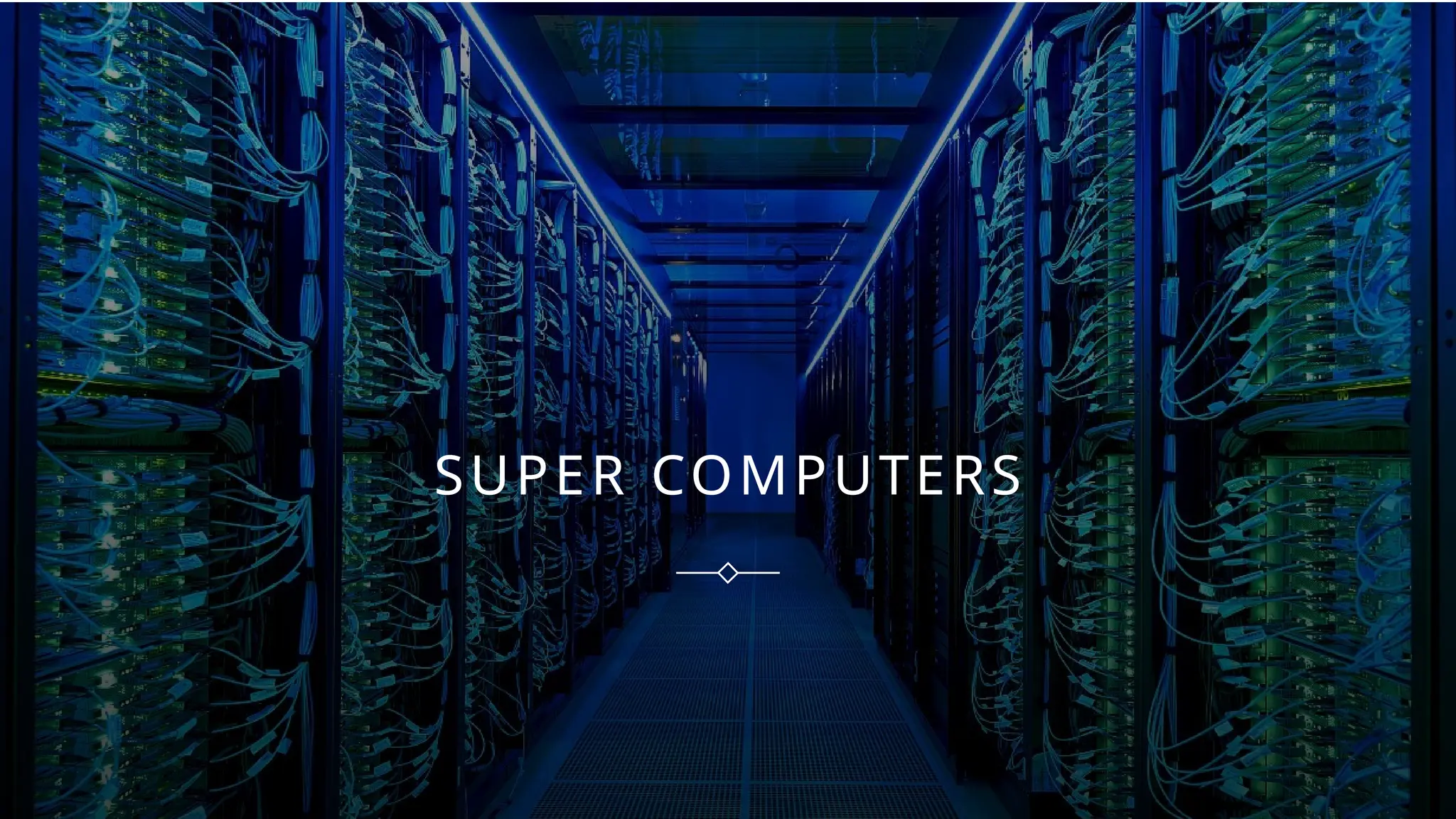
SUPER COMPUTERS
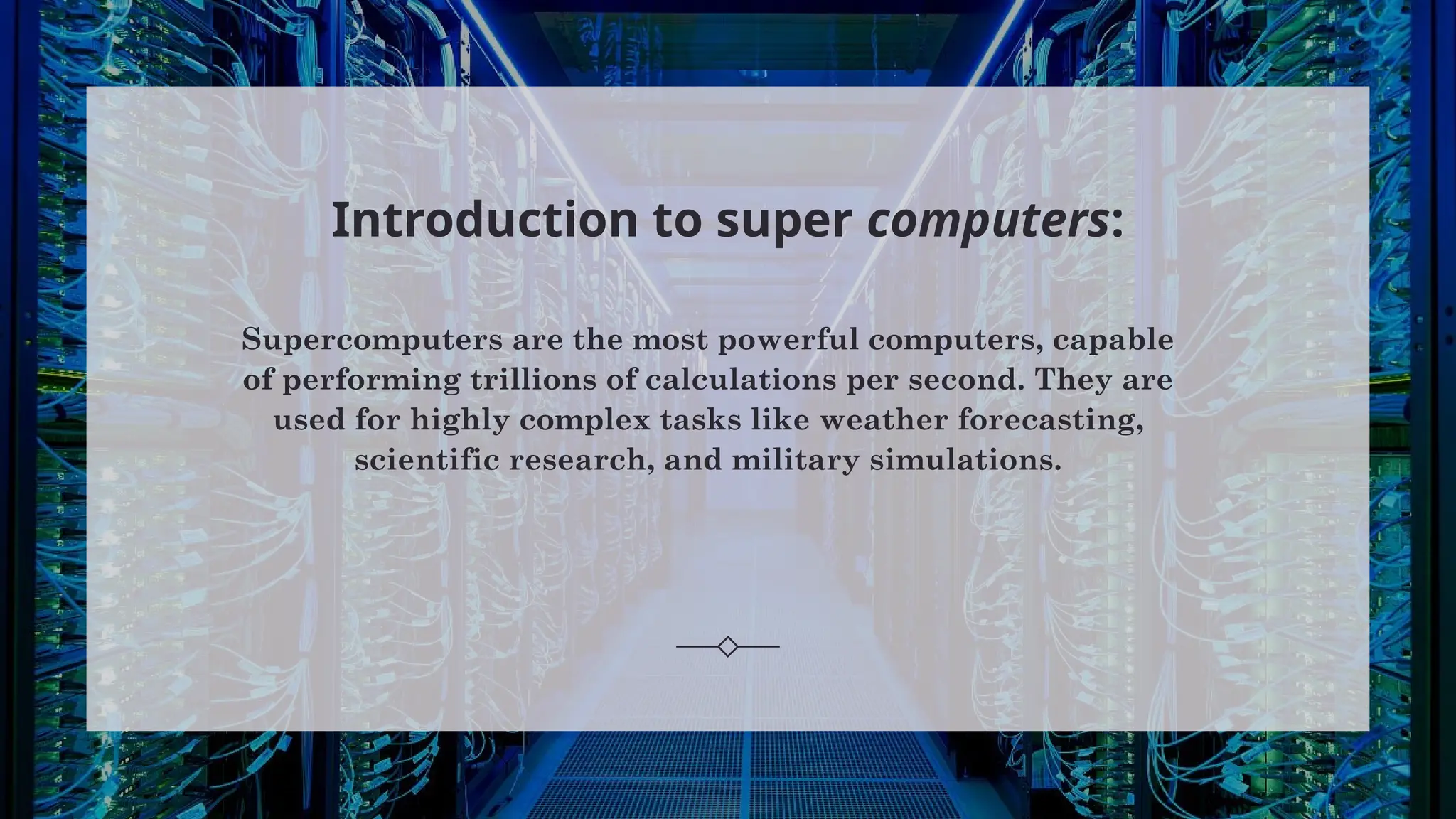
Introduction to super computers:
Supercomputers are the most powerful computers, capable
of performing trillions of calculations per second. They are
used for highly complex tasks like weather forecasting,
scientific research, and military simulations.
CHARACTERS OF
SUPER COMPUTERS:
• Extremely fast and
powerful.
• Handles massive
calculations.
• Requires special
cooling.
• Custom
architecture.
• Costly and complex
to maintain.
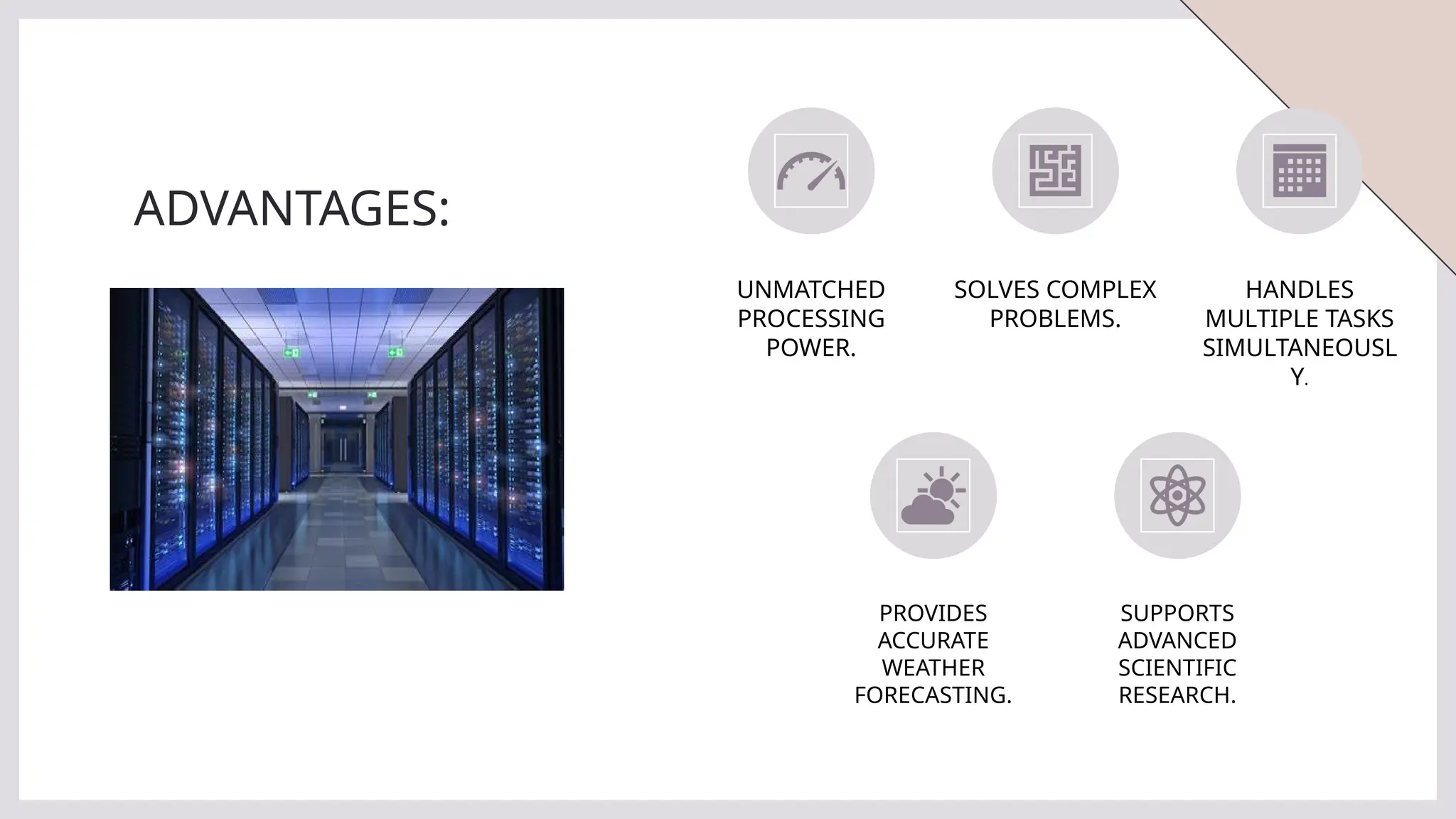
ADVANTAGES:
UNMATCHED
PROCESSING
POWER.
SOLVES COMPLEX
PROBLEMS.
HANDLES
MULTIPLE TASKS
SIMULTANEOUSL
Y.
PROVIDES
ACCURATE
WEATHER
FORECASTING.
SUPPORTS
ADVANCED
SCIENTIFIC
RESEARCH.
DISADVANTAGES:
VERY EXPENSIVE. REQUIRES A LOT
OF POWER.
NEEDS
SPECIALIZED
PERSONNEL.
OCCUPIES LARGE
SPACE.
LIMITED TO
SPECIFIC USES.
USES OF SUPERCOMPUTERS:
• Climate research and weather
forecasting.
• Nuclear simulations.
• Quantum mechanics simulations.
• Space exploration research.
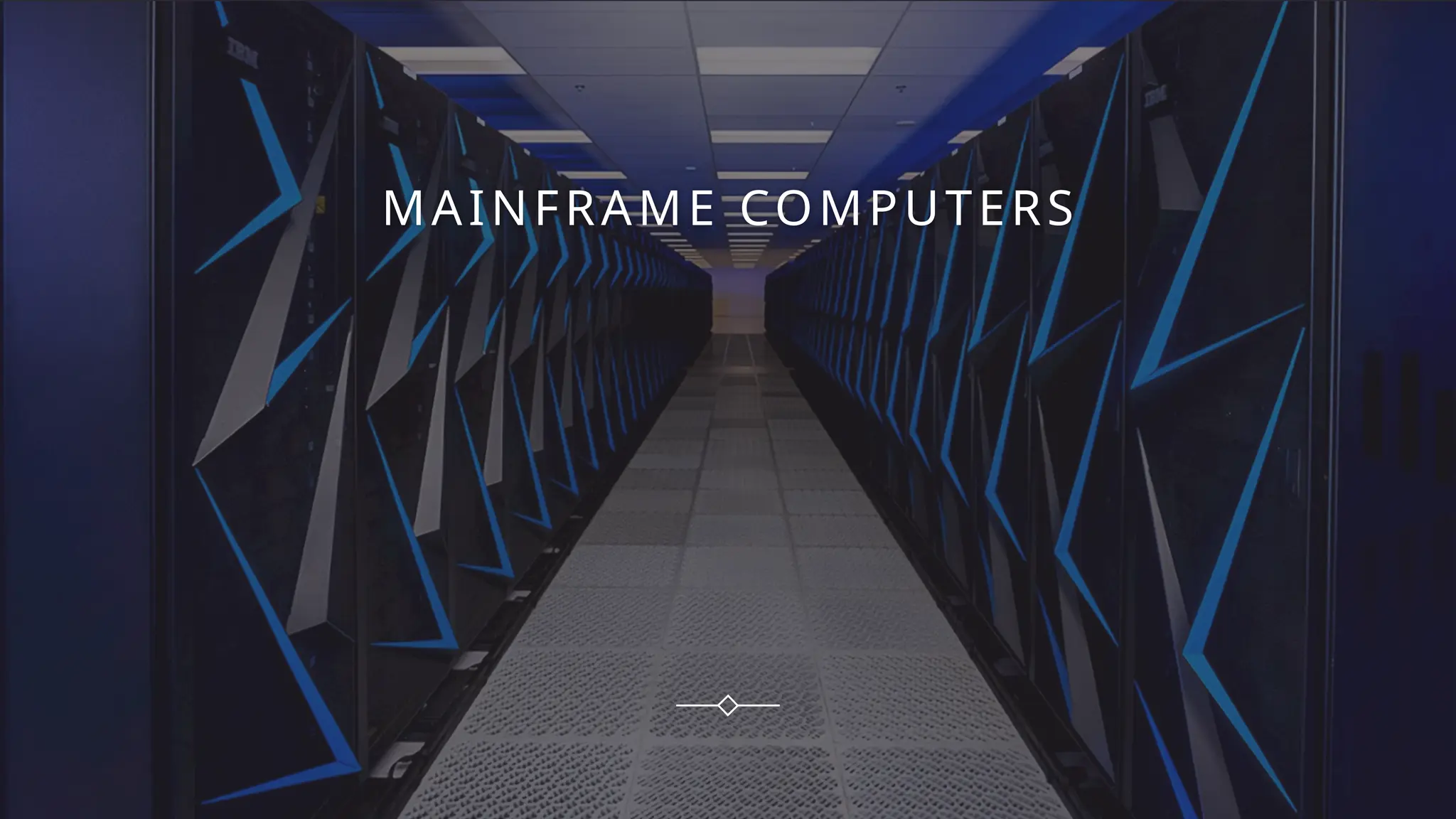
MAINFRAME COMPUTERS
INTRODUCTION TO THE MAINFRAME
COMPUTERS
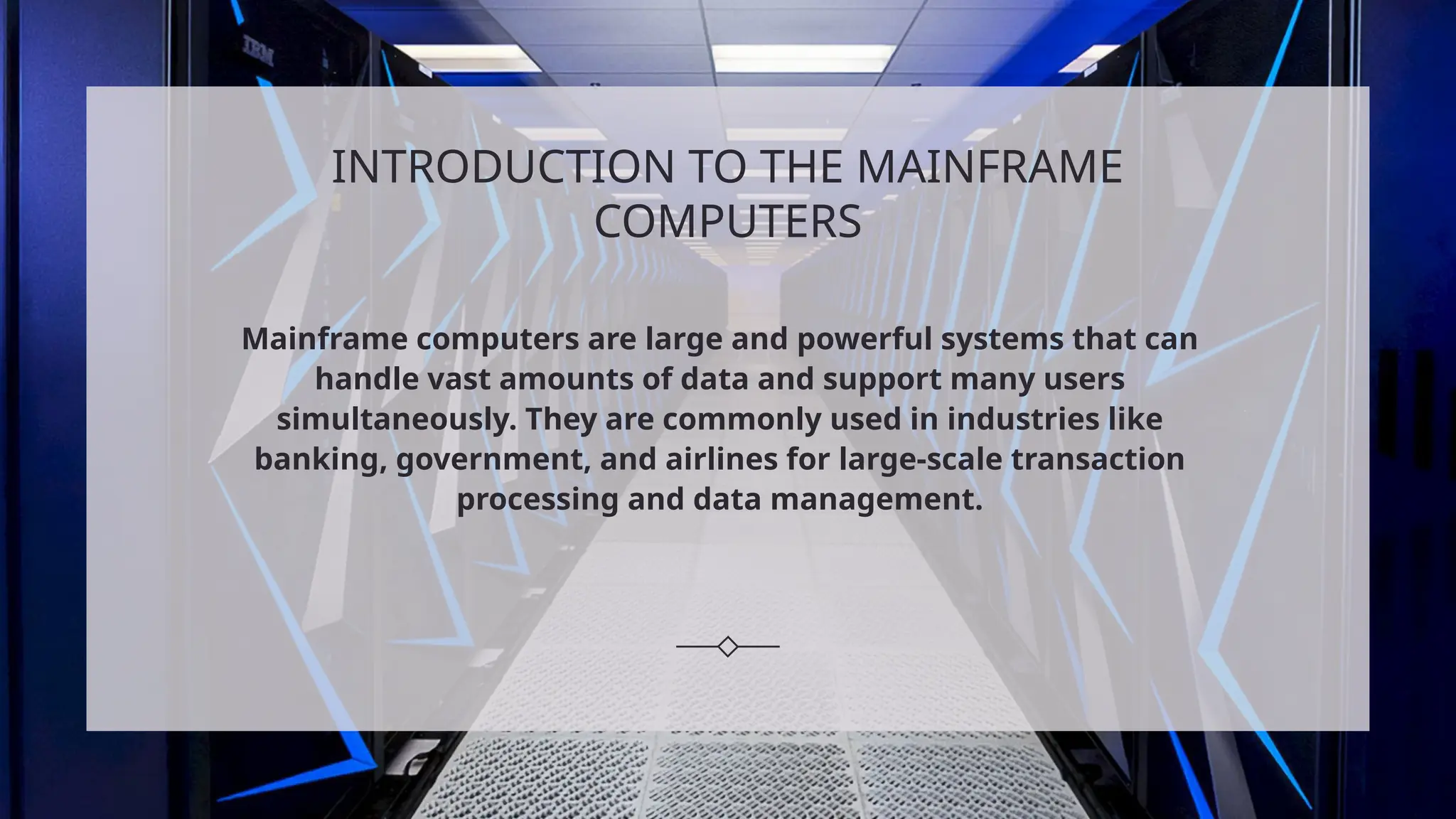
Mainframe computers are large and powerful systems that can
handle vast amounts of data and support many users
simultaneously. They are commonly used in industries like
banking, government, and airlines for large-scale transaction
processing and data management.
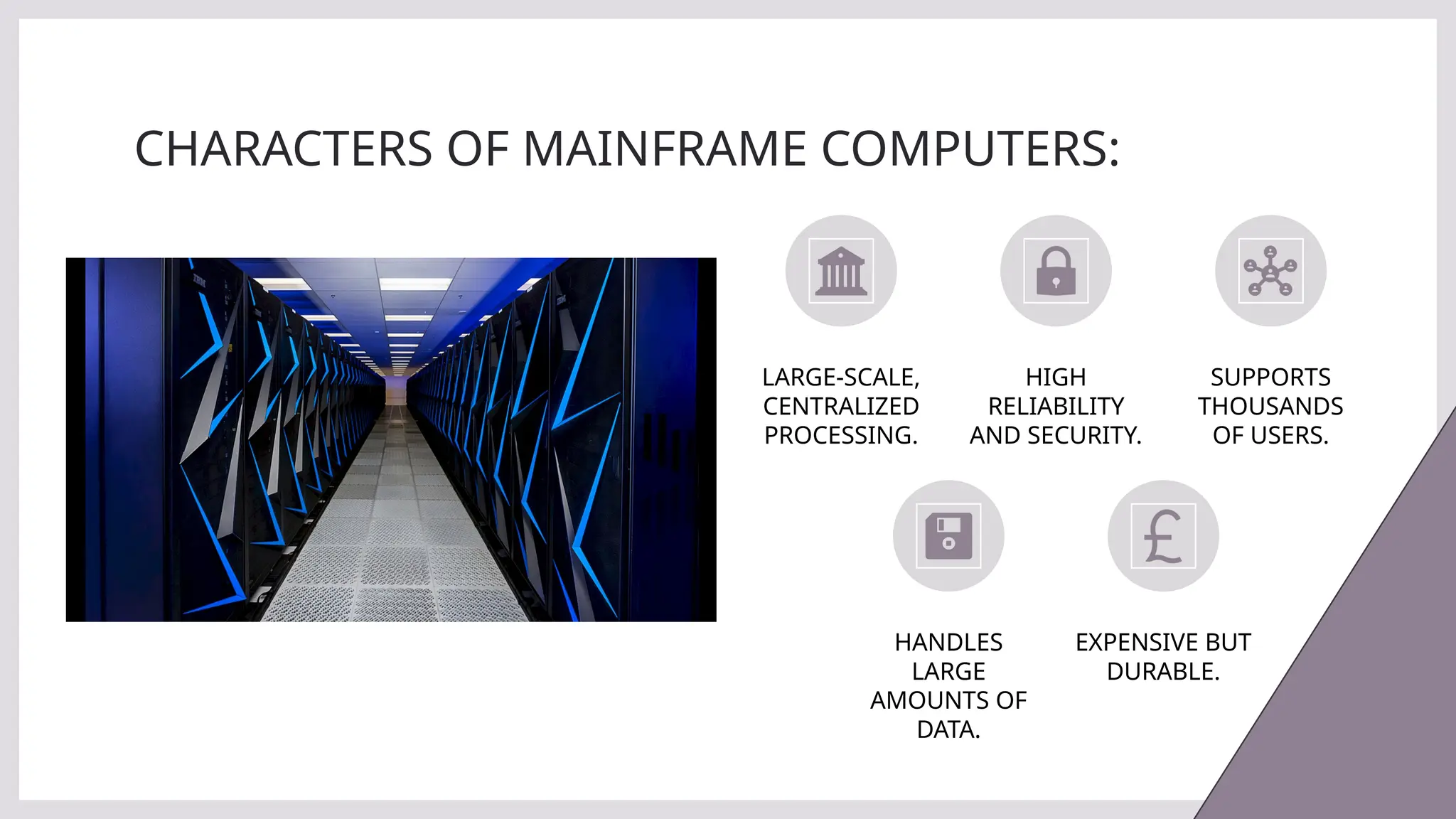
CHARACTERS OF MAINFRAME COMPUTERS:
LARGE-SCALE,
CENTRALIZED
PROCESSING.
HIGH
RELIABILITY
AND SECURITY.
SUPPORTS
THOUSANDS
OF USERS.
HANDLES
LARGE
AMOUNTS OF
DATA.
EXPENSIVE BUT
DURABLE.
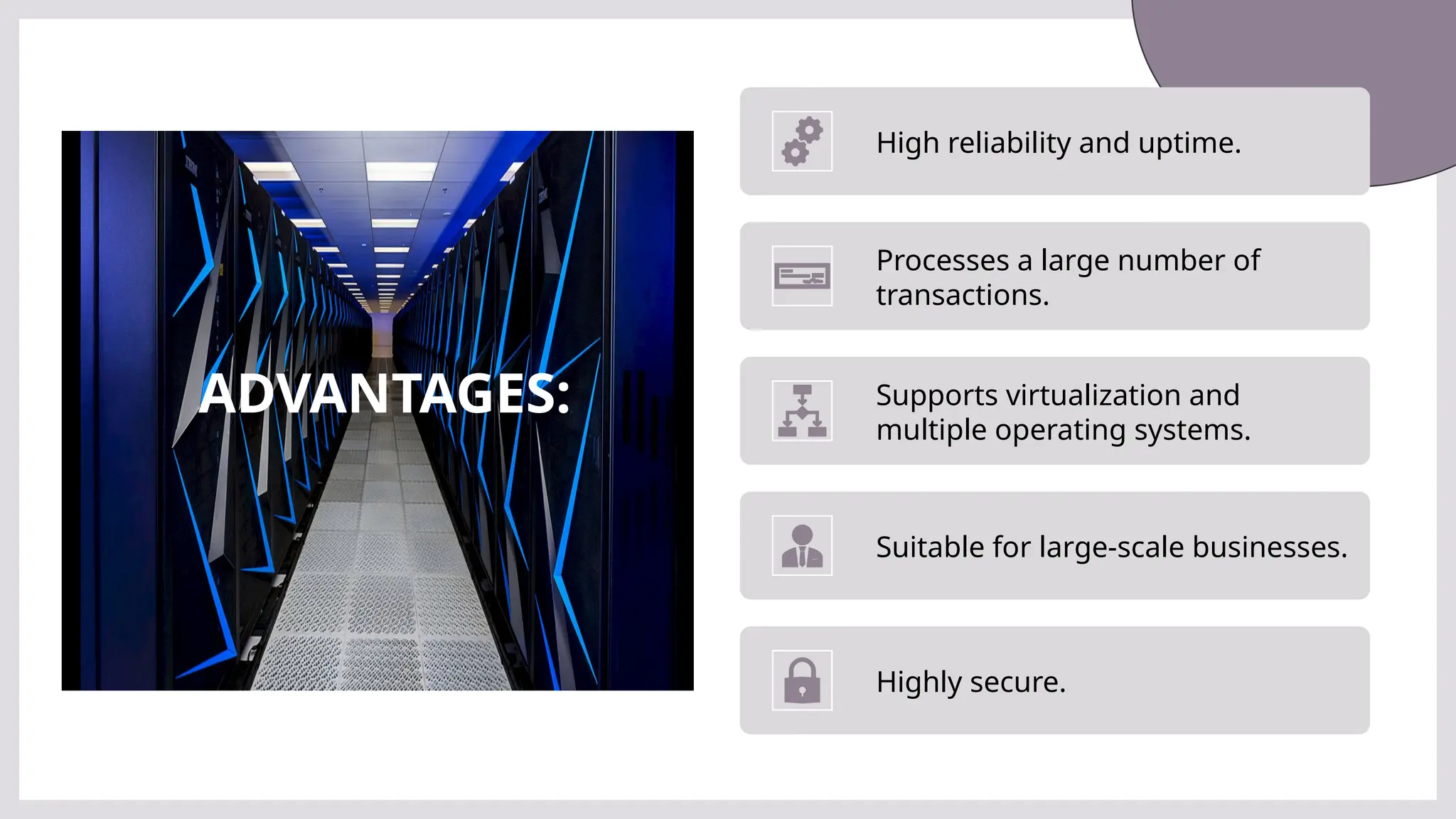
ADVANTAGES:
High reliability and uptime.
Processes a large number of
transactions.
Supports virtualization and
multiple operating systems.
Suitable for large-scale businesses.
Highly secure.
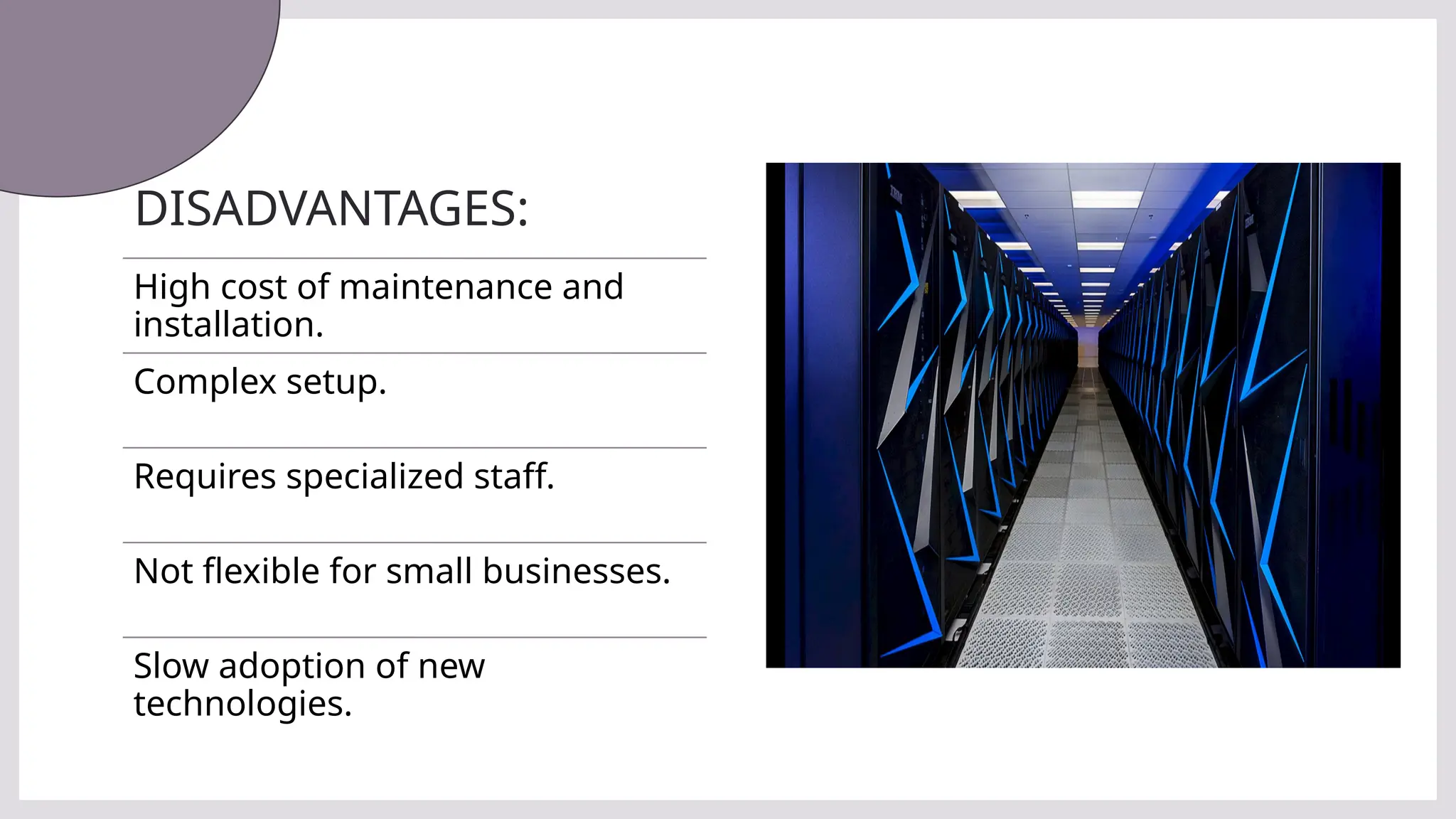
DISADVANTAGES:
High cost of maintenance and
installation.
Complex setup.
Requires specialized staff.
Not flexible for small businesses.
Slow adoption of new
technologies.
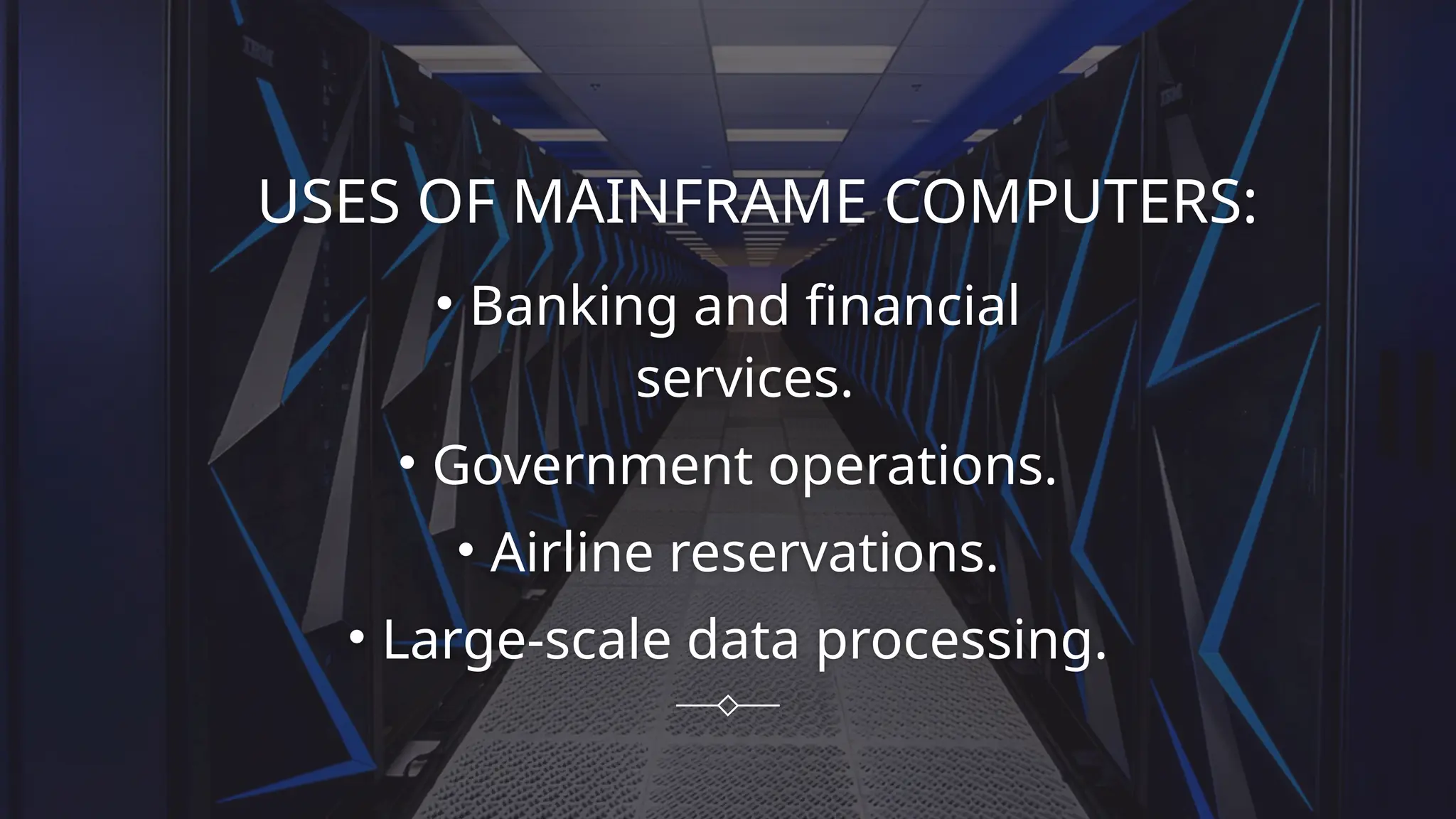
USES OF MAINFRAME COMPUTERS:
• Banking and financial
services.
• Government operations.
• Airline reservations.
• Large-scale data processing.
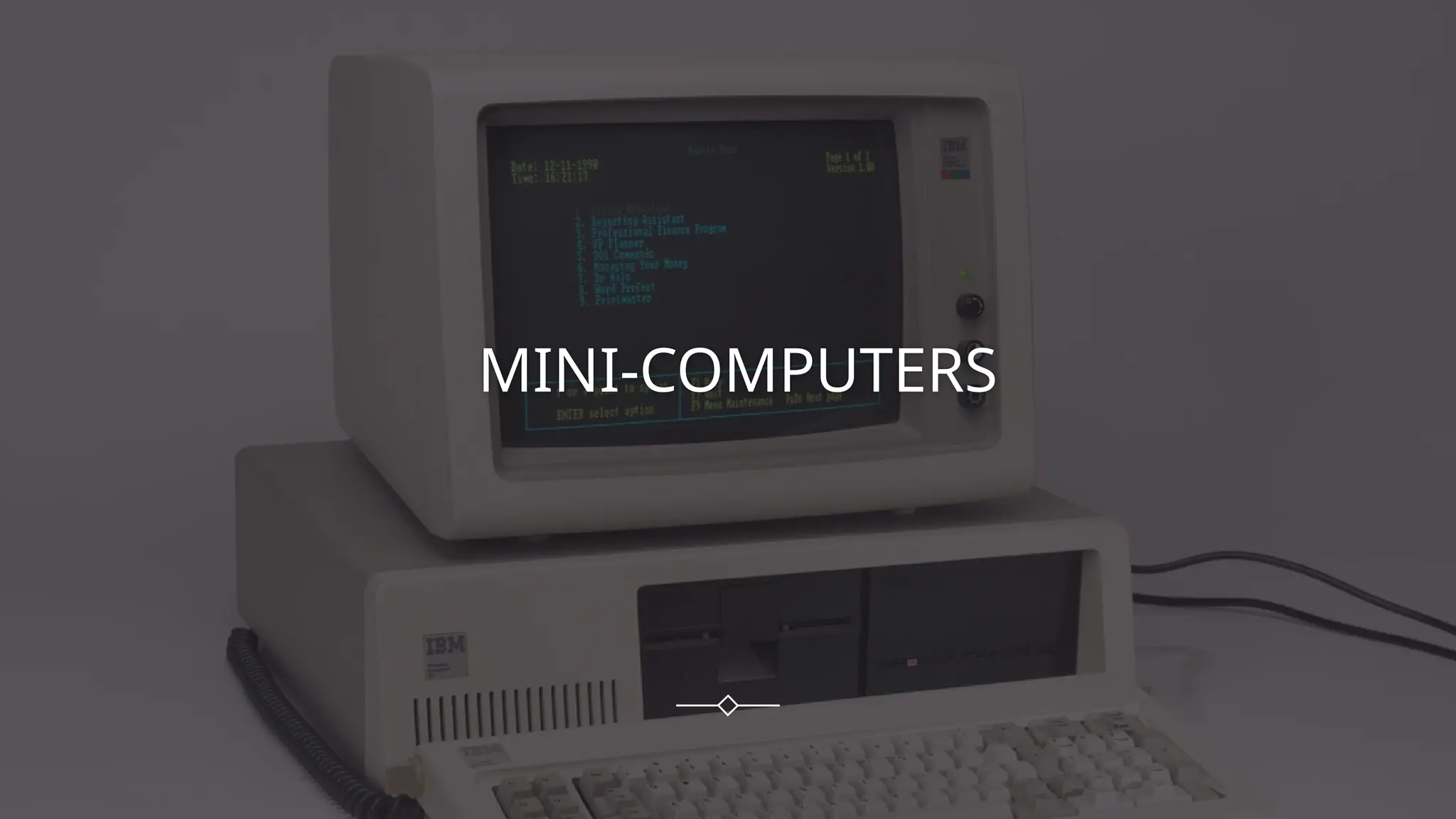
MINI-COMPUTERS
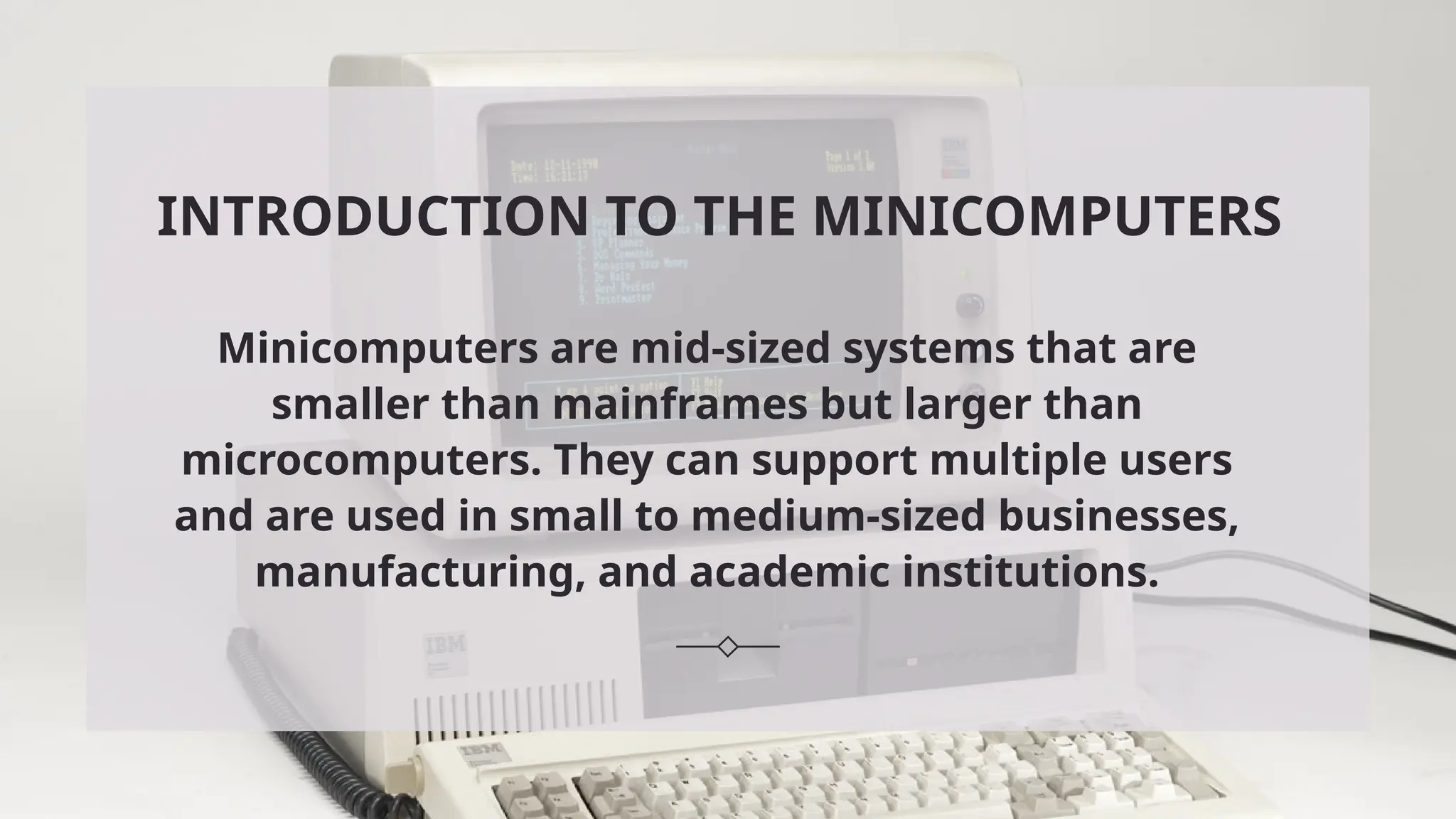
INTRODUCTION TO THE MINICOMPUTERS
Minicomputers are mid-sized systems that are
smaller than mainframes but larger than
microcomputers. They can support multiple users
and are used in small to medium-sized businesses,
manufacturing, and academic institutions.
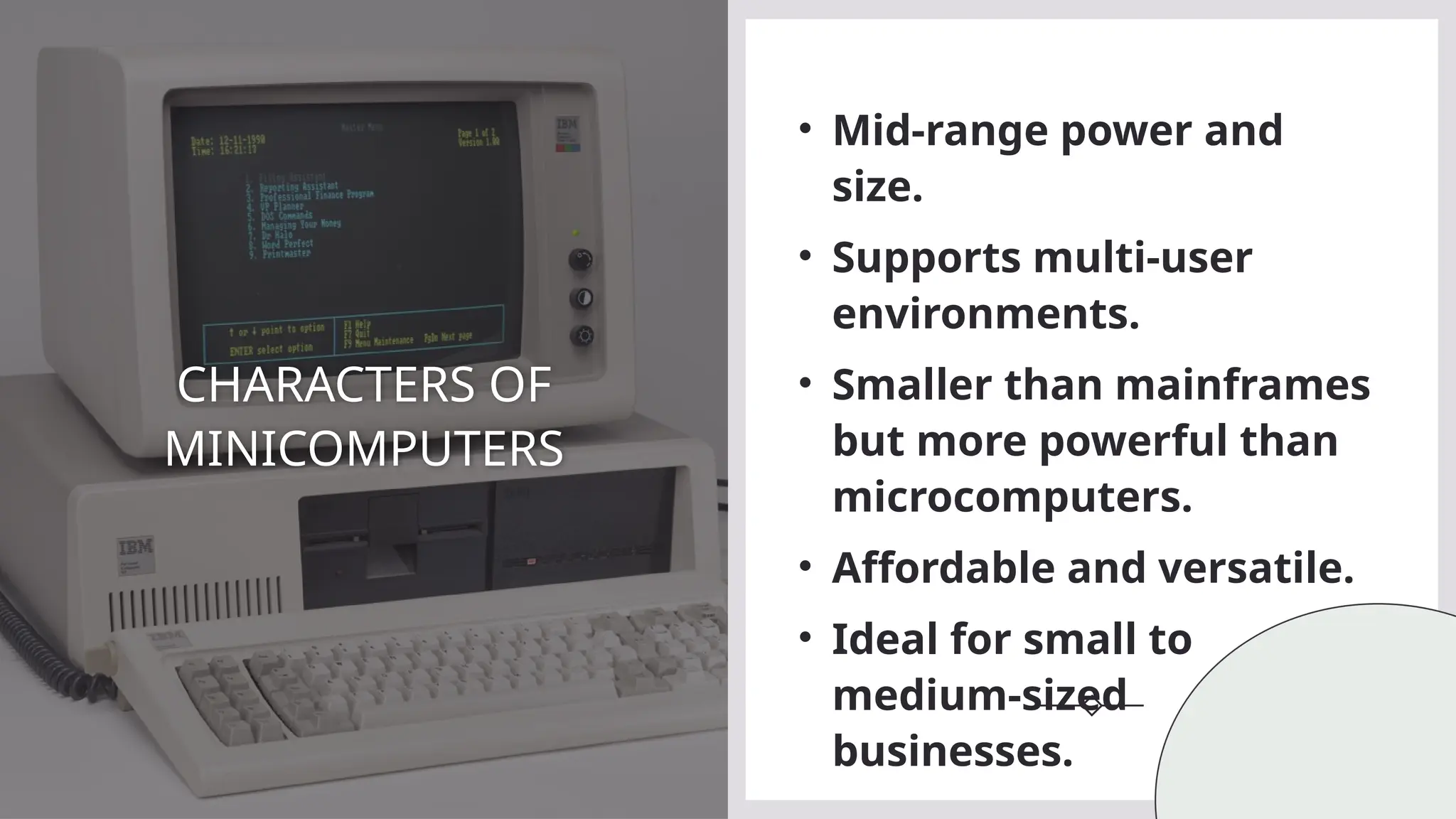
CHARACTERS OF
MINICOMPUTERS
• Mid-range power and
size.
• Supports multi-user
environments.
• Smaller than mainframes
but more powerful than
microcomputers.
• Affordable and versatile.
• Ideal for small to
medium-sized
businesses.
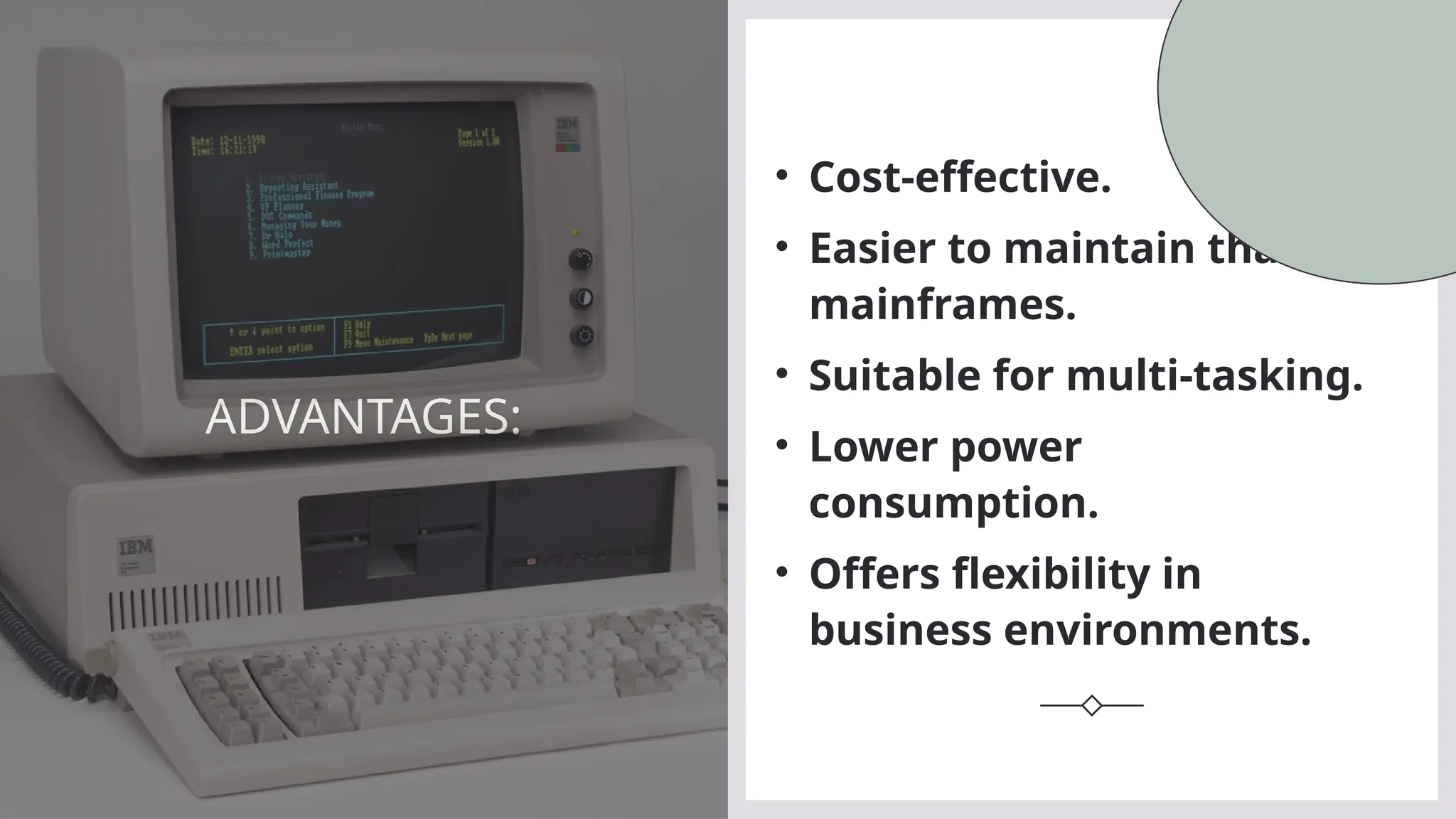
ADVANTAGES:
• Cost-effective.
• Easier to maintain than
mainframes.
• Suitable for multi-tasking.
• Lower power
consumption.
• Offers flexibility in
business environments.
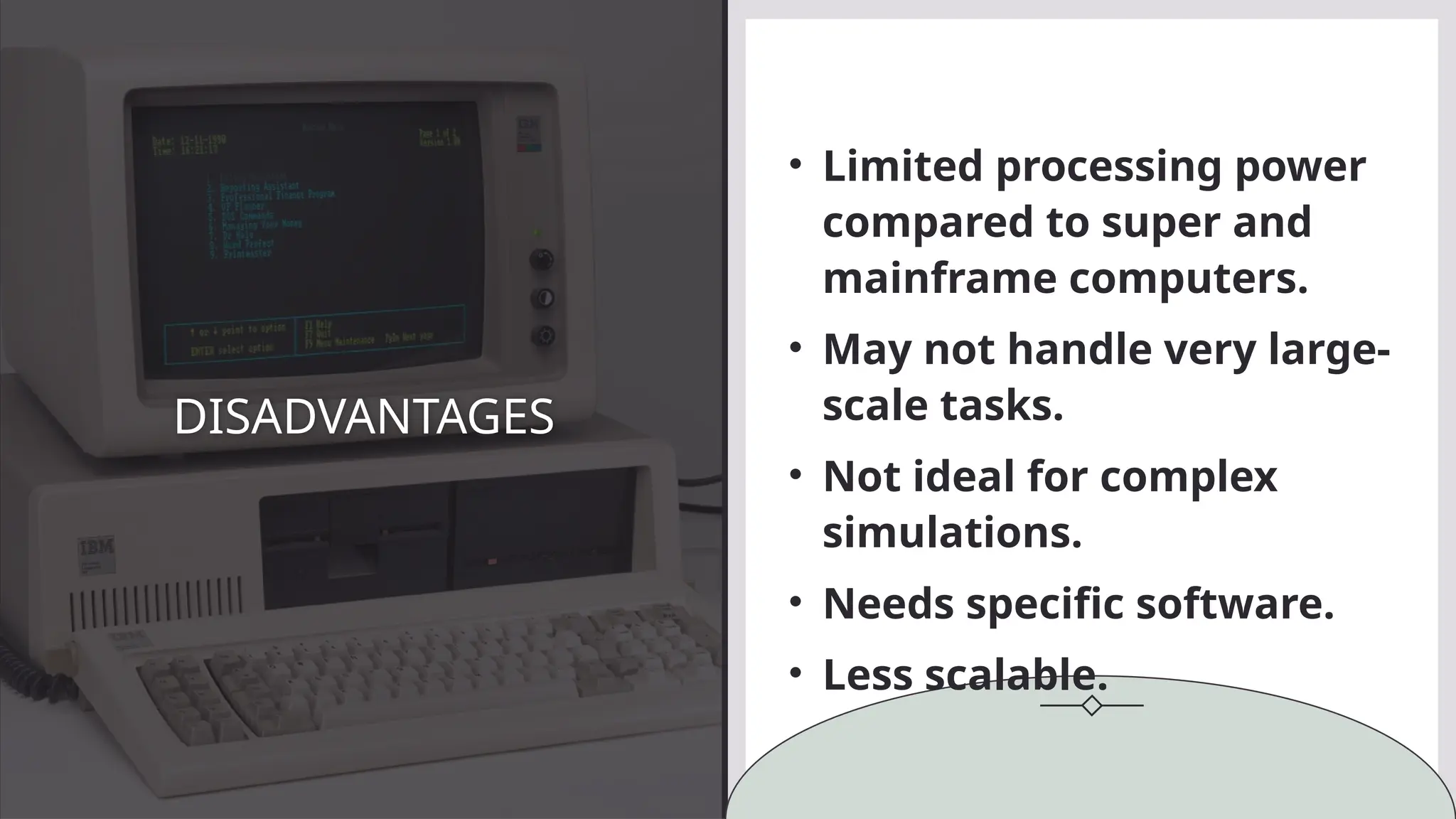
DISADVANTAGES
• Limited processing power
compared to super and
mainframe computers.
• May not handle very large-
scale tasks.
• Not ideal for complex
simulations.
• Needs specific software.
• Less scalable.
USES OF MINI COMPUTERS
• Small business operations.
• Scientific research.
• Engineering and manufacturing.
• Process control systems.
• Educational institutions.
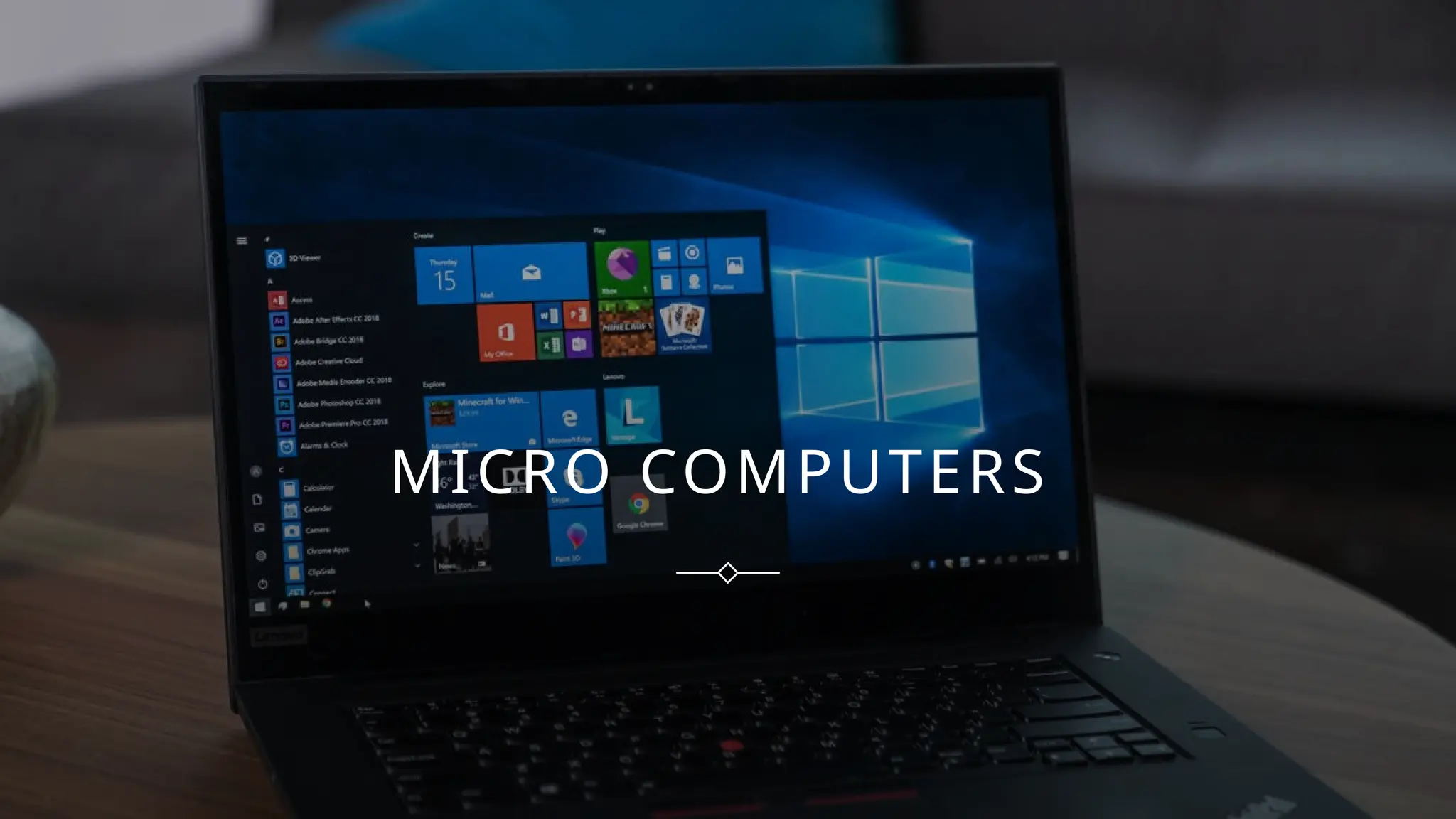
MICRO COMPUTERS
The first microcomputer
is Altiar 8800 was
commercially launched
as minicomputer but
because of its small size
and slow speed is was
classified into new
classification,
microcomputer.
WHY FURTHER
CLASSIFICATION OF
COMPUTER?
INTRODUCTION TO THE MICRO
COMPUTERS
Microcomputer are also known as personal
computer because of its small size and single
user based interface. It consist of a single
chip(CPU) which controls overall function of
computer system.
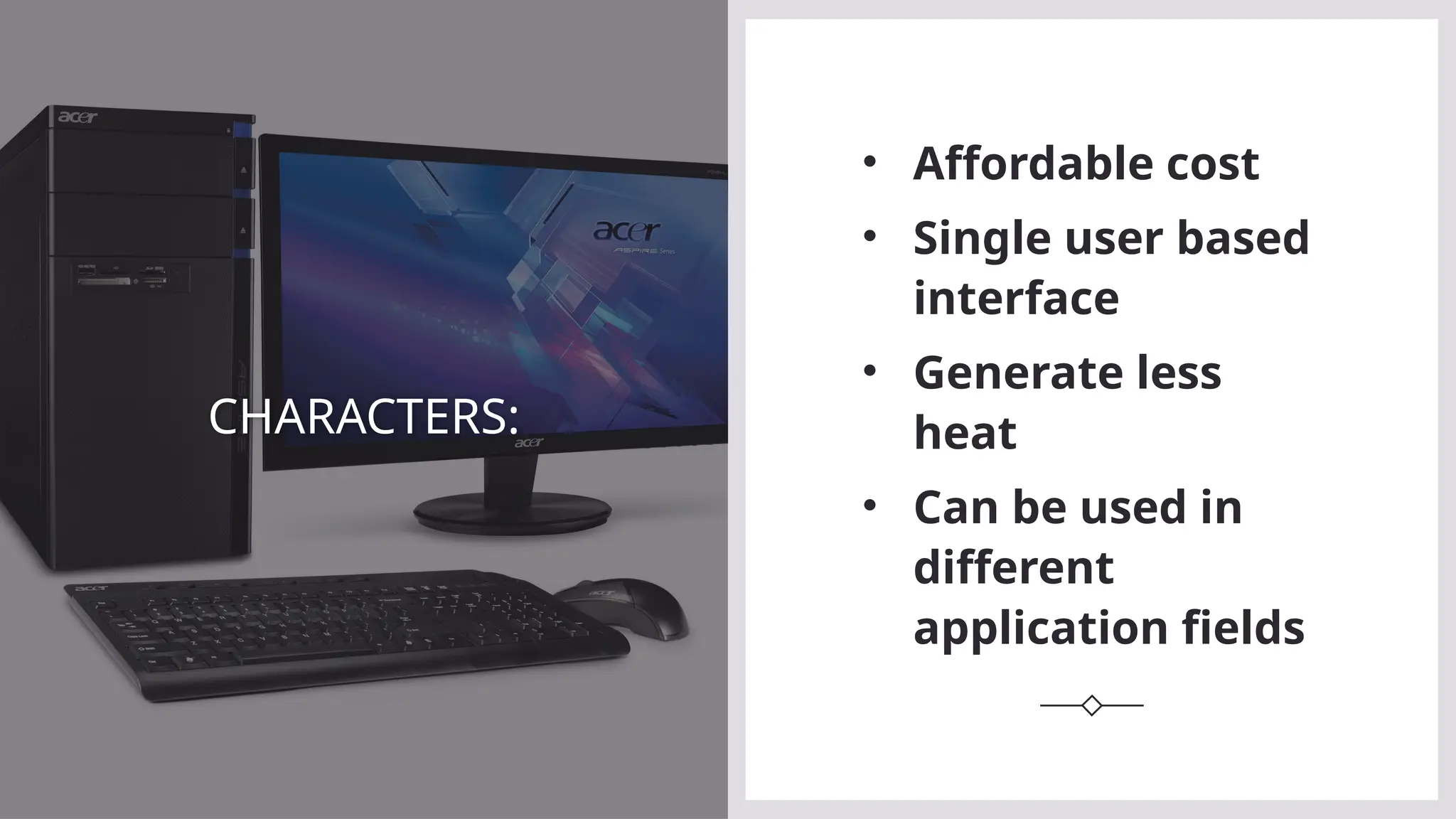
CHARACTERS:
• Affordable cost
• Single user based
interface
• Generate less
heat
• Can be used in
different
application fields
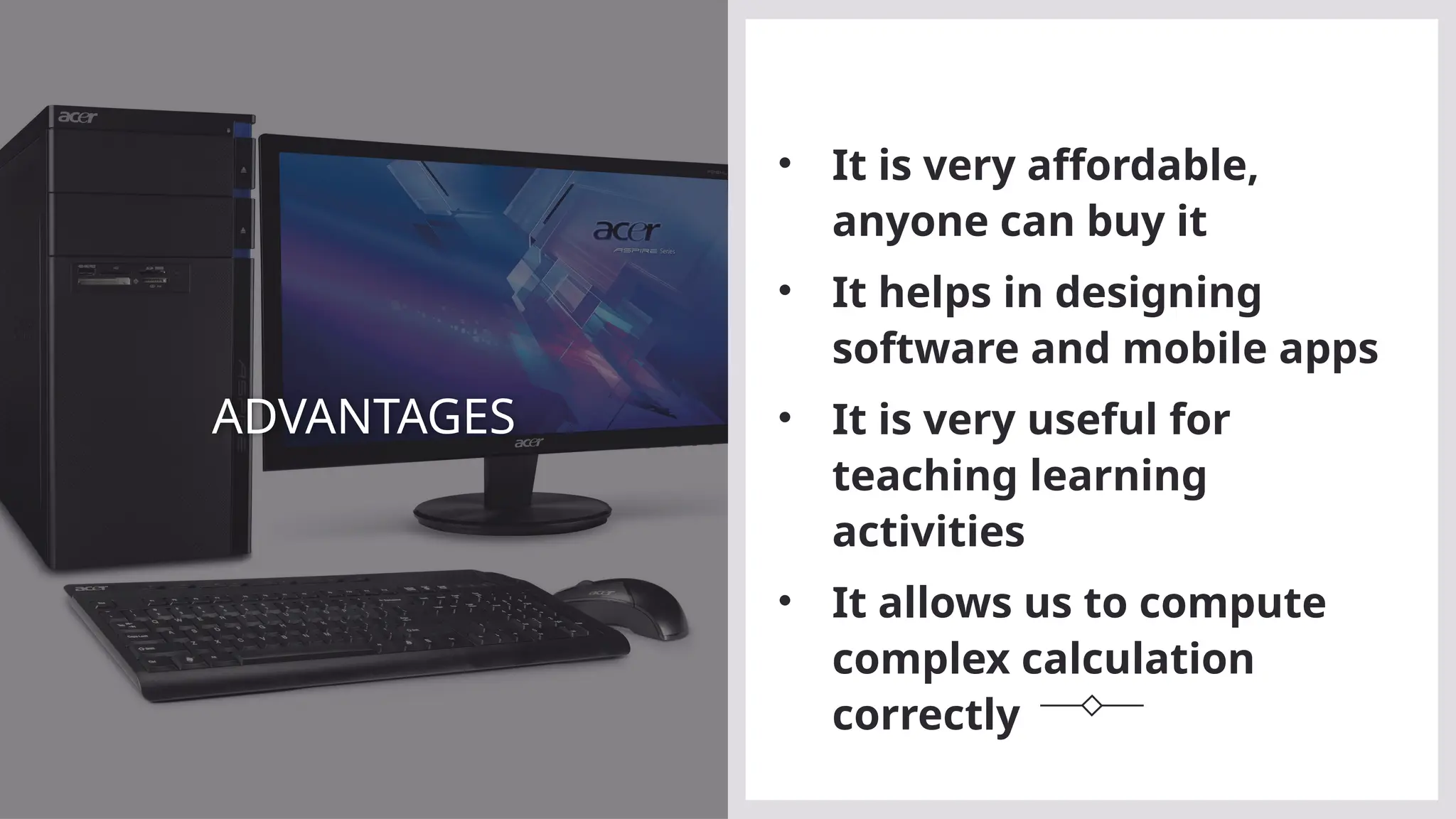
ADVANTAGES
• It is very affordable,
anyone can buy it
• It helps in designing
software and mobile apps
• It is very useful for
teaching learning
activities
• It allows us to compute
complex calculation
correctly
DISADVANTAGES
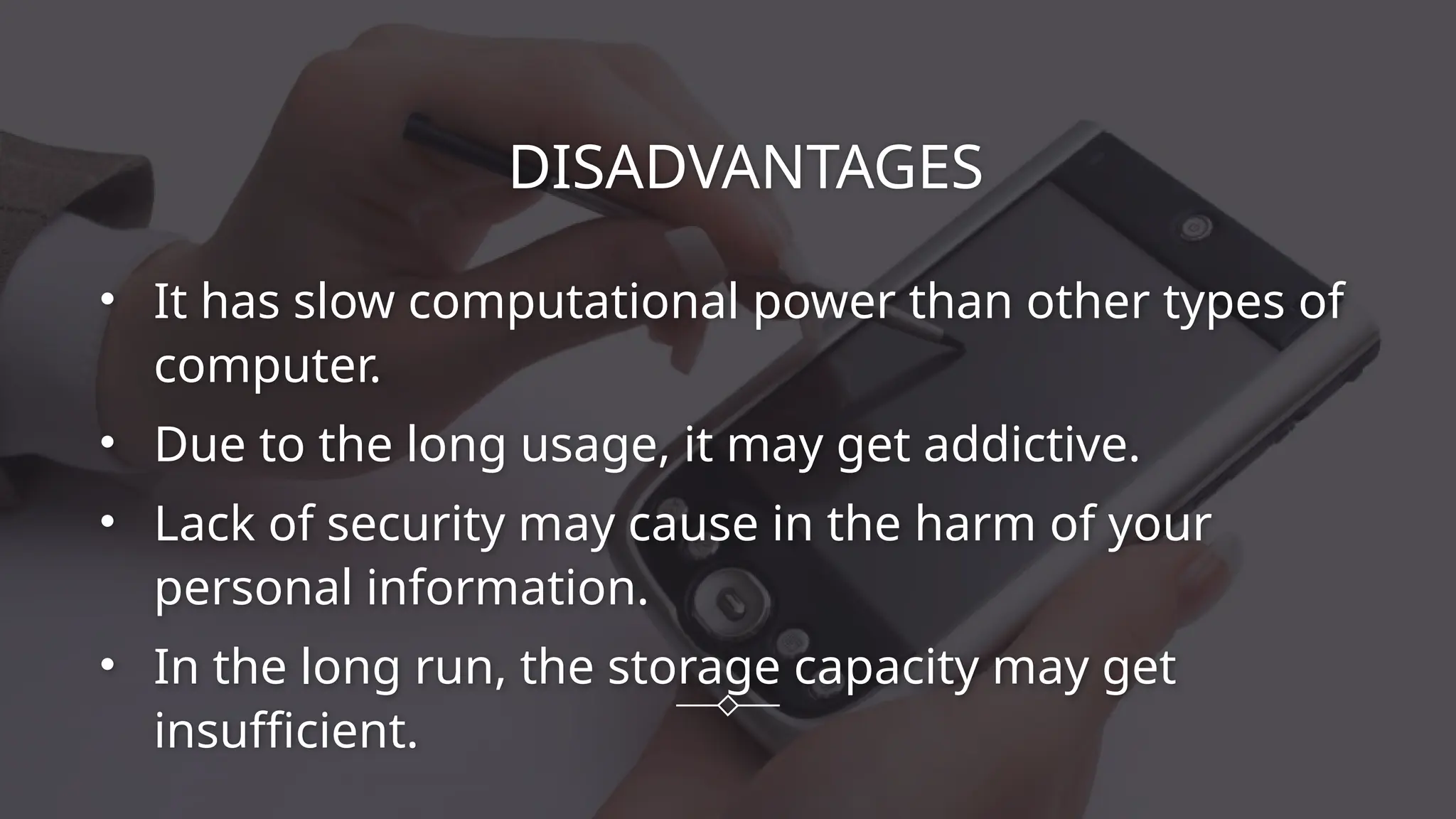
• It has slow computational power than other types of
computer.
• Due to the long usage, it may get addictive.
• Lack of security may cause in the harm of your
personal information.
• In the long run, the storage capacity may get
insufficient.
USES OF MICRO COMPUTERS
• Personal computing (word
processing, gaming, internet).
• Office work.
• Educational purposes.
• Small business management.
• Media and entertainment
production.
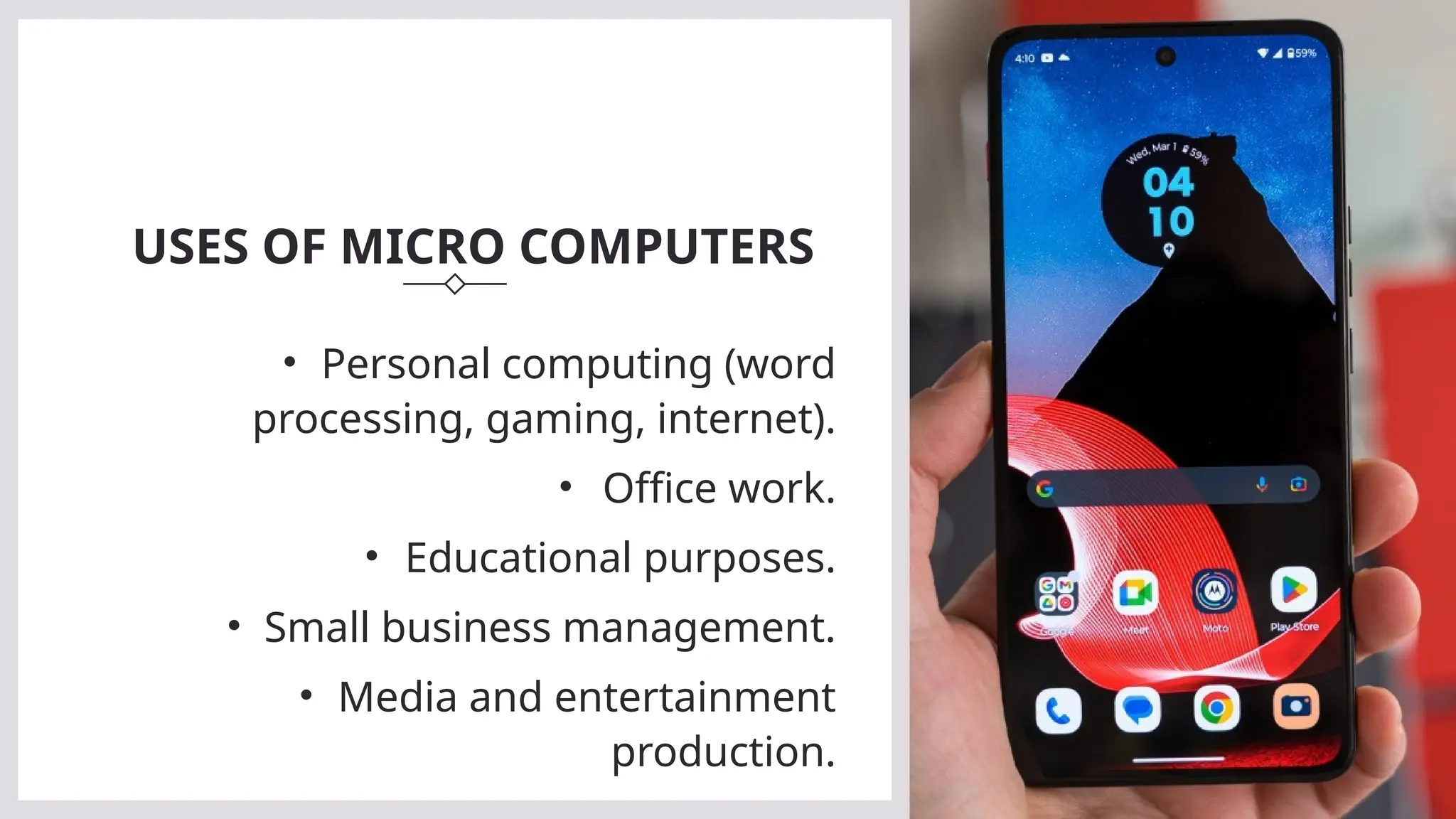
TYPES OF MICRO-COMPUTERS:
DESKTOP COMPUTER
This types of computer of different
components connected with a wire.
With its components its processes data
and display information
LAPTOP COMPUTER
Laptop computers are also known as
'Notebook' due to its small size and
briefcase structure . Unlike desktops, it
is highly portable.
TABLETS AND SMARTPHONES
They are the small handheld devices
that consist of touch display. It can also
performs the advance function like any
other type of microcomputer
CONCLUSION
WRAPPING ALL THE INFORMATION,
In conclusion, each type of computer—supercomputer,
mainframe, minicomputer, and microcomputer—serves a
unique purpose. Supercomputers handle massive tasks,
mainframes support large-scale organizations, minicomputers
offer mid-range performance for businesses, and microcomputers
provide accessible personal use. Understanding these distinctions
allows us to choose the right system for efficiency and innovation.
THANK YOU ALL FOR GIVING US
YOUR PRECIOUS TIME!!
ANY QUESTION OR QUERIES?

Types of the Computer on the basis of size

  • 1.
    TYPES OF COMPUTERSON THE BASIS OF SIZES
  • 2.
  • 3.
    Introduction to supercomputers: Supercomputers are the most powerful computers, capable of performing trillions of calculations per second. They are used for highly complex tasks like weather forecasting, scientific research, and military simulations.
  • 4.
    CHARACTERS OF SUPER COMPUTERS: •Extremely fast and powerful. • Handles massive calculations. • Requires special cooling. • Custom architecture. • Costly and complex to maintain.
  • 5.
  • 6.
    DISADVANTAGES: VERY EXPENSIVE. REQUIRESA LOT OF POWER. NEEDS SPECIALIZED PERSONNEL. OCCUPIES LARGE SPACE. LIMITED TO SPECIFIC USES.
  • 7.
    USES OF SUPERCOMPUTERS: •Climate research and weather forecasting. • Nuclear simulations. • Quantum mechanics simulations. • Space exploration research.
  • 8.
  • 9.
    INTRODUCTION TO THEMAINFRAME COMPUTERS Mainframe computers are large and powerful systems that can handle vast amounts of data and support many users simultaneously. They are commonly used in industries like banking, government, and airlines for large-scale transaction processing and data management.
  • 10.
    CHARACTERS OF MAINFRAMECOMPUTERS: LARGE-SCALE, CENTRALIZED PROCESSING. HIGH RELIABILITY AND SECURITY. SUPPORTS THOUSANDS OF USERS. HANDLES LARGE AMOUNTS OF DATA. EXPENSIVE BUT DURABLE.
  • 11.
    ADVANTAGES: High reliability anduptime. Processes a large number of transactions. Supports virtualization and multiple operating systems. Suitable for large-scale businesses. Highly secure.
  • 12.
    DISADVANTAGES: High cost ofmaintenance and installation. Complex setup. Requires specialized staff. Not flexible for small businesses. Slow adoption of new technologies.
  • 13.
    USES OF MAINFRAMECOMPUTERS: • Banking and financial services. • Government operations. • Airline reservations. • Large-scale data processing.
  • 14.
  • 15.
    INTRODUCTION TO THEMINICOMPUTERS Minicomputers are mid-sized systems that are smaller than mainframes but larger than microcomputers. They can support multiple users and are used in small to medium-sized businesses, manufacturing, and academic institutions.
  • 16.
    CHARACTERS OF MINICOMPUTERS • Mid-rangepower and size. • Supports multi-user environments. • Smaller than mainframes but more powerful than microcomputers. • Affordable and versatile. • Ideal for small to medium-sized businesses.
  • 17.
    ADVANTAGES: • Cost-effective. • Easierto maintain than mainframes. • Suitable for multi-tasking. • Lower power consumption. • Offers flexibility in business environments.
  • 18.
    DISADVANTAGES • Limited processingpower compared to super and mainframe computers. • May not handle very large- scale tasks. • Not ideal for complex simulations. • Needs specific software. • Less scalable.
  • 19.
    USES OF MINICOMPUTERS • Small business operations. • Scientific research. • Engineering and manufacturing. • Process control systems. • Educational institutions.
  • 20.
  • 21.
    The first microcomputer isAltiar 8800 was commercially launched as minicomputer but because of its small size and slow speed is was classified into new classification, microcomputer. WHY FURTHER CLASSIFICATION OF COMPUTER?
  • 22.
    INTRODUCTION TO THEMICRO COMPUTERS Microcomputer are also known as personal computer because of its small size and single user based interface. It consist of a single chip(CPU) which controls overall function of computer system.
  • 23.
    CHARACTERS: • Affordable cost •Single user based interface • Generate less heat • Can be used in different application fields
  • 24.
    ADVANTAGES • It isvery affordable, anyone can buy it • It helps in designing software and mobile apps • It is very useful for teaching learning activities • It allows us to compute complex calculation correctly
  • 25.
    DISADVANTAGES • It hasslow computational power than other types of computer. • Due to the long usage, it may get addictive. • Lack of security may cause in the harm of your personal information. • In the long run, the storage capacity may get insufficient.
  • 26.
    USES OF MICROCOMPUTERS • Personal computing (word processing, gaming, internet). • Office work. • Educational purposes. • Small business management. • Media and entertainment production.
  • 27.
    TYPES OF MICRO-COMPUTERS: DESKTOPCOMPUTER This types of computer of different components connected with a wire. With its components its processes data and display information LAPTOP COMPUTER Laptop computers are also known as 'Notebook' due to its small size and briefcase structure . Unlike desktops, it is highly portable. TABLETS AND SMARTPHONES They are the small handheld devices that consist of touch display. It can also performs the advance function like any other type of microcomputer
  • 28.
    CONCLUSION WRAPPING ALL THEINFORMATION, In conclusion, each type of computer—supercomputer, mainframe, minicomputer, and microcomputer—serves a unique purpose. Supercomputers handle massive tasks, mainframes support large-scale organizations, minicomputers offer mid-range performance for businesses, and microcomputers provide accessible personal use. Understanding these distinctions allows us to choose the right system for efficiency and innovation.
  • 29.
    THANK YOU ALLFOR GIVING US YOUR PRECIOUS TIME!! ANY QUESTION OR QUERIES?