Create	
  your	
  own	
  PLN	
  
         @carolskyring	


                                  Carol	
  Skyring	
  
                      21st	
  Century	
  Navigator	
  
Introduc<ons	
  
        •  Name	
  
        •  Organisa<on	
  
        •  Role	
  
2	
  points	
  if	
  you’ve	
  used	
  
              1	
  point	
  if	
  you’ve	
  heard	
  of	
  
•    TwiEer	
                            •    Flickr	
  
•    Blogs	
                             •    LinkedIn	
  
•    Wikis	
                             •    YouTube	
  
•    Facebook	
                          •    Diigo	
  
•    Google+	
                           •    Hootsuite	
  
•    Slideshare	
                        •    Pinterest	
  
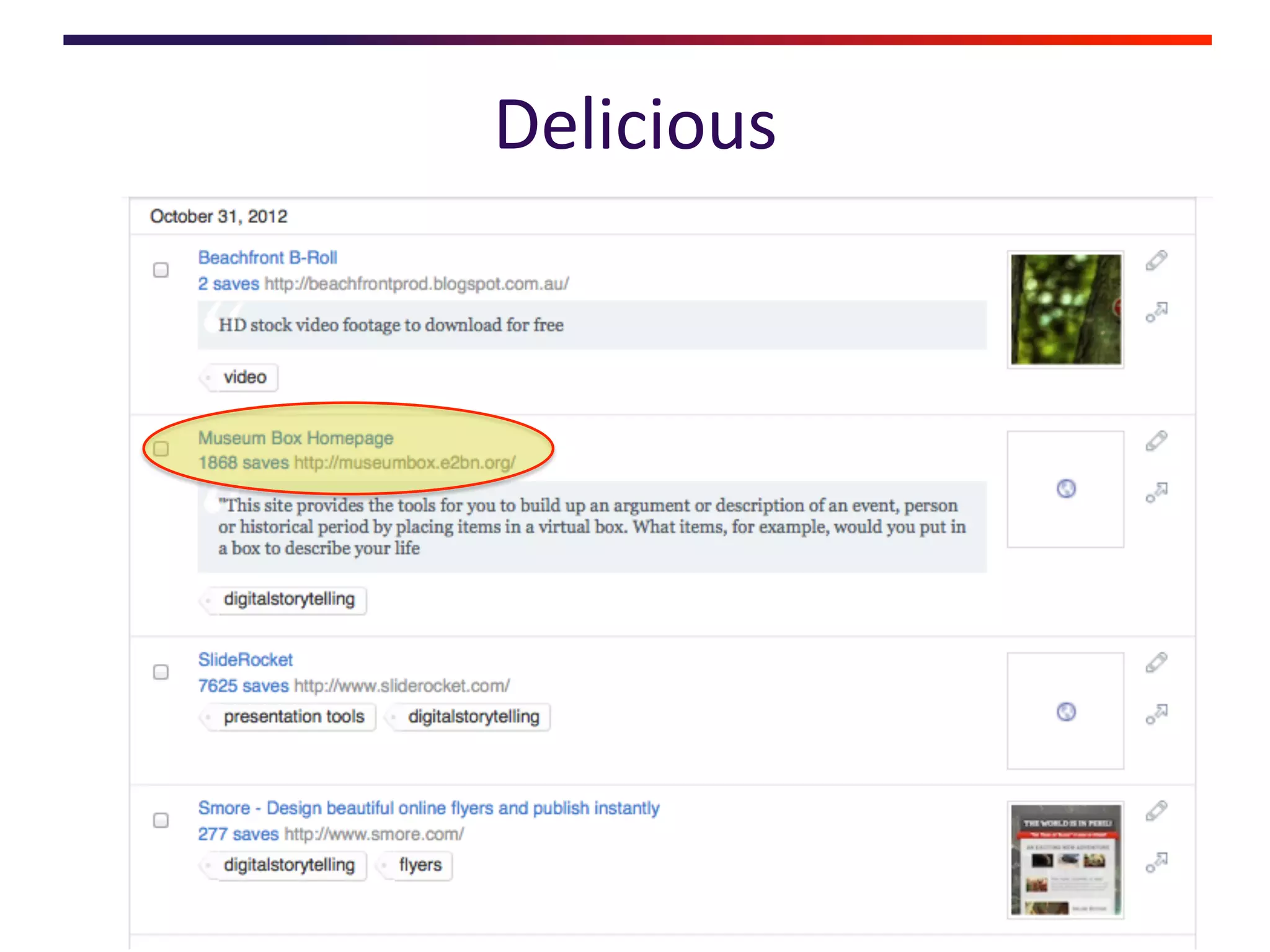
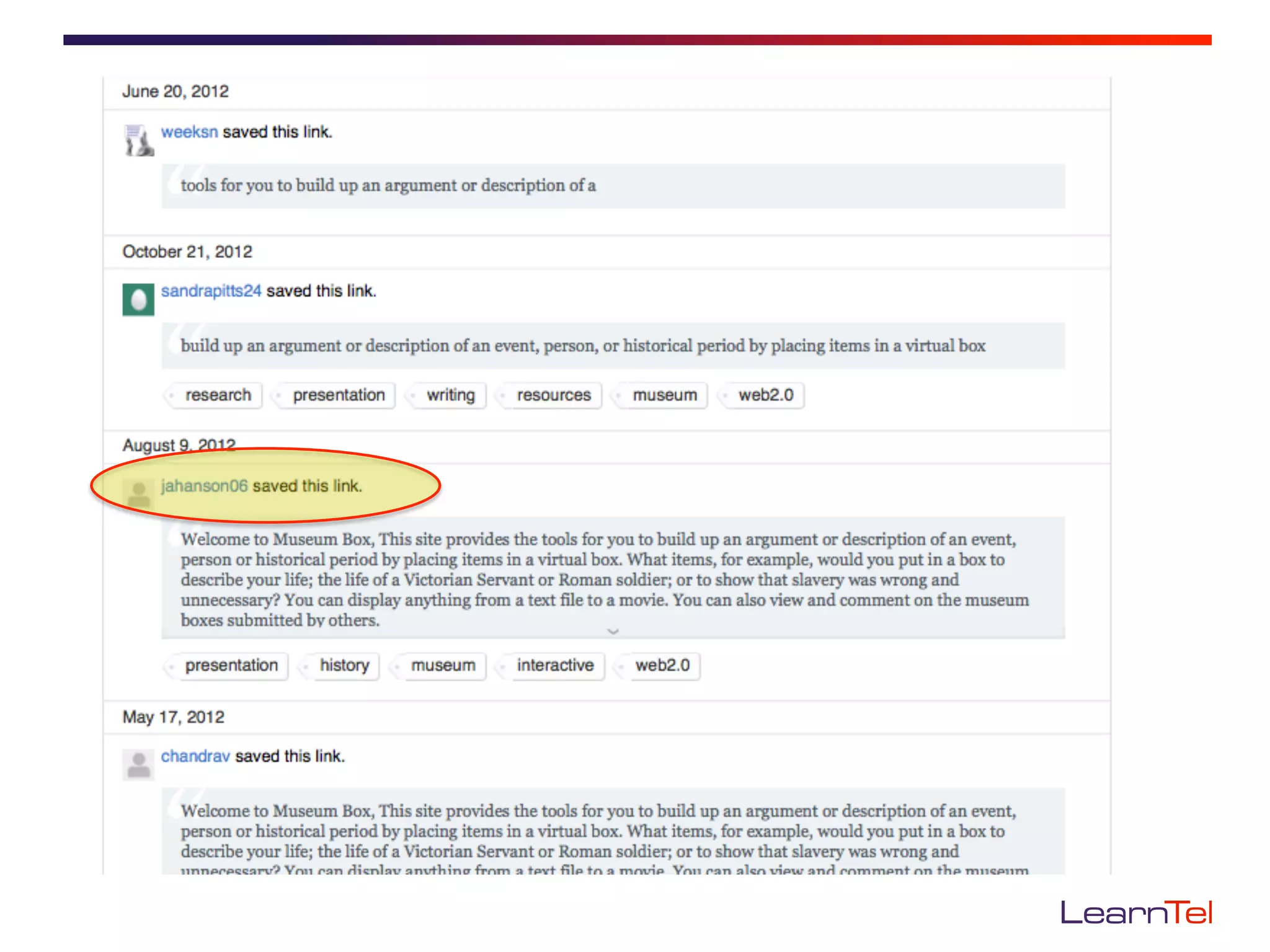
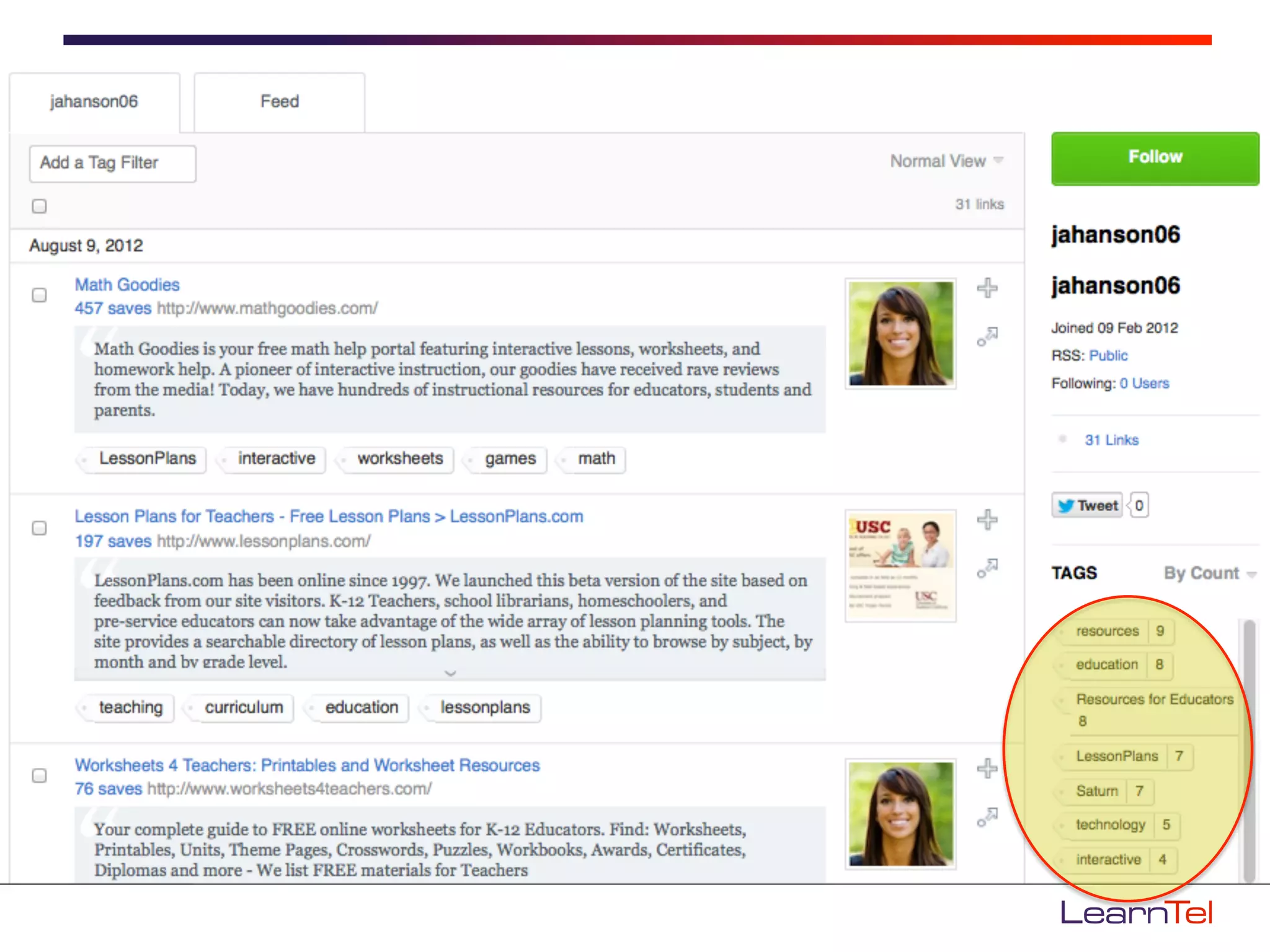
•    Delicious	
                         •    Podcasts	
  
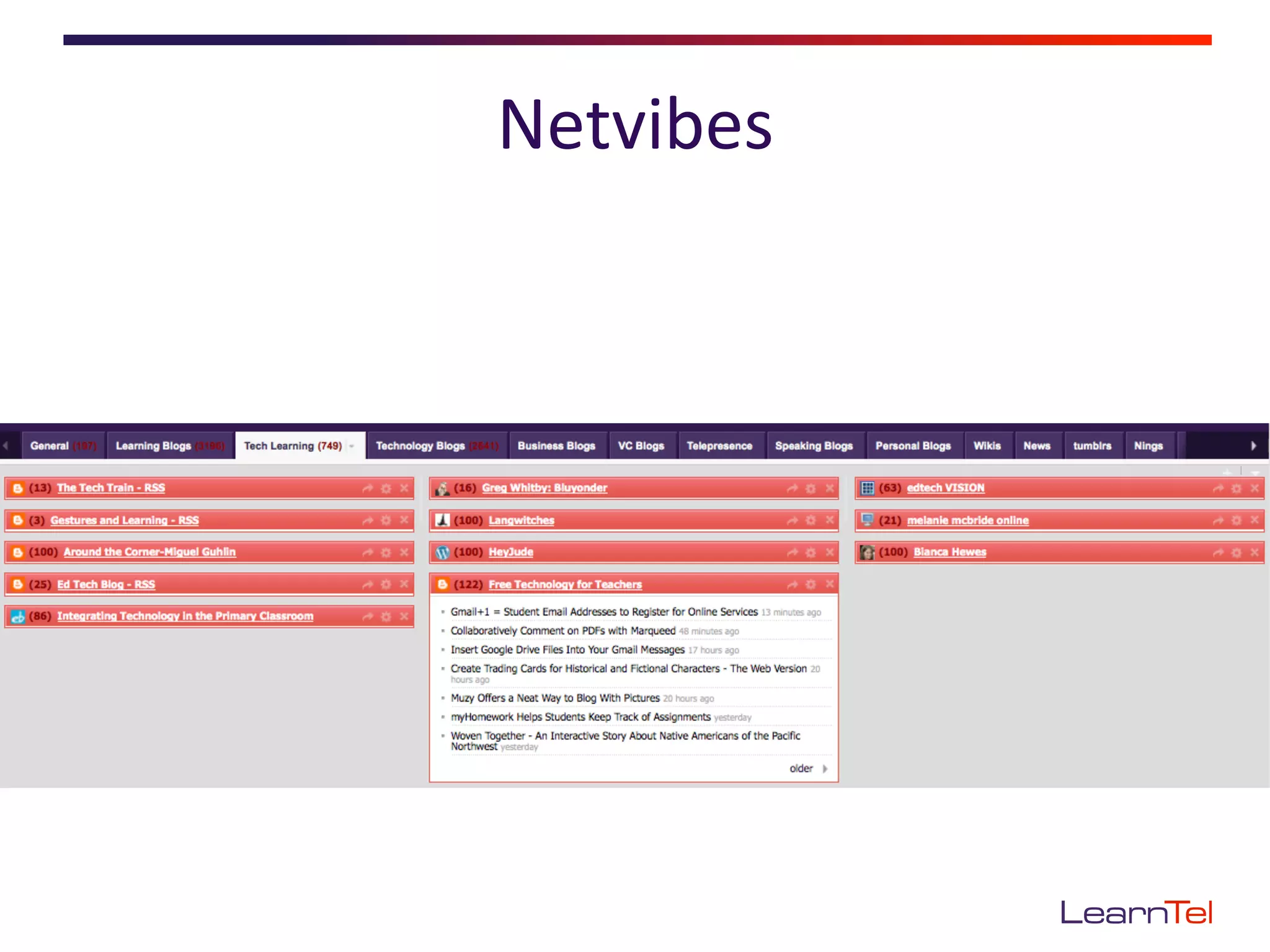
•    Netvibes	
                          •    Google	
  Reader	
  
Topics	
  
•    What’s	
  a	
  PLN?	
  
•    Why	
  have	
  a	
  PLN?	
  
•    PLN	
  tools	
  
•    GePng	
  started	
  
•    Extending	
  the	
  network	
  
•    PLN	
  e<queEe	
  
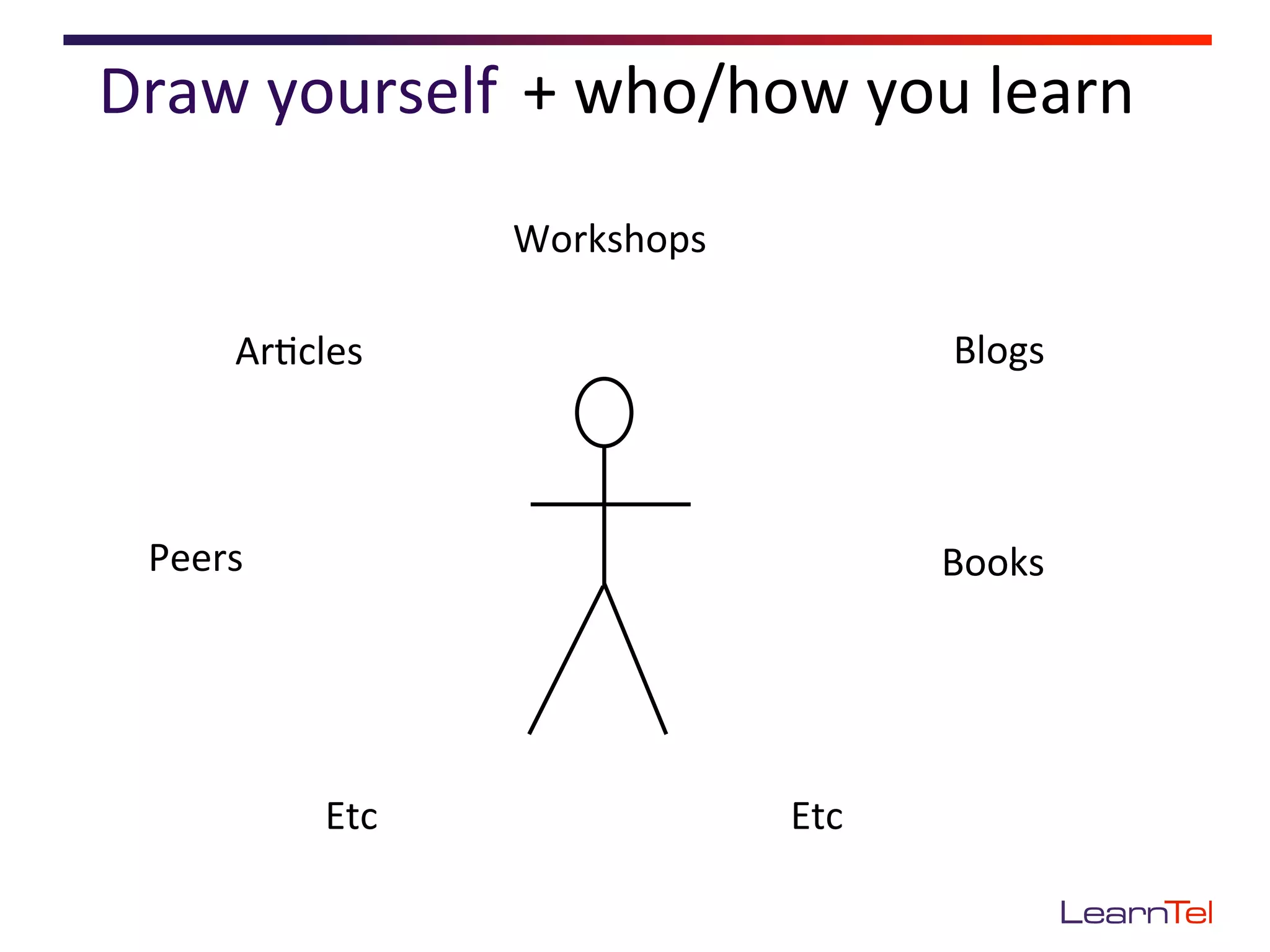
Draw	
  yourself	
   +	
  who/how	
  you	
  learn	
  	
  
                          Workshops	
  

         Ar<cles	
                                  Blogs	


  Peers	
                                           Books	


                Etc	
                     Etc	
  
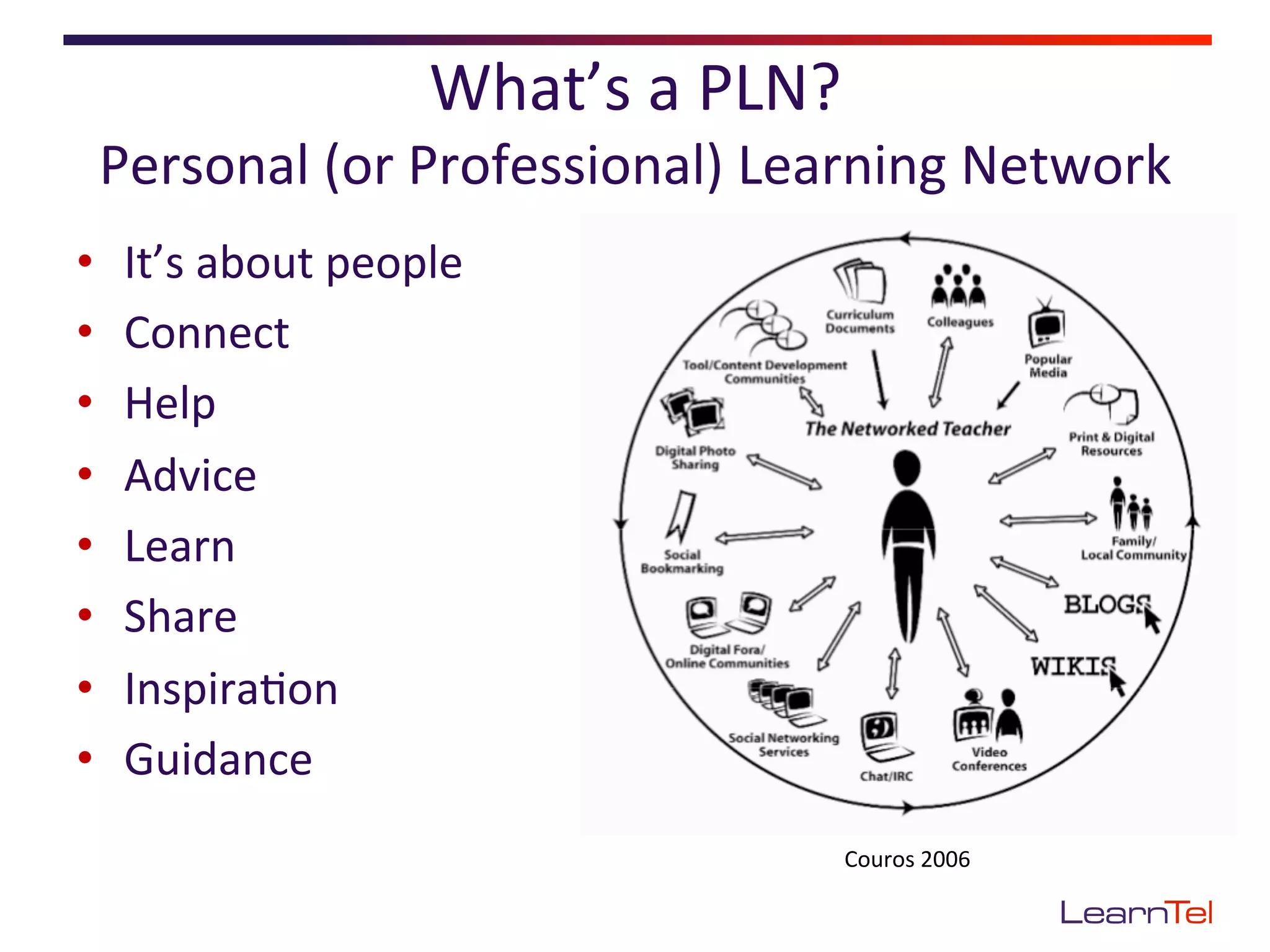
What’s	
  a	
  PLN?	
  
 Personal	
  (or	
  Professional)	
  Learning	
  Network	
  
•    It’s	
  about	
  people	
  
•    Connect	
  
•    Help	
  	
  
•    Advice	
  
•    Learn	
  
•    Share	
  
•    Inspira<on	
  
•    Guidance	
  
                                                  Couros	
  2006	
  
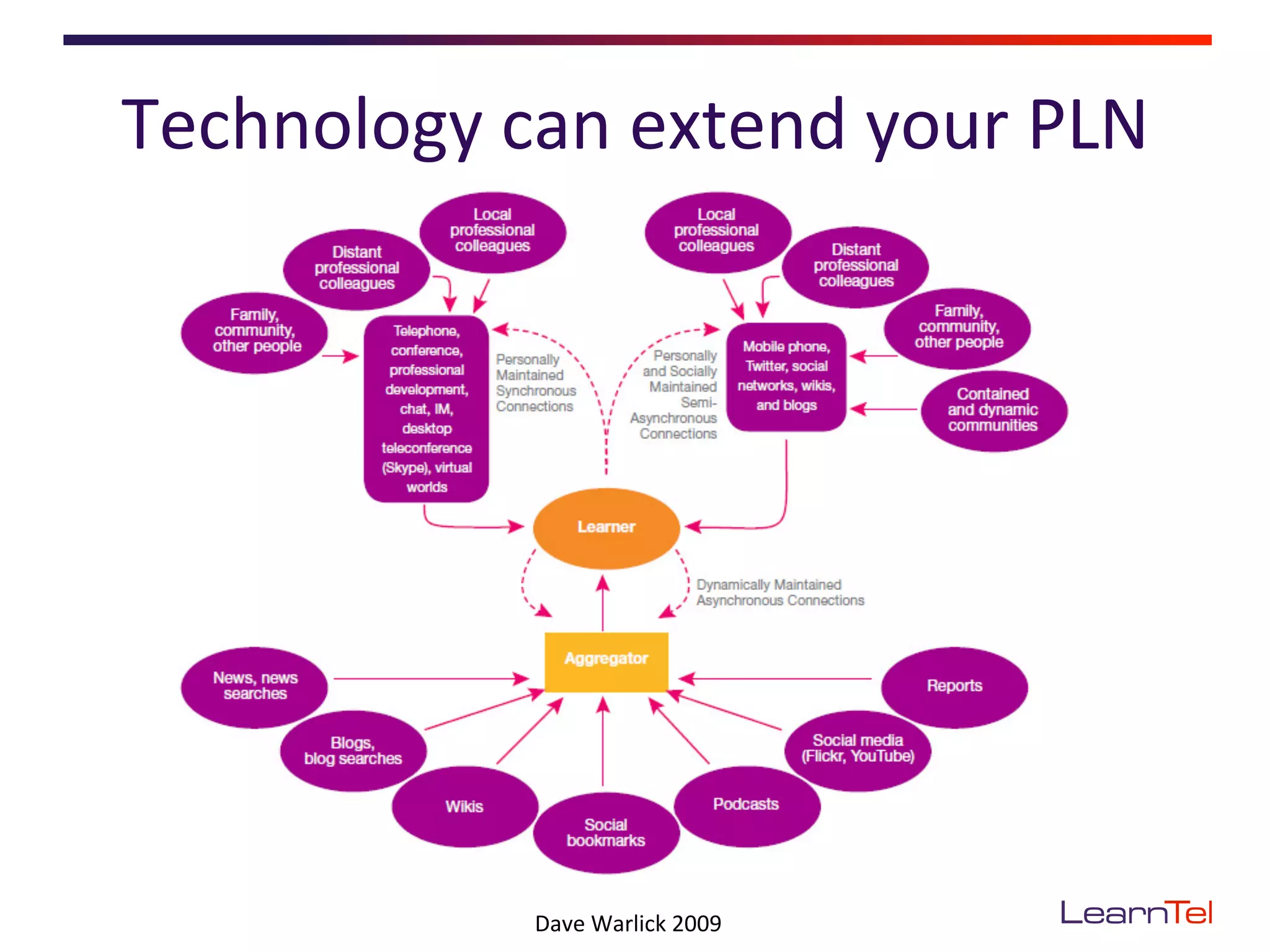
Technology	
  can	
  extend	
  your	
  PLN	


                  Dave	
  Warlick	
  2009	
  
Why	
  have	
  a	
  PLN?	
  
•  Stay	
  current	
  
•  Con<nuous	
  learning	
  
•  Answers/help/
   resources/advice	
  when	
  
   you	
  need	
  it	
  
Some	
  PLN	
  tools	
  
Let’s	
  concentrate	
  on	
  a	
  few	


The	
  aim	
  is	
  to	
  find	
  &	
  make	
  connec<ons	
  
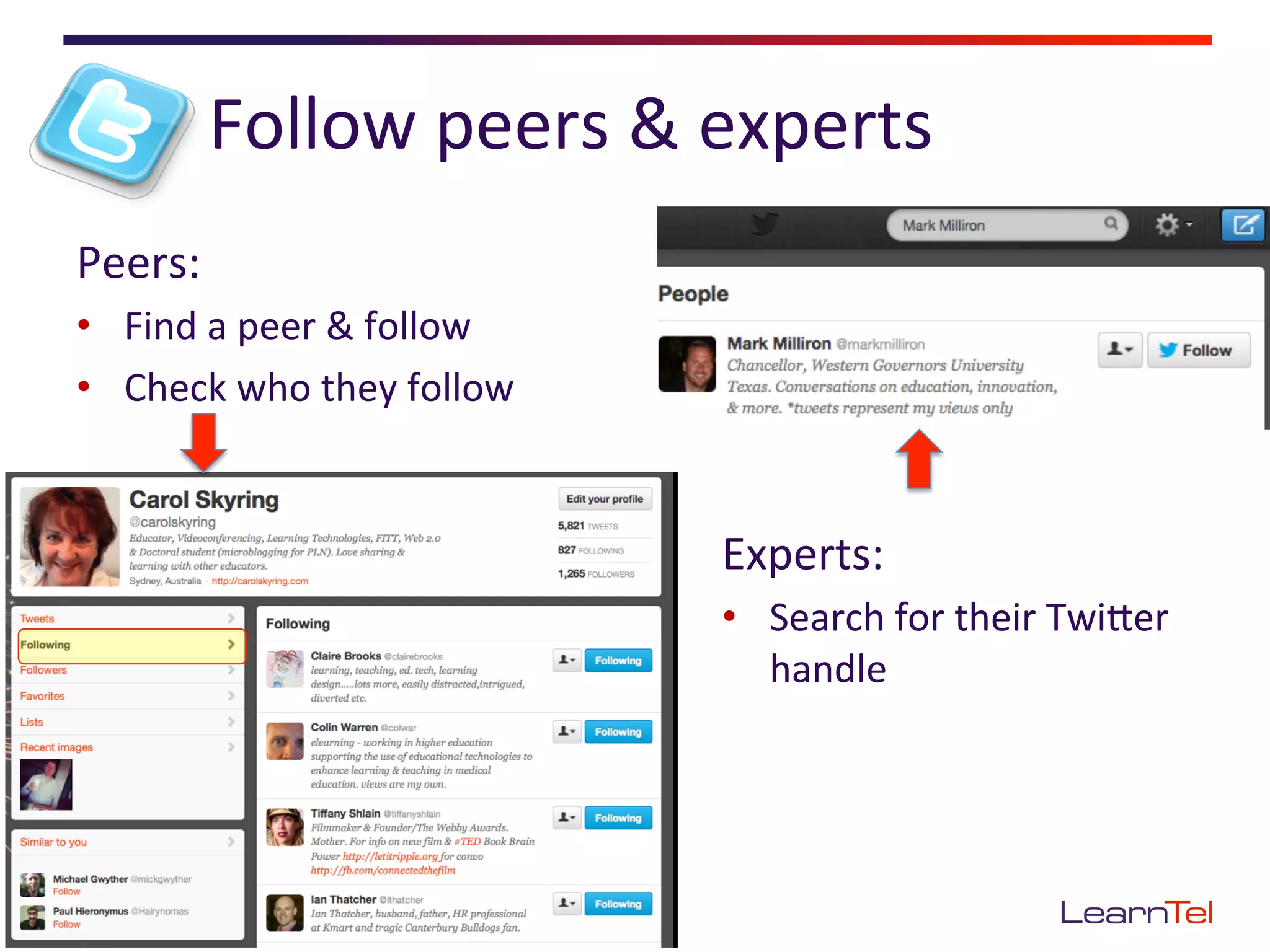
Follow	
  peers	
  &	
  experts	
  
Peers:	
  
•  Find	
  a	
  peer	
  &	
  follow	
  
•  Check	
  who	
  they	
  follow	


                                          Experts:	
  
                                          •  Search	
  for	
  their	
  TwiEer	
  
                                             handle	
  
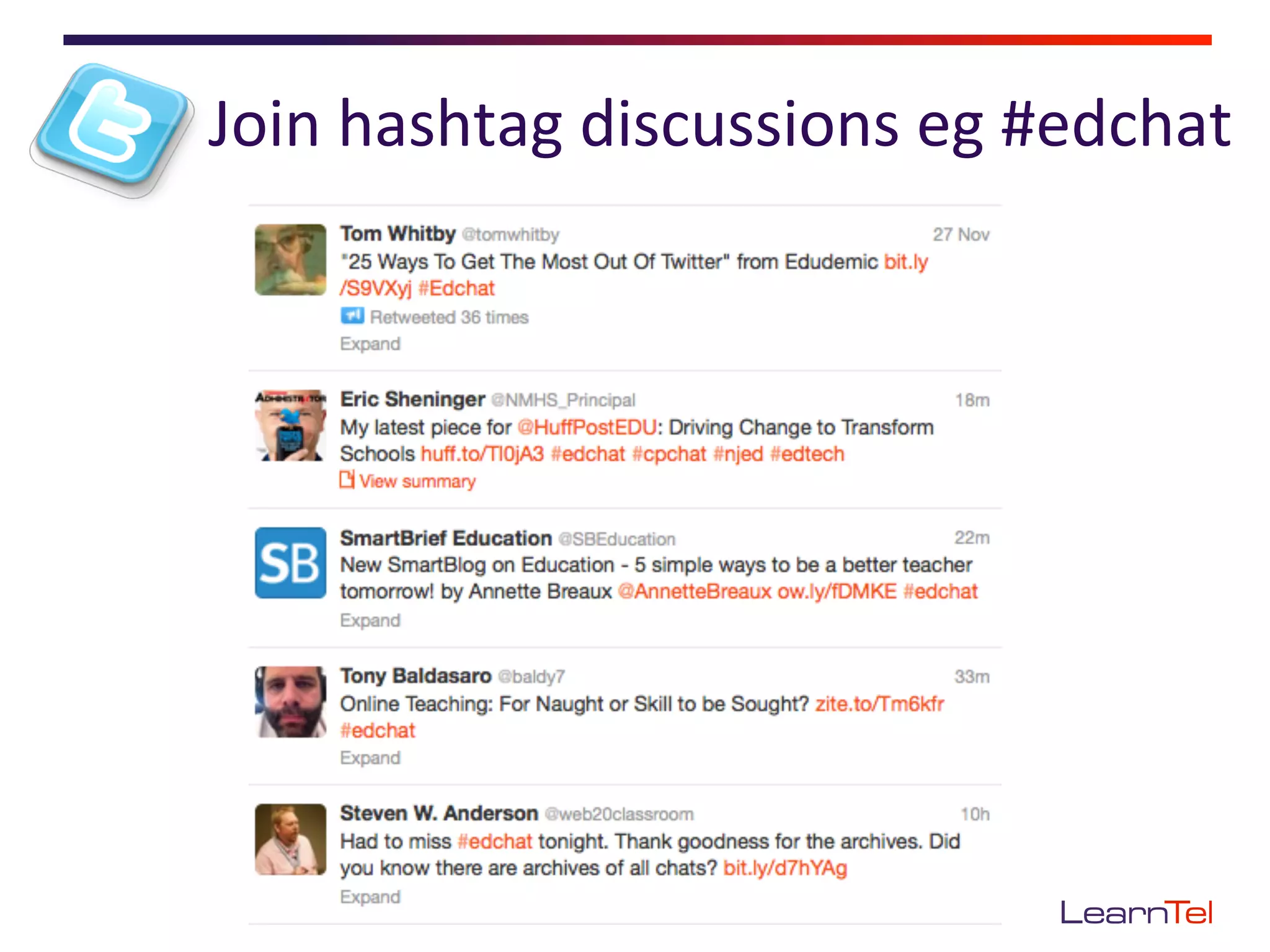
Join	
  hashtag	
  discussions	
  eg	
  #edchat	
  
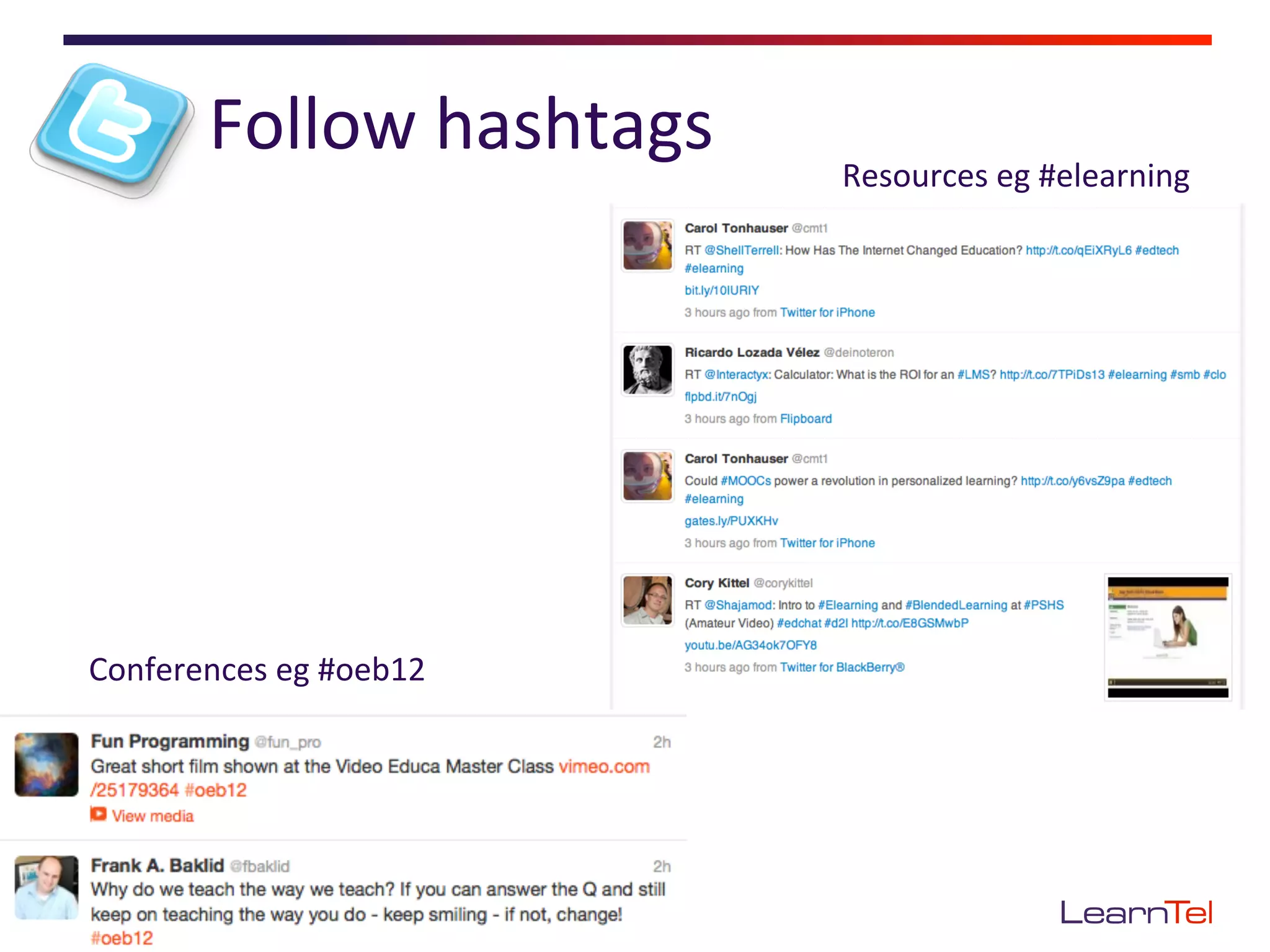
Follow	
  hashtags	
     Resources	
  eg	
  #elearning	


Conferences	
  eg	
  #oeb12	
  
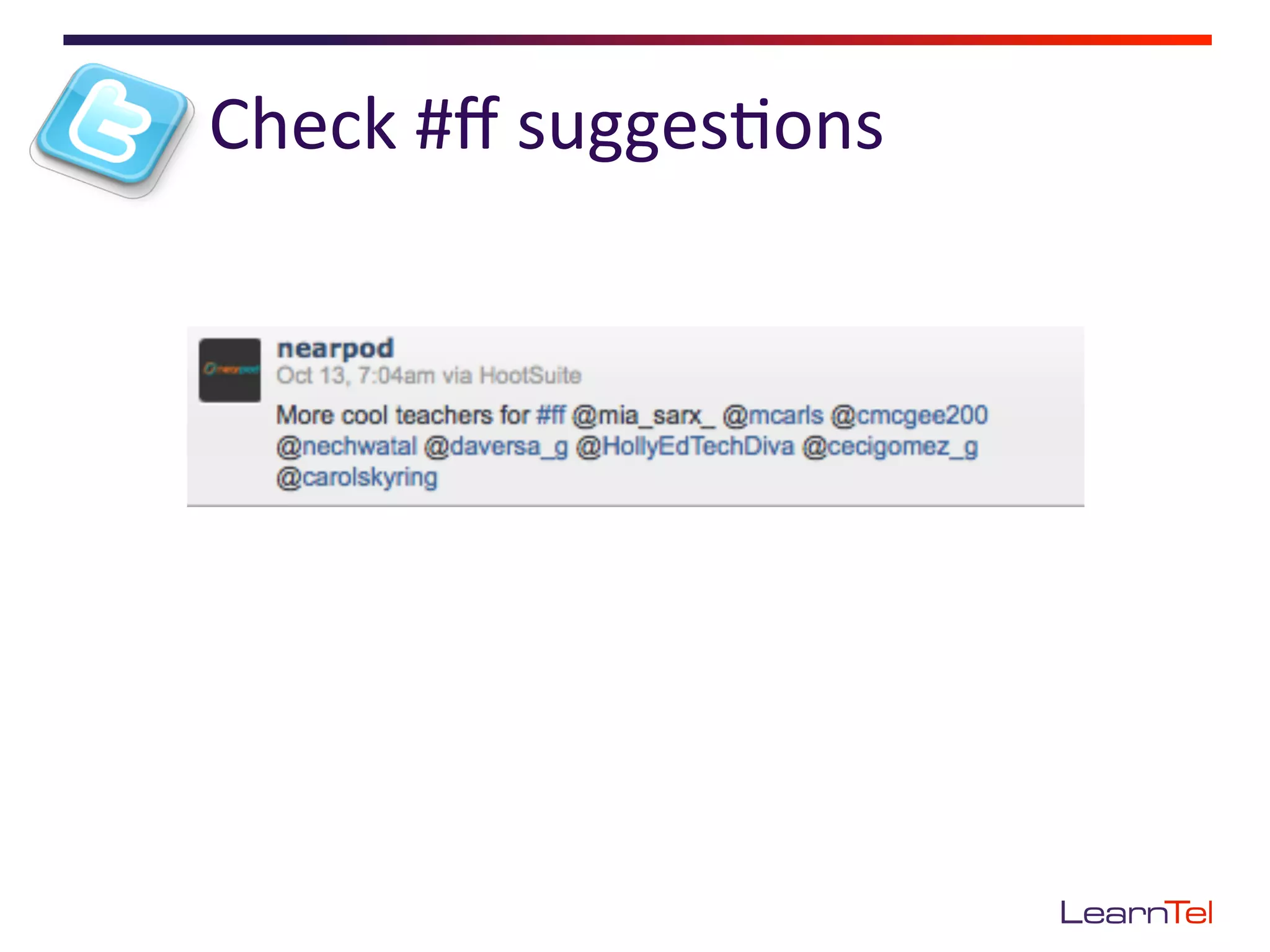
Check	
  #ff	
  sugges<ons	
  
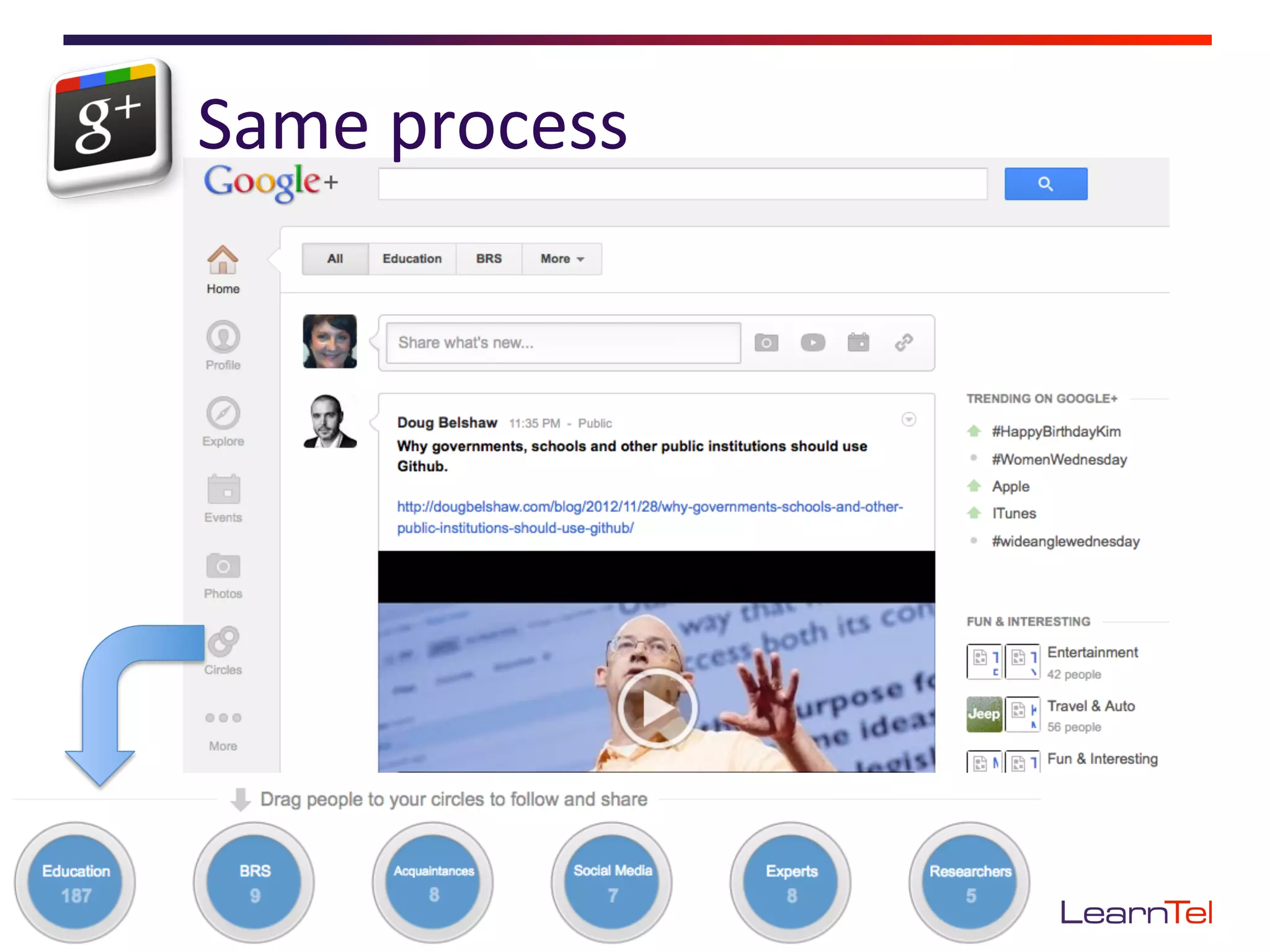
Same	
  process	
  
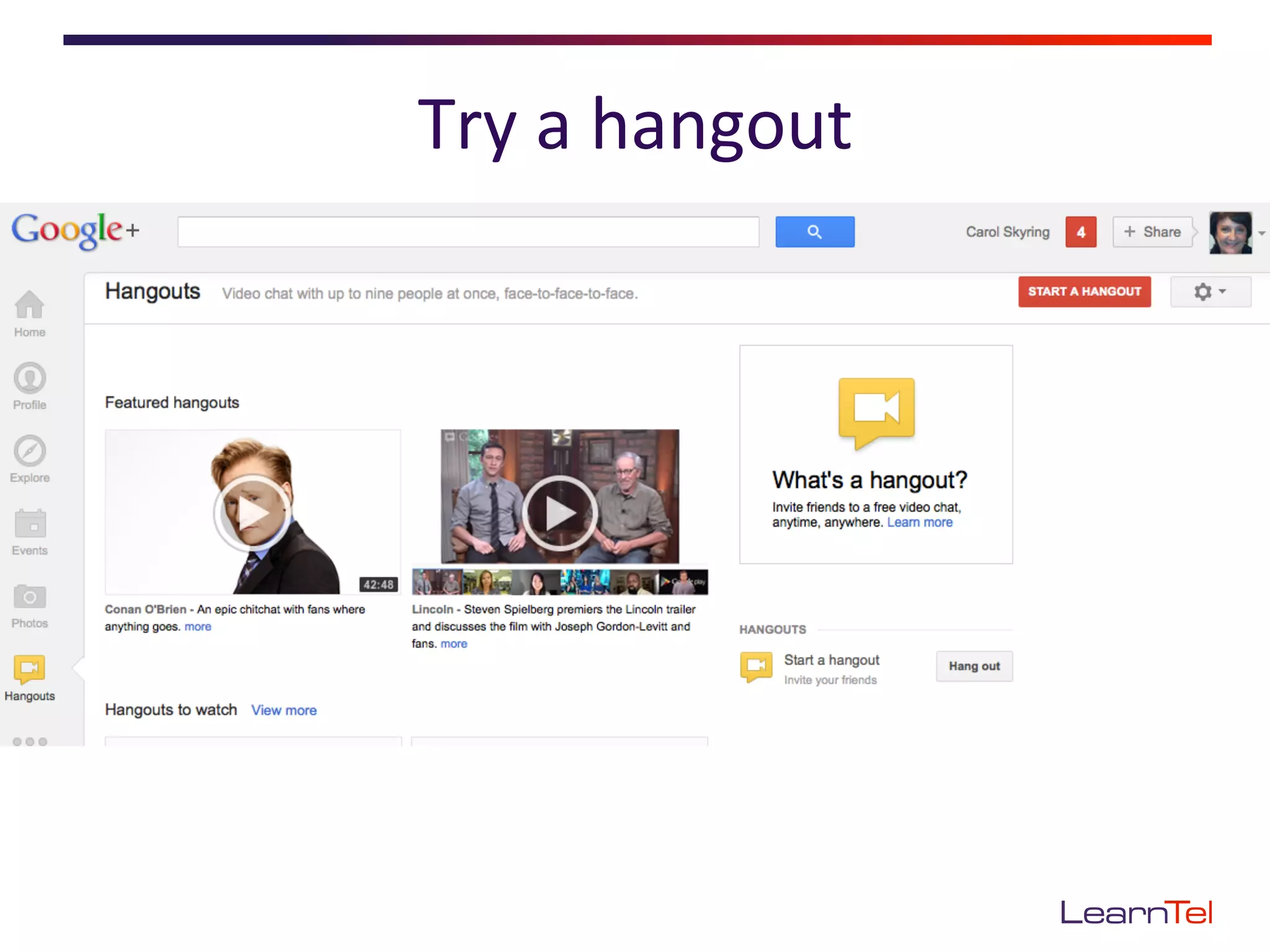
Try	
  a	
  hangout	
  
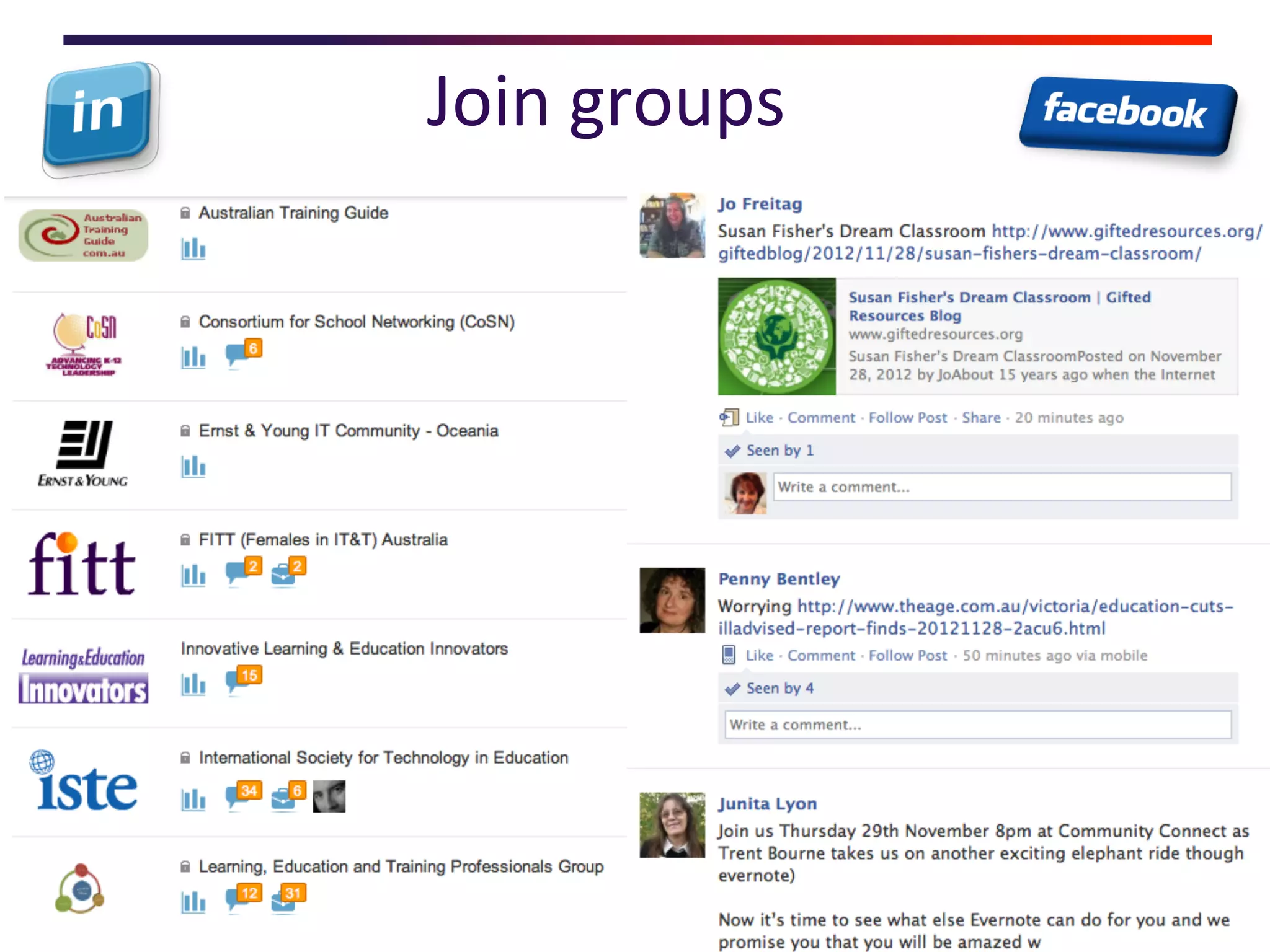
Join	
  groups	
  
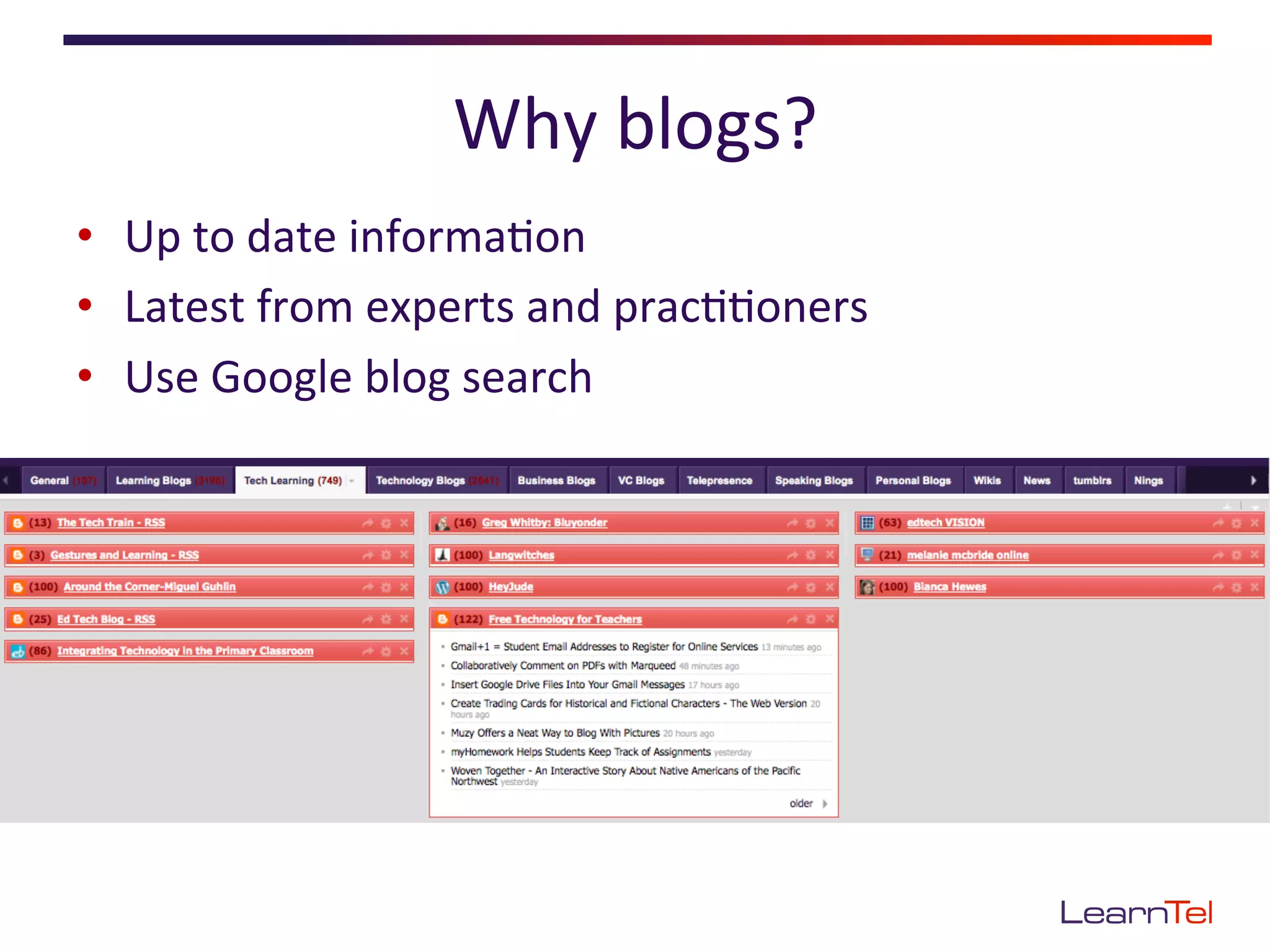
Why	
  blogs?	
  
•  Up	
  to	
  date	
  informa<on	
  
•  Latest	
  from	
  experts	
  and	
  prac<<oners	
  
•  Use	
  Google	
  blog	
  search	
  
GePng	
  started:	
  	
  
       the	
  process	
  is	
  basically	
  the	
  same	
  

•  Join	
  &	
  fill	
  out	
  your	
  profile	
  (nobody	
  will	
  connect	
  with	
  
   a	
  nobody!)	
  
•  Lurk	
  for	
  a	
  while	
  
•  Follow	
  a	
  few	
  educators	
  &	
  see	
  who	
  they	
  follow	
  
•  Share,	
  comment,	
  ask	
  ques<ons	
  
•  On-­‐share	
  resources	
  &	
  ideas	
  from	
  others	
  
Managing	
  all	
  that	
  informa<on	
  
•    Diigo	
  and/or	
  Delicious	
  
•    Netvibes	
  or	
  Google	
  reader	
  
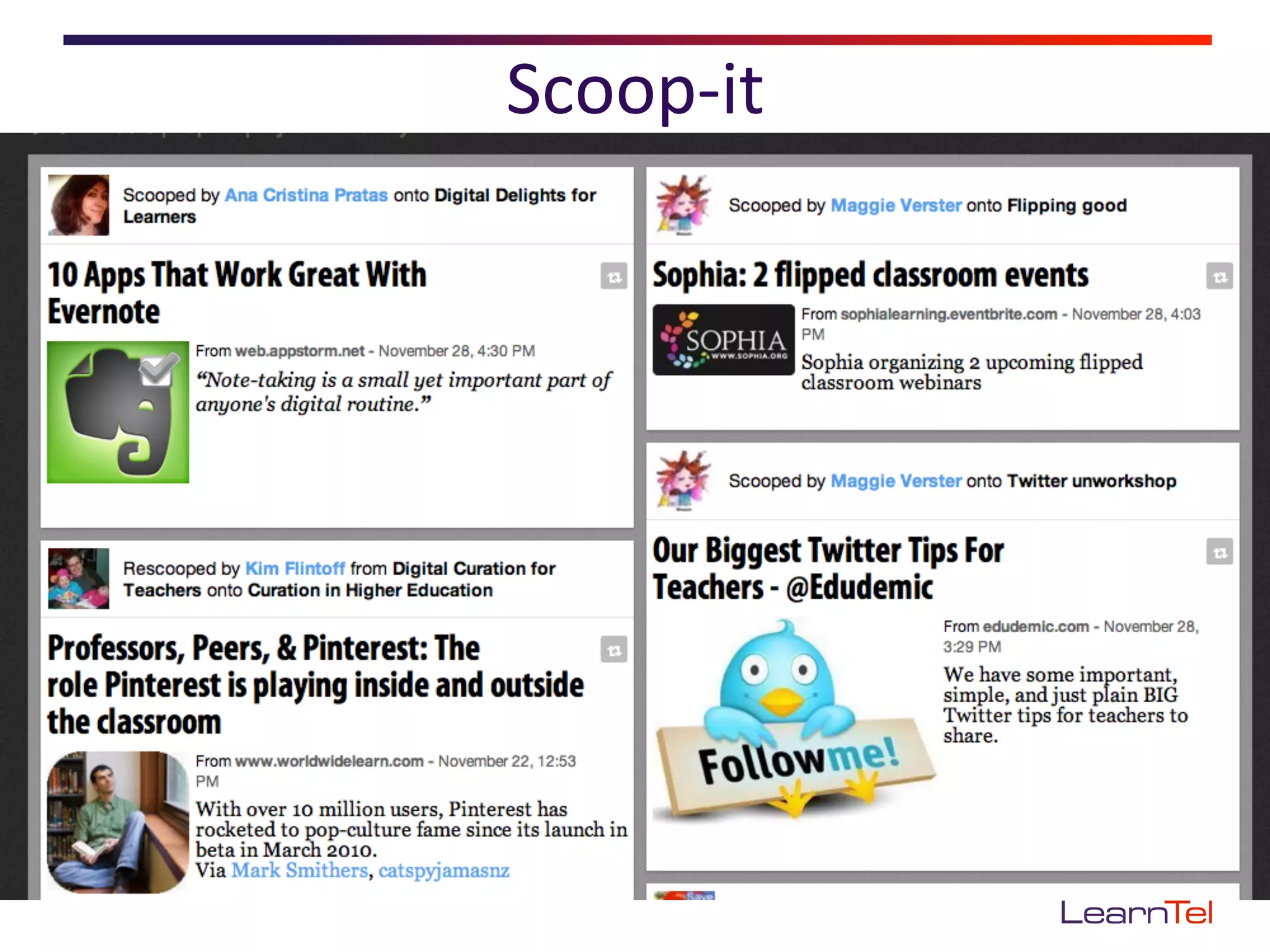
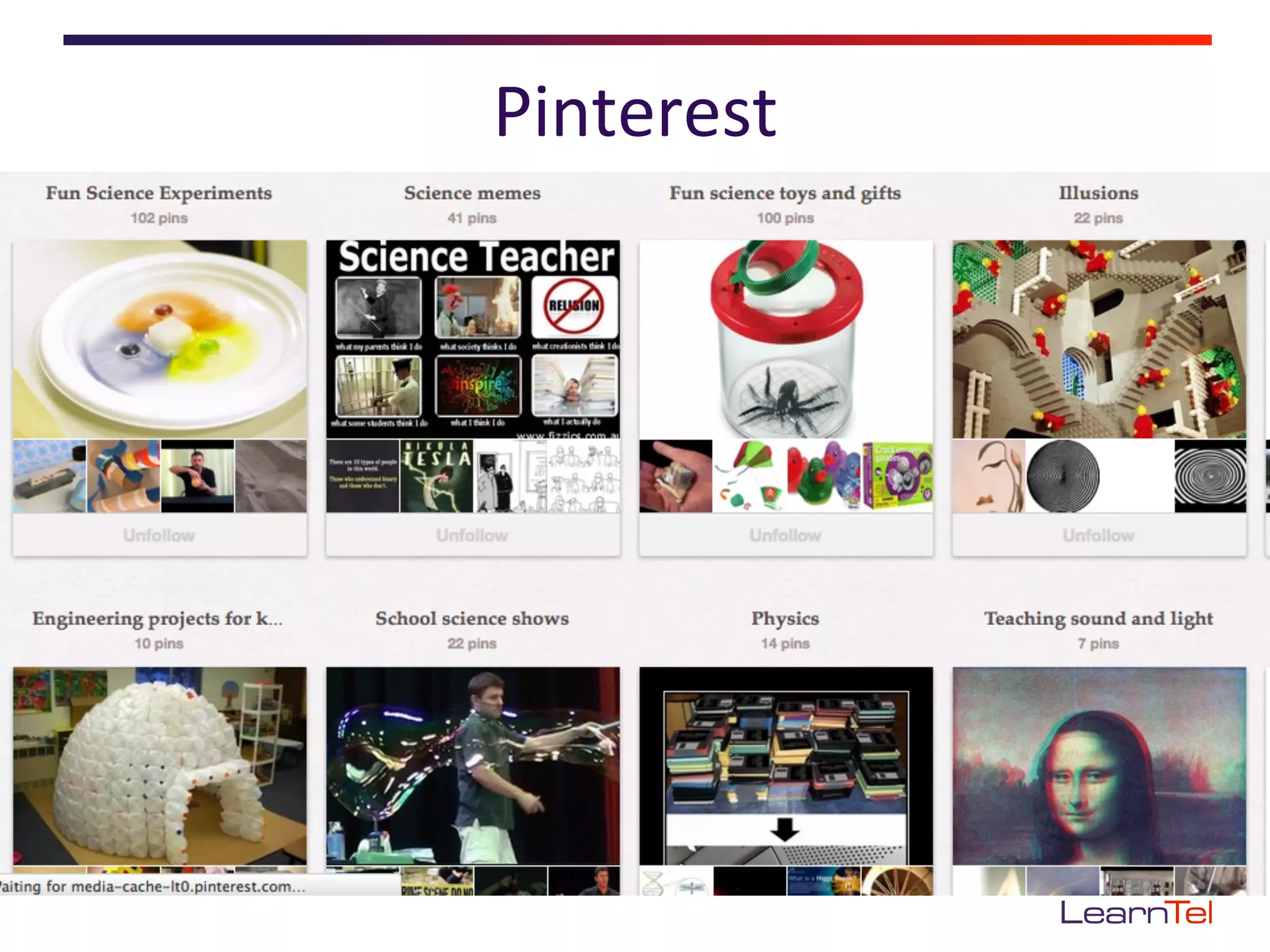
•    Pinterest	
  and/or	
  Scoop-­‐it	
  
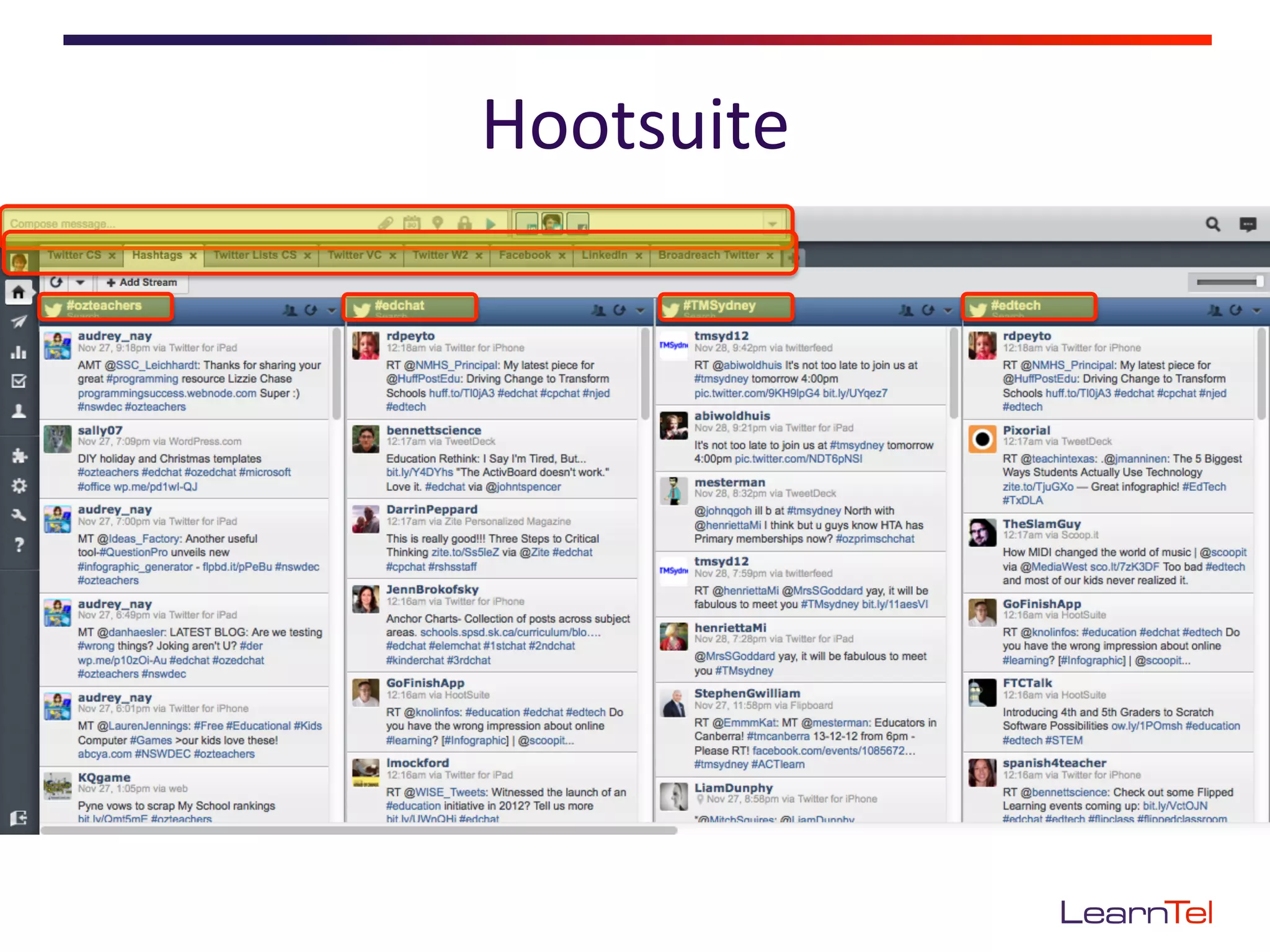
•    Hootsuite	
  
Delicious	
  
Netvibes	
  
Scoop-­‐it	
  
Pinterest	
  
Hootsuite	
  
Its	
  not	
  what	
  you	
  use	
  –	
  it’s	
  how	
  you	
  use	
  it!	
  

•    Don’t	
  just	
  ‘consume’	
  –	
  contribute	
  
•    Do	
  acknowledge	
  others	
  
•    Do	
  share	
  freely	
  
•    Don’t	
  share	
  links	
  you	
  haven’t	
  checked	
  yourself	
  
•    Don’t	
  spam	
  people	
  
•    Do	
  learn	
  the	
  language	
  
Which	
  is	
  right	
  for	
  you?	
  Take	
  the	
  leap	
  
•  See	
  links	
  at:
   hEp://learntel.com.au/2012/11/30/plnwshopoeb/	
  

Create Your Own PLN

  • 1.
    Create  your  own  PLN   @carolskyring   Carol  Skyring   21st  Century  Navigator  
  • 2.
    Introduc<ons   •  Name   •  Organisa<on   •  Role  
  • 3.
    2  points  if  you’ve  used   1  point  if  you’ve  heard  of   •  TwiEer   •  Flickr   •  Blogs   •  LinkedIn   •  Wikis   •  YouTube   •  Facebook   •  Diigo   •  Google+   •  Hootsuite   •  Slideshare   •  Pinterest   •  Delicious   •  Podcasts   •  Netvibes   •  Google  Reader  
  • 4.
    Topics   •  What’s  a  PLN?   •  Why  have  a  PLN?   •  PLN  tools   •  GePng  started   •  Extending  the  network   •  PLN  e<queEe  
  • 5.
    Draw  yourself  +  who/how  you  learn     Workshops   Ar<cles   Blogs   Peers   Books   Etc   Etc  
  • 6.
    What’s  a  PLN?   Personal  (or  Professional)  Learning  Network   •  It’s  about  people   •  Connect   •  Help     •  Advice   •  Learn   •  Share   •  Inspira<on   •  Guidance   Couros  2006  
  • 7.
    Technology  can  extend  your  PLN   Dave  Warlick  2009  
  • 8.
    Why  have  a  PLN?   •  Stay  current   •  Con<nuous  learning   •  Answers/help/ resources/advice  when   you  need  it  
  • 9.
  • 10.
    Let’s  concentrate  on  a  few   The  aim  is  to  find  &  make  connec<ons  
  • 11.
    Follow  peers  &  experts   Peers:   •  Find  a  peer  &  follow   •  Check  who  they  follow   Experts:   •  Search  for  their  TwiEer   handle  
  • 12.
  • 13.
    Follow  hashtags   Resources  eg  #elearning   Conferences  eg  #oeb12  
  • 14.
  • 15.
  • 16.
  • 17.
  • 18.
    Why  blogs?   • Up  to  date  informa<on   •  Latest  from  experts  and  prac<<oners   •  Use  Google  blog  search  
  • 19.
    GePng  started:     the  process  is  basically  the  same   •  Join  &  fill  out  your  profile  (nobody  will  connect  with   a  nobody!)   •  Lurk  for  a  while   •  Follow  a  few  educators  &  see  who  they  follow   •  Share,  comment,  ask  ques<ons   •  On-­‐share  resources  &  ideas  from  others  
  • 20.
    Managing  all  that  informa<on   •  Diigo  and/or  Delicious   •  Netvibes  or  Google  reader   •  Pinterest  and/or  Scoop-­‐it   •  Hootsuite  
  • 21.
  • 24.
  • 25.
  • 26.
  • 27.
  • 28.
    Its  not  what  you  use  –  it’s  how  you  use  it!   •  Don’t  just  ‘consume’  –  contribute   •  Do  acknowledge  others   •  Do  share  freely   •  Don’t  share  links  you  haven’t  checked  yourself   •  Don’t  spam  people   •  Do  learn  the  language  
  • 29.
    Which  is  right  for  you?  Take  the  leap   •  See  links  at: hEp://learntel.com.au/2012/11/30/plnwshopoeb/