CRAP
Contrast, Repetition, Alignment, Proximity
According to: NON-DESIGNER’s DESIGN BOOKS
Design and typographic principles for the visual novice
Robin Williams
Presenter: Kientq (Go.Play)
Saul Greenberg
CRAP
Contrast
Repetition
Alignment
Proximity
Robin Williams Non-Designers Design Book, Peachpit Press
Saul Greenberg
CRAP
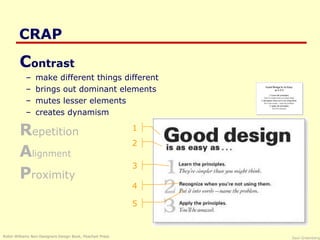
Contrast
– make different things different
– brings out dominant elements
– mutes lesser elements
– creates dynamism
Repetition
Alignment
Proximity
Robin Williams Non-Designers Design Book, Peachpit Press
1
2
3
4
5
Saul Greenberg
CRAP
Contrast
Repetition
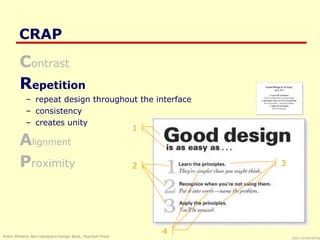
– repeat design throughout the interface
– consistency
– creates unity
Alignment
Proximity
Robin Williams Non-Designers Design Book, Peachpit Press
1
2 3
4
Saul Greenberg
CRAP
Contrast
Repetition
Alignment
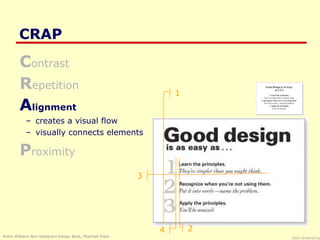
– creates a visual flow
– visually connects elements
Proximity
Robin Williams Non-Designers Design Book, Peachpit Press
1
2
3
4
Saul Greenberg
CRAP
Contrast
Repetition
Alignment
Proximity
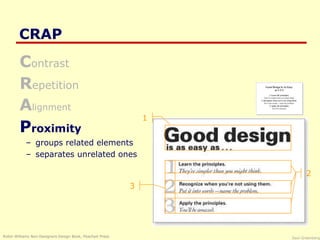
– groups related elements
– separates unrelated ones
Robin Williams Non-Designers Design Book, Peachpit Press
1
2
3
Saul Greenberg
Proximity
•The basic purpose:
– organize
– if information is organized it is more likely to be read and more
likely to be remembered
– easier to use?
Saul Greenberg
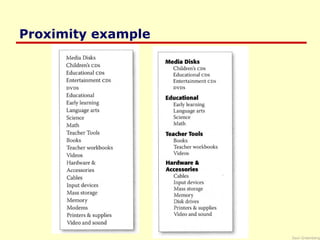
Proximity example
Saul Greenberg
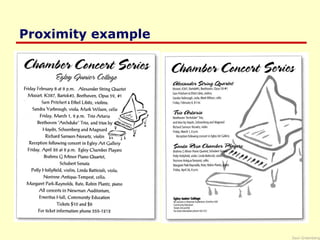
Proximity example
Saul Greenberg
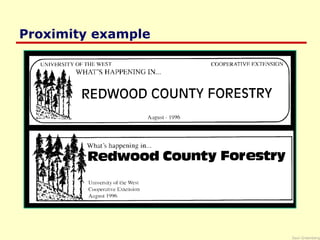
Proximity example
Saul Greenberg
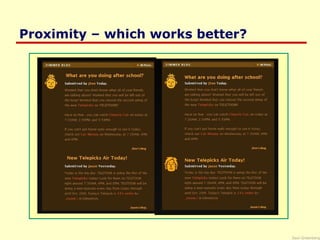
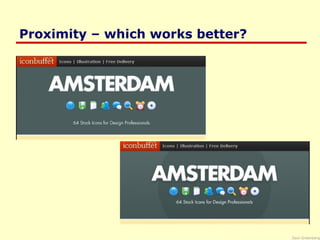
Proximity – which works better?
Saul Greenberg
Proximity
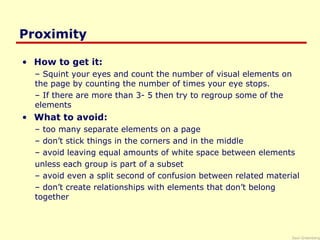
• How to get it:
– Squint your eyes and count the number of visual elements on
the page by counting the number of times your eye stops.
– If there are more than 3- 5 then try to regroup some of the
elements
• What to avoid:
– too many separate elements on a page
– don’t stick things in the corners and in the middle
– avoid leaving equal amounts of white space between elements
unless each group is part of a subset
– avoid even a split second of confusion between related material
– don’t create relationships with elements that don’t belong
together
Saul Greenberg
Proximity – which works better?
Saul Greenberg
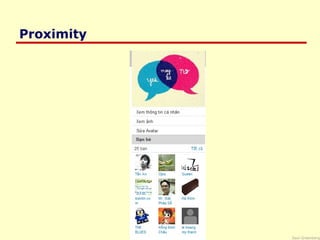
Proximity
Saul Greenberg
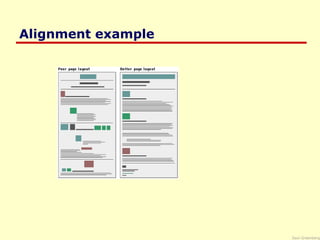
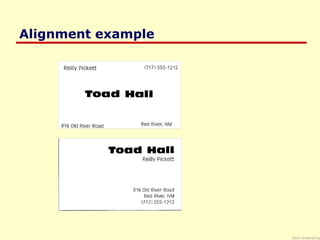
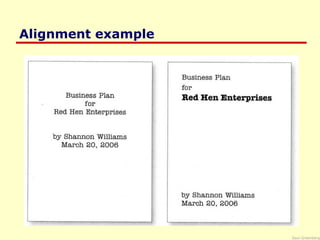
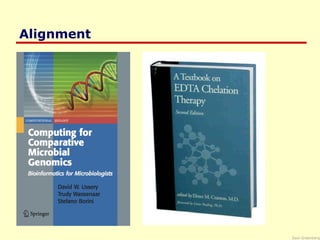
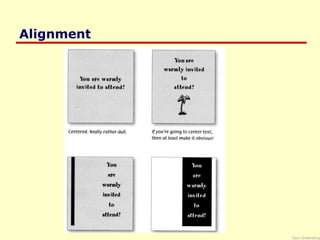
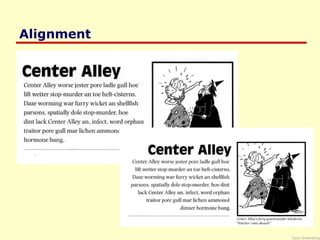
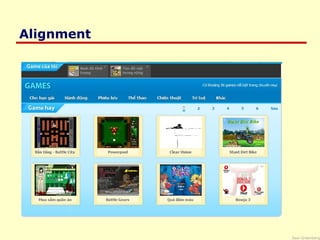
Alignment
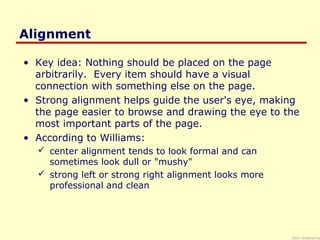
• Key idea: Nothing should be placed on the page
arbitrarily. Every item should have a visual
connection with something else on the page.
• Strong alignment helps guide the user's eye, making
the page easier to browse and drawing the eye to the
most important parts of the page.
• According to Williams:
 center alignment tends to look formal and can
sometimes look dull or "mushy"
 strong left or strong right alignment looks more
professional and clean
Saul Greenberg
Alignment example
Saul Greenberg
Alignment example
Saul Greenberg
Alignment example
Saul Greenberg
Mushy Alignment
Saul Greenberg
Alignment
Saul Greenberg
Alignment
Saul Greenberg
Alignment
Saul Greenberg
Alignment
Saul Greenberg
ContrastContrast
Saul Greenberg
Contrast
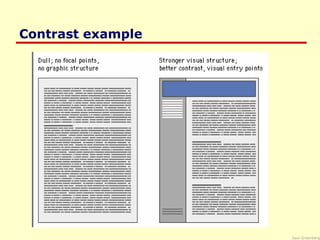
 Contrast makes a page more interesting and readable
 Key idea:
 If two items are not exactly the same, make them different,
really different.
 Shape, font face, size, weight, texture, line, spacing, color,
etc.
Saul Greenberg
Contrast example
Saul Greenberg
Contrast & Text
 Text and background color must have high contrast for
text to be readable
 Use an interesting font face for title image
 Use simple sans-serif font face for body text
 Use a very simple sans-serif font face for buttons (usually
small, so simple = readable)
 Use contrast to help headings stand out (font face, color,
border, images)
Saul Greenberg
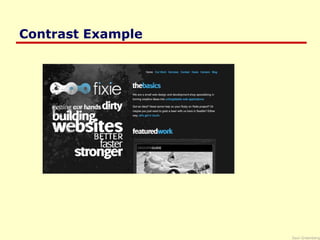
Contrast Example
Saul Greenberg
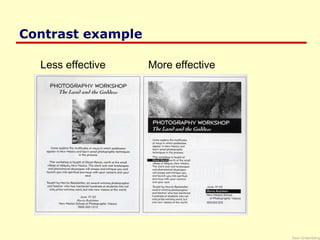
Contrast example
Less effective More effective
Saul Greenberg
Contrast example
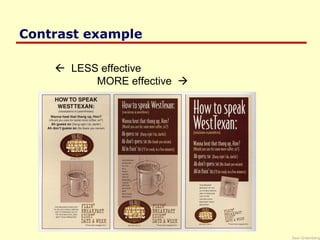
 LESS effective
MORE effective 
Saul Greenberg
Contrast example
Saul Greenberg
Contrast example
Saul Greenberg
Contrast example
Saul Greenberg
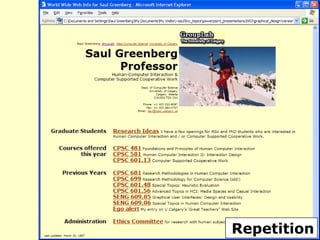
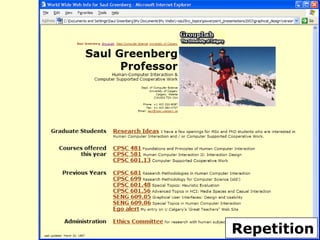
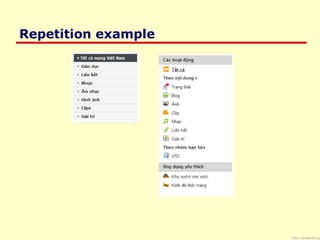
Repetition
 Key idea: REPEAT some aspect of the design throughout
the entire piece.
 Repetition of visual elements throughout the design unifies
and strengthens it by tying together otherwise separate
parts.
 If a web site looks professional and is easy to navigate, it
probably demonstrates repetition of
 colors
 fonts
 graphic elements
 navigation
 page layout
Saul Greenberg
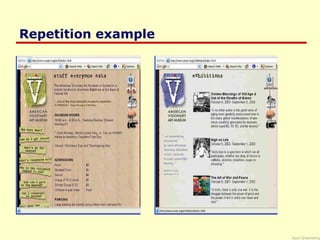
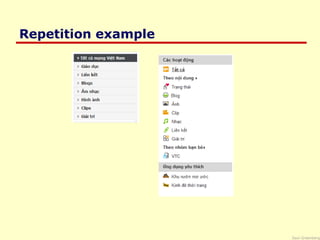
Repetition example
Saul Greenberg
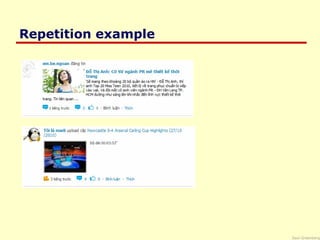
Repetition example
Saul Greenberg
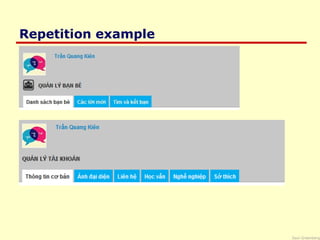
Repetition example
Saul Greenberg
Repetition example
Saul Greenberg
Repetition example
Saul Greenberg
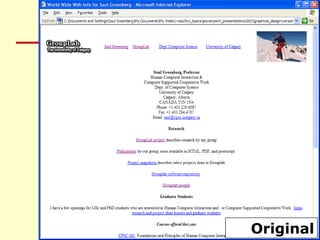
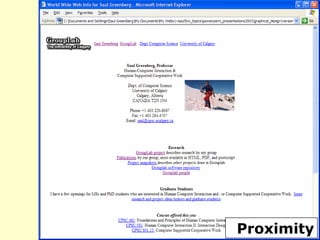
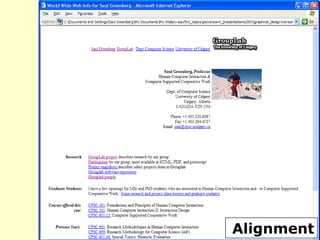
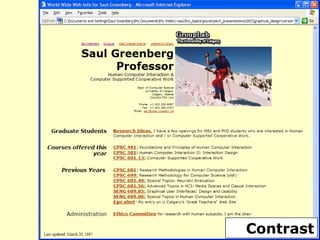
Original
Proximity
Alignment
Contrast
Repetition
Repetition
Saul Greenberg
Don’t be a Wimp!
 Don’t be afraid to create the design of your life
with LOTS of blank space
 Don’t be afraid to be asymmetrical
– often makes it stronger
– it’s ok to do the unexpected
 Don’t be afraid to make words very large or very
small
– both can be effective in the right place
 Don’t be afraid to make graphics very bold of
very minimal as long as
 the result complements or reinforces your design
or your attitude

Crap present full

Editor's Notes

  • #10 Notice how grouping the details in the bottom helps organize the information. Also notice how contrast (font face and size) and alignment support the organization. When several objects are in close proximity to each other, they became one visual unit rather than several separate units.
  • #12 Notice how grouping the details in the bottom helps organize the information. Also notice how contrast (font face and size) and alignment support the organization. When several objects are in close proximity to each other, they became one visual unit rather than several separate units.
  • #13 Proximity helps the example on the right easier to scan. Notice how alignment also supports grouping.
  • #14 Proximity helps the example on the right easier to scan. Notice how alignment also supports grouping.
  • #15 Proximity in the bottom example strengthens the center stage and separates it from the rest of the site.
  • #16 Proximity helps the example on the right easier to scan. Notice how alignment also supports grouping.
  • #17 Proximity helps the example on the right easier to scan. Notice how alignment also supports grouping.
  • #18 In this diagram from the Yale CAIM style manual, notice how disorganized the left layout looks compared to the one on the right. The strong alignment on the right is more restful for the mind and makes the page easier to scan.
  • #19 Notice where your eyes look in both examples. Aligning information really helps the mind organize the information. Proximity and contrast are also used here.
  • #20 Notice where your eyes look in both examples. Aligning information really helps the mind organize the information. Proximity and contrast are also used here.
  • #21 How would you characterize the alignment on this sample page? Where does your eye settle?
  • #22 How would you characterize the alignment on this sample page? Where does your eye settle?
  • #23 How would you characterize the alignment on this sample page? Where does your eye settle?
  • #24 How would you characterize the alignment on this sample page? Where does your eye settle?
  • #25 How would you characterize the alignment on this sample page? Where does your eye settle?
  • #28 The Yale CAIM Style Manual includes a diagram that illustrates the importance of contrast. You can incorporate contrast in color, size, font face, and more.
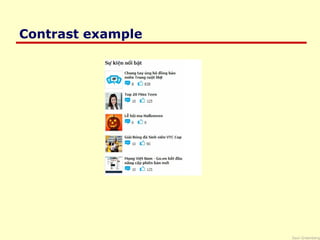
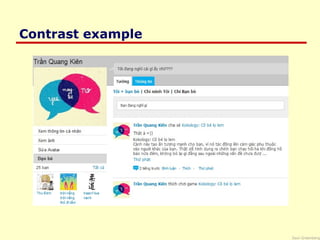
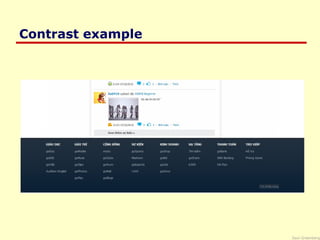
  • #30 In this screen shot, how is contrast used to make the design interesting?
  • #32 How has the designer increased the contrast in the text elements from version to version? In the colors? In the size of elements? The graphics? In the spatial relationships?
  • #33 How has the designer increased the contrast in the text elements from version to version? In the colors? In the size of elements? The graphics? In the spatial relationships?
  • #34 How has the designer increased the contrast in the text elements from version to version? In the colors? In the size of elements? The graphics? In the spatial relationships?
  • #35 How has the designer increased the contrast in the text elements from version to version? In the colors? In the size of elements? The graphics? In the spatial relationships?
  • #37 Repetition of visual elements is critical in multi-page documents to avoid confusion on the user’s part about where they are, where they can find information, and how they can return to where they were. Note the repetition within each page as well.
  • #38 Repetition of visual elements is critical in multi-page documents to avoid confusion on the user’s part about where they are, where they can find information, and how they can return to where they were. Note the repetition within each page as well.
  • #39 Repetition of visual elements is critical in multi-page documents to avoid confusion on the user’s part about where they are, where they can find information, and how they can return to where they were. Note the repetition within each page as well.
  • #40 Repetition of visual elements is critical in multi-page documents to avoid confusion on the user’s part about where they are, where they can find information, and how they can return to where they were. Note the repetition within each page as well.
  • #41 Repetition of visual elements is critical in multi-page documents to avoid confusion on the user’s part about where they are, where they can find information, and how they can return to where they were. Note the repetition within each page as well.