BASIC PRINCIPLES OF GRAPHICS AND
LAYOUT
OBJECTIVES OF THE LESSON
At the end of this lesson, the learners should be able to:
1. Identify and explain the Basic Principles of
Graphics and Layout
LAYOUT
THE PROCESS OF PLANNING AND
ARRANGING GRAPHICS OR TEXT IN A
PAGE OR BOOK.
BASIC PRINCIPLES OF
GRAPHICS AND LAYOUT
PROXIMITY
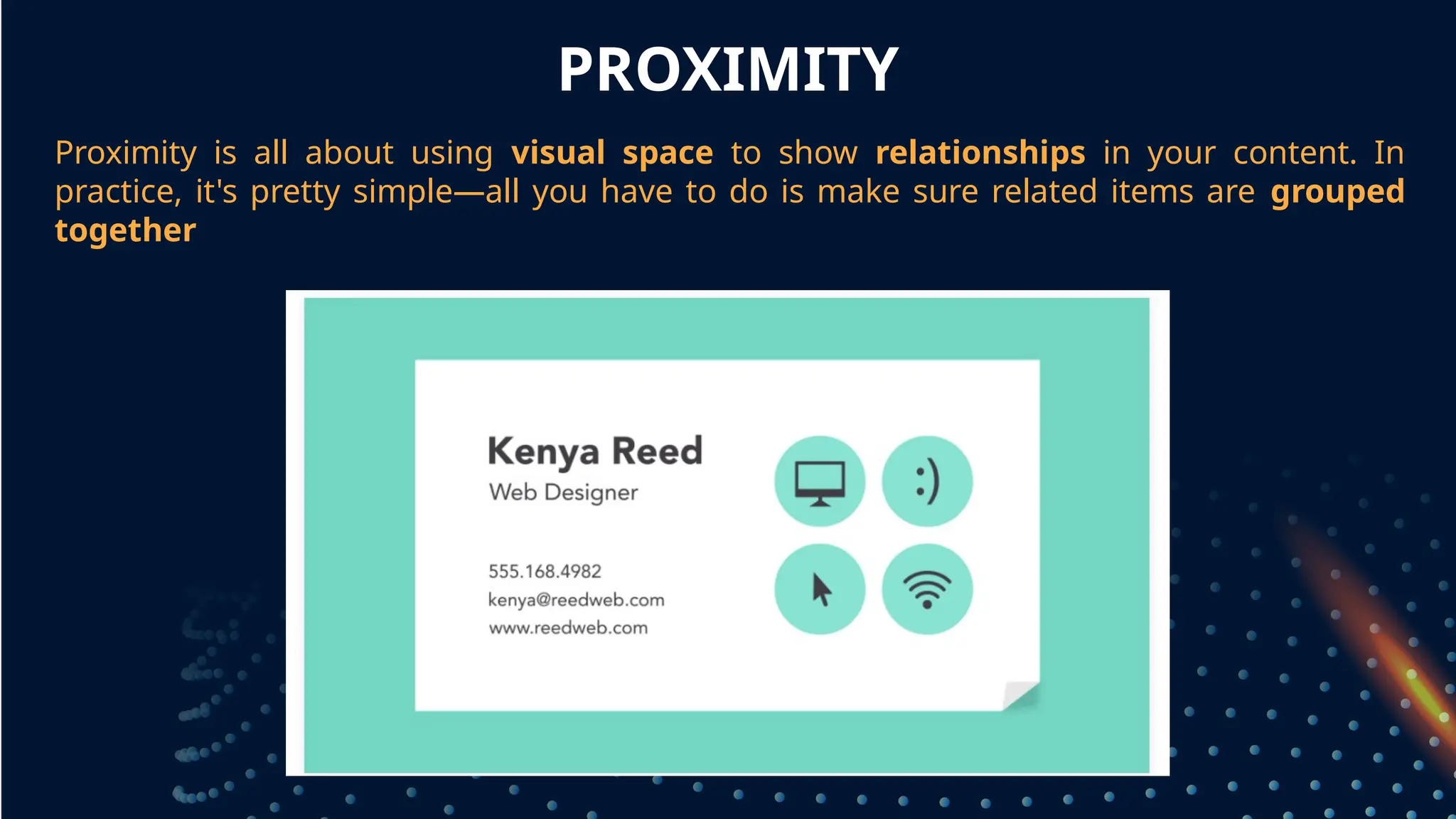
Proximity is all about using visual space to show relationships in your content. In
practice, it's pretty simple—all you have to do is make sure related items are grouped
together
grouped together
WHITE SPACE
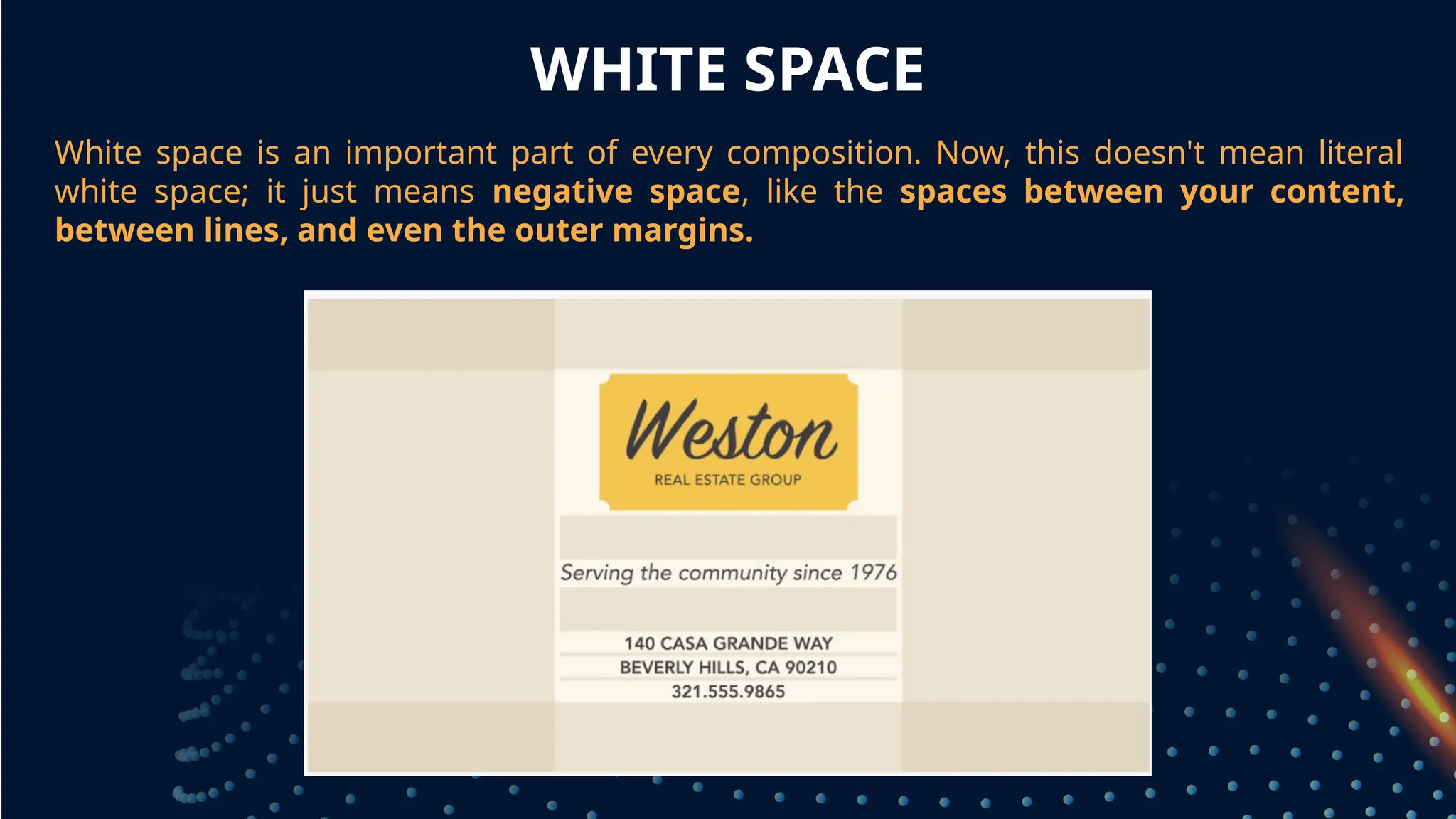
White space is an important part of every composition. Now, this doesn't mean literal
white space; it just means negative space, like the spaces between your content,
between lines, and even the outer margins.
grouped together
PROXIMITY
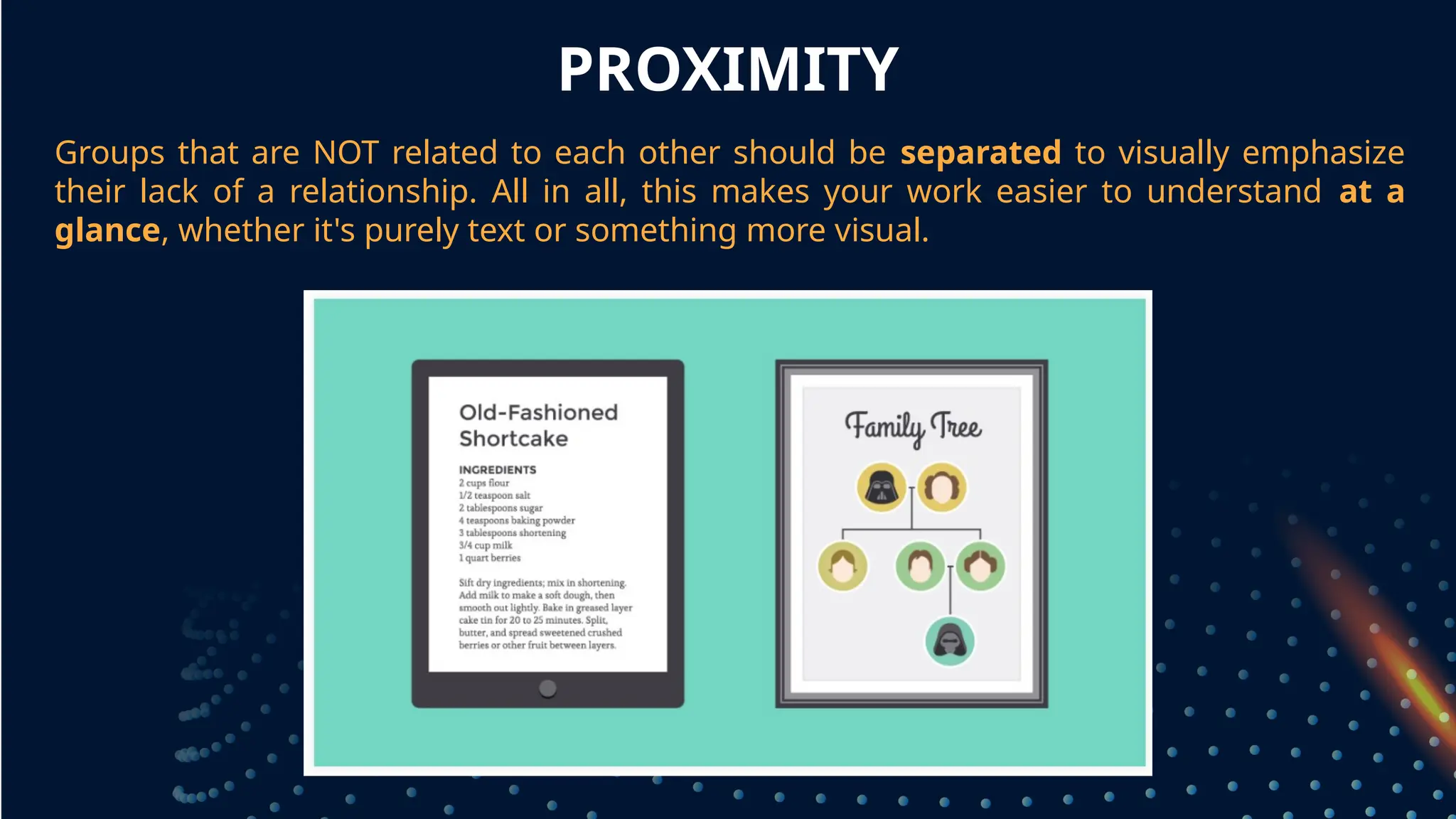
Groups that are NOT related to each other should be separated to visually emphasize
their lack of a relationship. All in all, this makes your work easier to understand at a
glance, whether it's purely text or something more visual.
grouped together
WHITE SPACE
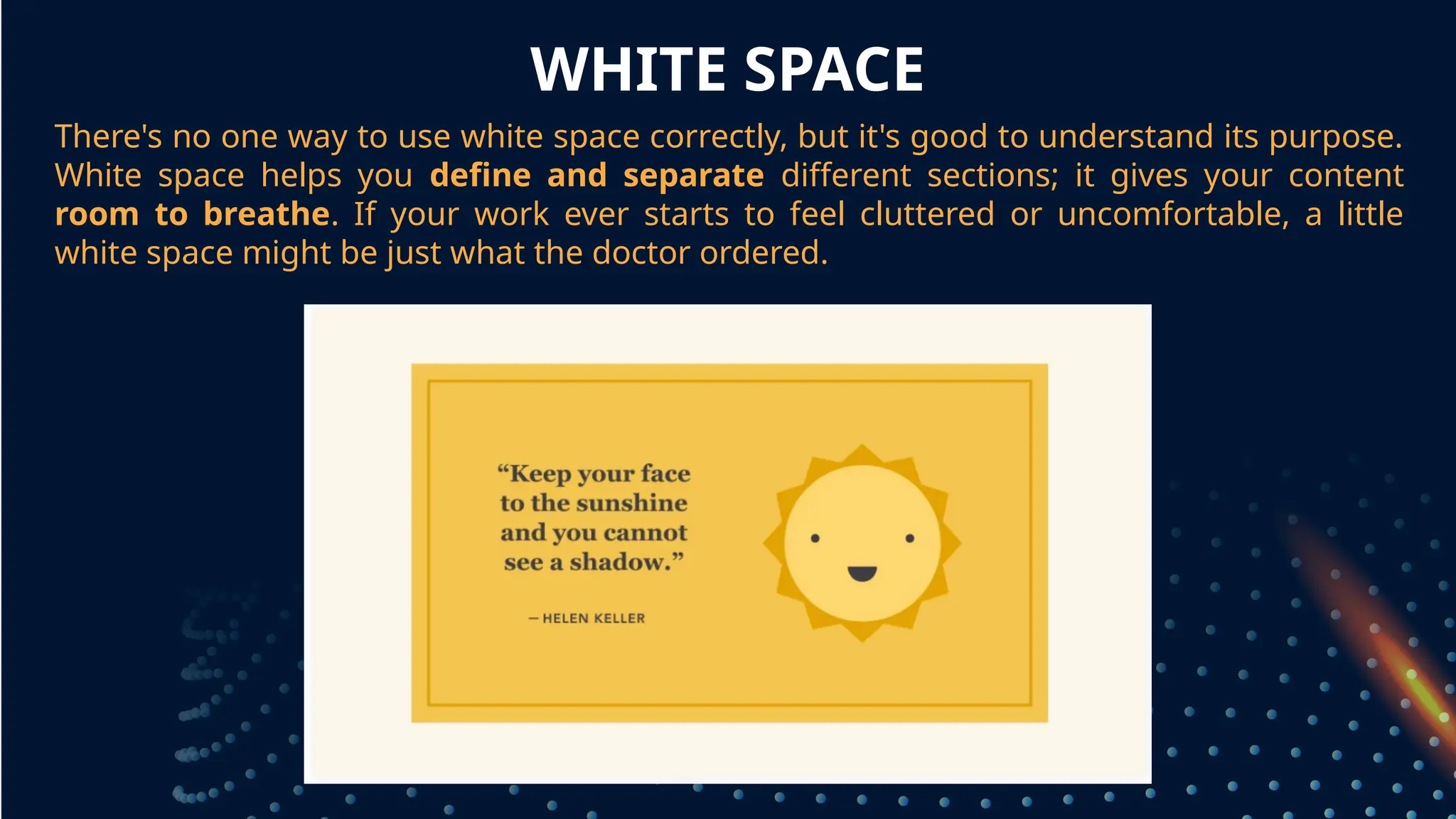
There's no one way to use white space correctly, but it's good to understand its purpose.
White space helps you define and separate different sections; it gives your content
room to breathe. If your work ever starts to feel cluttered or uncomfortable, a little
white space might be just what the doctor ordered.
grouped together
ALIGNMENT
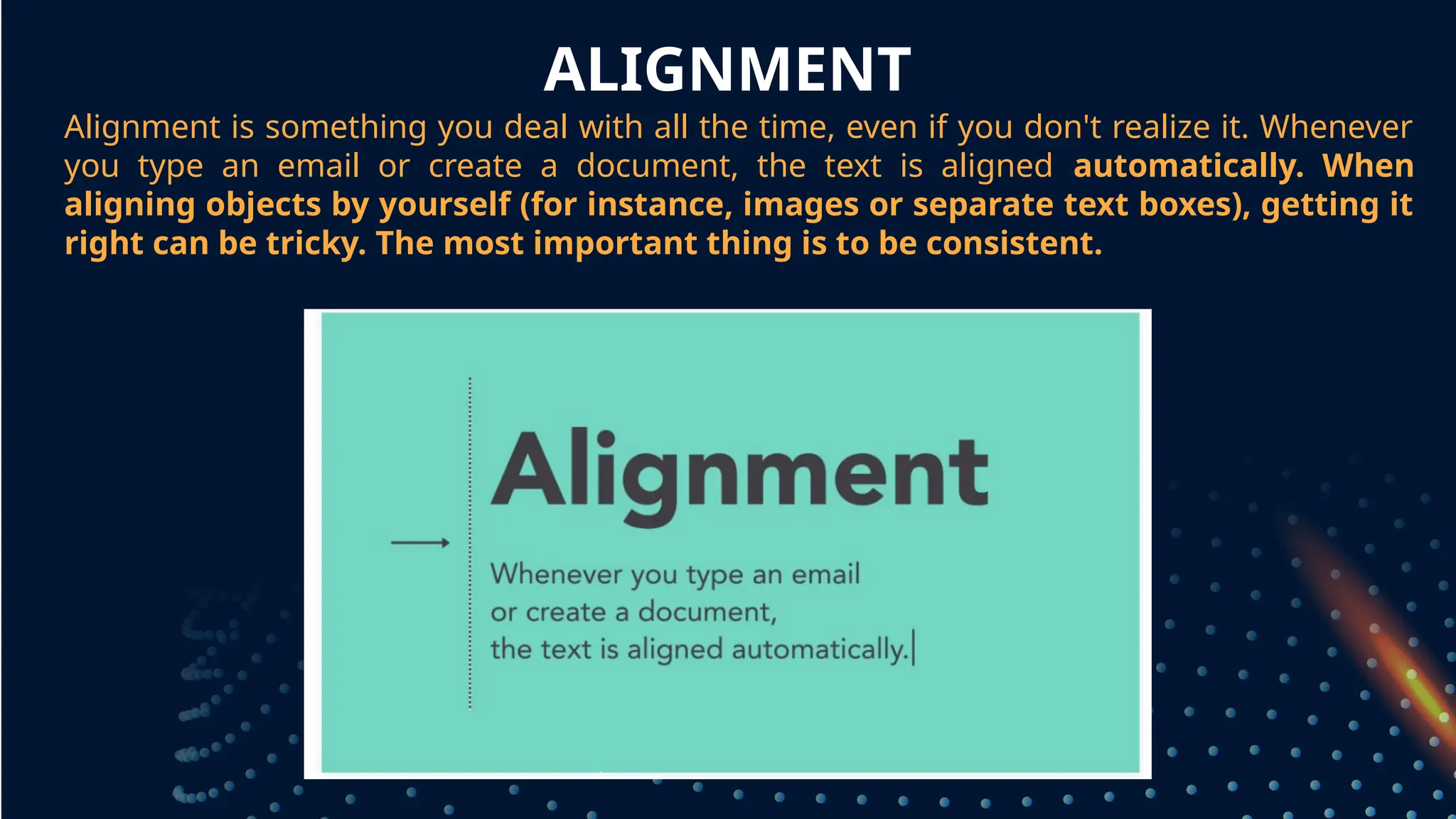
Alignment is something you deal with all the time, even if you don't realize it. Whenever
you type an email or create a document, the text is aligned automatically. When
aligning objects by yourself (for instance, images or separate text boxes), getting it
right can be tricky. The most important thing is to be consistent.
grouped together
ALIGNMENT
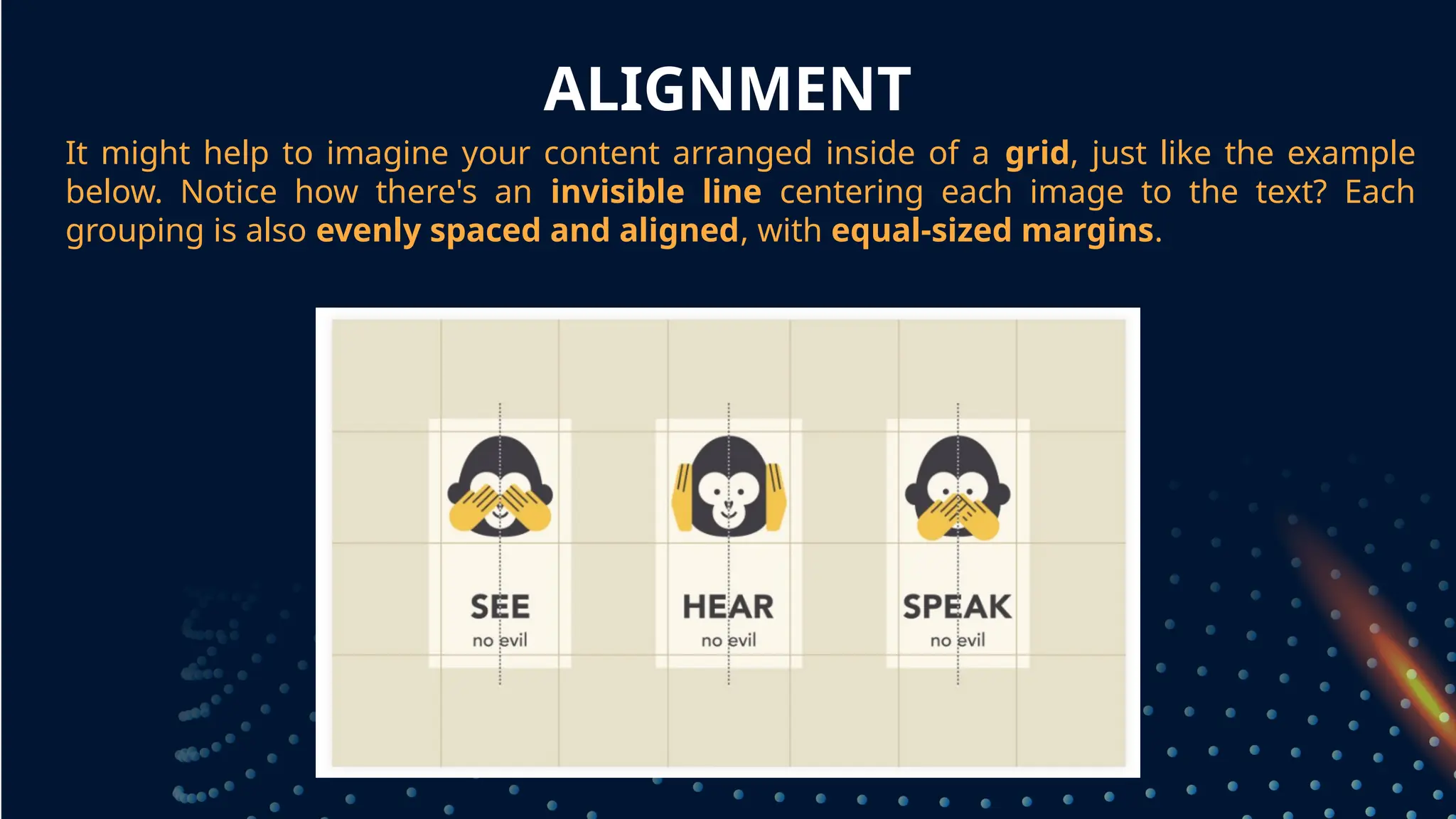
It might help to imagine your content arranged inside of a grid, just like the example
below. Notice how there's an invisible line centering each image to the text? Each
grouping is also evenly spaced and aligned, with equal-sized margins.
grouped together
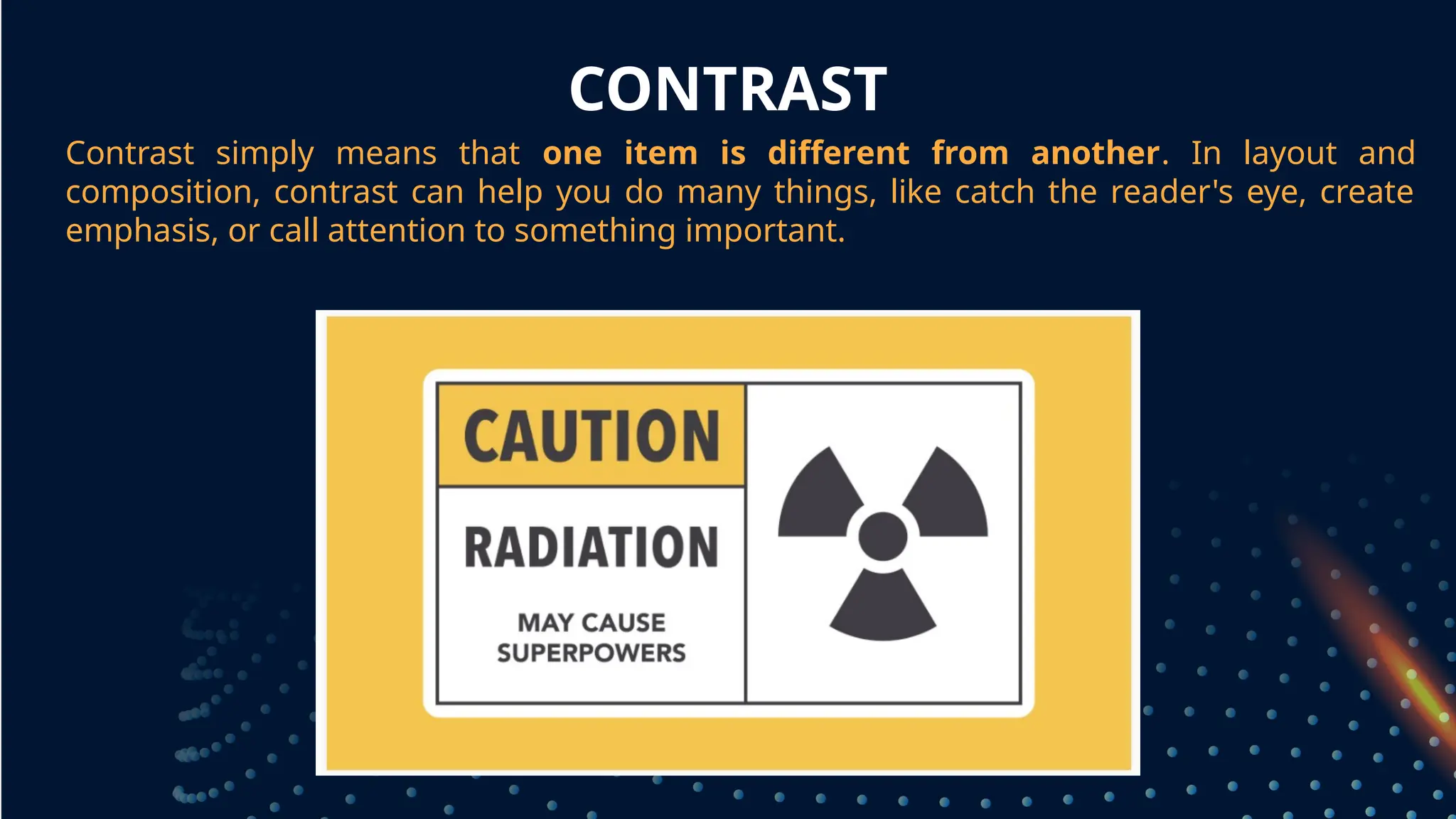
CONTRAST
Contrast simply means that one item is different from another. In layout and
composition, contrast can help you do many things, like catch the reader's eye, create
emphasis, or call attention to something important.
grouped together
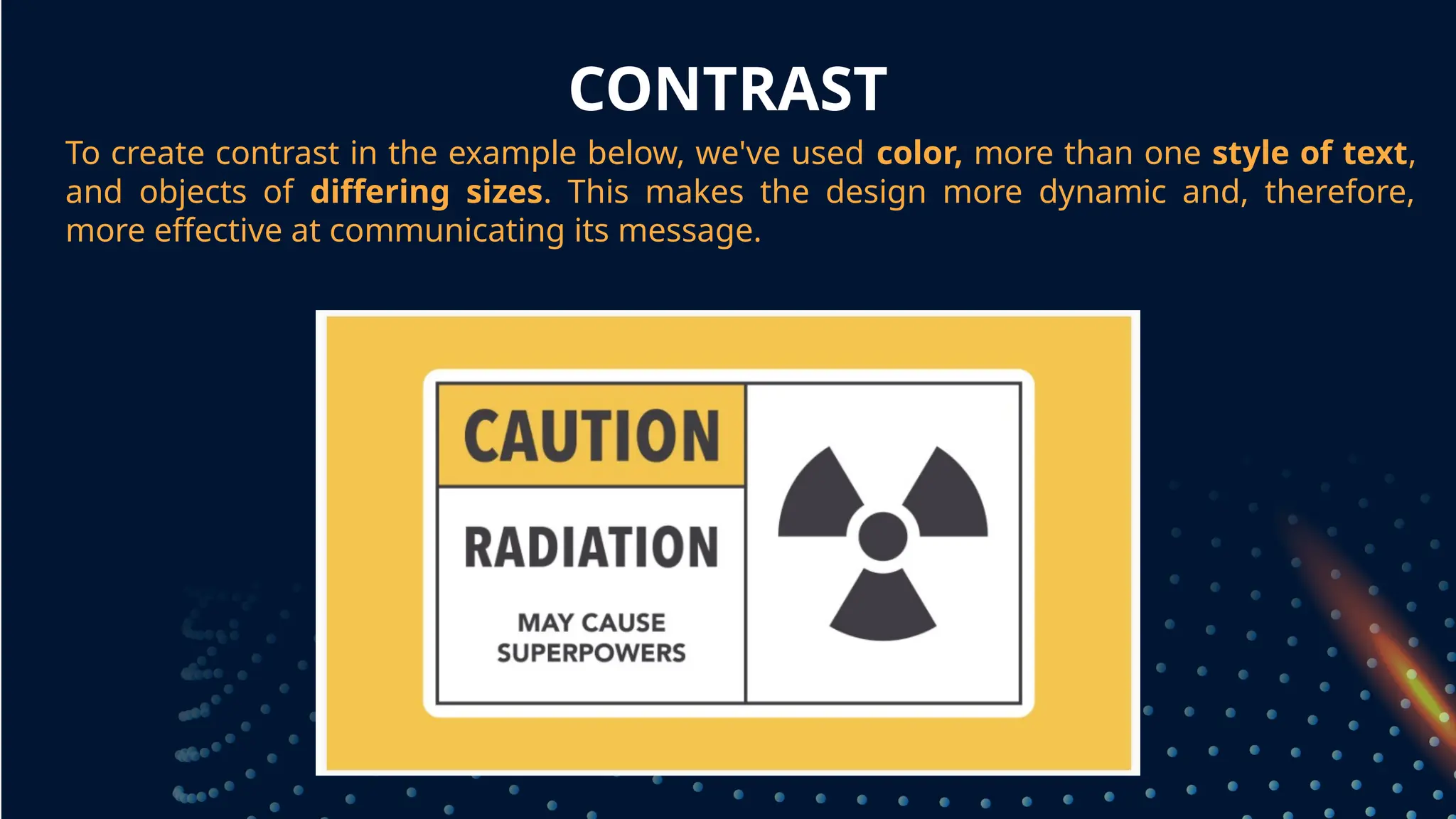
CONTRAST
To create contrast in the example below, we've used color, more than one style of text,
and objects of differing sizes. This makes the design more dynamic and, therefore,
more effective at communicating its message.
grouped together
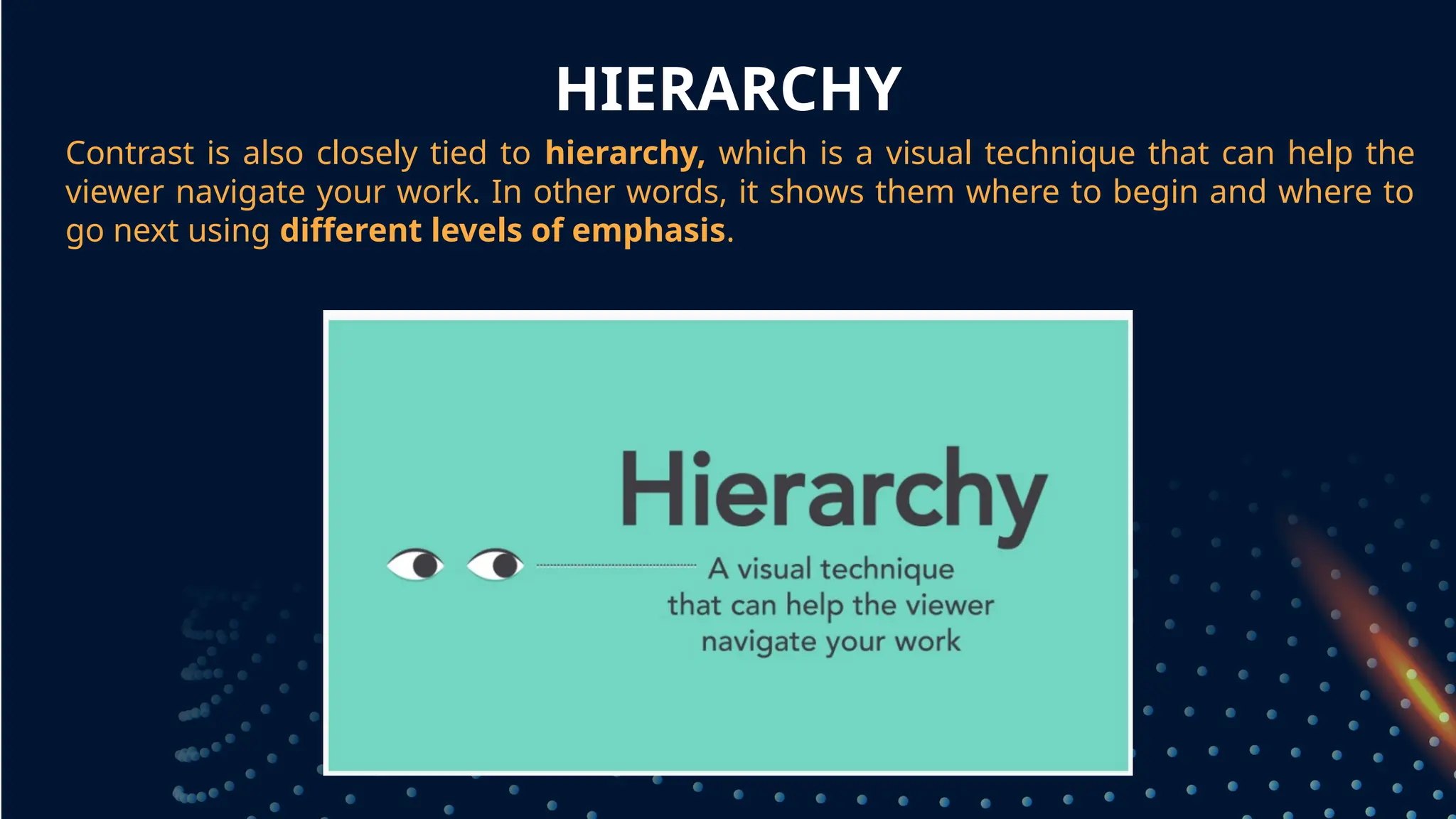
HIERARCHY
Contrast is also closely tied to hierarchy, which is a visual technique that can help the
viewer navigate your work. In other words, it shows them where to begin and where to
go next using different levels of emphasis.
grouped together
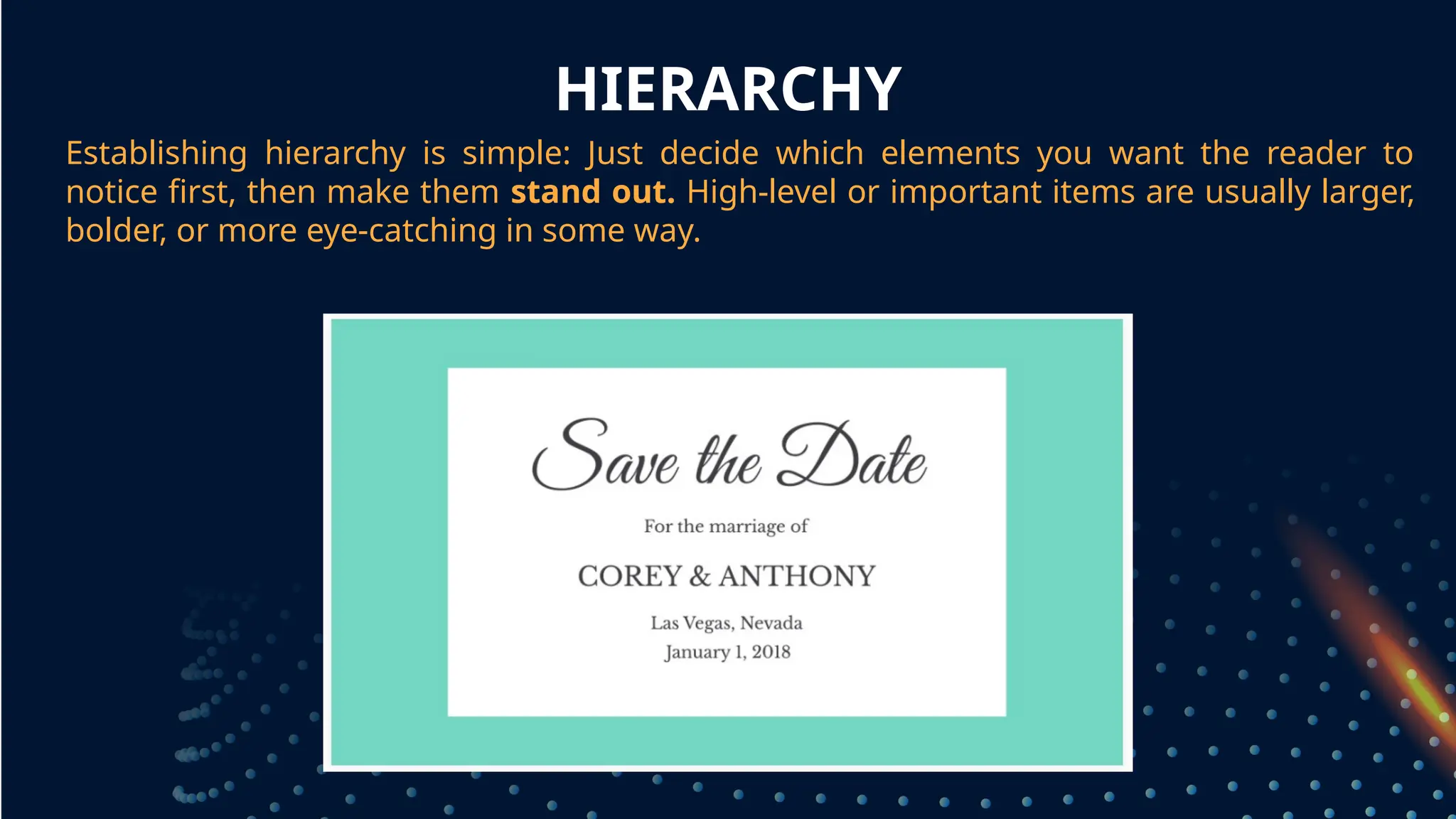
HIERARCHY
Establishing hierarchy is simple: Just decide which elements you want the reader to
notice first, then make them stand out. High-level or important items are usually larger,
bolder, or more eye-catching in some way.
grouped together
REPETITION
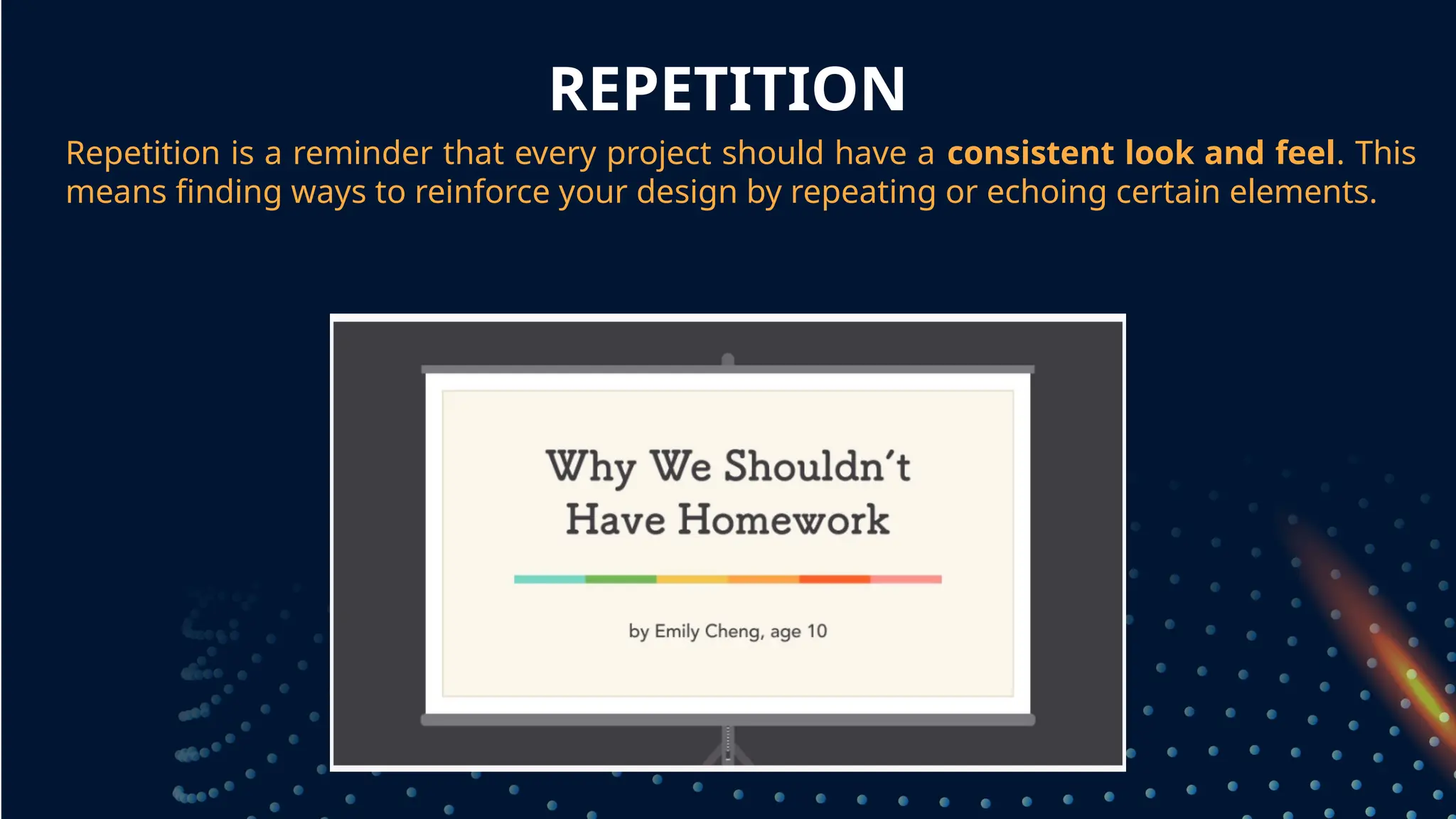
Repetition is a reminder that every project should have a consistent look and feel. This
means finding ways to reinforce your design by repeating or echoing certain elements.
grouped together
REPETITION
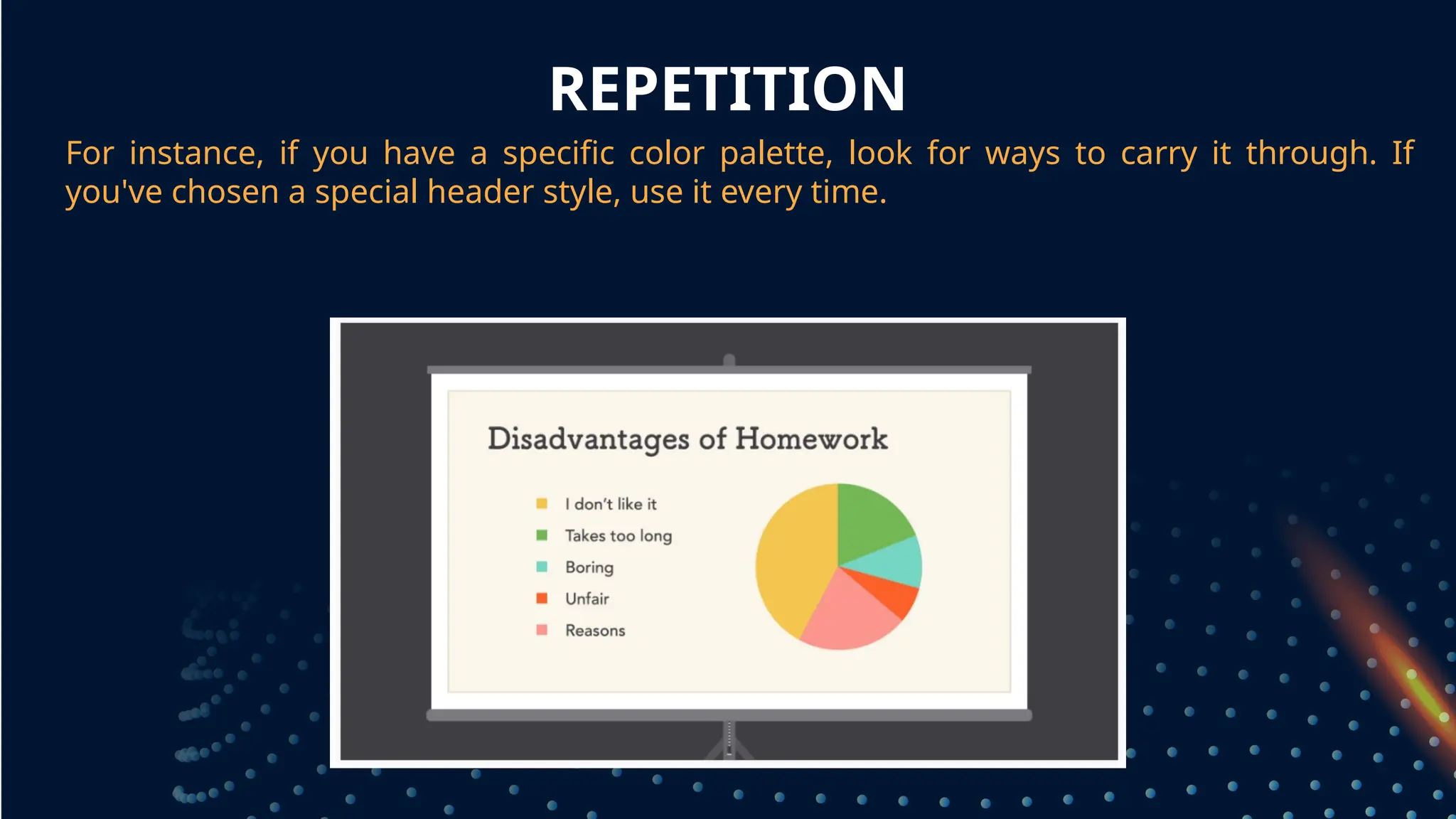
For instance, if you have a specific color palette, look for ways to carry it through. If
you've chosen a special header style, use it every time.
grouped together
REPETITION
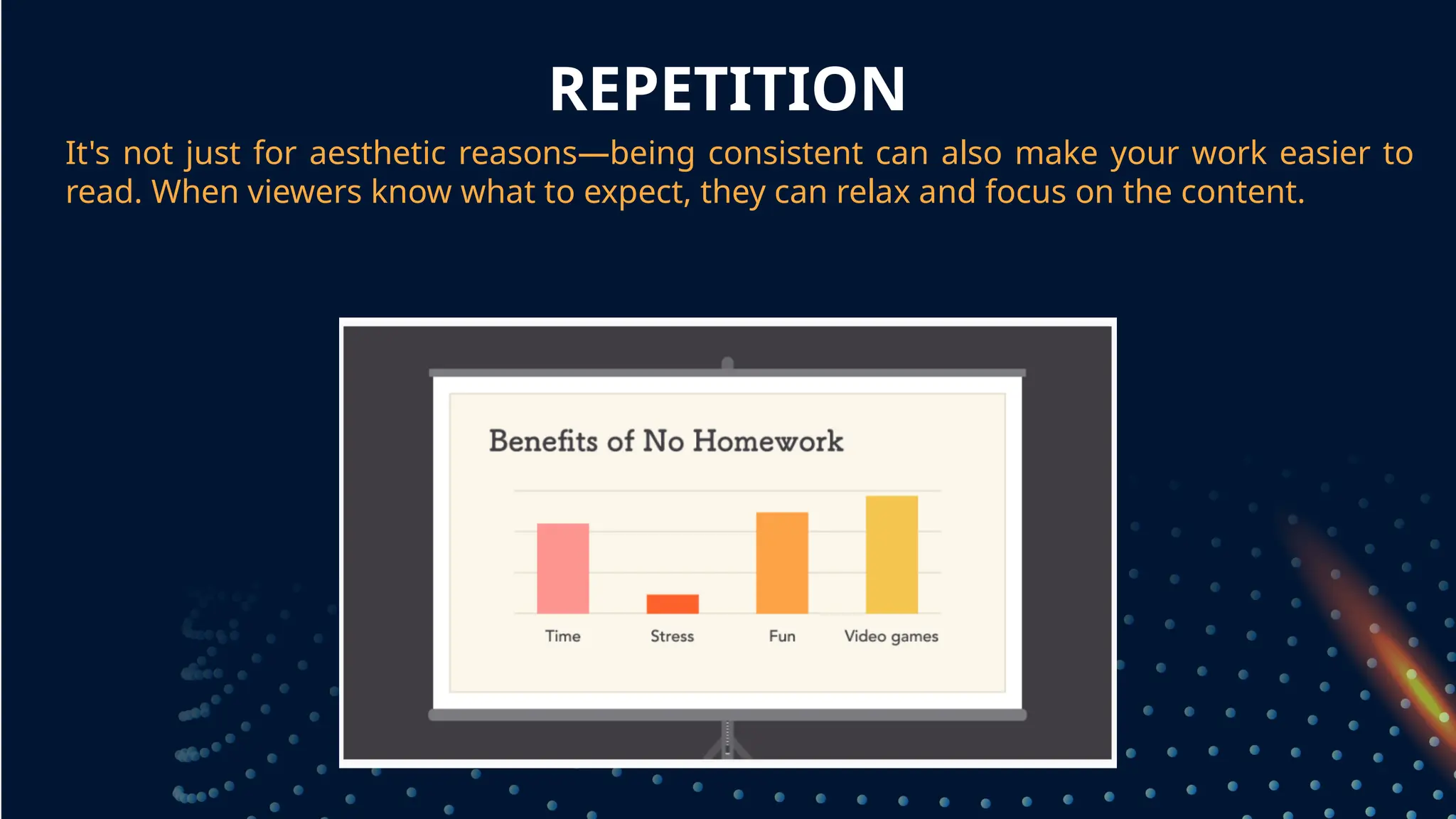
It's not just for aesthetic reasons—being consistent can also make your work easier to
read. When viewers know what to expect, they can relax and focus on the content.
grouped together
BALANCE
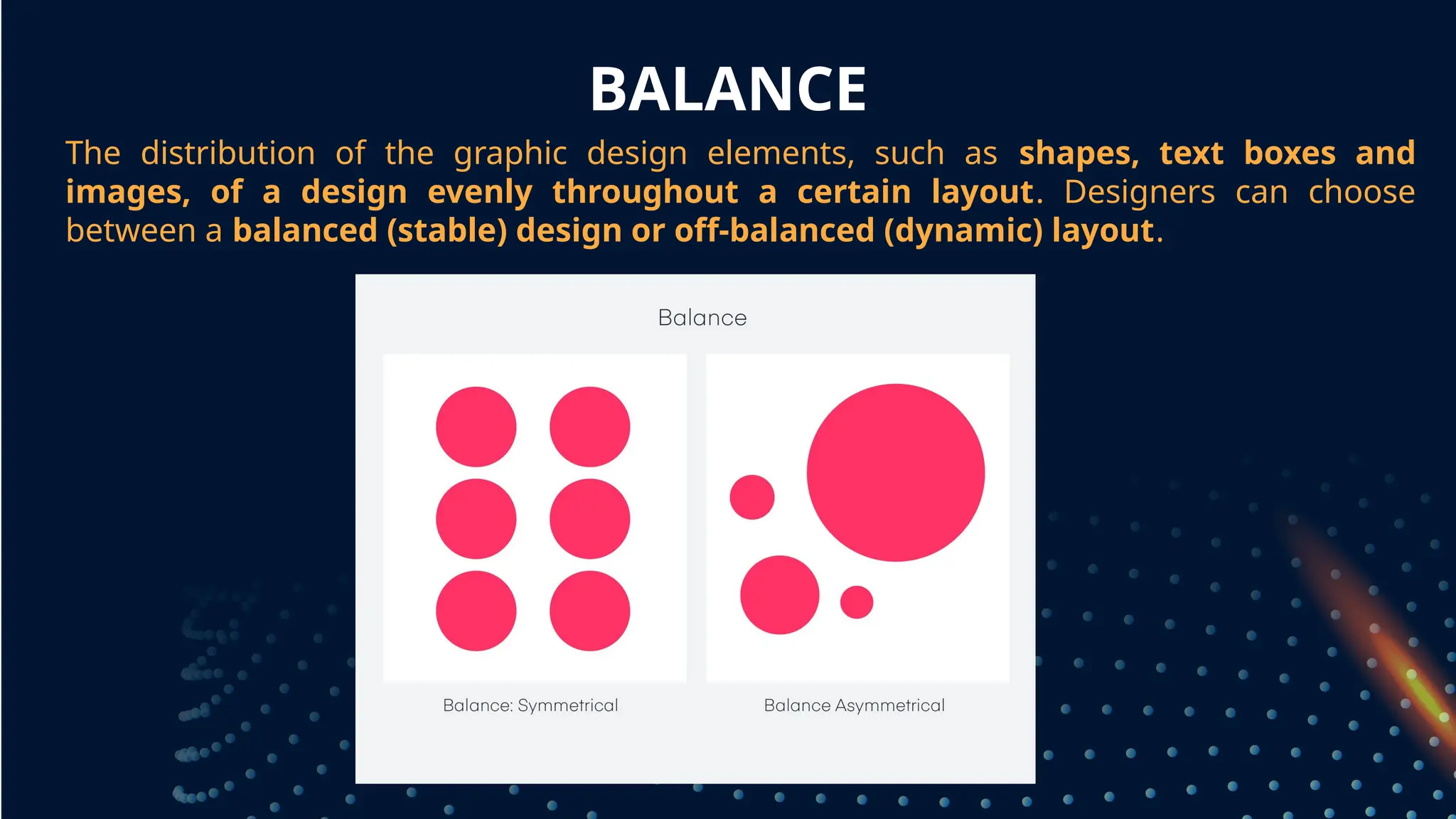
The distribution of the graphic design elements, such as shapes, text boxes and
images, of a design evenly throughout a certain layout. Designers can choose
between a balanced (stable) design or off-balanced (dynamic) layout.
grouped together
BALANCE
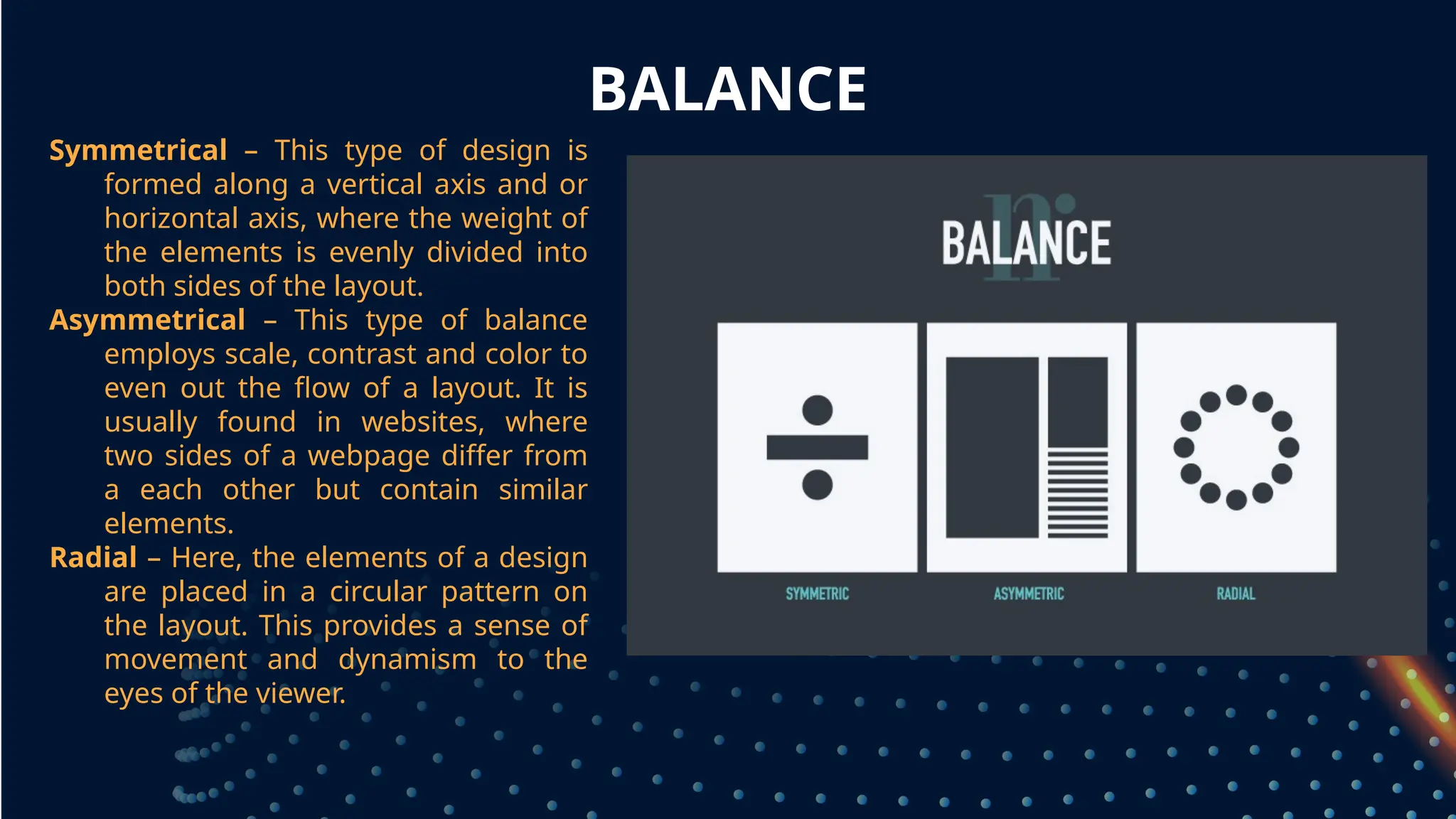
Symmetrical – This type of design is
formed along a vertical axis and or
horizontal axis, where the weight of
the elements is evenly divided into
both sides of the layout.
Asymmetrical – This type of balance
employs scale, contrast and color to
even out the flow of a layout. It is
usually found in websites, where
two sides of a webpage differ from
a each other but contain similar
elements.
Radial – Here, the elements of a design
are placed in a circular pattern on
the layout. This provides a sense of
movement and dynamism to the
eyes of the viewer.
EMPHASIS
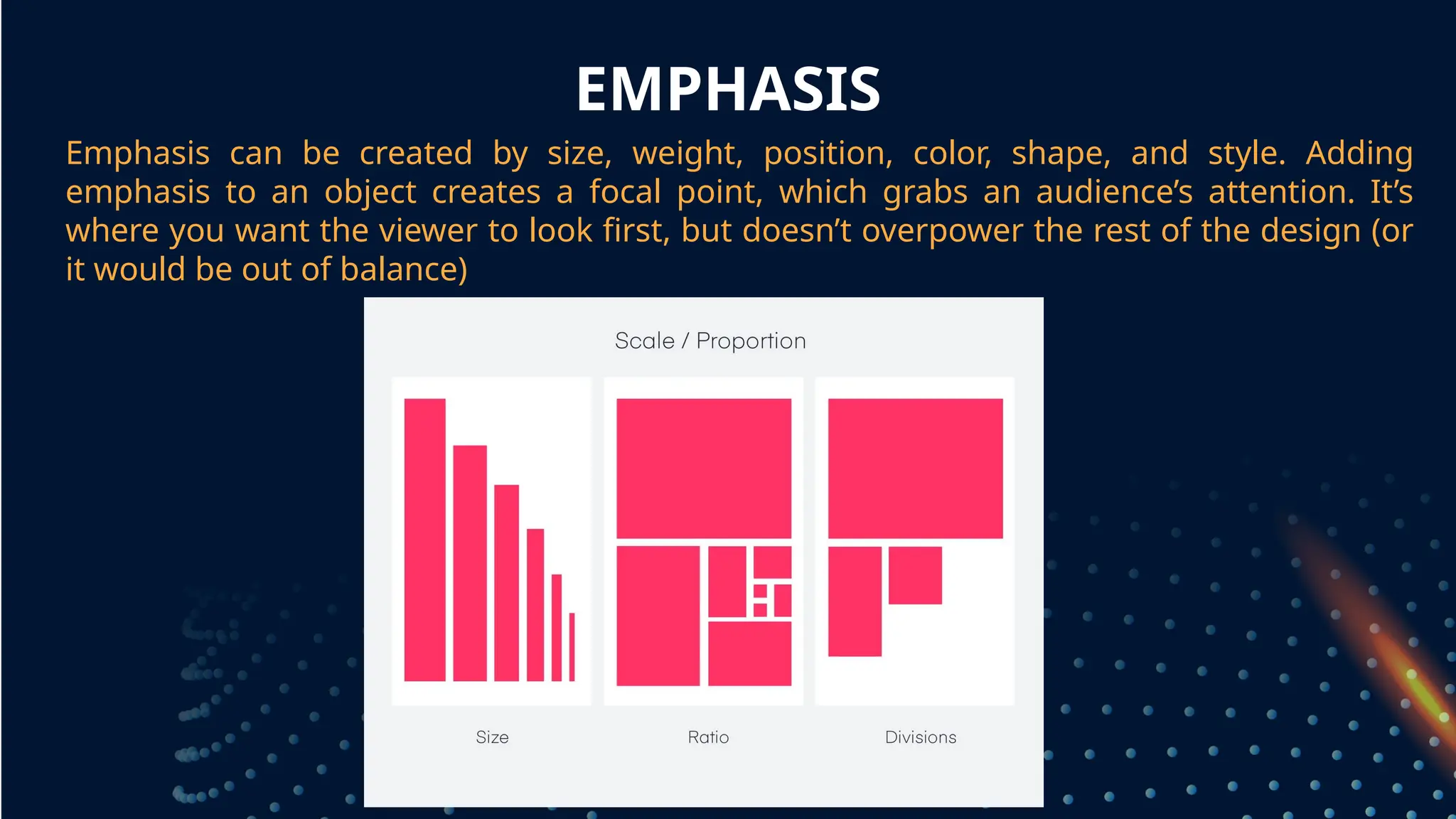
Emphasis can be created by size, weight, position, color, shape, and style. Adding
emphasis to an object creates a focal point, which grabs an audience’s attention. It’s
where you want the viewer to look first, but doesn’t overpower the rest of the design (or
it would be out of balance)
grouped together
UNITY, VARIETY, AND HARMONY
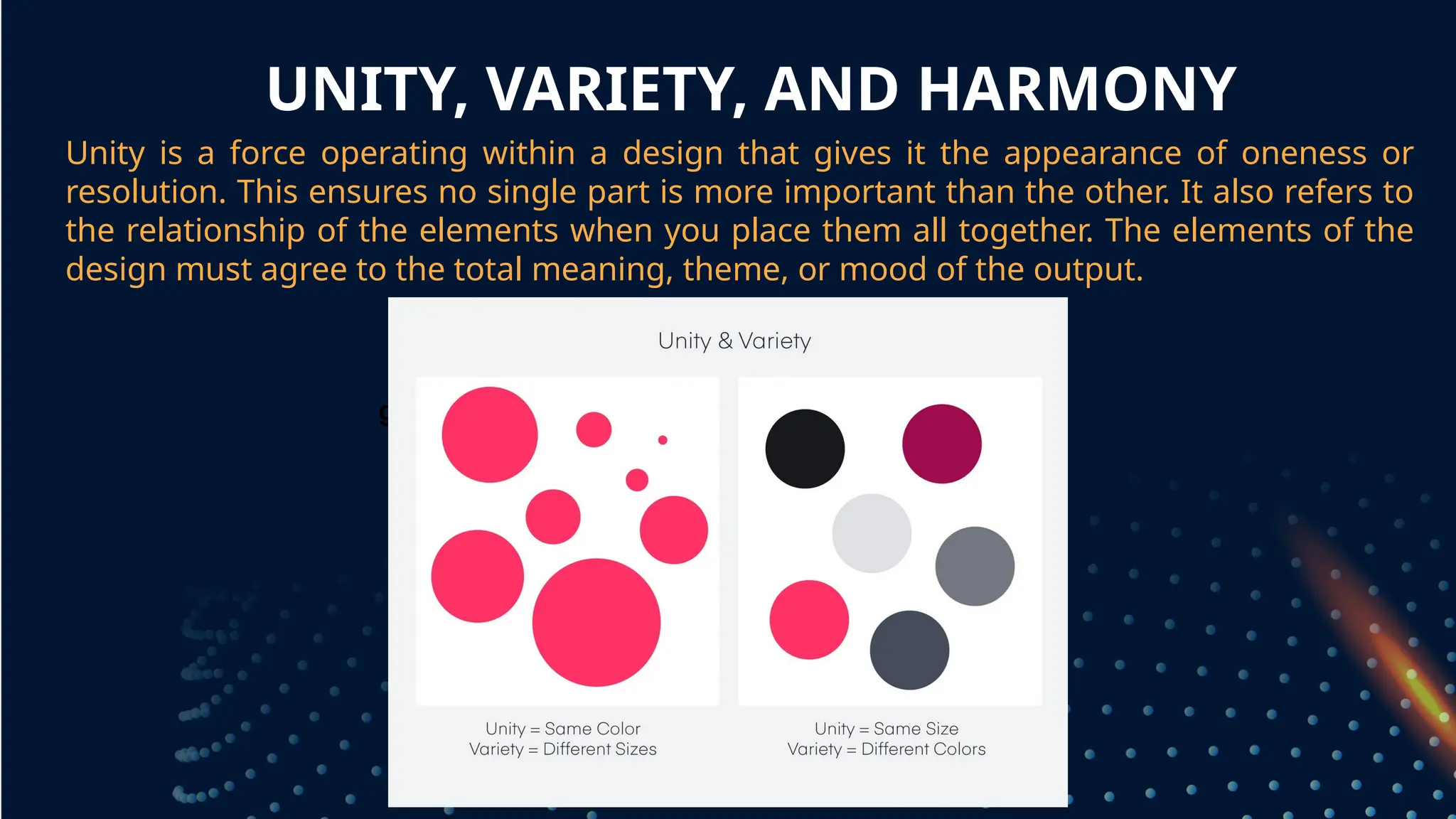
Unity is a force operating within a design that gives it the appearance of oneness or
resolution. This ensures no single part is more important than the other. It also refers to
the relationship of the elements when you place them all together. The elements of the
design must agree to the total meaning, theme, or mood of the output.
grouped together
FIN

PPT4_BASIC-PRINCIPLES-OF-GRAPHICS-AND-LAYOUT.pptx

  • 1.
    BASIC PRINCIPLES OFGRAPHICS AND LAYOUT
  • 2.
    OBJECTIVES OF THELESSON At the end of this lesson, the learners should be able to: 1. Identify and explain the Basic Principles of Graphics and Layout
  • 3.
    LAYOUT THE PROCESS OFPLANNING AND ARRANGING GRAPHICS OR TEXT IN A PAGE OR BOOK.
  • 4.
  • 5.
    PROXIMITY Proximity is allabout using visual space to show relationships in your content. In practice, it's pretty simple—all you have to do is make sure related items are grouped together grouped together
  • 6.
    WHITE SPACE White spaceis an important part of every composition. Now, this doesn't mean literal white space; it just means negative space, like the spaces between your content, between lines, and even the outer margins. grouped together
  • 7.
    PROXIMITY Groups that areNOT related to each other should be separated to visually emphasize their lack of a relationship. All in all, this makes your work easier to understand at a glance, whether it's purely text or something more visual. grouped together
  • 8.
    WHITE SPACE There's noone way to use white space correctly, but it's good to understand its purpose. White space helps you define and separate different sections; it gives your content room to breathe. If your work ever starts to feel cluttered or uncomfortable, a little white space might be just what the doctor ordered. grouped together
  • 9.
    ALIGNMENT Alignment is somethingyou deal with all the time, even if you don't realize it. Whenever you type an email or create a document, the text is aligned automatically. When aligning objects by yourself (for instance, images or separate text boxes), getting it right can be tricky. The most important thing is to be consistent. grouped together
  • 10.
    ALIGNMENT It might helpto imagine your content arranged inside of a grid, just like the example below. Notice how there's an invisible line centering each image to the text? Each grouping is also evenly spaced and aligned, with equal-sized margins. grouped together
  • 11.
    CONTRAST Contrast simply meansthat one item is different from another. In layout and composition, contrast can help you do many things, like catch the reader's eye, create emphasis, or call attention to something important. grouped together
  • 12.
    CONTRAST To create contrastin the example below, we've used color, more than one style of text, and objects of differing sizes. This makes the design more dynamic and, therefore, more effective at communicating its message. grouped together
  • 13.
    HIERARCHY Contrast is alsoclosely tied to hierarchy, which is a visual technique that can help the viewer navigate your work. In other words, it shows them where to begin and where to go next using different levels of emphasis. grouped together
  • 14.
    HIERARCHY Establishing hierarchy issimple: Just decide which elements you want the reader to notice first, then make them stand out. High-level or important items are usually larger, bolder, or more eye-catching in some way. grouped together
  • 15.
    REPETITION Repetition is areminder that every project should have a consistent look and feel. This means finding ways to reinforce your design by repeating or echoing certain elements. grouped together
  • 16.
    REPETITION For instance, ifyou have a specific color palette, look for ways to carry it through. If you've chosen a special header style, use it every time. grouped together
  • 17.
    REPETITION It's not justfor aesthetic reasons—being consistent can also make your work easier to read. When viewers know what to expect, they can relax and focus on the content. grouped together
  • 18.
    BALANCE The distribution ofthe graphic design elements, such as shapes, text boxes and images, of a design evenly throughout a certain layout. Designers can choose between a balanced (stable) design or off-balanced (dynamic) layout. grouped together
  • 19.
    BALANCE Symmetrical – Thistype of design is formed along a vertical axis and or horizontal axis, where the weight of the elements is evenly divided into both sides of the layout. Asymmetrical – This type of balance employs scale, contrast and color to even out the flow of a layout. It is usually found in websites, where two sides of a webpage differ from a each other but contain similar elements. Radial – Here, the elements of a design are placed in a circular pattern on the layout. This provides a sense of movement and dynamism to the eyes of the viewer.
  • 20.
    EMPHASIS Emphasis can becreated by size, weight, position, color, shape, and style. Adding emphasis to an object creates a focal point, which grabs an audience’s attention. It’s where you want the viewer to look first, but doesn’t overpower the rest of the design (or it would be out of balance) grouped together
  • 21.
    UNITY, VARIETY, ANDHARMONY Unity is a force operating within a design that gives it the appearance of oneness or resolution. This ensures no single part is more important than the other. It also refers to the relationship of the elements when you place them all together. The elements of the design must agree to the total meaning, theme, or mood of the output. grouped together
  • 22.