WELCOME  TO  THIS  COURSE
• Make  text  look  professionally  designed    
• Use  the  power  of  colors  
• Get  and  use  amazing  images,  fonts  and  icons  to  make  
your  website  shine    
• Create  a  layout  using  whitespace  and  visual  hierarchy  
• Keep  yourself  inspired  to  learn  more  and  more
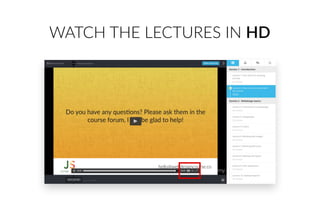
WATCH  THE  LECTURES  IN  HD
ASK  ALL  YOUR  QUESTIONS
hello@webdesigncourse.co
@jonasschmedtman
facebook.com/
jonas.schmedtmann
Do  you  have  any  quesIons?  Please  ask  them  in  the  
course  forum,  I  will  be  glad  to  help!
hello@webdesigncourse.co
INTRODUCTION  TO  WEB  DESIGN
GO  DOWNLOAD  
THE  E-­‐BOOK  
NOW
THE  DESIGNER  CREATES  THE  LOOK  AND  FEEL.
THE  DEVELOPER  BUILDS  IT.
iOS6 iOS7
Do  you  have  any  ques9ons?  Please  ask  them  in  the  
course  forum,  I  will  be  glad  to  help!
hello@webdesigncourse.co
BEAUTIFUL  TYPOGRAPHY
Typography  is  the  art  and  technique  of  
arranging  type  to  make  wri7en  language  
readable  and  beau:ful.
“
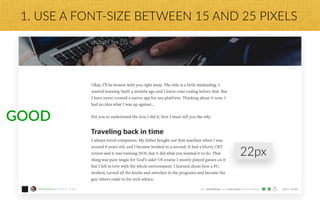
1.  USE  A  FONT-­‐SIZE  BETWEEN  15  AND  25  PIXELS
GOOD
22px
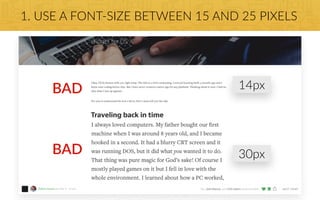
1.  USE  A  FONT-­‐SIZE  BETWEEN  15  AND  25  PIXELS
BAD
30px
BAD
14px
2.  USE  (REALLY)  BIG  FONT  SIZES  FOR  HEADLINES
60px
32px
2.  USE  (REALLY)  BIG  FONT  SIZES  FOR  HEADLINES
90px
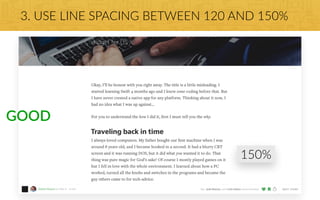
3.  USE  LINE  SPACING  BETWEEN  120  AND  150%
GOOD
150%
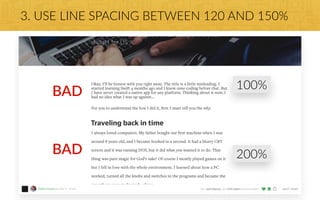
3.  USE  LINE  SPACING  BETWEEN  120  AND  150%
BAD
200%
BAD
100%
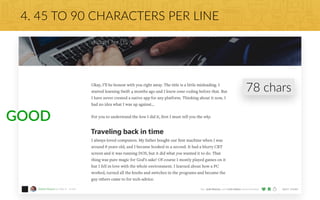
4.  45  TO  90  CHARACTERS  PER  LINE
GOOD
78  chars
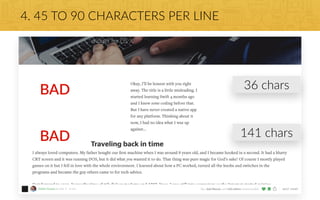
4.  45  TO  90  CHARACTERS  PER  LINE
BAD
141  chars
BAD
36  chars
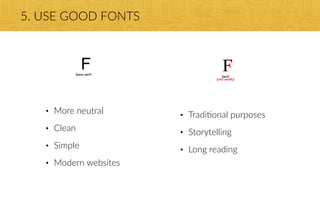
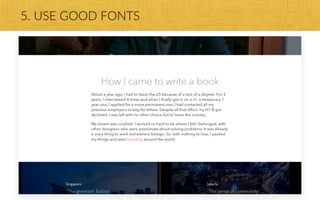
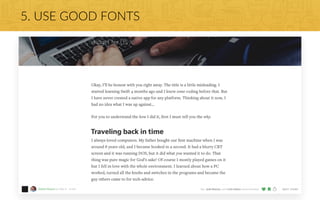
5.  USE  GOOD  FONTS
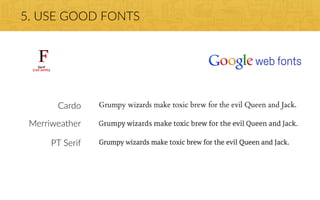
• Tradi:onal  purposes  
• Storytelling  
• Long  reading
• More  neutral  
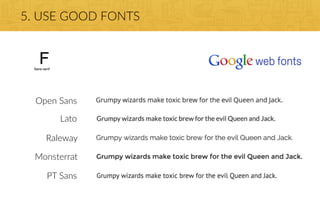
• Clean  
• Simple  
• Modern  websites
5.  USE  GOOD  FONTS
Open  Sans
Lato
Raleway
Monsterrat
PT  Sans
5.  USE  GOOD  FONTS
Cardo
Merriweather
PT  Serif
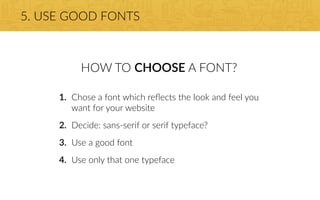
5.  USE  GOOD  FONTS
HOW  TO  CHOOSE  A  FONT?
1. Chose  a  font  which  reflects  the  look  and  feel  you  
want  for  your  website  
2. Decide:  sans-­‐serif  or  serif  typeface?  
3. Use  a  good  font  
4. Use  only  that  one  typeface
Do  you  have  any  ques;ons?  Please  ask  them  in  the  
course  forum,  I  will  be  glad  to  help!
hello@webdesigncourse.co
USING  COLORS  LIKE  A  PRO
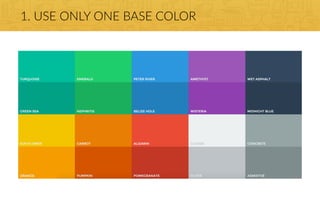
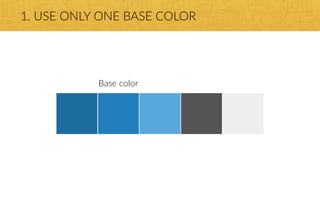
1.  USE  ONLY  ONE  BASE  COLOR
Base  color
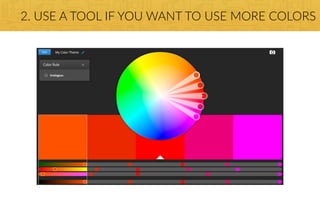
2.  USE  A  TOOL  IF  YOU  WANT  TO  USE  MORE  COLORS
3.  USE  COLOR  TO  DRAW  ATTENTION
4.  NEVER  USE  BLACK  IN  YOUR  DESIGN
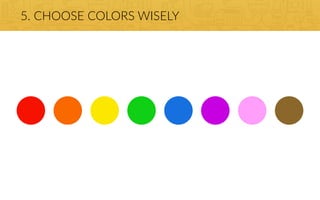
5.  CHOOSE  COLORS  WISELY
Do  you  have  any  ques:ons?  Please  ask  them  in  the  
course  forum,  I  will  be  glad  to  help!
hello@webdesigncourse.co
WORKING  WITH  IMAGES
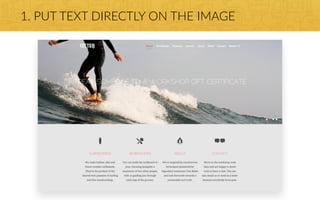
1.  PUT  TEXT  DIRECTLY  ON  THE  IMAGE
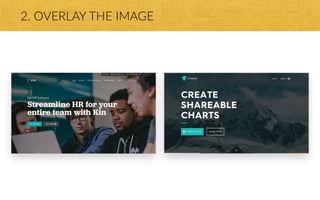
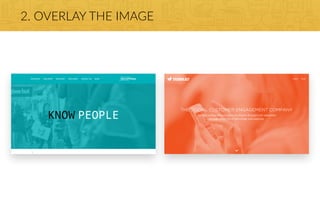
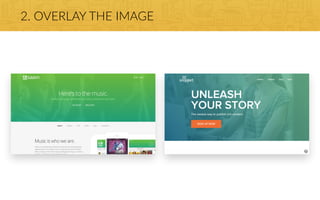
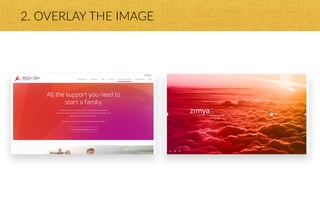
2.  OVERLAY  THE  IMAGE
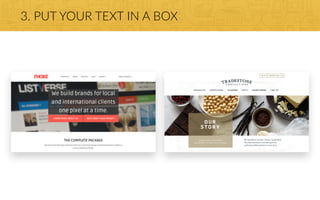
3.  PUT  YOUR  TEXT  IN  A  BOX
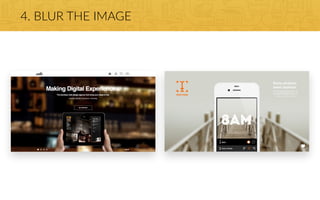
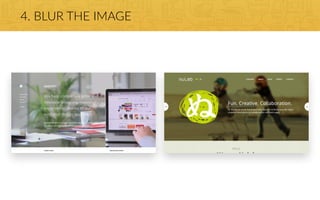
4.  BLUR  THE  IMAGE
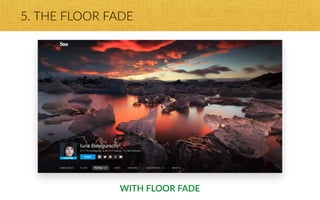
5.  THE  FLOOR  FADE
WITH  FLOOR  FADE
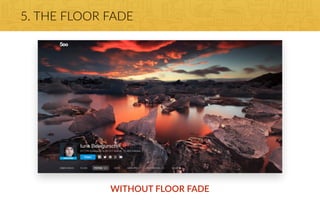
5.  THE  FLOOR  FADE
WITHOUT  FLOOR  FADE
GET  YOUR  
IMAGES  HERE
Do  you  have  any  ques:ons?  Please  ask  them  in  the  
course  forum,  I  will  be  glad  to  help!
hello@webdesigncourse.co
WORKING  WITH  ICONS
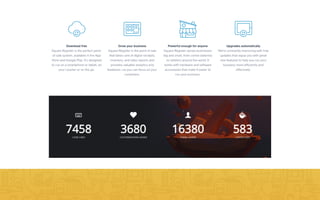
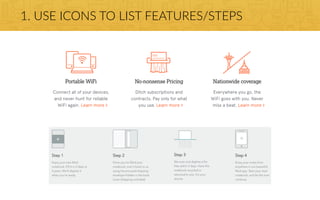
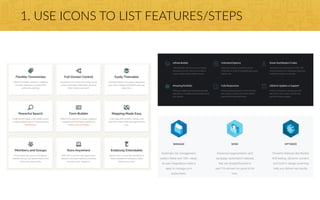
1.  USE  ICONS  TO  LIST  FEATURES/STEPS
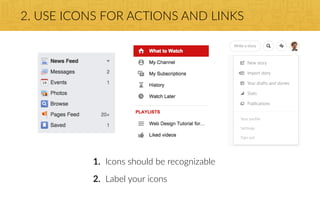
2.  USE  ICONS  FOR  ACTIONS  AND  LINKS
1. Icons  should  be  recognizable  
2. Label  your  icons
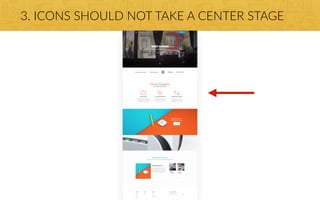
3.  ICONS  SHOULD  NOT  TAKE  A  CENTER  STAGE
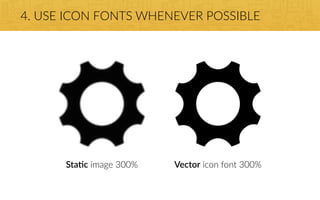
Sta'c  image  300% Vector  icon  font  300%
4.  USE  ICON  FONTS  WHENEVER  POSSIBLE
GET  YOUR  
ICONS  HERE
Do  you  have  any  ques8ons?  Please  ask  them  in  the  
course  forum,  I  will  be  glad  to  help!
hello@webdesigncourse.co
SPACING  AND  LAYOUT
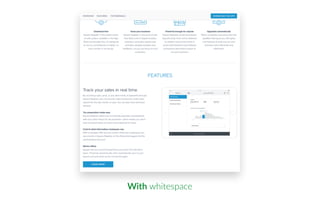
With  whitespace
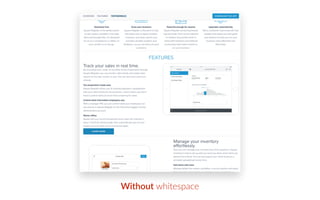
Without  whitespace
1.  USE  WHITESPACE
• Put  whitespace  between  your  elements  
• Put  whitespace  between  your  groups  of  elements  
• Put  whitespace  between  you  website’s  secCons  
• But  don’t  exaggerate
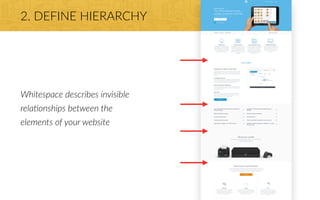
2.  DEFINE  HIERARCHY
Whitespace  describes  invisible  
rela1onships  between  the  
elements  of  your  website
2.  DEFINE  HIERARCHY
• Define  where  you  want  your  audience  to  look  first  
• Establish  a  flow  that  corresponds  to  your  content’s  message  
• Use  whitespace  to  build  that  flow
Do  you  have  any  ques9ons?  Please  ask  them  in  the  
course  forum,  I  will  be  glad  to  help!
hello@webdesigncourse.co
INTRODUCTION  TO  USER  EXPERIENCE
USER  INTERFACE  IS  THE  
PRESENTATION  OF  A  PRODUCT,  
HOW  IT  LOOKS  AND  FEELS
USER  EXPERIENCE  IS  THE  OVERALL  
EXPERIENCE  THE  USER  HAS  WITH  A  
PRODUCT
—  Steve  Jobs
It’s  not  just  what  it  looks  like  and  feels  
like.  Design  is  how  it  works.

“
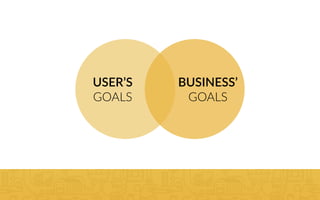
USER’S  
GOALS
BUSINESS’  
GOALS
Do  you  have  any  ques8ons?  Please  ask  them  in  the  
course  forum,  I  will  be  glad  to  help!
hello@webdesigncourse.co
GETTING  INSPIRED:  THE  SECRET  
INGREDIENT  FOR  STUNNING  WEB  DESIGN!
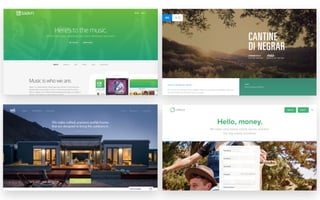
USE  OTHER  WEBSITES  AS  INSPIRATION  
TO  SEE  WHAT  OTHER  LEADING  
DESIGNERS  ARE  DOING  RIGHT
• Collect  designs  that  you  like  
• Try  to  understand  everything  about  them  
• Why  do  they  look  good?  
• What  do  these  sites  have  in  common?  
• How  were  they  built  in  HTML  and  CSS?
STEAL  LIKE  AN  ARTIST
GET  YOURSELF  
INSPIRED  HERE
Do  you  have  any  ques>ons?  Please  ask  them  in  the  
course  forum,  I  will  be  glad  to  help!
hello@webdesigncourse.co
SUPER  EFFECTIVE  WAYS  TO  IMPROVE  
YOUR  WEBSITE’S  CONVERSION
1.  BUILD  TRUST  WITH  YOUR  FUTURE  CUSTOMER

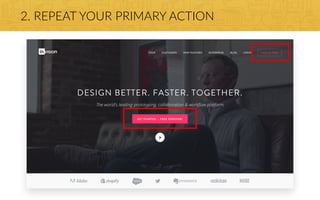
2.  REPEAT  YOUR  PRIMARY  ACTION

3.  GRAB  YOUR  USER’S  ATTENTION
4.  TELL  YOUR  USER  THE  BENEFIT
5.  DON’T  ASK  FOR  TOO  MUCH  INFORMATION
6.  USE  SOCIAL  PROOF
7.  USE  URGENCY
8.  USE  SCARCITY
Do  you  have  any  ques?ons?  Please  ask  them  in  the  
course  forum,  I  will  be  glad  to  help!
hello@webdesigncourse.co
WHERE  TO  GO  FROM  HERE?
PRACTICE,  PRACTICE,  PRACTICE
NEVER.  STOP.  LEARNING.
Do  you  have  any  ques7ons?  Please  ask  them  in  the  
course  forum,  I  will  be  glad  to  help!
hello@webdesigncourse.co

JONAS' RESOURCES FOR BUILDING BEAUTIFUL WEBSITES WITH HTML, CSS AND JAVASCRIPT