C++.NET
Windows Forms Course
L04 -Controls Part 3

Mohammad Shaker
mohammadshakergtr.wordpress.com
C++.NET Windows Forms Course
@ZGTRShaker
TabPage
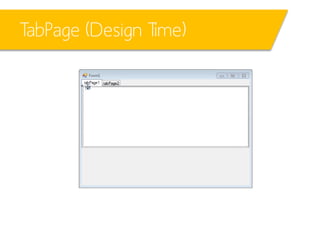
TabPage (Design Time)
• Design Time …
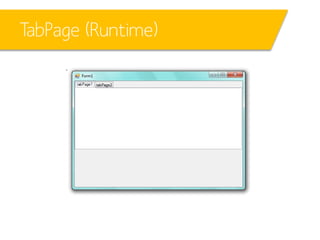
TabPage (Runtime)
• Runtime …
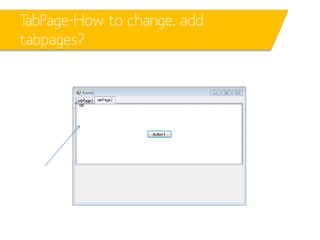
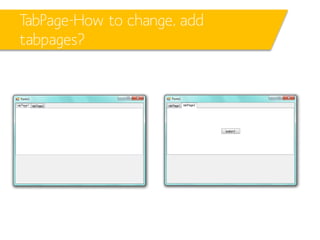
TabPage-How to change, add
tabpages?
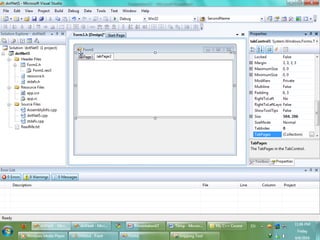
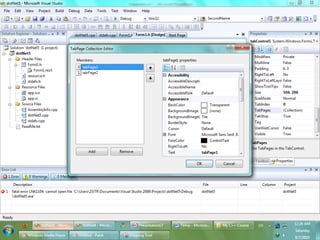
• At design time …
– Copy  paste restrictions
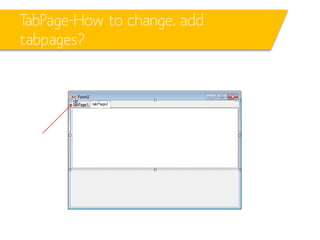
TabPage-How to change, add
tabpages?
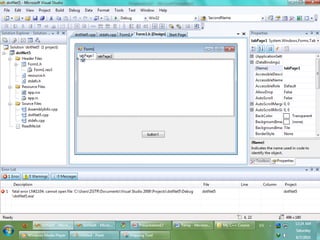
• If copying and pasting in the selected area like following …
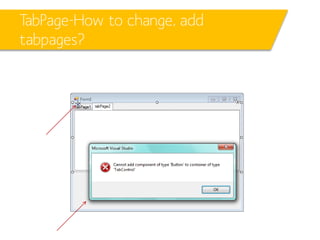
what will happen?
TabPage-How to change, add
tabpages?
• If copying and pasting in the selected area like following
TabPage-How to change, add
tabpages?
• It should be like here …
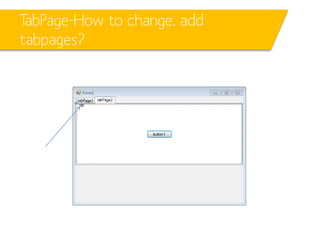
TabPage-How to change, add
tabpages?
• Now, at Runtime … it looks like …
TabPage-changing names
ListBox
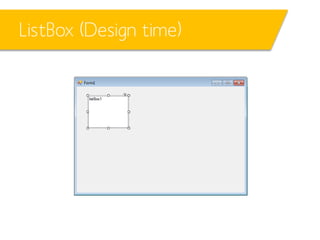
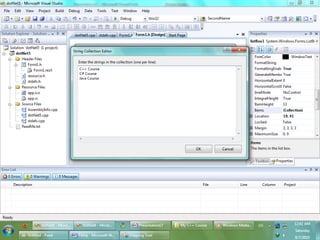
ListBox (Design time)
• Design time
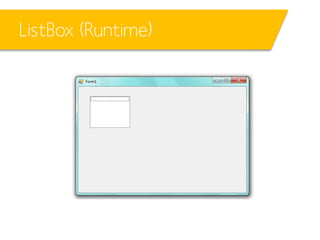
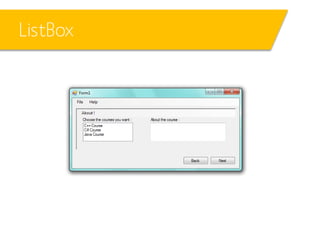
ListBox (Runtime)
• Runtime
ListBox
ListBox
ListBox
• Let’s have the following small project …
ListBox
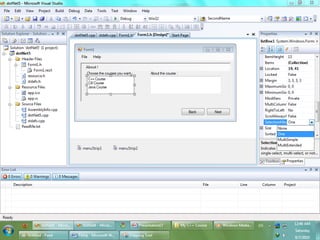
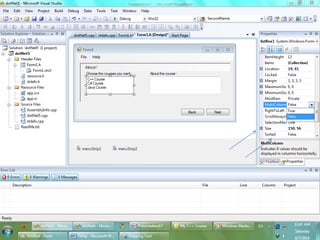
ListBox - SelectionMode
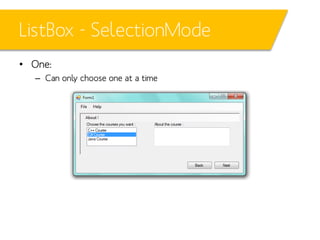
• One:
– Can only choose one at a time
ListBox - SelectionMode
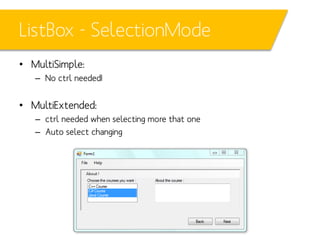
• MultiSimple:
– No ctrl needed!

• MultiExtended:
– ctrl needed when selecting more that one
– Auto select changing
ListBox
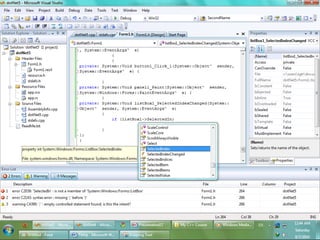
ListBox - Coding
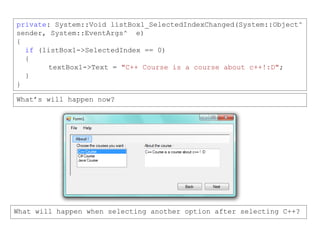
private: System::Void listBox1_SelectedIndexChanged(System::Object^
sender, System::EventArgs^ e)
{
if (listBox1->SelectedIndex == 0)
{
textBox1->Text = "C++ Course is a course about c++!:D";
}
}
What’s will happen now?

What will happen when selecting another option after selecting C++?
ListBox - Coding
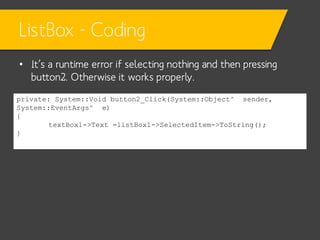
• It’s a runtime error if selecting nothing and then pressing
button2. Otherwise it works properly.
private: System::Void button2_Click(System::Object^ sender,
System::EventArgs^ e)
{
textBox1->Text =listBox1->SelectedItem->ToString();
}
ListBox - Coding
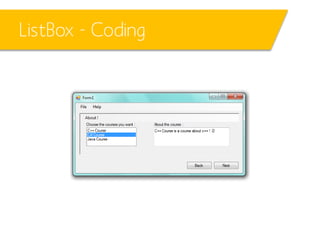
• When changing the course …
CheckBox
CheckBox
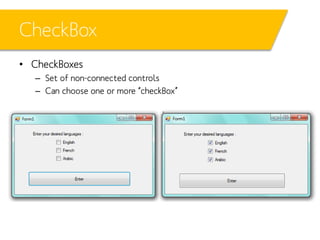
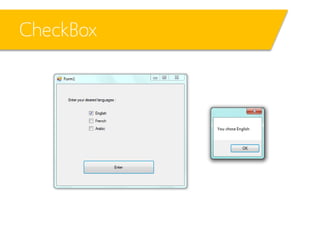
• CheckBoxes
– Set of non-connected controls
– Can choose one or more “checkBox”
CheckBox
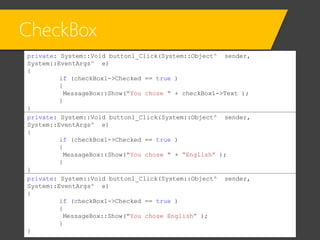
private: System::Void button1_Click(System::Object^ sender,
System::EventArgs^ e)
{
if (checkBox1->Checked == true )
{
MessageBox::Show("You chose " + checkBox1->Text );
}
}
private: System::Void button1_Click(System::Object^ sender,
System::EventArgs^ e)
{
if (checkBox1->Checked == true )
{
MessageBox::Show("You chose " + “English” );
}
}
private: System::Void button1_Click(System::Object^ sender,
System::EventArgs^ e)
{
if (checkBox1->Checked == true )
{
MessageBox::Show("You chose English” );
}
}
CheckBox
CheckBox

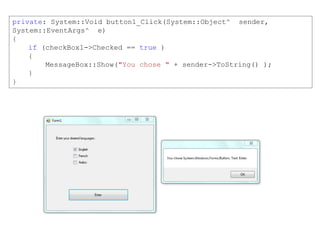
private: System::Void button1_Click(System::Object^ sender,
System::EventArgs^ e)
{
if (checkBox1->Checked == true )
{
MessageBox::Show("You chose " + sender->ToString() );
}
}
CheckBox

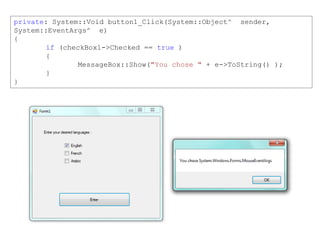
private: System::Void button1_Click(System::Object^ sender,
System::EventArgs^ e)
{
if (checkBox1->Checked == true )
{
MessageBox::Show("You chose " + e->ToString() );
}
}
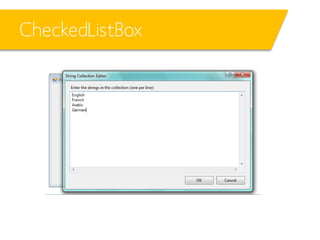
CheckedListBox
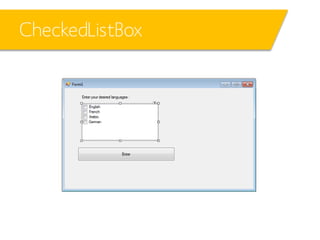
CheckedListBox
CheckedListBox
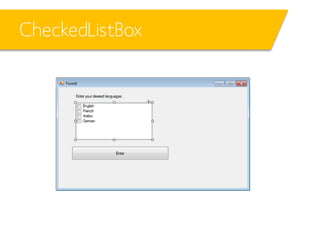
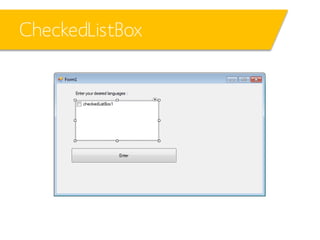
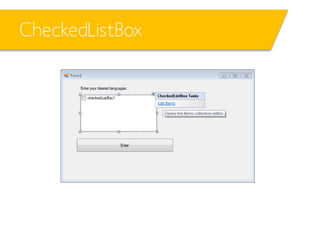
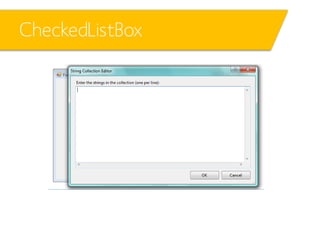
• Set of connected “checkBox”es
CheckedListBox
CheckedListBox
CheckedListBox
CheckedListBox
CheckedListBox
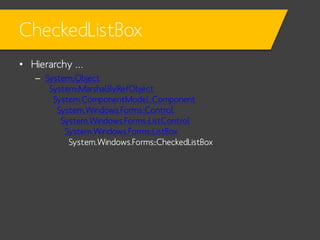
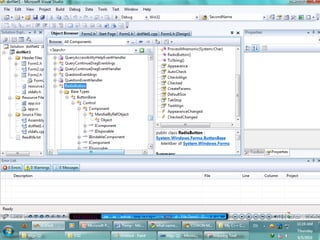
• Hierarchy …
– System::Object
System::MarshalByRefObject
System.ComponentModel::Component
System.Windows.Forms::Control
System.Windows.Forms::ListControl
System.Windows.Forms::ListBox
System.Windows.Forms::CheckedListBox
CheckedListBox
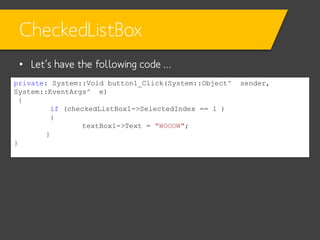
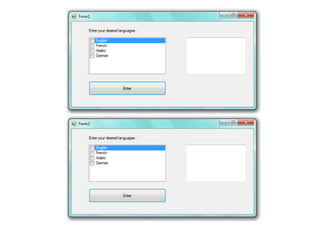
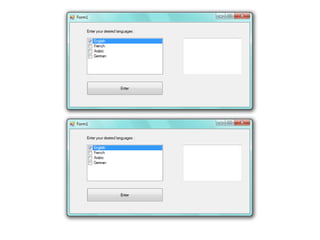
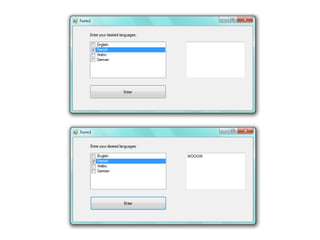
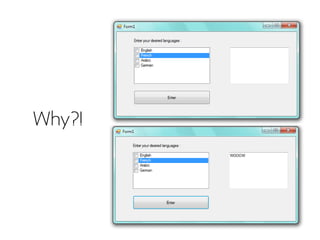
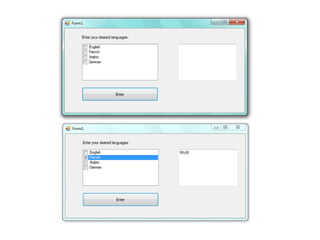
• Let’s have the following code …
private: System::Void button1_Click(System::Object^
System::EventArgs^ e)
{
if (checkedListBox1->SelectedIndex == 1 )
{
textBox1->Text = "WOOOW";
}
}

sender,
Why?!
CheckedListBox
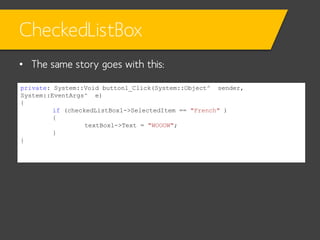
• The same story goes with this:
private: System::Void button1_Click(System::Object^ sender,
System::EventArgs^ e)
{
if (checkedListBox1->SelectedItem == "French" )
{
textBox1->Text = "WOOOW";
}
}
CheckedListBox
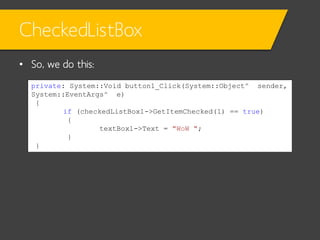
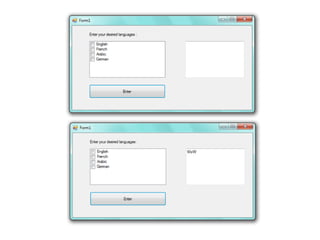
• So, we do this:
private: System::Void button1_Click(System::Object^ sender,
System::EventArgs^ e)
{
if (checkedListBox1->GetItemChecked(1) == true)
{
textBox1->Text = "WoW ";
}
}
CheckedListBox
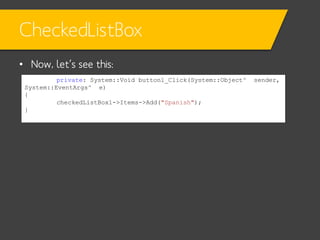
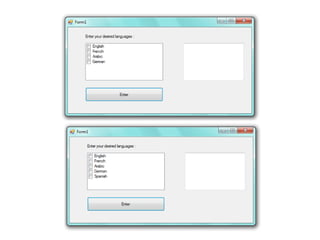
• Now, let’s see this:
private: System::Void button1_Click(System::Object^
System::EventArgs^ e)
{
checkedListBox1->Items->Add("Spanish");
}

sender,
CheckedListBox
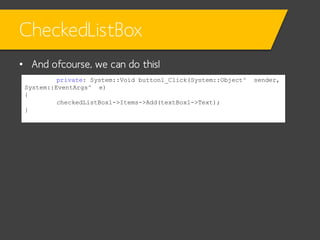
• And ofcourse, we can do this!
private: System::Void button1_Click(System::Object^
System::EventArgs^ e)
{
checkedListBox1->Items->Add(textBox1->Text);
}

sender,
CheckedListBox
private: System::Void button1_Click(System::Object^ sender,
System::EventArgs^ e)
{
if (checkedListBox1->Items[0]->ToString() == "English")
{
textBox1->Text = "WoW ";
}
}
CheckedListBox
RadioButton
RadioButton
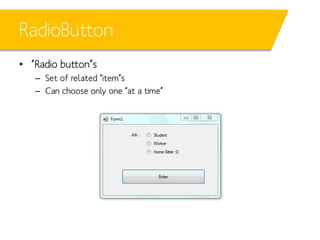
• “Radio button”s
– Set of related “item”s
– Can choose only one “at a time”
RadioButton
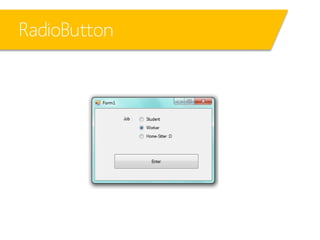
• Only one can be chosen at a time
RadioButton
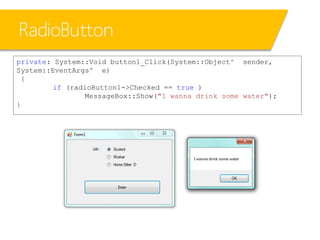
private: System::Void button1_Click(System::Object^ sender,
System::EventArgs^ e)
{
if (radioButton1->Checked == true )
MessageBox::Show("I wanna drink some water");
}
RadioButton
• So, how to break the restriction and select more than one
radioButton?
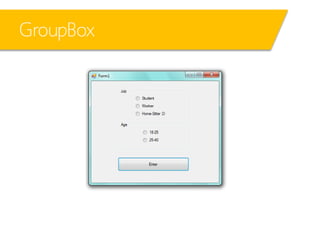
There’s sth called the “GroupBox” from “Containers” section.
GroupBox
GroupBox
GroupBox
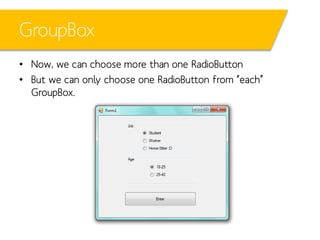
• Now, we can choose more than one RadioButton
• But we can only choose one RadioButton from “each”
GroupBox.
That’s it for today!

C++ Windows Forms L04 - Controls P3