CORDOVA TRAINING
SESSION: 9 – SQLITE + CORDOVA
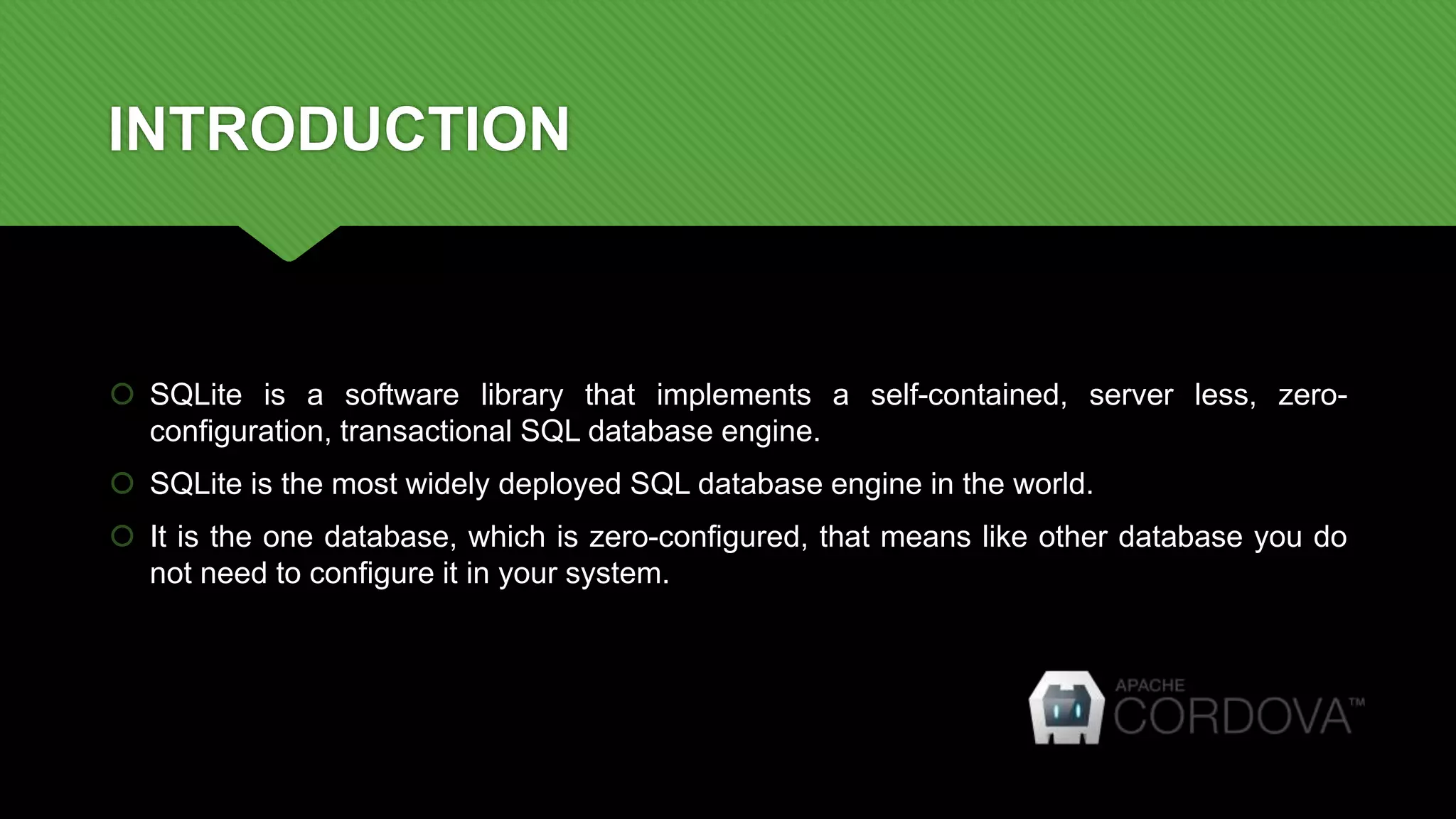
INTRODUCTION
 SQLite is a software library that implements a self-contained, server less, zero-
configuration, transactional SQL database engine.
 SQLite is the most widely deployed SQL database engine in the world.
 It is the one database, which is zero-configured, that means like other database you do
not need to configure it in your system.
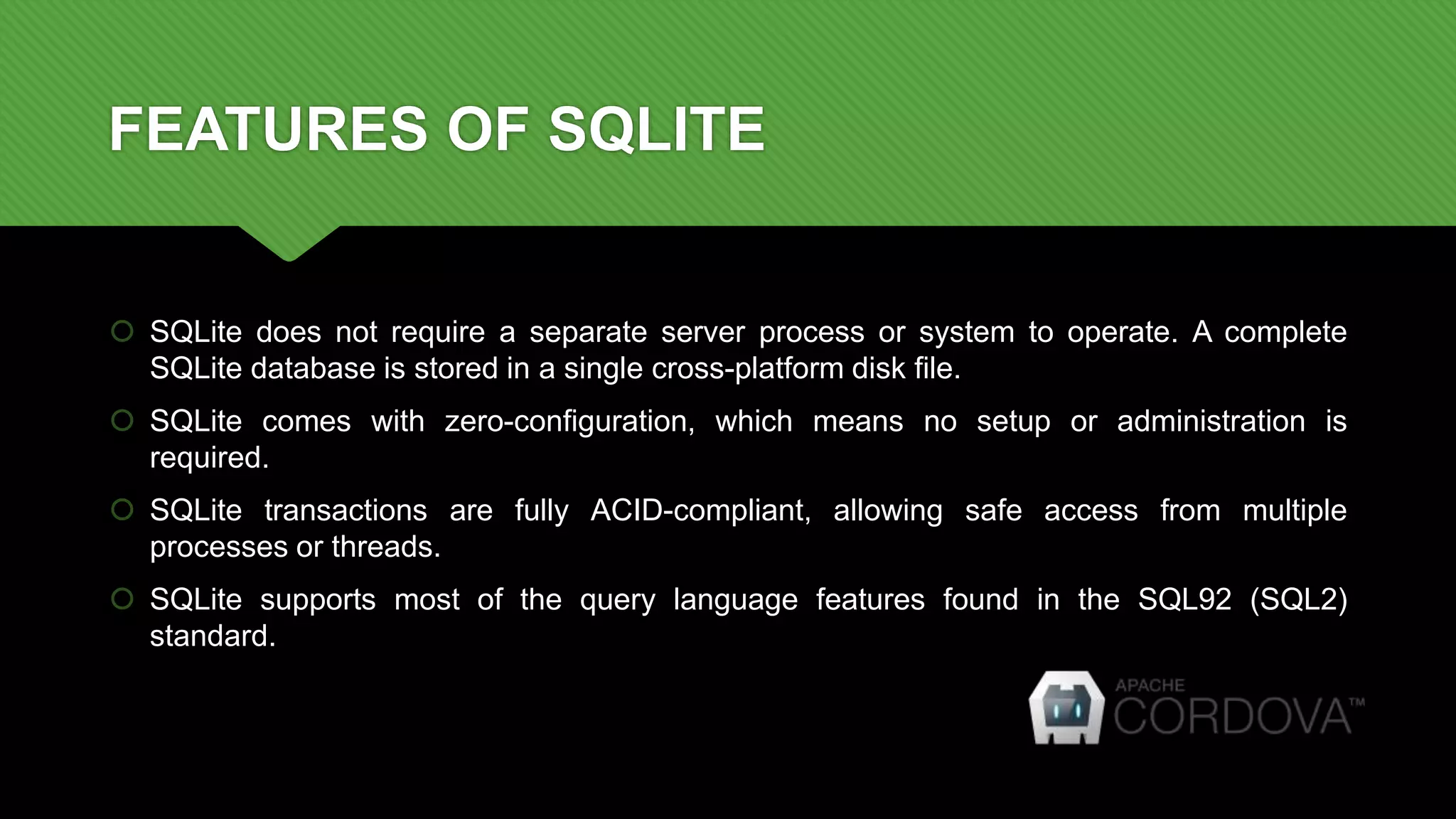
FEATURES OF SQLITE
 SQLite does not require a separate server process or system to operate. A complete
SQLite database is stored in a single cross-platform disk file.
 SQLite comes with zero-configuration, which means no setup or administration is
required.
 SQLite transactions are fully ACID-compliant, allowing safe access from multiple
processes or threads.
 SQLite supports most of the query language features found in the SQL92 (SQL2)
standard.
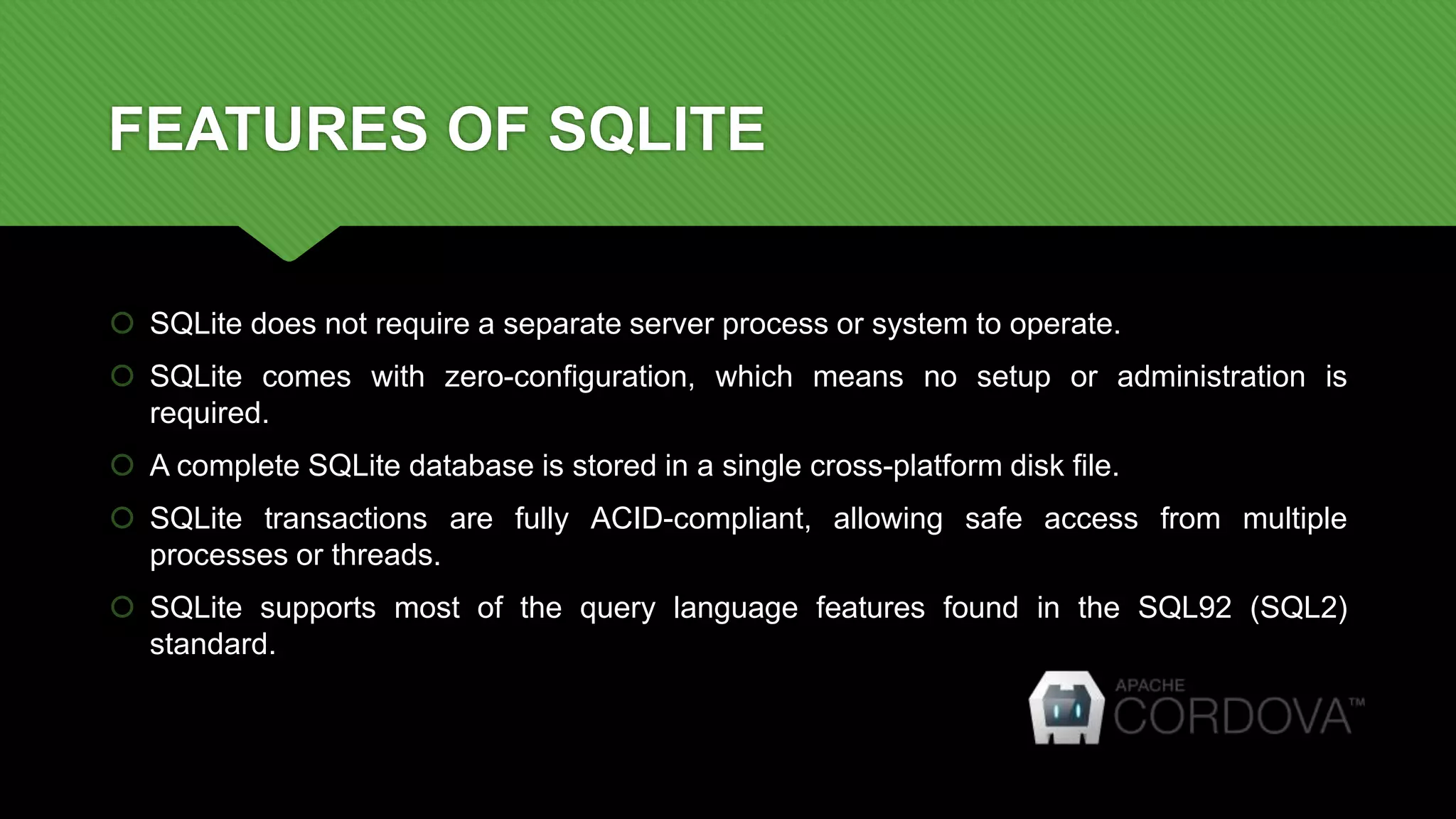
FEATURES OF SQLITE
 SQLite does not require a separate server process or system to operate.
 SQLite comes with zero-configuration, which means no setup or administration is
required.
 A complete SQLite database is stored in a single cross-platform disk file.
 SQLite transactions are fully ACID-compliant, allowing safe access from multiple
processes or threads.
 SQLite supports most of the query language features found in the SQL92 (SQL2)
standard.
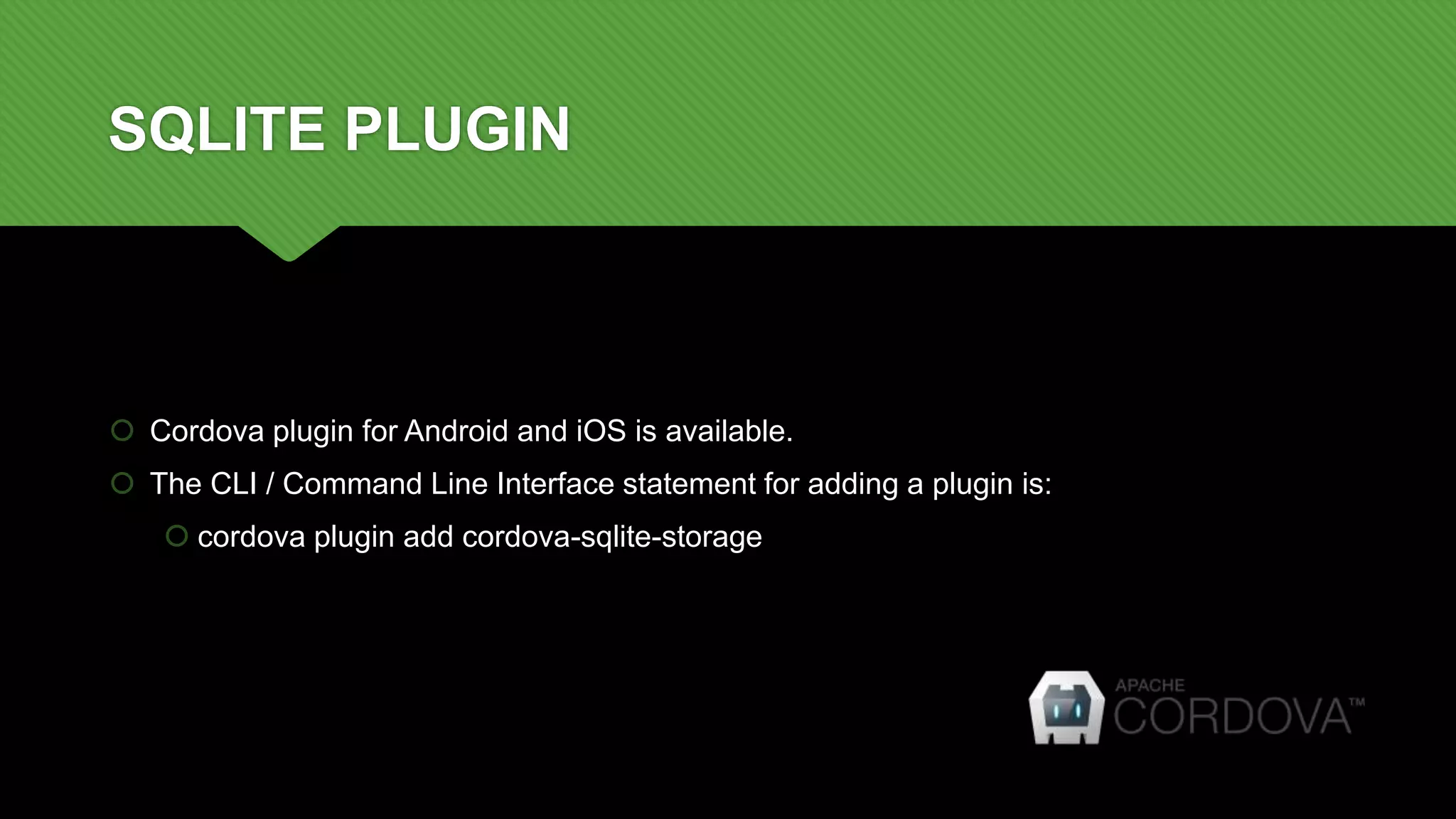
SQLITE PLUGIN
 Cordova plugin for Android and iOS is available.
 The CLI / Command Line Interface statement for adding a plugin is:
 cordova plugin add cordova-sqlite-storage
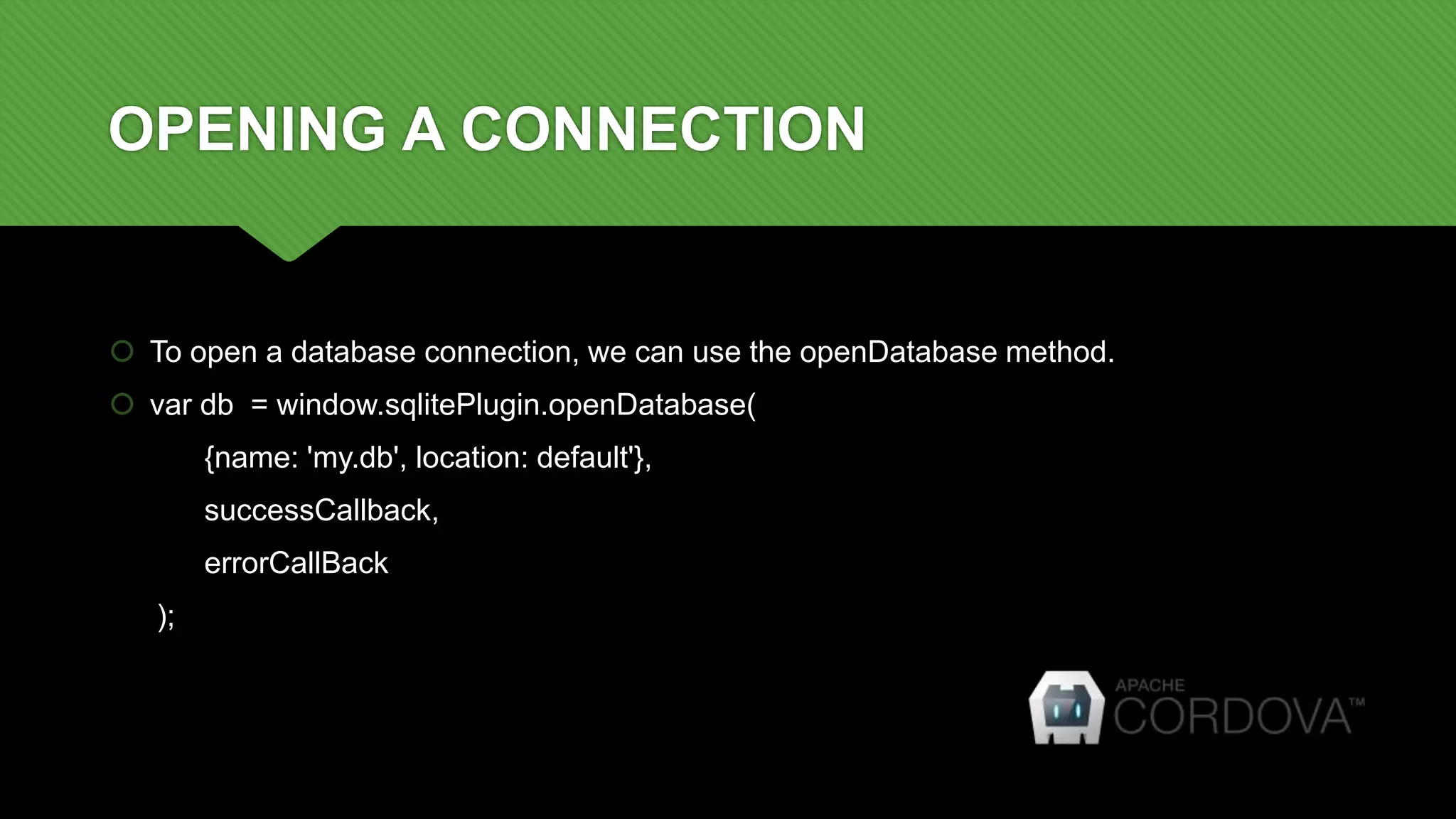
OPENING A CONNECTION
 To open a database connection, we can use the openDatabase method.
 var db = window.sqlitePlugin.openDatabase(
{name: 'my.db', location: default'},
successCallback,
errorCallBack
);
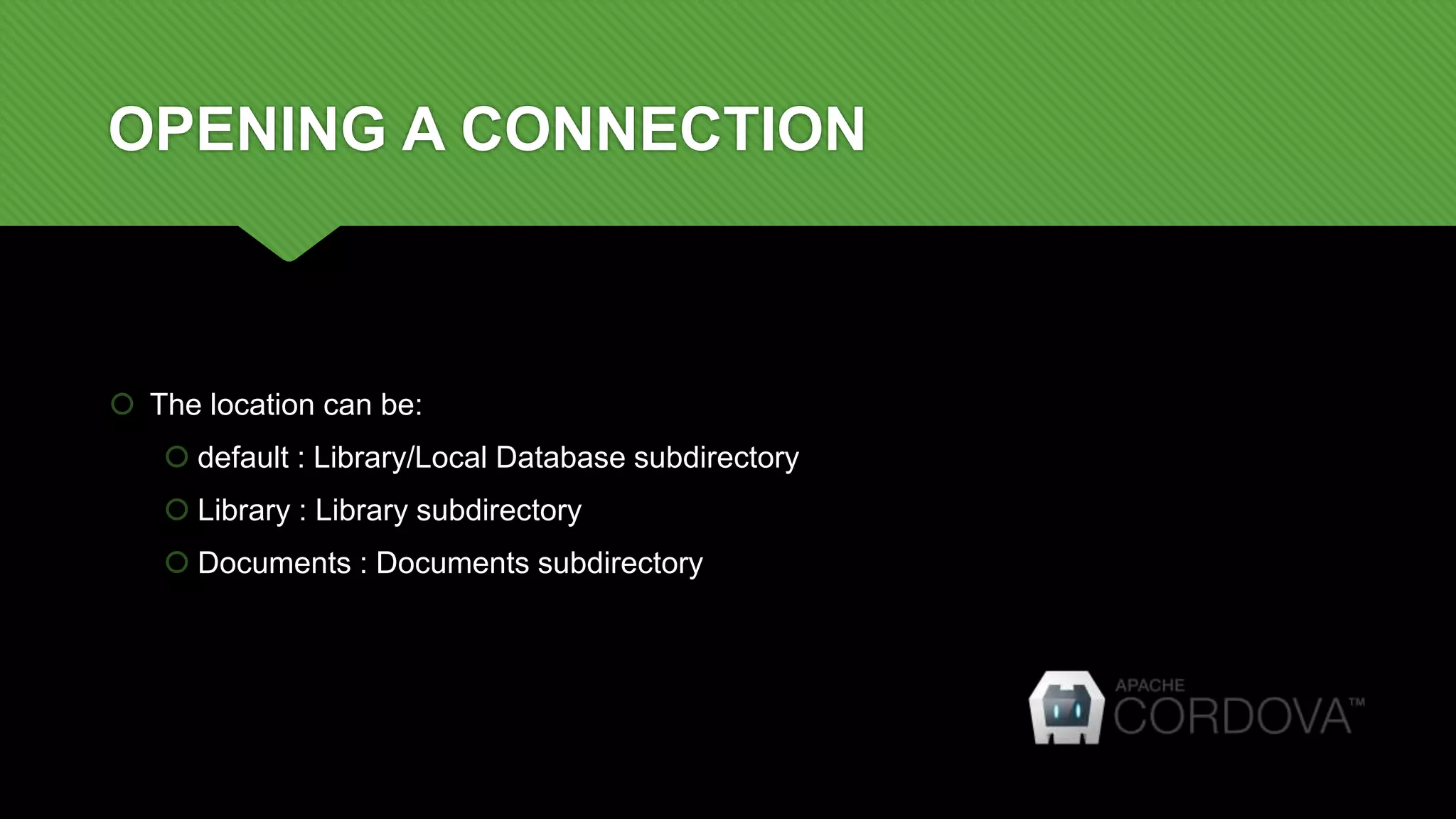
OPENING A CONNECTION
 The location can be:
 default : Library/Local Database subdirectory
 Library : Library subdirectory
 Documents : Documents subdirectory
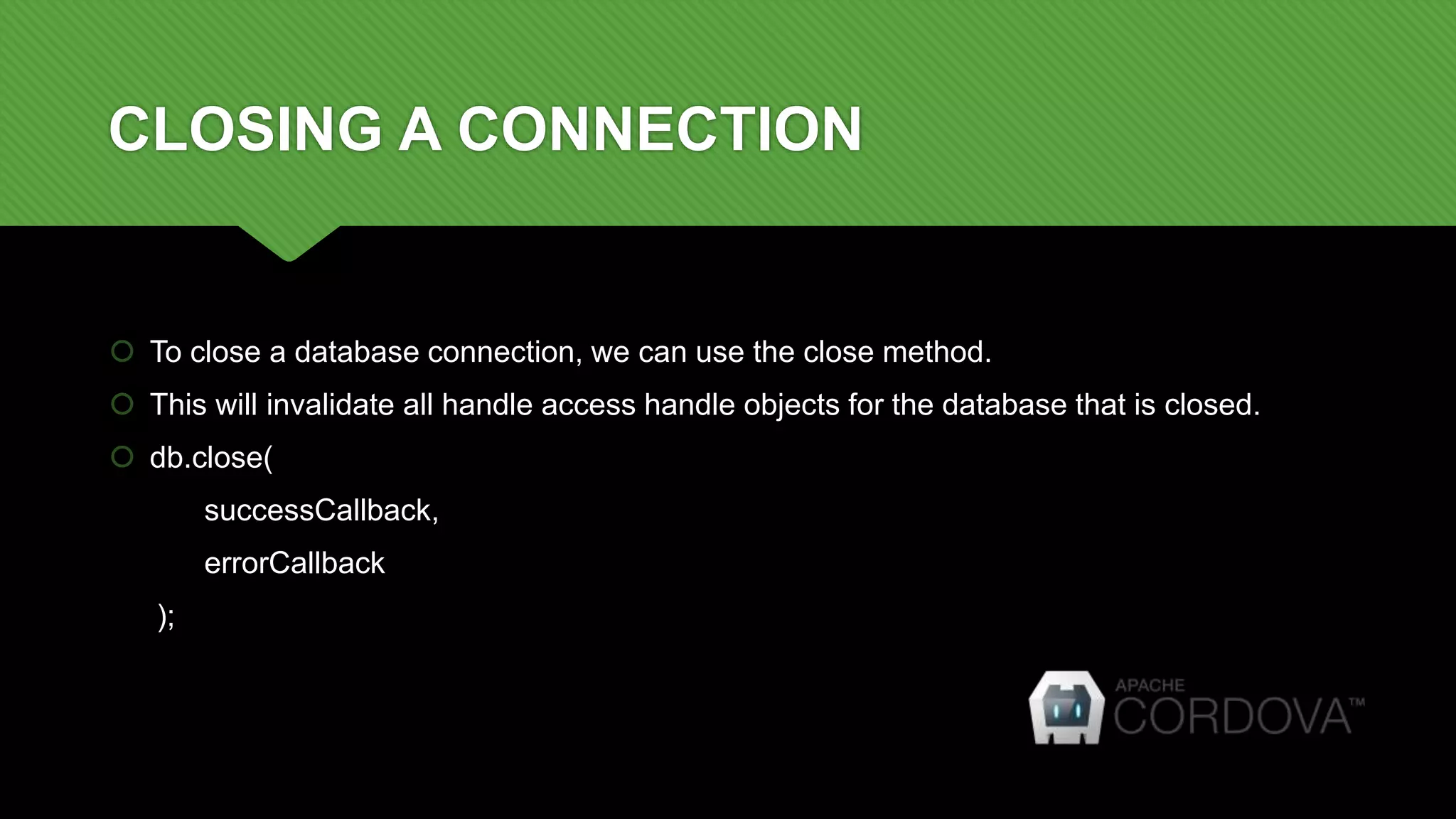
CLOSING A CONNECTION
 To close a database connection, we can use the close method.
 This will invalidate all handle access handle objects for the database that is closed.
 db.close(
successCallback,
errorCallback
);
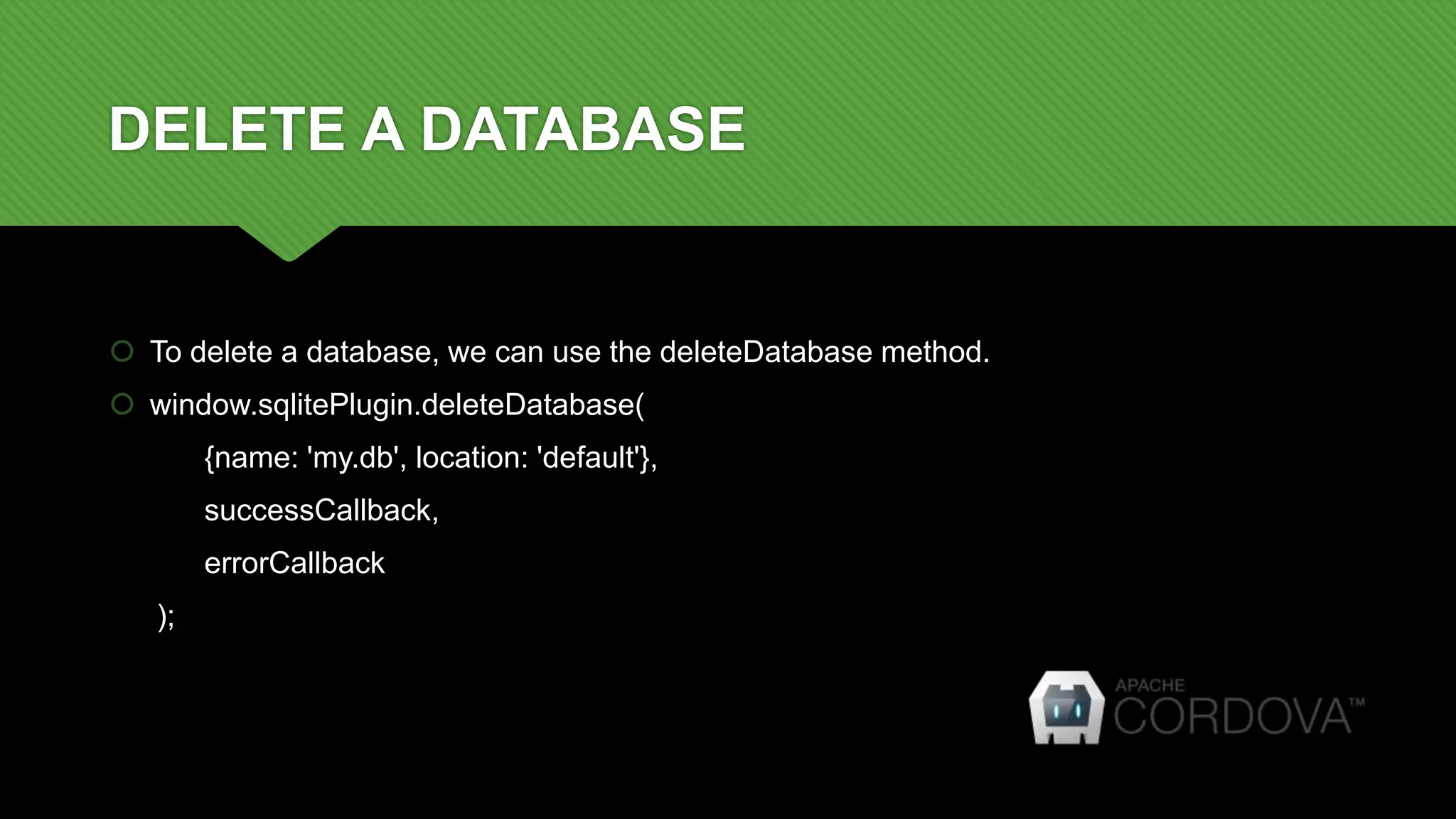
DELETE A DATABASE
 To delete a database, we can use the deleteDatabase method.
 window.sqlitePlugin.deleteDatabase(
{name: 'my.db', location: 'default'},
successCallback,
errorCallback
);
TRANSACTIONS
 SQLITE supports the concept of transactions and it uses BEGIN and COMMIT or
ROLLBACK to keep the transactions failure-safe.
 In case of an error, all changes in a sql batch are automatically discarded using
ROLLBACK.
 db.transaction(function(trans) {
// Statements
});
CREATE A TABLE
 myDB.transaction(function(transaction) {
transaction.executeSql(
'CREATE TABLE IF NOT EXISTS phonegap_pro (id integer primary key, title
text, desc text)',
[],
function(tx, result) { alert("Table created successfully"); },
function(error) { alert("Error occurred while creating the table.");
});
});
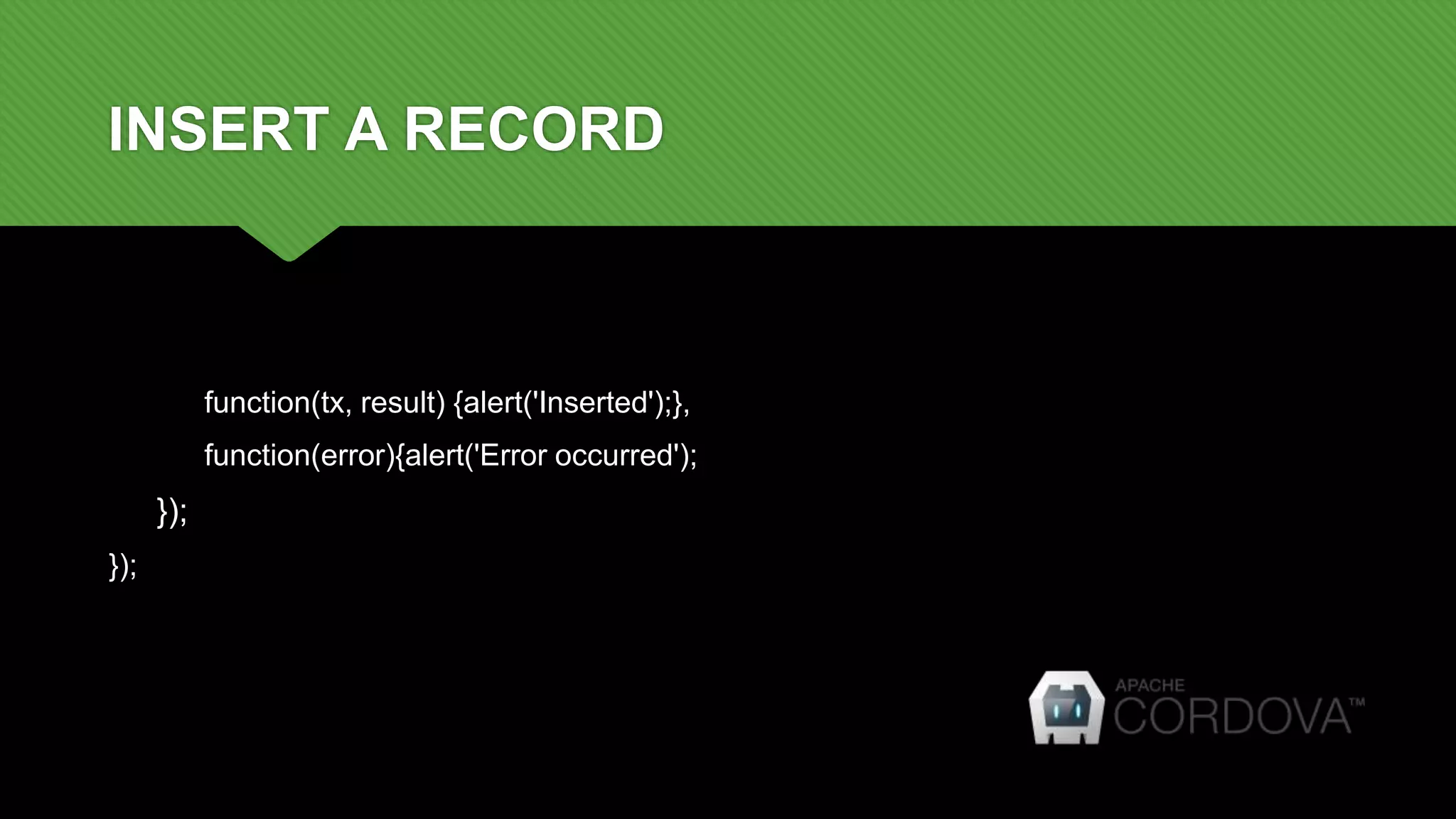
INSERT A RECORD
var title="sundaravel"; var desc="phonegap freelancer";
myDB.transaction(function(transaction) {
var executeQuery = "INSERT INTO phonegap_pro (title, desc) VALUES (?,?)";
transaction.executeSql(
executeQuery,
[title,desc],
INSERT A RECORD
function(tx, result) {alert('Inserted');},
function(error){alert('Error occurred');
});
});
GETTING RECORDS
 myDB.transaction(function(transaction) {
transaction.executeSql('SELECT * FROM phonegap_pro', [], function (tx, results) {
var len = results.rows.length, i;
$("#rowCount").append(len);
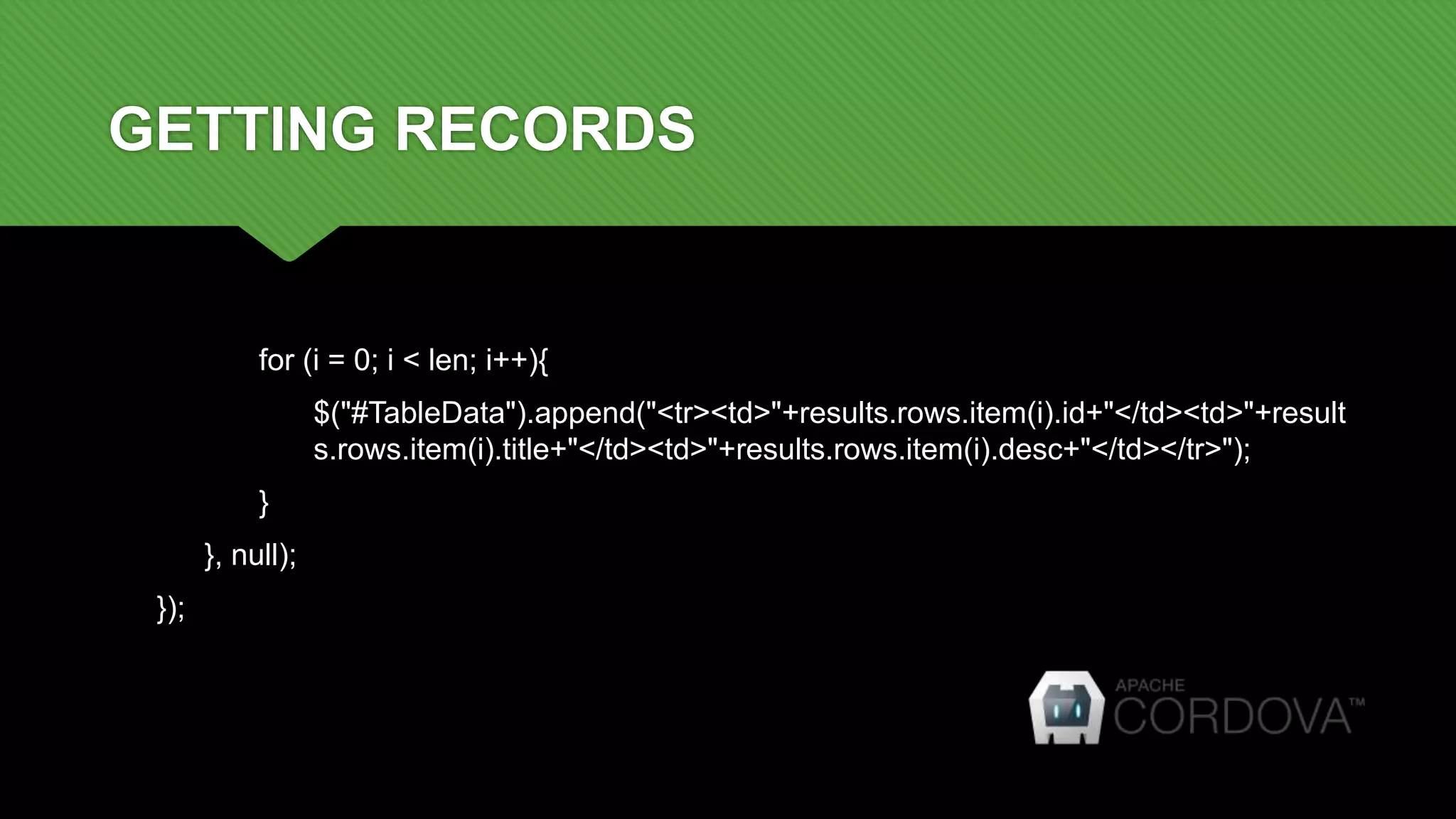
GETTING RECORDS
for (i = 0; i < len; i++){
$("#TableData").append("<tr><td>"+results.rows.item(i).id+"</td><td>"+result
s.rows.item(i).title+"</td><td>"+results.rows.item(i).desc+"</td></tr>");
}
}, null);
});
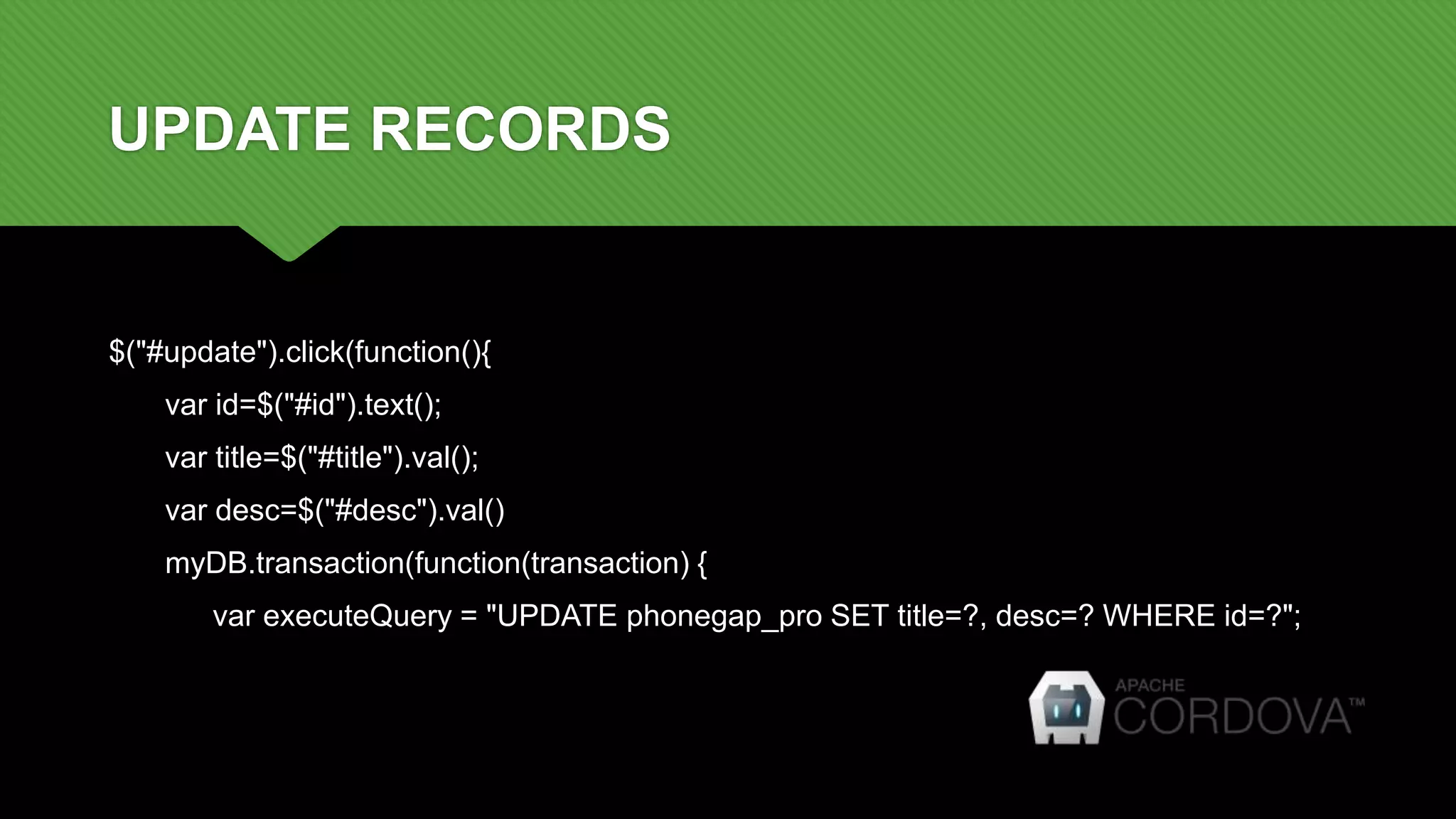
UPDATE RECORDS
$("#update").click(function(){
var id=$("#id").text();
var title=$("#title").val();
var desc=$("#desc").val()
myDB.transaction(function(transaction) {
var executeQuery = "UPDATE phonegap_pro SET title=?, desc=? WHERE id=?";
UPDATE RECORDS
transaction.executeSql(executeQuery, [title,desc,id],
//On Success
function(tx, result) {alert('Updated successfully');},
//On Error
function(error){alert('Something went Wrong');});
});
});
DELETE RECORDS
myDB.transaction(function(transaction) {
var executeQuery = "DELETE FROM phonegap_pro where id=?";
transaction.executeSql(executeQuery, [id],
function(tx, result) {alert('Delete successfully');},
function(error){alert('Something went Wrong');
});
});
DELETE A TABLE
 myDB.transaction(function(transaction) {
var executeQuery = "DROP TABLE IF EXISTS phonegap_pro";
transaction.executeSql(
executeQuery, [],
function(tx, result) {alert('Table deleted successfully.');},
function(error){alert('Error occurred while droping the table.');
);
});
THANK YOU

Cordova training - Day 9 - SQLITE

  • 1.
    CORDOVA TRAINING SESSION: 9– SQLITE + CORDOVA
  • 2.
    INTRODUCTION  SQLite isa software library that implements a self-contained, server less, zero- configuration, transactional SQL database engine.  SQLite is the most widely deployed SQL database engine in the world.  It is the one database, which is zero-configured, that means like other database you do not need to configure it in your system.
  • 3.
    FEATURES OF SQLITE SQLite does not require a separate server process or system to operate. A complete SQLite database is stored in a single cross-platform disk file.  SQLite comes with zero-configuration, which means no setup or administration is required.  SQLite transactions are fully ACID-compliant, allowing safe access from multiple processes or threads.  SQLite supports most of the query language features found in the SQL92 (SQL2) standard.
  • 4.
    FEATURES OF SQLITE SQLite does not require a separate server process or system to operate.  SQLite comes with zero-configuration, which means no setup or administration is required.  A complete SQLite database is stored in a single cross-platform disk file.  SQLite transactions are fully ACID-compliant, allowing safe access from multiple processes or threads.  SQLite supports most of the query language features found in the SQL92 (SQL2) standard.
  • 5.
    SQLITE PLUGIN  Cordovaplugin for Android and iOS is available.  The CLI / Command Line Interface statement for adding a plugin is:  cordova plugin add cordova-sqlite-storage
  • 6.
    OPENING A CONNECTION To open a database connection, we can use the openDatabase method.  var db = window.sqlitePlugin.openDatabase( {name: 'my.db', location: default'}, successCallback, errorCallBack );
  • 7.
    OPENING A CONNECTION The location can be:  default : Library/Local Database subdirectory  Library : Library subdirectory  Documents : Documents subdirectory
  • 8.
    CLOSING A CONNECTION To close a database connection, we can use the close method.  This will invalidate all handle access handle objects for the database that is closed.  db.close( successCallback, errorCallback );
  • 9.
    DELETE A DATABASE To delete a database, we can use the deleteDatabase method.  window.sqlitePlugin.deleteDatabase( {name: 'my.db', location: 'default'}, successCallback, errorCallback );
  • 10.
    TRANSACTIONS  SQLITE supportsthe concept of transactions and it uses BEGIN and COMMIT or ROLLBACK to keep the transactions failure-safe.  In case of an error, all changes in a sql batch are automatically discarded using ROLLBACK.  db.transaction(function(trans) { // Statements });
  • 11.
    CREATE A TABLE myDB.transaction(function(transaction) { transaction.executeSql( 'CREATE TABLE IF NOT EXISTS phonegap_pro (id integer primary key, title text, desc text)', [], function(tx, result) { alert("Table created successfully"); }, function(error) { alert("Error occurred while creating the table."); }); });
  • 12.
    INSERT A RECORD vartitle="sundaravel"; var desc="phonegap freelancer"; myDB.transaction(function(transaction) { var executeQuery = "INSERT INTO phonegap_pro (title, desc) VALUES (?,?)"; transaction.executeSql( executeQuery, [title,desc],
  • 13.
    INSERT A RECORD function(tx,result) {alert('Inserted');}, function(error){alert('Error occurred'); }); });
  • 14.
    GETTING RECORDS  myDB.transaction(function(transaction){ transaction.executeSql('SELECT * FROM phonegap_pro', [], function (tx, results) { var len = results.rows.length, i; $("#rowCount").append(len);
  • 15.
    GETTING RECORDS for (i= 0; i < len; i++){ $("#TableData").append("<tr><td>"+results.rows.item(i).id+"</td><td>"+result s.rows.item(i).title+"</td><td>"+results.rows.item(i).desc+"</td></tr>"); } }, null); });
  • 16.
    UPDATE RECORDS $("#update").click(function(){ var id=$("#id").text(); vartitle=$("#title").val(); var desc=$("#desc").val() myDB.transaction(function(transaction) { var executeQuery = "UPDATE phonegap_pro SET title=?, desc=? WHERE id=?";
  • 17.
    UPDATE RECORDS transaction.executeSql(executeQuery, [title,desc,id], //OnSuccess function(tx, result) {alert('Updated successfully');}, //On Error function(error){alert('Something went Wrong');}); }); });
  • 18.
    DELETE RECORDS myDB.transaction(function(transaction) { varexecuteQuery = "DELETE FROM phonegap_pro where id=?"; transaction.executeSql(executeQuery, [id], function(tx, result) {alert('Delete successfully');}, function(error){alert('Something went Wrong'); }); });
  • 19.
    DELETE A TABLE myDB.transaction(function(transaction) { var executeQuery = "DROP TABLE IF EXISTS phonegap_pro"; transaction.executeSql( executeQuery, [], function(tx, result) {alert('Table deleted successfully.');}, function(error){alert('Error occurred while droping the table.'); ); });
  • 20.