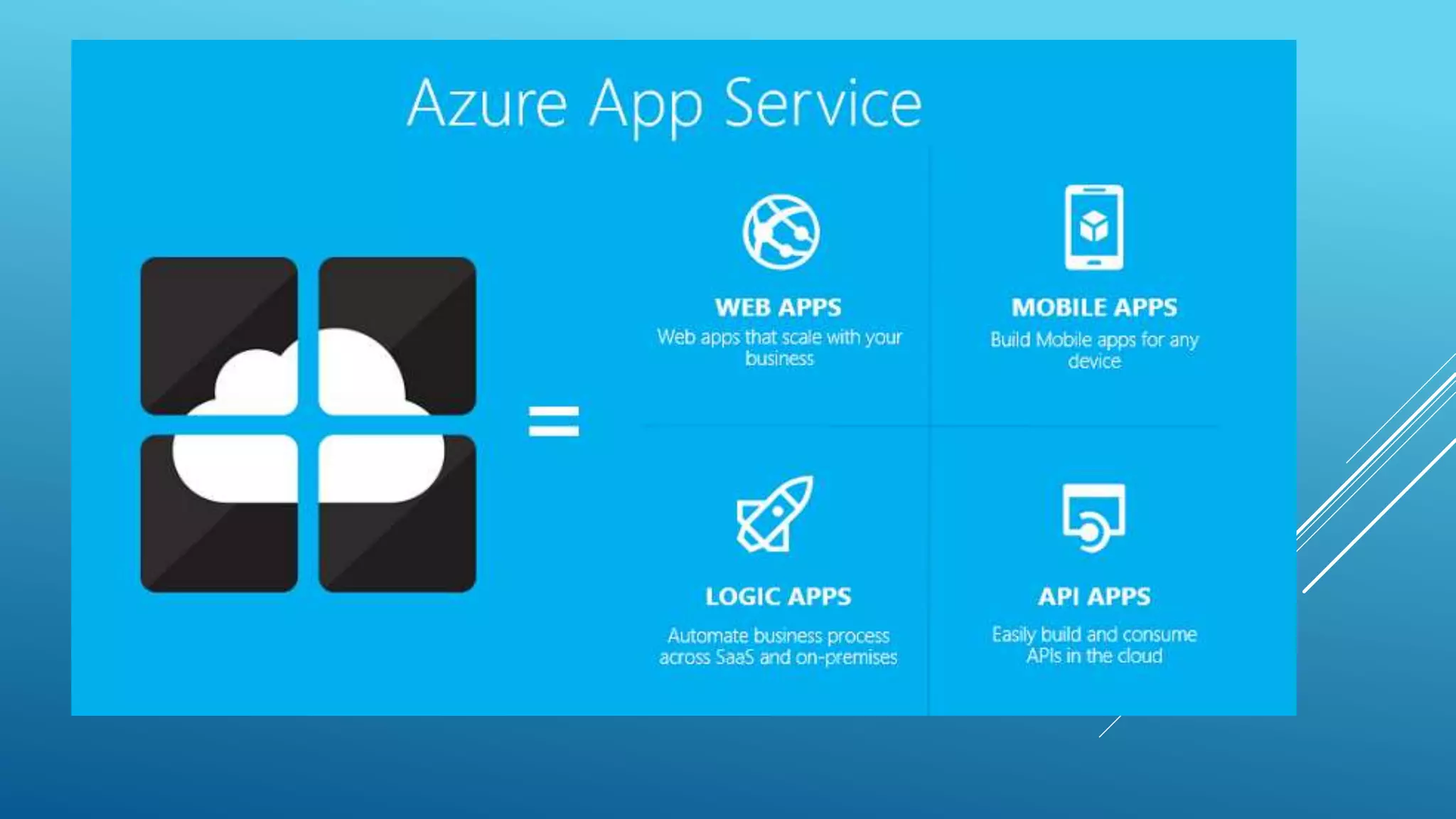
CONTINUOUS DELIVERY
WITH AZURE APP SERVICE
How to harness the power of Azure App Service to
provide continuous delivery pipeline.
ABOUT ME
 Director of Application Architecture at CarFinance.com
 15 years of industry experience
 Currently leading the cloud initiative at CarFinance.com
 mnabeelkhan.blogspot.com
WHAT WE WILL COVER
 Continuous delivery concepts
 Power of App Services
 Continuous delivery pipeline
 Importance of Branching strategies
 Steps for building the continuous delivery pipeline
WHAT IS CONTINUOUS DELIVERY?
 Continuous delivery (CD) is a software engineering approach in
which teams produce software in short cycles, ensuring that the
software can be reliably released at any time. It aims at building,
testing, and releasing software faster and more frequently.
– Wikipedia.
 In simple words “Constantly develop, automatically build and
automatically deploy”. This means that as soon as code is checked in a
system would automatically build the application and deploy.
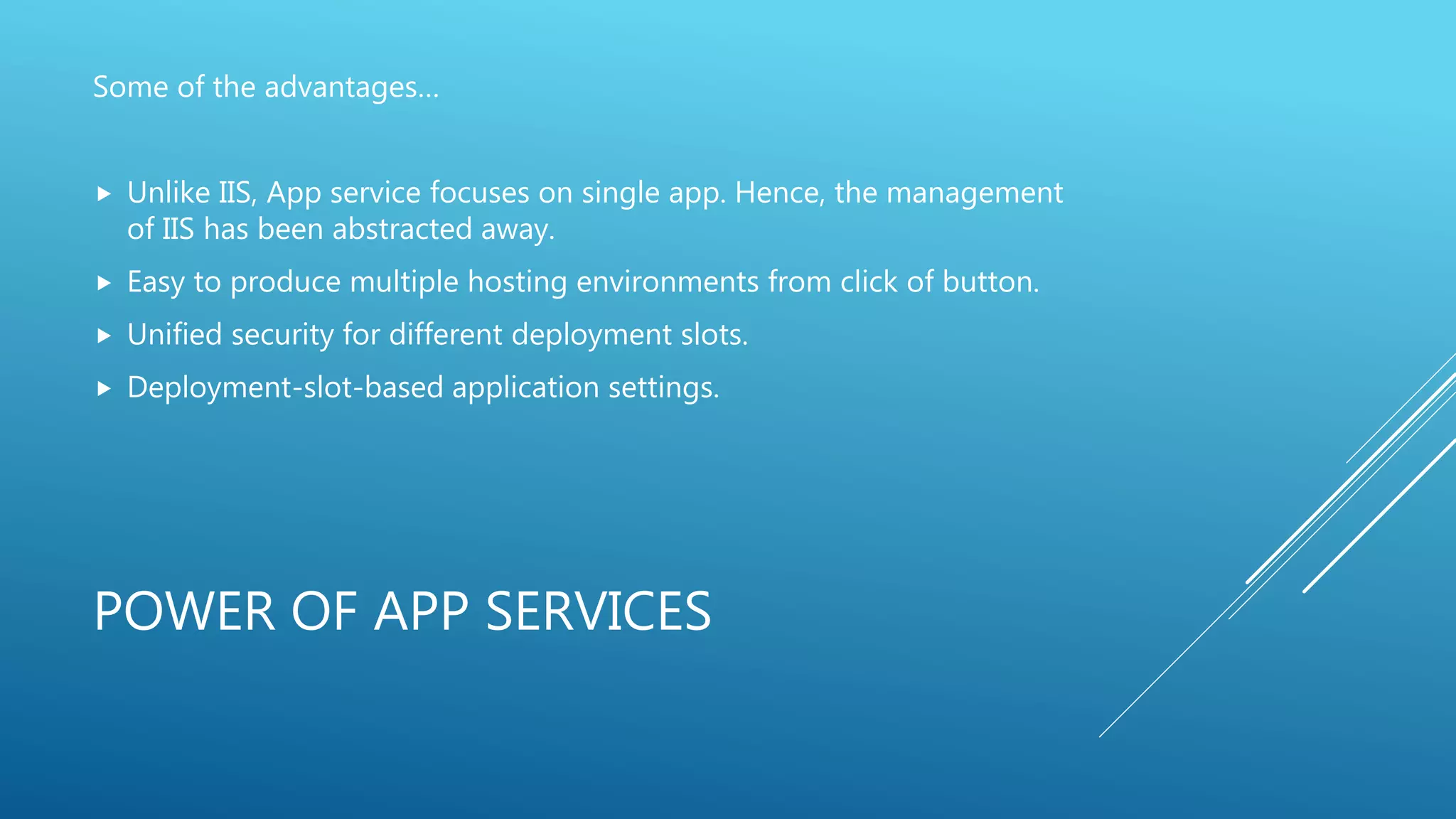
POWER OF APP SERVICES
Some of the advantages…
 Unlike IIS, App service focuses on single app. Hence, the management
of IIS has been abstracted away.
 Easy to produce multiple hosting environments from click of button.
 Unified security for different deployment slots.
 Deployment-slot-based application settings.
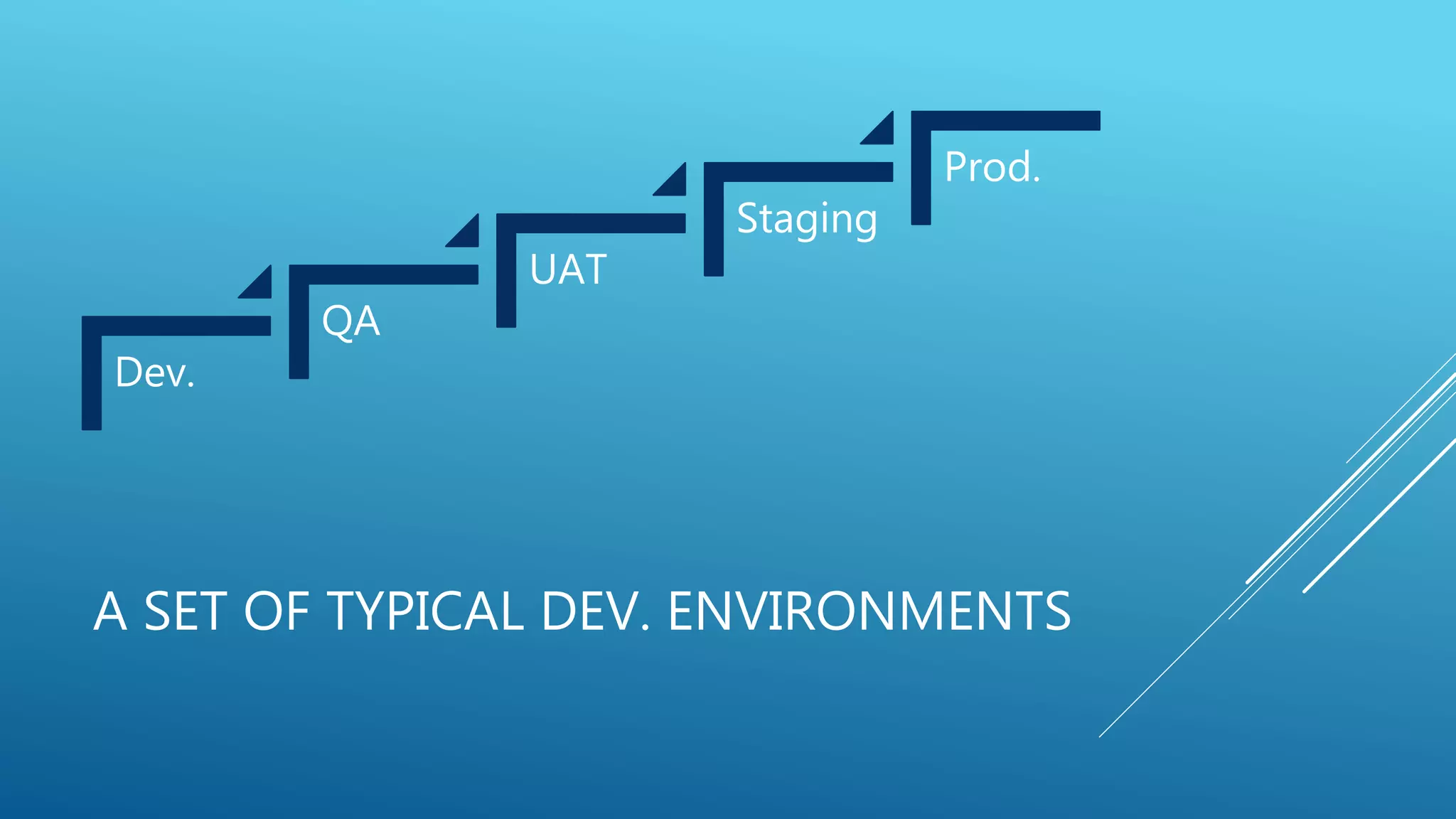
A SET OF TYPICAL DEV. ENVIRONMENTS
Dev.
QA
UAT
Staging
Prod.
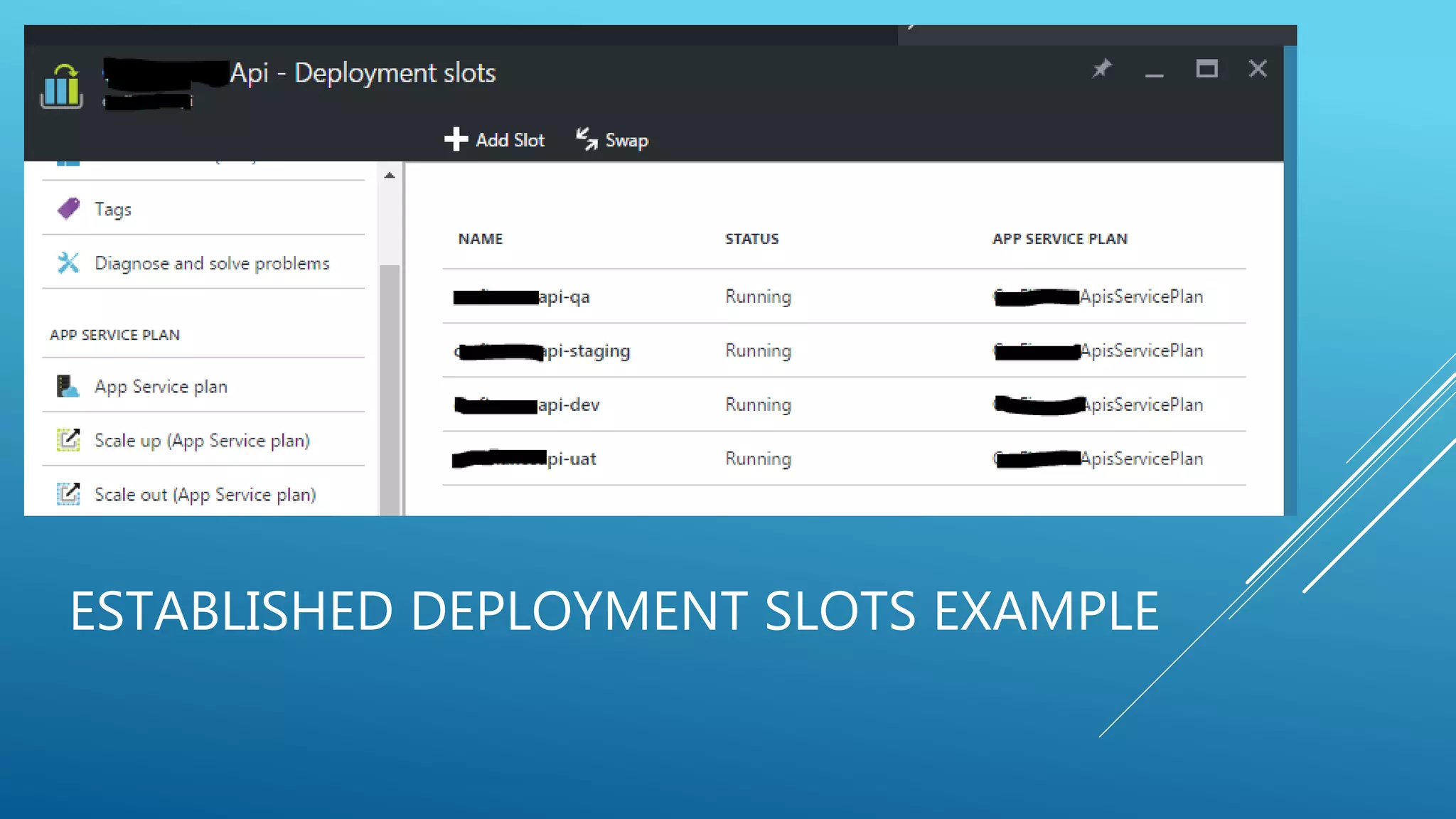
ESTABLISHED DEPLOYMENT SLOTS EXAMPLE
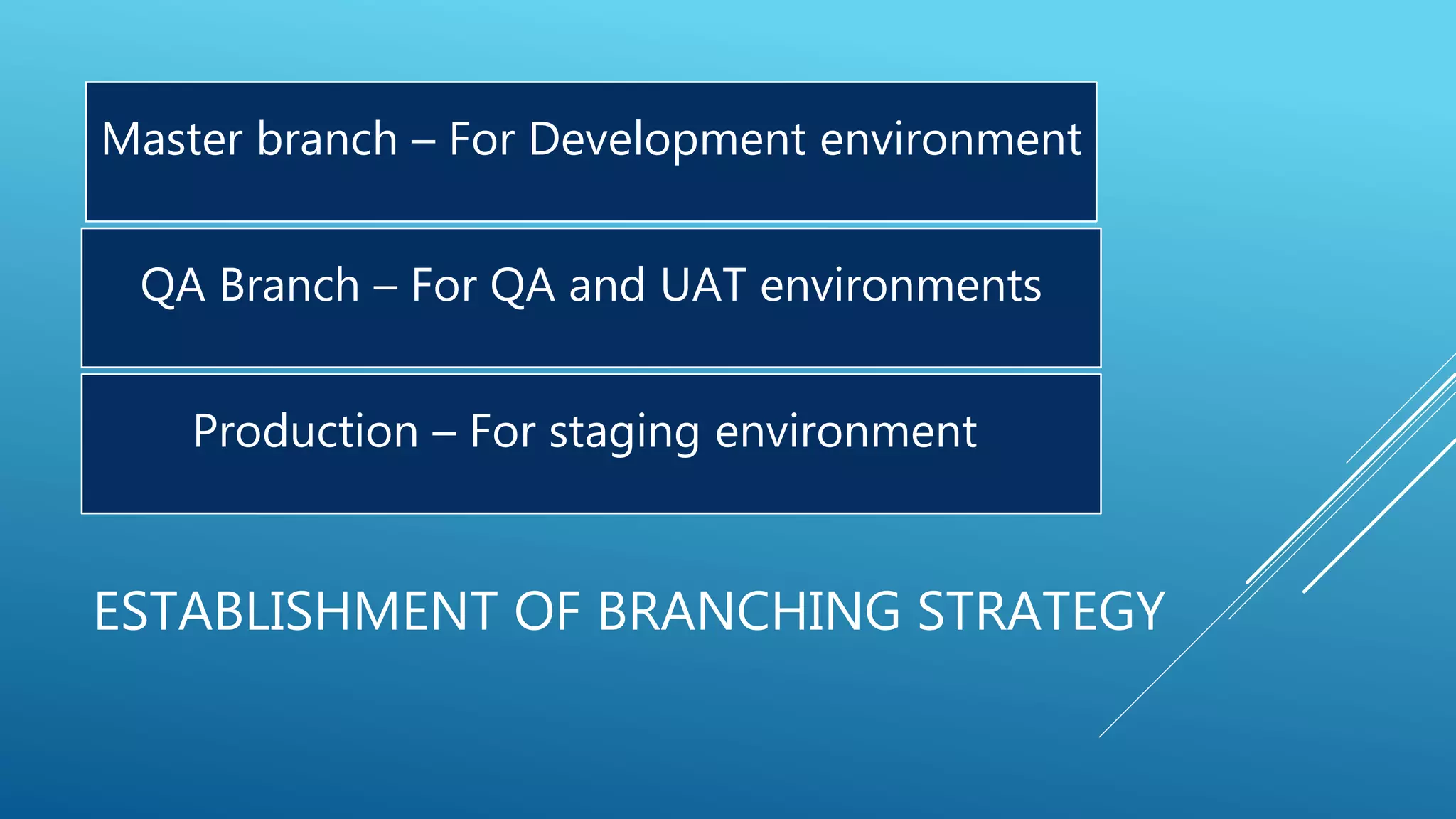
ESTABLISHMENT OF BRANCHING STRATEGY
Master branch – For Development environment
QA Branch – For QA and UAT environments
Production – For staging environment
SUPPORTED DEPLOYMENT MEDIUMS
FTP Web Deploy Kudu
AND THEN THERE IS…THE APP SERVICE
DEPLOYMENT
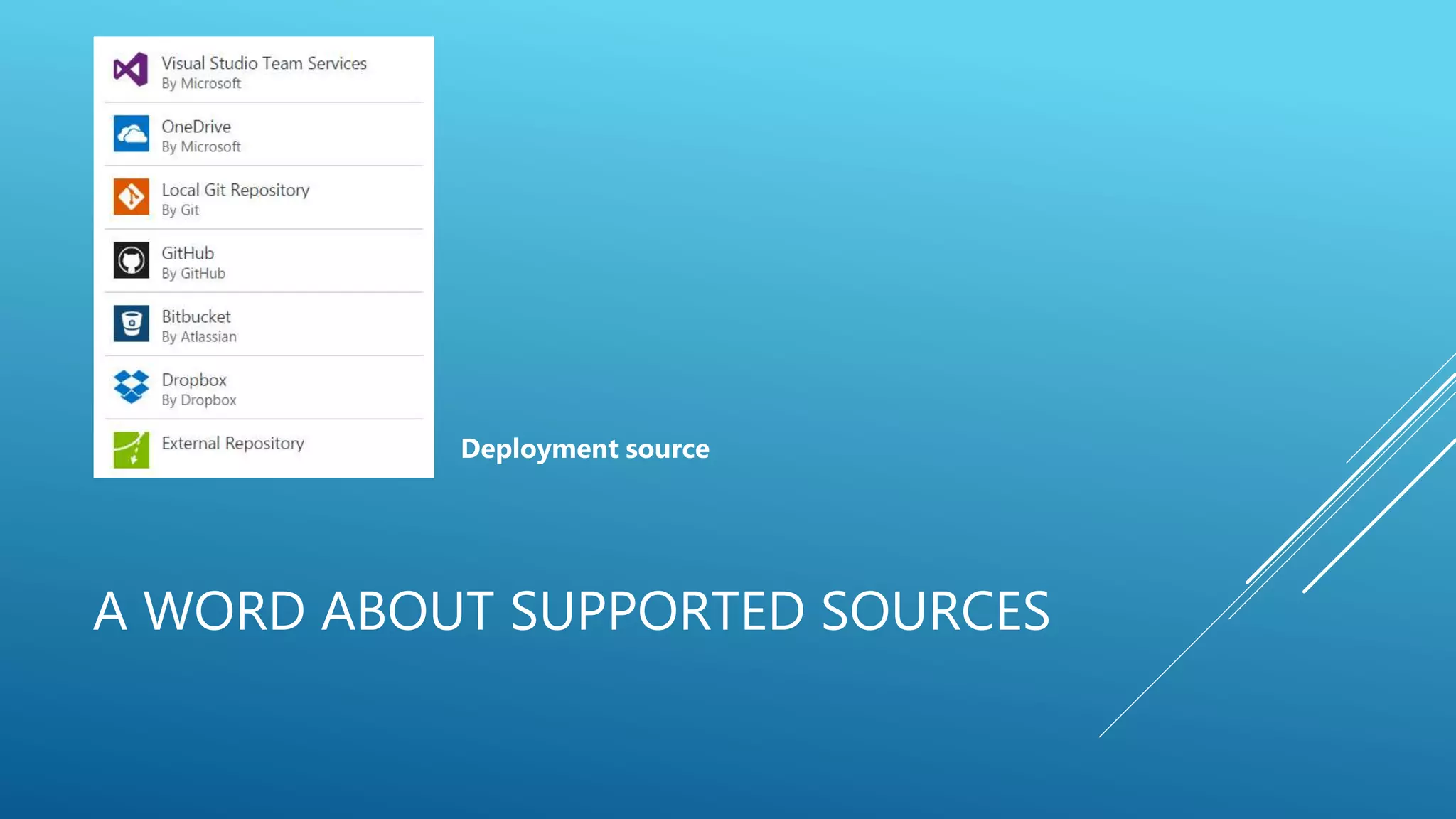
A WORD ABOUT SUPPORTED SOURCES
Deployment source
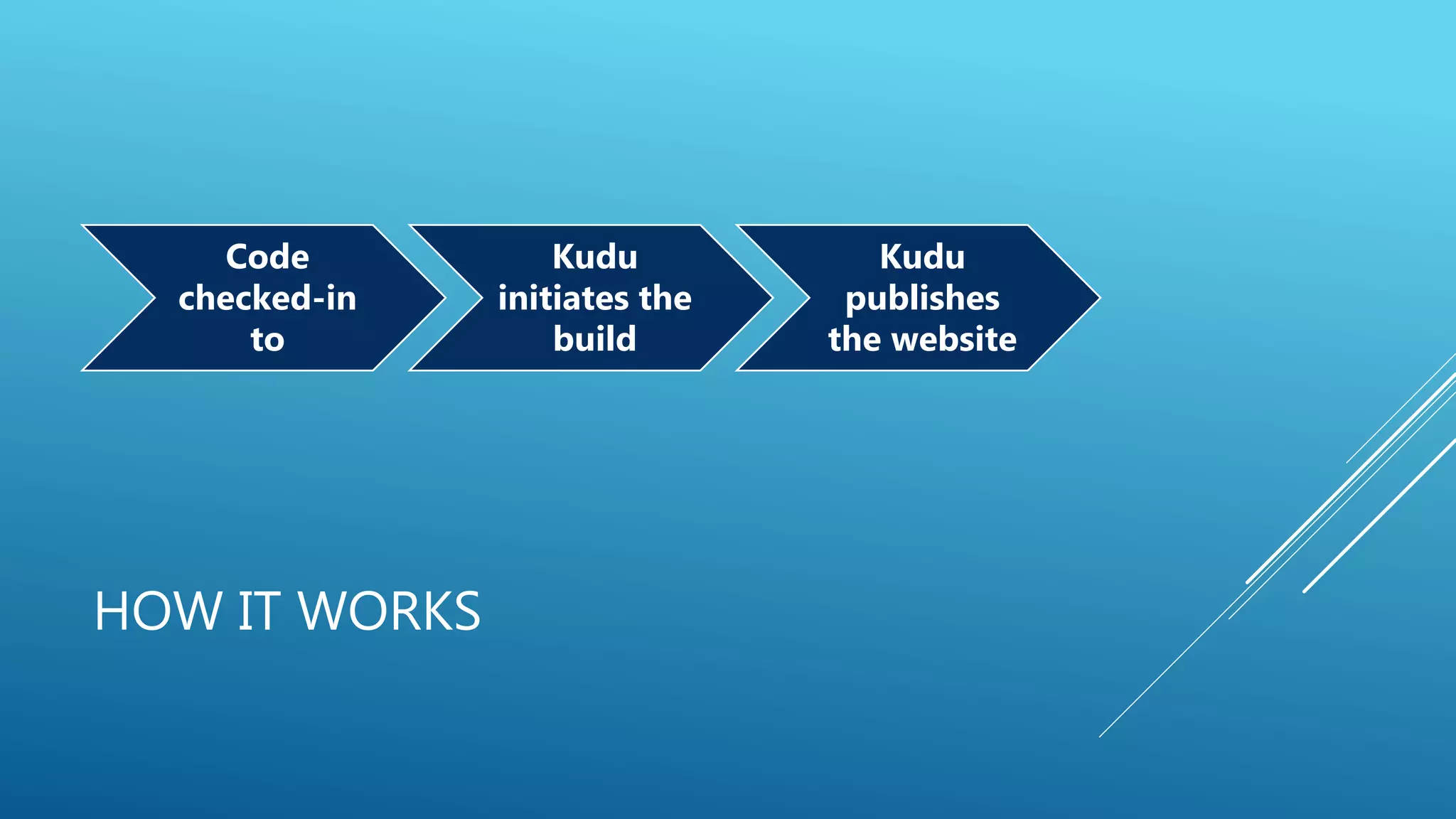
HOW IT WORKS
Code
checked-in
to
Kudu
initiates the
build
Kudu
publishes
the website
DEMO
WHAT ABOUT IF YOU HAVE MULTIPLE
SITES IN ONE PROJECT
MULTIPLE WEB APPS CHALLENGE
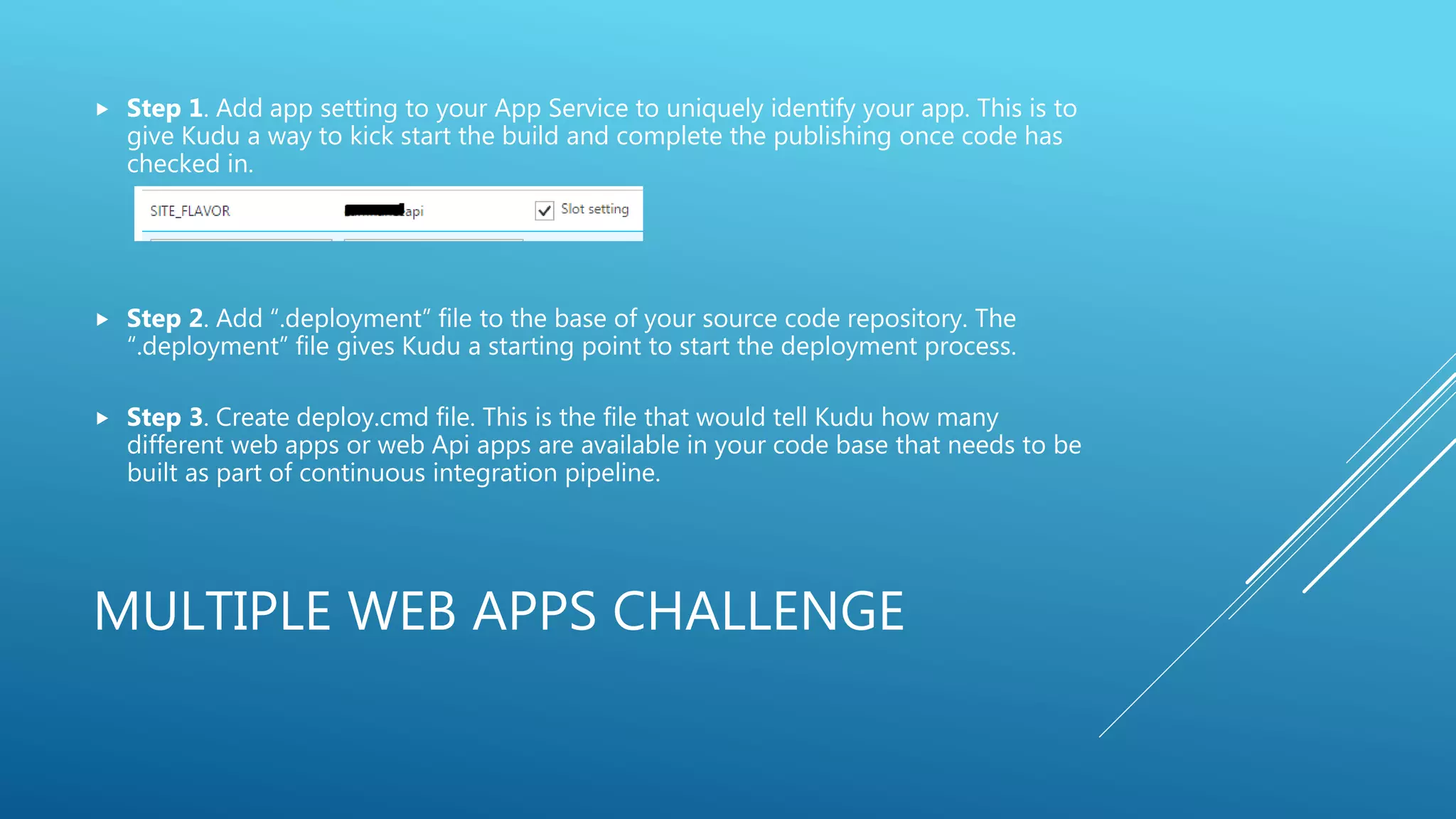
 Step 1. Add app setting to your App Service to uniquely identify your app. This is to
give Kudu a way to kick start the build and complete the publishing once code has
checked in.
 Step 2. Add “.deployment” file to the base of your source code repository. The
“.deployment” file gives Kudu a starting point to start the deployment process.
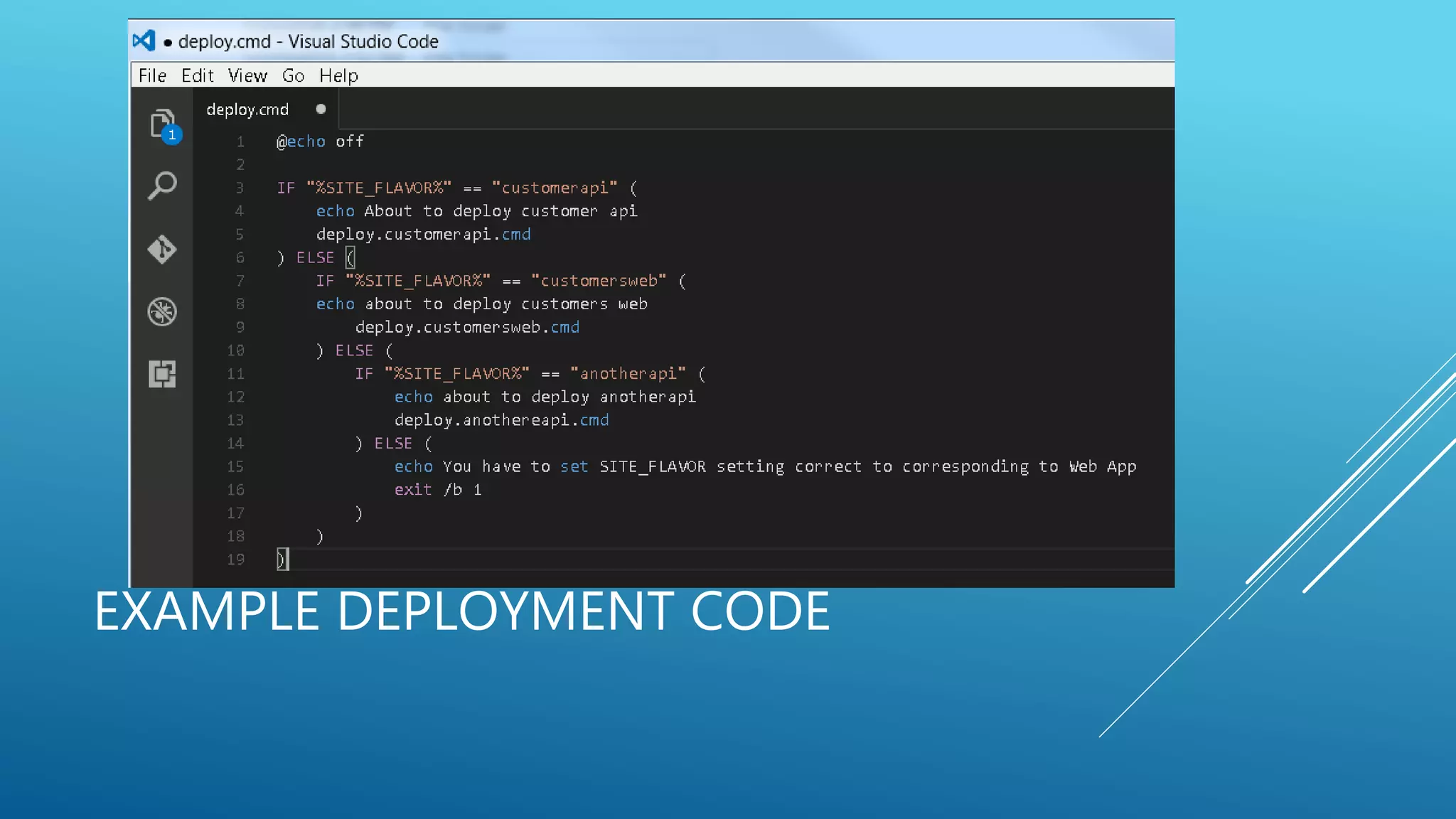
 Step 3. Create deploy.cmd file. This is the file that would tell Kudu how many
different web apps or web Api apps are available in your code base that needs to be
built as part of continuous integration pipeline.
GENERATING DEPLOY.CUSTOMER.CMD
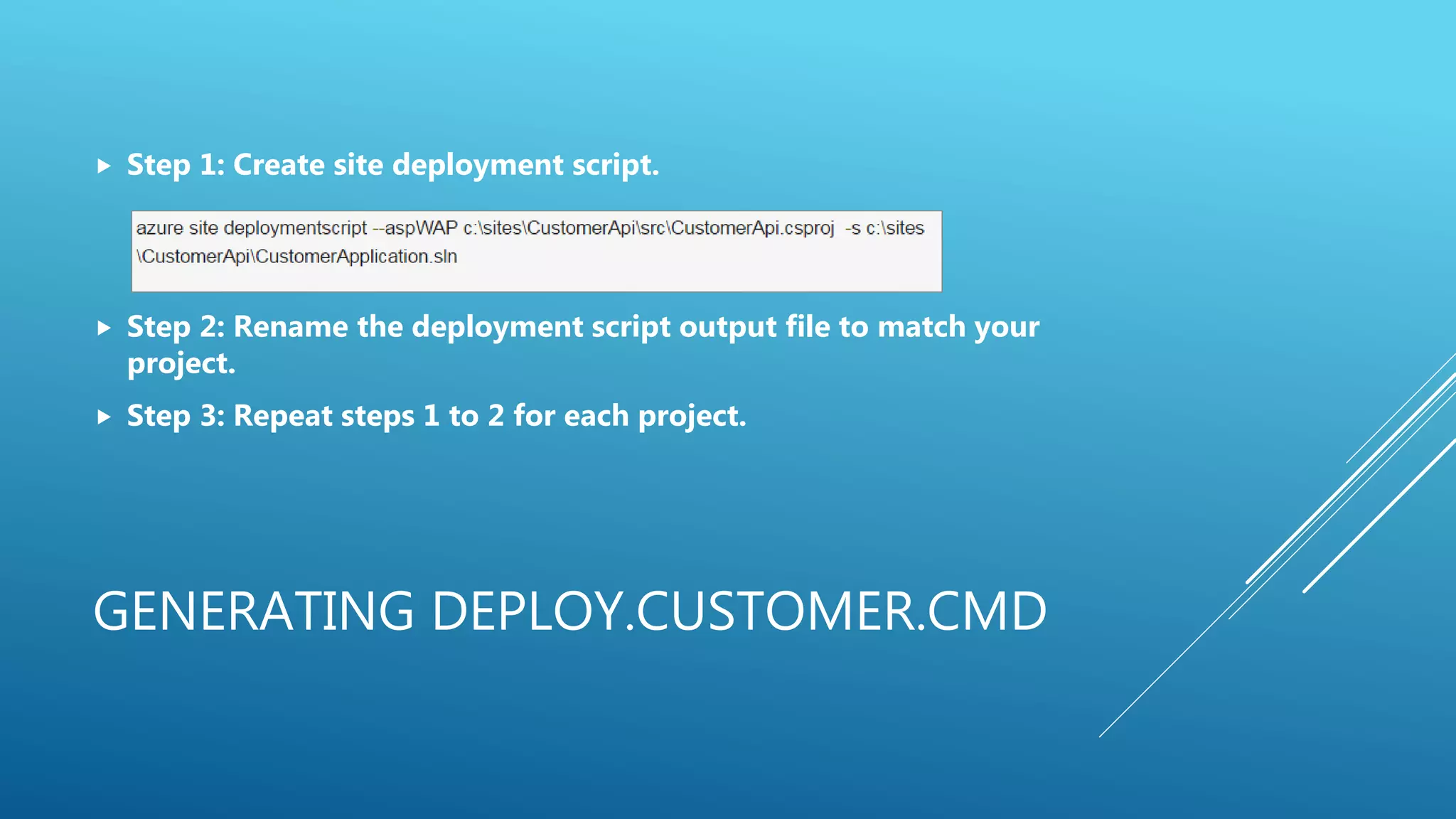
 Step 1: Create site deployment script.
 Step 2: Rename the deployment script output file to match your
project.
 Step 3: Repeat steps 1 to 2 for each project.
EXAMPLE DEPLOYMENT CODE
RESOURCES
 mnabeelkhan.blogspot.com
 http://blog.amitapple.com/
QUESTIONS

Continuous delivery with azure app service

  • 1.
    CONTINUOUS DELIVERY WITH AZUREAPP SERVICE How to harness the power of Azure App Service to provide continuous delivery pipeline.
  • 2.
    ABOUT ME  Directorof Application Architecture at CarFinance.com  15 years of industry experience  Currently leading the cloud initiative at CarFinance.com  mnabeelkhan.blogspot.com
  • 3.
    WHAT WE WILLCOVER  Continuous delivery concepts  Power of App Services  Continuous delivery pipeline  Importance of Branching strategies  Steps for building the continuous delivery pipeline
  • 4.
    WHAT IS CONTINUOUSDELIVERY?  Continuous delivery (CD) is a software engineering approach in which teams produce software in short cycles, ensuring that the software can be reliably released at any time. It aims at building, testing, and releasing software faster and more frequently. – Wikipedia.  In simple words “Constantly develop, automatically build and automatically deploy”. This means that as soon as code is checked in a system would automatically build the application and deploy.
  • 6.
    POWER OF APPSERVICES Some of the advantages…  Unlike IIS, App service focuses on single app. Hence, the management of IIS has been abstracted away.  Easy to produce multiple hosting environments from click of button.  Unified security for different deployment slots.  Deployment-slot-based application settings.
  • 7.
    A SET OFTYPICAL DEV. ENVIRONMENTS Dev. QA UAT Staging Prod.
  • 8.
  • 9.
    ESTABLISHMENT OF BRANCHINGSTRATEGY Master branch – For Development environment QA Branch – For QA and UAT environments Production – For staging environment
  • 10.
  • 11.
    AND THEN THEREIS…THE APP SERVICE DEPLOYMENT
  • 12.
    A WORD ABOUTSUPPORTED SOURCES Deployment source
  • 13.
    HOW IT WORKS Code checked-in to Kudu initiatesthe build Kudu publishes the website
  • 14.
  • 15.
    WHAT ABOUT IFYOU HAVE MULTIPLE SITES IN ONE PROJECT
  • 16.
    MULTIPLE WEB APPSCHALLENGE  Step 1. Add app setting to your App Service to uniquely identify your app. This is to give Kudu a way to kick start the build and complete the publishing once code has checked in.  Step 2. Add “.deployment” file to the base of your source code repository. The “.deployment” file gives Kudu a starting point to start the deployment process.  Step 3. Create deploy.cmd file. This is the file that would tell Kudu how many different web apps or web Api apps are available in your code base that needs to be built as part of continuous integration pipeline.
  • 17.
    GENERATING DEPLOY.CUSTOMER.CMD  Step1: Create site deployment script.  Step 2: Rename the deployment script output file to match your project.  Step 3: Repeat steps 1 to 2 for each project.
  • 18.
  • 19.
  • 20.