Contents Page
ProductionHolly Earle
Contents Page Screen
Shots on Photo Shop
Contents Page Screen
Shots on Quark
What Tools I Used
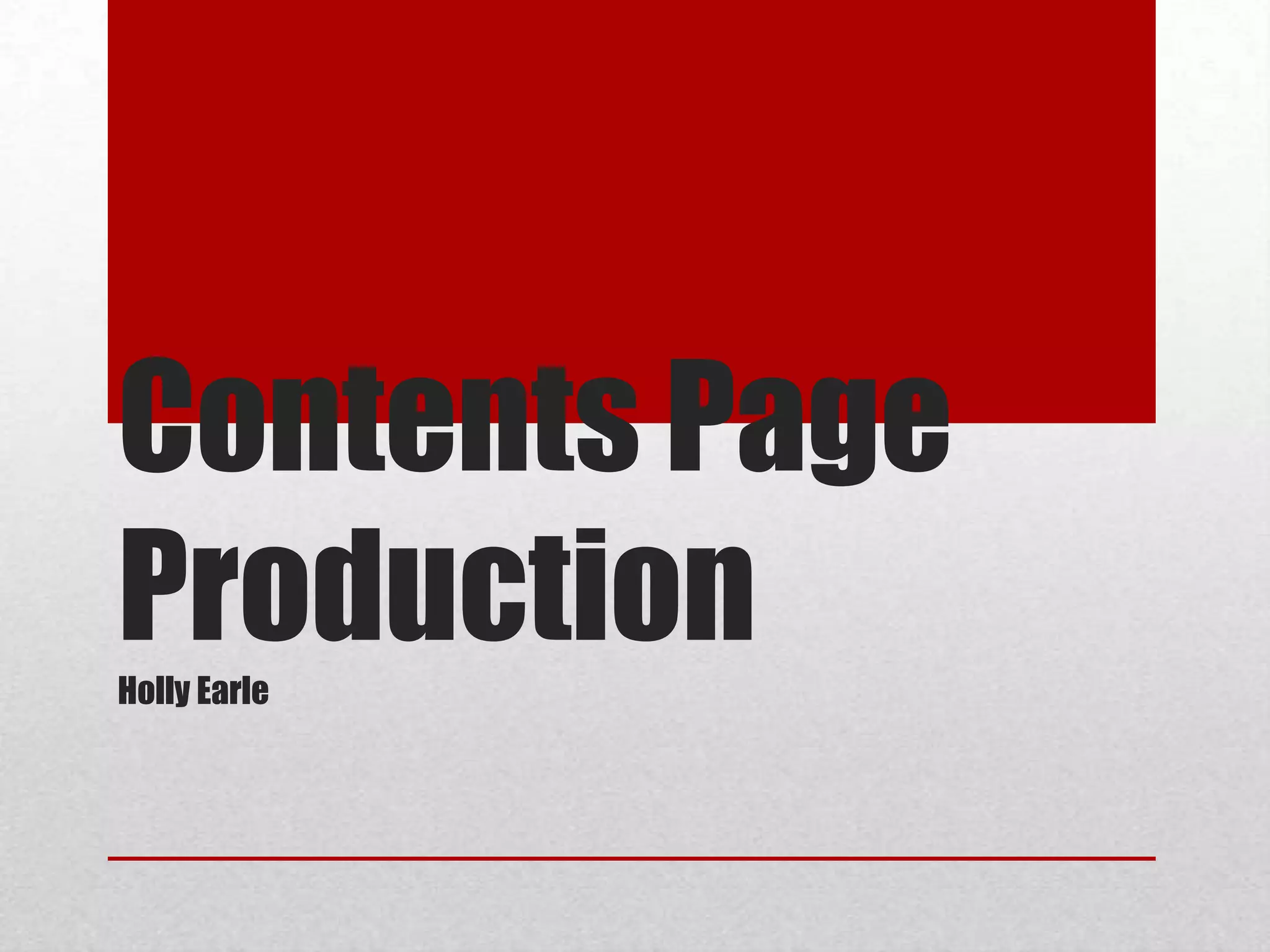
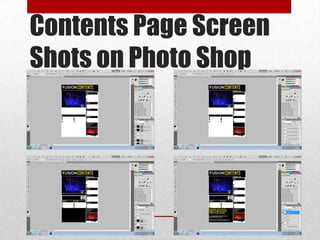
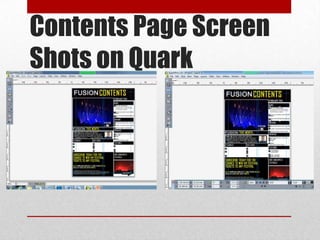
To create my contents page I only used 3 tools including: the horizontal type
tool, text colour and the rectangle tool. The reason that I only used these tools was
because I wanted to keep my contents page neat and slick an d to have a professional
touch. I feel that I have achieved this as it’s very easy to read and it isn’t too busy. I
used the rectangle tool to create black boxes for all of the page numbers to go in so
that they stand out from the white back ground. I also used it to place my headings
and sub-headings and the subscription entry in for the same reason. I used the text
colour tool so that I could change the colour of my text from black/yellow/white. I did
this so that it created a more visually stimulating look for the reader rather than it
just all being one colour. I also used it to make certain words stand out, for example, I
made he subscription text yellow rather than white so that the reader is drawn to it
and therefore reads about subscribing. And finally I used the type tool so that I could
add text where necessary.

Contents page production

  • 1.
  • 2.
  • 3.
  • 5.
    What Tools IUsed To create my contents page I only used 3 tools including: the horizontal type tool, text colour and the rectangle tool. The reason that I only used these tools was because I wanted to keep my contents page neat and slick an d to have a professional touch. I feel that I have achieved this as it’s very easy to read and it isn’t too busy. I used the rectangle tool to create black boxes for all of the page numbers to go in so that they stand out from the white back ground. I also used it to place my headings and sub-headings and the subscription entry in for the same reason. I used the text colour tool so that I could change the colour of my text from black/yellow/white. I did this so that it created a more visually stimulating look for the reader rather than it just all being one colour. I also used it to make certain words stand out, for example, I made he subscription text yellow rather than white so that the reader is drawn to it and therefore reads about subscribing. And finally I used the type tool so that I could add text where necessary.